
Dragon Head Angle Reference Sheet
Generates a vertical three-row anime furry character reference showing an anthropomorphic dragon demonstrating 40, 70, and 120 degree head tilt angles.
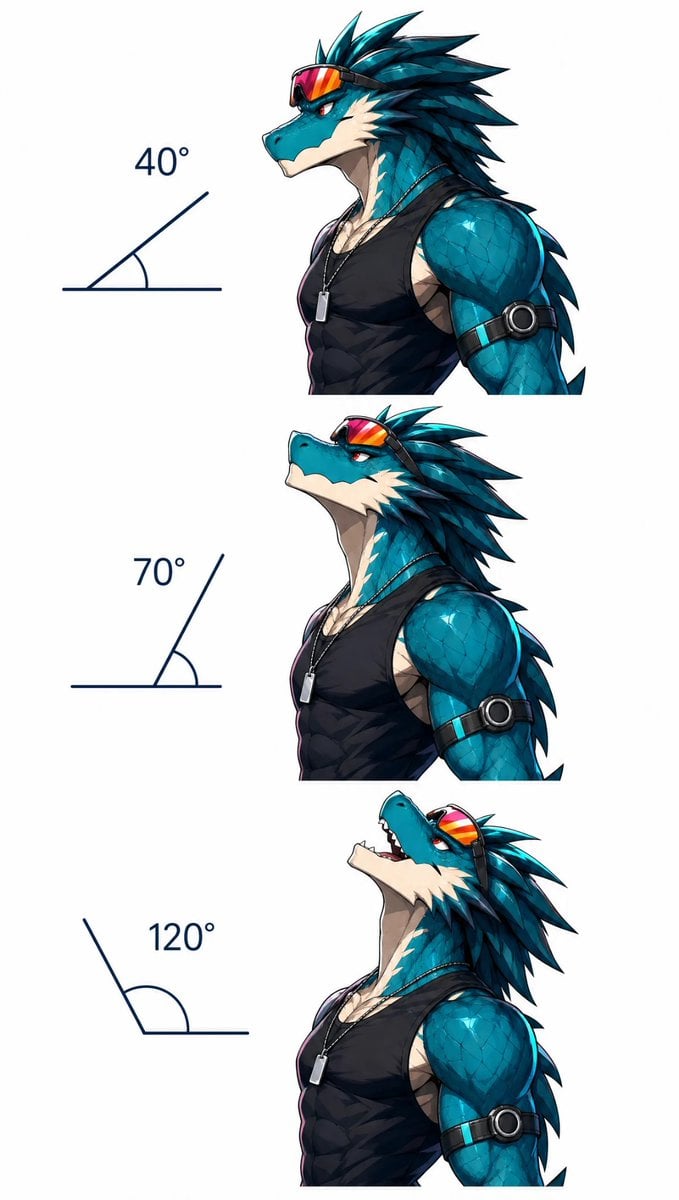
- Prompt included
- Model and format preset
- Free template
The prompt behind this image
Copy the exact prompt behind Dragon Head Angle Reference Sheet, or open it in the studio and make it yours.
Create a clean vertical character reference sheet on a plain white background showing exactly 3 stacked side-profile bust illustrations of the same anthropomorphic dragon athlete demonstrating head tilt angles. The character is {argument name="character type" default="a muscular teal-blue anthropomorphic dragon man"}, facing left in all three views, with turquoise scaled skin, a cream-colored jaw and neck underside, sharp red eyes, layered dark teal spiky head fins swept backward, and a confident anime/furry illustration style with crisp ink lines and polished shading. He wears {argument name="outfit" default="a tight black sleeveless tank top"}, a thin chain necklace with a small rectangular silver dog-tag pendant, red-orange reflective sports goggles pushed up on his forehead, and a black armband with a round metallic device on the upper arm. Layout: arrange exactly 3 horizontal rows from top to bottom, each row containing a dark navy angle diagram on the left and the dragon bust on the right. The angle diagrams must be simple line drawings with labels: 1) top row label "40°" with a low acute angle, dragon head tilted slightly upward; 2) middle row label "70°" with a steeper acute angle, dragon head raised higher and looking upward; 3) bottom row label "120°" with an obtuse angle, dragon neck arched back dramatically, mouth open showing teeth as if roaring or laughing upward. Keep the dragon proportions consistent across all three rows, crop each bust around the torso and upper arm, leave generous white space, and avoid any extra text, watermark, background scenery, or additional characters. Use {argument name="art style" default="high-detail anime furry concept art"} with glossy scales, strong highlights, subtle shadows, and a polished digital illustration finish.
How to use Dragon Head Angle Reference Sheet in 3 steps
- 1Upload ImagePNG, JPG or paste
Add your photo
Upload the photo the template builds on. The prompt, model and format are already set.
- 2…a portrait of your subject in softgolden-hour light, 85mm…
Personalize
Edit the subject and creative details for your destination.
- 3Generate
Generate
Press Generate — your image is created in PicX Studio, so you can compare it with the original and refine one variable at a time.
More like this
Templates with the same subject, style or setup. Open one to see its prompt.
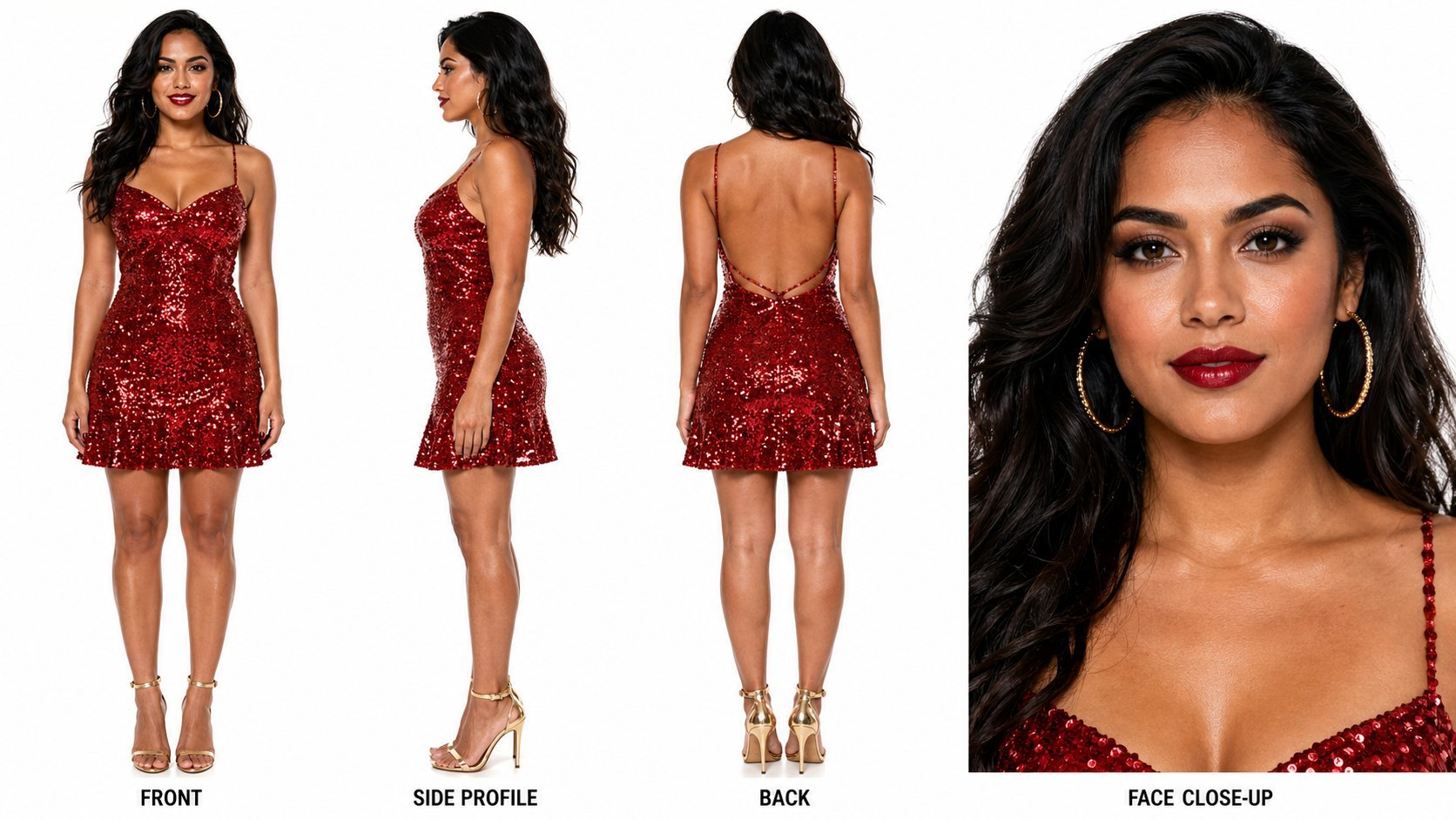
Dancer Character - Four View Reference Sheet
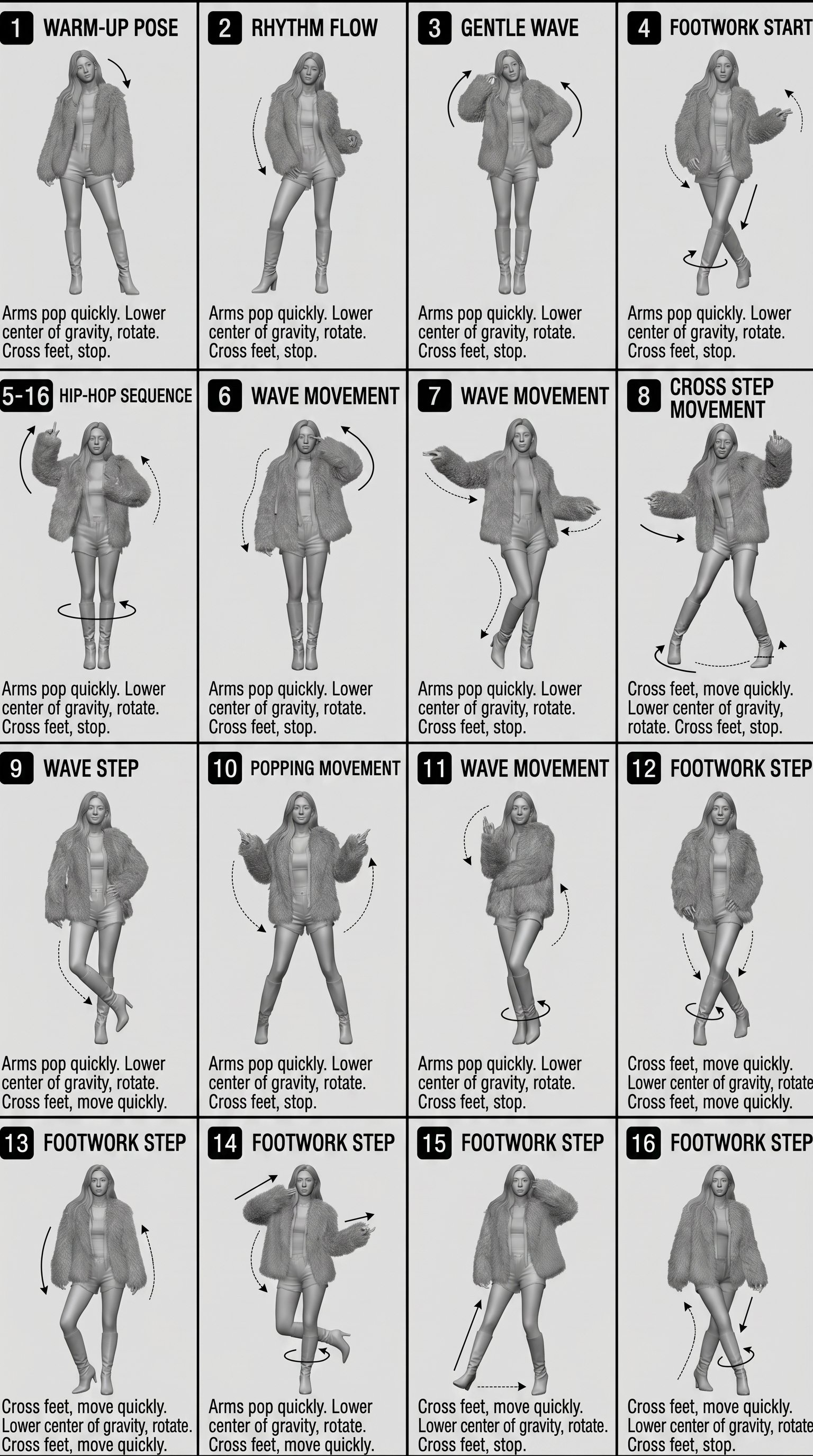
Movement Sheet - Dance Reference (Seedance 2.0)
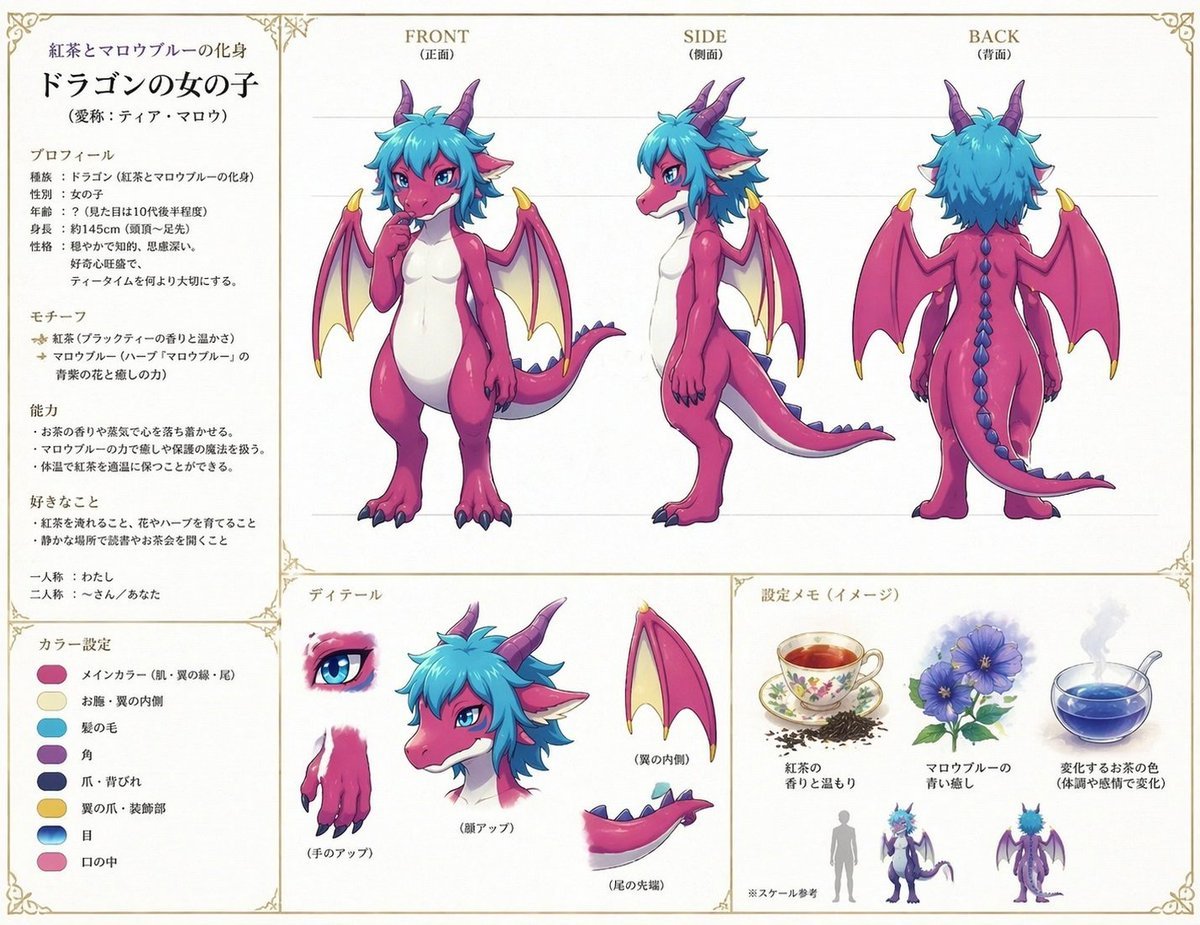
Anime Dragon Girl Reference Sheet
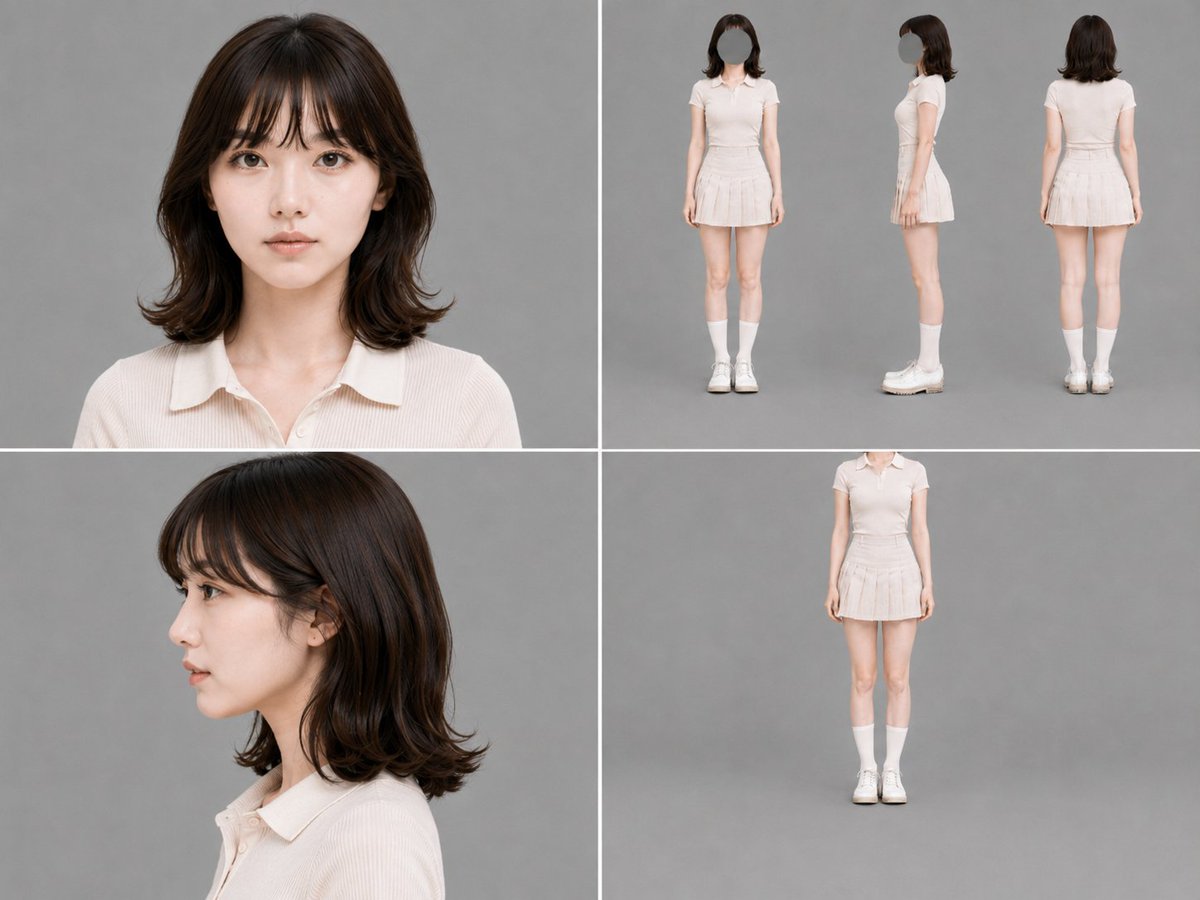
Gray Studio Character Reference Sheet
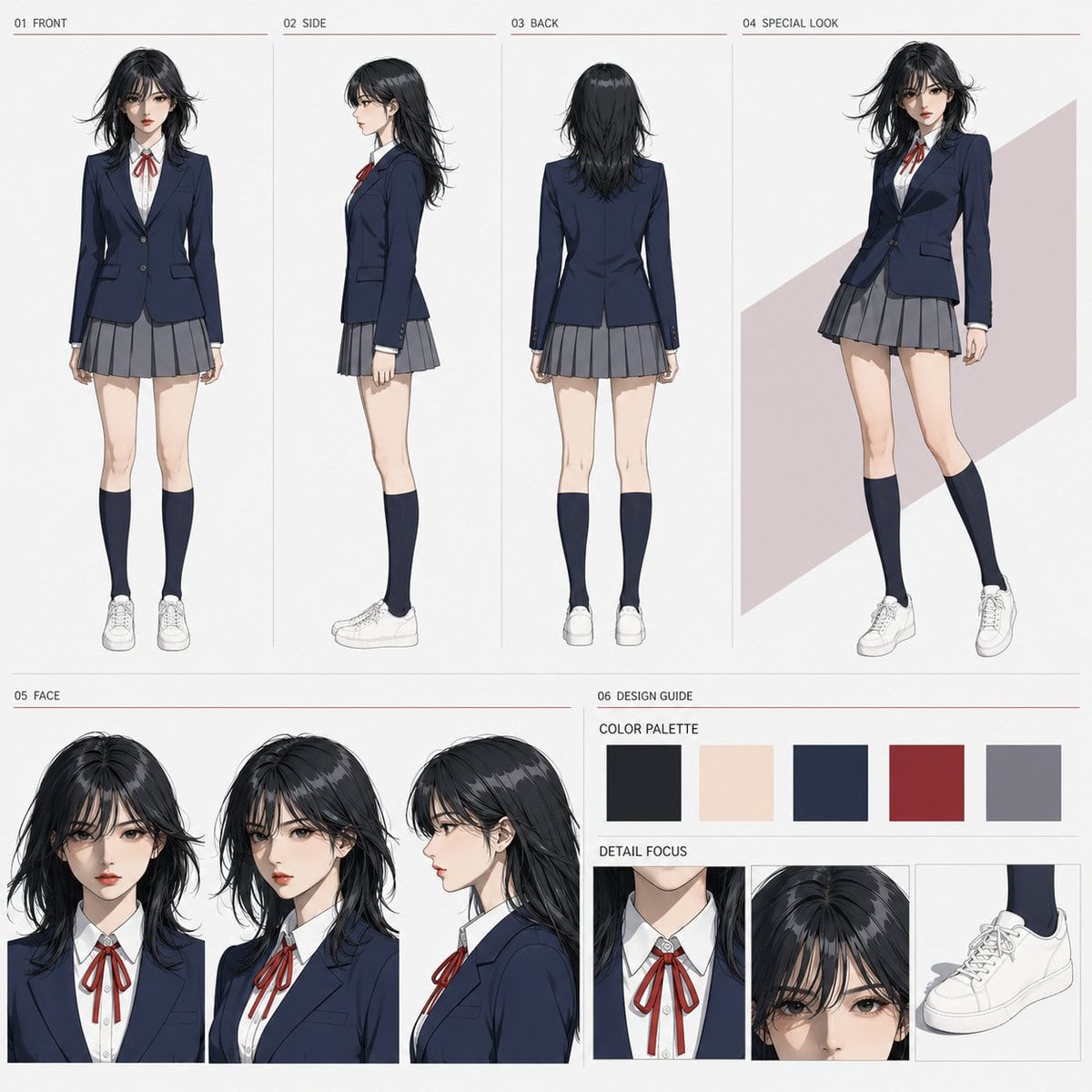
Anime Character Sheet Reference Prompt
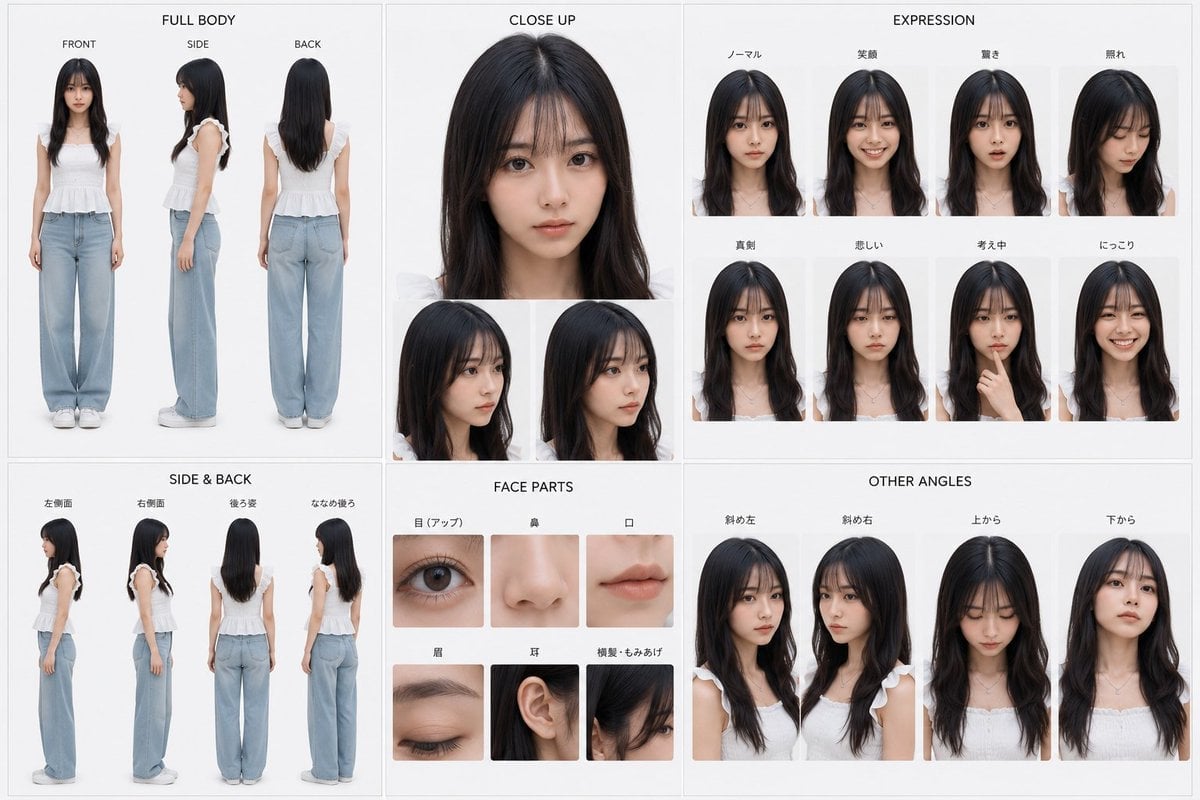
Photoreal Character Reference Sheet
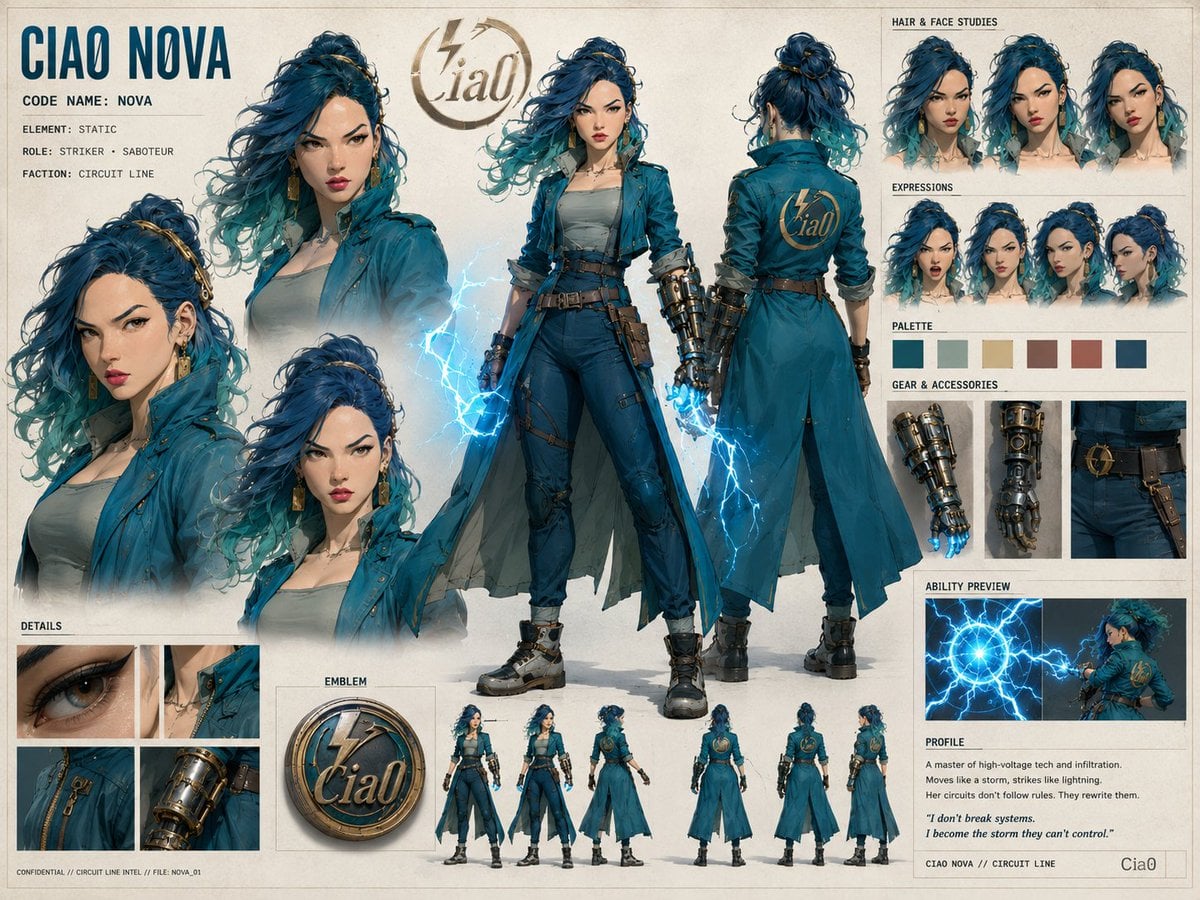
Ciao Nova Character Reference Sheet
Minecraft Fantasy Kingdom Voxel Landscape
Tactical Machine Gun Reference Sheet
Gupta Palace Environment Reference Sheet
Elegant Anime Fashion Reference Sheet
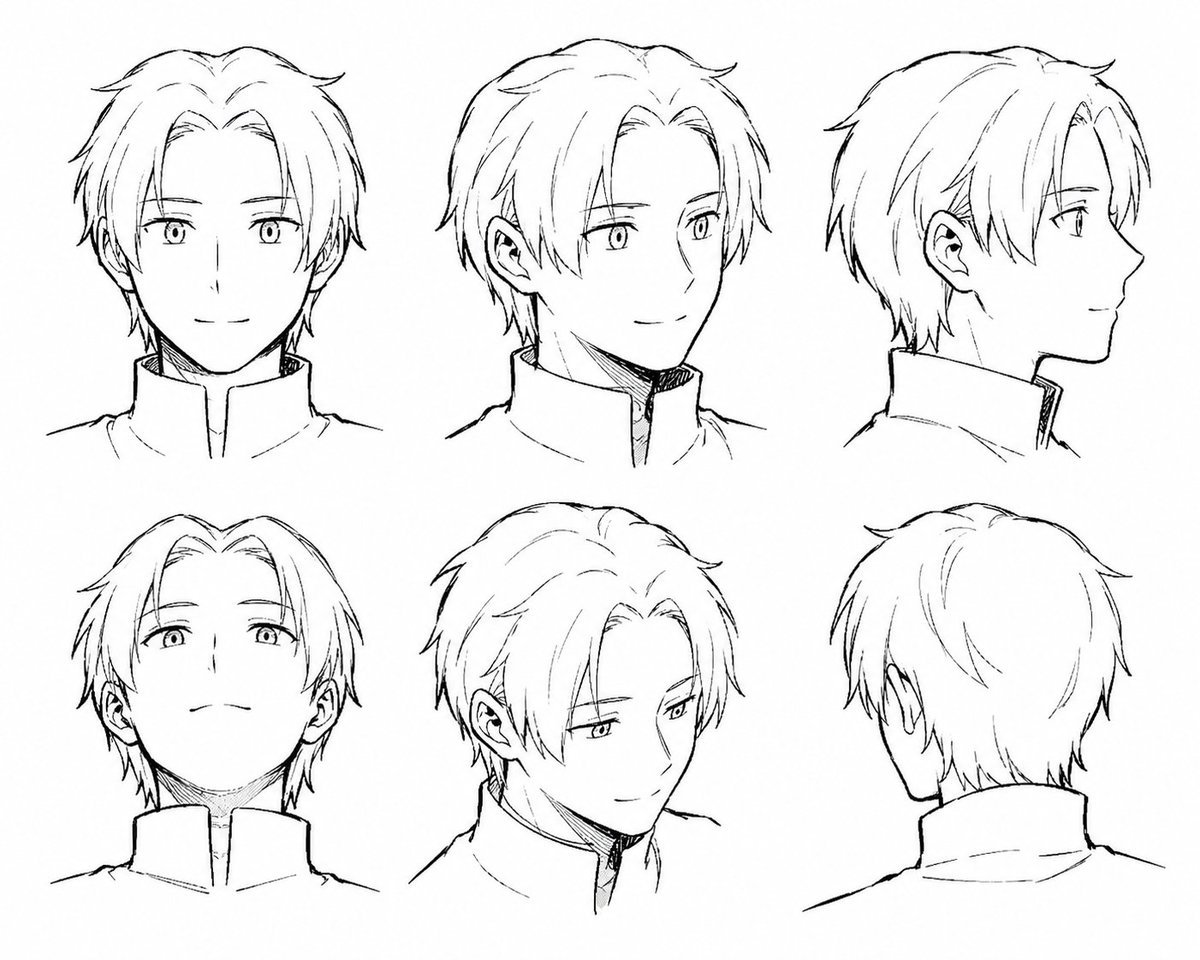
Manga Male Hairstyle Reference Sheet
Make it yours
Dragon Head Angle Reference Sheet works as-is. These are the safest ways to change it without losing the look.
Change one field
Copy a single group, rewrite it, and generate again so you can see what that field is doing.
Keep the frame, change the subject
Hold the composition and light of Dragon Head Angle Reference Sheet, then swap wardrobe, props or the person for a new take.
| If the result… | Why | Fix |
|---|---|---|
| The result drifts from the preview | Too many fields changed at once. | Reuse Dragon Head Angle Reference Sheet as-is first, then change one group — subject, light, or setting. |
| The model over-stylizes the scene | The prose prompt leaves finish and camera underspecified. | Add one camera or lighting sentence and stay on GPT Image 2. |
More GPT Image 2 templates
Other prompts made for GPT Image 2.

Six VTuber Japanese Logo Sheet

Realistic Portrait of Woman and Deer

The Vista Modular Condo Poster

AI Model Routing Comparison Infographic

2.5D Anime Art Board

Isometric Productivity Desk Scene

New York Double Exposure Poster

Four-Panel AI Landscape Comparison

Japanese Tatami Lifestyle Magazine Cover

NESCAFÉ Coffee Map Poster
More image prompts
Fresh picks from across the catalog.
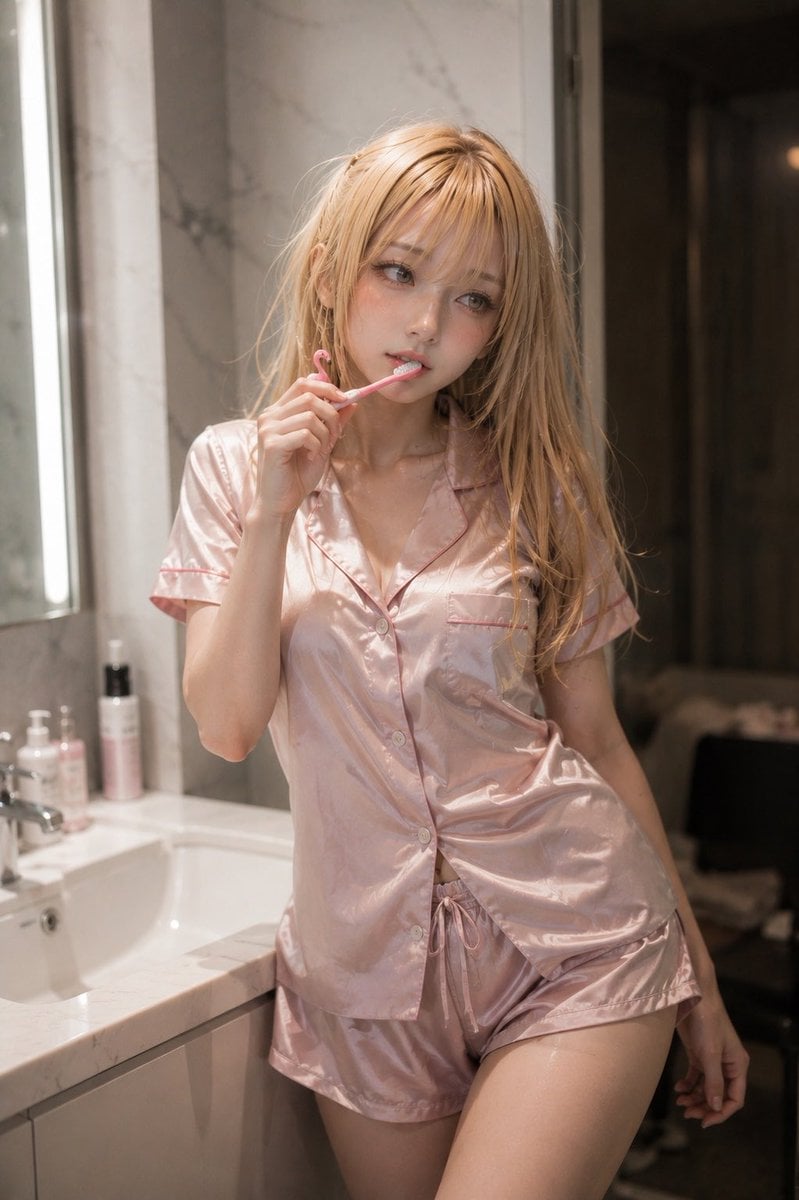
Blonde Woman in Pink Satin Pajamas
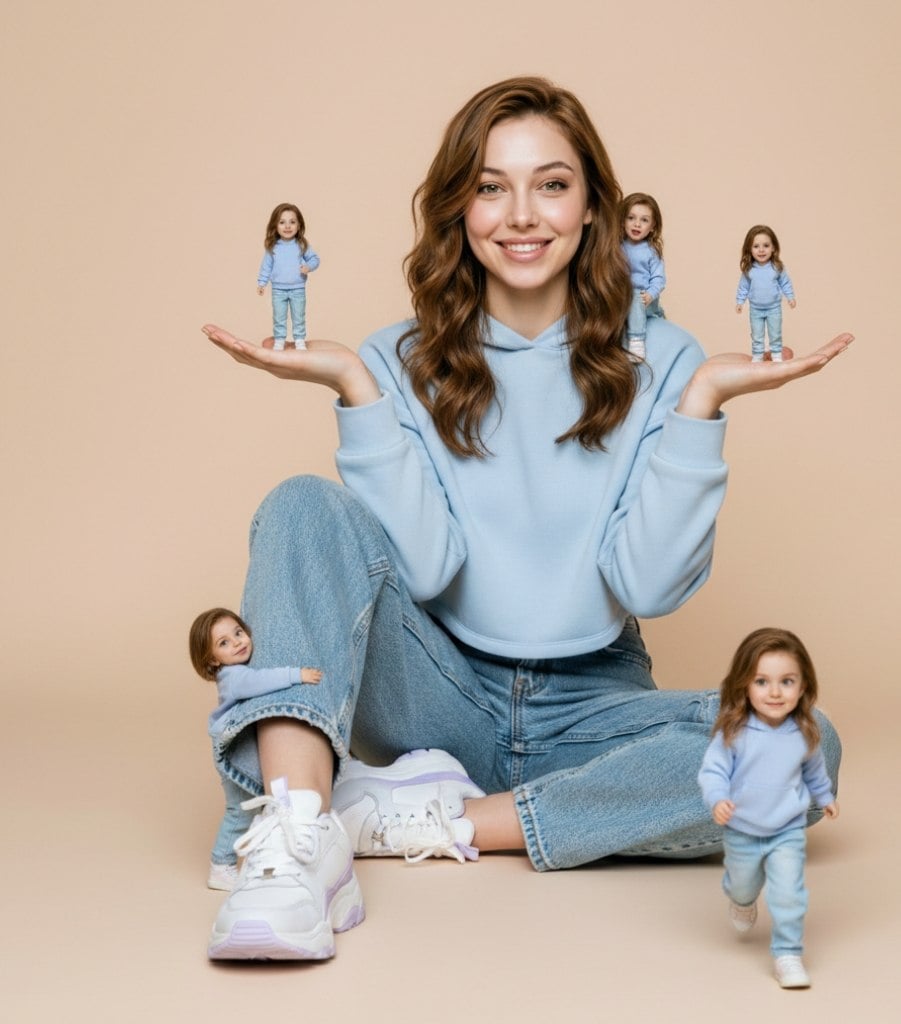
Ultra-Realistic Miniature Clone Studio Portrait
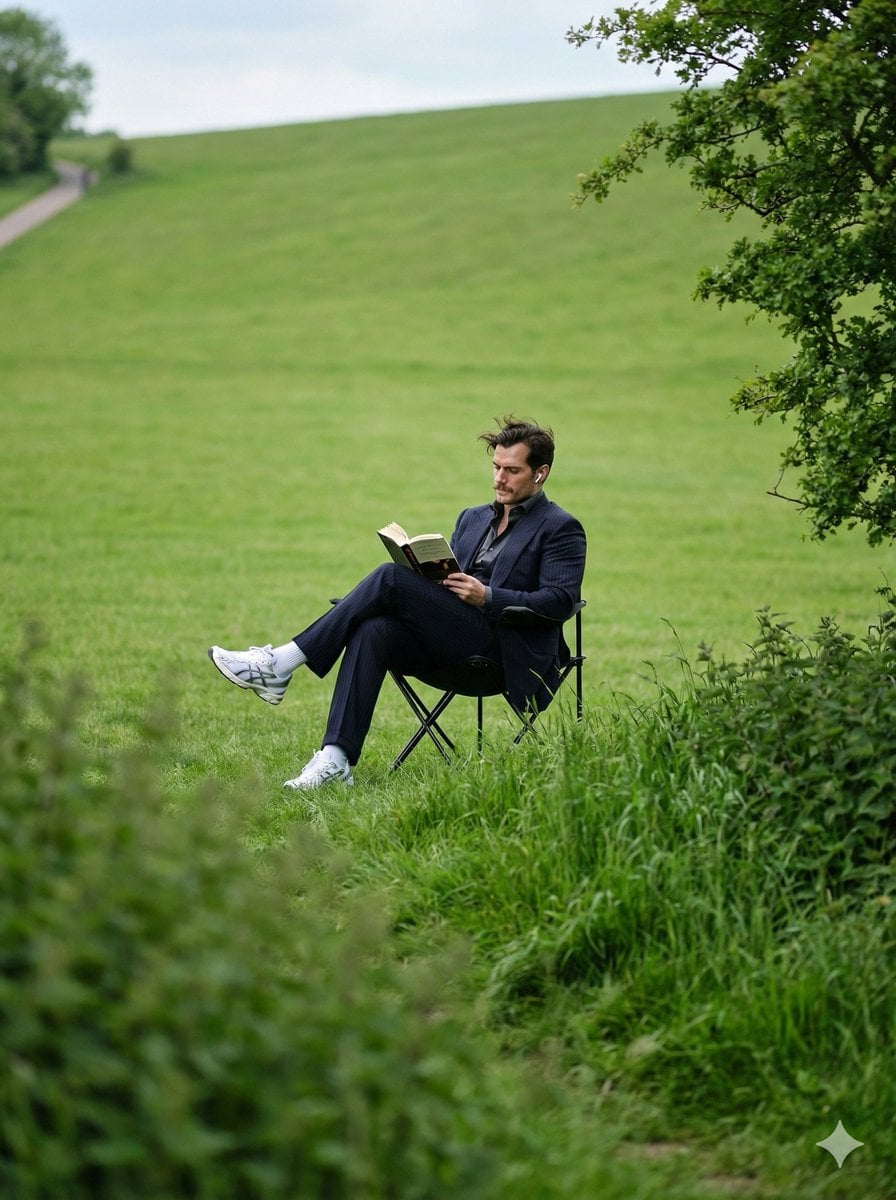
Peaceful Solitude Portrait in Nature Prompt
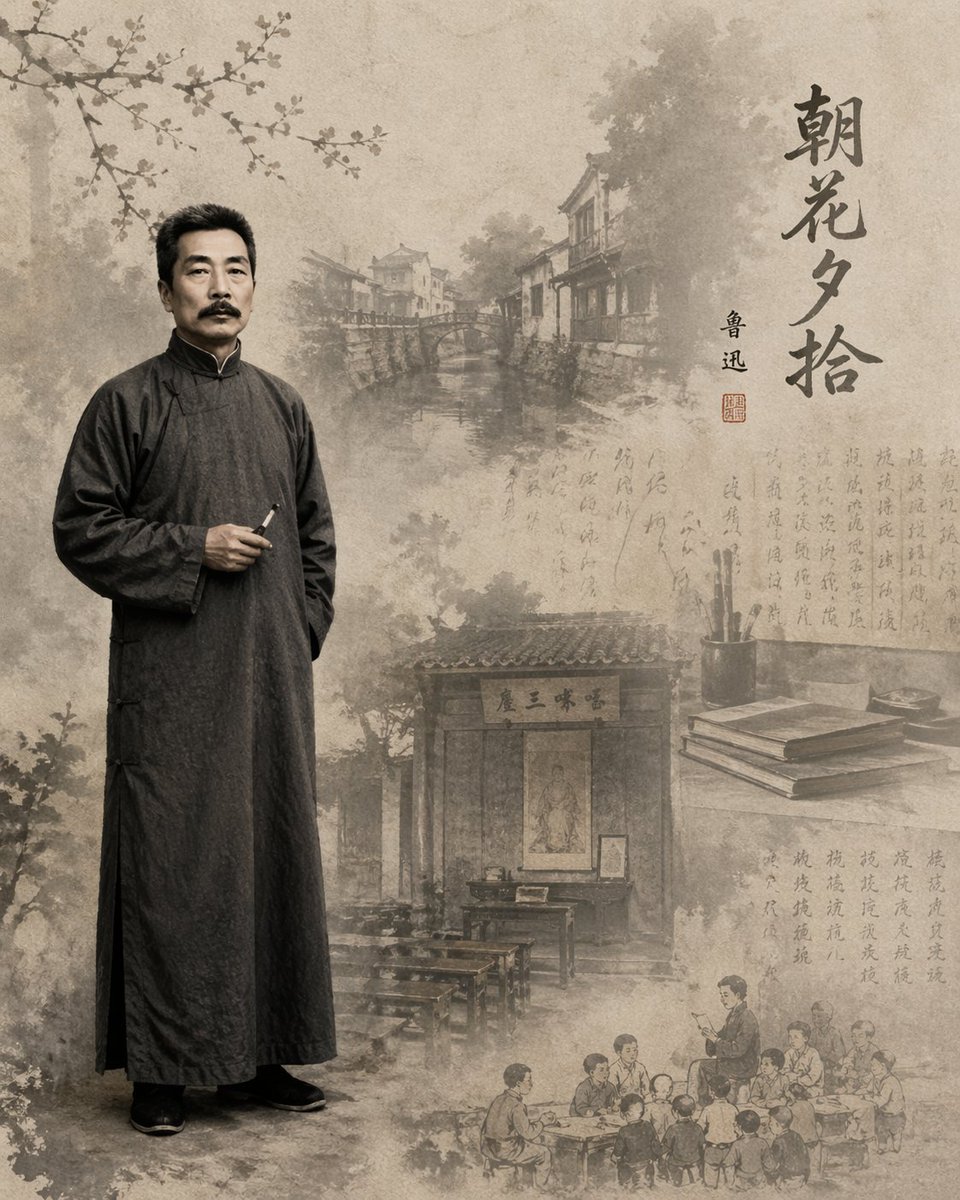
Lu Xun Literature Themed Illustration
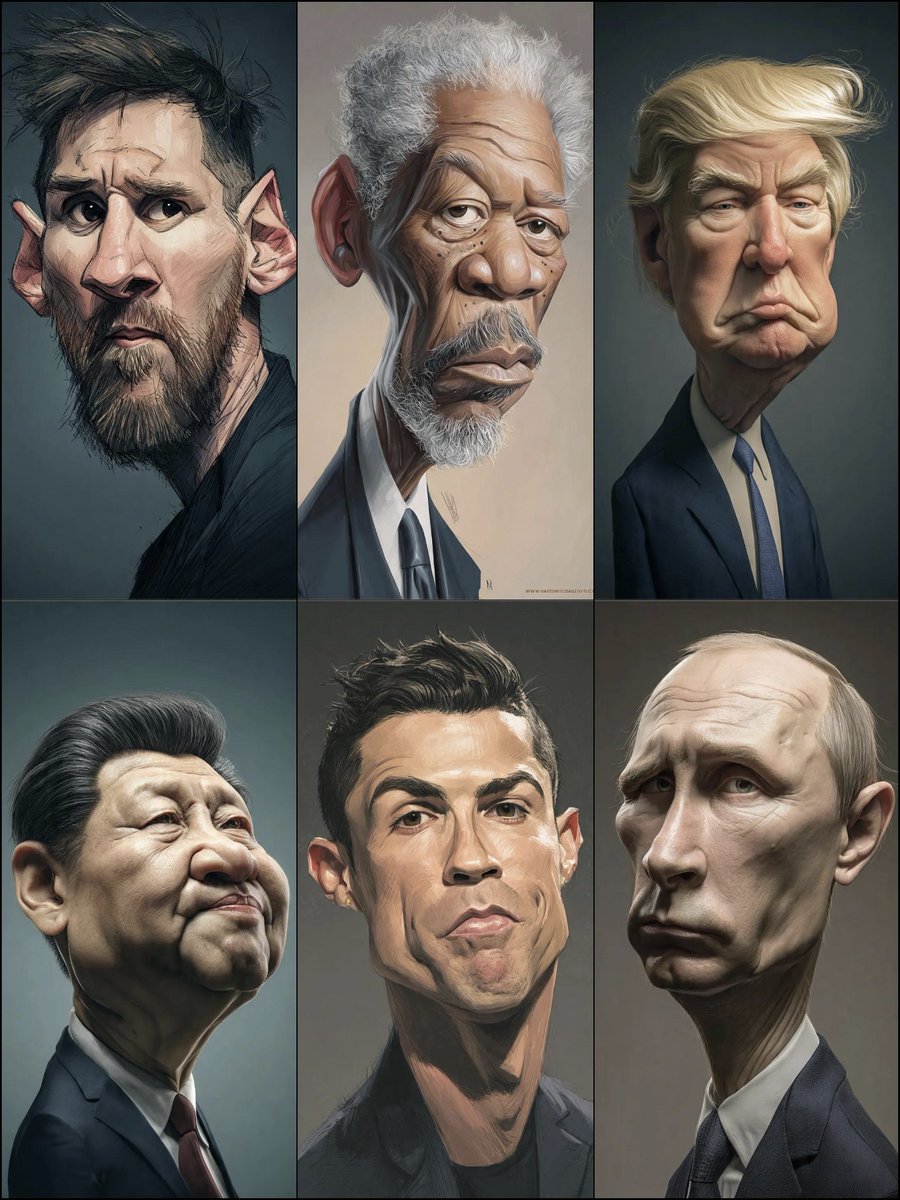
Structured Prompt for Hyperrealistic Caricature Portrait
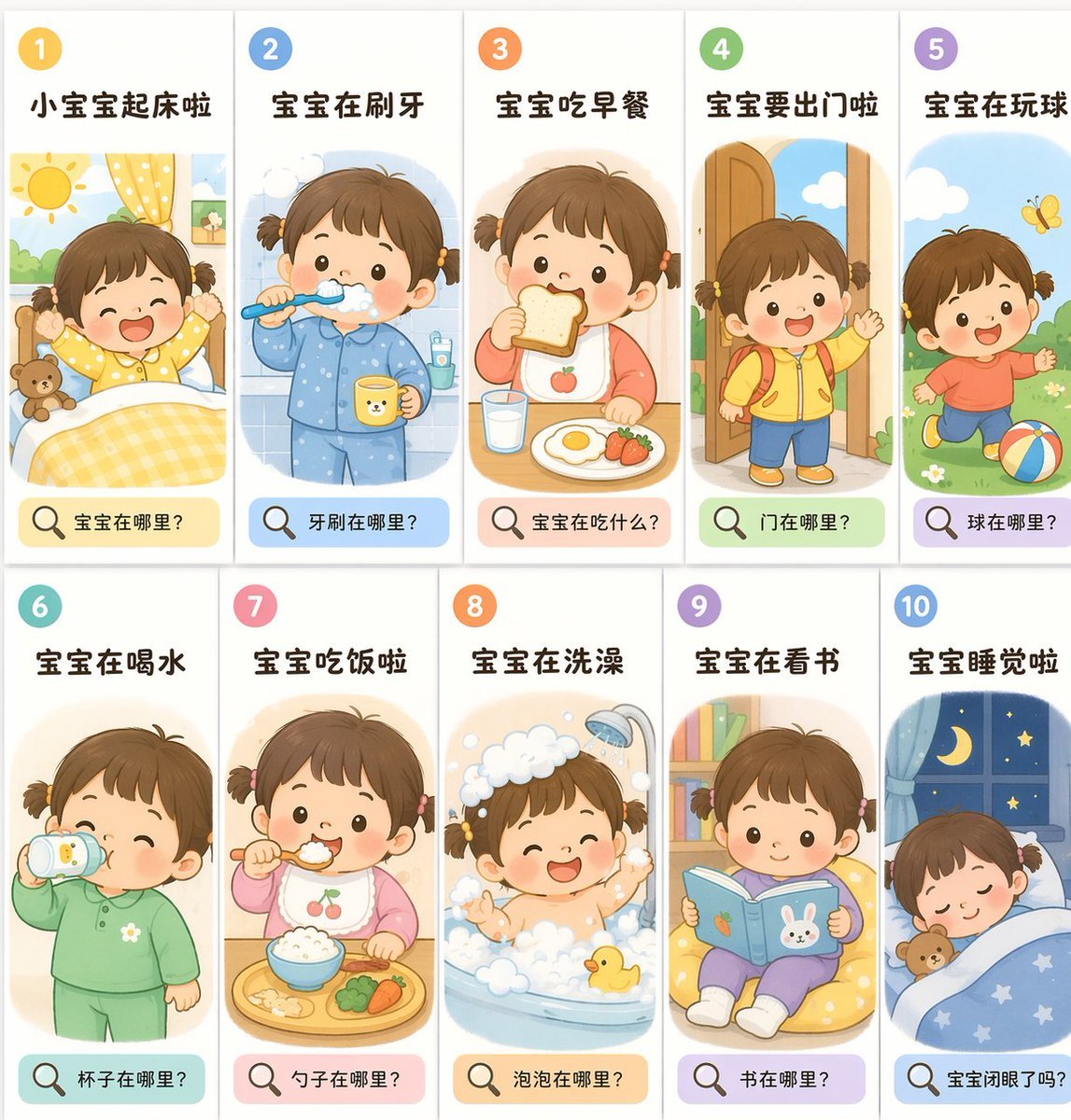
Toddler Daily Routine Flashcard Grid
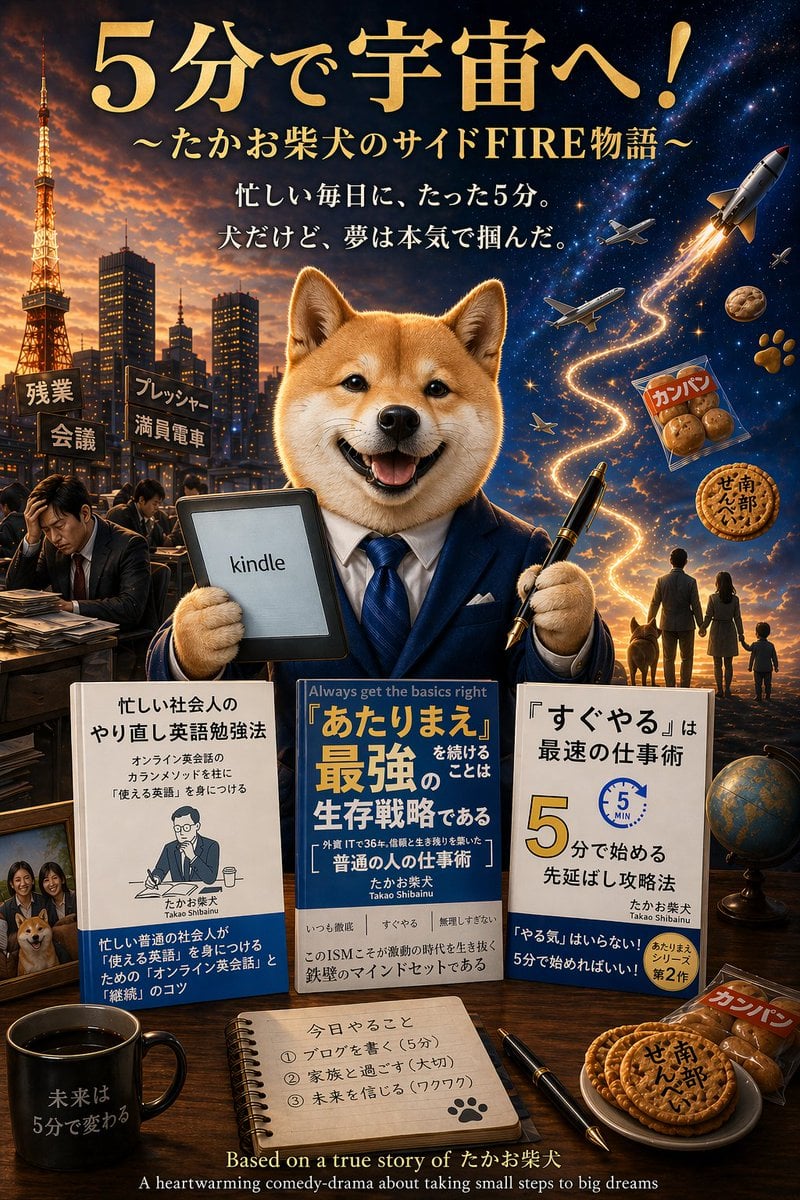
Shiba Inu Space Dream Poster
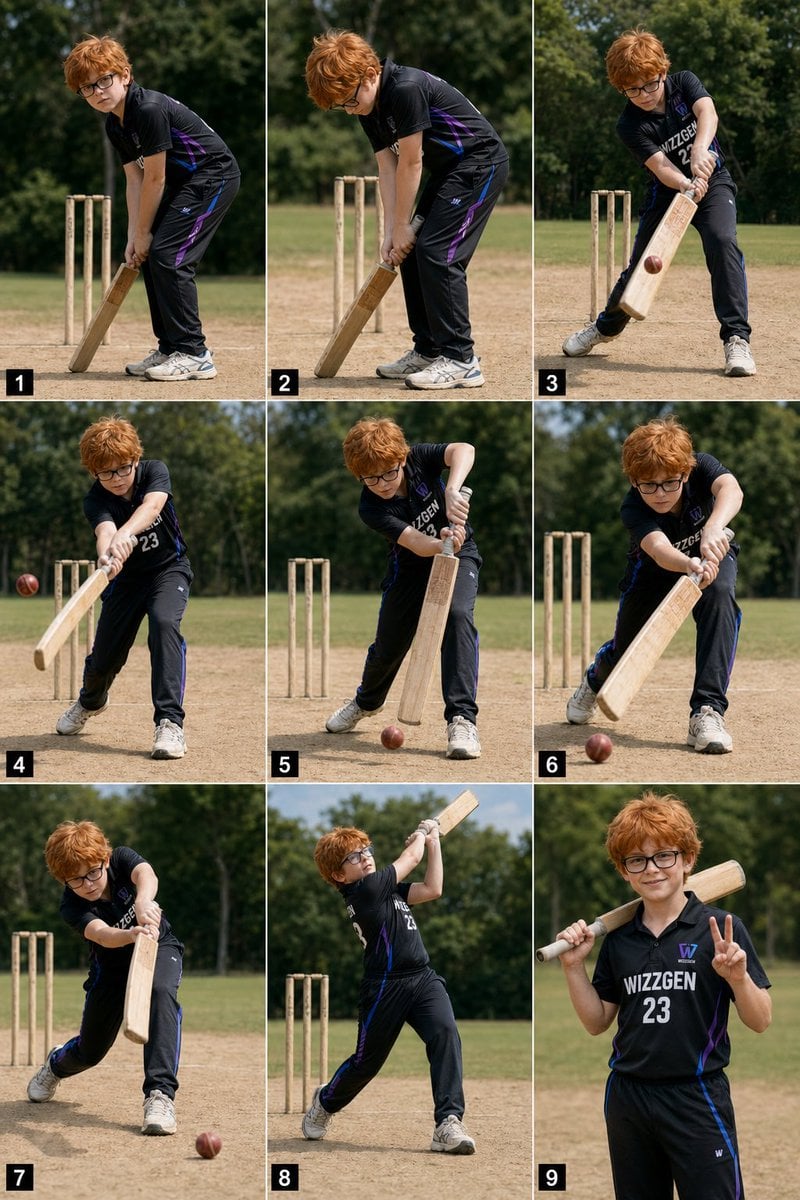
Panel Boy Cricket Action Collage
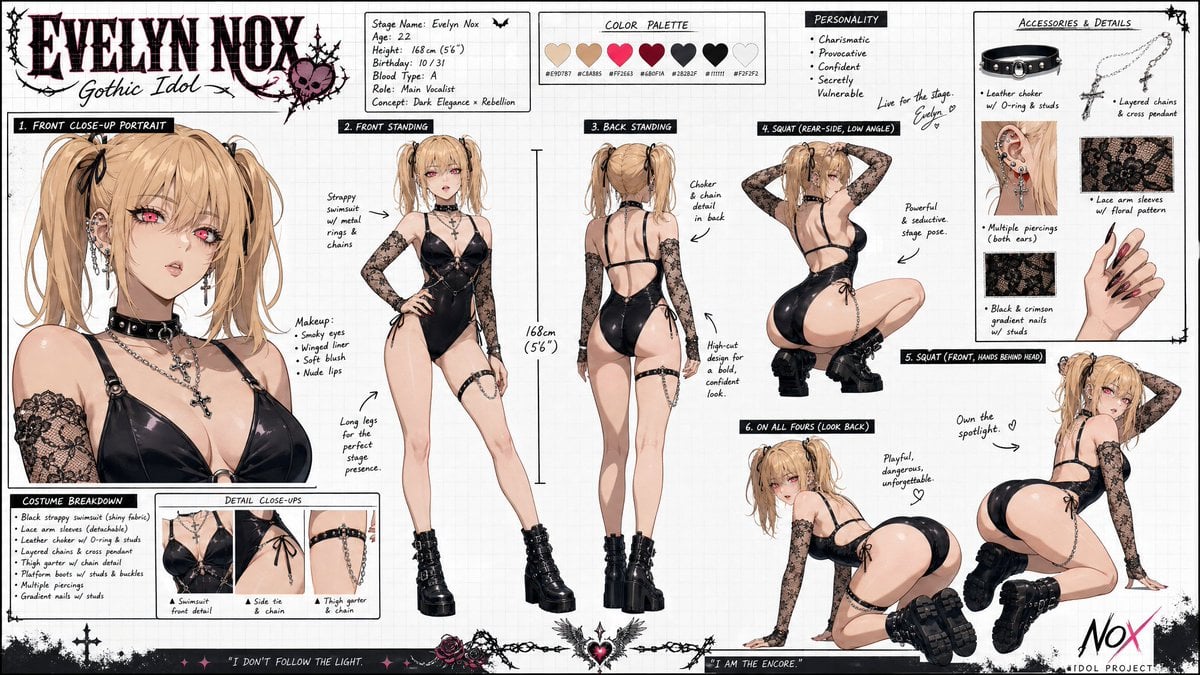
Misa Amane Anime Portrait
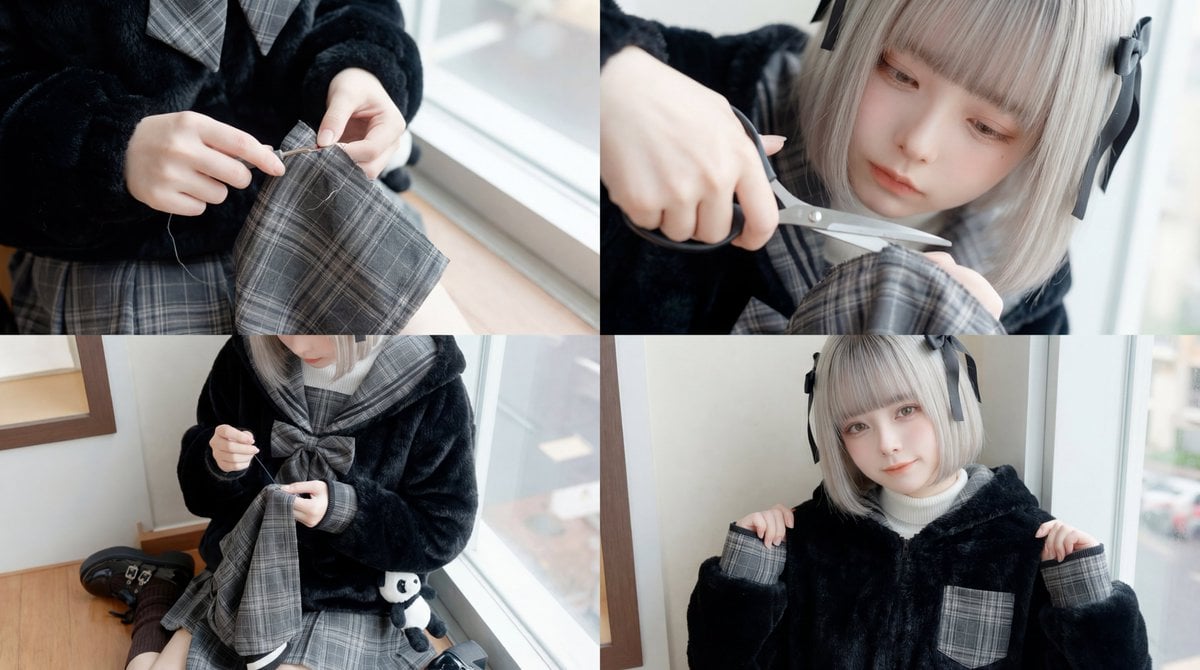
ASMR Sewing/Crafting Video Prompt (GPT-5 Generated)
Browse template categories
Dragon Head Angle Reference Sheet questions
How do I use the Dragon Head Angle Reference Sheet template?
Add your photo if the template asks for one, edit the prompt if you like — the template's model and format are already selected — and press Generate. Your version opens in PicX Studio.
Can I customize the Dragon Head Angle Reference Sheet template?
Yes. You can change the subject, setting, lighting, mood, format, and available model controls before creating your image.
Is the Dragon Head Angle Reference Sheet template free?
Opening and editing this template is free. Generating uses credits, shown on the Generate button when you are signed in.
Which AI model should I use?
Start with GPT Image 2, which is the model associated with this template. You can compare another compatible model for a different finish.
Looking for something else? Browse all templates.

Your photo, any look
Thousands of ready templates for every top image and video model, from one credit balance.