
Luxury Noir Perfume Poster
Creates a refined dark luxury fragrance advertisement with a single faceted perfume bottle and elegant gold typography.
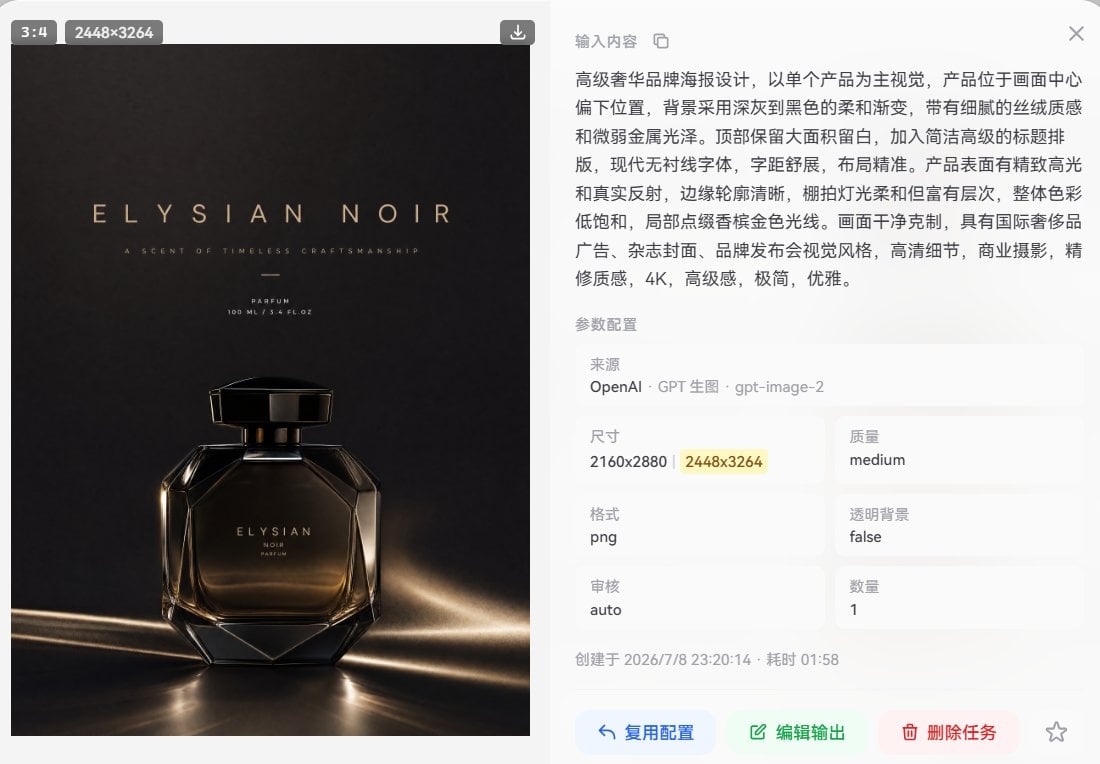
- Prompt included
- Model and format preset
- Free template
The prompt behind this image
Copy the exact prompt behind Luxury Noir Perfume Poster, or open it in the studio and make it yours.
Create a luxury perfume advertisement poster for {argument name="brand name" default="ELYSIAN NOIR"}, featuring one single perfume bottle as the main subject. Use a vertical 3:4 canvas with the product centered slightly below the middle. The background should be a deep charcoal-to-black soft gradient with a subtle silk-like fabric texture and faint metallic sheen. Leave generous negative space at the top for refined typography. Place the headline “{argument name="headline text" default="ELYSIAN NOIR"}” in widely spaced elegant uppercase letters, warm champagne-gold color, with a modern sans-serif luxury typeface. Under it, add the small tagline “{argument name="tagline" default="A SCENT OF TIMELESS CRAFTSMANSHIP"}”, then a tiny centered divider line, then the product text “PARFUM” and “100 ML / 3.4 FL.OZ”. Show exactly 1 perfume bottle: a faceted geometric glass bottle with a smoky amber-black transparent body, crisp beveled edges, glossy reflections, a black rectangular cap with gold accents, and the front label reading “ELYSIAN / NOIR / PARFUM” in small gold lettering. Lighting should be cinematic commercial studio photography: low-key, high contrast, warm gold rim lights, sharp highlights along the glass edges, realistic reflections on a polished dark surface, and soft streaks of light sweeping across the lower foreground. Overall color palette is muted black, smoky amber, and champagne gold. Make the composition clean, premium, minimalist, elegant, and suitable for an international luxury fragrance campaign, with ultra-detailed glass, realistic refraction, no people, no extra products, no watermark, no UI elements.
How to use Luxury Noir Perfume Poster in 3 steps
- 1Upload ImagePNG, JPG or paste
Add your photo
Upload the photo the template builds on. The prompt, model and format are already set.
- 2…a portrait of your subject in softgolden-hour light, 85mm…
Personalize
Edit the subject and creative details for your destination.
- 3Generate
Generate
Press Generate — your image is created in PicX Studio, so you can compare it with the original and refine one variable at a time.
More like this
Templates with the same subject, style or setup. Open one to see its prompt.
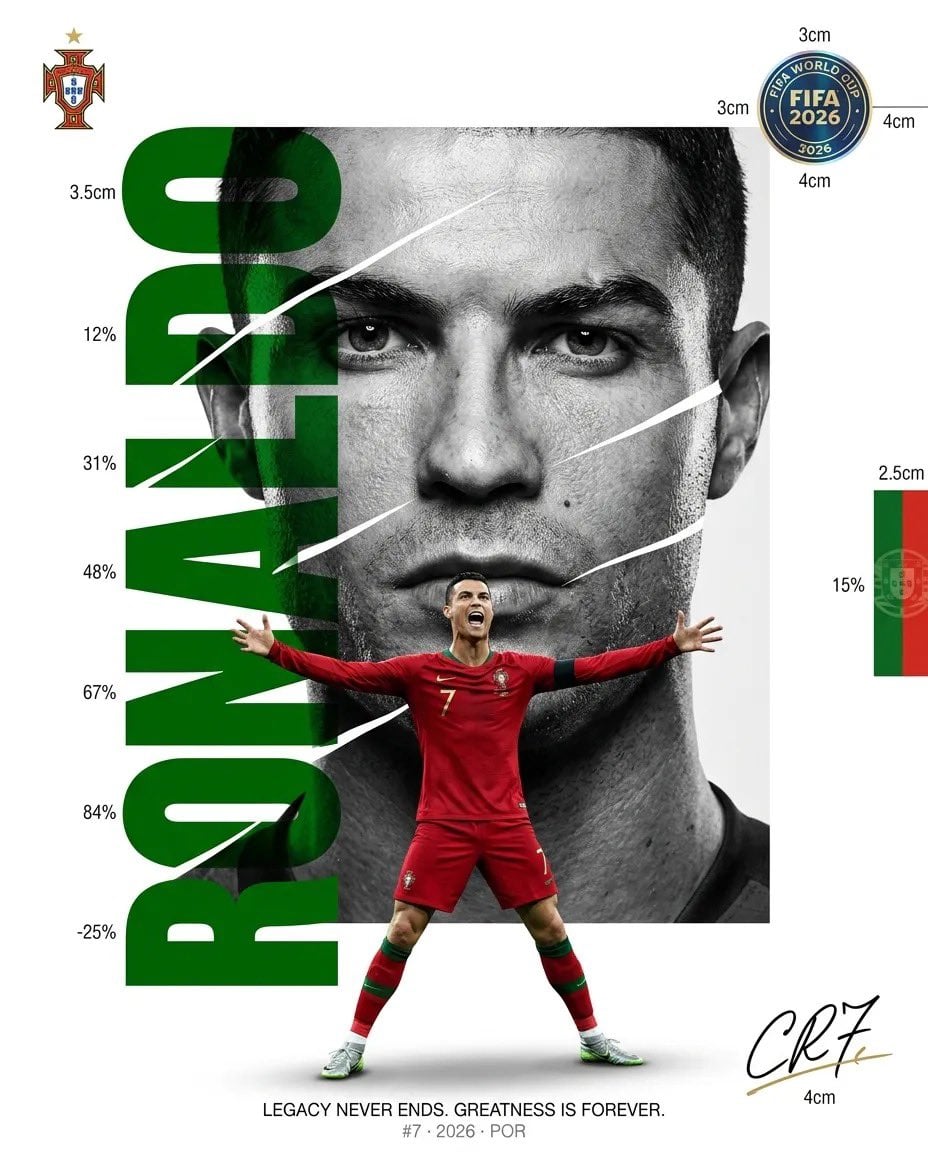
Luxury Sliced Wordmark Player Poster
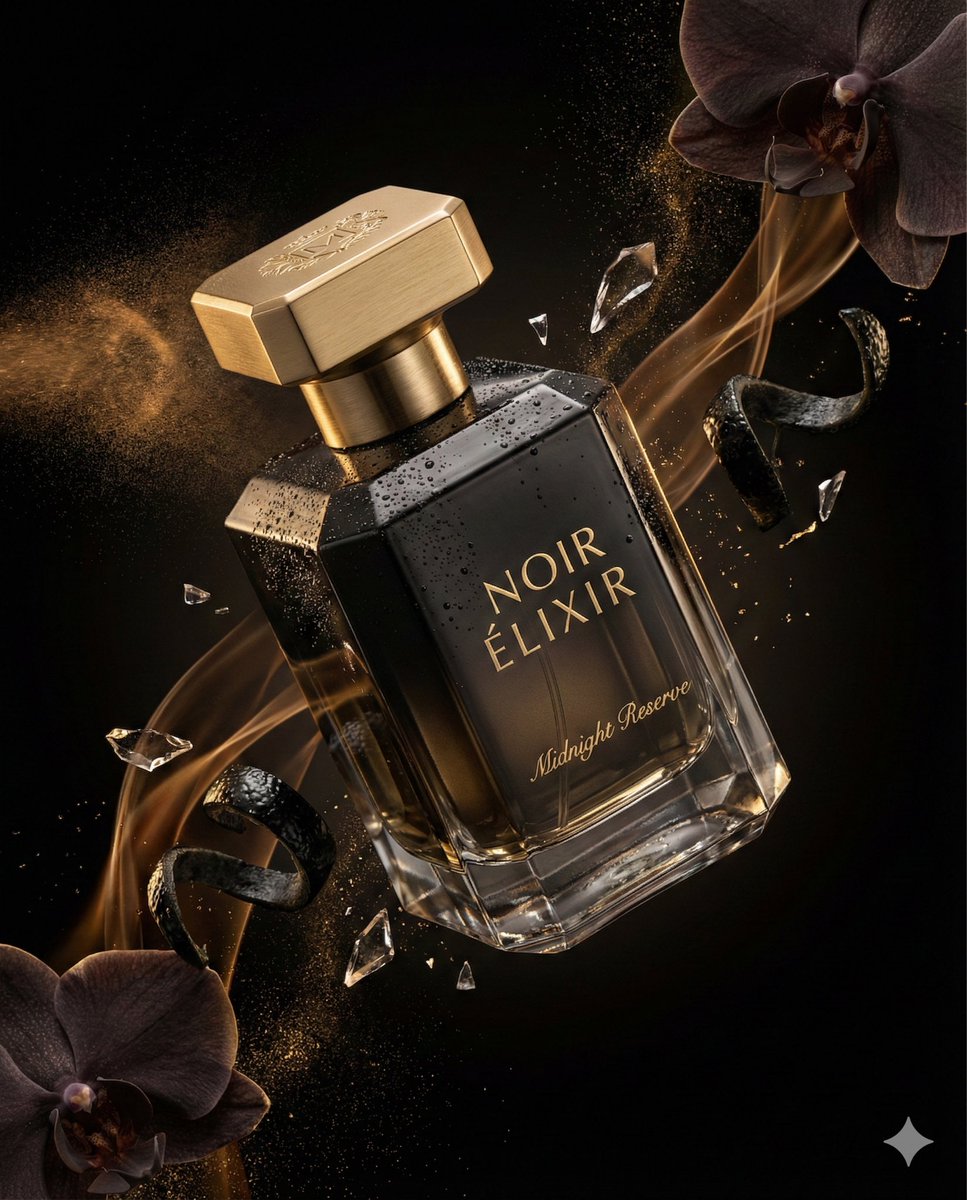
Luxury Perfume Commercial Render Prompt (NOIR ÉLIXIR)
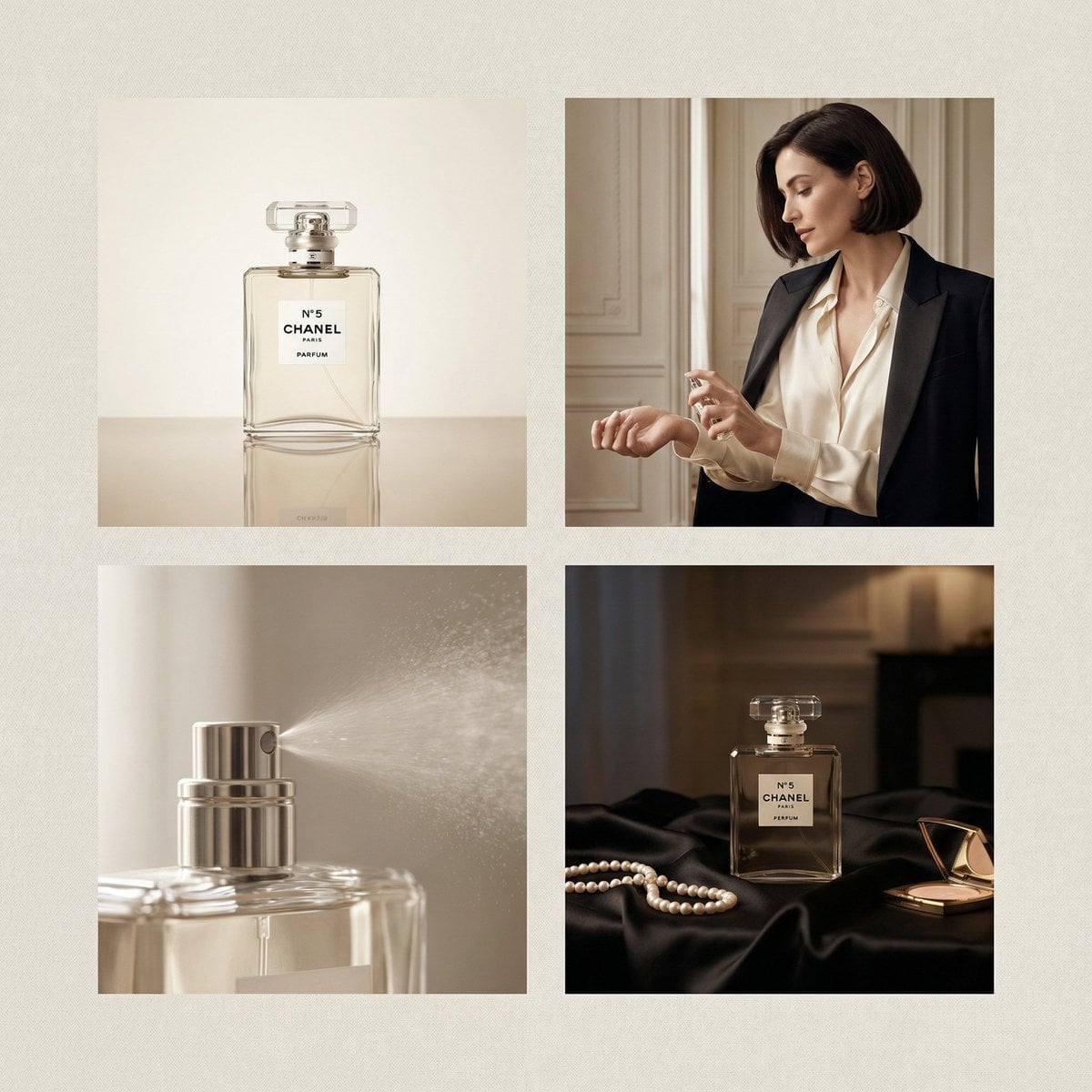
Chanel Perfume 2x2 Grid Luxury Campaign

Japan Travel Brochure Poster
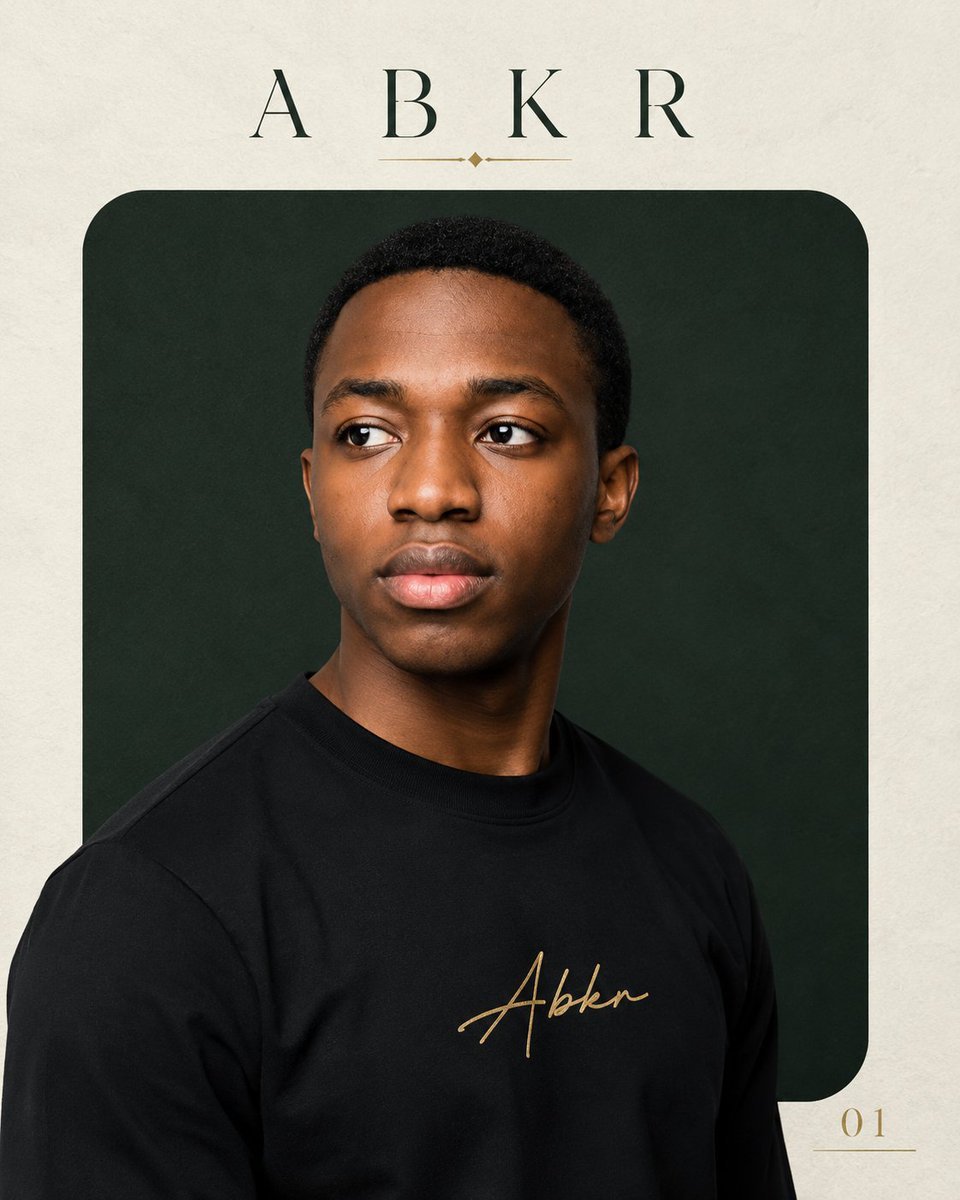
Luxury ABKR Portrait Poster
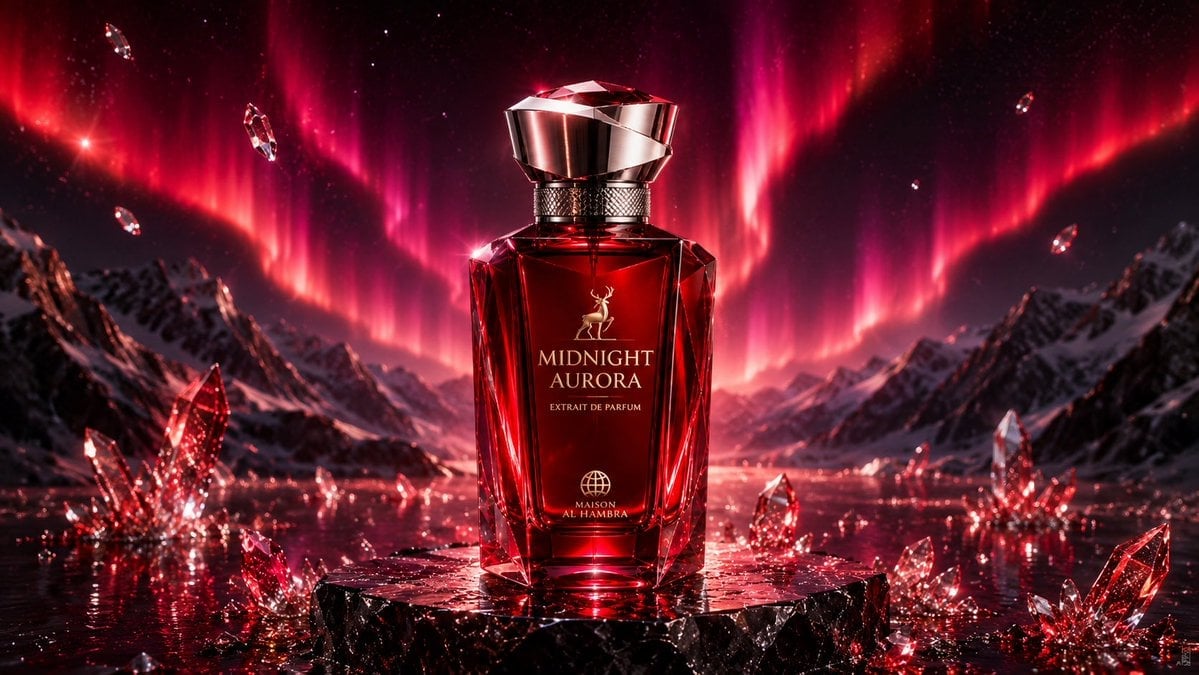
Midnight Aurora Luxury Perfume Ad
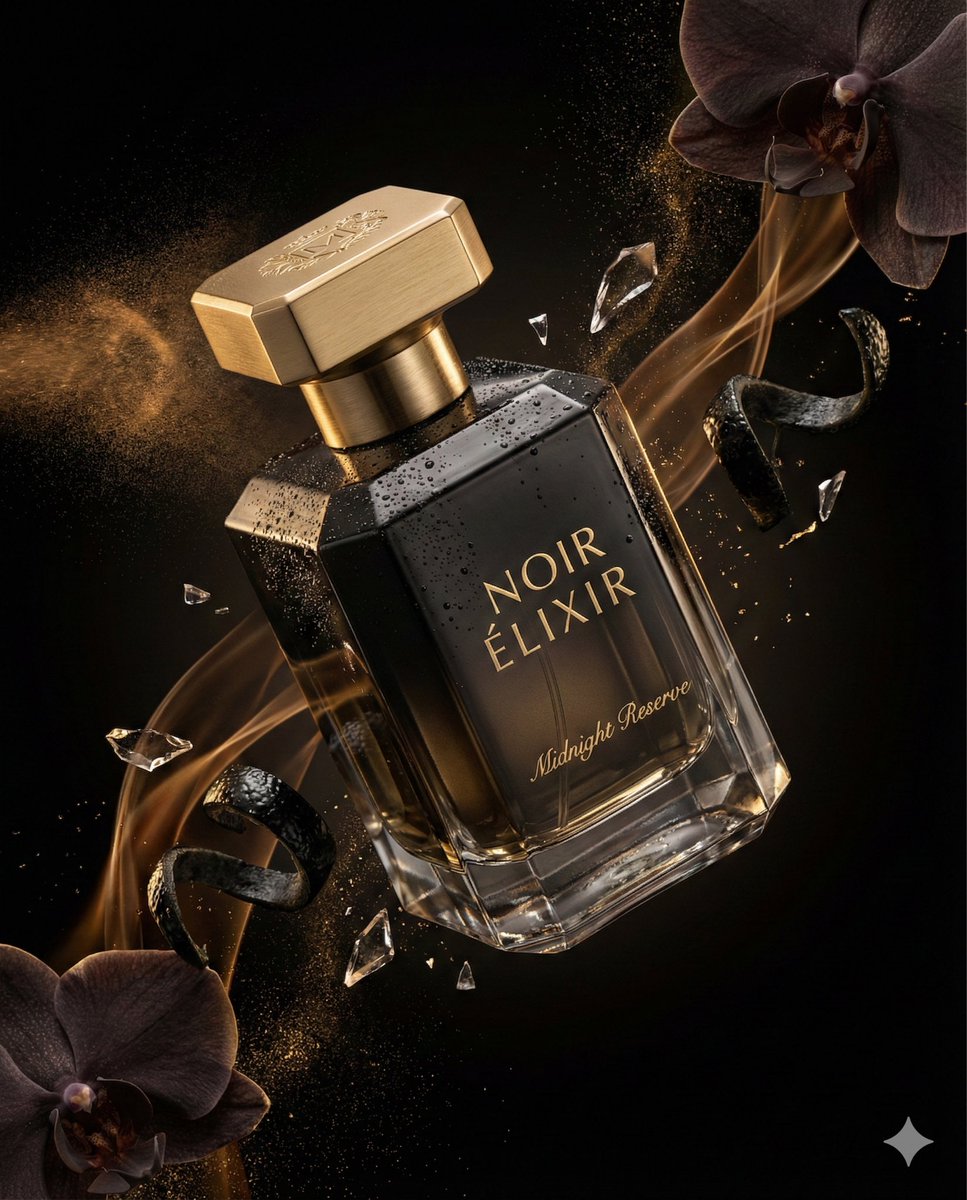
Luxury Perfume Advertising Photography
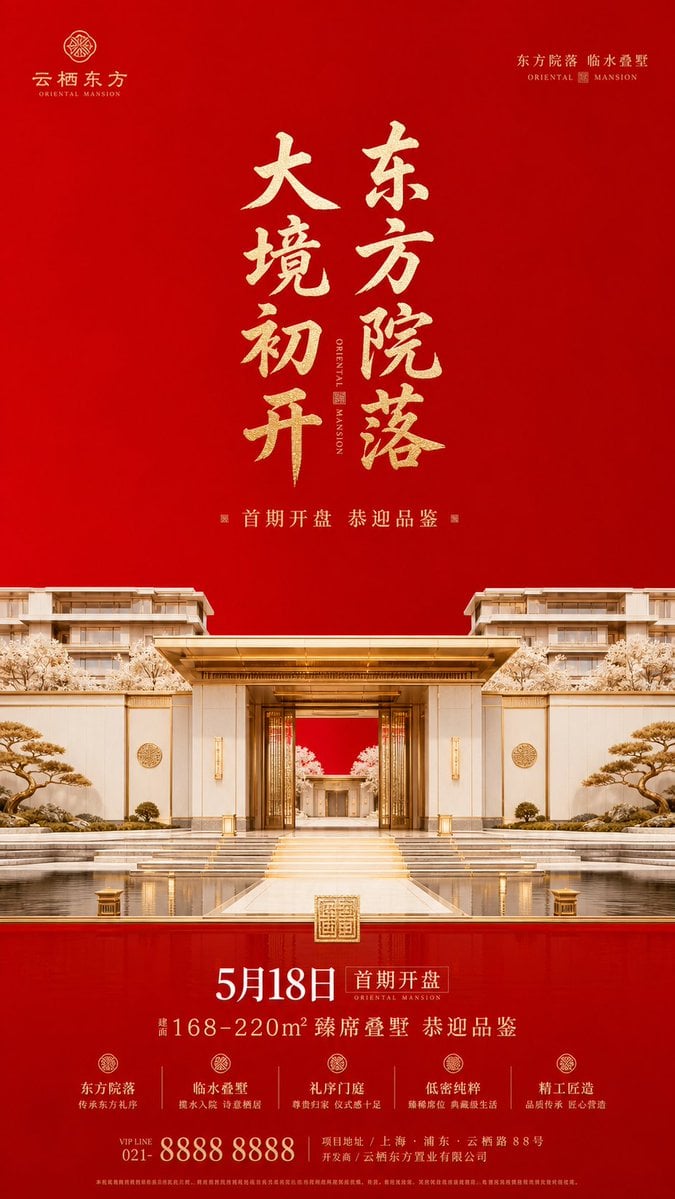
Luxury Oriental Mansion Opening Poster

Doctor Doom Luxury Armor Poster
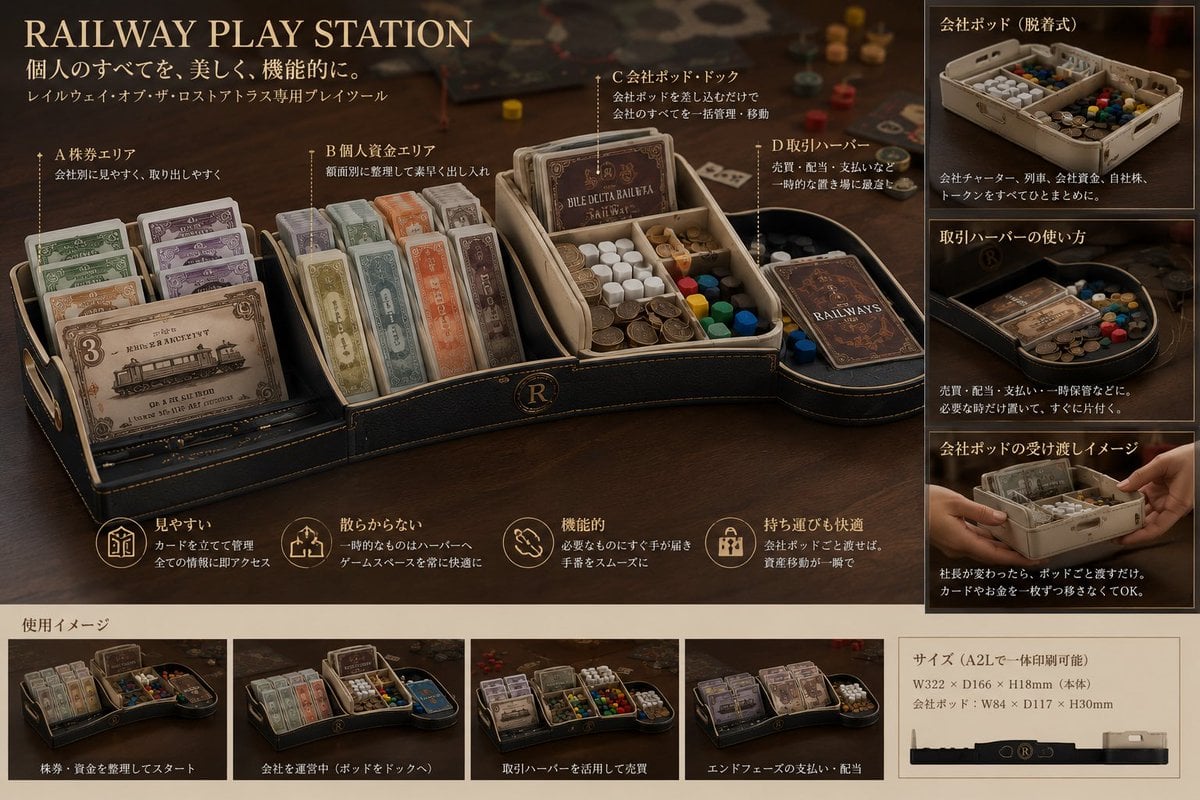
Luxury Railway Board Game Organizer Poster
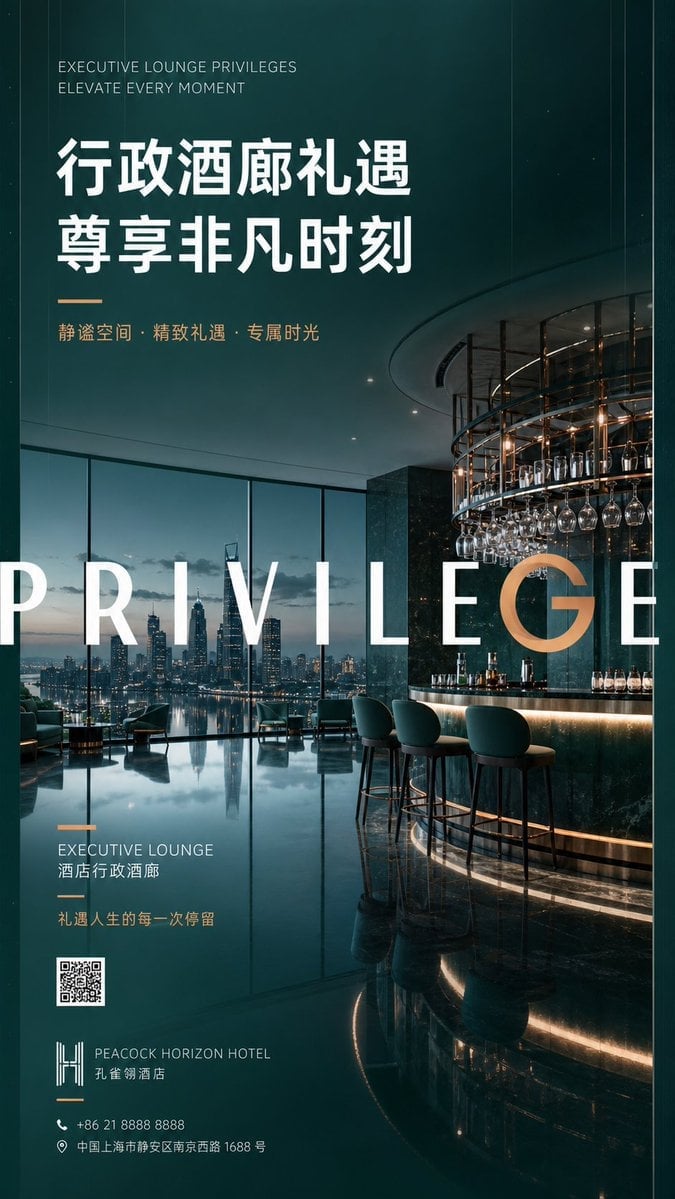
Luxury Executive Lounge Hotel Poster
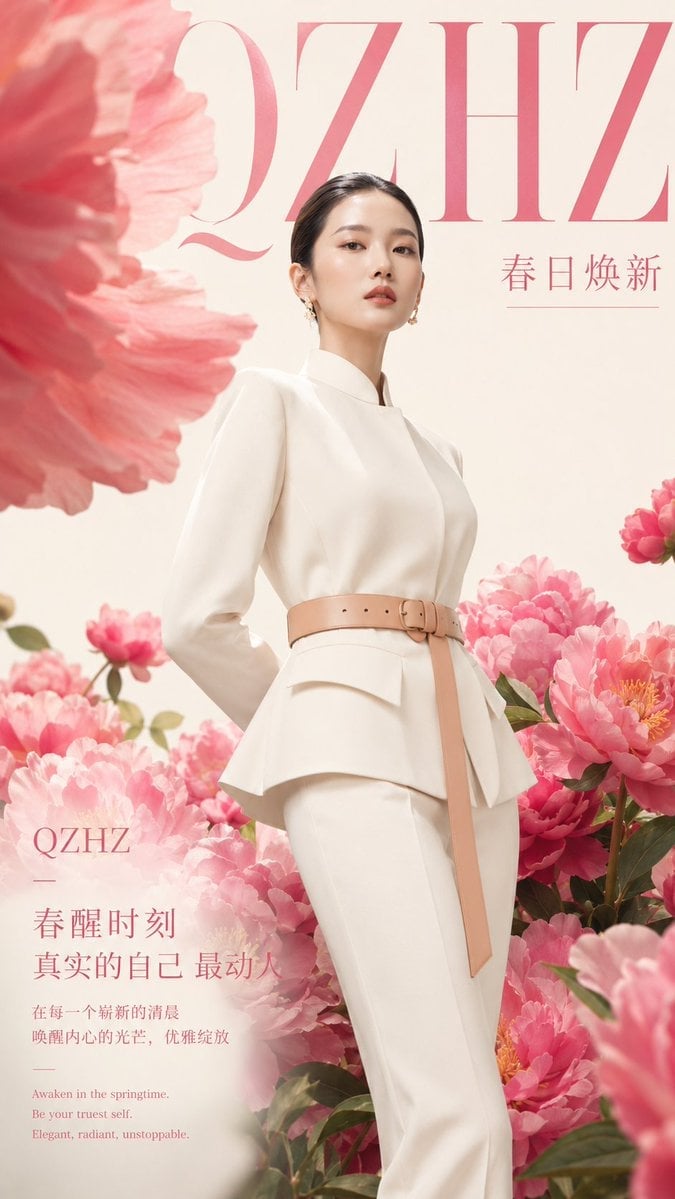
Luxury Spring Peony Fashion Poster
Make it yours
Luxury Noir Perfume Poster works as-is. These are the safest ways to change it without losing the look.
Change one field
Copy a single group, rewrite it, and generate again so you can see what that field is doing.
Keep the frame, change the subject
Hold the composition and light of Luxury Noir Perfume Poster, then swap wardrobe, props or the person for a new take.
| If the result… | Why | Fix |
|---|---|---|
| The result drifts from the preview | Too many fields changed at once. | Reuse Luxury Noir Perfume Poster as-is first, then change one group — subject, light, or setting. |
| The model over-stylizes the scene | The prose prompt leaves finish and camera underspecified. | Add one camera or lighting sentence and stay on GPT Image 2. |
More GPT Image 2 templates
Other prompts made for GPT Image 2.

Six VTuber Japanese Logo Sheet

Realistic Portrait of Woman and Deer

The Vista Modular Condo Poster

AI Model Routing Comparison Infographic

2.5D Anime Art Board

Isometric Productivity Desk Scene

New York Double Exposure Poster

Four-Panel AI Landscape Comparison

Japanese Tatami Lifestyle Magazine Cover

NESCAFÉ Coffee Map Poster
More image prompts
Fresh picks from across the catalog.
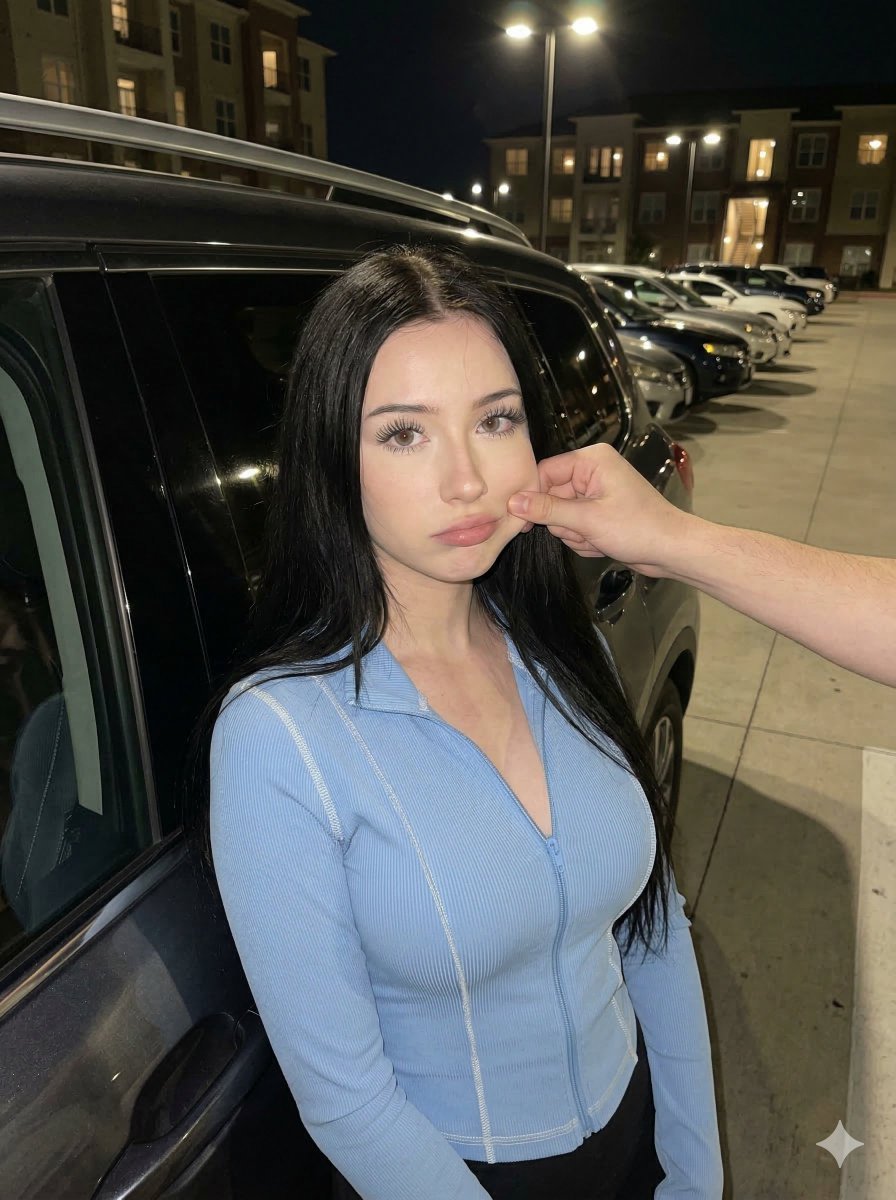
Candid Nighttime Urban Portrait
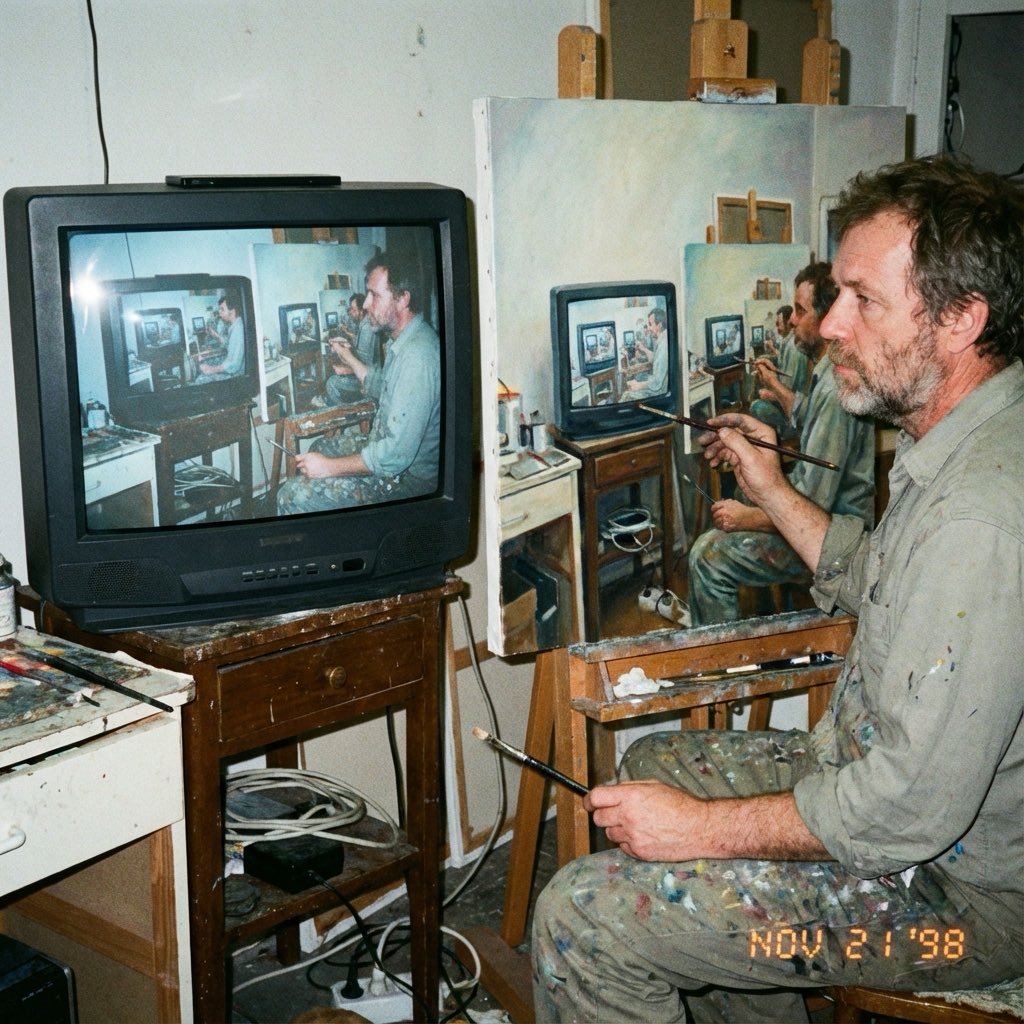
Recursive Painting Photograph Prompt
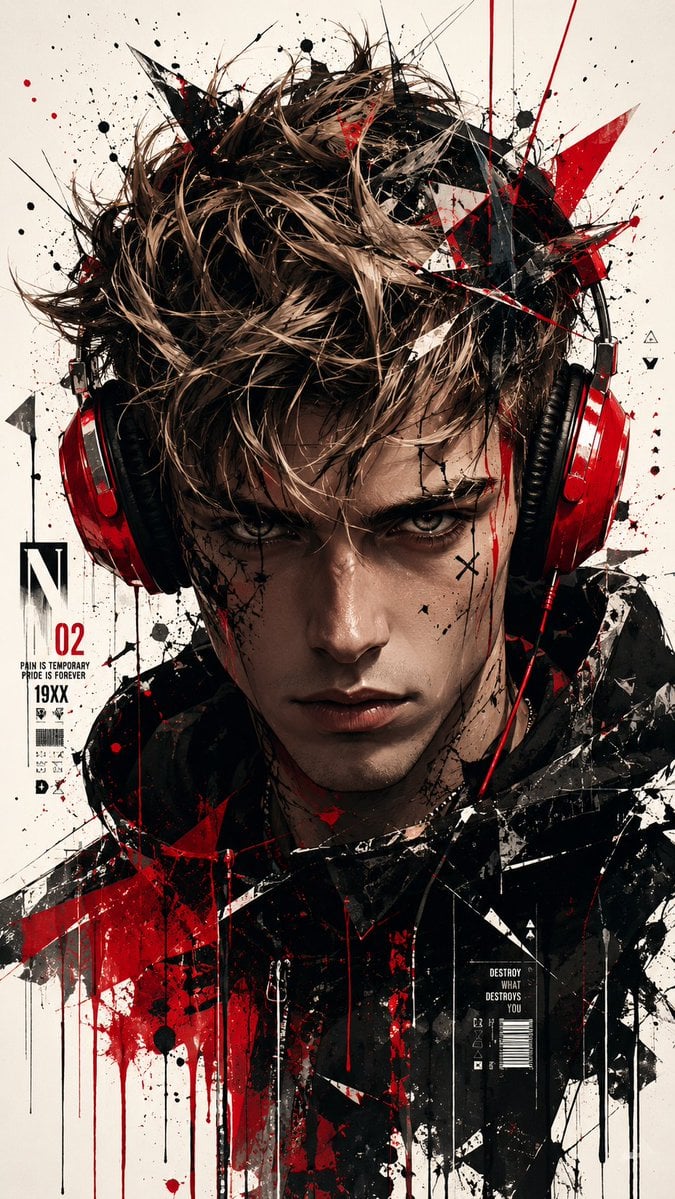
Trash Polka Urban Digital Painting
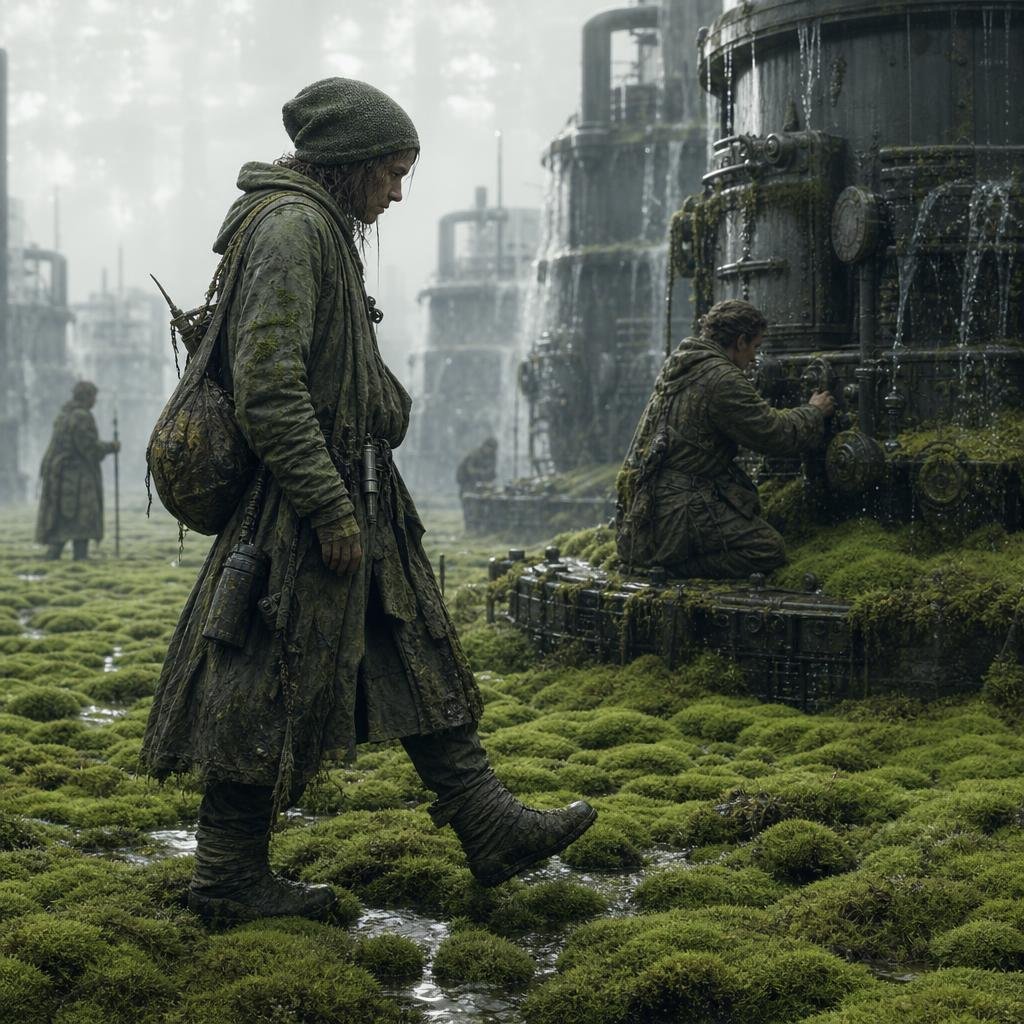
Moss-Covered Industrial Survivors
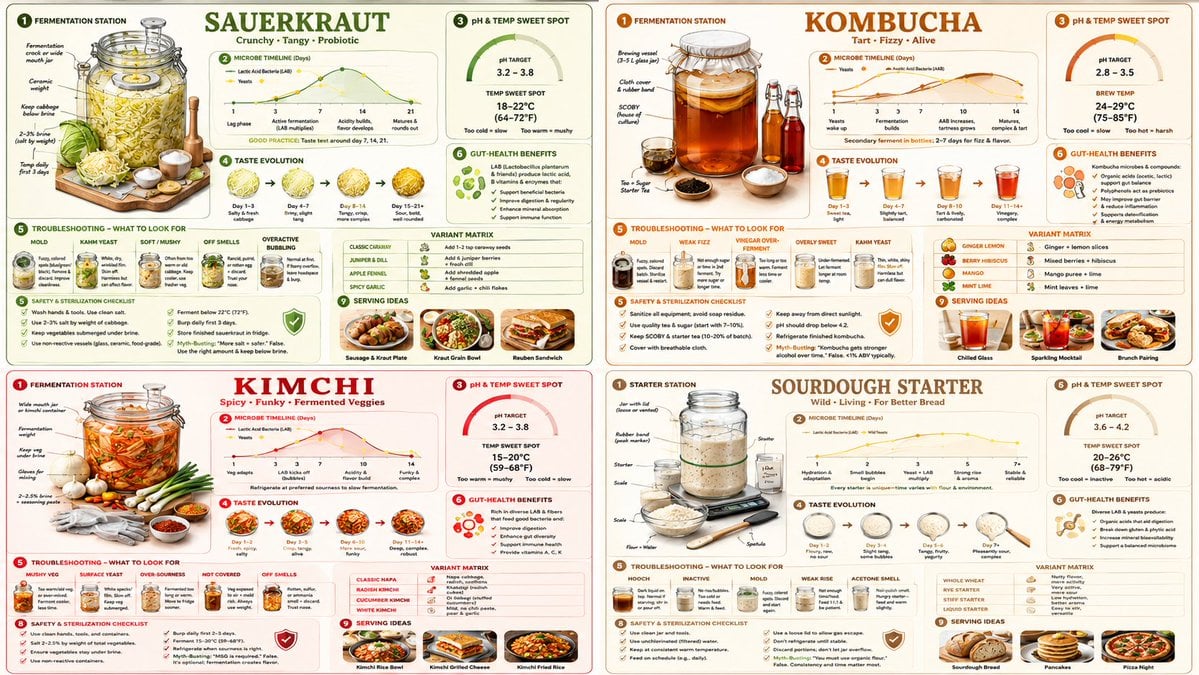
Fermentation Science Infographic Grid
Moody Black and White Fine Art Portrait
Enhancing Three-View Drawings and Generating Angles with Nano Banana
Kawaii Punk Band Studio Scene
Triple Exposure Sports Poster
Surreal Editorial Fashion Model with Rhino
Browse template categories
Luxury Noir Perfume Poster questions
How do I use the Luxury Noir Perfume Poster template?
Add your photo if the template asks for one, edit the prompt if you like — the template's model and format are already selected — and press Generate. Your version opens in PicX Studio.
Can I customize the Luxury Noir Perfume Poster template?
Yes. You can change the subject, setting, lighting, mood, format, and available model controls before creating your image.
Is the Luxury Noir Perfume Poster template free?
Opening and editing this template is free. Generating uses credits, shown on the Generate button when you are signed in.
Which AI model should I use?
Start with GPT Image 2, which is the model associated with this template. You can compare another compatible model for a different finish.
Looking for something else? Browse all templates.

Your photo, any look
Thousands of ready templates for every top image and video model, from one credit balance.