
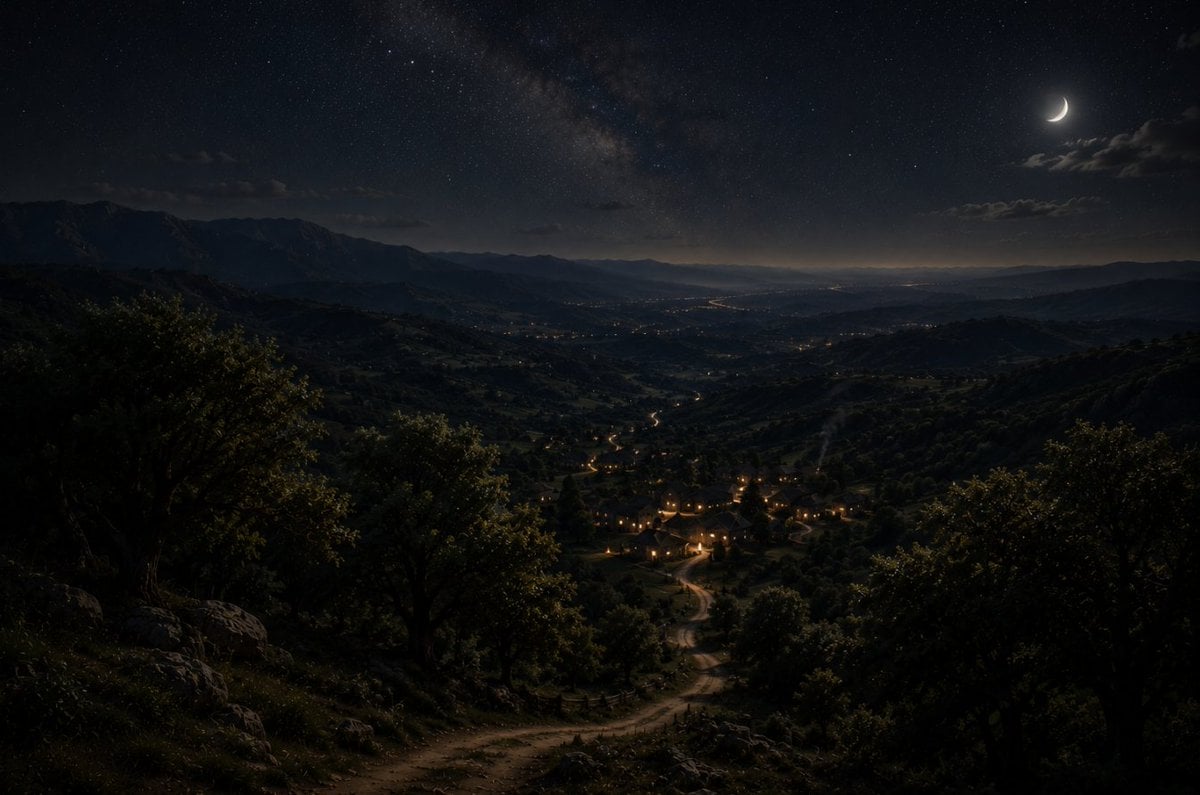
Moonlit Mountain Valley Background
A cinematic night landscape background showing a moonlit mountain valley, glowing village lights, winding road, and starry Milky Way sky.
- Prompt included
- Model and format preset
- Free template
The prompt behind this image
Copy the exact prompt behind Moonlit Mountain Valley Background, or open it in the studio and make it yours.
Create a cinematic ultra-realistic nocturnal landscape background in a wide 16:9 aspect ratio, viewed from a high hillside lookout over a vast mountainous valley. The foreground is dark and detailed with a winding dirt road starting near the bottom center, scattered rocks, uneven grass, and dense oak-like trees and shrubs framing both sides. The road snakes downward into a small village in the lower middle distance, where warm golden window lights and street lamps form a cozy cluster, then continues as faint glowing lines through the valley. Beyond the village, show layered rolling hills, distant mountain ridges, tiny scattered settlement lights, and a faint river or road reflecting light toward the horizon. The sky is deep navy-black with a visible vertical band of the Milky Way across the upper center, many fine stars, a thin crescent moon in the upper right, and a few soft clouds near the moon. Lighting should be natural moonlight mixed with warm village lights, very moody and tranquil, high dynamic range, realistic atmospheric haze, subtle depth, sharp foreground texture, expansive sense of scale, no people, no text, no watermark. Customize the scene location as {argument name="landscape location" default="a remote mountain valley"}, the time as {argument name="time of night" default="late night"}, the moon phase as {argument name="moon phase" default="thin crescent moon"}, the settlement type as {argument name="village type" default="small rural village"}, and the visual mood as {argument name="visual mood" default="peaceful cinematic solitude"}.
How to use Moonlit Mountain Valley Background in 3 steps
- 1Upload ImagePNG, JPG or paste
Add your photo
Upload the photo the template builds on. The prompt, model and format are already set.
- 2…a portrait of your subject in softgolden-hour light, 85mm…
Personalize
Edit the subject and creative details for your destination.
- 3Generate
Generate
Press Generate — your image is created in PicX Studio, so you can compare it with the original and refine one variable at a time.
More like this
Templates with the same subject, style or setup. Open one to see its prompt.

Lone Mountaineer in Moonlit Snow

Mountain Valley Lifestyle Portrait

Teen Girl Alpine Lake Mountain View
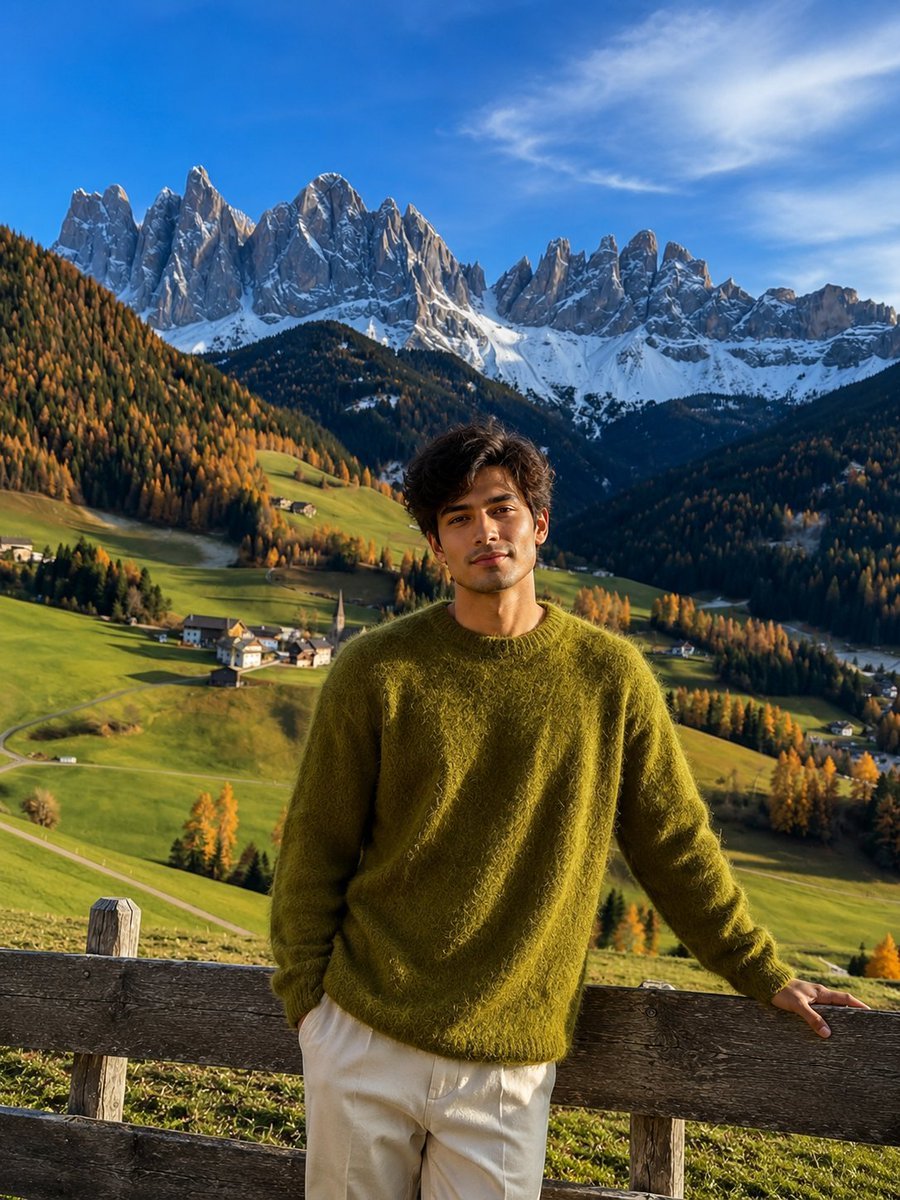
Realistic Mountain Valley Travel Portrait

Mountain Lake Sunset Landscape

Premium Vintage Travel Poster Landscape

Photoreal Selfie Minecraft Block World
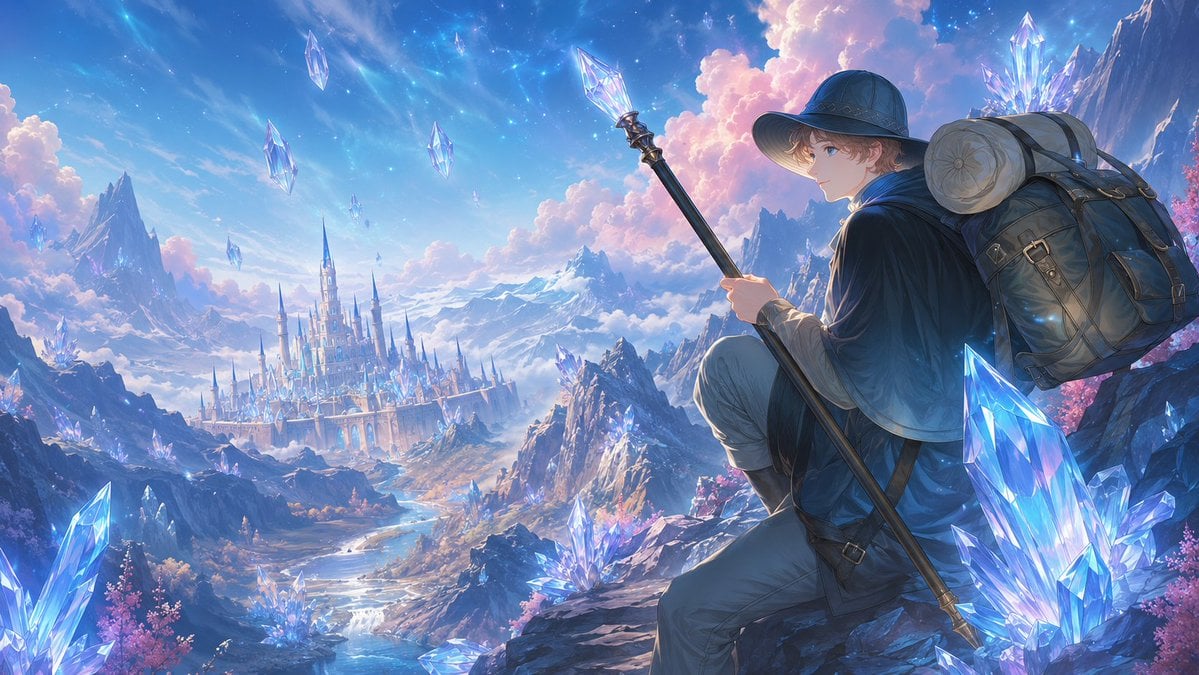
Traveler Over Crystal Mountain Valley
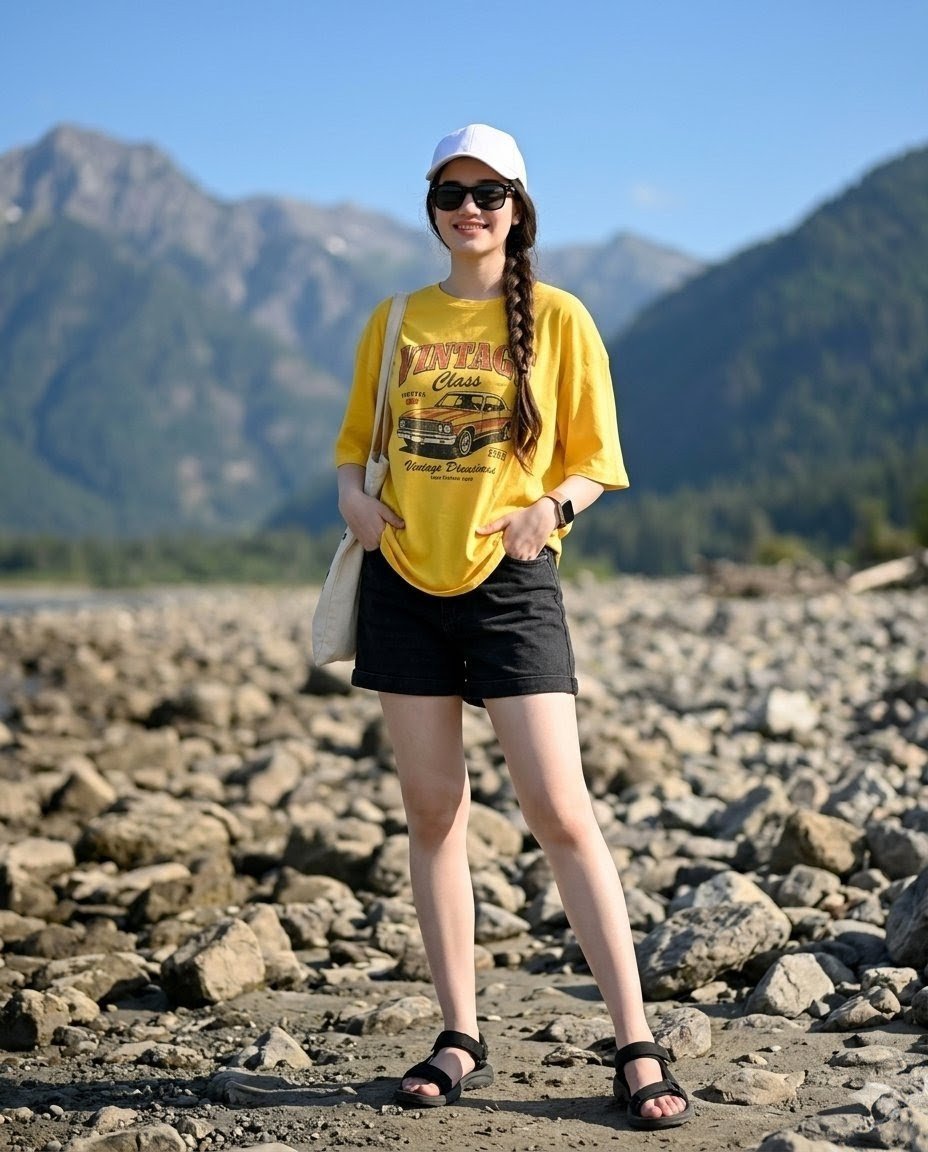
Mountain Valley Summer Fashion Portrait
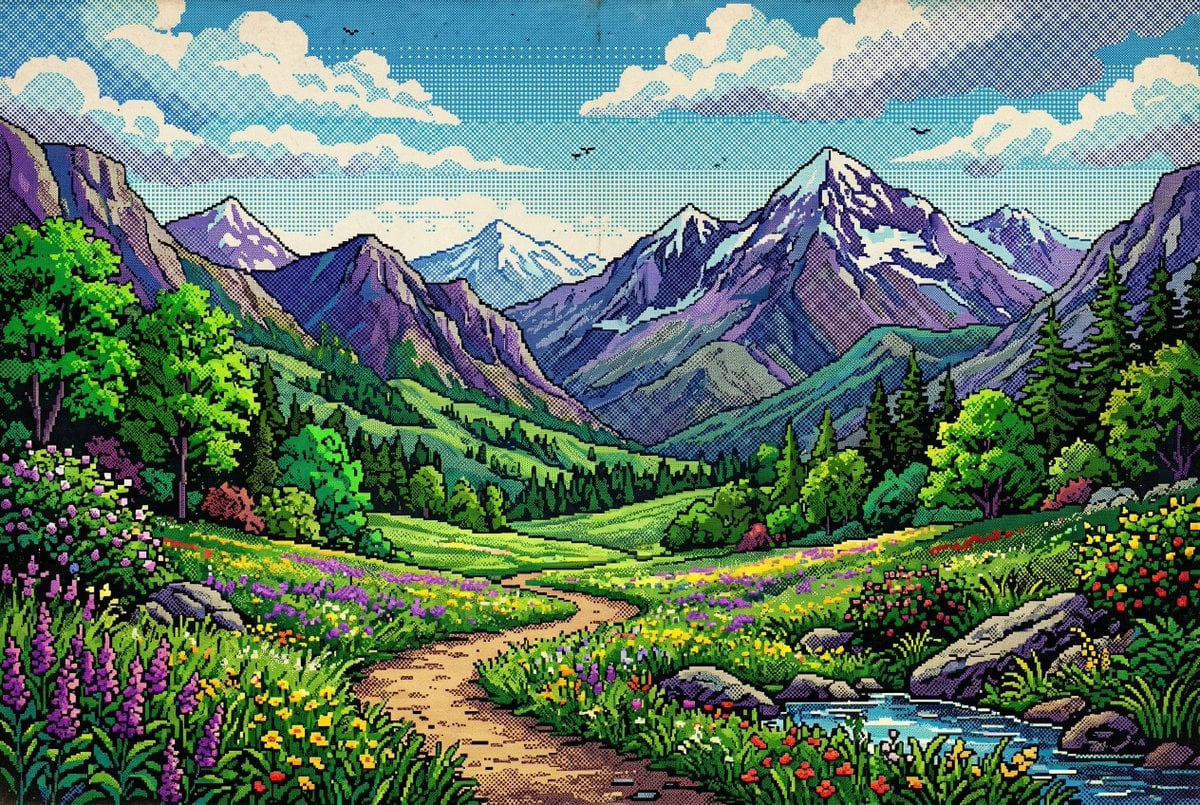
Retro Pixel Mountain Valley
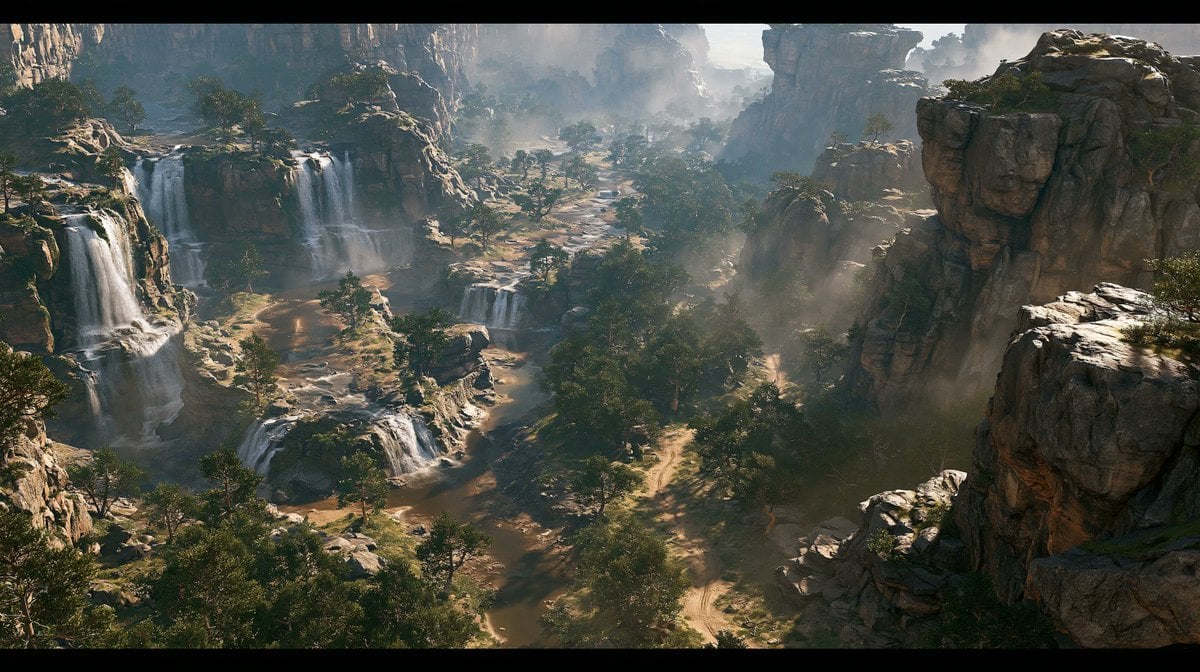
Cinematic Rocky Waterfall Valley

Moonlit Fox Mask Night Market
Make it yours
Moonlit Mountain Valley Background works as-is. These are the safest ways to change it without losing the look.
Change one field
Copy a single group, rewrite it, and generate again so you can see what that field is doing.
Keep the frame, change the subject
Hold the composition and light of Moonlit Mountain Valley Background, then swap wardrobe, props or the person for a new take.
| If the result… | Why | Fix |
|---|---|---|
| The result drifts from the preview | Too many fields changed at once. | Reuse Moonlit Mountain Valley Background as-is first, then change one group — subject, light, or setting. |
| The model over-stylizes the scene | The prose prompt leaves finish and camera underspecified. | Add one camera or lighting sentence and stay on GPT Image 2. |
More GPT Image 2 templates
Other prompts made for GPT Image 2.

Six VTuber Japanese Logo Sheet

Realistic Portrait of Woman and Deer

The Vista Modular Condo Poster

AI Model Routing Comparison Infographic

2.5D Anime Art Board

Isometric Productivity Desk Scene

New York Double Exposure Poster

Four-Panel AI Landscape Comparison

Japanese Tatami Lifestyle Magazine Cover

NESCAFÉ Coffee Map Poster
More image prompts
Fresh picks from across the catalog.
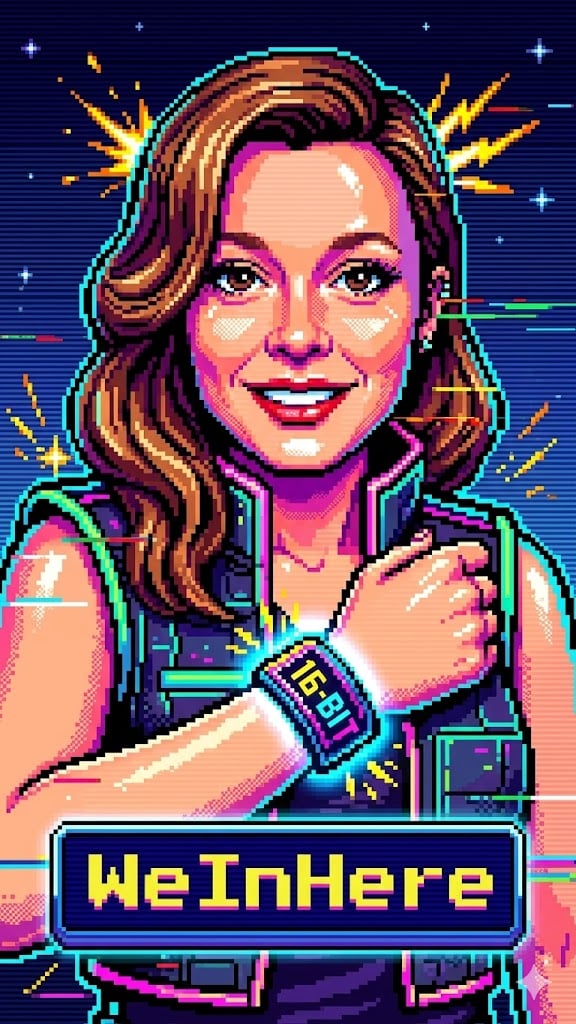
Bit Arcade Character Generator

Dark Cinematic Food Photography Prompt Formula
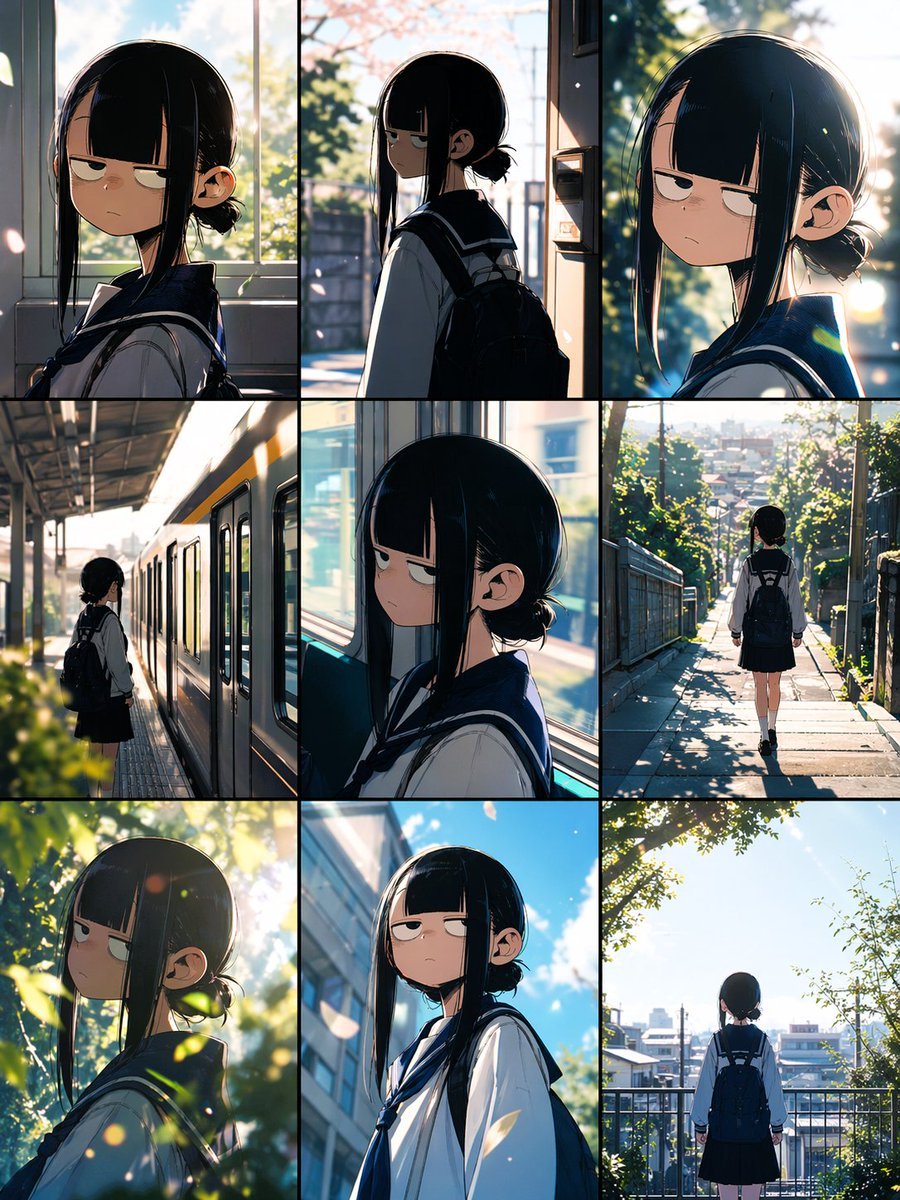
Anime School Commute Storyboard Grid
Restore Old Photo to DSLR Quality with Upscaling

Graffiti Sketch Style AI Builder
Fashion Editorial with Giant Teddy Bear Prompt
Ethereal Rowboat Pastoral Fairytale
Guinea Pigs with Fashion Accessories
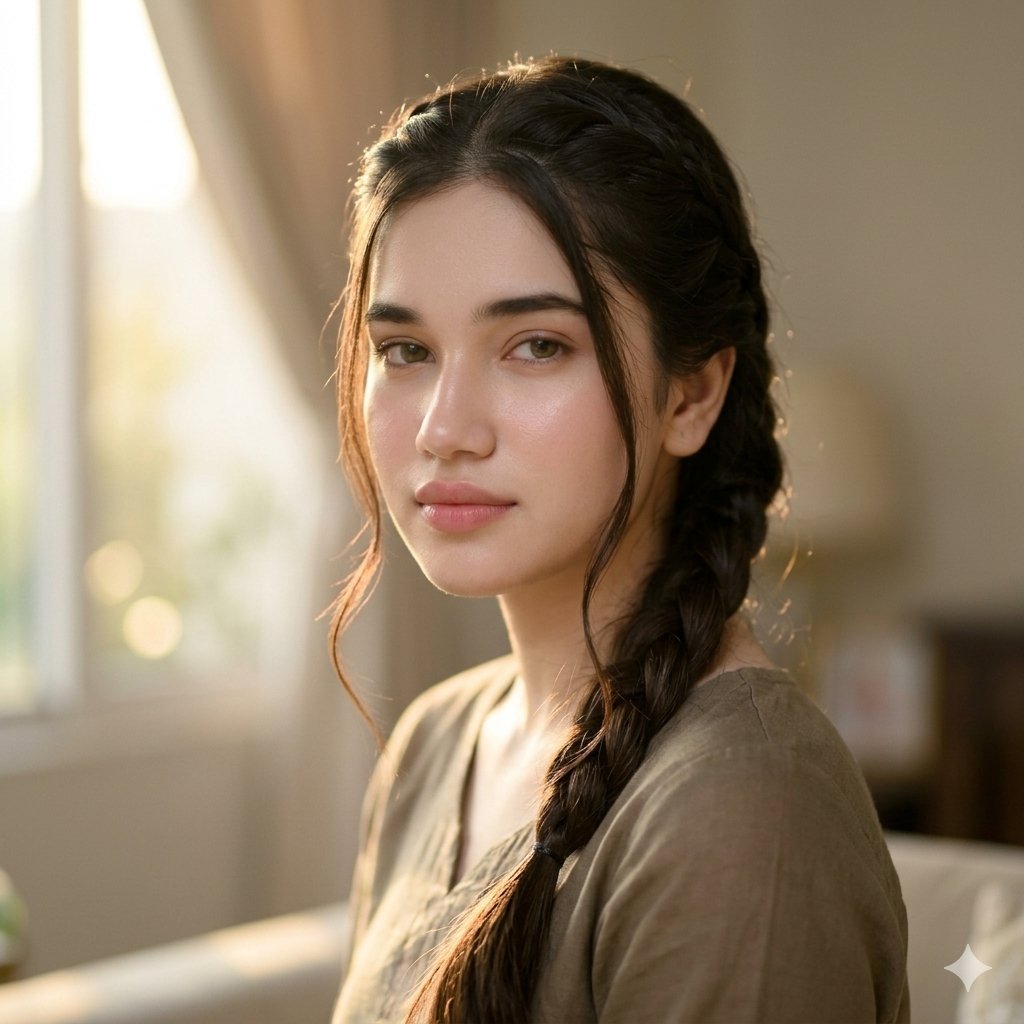
Golden Hour Indian Woman Portrait
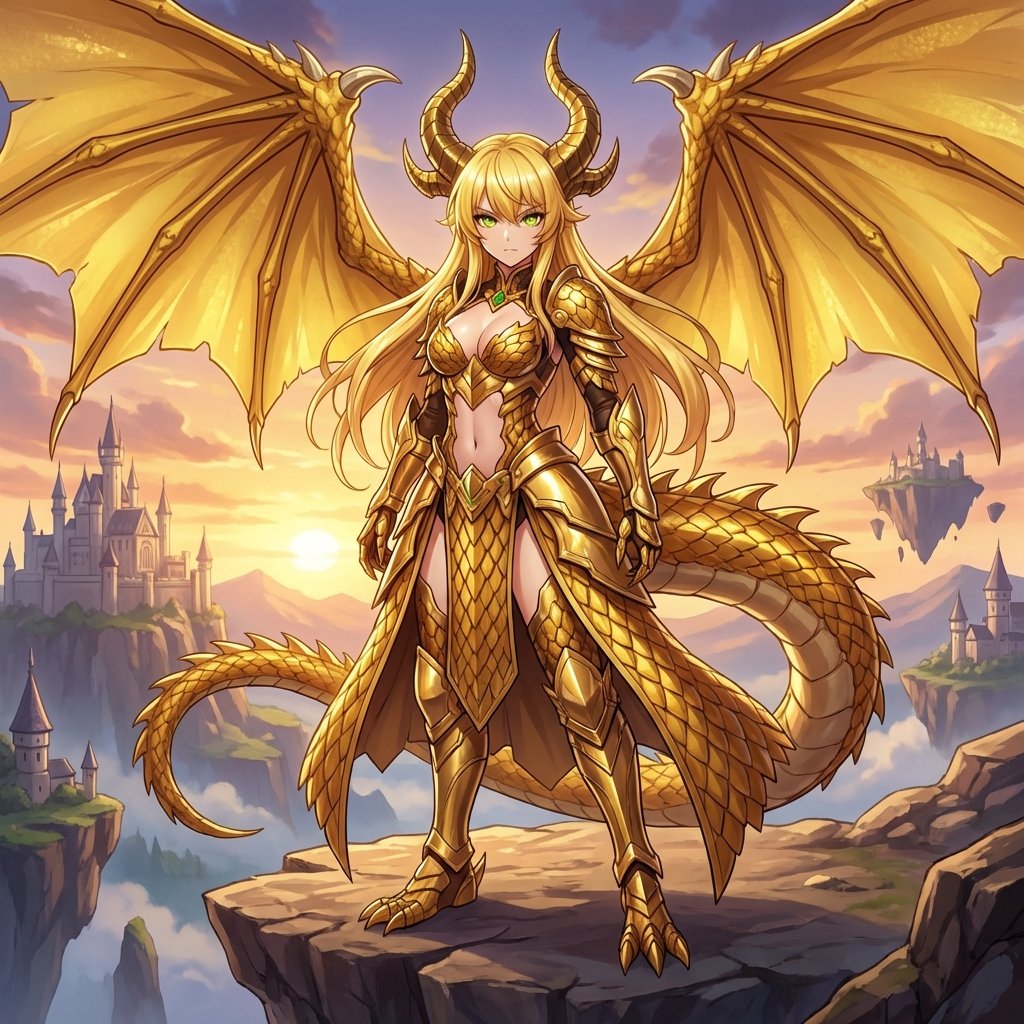
AI Transformation to Dragonewt
Browse template categories
Moonlit Mountain Valley Background questions
How do I use the Moonlit Mountain Valley Background template?
Add your photo if the template asks for one, edit the prompt if you like — the template's model and format are already selected — and press Generate. Your version opens in PicX Studio.
Can I customize the Moonlit Mountain Valley Background template?
Yes. You can change the subject, setting, lighting, mood, format, and available model controls before creating your image.
Is the Moonlit Mountain Valley Background template free?
Opening and editing this template is free. Generating uses credits, shown on the Generate button when you are signed in.
Which AI model should I use?
Start with GPT Image 2, which is the model associated with this template. You can compare another compatible model for a different finish.
Looking for something else? Browse all templates.

Your photo, any look
Thousands of ready templates for every top image and video model, from one credit balance.