
Rainbow Night Lakeside Street
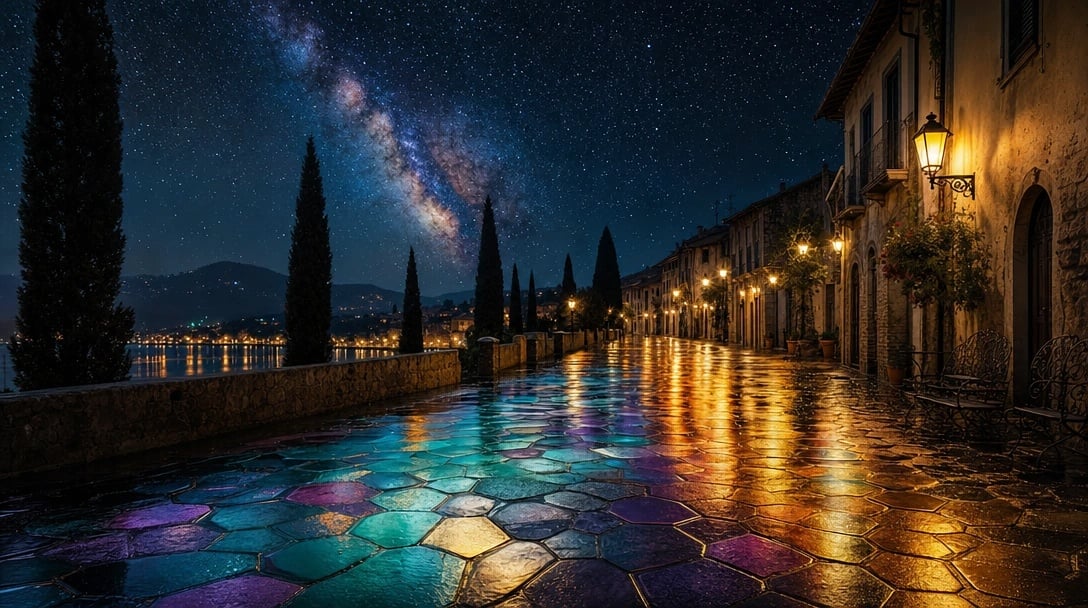
A photorealistic cinematic prompt for creating a silent rain-wet European lakeside promenade under the Milky Way with rainbow reflections on the stone pavement.
- Prompt included
- Model and format preset
- Free template
The prompt behind this image
Copy the exact prompt behind Rainbow Night Lakeside Street, or open it in the studio and make it yours.
Create a cinematic photorealistic night scene of a quiet old European lakeside street after rain, evoking the phrase {argument name="mood phrase" default="In the silence of the night city where a rainbow echo is beneath my feet"}. Use a wide 16:9 composition from a low eye-level perspective looking down a long wet cobblestone promenade paved with large irregular hexagonal stones. The pavement should act like a mirror, reflecting glowing rainbow colors beneath the viewer’s feet: turquoise, cyan, violet, magenta, deep blue, gold, and amber, blended naturally into puddles and glossy stone surfaces. On the right side, show a row of aged stone and stucco buildings with arched doorways, balconies, wrought-iron benches, hanging flower baskets, potted plants, and warm antique wall lanterns casting golden light. On the left, include a low stone wall bordering a calm lake, with distant town lights shimmering across the water and dark mountain silhouettes beyond. Place tall narrow cypress trees along the promenade, their black silhouettes leading into the distance. Above, fill the sky with countless sharp stars and a dramatic visible Milky Way band glowing blue, pink, and cream across the upper left and center. Make the street empty and silent, with no people or vehicles. Style: ultra-detailed photorealism, cinematic HDR lighting, rich contrast between cool starry blues and warm lantern gold, wet reflective textures, romantic Mediterranean old-town atmosphere, crisp depth, high realism, no text, no watermark.
How to use Rainbow Night Lakeside Street in 3 steps
- 1Upload ImagePNG, JPG or paste
Add your photo
Upload the photo the template builds on. The prompt, model and format are already set.
- 2…a portrait of your subject in softgolden-hour light, 85mm…
Personalize
Edit the subject and creative details for your destination.
- 3Generate
Generate
Press Generate — your image is created in PicX Studio, so you can compare it with the original and refine one variable at a time.
More like this
Templates with the same subject, style or setup. Open one to see its prompt.

Two Tickets, One Night

Meet Me When It Rains

Two Hearts. One Scooter.

1986 Street Couple

1985 Street Scene
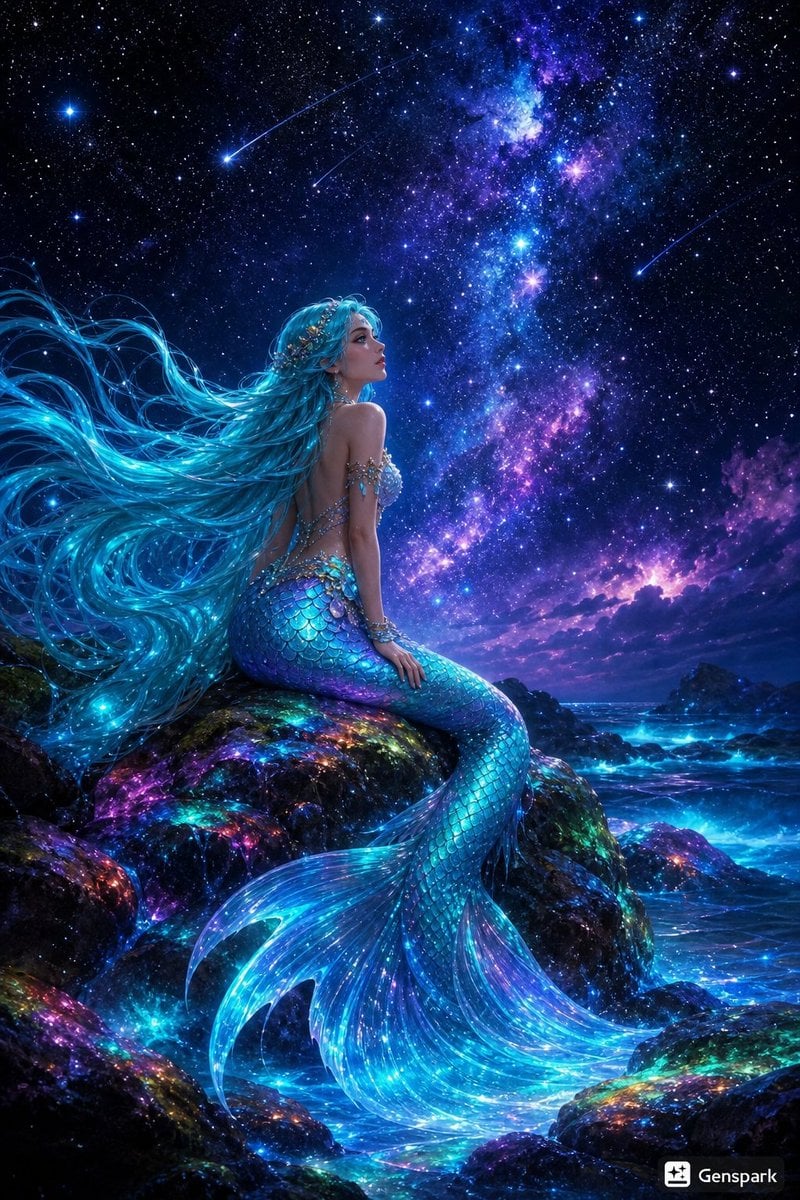
Starry Night Mermaid on Rainbow Reef
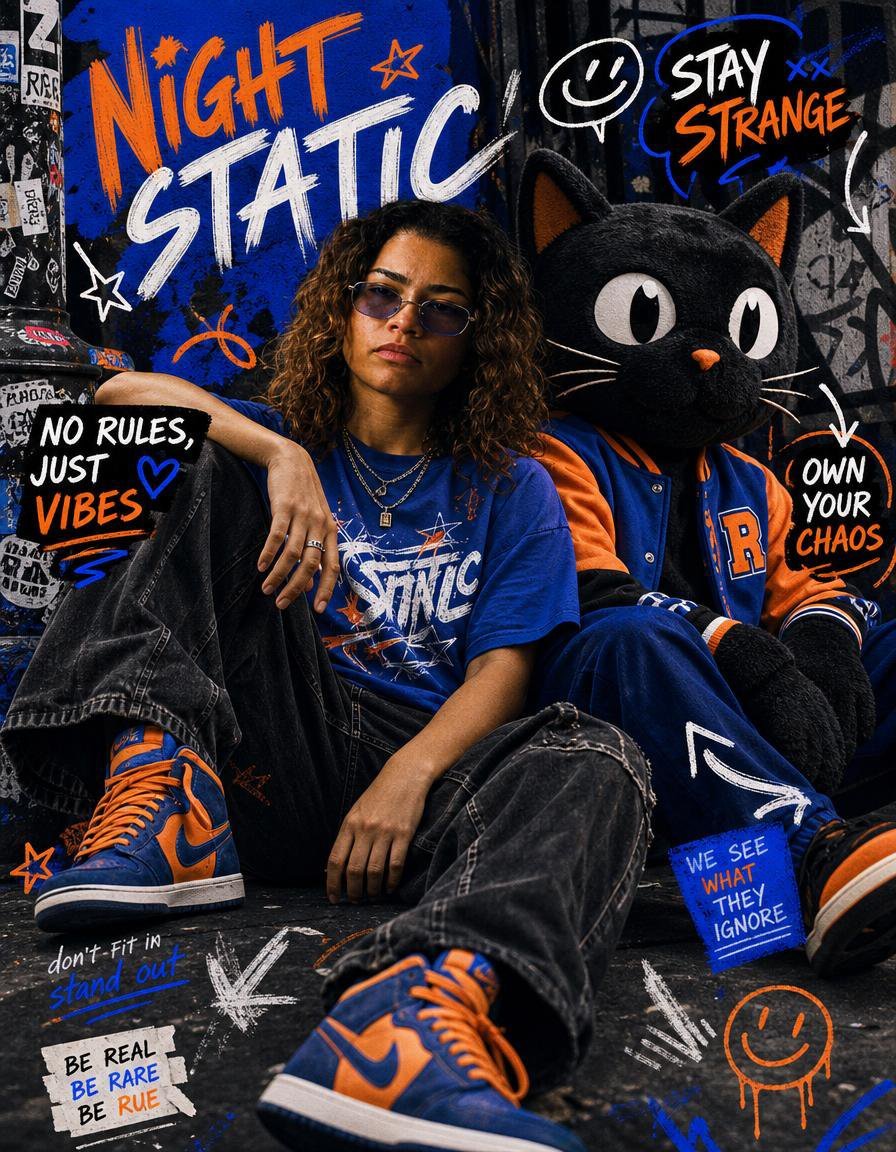
Night Static Streetwear Cover
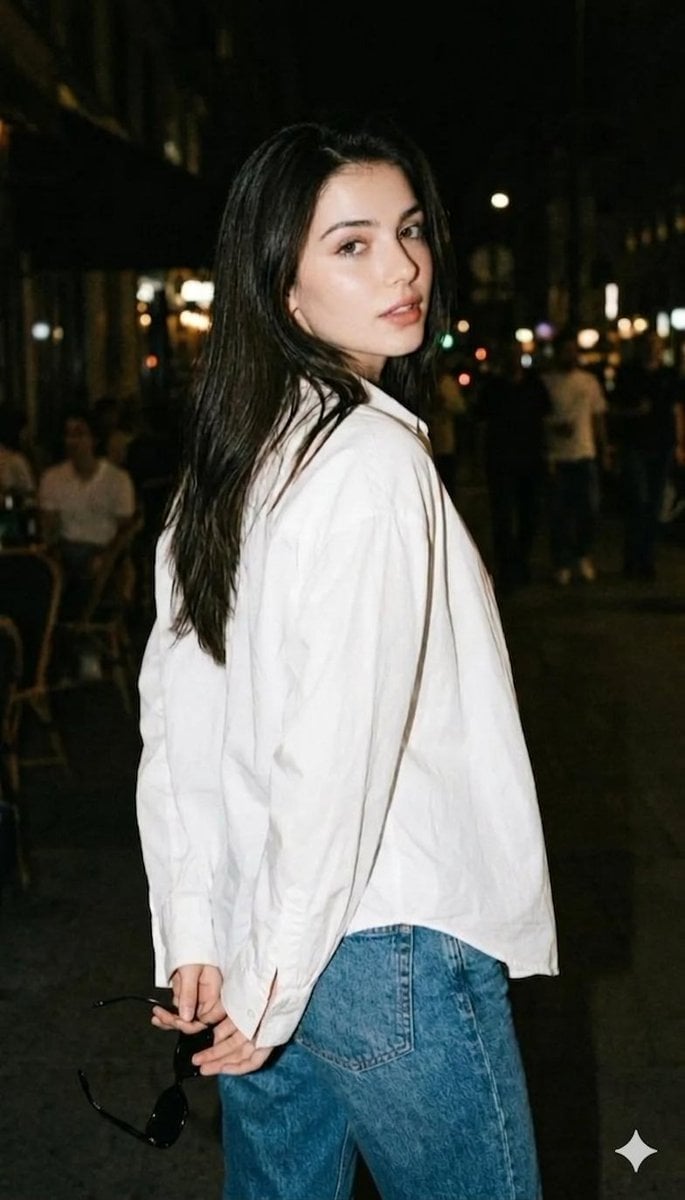
Night street photography portrait
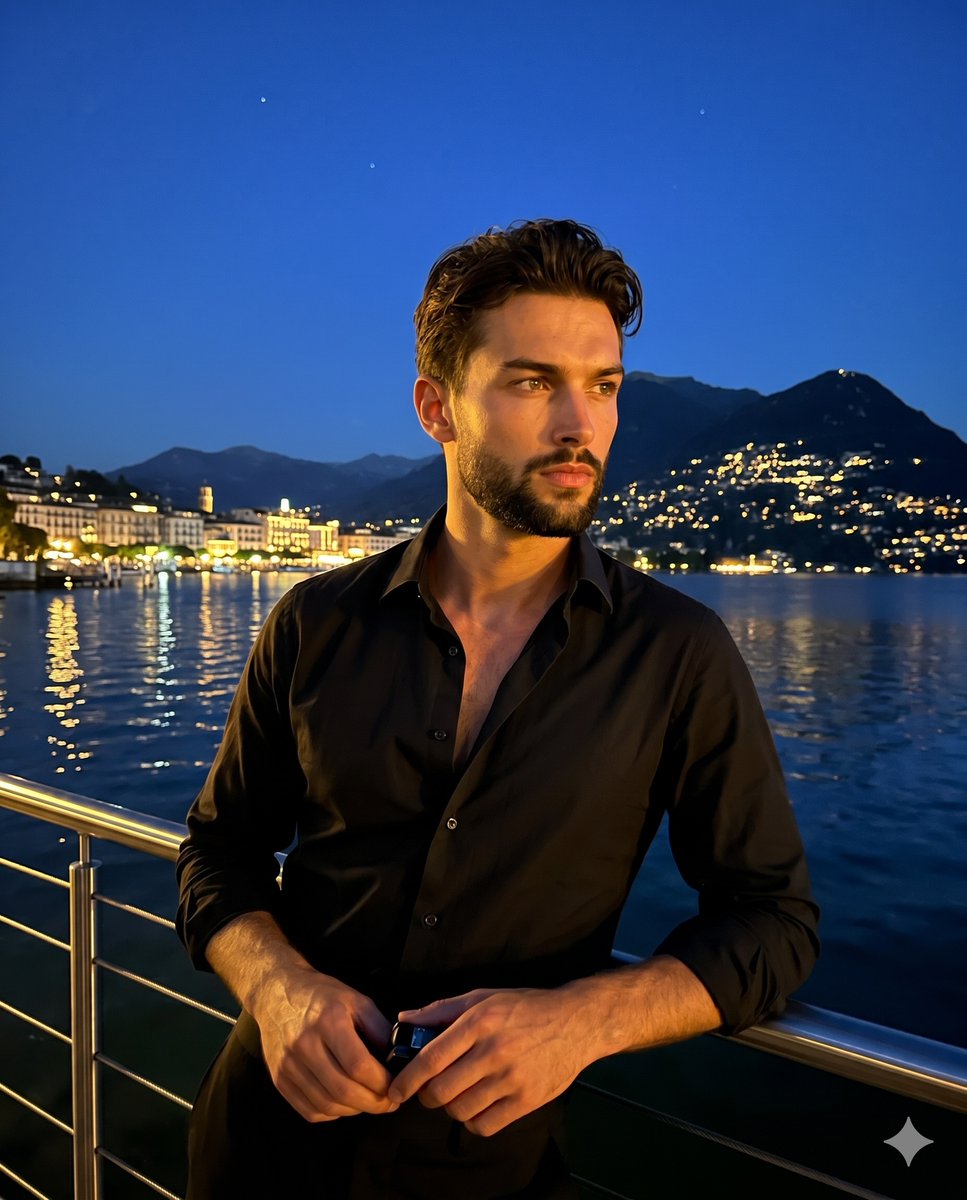
Cinematic Lakeside Night Portrait

Cinematic Street Fashion Portrait Motion Blur Crowd

Blue Hour Editorial Fashion Portrait

Golden Hour Street Motion Portrait
Make it yours
Rainbow Night Lakeside Street works as-is. These are the safest ways to change it without losing the look.
Change one field
Copy a single group, rewrite it, and generate again so you can see what that field is doing.
Keep the frame, change the subject
Hold the composition and light of Rainbow Night Lakeside Street, then swap wardrobe, props or the person for a new take.
| If the result… | Why | Fix |
|---|---|---|
| The result drifts from the preview | Too many fields changed at once. | Reuse Rainbow Night Lakeside Street as-is first, then change one group — subject, light, or setting. |
| The model over-stylizes the scene | The prose prompt leaves finish and camera underspecified. | Add one camera or lighting sentence and stay on GPT Image 2. |
More GPT Image 2 templates
Other prompts made for GPT Image 2.

Six VTuber Japanese Logo Sheet

Realistic Portrait of Woman and Deer

The Vista Modular Condo Poster

AI Model Routing Comparison Infographic

2.5D Anime Art Board

Isometric Productivity Desk Scene

New York Double Exposure Poster

Four-Panel AI Landscape Comparison

Japanese Tatami Lifestyle Magazine Cover

NESCAFÉ Coffee Map Poster
More image prompts
Fresh picks from across the catalog.
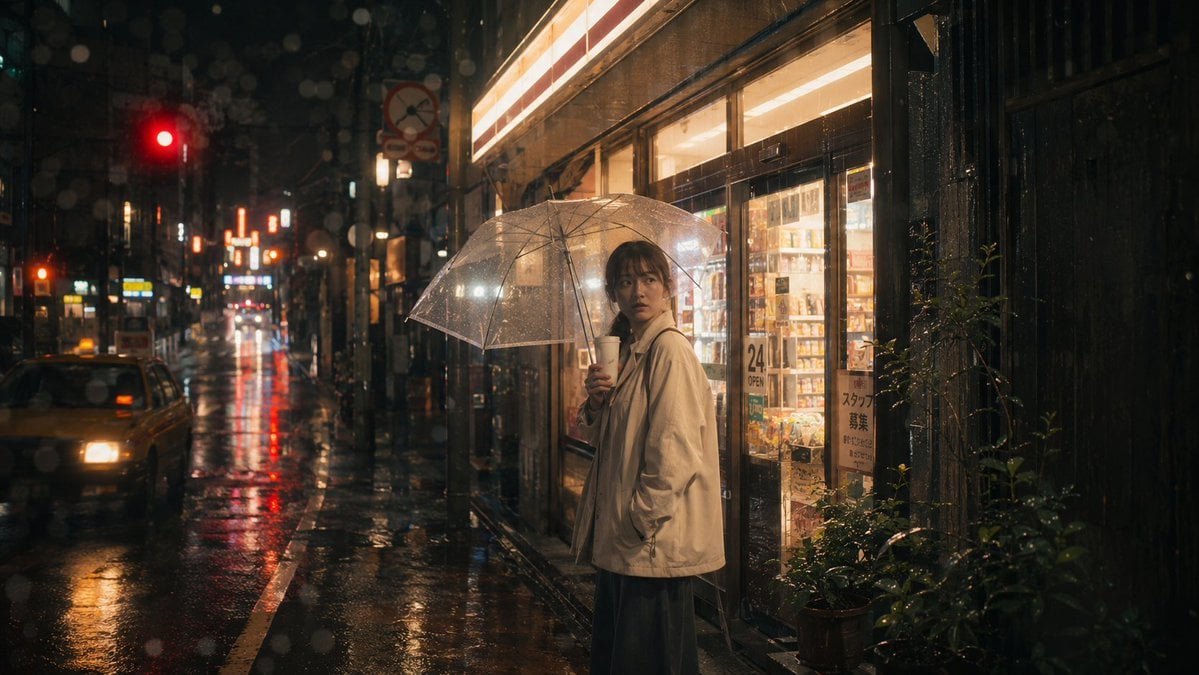
Rainy Tokyo Convenience Store Scene
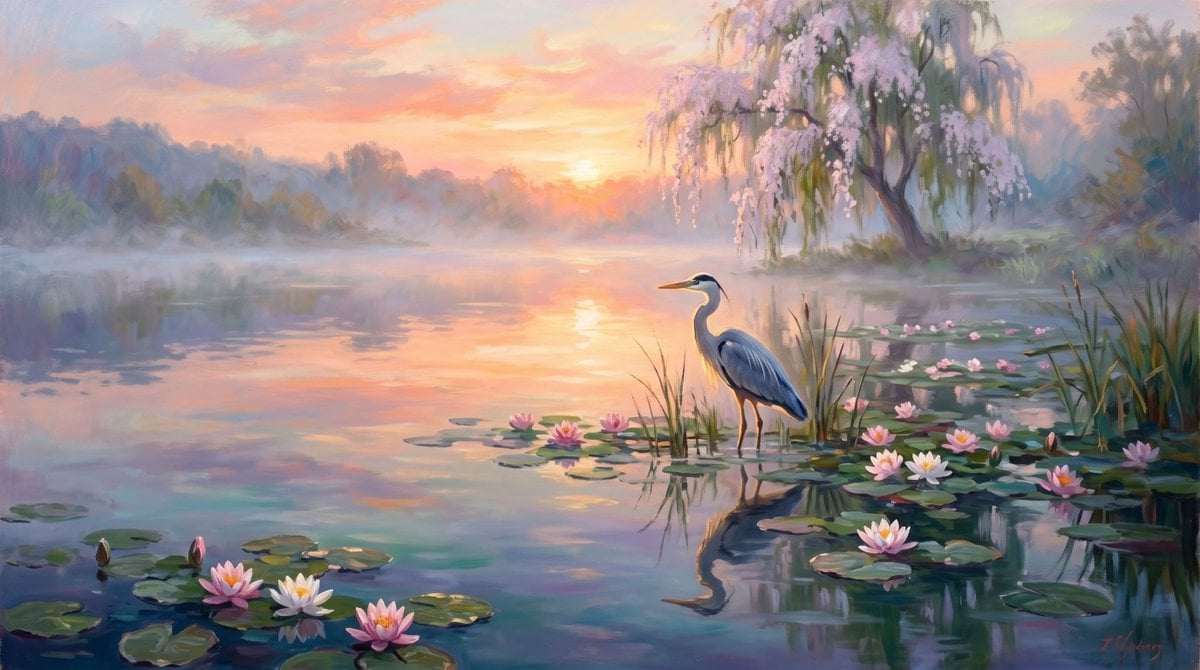
Misty Heron Lily Pond

Hyper-realistic street-style lifestyle photo

LINE Sticker Generation Prompt
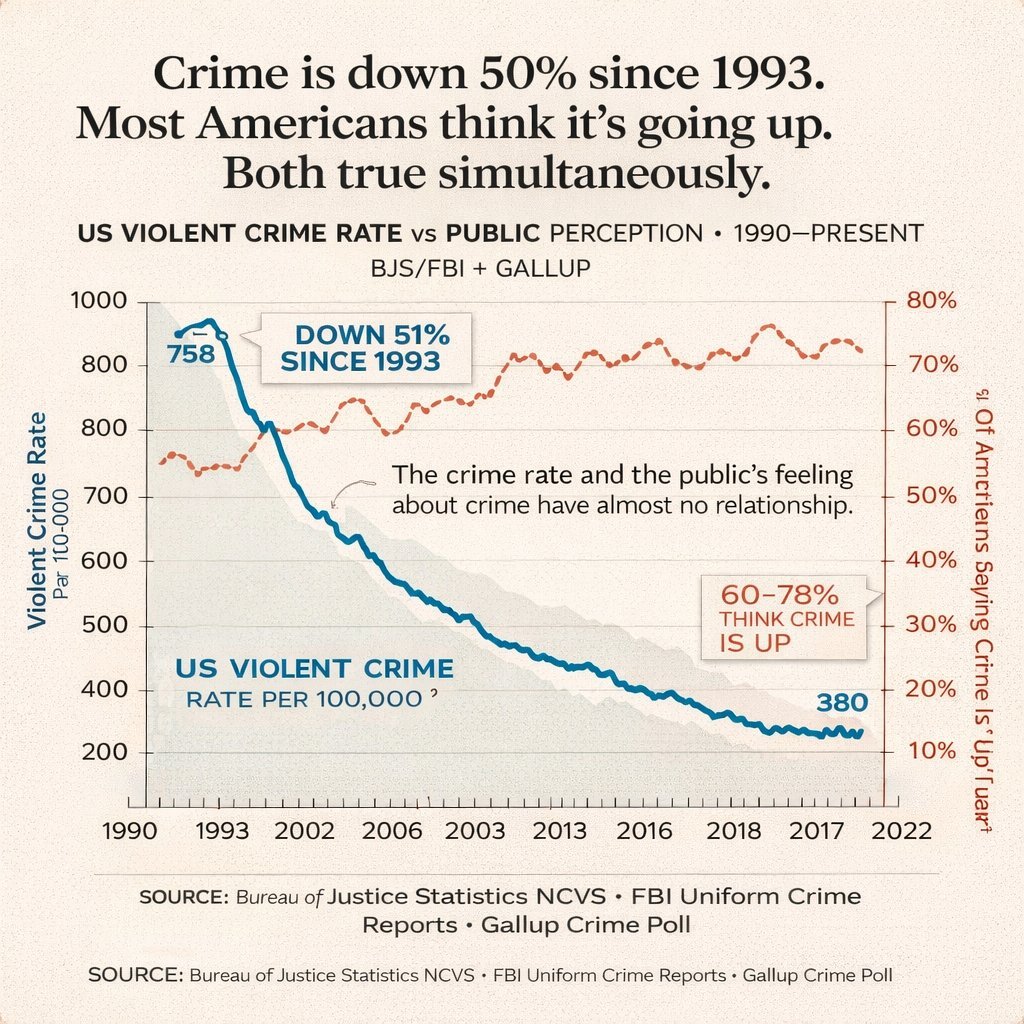
Editorial Dual-Axis Line Chart
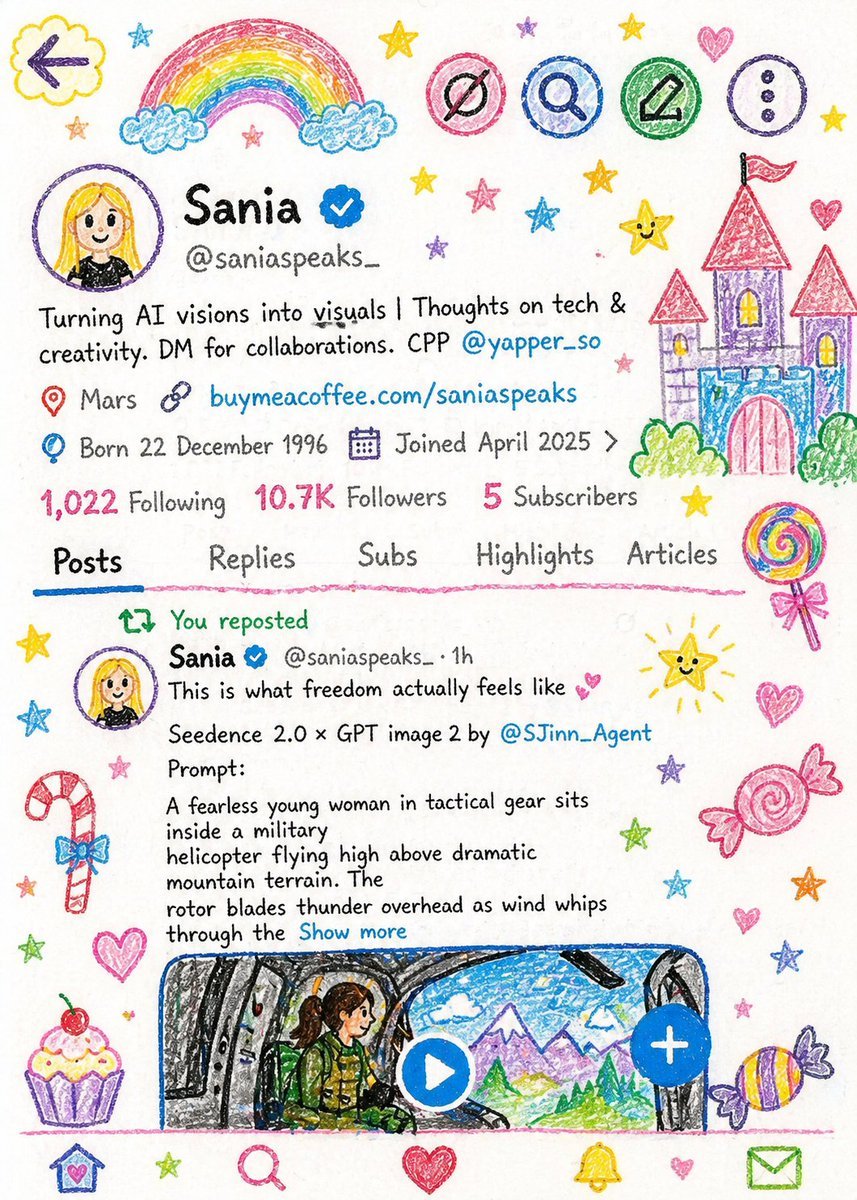
Crayon Style Child Illustration
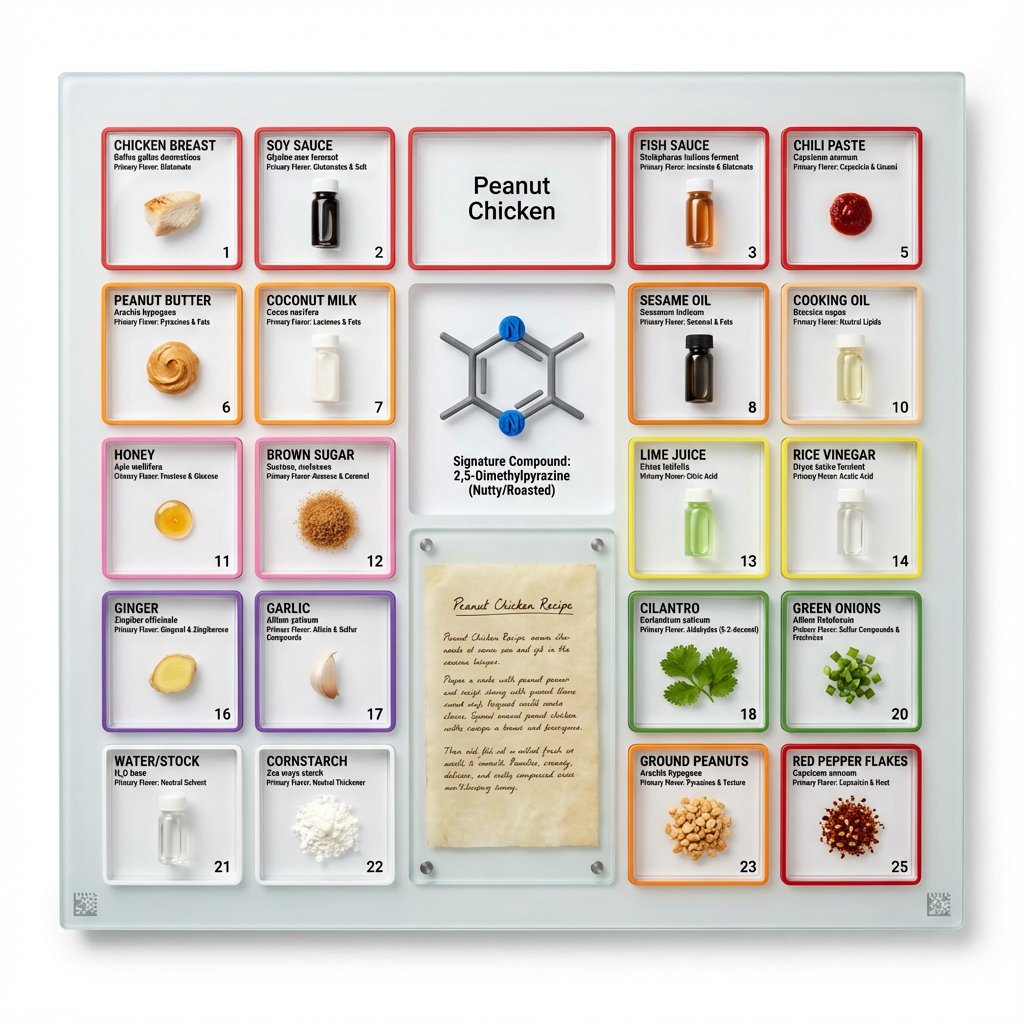
Culinary Periodic Table Display Board Generator
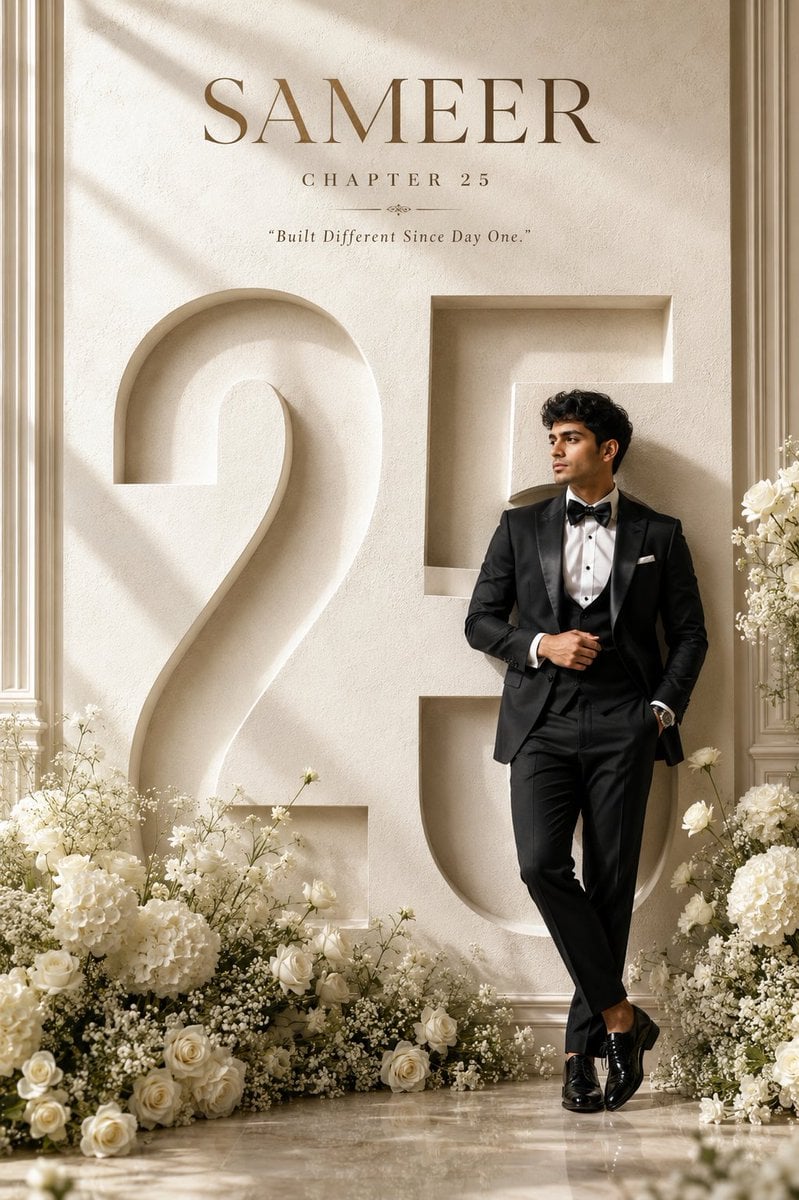
Luxury 25th Birthday Poster
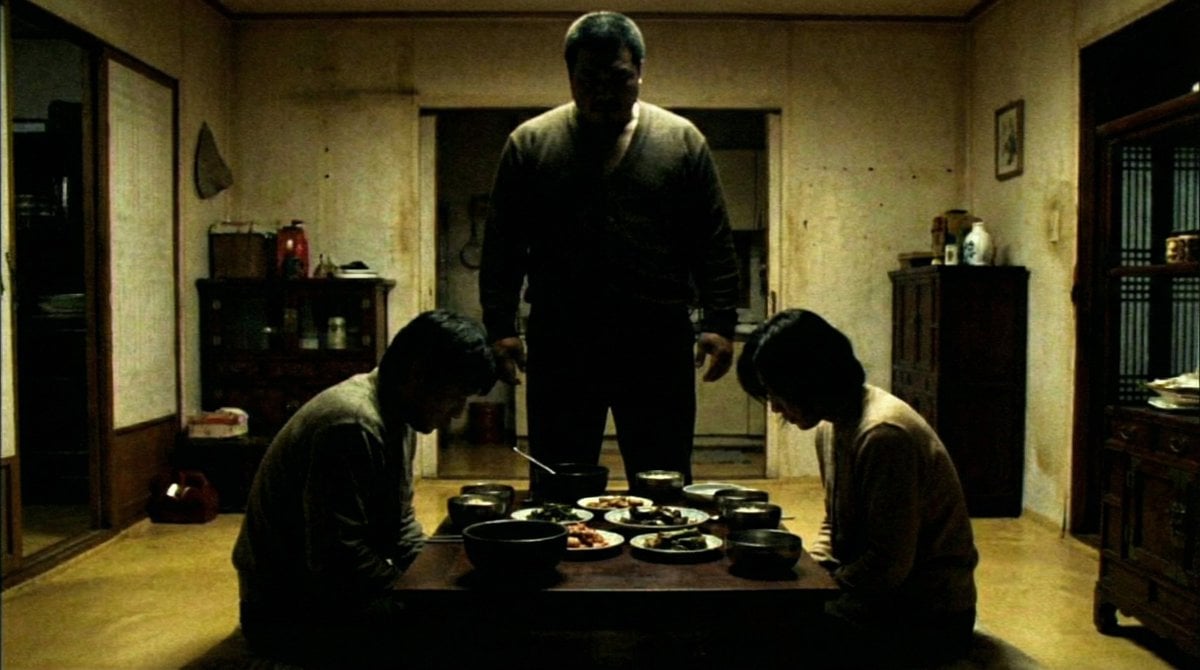
DVD Screengrab of Ominous Korean Horror Movie

High-Fashion Editorial Prompt for Stylish Man
Browse template categories
Rainbow Night Lakeside Street questions
How do I use the Rainbow Night Lakeside Street template?
Add your photo if the template asks for one, edit the prompt if you like — the template's model and format are already selected — and press Generate. Your version opens in PicX Studio.
Can I customize the Rainbow Night Lakeside Street template?
Yes. You can change the subject, setting, lighting, mood, format, and available model controls before creating your image.
Is the Rainbow Night Lakeside Street template free?
Opening and editing this template is free. Generating uses credits, shown on the Generate button when you are signed in.
Which AI model should I use?
Start with GPT Image 2, which is the model associated with this template. You can compare another compatible model for a different finish.
Looking for something else? Browse all templates.

Your photo, any look
Thousands of ready templates for every top image and video model, from one credit balance.