
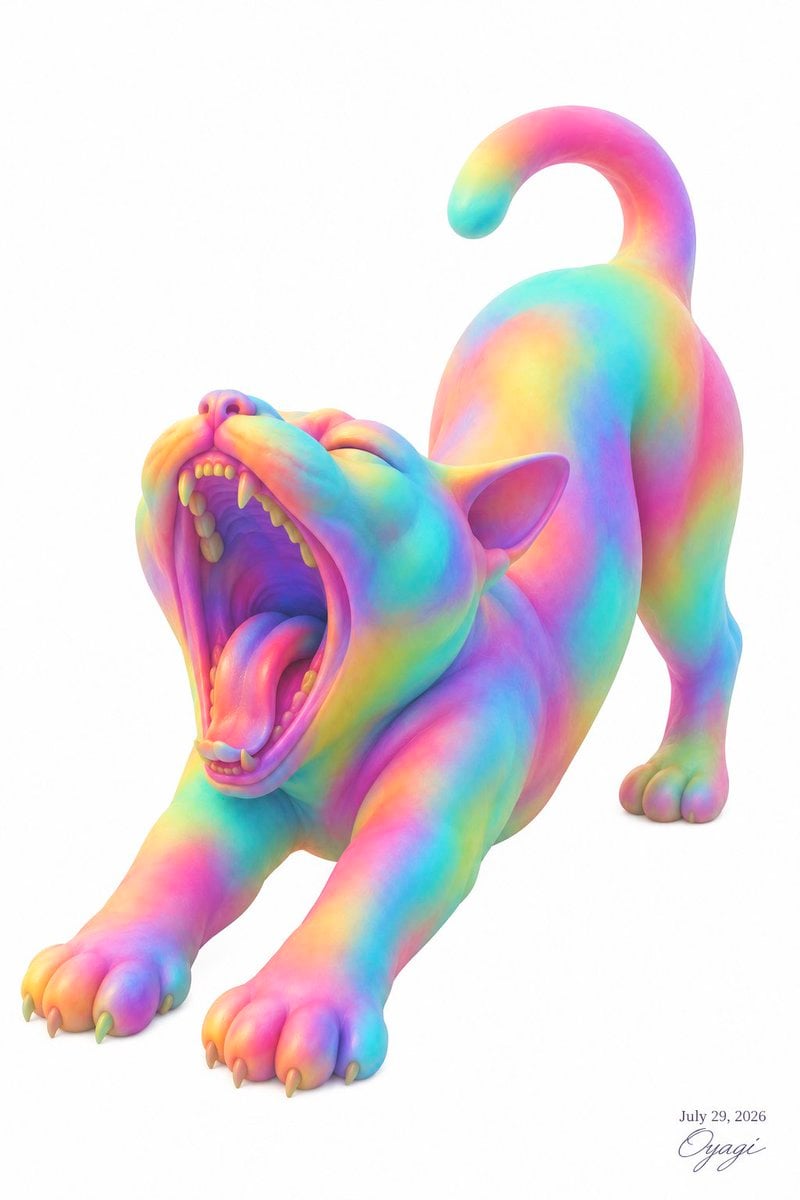
Rainbow Yawning Cat Stretch
A vibrant pastel 3D cat illustration for cute surreal animal art, posters, or social media visuals.
- Prompt included
- Model and format preset
- Free template
The prompt behind this image
Copy the exact prompt behind Rainbow Yawning Cat Stretch, or open it in the studio and make it yours.
Create a clean studio-style 3D illustration of a {argument name="animal" default="cat"} stretching in a dramatic play-bow pose on a pure white background, with the front legs extended forward, rear body raised, back arched, tail curled high in a hook shape, and head tilted upward while yawning with a huge open mouth. Show one animal only. Make the body smooth, rounded, plush, and slightly clay-like, with stylized anatomical detail: visible triangular ears, rounded paws with small claws, a pink nose, a curled tongue, gums, and two rows of small teeth including prominent upper and lower fangs. Cover the entire animal in a soft iridescent rainbow gradient fur/skin pattern, blending {argument name="color palette" default="cyan, turquoise, hot pink, magenta, yellow, orange, violet, and mint green"} in glossy pastel bands across the face, limbs, torso, and tail. Use soft ambient lighting, subtle shadows under the paws, high-key exposure, smooth subsurface-looking material, and a polished cute-surreal toy aesthetic. Composition: vertical portrait canvas, the animal fills most of the frame, angled diagonally from lower left foreground to upper right background, mouth near the left-center, raised tail near the upper right, with generous white negative space. Add a small elegant artist signature and date in the bottom-right corner reading {argument name="date text" default="July 29, 2026"} above {argument name="signature text" default="Oyagi"}. No other objects, no scenery, no border, no extra text.
How to use Rainbow Yawning Cat Stretch in 3 steps
- 1Upload ImagePNG, JPG or paste
Add your photo
Upload the photo the template builds on. The prompt, model and format are already set.
- 2…a portrait of your subject in softgolden-hour light, 85mm…
Personalize
Edit the subject and creative details for your destination.
- 3Generate
Generate
Press Generate — your image is created in PicX Studio, so you can compare it with the original and refine one variable at a time.
More like this
Templates with the same subject, style or setup. Open one to see its prompt.
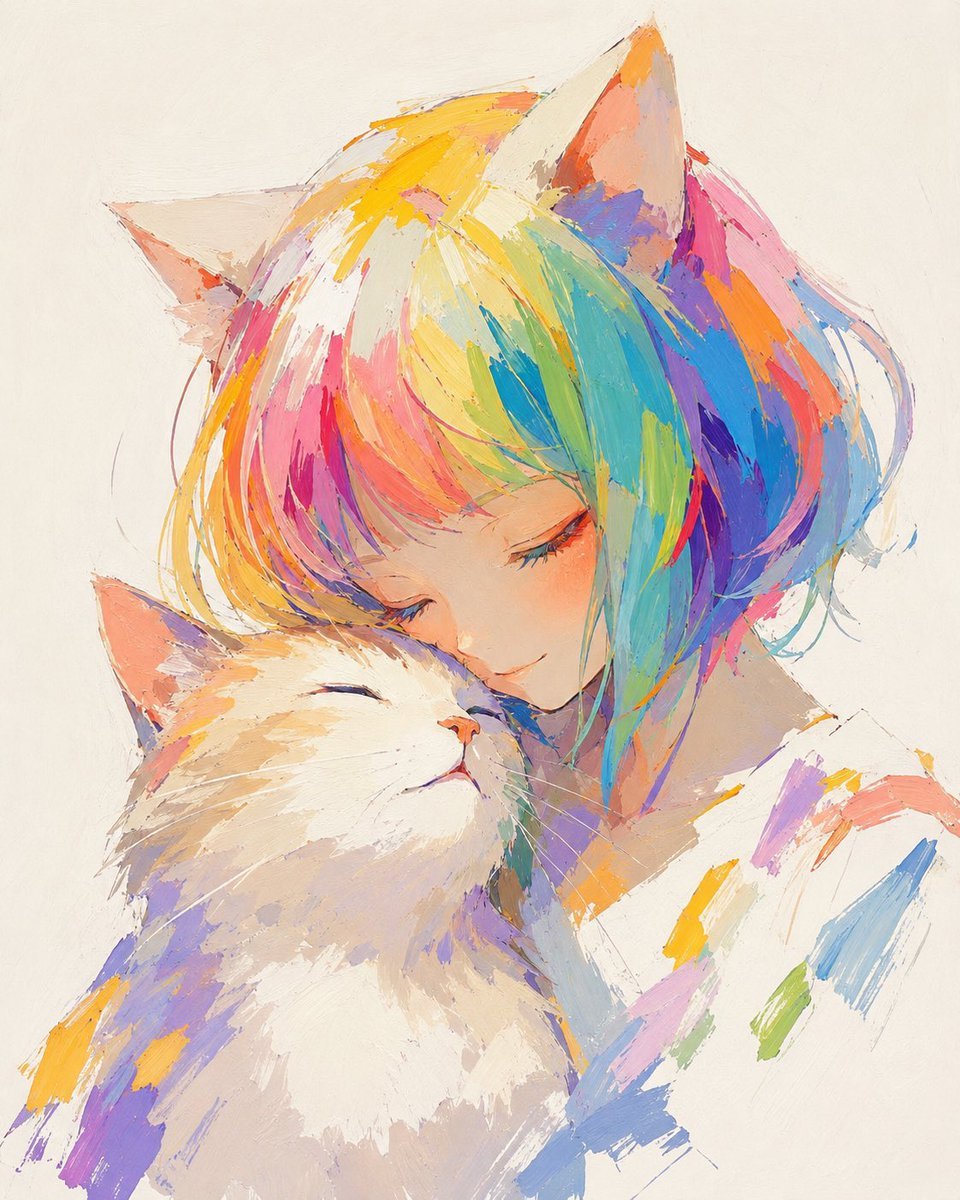
Rainbow Hair Cat Girl Painting
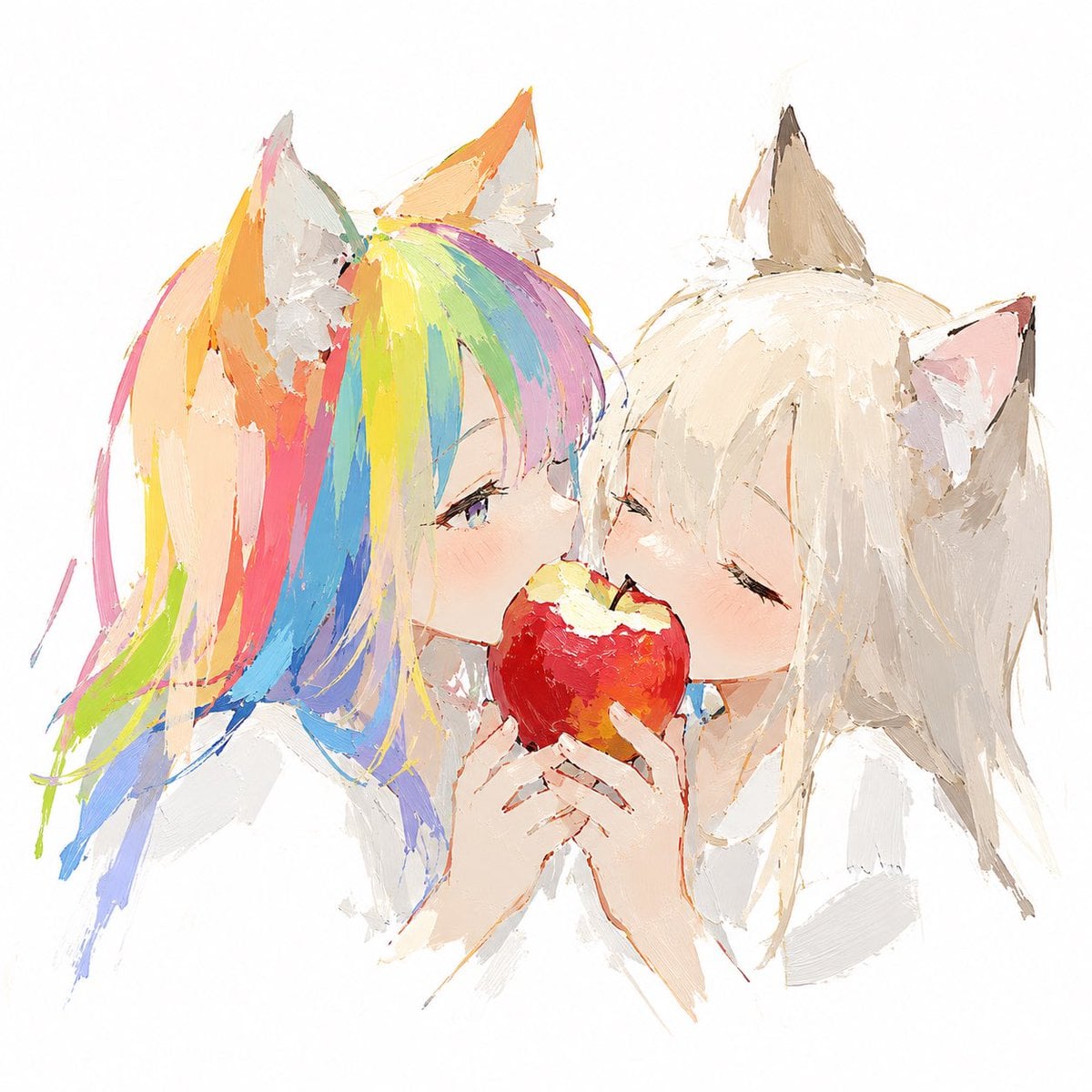
Rainbow-Haired Cat Girl Art

Cat Photobomb Selfie — 0.5x Wide Angle Café Chaos

Surreal Cat Astronaut — Humanoid Face Freefall

Low Angle Floor Selfie With Upside Down Cat
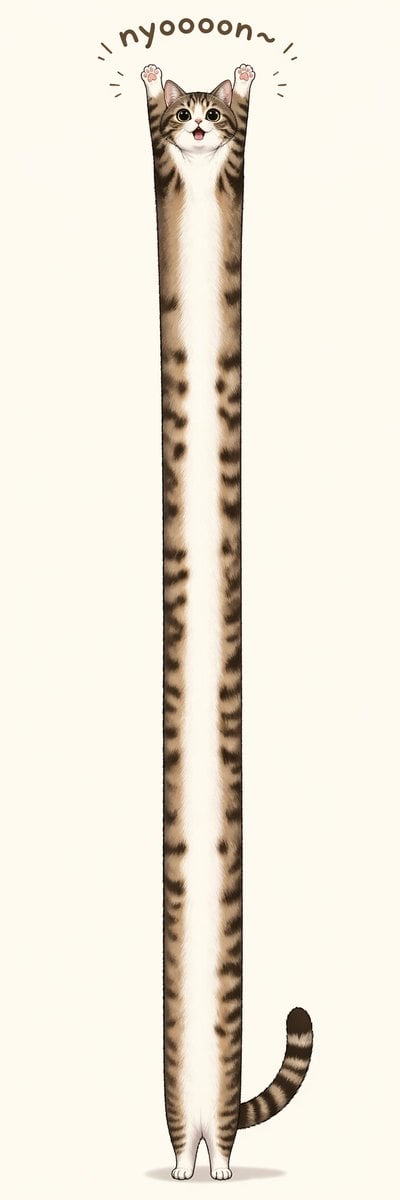
Long Stretching Tabby Cat
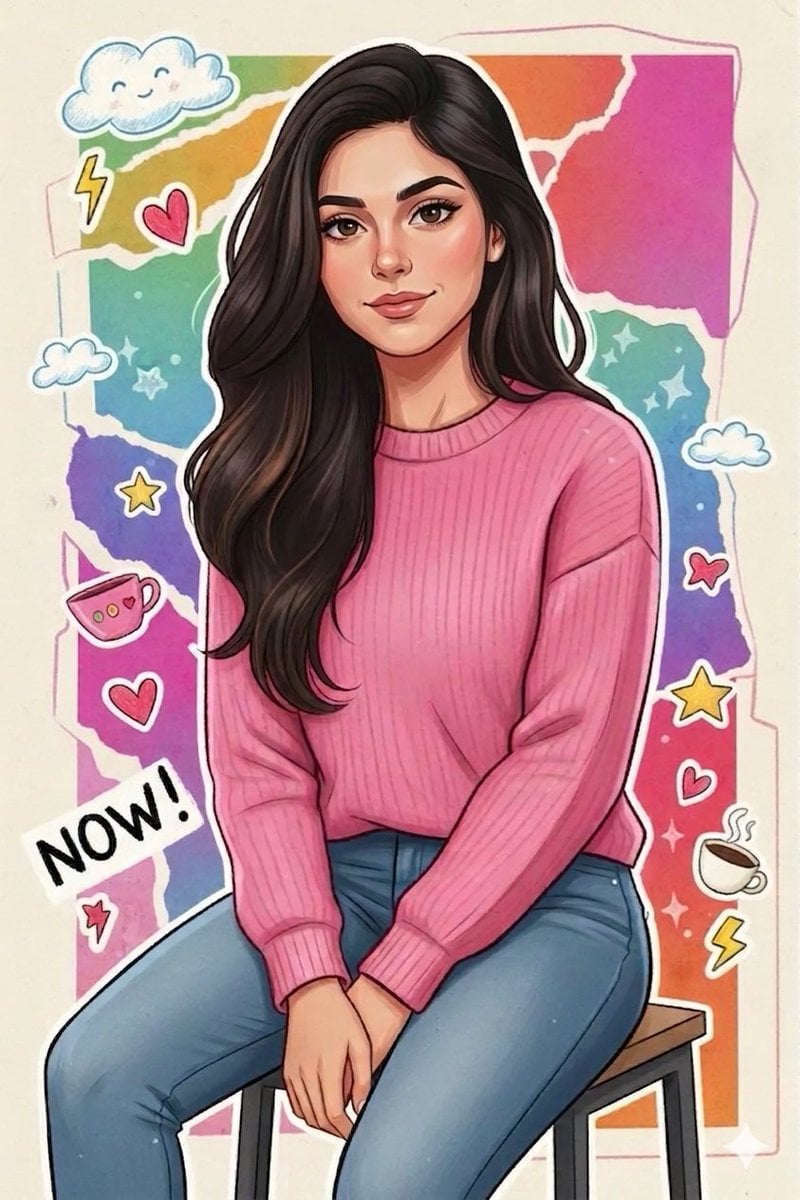
Sticker Art Style - Rainbow Girl

Sticker Art Style - Rainbow Girl v2
Sticker Art Style - Rainbow Girl
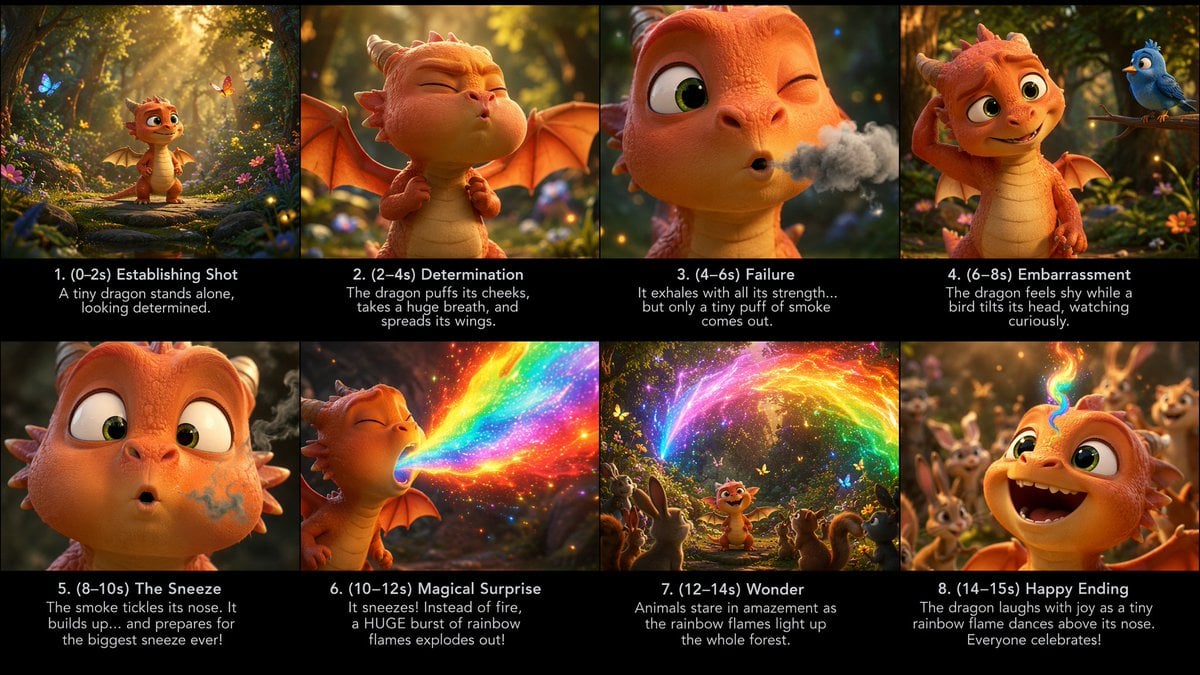
Tiny Dragon Rainbow Flame Storyboard
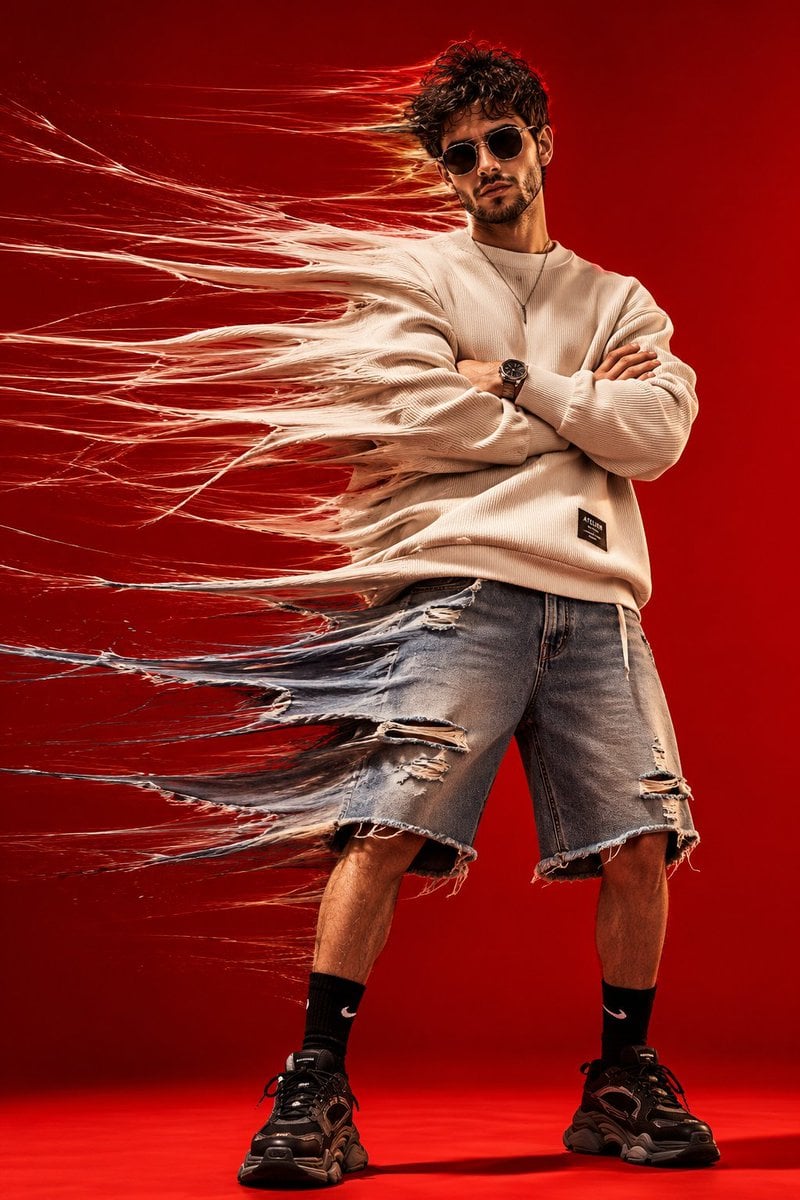
Conceptual Time-Stretch Fashion Photography
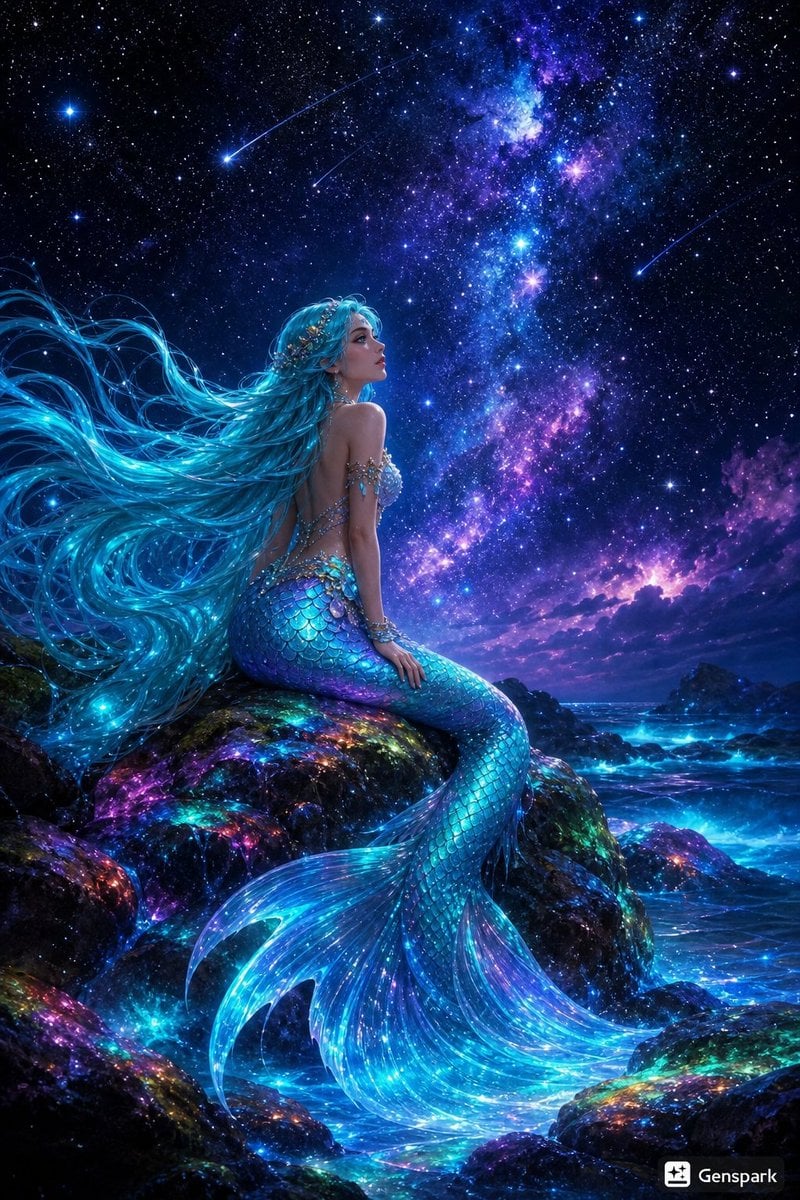
Starry Night Mermaid on Rainbow Reef
Make it yours
Rainbow Yawning Cat Stretch works as-is. These are the safest ways to change it without losing the look.
Change one field
Copy a single group, rewrite it, and generate again so you can see what that field is doing.
Keep the frame, change the subject
Hold the composition and light of Rainbow Yawning Cat Stretch, then swap wardrobe, props or the person for a new take.
| If the result… | Why | Fix |
|---|---|---|
| The result drifts from the preview | Too many fields changed at once. | Reuse Rainbow Yawning Cat Stretch as-is first, then change one group — subject, light, or setting. |
| The model over-stylizes the scene | The prose prompt leaves finish and camera underspecified. | Add one camera or lighting sentence and stay on GPT Image 2. |
More GPT Image 2 templates
Other prompts made for GPT Image 2.

Six VTuber Japanese Logo Sheet

Realistic Portrait of Woman and Deer

The Vista Modular Condo Poster

AI Model Routing Comparison Infographic

2.5D Anime Art Board

Isometric Productivity Desk Scene

New York Double Exposure Poster

Four-Panel AI Landscape Comparison

Japanese Tatami Lifestyle Magazine Cover

NESCAFÉ Coffee Map Poster
More image prompts
Fresh picks from across the catalog.
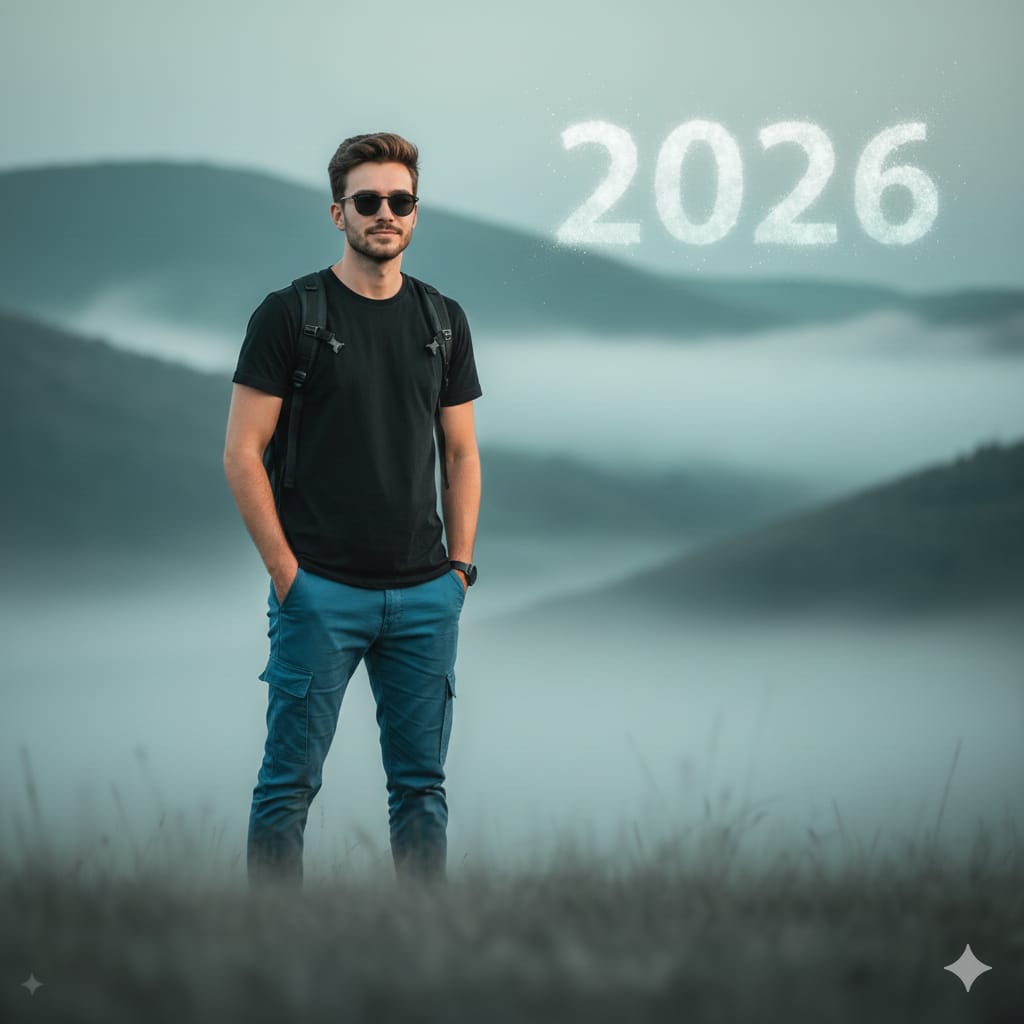
Cinematic Mountain Portrait with Floating Text

Fantasy GPT Image Skills Banner
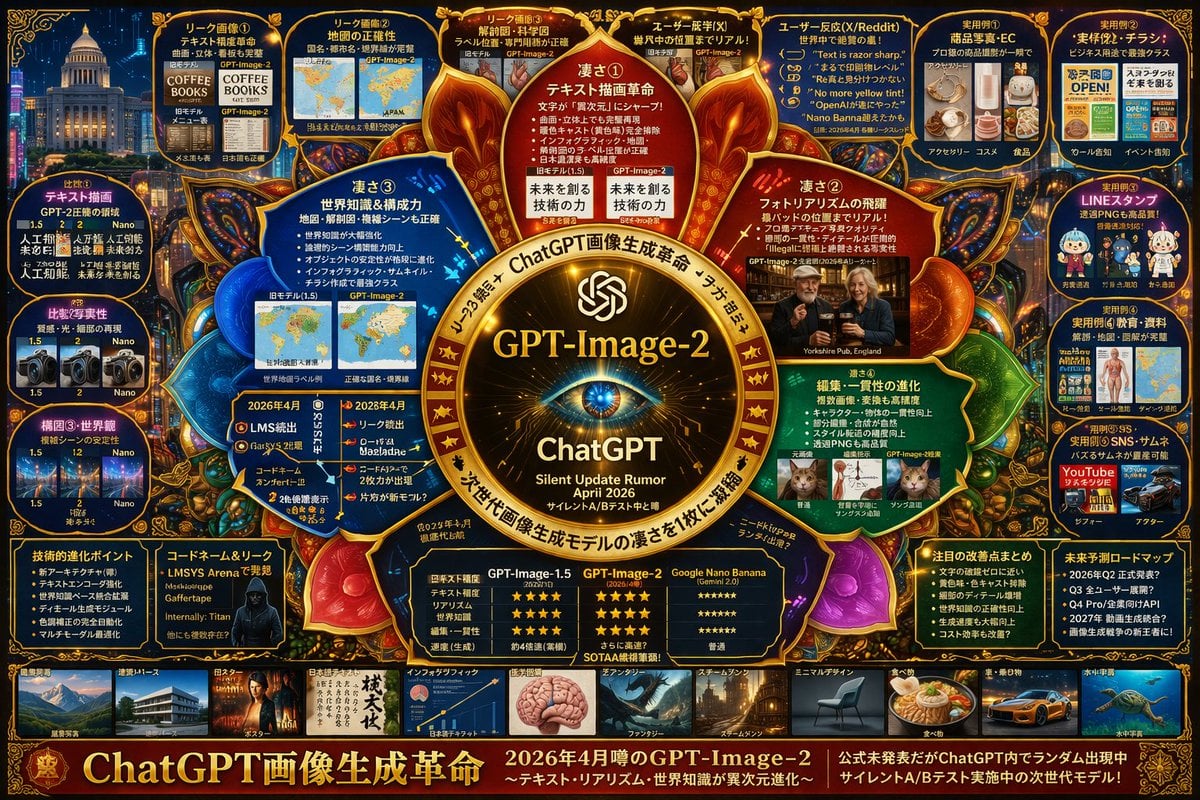
Futuristic AI Model Infographic Poster
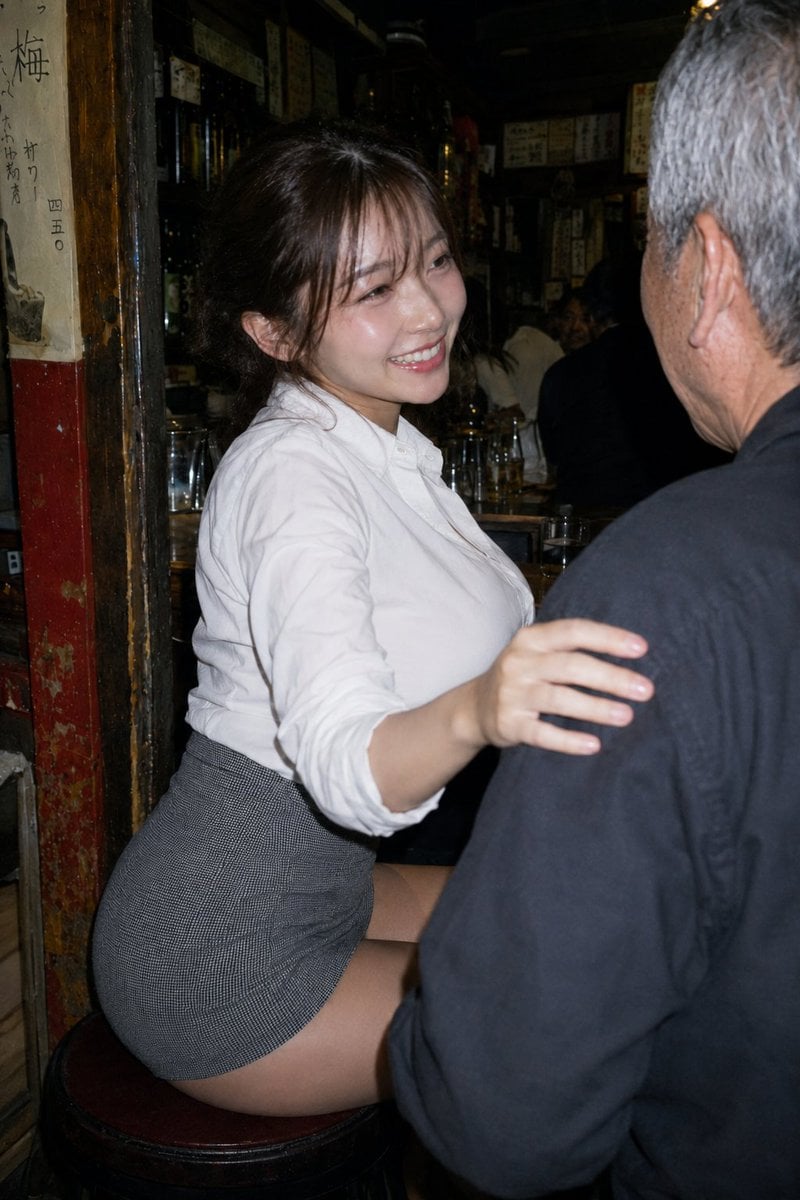
Izakaya Pose Variation
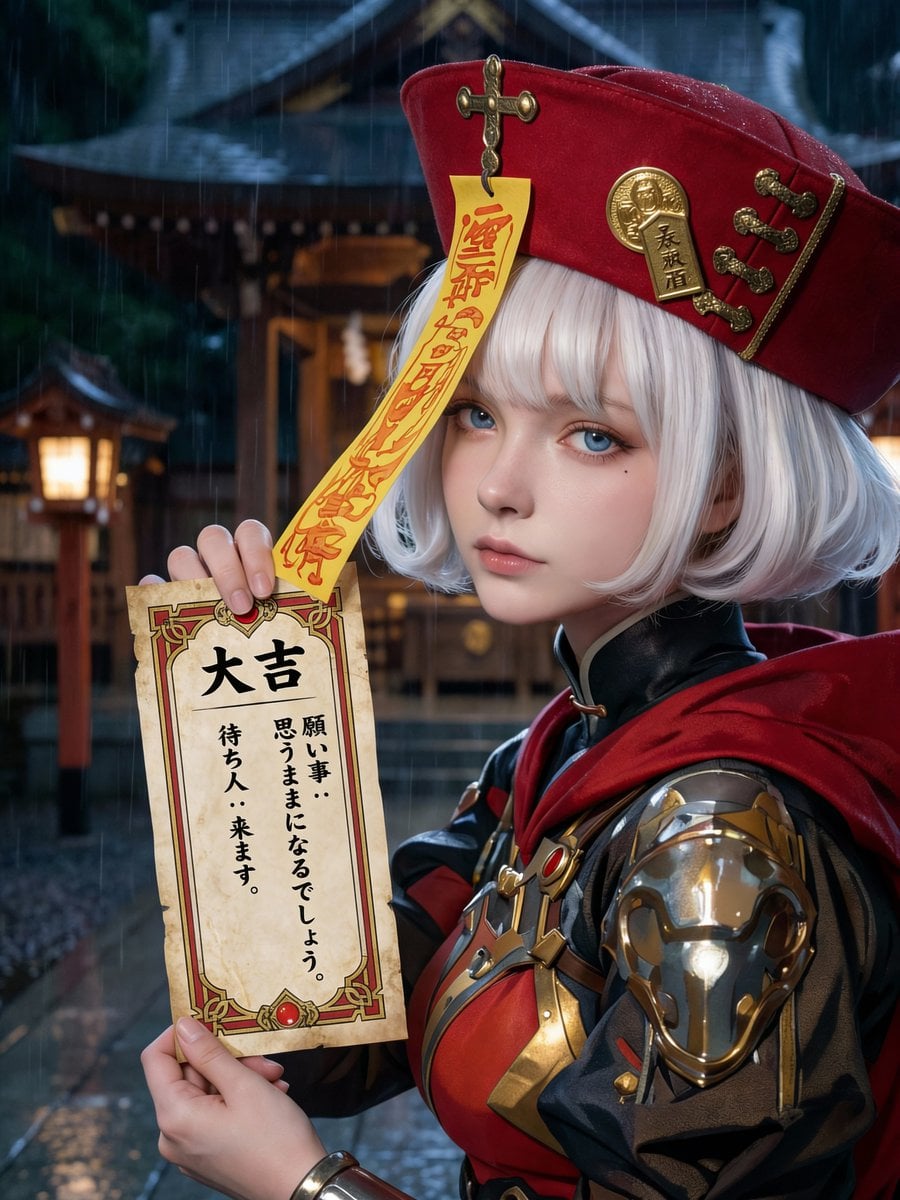
Photorealistic Omikuji (Fortune Slip) Design
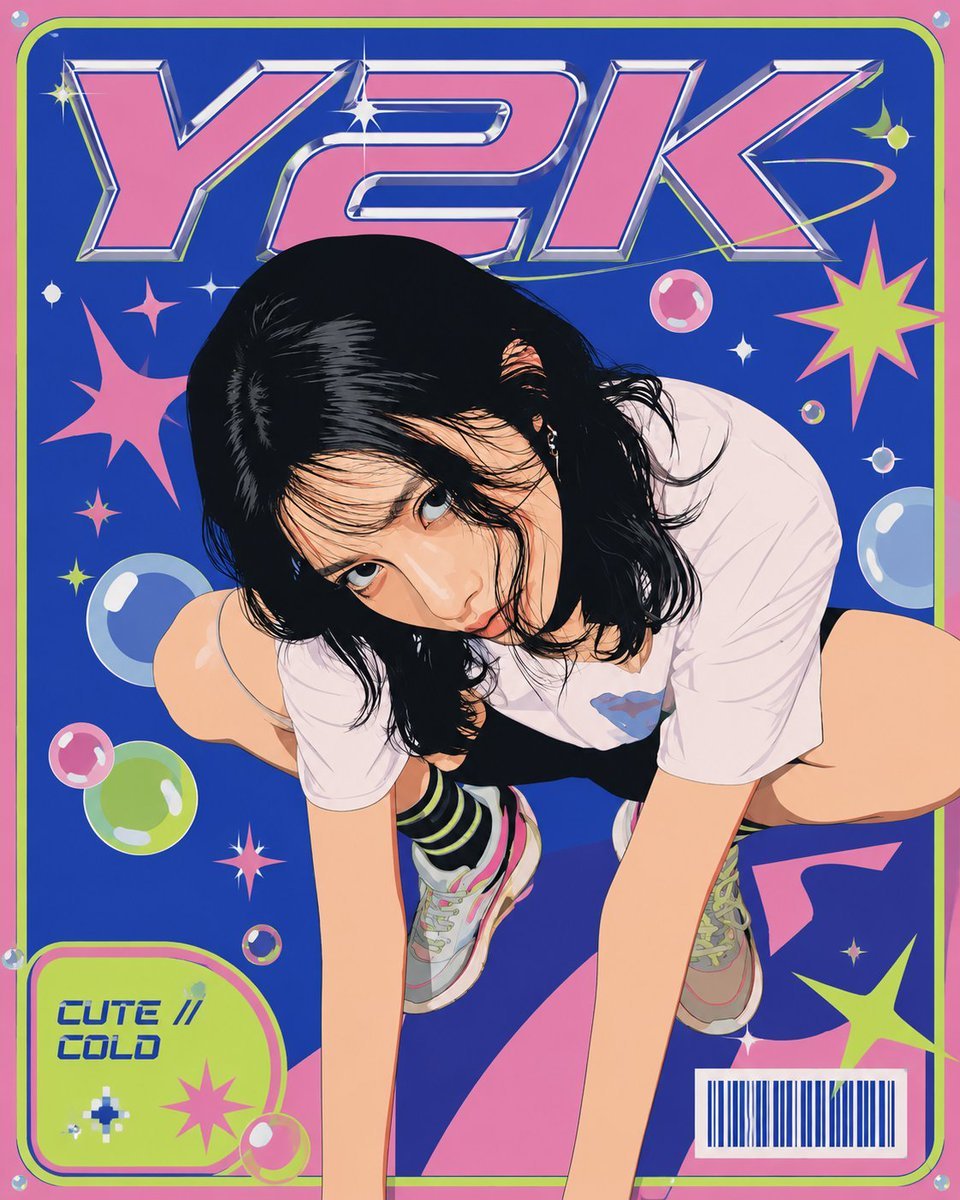
Y2K Vector Magazine Cover
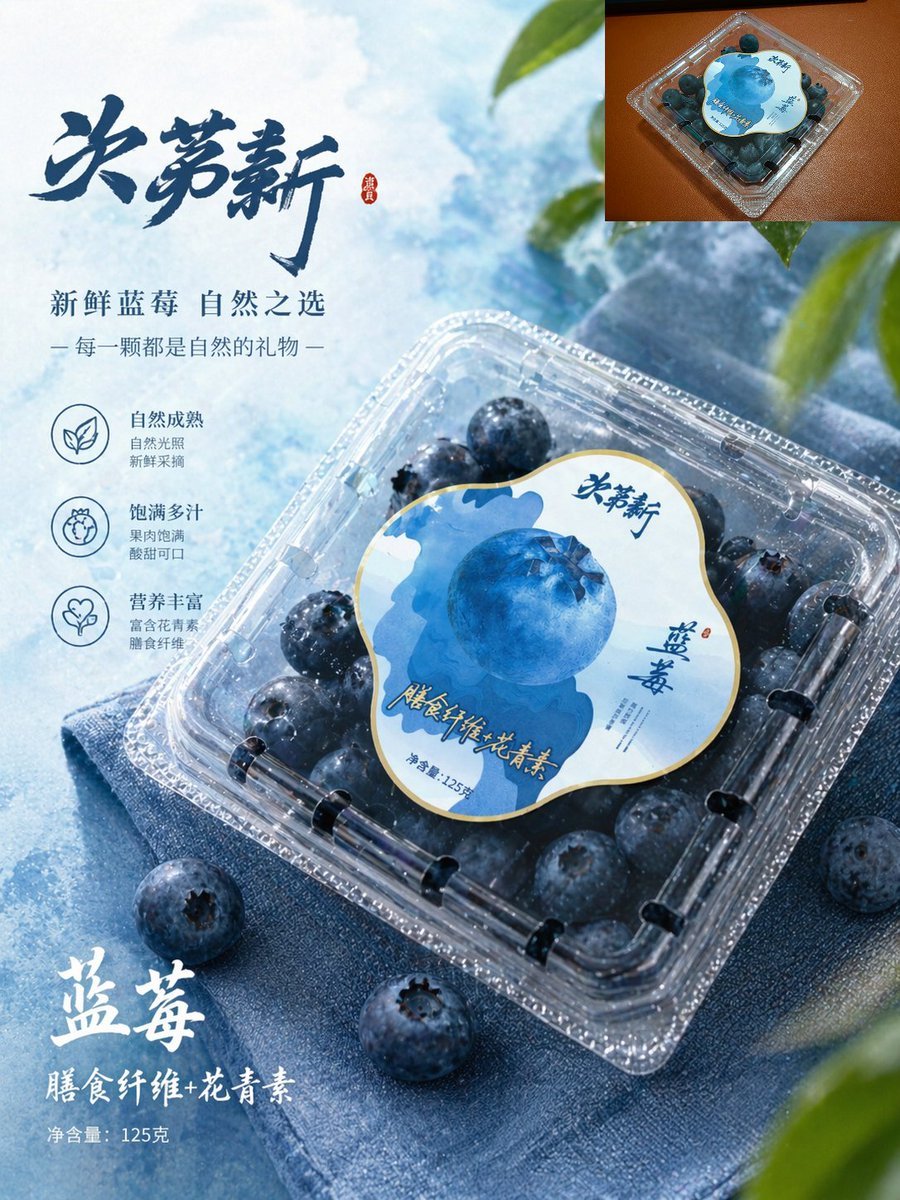
Premium Blueberry Product Poster
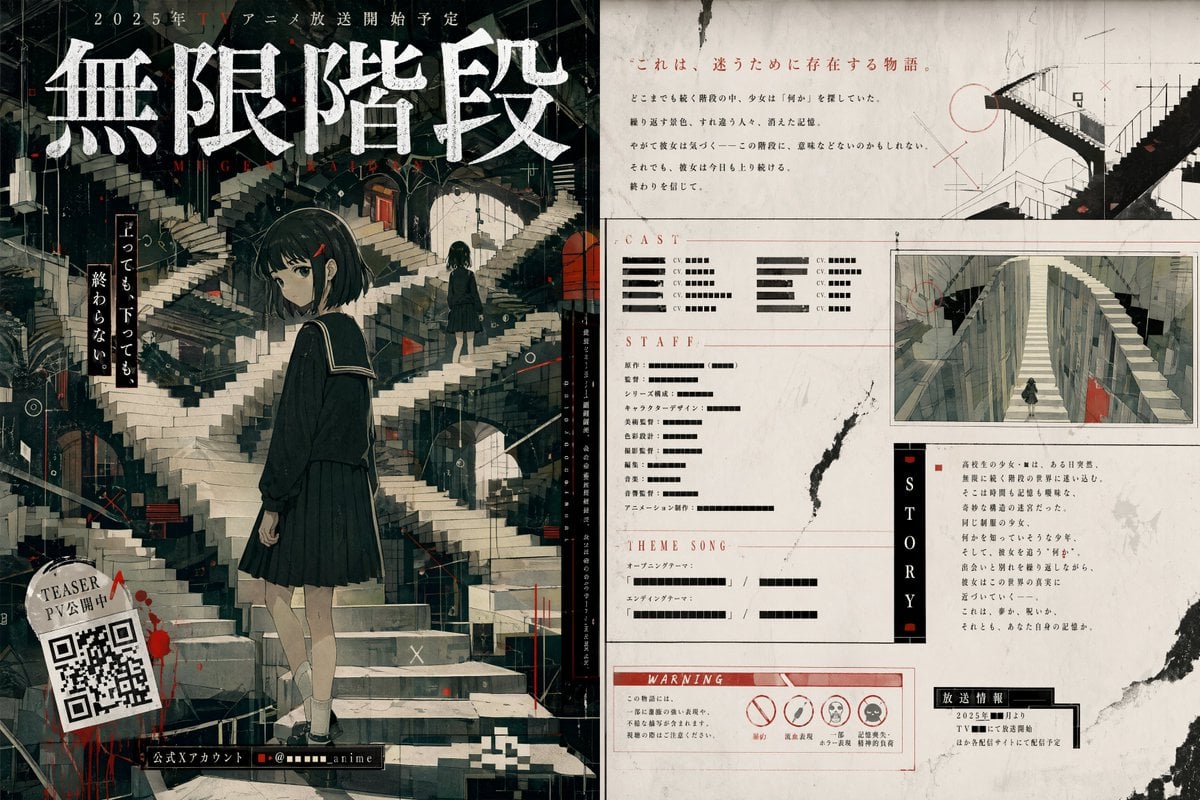
Surreal Infinite Staircase Anime Poster
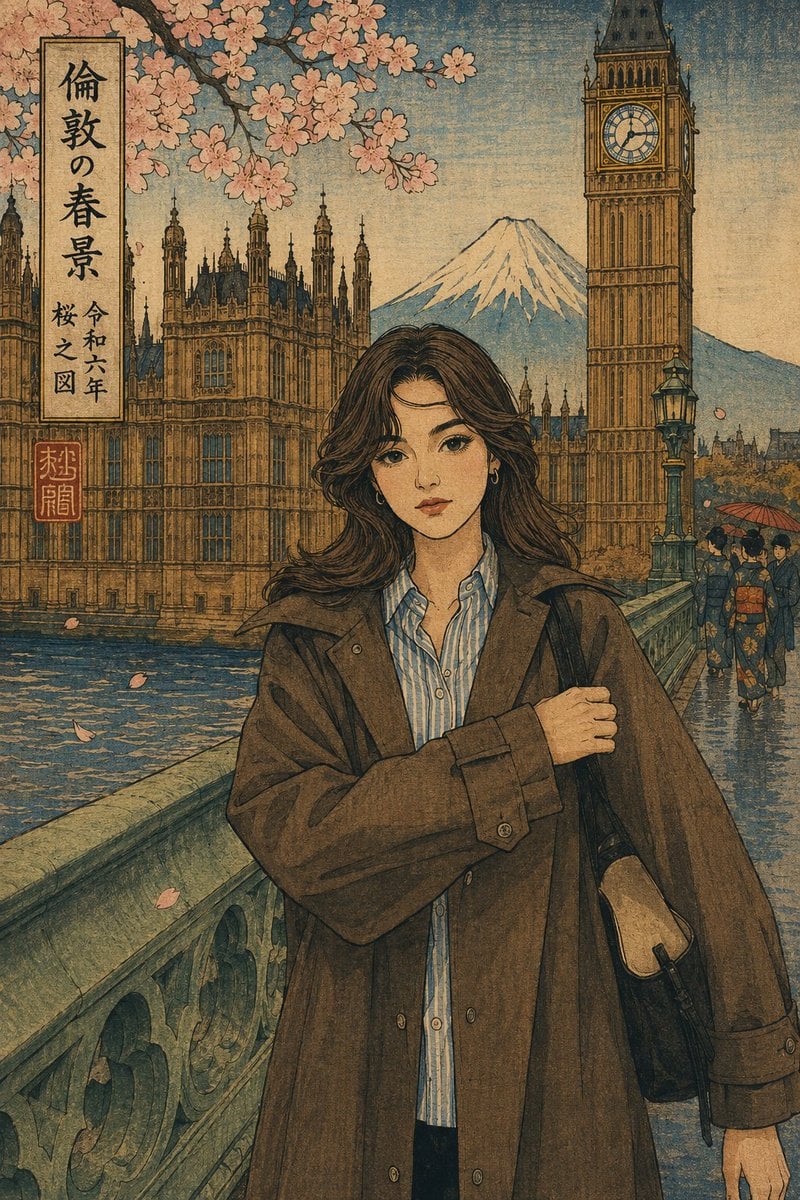
Ukiyo-e Portrait Transformation

2x2 Grid of Online School Banner Ads
Browse template categories
Rainbow Yawning Cat Stretch questions
How do I use the Rainbow Yawning Cat Stretch template?
Add your photo if the template asks for one, edit the prompt if you like — the template's model and format are already selected — and press Generate. Your version opens in PicX Studio.
Can I customize the Rainbow Yawning Cat Stretch template?
Yes. You can change the subject, setting, lighting, mood, format, and available model controls before creating your image.
Is the Rainbow Yawning Cat Stretch template free?
Opening and editing this template is free. Generating uses credits, shown on the Generate button when you are signed in.
Which AI model should I use?
Start with GPT Image 2, which is the model associated with this template. You can compare another compatible model for a different finish.
Looking for something else? Browse all templates.

Your photo, any look
Thousands of ready templates for every top image and video model, from one credit balance.