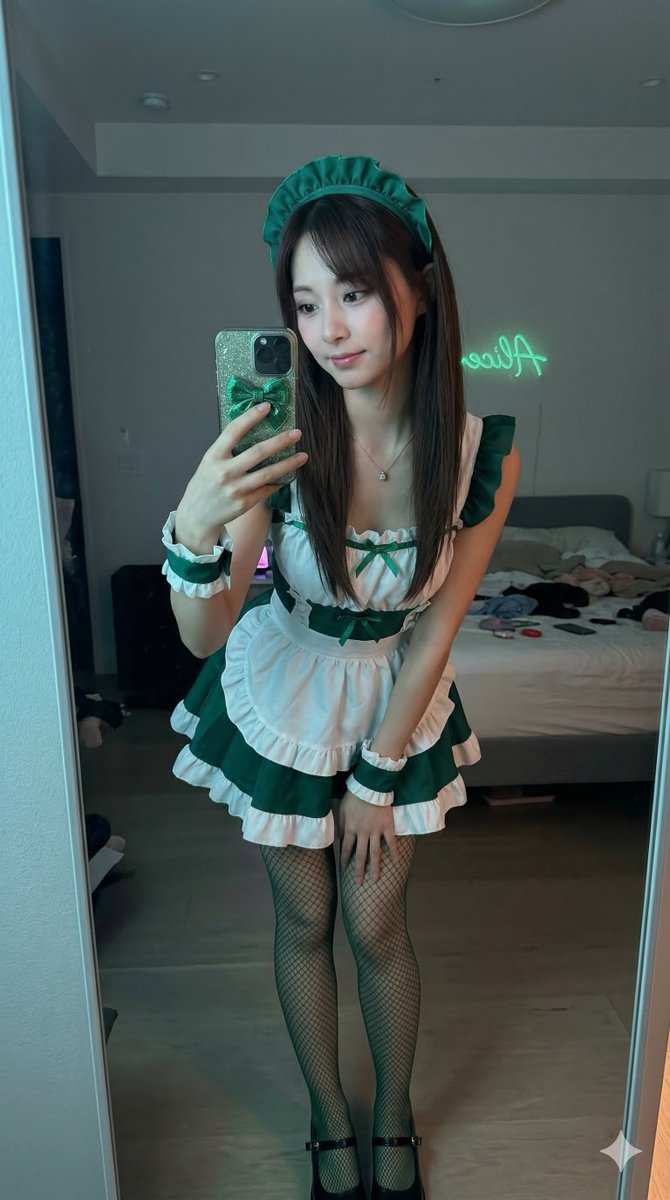
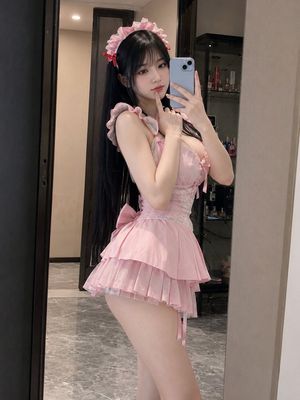
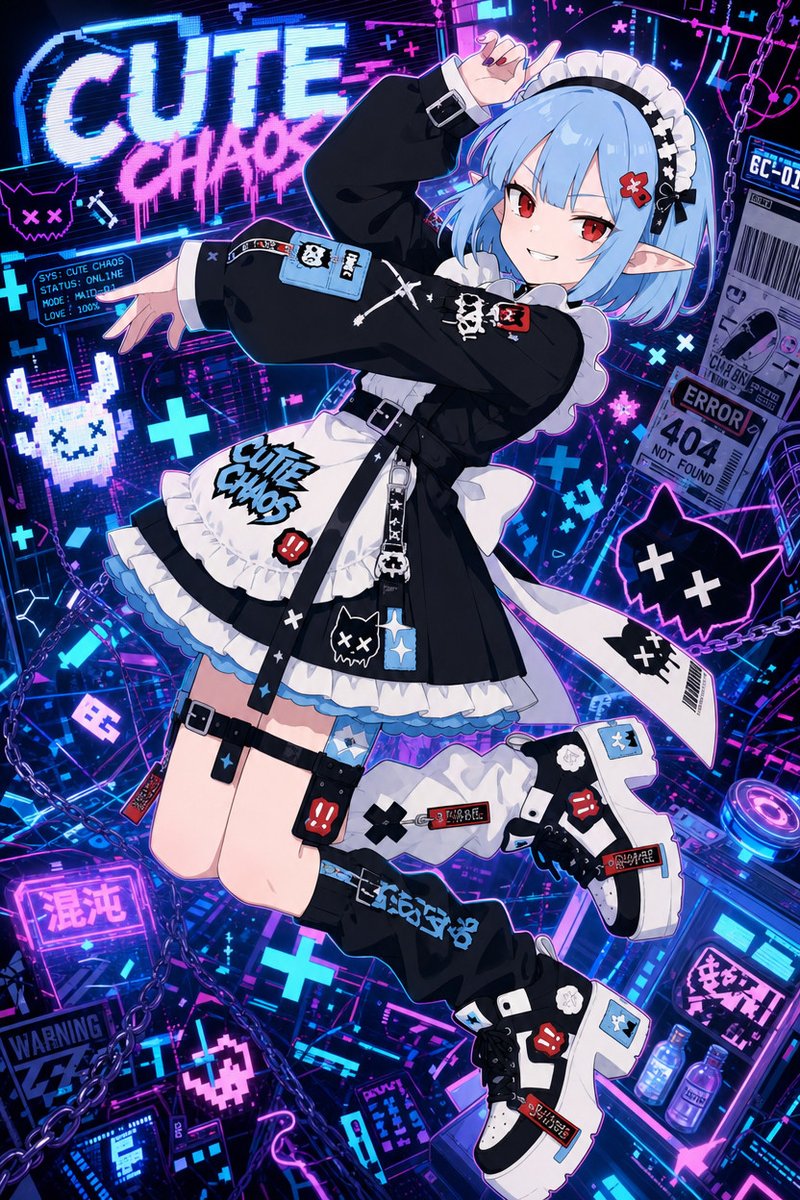
How do I use the Half-Elf Maid Serving Tea template?
Choose the primary action to open PicX Studio with the available template settings. Review the model and format, personalize the creative direction, and generate when ready.
A cinematic fantasy portrait prompt for creating a noble half-elf Victorian maid serving tea in an ornate aristocratic salon.
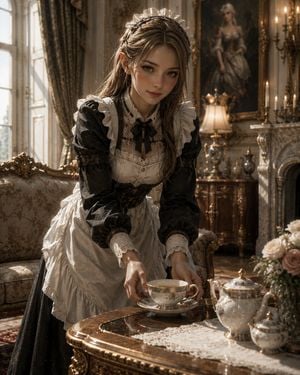
Create a highly detailed cinematic fantasy portrait of {argument name="character description" default="a young noble-house half-elf maid"} serving tea in an opulent aristocratic mansion salon. She has delicate pointed elf ears, fair skin, soft brown eyes, long light-brown hair partly braided and loose, and a calm gentle expression while leaning forward toward the viewer. Dress her in an elaborate Victorian maid outfit: black long-sleeved dress with subtle ornate fabric texture, white ruffled apron, lace-trimmed bodice, lace cuffs, frilled shoulder straps, black ribbon bow at the collar, and a white lace maid headdress. She is carefully placing a porcelain teacup and saucer on a polished carved wooden tea table. Include exactly 3 visible tea service pieces on the table: one teacup with saucer in her hands, one ornate porcelain teapot, and one small matching sugar pot or creamer. Add a white lace table runner and a bouquet of pale roses at the right edge. The setting is a luxurious European noble parlor with antique carved sofa on the left, tall sunlit windows with heavy patterned drapes, gilded furniture, marble fireplace on the right, candle sconces, a warm table lamp, and a large framed portrait painting in the background. Use warm late-afternoon window light, soft golden highlights, shallow depth of field, realistic skin and fabric textures, elegant fantasy atmosphere, ultra-detailed painterly photorealism, vertical 4:5 composition, eye-level intimate framing, no text, no watermark.
Choose the primary action to open PicX Studio with the available template settings. Review the model and format, personalize the creative direction, and generate when ready.
Yes. You can change the subject, setting, lighting, mood, format, and available model controls before creating your image.
This template is free to open and customize. Generation usage is shown in PicX Studio before you create.
Start with GPT Image 2, which is the model associated with this template. You can compare another compatible model for a different finish.
Follow a topic to a crawlable collection of related PicX Studio templates.