
Candid Black and White Bedroom Portrait
Creates an atmospheric black and white portrait of a woman in a dim bedroom, focusing on natural textures, lighting, and emotional depth.
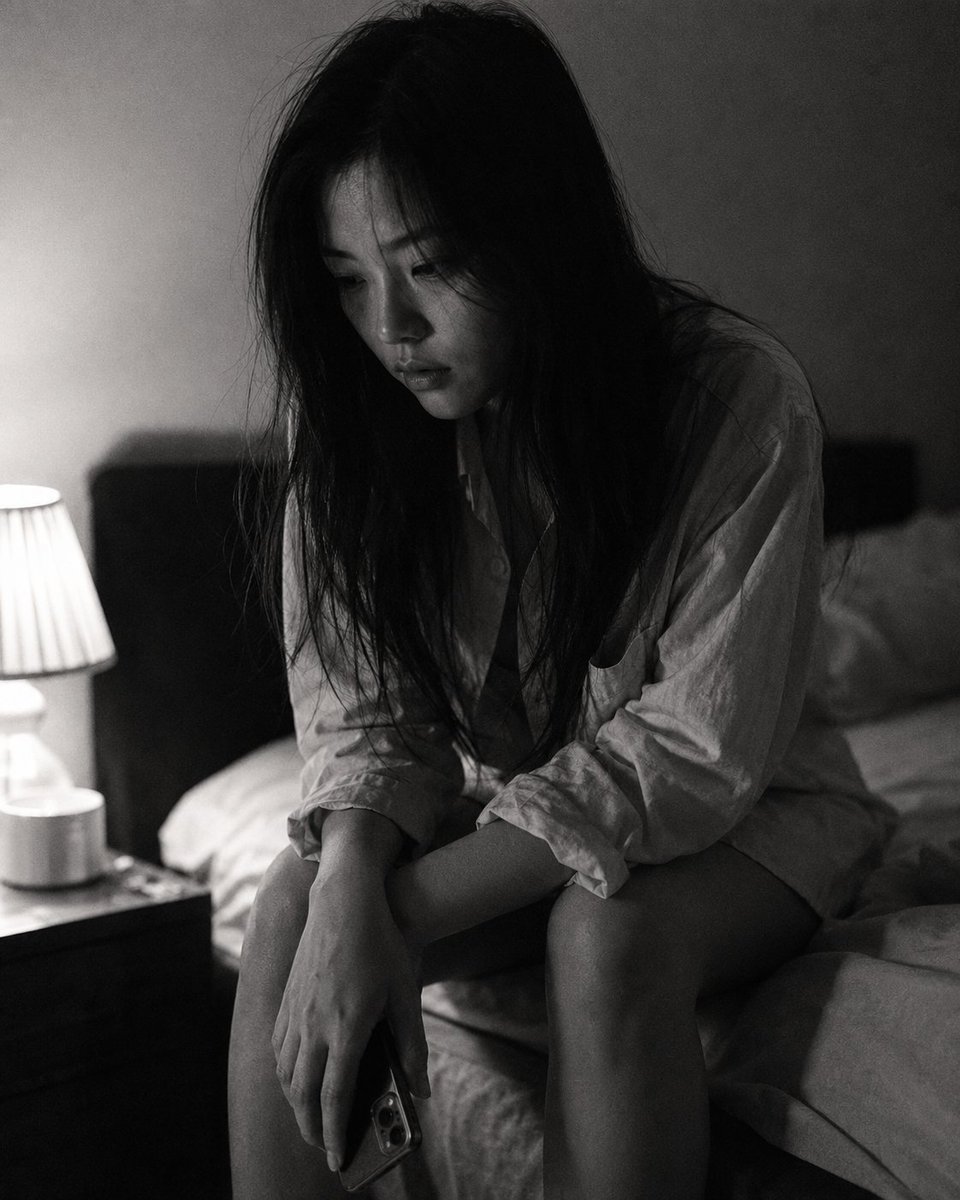
- Prompt included
- Model and format preset
- Free template
The prompt behind this image
Copy the exact prompt behind Candid Black and White Bedroom Portrait, or open it in the studio and make it yours.
Close-up portrait, 85mm f/1.4, a {argument name="subject description" default="young East Asian woman in her early 20s"} sits at the edge of her bed in a dim bedroom, hunched slightly forward, elbows on knees, face tilted down in thought, authentic daily life photography, natural candid moment. Almond-shaped eyes with downcast gaze aimed at the floor, expression contained and held — not crying, not calm, somewhere in the held-breath space between. Strong jaw slightly tensed. Straight black hair falls forward around her face, curtaining partially. Skin with natural texture, visible fine lines around eyes from tiredness, subsurface scattering under low side lamp light. She wears an {argument name="clothing" default="oversized men's cotton shirt"}, buttons partially done, hem long over thighs. Phone held loosely in one hand beside her knee, not being looked at. Several stray hairs fall forward with gravity, not arranged. Black and white rendering. Low key: single bedside lamp as only light source, positioned low and to one side, casting half her face in deep shadow with soft falloff — shadow side retains detail and tonal gradation, not crushed to black. Mid-tones preserved in shirt fabric and bedding texture. Grain structure visible and tactile, ISO 800 film grain, photographic texture not CG render smoothness. Aspect ratio 4:5. No watermark, no text overlay, not cartoon, not digitally painted, not illustration, not anime.
How to use Candid Black and White Bedroom Portrait in 3 steps
- 1
Open
The prompt is already in the box next to the preview, with the template's model and format selected.
- 2…a portrait of your subject in softgolden-hour light, 85mm…
Personalize
Edit the subject and creative details for your destination.
- 3Generate
Generate
Press Generate — your image is created in PicX Studio, so you can compare it with the original and refine one variable at a time.
More like this
Templates with the same subject, style or setup. Open one to see its prompt.
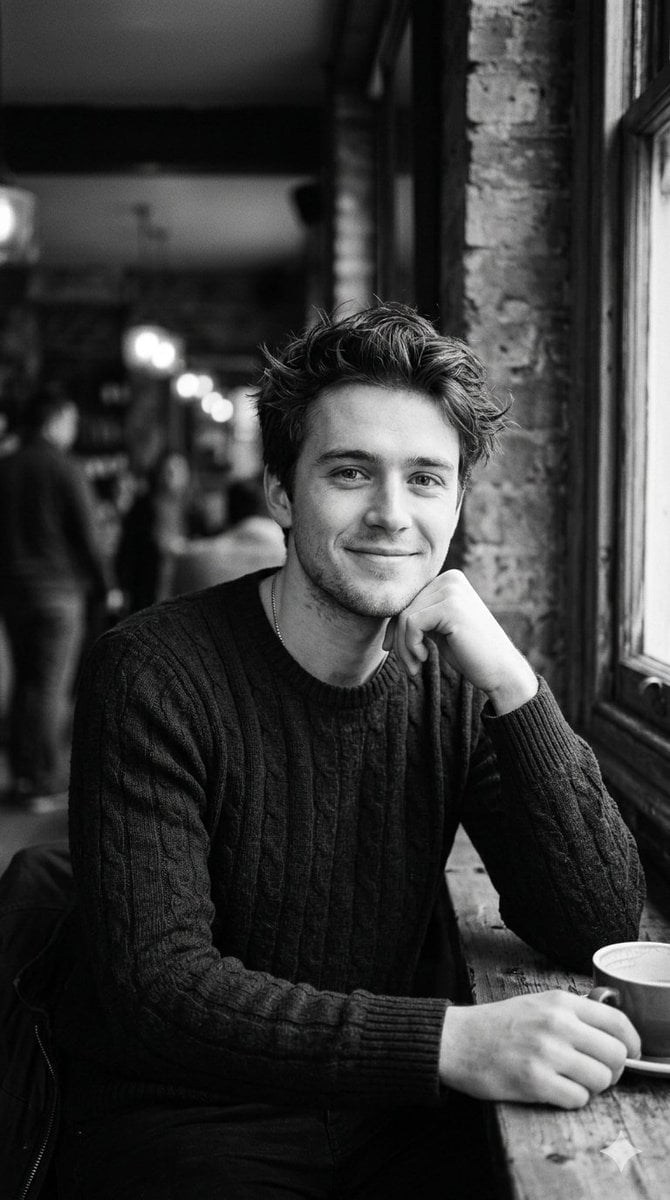
Black and White Cafe Portrait
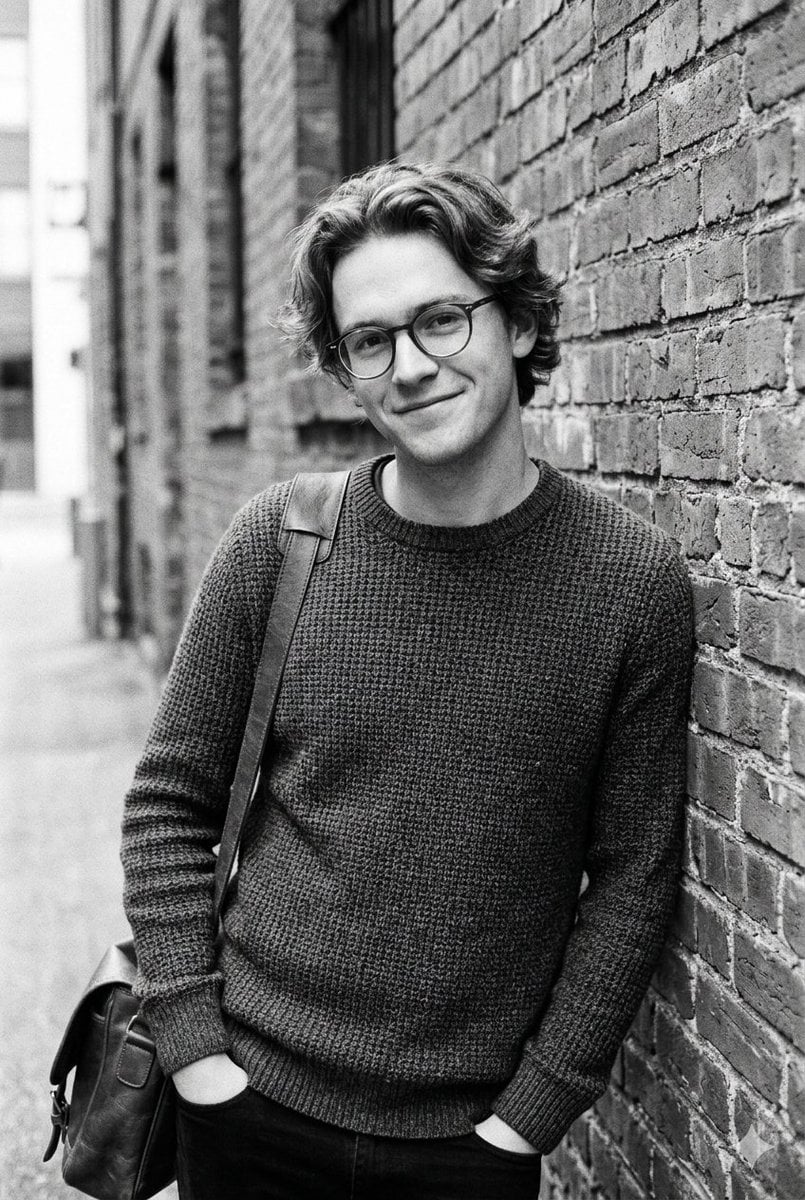
Black and White Urban Male Portrait
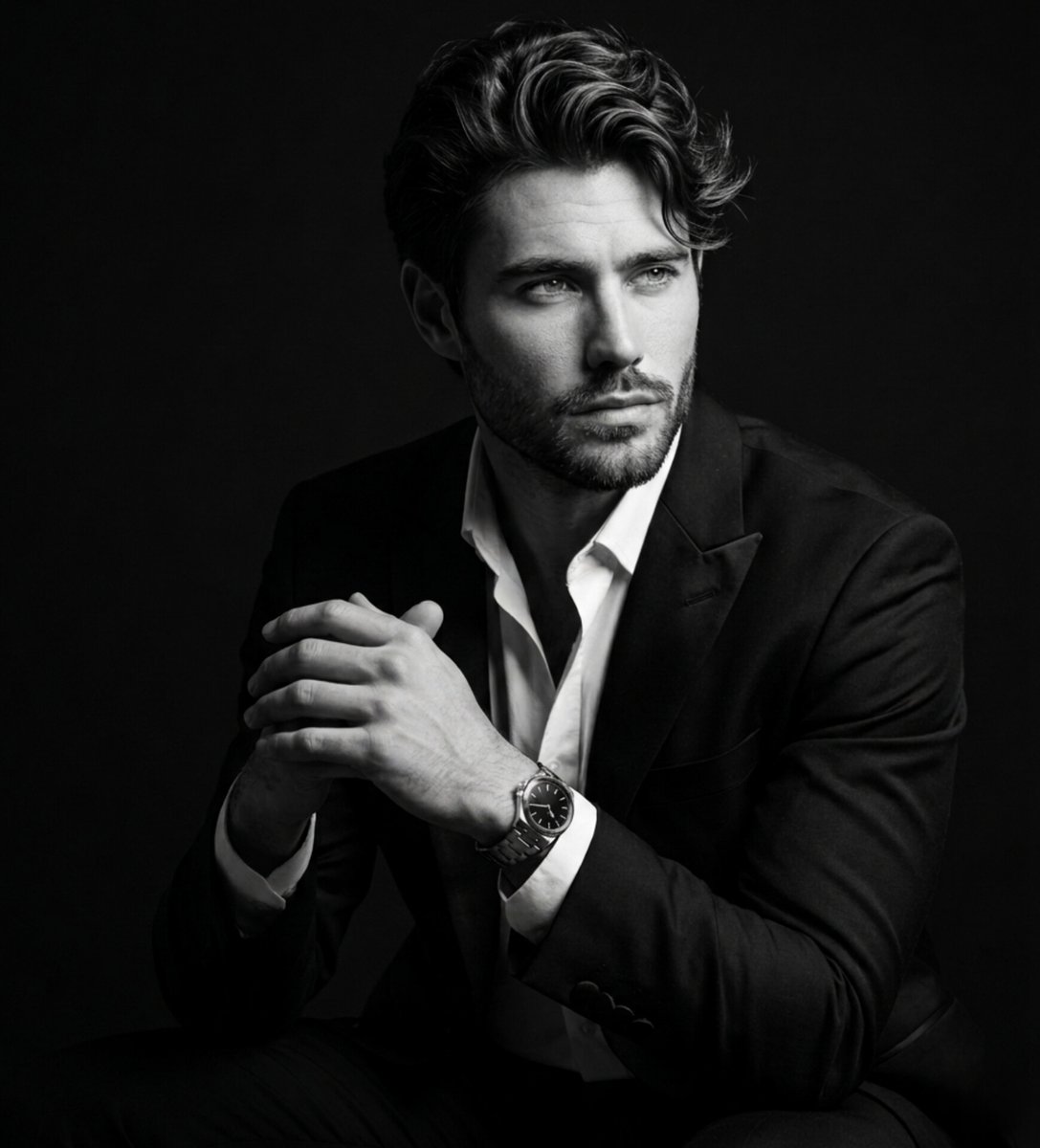
Fine Art Black and White Portrait
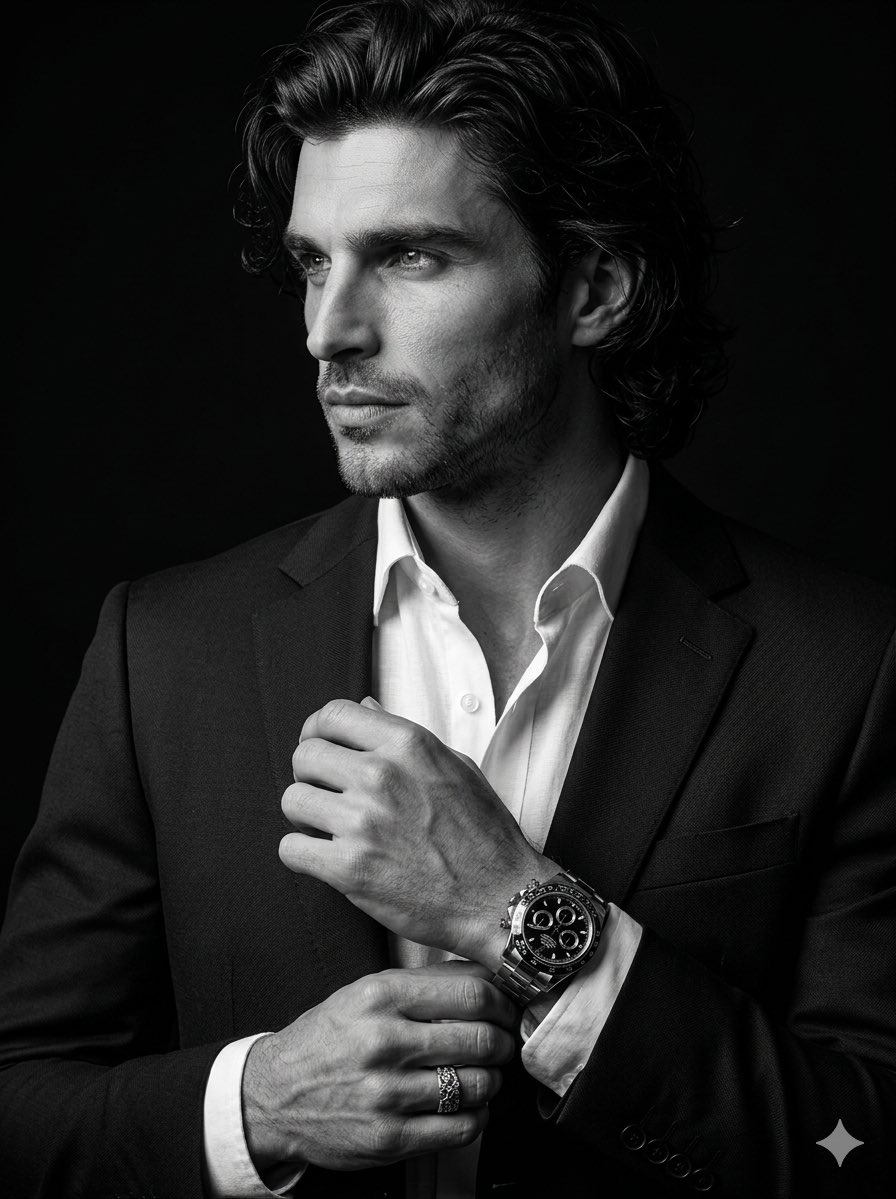
Cinematic Black-and-White Suit Portrait
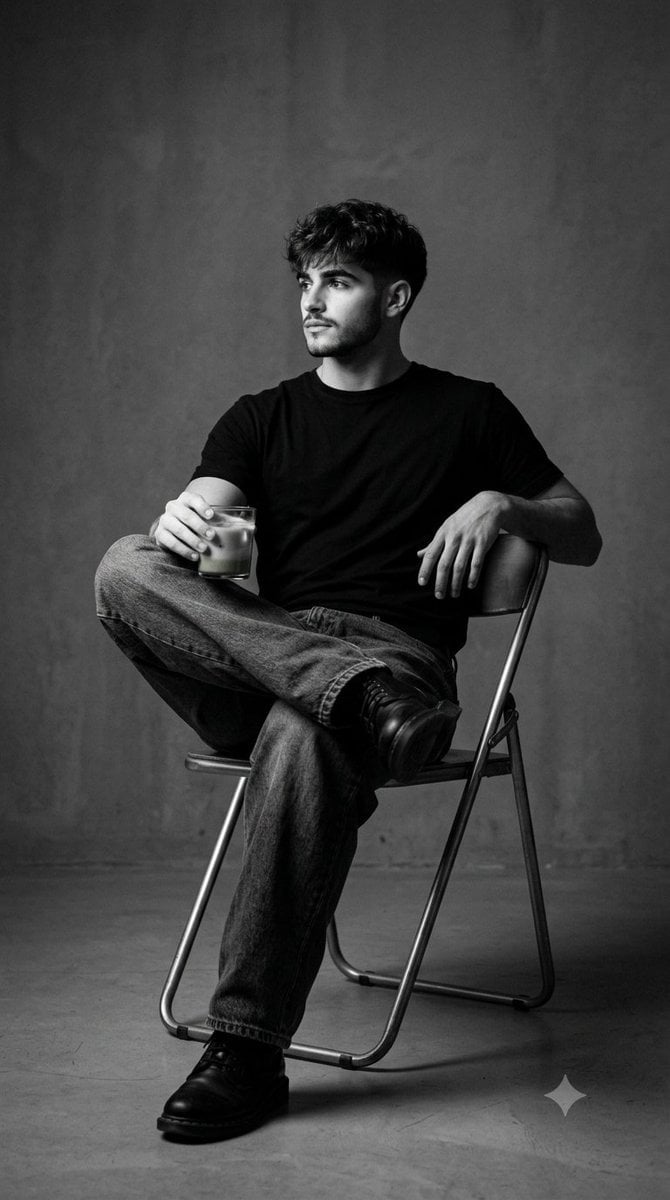
Black and White Studio Portrait
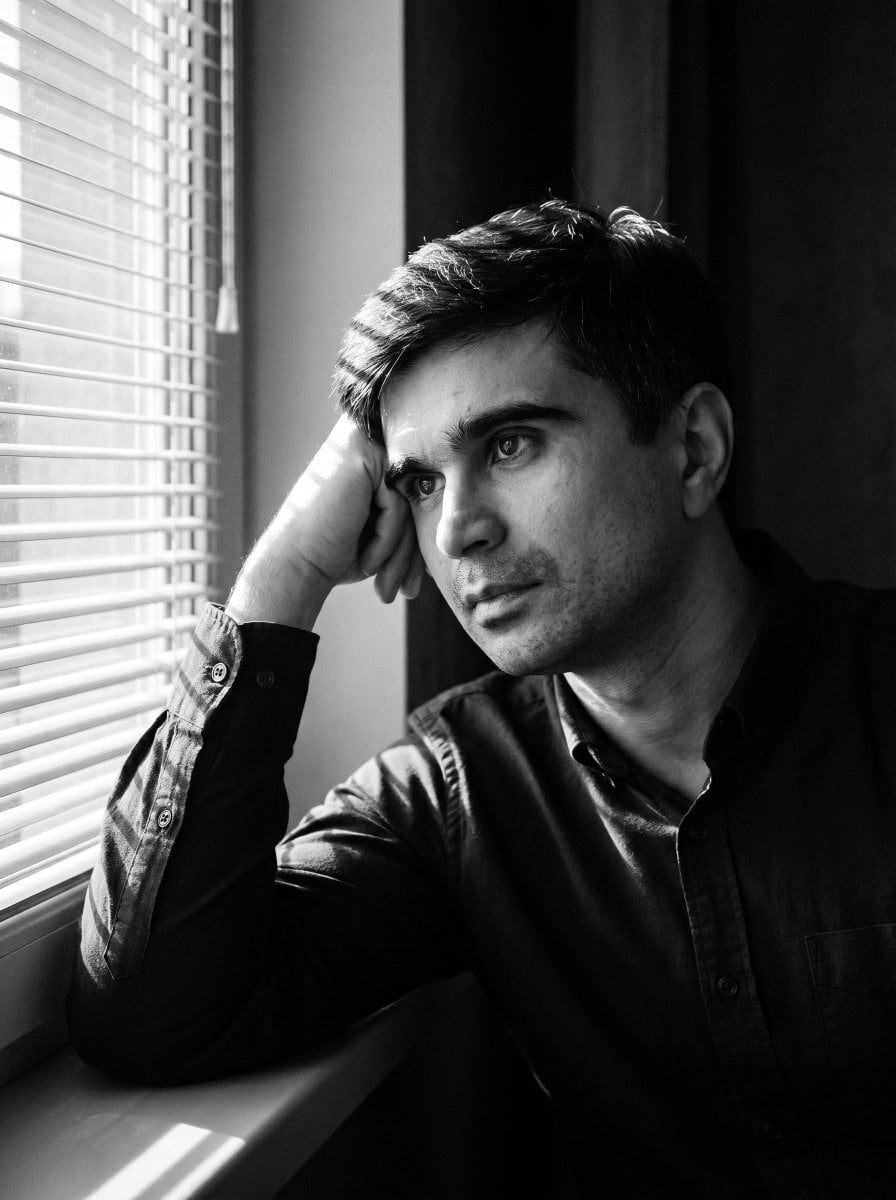
Moody Black and White Portrait
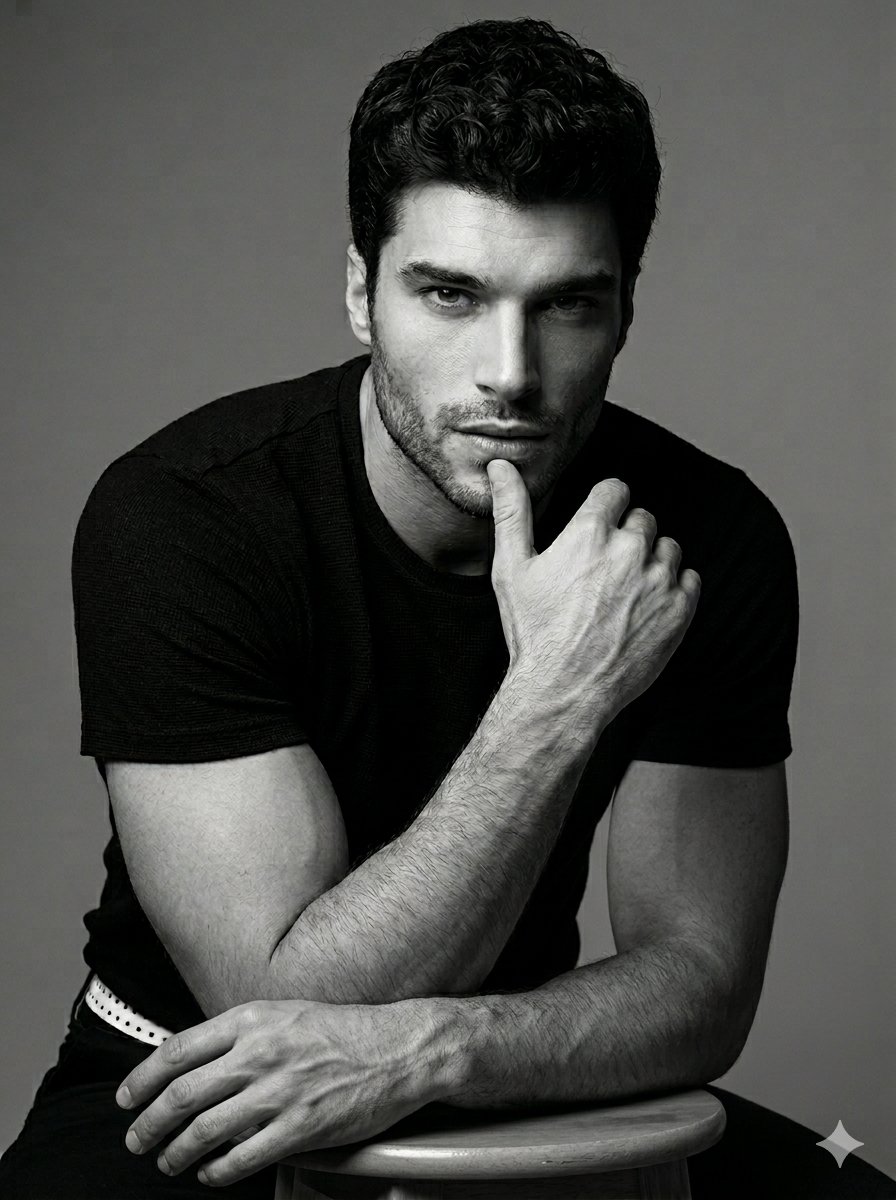
Black and White Male Studio Portrait
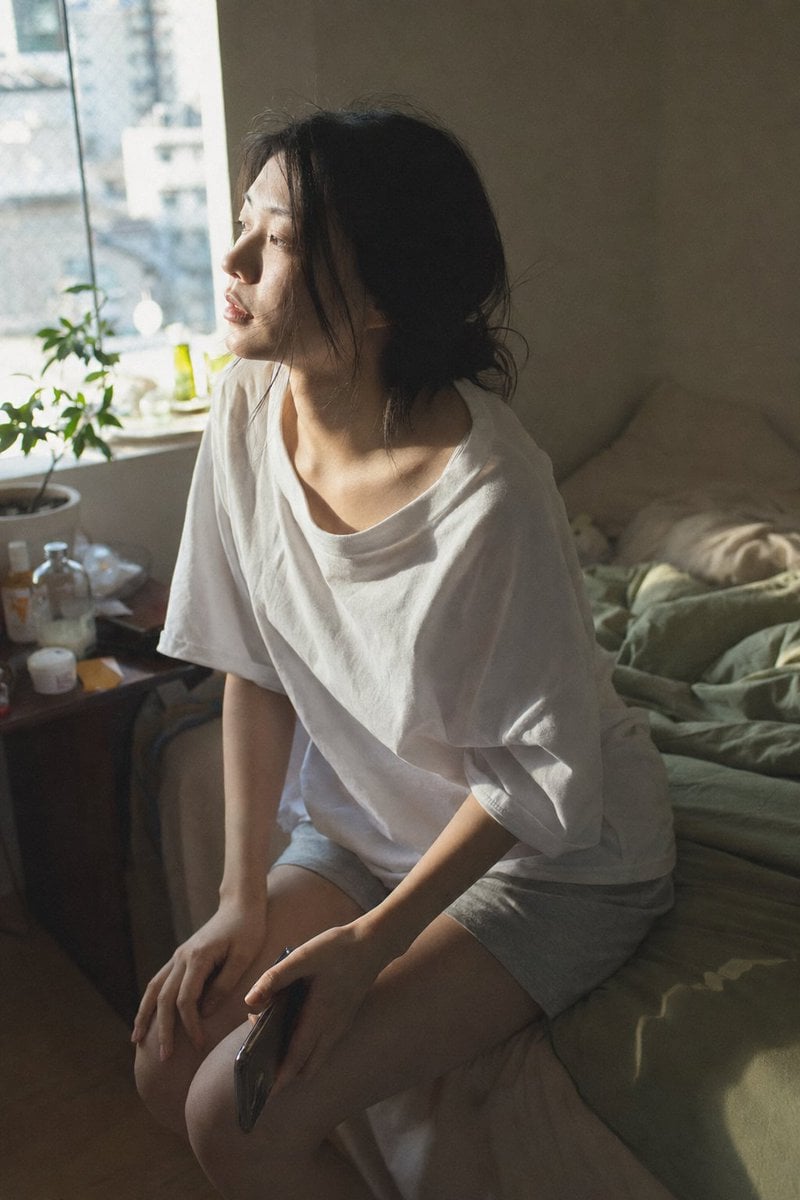
Candid Morning Bedroom Portrait
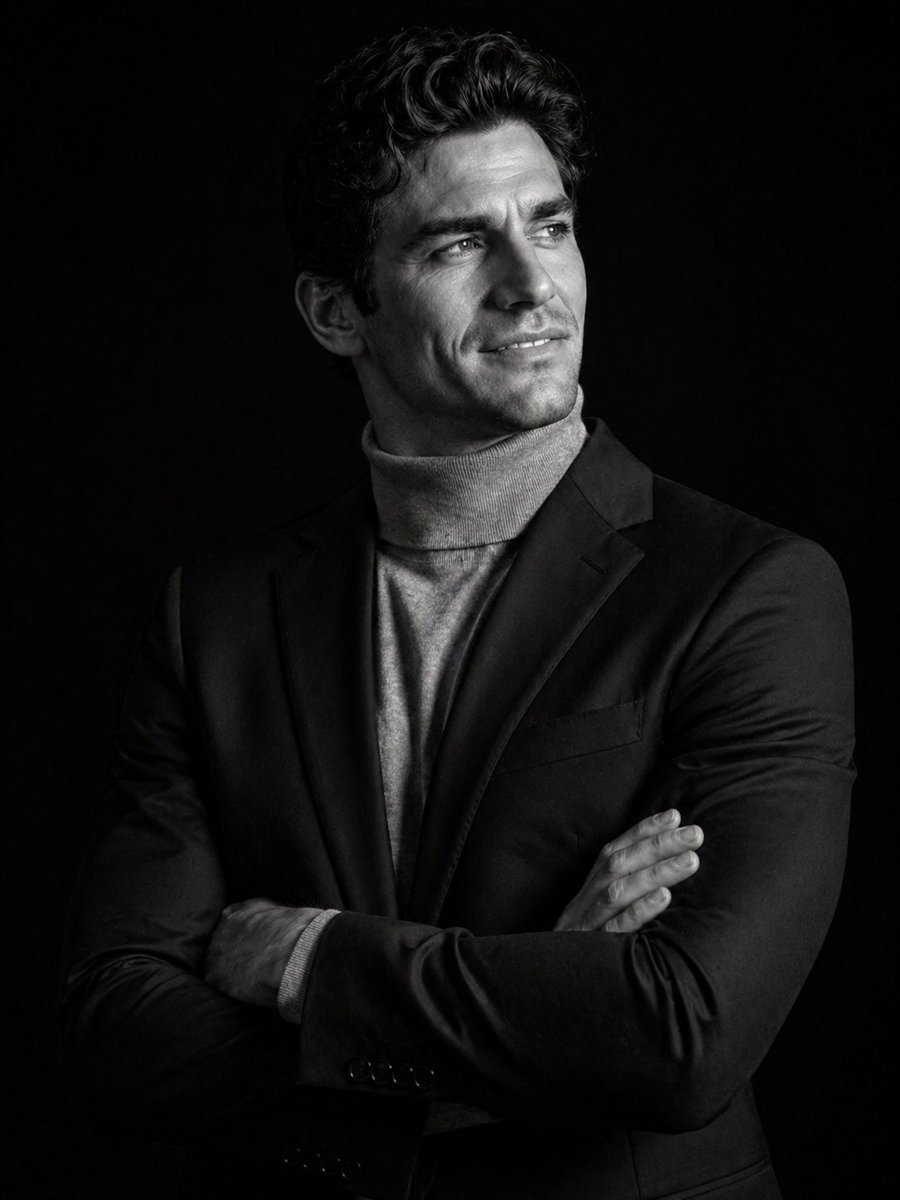
Cinematic Black and White Studio Portrait
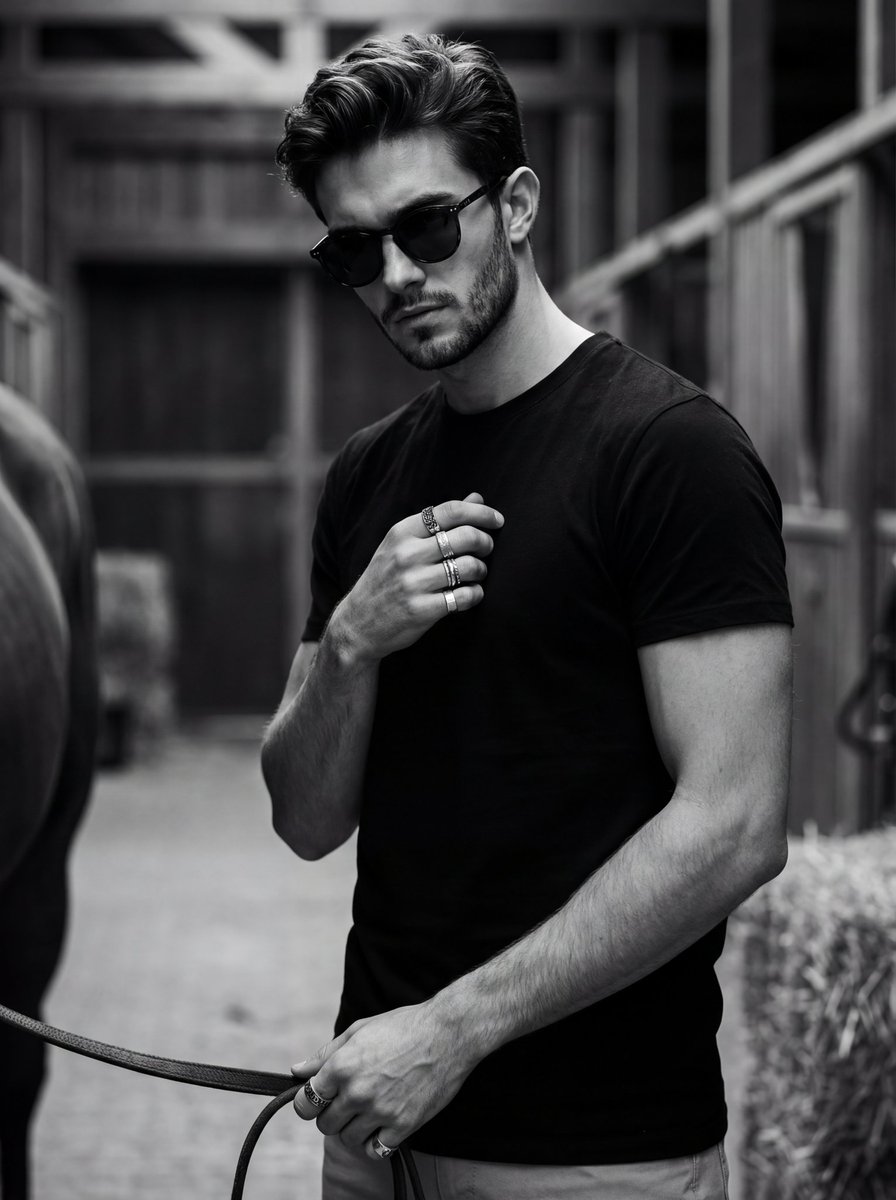
Ultra-Realistic Black and White Portrait with Identity Lock
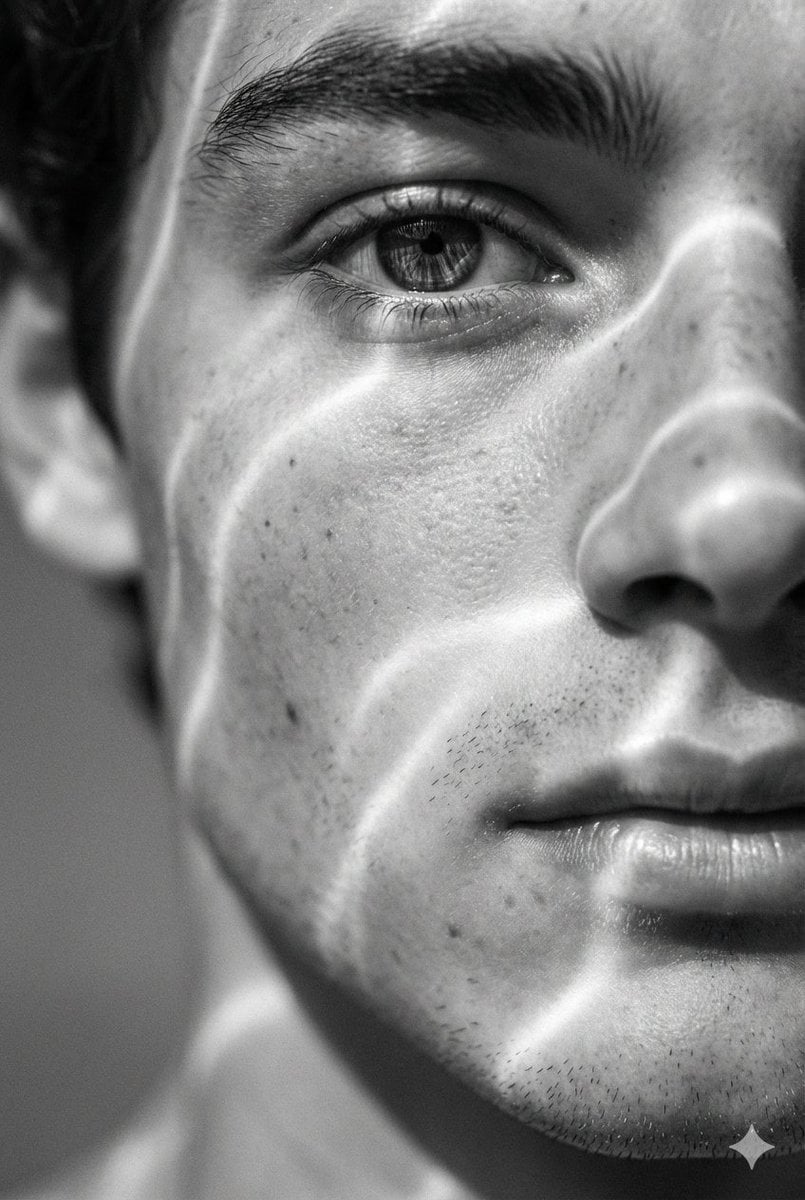
Surreal Black and White Close-Up Portrait with Luminous Lines
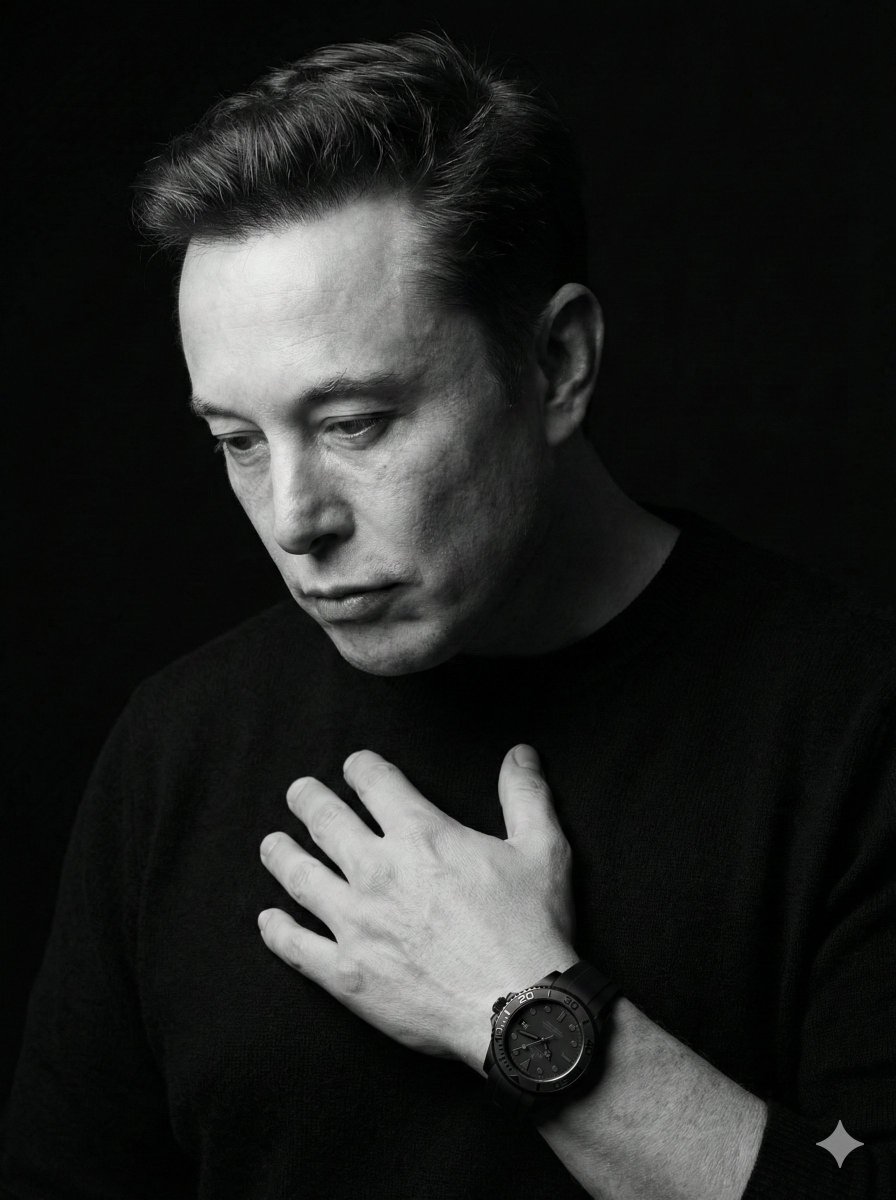
Dramatic Black & White Portrait
Make it yours
Candid Black and White Bedroom Portrait works as-is. These are the safest ways to change it without losing the look.
Change one field
Copy a single group, rewrite it, and generate again so you can see what that field is doing.
Keep the frame, change the subject
Hold the composition and light of Candid Black and White Bedroom Portrait, then swap wardrobe, props or the person for a new take.
| If the result… | Why | Fix |
|---|---|---|
| The result drifts from the preview | Too many fields changed at once. | Reuse Candid Black and White Bedroom Portrait as-is first, then change one group — subject, light, or setting. |
| The model over-stylizes the scene | The prose prompt leaves finish and camera underspecified. | Add one camera or lighting sentence and stay on GPT Image 2. |
More GPT Image 2 templates
Other prompts made for GPT Image 2.

Six VTuber Japanese Logo Sheet

Realistic Portrait of Woman and Deer

The Vista Modular Condo Poster

AI Model Routing Comparison Infographic

2.5D Anime Art Board

Isometric Productivity Desk Scene

New York Double Exposure Poster

Four-Panel AI Landscape Comparison

Japanese Tatami Lifestyle Magazine Cover

NESCAFÉ Coffee Map Poster
More image prompts
Fresh picks from across the catalog.
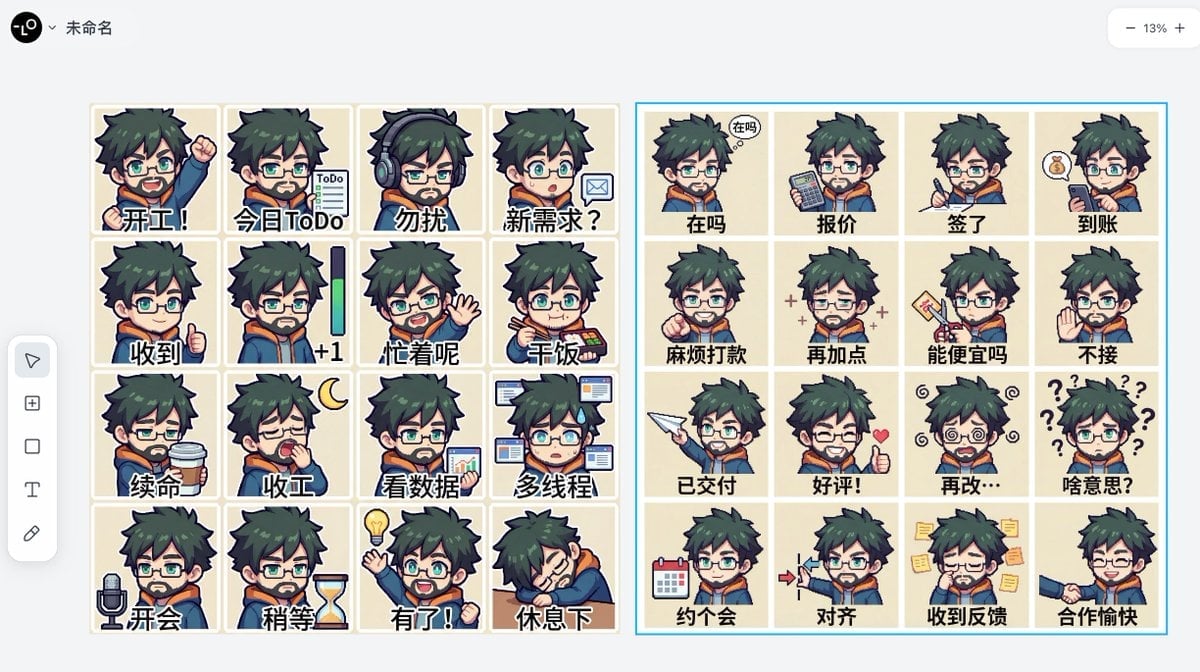
Panel Emoji Pack Generation Prompt

Cartoon Tiki Statue Prompt for Nano Banana 2
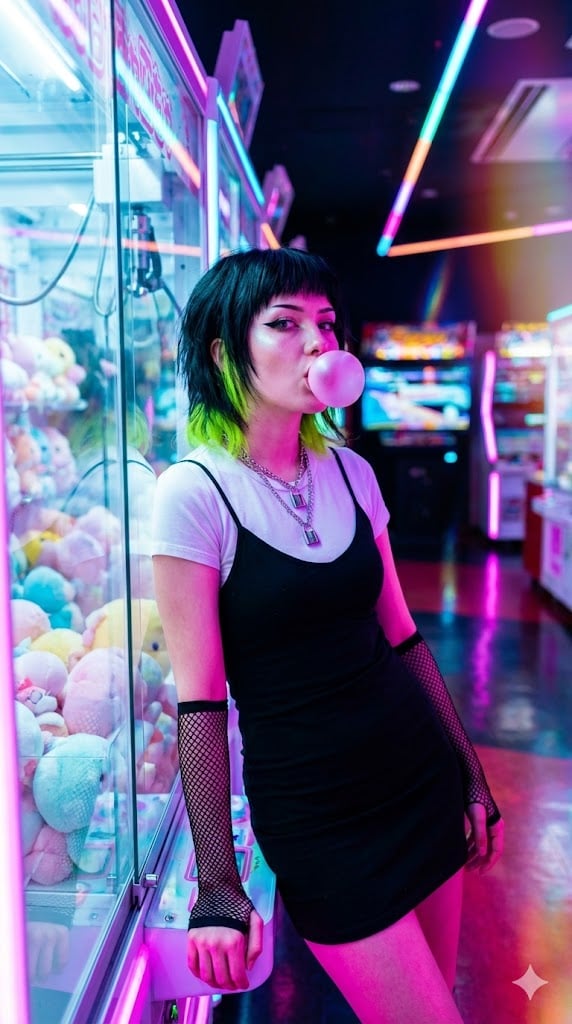
Cyber-Pop E-Girl in Neon Arcade
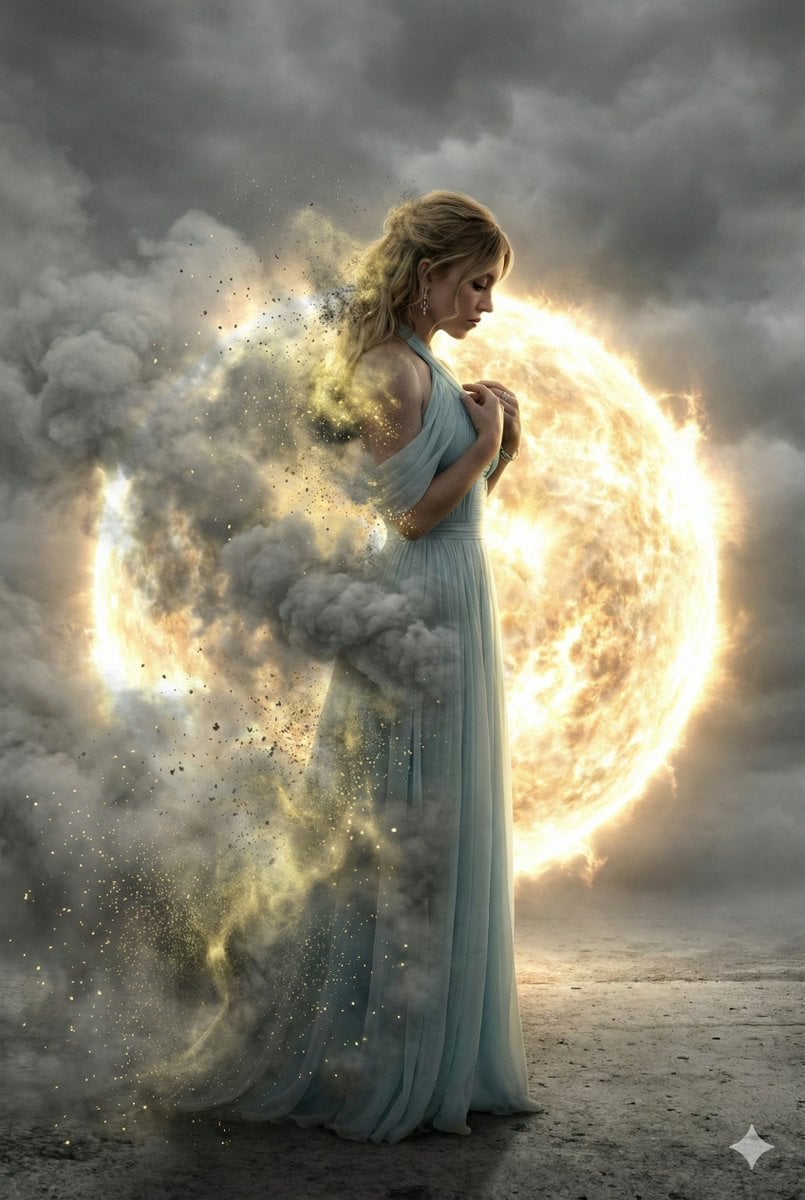
Cinematic Disintegration Effect Portrait
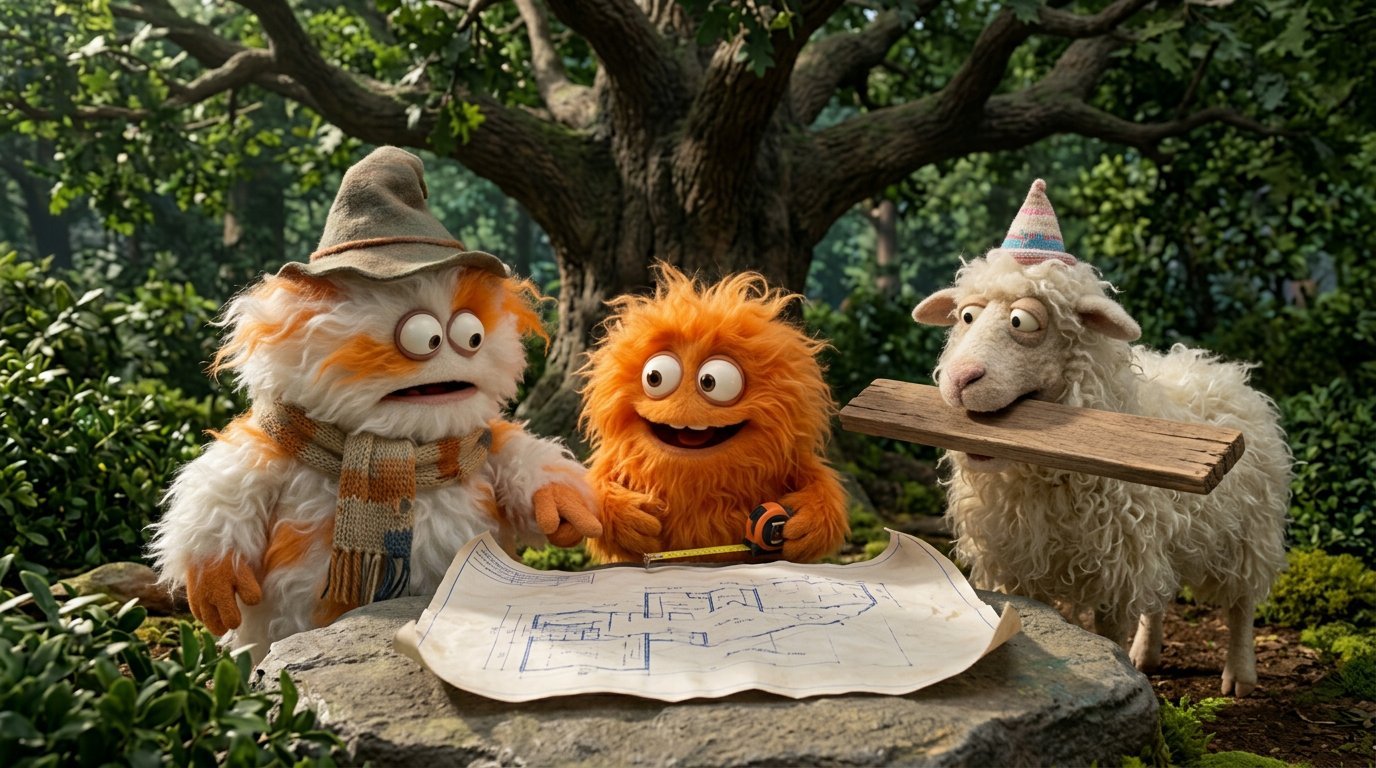
4 Part Story of 3 Fluffy Creatures Build
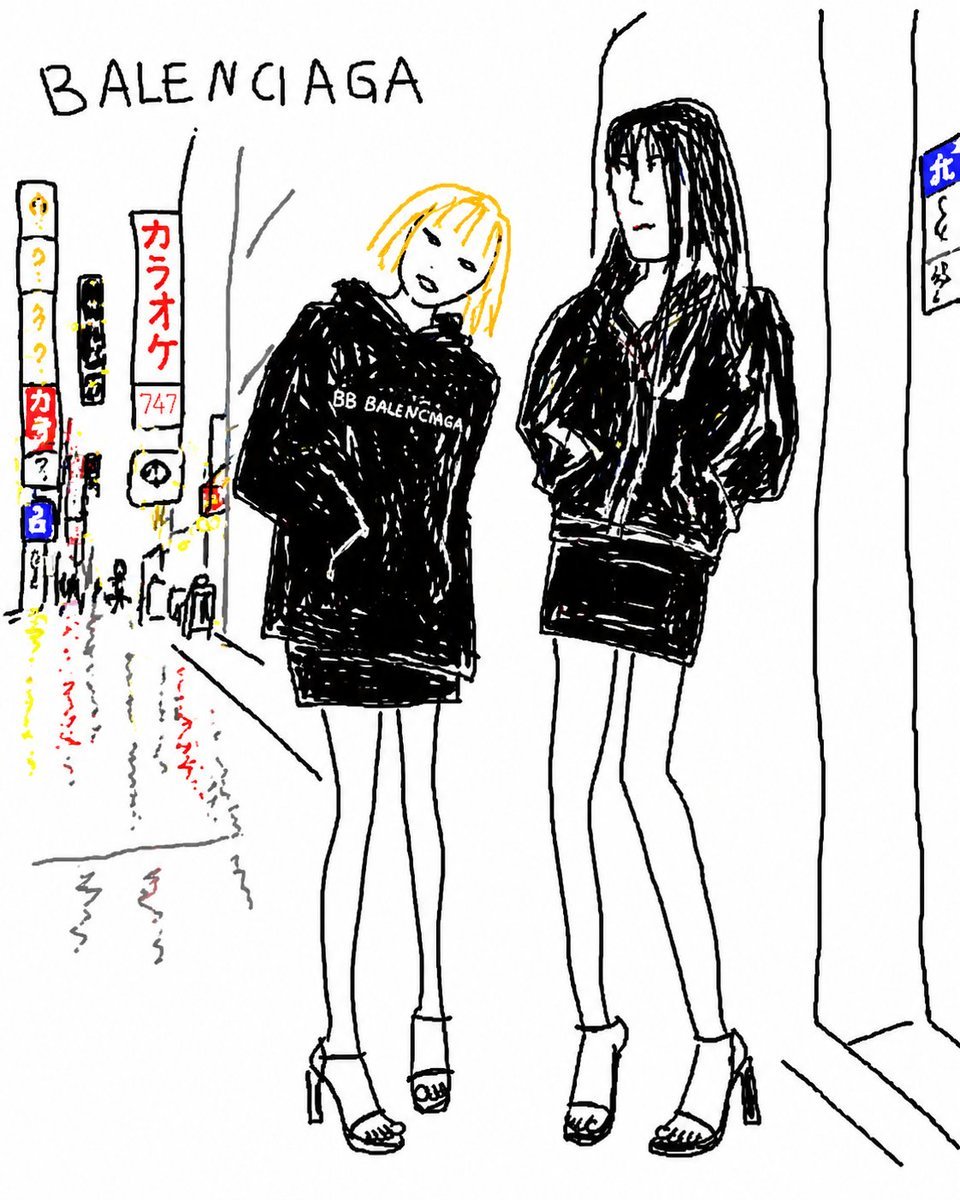
Balenciaga Street Fashion Sketch
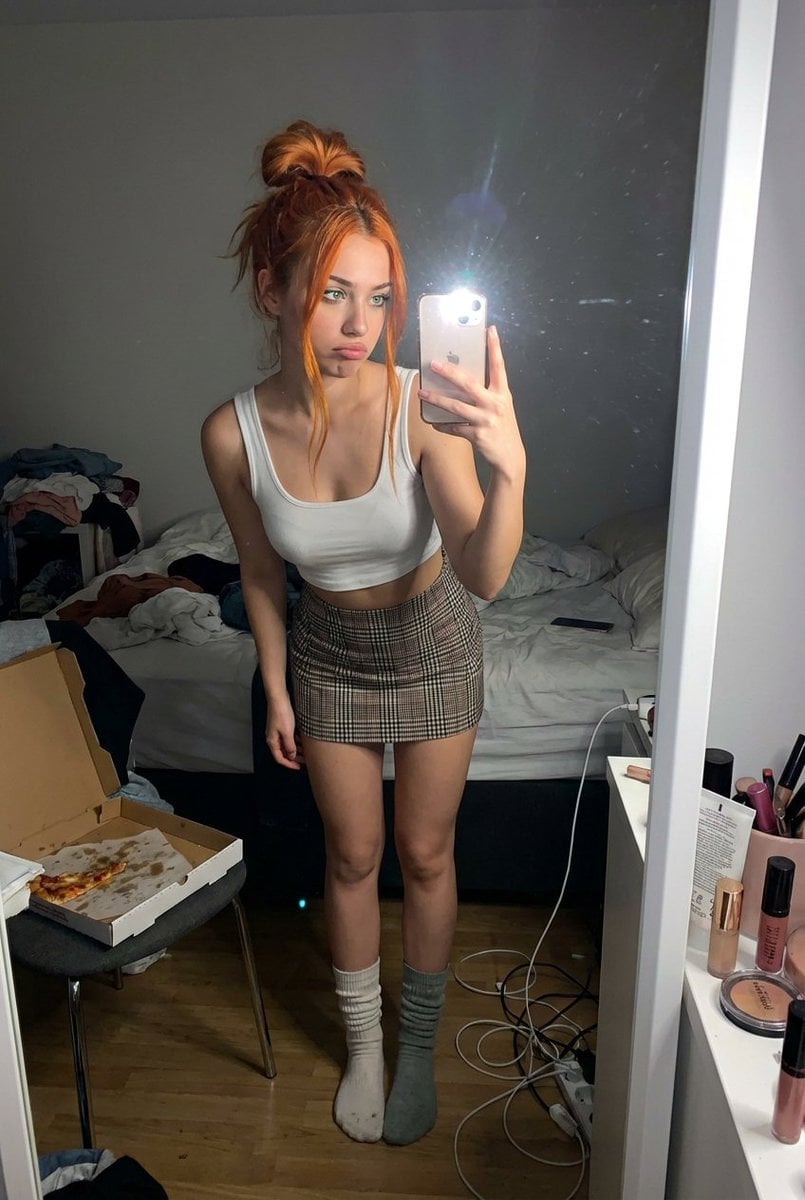
Structured Prompt for Messy Bedroom Mirror Selfie (Alev Character, Raw Flash)
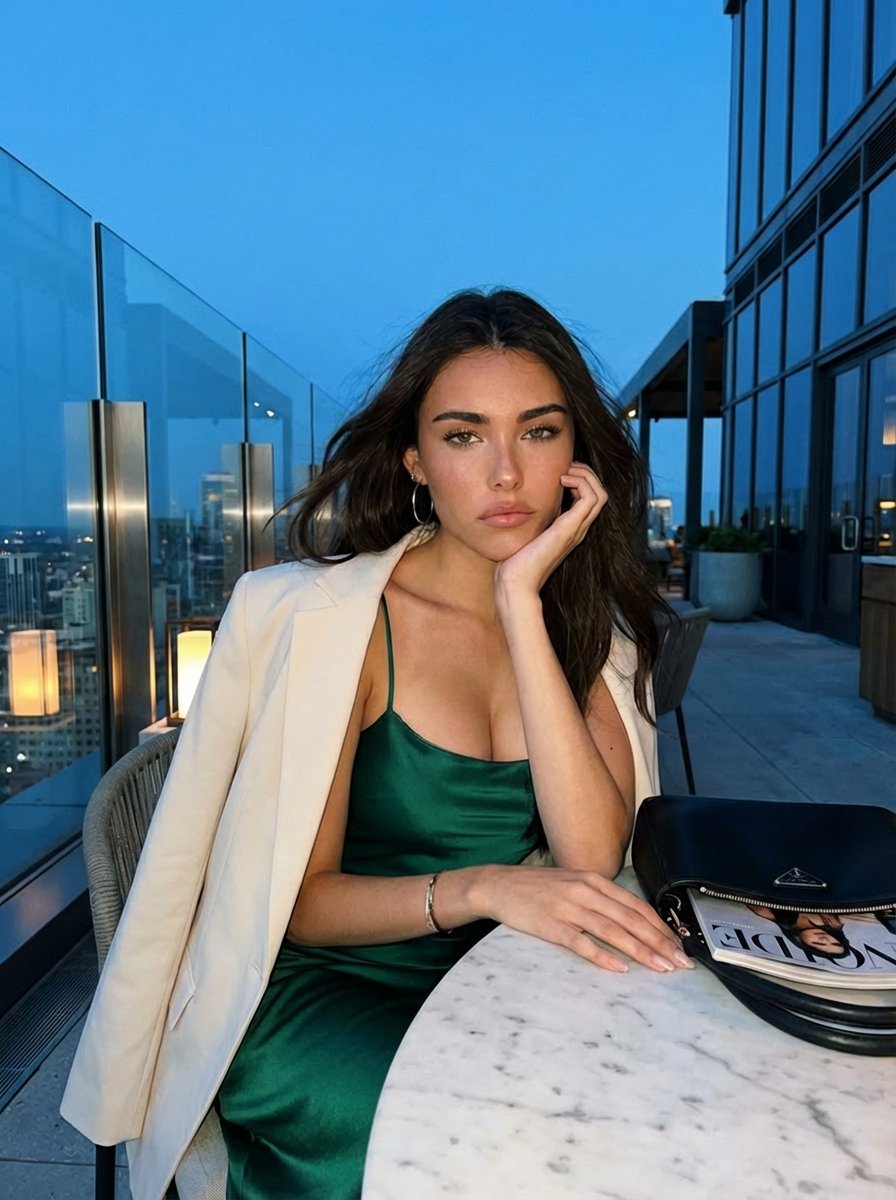
Blue Hour Rooftop Portrait
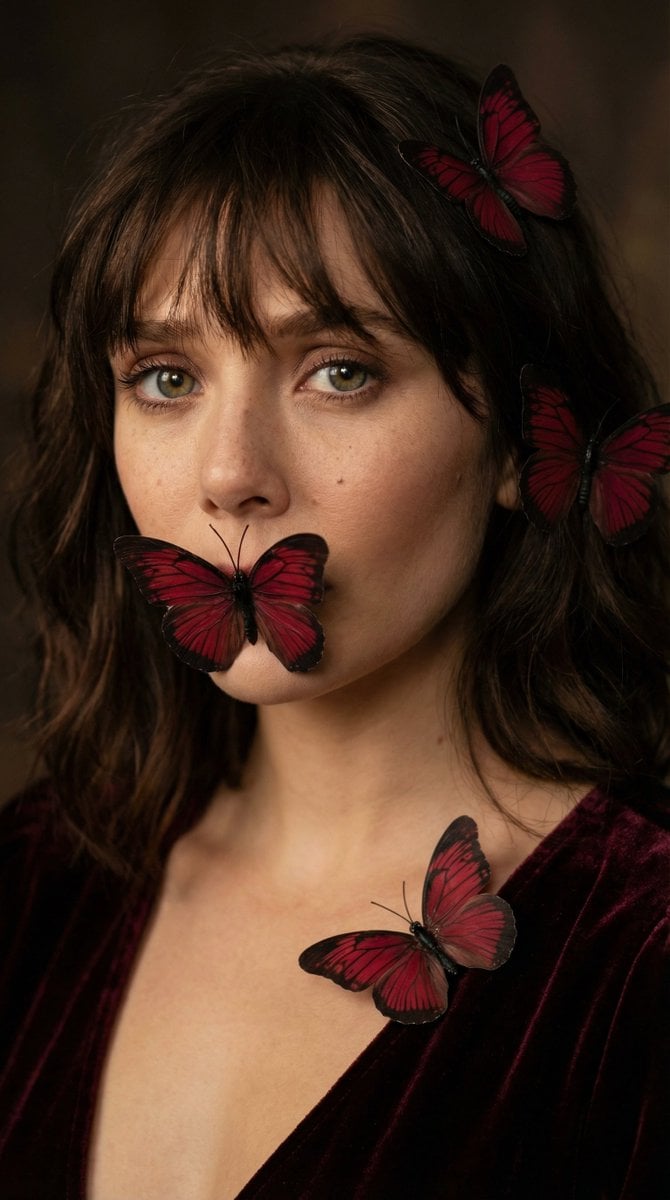
Mysterious Butterfly Portrait Prompt
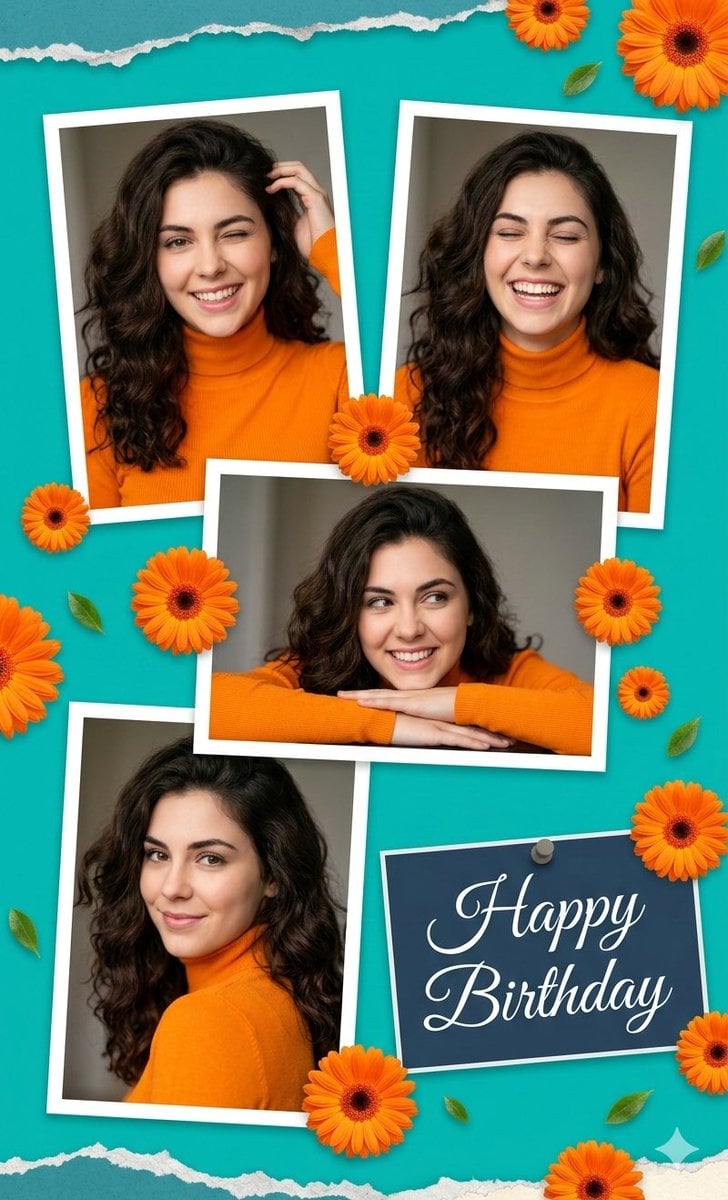
Digital Photo Collage Birthday Poster
Browse template categories
Candid Black and White Bedroom Portrait questions
How do I use the Candid Black and White Bedroom Portrait template?
Add your photo if the template asks for one, edit the prompt if you like — the template's model and format are already selected — and press Generate. Your version opens in PicX Studio.
Can I customize the Candid Black and White Bedroom Portrait template?
Yes. You can change the subject, setting, lighting, mood, format, and available model controls before creating your image.
Is the Candid Black and White Bedroom Portrait template free?
Opening and editing this template is free. Generating uses credits, shown on the Generate button when you are signed in.
Which AI model should I use?
Start with GPT Image 2, which is the model associated with this template. You can compare another compatible model for a different finish.
Looking for something else? Browse all templates.

Your photo, any look
Thousands of ready templates for every top image and video model, from one credit balance.