
Ponytail Girl in Plush Horse Hood
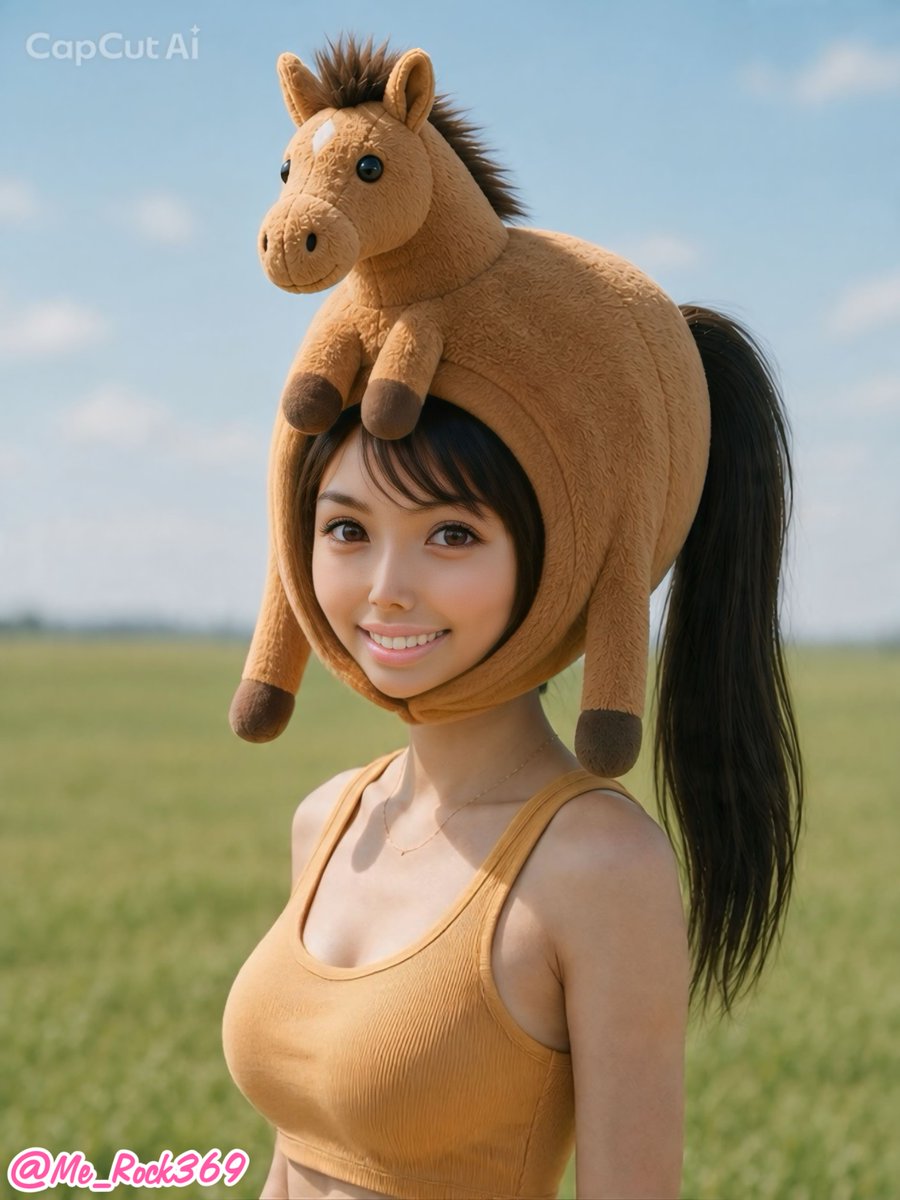
A photorealistic vertical social-media portrait of a smiling ponytailed woman wearing a cute plush horse costume hood in a grassy field.
- Prompt included
- Model and format preset
- Premium template
The prompt behind this image
Copy the exact prompt behind Ponytail Girl in Plush Horse Hood, or open it in the studio and make it yours.
Create a photorealistic vertical portrait of a cheerful young Japanese woman standing in an open grassy field under a pale blue sky with soft clouds. She has {argument name="hair color" default="long black"} hair gathered into a high ponytail that comes out behind an oversized plush horse hood. The hood is tan, fuzzy, and novelty-costume-like, shaped as a full horse head covering her head, with a cute stuffed horse face on top, upright ears, a short dark brown mane, shiny black button eyes, nostrils, a smiling muzzle, and four dangling plush legs with dark brown hooves framing her face. Her bangs peek out naturally under the hood. She is smiling warmly at the camera with bright eyes and natural makeup, wearing a fitted {argument name="top color" default="mustard tan"} ribbed cropped tank top and a delicate thin necklace. Use shallow depth of field with the green meadow softly blurred in the background, warm daylight, realistic skin texture, and a clean social-media portrait composition. Add a faint semi-transparent "CapCut AI" watermark in the top-left corner and a pink-and-white username sticker reading {argument name="username sticker" default="@Me_Rock369"} in the bottom-left corner. Keep the image vertical, centered on the upper body, cute, playful, and realistic.
How to use Ponytail Girl in Plush Horse Hood in 3 steps
- 1Upload ImagePNG, JPG or paste
Add your photo
Upload the photo the template builds on. The prompt, model and format are already set.
- 2…a portrait of your subject in softgolden-hour light, 85mm…
Personalize
Edit the subject and creative details for your destination.
- 3Generate
Generate
Press Generate — your image is created in PicX Studio, so you can compare it with the original and refine one variable at a time.
More like this
Templates with the same subject, style or setup. Open one to see its prompt.
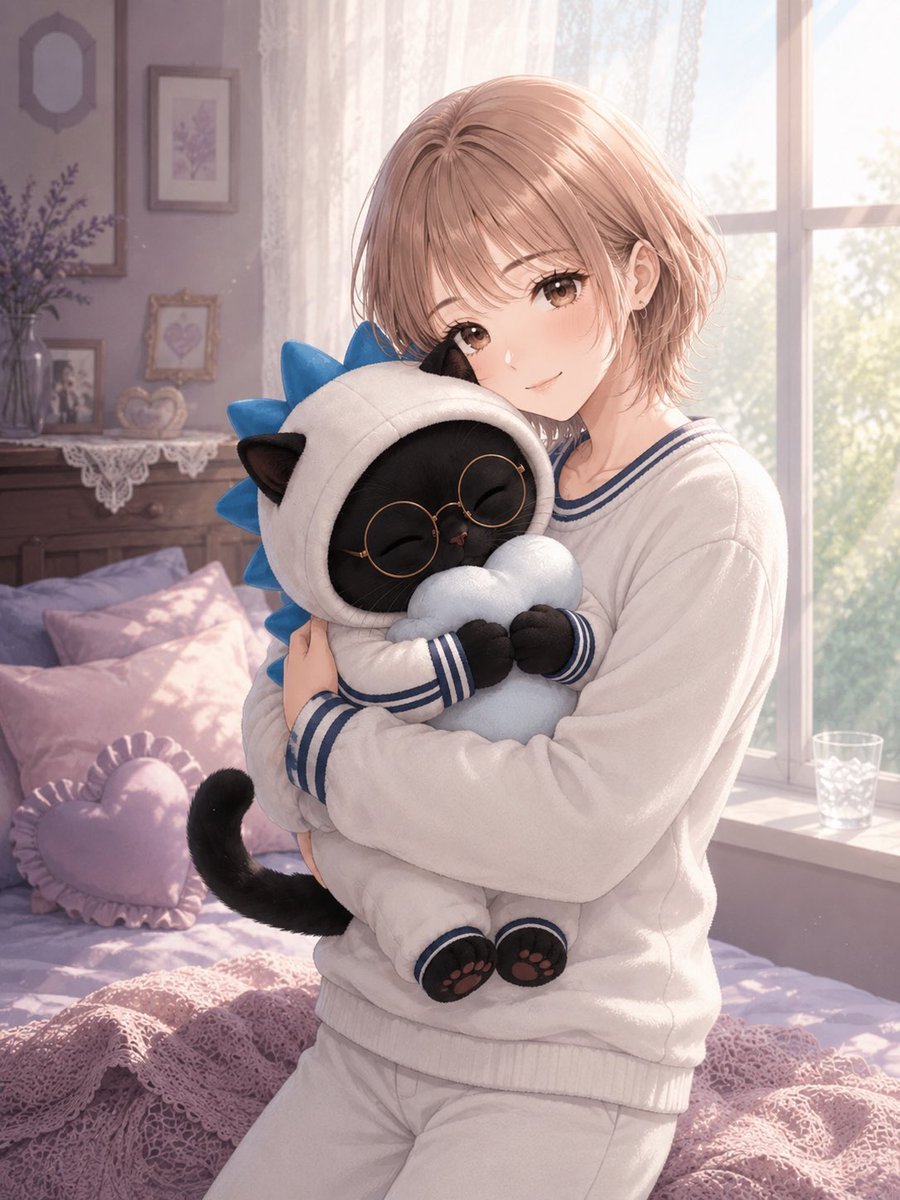
Anime Girl Hugging Black Cat Plush

Teen Girl Alpine Lake Mountain View
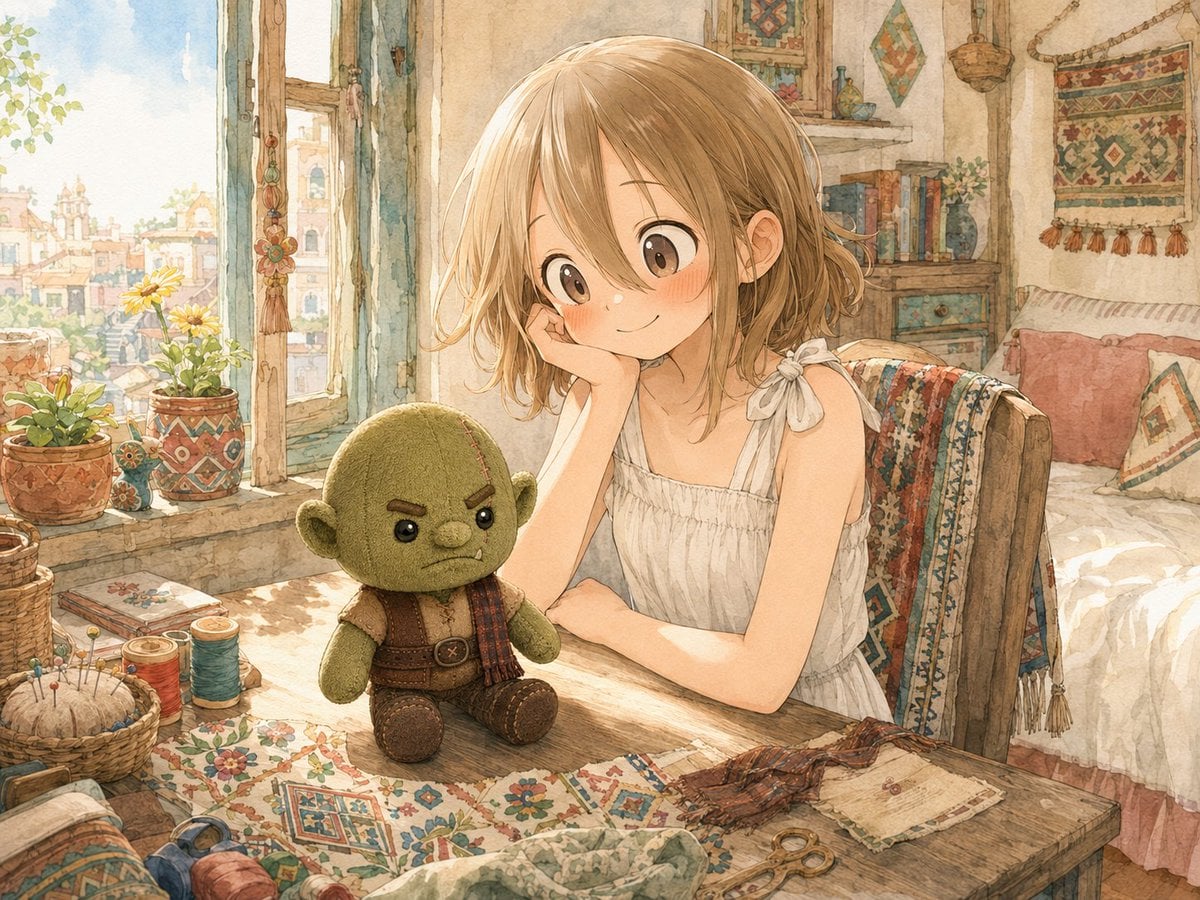
Girl Sewing Goblin Plush
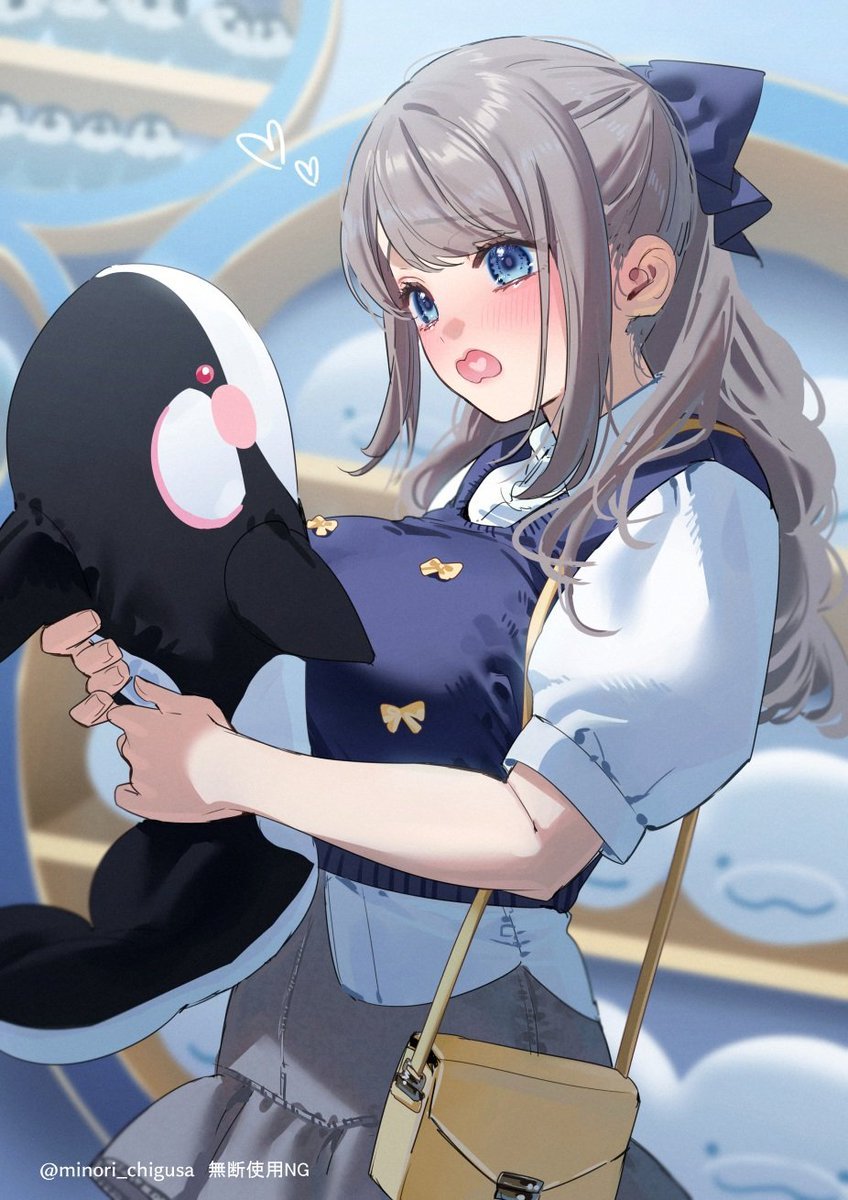
Anime Girl Hugging Orca Plush
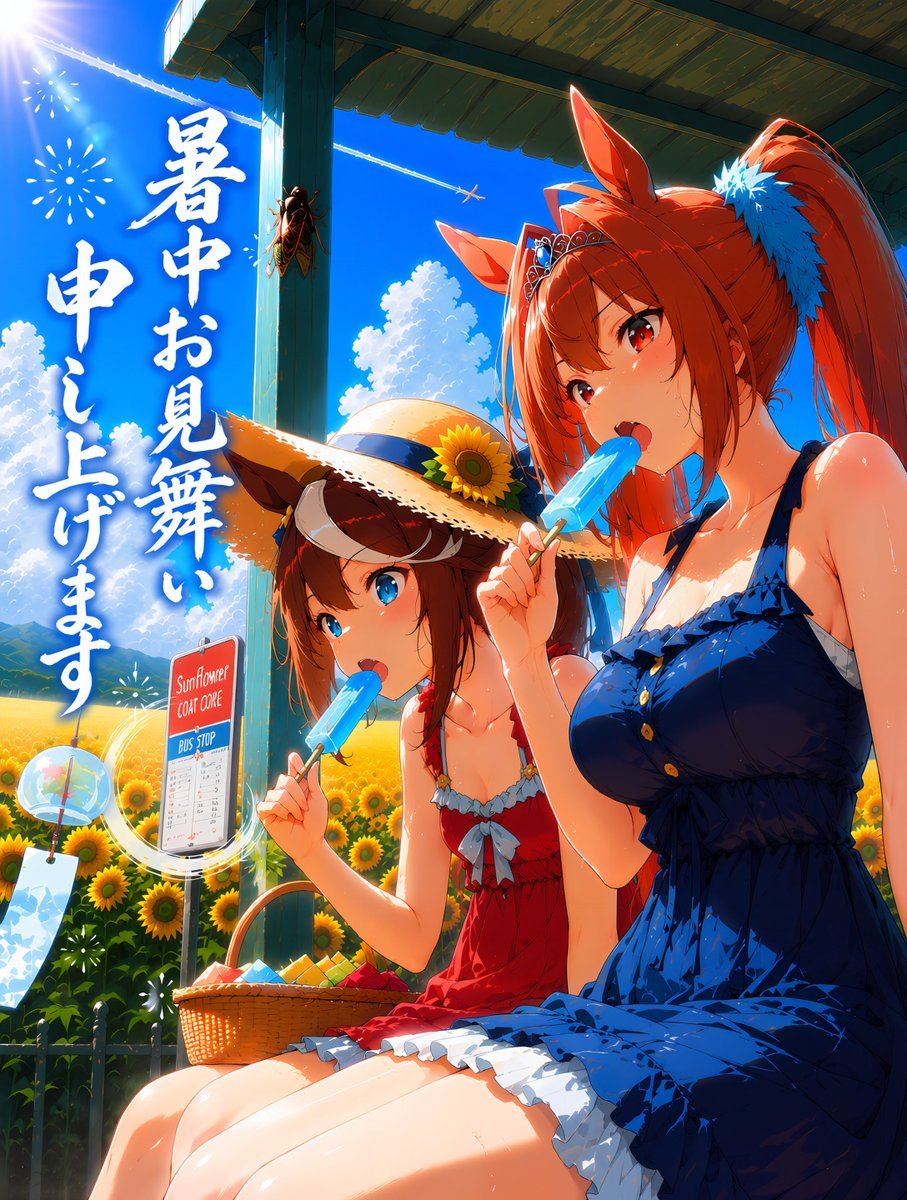
Summer Horse Girls at Bus Stop

Felt & Knit 3D Character — Photo-Exact Face, Pixar-Quality Plush Figurine
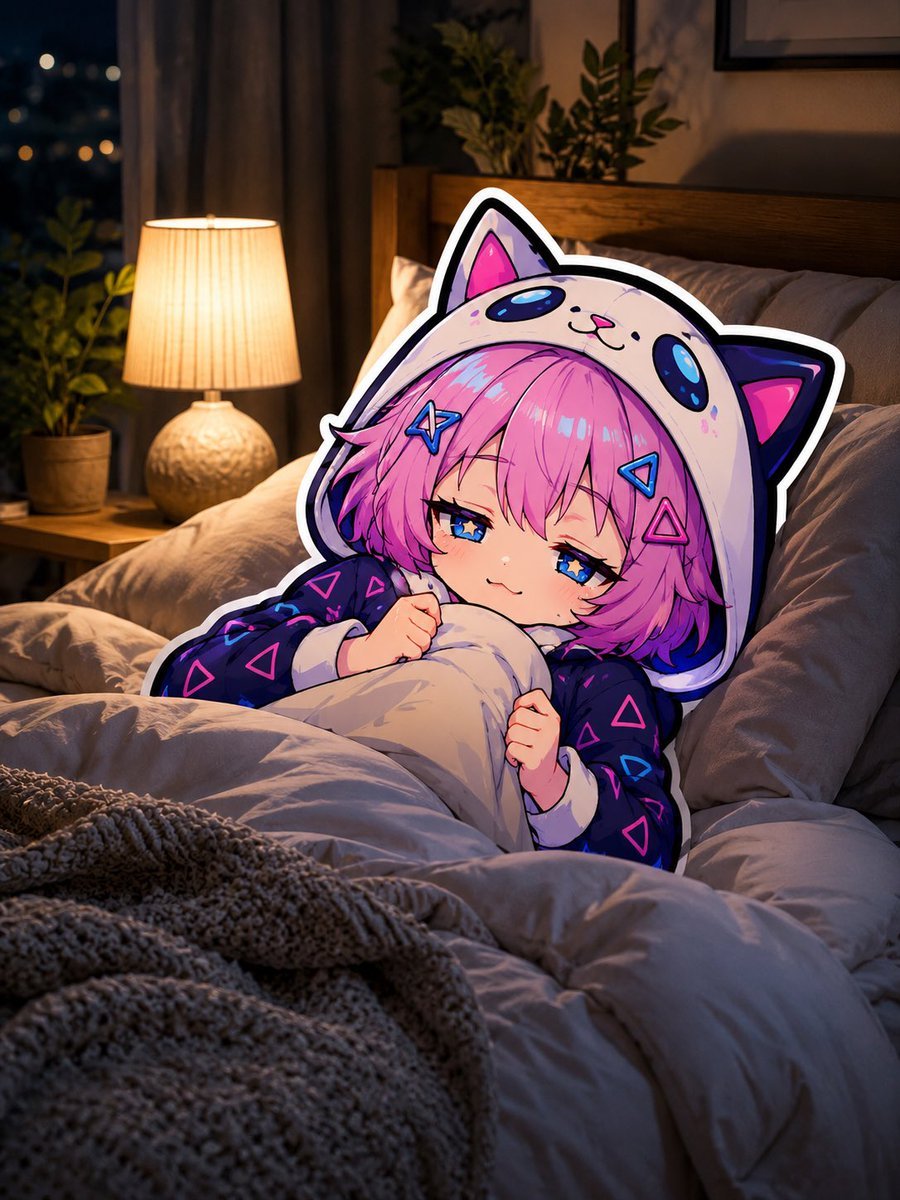
Sleepy Cat Hoodie Anime Girl in Bed
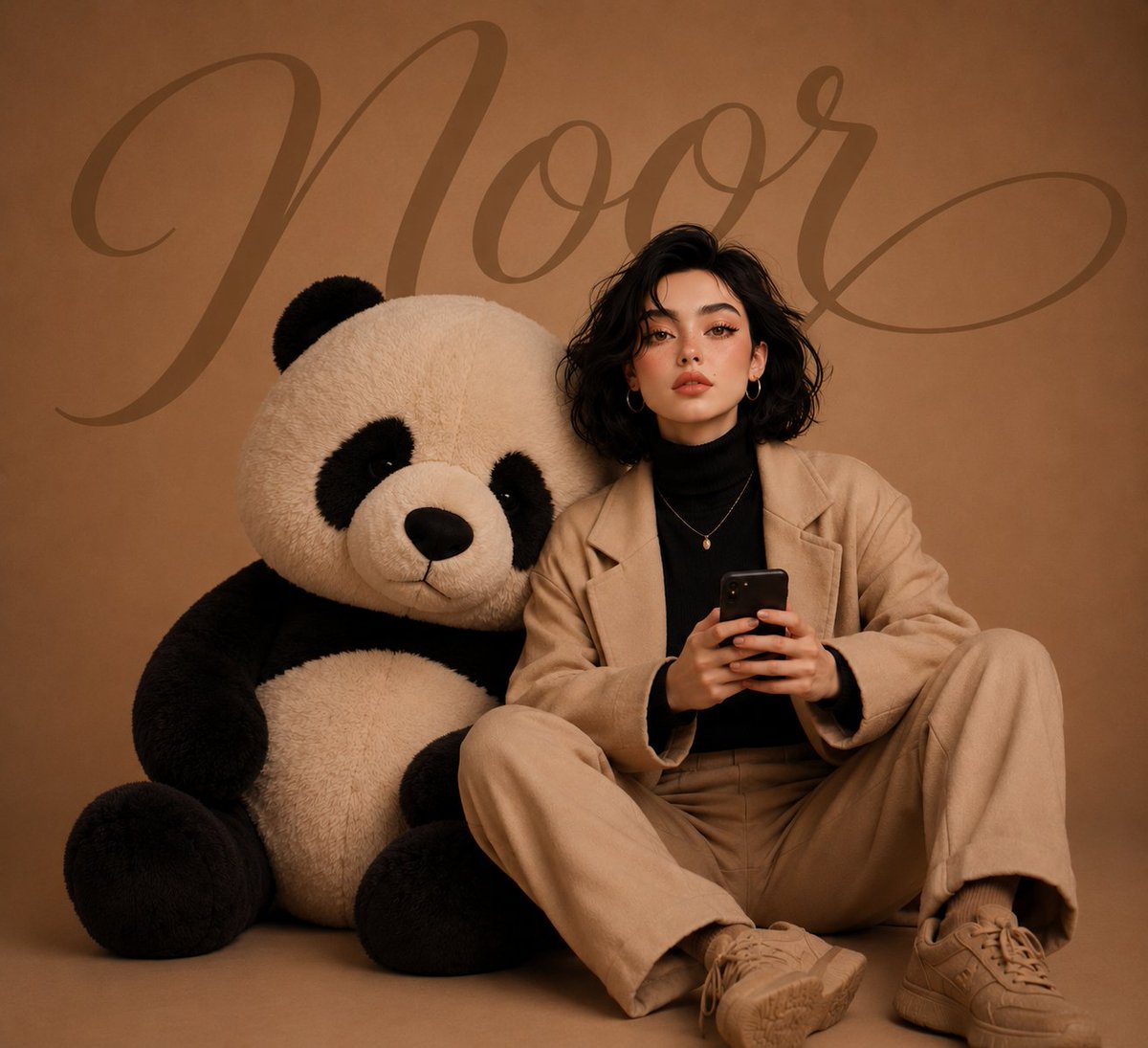
Girl with Giant Plush Panda
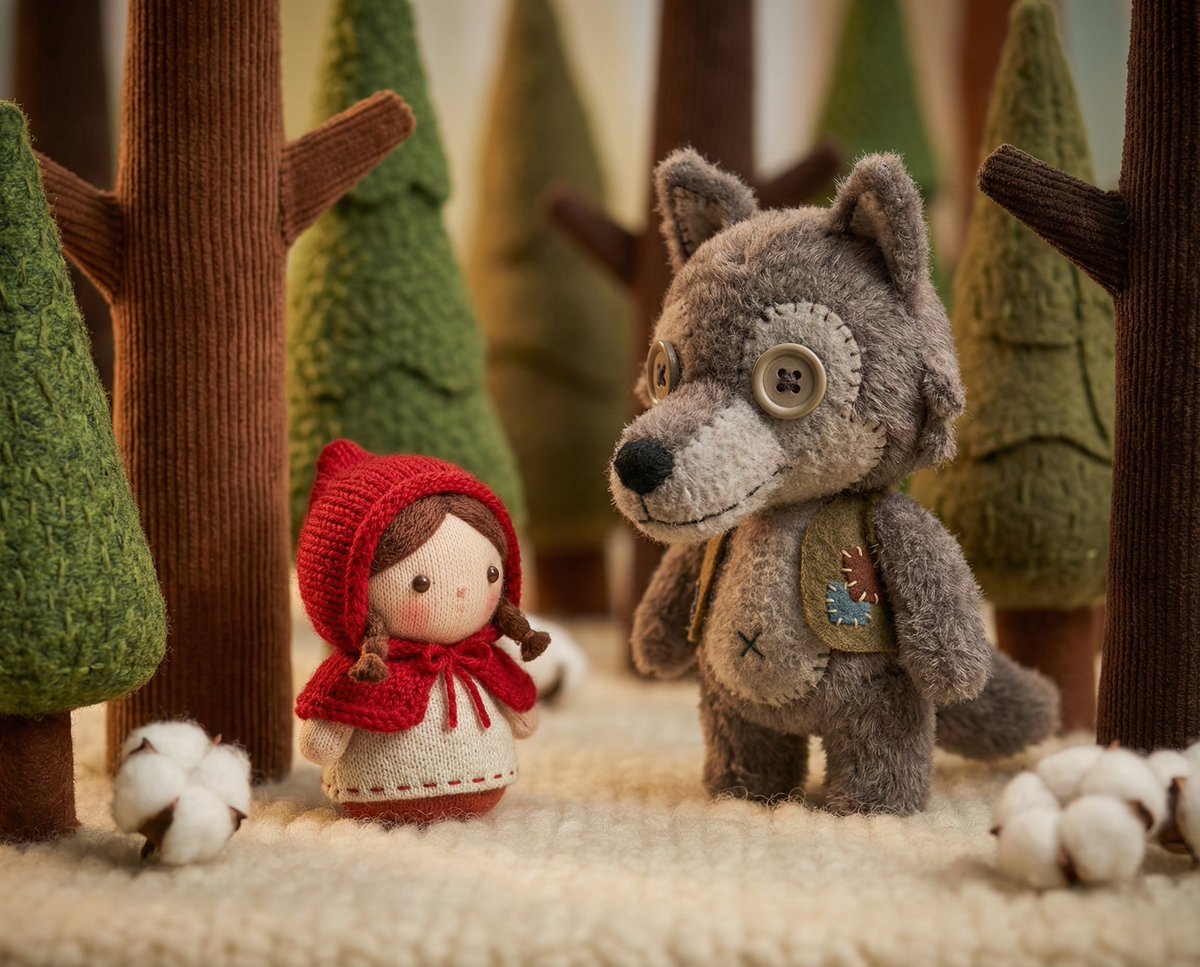
Whimsical Plush Toy Diorama of Little Red Riding Hood
Rustic Cowgirl Portrait with Horse
Natural Hoodie Street Portrait
Dark Hooded Spider-Man Portrait
Make it yours
Ponytail Girl in Plush Horse Hood works as-is. These are the safest ways to change it without losing the look.
Change one field
Copy a single group, rewrite it, and generate again so you can see what that field is doing.
Keep the frame, change the subject
Hold the composition and light of Ponytail Girl in Plush Horse Hood, then swap wardrobe, props or the person for a new take.
| If the result… | Why | Fix |
|---|---|---|
| The result drifts from the preview | Too many fields changed at once. | Reuse Ponytail Girl in Plush Horse Hood as-is first, then change one group — subject, light, or setting. |
| The model over-stylizes the scene | The prose prompt leaves finish and camera underspecified. | Add one camera or lighting sentence and stay on GPT Image 2. |
More GPT Image 2 templates
Other prompts made for GPT Image 2.

Six VTuber Japanese Logo Sheet

Realistic Portrait of Woman and Deer

The Vista Modular Condo Poster

AI Model Routing Comparison Infographic

2.5D Anime Art Board

Isometric Productivity Desk Scene

New York Double Exposure Poster

Four-Panel AI Landscape Comparison

Japanese Tatami Lifestyle Magazine Cover

NESCAFÉ Coffee Map Poster
More image prompts
Fresh picks from across the catalog.
Cinematic 360-Degree Orbital Tracking Shot Video Prompt
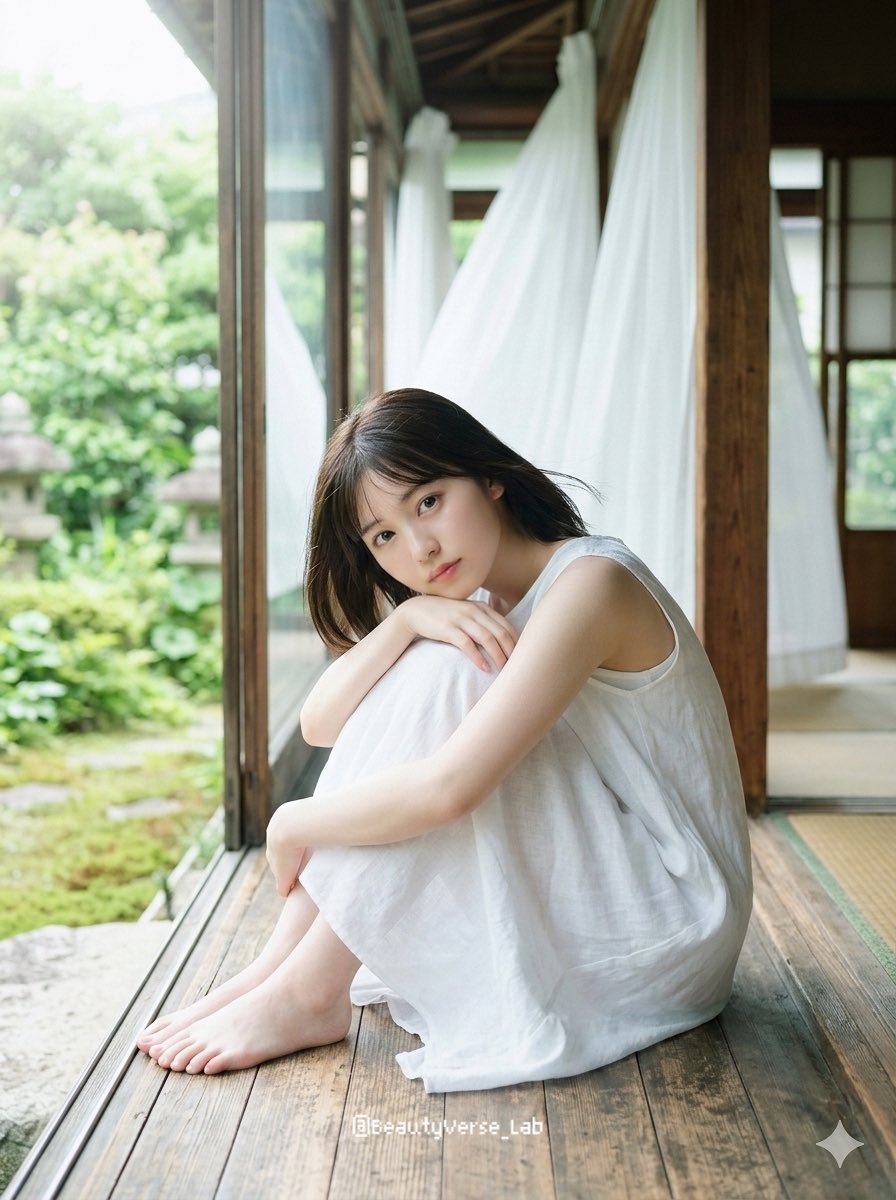
Translucent Airy Japanese Idol Photoshoot
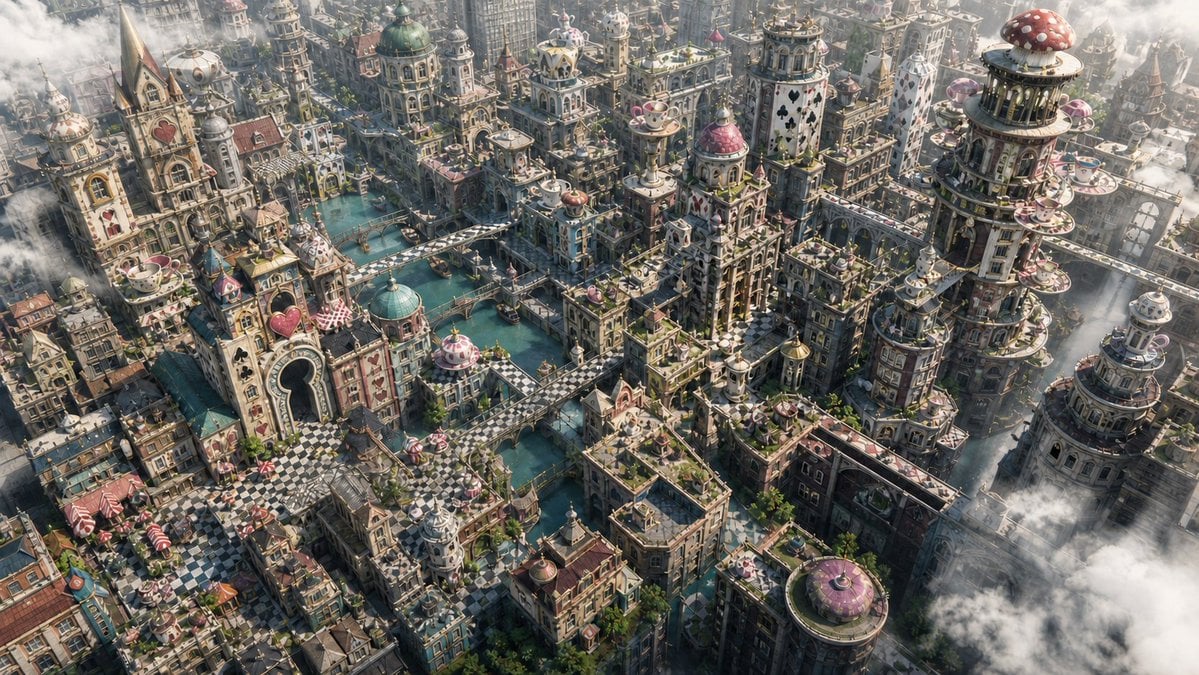
Fantasy Whimsical Downtown Aerial View
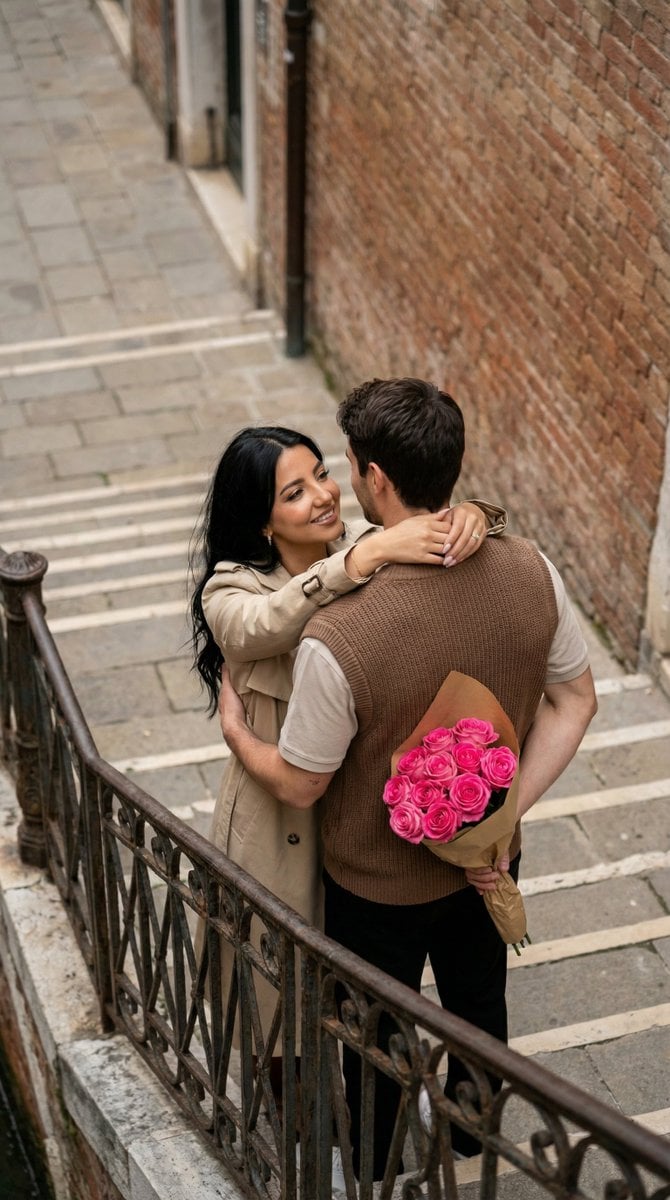
Photo to Watercolor Illustration of Couple
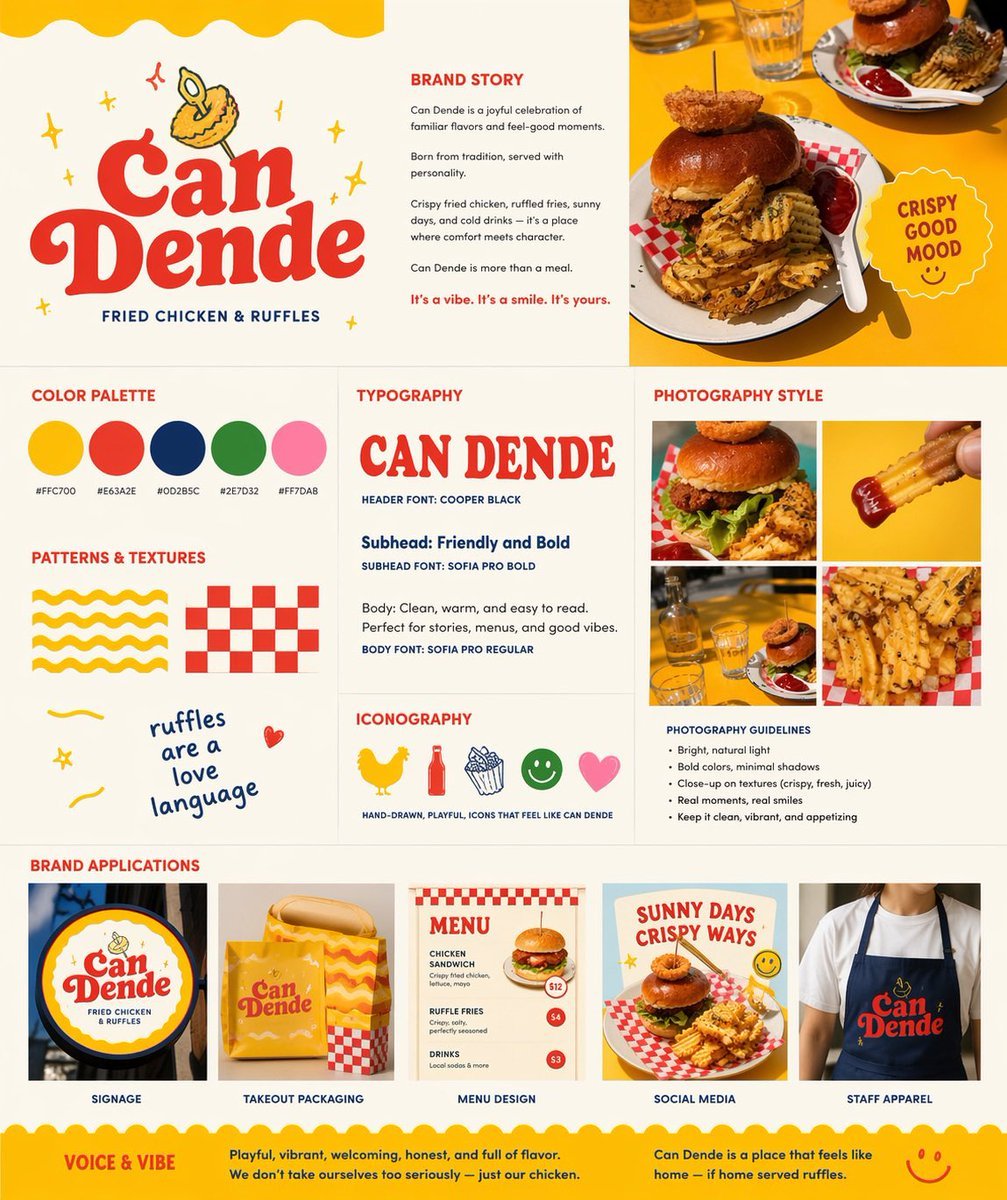
Retro Fast-Food Brand Board

World Baseball Classic Scene Generation
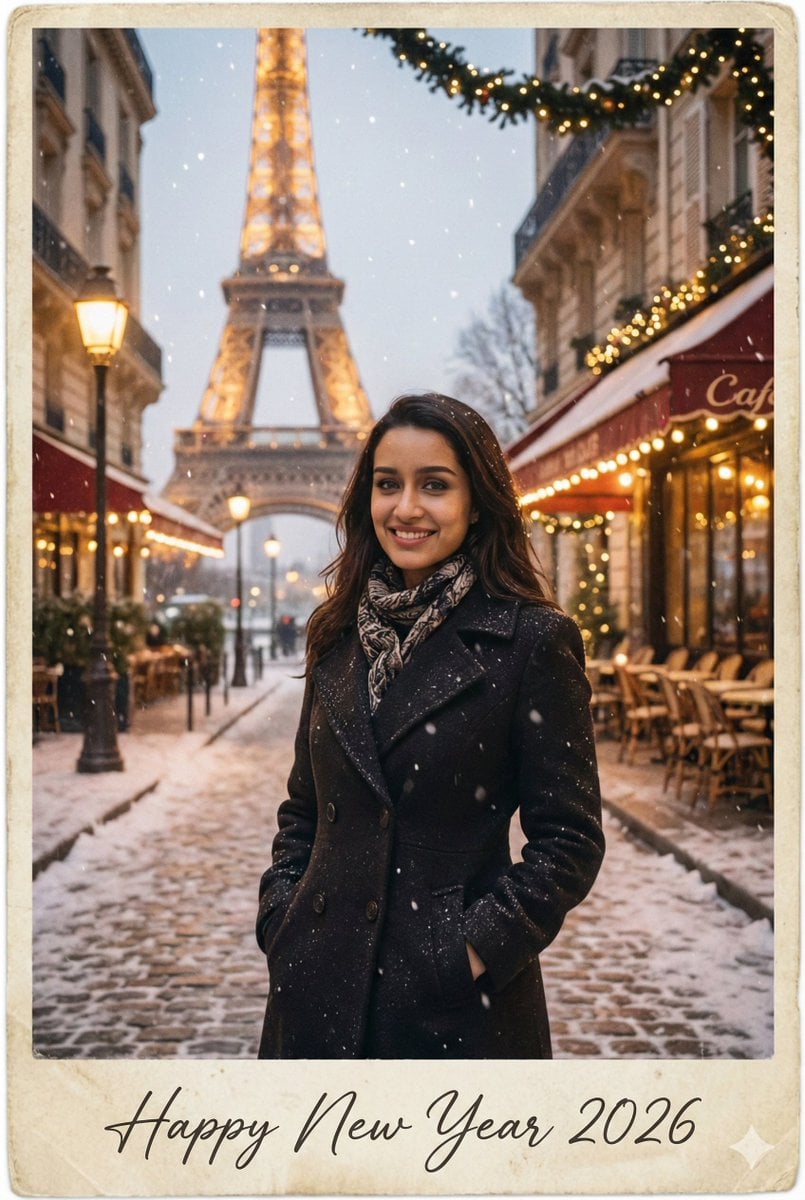
New Year 2026 Postcard and Studio Portrait Prompts
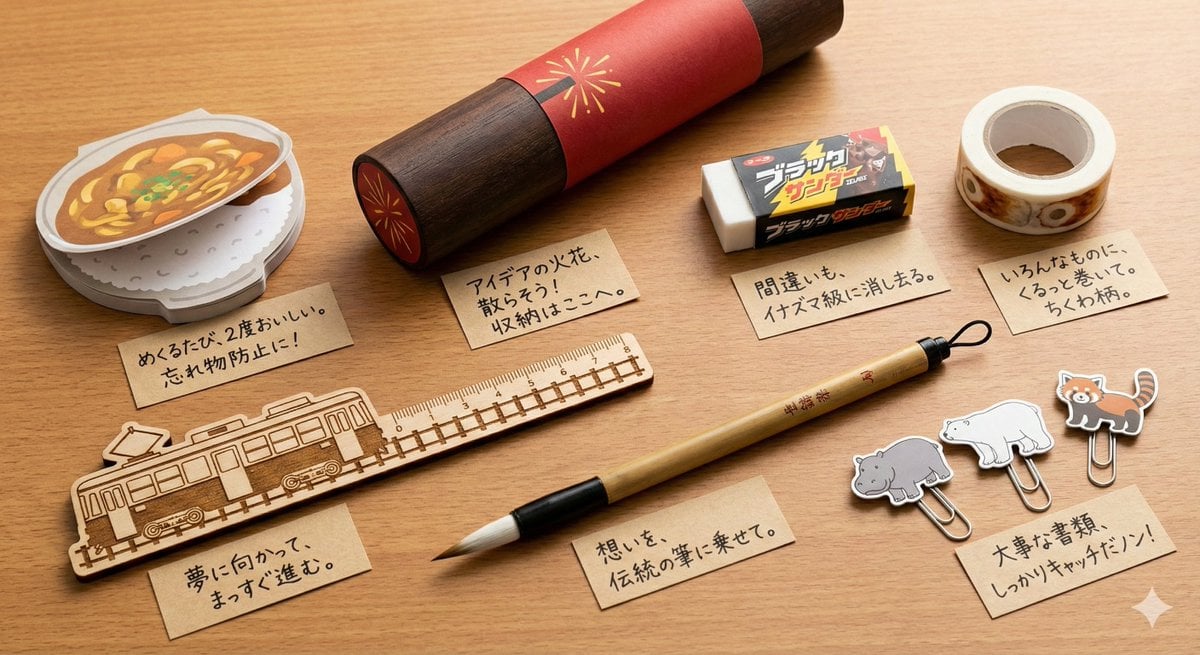
Conceptual Stationery Design Prompt for Toyohashi Specialties
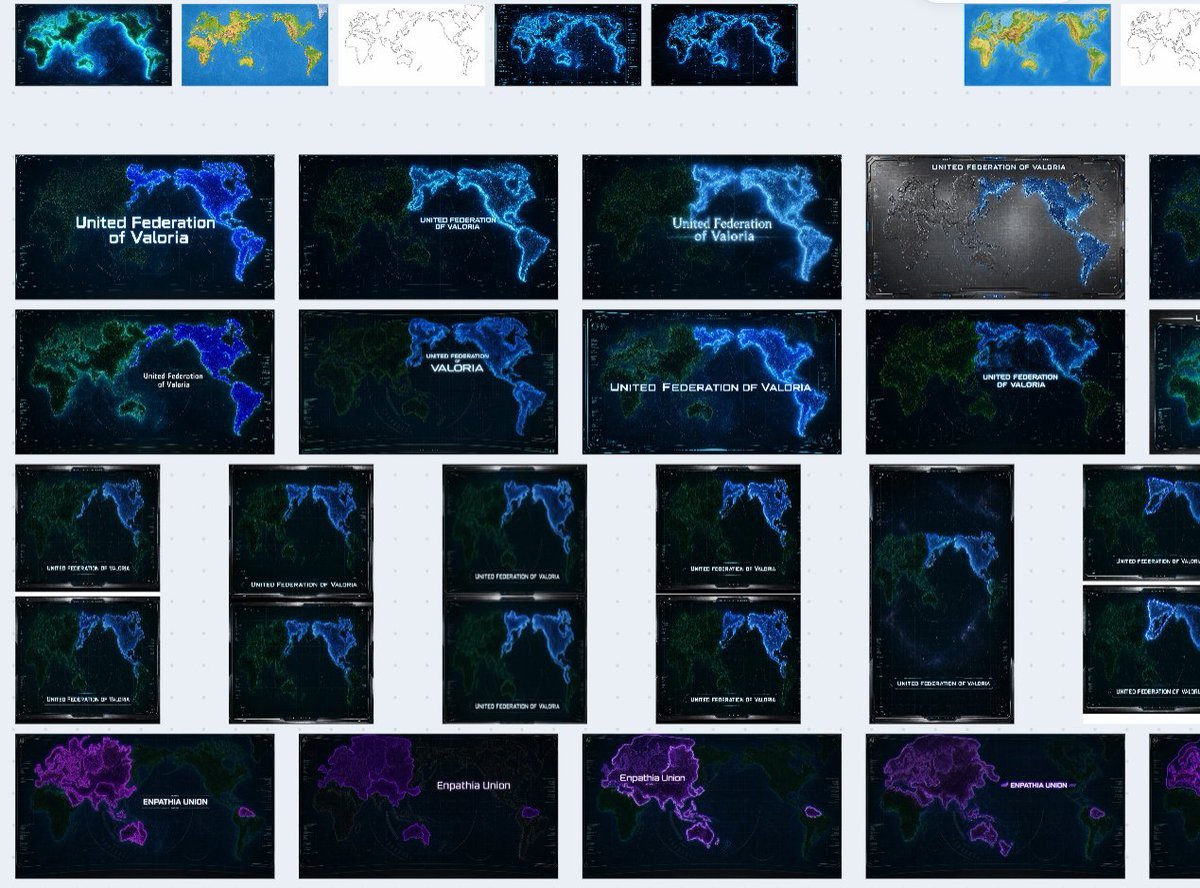
Fictional World Map Attempts Collage

Hyper-Realistic Nightclub Portrait Prompt
Browse template categories
Ponytail Girl in Plush Horse Hood questions
How do I use the Ponytail Girl in Plush Horse Hood template?
Add your photo if the template asks for one, edit the prompt if you like — the template's model and format are already selected — and press Generate. Your version opens in PicX Studio.
Can I customize the Ponytail Girl in Plush Horse Hood template?
Yes. You can change the subject, setting, lighting, mood, format, and available model controls before creating your image.
Is the Ponytail Girl in Plush Horse Hood template free?
Opening and editing this template is free. Generating uses credits, shown on the Generate button when you are signed in.
Which AI model should I use?
Start with GPT Image 2, which is the model associated with this template. You can compare another compatible model for a different finish.
Looking for something else? Browse all templates.

Your photo, any look
Thousands of ready templates for every top image and video model, from one credit balance.