
Dynamic Cristiano Ronaldo Poster
A high-energy sports poster prompt featuring Cristiano Ronaldo, focusing on kinetic typography and editorial design for a sophisticated branding aesthetic.
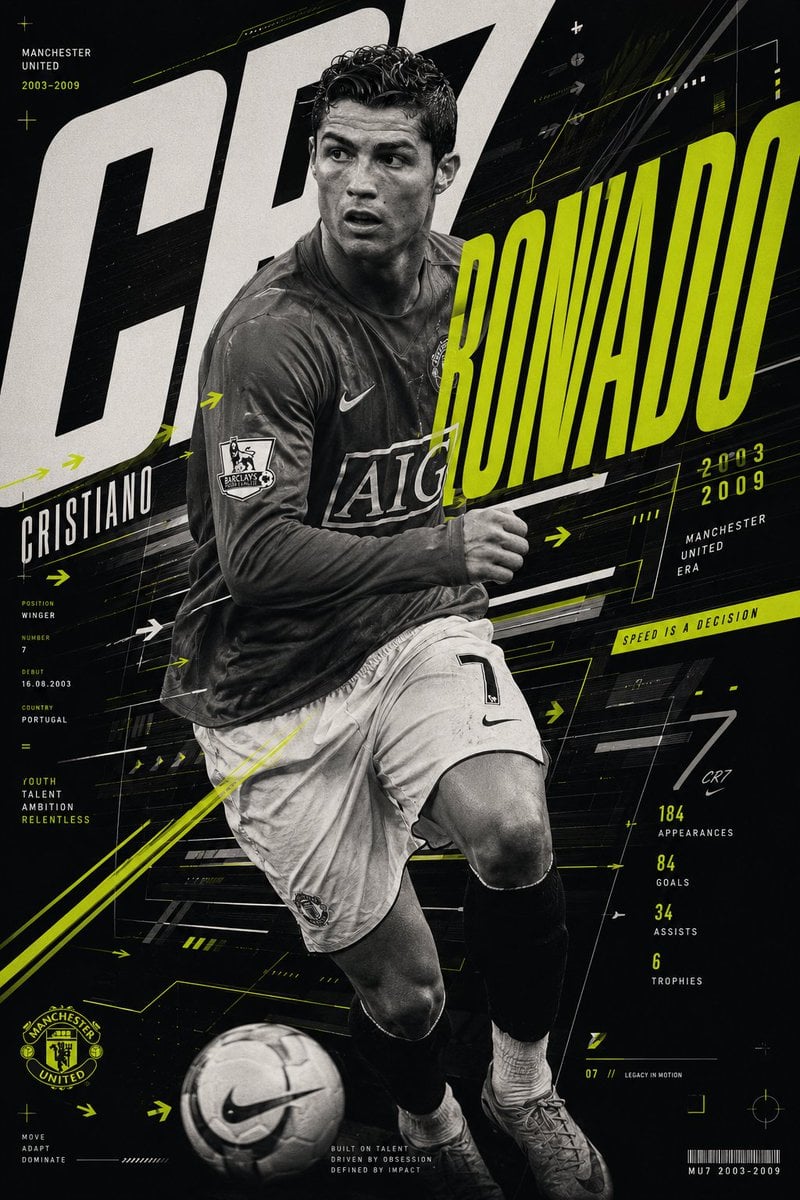
- Prompt included
- Model and format preset
- Free template
The prompt behind this image
Copy the exact prompt behind Dynamic Cristiano Ronaldo Poster, or open it in the studio and make it yours.
Create a highly dynamic {argument name="athlete" default="Cristiano Ronaldo"} poster built around the visual language of movement. Instead of using motion blur, express speed through kinetic typography, directional geometry, layered editorial structures, and graphic rhythm. The composition captures Manchester United-era Ronaldo during a powerful change of direction, photographed with a {argument name="lens" default="35mm editorial lens"} that creates slight perspective distortion and dramatic energy. The portrait should remain exceptionally sharp while every surrounding design element communicates acceleration. Oversized typography stretches across the composition like streams of movement. Directional arrows, modular information systems, fragmented graphic blocks, repeated numerical structures, and layered visual markers create a sophisticated sense of controlled momentum. The palette combines {argument name="colors" default="matte black, crisp white, and fluorescent lime"}. The lime should function as a visual navigation system rather than decoration, guiding the viewer through the composition. The overall aesthetic should feel like an elite sports identity project created by one of the world's leading branding studios rather than a traditional football poster.
How to use Dynamic Cristiano Ronaldo Poster in 3 steps
- 1
Open
The prompt is already in the box next to the preview, with the template's model and format selected.
- 2…a portrait of your subject in softgolden-hour light, 85mm…
Personalize
Edit the subject and creative details for your destination.
- 3Generate
Generate
Press Generate — your image is created in PicX Studio, so you can compare it with the original and refine one variable at a time.
More like this
Templates with the same subject, style or setup. Open one to see its prompt.
Victory Aura Superhero Neon Poster

Japan Travel Brochure Poster

Cartoon TV Show Poster Pack

Trendy Cafe Drink Promo Poster

Urban Fashion Editorial Collage Streetwear Poster

Premium Fashion Editorial Cover Layout System

Polo Ralph Lauren Luxury American Heritage Fashion Campaign

Monochrome Halftone Editorial Fashion Poster

Retro Mirror Luxury Fashion Campaign Poster

Luxury Fashion Campaign Typography Poster System

Premium Fashion Editorial Campaign Poster System
Make it yours
Dynamic Cristiano Ronaldo Poster works as-is. These are the safest ways to change it without losing the look.
Change one field
Copy a single group, rewrite it, and generate again so you can see what that field is doing.
Keep the frame, change the subject
Hold the composition and light of Dynamic Cristiano Ronaldo Poster, then swap wardrobe, props or the person for a new take.
| If the result… | Why | Fix |
|---|---|---|
| The result drifts from the preview | Too many fields changed at once. | Reuse Dynamic Cristiano Ronaldo Poster as-is first, then change one group — subject, light, or setting. |
| The model over-stylizes the scene | The prose prompt leaves finish and camera underspecified. | Add one camera or lighting sentence and stay on GPT Image 2. |
More GPT Image 2 templates
Other prompts made for GPT Image 2.

Six VTuber Japanese Logo Sheet

Realistic Portrait of Woman and Deer

The Vista Modular Condo Poster

AI Model Routing Comparison Infographic

2.5D Anime Art Board

Isometric Productivity Desk Scene

New York Double Exposure Poster

Four-Panel AI Landscape Comparison

Japanese Tatami Lifestyle Magazine Cover

NESCAFÉ Coffee Map Poster
More image prompts
Fresh picks from across the catalog.
Vintage Film Camera Portrait

Magical Sleep Website Mockup
AI Manga Panel Generation
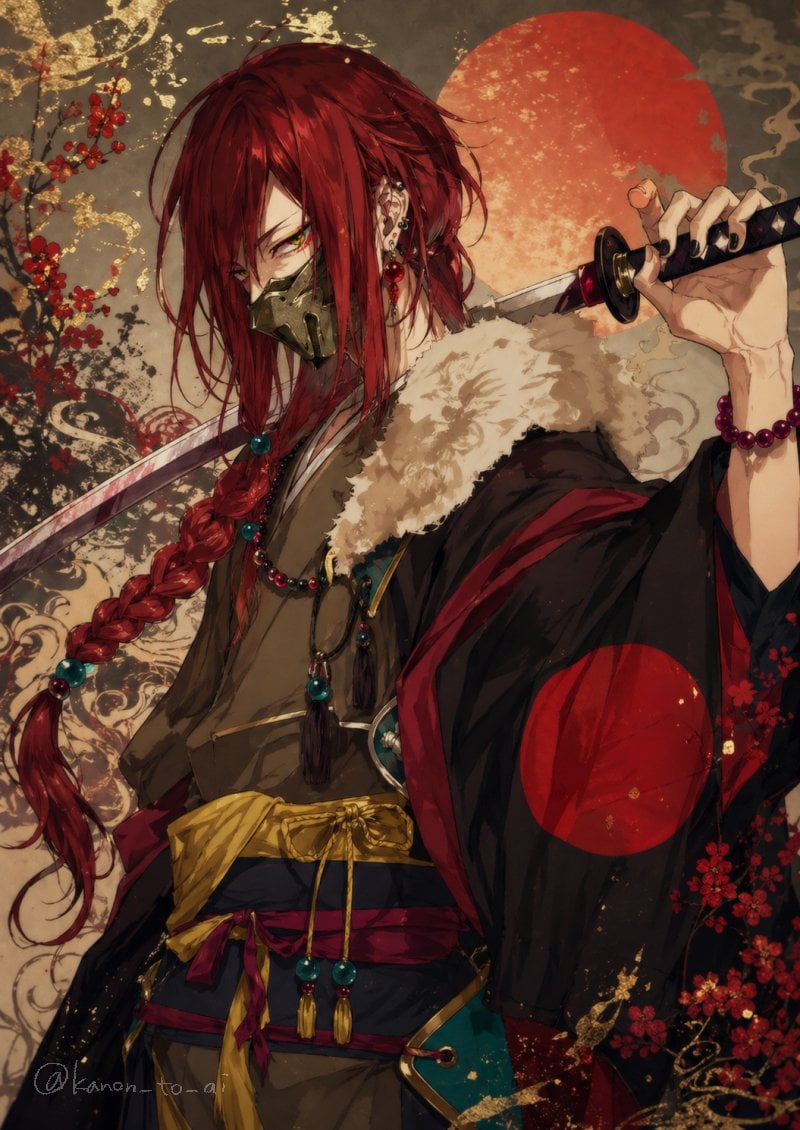
Red-Haired Masked Samurai Portrait
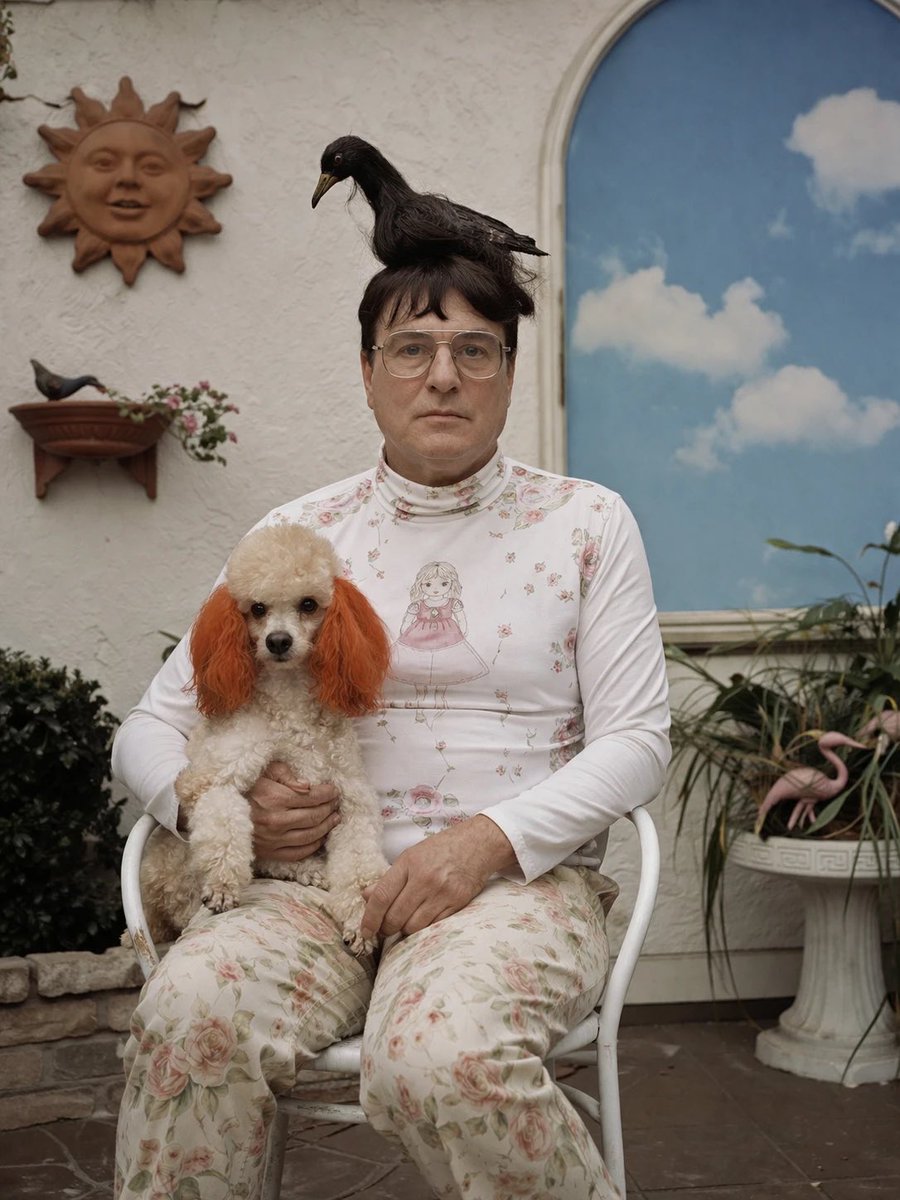
Surreal Patio Portrait with Crow and Dog
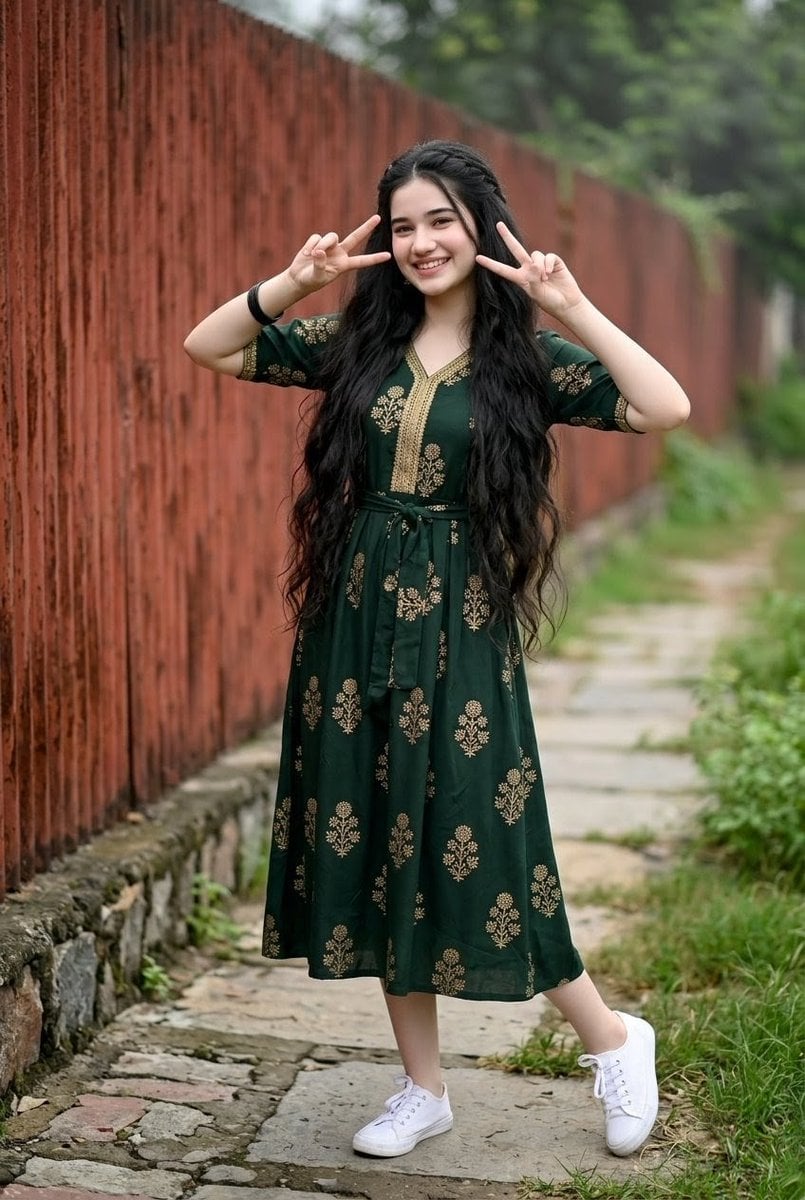
Young Indian Woman in Green Midi Dress
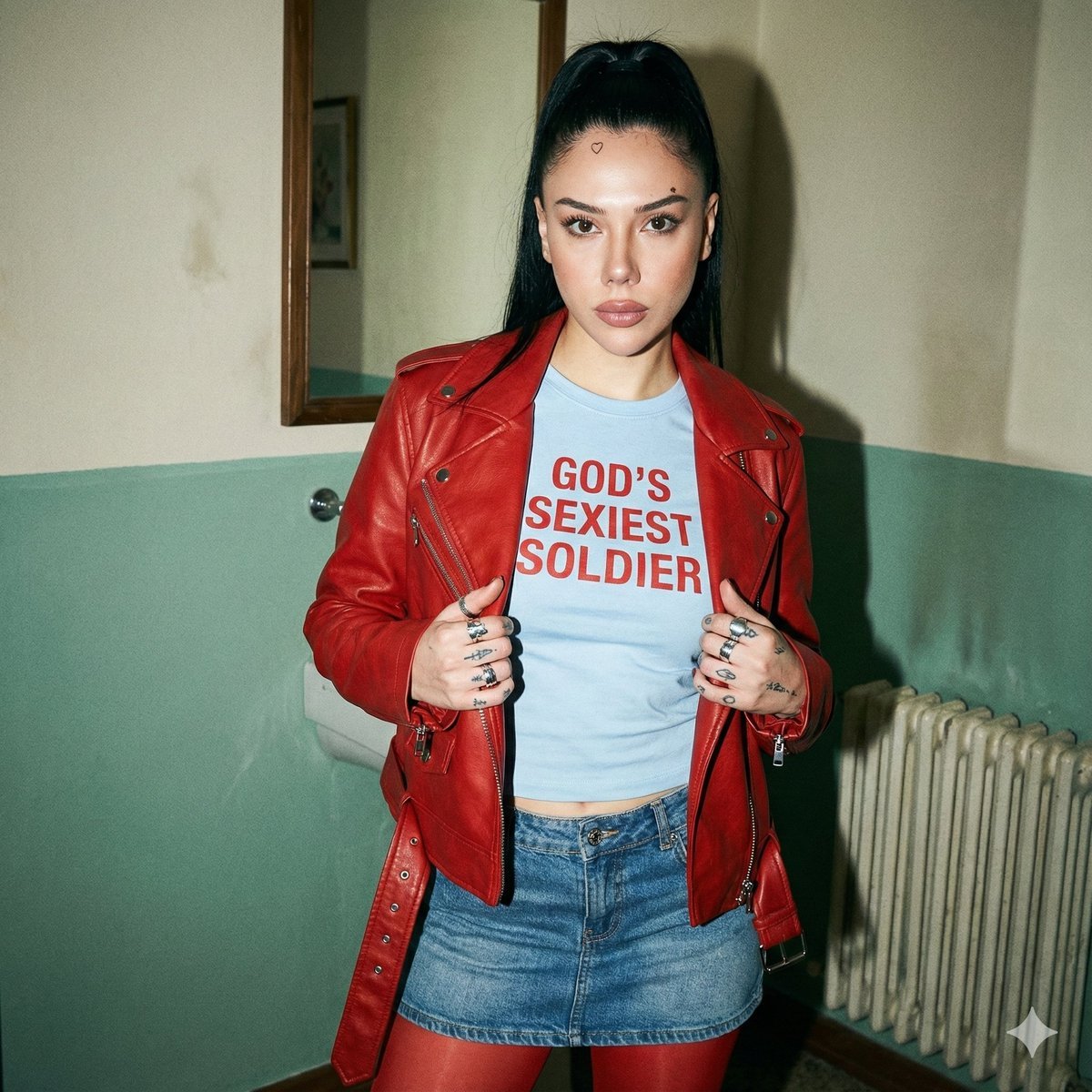
Indie Sleaze 2000s Street Style Portrait Prompt
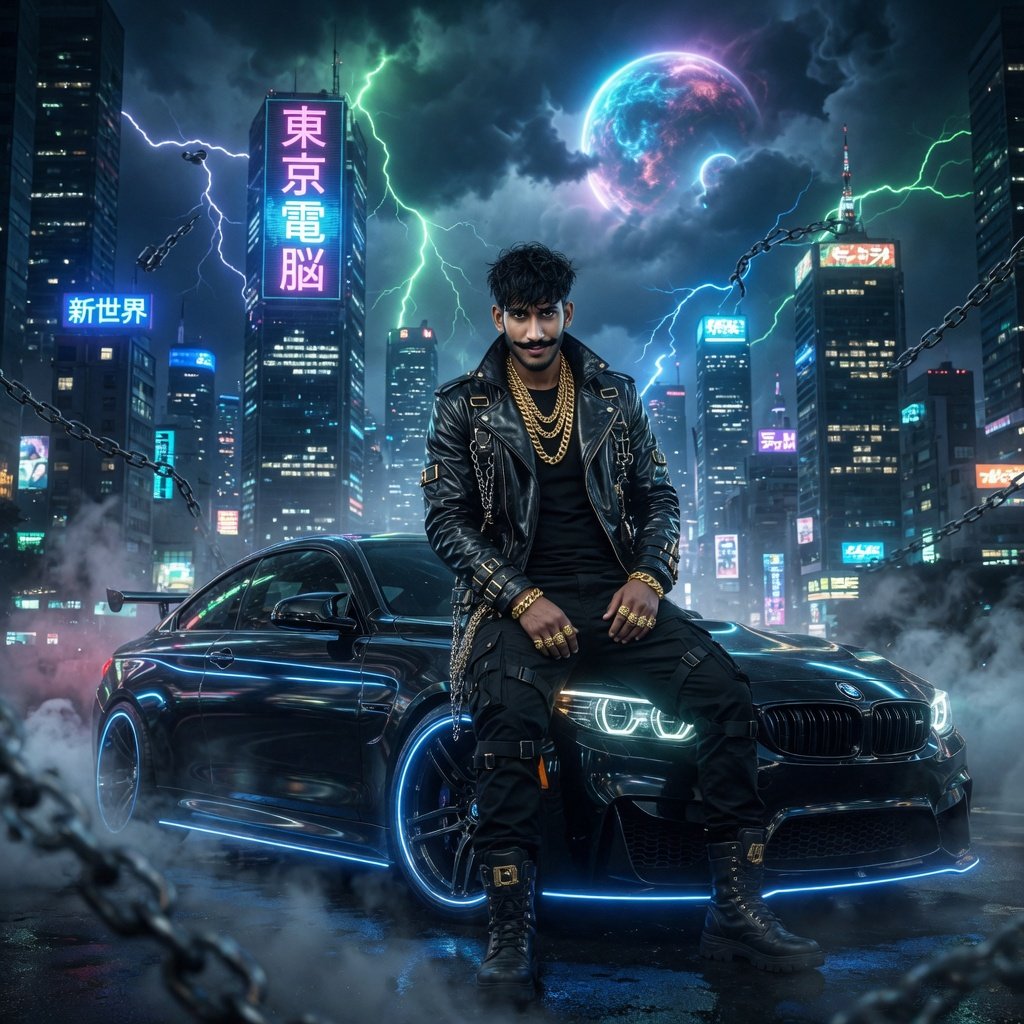
Cyberpunk Action Hero Transformation
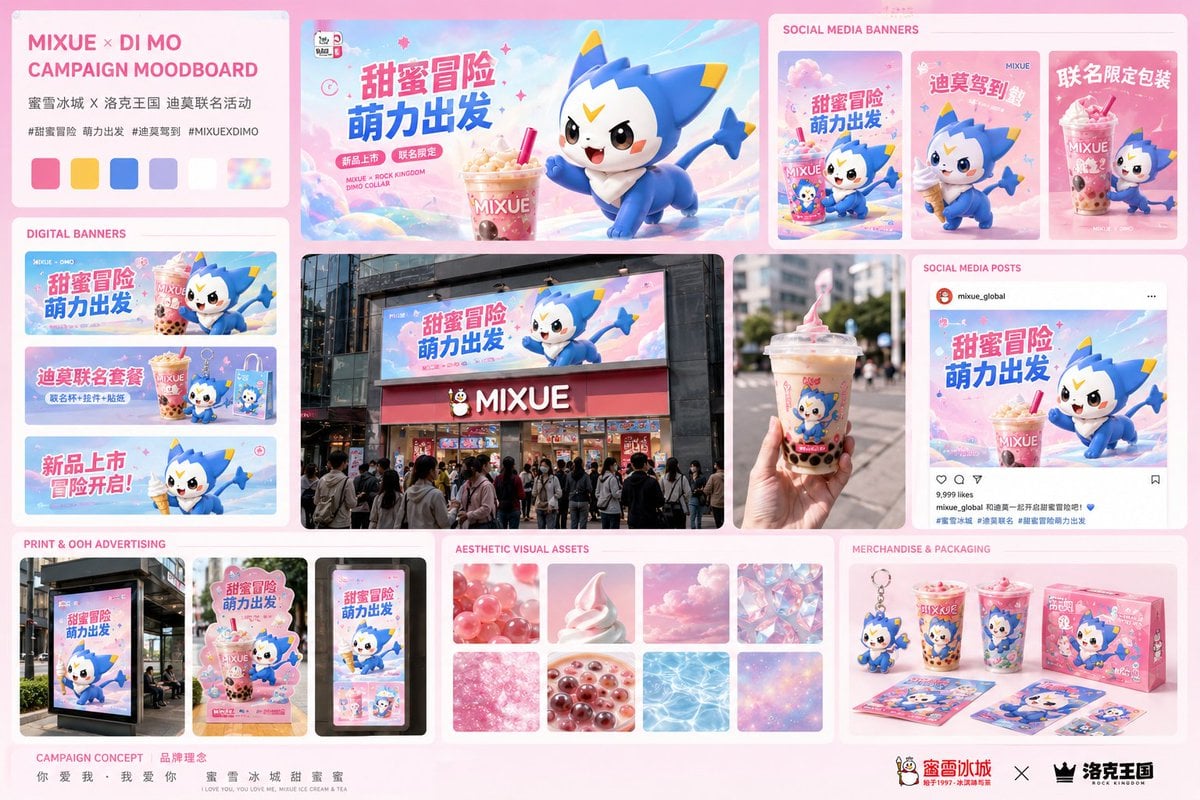
Mixue Di Mo Campaign Moodboard
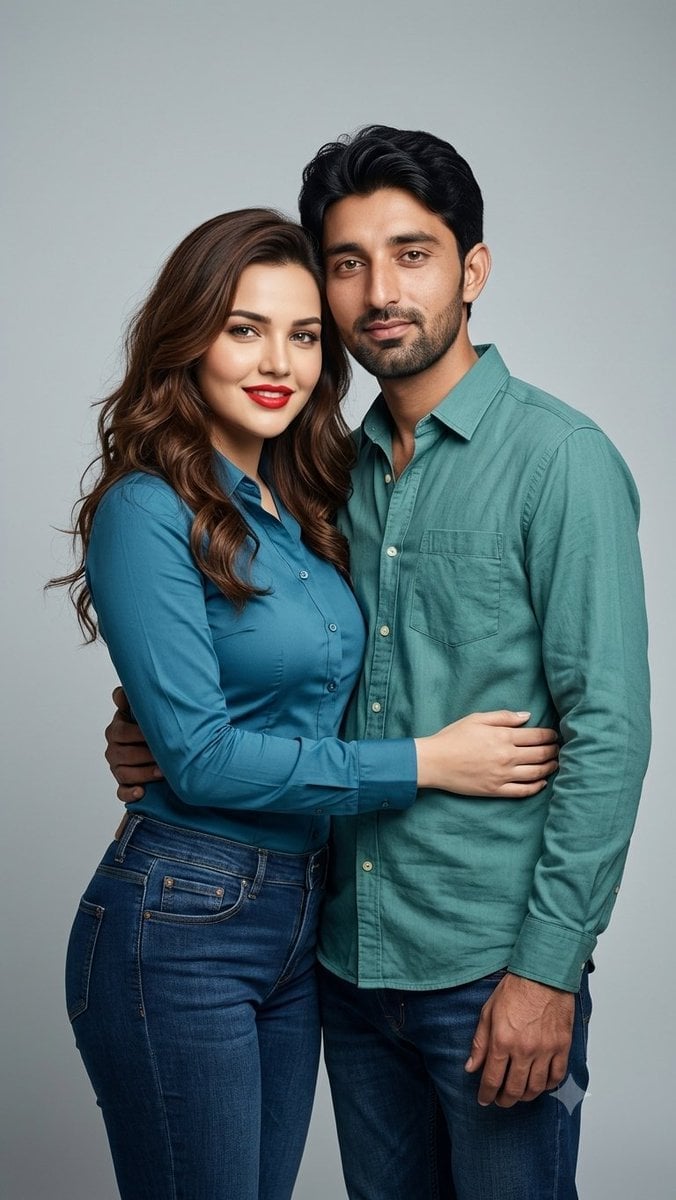
Professional Studio Couple Photoshoot
Browse template categories
Dynamic Cristiano Ronaldo Poster questions
How do I use the Dynamic Cristiano Ronaldo Poster template?
Add your photo if the template asks for one, edit the prompt if you like — the template's model and format are already selected — and press Generate. Your version opens in PicX Studio.
Can I customize the Dynamic Cristiano Ronaldo Poster template?
Yes. You can change the subject, setting, lighting, mood, format, and available model controls before creating your image.
Is the Dynamic Cristiano Ronaldo Poster template free?
Opening and editing this template is free. Generating uses credits, shown on the Generate button when you are signed in.
Which AI model should I use?
Start with GPT Image 2, which is the model associated with this template. You can compare another compatible model for a different finish.
Looking for something else? Browse all templates.

Your photo, any look
Thousands of ready templates for every top image and video model, from one credit balance.