
Manga Fashion Line Art Girl
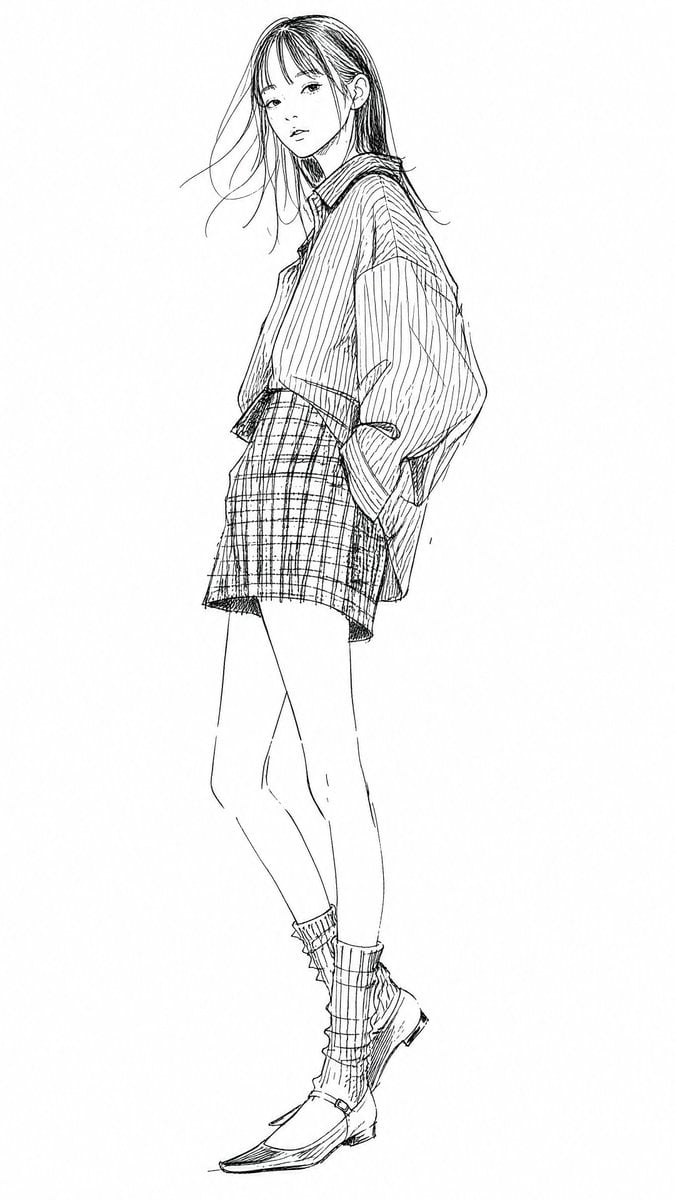
A clean black-and-white full-body manga fashion sketch of a young woman in an oversized striped shirt, plaid skirt, socks, and loafers.
- Prompt included
- Model and format preset
- Free template
The prompt behind this image
Copy the exact prompt behind Manga Fashion Line Art Girl, or open it in the studio and make it yours.
Create a full-body black-and-white manga fashion line drawing of {argument name="character description" default="a slim young woman with long straight dark hair and wispy bangs"} standing alone on a clean white background. She is posed in a relaxed three-quarter view, head turned slightly toward the viewer with a calm, distant expression, one hand tucked into a pocket and the other arm hidden by the oversized sleeve, legs long and slightly crossed. Use delicate hand-drawn ink sketch lines with visible construction-like strokes, fine hatching, loose contour lines, no color, no shading except line texture, and lots of empty white space. The outfit has exactly 5 visible clothing pieces: 1 oversized vertically striped button-up shirt with dropped shoulders and large sleeves, 1 high-waisted plaid mini skirt, 1 pair of scrunched mid-calf socks with vertical ribbing, 1 pair of low heeled loafers, and 1 subtle collar detail at the neckline. Emphasize fabric patterns with dense pen lines: vertical stripes on the shirt, crosshatched plaid on the skirt, ribbed socks, and lightly sketched shoe seams. Keep the figure centered vertically, cropped with generous margins, elegant Japanese illustration style, minimal background, no text, no props, no color fills.
How to use Manga Fashion Line Art Girl in 3 steps
- 1Upload ImagePNG, JPG or paste
Add your photo
Upload the photo the template builds on. The prompt, model and format are already set.
- 2…a portrait of your subject in softgolden-hour light, 85mm…
Personalize
Edit the subject and creative details for your destination.
- 3Generate
Generate
Press Generate — your image is created in PicX Studio, so you can compare it with the original and refine one variable at a time.
More like this
Templates with the same subject, style or setup. Open one to see its prompt.

80s College Gate

1988 Mall Style

80s Polka Dot Saree

Teen Girl Alpine Lake Mountain View
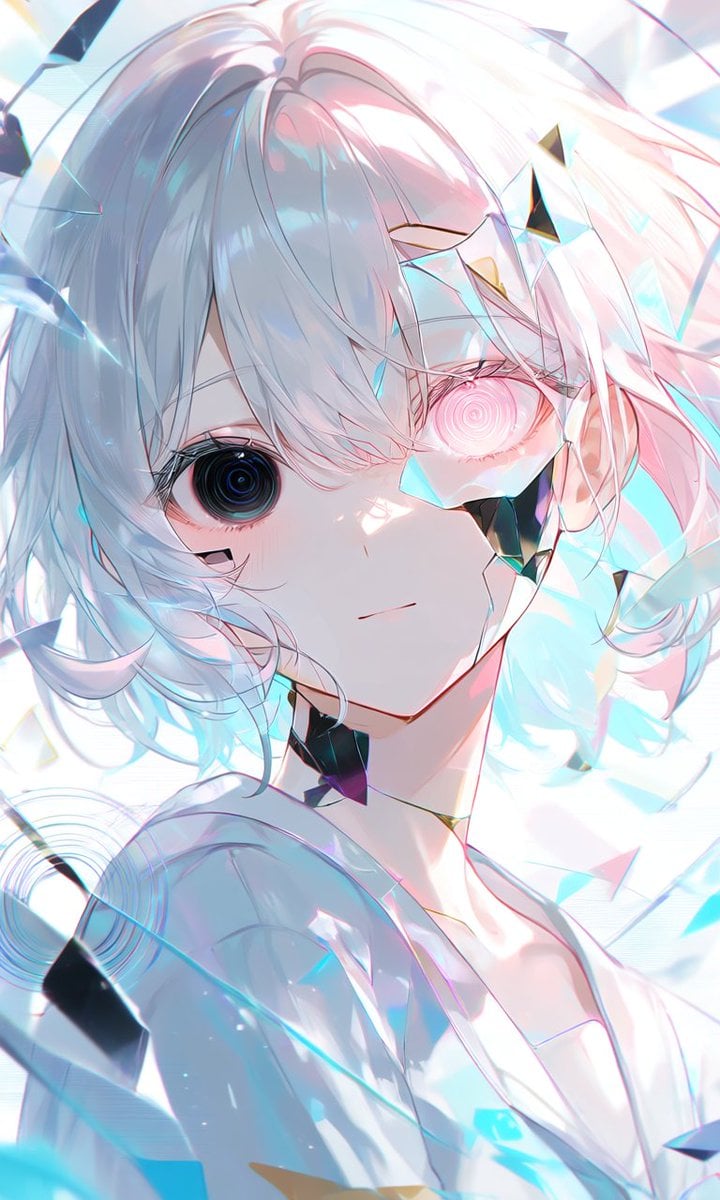
Crystalline Cybernetic Anime Girl
X Timeline With Blurred Fashion Photos

Polo Ralph Lauren Luxury American Heritage Fashion Campaign

Cinematic Street Fashion Photographer Portrait

High-Fashion Editorial Magazine Cover ICON

Fine Art Monochrome Fashion Portrait

Korean Streetwear Minimalist Campaign Portrait

Cinematic Korean Streetwear Street Portrait
Make it yours
Manga Fashion Line Art Girl works as-is. These are the safest ways to change it without losing the look.
Change one field
Copy a single group, rewrite it, and generate again so you can see what that field is doing.
Keep the frame, change the subject
Hold the composition and light of Manga Fashion Line Art Girl, then swap wardrobe, props or the person for a new take.
| If the result… | Why | Fix |
|---|---|---|
| The result drifts from the preview | Too many fields changed at once. | Reuse Manga Fashion Line Art Girl as-is first, then change one group — subject, light, or setting. |
| The model over-stylizes the scene | The prose prompt leaves finish and camera underspecified. | Add one camera or lighting sentence and stay on GPT Image 2. |
More GPT Image 2 templates
Other prompts made for GPT Image 2.

Six VTuber Japanese Logo Sheet

Realistic Portrait of Woman and Deer

The Vista Modular Condo Poster

AI Model Routing Comparison Infographic

2.5D Anime Art Board

Isometric Productivity Desk Scene

New York Double Exposure Poster

Four-Panel AI Landscape Comparison

Japanese Tatami Lifestyle Magazine Cover

NESCAFÉ Coffee Map Poster
More image prompts
Fresh picks from across the catalog.
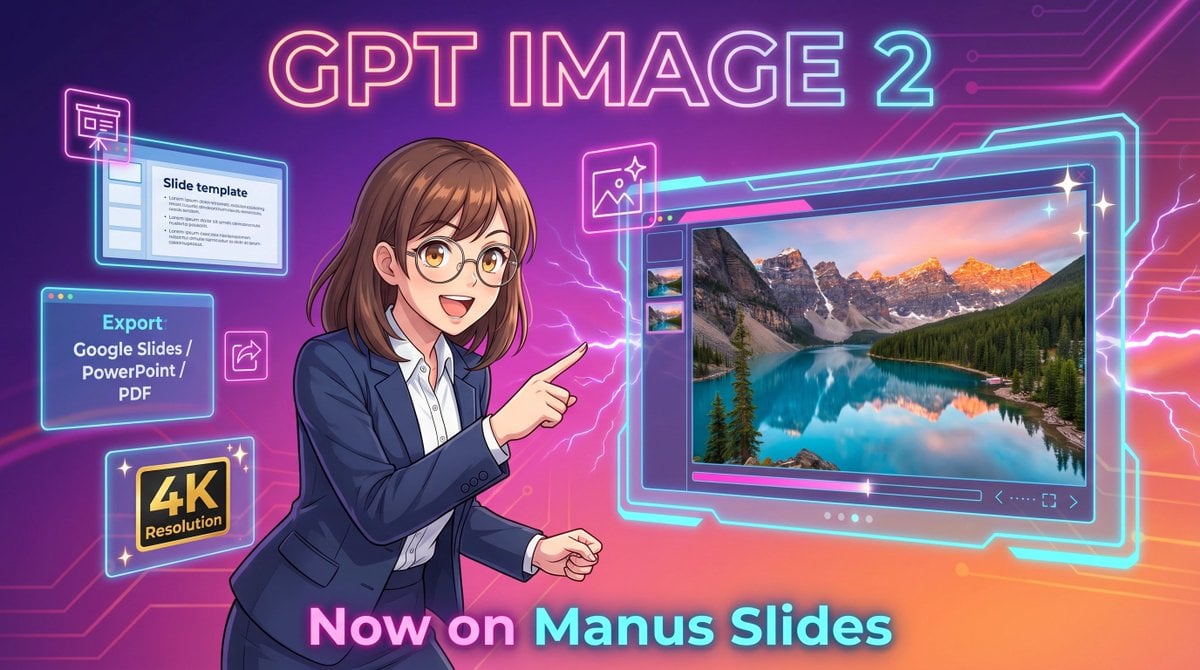
Neon GPT Image 2 Promo Poster
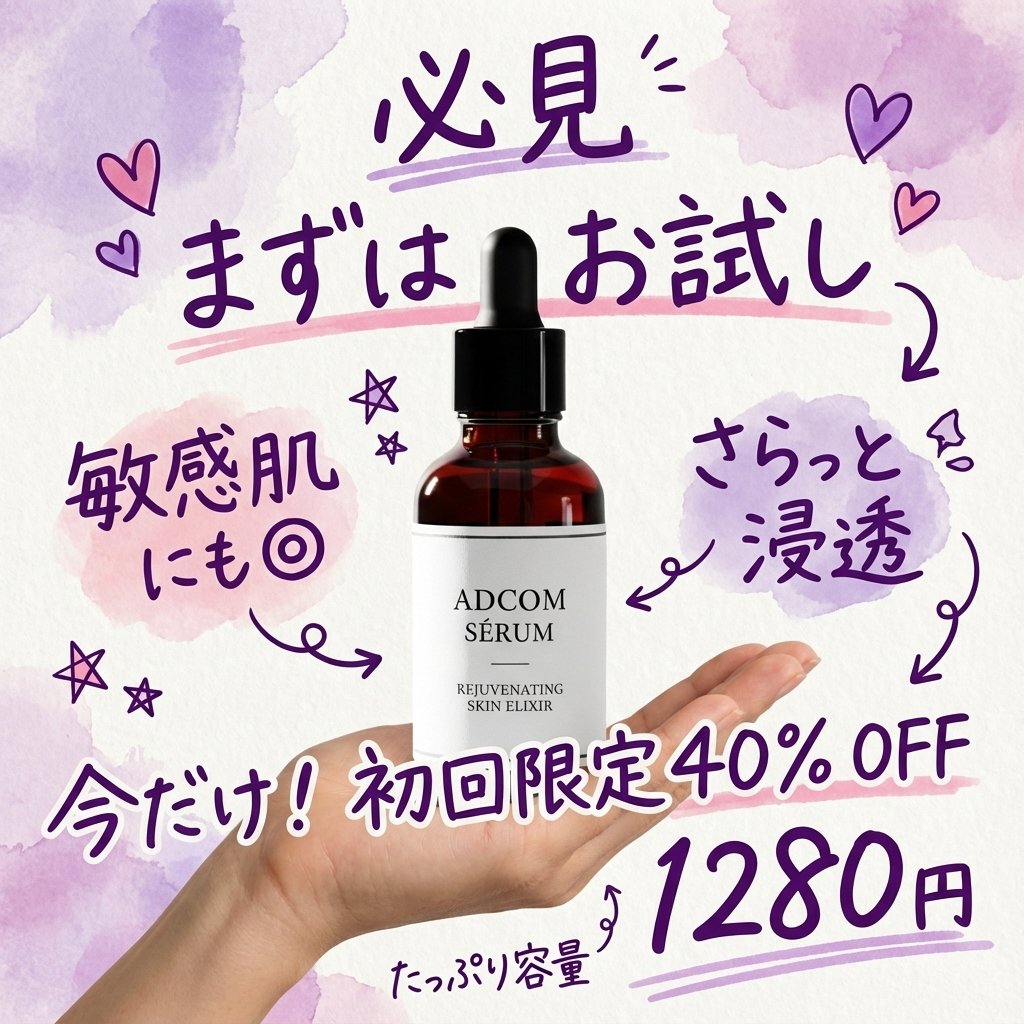
Instagram-style Japanese handwritten cosmetic ad
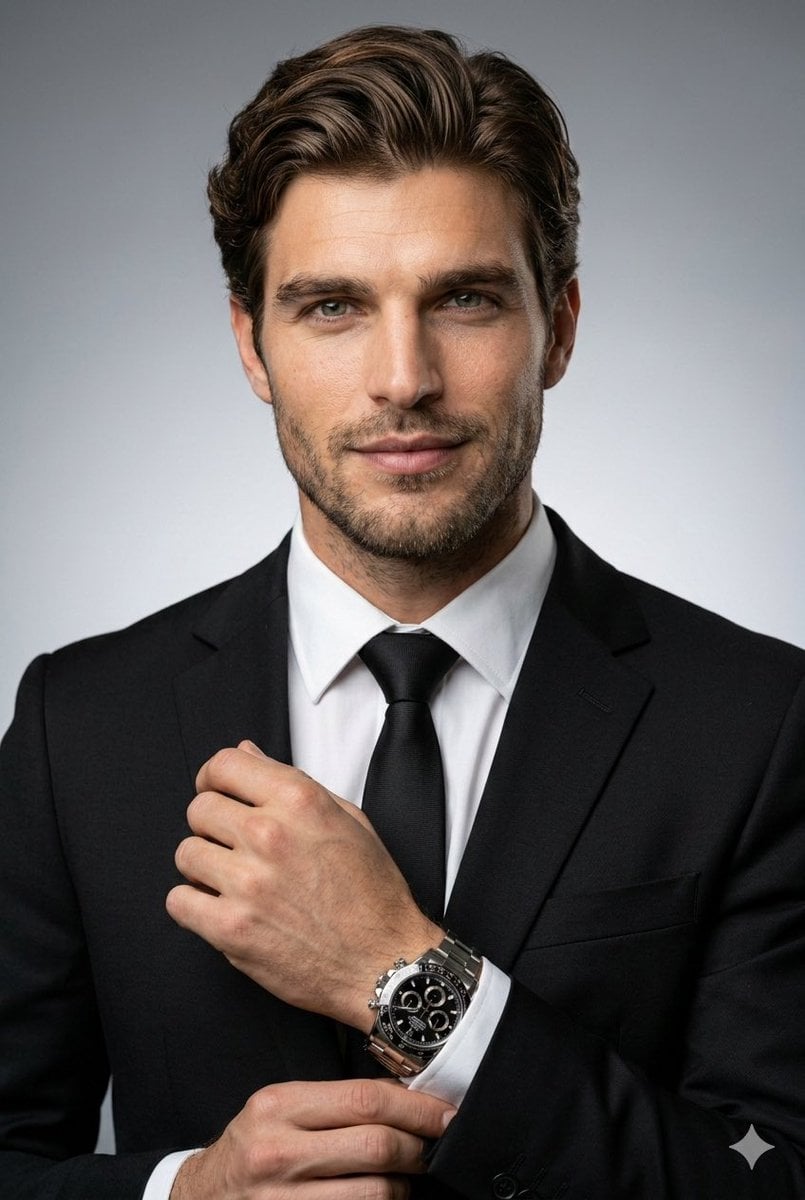
Ultra-Realistic Corporate Headshot
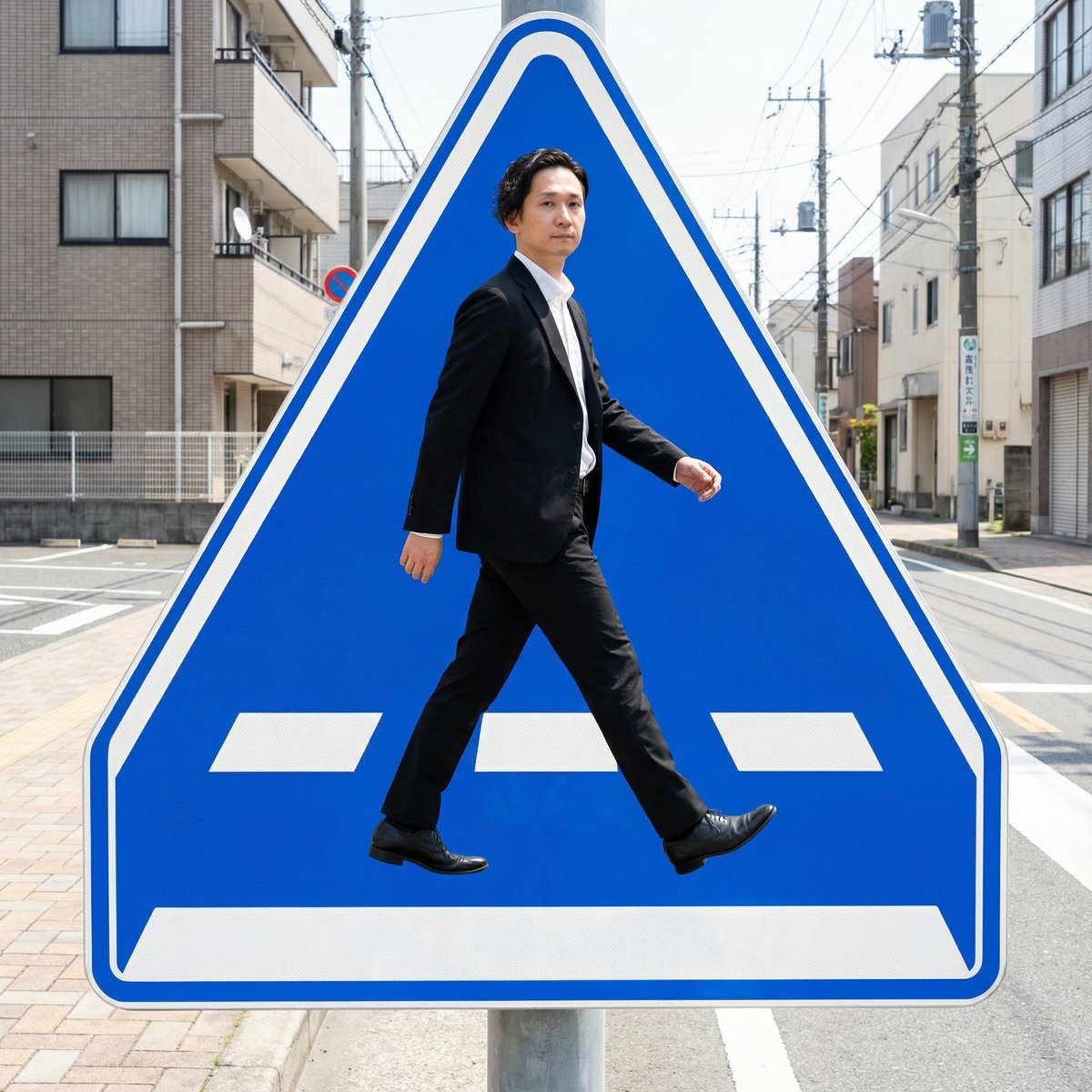
Pedestrian Markings as Personal Silhouette
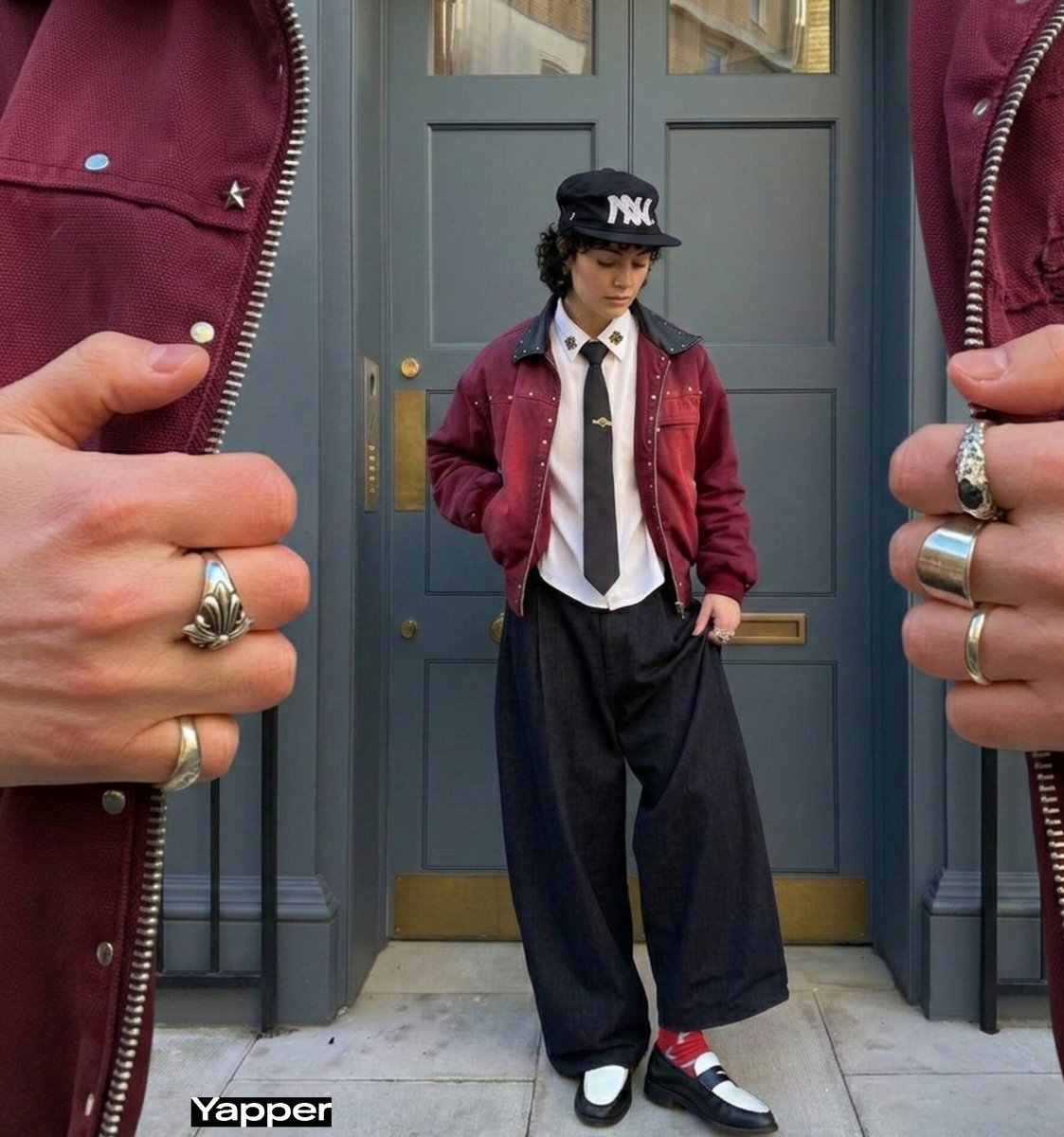
Surreal Macro Fashion Composition
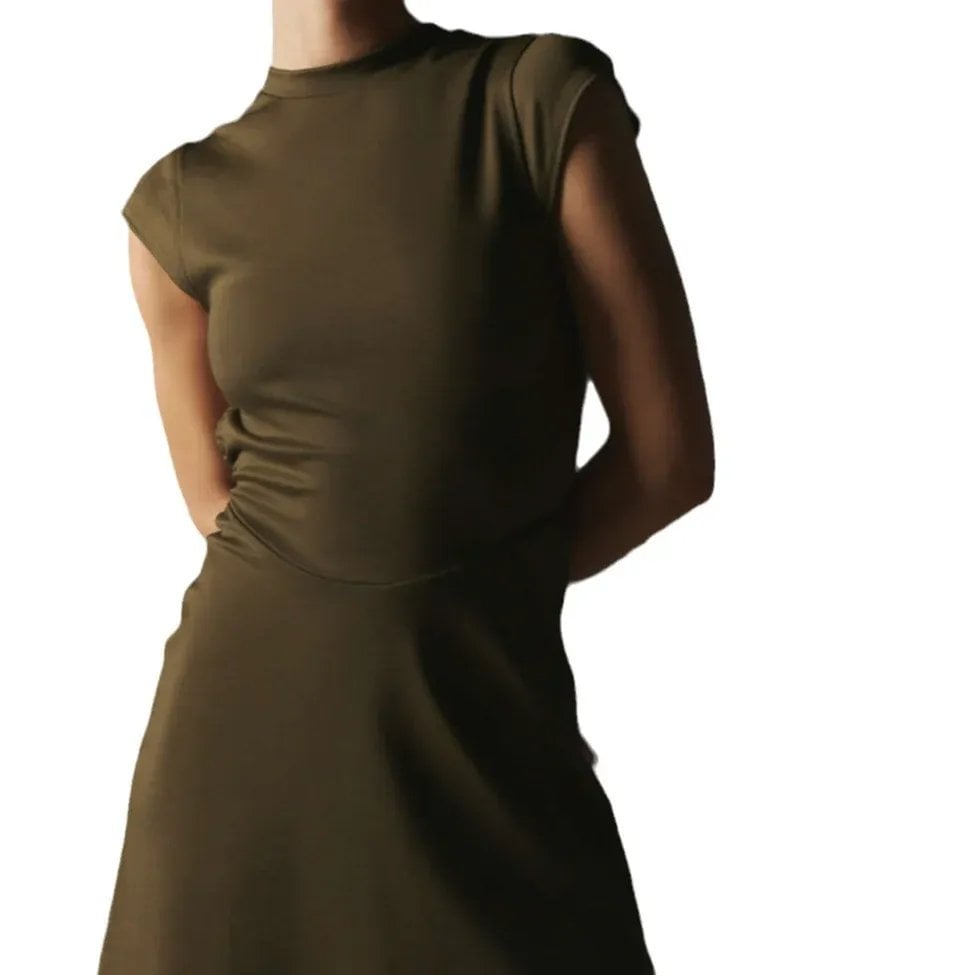
Candid Fashion Lifestyle Shot with Reference

Minimal Director-Led AI Studio Cover
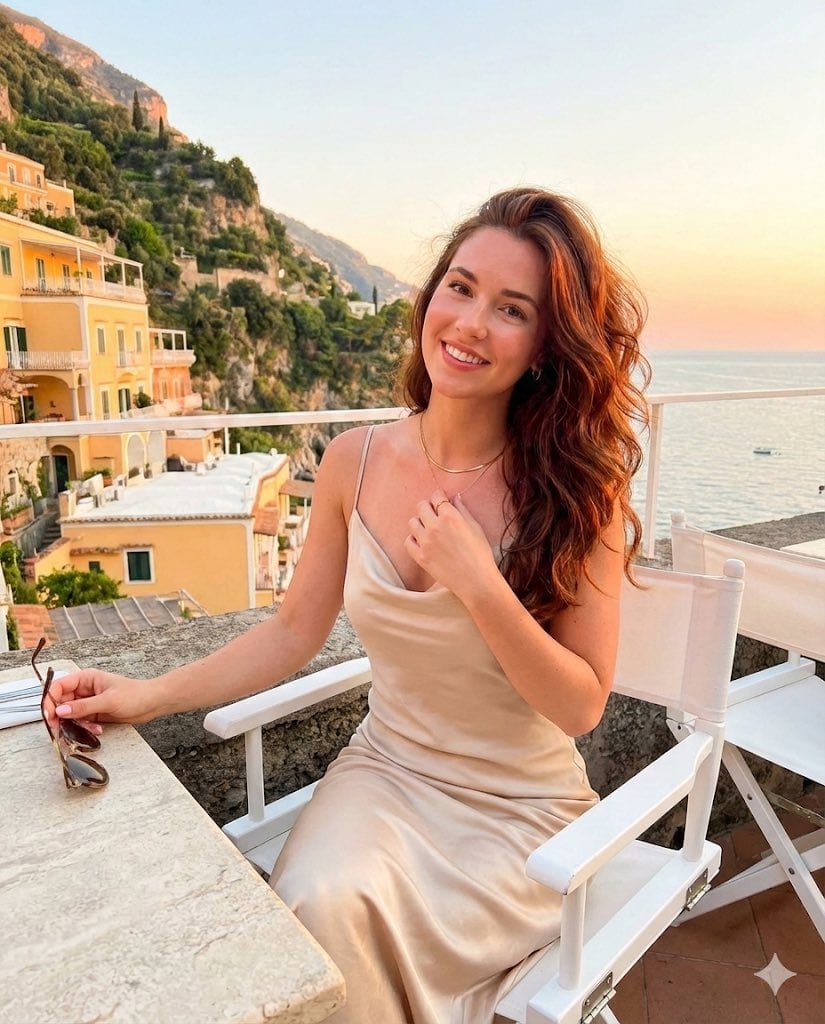
Golden Hour Positano Terrace Lifestyle Shot
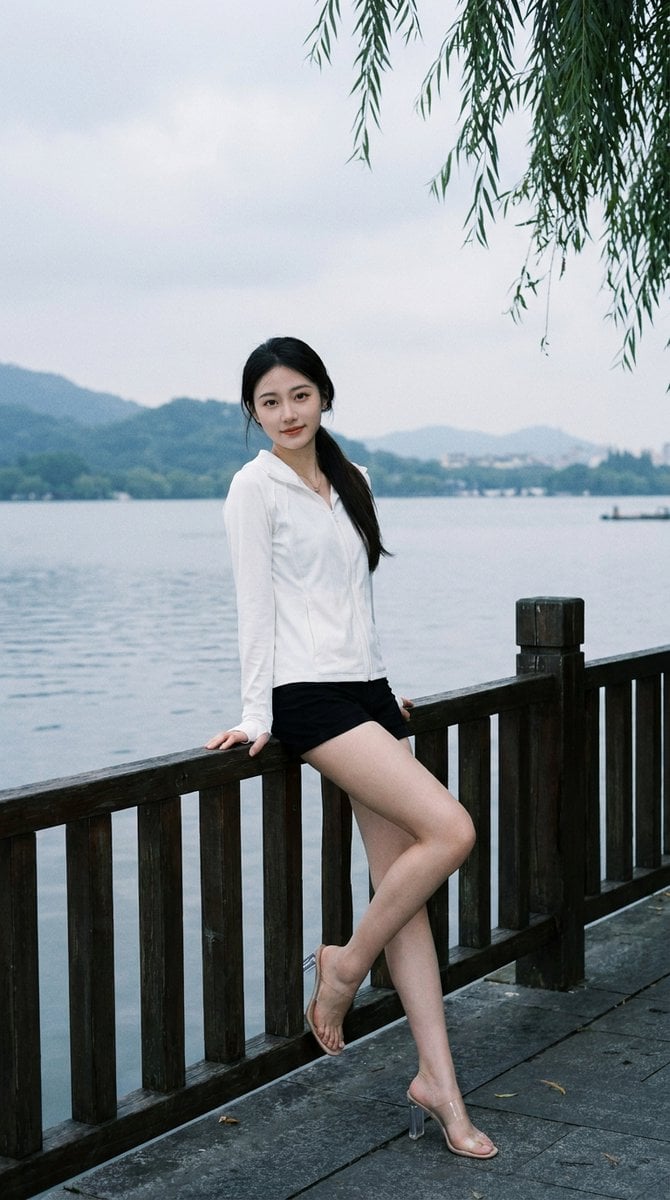
Lakeside Fashion Portrait
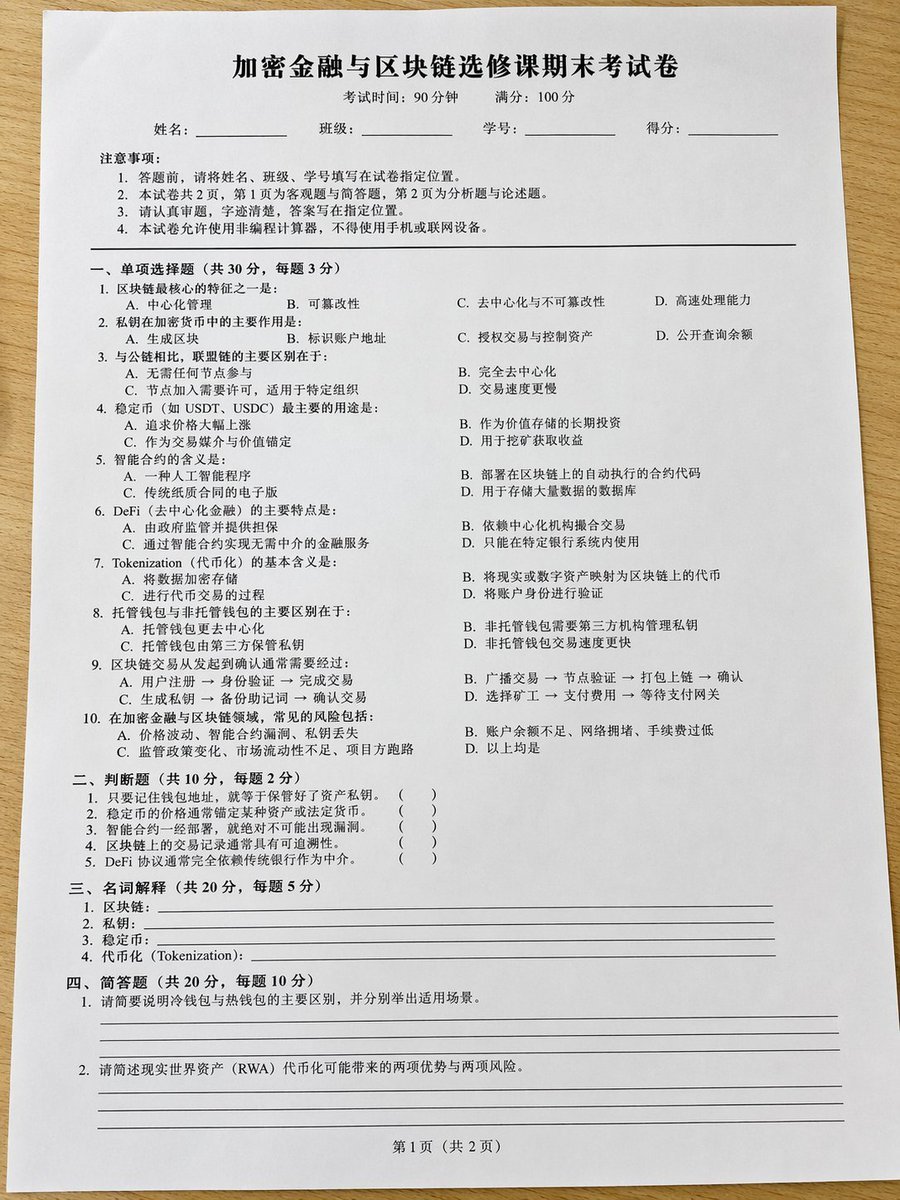
Realistic Crypto Exam Paper
Browse template categories
Manga Fashion Line Art Girl questions
How do I use the Manga Fashion Line Art Girl template?
Add your photo if the template asks for one, edit the prompt if you like — the template's model and format are already selected — and press Generate. Your version opens in PicX Studio.
Can I customize the Manga Fashion Line Art Girl template?
Yes. You can change the subject, setting, lighting, mood, format, and available model controls before creating your image.
Is the Manga Fashion Line Art Girl template free?
Opening and editing this template is free. Generating uses credits, shown on the Generate button when you are signed in.
Which AI model should I use?
Start with GPT Image 2, which is the model associated with this template. You can compare another compatible model for a different finish.
Looking for something else? Browse all templates.

Your photo, any look
Thousands of ready templates for every top image and video model, from one credit balance.