
Character Compatibility Result UI Generator
A prompt for generating a game-style compatibility result screen featuring two characters with a UI meter and personalized diagnosis text.
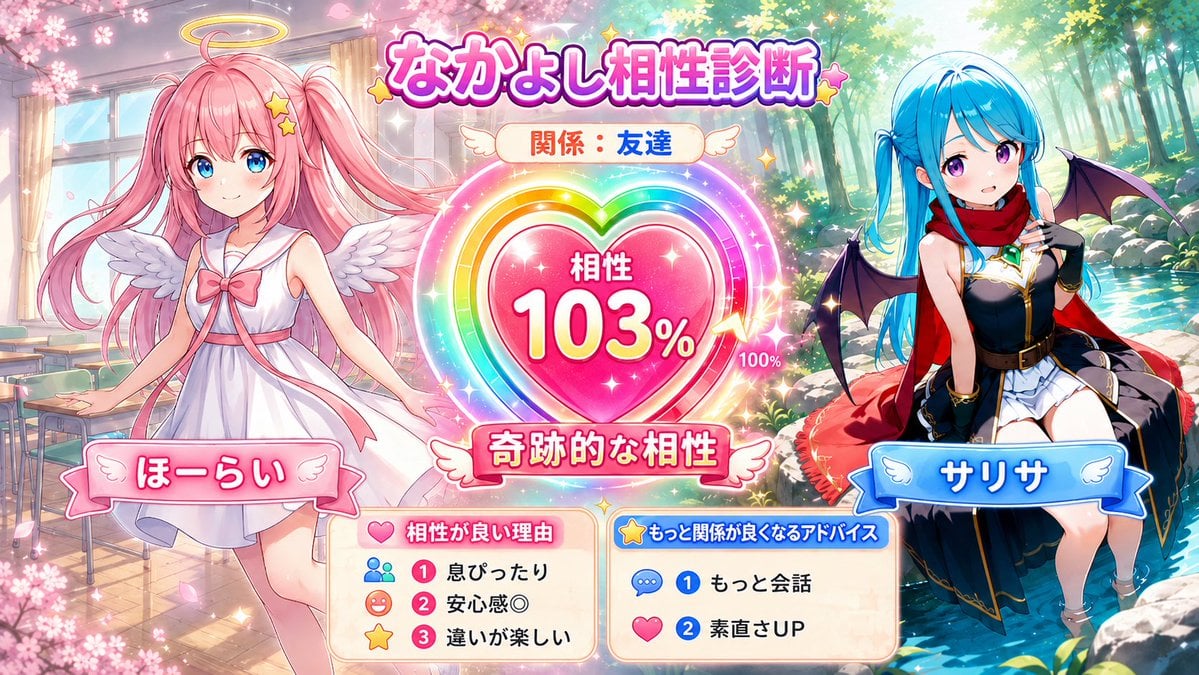
- Prompt included
- Model and format preset
- Free template
The prompt behind this image
Copy the exact prompt behind Character Compatibility Result UI Generator, or open it in the studio and make it yours.
添付された2枚のキャラクター画像を参照し、2人の「キャラクター相性診断」をテーマにした16:9横長イラストを生成してください。文章で診断結果やプロンプトを返さず、必ず1枚の完成イラストとして描いてください。【入力欄】キャラクターAの名前:{argument name="キャラAの名前" default="キャラクターA"} キャラクターBの名前:{argument name="キャラBの名前" default="キャラクターB"} 2人の関係:{argument name="二人の関係" default="親友"} 自由メモ:※任意。性格や普段の関係など。未入力なら添付画像の表情・服装・色合い・雰囲気から判断。【内容】16:9のゲーム風UIイラスト。2人を左右に配置し、中央に大きな相性ゲージ/ハート型メーター/好感度リザルト風UIを置く。キャラAとBの髪型・髪色・瞳・服装・装飾・雰囲気を混ぜず、添付画像に忠実に再現。絵柄、色使い、背景、UIデザインは添付画像2枚の雰囲気に合わせる。【相性診断】関係性・自由メモ・画像から感じる性格をもとに相性を0〜120%で自動診断し、画像内に表示。100%超えは「限界突破」「奇跡的な相性」「運命的な相性」として、ゲージ突破・虹色オーラ・LIMIT BREAK風演出で表現。良好な関係は低すぎる数値にしない。目安:親友85〜120%、友達70〜105%、相棒80〜115%、幼なじみ75〜110%、先輩後輩55〜100%、ライバル45〜105%、犬猿の仲25〜85%、恋人未満70〜115%。重要:相性%は毎回固定にしない。同じ関係でも同じ数字にせず、キャラの雰囲気に応じて自然に変動させる。特に親友でも毎回112%にしない。【画面内の文字】文字は短く読みやすく。長文禁止。必ず入れる:Aの名前、Bの名前、関係、相性〇〇%、短い診断タイトル。できれば入れる:相性が良い理由3つ、もっと関係が良くなるアドバイス2つ。理由やアドバイスは「息ぴったり」「安心感◎」「ノリが合う」「もっと会話」「素直さUP」など、短いUIラベルやアイコン付きミニパネルで表示。【構図】キャラ同士は触れ合わない。手を繋がない、腕を組まない、抱きつかない、密着しない、身体を重ねない。2人の間に中央UIを挟み、適度な距離を空ける。仲の良さは接触ではなく、表情・視線・ポーズ・身体の向き・背景アイコン・UI演出で表現。【仕上げ】明るく見やすいSNS向けの完成度の高い1枚絵。2人の存在感は均等にする。【避けること】顔や髪型が混ざる、服装入れ替わり、瞳色変更、人物追加、片方が消える、接触、手繋ぎ、密着、身体の重なり、手足や指の破綻、腕が増える、長文、文字化け、読めない文字、UIのごちゃつき、背景過多、低解像度、ぼやけ、歪み、別キャラ化。
How to use Character Compatibility Result UI Generator in 3 steps
- 1Upload ImagePNG, JPG or paste
Add your photo
Upload the photo the template builds on. The prompt, model and format are already set.
- 2…a portrait of your subject in softgolden-hour light, 85mm…
Personalize
Edit the subject and creative details for your destination.
- 3Generate
Generate
Press Generate — your image is created in PicX Studio, so you can compare it with the original and refine one variable at a time.
More like this
Templates with the same subject, style or setup. Open one to see its prompt.
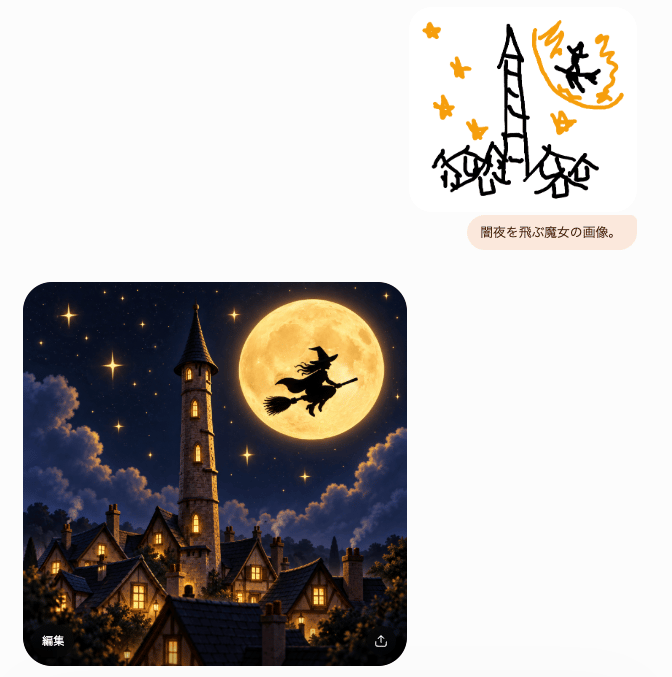
Witch Sketch to Fantasy Result UI
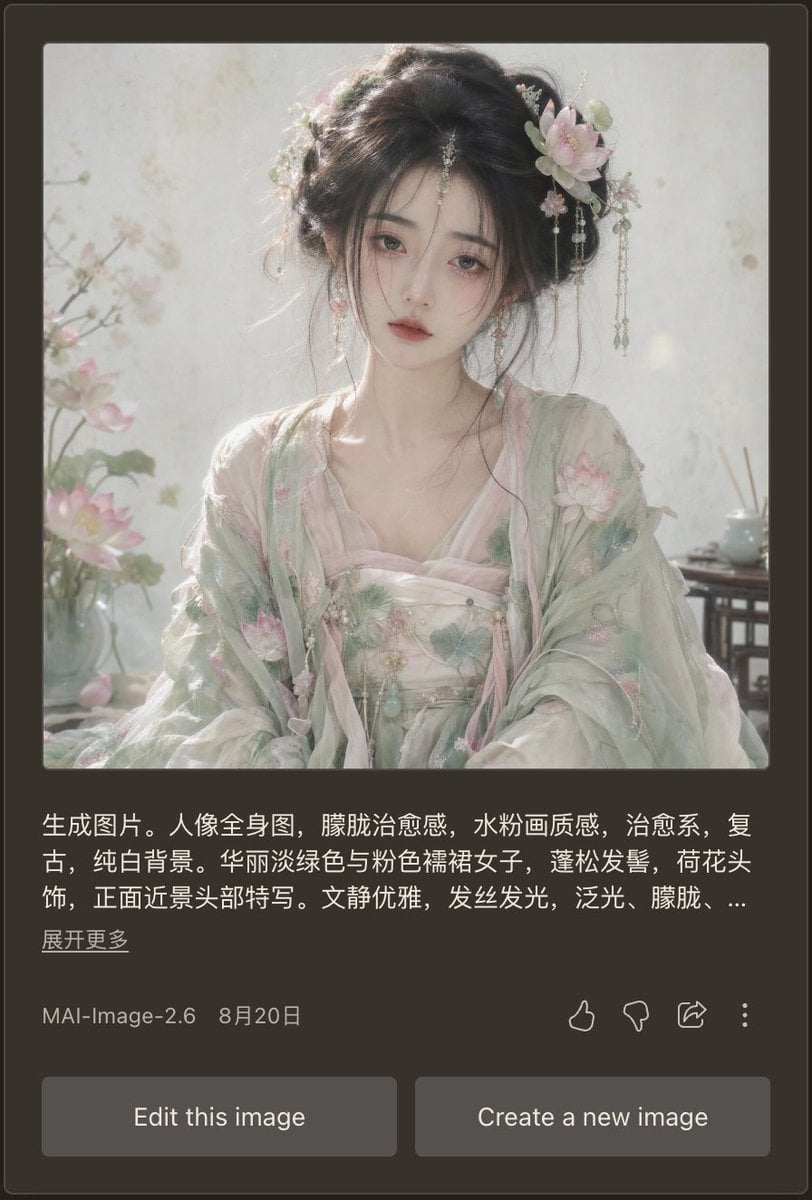
Dark Mode AI Portrait Result Card
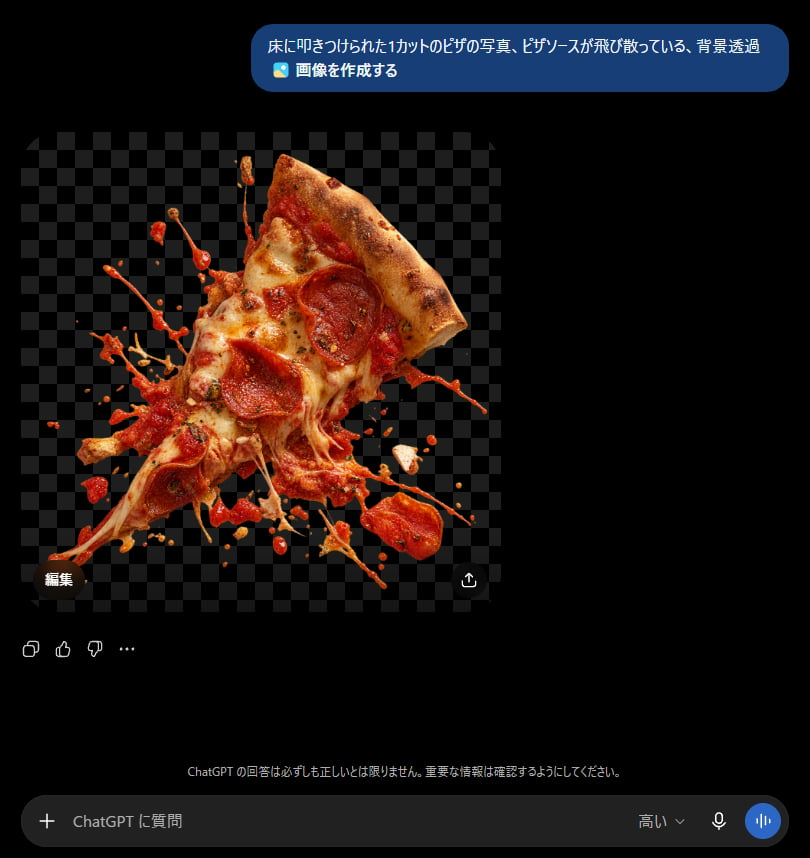
ChatGPT Transparent Pizza Result
Cat Recognition Result Screen
ChatGPT Results Focus Cat Illustration
Japanese AI Image Result UI
Google Search Results Mockup
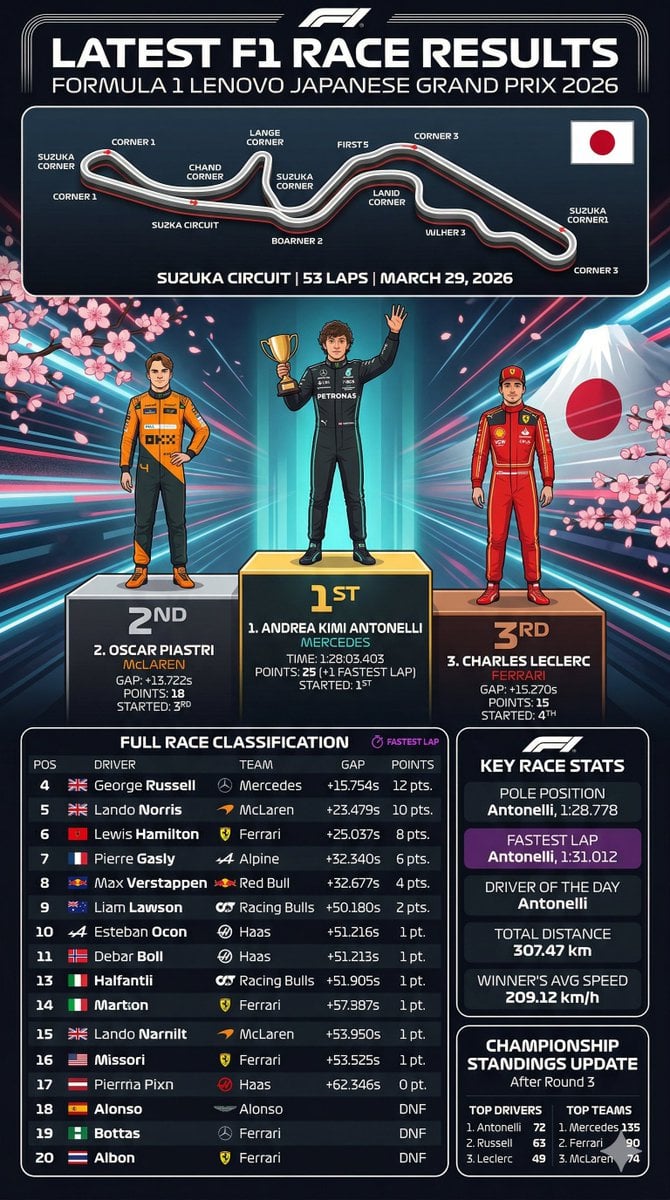
F1 Race Results Infographic
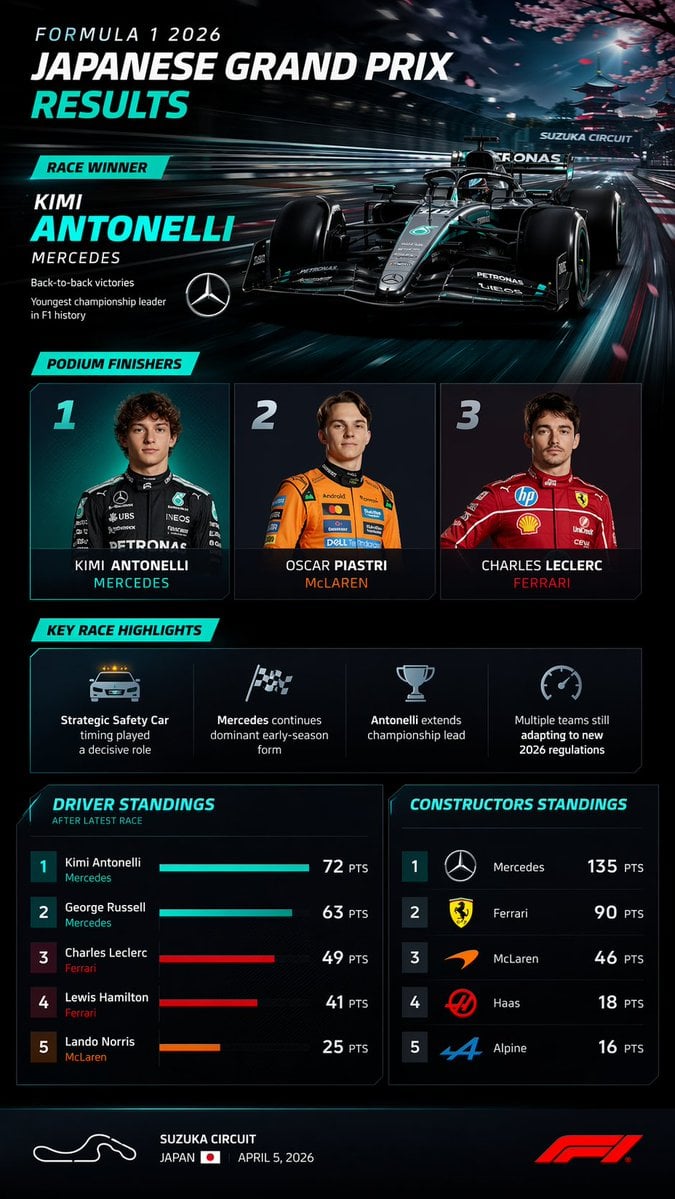
F1 Race Results Infographic Dashboard

Government results infographic from web sources
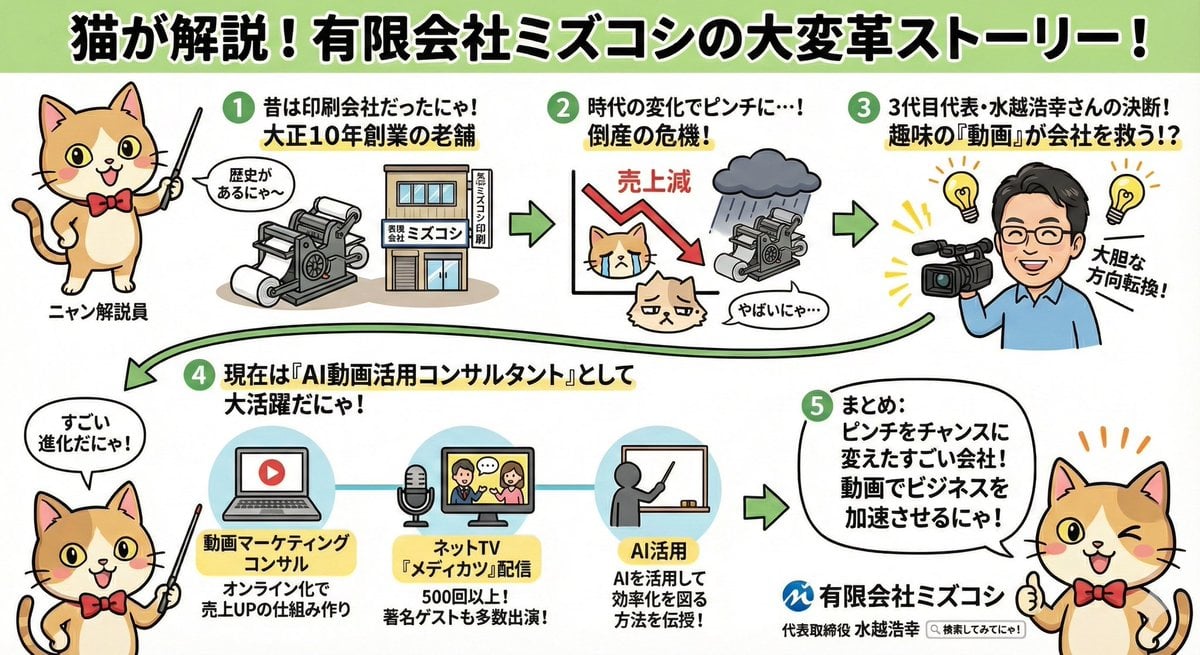
Anime-style Graphic Recording from Web Search Results

Found Photograph: Us, 1970
Make it yours
Character Compatibility Result UI Generator works as-is. These are the safest ways to change it without losing the look.
Change one field
Copy a single group, rewrite it, and generate again so you can see what that field is doing.
Keep the frame, change the subject
Hold the composition and light of Character Compatibility Result UI Generator, then swap wardrobe, props or the person for a new take.
| If the result… | Why | Fix |
|---|---|---|
| The result drifts from the preview | Too many fields changed at once. | Reuse Character Compatibility Result UI Generator as-is first, then change one group — subject, light, or setting. |
| The model over-stylizes the scene | The prose prompt leaves finish and camera underspecified. | Add one camera or lighting sentence and stay on GPT Image 2. |
More GPT Image 2 templates
Other prompts made for GPT Image 2.

Six VTuber Japanese Logo Sheet

Realistic Portrait of Woman and Deer

The Vista Modular Condo Poster

2.5D Anime Art Board

Isometric Productivity Desk Scene

New York Double Exposure Poster

Four-Panel AI Landscape Comparison

Japanese Tatami Lifestyle Magazine Cover

NESCAFÉ Coffee Map Poster

Brutalist Cogito Chinese Typography Poster
More image prompts
Fresh picks from across the catalog.
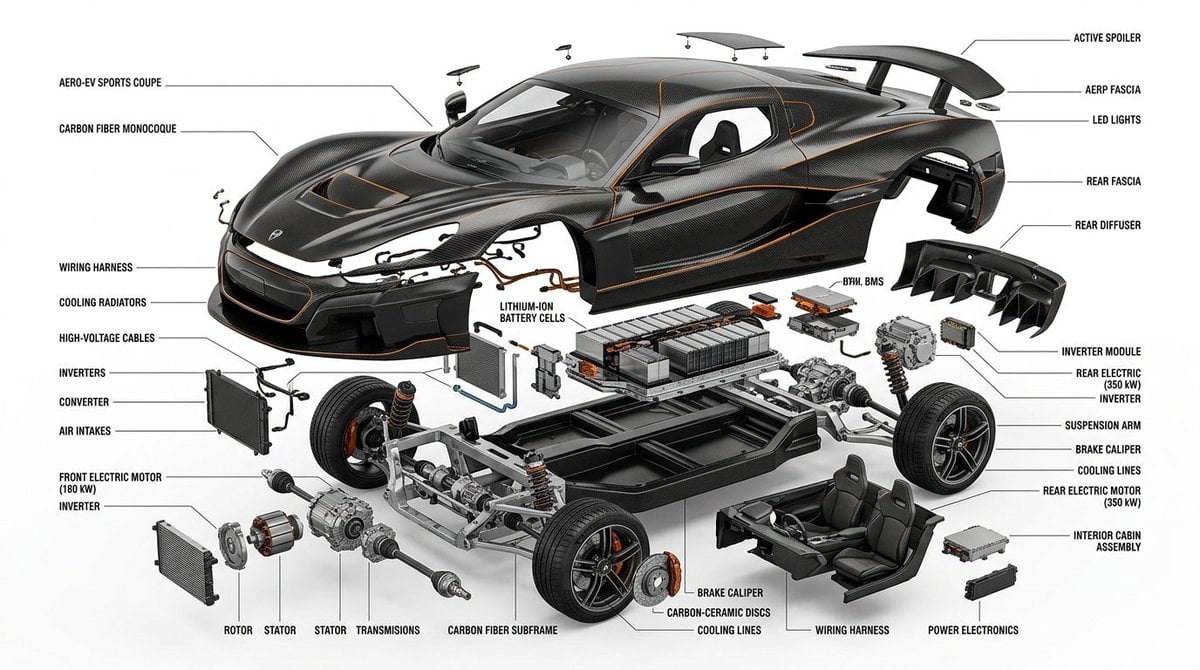
Exploded View Infographic Diagram Prompt
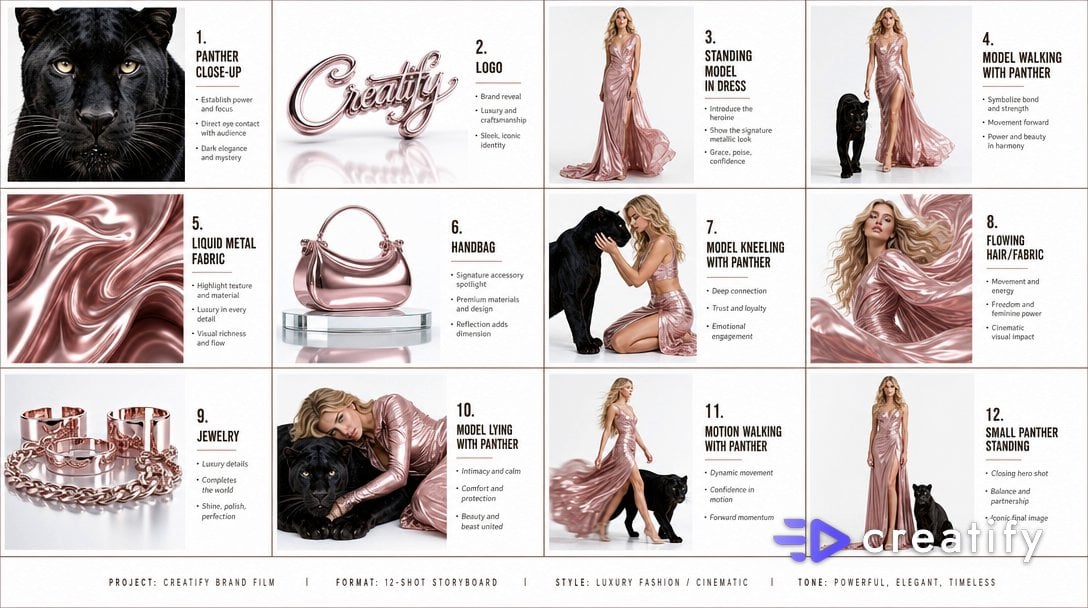
Cinematic Storyboard Infographic
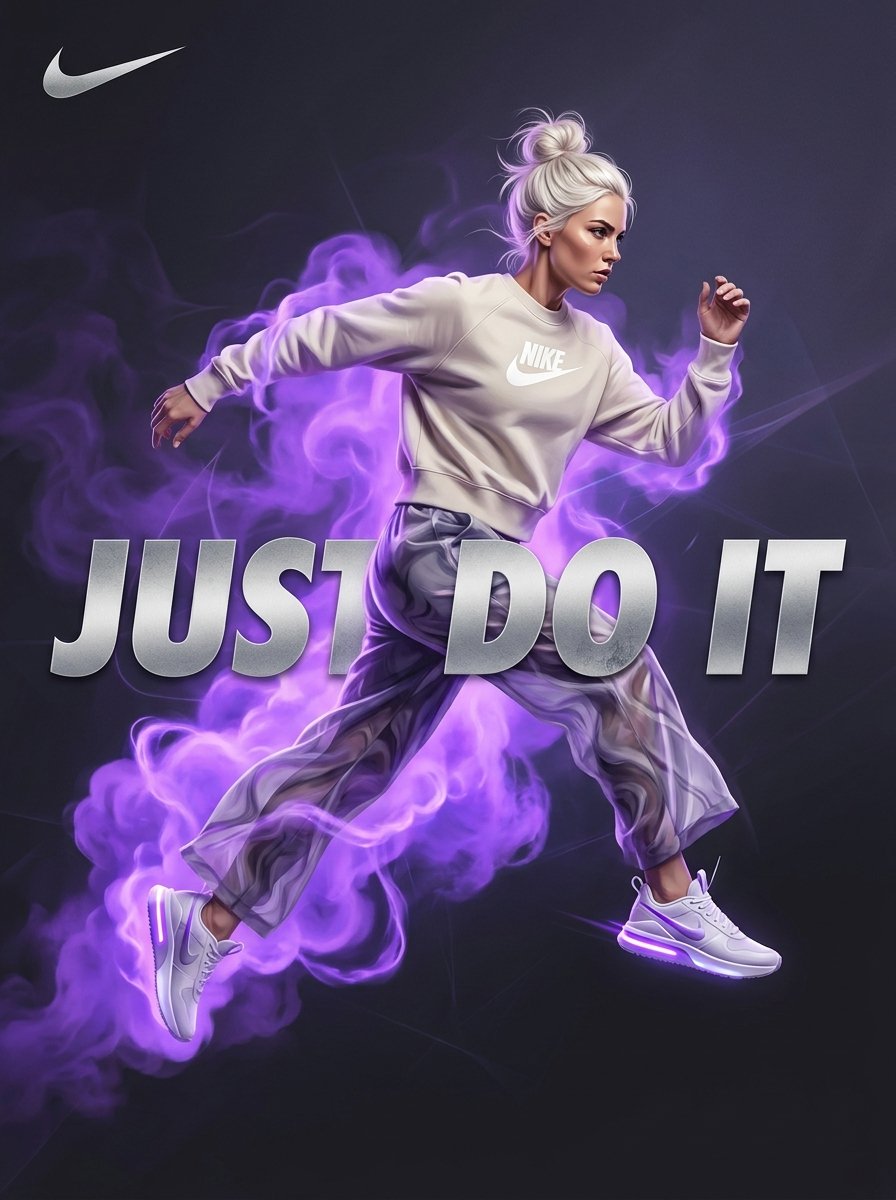
Surreal Violet Sports Ad Poster
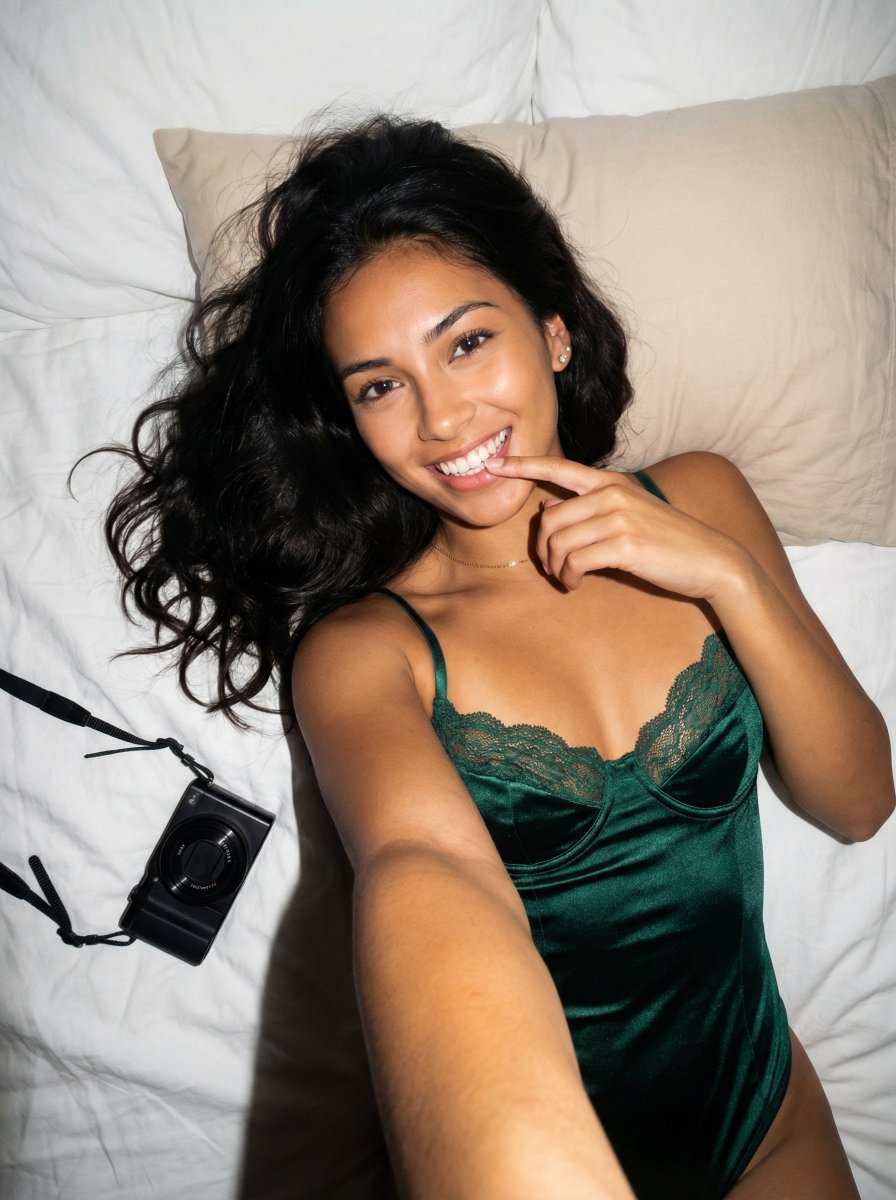
Photorealistic Reclining Portrait with ControlNet Details
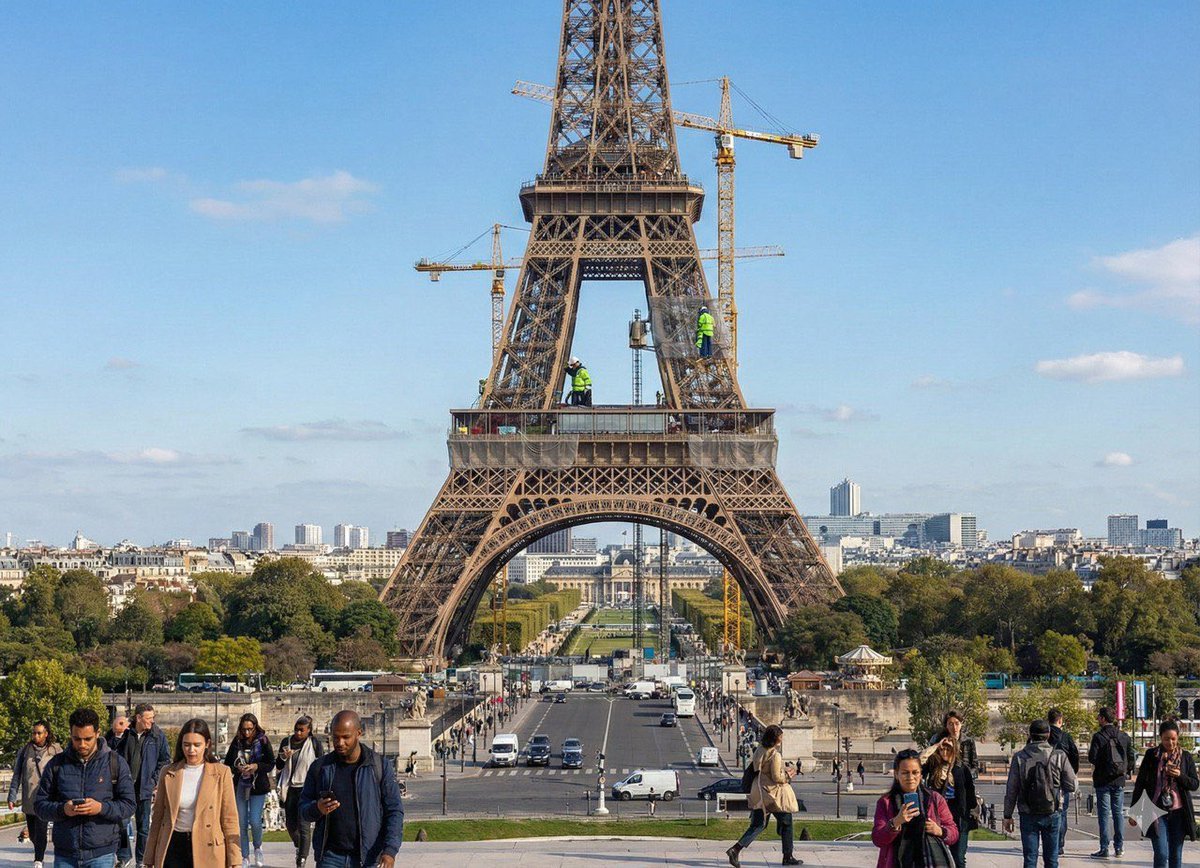
Future Aesthetic Image Generation Prompt
Minimalist Exploded View Commercial Food Photography
Y2K Fashion Magazine Cover
Ink painting lone boat prompt for Nano Banana Pro
Cinematic Fashion Photograph with Motion Blur
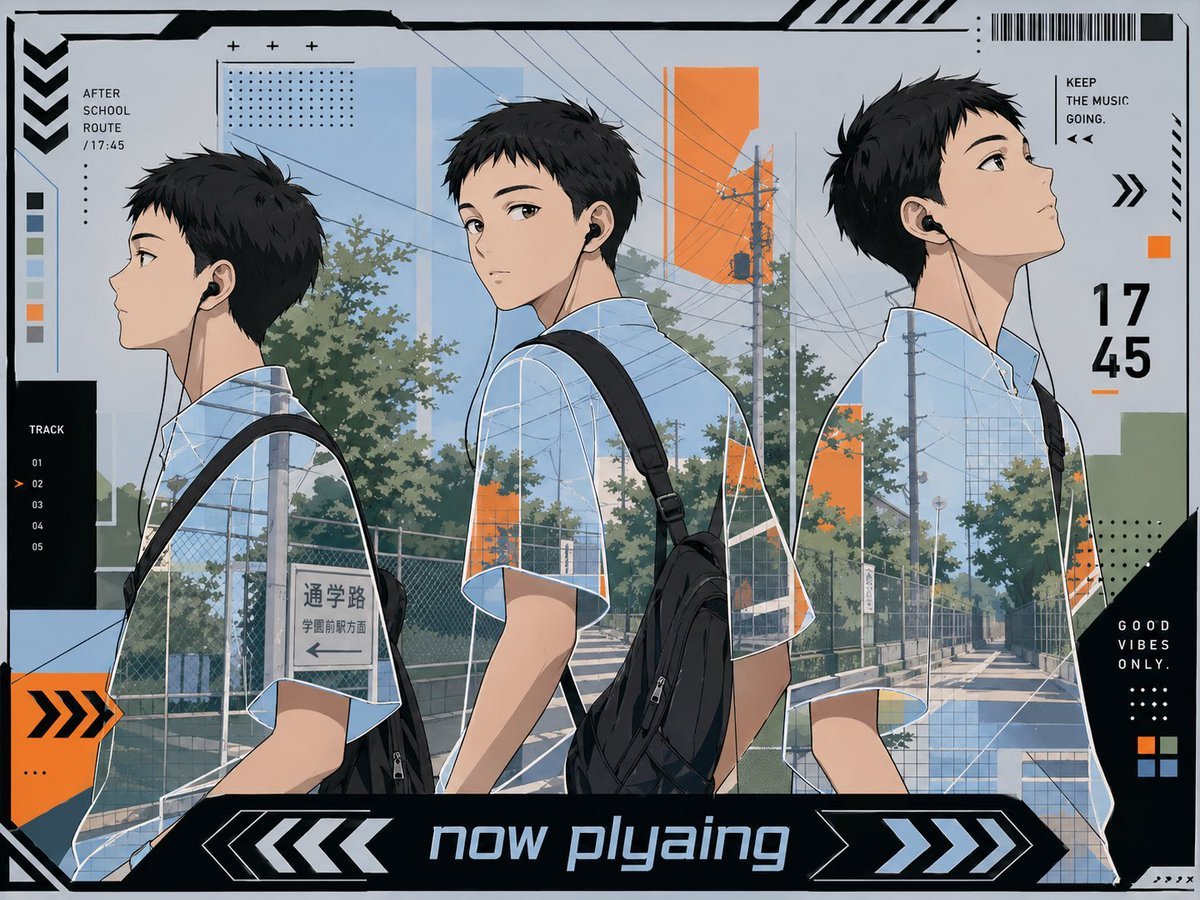
Anime Now Playing School Route Poster
Browse template categories
Character Compatibility Result UI Generator questions
How do I use the Character Compatibility Result UI Generator template?
Add your photo if the template asks for one, edit the prompt if you like — the template's model and format are already selected — and press Generate. Your version opens in PicX Studio.
Can I customize the Character Compatibility Result UI Generator template?
Yes. You can change the subject, setting, lighting, mood, format, and available model controls before creating your image.
Is the Character Compatibility Result UI Generator template free?
Opening and editing this template is free. Generating uses credits, shown on the Generate button when you are signed in.
Which AI model should I use?
Start with GPT Image 2, which is the model associated with this template. You can compare another compatible model for a different finish.
Looking for something else? Browse all templates.

Your photo, any look
Thousands of ready templates for every top image and video model, from one credit balance.