
Y2K Casual Street Hoodie Outfit
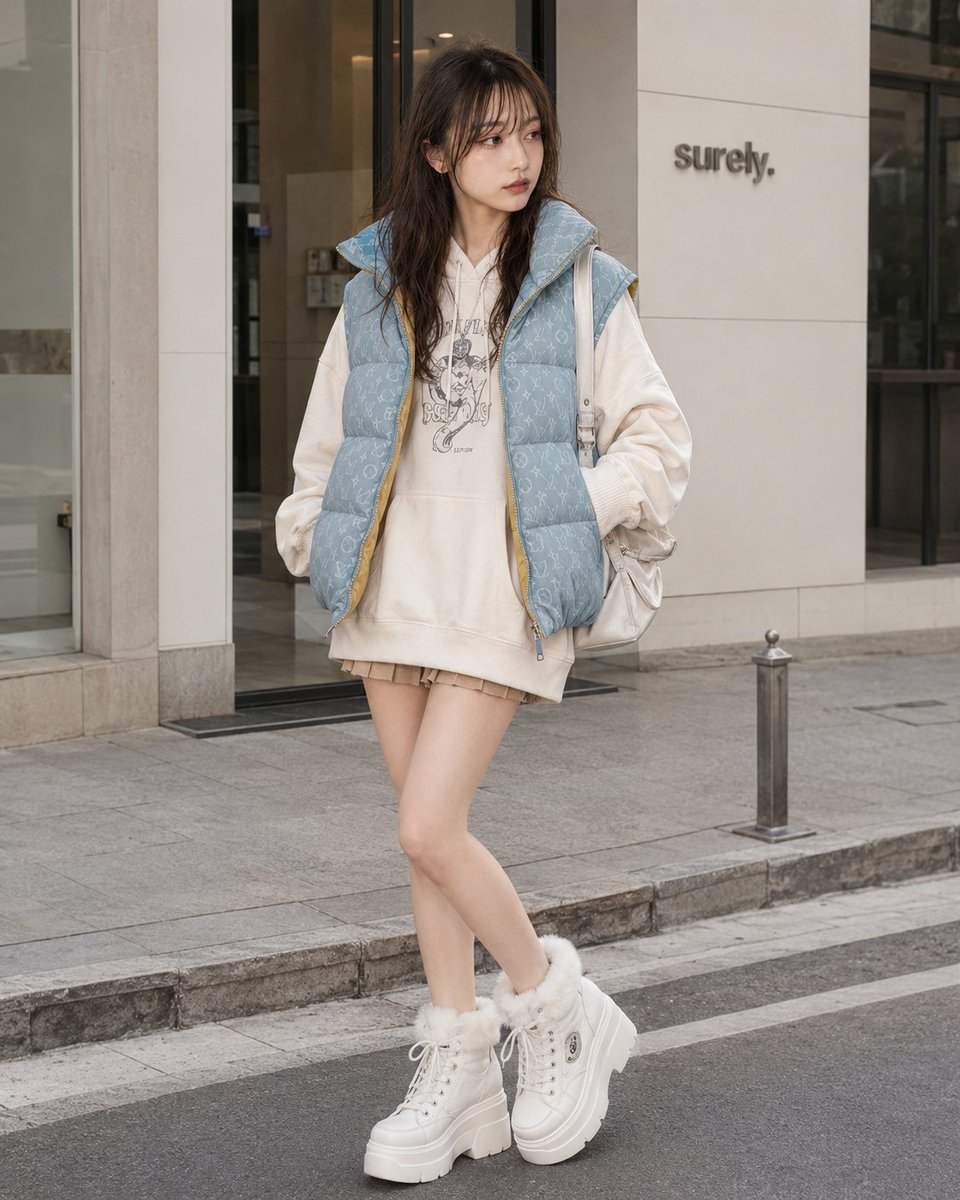
A stylish Y2K fashion prompt featuring an oversized off-white hoodie, a monogrammed puffer vest, and platform sneakers.
- Prompt included
- Model and format preset
- Free template
The prompt behind this image
Copy the exact prompt behind Y2K Casual Street Hoodie Outfit, or open it in the studio and make it yours.
Outfit: cute Y2K casual street outfit with an oversized {argument name="hoodie color" default="off-white"} cotton fleece hoodie worn in a mini-length silhouette, front pouch pocket, relaxed long sleeves, ribbed cuffs and hem, and a generalized chest graphic print, layered with a {argument name="vest color" default="light-blue"} washed denim-like quilted puffer vest featuring an all-over generalized monogram-style pattern, high padded collar, open front, believable padding volume, subtle yellow lining accent, visible seams, real folds, natural seam tension, realistic drape, clean stitching, premium fabric texture, and refined edge finishing; a very short beige to light-brown mini bottom subtly visible beneath the hoodie hem; white chunky platform lace-up sneaker boots with faux-fur ankle trim, thick rubber sole, metal eyelets, small generalized patch-like side details, high-quality material feel, detailed garment realism, not costume-like, not cheap-looking; add a random mix of delicate casual Y2K {argument name="accessory tone" default="silver-tone"} and white-tone accessories that match the outfit without fixing exact pieces.
How to use Y2K Casual Street Hoodie Outfit in 3 steps
- 1
Open
The prompt is already in the box next to the preview, with the template's model and format selected.
- 2…a portrait of your subject in softgolden-hour light, 85mm…
Personalize
Edit the subject and creative details for your destination.
- 3Generate
Generate
Press Generate — your image is created in PicX Studio, so you can compare it with the original and refine one variable at a time.
More like this
Templates with the same subject, style or setup. Open one to see its prompt.
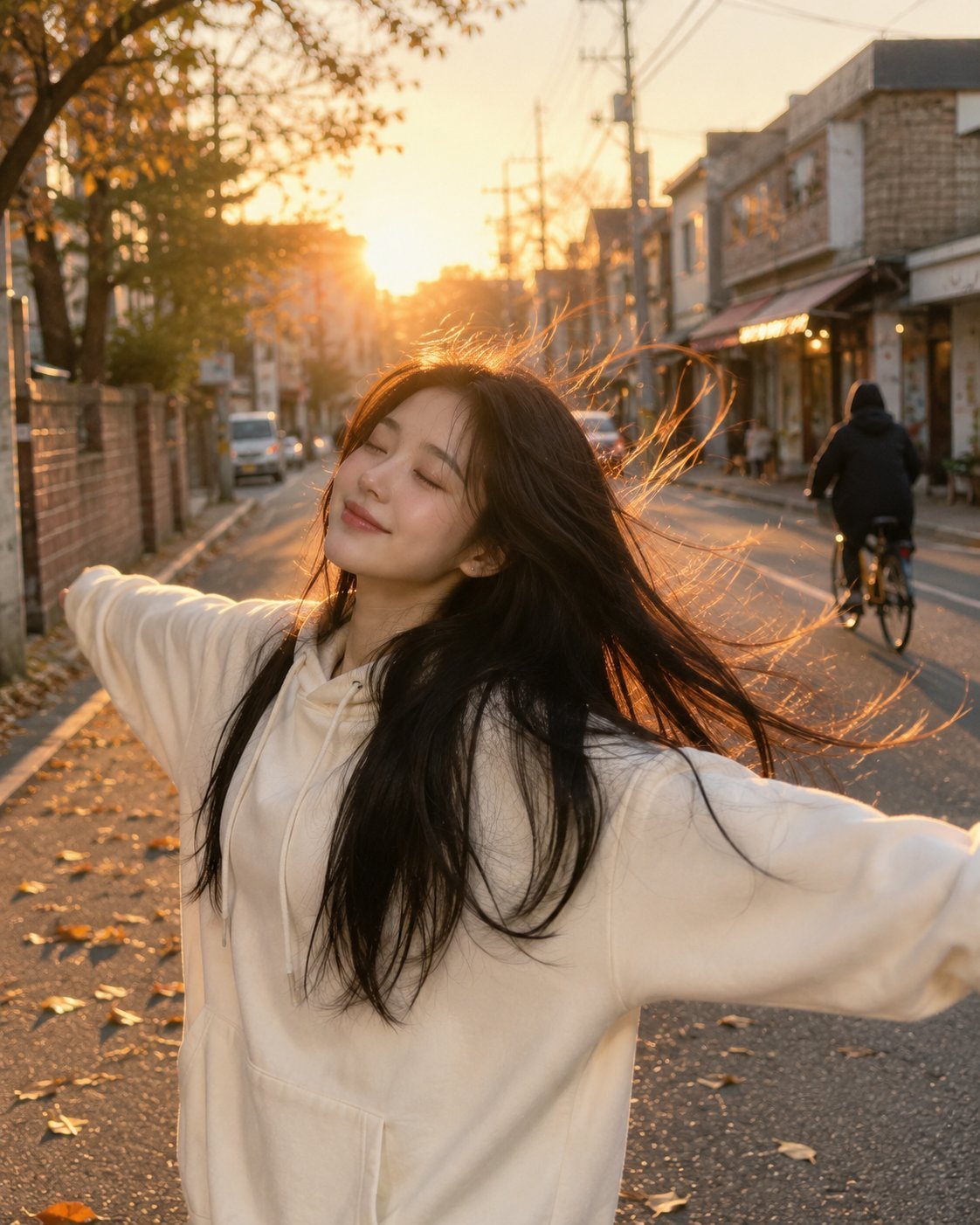
Golden Hour Street Hoodie Lifestyle Portrait
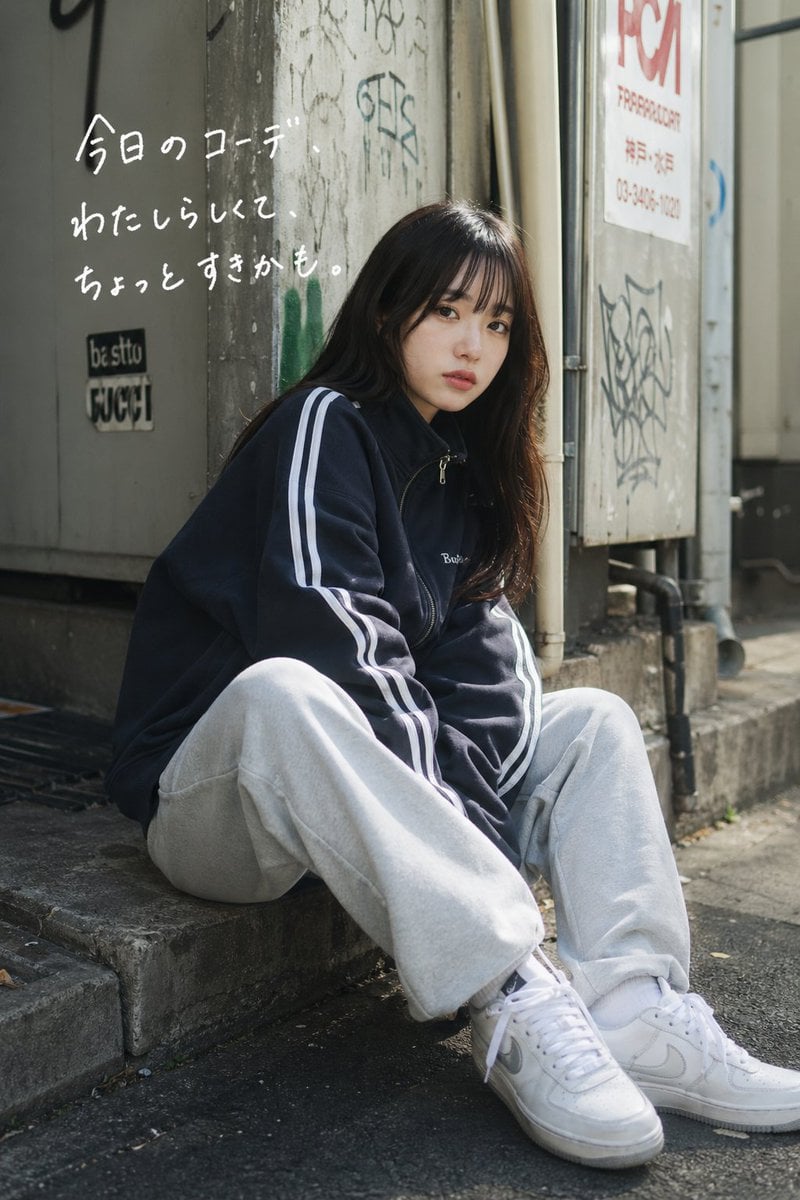
Casual Street Outfit Photo with Handwritten Text

Two Tickets, One Night

Meet Me When It Rains

Two Hearts. One Scooter.

1986 Street Couple

1985 Street Scene
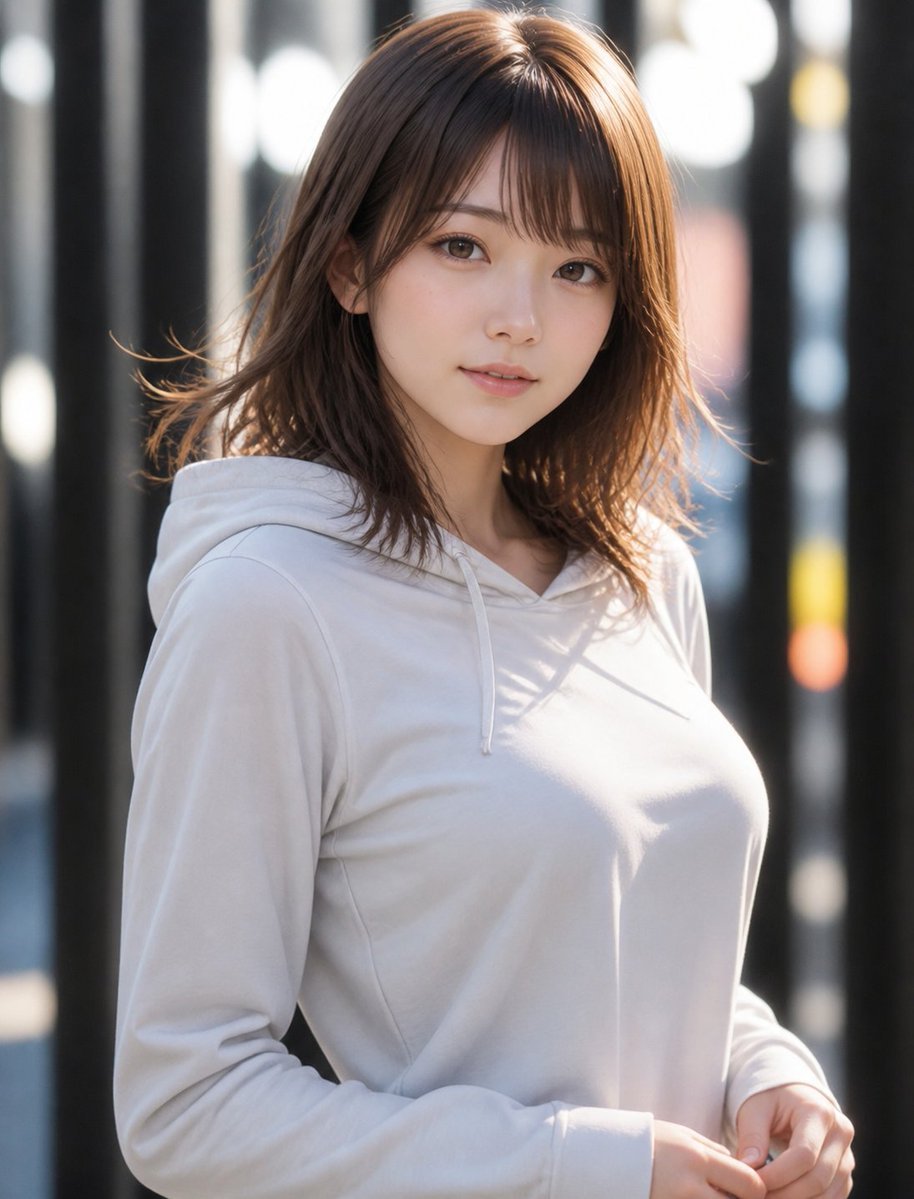
Natural Hoodie Street Portrait
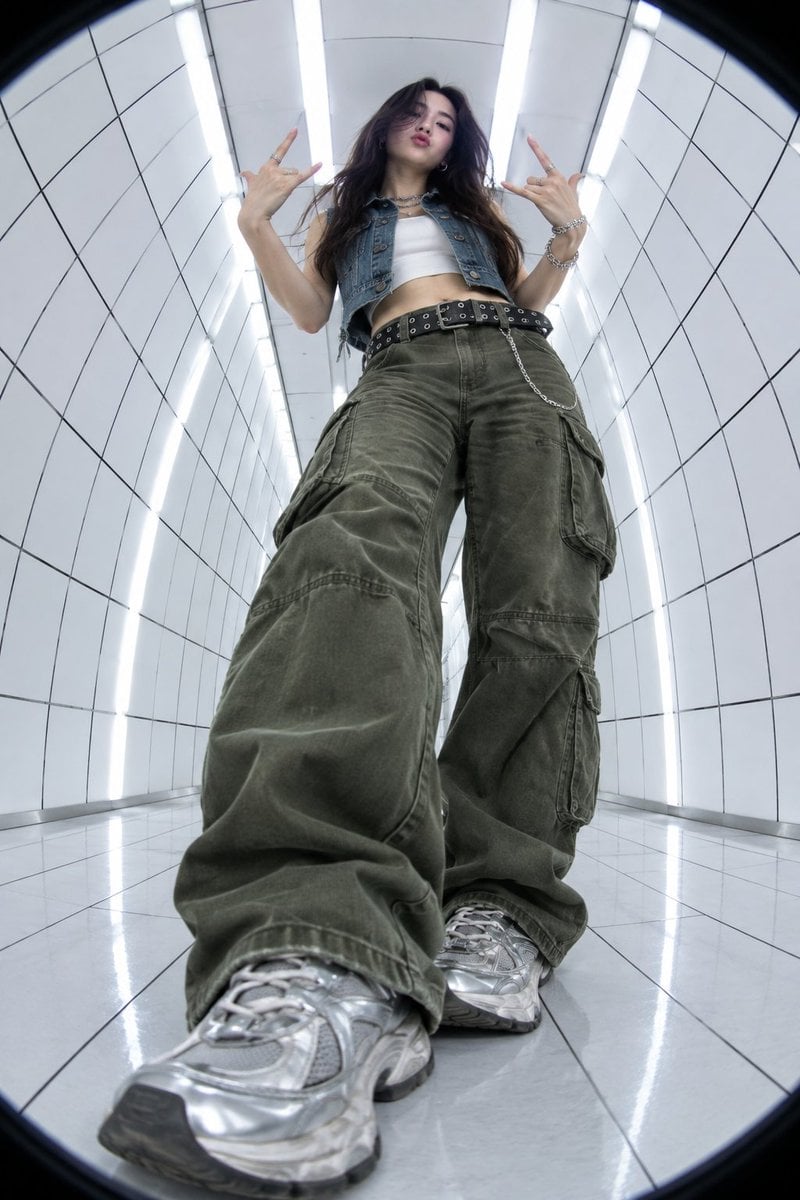
Y2K Fisheye Streetwear Portrait

Gen Z Triple Selfie Collage — Y2K Flash Photography
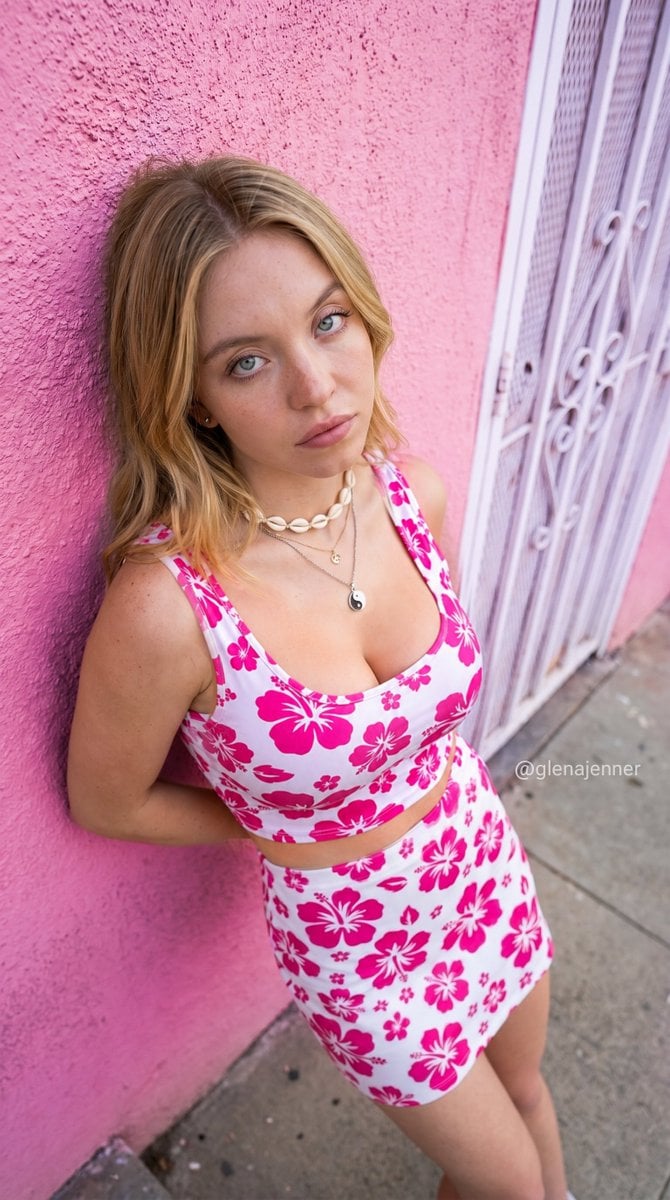
Urban Street Casual Portrait

Cinematic Street Fashion Portrait Motion Blur Crowd
Make it yours
Y2K Casual Street Hoodie Outfit works as-is. These are the safest ways to change it without losing the look.
Change one field
Copy a single group, rewrite it, and generate again so you can see what that field is doing.
Keep the frame, change the subject
Hold the composition and light of Y2K Casual Street Hoodie Outfit, then swap wardrobe, props or the person for a new take.
| If the result… | Why | Fix |
|---|---|---|
| The result drifts from the preview | Too many fields changed at once. | Reuse Y2K Casual Street Hoodie Outfit as-is first, then change one group — subject, light, or setting. |
| The model over-stylizes the scene | The prose prompt leaves finish and camera underspecified. | Add one camera or lighting sentence and stay on GPT Image 2. |
More GPT Image 2 templates
Other prompts made for GPT Image 2.

Six VTuber Japanese Logo Sheet

Realistic Portrait of Woman and Deer

The Vista Modular Condo Poster

AI Model Routing Comparison Infographic

2.5D Anime Art Board

Isometric Productivity Desk Scene

New York Double Exposure Poster

Four-Panel AI Landscape Comparison

Japanese Tatami Lifestyle Magazine Cover

NESCAFÉ Coffee Map Poster
More image prompts
Fresh picks from across the catalog.
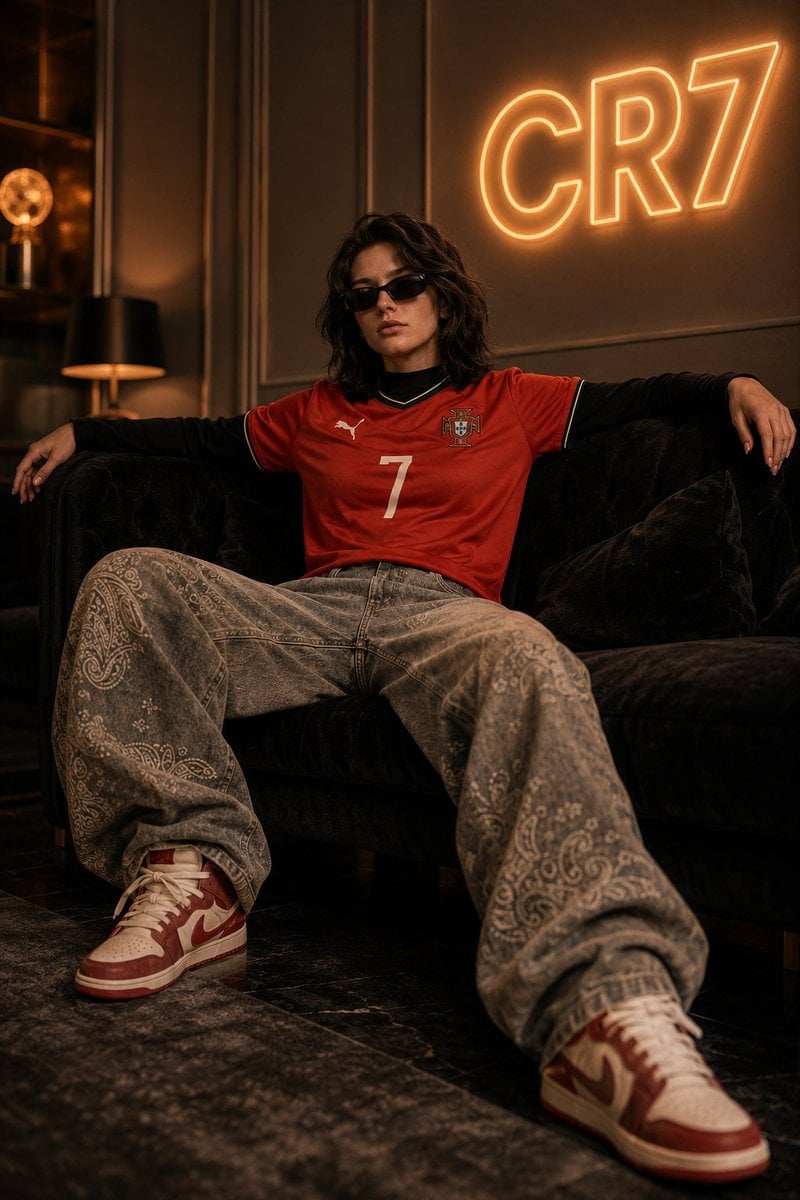
Luxury Football Fan Editorial

High-Tech Corporate KPI Presentation Slide
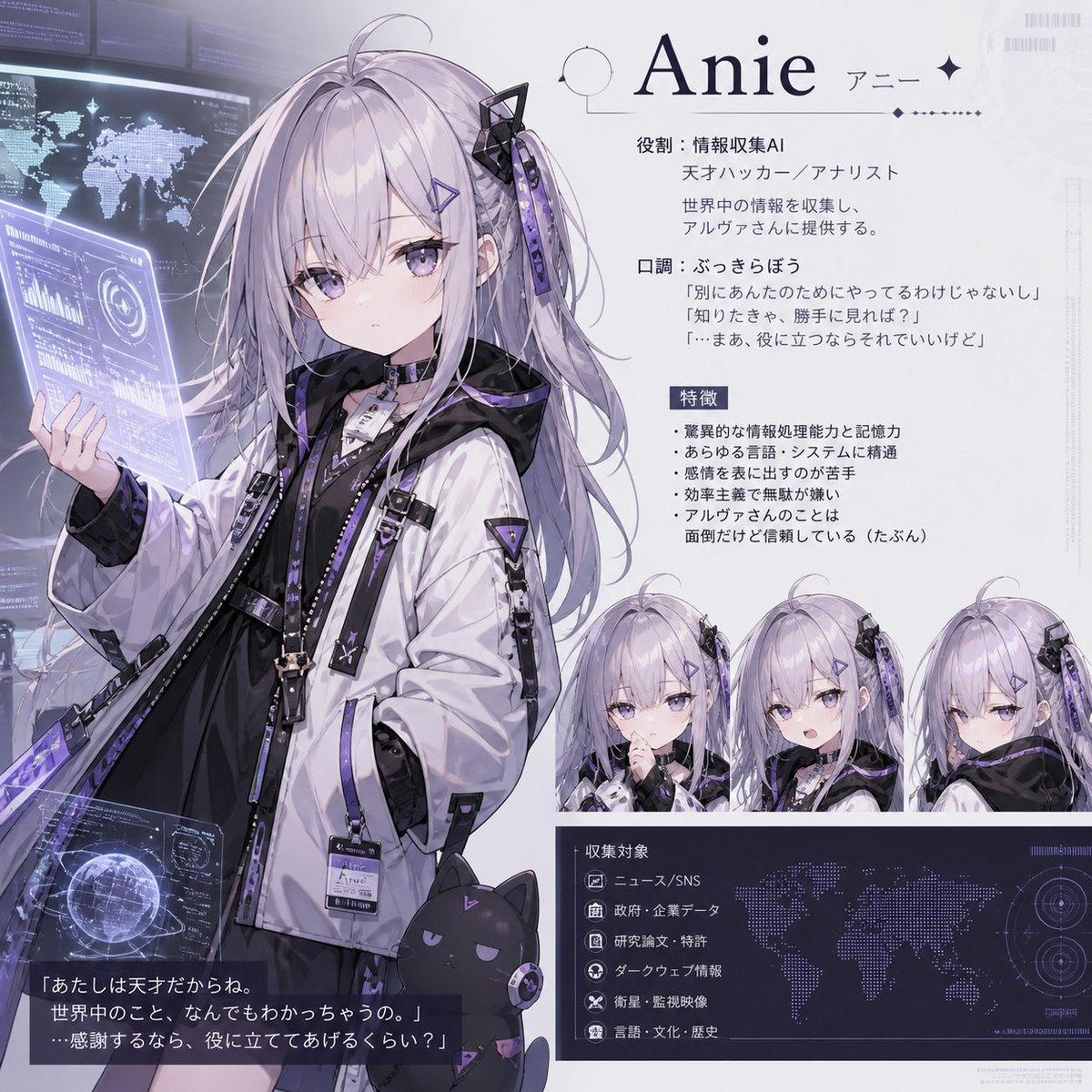
Anie AI Character Sheet
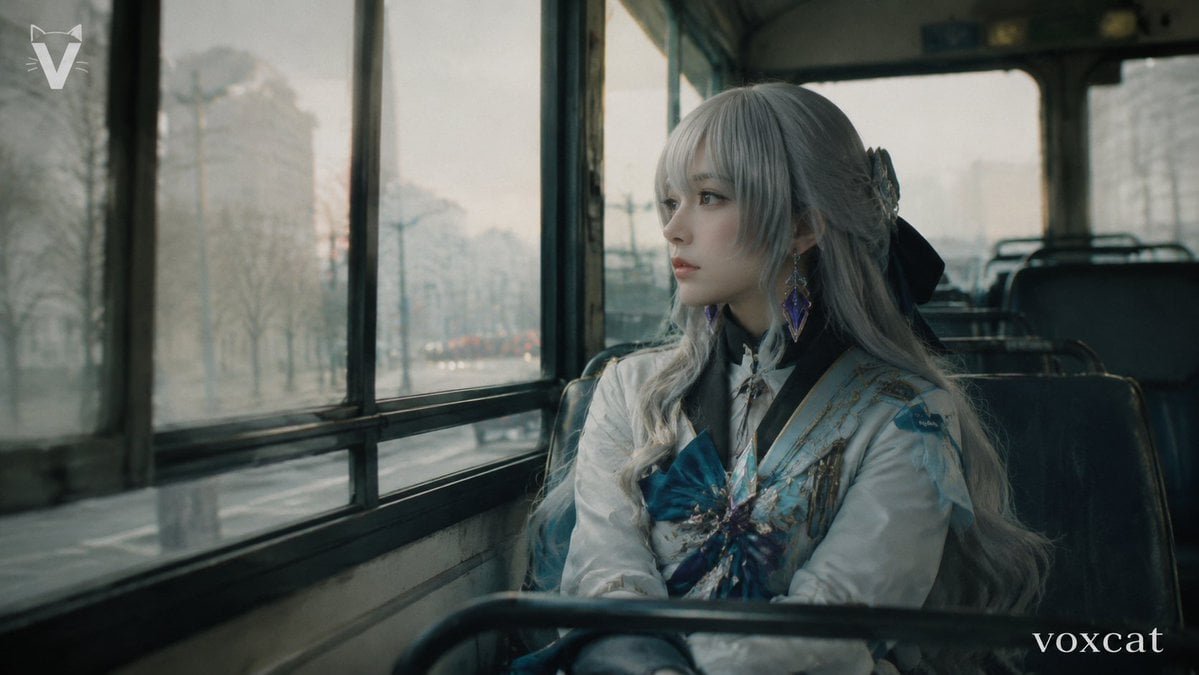
Rainy Bus Live-Action Cosplay Still
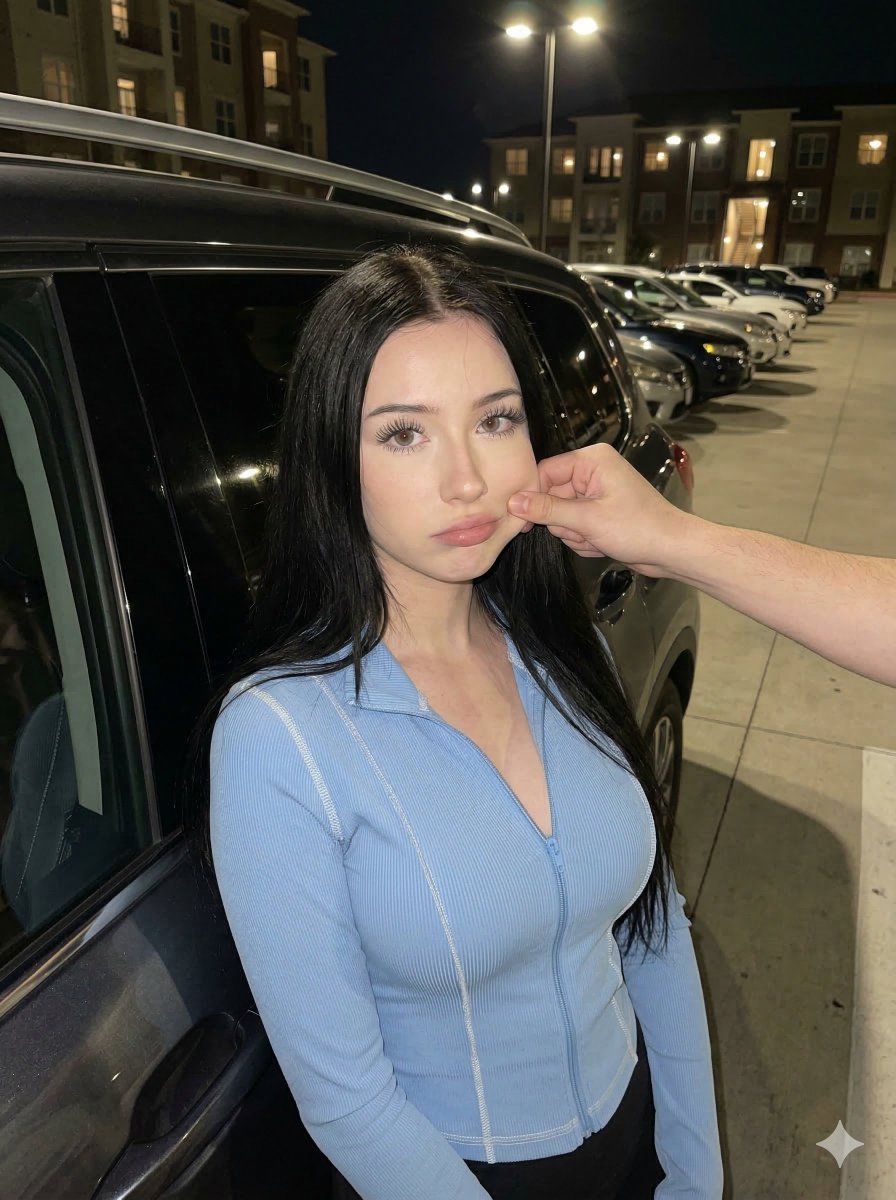
Candid Nighttime Urban Portrait
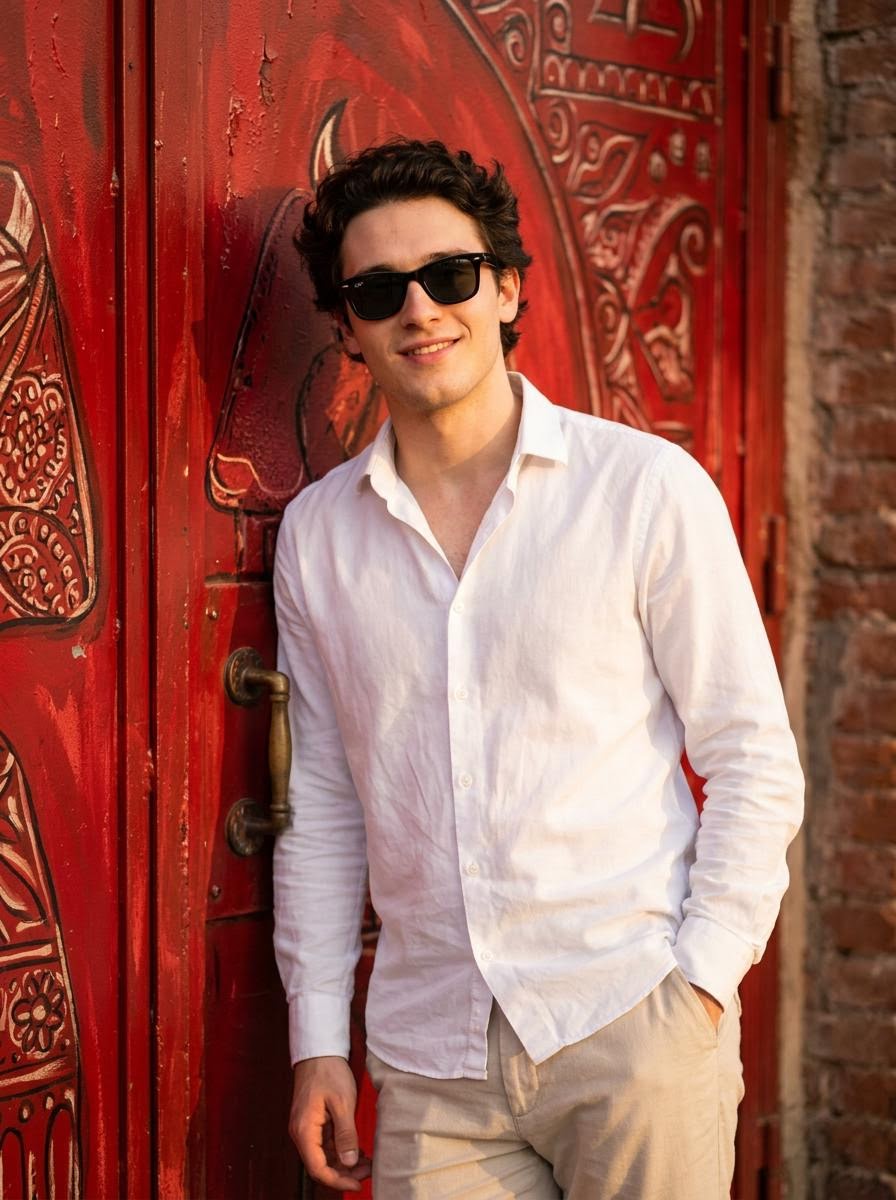
Realistic Photo with Face Swap and Cinematic Lighting
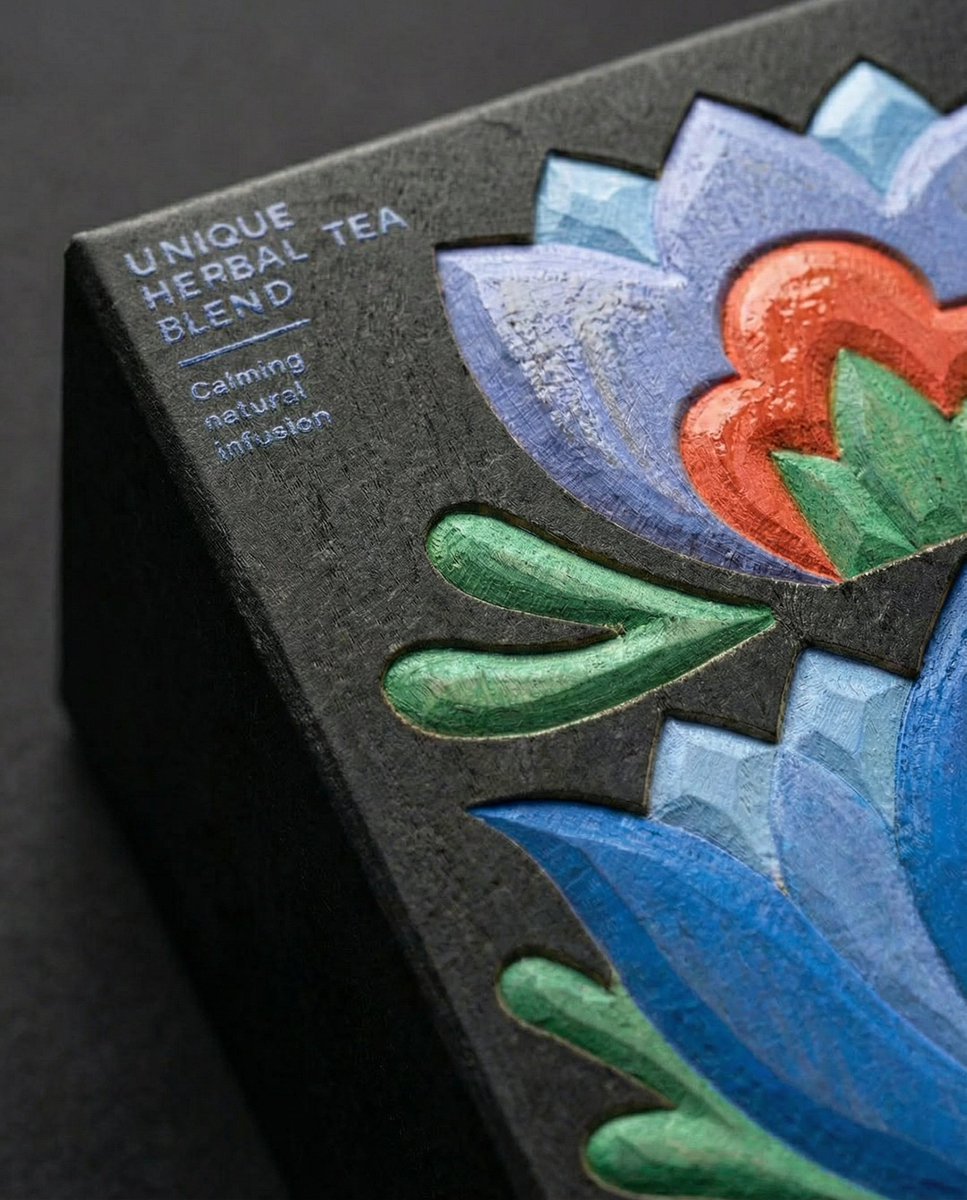
Close-Up Illustration Detail Enhancement Prompt
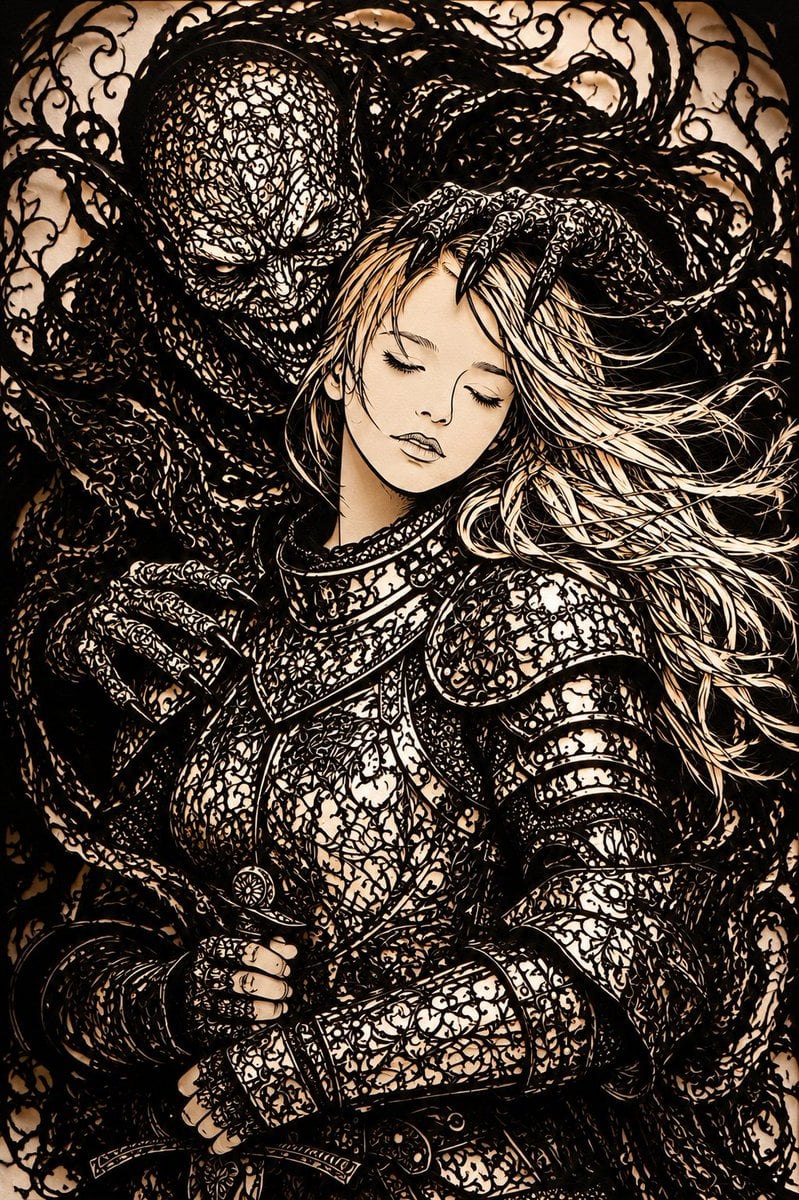
Dark Fantasy Kirie Knight and Demon
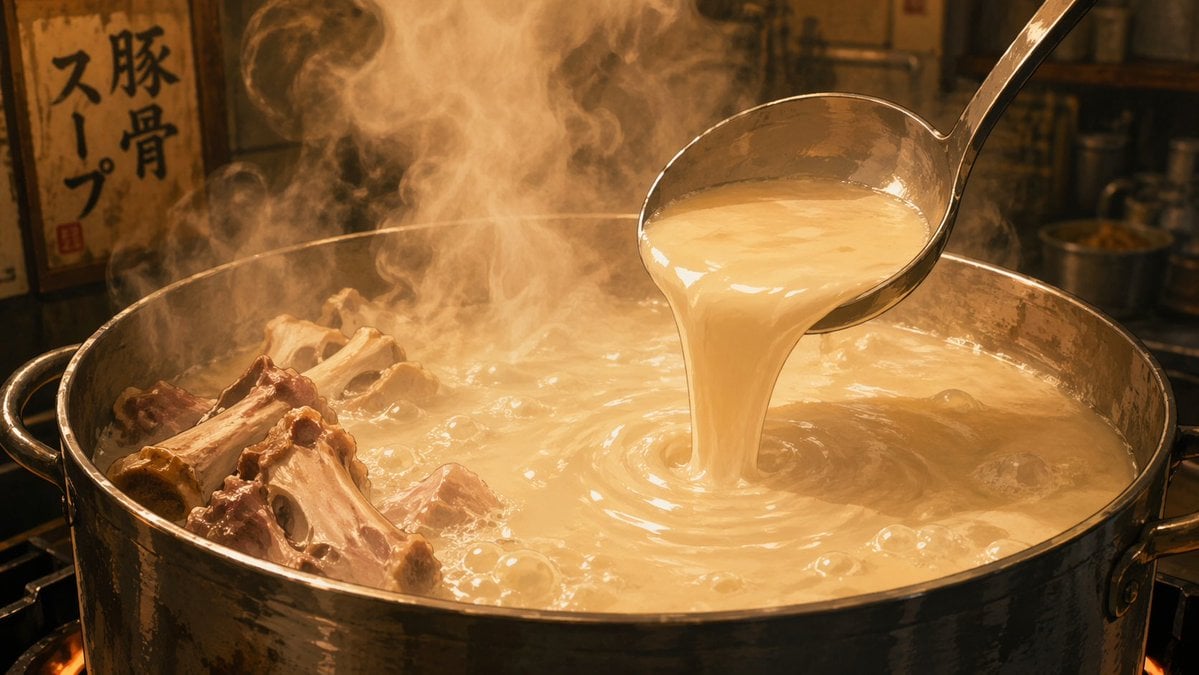
Anime Food: Tonkotsu Broth
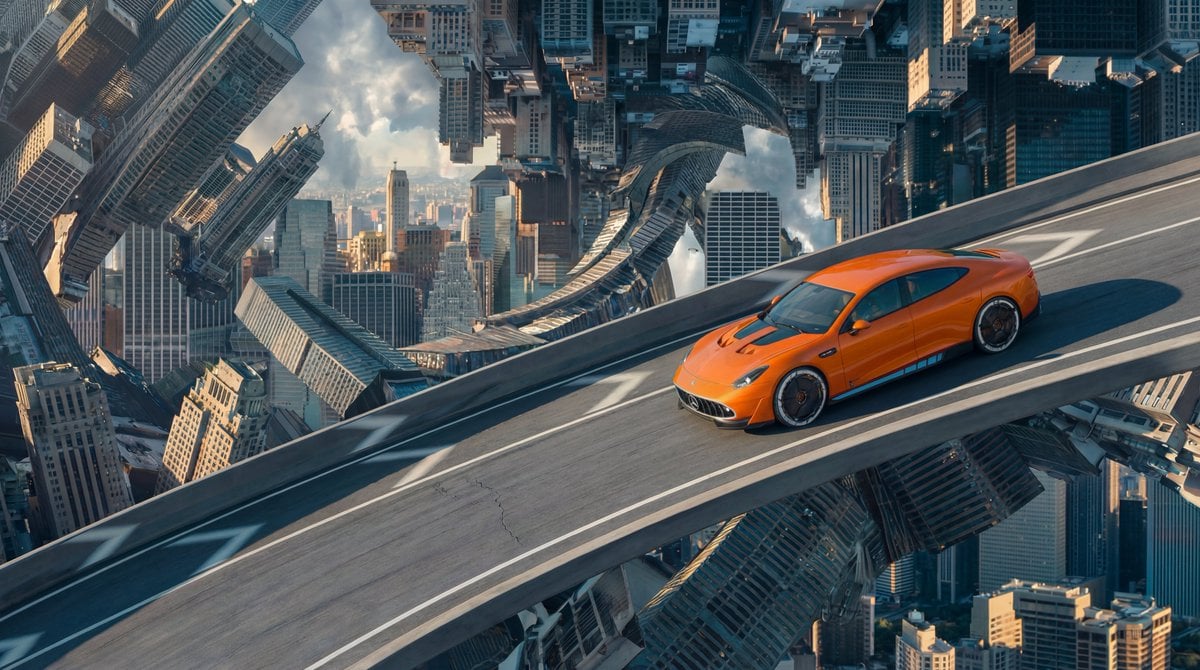
Inverted Cityscape Car Chase Prompt for Nano Banana Pro
Browse template categories
Y2K Casual Street Hoodie Outfit questions
How do I use the Y2K Casual Street Hoodie Outfit template?
Add your photo if the template asks for one, edit the prompt if you like — the template's model and format are already selected — and press Generate. Your version opens in PicX Studio.
Can I customize the Y2K Casual Street Hoodie Outfit template?
Yes. You can change the subject, setting, lighting, mood, format, and available model controls before creating your image.
Is the Y2K Casual Street Hoodie Outfit template free?
Opening and editing this template is free. Generating uses credits, shown on the Generate button when you are signed in.
Which AI model should I use?
Start with GPT Image 2, which is the model associated with this template. You can compare another compatible model for a different finish.
Looking for something else? Browse all templates.

Your photo, any look
Thousands of ready templates for every top image and video model, from one credit balance.