
Cozy Avocado Hot Cocoa Doodle
A cute monochrome line-art avocado character in a knitted scarf holding a steaming mug, ideal for cozy winter doodle illustrations.
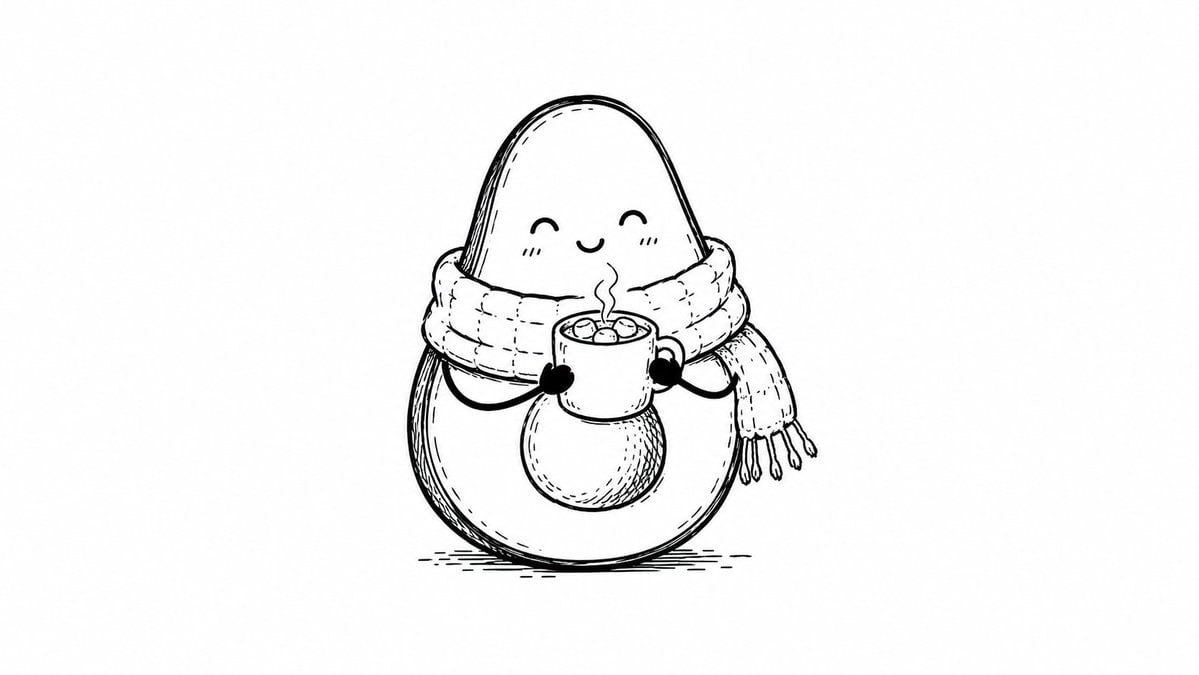
- Prompt included
- Model and format preset
- Free template
The prompt behind this image
Copy the exact prompt behind Cozy Avocado Hot Cocoa Doodle, or open it in the studio and make it yours.
Create a simple black-and-white hand-drawn line art illustration on a clean white background. Center a cute anthropomorphic avocado character with a pear-shaped body, smooth rounded top, larger rounded bottom, and a single oval pit on its belly. The avocado has a small happy kawaii face with closed crescent eyes, a tiny smiling mouth, and subtle cheek blush marks. Wrap the character in an oversized chunky knitted scarf around its neck, with one scarf tail hanging to the right and ending in tassels; show stitched knit texture and soft folds with fine ink hatching. Give the avocado thin simple arms with small dark mitten-like hands holding a steaming mug of hot cocoa in front of its chest; the mug contains exactly 5 visible marshmallows and rising steam curls. Use monochrome ink only, with sketchy contour lines, cross-hatching, small stitch details, and a few short ground-shadow strokes beneath the character. Keep the composition minimal, cozy, centered, and whimsical, with no color, no text, no border, and lots of empty white space.
How to use Cozy Avocado Hot Cocoa Doodle in 3 steps
- 1Upload ImagePNG, JPG or paste
Add your photo
Upload the photo the template builds on. The prompt, model and format are already set.
- 2…a portrait of your subject in softgolden-hour light, 85mm…
Personalize
Edit the subject and creative details for your destination.
- 3Generate
Generate
Press Generate — your image is created in PicX Studio, so you can compare it with the original and refine one variable at a time.
More like this
Templates with the same subject, style or setup. Open one to see its prompt.

Cozy Food Flat Lay Doodle Labels

Surreal Studio Photography with Hand-Drawn Doodle
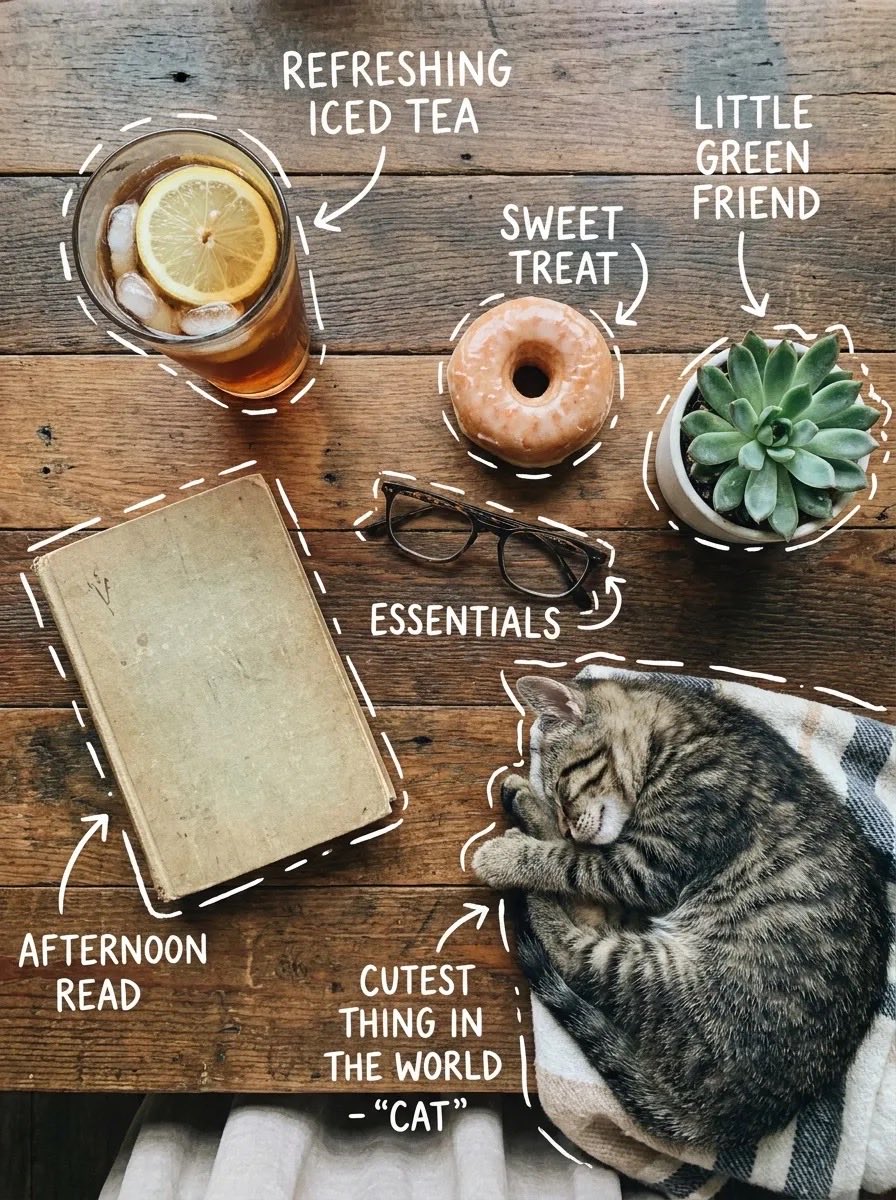
Cozy Tabletop Flat Lay with Doodles

Nostalgic Digicam Café Afternoon Portrait

Pixar-Style Chibi Café Morning Scene

Japanese Café Sketch Duo Illustration

Delicate Japanese Café Lifestyle Illustration

Real Illustration Split Portrait Transition

Parisian Outdoor Café Silver-Hair Portrait
Pixar-Style Chibi Café Morning Scene
Japanese Café Sketch Duo Illustration
Delicate Japanese Café Lifestyle Illustration
Make it yours
Cozy Avocado Hot Cocoa Doodle works as-is. These are the safest ways to change it without losing the look.
Change one field
Copy a single group, rewrite it, and generate again so you can see what that field is doing.
Keep the frame, change the subject
Hold the composition and light of Cozy Avocado Hot Cocoa Doodle, then swap wardrobe, props or the person for a new take.
| If the result… | Why | Fix |
|---|---|---|
| The result drifts from the preview | Too many fields changed at once. | Reuse Cozy Avocado Hot Cocoa Doodle as-is first, then change one group — subject, light, or setting. |
| The model over-stylizes the scene | The prose prompt leaves finish and camera underspecified. | Add one camera or lighting sentence and stay on GPT Image 2. |
More GPT Image 2 templates
Other prompts made for GPT Image 2.

Six VTuber Japanese Logo Sheet

Realistic Portrait of Woman and Deer

The Vista Modular Condo Poster

AI Model Routing Comparison Infographic

2.5D Anime Art Board

Isometric Productivity Desk Scene

New York Double Exposure Poster

Four-Panel AI Landscape Comparison

Japanese Tatami Lifestyle Magazine Cover

NESCAFÉ Coffee Map Poster
More image prompts
Fresh picks from across the catalog.

Cozy New Year 2026 Winter Portrait

Cinematic Fashion Shot of a Man in a Library
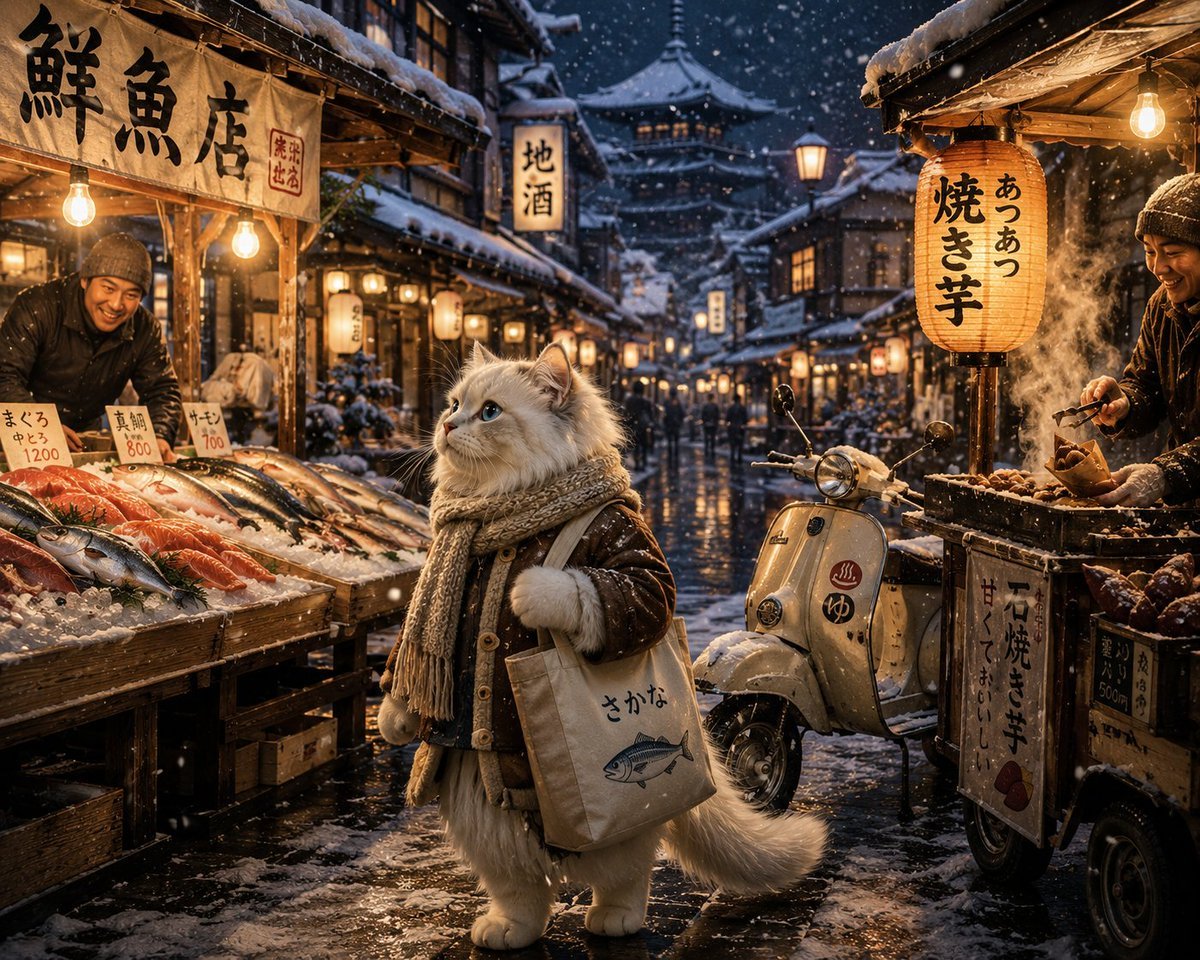
Winter Anime Realism Sequence

Neuron on a San Francisco Cable Car

Dramatic Photorealistic Character Portrait in 4 Styles

Photorealistic Boeing 747 Cockpit
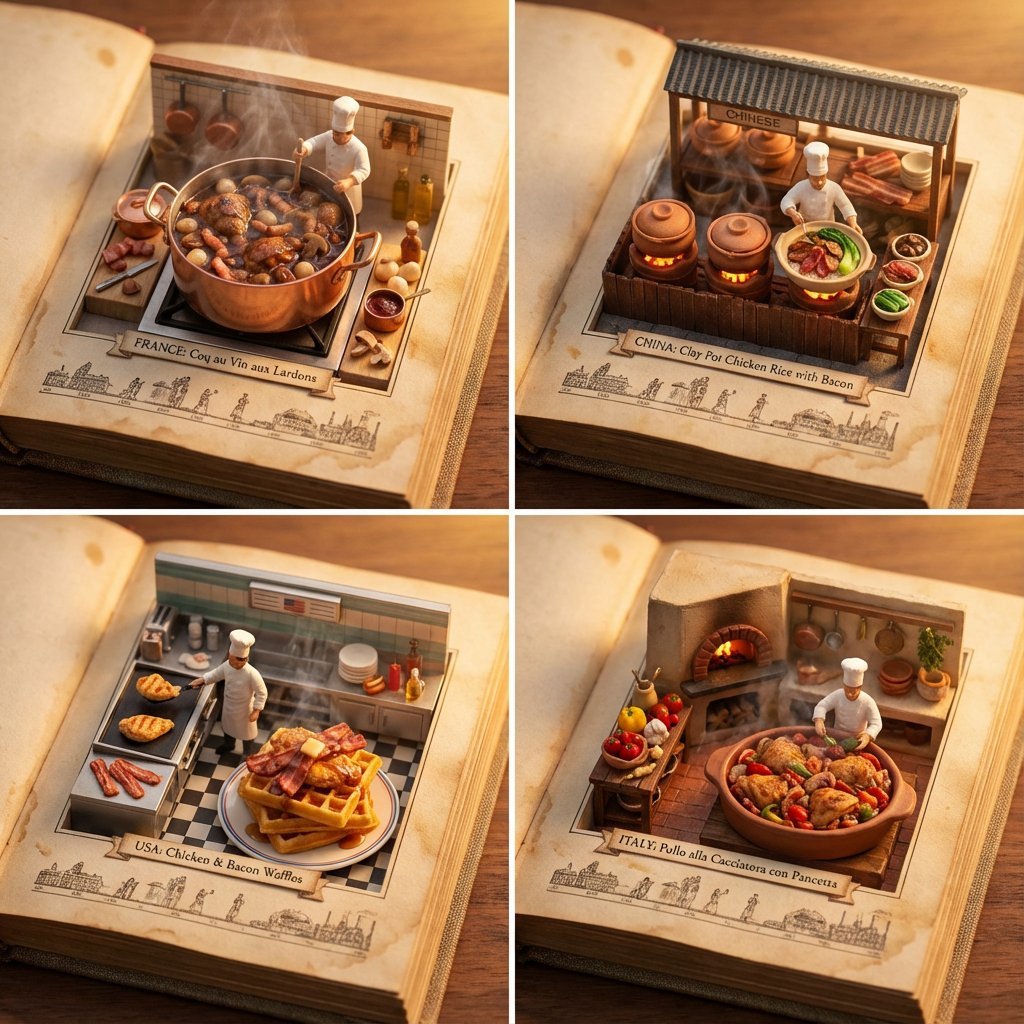
Food Recommendation System Prompt for Cookbook Generation

Shanghai Alley Candid Street Photography

Cinematic Mafia Boss Portrait Prompt

X Sumiturkude007 Image Description Subject
Browse template categories
Cozy Avocado Hot Cocoa Doodle questions
How do I use the Cozy Avocado Hot Cocoa Doodle template?
Add your photo if the template asks for one, edit the prompt if you like — the template's model and format are already selected — and press Generate. Your version opens in PicX Studio.
Can I customize the Cozy Avocado Hot Cocoa Doodle template?
Yes. You can change the subject, setting, lighting, mood, format, and available model controls before creating your image.
Is the Cozy Avocado Hot Cocoa Doodle template free?
Opening and editing this template is free. Generating uses credits, shown on the Generate button when you are signed in.
Which AI model should I use?
Start with GPT Image 2, which is the model associated with this template. You can compare another compatible model for a different finish.
Looking for something else? Browse all templates.

Your photo, any look
Thousands of ready templates for every top image and video model, from one credit balance.