How do I use the Mixed Media Collage Asian Portrait template?
Edit the prompt in the box under the preview — the template's model and format are already selected — and press Generate. Your version appears right on this page.
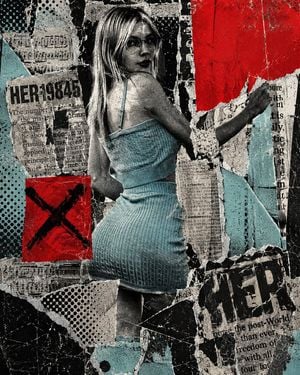
An avant-garde fashion editorial collage combining photography, halftone patterns, and graphic design with Japanese typography.

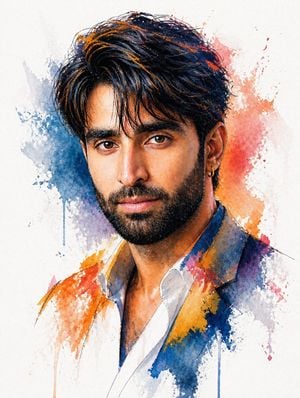
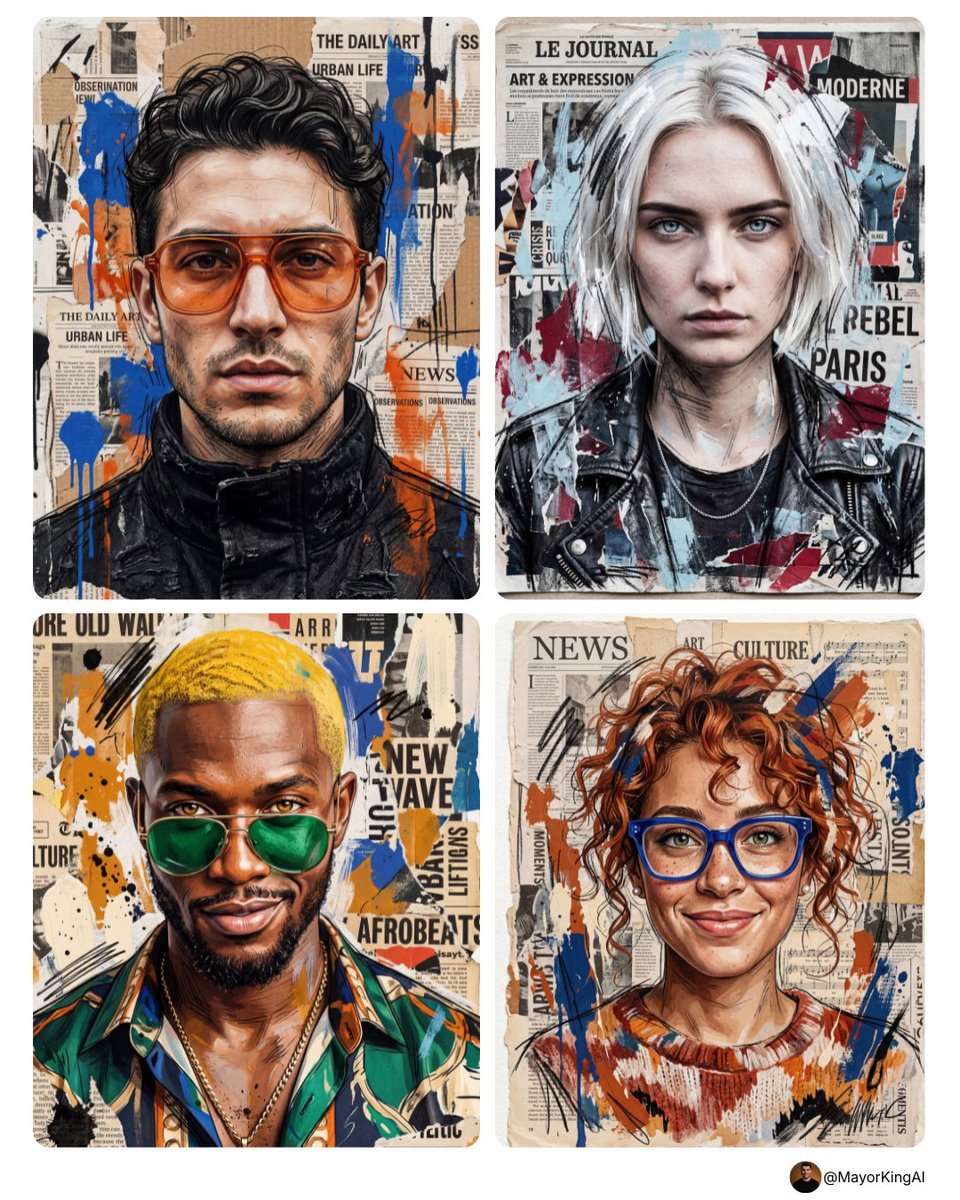
A Mixed media collage artwork featuring {argument name="subject" default="a young Asian woman"} with short wavy black hair, wearing {argument name="clothing" default="a dark denim jacket"}, looking directly at the camera. One hand is stretching out dramatically towards the camera, creating an intense foreshortening and dynamic motion blur effect. The background is a graphic poster design combining {argument name="graphic elements" default="high-saturation red vertical bars, bright orange circles, black and white halftone patterns, and sketchy illustrations of birds"}. The layout includes bold typography with Japanese text "知覺する" and English words "POUNND AI." Warm sunset lighting accents her face, creating a cinematic mood. Avant-garde fashion editorial style, magazine cover aesthetics, vintage film grain texture, 35mm lens photography --ar 3:4
A Mixed media collage artwork featuring {argument name="subject" default="a young Asian woman"} with short wavy black hair, wearing {argument name="clothing" default="a dark denim jacket"}, looking directly at the camera. One hand is stretching out dramatically towards the camera, creating an intense foreshortening and dynamic motion blur effect. The background is a graphic poster design combining {argument name="graphic elements" default="high-saturation red vertical bars, bright orange circles, black and white halftone patterns, and sketchy illustrations of birds"}. The layout includes bold typography with Japanese text "知覺する" and English words "POUNND AI." Warm sunset lighting accents her face, creating a cinematic mood. Avant-garde fashion editorial style, magazine cover aesthetics, vintage film grain texture, 35mm lens photography --ar 3:4
Edit the prompt in the box under the preview — the template's model and format are already selected — and press Generate. Your version appears right on this page.
Yes. You can change the subject, setting, lighting, mood, format, and available model controls before creating your image.
Opening and editing this template is free. Generating uses credits, shown on the Generate button when you are signed in.
Start with GPT Image 2, which is the model associated with this template. You can compare another compatible model for a different finish.
Follow a topic to a crawlable collection of related PicX Studio templates.