How do I use the Fashion Illustration with Accessories template?
Choose the primary action to open PicX Studio with the available template settings. Review the model and format, personalize the creative direction, and generate when ready.
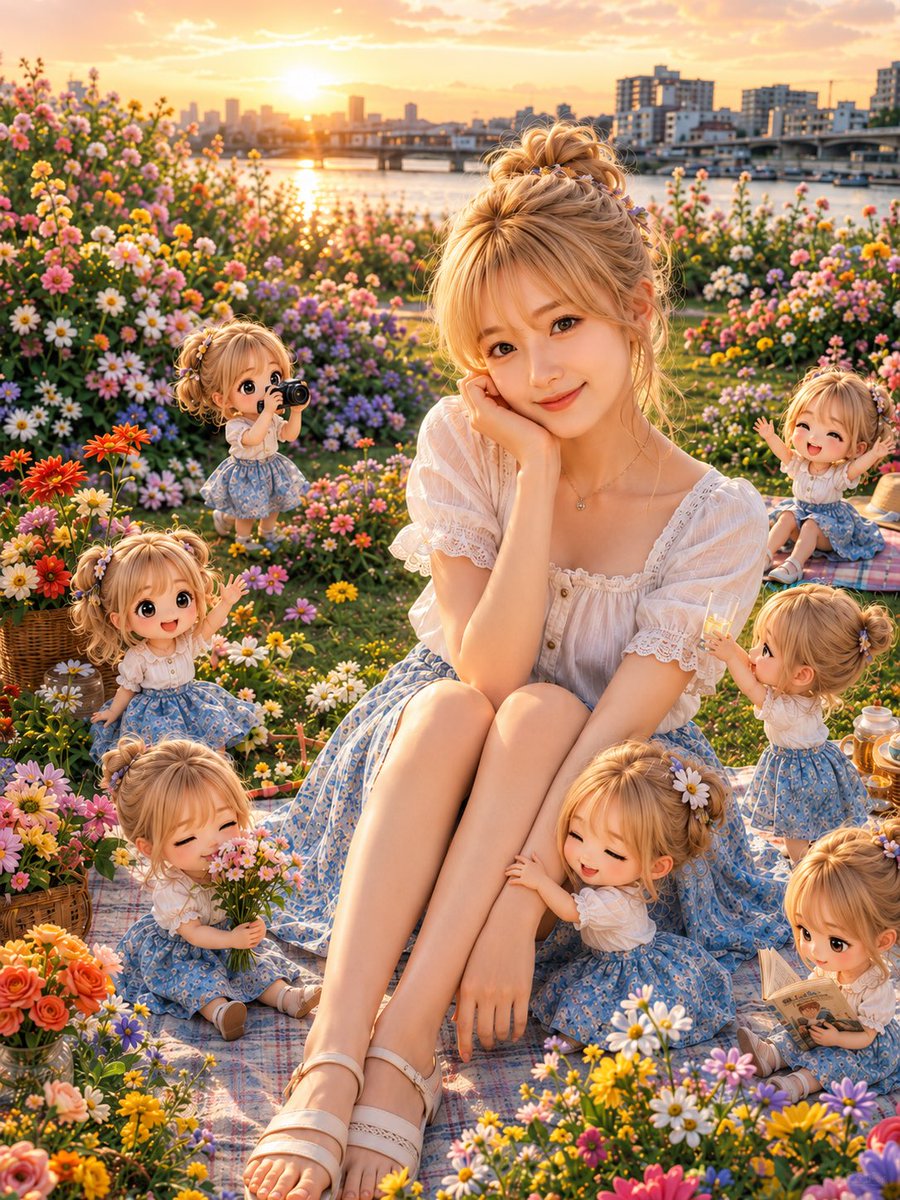
A stylish fashion illustration prompt for a woman with accessories and pets, featuring flat vector colors and a modern boutique aesthetic.
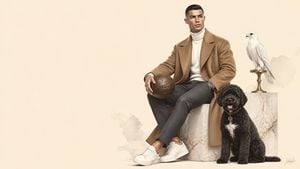
Create a stylish full-body illustration of a fashionable young woman wearing {argument name="outfit" default="[OUTFIT]"}. She stands naturally with relaxed confidence, holding {argument name="object" default="[OBJECT]"}. Surround her with {argument name="flowers" default="[FLOWERS]"}, [PETS], and small lifestyle accessories arranged artistically around her feet. Use oversized fashionable clothing with beautiful folds and soft painterly textures. Keep facial details minimal yet expressive. Background is solid warm cream with subtle ground shadow only. Modern editorial fashion illustration, flat vector colors, luxury boutique branding style, Behance feature quality, Instagram aesthetic, high-end digital artwork, ultra detailed, 8K.
Choose the primary action to open PicX Studio with the available template settings. Review the model and format, personalize the creative direction, and generate when ready.
Yes. You can change the subject, setting, lighting, mood, format, and available model controls before creating your image.
This template is free to open and customize. Generation usage is shown in PicX Studio before you create.
Start with GPT Image 2, which is the model associated with this template. You can compare another compatible model for a different finish.
Follow a topic to a crawlable collection of related PicX Studio templates.