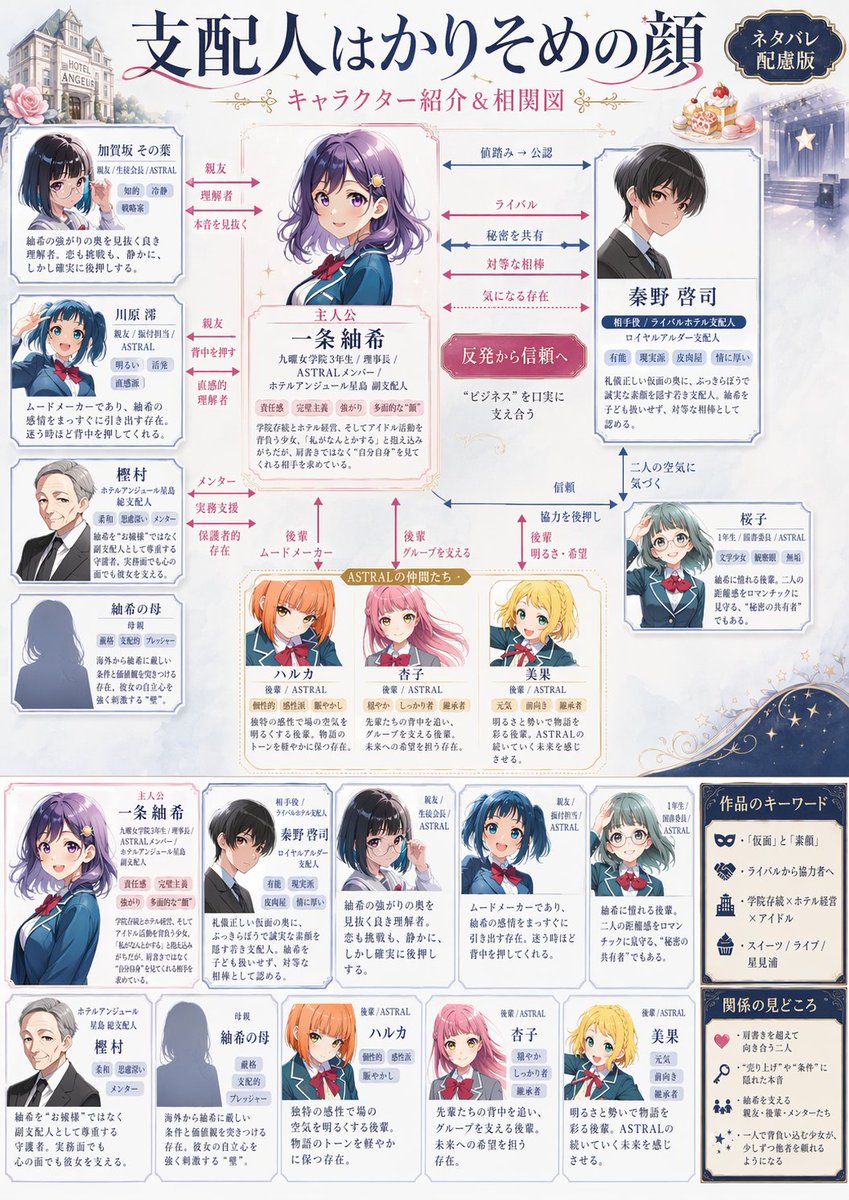
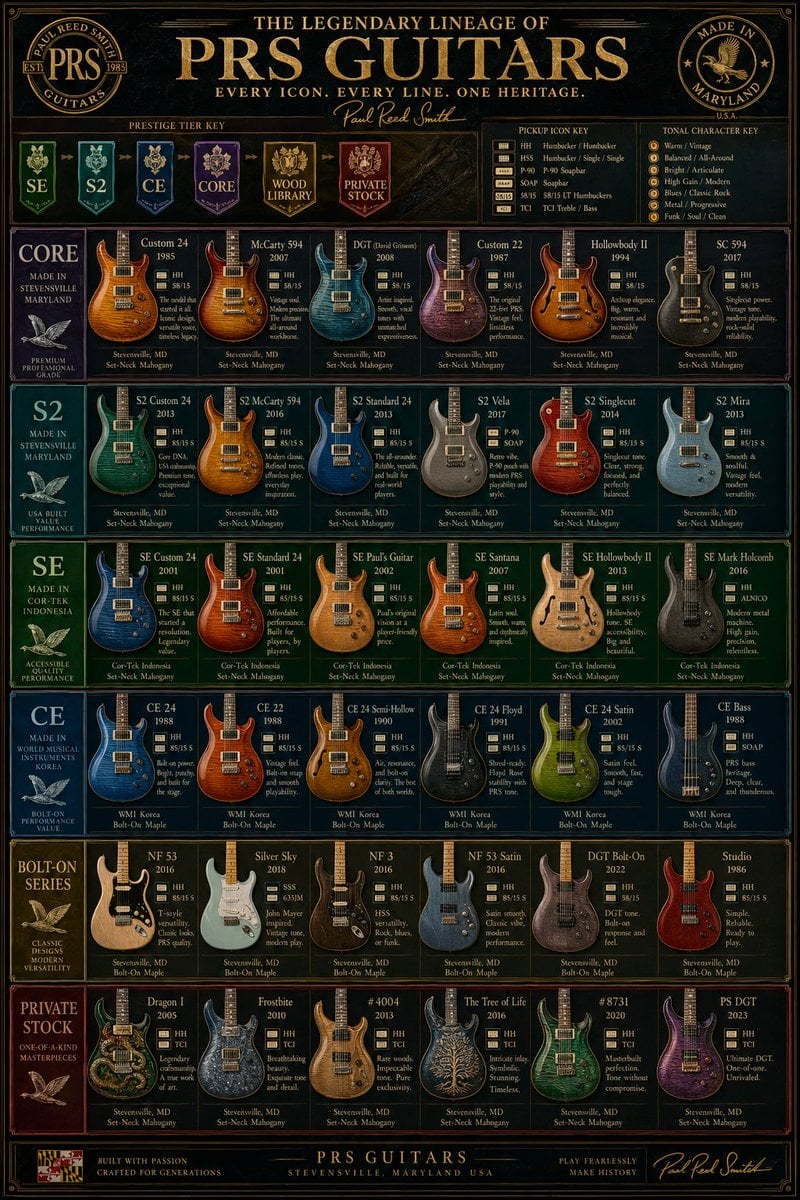
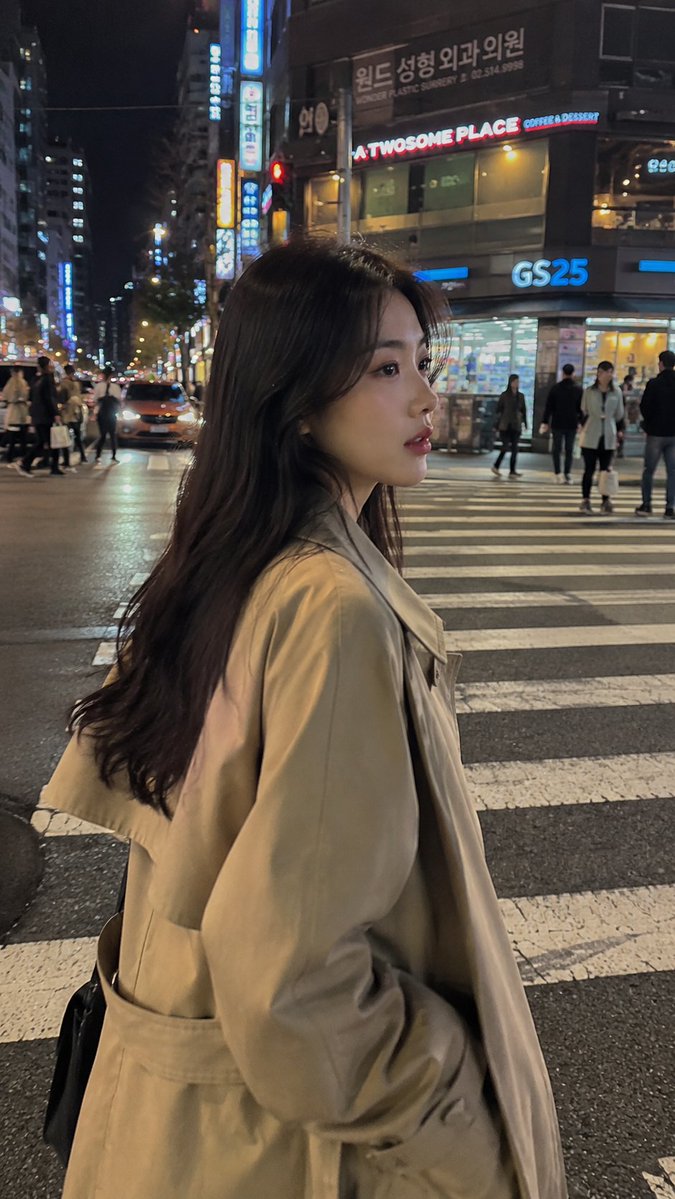
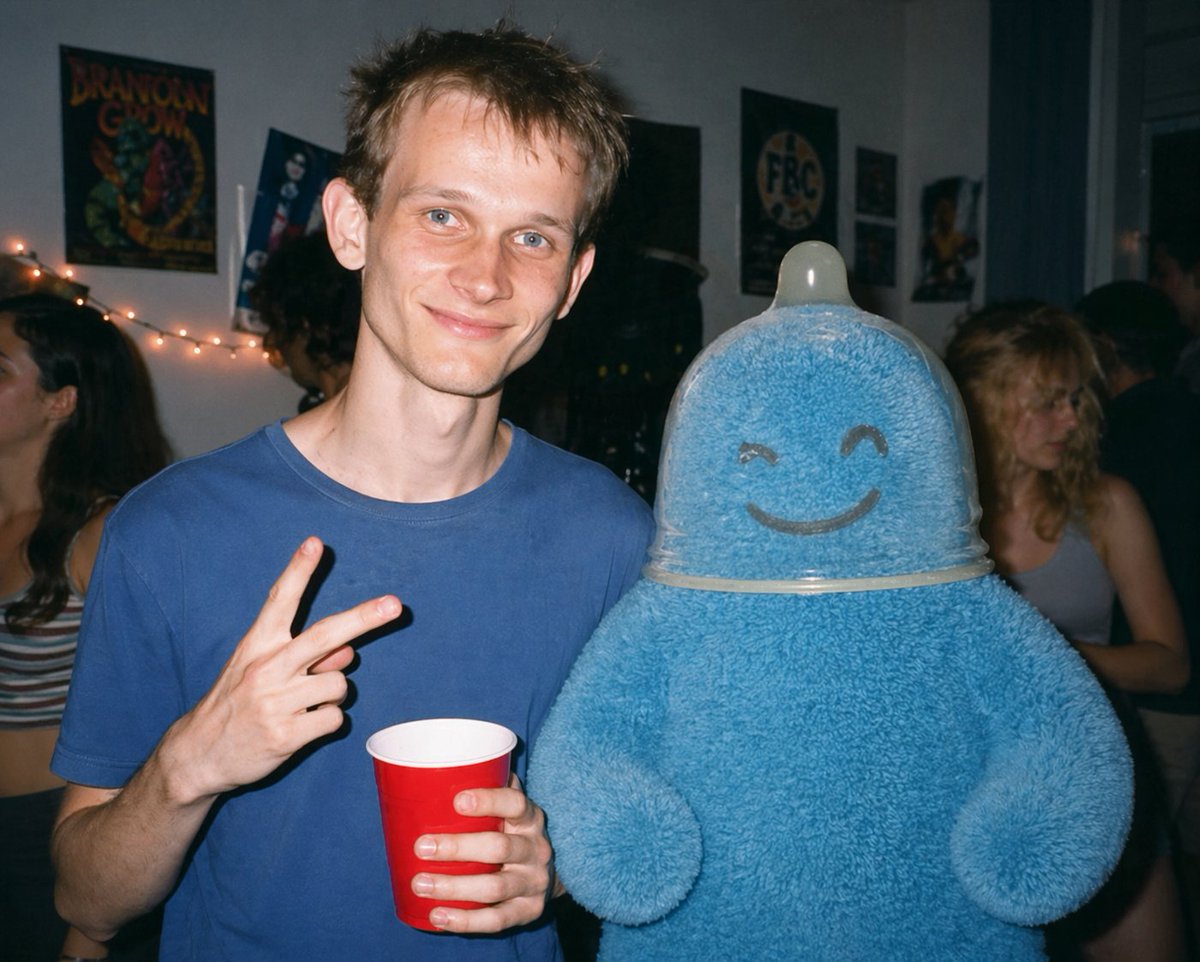
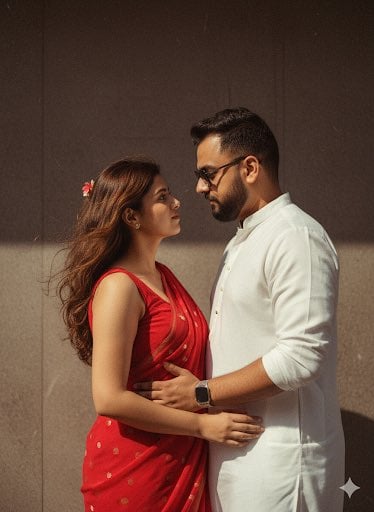
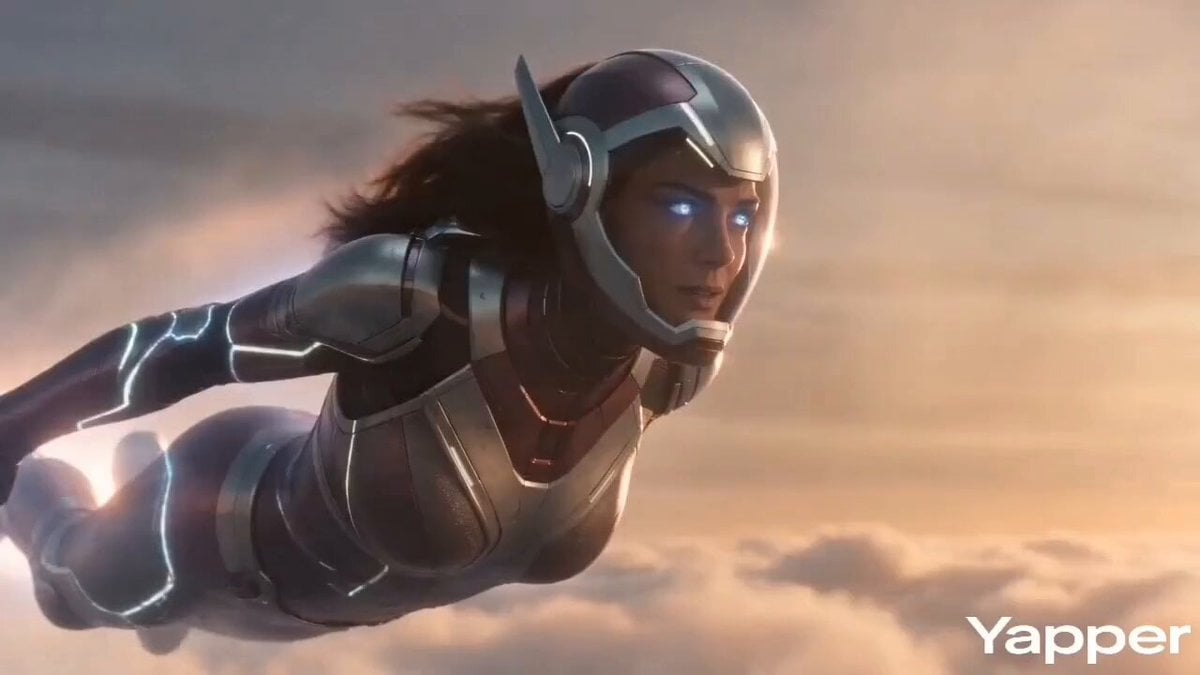
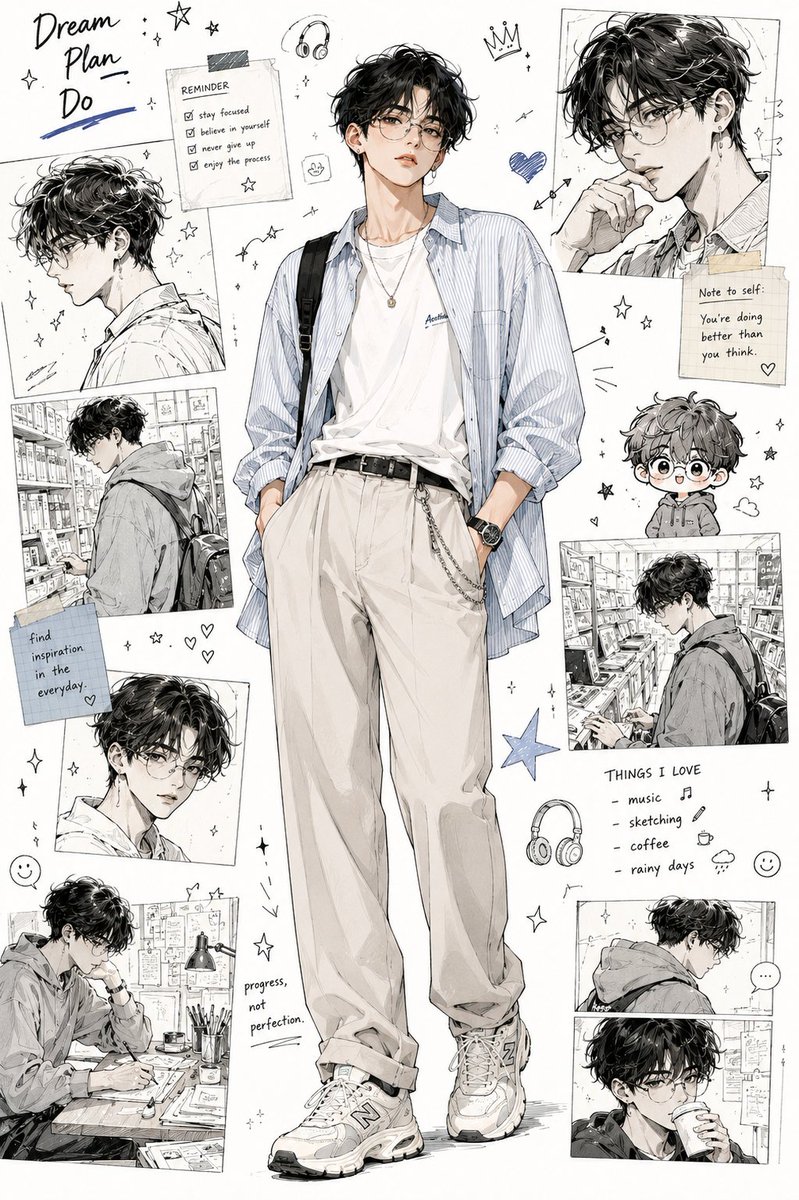
How do I use the Minimalist Hand-Drawn Doodle Style template?
Choose the primary action to open PicX Studio with the available template settings. Review the model and format, personalize the creative direction, and generate when ready.
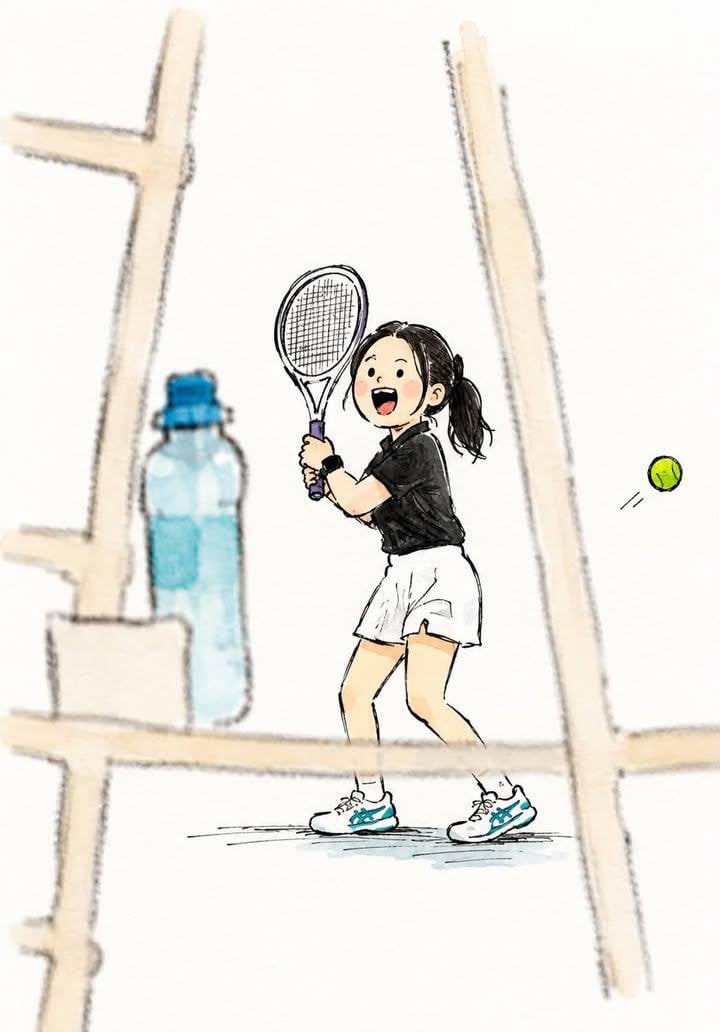
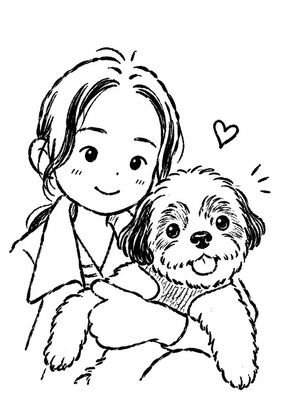
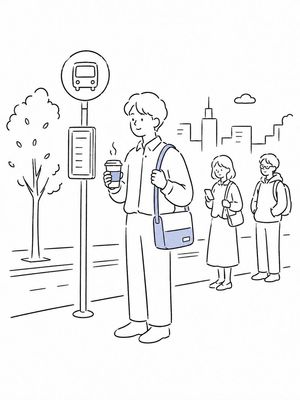
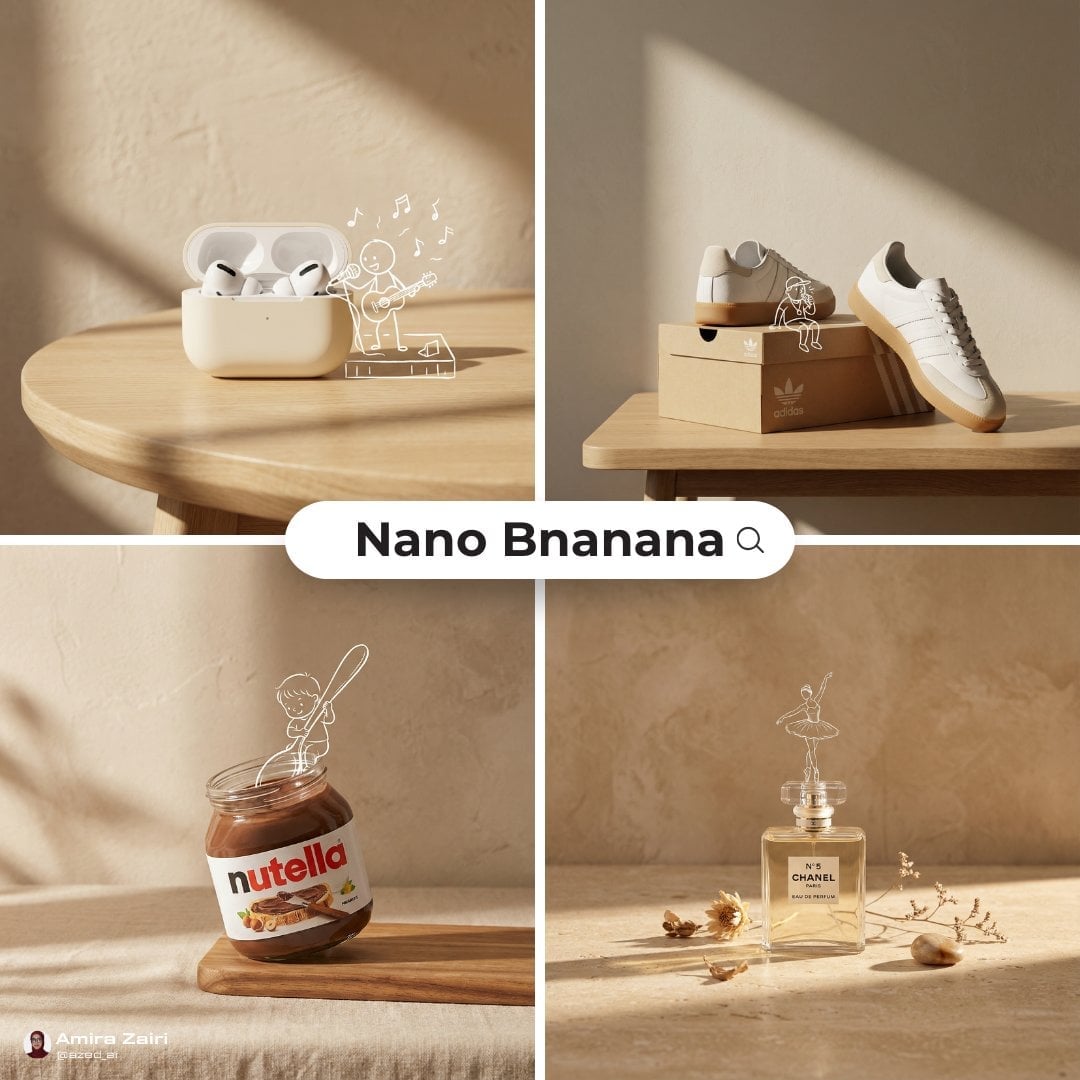
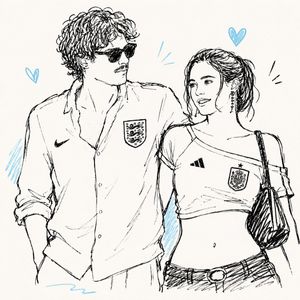
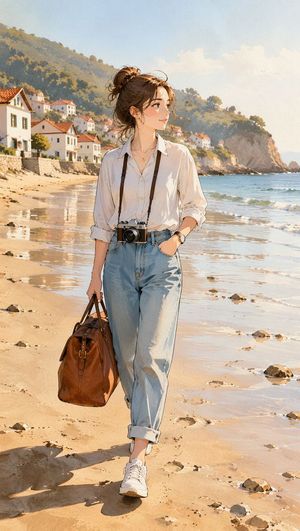
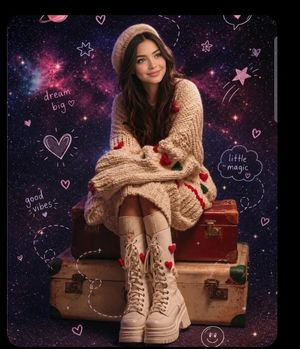
A stylistic transformation prompt that turns an image into a cute, imperfect green brush-pen doodle illustration on a pink background.
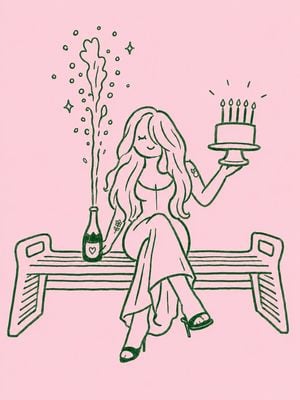
Transform the image into a minimalist hand-drawn doodle illustration. Use simple {argument name="ink color" default="green"} brush-pen outlines with slightly wobbly, imperfect strokes. Reduce all details to cute, childlike shapes while preserving the main subject and composition. Naive sketchbook aesthetic, playful and whimsical character design, clean {argument name="background color" default="pink"} background, minimal linework, expressive simplicity, handmade doodle style, black ink drawing, charming imperfections, simple {argument name="style" default="cartoon illustration"}. Format 3:4.
Minimalist Hand-Drawn Doodle Style needs input media to work. Open it in the studio and these load alongside the prompt — pick whichever ones your chosen model can take.
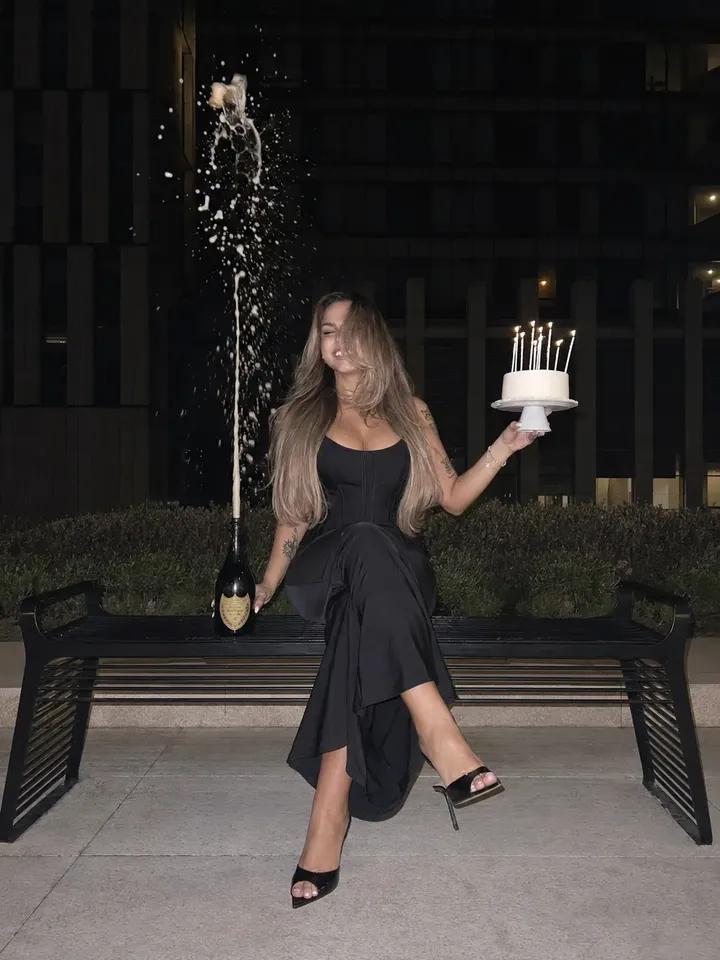
Choose the primary action to open PicX Studio with the available template settings. Review the model and format, personalize the creative direction, and generate when ready.
Yes. You can change the subject, setting, lighting, mood, format, and available model controls before creating your image.
This template is free to open and customize. Generation usage is shown in PicX Studio before you create.
Start with GPT Image 2, which is the model associated with this template. You can compare another compatible model for a different finish.
Follow a topic to a crawlable collection of related PicX Studio templates.