
Clean High-Brightness Commercial Graphic Layout
A sophisticated prompt for creating clean, bright commercial graphic designs combining realistic photography with flat graphic elements and elegant typography.
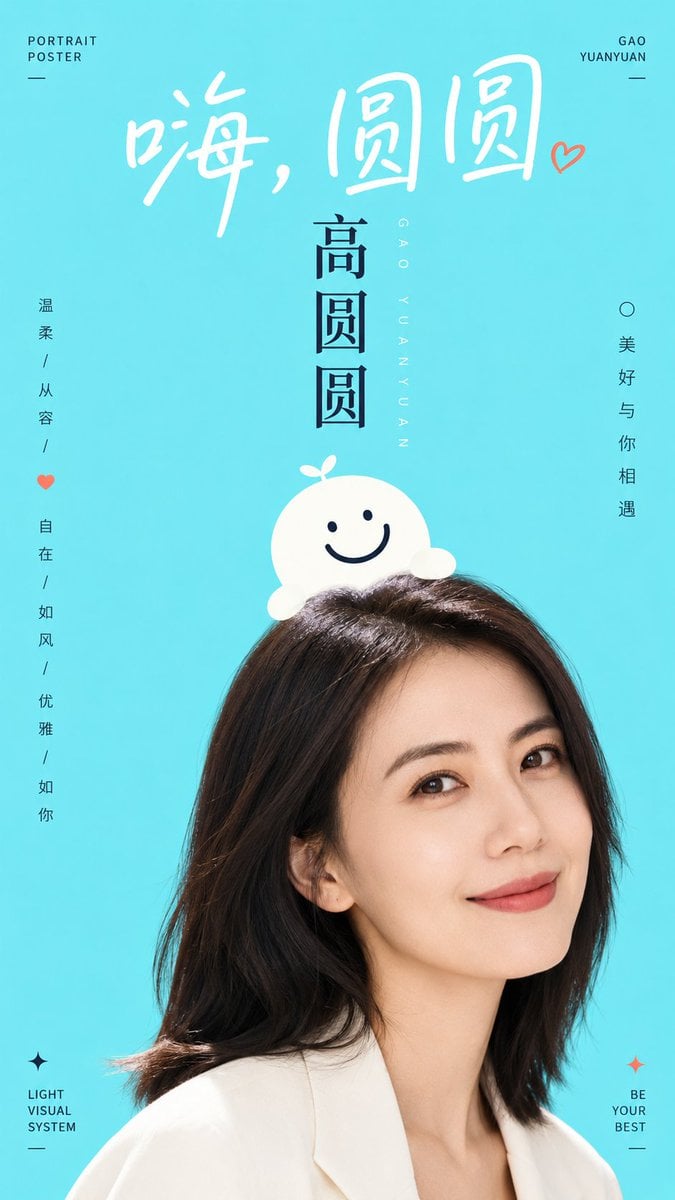
- Prompt included
- Model and format preset
- Free template
The prompt behind this image
Copy the exact prompt behind Clean High-Brightness Commercial Graphic Layout, or open it in the studio and make it yours.
围绕具体主题内容生成一张明亮清爽的图文合成视觉:画面以大面积高明度纯净色场承托主体,背景平整、通风、没有复杂景深,视觉重心由下方被大胆裁切的人像或真实主体建立,只露出最有记忆点的局部,使主体像从画面边缘进入。主体上方叠放一个极简图形符号或拟物角色,它要像轻轻坐在主体头顶或贴合轮廓生长出来,形体圆润、边缘干净、表情或结构由少量粗线完成,兼具标识感和亲近感。文字是画面的主动角色:顶部使用大号手写感标题,字距松、笔画柔软,像一句轻声招呼;中心用更强的竖向或轴向标题建立层级;边缘安放少量小字号信息,保持安静但精确,让空白继续占主导。色彩从主题自身的材质、情绪、地域或品牌语义中提取,映射为明亮底色、洁净主体亮面、清晰深色结构线与少量强调信息色,保留大面积轻快底场、小面积高对比文字线条、自然主体暗部的关系;整体保持高明度、清透、干净、饱和度清晰而不过度刺激,暗色只用于结构和阅读,不制造脏灰、烟雾或陈旧质感。摄影局部与扁平图形之间要形成真实与童趣的反差,边缘叠压准确,阴影极少,完成感像城市公共宣传与角色插画结合的轻松视觉系统。 主题:{argument name="主题" default="柳岩"} 比例9:16
How to use Clean High-Brightness Commercial Graphic Layout in 3 steps
- 1
Open
The prompt is already in the box next to the preview, with the template's model and format selected.
- 2…a portrait of your subject in softgolden-hour light, 85mm…
Personalize
Edit the subject and creative details for your destination.
- 3Generate
Generate
Press Generate — your image is created in PicX Studio, so you can compare it with the original and refine one variable at a time.
More like this
Templates with the same subject, style or setup. Open one to see its prompt.
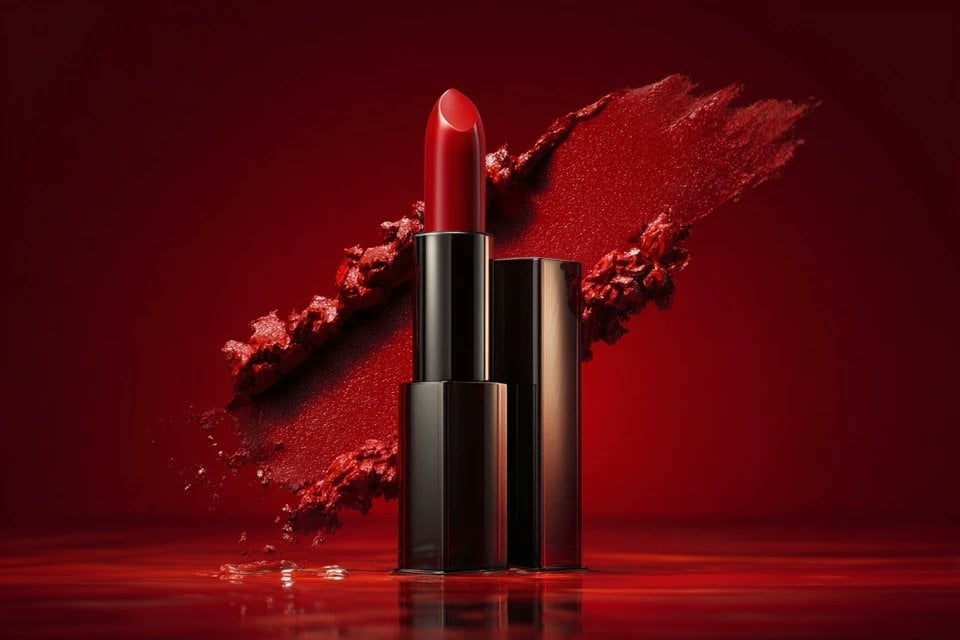
Soft Shadow Studio Minimalist Product Shot
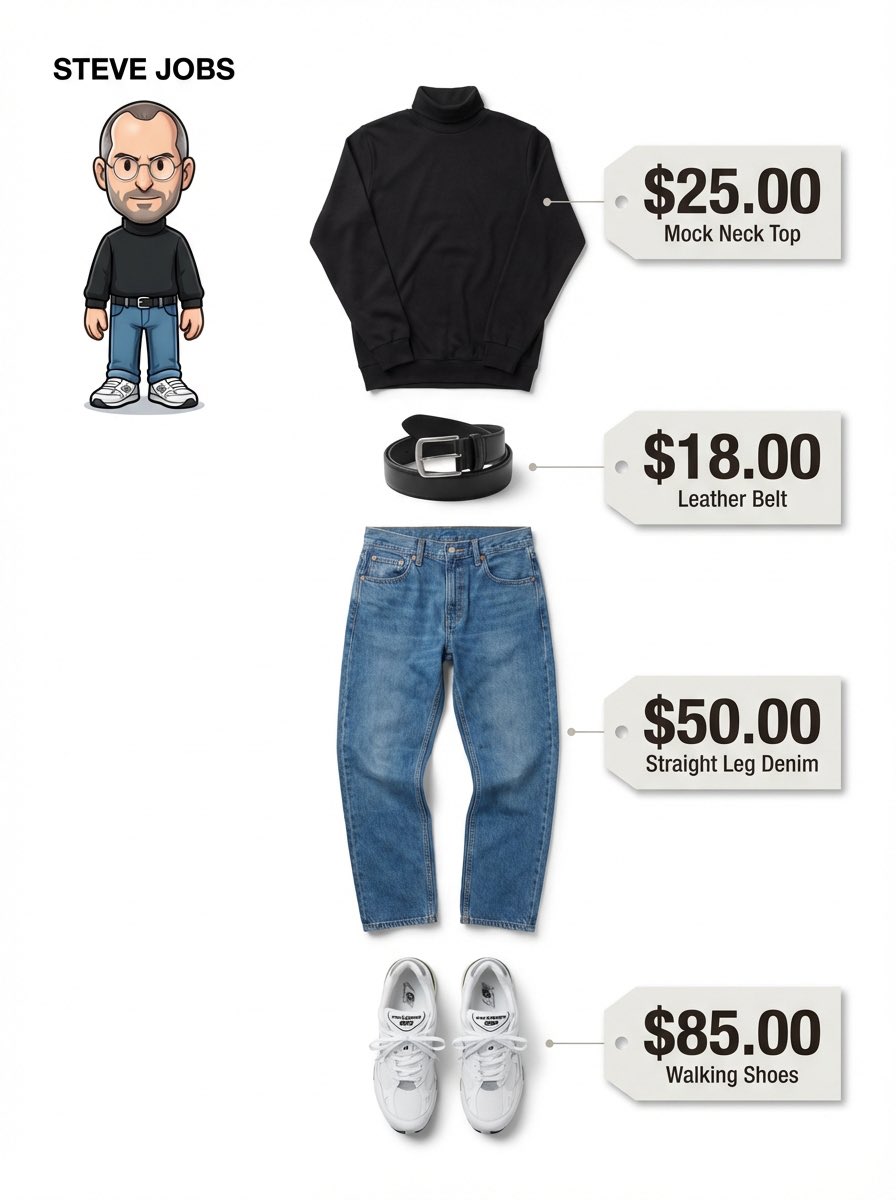
Clean, minimalist fashion infographic from an uploaded reference photo
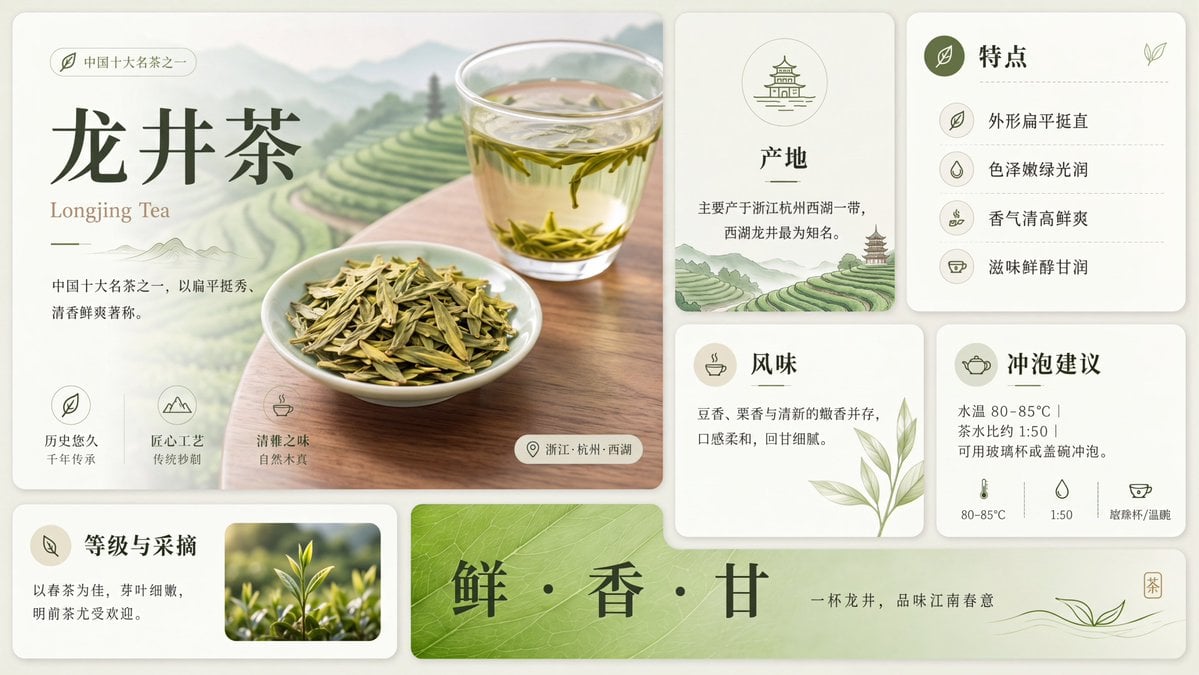
Clean Longjing Tea Infographic Upscale
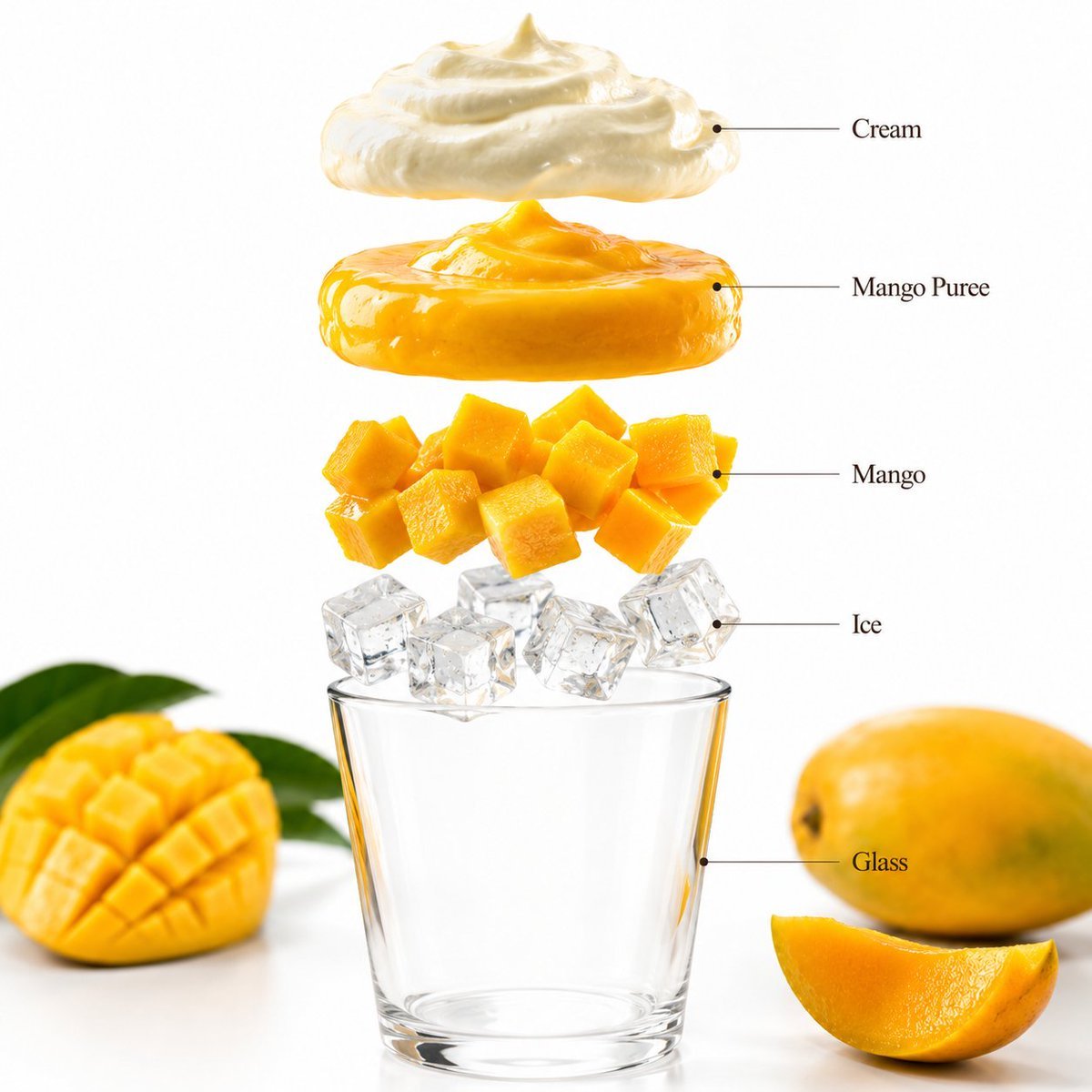
Mango Smoothie Infographic and Commercial Photography
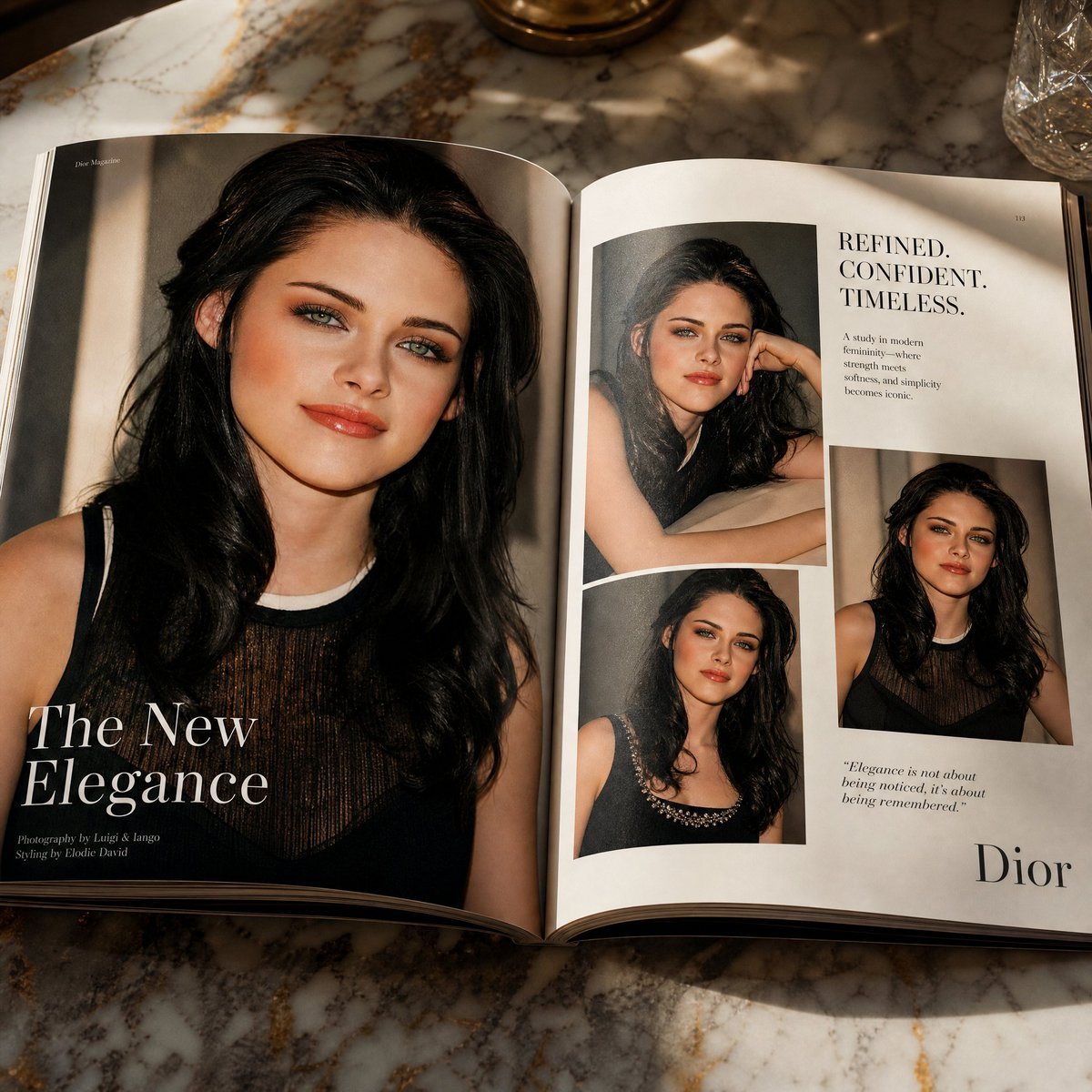
Open Magazine Luxury Fashion Editorial Layout
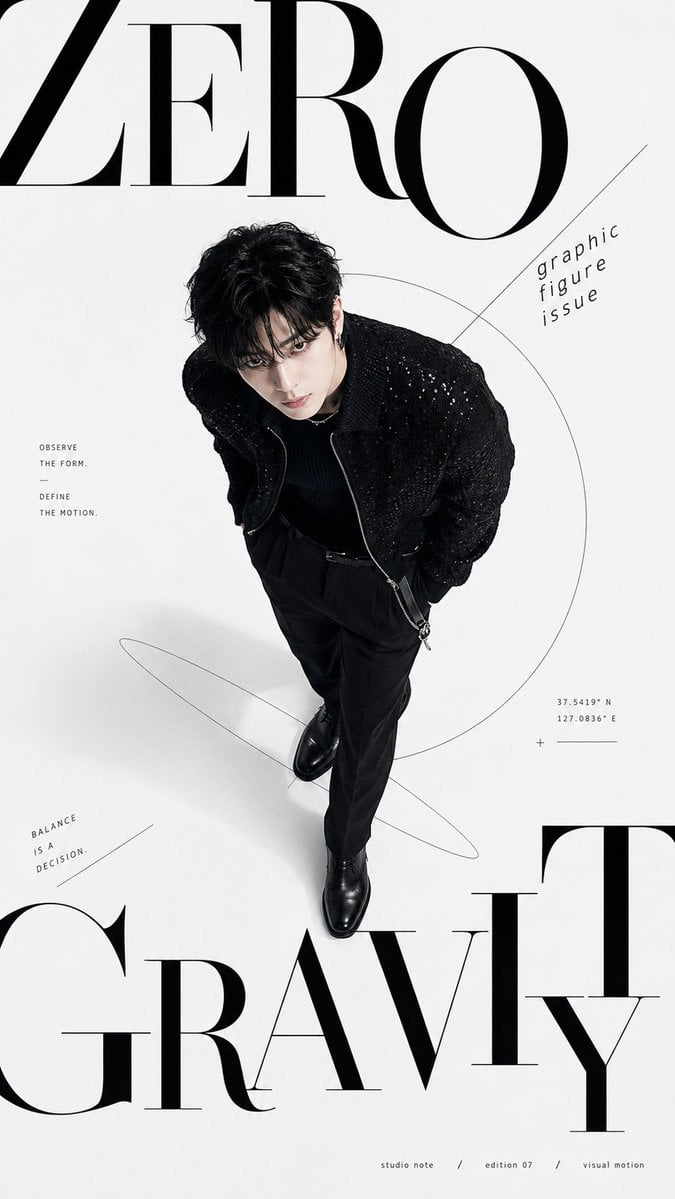
Premium Fashion Editorial Cover Layout System
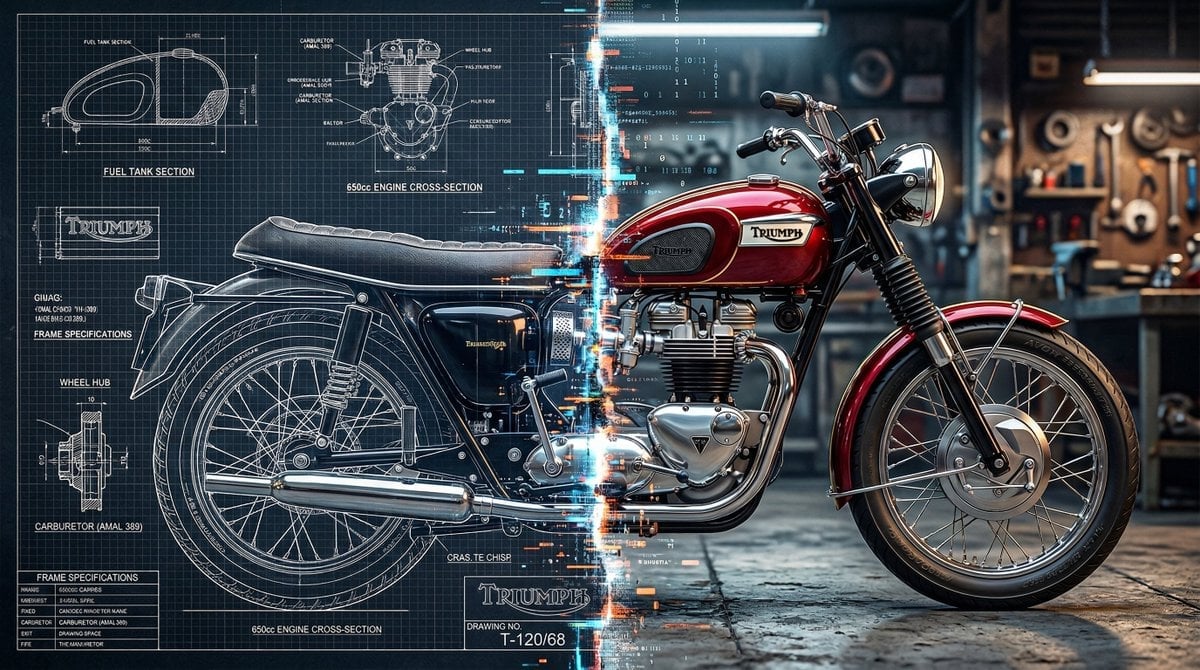
Blueprint Split Reality Archetype Prompt
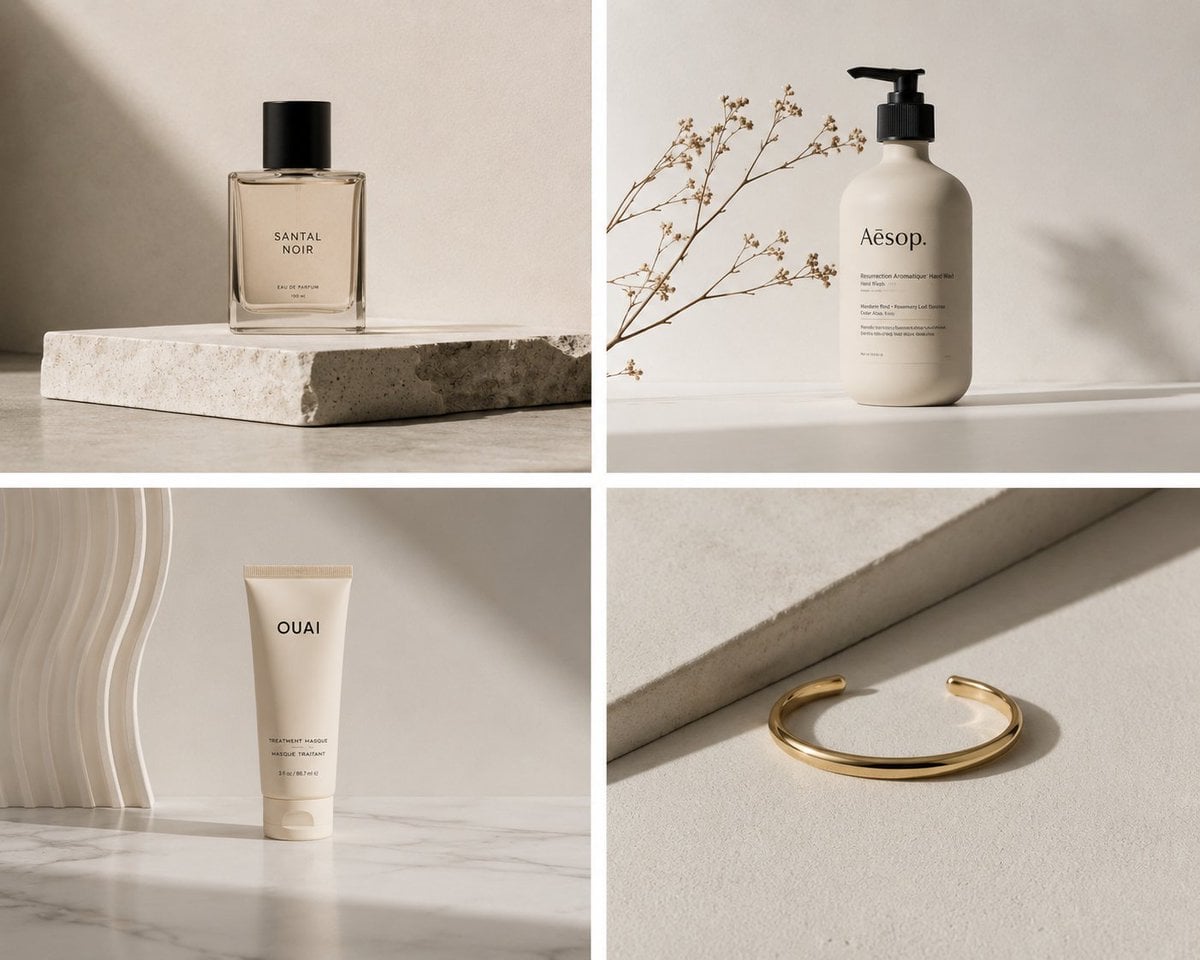
Elegant Minimalist Product Photography
Soft Shadow Studio Minimalist Product Shot
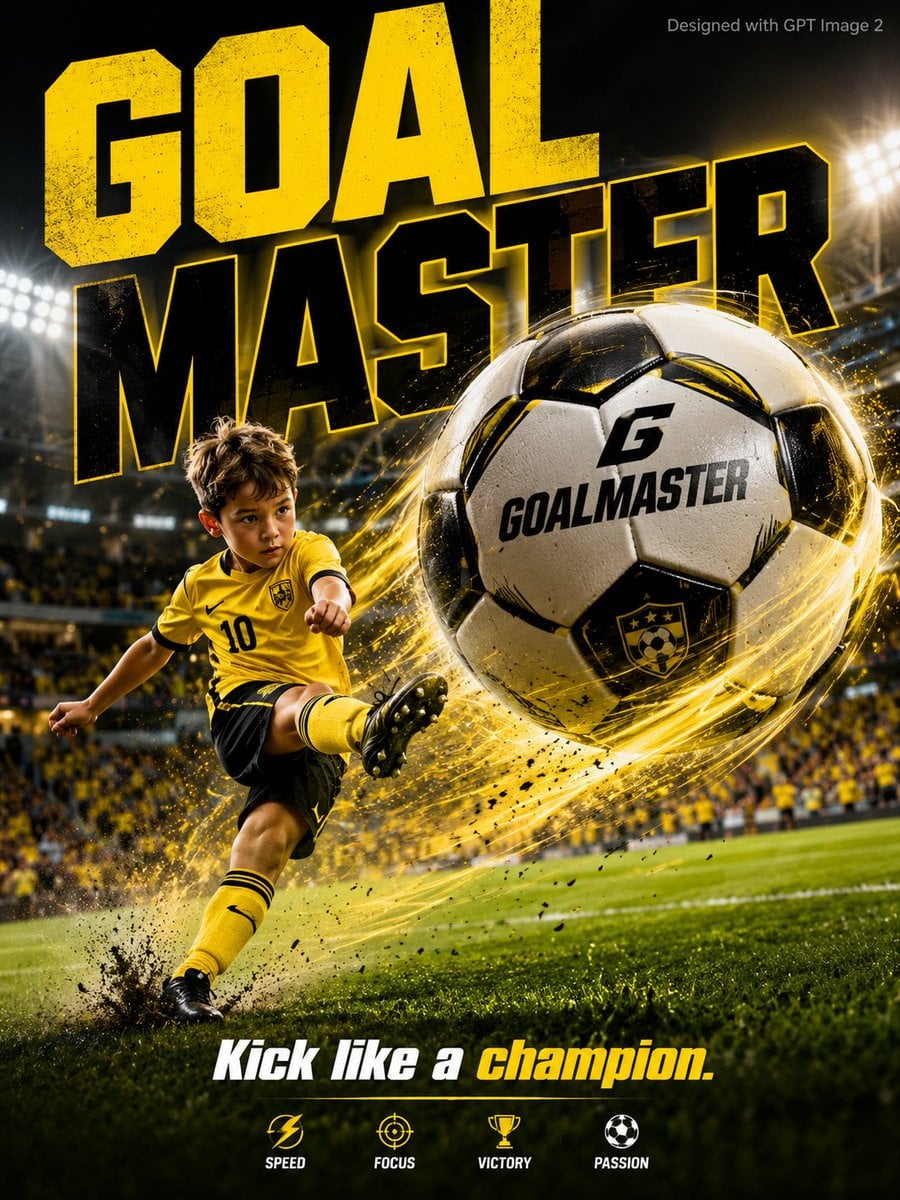
Goalmaster Youth Sports Poster
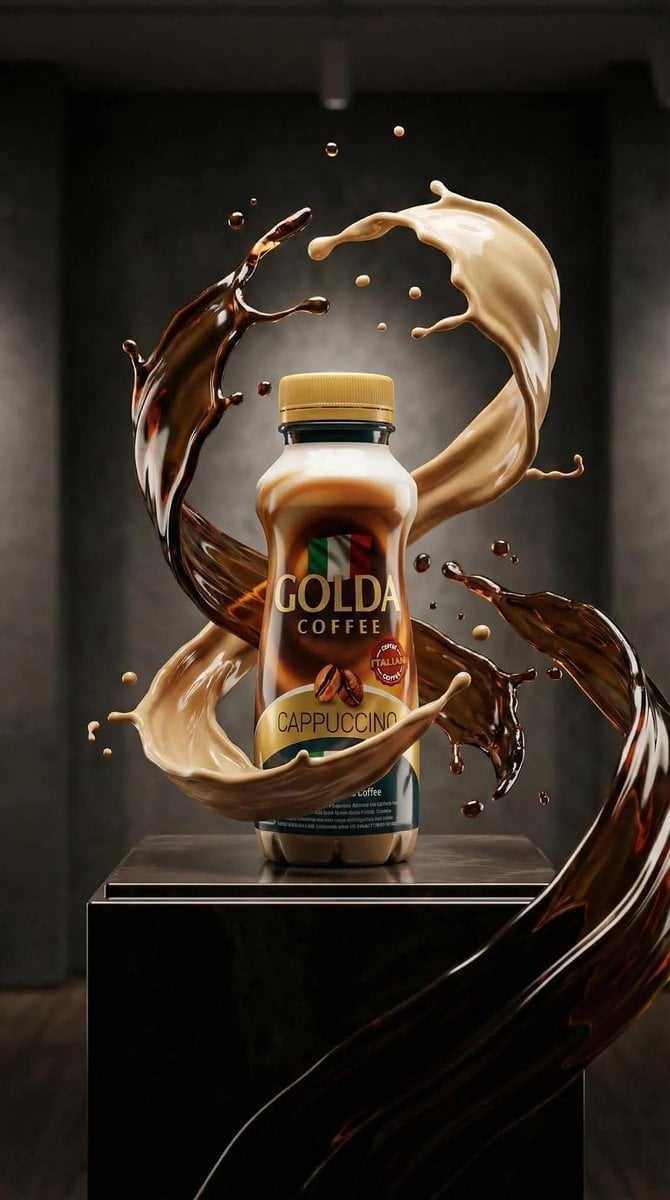
Cappuccino Bottle Splash Product Ad

FIFA-Inspired — World Cup Final Goal Net Commercial
Make it yours
Clean High-Brightness Commercial Graphic Layout works as-is. These are the safest ways to change it without losing the look.
Change one field
Copy a single group, rewrite it, and generate again so you can see what that field is doing.
Keep the frame, change the subject
Hold the composition and light of Clean High-Brightness Commercial Graphic Layout, then swap wardrobe, props or the person for a new take.
| If the result… | Why | Fix |
|---|---|---|
| The result drifts from the preview | Too many fields changed at once. | Reuse Clean High-Brightness Commercial Graphic Layout as-is first, then change one group — subject, light, or setting. |
| The model over-stylizes the scene | The prose prompt leaves finish and camera underspecified. | Add one camera or lighting sentence and stay on GPT Image 2. |
More GPT Image 2 templates
Other prompts made for GPT Image 2.
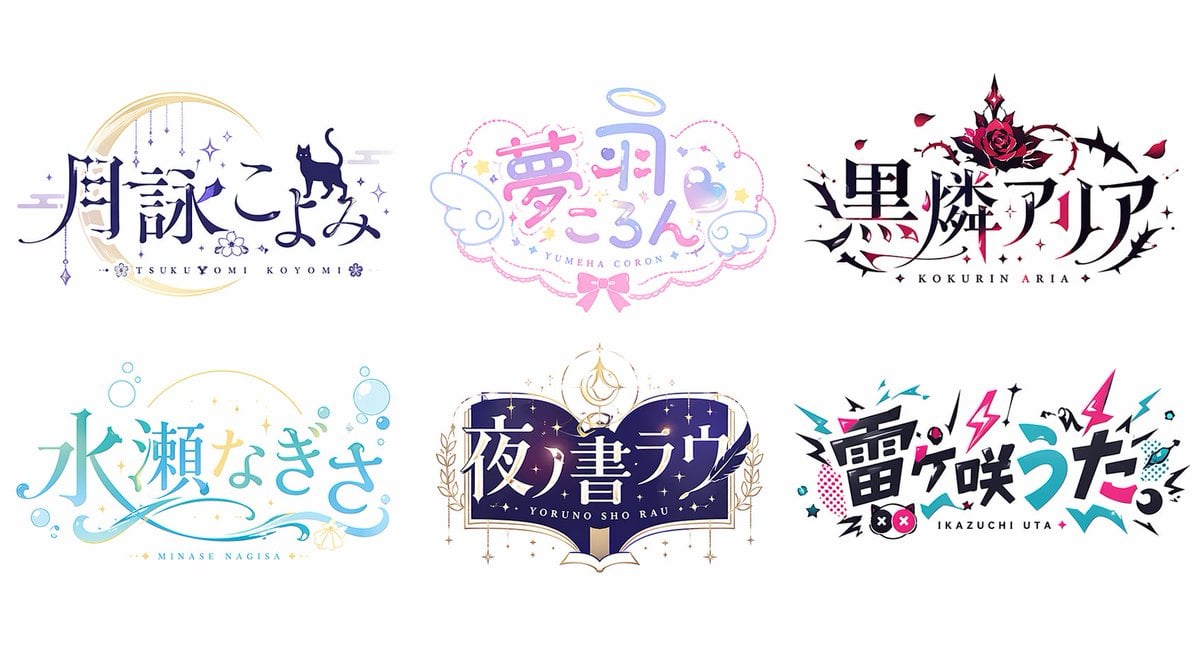
Six VTuber Japanese Logo Sheet
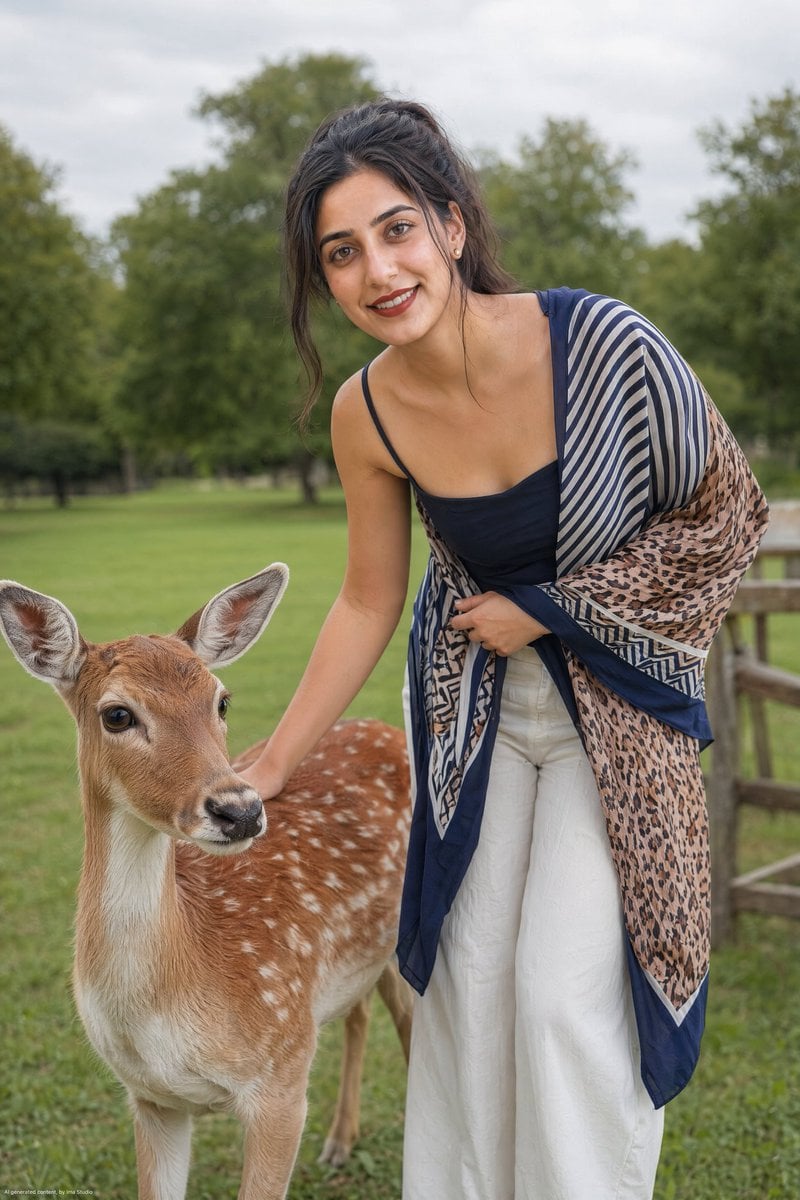
Realistic Portrait of Woman and Deer
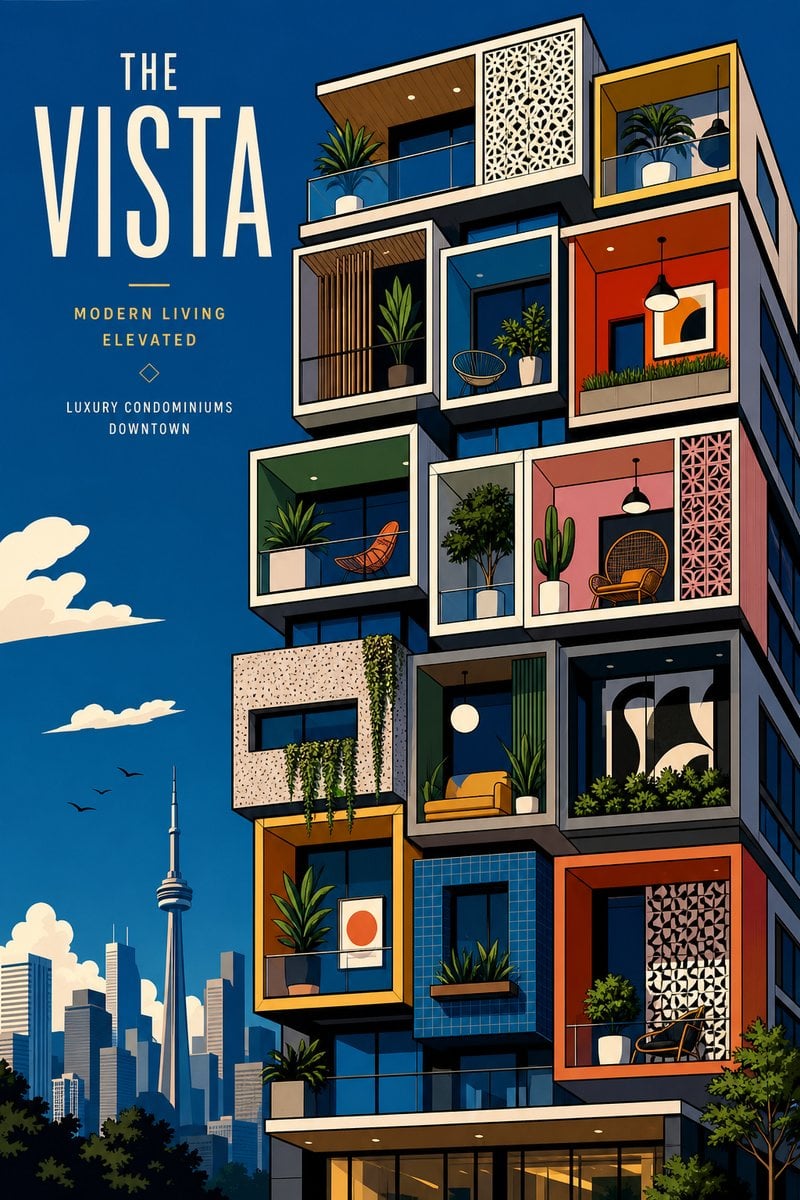
The Vista Modular Condo Poster
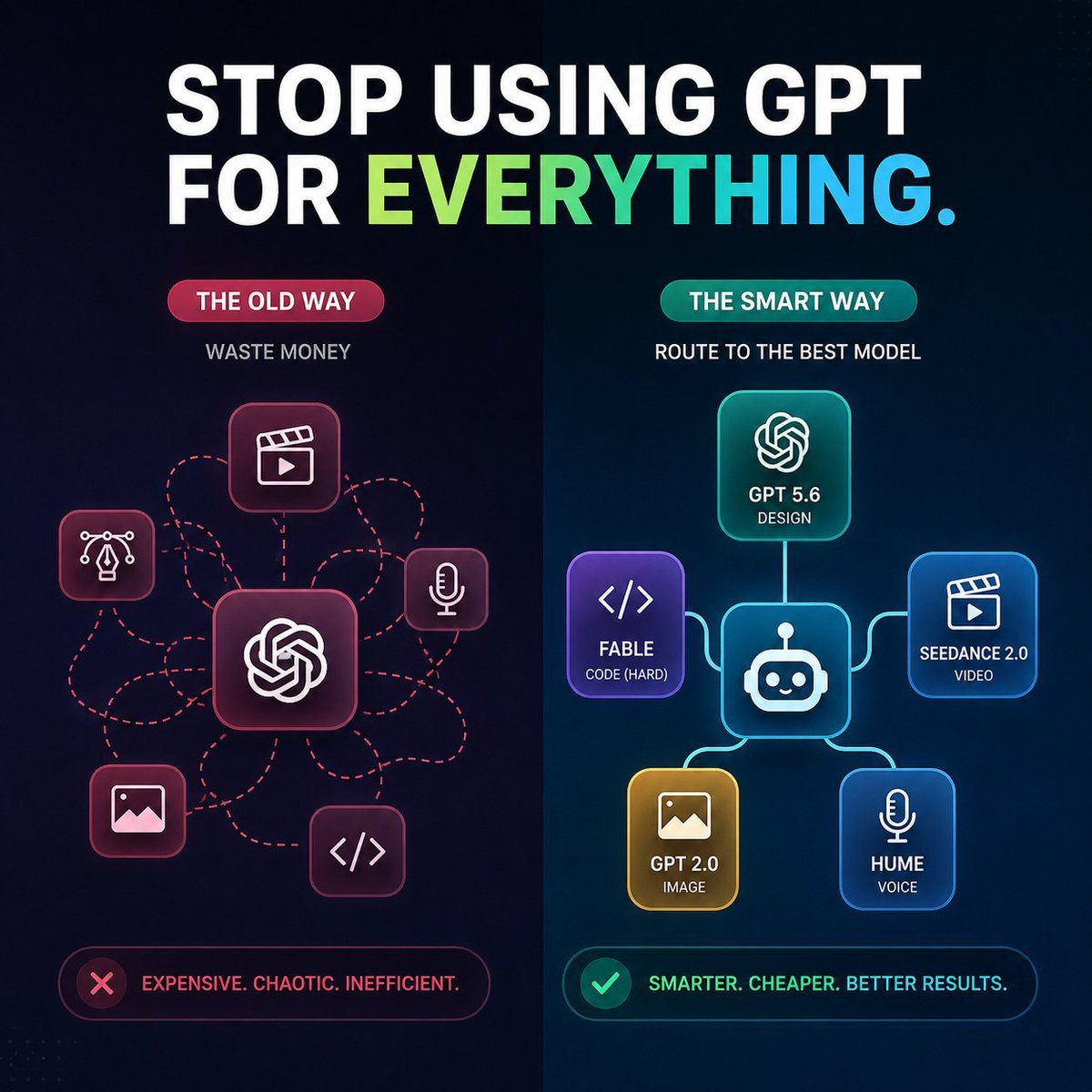
AI Model Routing Comparison Infographic
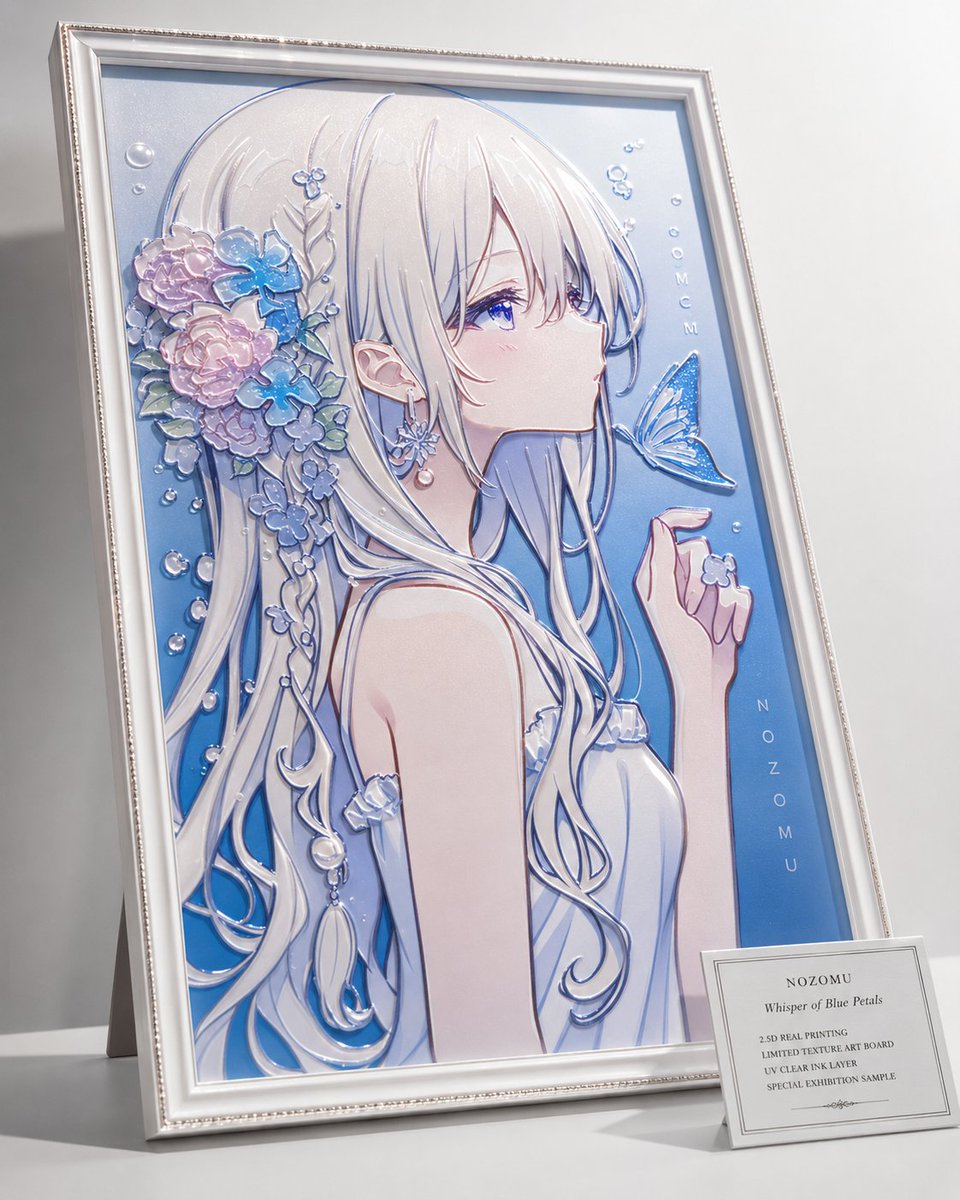
2.5D Anime Art Board

Isometric Productivity Desk Scene
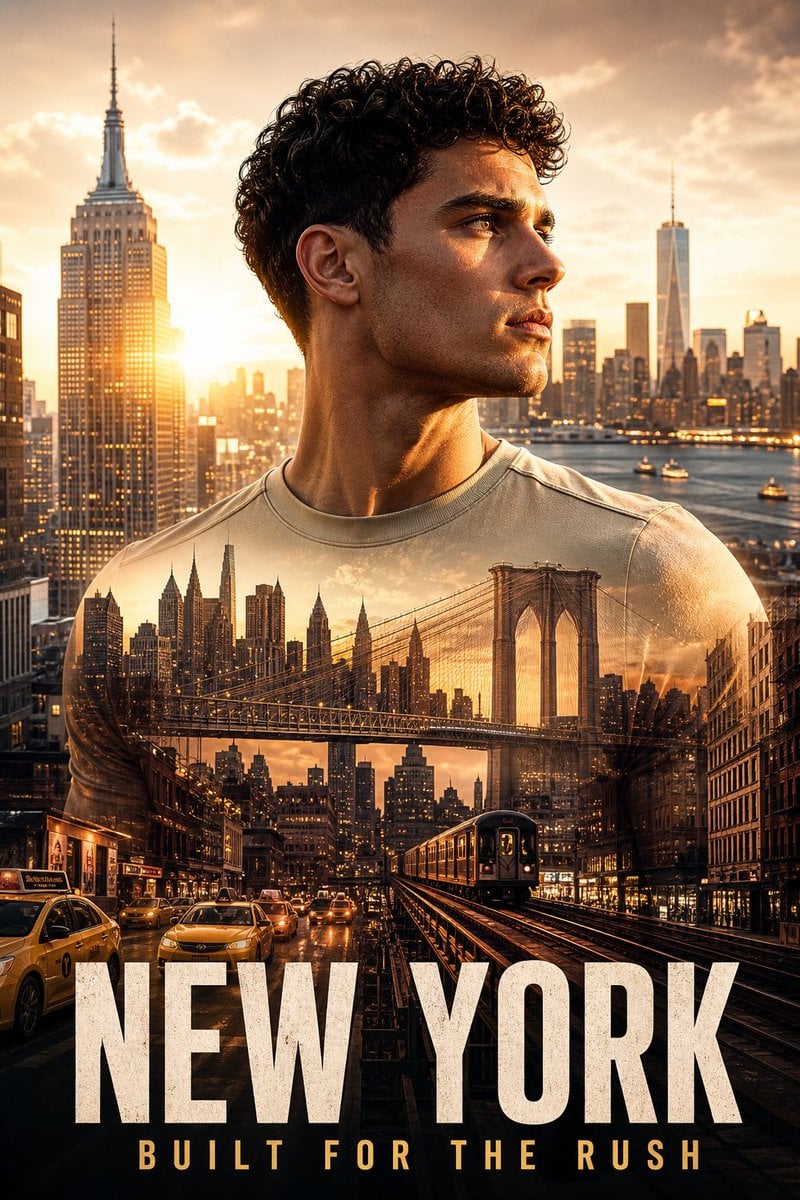
New York Double Exposure Poster
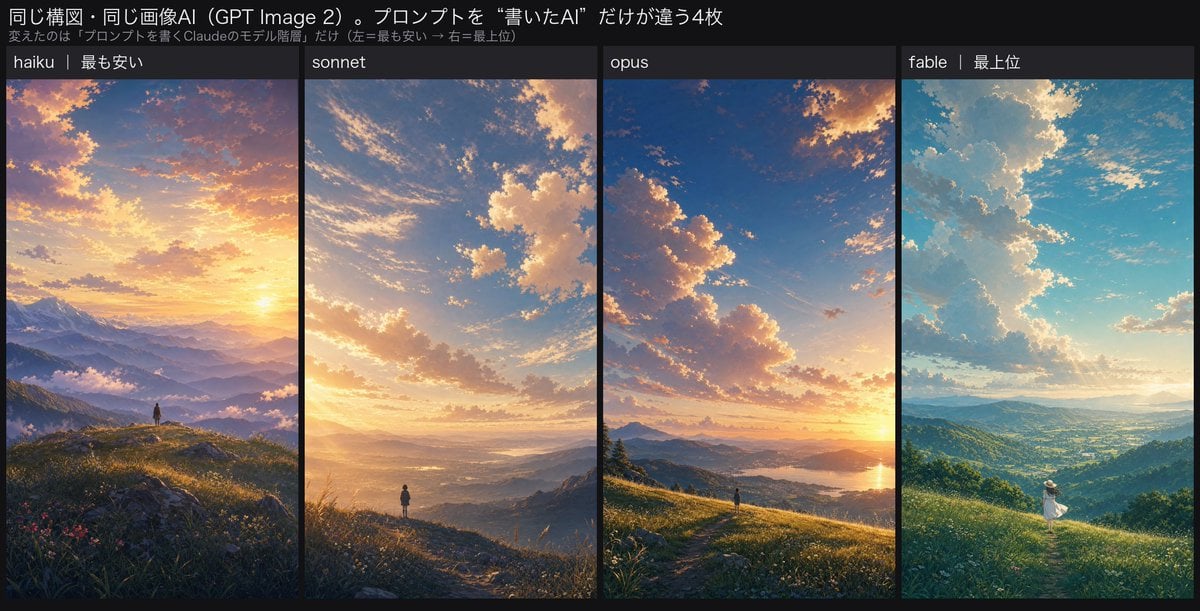
Four-Panel AI Landscape Comparison
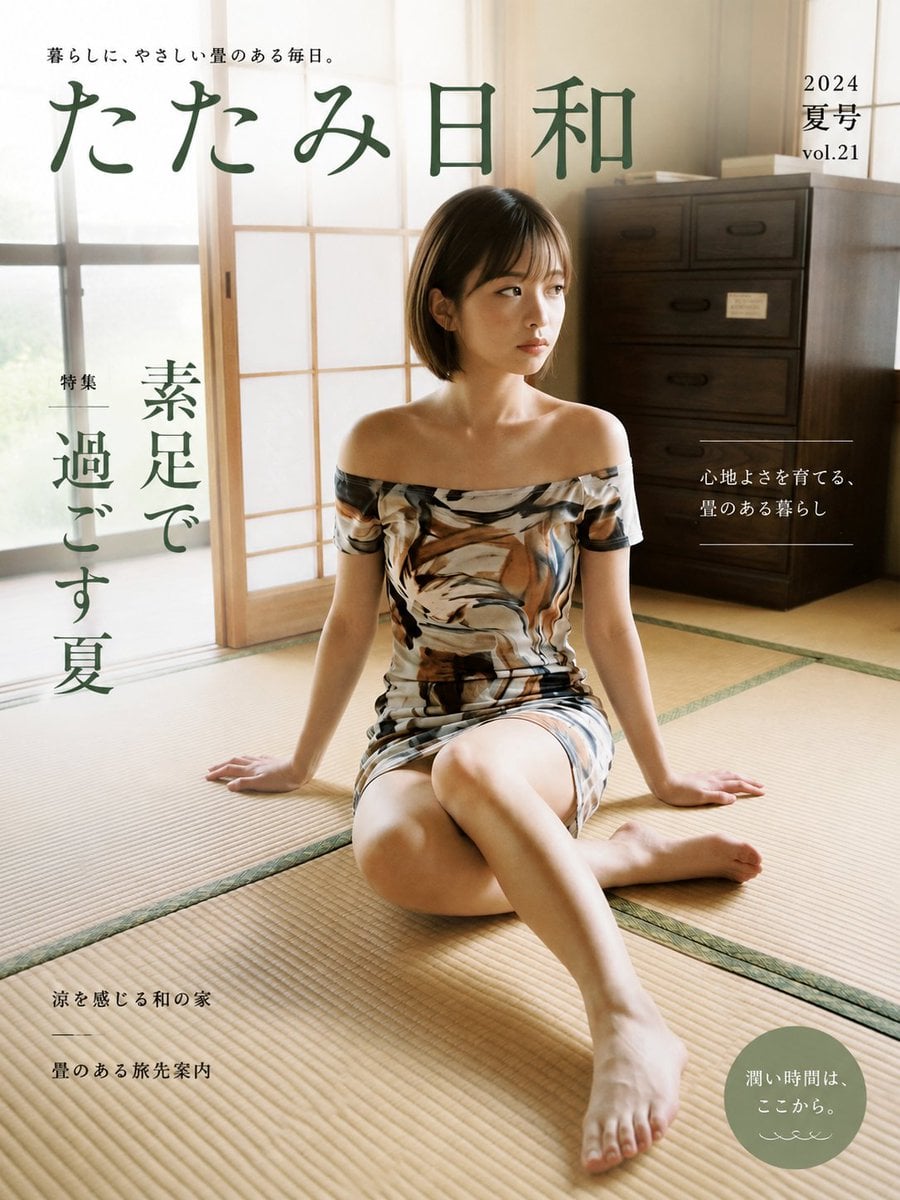
Japanese Tatami Lifestyle Magazine Cover

NESCAFÉ Coffee Map Poster
More image prompts
Fresh picks from across the catalog.
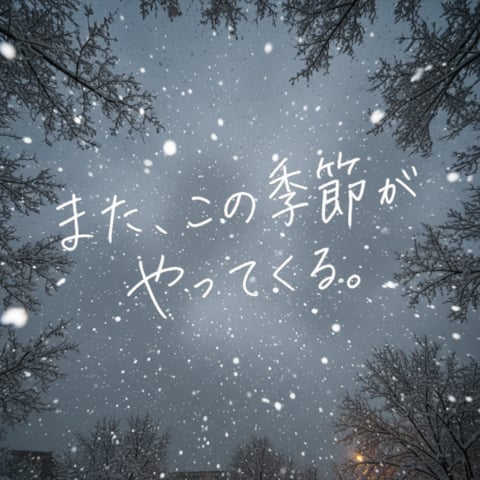
Snowy Sky with Handwritten Japanese Text

Cinematic Winter Portrait with Snowfall
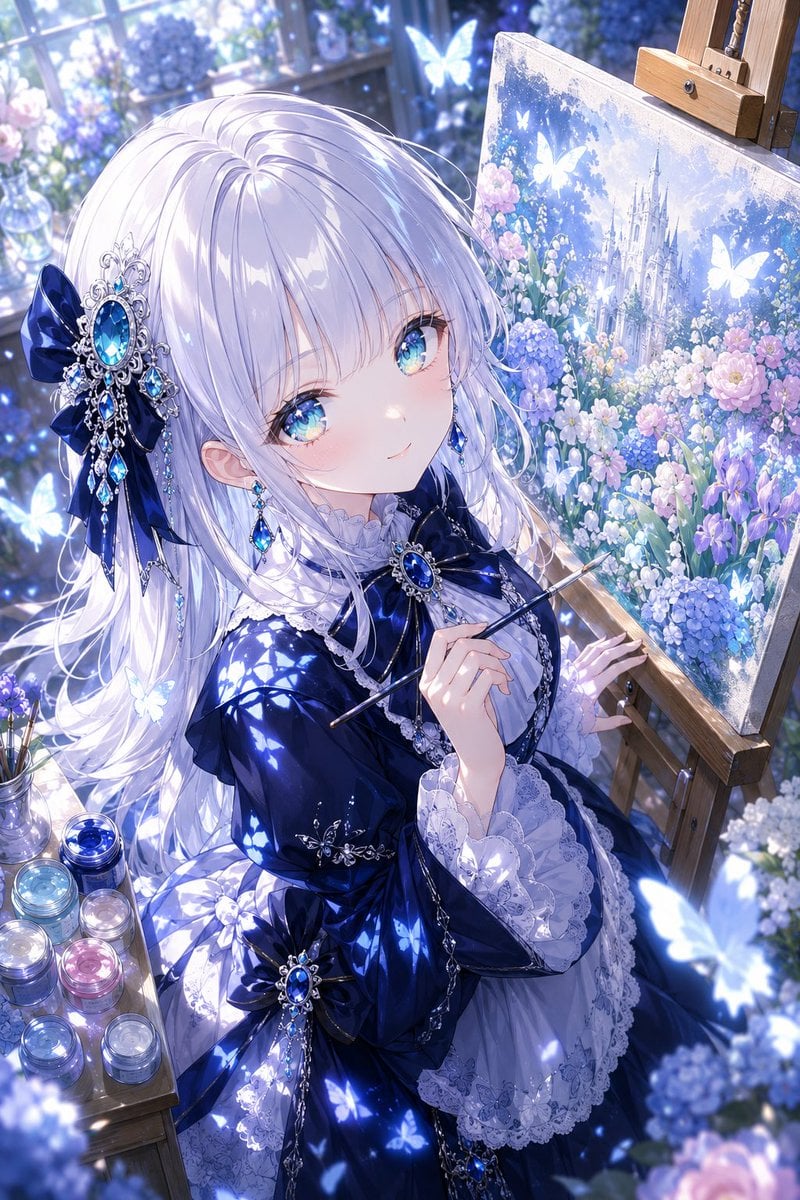
Anime Fantasy Painter in Blue Atelier

Popmart Style 3D Character Toy
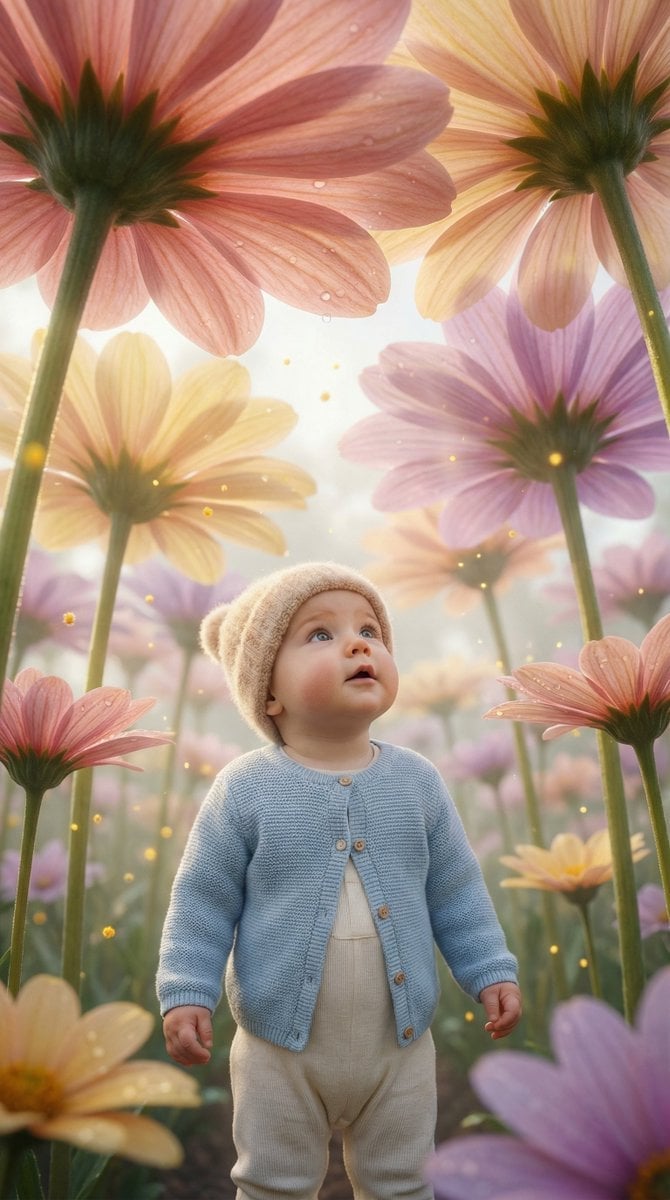
Ultra-Realistic Surreal Conceptual Portrait of a Baby in a Gigantic Flower Field
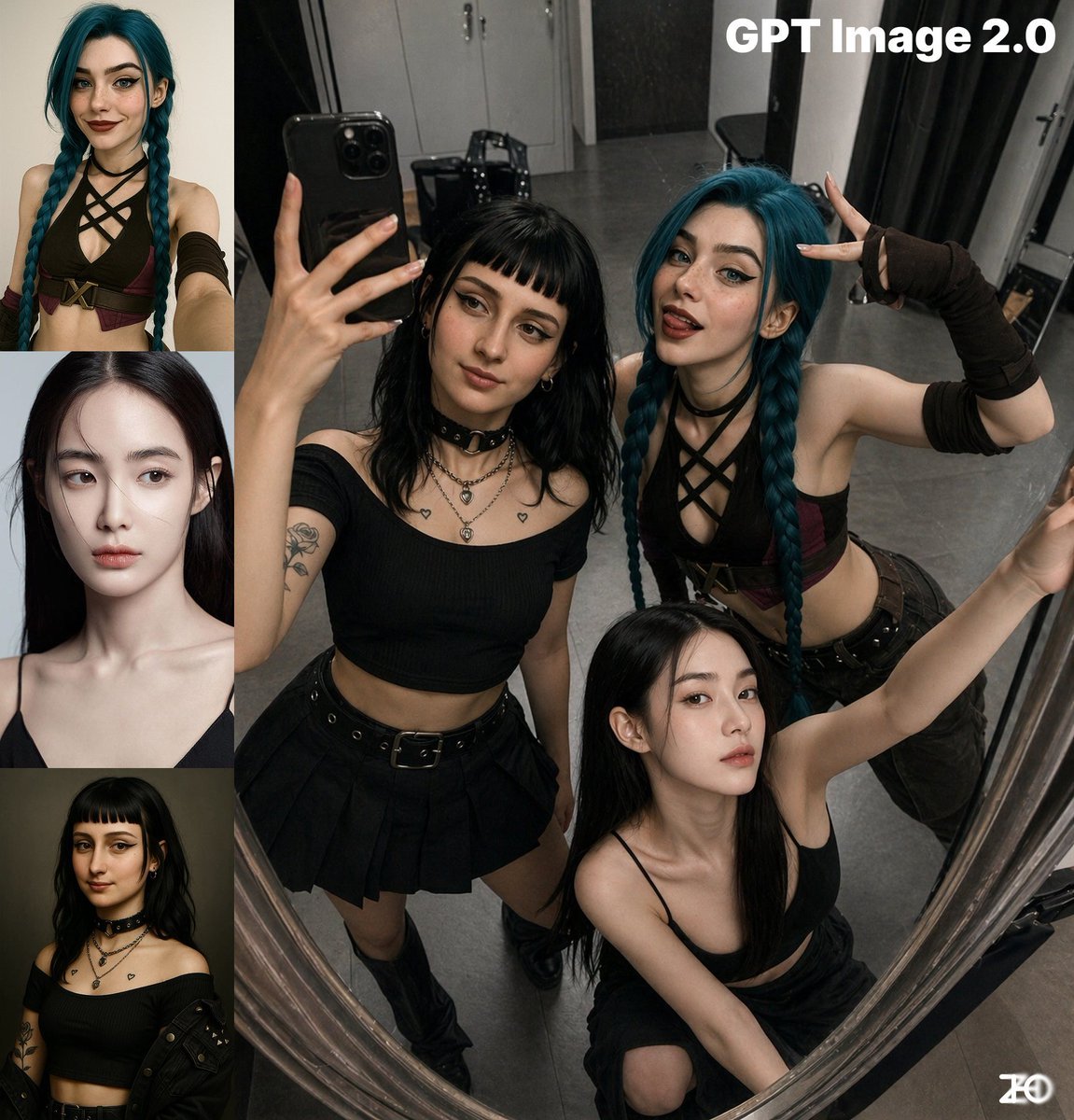
Top-View Mirror Selfie
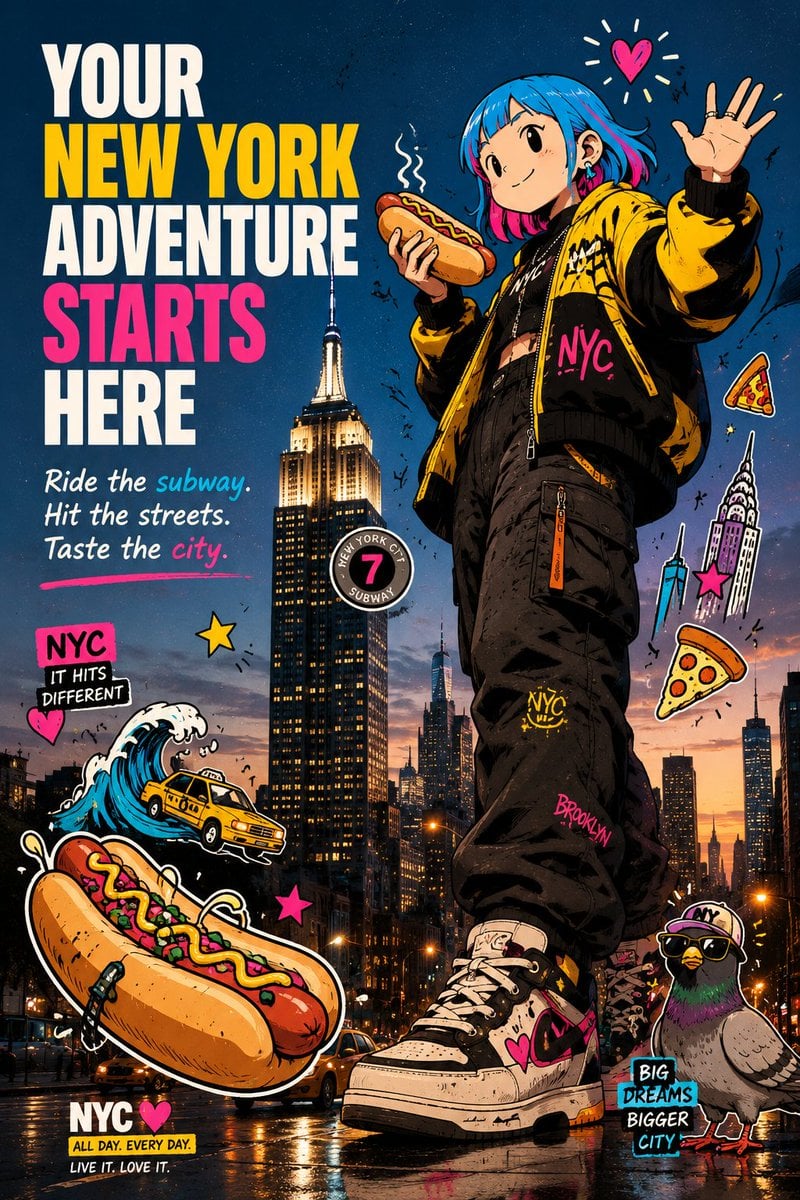
Anime NYC Adventure Poster
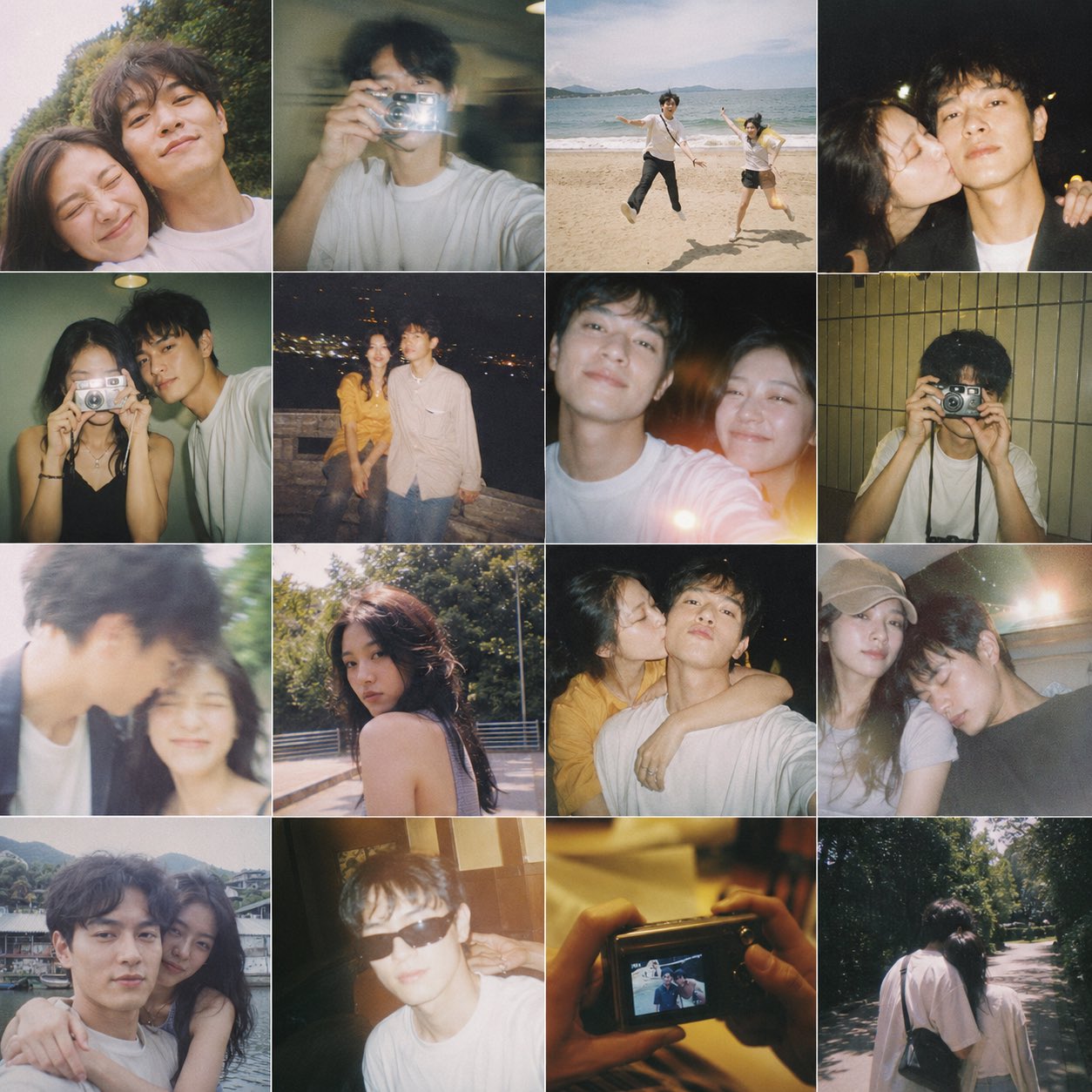
Film Contact Sheet Couple
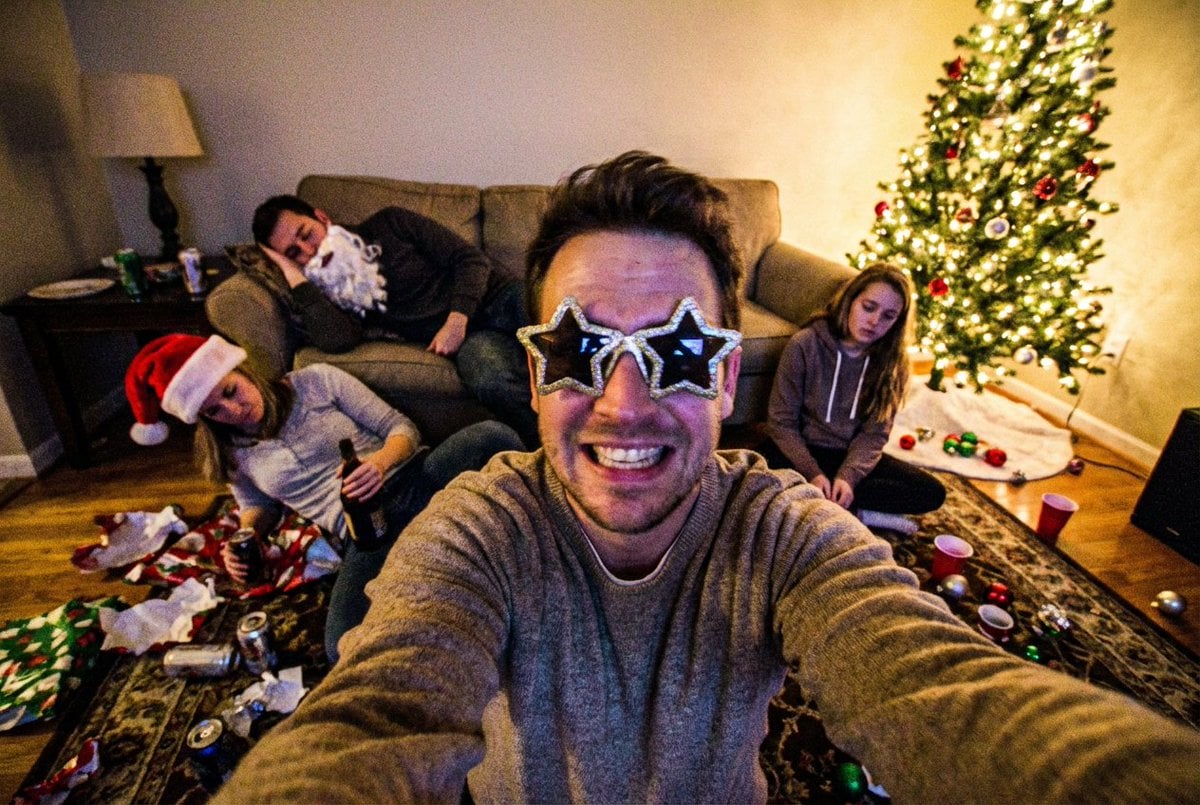
Low-Quality Chaotic Christmas After-Party Selfie
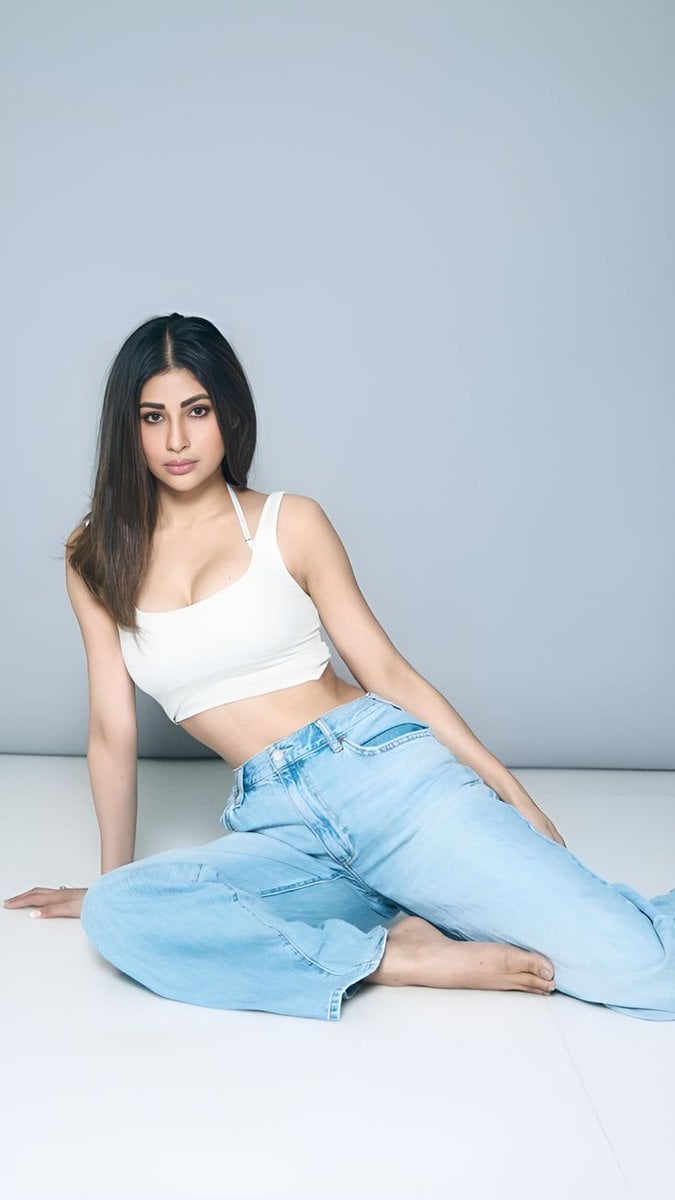
Quiet Luxury Travel Photography on the Amalfi Coast
Browse template categories
Clean High-Brightness Commercial Graphic Layout questions
How do I use the Clean High-Brightness Commercial Graphic Layout template?
Add your photo if the template asks for one, edit the prompt if you like — the template's model and format are already selected — and press Generate. Your version opens in PicX Studio.
Can I customize the Clean High-Brightness Commercial Graphic Layout template?
Yes. You can change the subject, setting, lighting, mood, format, and available model controls before creating your image.
Is the Clean High-Brightness Commercial Graphic Layout template free?
Opening and editing this template is free. Generating uses credits, shown on the Generate button when you are signed in.
Which AI model should I use?
Start with GPT Image 2, which is the model associated with this template. You can compare another compatible model for a different finish.
Looking for something else? Browse all templates.

Your photo, any look
Thousands of ready templates for every top image and video model, from one credit balance.