
Realistic Tokyo Street Photography
A detailed prompt for generating highly realistic portraits of an Asian office worker on a Tokyo street, featuring natural dappled sunlight and MUJI-style aesthetic.
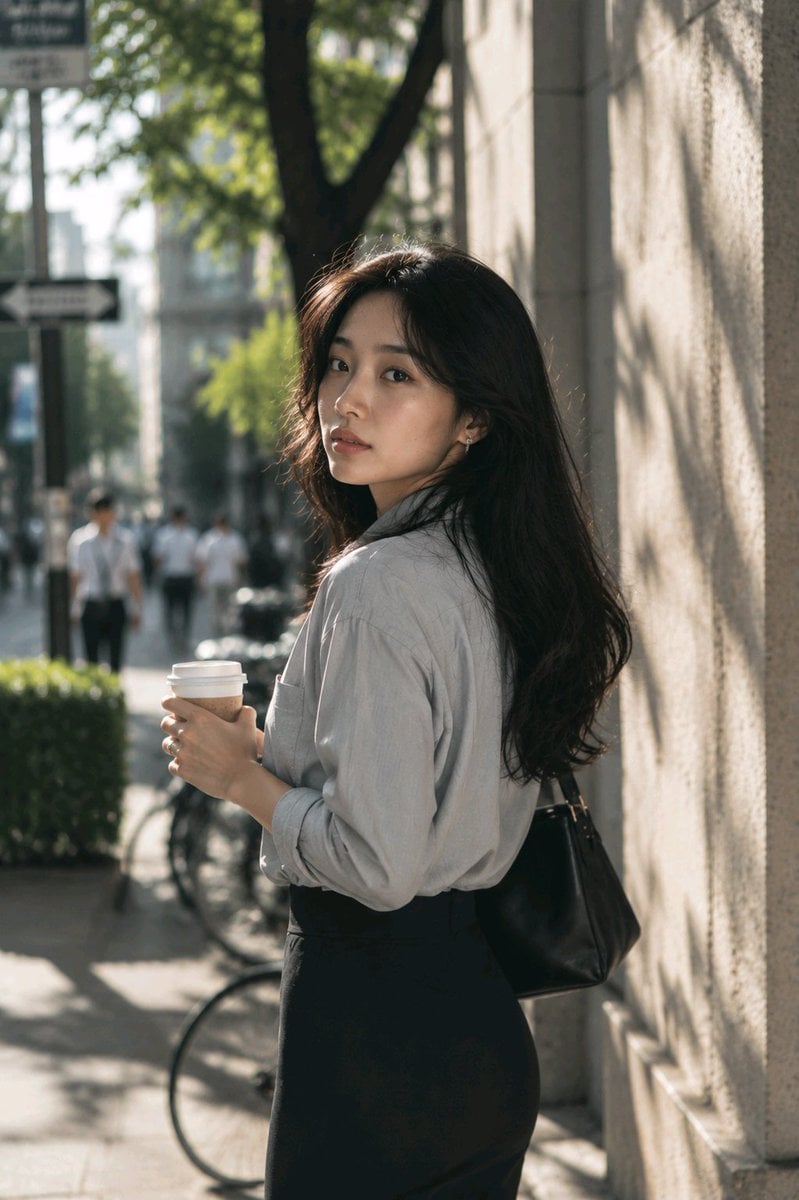
- Prompt included
- Model and format preset
- Free template
The prompt behind this image
Copy the exact prompt behind Realistic Tokyo Street Photography, or open it in the studio and make it yours.
年轻亚洲上班族女性,{argument name="年龄" default="25岁"},长黑发自然披肩,五官精致立体有气质,皮肤白皙,淡妆,温柔安静气质。穿{argument name="穿搭" default="浅灰色衬衫与黑色长裙"},手里拿着咖啡。站在{argument name="地点" default="东京街头转角"},阳光照射在建筑外墙上。背景出现轻微虚化的路人、自行车和街边绿植。自然抓拍瞬间,刚刚停下脚步回头看向镜头。真实皮肤纹理,阳光穿过树叶形成斑驳阴影。85mm镜头,f1.8,大光圈虚化,高端杂志街拍质感,MUJI广告摄影风格,纪录片级真实感,RAW照片,超真实环境氛围。
How to use Realistic Tokyo Street Photography in 3 steps
- 1
Open
The prompt is already in the box next to the preview, with the template's model and format selected.
- 2…a portrait of your subject in softgolden-hour light, 85mm…
Personalize
Edit the subject and creative details for your destination.
- 3Generate
Generate
Press Generate — your image is created in PicX Studio, so you can compare it with the original and refine one variable at a time.
More like this
Templates with the same subject, style or setup. Open one to see its prompt.
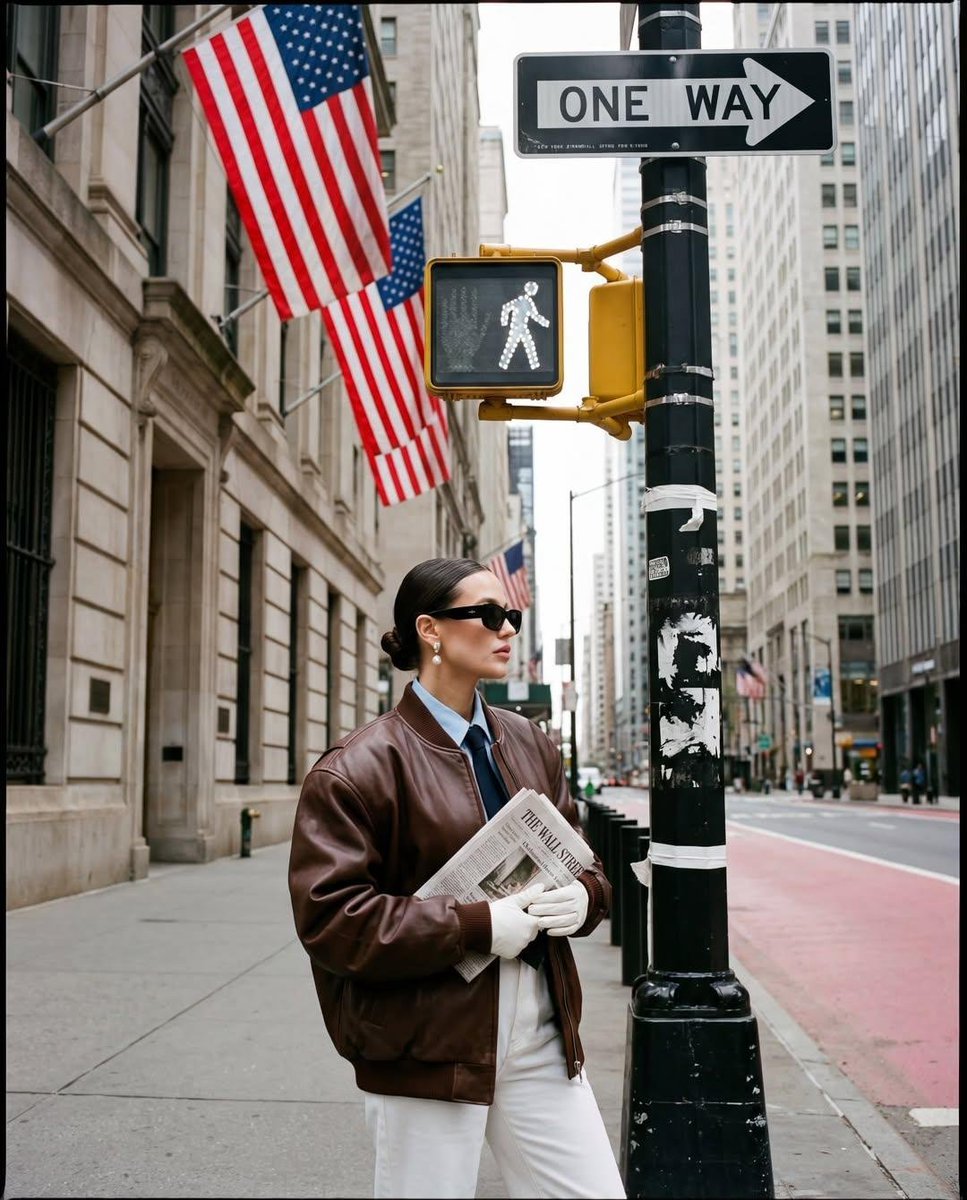
Ultra-realistic street fashion editorial photograph in New York City
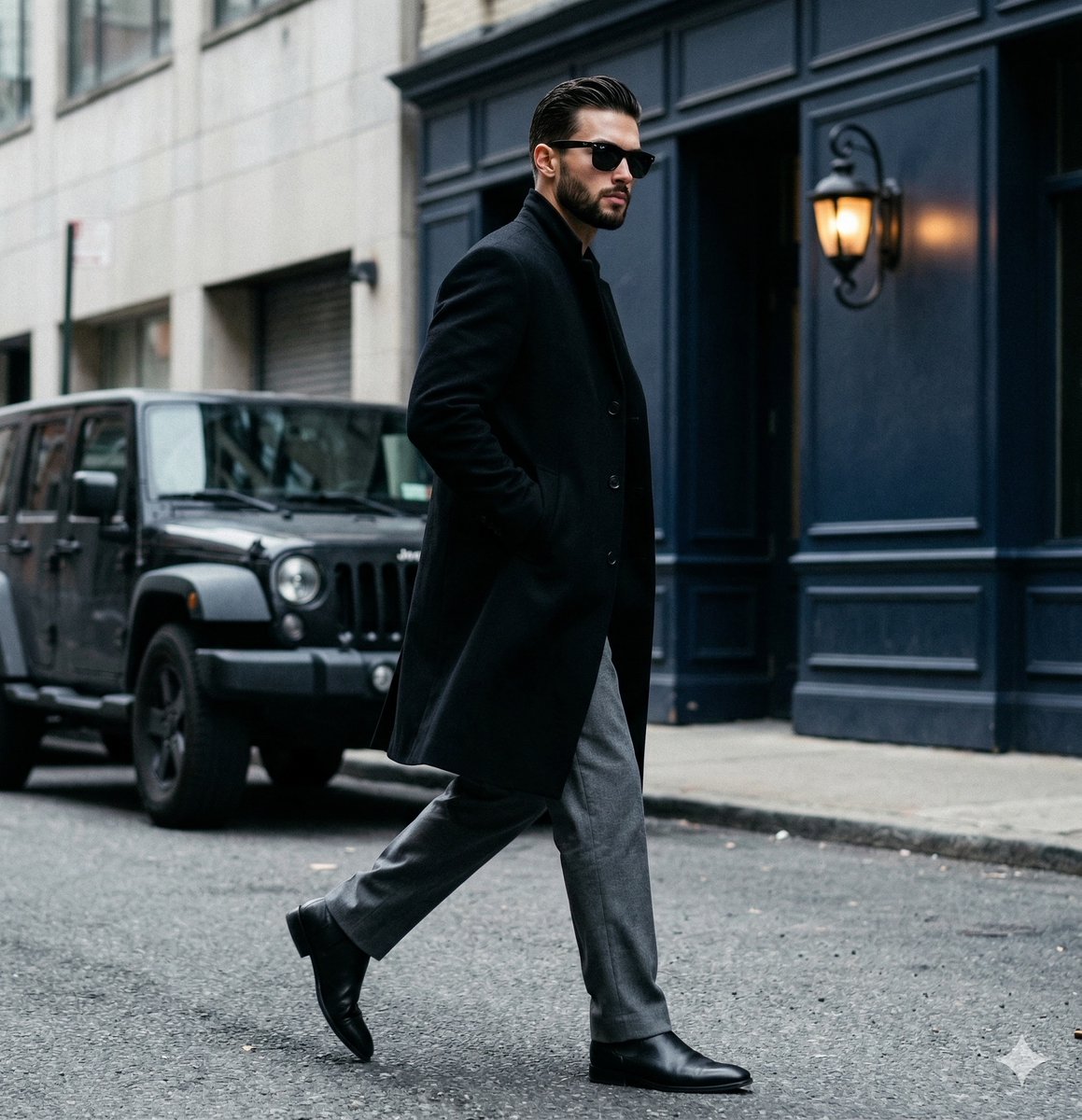
A candid paparazzi-style street photography shot of a handsome man

Two Tickets, One Night

Meet Me When It Rains

Two Hearts. One Scooter.

1986 Street Couple

1985 Street Scene

Mirror Selfie Chibi Characters Pixar Style

Flower Petal Sunglasses Couture Portrait

Fashion Portrait Colored Smoke Studio

Mountain Valley Lifestyle Portrait

青蛇小青写真大片,绿色紧身蛇鳞裙,湿发红唇,妖娆妩媚
Make it yours
Realistic Tokyo Street Photography works as-is. These are the safest ways to change it without losing the look.
Change one field
Copy a single group, rewrite it, and generate again so you can see what that field is doing.
Keep the frame, change the subject
Hold the composition and light of Realistic Tokyo Street Photography, then swap wardrobe, props or the person for a new take.
| If the result… | Why | Fix |
|---|---|---|
| The result drifts from the preview | Too many fields changed at once. | Reuse Realistic Tokyo Street Photography as-is first, then change one group — subject, light, or setting. |
| The model over-stylizes the scene | The prose prompt leaves finish and camera underspecified. | Add one camera or lighting sentence and stay on GPT Image 2. |
More GPT Image 2 templates
Other prompts made for GPT Image 2.

Six VTuber Japanese Logo Sheet

Realistic Portrait of Woman and Deer

The Vista Modular Condo Poster

AI Model Routing Comparison Infographic

2.5D Anime Art Board

Isometric Productivity Desk Scene

New York Double Exposure Poster

Four-Panel AI Landscape Comparison

Japanese Tatami Lifestyle Magazine Cover

NESCAFÉ Coffee Map Poster
More image prompts
Fresh picks from across the catalog.
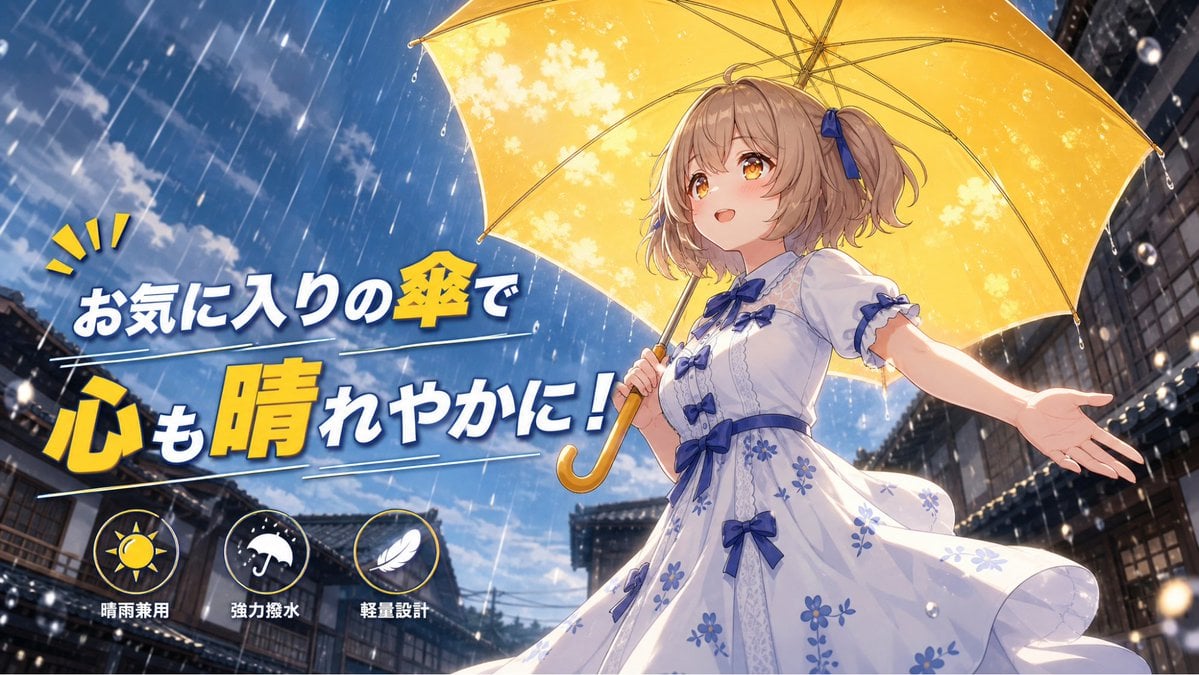
Anime Yellow Umbrella Ad Poster

Cinematic Action Scene Identity Preservation Prompt
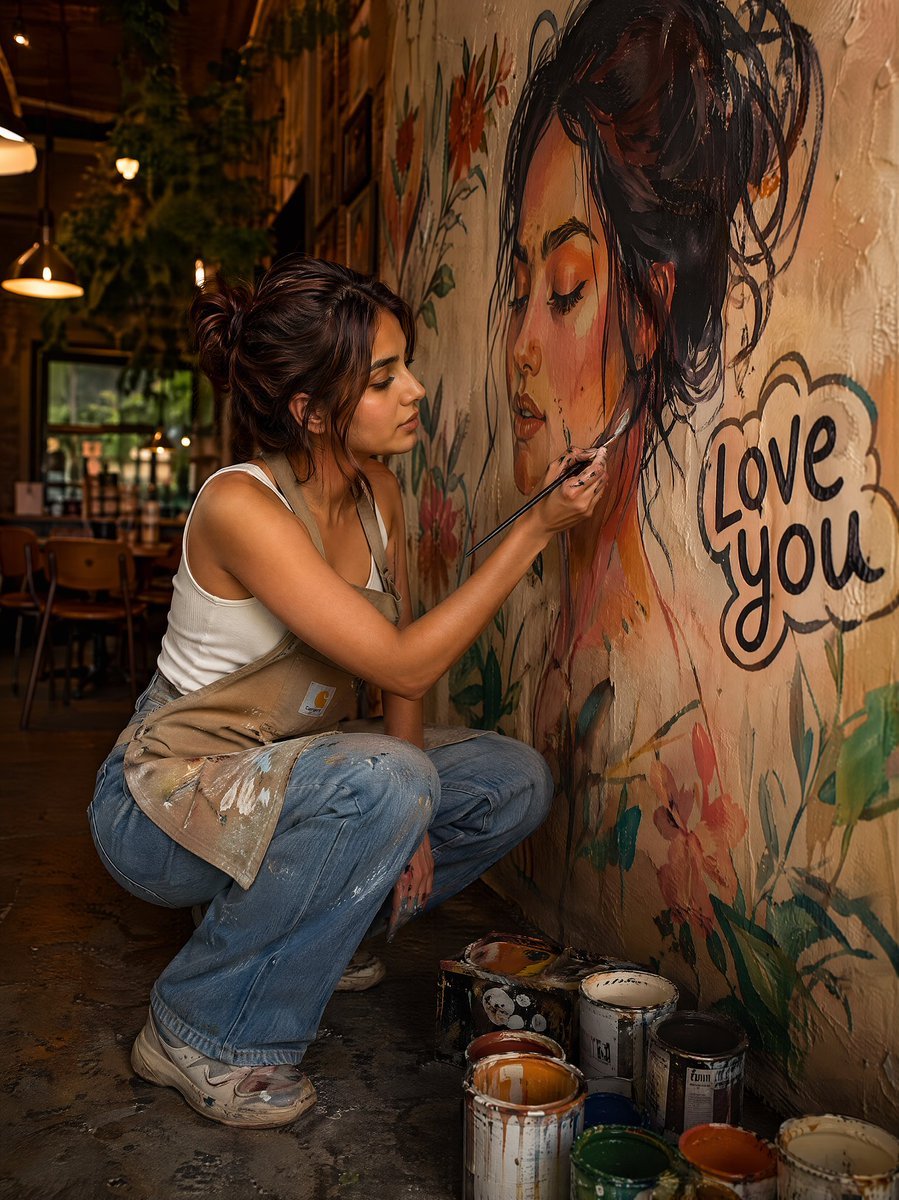
Editorial Portrait of Artist Painting Café Mural
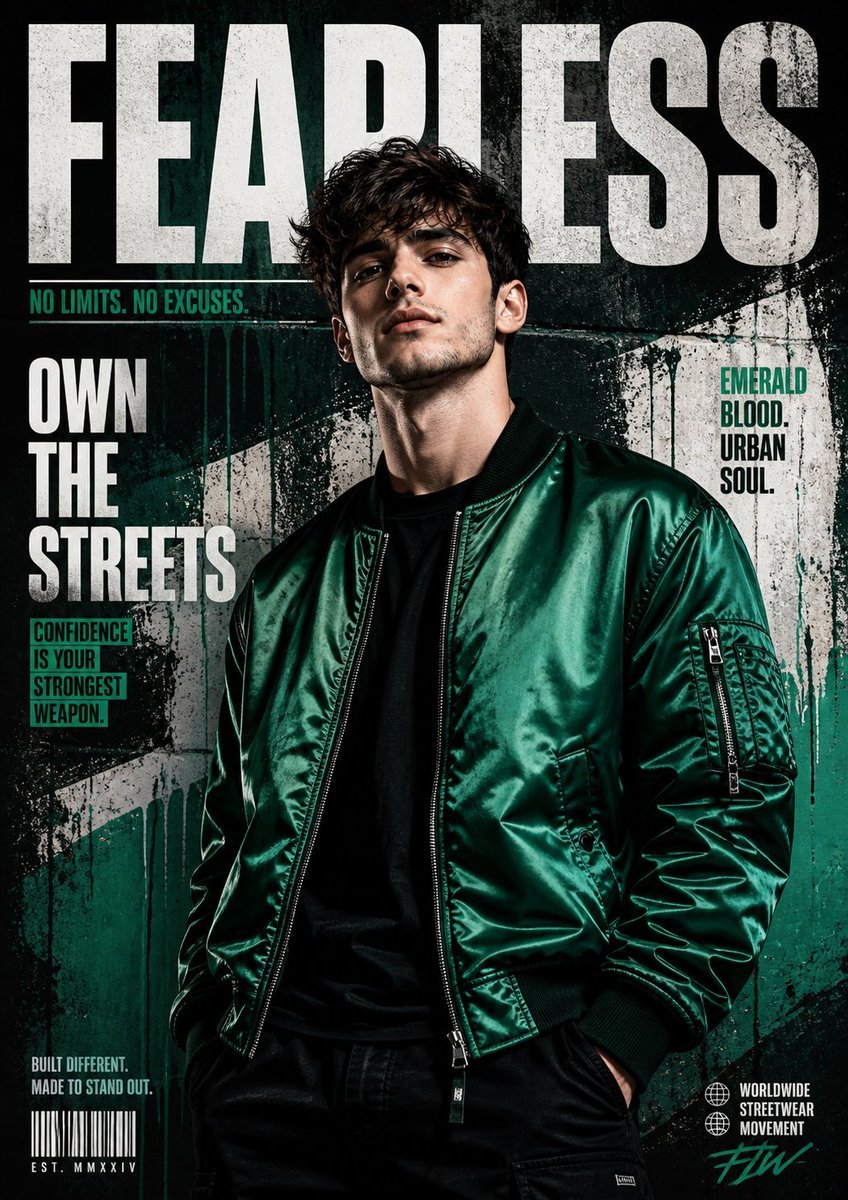
Street Fashion Emerald Bomber Poster
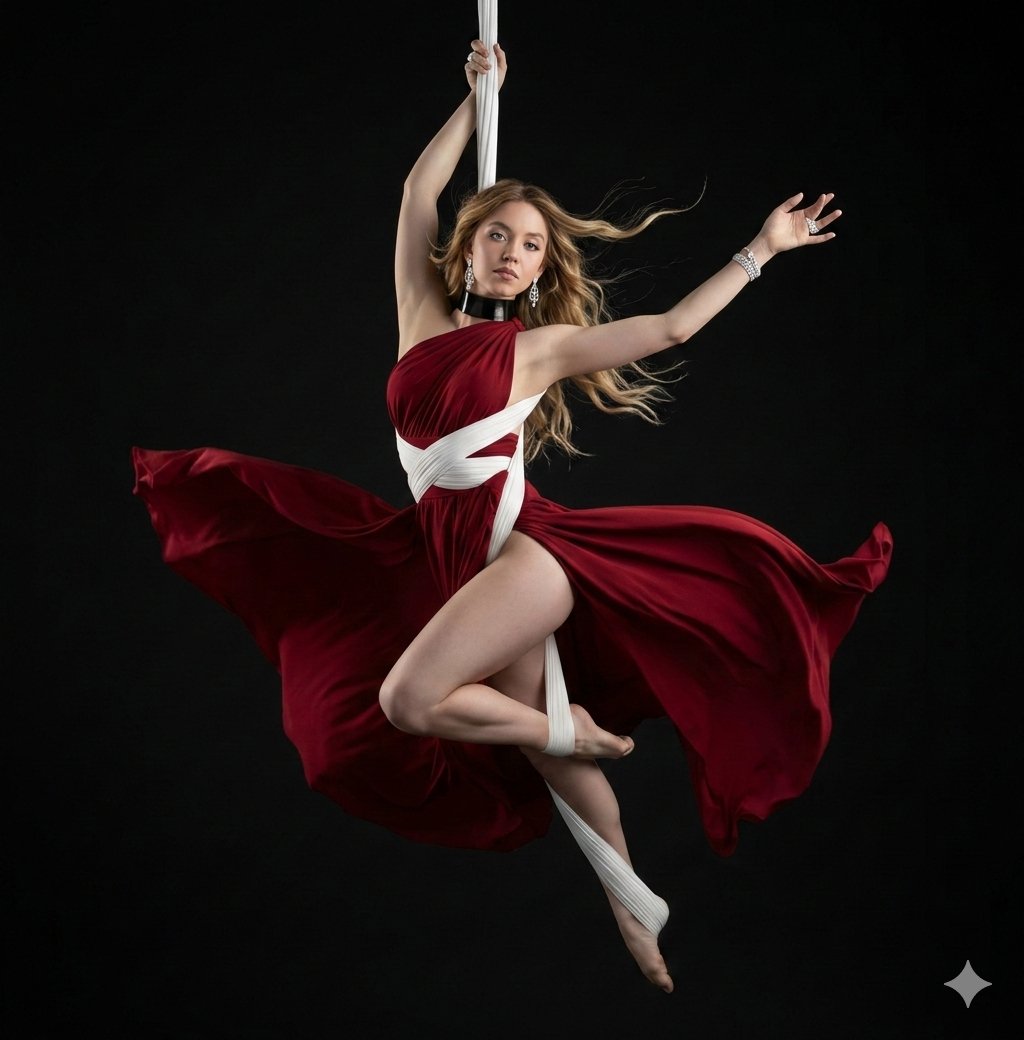
Dramatic Aerial Silk Artist in Red Dress

Radiant Angel in Golden Clouds

iPhone Flash Glamour Portrait

3D Caricature from Uploaded Face
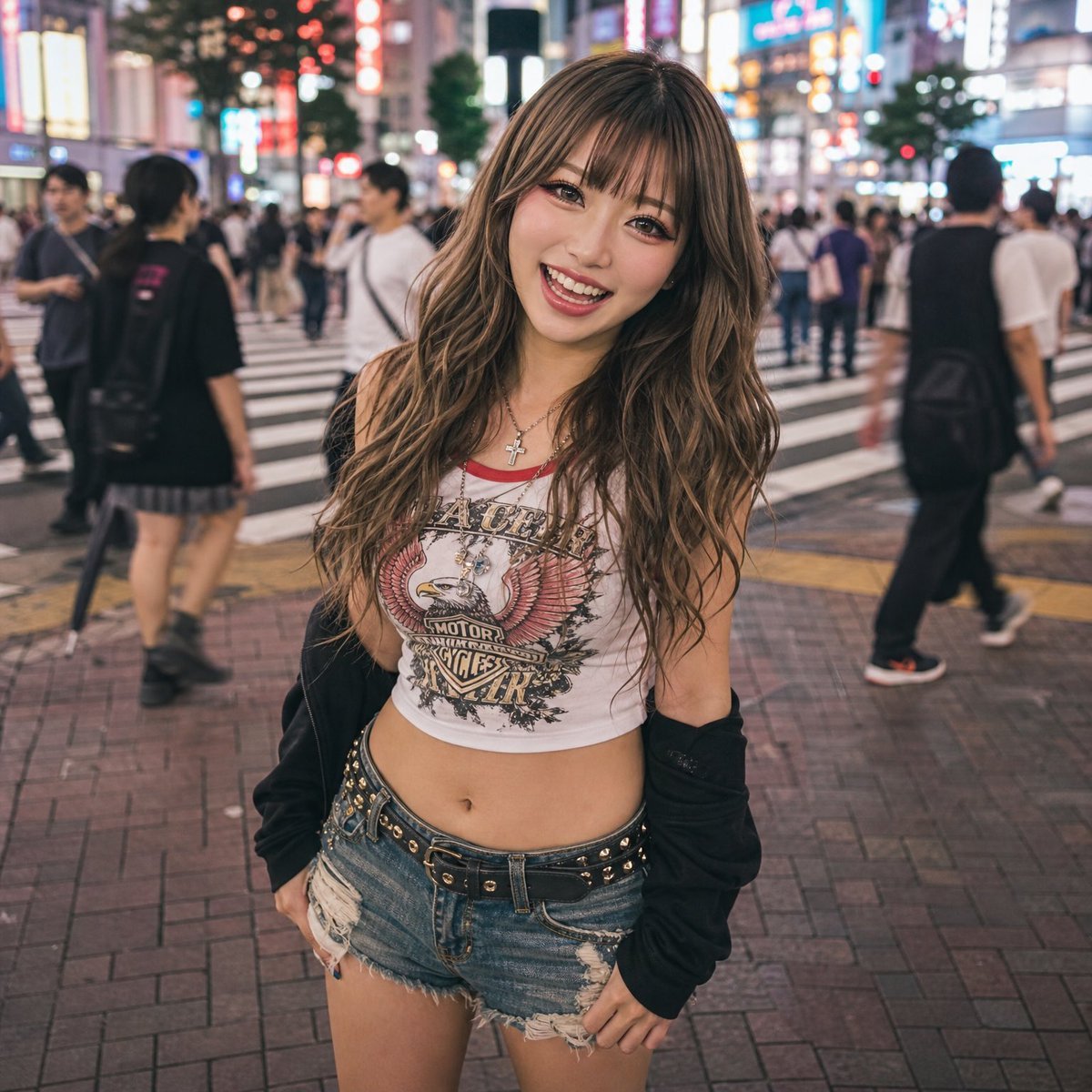
Tokyo Night Street Fashion Portrait

Dynamic Football Superstar Illustration
Browse template categories
Realistic Tokyo Street Photography questions
How do I use the Realistic Tokyo Street Photography template?
Add your photo if the template asks for one, edit the prompt if you like — the template's model and format are already selected — and press Generate. Your version opens in PicX Studio.
Can I customize the Realistic Tokyo Street Photography template?
Yes. You can change the subject, setting, lighting, mood, format, and available model controls before creating your image.
Is the Realistic Tokyo Street Photography template free?
Opening and editing this template is free. Generating uses credits, shown on the Generate button when you are signed in.
Which AI model should I use?
Start with GPT Image 2, which is the model associated with this template. You can compare another compatible model for a different finish.
Looking for something else? Browse all templates.

Your photo, any look
Thousands of ready templates for every top image and video model, from one credit balance.