
果树种植科普展板 3 4 竖版 博物馆级信息设计
果树种植科普展板 3:4 竖版 博物馆级信息设计 【主标题】 「××果树种植与结果管理指南」 字体:思源黑体 / 思源宋体混排,确保中文清晰渲染 【副标题】 学名 科属 原产地 主要栽培区 结果年限 【中央视觉】 画面中心 25%: 成熟健康的果树实物形态(可选:盆栽 / 幼树 / 结果期枝条), 写实自然博物馆标本风格,树干、叶脉、果实细节清晰 背景: 浅色极简底(米白 / 浅灰) 淡雅农业几何纹样 / 果树年轮 /…
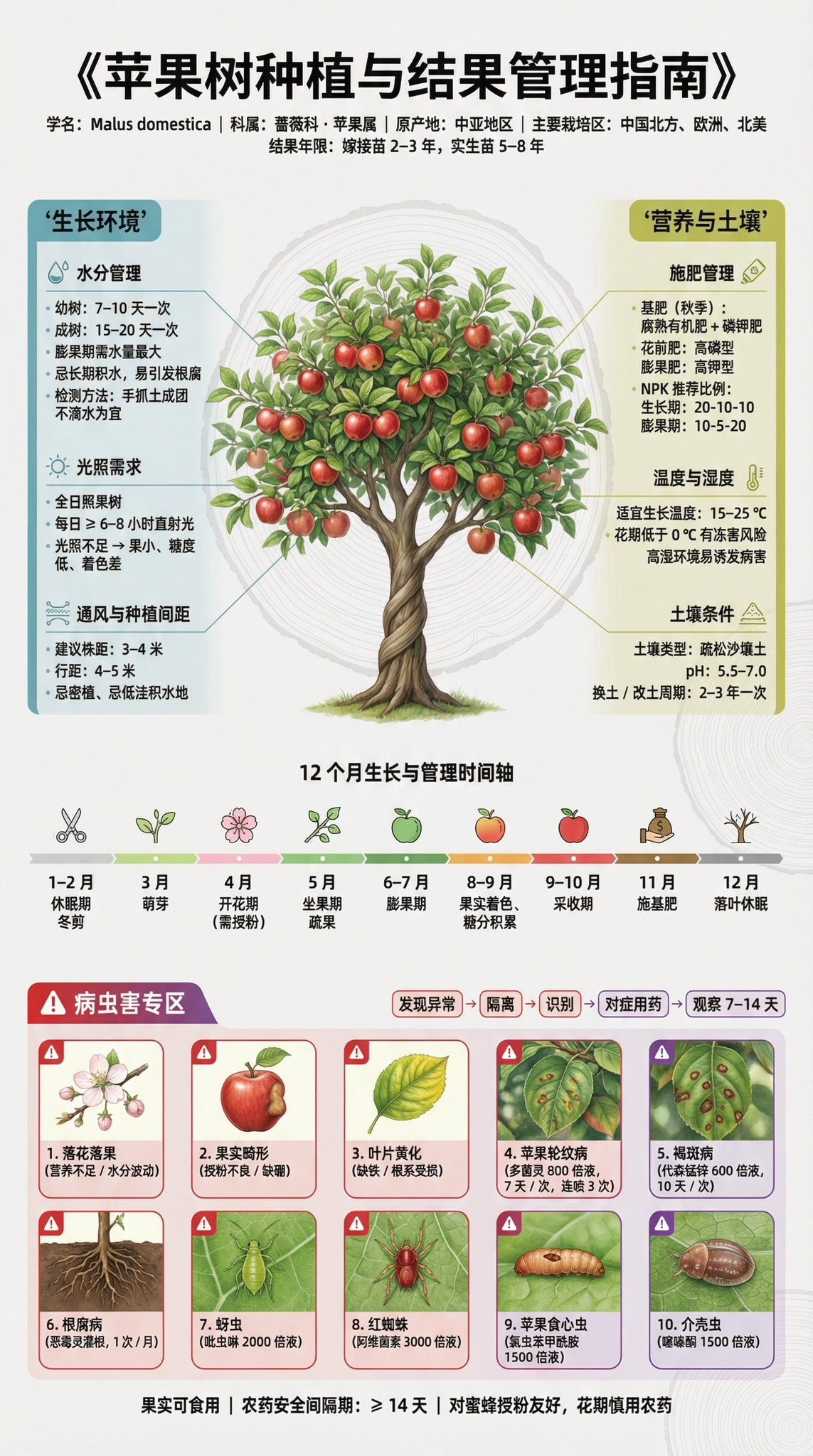
- Prompt included
- Model and format preset
- Free template
The prompt behind this image
Copy the exact prompt behind 果树种植科普展板 3 4 竖版 博物馆级信息设计, or open it in the studio and make it yours.
果树种植科普展板 | 3:4 竖版 | 博物馆级信息设计 【主标题】 「××果树种植与结果管理指南」 字体:思源黑体 / 思源宋体混排,确保中文清晰渲染 【副标题】 学名 · 科属 · 原产地 · 主要栽培区 · 结果年限 【中央视觉】 画面中心 25%: 成熟健康的果树实物形态(可选:盆栽 / 幼树 / 结果期枝条), 写实自然博物馆标本风格,树干、叶脉、果实细节清晰 背景: 浅色极简底(米白 / 浅灰) 淡雅农业几何纹样 / 果树年轮 / 叶脉结构底纹(透明度 15–20%) 【信息布局|自动填充真实农业数据】 左侧(蓝绿色系 · 生长环境) 水分管理 幼树 / 成树浇水频率 不同生长期(萌芽 / 开花 / 膨果 / 休眠)需水差异 灌溉方式(滴灌 / 漫灌) 土壤含水量判断方法 光照需求 全日照 / 半日照 每日有效光照时长 光照不足 / 过强的结果影响对比图 通风与间距 行距株距建议 忌密植、忌积水低洼环境 右侧(黄绿色系 · 营养与土壤) 施肥管理 基肥 / 追肥 / 花前肥 / 果后肥 NPK 比例饼图(不同时期) 施肥频率与禁忌(避免烧根) 温度与湿度 四季生长温度曲线 花期低温风险提示 湿度过高导致病害示意 土壤条件 土壤类型(沙壤土 / 腐殖土) pH 范围 改土方案(有机质 / 石灰 / 硫磺粉) 【中部横条】 12 个月果树生长与管理时间轴 修剪期 萌芽期 开花授粉期 坐果期 膨果期 采收期 休眠期 (图标化呈现) 【下方病虫害专区|占 30%|红紫警示色】 10 项果树常见病虫害识别卡片(3 行网格) 生理性问题 落花落果(营养 / 温度 / 水分) 果实畸形(授粉不良 / 缺硼) 叶片黄化(缺铁 / 缺氮 / 根系问题) 病菌性病害 4. 炭疽病 5. 褐斑病 6. 根腐病 虫害 7. 蚜虫 8. 红蜘蛛 9. 果实蝇 10. 介壳虫 每张卡片包含: 症状特写图(40%) 识别要点 具体防治方案 药剂名称 + 稀释倍数 + 使用频次 示例: 代森锰锌 600 倍液,7 天 / 次,连喷 2–3 次 应急处理流程图 发现 → 隔离 → 判断 → 对症处理 → 持续观察 【底部信息栏】 果实可食性说明 农药安全间隔期 对蜜蜂 / 宠物 / 人类安全提示 【设计规范】 信息密度:高(留白约 25%) 连接线:由果树向外放射,极细线条 色彩编码: 蓝 = 水分 黄 = 光照 绿 = 营养 红 = 病害 紫 = 虫害 字级层级: 主标题 16pt 正文 12pt 备注 9pt 图标:统一线性农业科普风格 中文排版:行距 1.5,紧凑易读 病害卡片:红色边框 + 症状放大图 【风格参考】 日本果树试验站导览牌 现代自然博物馆农业信息墙 DK《果树栽培图鉴》 【技术参数】 正面平视 / 微俯视 柔和自然光 中大景深 4K 超高清 真实农业与园艺摄影级细节 【关键要求(非常重要)】 所有种植数据、病虫害信息、农药名称与使用浓度,需根据所选果树品种自动填充真实、准确、可查证的专业农业数据 英文补充(生图权重) fruit tree cultivation guide poster, high-density agricultural infographic, museum exhibition style, fruit tree growth cycle, pest and disease identification, Chinese typography, minimalist background, professional horticulture data, realistic fruit tree specimen, 4K ultra high resolution
How to use 果树种植科普展板 3 4 竖版 博物馆级信息设计 in 3 steps
- 1
Open
The prompt is already in the box next to the preview, with the template's model and format selected.
- 2…a portrait of your subject in softgolden-hour light, 85mm…
Personalize
Edit the subject and creative details for your destination.
- 3Generate
Generate
Press Generate — your image is created in PicX Studio, so you can compare it with the original and refine one variable at a time.
More like this
Templates with the same subject, style or setup. Open one to see its prompt.

武则天同款皇后内衣广告大片,明黄底色龙纹刺绣,大红丝绸飘带衬托
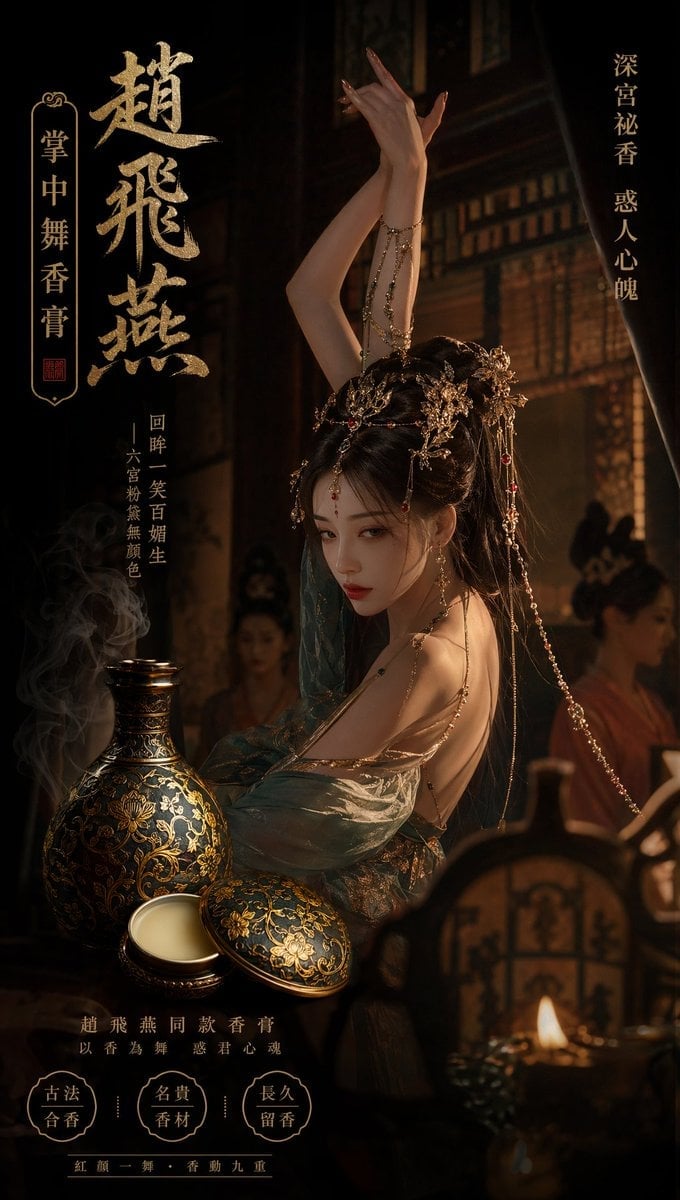
赵飞燕同款掌中舞香膏广告,错金缠枝莲铜瓶,冷艳诡谲深宫氛围感,竖屏9 16
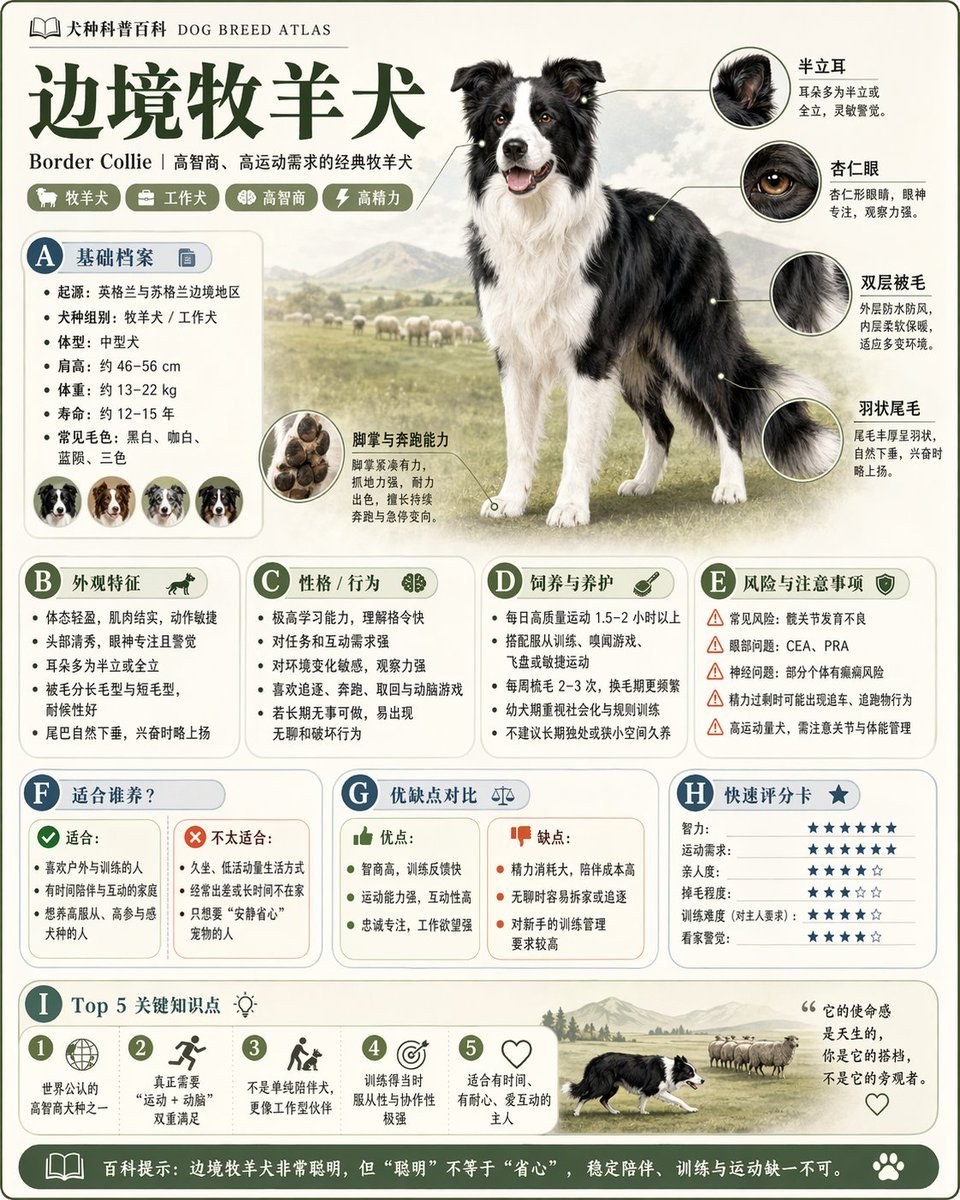
请根据 主题 生成一张高质量竖版 科普百科图
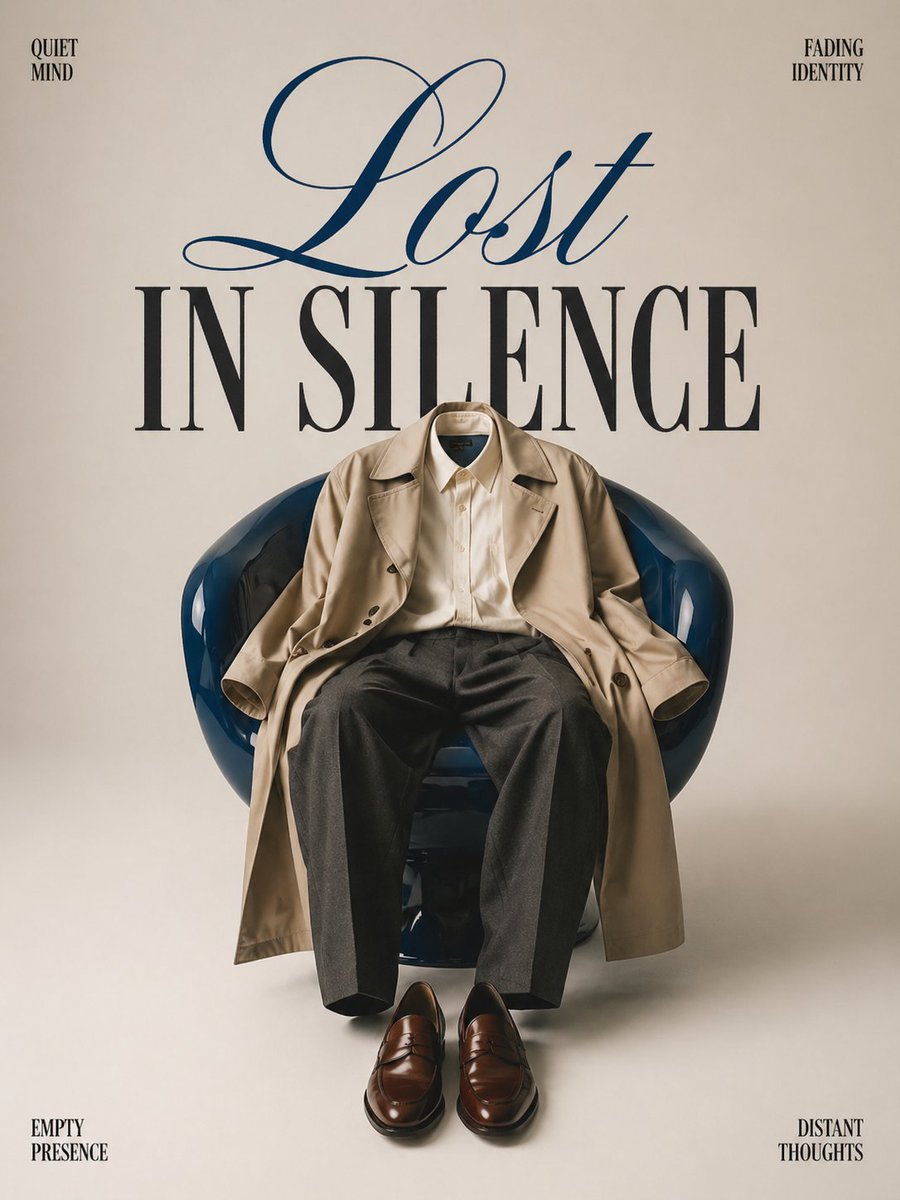
Minimalist conceptual fashion editorial poster, studio shot on a clean
Act as a Senior Art Director
Multiple dark purple berries erupting from inside the can
Travel Ad Phone Portal 3D Effect
Music Album Cover Abstract Liquid Mercury

Dual Car Typography Poster Series

Pixar Style Ensemble Movie Poster

Sci-Fi AI Battle Movie Poster
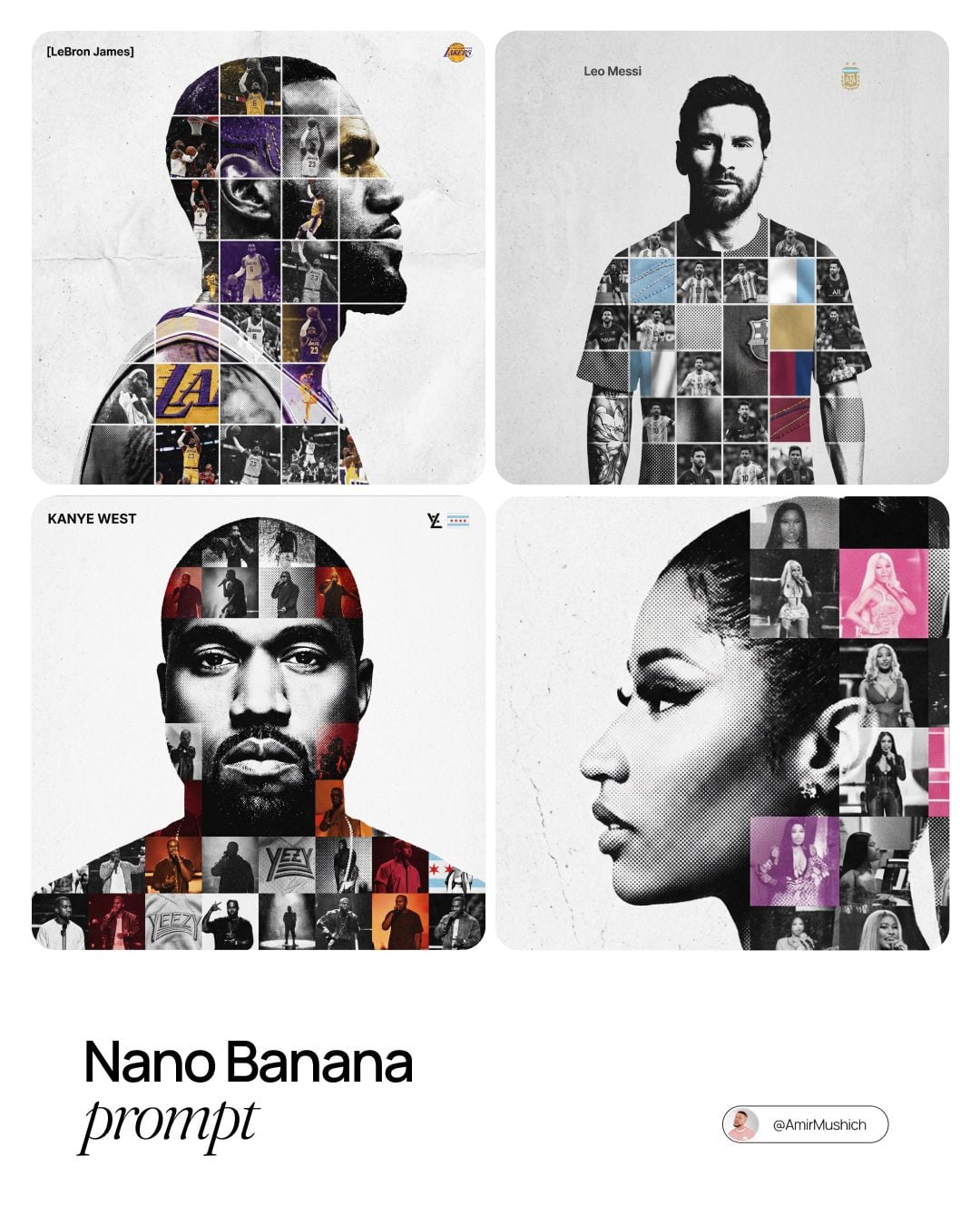
Sports Tribute Photo Mosaic Poster
Make it yours
果树种植科普展板 3 4 竖版 博物馆级信息设计 works as-is. These are the safest ways to change it without losing the look.
Change one field
Copy a single group, rewrite it, and generate again so you can see what that field is doing.
Keep the frame, change the subject
Hold the composition and light of 果树种植科普展板 3 4 竖版 博物馆级信息设计, then swap wardrobe, props or the person for a new take.
| If the result… | Why | Fix |
|---|---|---|
| The result drifts from the preview | Too many fields changed at once. | Reuse 果树种植科普展板 3 4 竖版 博物馆级信息设计 as-is first, then change one group — subject, light, or setting. |
| The model over-stylizes the scene | The prose prompt leaves finish and camera underspecified. | Add one camera or lighting sentence and stay on Nano Banana 2. |
More Nano Banana 2 templates
Other prompts made for Nano Banana 2.

Photorealistic Leaf Shaped Like a Dragon

K-Pop Idol Portrait Grid for Rapid Selection

Poetic Rain Forest Portrait During Golden Hour

Urban Street Portrait with Cartoon Inner Self Duo

Candid Nighttime Photo with Cat Prompt

High-Concept 3D Diorama Generation Prompt

Cinematic Futuristic Studio Portrait Template

Skincare Editorial Photography Collage Prompt

Hyper-Realistic Commercial Product Photography (Splash Effect)

Hyper-Realistic Nightclub Portrait Prompt
More image prompts
Fresh picks from across the catalog.

untitled

Anime Silhouette Narrative Poster

Ancient Scroll Google DeepMind Vision
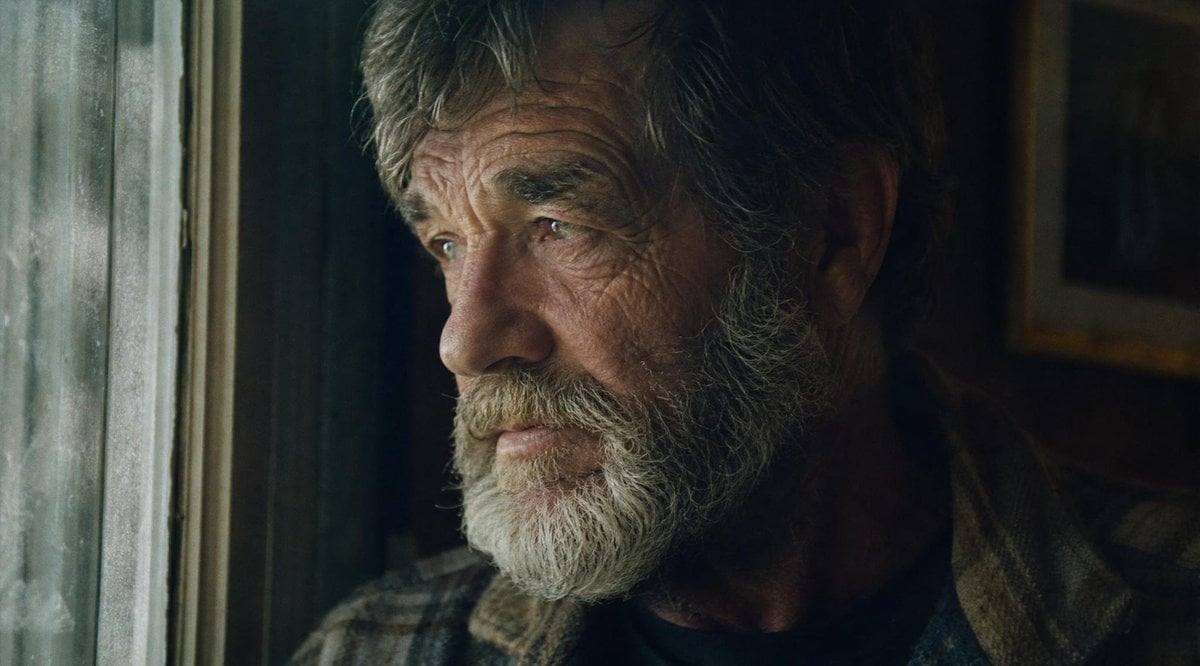
Moody Censored Film Still
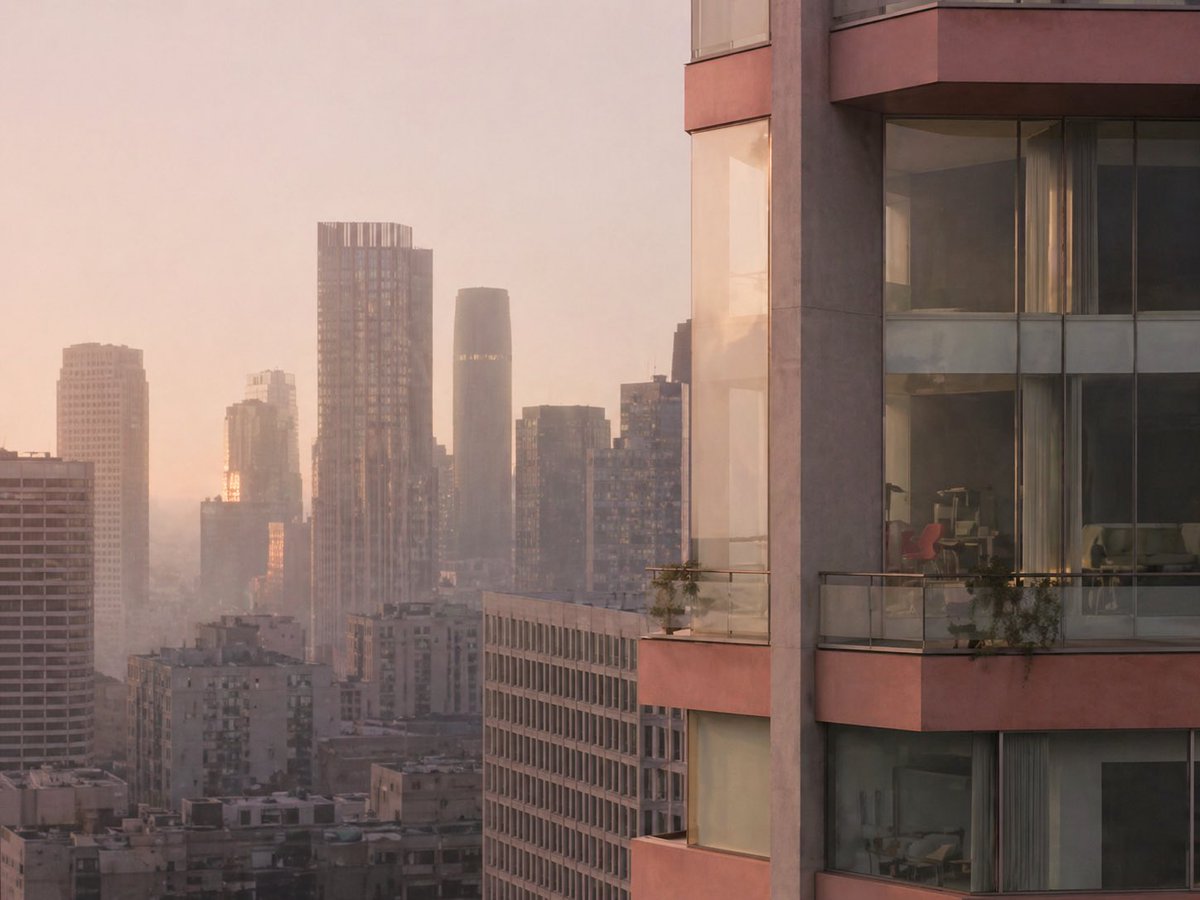
Luxury High-Rise at Hazy Sunrise
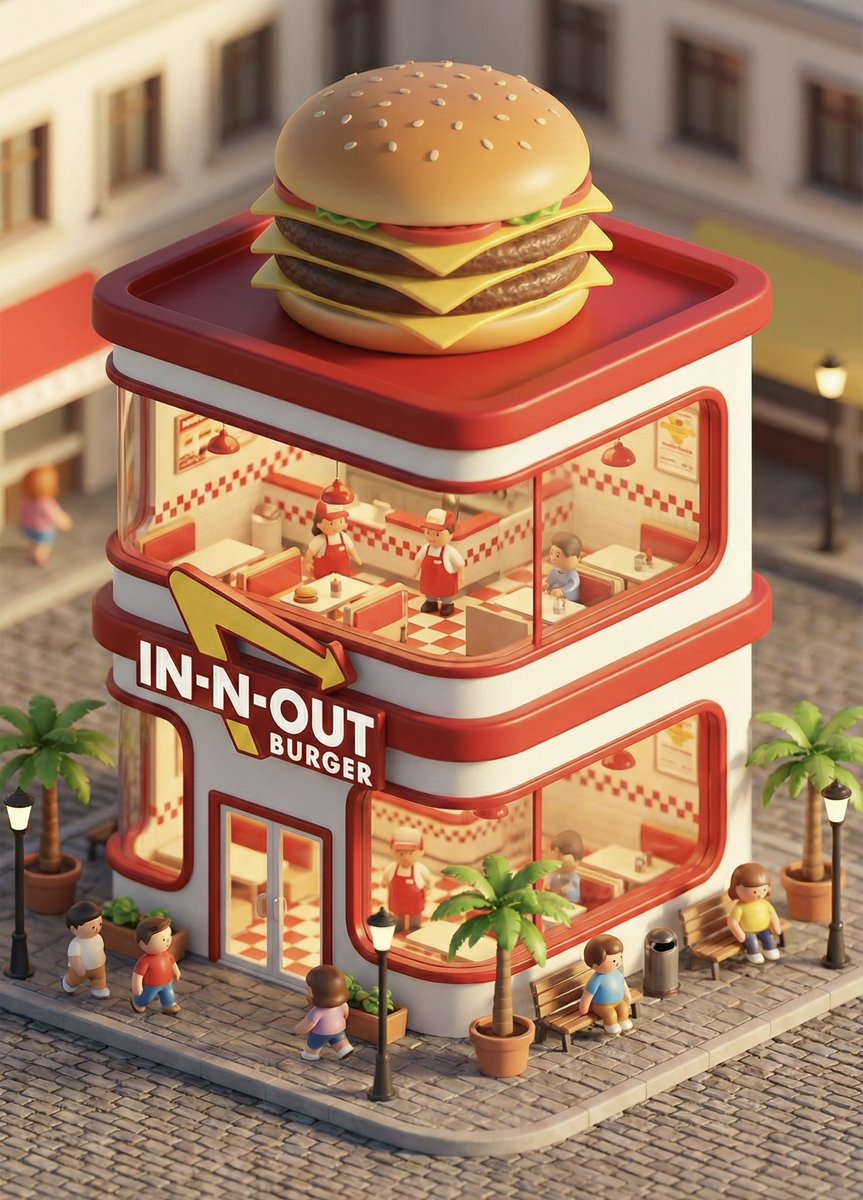
3D chibi concept store brand prompt
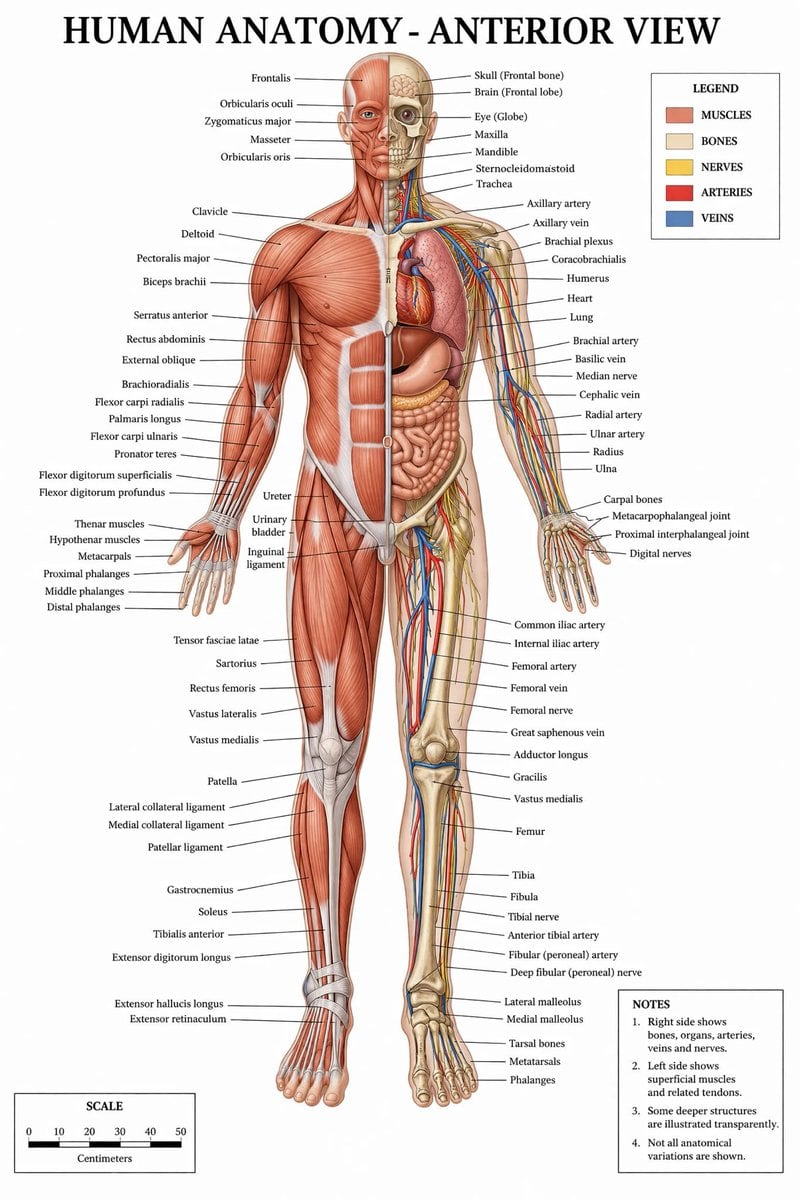
Detailed Medical Anatomy Infographic
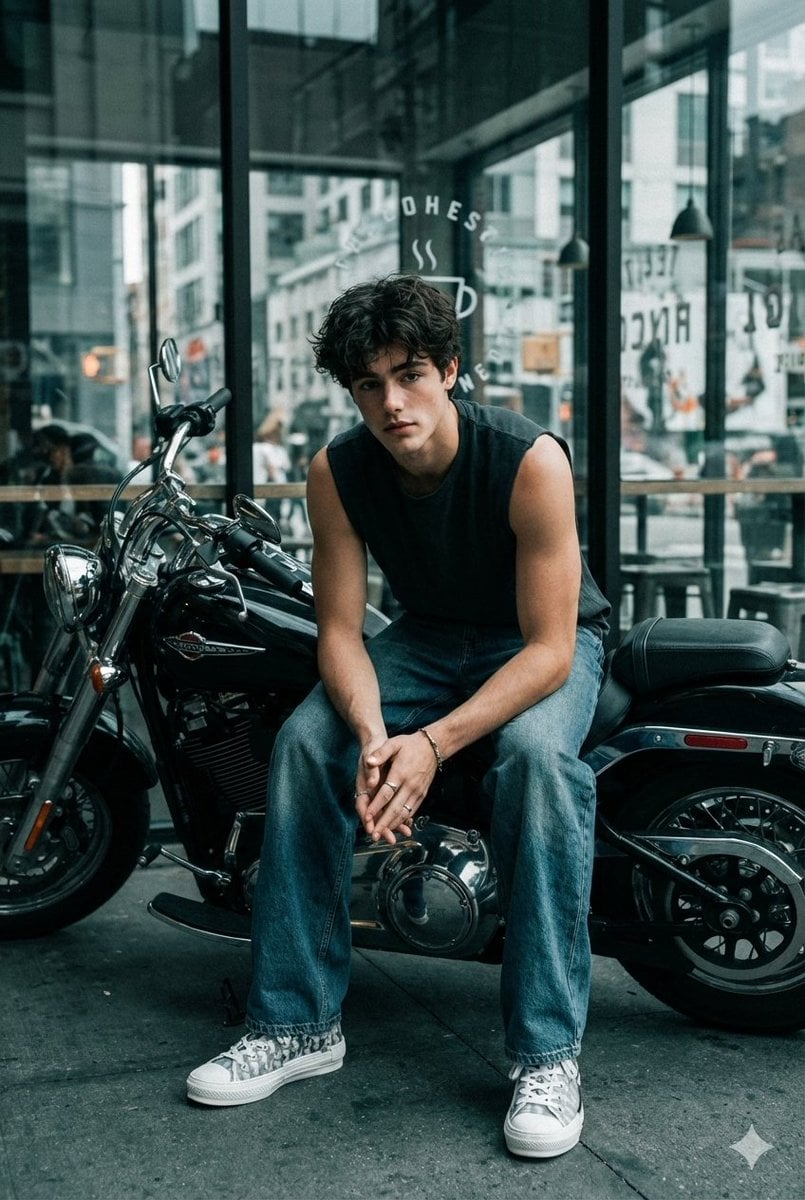
Cinematic Biker Portrait with Edgy Street Style
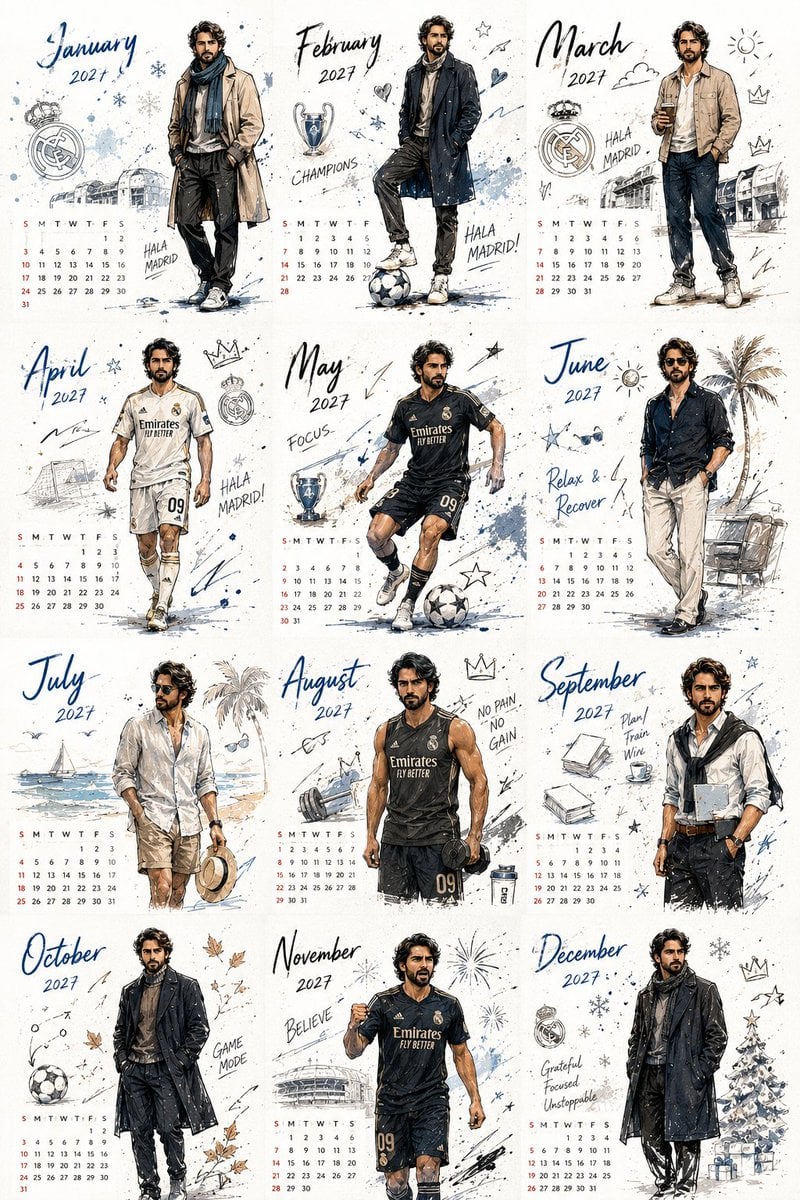
Korean Style Desktop Calendar 2027

Golden Hour Positano Terrace Lifestyle Shot
Browse template categories
果树种植科普展板 3 4 竖版 博物馆级信息设计 questions
How do I use the 果树种植科普展板 3 4 竖版 博物馆级信息设计 template?
Add your photo if the template asks for one, edit the prompt if you like — the template's model and format are already selected — and press Generate. Your version opens in PicX Studio.
Can I customize the 果树种植科普展板 3 4 竖版 博物馆级信息设计 template?
Yes. You can change the subject, setting, lighting, mood, format, and available model controls before creating your image.
Is the 果树种植科普展板 3 4 竖版 博物馆级信息设计 template free?
Opening and editing this template is free. Generating uses credits, shown on the Generate button when you are signed in.
Which AI model should I use?
Start with Nano Banana 2, which is the model associated with this template. You can compare another compatible model for a different finish.
Looking for something else? Browse all templates.

Your photo, any look
Thousands of ready templates for every top image and video model, from one credit balance.