
A breathtaking luxury fashion magazine cover
A breathtaking luxury fashion magazine cover.
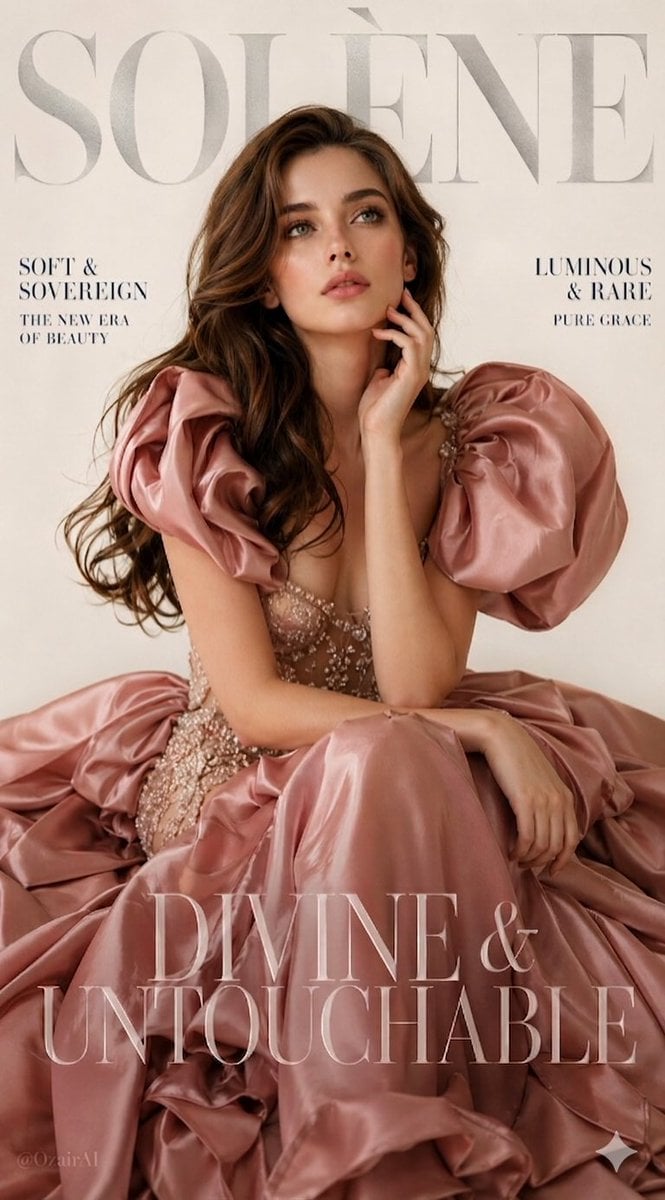
- Prompt included
- Model and format preset
- Free template
The prompt behind this image
Copy the exact prompt behind A breathtaking luxury fashion magazine cover, or open it in the studio and make it yours.
A breathtaking luxury fashion magazine cover. Large bold silver serif brand name "SOLÈNE" elegantly placed at the very top of the frame, slightly transparent and overlapping the model's hair — exactly like a high-end fashion magazine masthead. Clean cream-white background, seamless studio, soft warm-toned lighting. A young, extremely cute and beautiful white woman with soft angelic facial features, full lips, big dreamy green eyes with long lashes, and long silky chocolate brown wavy hair cascading freely over both shoulders. She sits gracefully — upper body leaning slightly forward, one arm resting on her knee, the other hand delicately touching her jaw, her gaze looking slightly upward and off-camera with a soft mysterious expression — elegant and effortless. She wears a dramatic floor-length dusty rose blush satin ballgown with exaggerated sculptural puff shoulders that billow outward like rose petals — the bodice is a sheer champagne silk mesh embroidered with tiny pearl and crystal details, fitted through the waist and blooming into an enormous tiered skirt pooling around her. The fabric catches the light with a soft luminous sheen. Magazine text overlaid naturally into the composition — left side in deep charcoal navy small serif caps: "SOFT & SOVEREIGN / THE NEW ERA OF BEAUTY" — right side: "LUMINOUS & RARE / PURE GRACE" — bottom of frame in large elegant serif display font, slightly transparent: "DIVINE & UNTOUCHABLE" Vertical 9:13 format. Ultra photorealistic, 8K, no text overlays, cinematic color grading.
How to use A breathtaking luxury fashion magazine cover in 3 steps
- 1
Open
The prompt is already in the box next to the preview, with the template's model and format selected.
- 2…a portrait of your subject in softgolden-hour light, 85mm…
Personalize
Edit the subject and creative details for your destination.
- 3Generate
Generate
Press Generate — your image is created in PicX Studio, so you can compare it with the original and refine one variable at a time.
More like this
Templates with the same subject, style or setup. Open one to see its prompt.
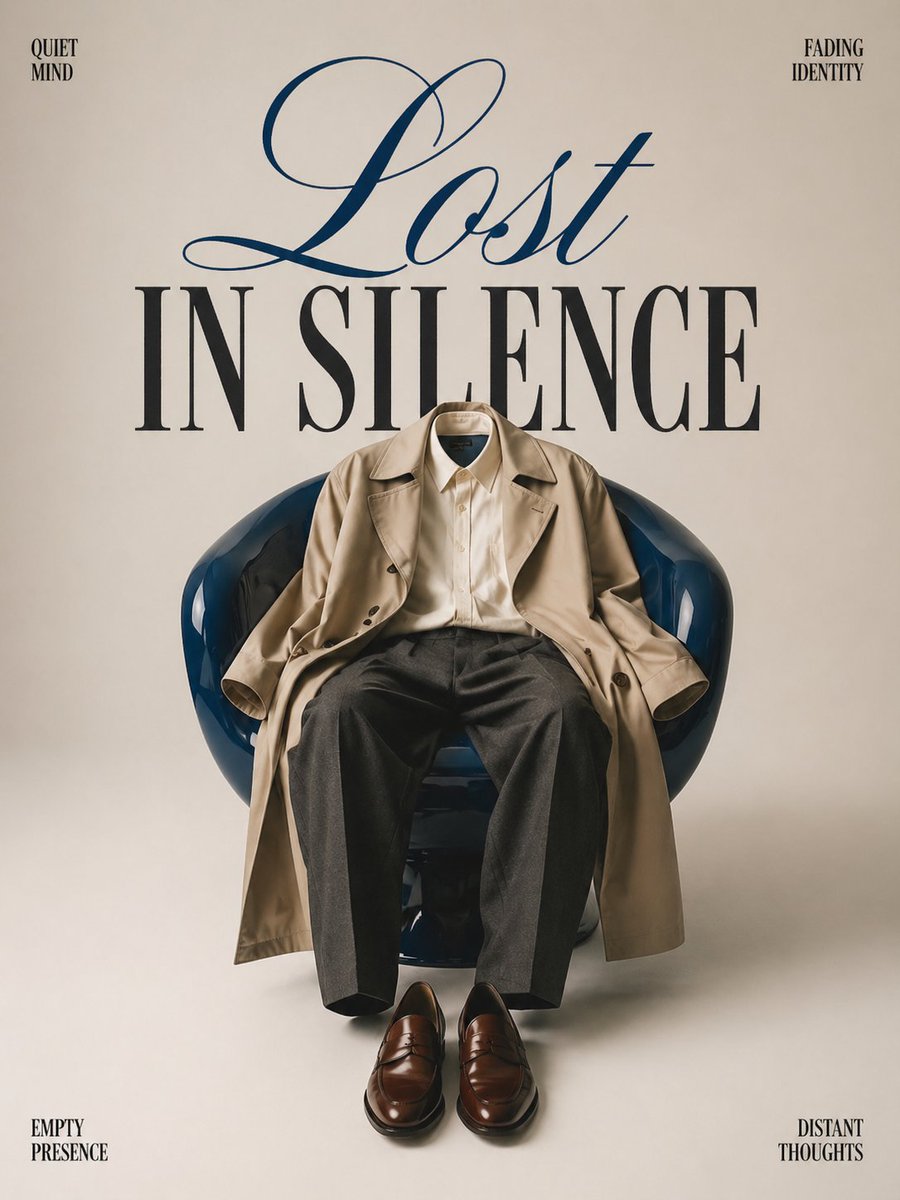
Minimalist conceptual fashion editorial poster, studio shot on a clean
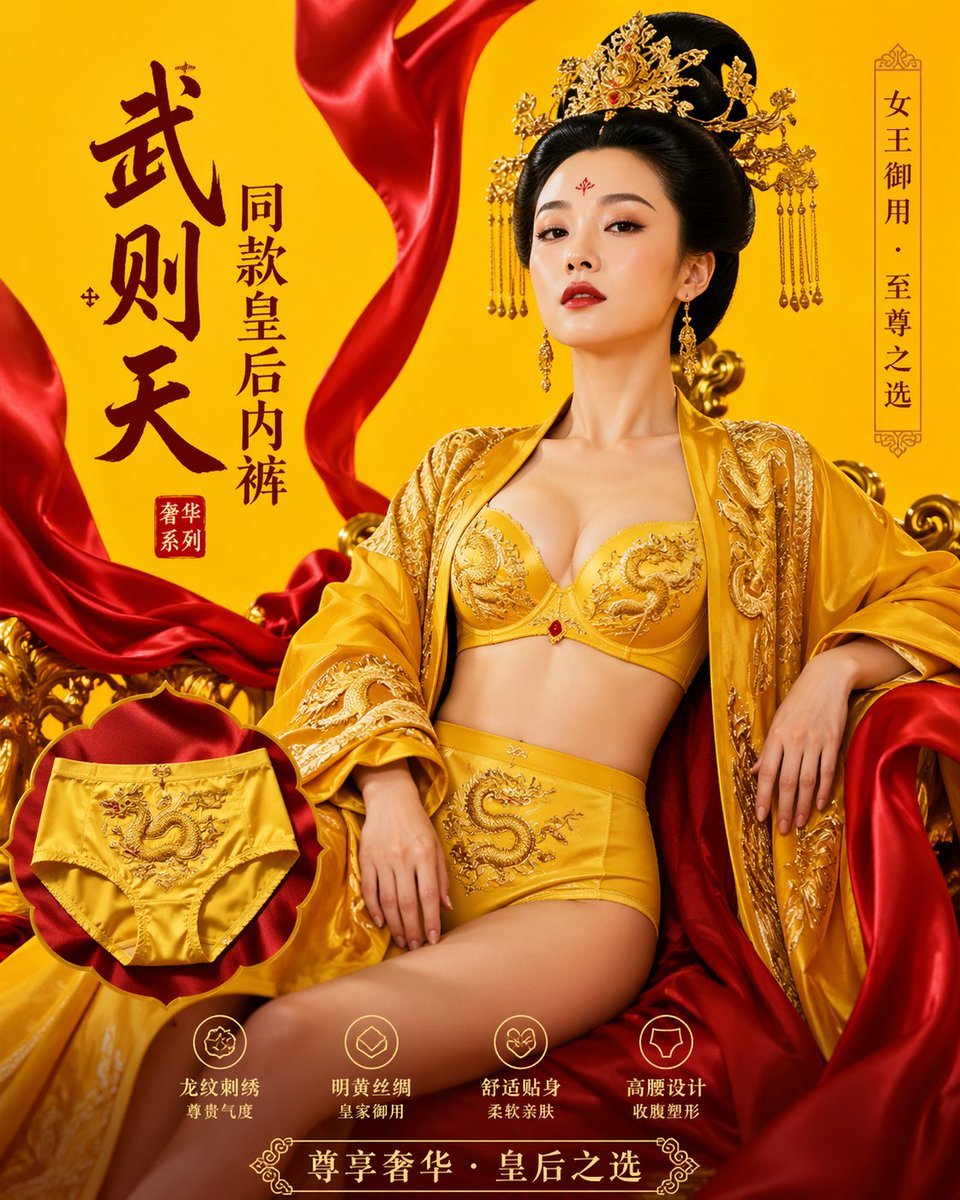
武则天同款皇后内衣广告大片,明黄底色龙纹刺绣,大红丝绸飘带衬托
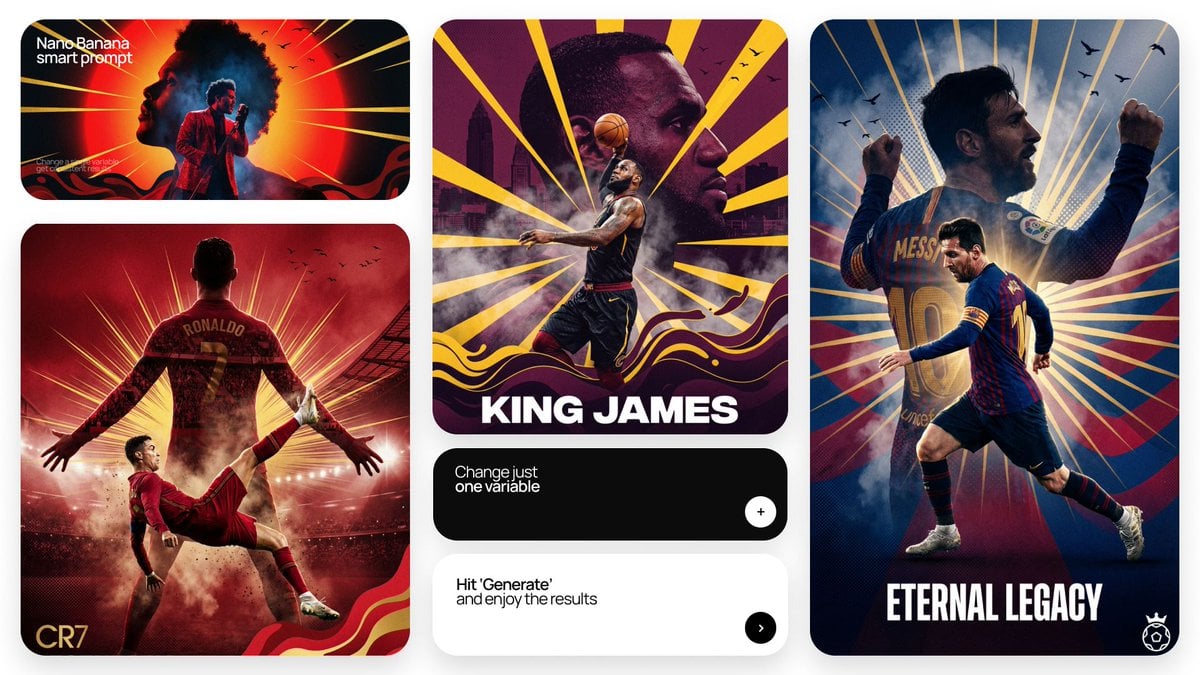
Act as a Senior Art Director

Multiple dark purple berries erupting from inside the can

Music Album Cover Abstract Liquid Mercury

Premium 4 3 presentation cover slide introducing Chronicle

A luxury brand advertisement featuring three stylish arranged

Clean, minimalist fashion infographic from an uploaded reference photo

Off Duty Fashion Magazine Cover

High-Fashion Magazine Cover Portrait
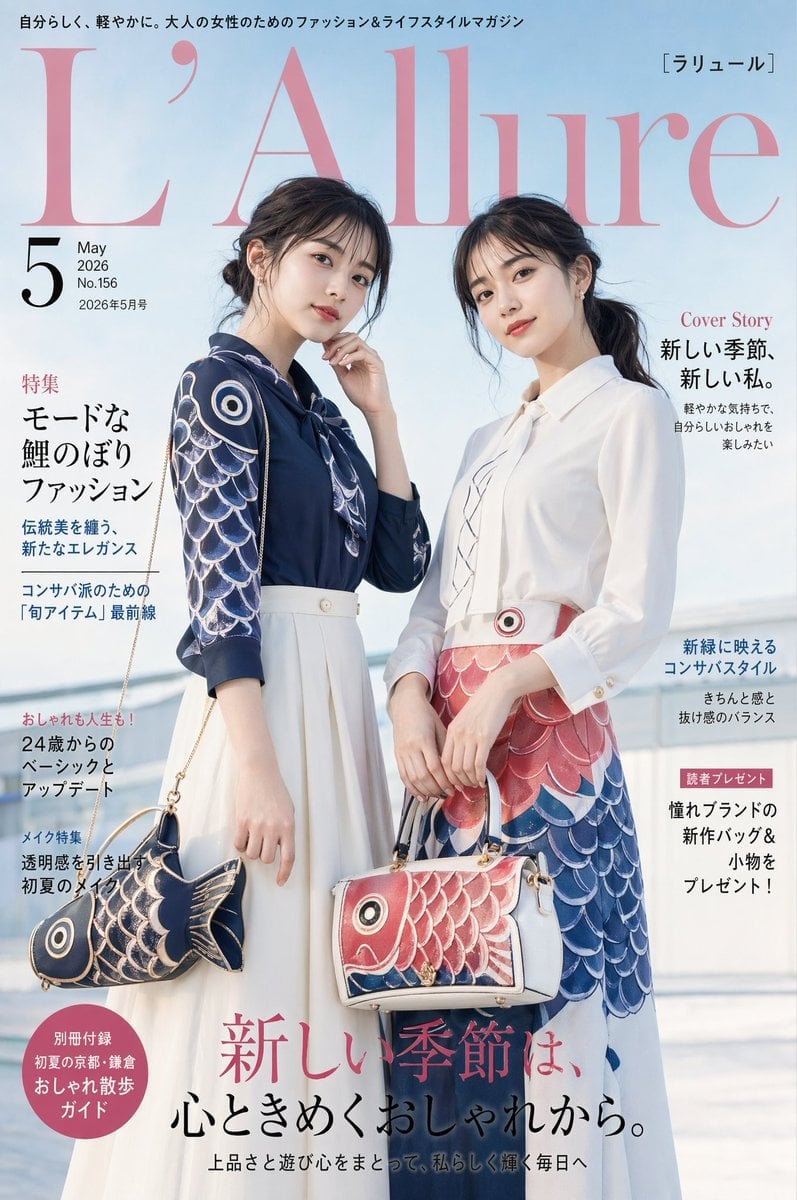
Japanese Koinobori Fashion Magazine Cover
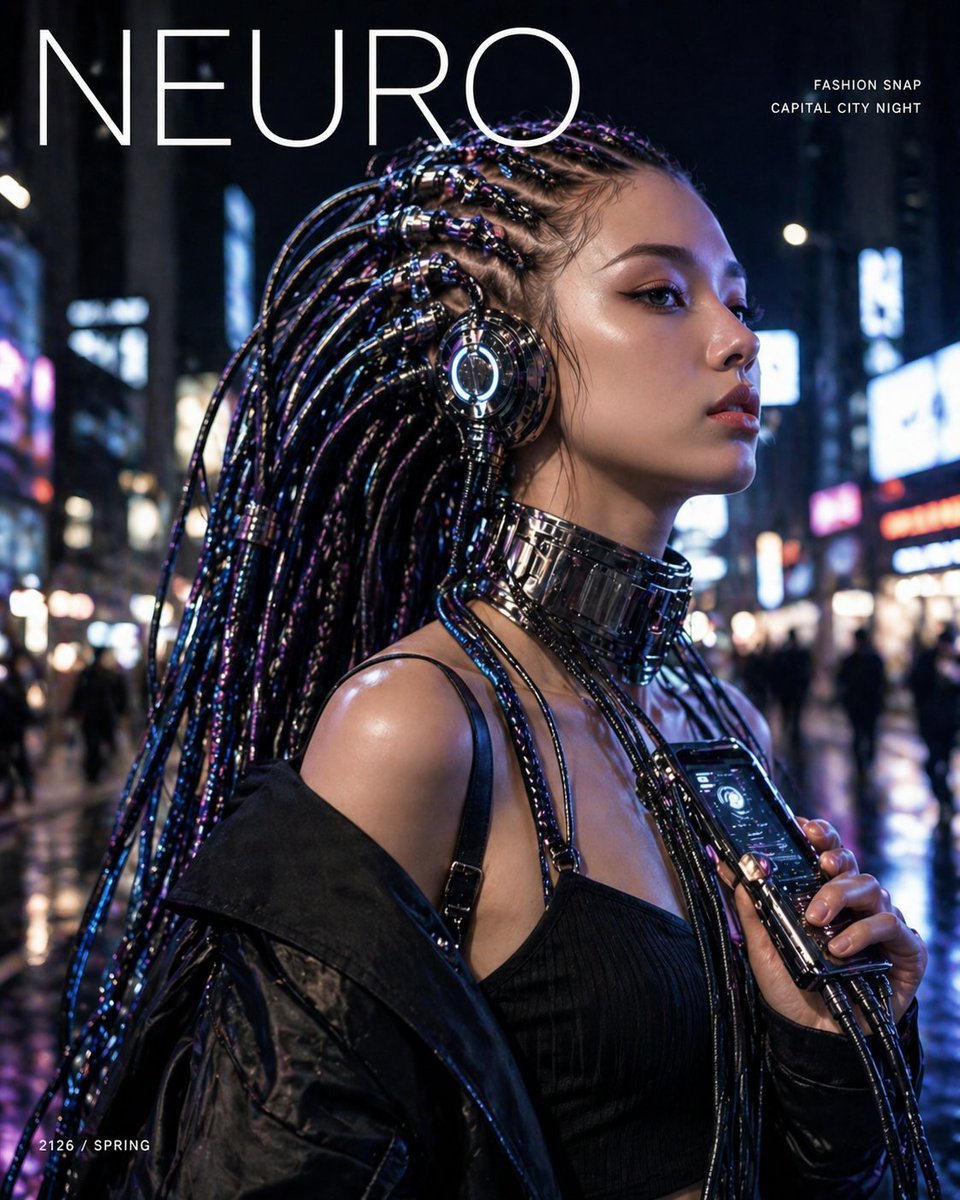
Cyberpunk Fashion Magazine Cover
Make it yours
A breathtaking luxury fashion magazine cover works as-is. These are the safest ways to change it without losing the look.
Change one field
Copy a single group, rewrite it, and generate again so you can see what that field is doing.
Keep the frame, change the subject
Hold the composition and light of A breathtaking luxury fashion magazine cover, then swap wardrobe, props or the person for a new take.
| If the result… | Why | Fix |
|---|---|---|
| The result drifts from the preview | Too many fields changed at once. | Reuse A breathtaking luxury fashion magazine cover as-is first, then change one group — subject, light, or setting. |
| The model over-stylizes the scene | The prose prompt leaves finish and camera underspecified. | Add one camera or lighting sentence and stay on GPT Image 2. |
More GPT Image 2 templates
Other prompts made for GPT Image 2.

Six VTuber Japanese Logo Sheet

Realistic Portrait of Woman and Deer

The Vista Modular Condo Poster

AI Model Routing Comparison Infographic

2.5D Anime Art Board

Isometric Productivity Desk Scene

New York Double Exposure Poster

Four-Panel AI Landscape Comparison

Japanese Tatami Lifestyle Magazine Cover

NESCAFÉ Coffee Map Poster
More image prompts
Fresh picks from across the catalog.
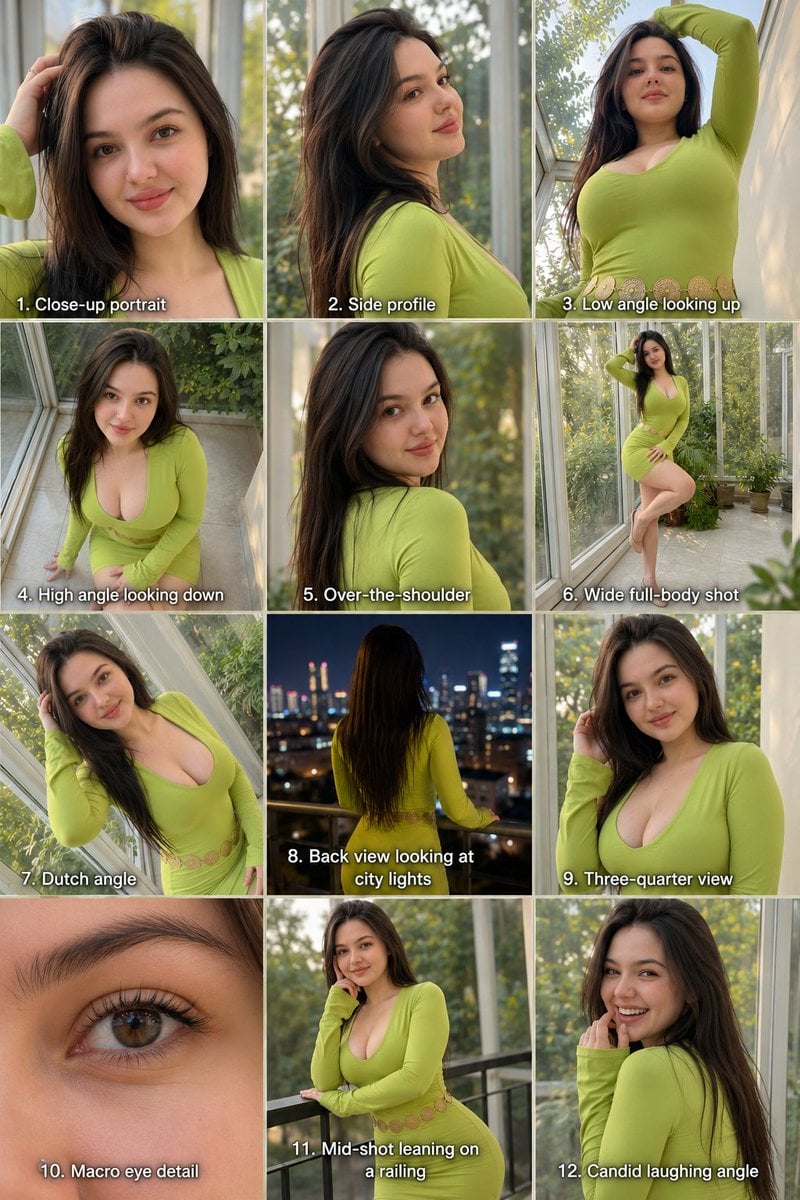
Twelve Angle Multi-View Face Grid
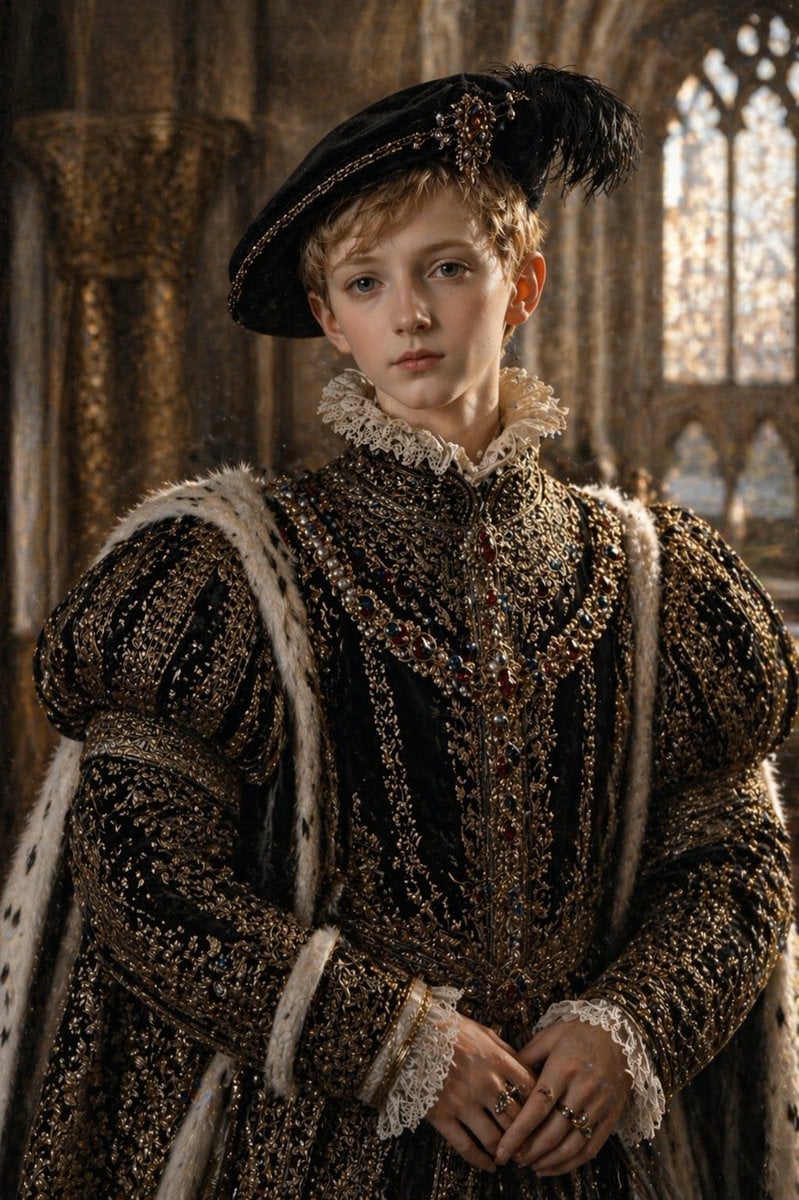
Cinematic Tudor Noble Portrait
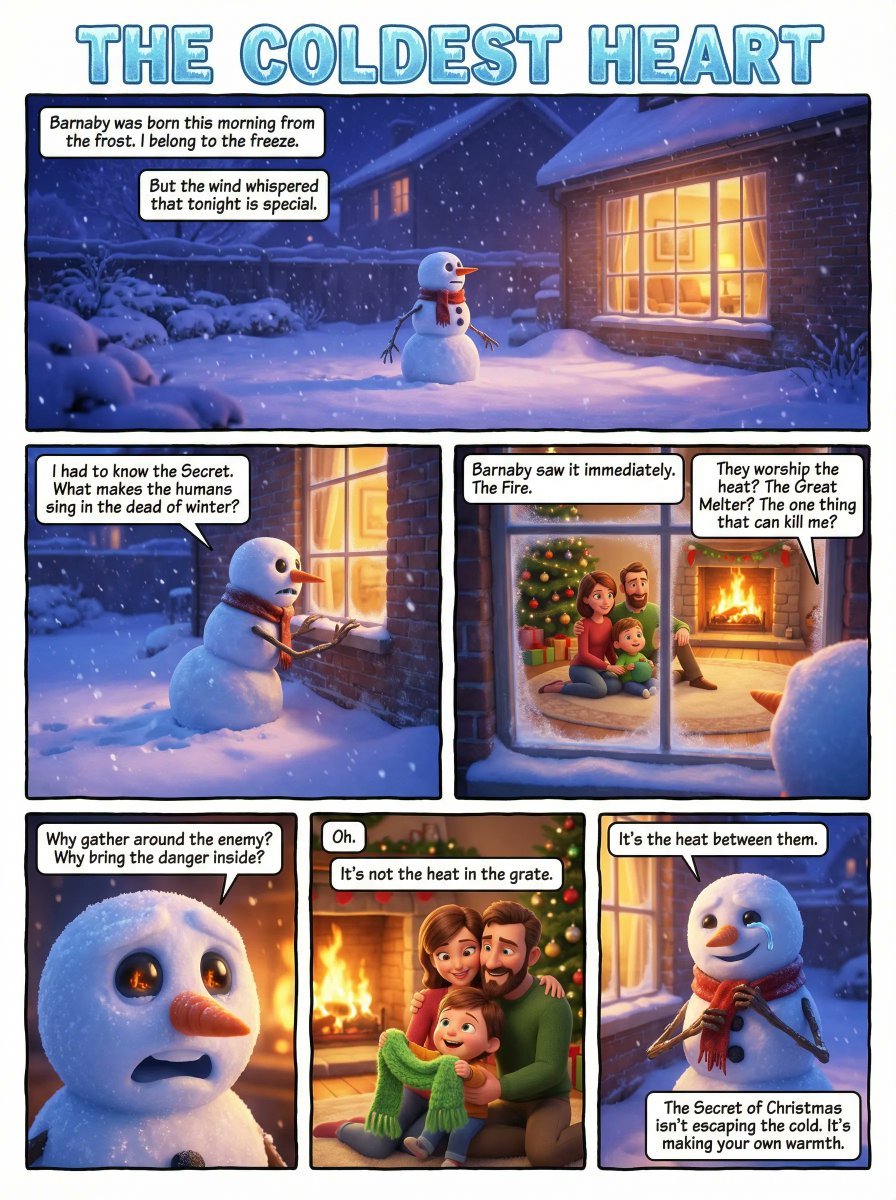
Comic Book Page Generation
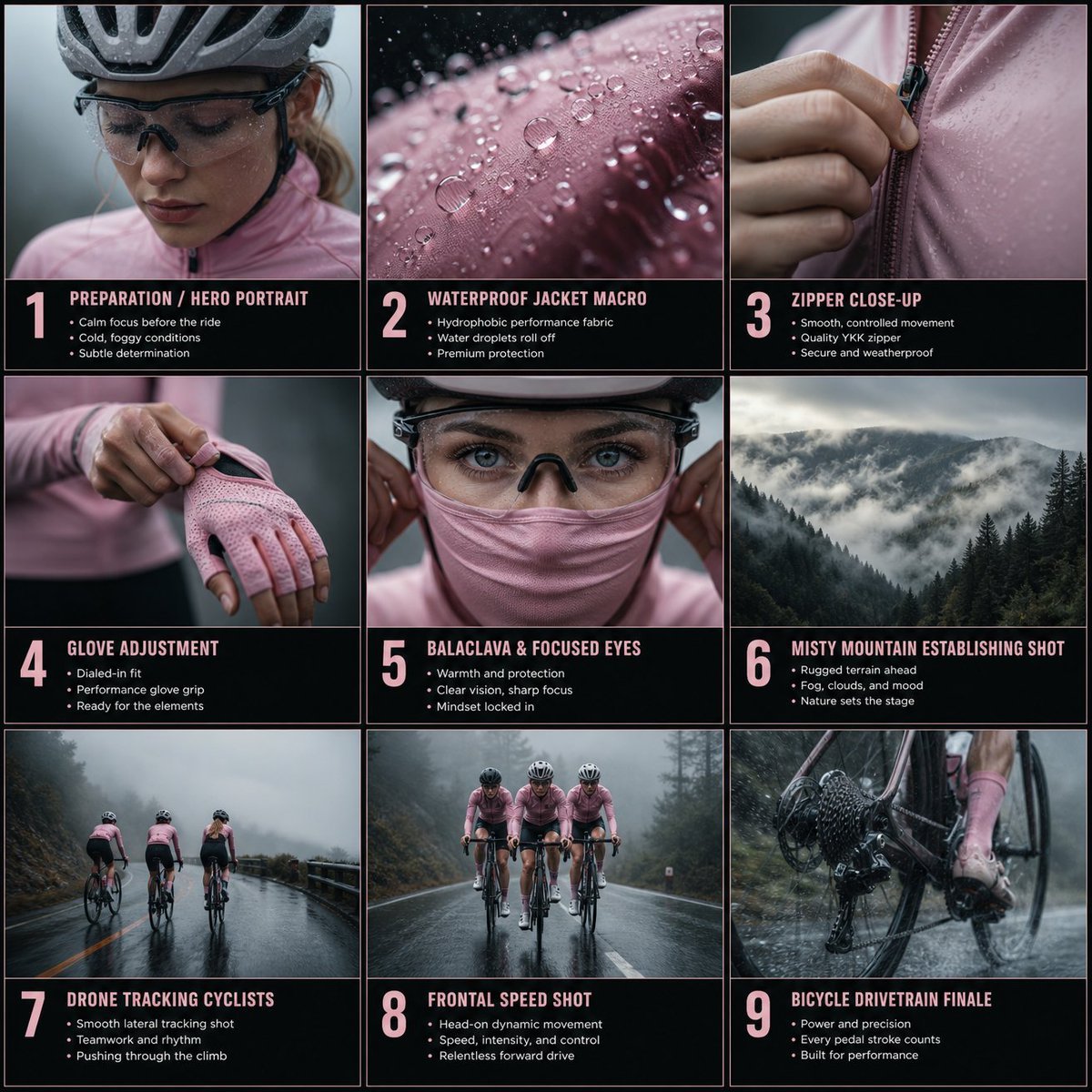
Rain Cycling Storyboard Grid
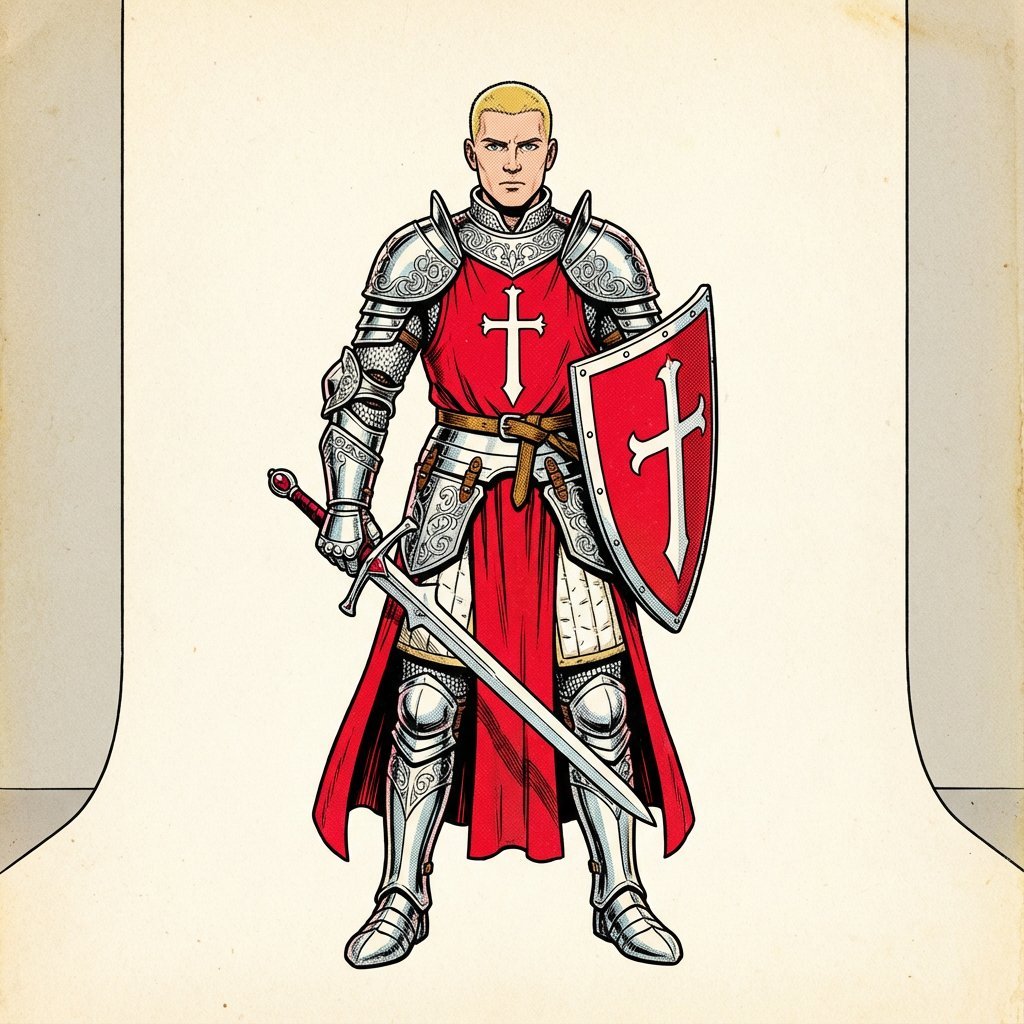
1980s color RPG manual illustration
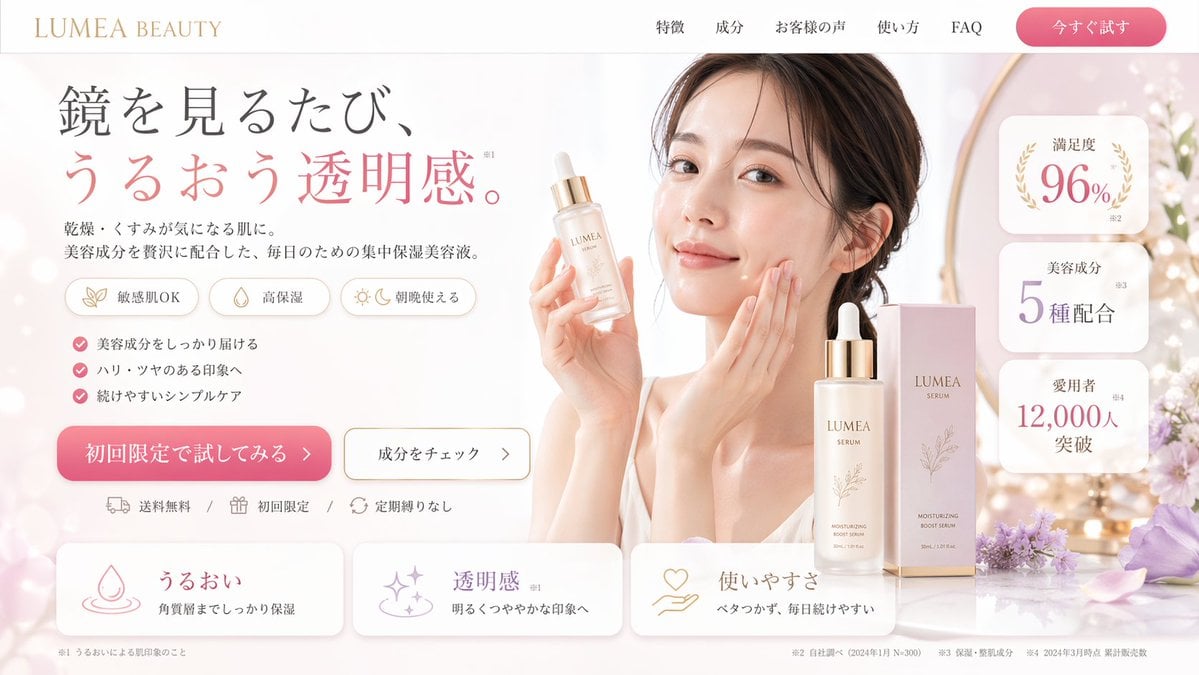
Beauty Landing Page Hero Section
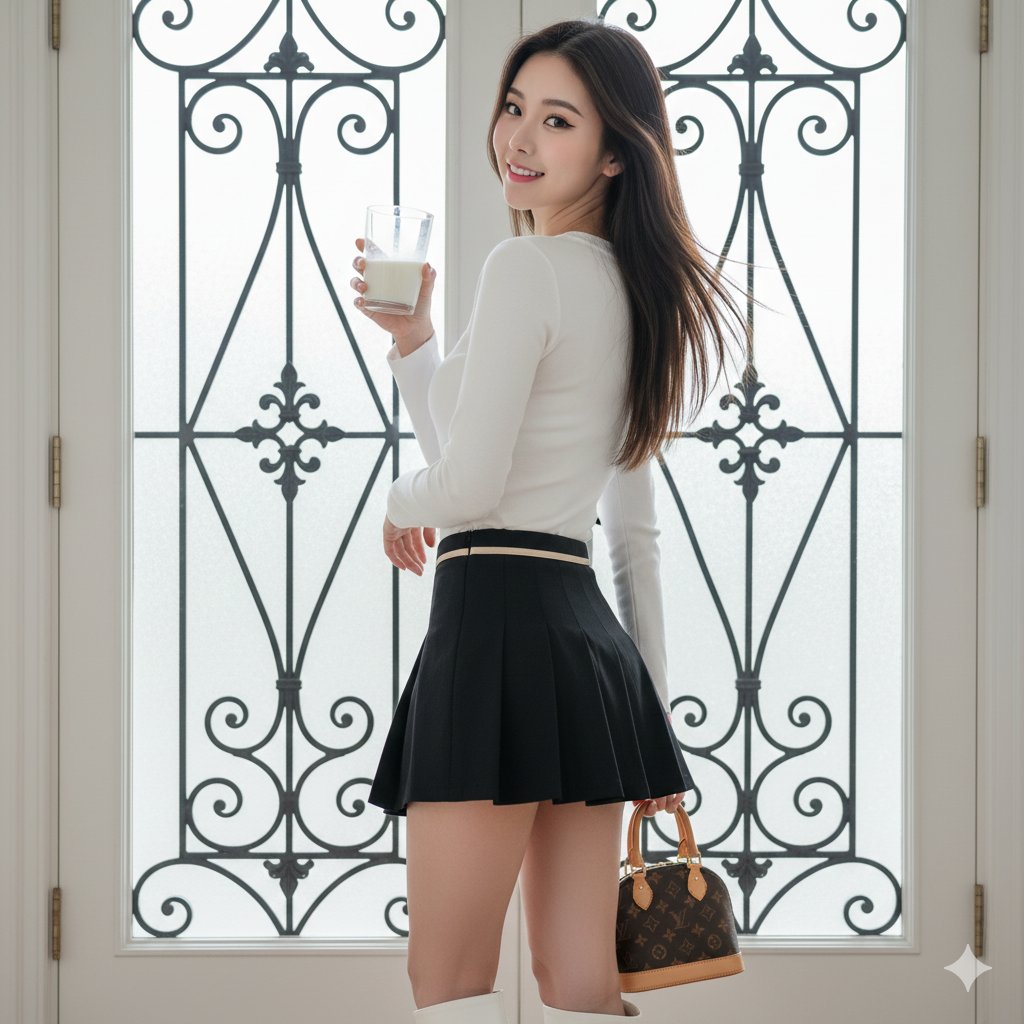
East Asian Woman with Milk Glass and Louis Vuitton Bag
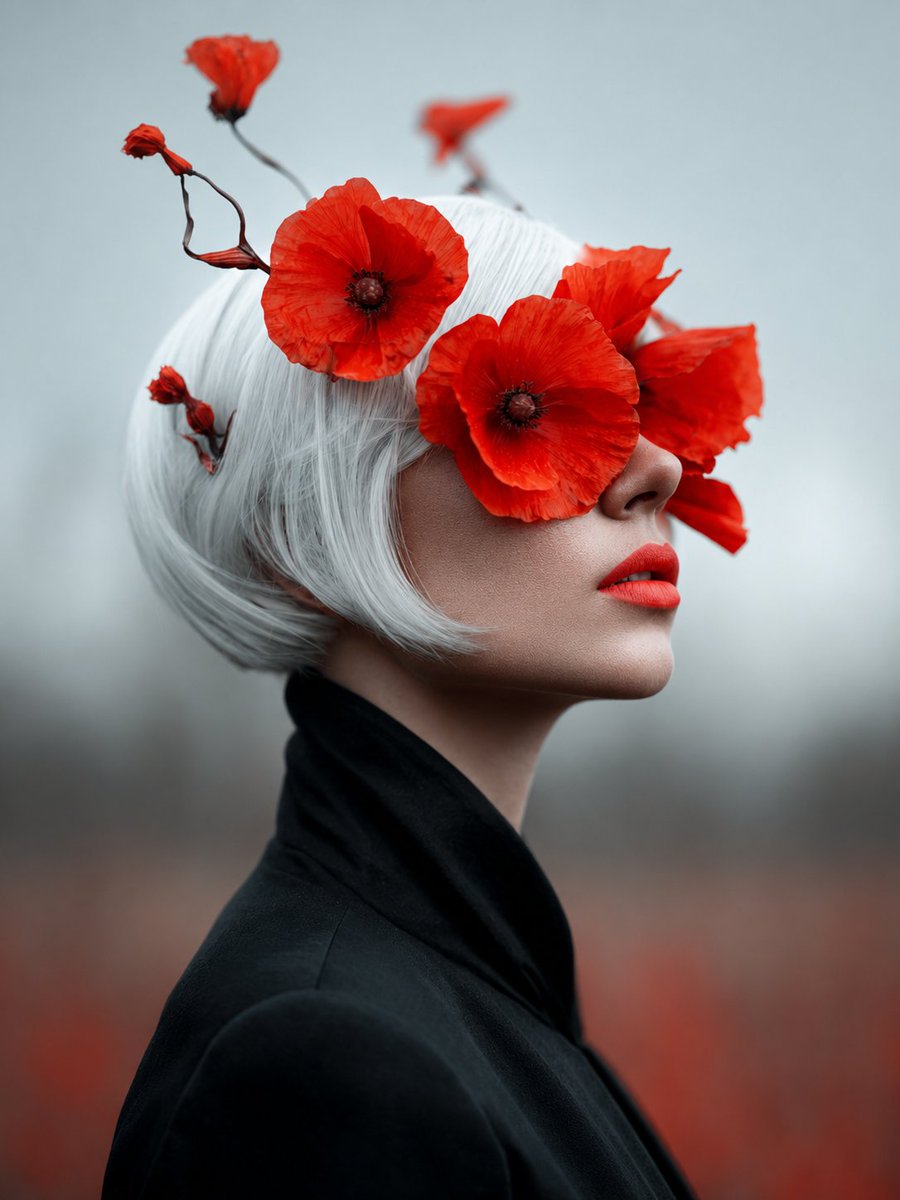
Lady of Red Poppies Portrait
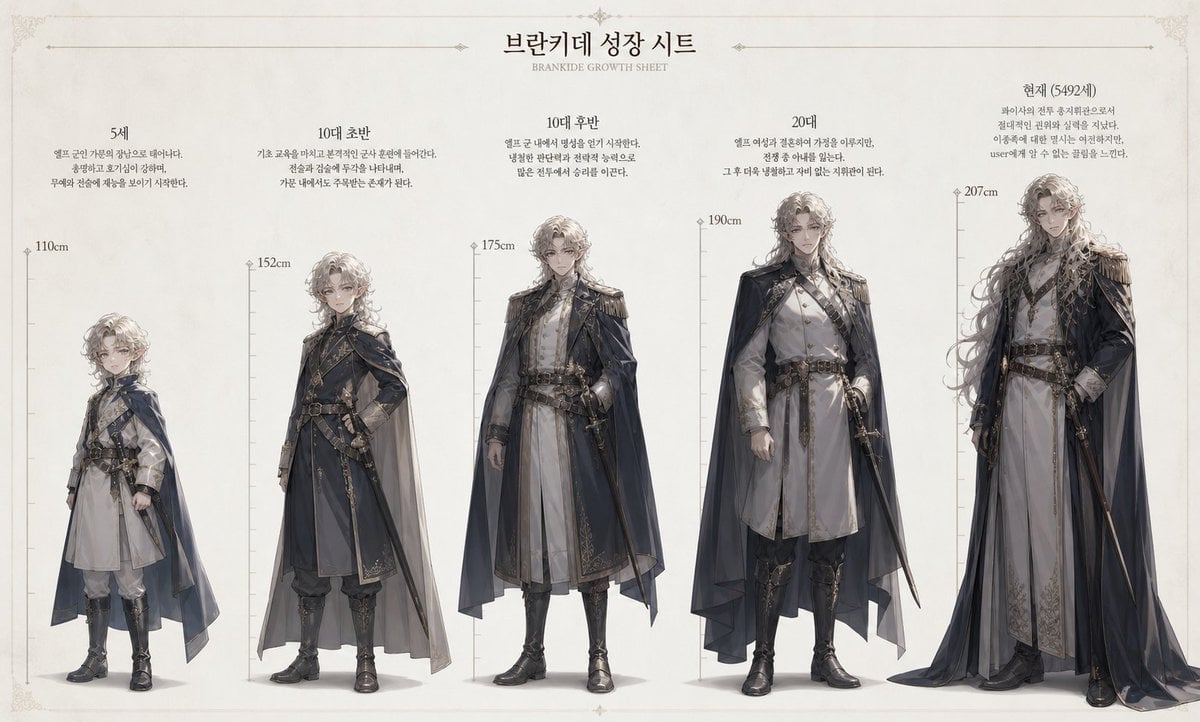
Character Growth Sheet Generator
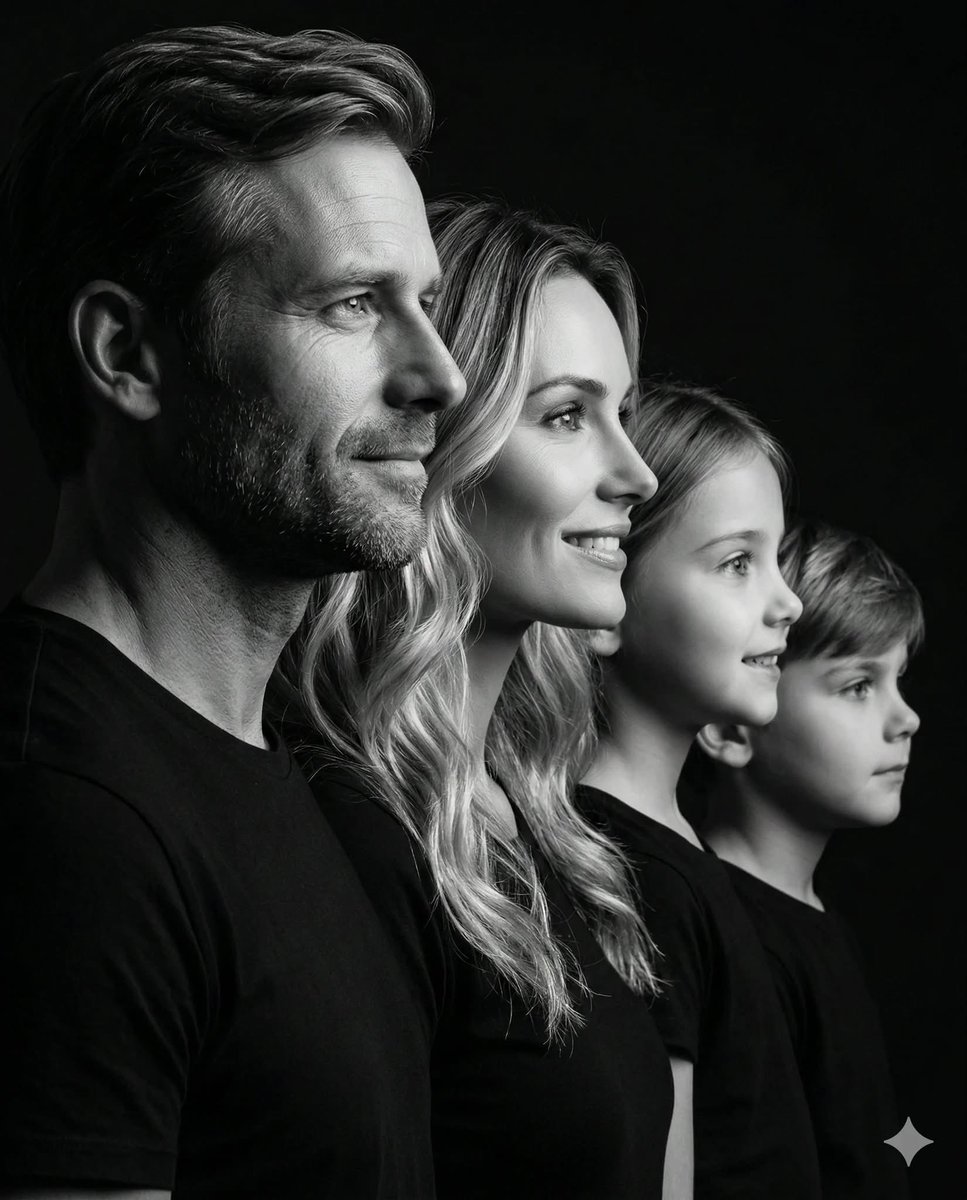
Photorealistic Black and White Family Portrait
Browse template categories
A breathtaking luxury fashion magazine cover questions
How do I use the A breathtaking luxury fashion magazine cover template?
Add your photo if the template asks for one, edit the prompt if you like — the template's model and format are already selected — and press Generate. Your version opens in PicX Studio.
Can I customize the A breathtaking luxury fashion magazine cover template?
Yes. You can change the subject, setting, lighting, mood, format, and available model controls before creating your image.
Is the A breathtaking luxury fashion magazine cover template free?
Opening and editing this template is free. Generating uses credits, shown on the Generate button when you are signed in.
Which AI model should I use?
Start with GPT Image 2, which is the model associated with this template. You can compare another compatible model for a different finish.
Looking for something else? Browse all templates.

Your photo, any look
Thousands of ready templates for every top image and video model, from one credit balance.