How do I use the Premium Automotive Collector Poster template?
Edit the prompt in the box under the preview — the template's model and format are already selected — and press Generate. Your version appears right on this page.
Curated from MeiGen gallery (ID: 2048752153343545390) by Marcio Lima.

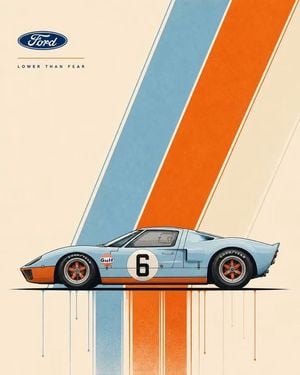
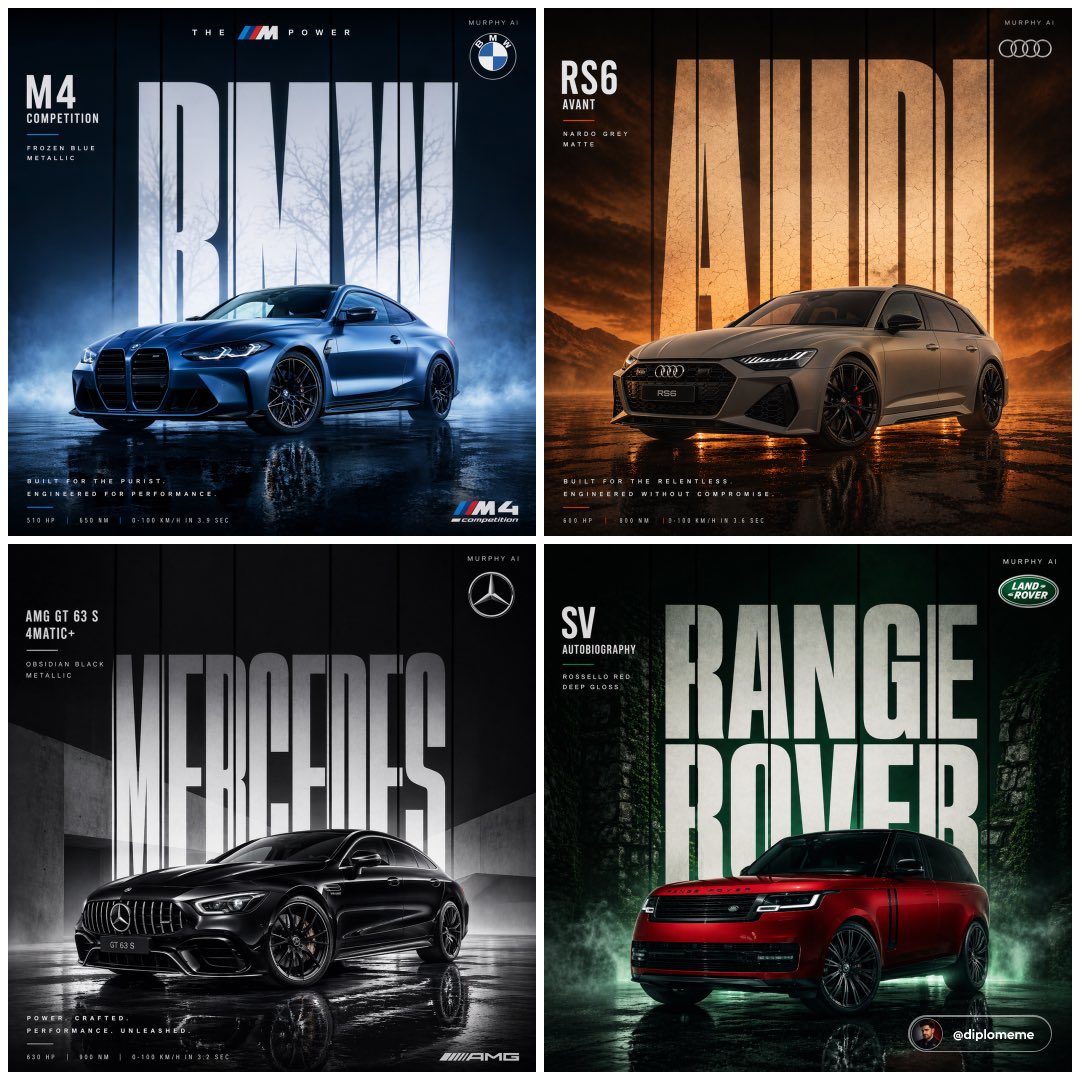
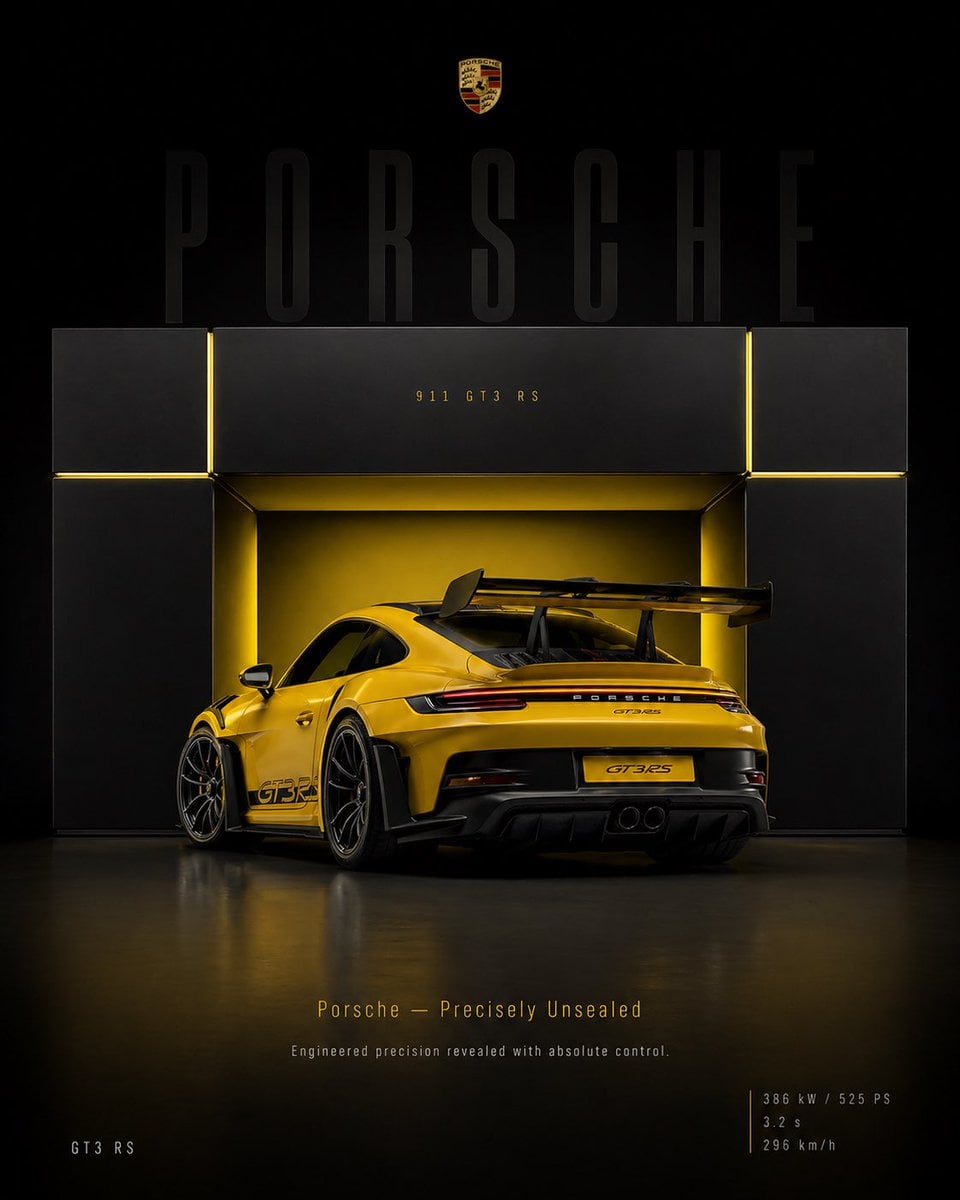
Create an epic premium automotive poster of [CAR MODEL]. Place the car as the heroic central subject in a dynamic three-quarter side profile, visually dominant and impossible to ignore. Show the full beauty of the vehicle with aggressive stance, perfect proportions, premium wheels, signature headlights, aerodynamic lines, spoilers, performance details, and luxury design language. Add bold premium typography with the brand name, model name, performance stats, horsepower, acceleration, top speed, engine specs, and iconic achievements beautifully integrated into the composition. Include subtle background elements inspired by the car's heritage: faded blueprint lines, racing legacy, silhouette overlays, iconic tracks, engineering details, speed graphics, and collector-poster aesthetics. Use strong visual contrast, bright premium colors (avoid dark black-heavy backgrounds), cinematic lighting, ultra-detailed reflections, glossy paint finish, luxury magazine quality, modern graphic design, and scroll-stopping masterpiece energy. Clean composition, high-end automotive advertisement style, collector poster aesthetic, highly detailed, visually powerful, premium masterpiece.
Create an epic premium automotive poster of [CAR MODEL]. Place the car as the heroic central subject in a dynamic three-quarter side profile, visually dominant and impossible to ignore. Show the full beauty of the vehicle with aggressive stance, perfect proportions, premium wheels, signature headlights, aerodynamic lines, spoilers, performance details, and luxury design language. Add bold premium typography with the brand name, model name, performance stats, horsepower, acceleration, top speed, engine specs, and iconic achievements beautifully integrated into the composition. Include subtle background elements inspired by the car's heritage: faded blueprint lines, racing legacy, silhouette overlays, iconic tracks, engineering details, speed graphics, and collector-poster aesthetics. Use strong visual contrast, bright premium colors (avoid dark black-heavy backgrounds), cinematic lighting, ultra-detailed reflections, glossy paint finish, luxury magazine quality, modern graphic design, and scroll-stopping masterpiece energy. Clean composition, high-end automotive advertisement style, collector poster aesthetic, highly detailed, visually powerful, premium masterpiece.
Edit the prompt in the box under the preview — the template's model and format are already selected — and press Generate. Your version appears right on this page.
Yes. You can change the subject, setting, lighting, mood, format, and available model controls before creating your image.
Opening and editing this template is free. Generating uses credits, shown on the Generate button when you are signed in.
Choose a compatible model in PicX Studio based on the style, speed, and output controls your project needs.
Follow a topic to a crawlable collection of related PicX Studio templates.