
Romantic Couple Portrait Template
Romantic Couple Portrait Template is a ready photo look.
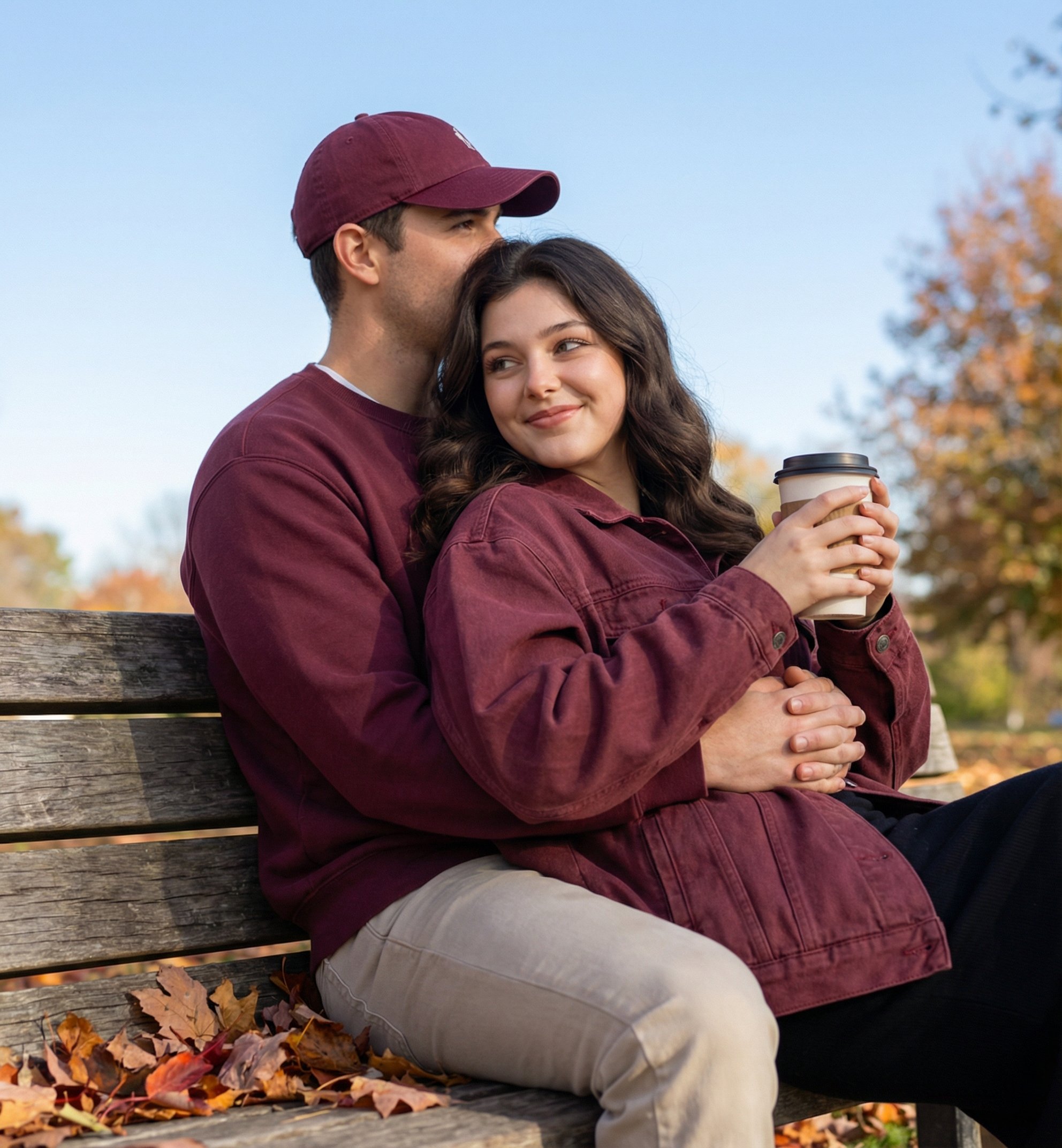
- Prompt included
- Model and format preset
- Premium template
The prompt behind this image
Copy the exact prompt behind Romantic Couple Portrait Template, or open it in the studio and make it yours.
Ultra-realistic candid couple photograph, taking reference from the uploaded image (exact faces, skin tone, hair texture, facial expressions, body proportions, pose, and interaction). A couple sitting closely outdoors under a clear blue sky, the man gently holding the woman from behind while she leans into him, looking at him playfully and holding a takeaway coffee cup. Both subjects are dressed in deep red / maroon outfits — the man wearing a maroon crewneck sweatshirt and a matching red/maroon cap, the woman wearing a maroon or deep red oversized denim-style jacket/shirt with realistic fabric folds and stitching. Natural daylight, soft shadows, realistic sky color, true-to-life exposure. Authentic skin texture with visible pores, natural under-eye shadows, subtle facial hair detail, realistic eye reflections, natural smiles. Lifestyle photography look, shallow depth of field (f/2), 35mm lens, handheld DSLR, RAW photo realism. Feels like a real moment captured during a casual day out — warm, intimate, spontaneous, completely unposed. NEGATIVE PROMPT: AI-generated look, CGI, illustration, plastic skin, beauty filters, over-smoothing, fake blur, distorted hands or arms, incorrect anatomy, exaggerated smiles, cinematic color grading, HDR glow, painterly textures, fake fabric, uncanny valley.
How to use Romantic Couple Portrait Template in 3 steps
- 1Upload ImagePNG, JPG or paste
Add your photo
Upload the photo the template builds on. The prompt, model and format are already set.
- 2…a portrait of your subject in softgolden-hour light, 85mm…
Personalize
Edit the subject and creative details for your destination.
- 3Generate
Generate
Press Generate — your image is created in PicX Studio, so you can compare it with the original and refine one variable at a time.
More like this
Templates with the same subject, style or setup. Open one to see its prompt.
Romantic Cinematic Still of a Couple in

Found Photograph: Us, 1970

80s Couple Studio Portrait

Cinema Date Popcorn Realistic By Nano Ba
Enchanted Forest Root Kiss Scene By Nano
Nano Banana Pro Photoreal Playful Couple
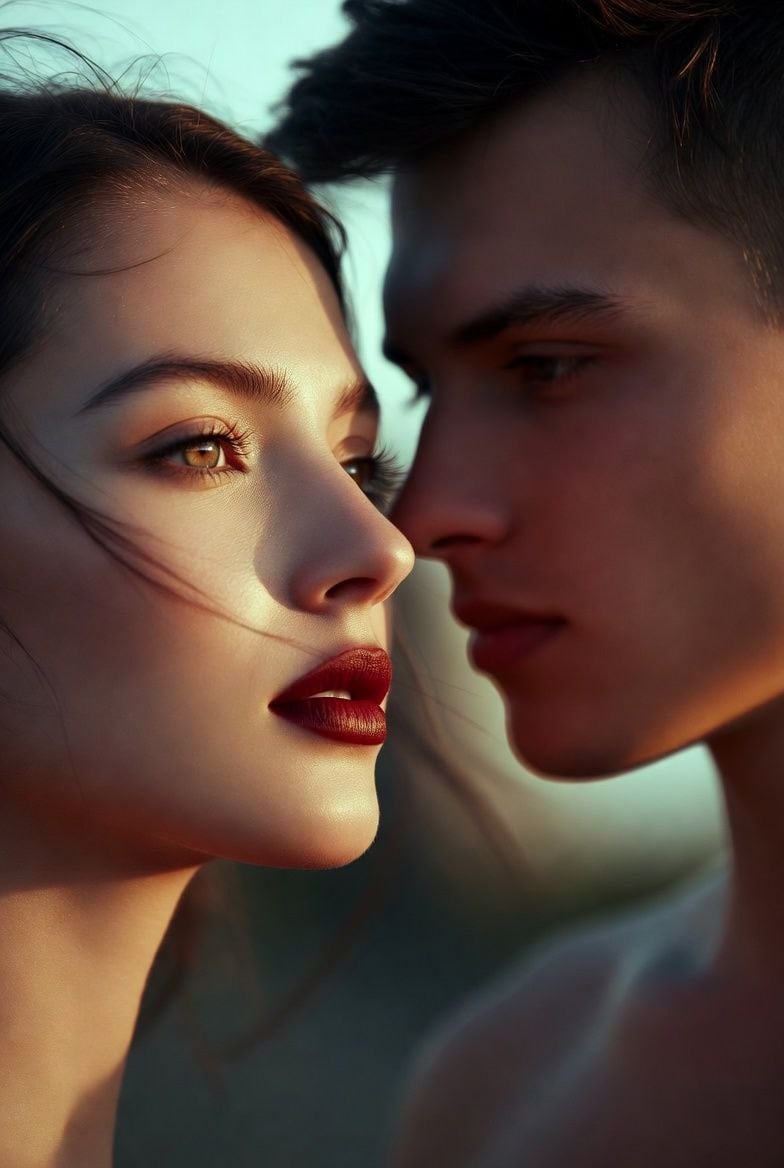
Couple Goals from the Google Gemini Nano
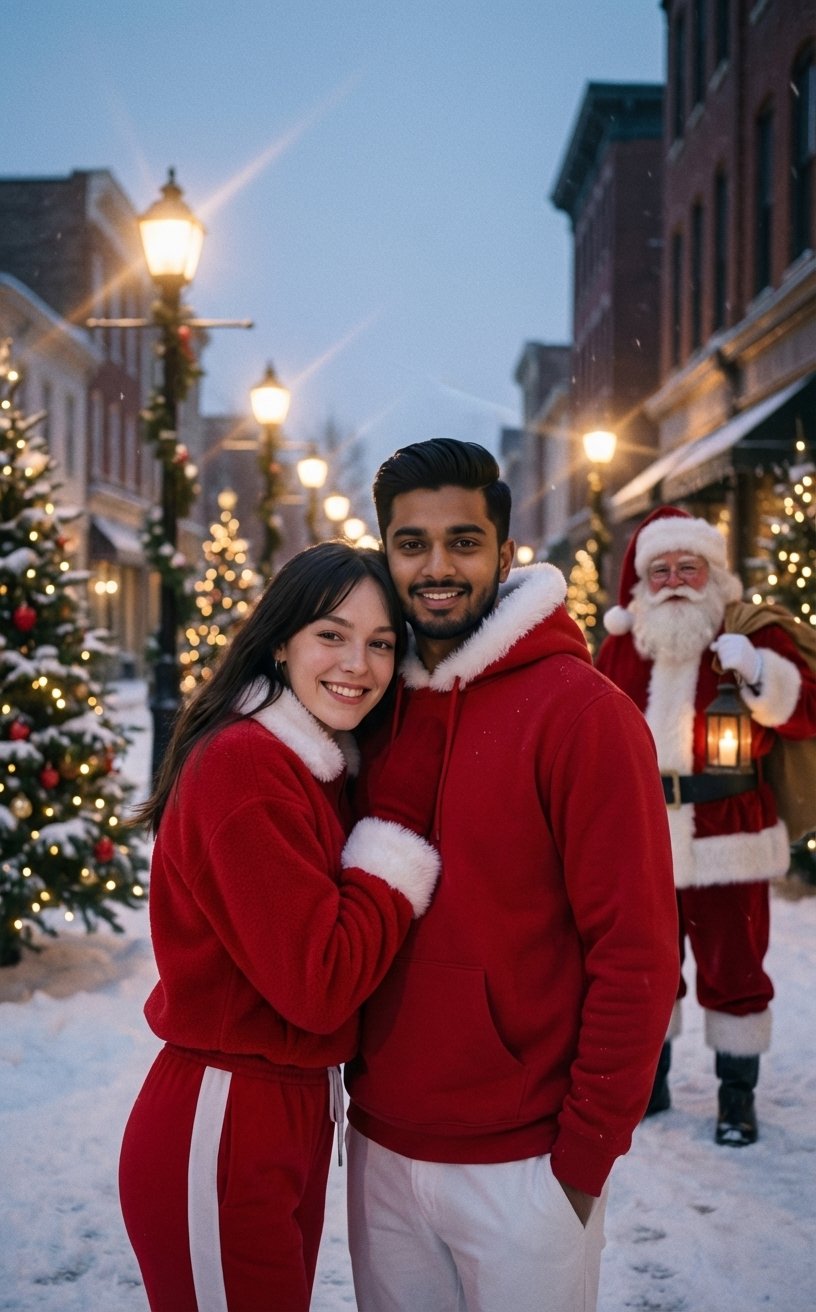
Festive Couple Holiday Magic Template

Sunday Afternoon, 1988

Two Tickets, One Night

If We Met in 1985
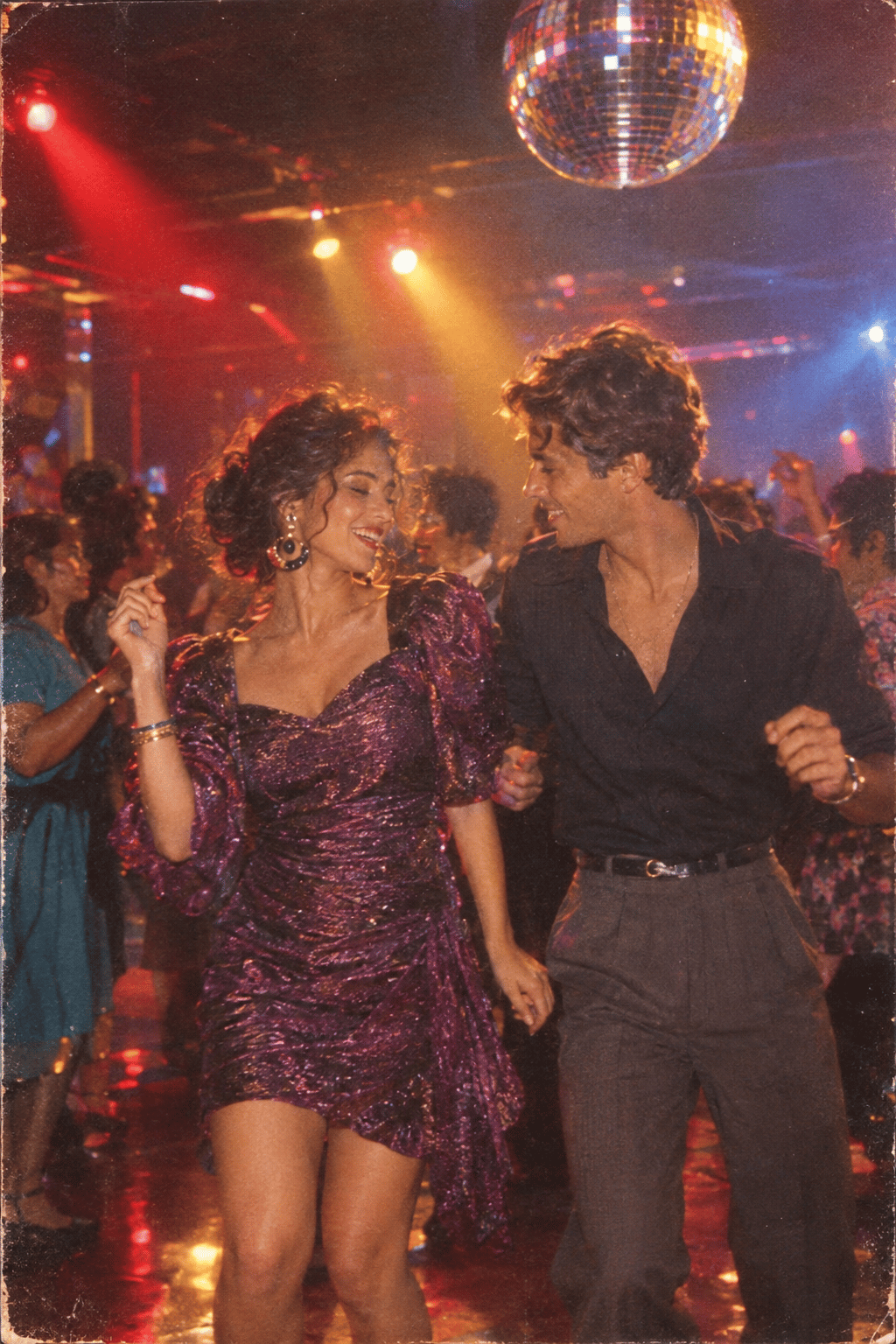
One Dance Before Midnight
Make it yours
Romantic Couple Portrait Template works as-is. These are the safest ways to change it without losing the look.
Change one field
Copy a single group, rewrite it, and generate again so you can see what that field is doing.
Keep the frame, change the subject
Hold the composition and light of Romantic Couple Portrait Template, then swap wardrobe, props or the person for a new take.
| If the result… | Why | Fix |
|---|---|---|
| The result drifts from the preview | Too many fields changed at once. | Reuse Romantic Couple Portrait Template as-is first, then change one group — subject, light, or setting. |
| The model over-stylizes the scene | The prose prompt leaves finish and camera underspecified. | Add one camera or lighting sentence and stay on PicX Studio. |
More image prompts
Fresh picks from across the catalog.
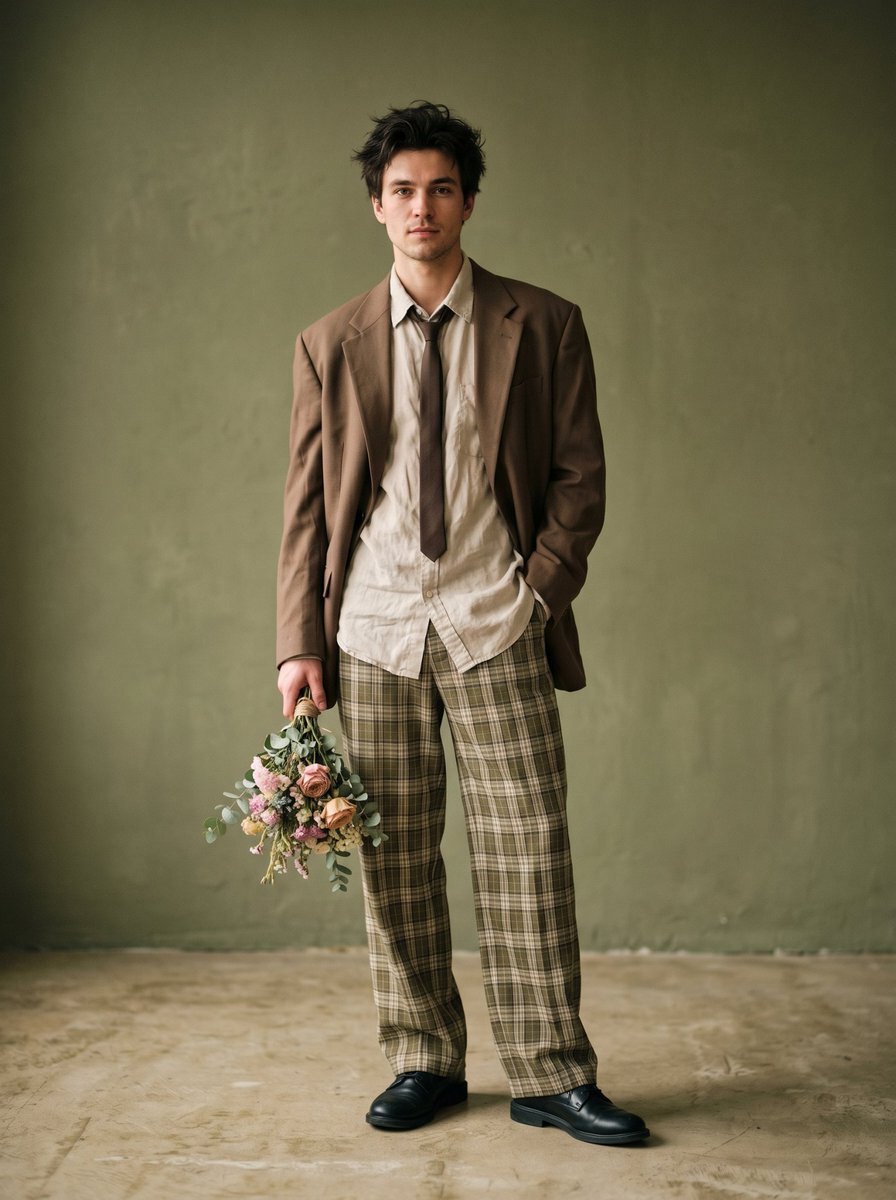
Fashion Editorial Studio Portrait
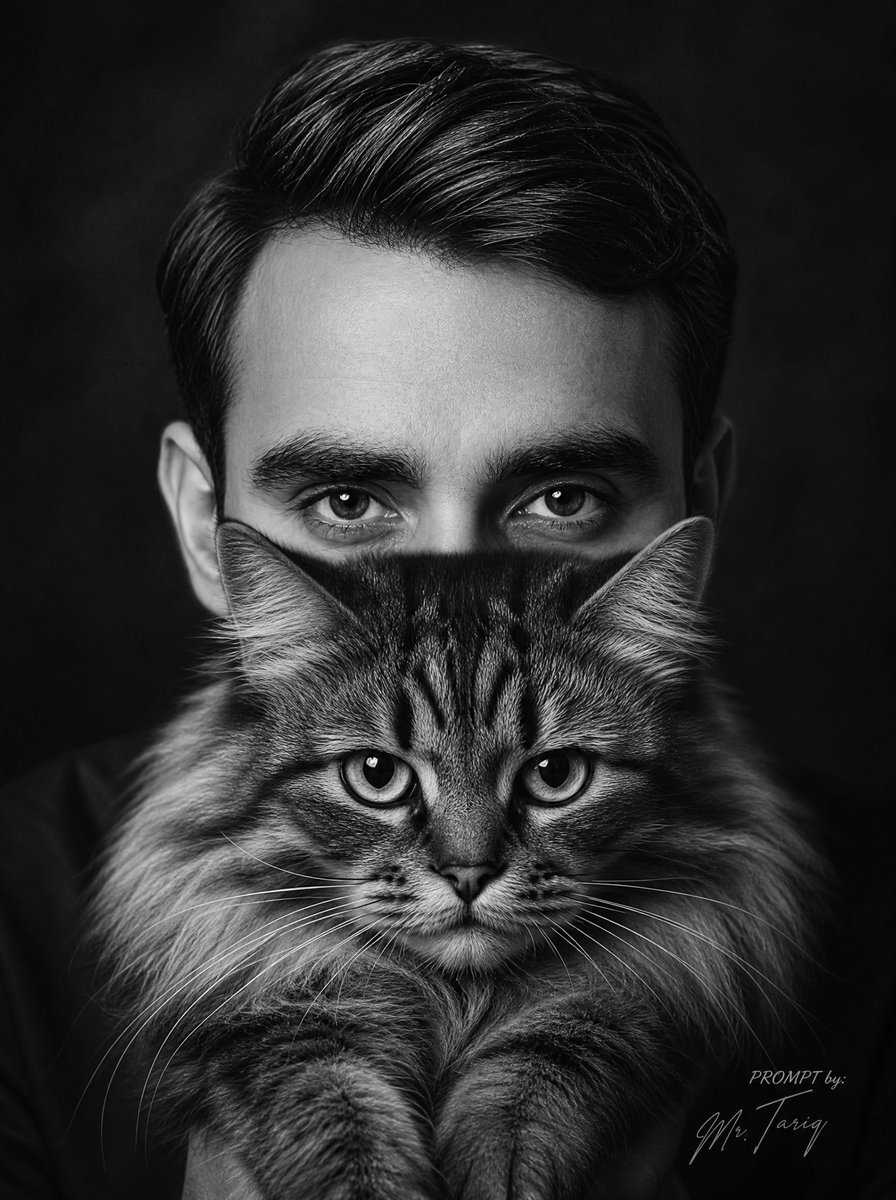
Monochrome Man Holding Cat Portrait
Transformation the Bus Seedance 2 0 Robo
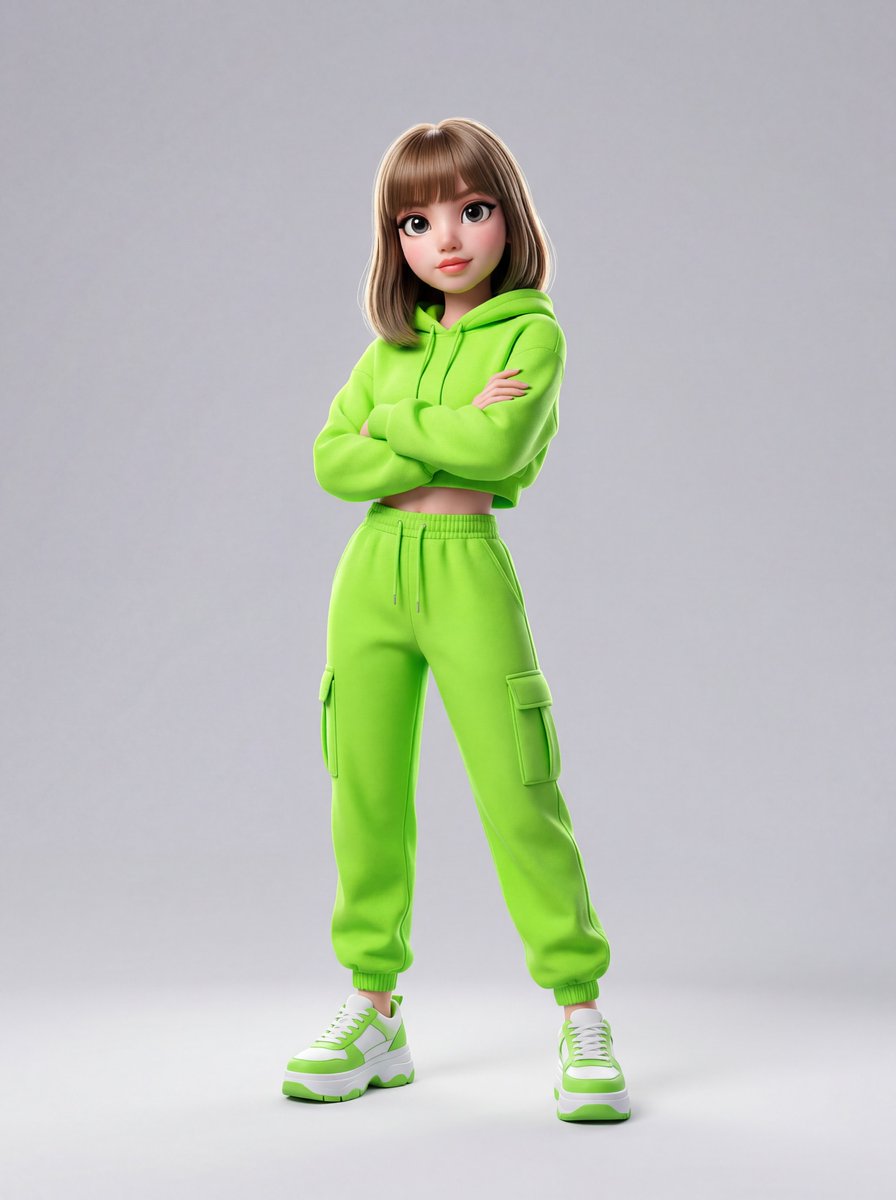
Disney-Pixar Style 3D Animation of Rosé (Blackpink)
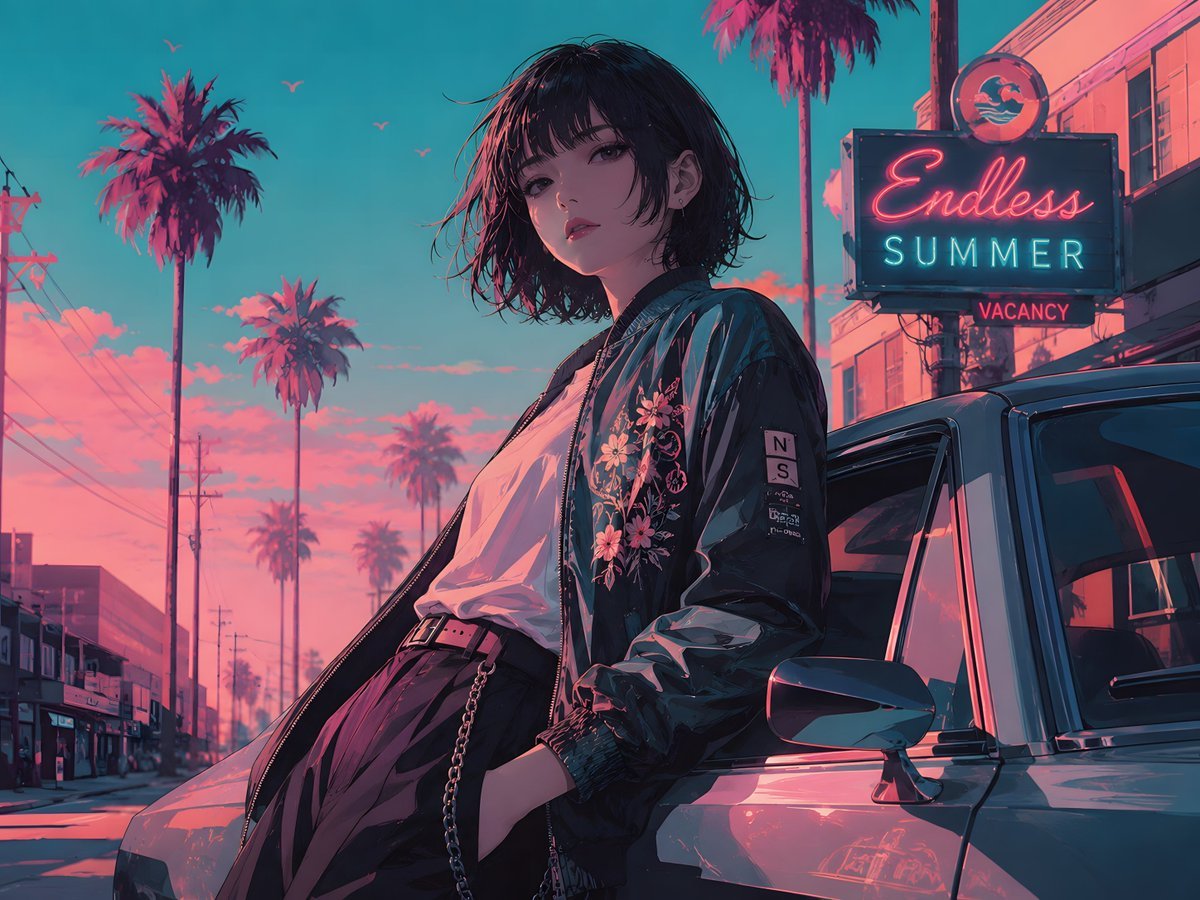
Retro Anime Endless Summer Street

Bold KFC Food Ad Poster
GPT-Image-2 Creative Prompt List
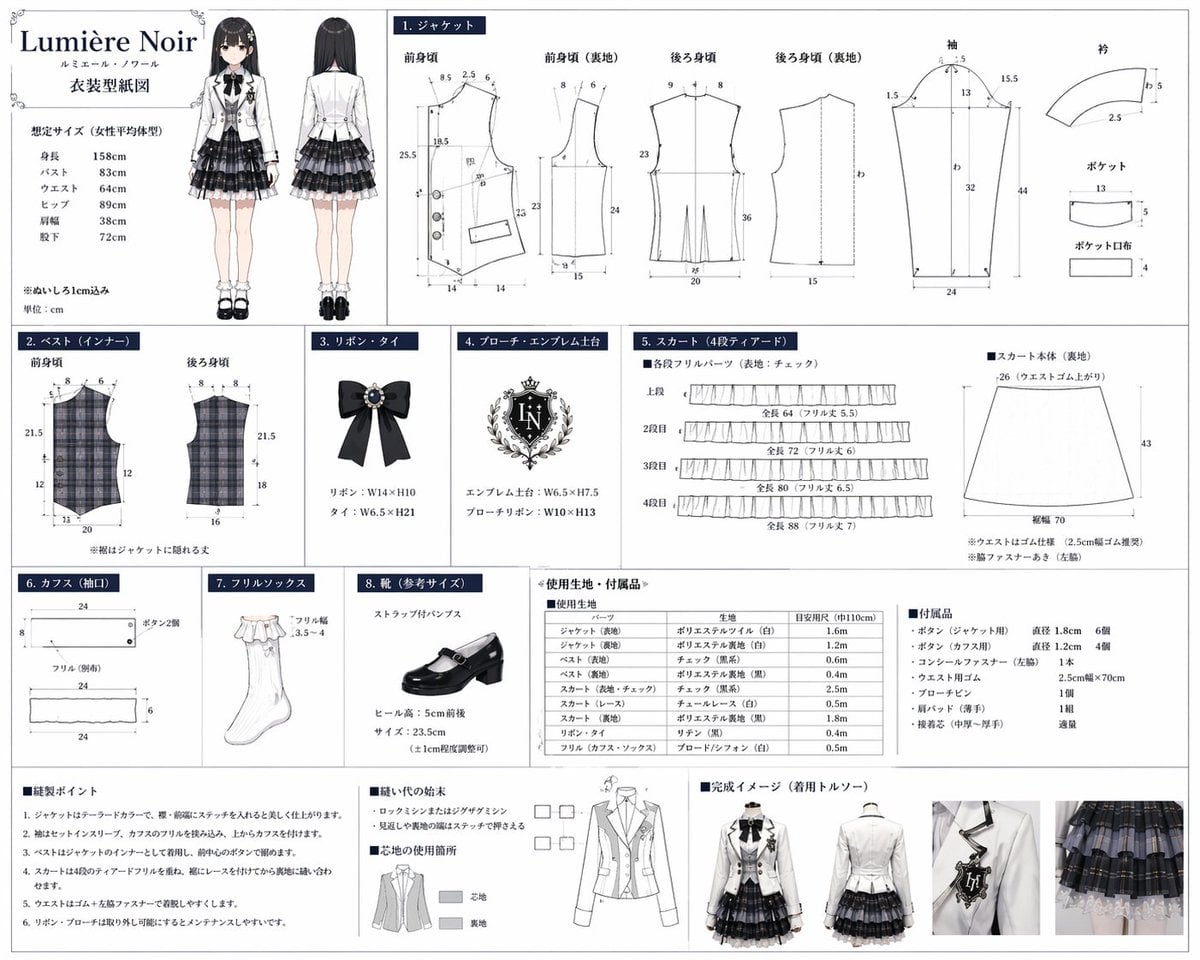
Anime Costume Sewing Pattern Sheet
Double-Exposure Mountain Adventure Poster
Hyper-Realistic Marionette in Post-Modern Gallery
Browse template categories
Romantic Couple Portrait Template questions
How do I use the Romantic Couple Portrait Template template?
Add your photo if the template asks for one, edit the prompt if you like — the template's model and format are already selected — and press Generate. Your version opens in PicX Studio.
Can I customize the Romantic Couple Portrait Template template?
Yes. You can change the subject, setting, lighting, mood, format, and available model controls before creating your image.
Is the Romantic Couple Portrait Template template free?
Opening and editing this template is free. Generating uses credits, shown on the Generate button when you are signed in.
Which AI model should I use?
Choose a compatible model in PicX Studio based on the style, speed, and output controls your project needs.
Looking for something else? Browse all templates.

Your photo, any look
Thousands of ready templates for every top image and video model, from one credit balance.