
Three-Panel Chinese Aesthetic Model Comparison
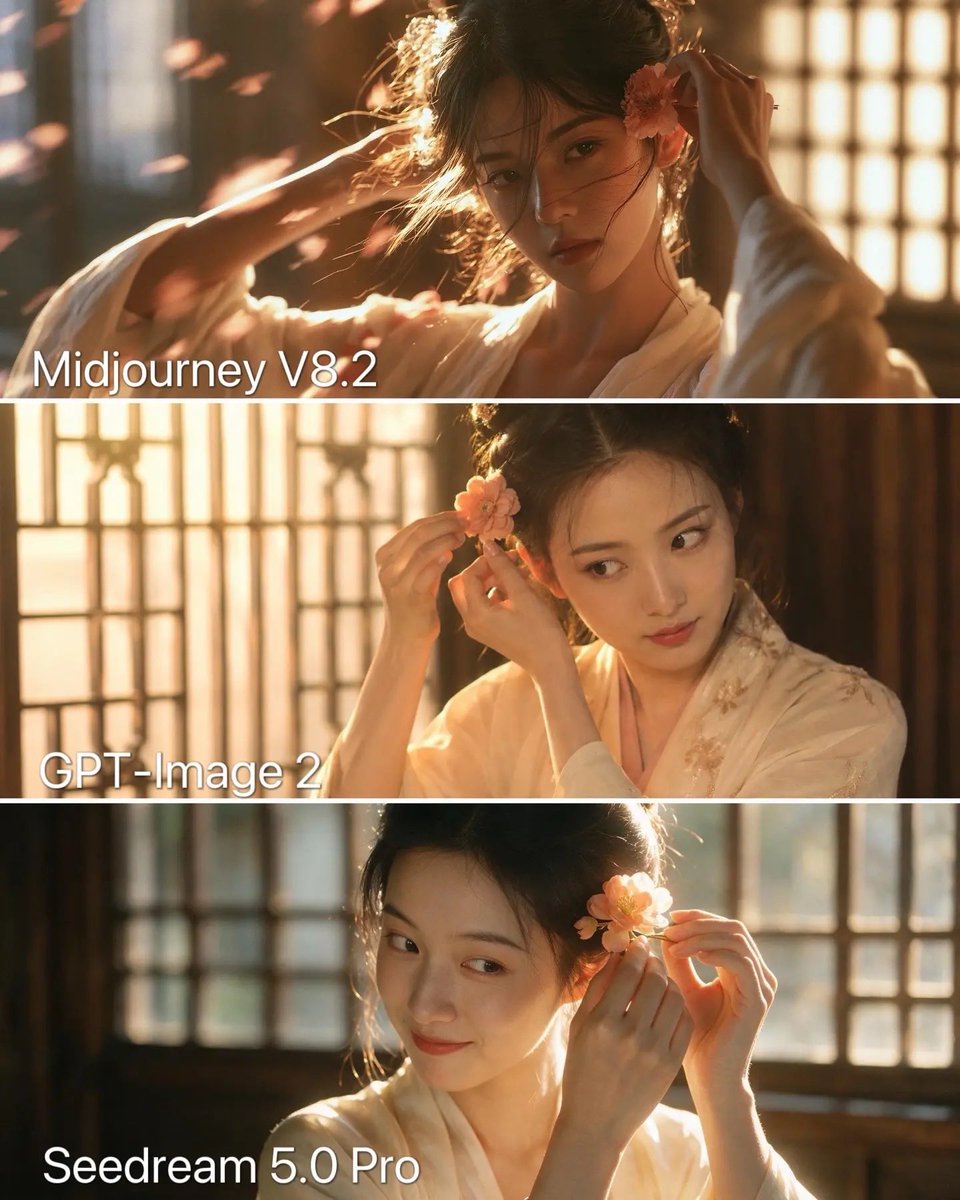
Generates a vertical three-panel comparison collage of a traditional Chinese portrait with model labels and warm cinematic lighting.
- Prompt included
- Model and format preset
- Free template
The prompt behind this image
Copy the exact prompt behind Three-Panel Chinese Aesthetic Model Comparison, or open it in the studio and make it yours.
Goal: Create a vertical three-panel comparison collage showing the same Chinese traditional aesthetic portrait generated in three different styles. Canvas: Portrait format, approximately 4:5 aspect ratio, 960×1200 feel. Divide the image into exactly 3 equal horizontal panels separated by thin white horizontal lines. Overall subject: In all three panels, show the same young East Asian woman in a warm, cinematic ancient Chinese interior, wearing a soft ivory hanfu robe. She is adjusting a peach-pink flower hair ornament near her ear with both hands. Her black hair is loosely pinned up with wispy strands around her face. The atmosphere is golden-hour, backlit, romantic, and traditional, with wooden lattice windows behind her, soft haze, shallow depth of field, warm sunlight, and floating flower petals or dust motes. Panel count and labels: Use exactly 3 panels with large white sans-serif text labels in the lower-left area of each panel: 1) “Midjourney V8.2” on the top panel, 2) “GPT-Image 2” on the middle panel, 3) “Seedream 5.0 Pro” on the bottom panel. Top panel: Label “Midjourney V8.2”. Make this the most dramatic and cinematic version: stronger contrast, moody shadows, glowing rim light, more dynamic pose, windblown hair, petals crossing the foreground, refined facial features, realistic skin texture, premium film still quality. The woman faces slightly toward camera with a serious, elegant expression while placing the flower by her ear. Middle panel: Label “GPT-Image 2”. Make this cleaner and softer, with a slightly polished beauty-retouch look. The woman is turned three-quarters to the right, looking sideways while carefully adjusting the flower. Keep warm window light, cream hanfu fabric with subtle embroidered floral details, and a more smooth, influencer-like face. Bottom panel: Label “Seedream 5.0 Pro”. Make this brighter and slightly more plastic/smooth than the top, with a gentle smile and softer realism. The woman holds the peach flower close to her ear, looking down-left or sideways, with intense backlight from the lattice window and a glowing edge around her hair and hands. Text styling: Large white text, simple sans-serif, no outline, subtle shadow if needed for readability. Place each label consistently near the bottom-left of its panel. Do not add any other text, logos, watermarks, or UI elements. Customizable details: The subject is {argument name="subject description" default="a young East Asian woman in ivory hanfu"}; the setting is {argument name="setting" default="a warm ancient Chinese room with wooden lattice windows"}; the hair accessory is {argument name="hair flower" default="a peach-pink flower"}; the top label is {argument name="top model label" default="Midjourney V8.2"}; the middle label is {argument name="middle model label" default="GPT-Image 2"}.
How to use Three-Panel Chinese Aesthetic Model Comparison in 3 steps
- 1Upload ImagePNG, JPG or paste
Add your photo
Upload the photo the template builds on. The prompt, model and format are already set.
- 2…a portrait of your subject in softgolden-hour light, 85mm…
Personalize
Edit the subject and creative details for your destination.
- 3Generate
Generate
Press Generate — your image is created in PicX Studio, so you can compare it with the original and refine one variable at a time.
More like this
Templates with the same subject, style or setup. Open one to see its prompt.
Three-Panel AI Billboard Comparison

Two-Panel Snow Cabin Model Comparison
Three-Panel Night Window Comparison

Three Character Asset Comparison Board

AI Model Routing Comparison Infographic

Four-Panel AI Landscape Comparison

Four-Panel Anime Face Comparison

Fantasy Model Comparison Grid

Four-Panel AI Landscape Comparison
Nine-Model Scarecrow Yokai Comparison
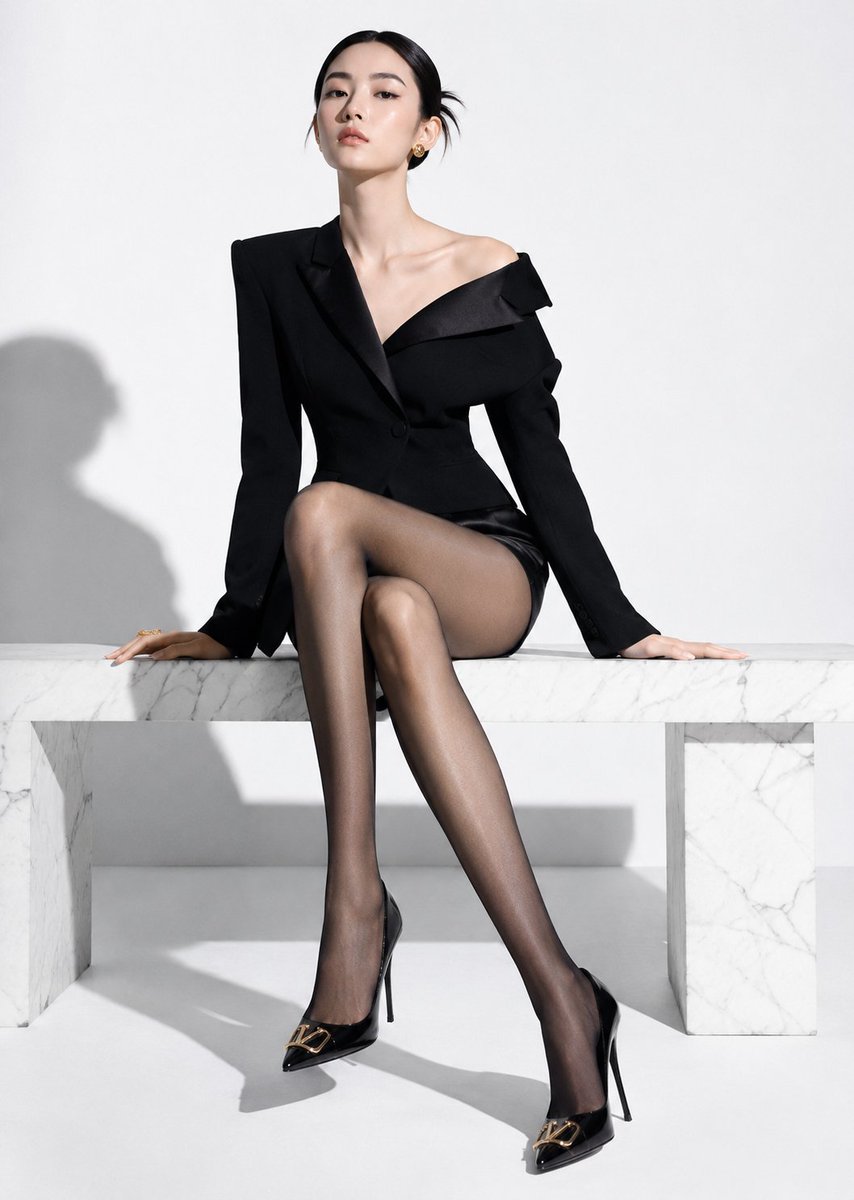
High-End Fashion Editorial Shoot with Chinese Model

Premium Vertical Product Campaign Poster
Make it yours
Three-Panel Chinese Aesthetic Model Comparison works as-is. These are the safest ways to change it without losing the look.
Change one field
Copy a single group, rewrite it, and generate again so you can see what that field is doing.
Keep the frame, change the subject
Hold the composition and light of Three-Panel Chinese Aesthetic Model Comparison, then swap wardrobe, props or the person for a new take.
| If the result… | Why | Fix |
|---|---|---|
| The result drifts from the preview | Too many fields changed at once. | Reuse Three-Panel Chinese Aesthetic Model Comparison as-is first, then change one group — subject, light, or setting. |
| The model over-stylizes the scene | The prose prompt leaves finish and camera underspecified. | Add one camera or lighting sentence and stay on GPT Image 2. |
More GPT Image 2 templates
Other prompts made for GPT Image 2.

Six VTuber Japanese Logo Sheet

Realistic Portrait of Woman and Deer

The Vista Modular Condo Poster

2.5D Anime Art Board

Isometric Productivity Desk Scene

New York Double Exposure Poster

Japanese Tatami Lifestyle Magazine Cover

NESCAFÉ Coffee Map Poster

Brutalist Cogito Chinese Typography Poster

Cinematic Luxury Terrace Portrait
More image prompts
Fresh picks from across the catalog.

Ocean Artifact Discovery Scene
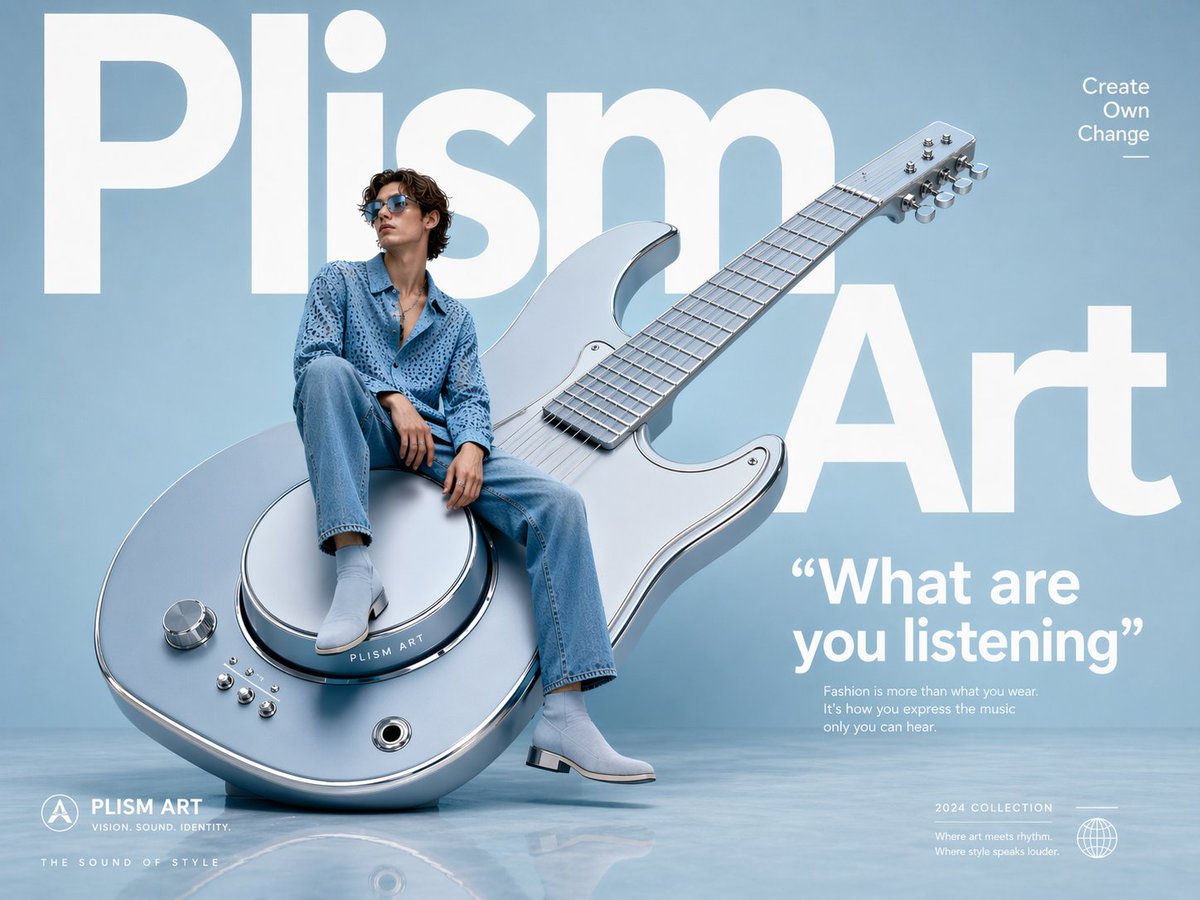
Avant-Garde Fashion Eyewear Ad

Batch Generation of Christmas Backstage Photos

Ultra-realistic Portrait with Miniature Cartoon Self
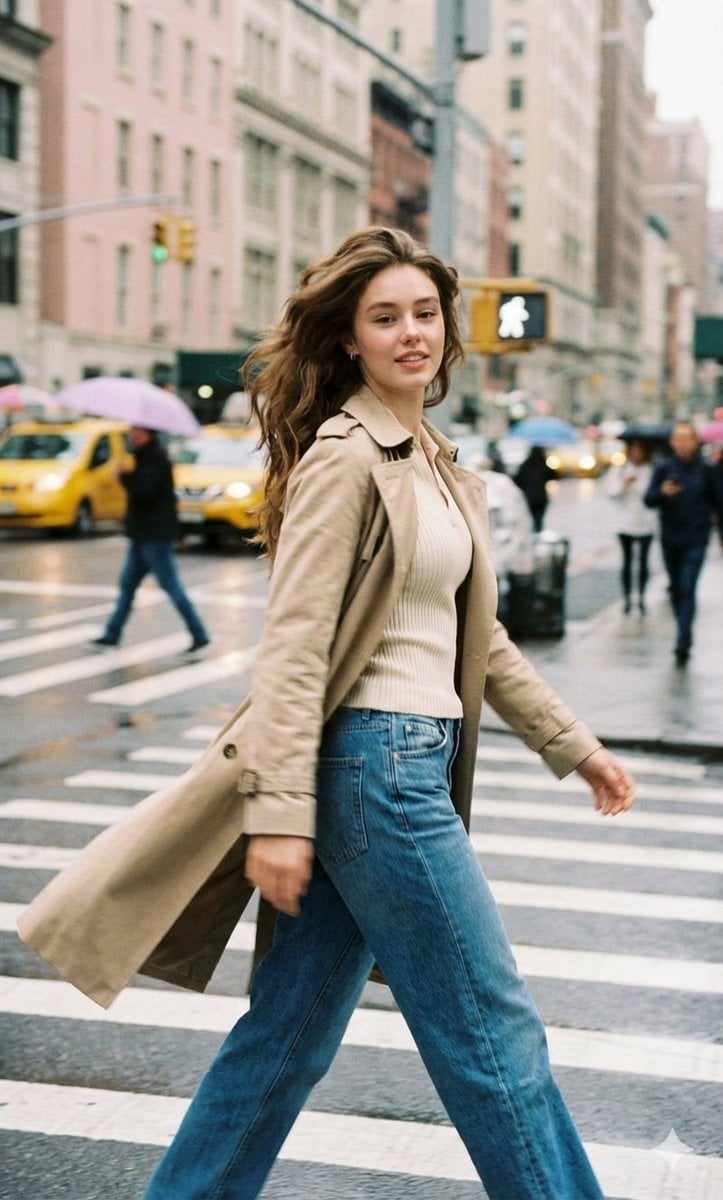
Cinematic Street Photography with Motion Blur
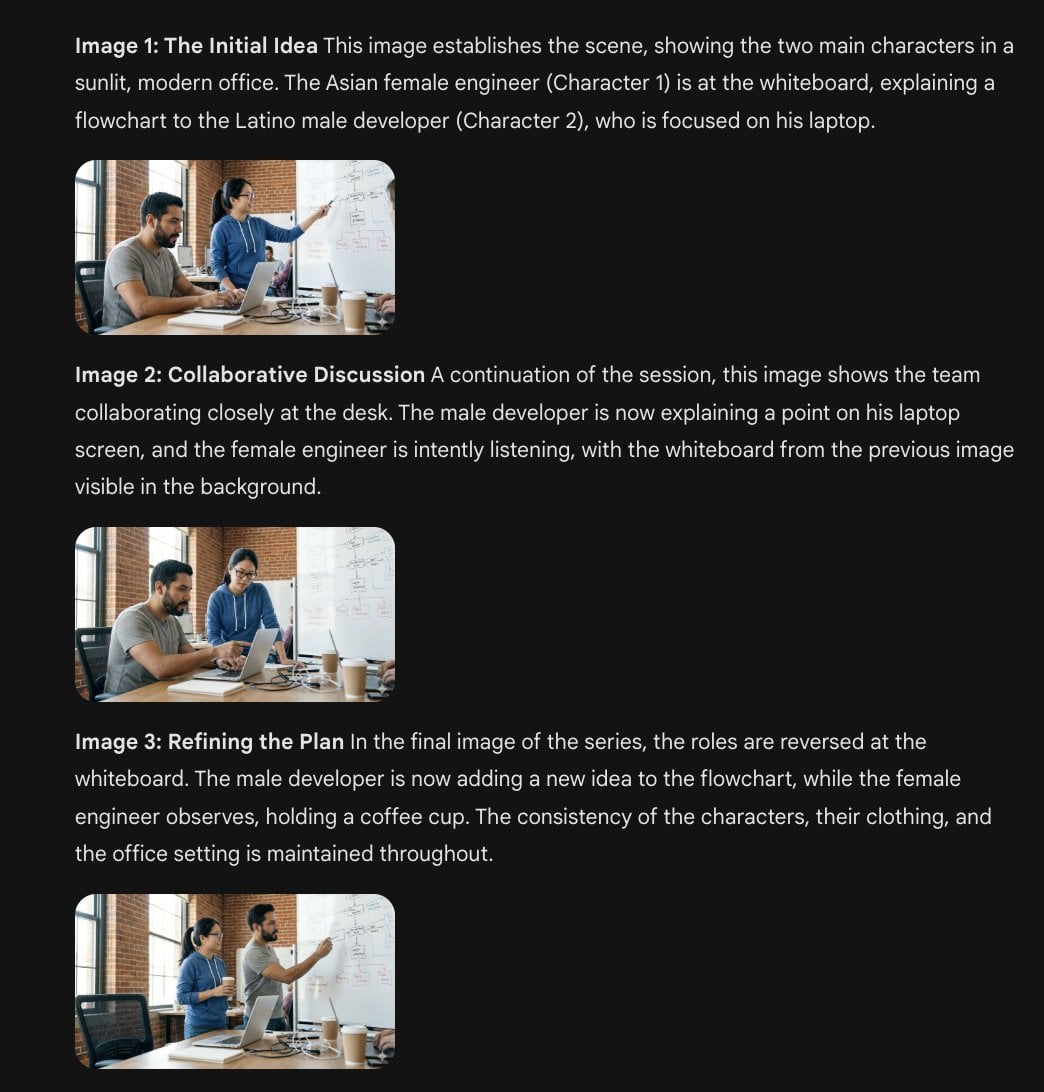
Character Consistency Template and Example Prompt
untitled
Seedance - Brand Commercial
Image-to-SD Papercraft Conversion Prompt
Americana Dive Bar Editorial Scene
Browse template categories
Three-Panel Chinese Aesthetic Model Comparison questions
How do I use the Three-Panel Chinese Aesthetic Model Comparison template?
Add your photo if the template asks for one, edit the prompt if you like — the template's model and format are already selected — and press Generate. Your version opens in PicX Studio.
Can I customize the Three-Panel Chinese Aesthetic Model Comparison template?
Yes. You can change the subject, setting, lighting, mood, format, and available model controls before creating your image.
Is the Three-Panel Chinese Aesthetic Model Comparison template free?
Opening and editing this template is free. Generating uses credits, shown on the Generate button when you are signed in.
Which AI model should I use?
Start with GPT Image 2, which is the model associated with this template. You can compare another compatible model for a different finish.
Looking for something else? Browse all templates.

Your photo, any look
Thousands of ready templates for every top image and video model, from one credit balance.