
Elegant Oriental Fantasy Portrait
A sophisticated prompt for generating realistic Eastern fantasy portraits of women on traditional boats with ethereal, misty atmosphere.
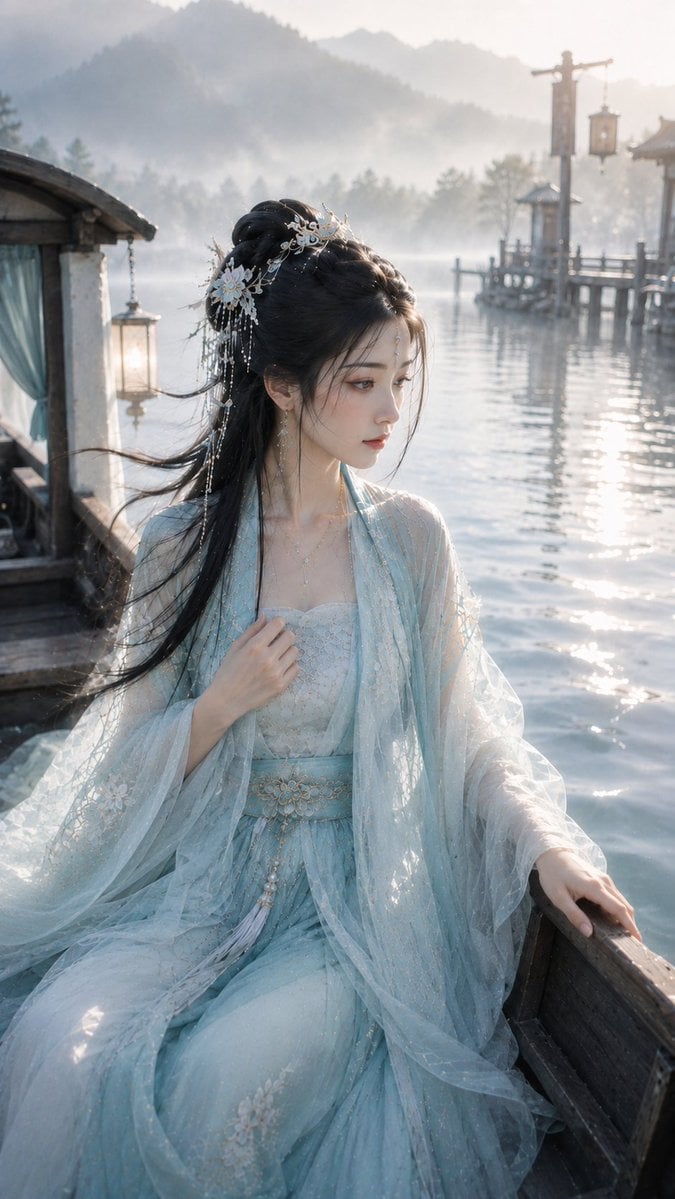
- Prompt included
- Model and format preset
- Free template
The prompt behind this image
Copy the exact prompt behind Elegant Oriental Fantasy Portrait, or open it in the studio and make it yours.
9:16 竖版,高精度古风仙侠叙事感写真,偏写实东方幻想人像摄影。年轻成年东方女性,视觉年龄约 {argument name="视觉年龄" default="20–28 岁"},柔和鹅蛋脸,杏眼明净,唇形柔软,神情安静若有所思,带轻微旅途感、轻愁感与故事感,气质柔婉、清润、克制、自然。清透仙气妆,底妆轻薄水润,肌肤通透有轻微水光感,眼妆以浅灰粉、柔棕、低饱和水青中性色细腻晕染,唇妆为柔润浅豆沙粉或花瓣粉,整体妆面轻透干净,不浓艳。黑色长发半披半挽,发丝顺滑,带轻微风感;精致浅金、白玉、珍珠小发饰与细巧耳饰,头饰轻盈克制。轻纱仙侠层叠裙,中等华丽度,{argument name="服饰配色" default="水青白金系"},以水青、浅青玉、柔和白色、乳白为主,浅金与白玉为点缀。服装为轻盈层叠薄纱、柔软绢感内层、细致浅金花纹与流云纹刺绣,披帛自然垂落,整体清润灵动,不要过度华丽,不要失去自然感。人物坐在兰舟边缘,一只手轻扶船舷,一只手自然压住被晨风吹起的披帛,半身近景构图,身体轻微侧向镜头,姿态安静柔和,像在旅途中短暂停留,低头或微偏视线看向远处水面与岸边,情绪含蓄、若有所思。场景为 {argument name="场景设定" default="晨雾兰舟 / 水岸渡口 / 轻波远山"}。近景可见木质船舷、浅色披帛与水面波光;中景为安静渡口、水岸木桩、轻微涟漪;远景可见淡雾中的远山轮廓与水面尽头。背景适度虚化,但保留船舷、渡口、远山与薄雾的空间层次。光线为清晨薄雾天光,整体明亮柔和,水面反光轻轻提亮人物面部、下颌、发丝与衣襟,脸部清透有神,雾气通透不脏灰。整体画面要求:旅途感、故事感、自然感、轻透妆面、柔和风感、清润水色、叙事海报质感。
How to use Elegant Oriental Fantasy Portrait in 3 steps
- 1
Open
The prompt is already in the box next to the preview, with the template's model and format selected.
- 2…a portrait of your subject in softgolden-hour light, 85mm…
Personalize
Edit the subject and creative details for your destination.
- 3Generate
Generate
Press Generate — your image is created in PicX Studio, so you can compare it with the original and refine one variable at a time.
More like this
Templates with the same subject, style or setup. Open one to see its prompt.
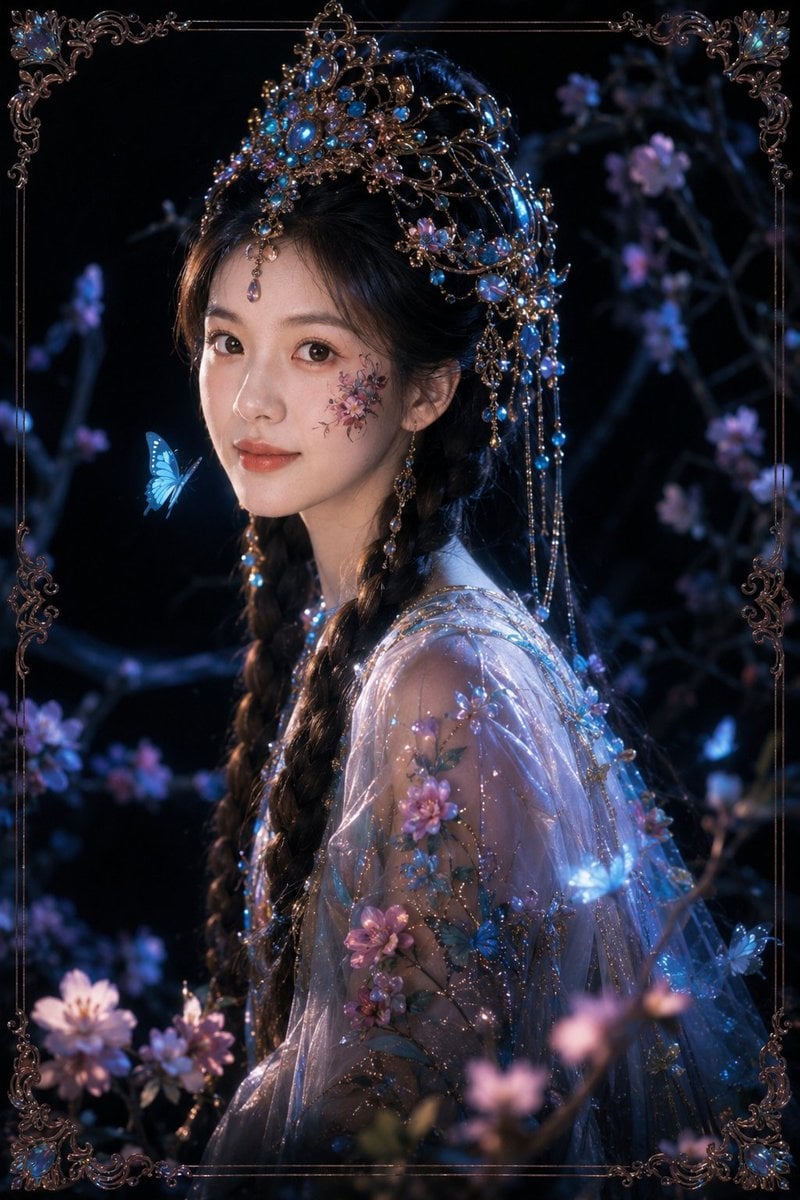
Dark Fantasy Oriental Mythic Portrait
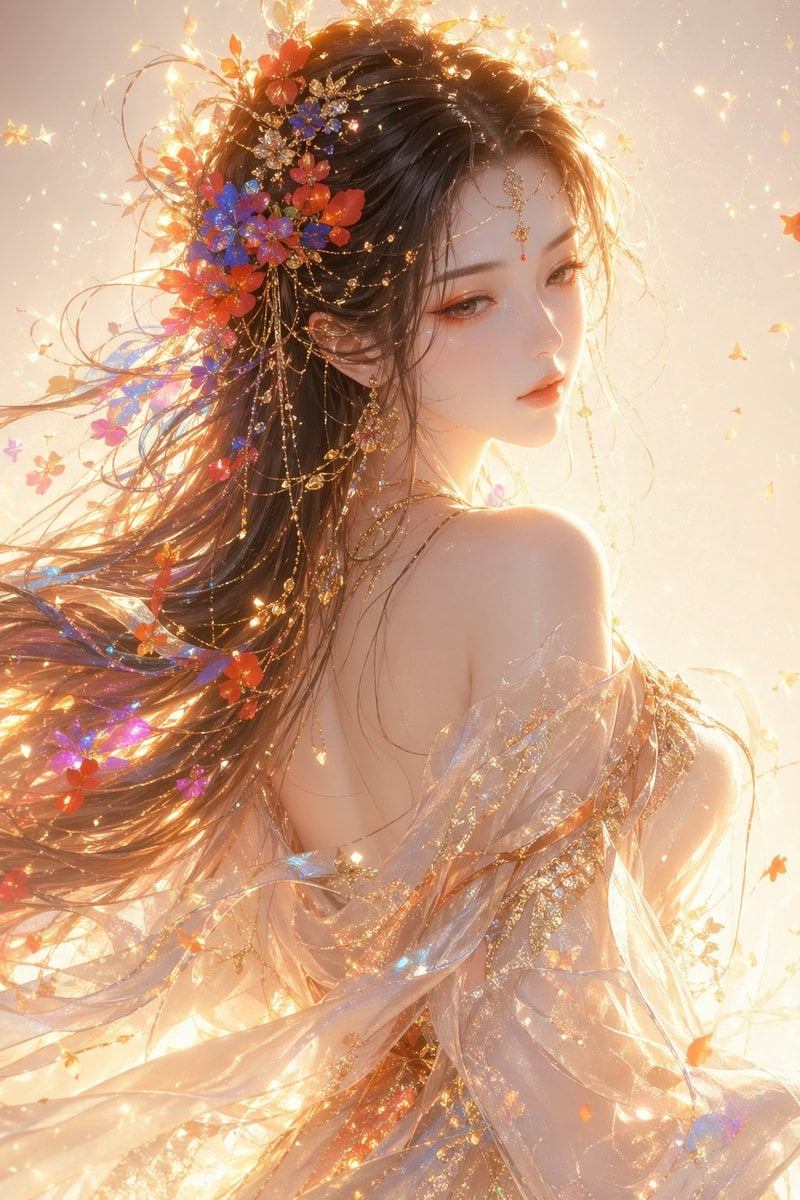
Oriental Fantasy Female Portrait Prompt
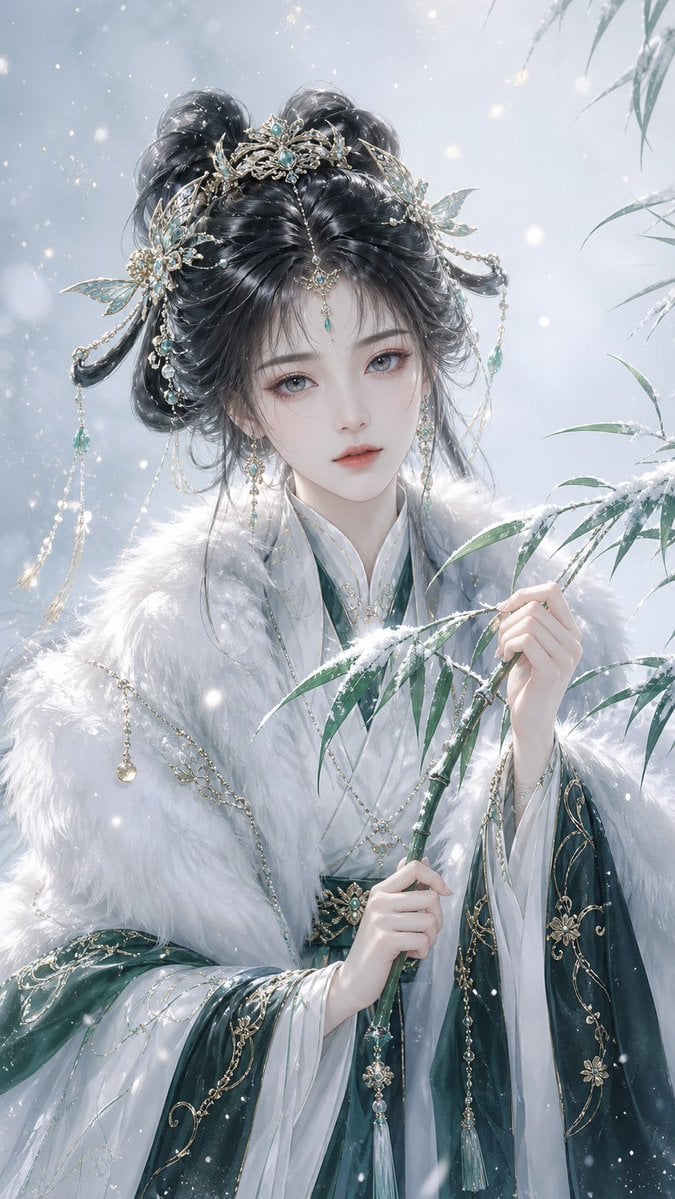
Elegant Oriental Fantasy Illustration
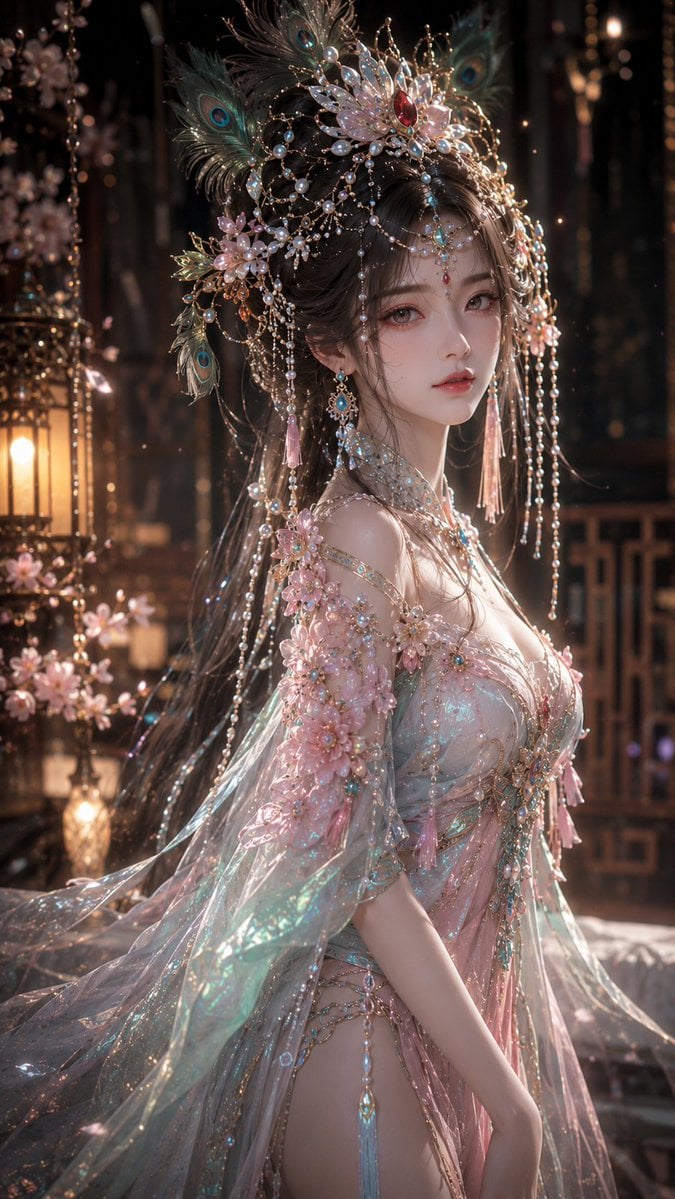
Fantasy Oriental 3D CG Portrait

Found Photograph: Us, 1970

80s Couple Studio Portrait

80s Bollywood Star

80s Golden Hour Cinema

Me in 1985

1985 Studio Portrait
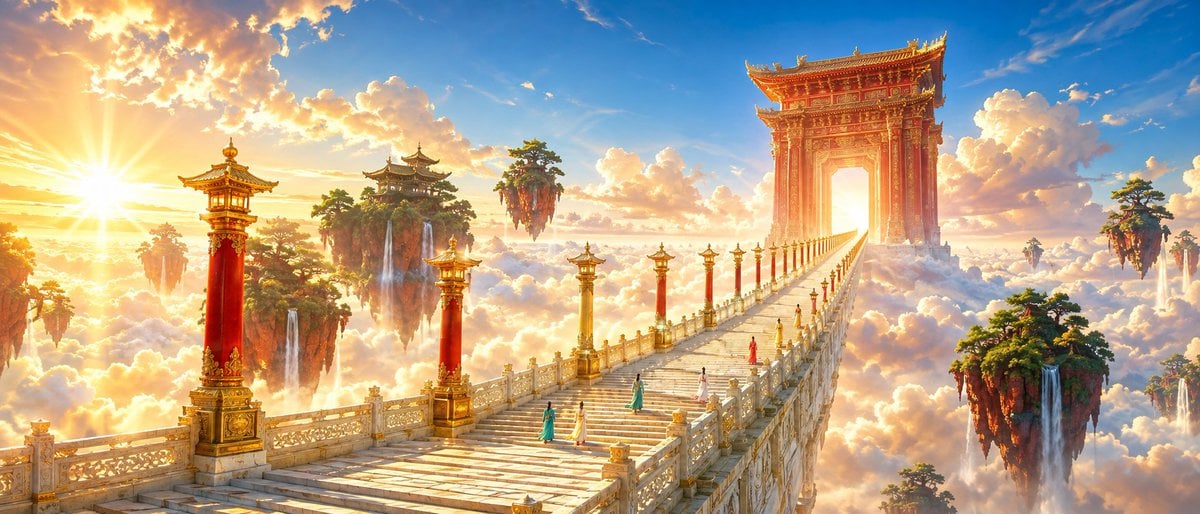
Oriental Fantasy Celestial Realm

Hyper-Realistic Minecraft POV Portrait
Make it yours
Elegant Oriental Fantasy Portrait works as-is. These are the safest ways to change it without losing the look.
Change one field
Copy a single group, rewrite it, and generate again so you can see what that field is doing.
Keep the frame, change the subject
Hold the composition and light of Elegant Oriental Fantasy Portrait, then swap wardrobe, props or the person for a new take.
| If the result… | Why | Fix |
|---|---|---|
| The result drifts from the preview | Too many fields changed at once. | Reuse Elegant Oriental Fantasy Portrait as-is first, then change one group — subject, light, or setting. |
| The model over-stylizes the scene | The prose prompt leaves finish and camera underspecified. | Add one camera or lighting sentence and stay on GPT Image 2. |
More GPT Image 2 templates
Other prompts made for GPT Image 2.

Six VTuber Japanese Logo Sheet

Realistic Portrait of Woman and Deer

The Vista Modular Condo Poster

AI Model Routing Comparison Infographic

2.5D Anime Art Board

Isometric Productivity Desk Scene

New York Double Exposure Poster

Four-Panel AI Landscape Comparison

Japanese Tatami Lifestyle Magazine Cover

NESCAFÉ Coffee Map Poster
More image prompts
Fresh picks from across the catalog.
Generate black-and-white storyboards from an image
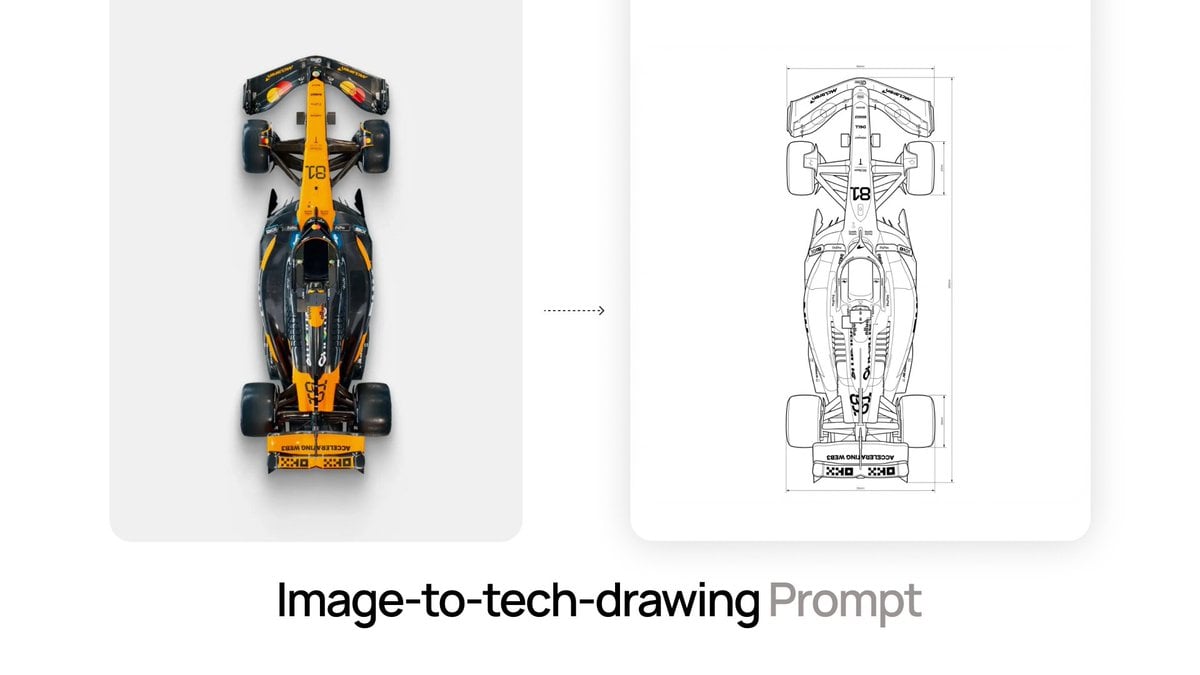
Nano Banana Prompt for Image-to-Tech-Drawing
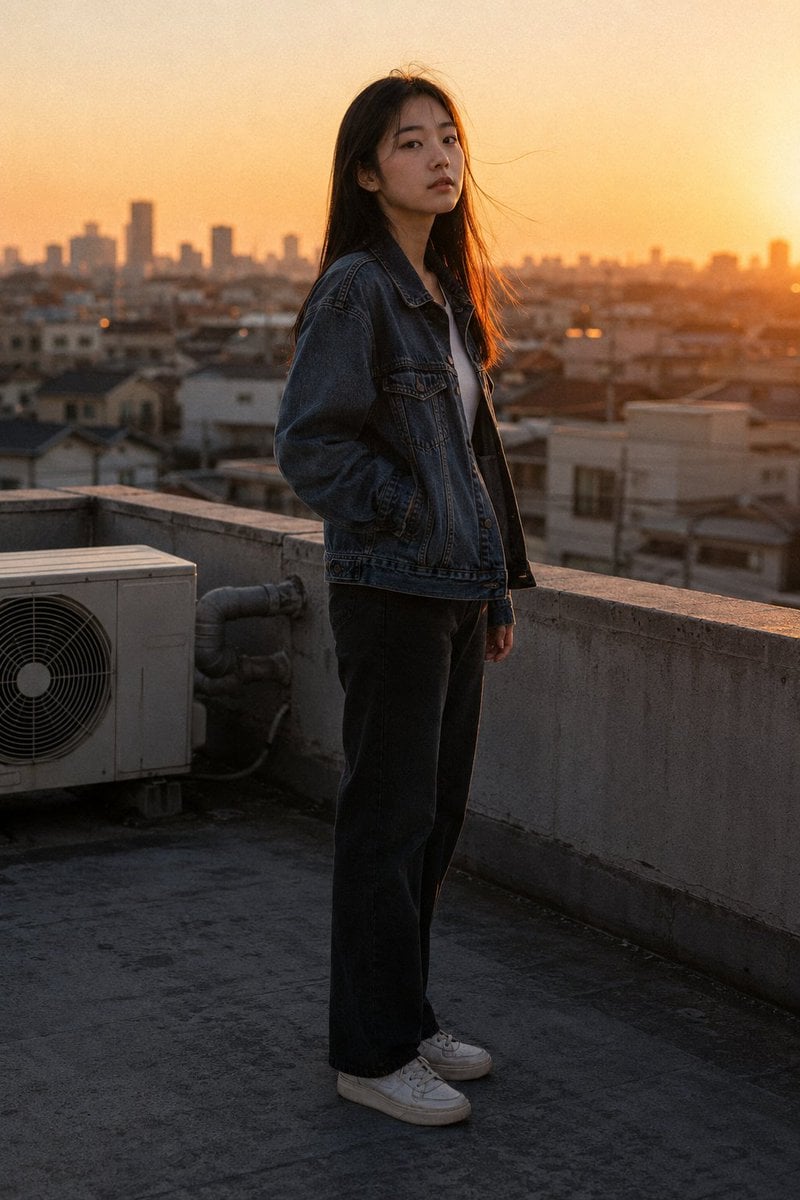
Golden Hour Rooftop Portrait
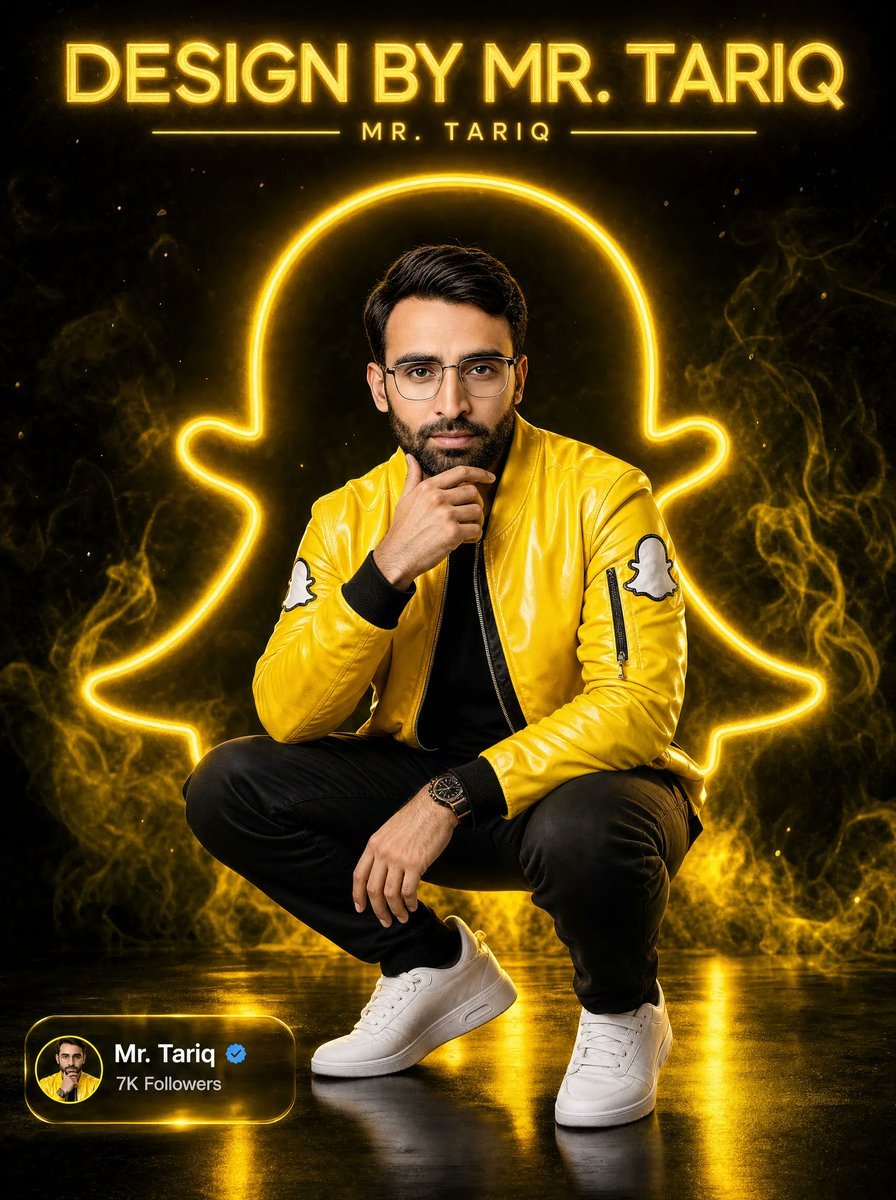
Neon Snapchat Portrait Poster
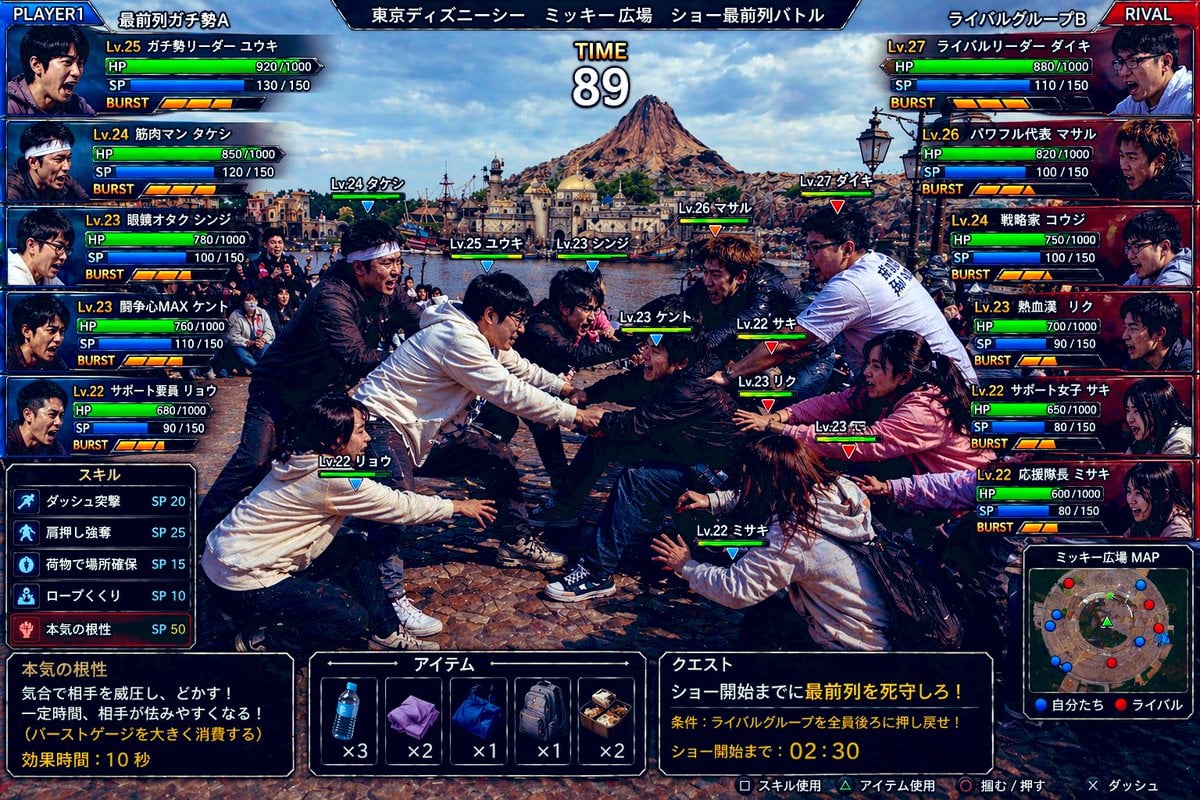
Tokyo DisneySea Front-Row Battle UI
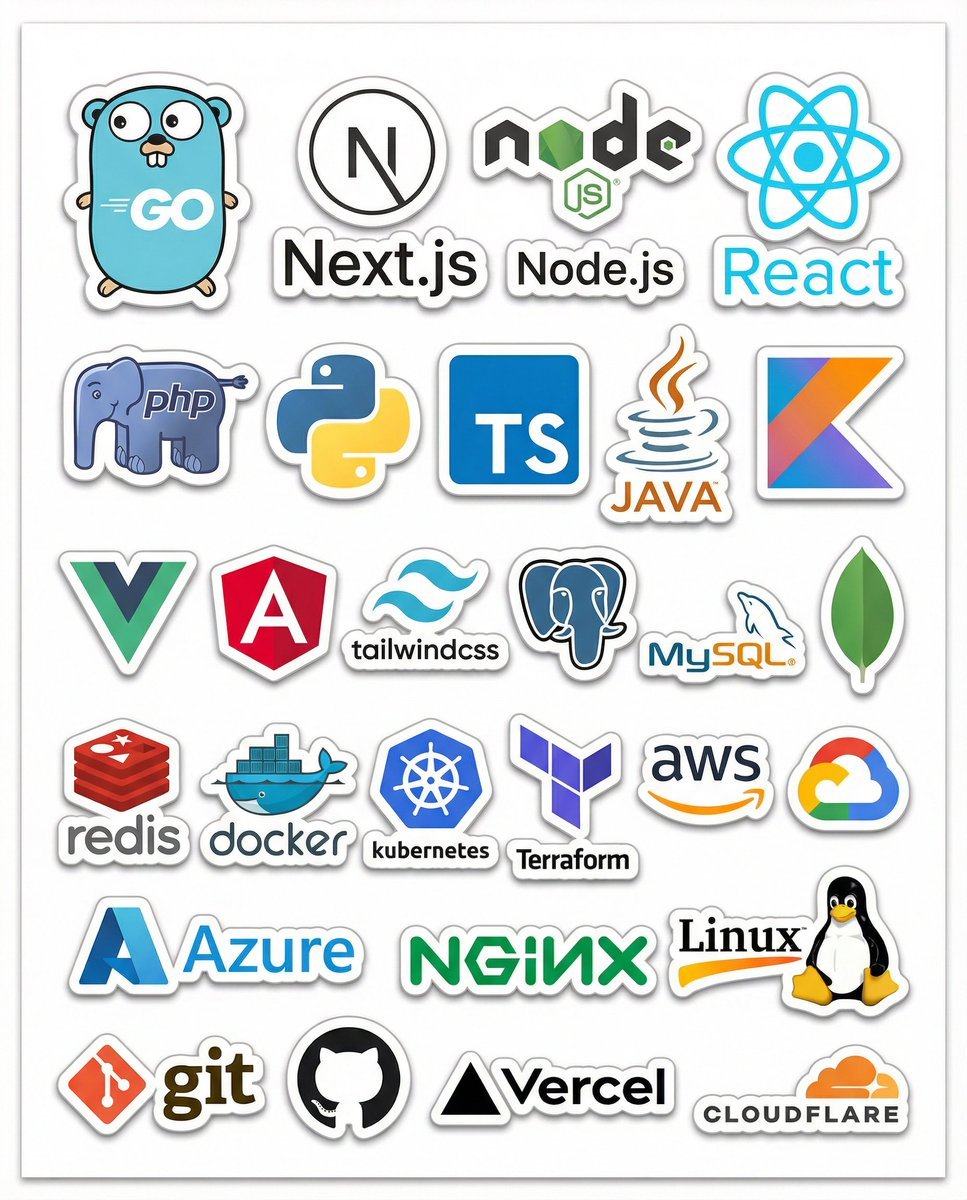
Print-Ready Tech Stack Sticker Sheet Prompt
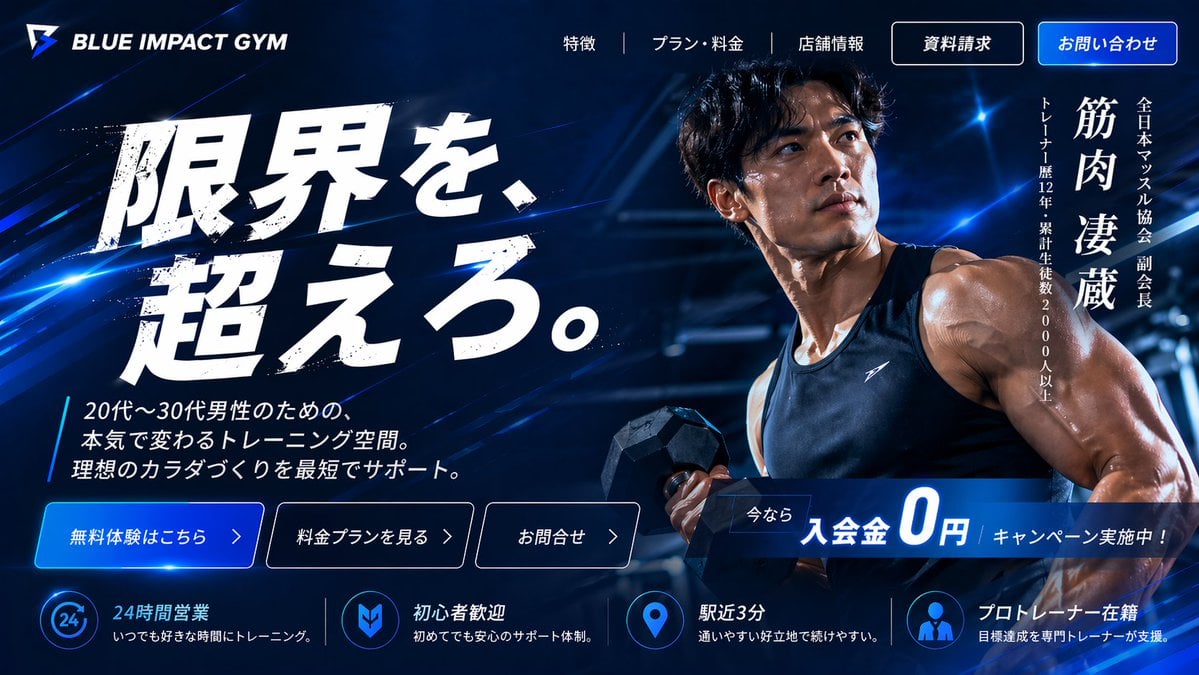
Japanese Gym Hero Landing Page
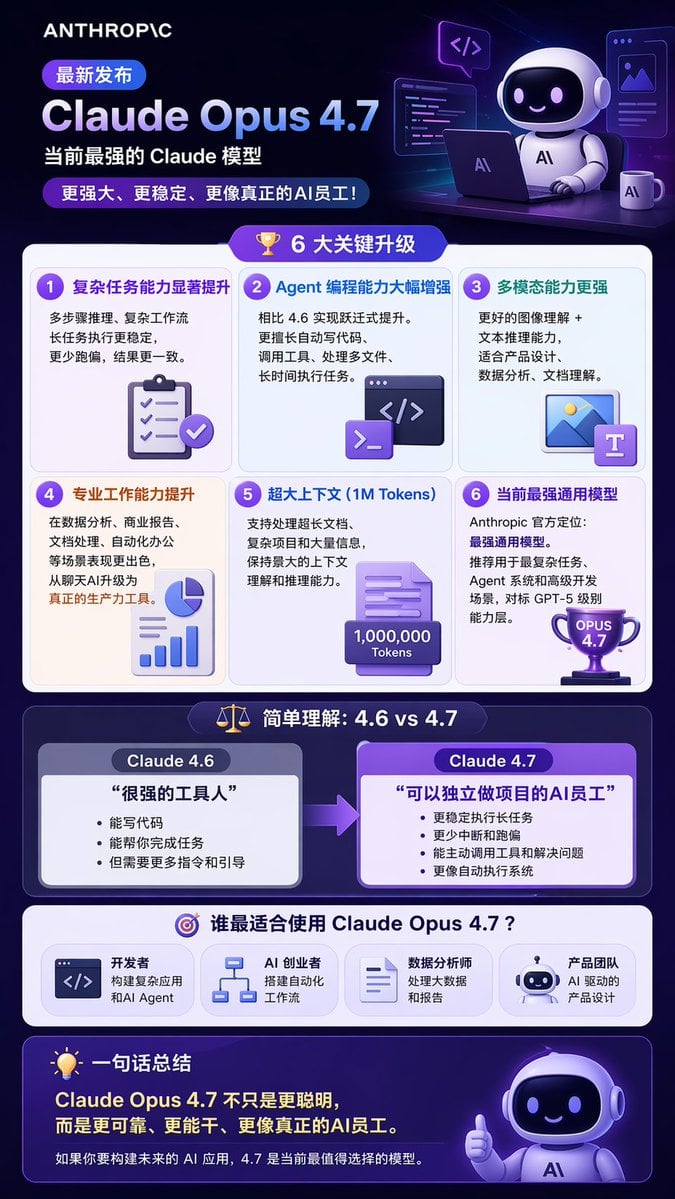
Tech Product Announcement Infographic
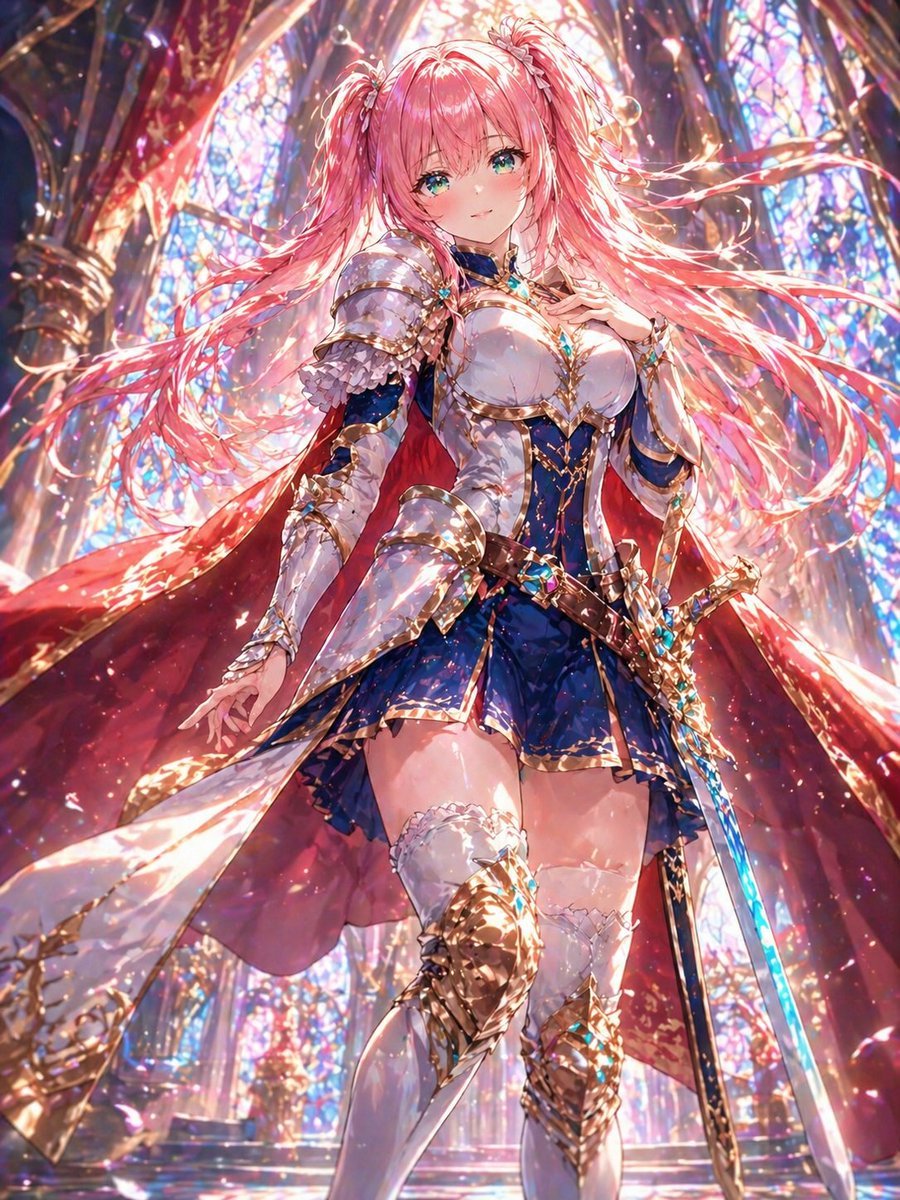
Pink-Haired Cathedral Knight
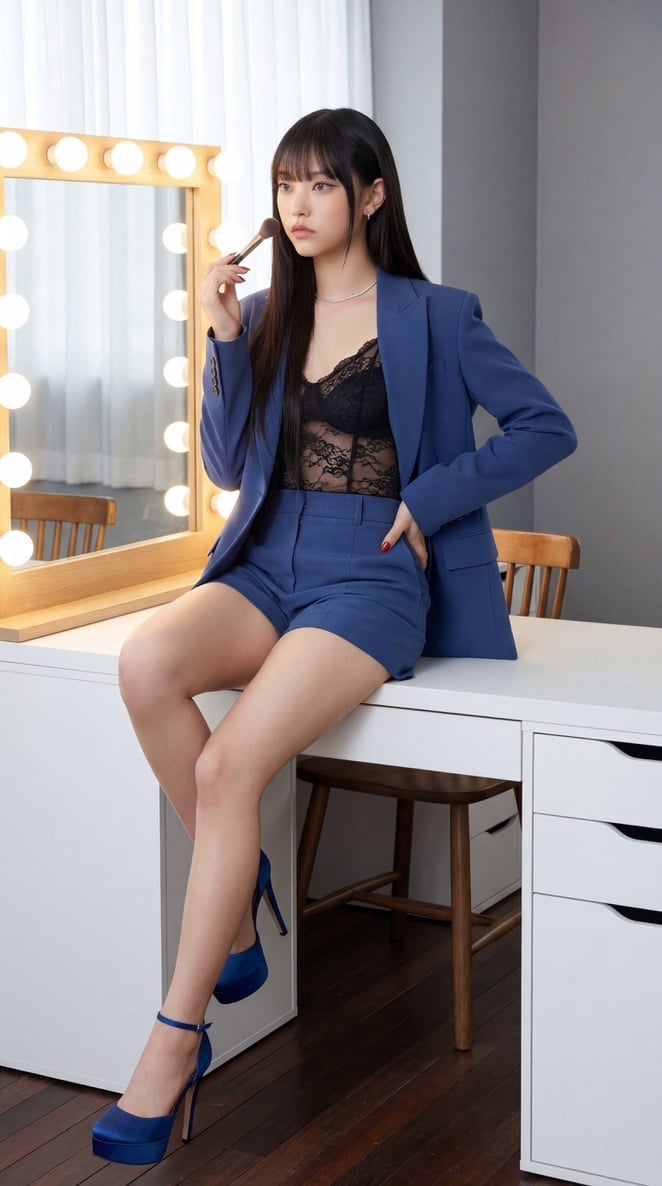
NewJeans Danielle Portrait Prompt for Nano Banana Pro
Browse template categories
Elegant Oriental Fantasy Portrait questions
How do I use the Elegant Oriental Fantasy Portrait template?
Add your photo if the template asks for one, edit the prompt if you like — the template's model and format are already selected — and press Generate. Your version opens in PicX Studio.
Can I customize the Elegant Oriental Fantasy Portrait template?
Yes. You can change the subject, setting, lighting, mood, format, and available model controls before creating your image.
Is the Elegant Oriental Fantasy Portrait template free?
Opening and editing this template is free. Generating uses credits, shown on the Generate button when you are signed in.
Which AI model should I use?
Start with GPT Image 2, which is the model associated with this template. You can compare another compatible model for a different finish.
Looking for something else? Browse all templates.

Your photo, any look
Thousands of ready templates for every top image and video model, from one credit balance.