
City in Motion Split Editorial Poster
A detailed prompt for creating a dual-pane editorial poster featuring a realistic golden-hour highway photo and its geometric pixel-art interpretation.
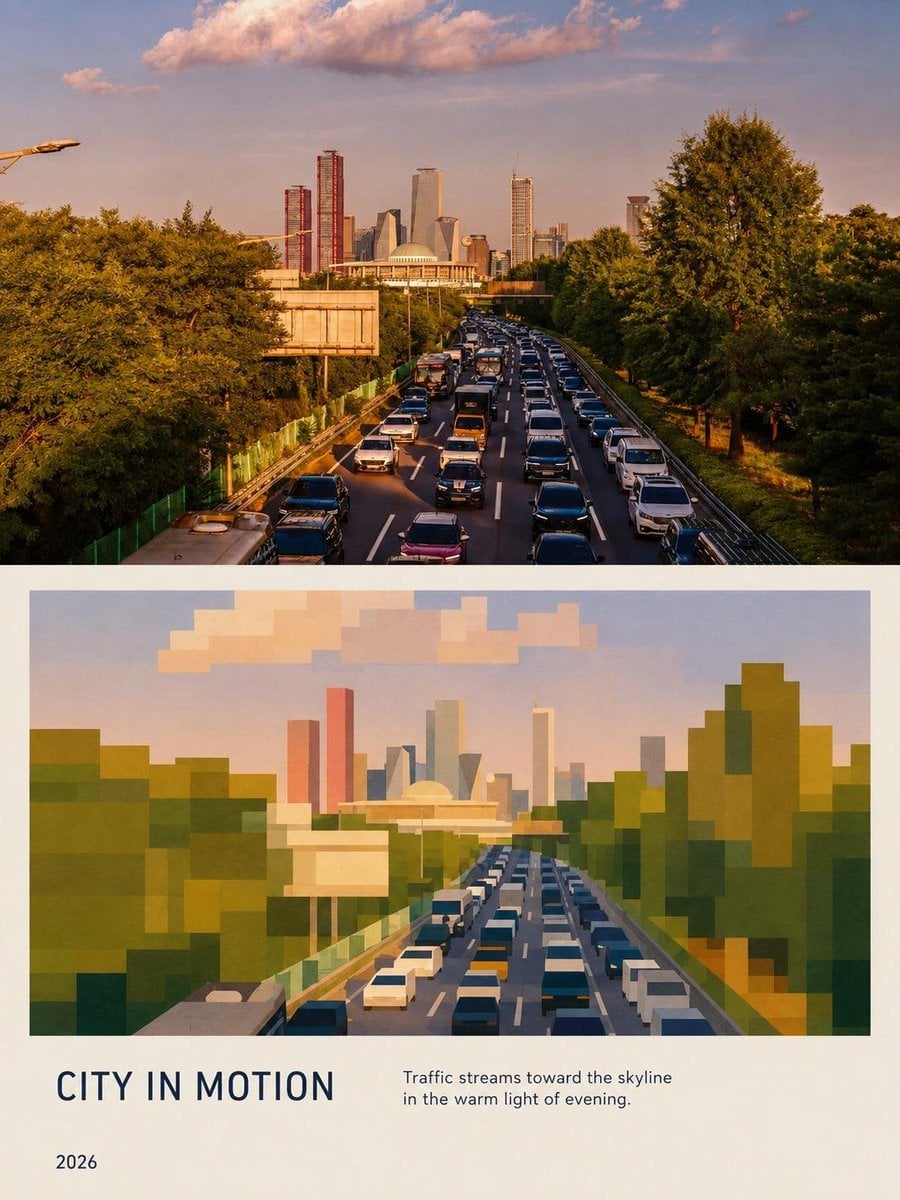
- Prompt included
- Model and format preset
- Free template
The prompt behind this image
Copy the exact prompt behind City in Motion Split Editorial Poster, or open it in the studio and make it yours.
Recreate the uploaded reference image as a premium editorial city poster, preserving the overall composition, framing, perspective, colors, and visual hierarchy. Create a tall portrait-format layout divided into two main sections. The upper section is a highly realistic golden-hour photograph of a busy multilane highway filled with dense traffic, viewed from an elevated position. Lush mature green trees line both sides of the road, while the traffic leads toward a modern city skyline in the distance. Include the distinctive large domed building at the center and a cluster of contemporary skyscrapers behind it, including tall narrow red towers, glass towers, and modern geometric buildings. Warm sunset light, soft atmospheric haze, realistic vehicles, detailed foliage, natural shadows, cinematic photography, subtle film grain.\n\nDirectly below, recreate the same scene as a simplified geometric/pixel-art interpretation. Convert the trees, cars, highway, domed building, skyline, and clouds into large clean rectangular and polygonal blocks while maintaining the same perspective and recognizable silhouettes. Use a sophisticated muted palette of forest green, olive, teal, dusty blue, cream, ochre, terracotta, warm orange, muted pink, and pale sky blue. The geometric illustration should feel intentionally designed rather than crude pixel art: crisp edges, layered blocks, subtle tonal variation, elegant contemporary art-book aesthetic.\n\nUse a warm ivory/off-white background and generous margins around the composition. At the bottom, add a refined editorial typography section with the large uppercase title “{argument name="poster title" default="CITY IN MOTION"}” on the left, the subtitle “Traffic streams toward the skyline in the warm light of evening.” on the right, and “2026” below on the left. Use clean modern sans-serif typography in dark navy/charcoal, with careful spacing and alignment. Premium architecture-and-travel magazine aesthetic, sophisticated minimalist graphic design, cohesive relationship between the photograph and its geometric reinterpretation, realistic and polished, high resolution, sharp details, portrait poster composition. Do not add any extra text, logos, watermarks, or unrelated objects.
How to use City in Motion Split Editorial Poster in 3 steps
- 1Upload ImagePNG, JPG or paste
Add your photo
Upload the photo the template builds on. The prompt, model and format are already set.
- 2…a portrait of your subject in softgolden-hour light, 85mm…
Personalize
Edit the subject and creative details for your destination.
- 3Generate
Generate
Press Generate — your image is created in PicX Studio, so you can compare it with the original and refine one variable at a time.
More like this
Templates with the same subject, style or setup. Open one to see its prompt.

Urban Fashion Editorial Collage Poster

Typography Mask Editorial Fashion Poster

Luxury Sliced Wordmark Player Poster
Futuristic Split-Lighting Editorial Poster

Premium Editorial Branding Poster Charcoal Green

Premium Vintage Travel Poster Landscape

Automotive Blueprint Split Composition
Premium Vintage Travel Poster Landscape
Brazil Versus Japan Knockout Split Rivalry Poster

01 Skincare Split Portrait — Nano Banana 2
Geometric Split Poster Design

Japan Travel Brochure Poster
Make it yours
City in Motion Split Editorial Poster works as-is. These are the safest ways to change it without losing the look.
Change one field
Copy a single group, rewrite it, and generate again so you can see what that field is doing.
Keep the frame, change the subject
Hold the composition and light of City in Motion Split Editorial Poster, then swap wardrobe, props or the person for a new take.
| If the result… | Why | Fix |
|---|---|---|
| The result drifts from the preview | Too many fields changed at once. | Reuse City in Motion Split Editorial Poster as-is first, then change one group — subject, light, or setting. |
| The model over-stylizes the scene | The prose prompt leaves finish and camera underspecified. | Add one camera or lighting sentence and stay on GPT Image 2. |
More GPT Image 2 templates
Other prompts made for GPT Image 2.

Six VTuber Japanese Logo Sheet

Realistic Portrait of Woman and Deer

The Vista Modular Condo Poster

AI Model Routing Comparison Infographic

2.5D Anime Art Board

Isometric Productivity Desk Scene

New York Double Exposure Poster

Four-Panel AI Landscape Comparison

Japanese Tatami Lifestyle Magazine Cover

NESCAFÉ Coffee Map Poster
More image prompts
Fresh picks from across the catalog.
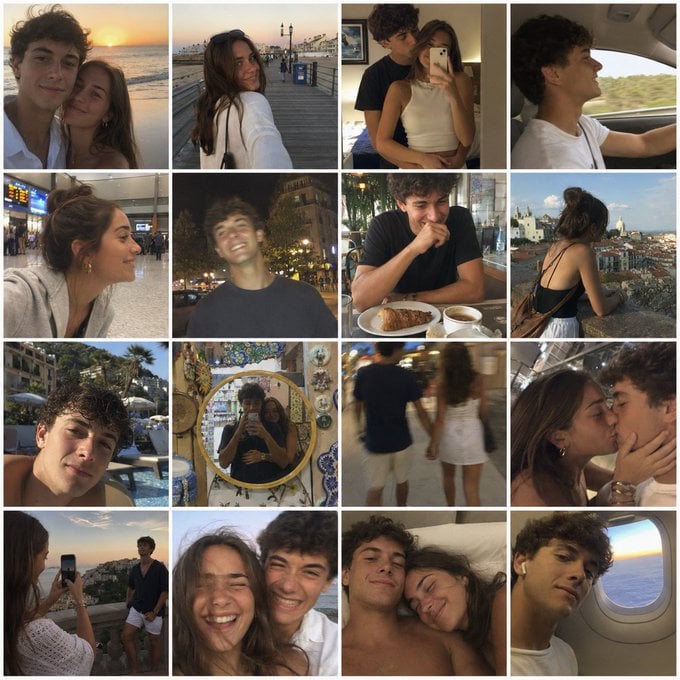
Nostalgic Vacation iPhone Snapshot Grid
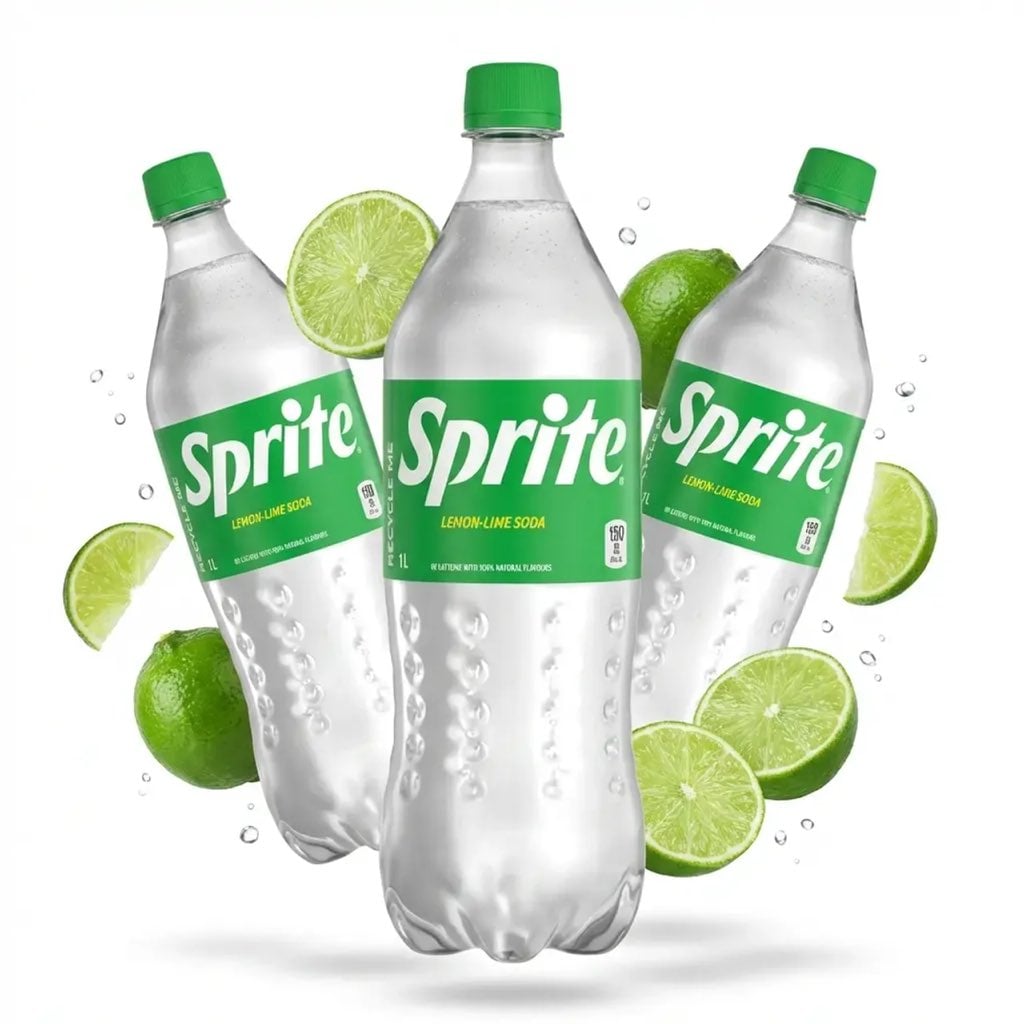
Floating Product Photography Ad

DIY Baby Toy Concept Sheets
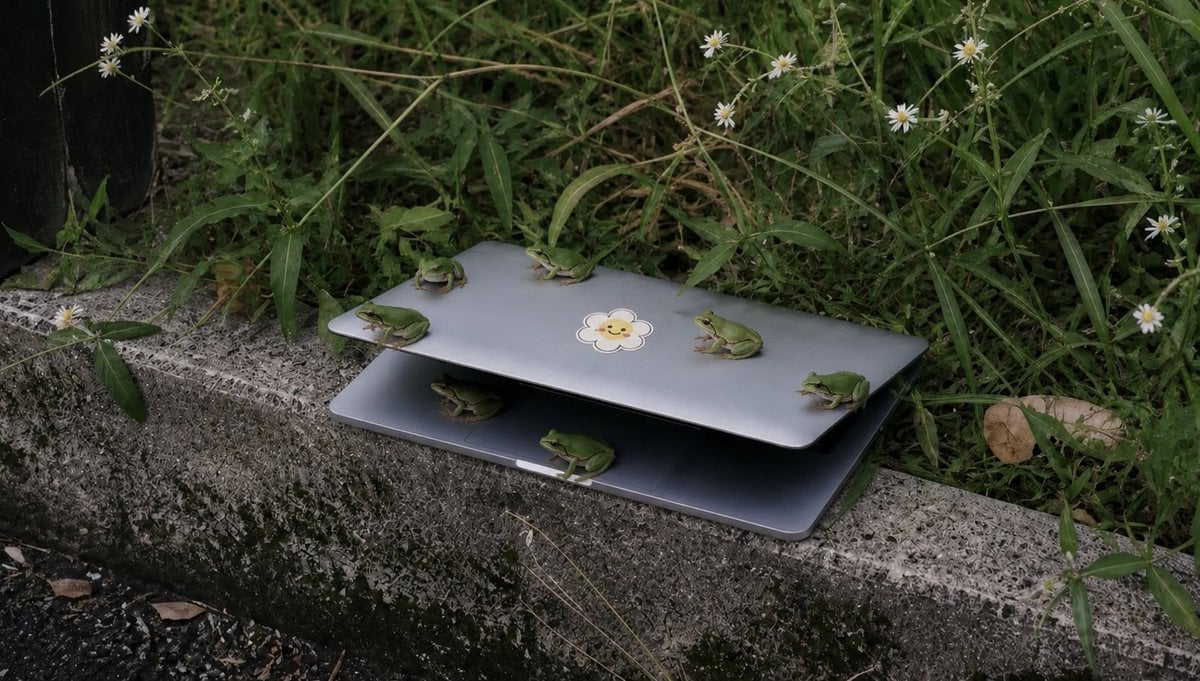
Frogs on a Laptop in Wild Grass

WhatsApp Group Profile Avatar
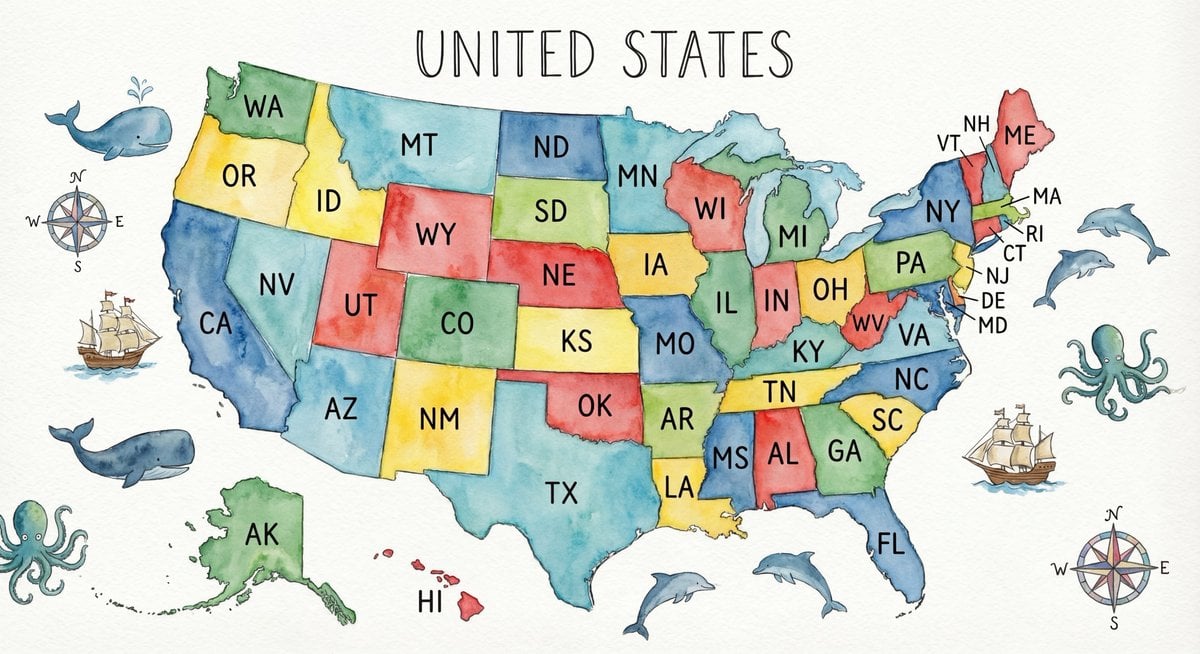
Watercolor US map with state abbreviations
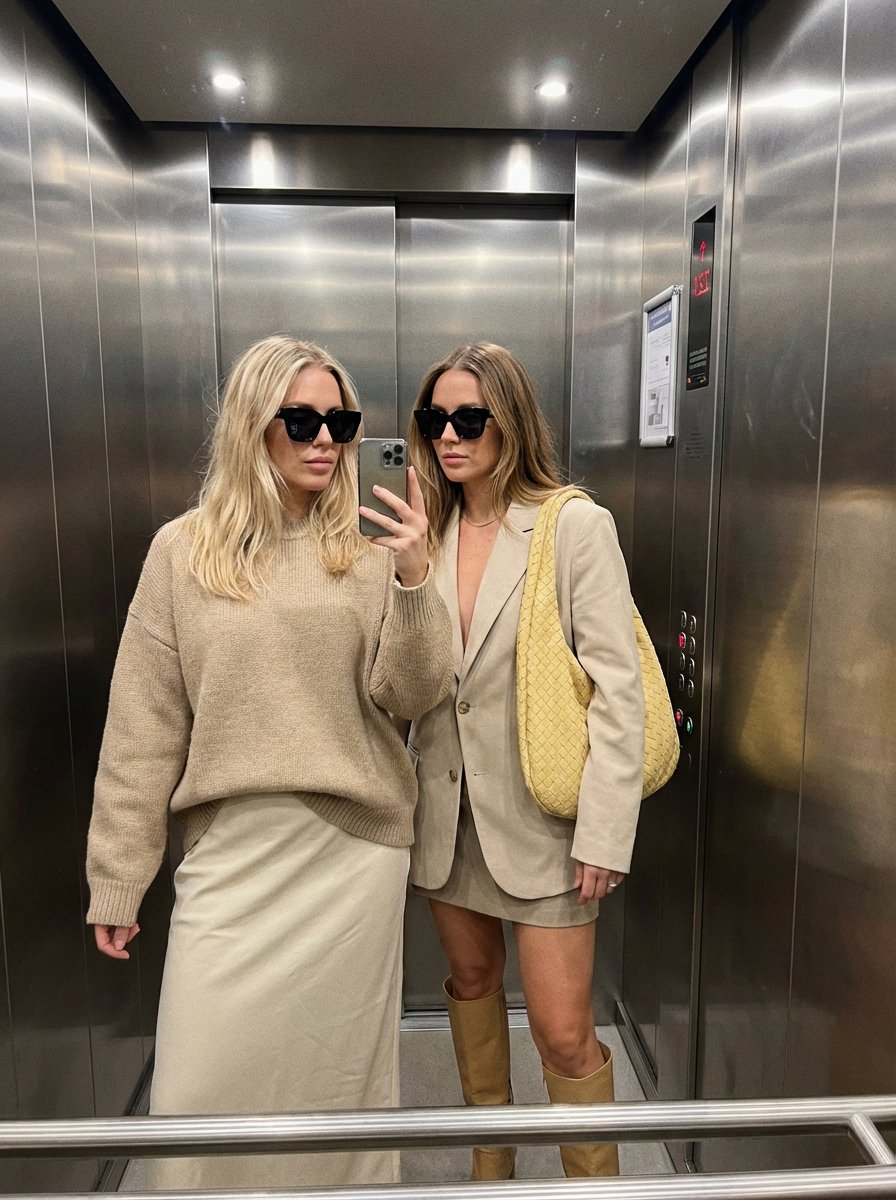
Detailed Mirror Selfie Simulation Prompt
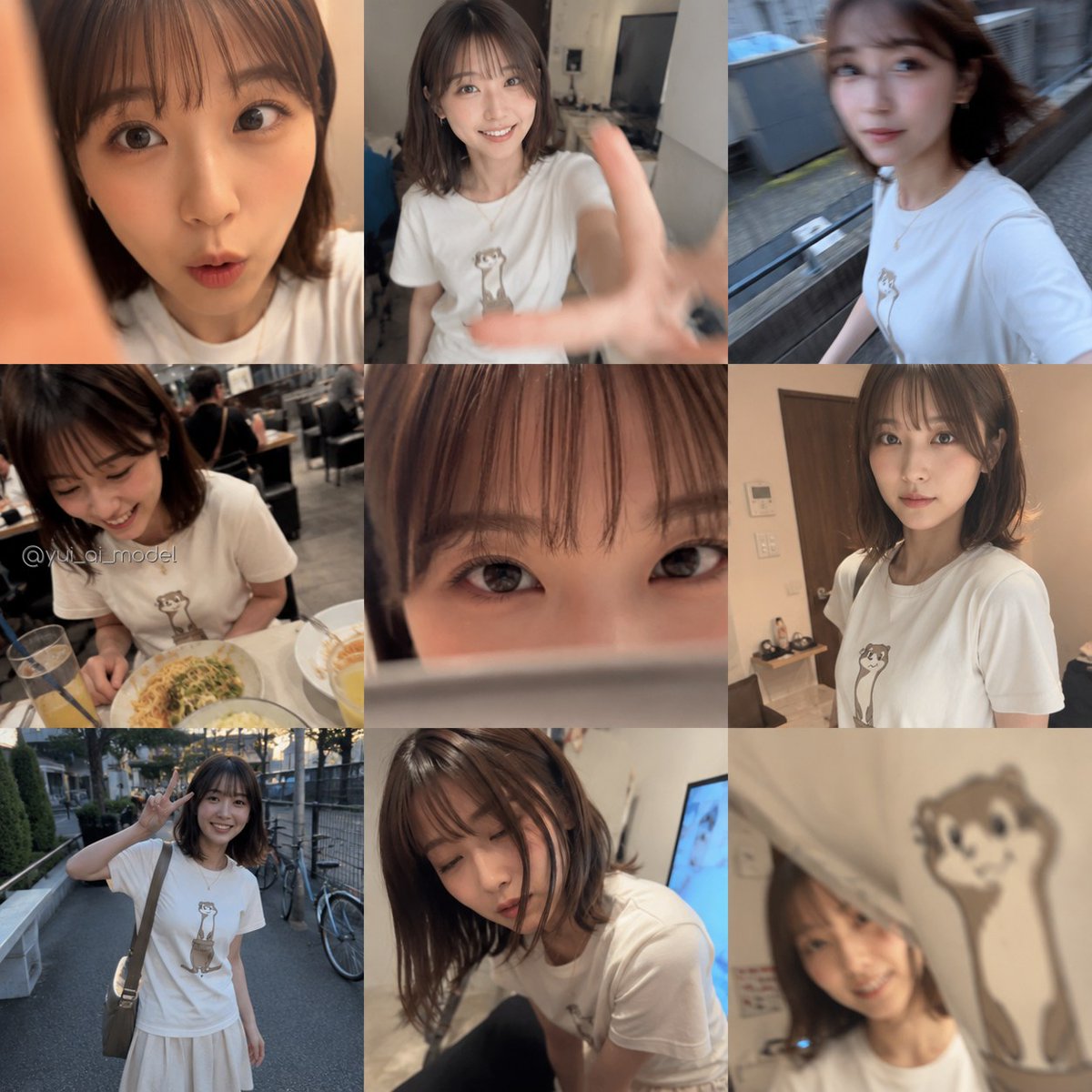
Realistic Camera Roll Outfit Collage

Chibi Staring Contest Manga Page
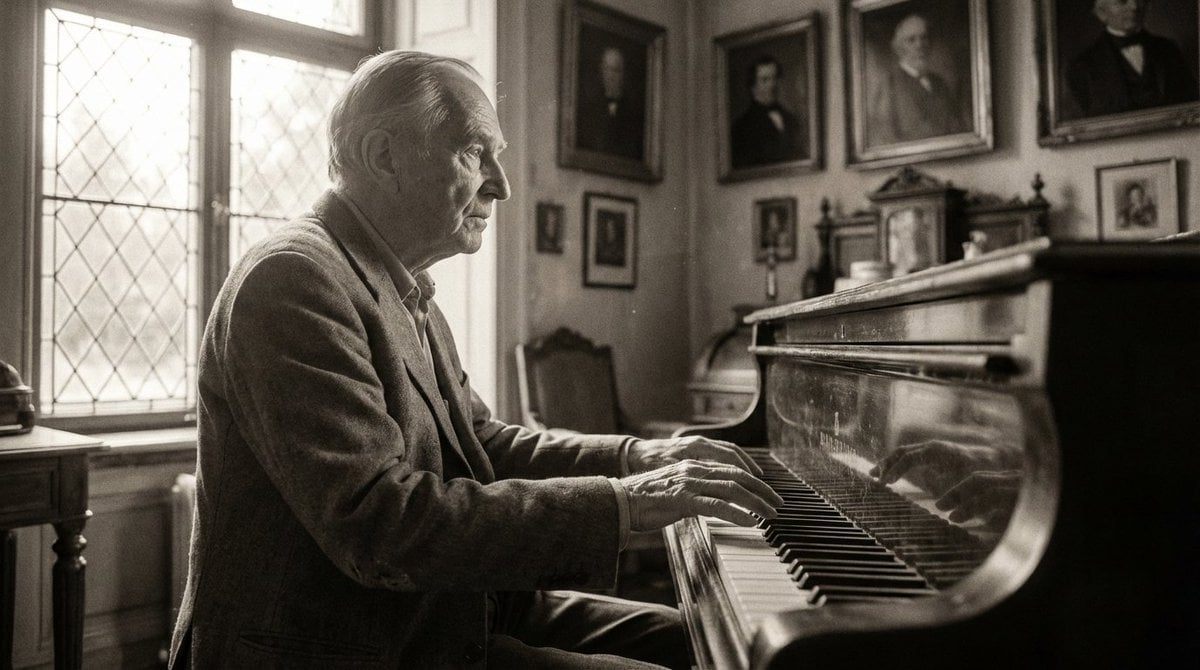
Monochromatic Ivory Cinematic Portrait
Browse template categories
City in Motion Split Editorial Poster questions
How do I use the City in Motion Split Editorial Poster template?
Add your photo if the template asks for one, edit the prompt if you like — the template's model and format are already selected — and press Generate. Your version opens in PicX Studio.
Can I customize the City in Motion Split Editorial Poster template?
Yes. You can change the subject, setting, lighting, mood, format, and available model controls before creating your image.
Is the City in Motion Split Editorial Poster template free?
Opening and editing this template is free. Generating uses credits, shown on the Generate button when you are signed in.
Which AI model should I use?
Start with GPT Image 2, which is the model associated with this template. You can compare another compatible model for a different finish.
Looking for something else? Browse all templates.

Your photo, any look
Thousands of ready templates for every top image and video model, from one credit balance.