
Black-Line Doodle Editorial Poster
An English image-to-image prompt that turns photos into editorial posters featuring the original photo on top and a playful doodle-style reconstruction below.
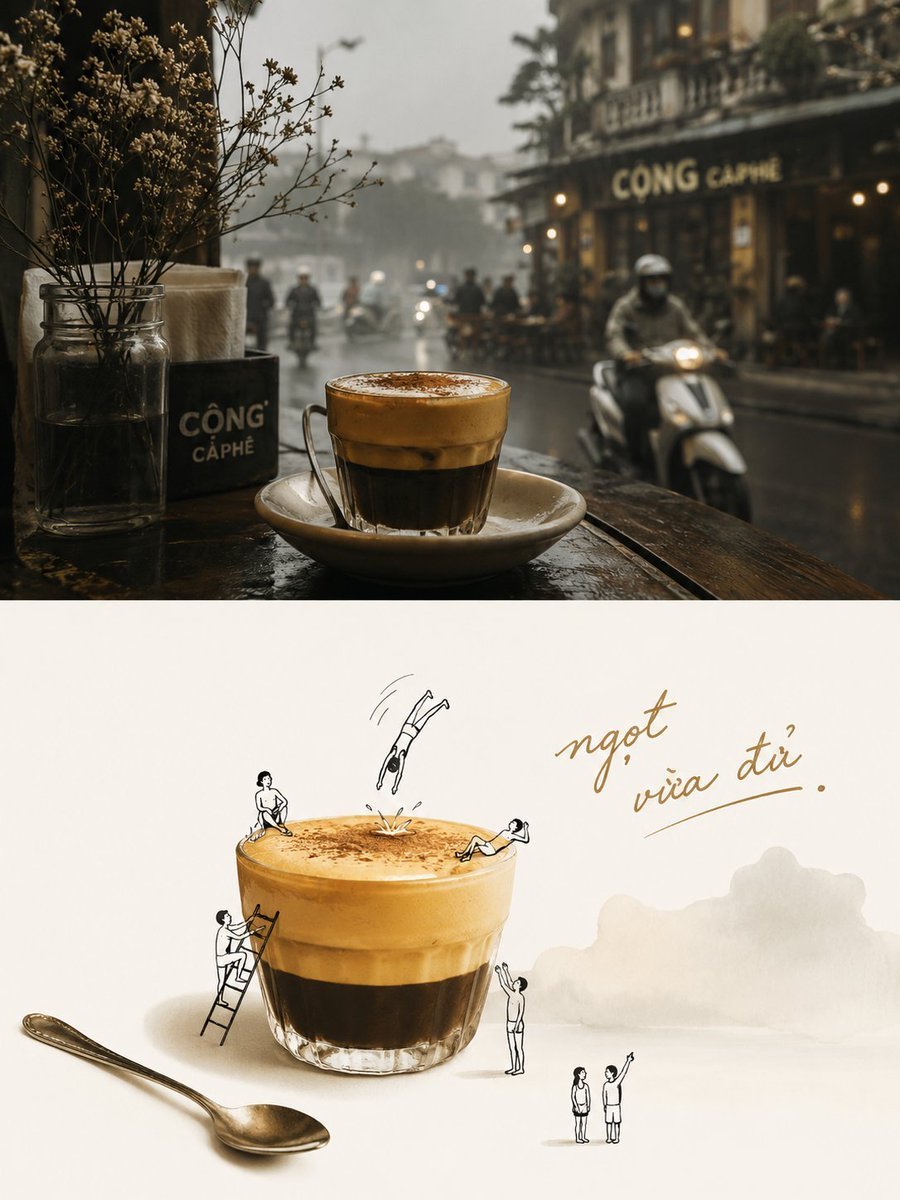
- Prompt included
- Model and format preset
- Free template
The prompt behind this image
Copy the exact prompt behind Black-Line Doodle Editorial Poster, or open it in the studio and make it yours.
Please turn each uploaded photo into its own independent high-end designed poster. Do not make multi-photo collages; each photo must be output separately. Use an overall 3:4 vertical composition, divided into two equal horizontal sections with a strict 1:1 height ratio, each occupying 50% of the canvas. The upper half should preserve the original photo, maintaining the subject’s structure, realistic texture, natural lighting and shadows, and the original color atmosphere. Only apply subtle, high-end photographic color grading so that it carries the feel of a lifestyle magazine, independent publication, or fine-art photography. To fit the aspect ratio, the surrounding environment may be naturally extended, but the subject must not be stretched, distorted, or altered. For the lower half, first understand the true visual core and underlying meaning of the original image. The most important thing is not simply “what is in the picture,” but rather “what is most worth remembering” — this could be a subject, an action, a relationship, a contrast, an emotional moment, or some symbolic implication. Then extract the most recognizable subject, silhouette, posture, spatial relationship, and narrative clues, and reconstruct them into a playful editorial poster in the form of “{argument name="style" default="real subject + black-line doodle figures"}.” Do not mechanically crop the largest object in the original image. Instead, preserve the visual anchor that best represents the spirit and storytelling of the photo, so that the lower half can be instantly connected to the original image while also feeling like an intelligent second interpretation of it. The real subject should retain its material qualities and identity features, while its angle, proportion, lighting, and color may be moderately optimized to make its core characteristics more vivid. Information in the original image that is unrelated to the underlying meaning may be omitted, but the key relationships that support the theme must be preserved. Add a small number of minimalist {argument name="accent elements" default="black-line doodle figures"} around the subject. Their actions, placement, and interactions should be generated naturally based on the original image’s form, context, and implied meaning, so that they feel like they are responding to, amplifying, or playfully reversing the original story of the photo, rather than performing random actions. The color palette should be drawn from the most recognizable and spirited colors in the upper photo, and may be moderately purified, brightened, and reorganized. The background should mainly use off-white, light tones, or the most comfortable pale tone from the original image, while maintaining plenty of negative space. The real subject should carry the main color presence, while the doodle figures and text should appear in black or dark gray fine lines for contrast, creating an overall f
How to use Black-Line Doodle Editorial Poster in 3 steps
- 1Upload ImagePNG, JPG or paste
Add your photo
Upload the photo the template builds on. The prompt, model and format are already set.
- 2…a portrait of your subject in softgolden-hour light, 85mm…
Personalize
Edit the subject and creative details for your destination.
- 3Generate
Generate
Press Generate — your image is created in PicX Studio, so you can compare it with the original and refine one variable at a time.
More like this
Templates with the same subject, style or setup. Open one to see its prompt.

Urban Fashion Editorial Collage Poster

Typography Mask Editorial Fashion Poster

Luxury Sliced Wordmark Player Poster

Premium Editorial Branding Poster Charcoal Green

Luxury Black-and-White Fashion Contact Sheet

Premium Vintage Travel Poster Landscape
Premium Vintage Travel Poster Landscape

Hand-Drawn Doodle Grid Poster

Japan Travel Brochure Poster

Minimalist Olive Green Editorial Poster
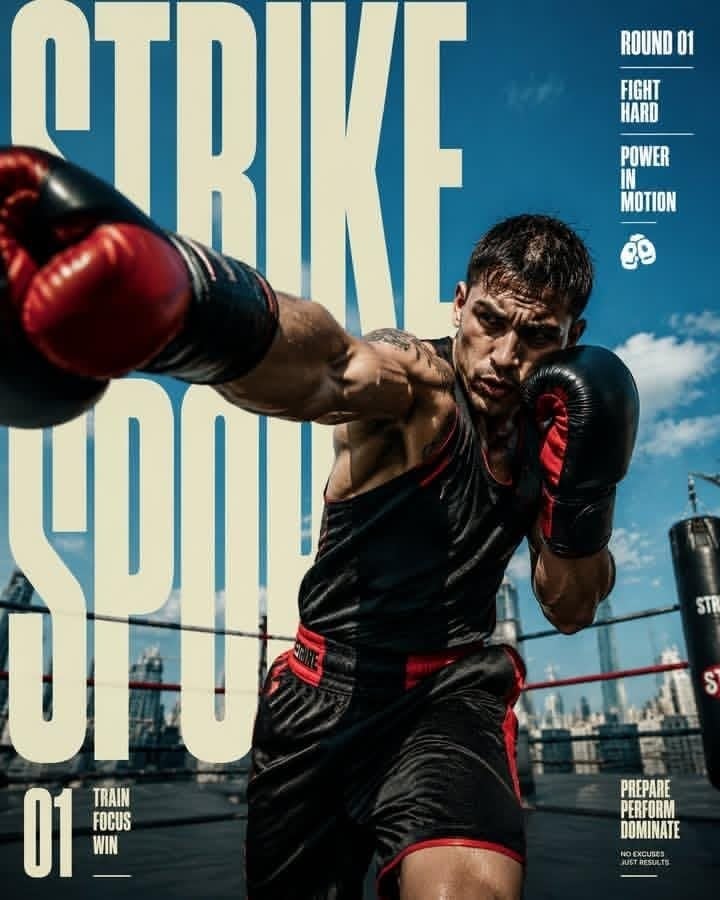
Strike Sport Boxer Editorial Poster
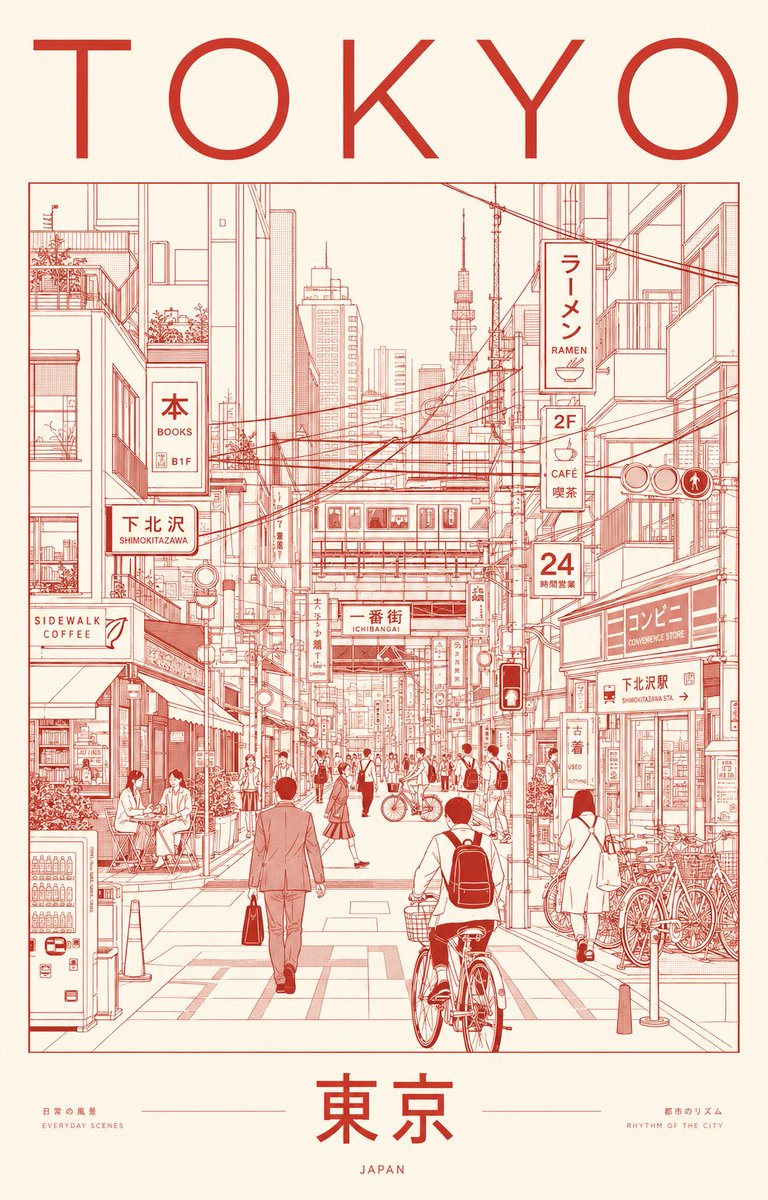
Minimalist Tokyo City Line-Art Poster
Make it yours
Black-Line Doodle Editorial Poster works as-is. These are the safest ways to change it without losing the look.
Change one field
Copy a single group, rewrite it, and generate again so you can see what that field is doing.
Keep the frame, change the subject
Hold the composition and light of Black-Line Doodle Editorial Poster, then swap wardrobe, props or the person for a new take.
| If the result… | Why | Fix |
|---|---|---|
| The result drifts from the preview | Too many fields changed at once. | Reuse Black-Line Doodle Editorial Poster as-is first, then change one group — subject, light, or setting. |
| The model over-stylizes the scene | The prose prompt leaves finish and camera underspecified. | Add one camera or lighting sentence and stay on GPT Image 2. |
More GPT Image 2 templates
Other prompts made for GPT Image 2.

Six VTuber Japanese Logo Sheet

Realistic Portrait of Woman and Deer

The Vista Modular Condo Poster

AI Model Routing Comparison Infographic

2.5D Anime Art Board

Isometric Productivity Desk Scene

New York Double Exposure Poster

Four-Panel AI Landscape Comparison

Japanese Tatami Lifestyle Magazine Cover

NESCAFÉ Coffee Map Poster
More image prompts
Fresh picks from across the catalog.
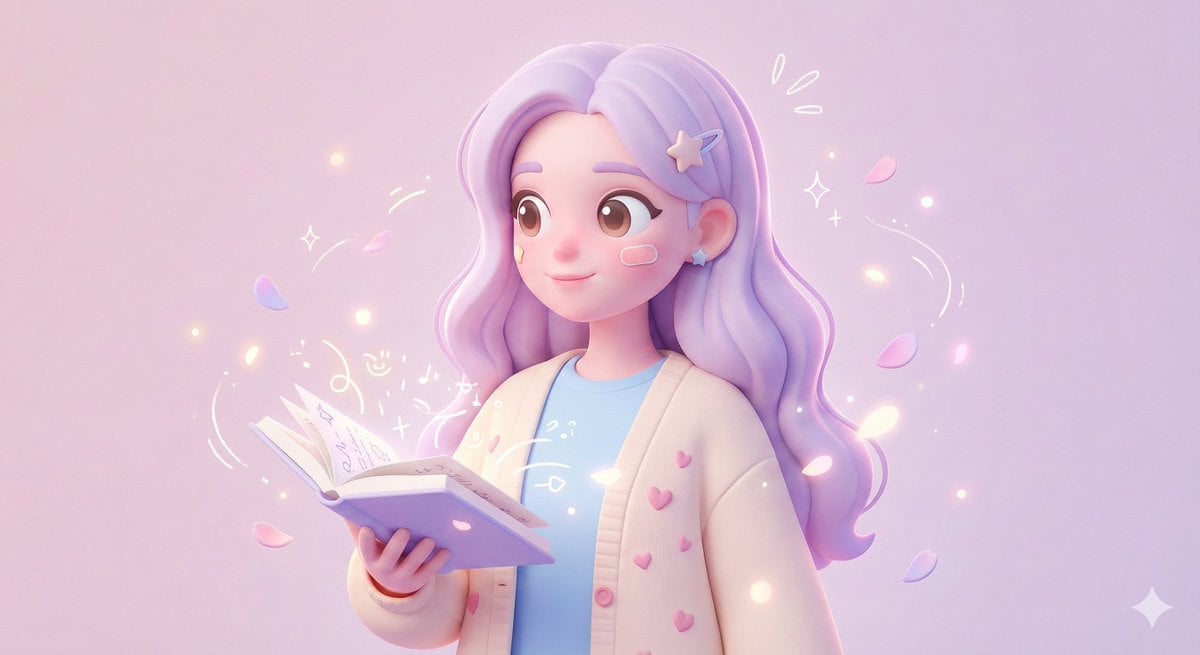
3D Polished Character Portrait (Pastel Anime Style)
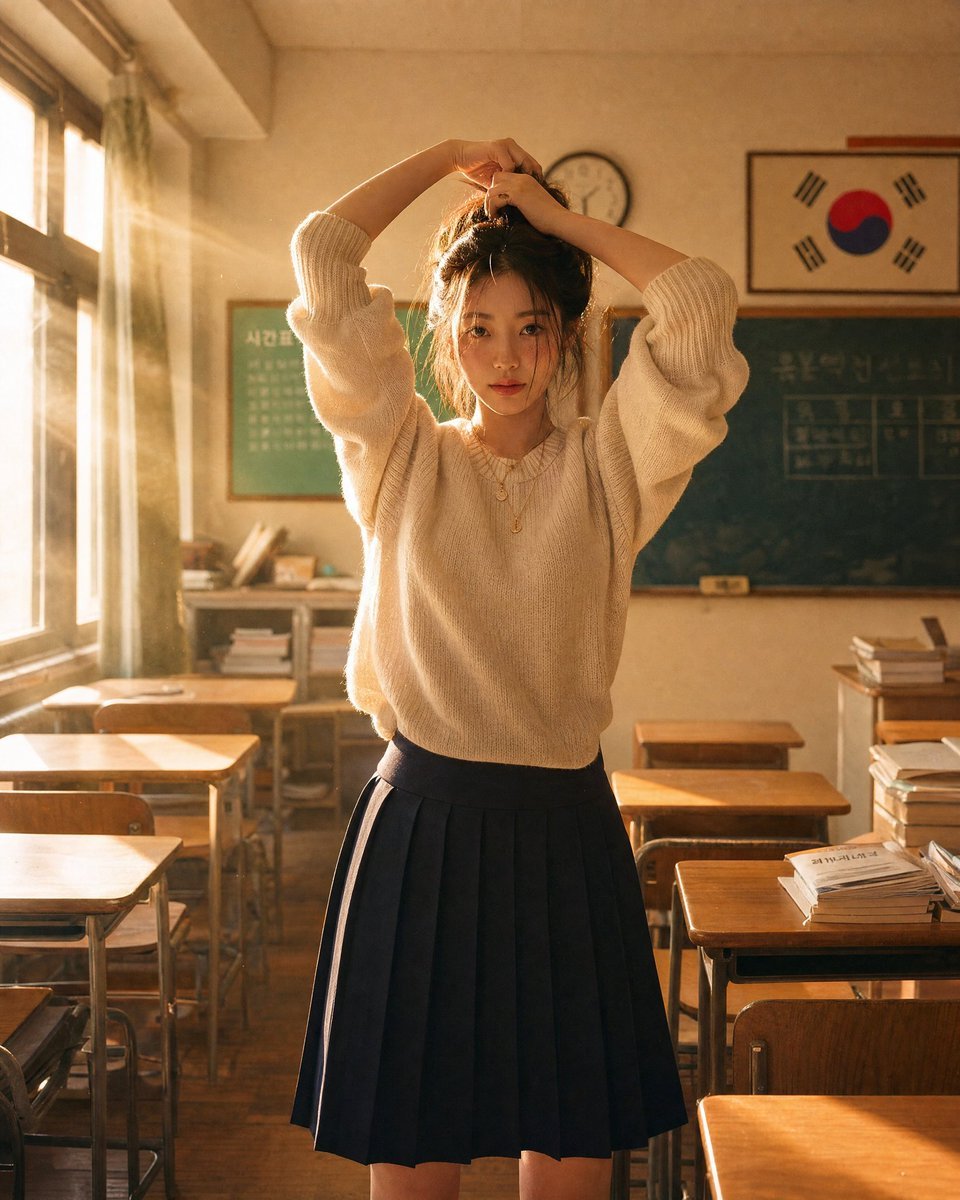
Korean Classroom Aesthetic Portrait
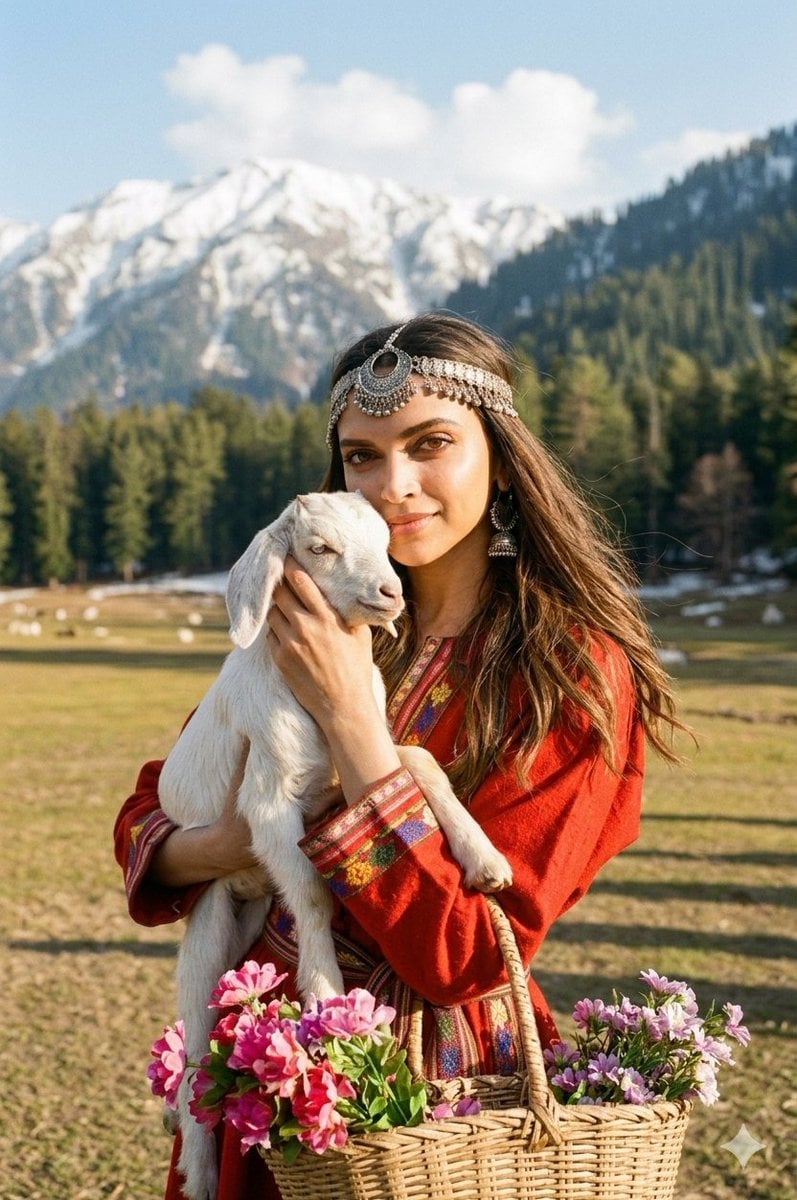
Cinematic Portrait of Kashmiri Woman with Baby Goat
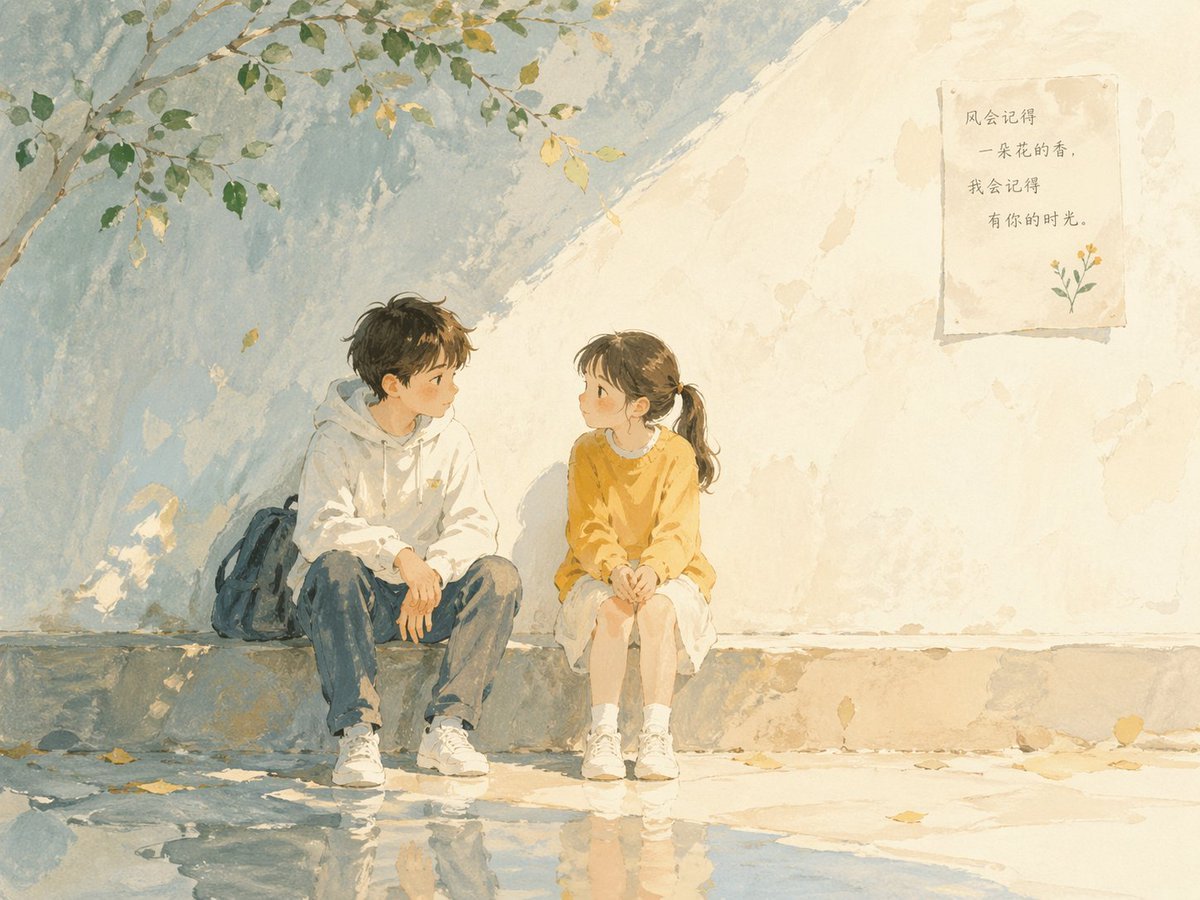
Children's Book Illustration Prompt
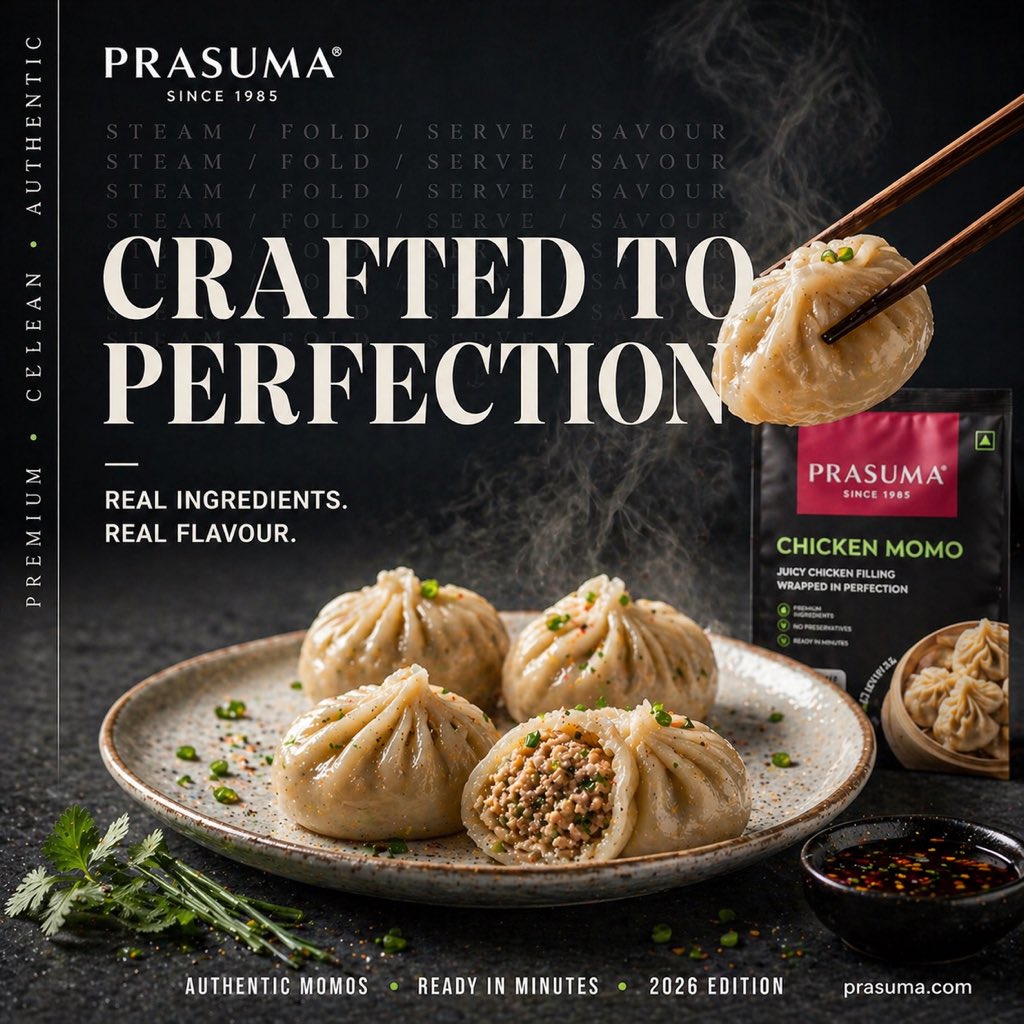
Cinematic Premium Momo Ad Poster
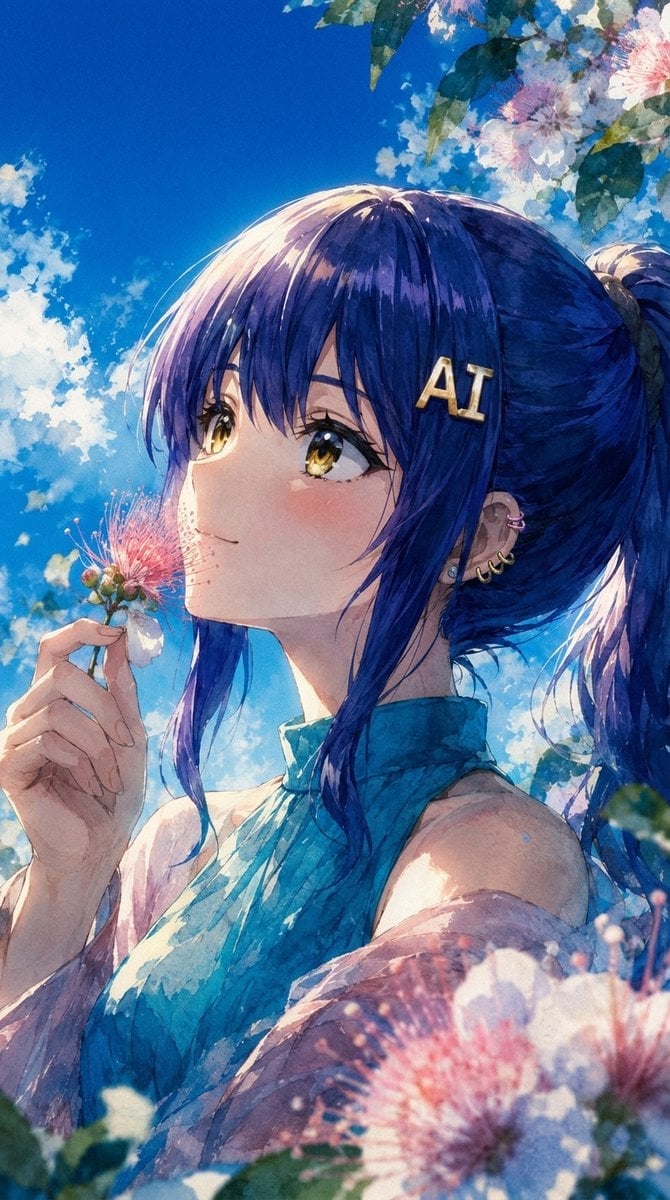
Summer Anime Portrait with Silk Tree Flowers
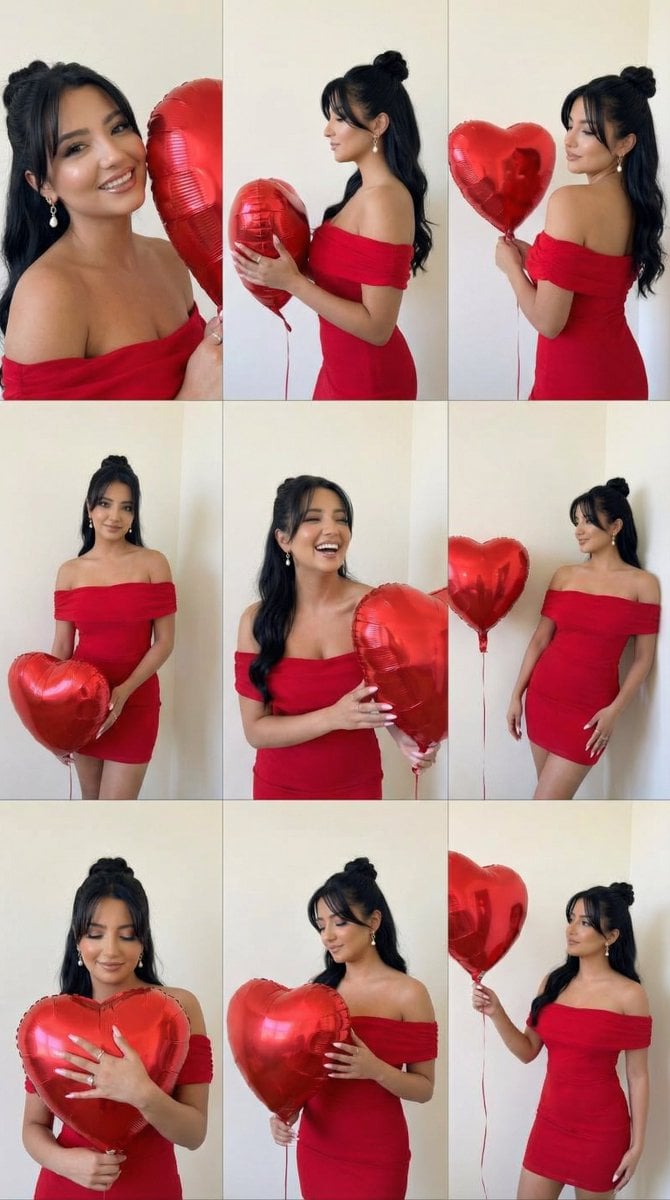
Romantic Rose Editorial 3x3 Grid Prompt
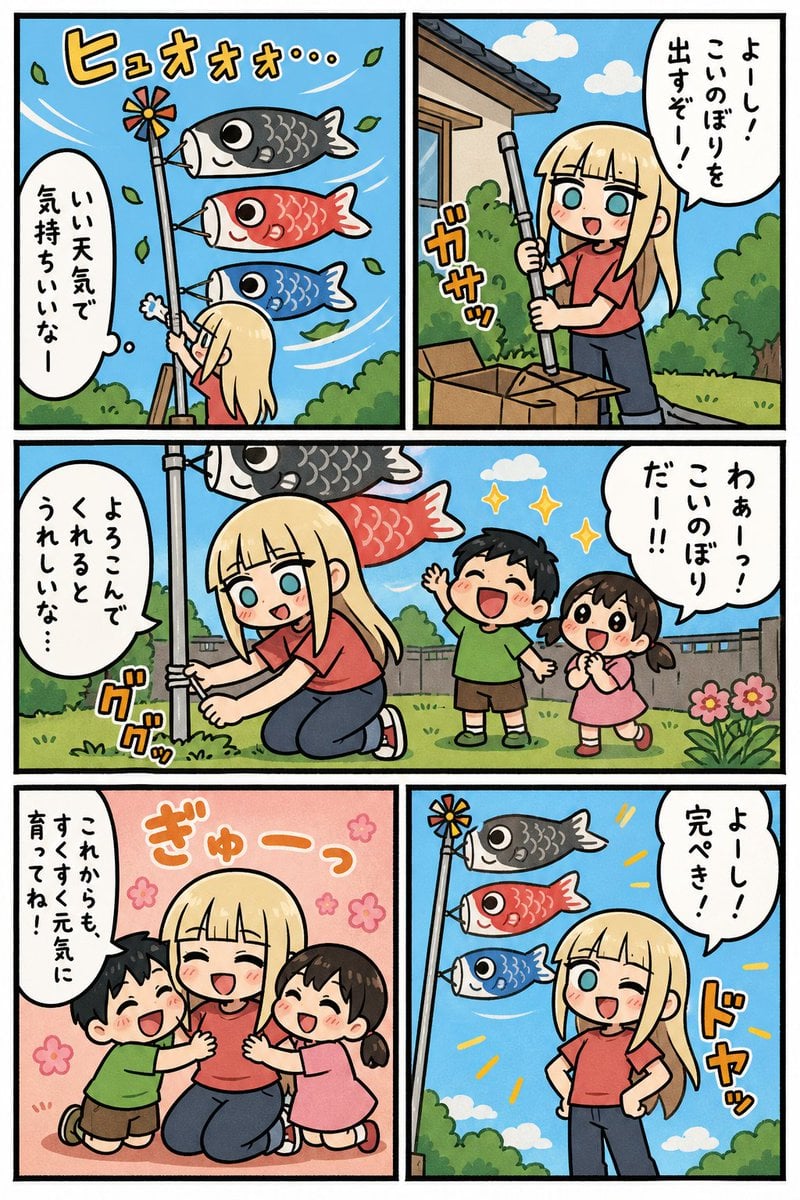
Koinobori Family Manga Page
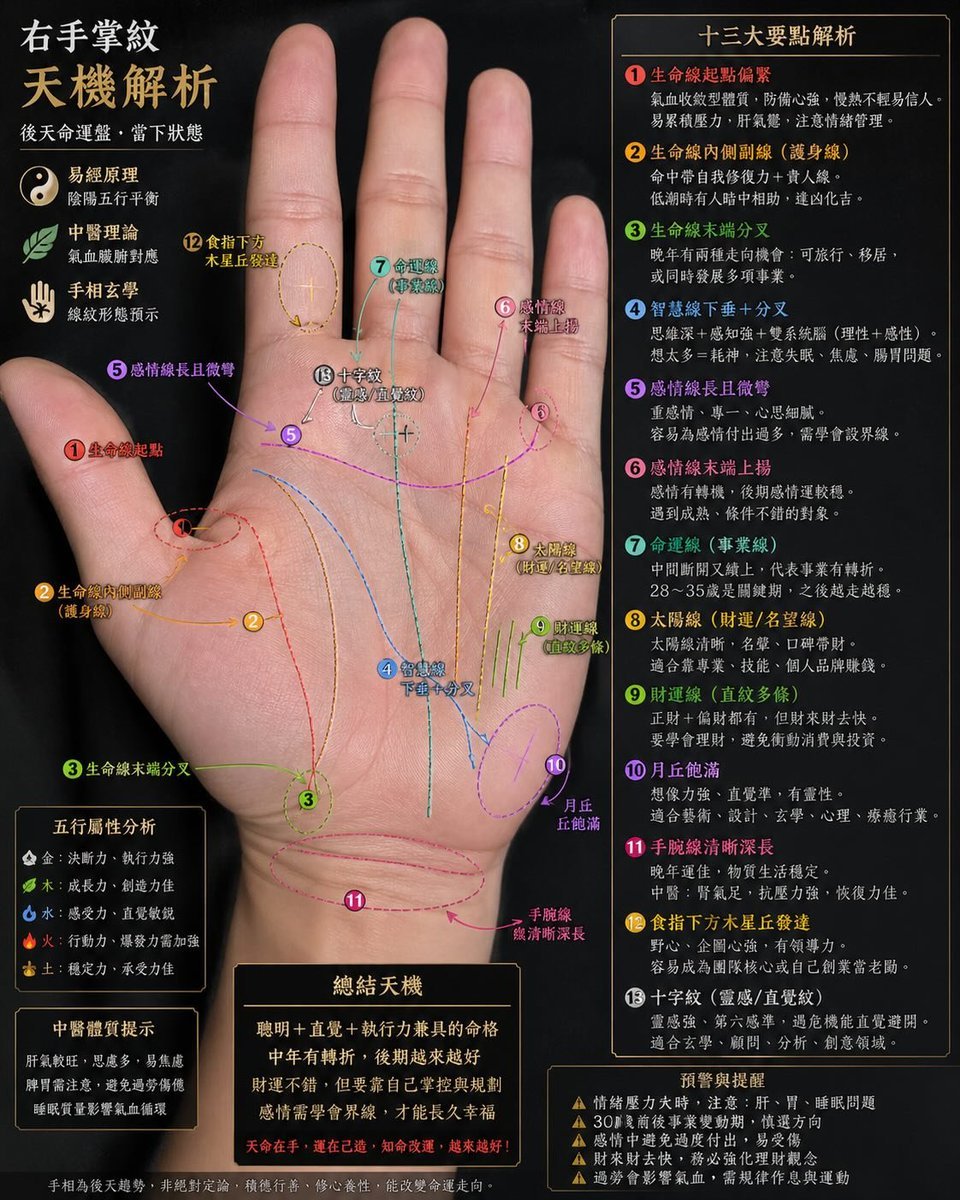
Palmistry Analysis Card Generator
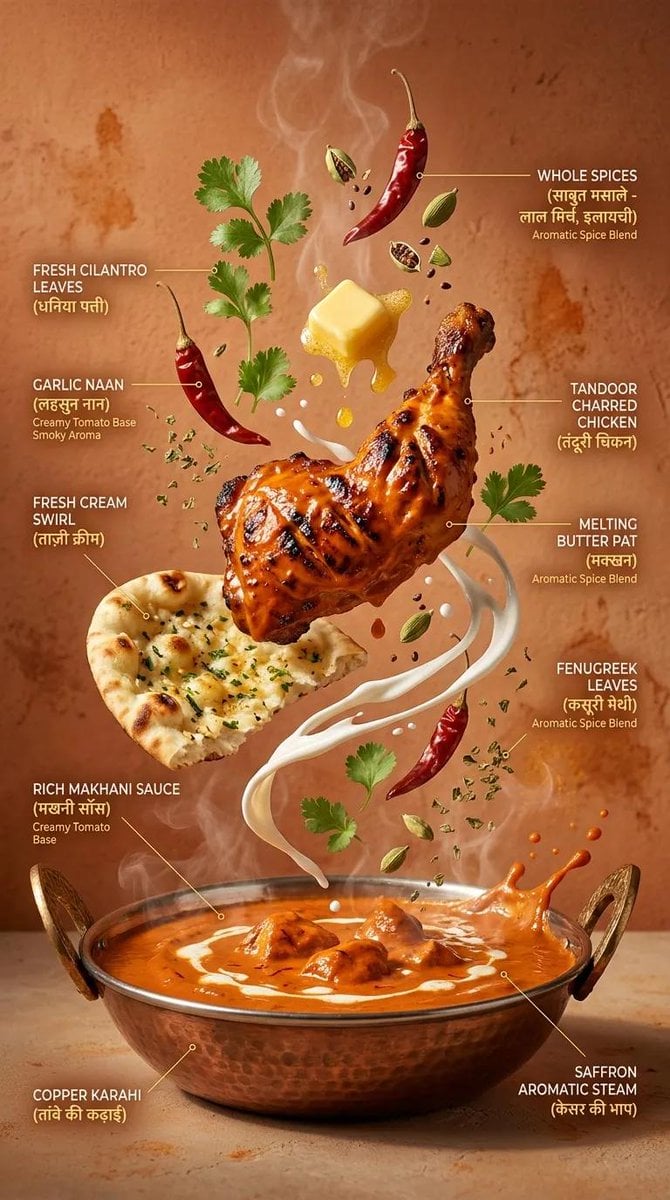
Cinematic Exploding Ramen Infographic
Browse template categories
Black-Line Doodle Editorial Poster questions
How do I use the Black-Line Doodle Editorial Poster template?
Add your photo if the template asks for one, edit the prompt if you like — the template's model and format are already selected — and press Generate. Your version opens in PicX Studio.
Can I customize the Black-Line Doodle Editorial Poster template?
Yes. You can change the subject, setting, lighting, mood, format, and available model controls before creating your image.
Is the Black-Line Doodle Editorial Poster template free?
Opening and editing this template is free. Generating uses credits, shown on the Generate button when you are signed in.
Which AI model should I use?
Start with GPT Image 2, which is the model associated with this template. You can compare another compatible model for a different finish.
Looking for something else? Browse all templates.

Your photo, any look
Thousands of ready templates for every top image and video model, from one credit balance.