
3D Character Name Sculpture
A specialized prompt that creates a large 3D text object based on a character's design, incorporating the character into the scene.
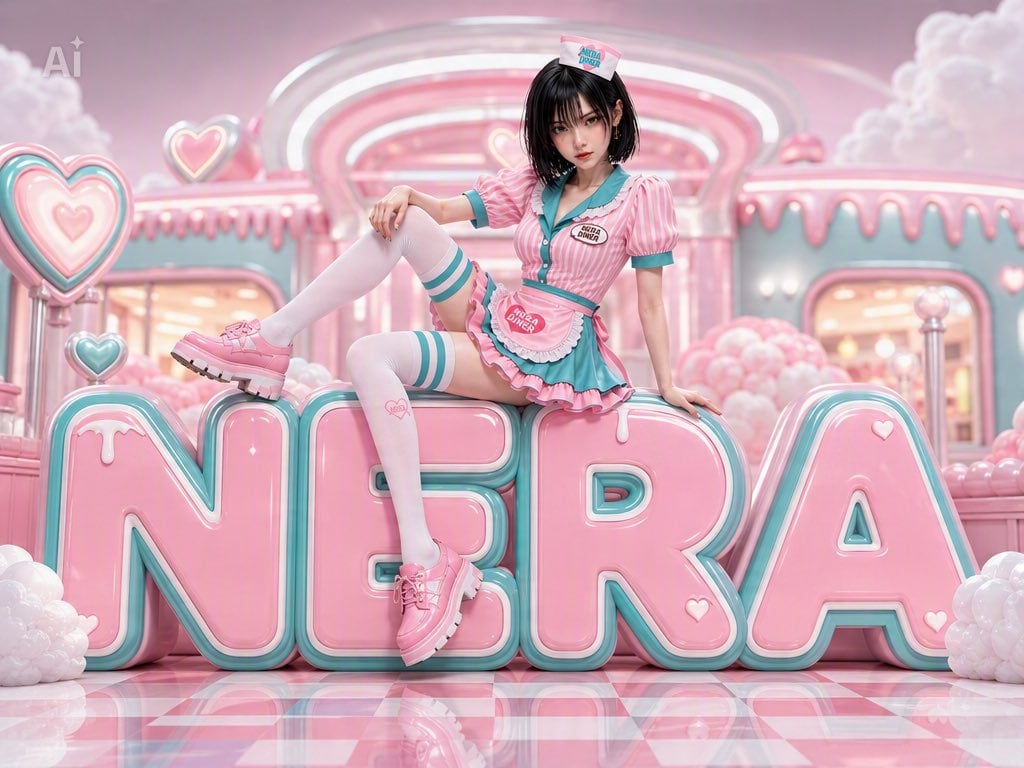
- Prompt included
- Model and format preset
- Free template
The prompt behind this image
Copy the exact prompt behind 3D Character Name Sculpture, or open it in the studio and make it yours.
添付した画像を最重要リファレンスとして使用してください。 アップロードしたキャラクター本人が主役です。 顔・髪型・髪色・瞳・衣装・体型・アクセサリー・画風・年齢感を維持してください。 {argument name="名前" default="⭐️"}を巨大な立体オブジェとして制作してください。 ━━━━━━━━━━━━━━━━━━ 【文字デザイン】 ━━━━━━━━━━━━━━━━━━ ・名前全体をひとつの巨大な立体オブジェにする ・フォントはキャラクターの雰囲気に合わせてデザインする ・可愛い・おしゃれ・高級感のある立体造形 ・厚みがあり存在感のある3D文字 ・ツヤ・ガラス・マット・メタル・キャンディ・クリスタル・ぬいぐるみ・雲・花など、キャラクターに最適な素材を自動選択 ・色もキャラクターに合わせて自動決定 ・名前が読みやすいこと ━━━━━━━━━━━━━━━━━━ 【キャラクター】 ━━━━━━━━━━━━━━━━━━ キャラクターは文字オブジェの上で自然にポーズを取ってください。 ランダムで以下のような可愛いポーズを選択してください。 ・寝転ぶ ・座る ・足をぶらぶらさせる ・寝そべる ・ジャンプする ・立つ ・文字に寄りかかる ・ハートを作る ・手を振る ・笑顔でこちらを見る 文字の大きさとキャラクターのサイズ感を自然に合わせる。 ━━━━━━━━━━━━━━━━━━ 【背景】 ━━━━━━━━━━━━━━━━━━ 背景もキャラクターの世界観に合わせて自動生成してください。 例 ・パステル ・ファンタジー 造形 ・宇宙 ・花畑 ・ネオン ・星空 ・ゴシック ・お菓子の国 ・氷の世界 ・和風 ・森 ・水中 ・雲の上 背景色・光・エフェクト・装飾・小物・空気感もキャラクターに合わせて統一してください。 ━━━━━━━━━━━━━━━━━━ 【画角】 ━━━━━━━━━━━━━━━━━━ ・横長(4:3) ・全身が入る ・名前全体が切れない ・キャラクターも文字も中央 ・SNSアイコンやプロフィール画像にも使える完成度 ━━━━━━━━━━━━━━━━━━ 【画質】 ━━━━━━━━━━━━━━━━━━ 超高品質 超高精細 可愛い SNS映え 美しいライティング 映画レベルのライティング シャープ 鮮やか 細部まで描き込み プロ仕様 文字なし(名前オブジェ以外)
How to use 3D Character Name Sculpture in 3 steps
- 1Upload ImagePNG, JPG or paste
Add your photo
Upload the photo the template builds on. The prompt, model and format are already set.
- 2…a portrait of your subject in softgolden-hour light, 85mm…
Personalize
Edit the subject and creative details for your destination.
- 3Generate
Generate
Press Generate — your image is created in PicX Studio, so you can compare it with the original and refine one variable at a time.
More like this
Templates with the same subject, style or setup. Open one to see its prompt.

Gpt2 Avant Garde Tennis Fashion

Song Dynasty Enamel Badges
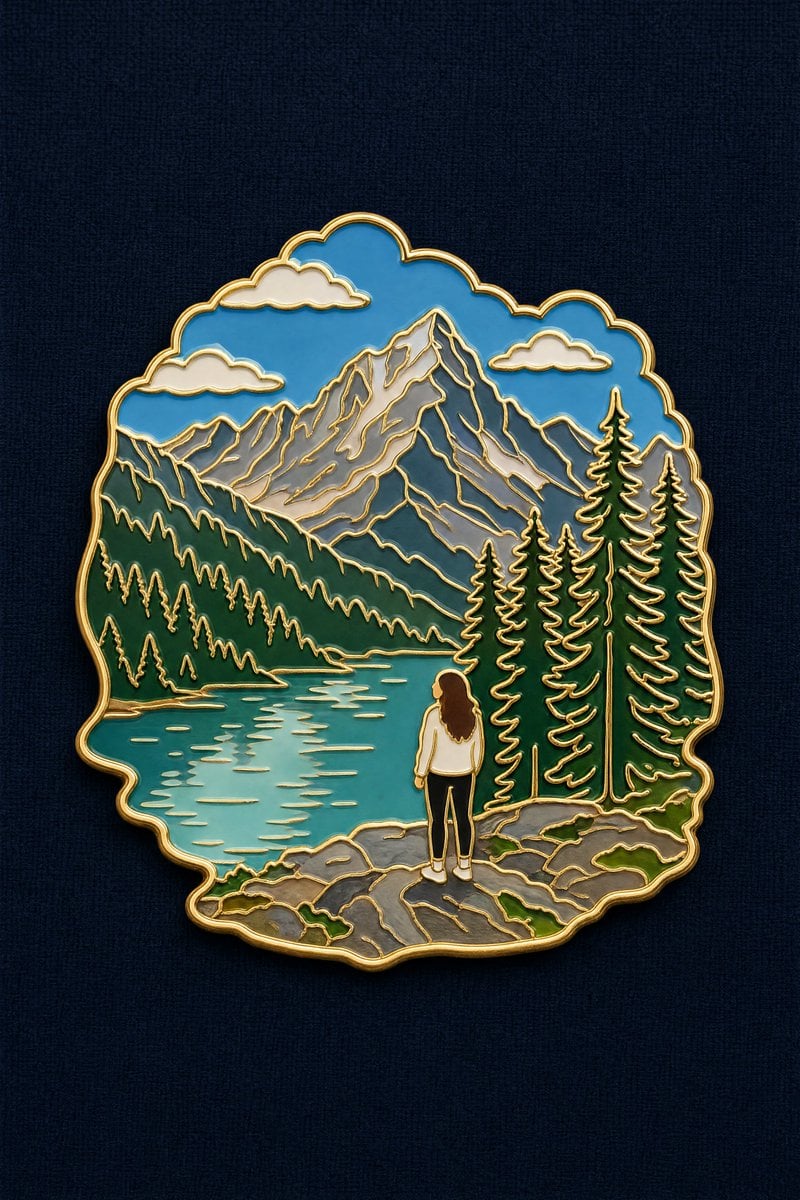
Landscape to Enamel Pin Badge Transformation
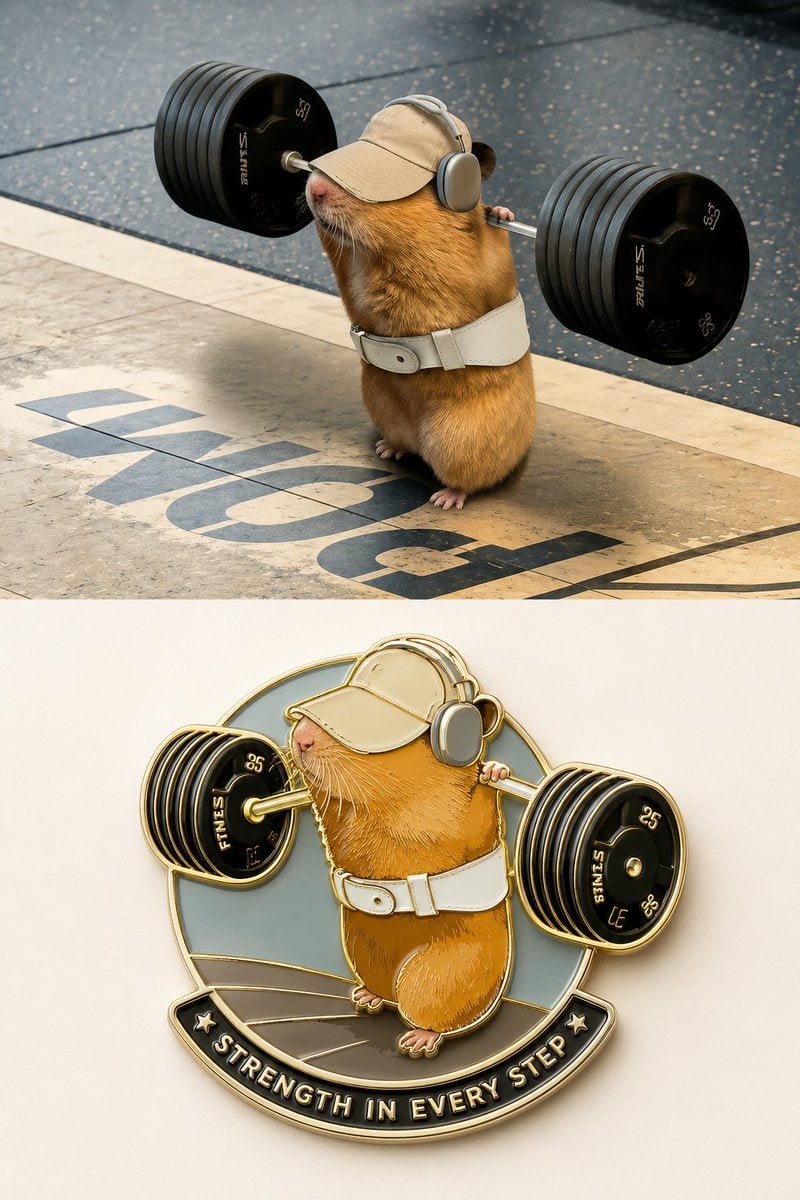
Enamel Travel Magnet Poster Design
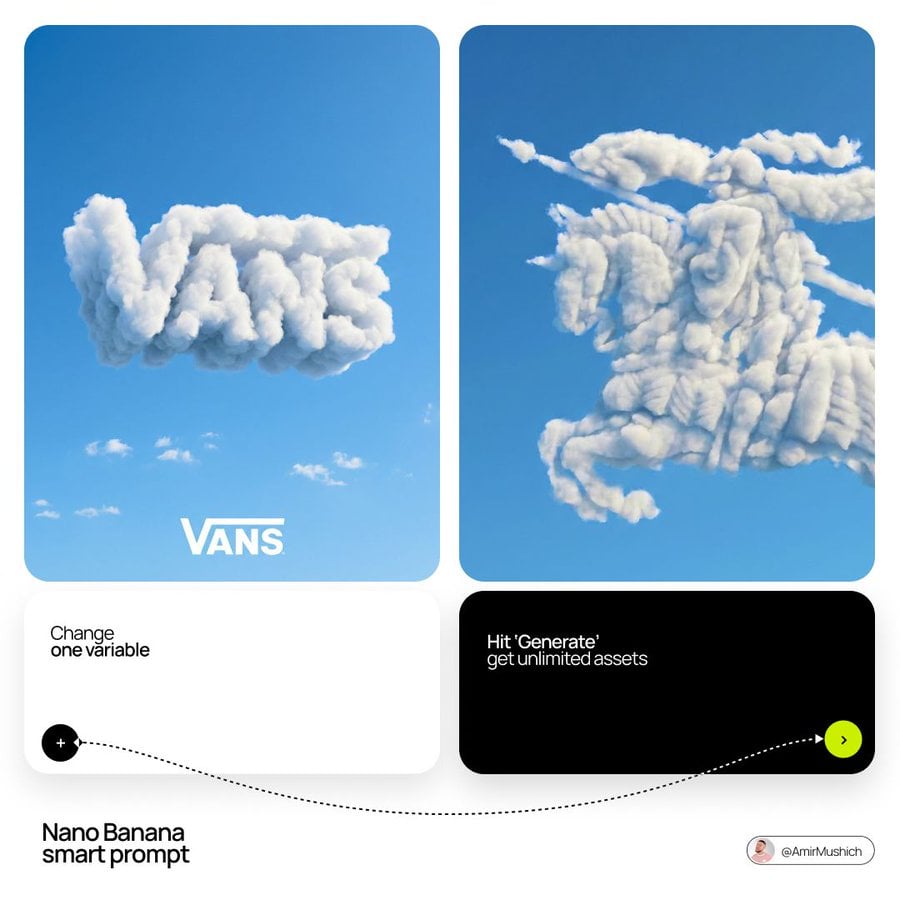
The name of the brand
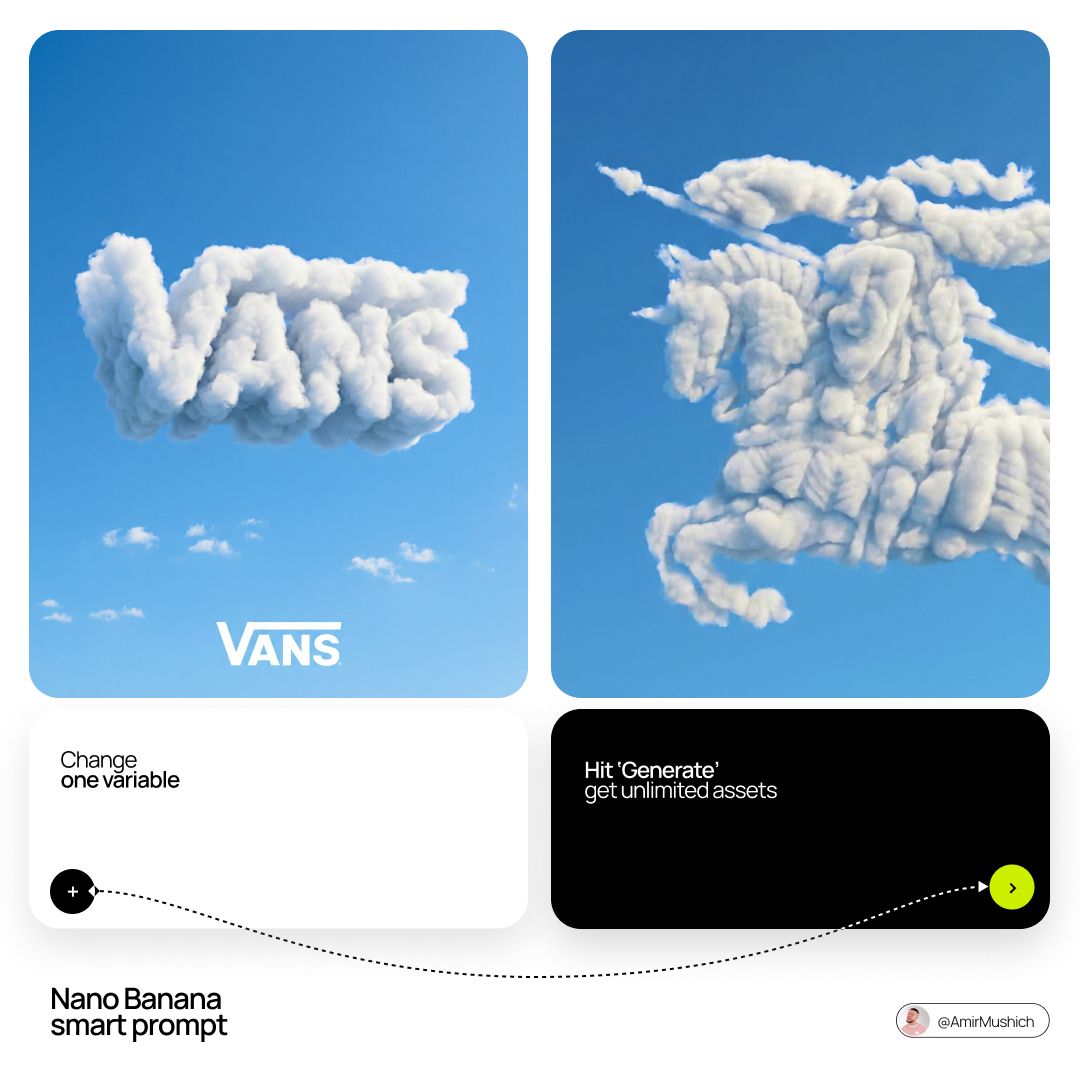
The name of the brand
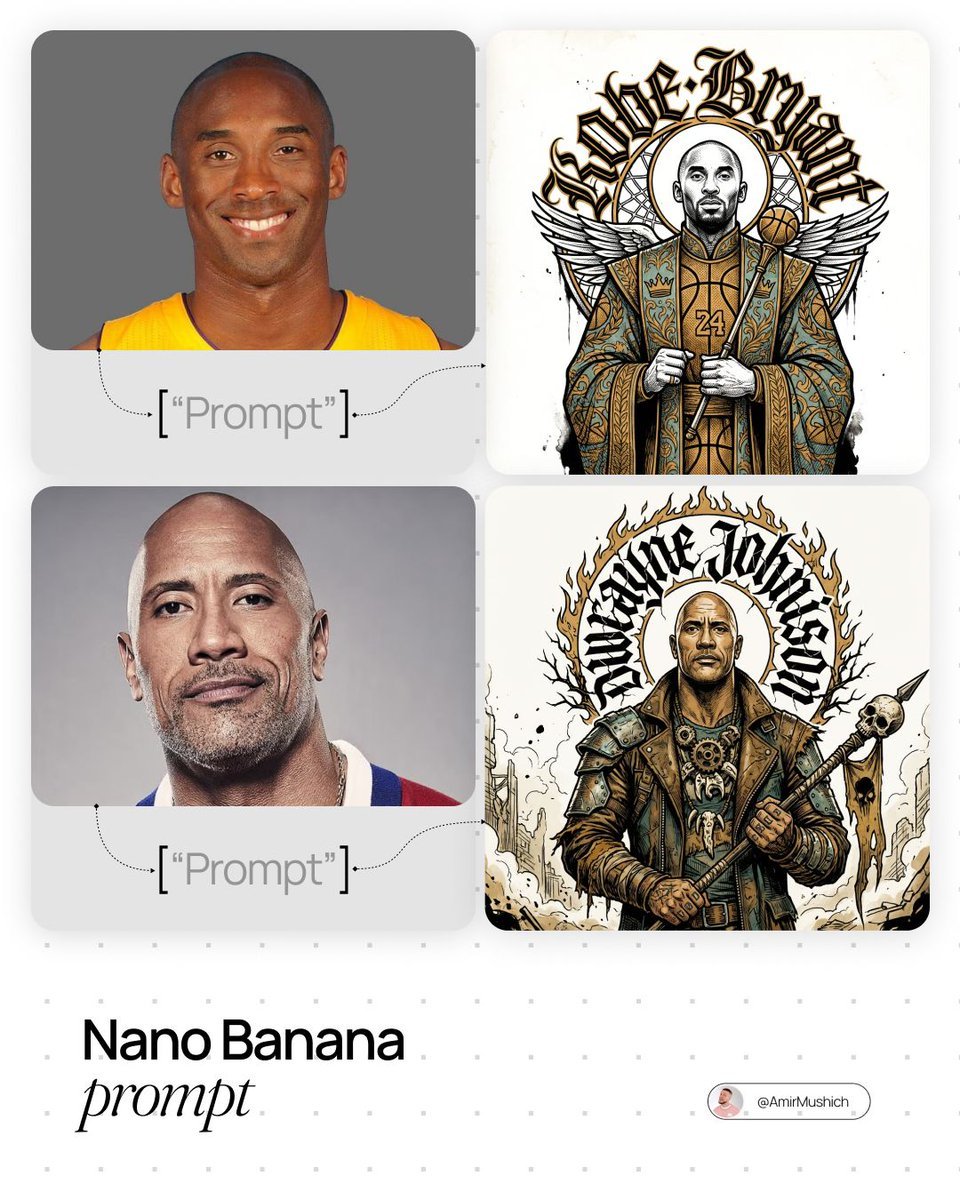
In stiff, ornamental ceremonial attire
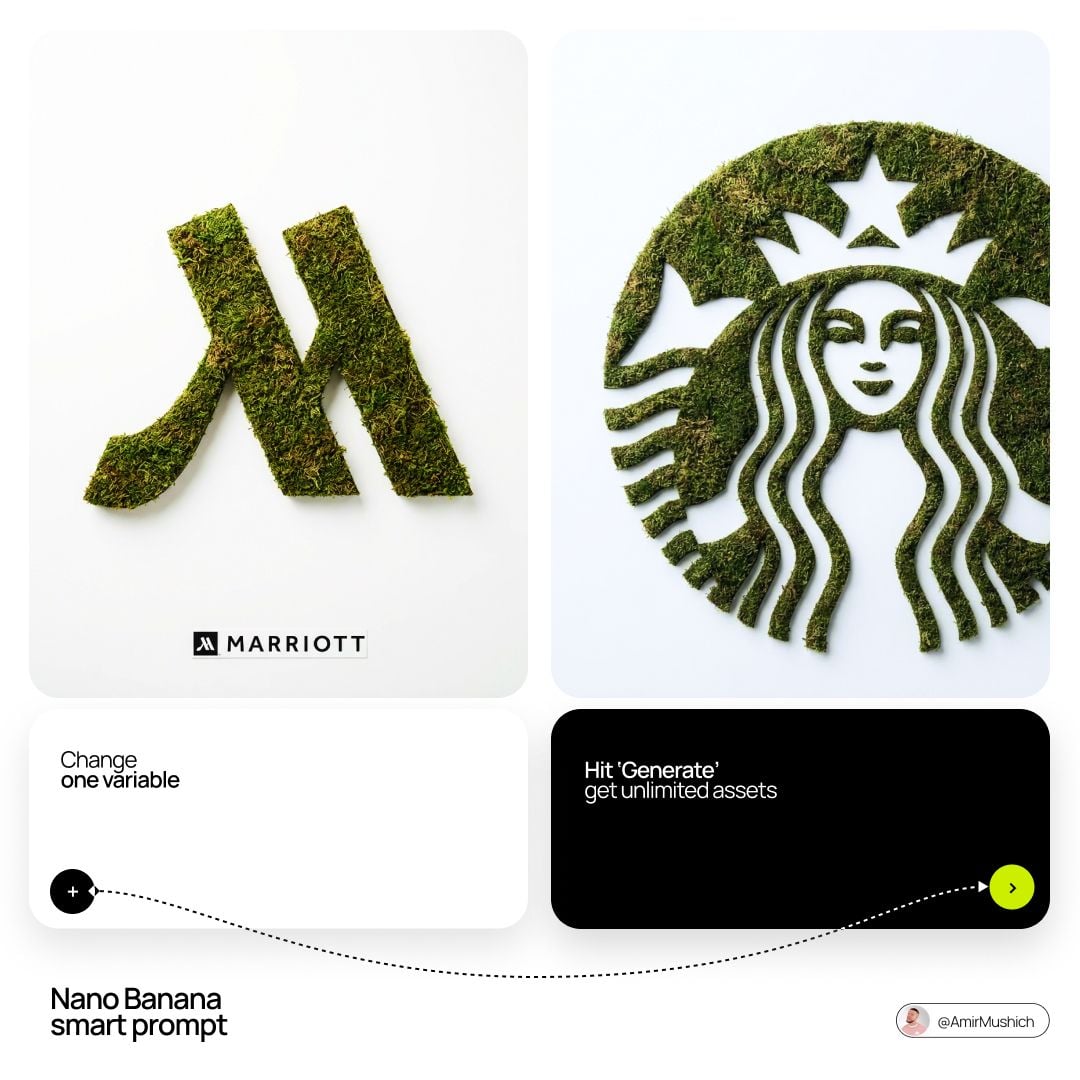
Enter the brand name here
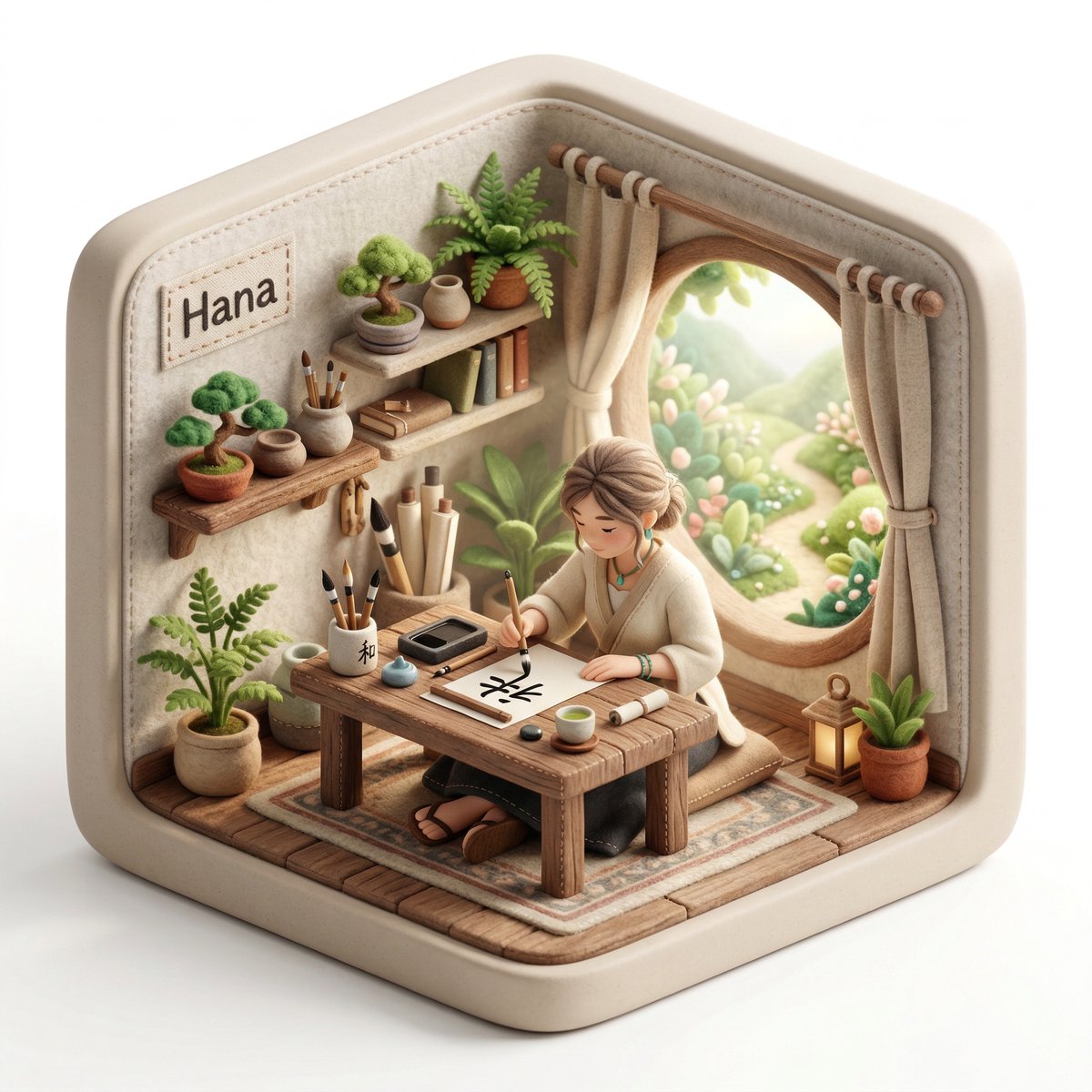
3D isometric diorama illustration of an original character named
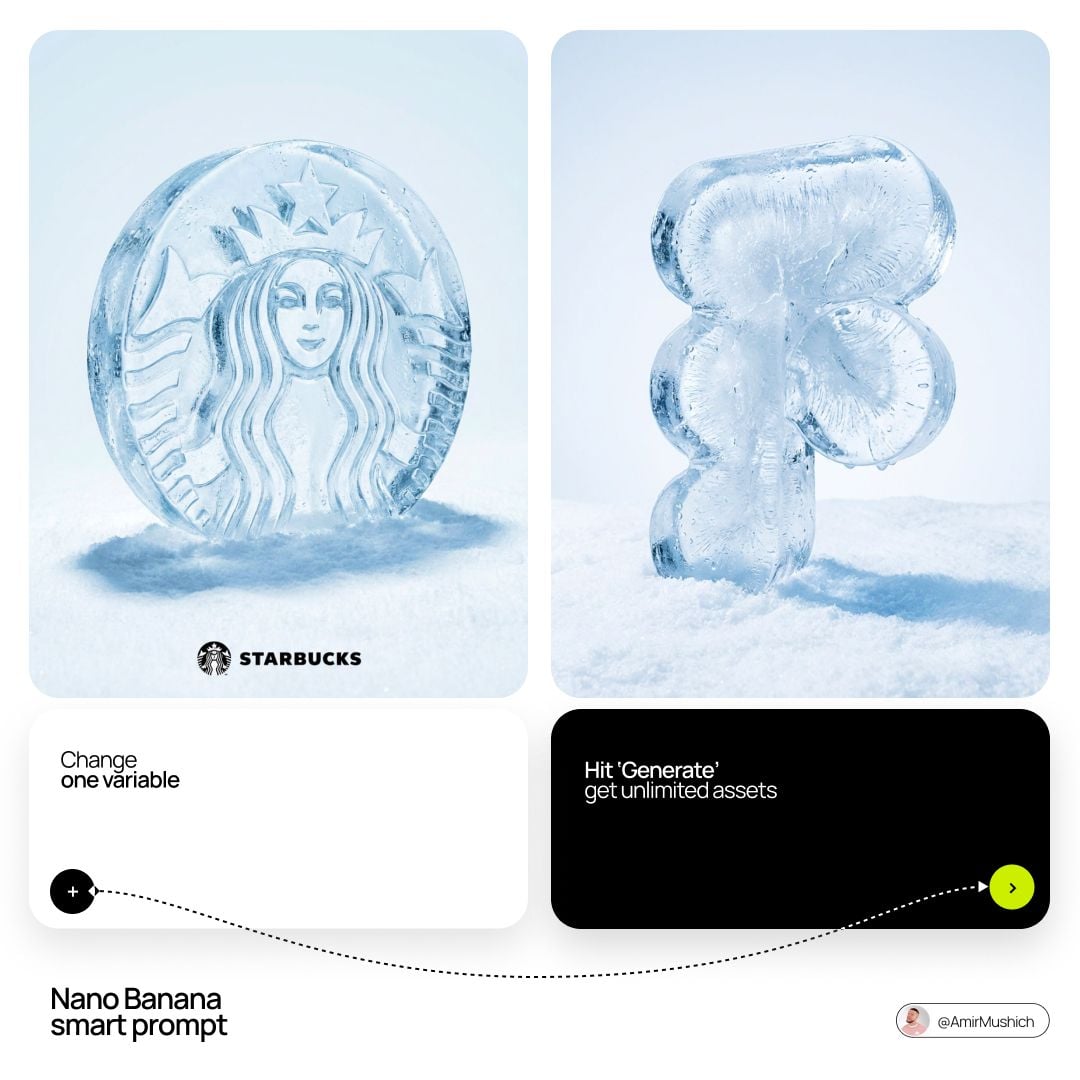
Enter the brand name here
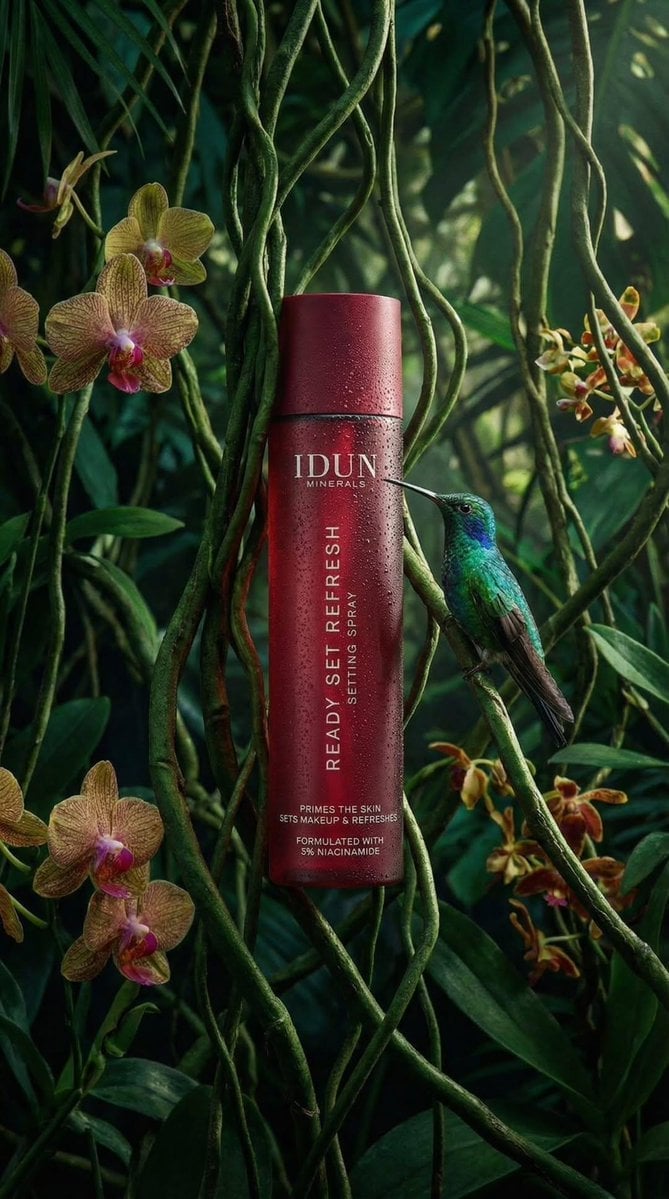
Left aligned relative to the vertical axis for product name, centered
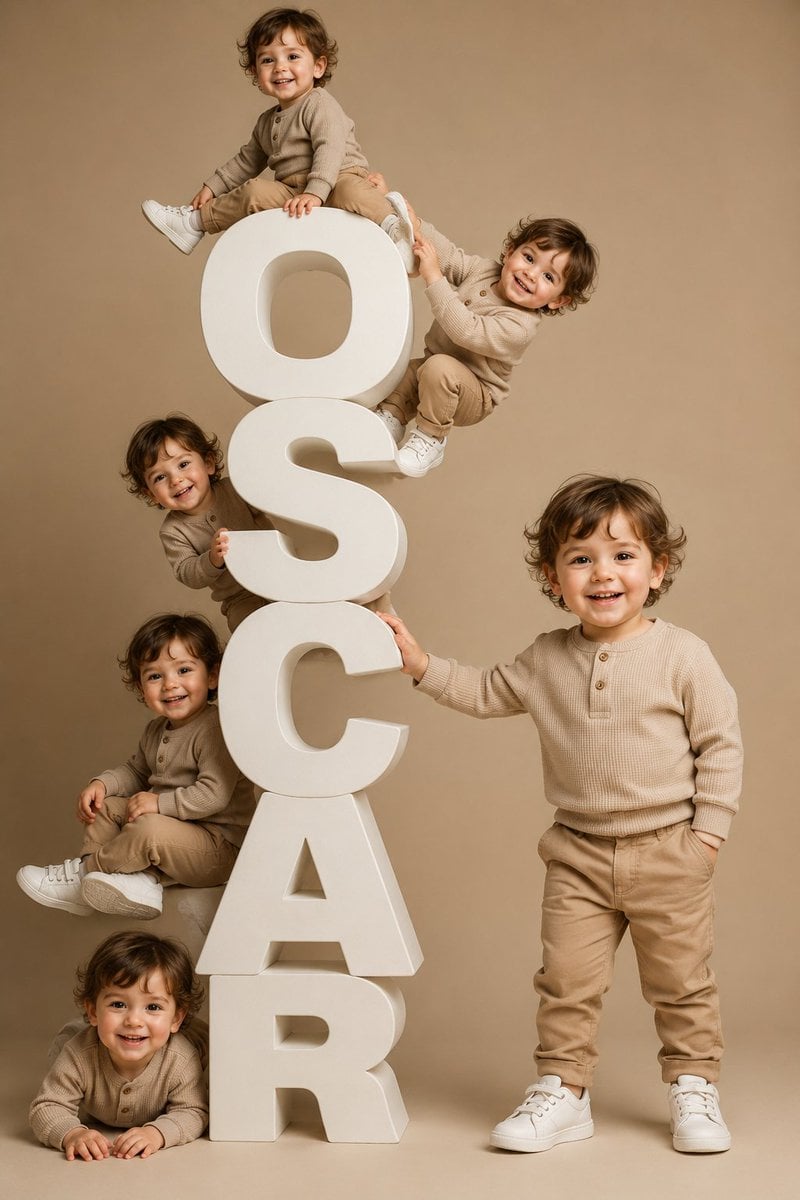
Toddler Clones With Stacked Name Letters
Make it yours
3D Character Name Sculpture works as-is. These are the safest ways to change it without losing the look.
Change one field
Copy a single group, rewrite it, and generate again so you can see what that field is doing.
Keep the frame, change the subject
Hold the composition and light of 3D Character Name Sculpture, then swap wardrobe, props or the person for a new take.
| If the result… | Why | Fix |
|---|---|---|
| The result drifts from the preview | Too many fields changed at once. | Reuse 3D Character Name Sculpture as-is first, then change one group — subject, light, or setting. |
| The model over-stylizes the scene | The prose prompt leaves finish and camera underspecified. | Add one camera or lighting sentence and stay on GPT Image 2. |
More GPT Image 2 templates
Other prompts made for GPT Image 2.

Six VTuber Japanese Logo Sheet

Realistic Portrait of Woman and Deer

The Vista Modular Condo Poster

AI Model Routing Comparison Infographic

2.5D Anime Art Board

Isometric Productivity Desk Scene

New York Double Exposure Poster

Four-Panel AI Landscape Comparison

Japanese Tatami Lifestyle Magazine Cover

NESCAFÉ Coffee Map Poster
More image prompts
Fresh picks from across the catalog.
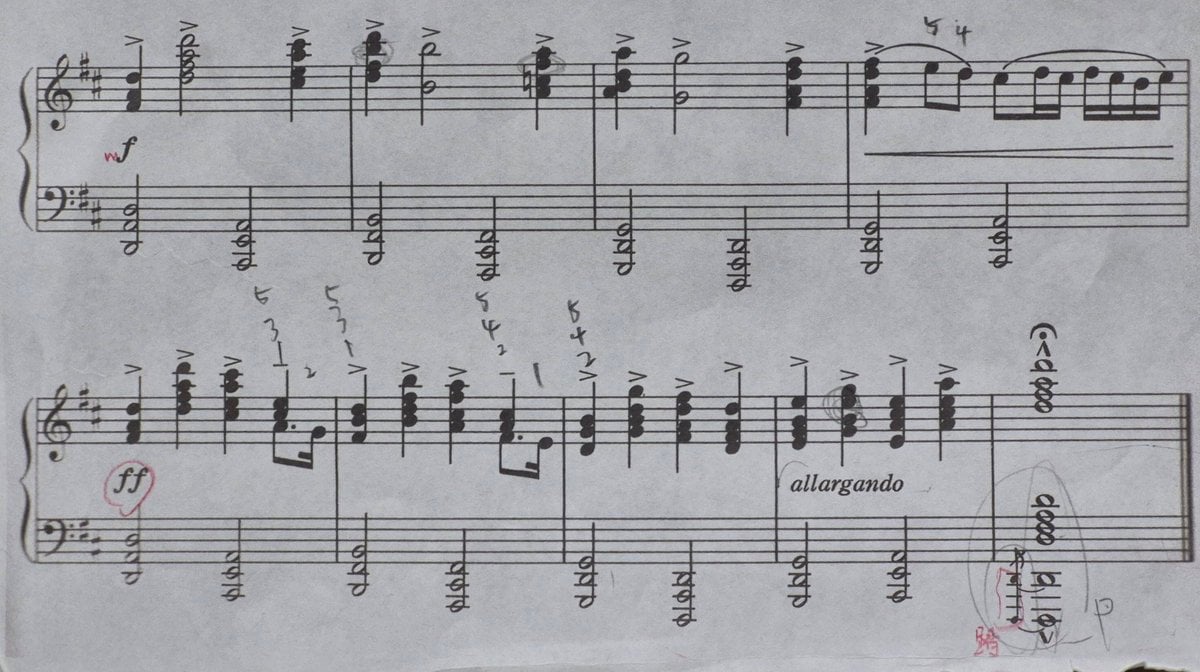
Generating Clean Sheet Music from Scanned Image
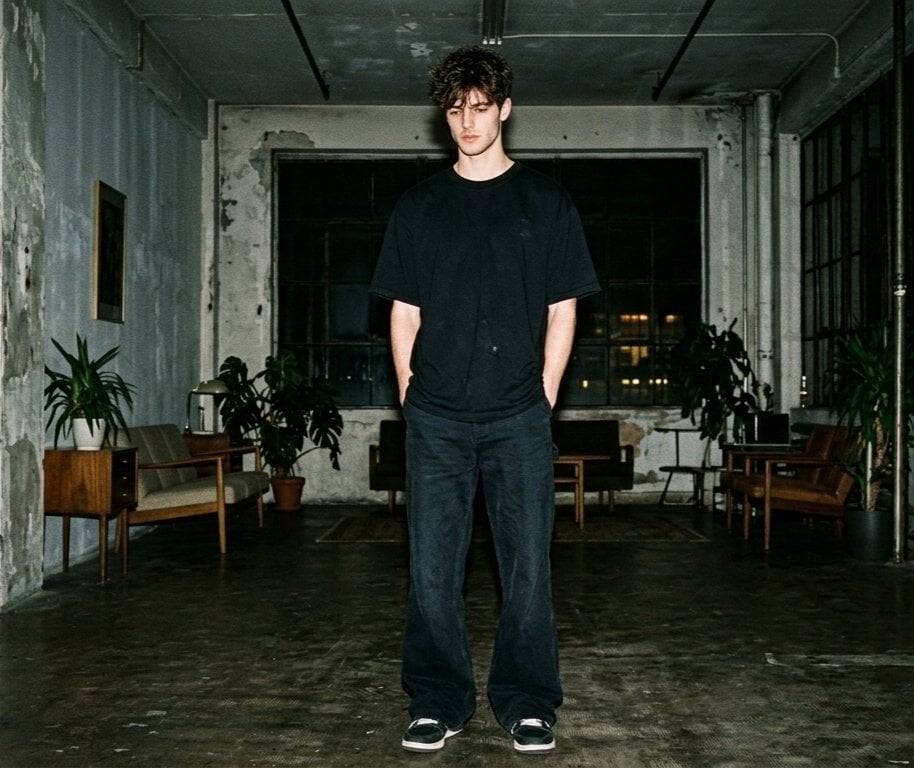
Hyper-realistic Nighttime Fashion Photograph with On-Camera Flash
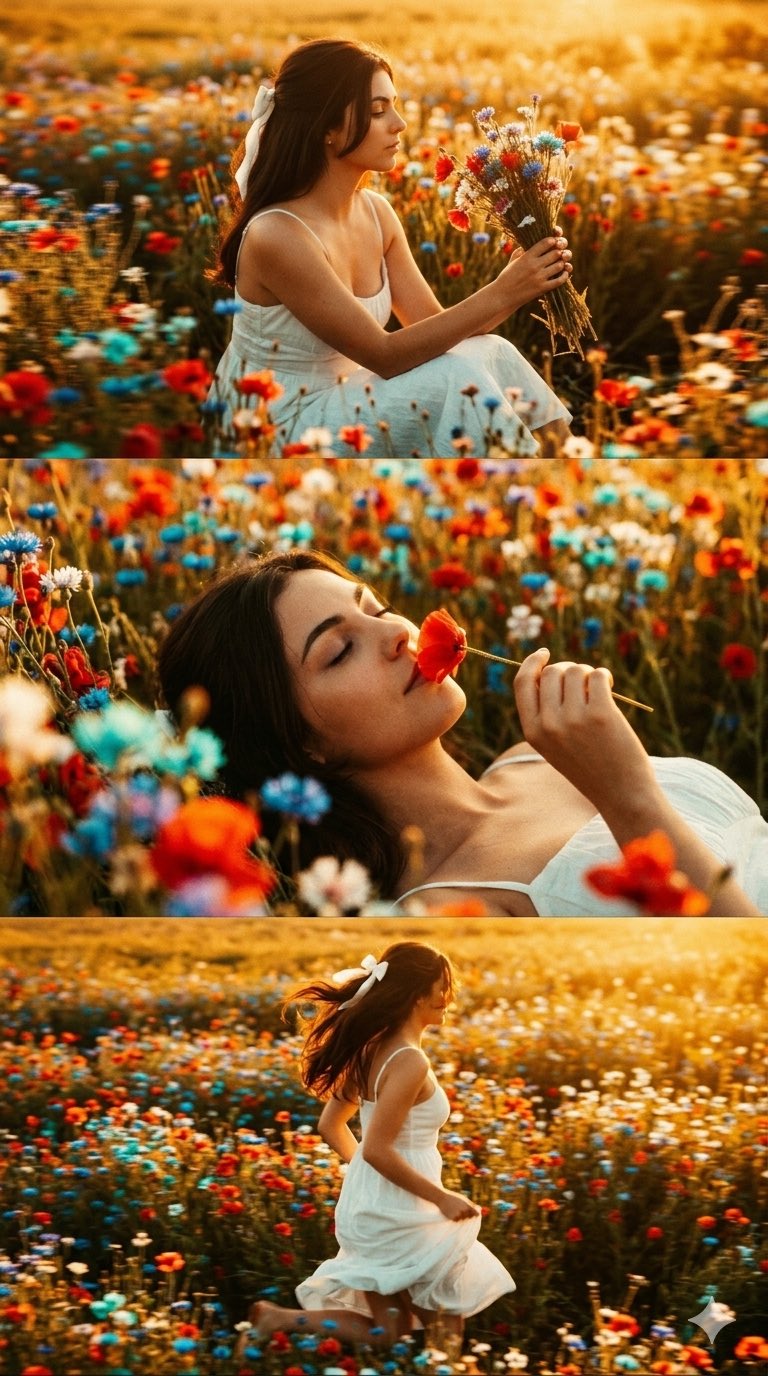
untitled
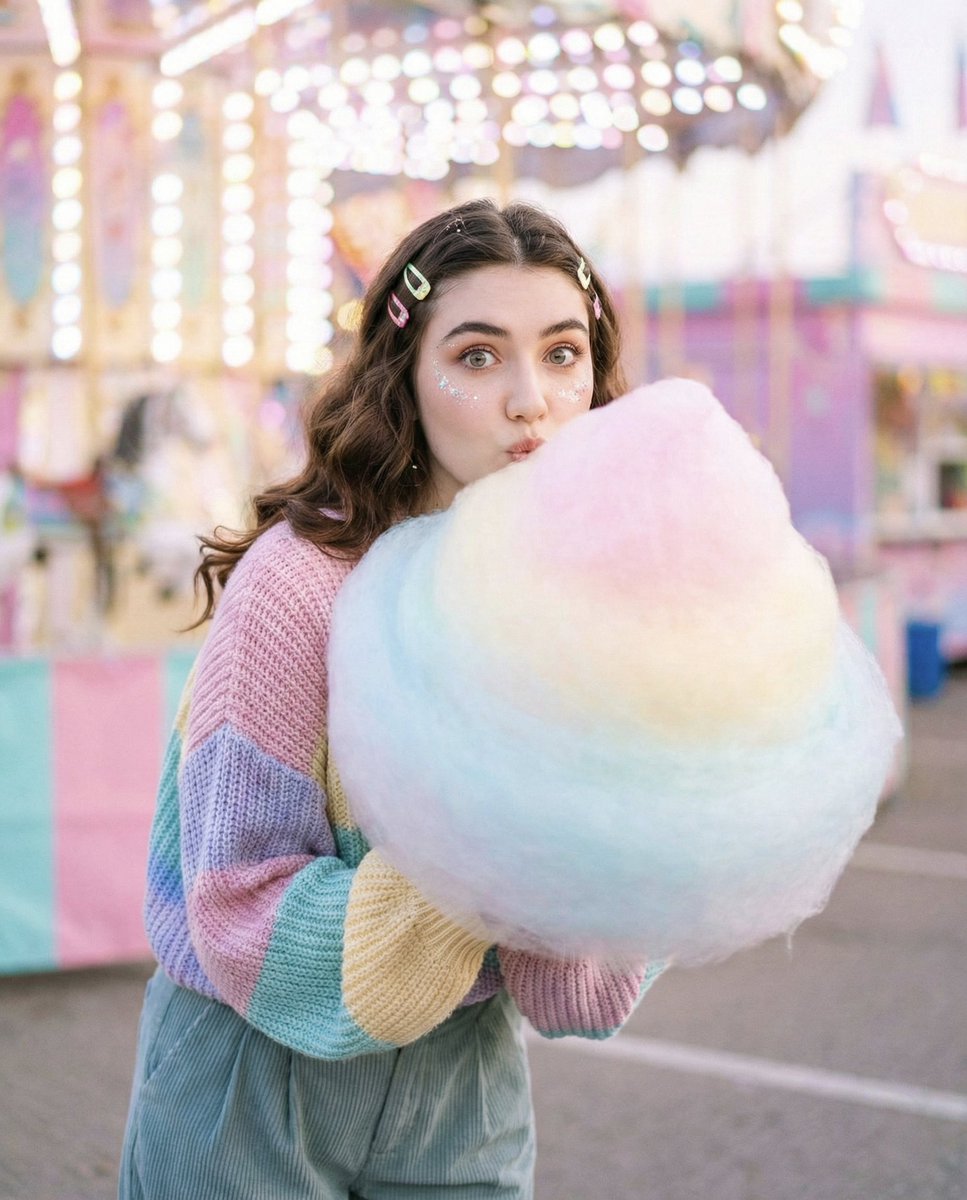
Cozy-Sweet Editorial Portrait with Cotton Candy

Cinematic Moody Portrait
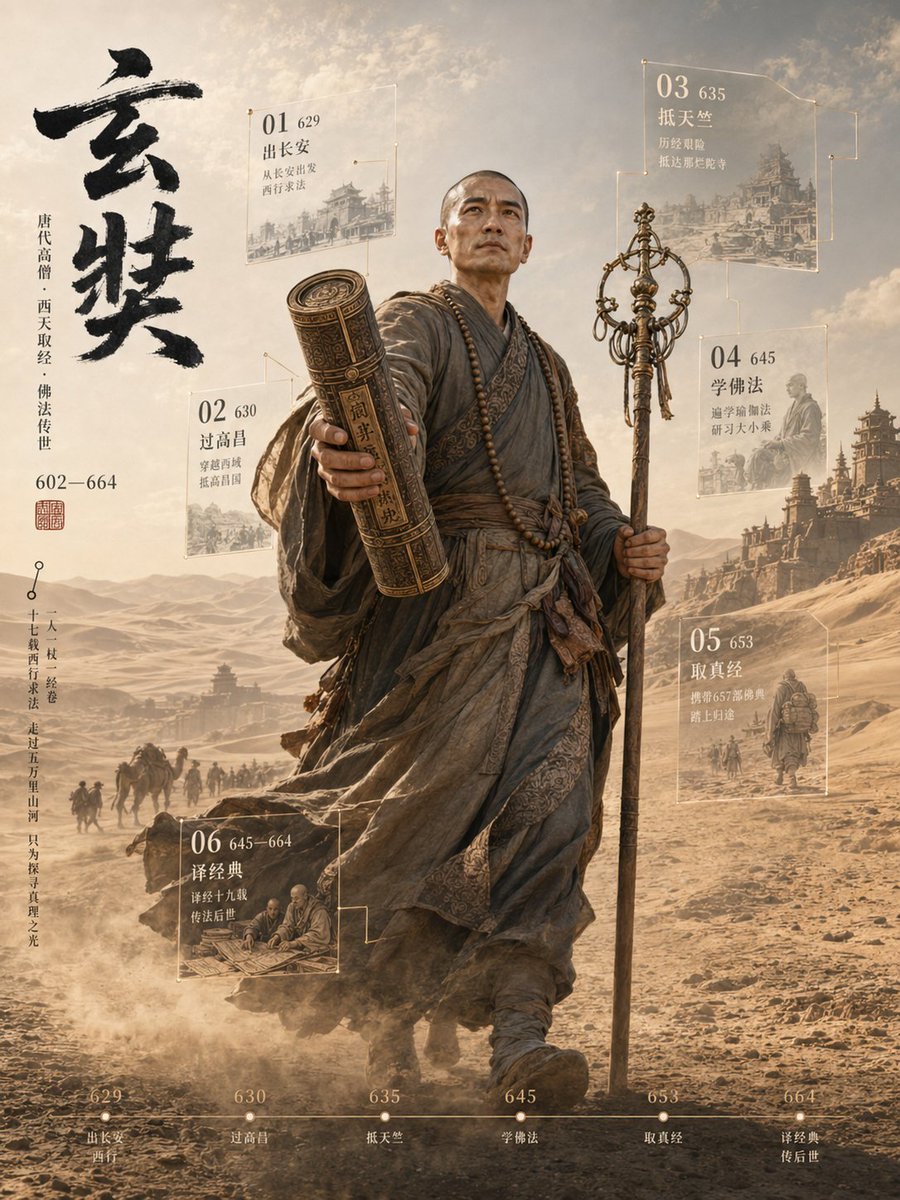
3D Xuanzang Historical Archive Poster
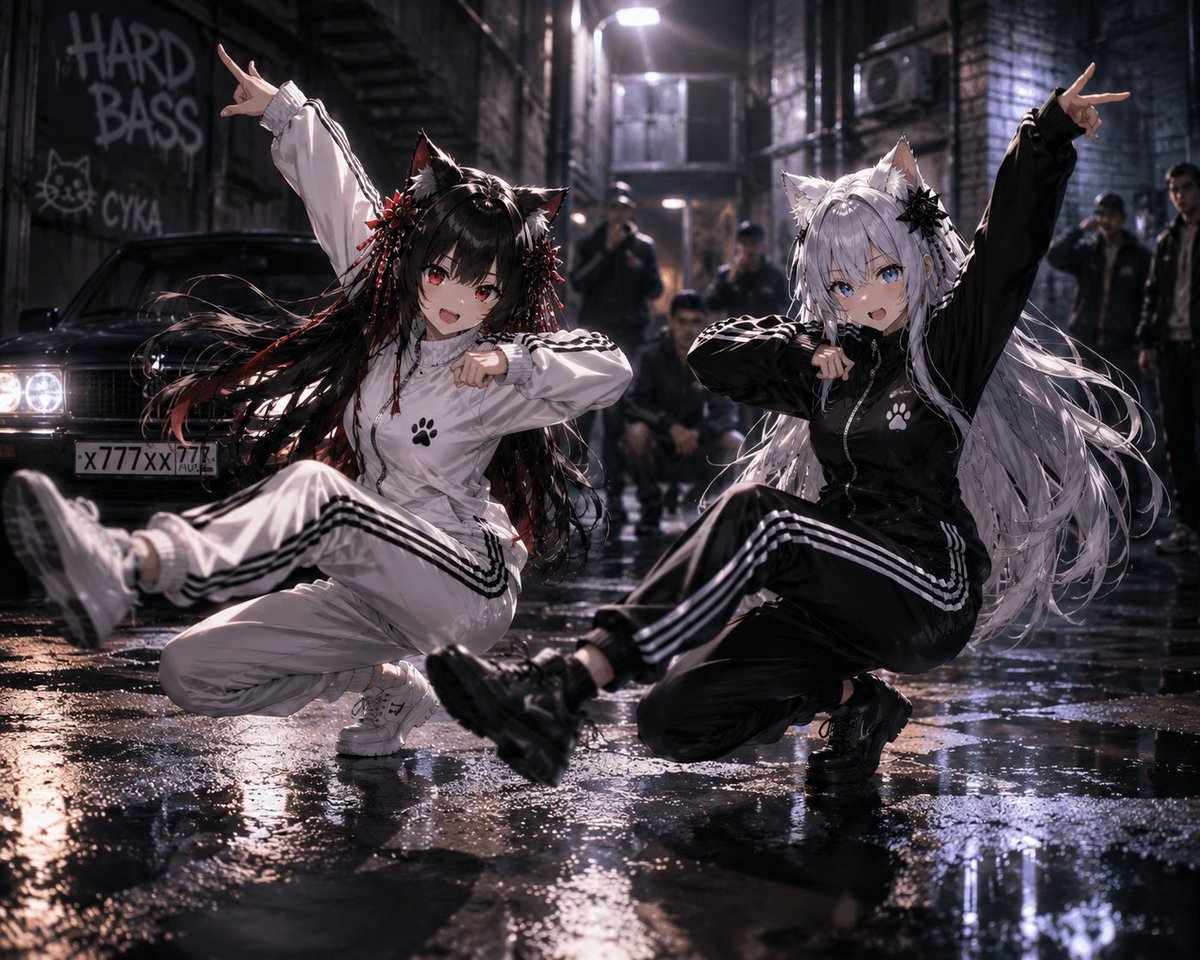
Catgirl Hardbass Alley Dancers
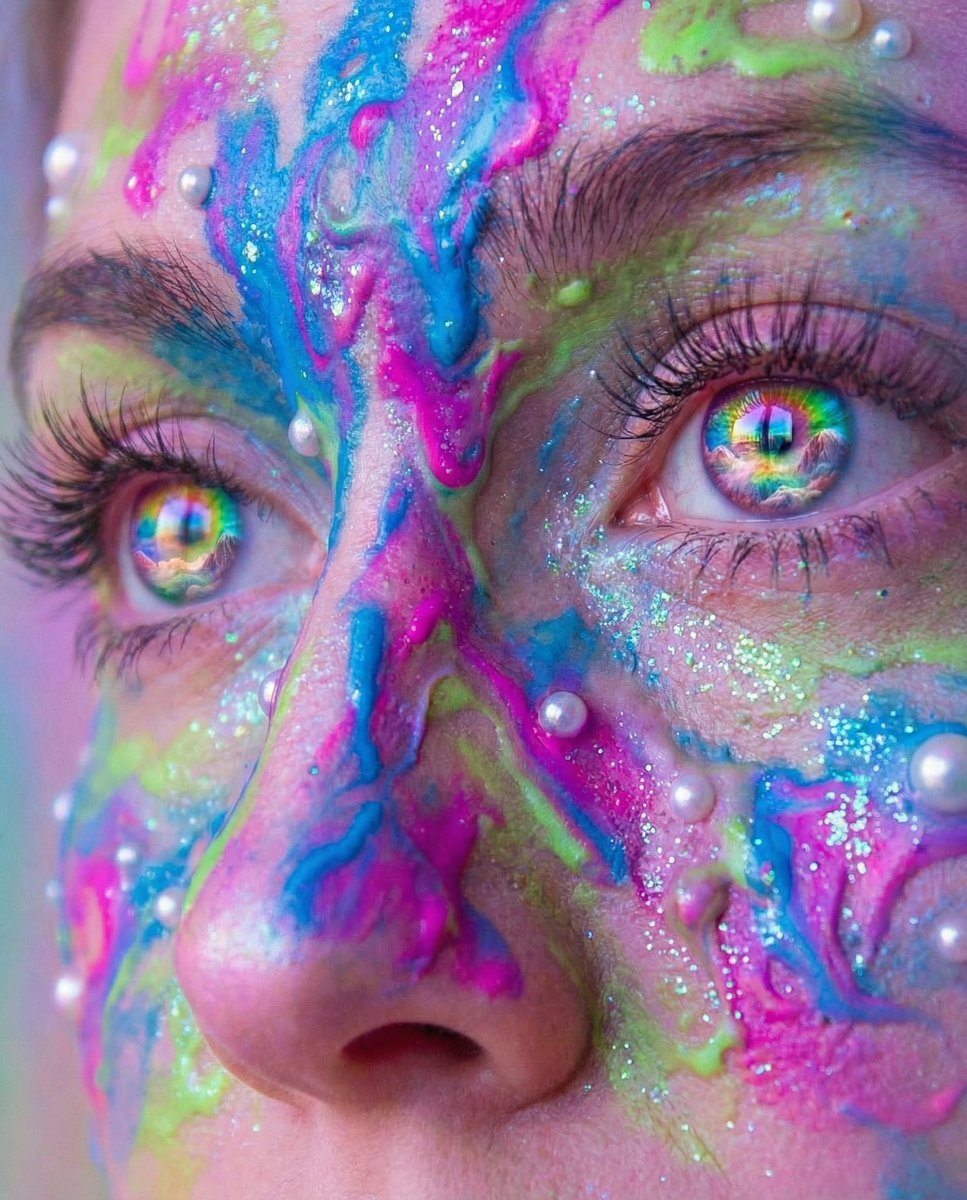
Surreal Portrait with Rainbow Irises and Melted Paint
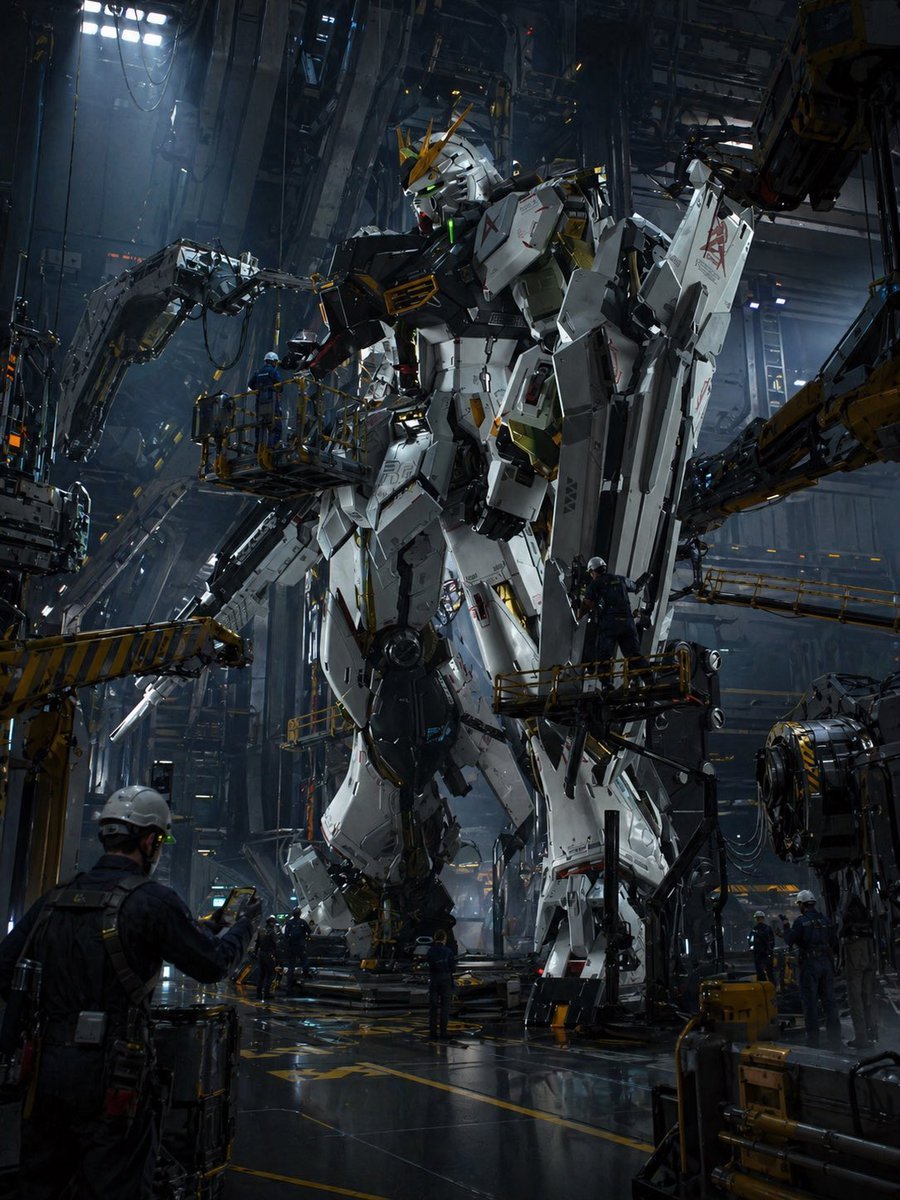
Gundam Maintenance Scene Transformation
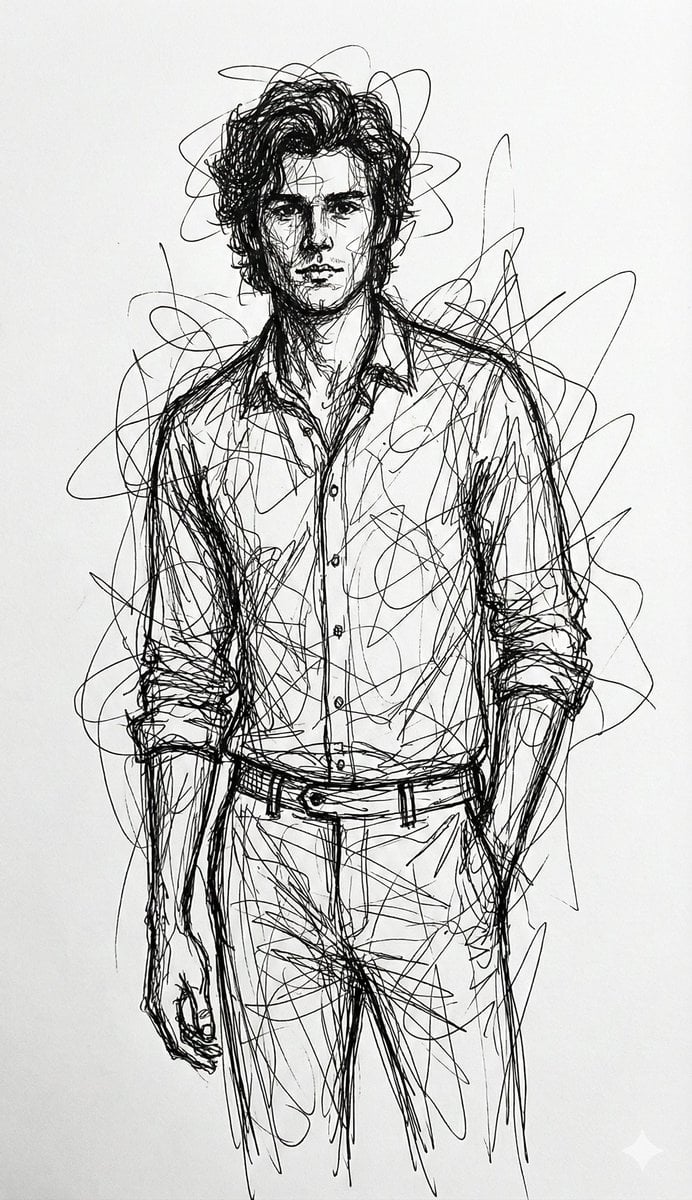
Abstract Chaotic Scribble Art Prompt
Browse template categories
3D Character Name Sculpture questions
How do I use the 3D Character Name Sculpture template?
Add your photo if the template asks for one, edit the prompt if you like — the template's model and format are already selected — and press Generate. Your version opens in PicX Studio.
Can I customize the 3D Character Name Sculpture template?
Yes. You can change the subject, setting, lighting, mood, format, and available model controls before creating your image.
Is the 3D Character Name Sculpture template free?
Opening and editing this template is free. Generating uses credits, shown on the Generate button when you are signed in.
Which AI model should I use?
Start with GPT Image 2, which is the model associated with this template. You can compare another compatible model for a different finish.
Looking for something else? Browse all templates.

Your photo, any look
Thousands of ready templates for every top image and video model, from one credit balance.