
Tiny Man vs Giant Ant Scoreboard Scene
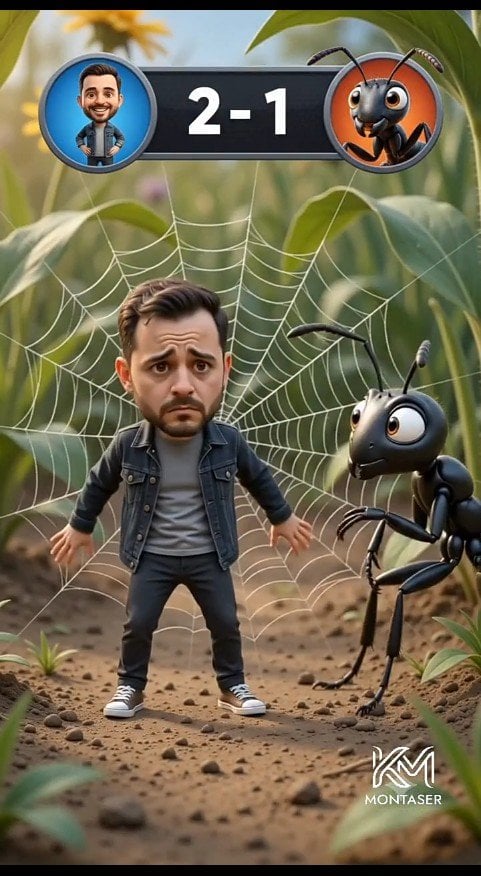
A vertical cinematic 3D cartoon forest-floor scene featuring a worried miniature man trapped in a spider web beside a giant ant with a game scoreboard overlay.
- Prompt included
- Model and format preset
- Free template
The prompt behind this image
Copy the exact prompt behind Tiny Man vs Giant Ant Scoreboard Scene, or open it in the studio and make it yours.
Create a cinematic vertical 3D cartoon scene on a realistic forest floor, framed like a mobile video still. In the center foreground, show one cute miniature bearded man, {argument name="character name" default="Montaser"}, with an oversized caricature head and worried expression, standing stiffly with arms slightly out while trapped in a large white spider web behind him. He has short dark brown hair, a trimmed beard, raised sad eyebrows, and big anxious eyes. Dress him in exactly four main outfit pieces: a dark denim jacket, a gray T-shirt, black pants, and white sneakers. To his right, show one giant glossy black cartoon ant with large expressive eyes, two antennae, six thin legs, and bent forearms, leaning toward him with a curious intimidating look. Behind them, the spider web radiates clearly across green leaves and stems. At the top center, add a game-style scoreboard overlay: a dark rounded rectangle with exactly two circular avatar icons, the left icon showing the man on a blue background, the right icon showing the ant on an orange background, and large white score text {argument name="score text" default="2 - 1"} between them. The environment is a macro-scale forest floor with dirt, small pebbles, tiny plants, blurred green foliage, warm daylight, shallow depth of field, and cinematic bokeh. Use polished Pixar-like 3D rendering, soft realistic lighting, detailed textures, playful comedy tension, and a vertical 9:16 composition. Add a small white stylized logo watermark at the bottom right reading {argument name="watermark text" default="MONTASER"}.
How to use Tiny Man vs Giant Ant Scoreboard Scene in 3 steps
- 1Upload ImagePNG, JPG or paste
Add your photo
Upload the photo the template builds on. The prompt, model and format are already set.
- 2…a portrait of your subject in softgolden-hour light, 85mm…
Personalize
Edit the subject and creative details for your destination.
- 3Generate
Generate
Press Generate — your image is created in PicX Studio, so you can compare it with the original and refine one variable at a time.
More like this
Templates with the same subject, style or setup. Open one to see its prompt.

Tiny Man Lounging in Giant Rose

Surreal Macro-Fantasy: Tiny Man and Giant Bean Sprout
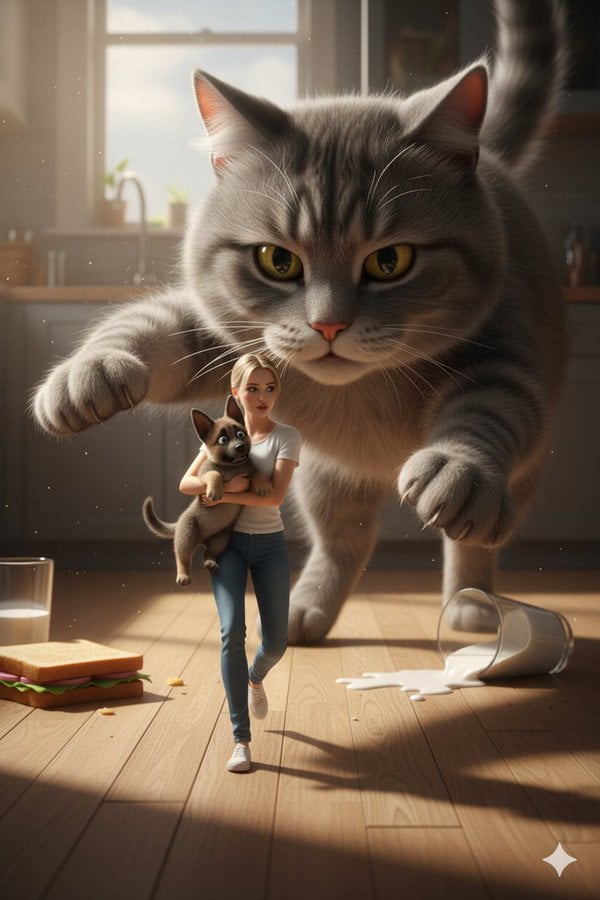
Cinematic Giant Cat Chasing Tiny Woman
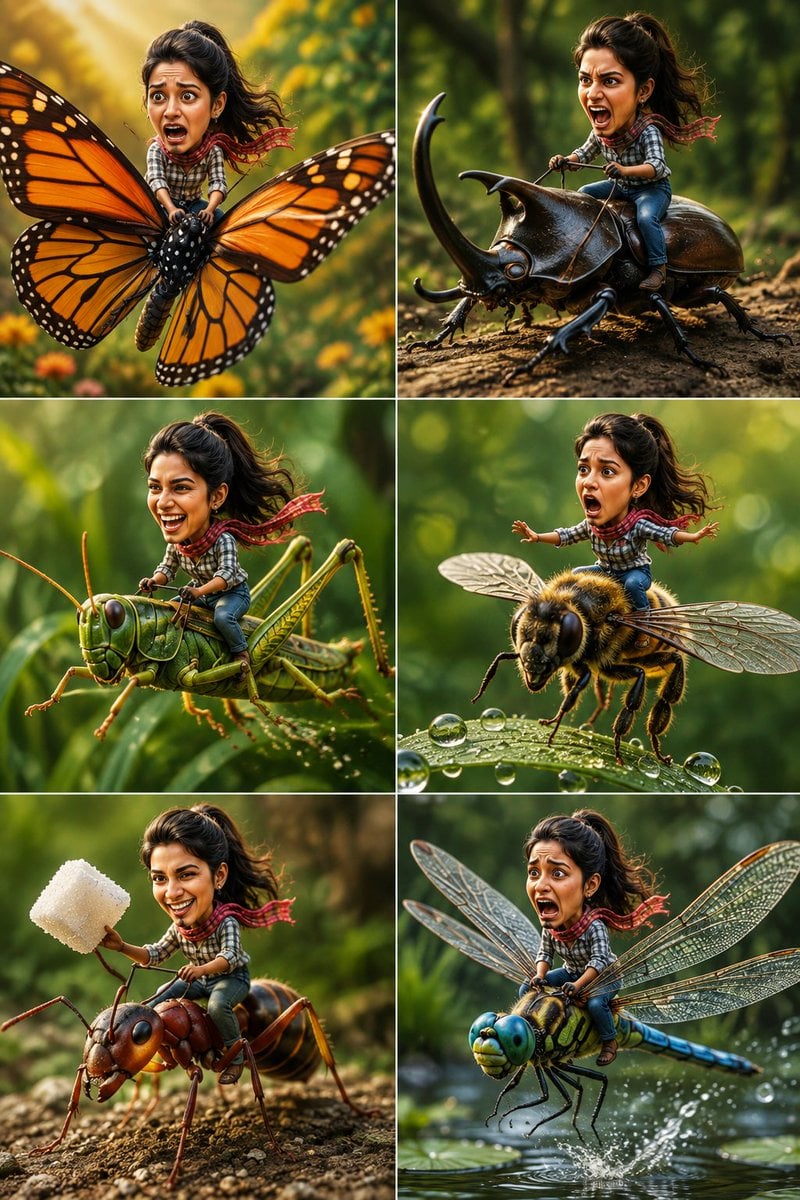
Tiny Adventurer Giant Insect Collage

Giant Woman Forced Perspective Street Photo

Tiny Toddler Hugging Giant Chocolate Bar
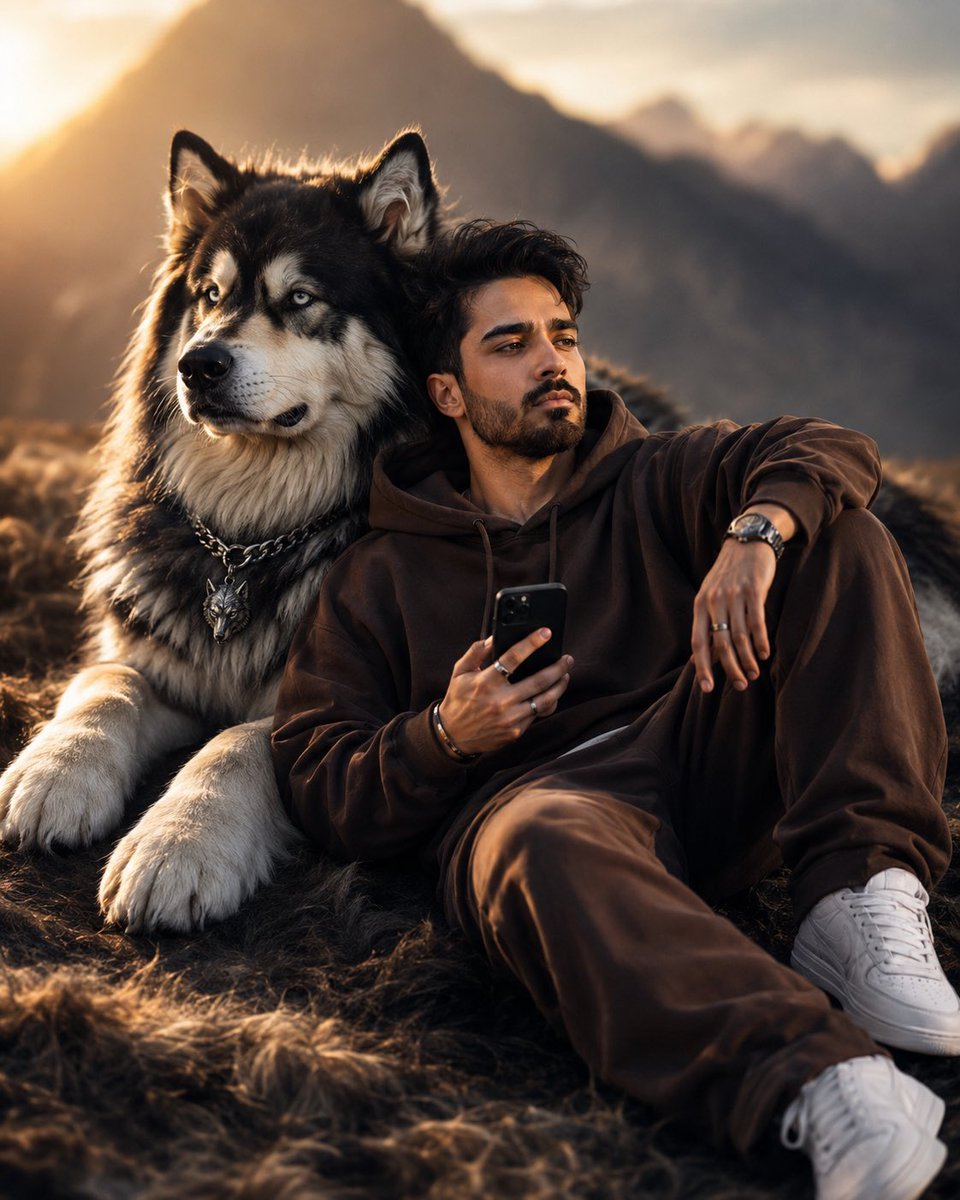
Cinematic Man and Giant Wolf Companion

Tiny Woman Miniature Fantasy Macro Scene
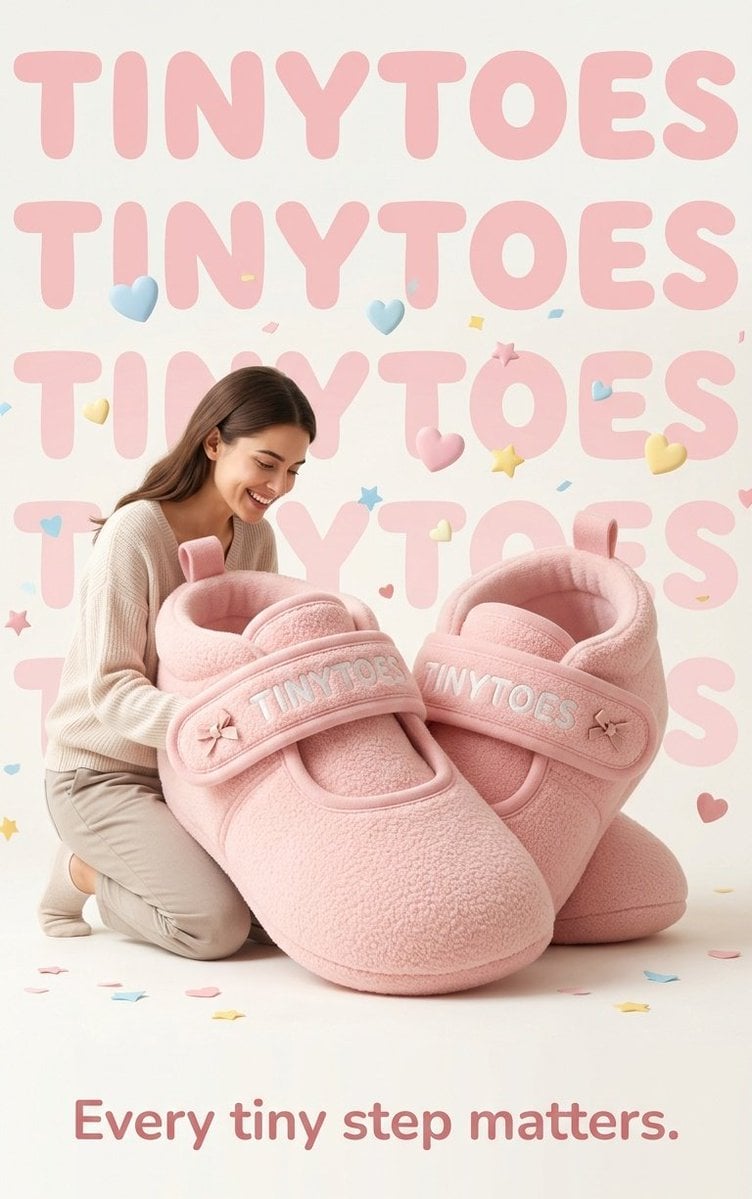
TinyToes Giant Baby Shoes Ad
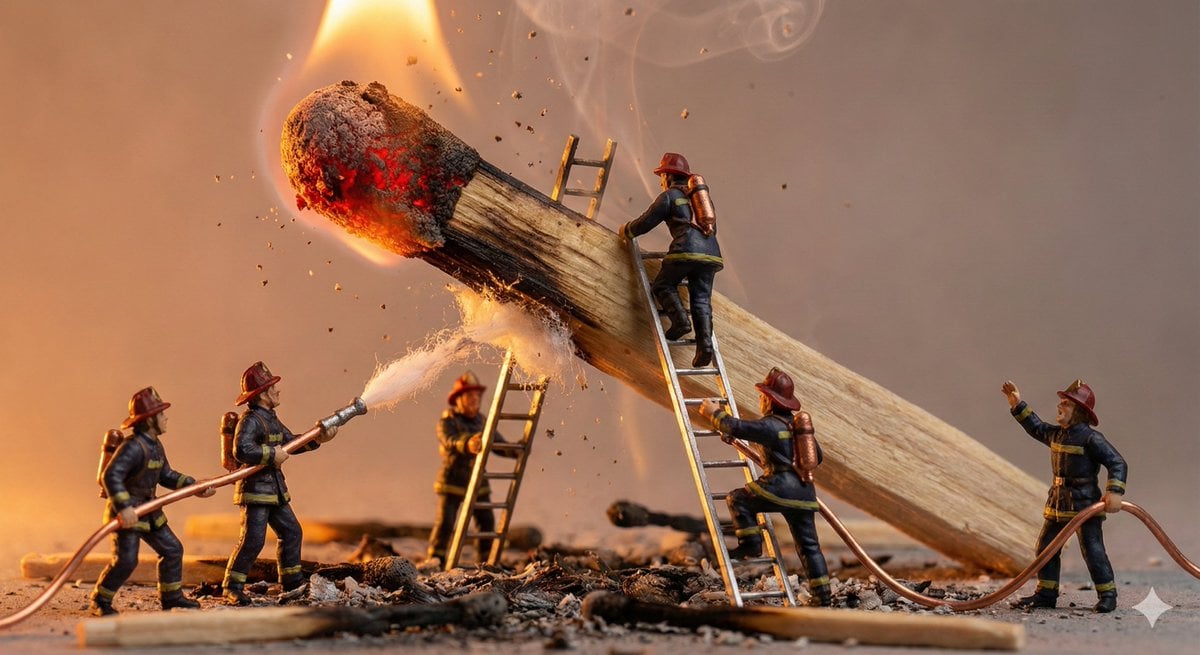
Tiny People, Giant Problem Diorama Prompt
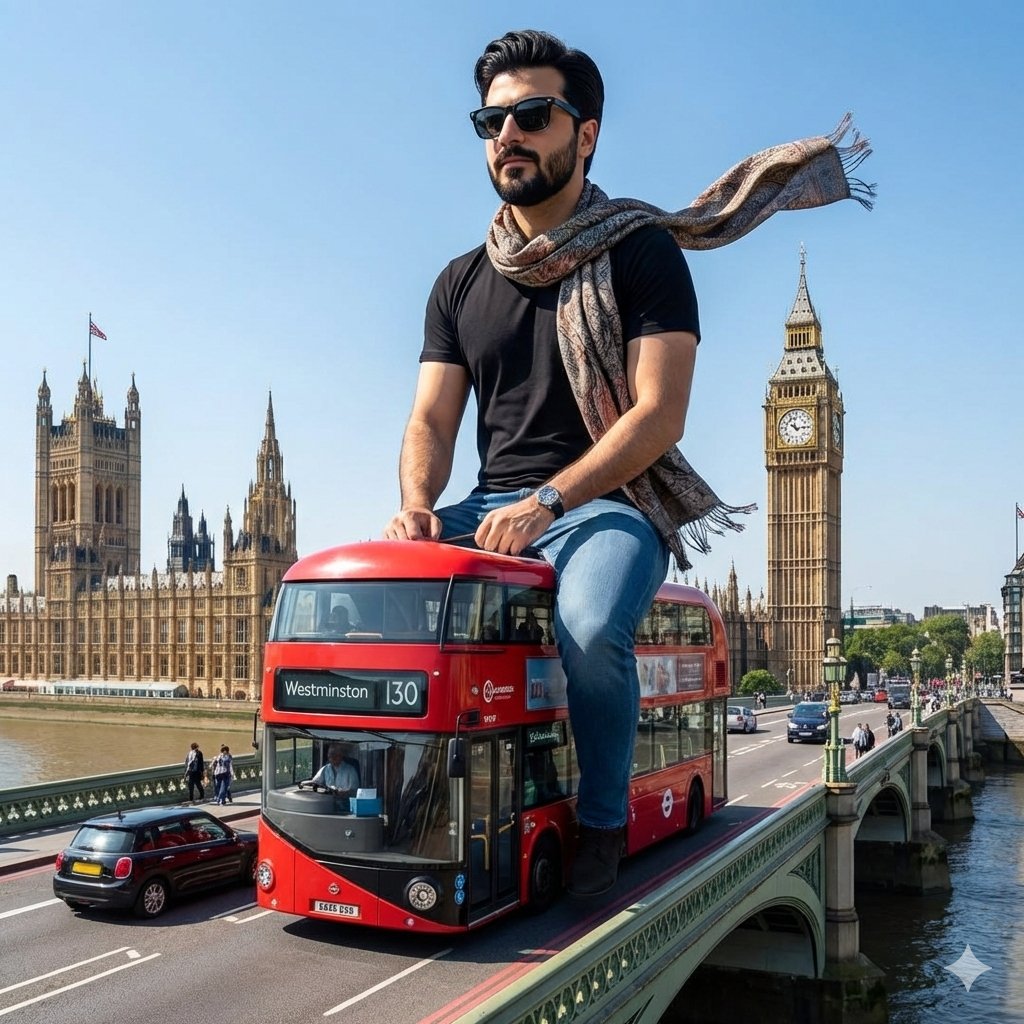
Surreal Giant Man Riding Miniature London Bus
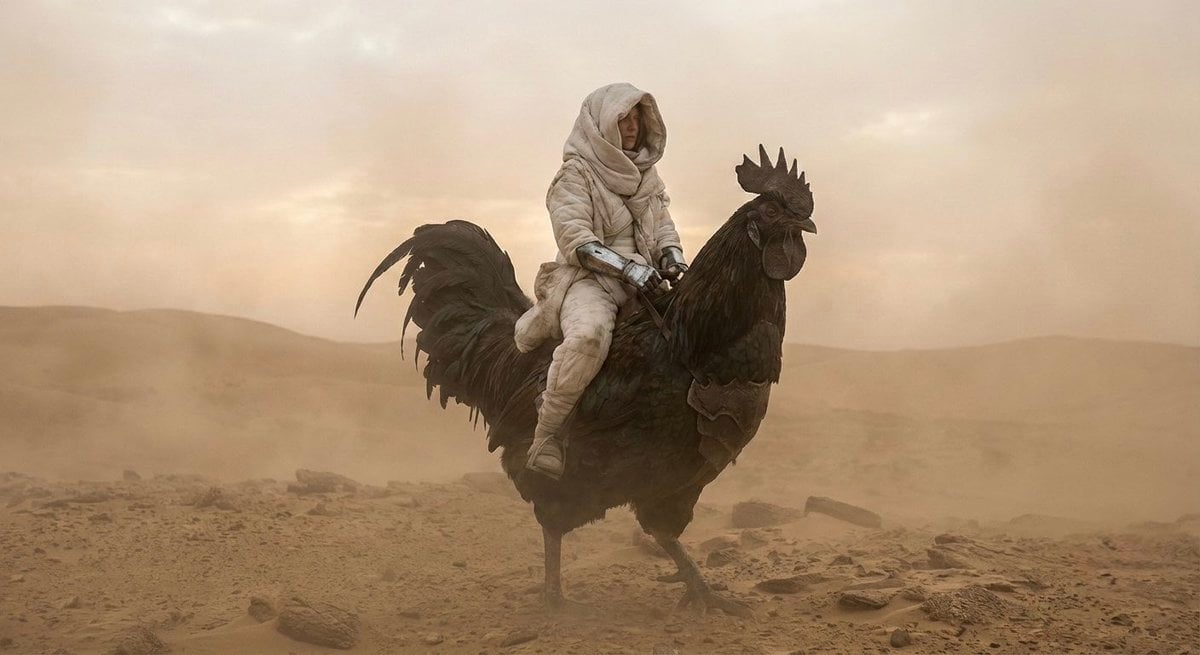
Dune-Inspired Epic Scene with Woman Riding a Giant Rooster
Make it yours
Tiny Man vs Giant Ant Scoreboard Scene works as-is. These are the safest ways to change it without losing the look.
Change one field
Copy a single group, rewrite it, and generate again so you can see what that field is doing.
Keep the frame, change the subject
Hold the composition and light of Tiny Man vs Giant Ant Scoreboard Scene, then swap wardrobe, props or the person for a new take.
| If the result… | Why | Fix |
|---|---|---|
| The result drifts from the preview | Too many fields changed at once. | Reuse Tiny Man vs Giant Ant Scoreboard Scene as-is first, then change one group — subject, light, or setting. |
| The model over-stylizes the scene | The prose prompt leaves finish and camera underspecified. | Add one camera or lighting sentence and stay on GPT Image 2. |
More GPT Image 2 templates
Other prompts made for GPT Image 2.

Six VTuber Japanese Logo Sheet

Realistic Portrait of Woman and Deer

The Vista Modular Condo Poster

AI Model Routing Comparison Infographic

2.5D Anime Art Board

Isometric Productivity Desk Scene

New York Double Exposure Poster

Four-Panel AI Landscape Comparison

Japanese Tatami Lifestyle Magazine Cover

NESCAFÉ Coffee Map Poster
More image prompts
Fresh picks from across the catalog.
Intimate Photorealistic FaceTime Portrait Prompt
90s Fangirl Selfie Prompt (Korean Subject)
Traditional Christmas Card Design

Cinematic Sci-Fi Landscape and Fintech UI Design Prompts
Cinematic Urban Street Style Transformation Prompt
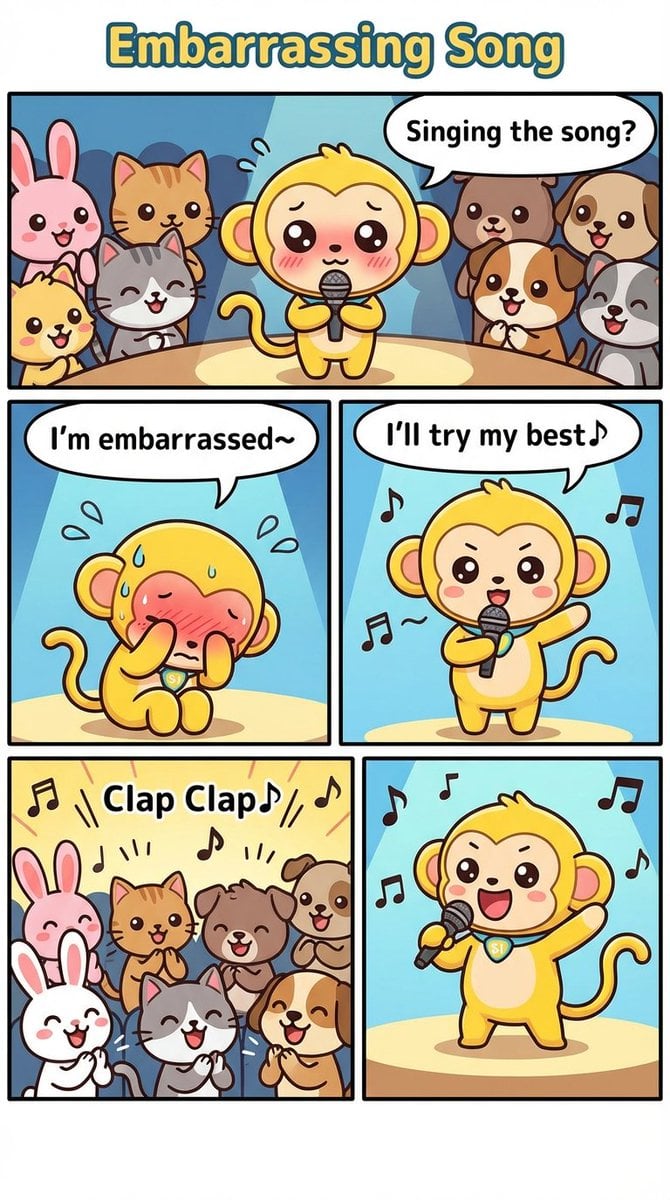
Nano Monkey's Adventure Manga Generation

Luxury SUV Interior Lifestyle Snapshot
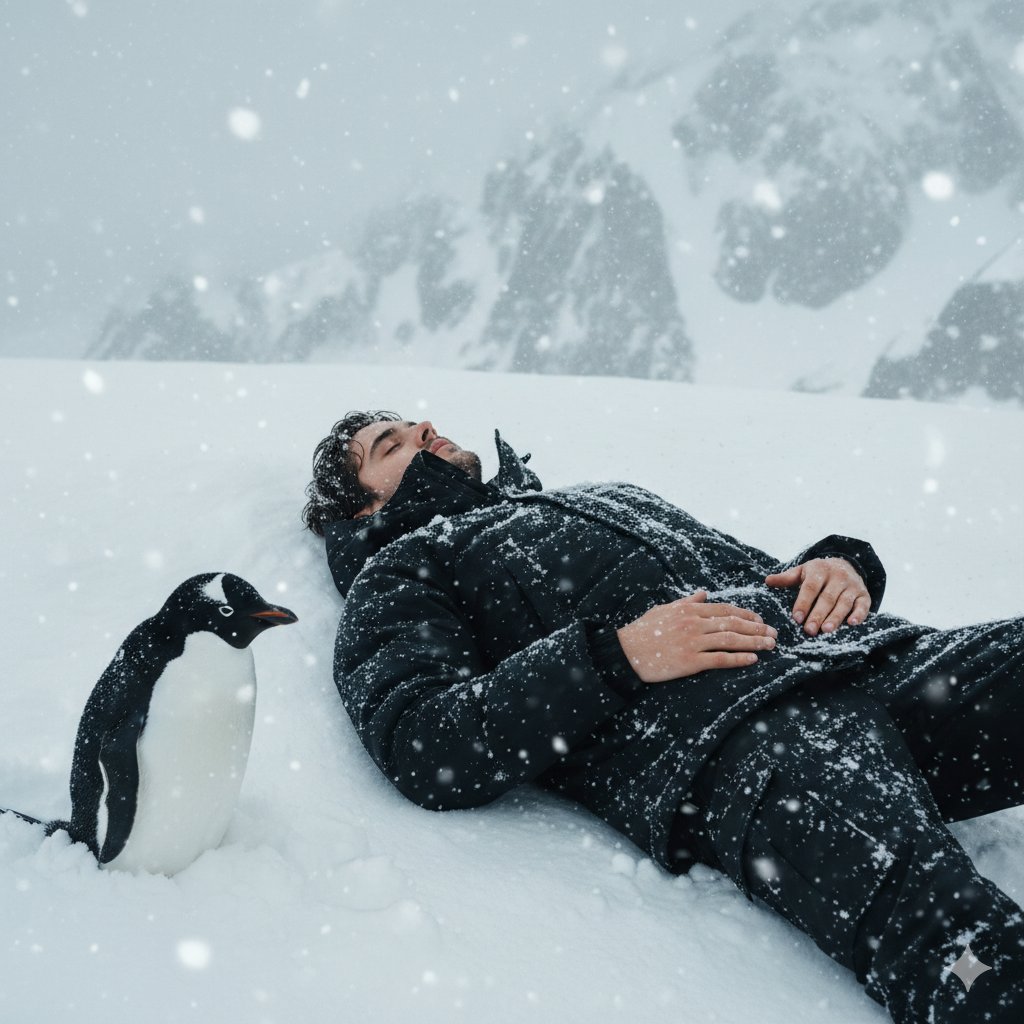
Tired Penguin in Alt Text Prompt

Cinematic Holiday Lifestyle Portrait Prompt
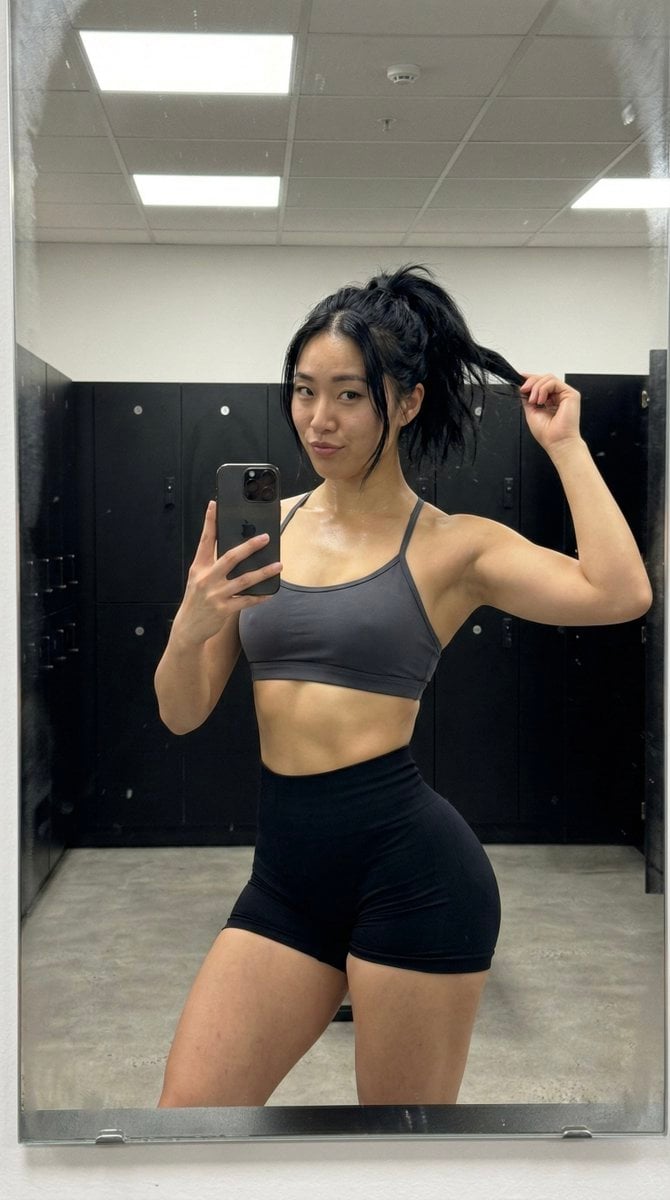
Gym Mirror Selfie with Post-Workout Glow (iPhone Style)
Browse template categories
Tiny Man vs Giant Ant Scoreboard Scene questions
How do I use the Tiny Man vs Giant Ant Scoreboard Scene template?
Add your photo if the template asks for one, edit the prompt if you like — the template's model and format are already selected — and press Generate. Your version opens in PicX Studio.
Can I customize the Tiny Man vs Giant Ant Scoreboard Scene template?
Yes. You can change the subject, setting, lighting, mood, format, and available model controls before creating your image.
Is the Tiny Man vs Giant Ant Scoreboard Scene template free?
Opening and editing this template is free. Generating uses credits, shown on the Generate button when you are signed in.
Which AI model should I use?
Start with GPT Image 2, which is the model associated with this template. You can compare another compatible model for a different finish.
Looking for something else? Browse all templates.

Your photo, any look
Thousands of ready templates for every top image and video model, from one credit balance.