
Vintage Watercolor City Poster
A comprehensive template for creating minimalist, vintage watercolor city posters with brush lettering and wet-on-wet painting techniques.
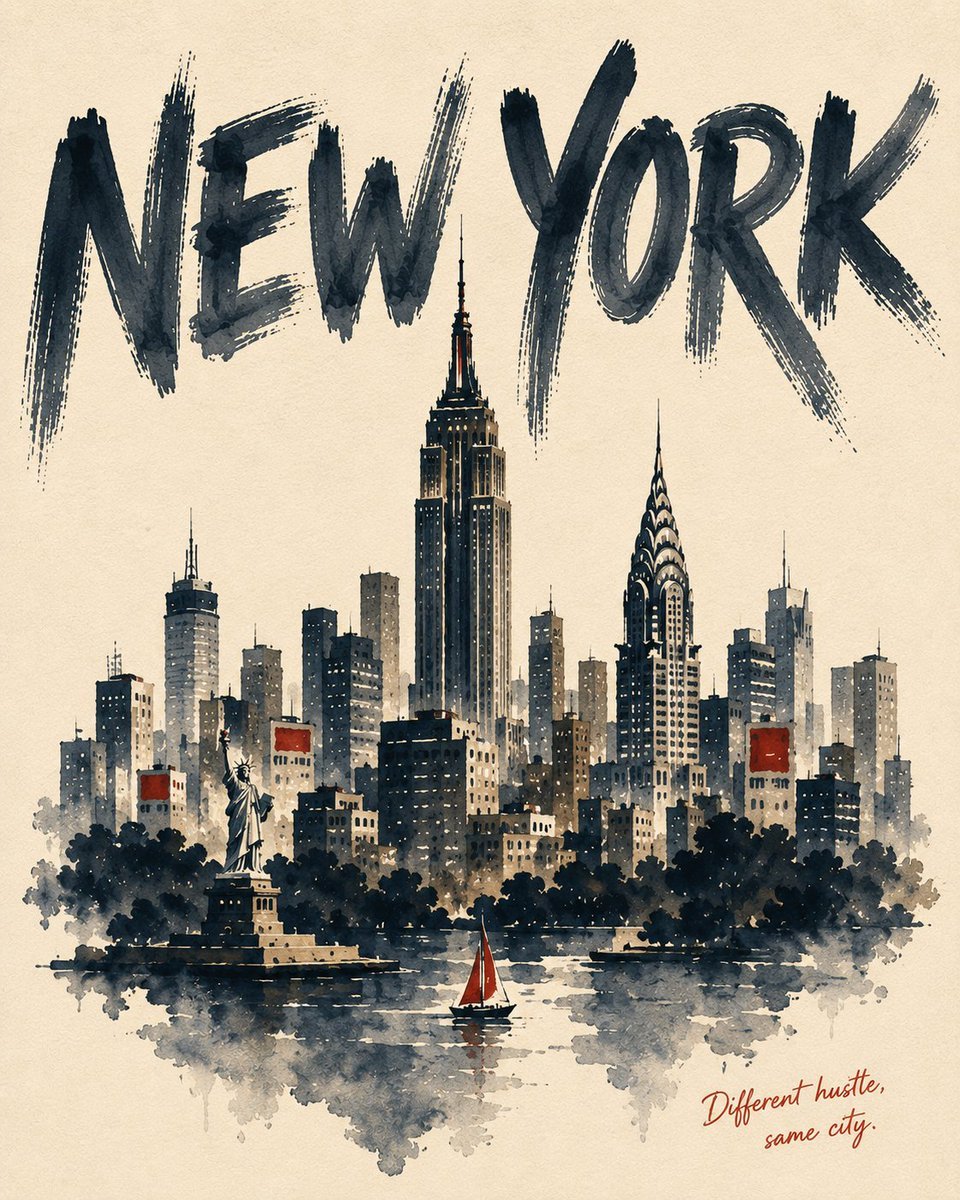
- Prompt included
- Model and format preset
- Free template
The prompt behind this image
Copy the exact prompt behind Vintage Watercolor City Poster, or open it in the studio and make it yours.
@Create image {argument name="city" default="CITY"} — uppercase English city name {argument name="subject" default="one hero landmark as the highest point, one secondary structure a step lower, a mid-rise or terrain band beneath, a closing mass of trees or water at the bottom"} — overlapping into ONE silhouette, real geography ignored, everything below it dissolving into bare paper {argument name="palette" default="MAIN (dark) / ACCENT (saturated) / SUB1 / SUB2 (muted)"} — Four colors only {CAPTION} — 3–5 word English line, offhand, never explanatory --- [ASPECT RATIO] Vertical 3:4 [SUBJECT] {SUBJECT} [STYLE] Watercolor materiality first: wet-on-wet blooms, dark hard edges where a wash dried, density shifting within a single stroke as the water load changes. Pigment pools at the lower edge of each form; dry-brush passages split and let the cold-press tooth show through. A thick brush pen lays the main contours first — about 40 strokes, no hatching. Washes cross those lines 1–3 mm off register; color never doubles as the outline. Coverage 60 percent — the untouched paper is the brightest value in the image. Windows are short repeated strokes at uneven intervals, never drawn individually. Form comes from flat washes and line, never from modeling. [COLOR] Four only: {PALETTE}. Cream off-white paper ground, every color one step down in saturation for a vintage print tone. Accent covers 8 percent of the frame at most. [COMPOSITION] Subject mass in the lower two thirds with clear margins left and right; upper third is unpainted paper for the lettering. The tallest spire may pierce slightly into it. Sky and ground stay bare paper. [TYPOGRAPHY] Top: "{CITY}" in oversized heavy brush lettering, all caps, spanning nearly the full width, wide letter spacing, dry grain streaking white through the strokes, ends splitting. MAIN color. Bottom right: "{CAPTION}" small handwritten script, ACCENT color. Signage is abstract blocks of color — no other legible text. [NEGATIVE] photorealistic, 3D, airbrush, gradient shading, cast shadows, reflections, logos, watermarks, border frames, painted sky, gibberish lettering, evenly saturated full coverage, mechanical window grids, thin typography, serif or script display fonts, Aspect ratio 4:5.
How to use Vintage Watercolor City Poster in 3 steps
- 1
Open
The prompt is already in the box next to the preview, with the template's model and format selected.
- 2…a portrait of your subject in softgolden-hour light, 85mm…
Personalize
Edit the subject and creative details for your destination.
- 3Generate
Generate
Press Generate — your image is created in PicX Studio, so you can compare it with the original and refine one variable at a time.
More like this
Templates with the same subject, style or setup. Open one to see its prompt.

Japan Travel Brochure Poster
Vintage Watercolor Travel Posters
Premium Vintage Travel Poster Landscape

Sunday Afternoon, 1988

Two Tickets, One Night

If We Met in 1985

Found Photograph: Us, 1970

One Dance Before Midnight

Before We said Goodbye

Our Song was on a Cassette

Meet Me When It Rains
The Date After College
Make it yours
Vintage Watercolor City Poster works as-is. These are the safest ways to change it without losing the look.
Change one field
Copy a single group, rewrite it, and generate again so you can see what that field is doing.
Keep the frame, change the subject
Hold the composition and light of Vintage Watercolor City Poster, then swap wardrobe, props or the person for a new take.
| If the result… | Why | Fix |
|---|---|---|
| The result drifts from the preview | Too many fields changed at once. | Reuse Vintage Watercolor City Poster as-is first, then change one group — subject, light, or setting. |
| The model over-stylizes the scene | The prose prompt leaves finish and camera underspecified. | Add one camera or lighting sentence and stay on GPT Image 2. |
More GPT Image 2 templates
Other prompts made for GPT Image 2.

Six VTuber Japanese Logo Sheet

Realistic Portrait of Woman and Deer

The Vista Modular Condo Poster

AI Model Routing Comparison Infographic

2.5D Anime Art Board

Isometric Productivity Desk Scene

New York Double Exposure Poster

Four-Panel AI Landscape Comparison

Japanese Tatami Lifestyle Magazine Cover

NESCAFÉ Coffee Map Poster
More image prompts
Fresh picks from across the catalog.
Realistic Photography of a Woman at a Fairytale Castle
E-commerce Try-On Photo Generation Prompt
Shanghai Shikumen Street Portrait
Ultra-Realistic 7UP Product Photography
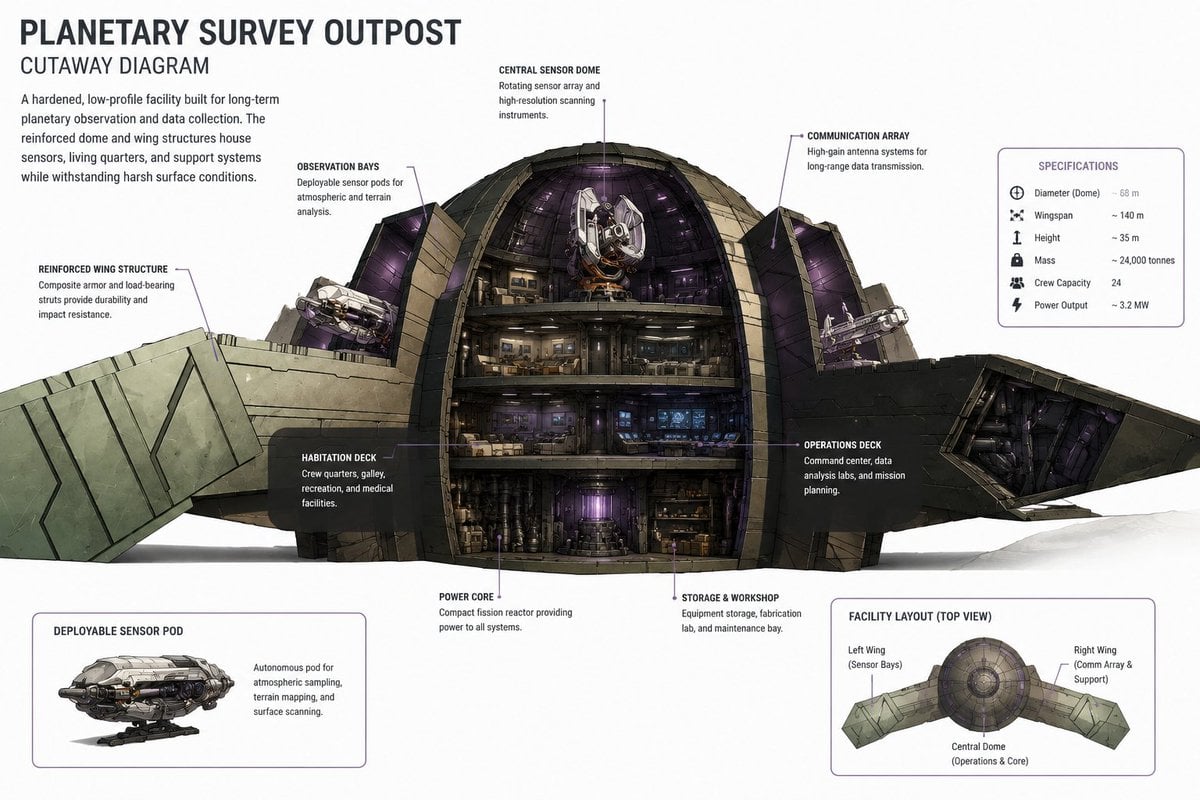
Planetary Survey Outpost Cutaway
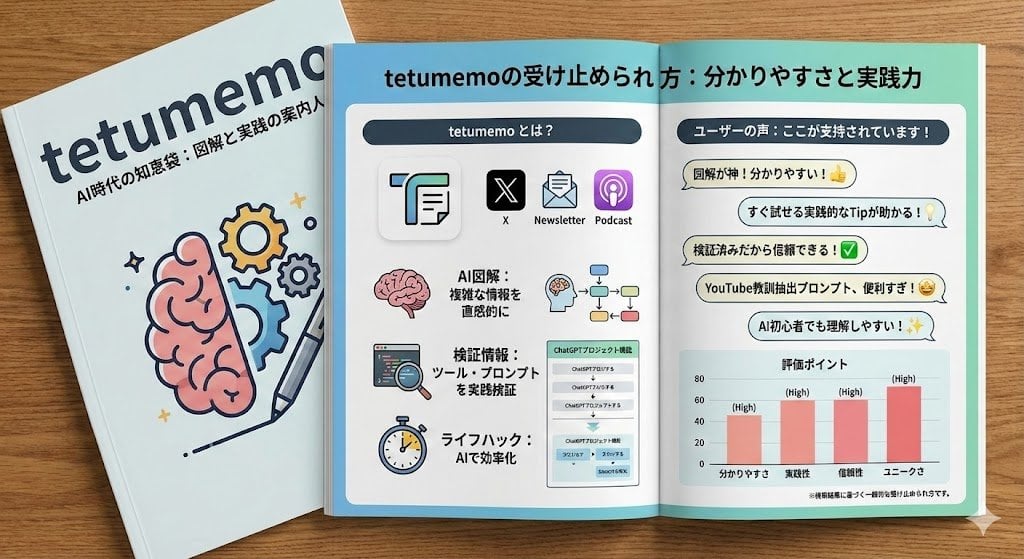
Profile URL to Magazine Infographic Prompt

Image Transformation into Watercolor Valentine's Day Card
Melancholic 2x2 Photo Collage
Odaiba Gundam Construction Process Visualization
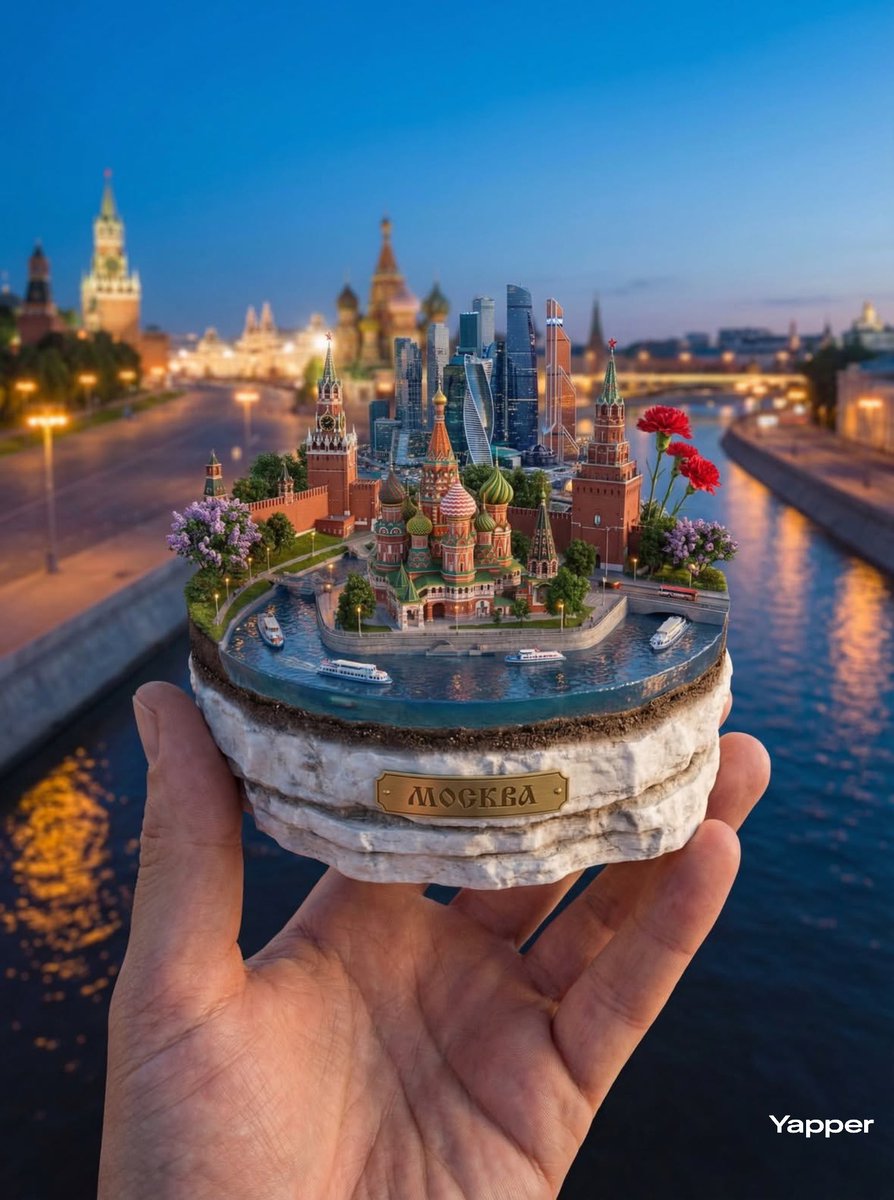
Hyper-Realistic Miniature Moscow Diorama
Browse template categories
Vintage Watercolor City Poster questions
How do I use the Vintage Watercolor City Poster template?
Add your photo if the template asks for one, edit the prompt if you like — the template's model and format are already selected — and press Generate. Your version opens in PicX Studio.
Can I customize the Vintage Watercolor City Poster template?
Yes. You can change the subject, setting, lighting, mood, format, and available model controls before creating your image.
Is the Vintage Watercolor City Poster template free?
Opening and editing this template is free. Generating uses credits, shown on the Generate button when you are signed in.
Which AI model should I use?
Start with GPT Image 2, which is the model associated with this template. You can compare another compatible model for a different finish.
Looking for something else? Browse all templates.

Your photo, any look
Thousands of ready templates for every top image and video model, from one credit balance.