How do I use the Monochrome Anime Streetwear Brand Poster template?
Choose the primary action to open PicX Studio with the available template settings. Review the model and format, personalize the creative direction, and generate when ready.
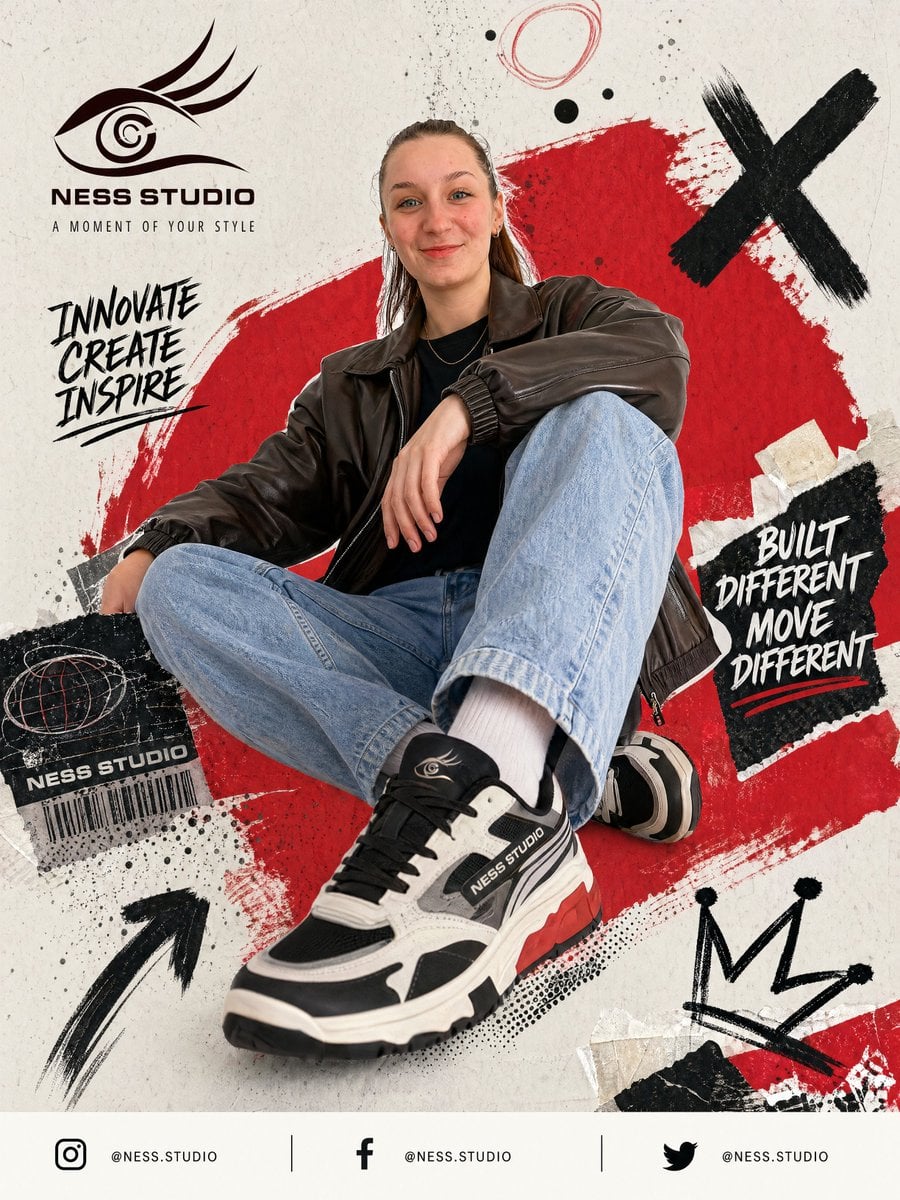
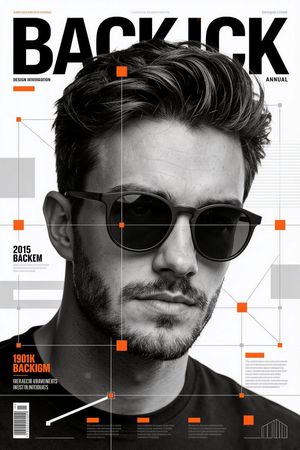
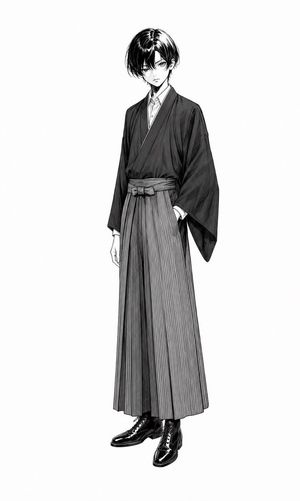
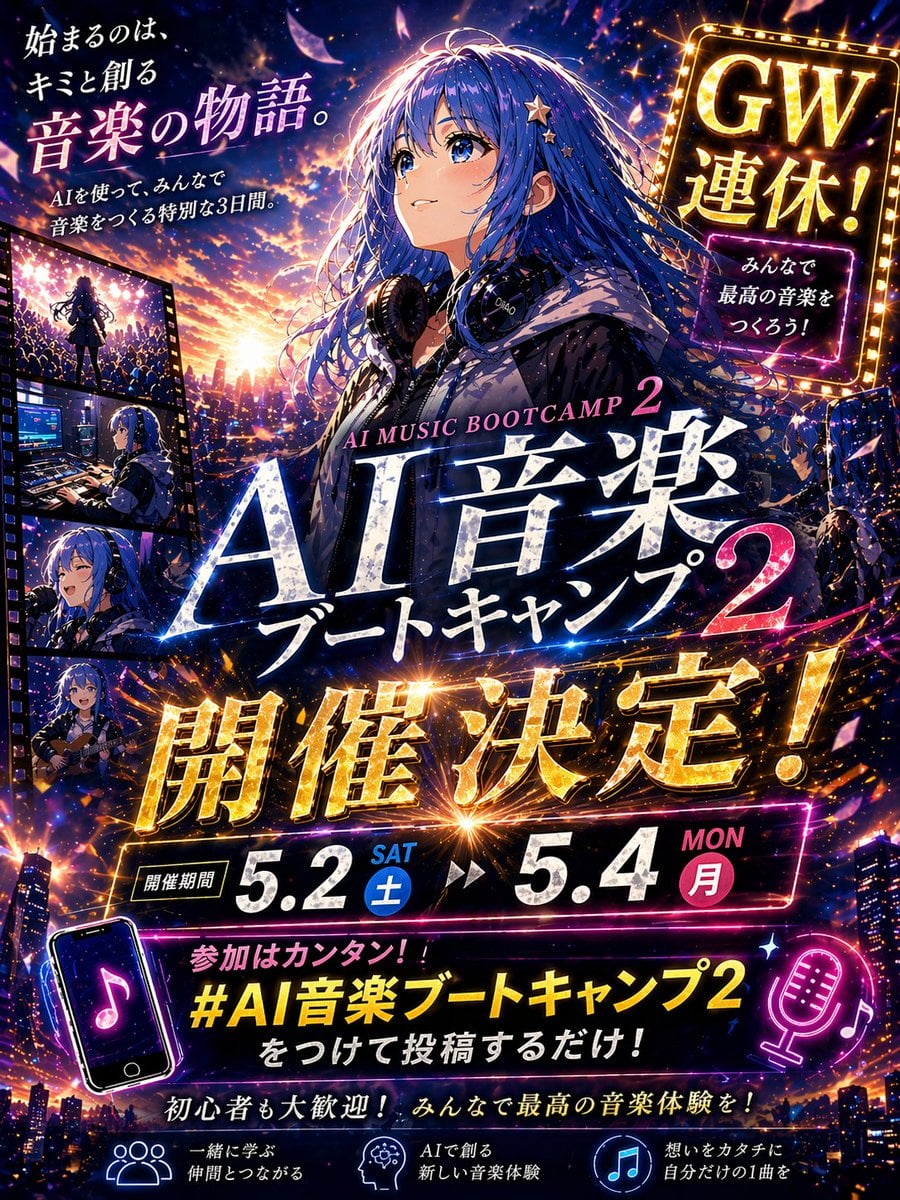
Generates a sleek character study poster featuring a masked anime-style streetwear figure for branding, profile art, or fashion concept presentation.
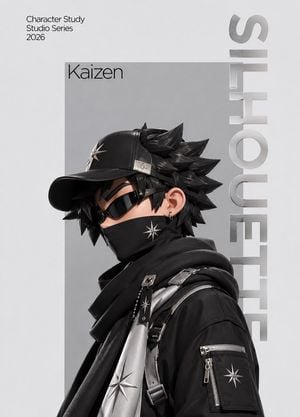
Create a premium character-branding poster for {argument name="character name" default="Kaizen"}, showing a single stylized anime-inspired male streetwear character in side-profile bust view, facing left. The character has sharp spiky black hair, pale skin, black wraparound sunglasses, a small hoop earring, and a black face mask with a silver eight-point star emblem. He wears a black baseball cap with a metallic star badge on the front and a small metal plate on the side, a black oversized hooded jacket, layered scarf-like black fabric, tactical straps, buckles, zippers, and metallic silver panels with repeated star insignias. Use a sleek monochrome palette of black, charcoal, silver, and light gray with high-end fashion editorial lighting, glossy 3D-anime rendering, crisp material detail, and soft studio shadows. Place him inside a large vertical light-gray rectangle centered on an off-white background. Add small clean sans-serif text at the top left reading "Character Study Studio Series 2026" on three lines. Add the name "{argument name="character name" default="Kaizen"}" in thin black type near the upper left of the gray portrait panel. Along the right edge, add huge vertical metallic silver typography reading "{argument name="vertical brand text" default="SILHOUETTE"}", rotated vertically and partially overlapping the portrait area. Keep the composition minimal, luxury, futuristic, and brand-ready, with no extra characters, no clutter, and no watermark.
Choose the primary action to open PicX Studio with the available template settings. Review the model and format, personalize the creative direction, and generate when ready.
Yes. You can change the subject, setting, lighting, mood, format, and available model controls before creating your image.
This template is free to open and customize. Generation usage is shown in PicX Studio before you create.
Start with GPT Image 2, which is the model associated with this template. You can compare another compatible model for a different finish.
Follow a topic to a crawlable collection of related PicX Studio templates.