
Chill-Out Graphic Movie Poster
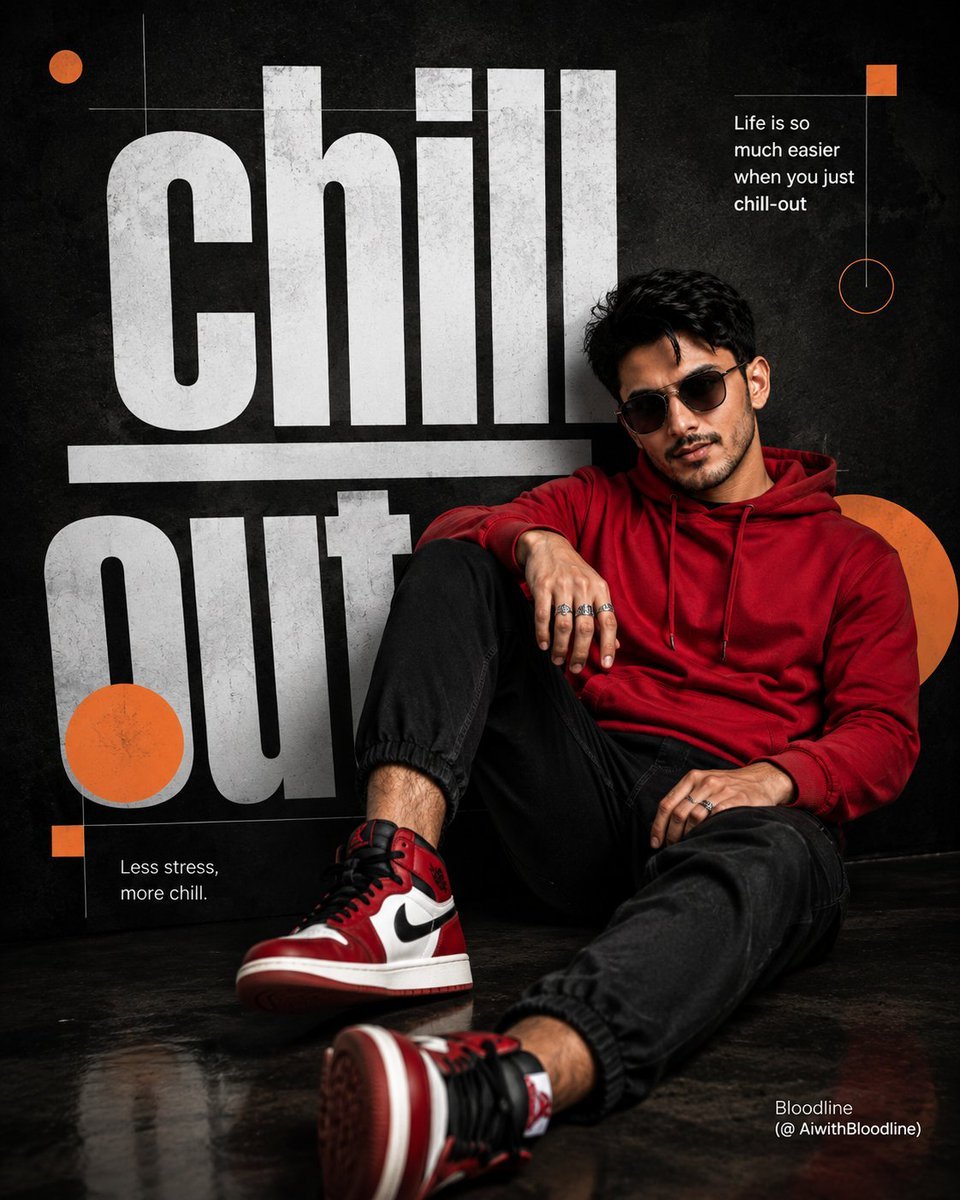
A sophisticated prompt for a graphic poster featuring a man in a relaxed pose with oversized typography and modern design elements.
- Prompt included
- Model and format preset
- Free template
The prompt behind this image
Copy the exact prompt behind Chill-Out Graphic Movie Poster, or open it in the studio and make it yours.
Create a hyper-realistic 8K UHD cinematic poster portrait of a man inspired by the reference image, with a similar hairstyle, facial structure, and body build while maintaining a natural realistic look. Shot as if captured on a 35mm lens, f/1.8, with sharp focus, creamy bokeh, cinematic color grading, and detailed DSLR skin texture. Design a modern graphic poster titled “{argument name="title" default="Chill-out"}.” The man wears a {argument name="outfit" default="red hoodie, black cuffed joggers, red and white Air Jordan high-top sneakers, dark sunglasses, and silver rings"}. He sits in a relaxed reclined pose leaning against oversized typography, one leg bent and the other slightly extended toward the viewer. His body angles right while his face turns toward the camera in a confident three-quarter view. Background is matte textured black. Large bold white sans-serif text “chill” and “out” forms a bench-like structure, with “chill” underlined. Add orange circles, squares, thin white grid lines, and phrases: “{argument name="quote" default="Life is so much easier when you just chill-out"}” and “Less stress, more chill.” Bottom-right watermark: Bloodline (@ AiwithBloodline) ,
How to use Chill-Out Graphic Movie Poster in 3 steps
- 1Upload ImagePNG, JPG or paste
Add your photo
Upload the photo the template builds on. The prompt, model and format are already set.
- 2…a portrait of your subject in softgolden-hour light, 85mm…
Personalize
Edit the subject and creative details for your destination.
- 3Generate
Generate
Press Generate — your image is created in PicX Studio, so you can compare it with the original and refine one variable at a time.
More like this
Templates with the same subject, style or setup. Open one to see its prompt.
Gpt2 Youtube Thumbnail Wuxia Movie Character Posters

Premium Fashion Editorial Cover Layout System
Goalmaster Youth Sports Poster
Brazil Versus Japan Knockout Split Rivalry Poster
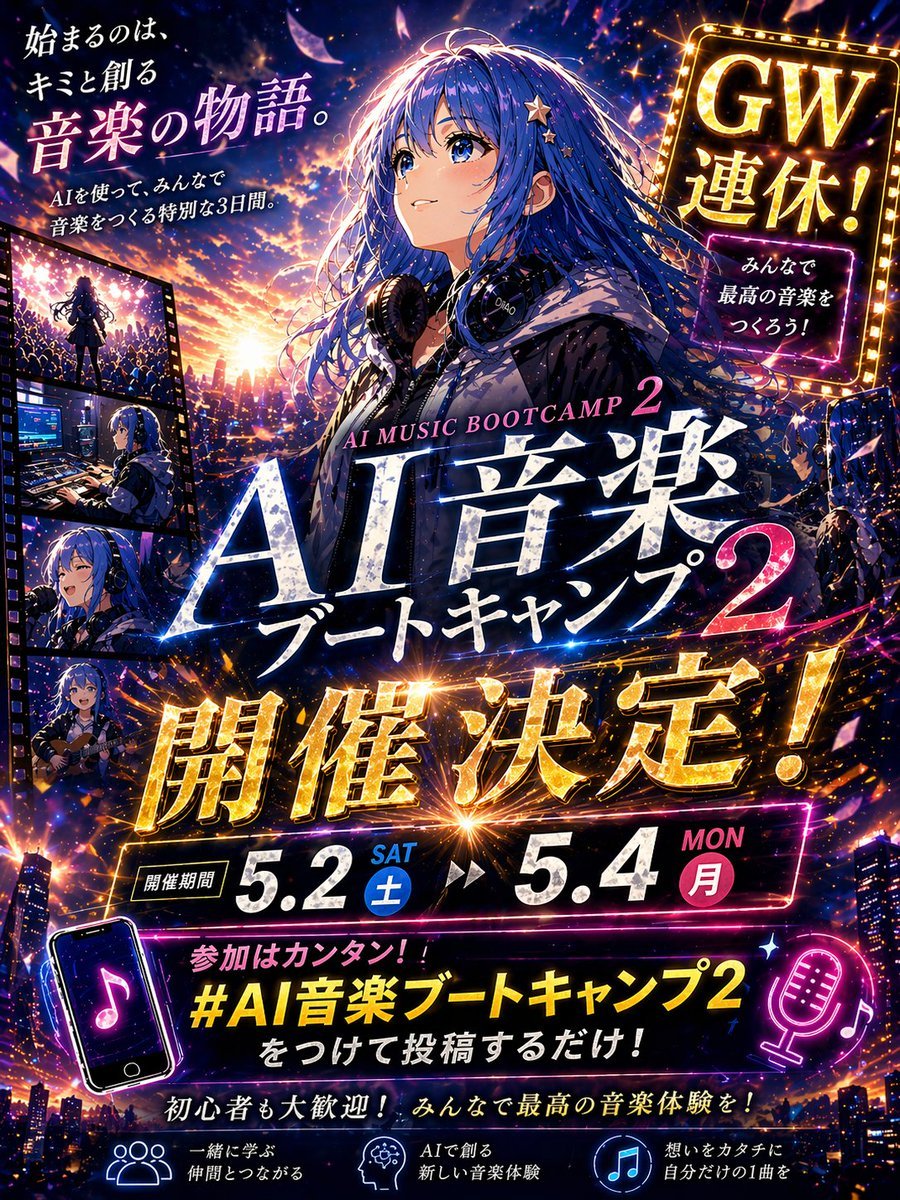
Gpt2 Youtube Thumbnail Anime Music Bootcamp Promo Poster
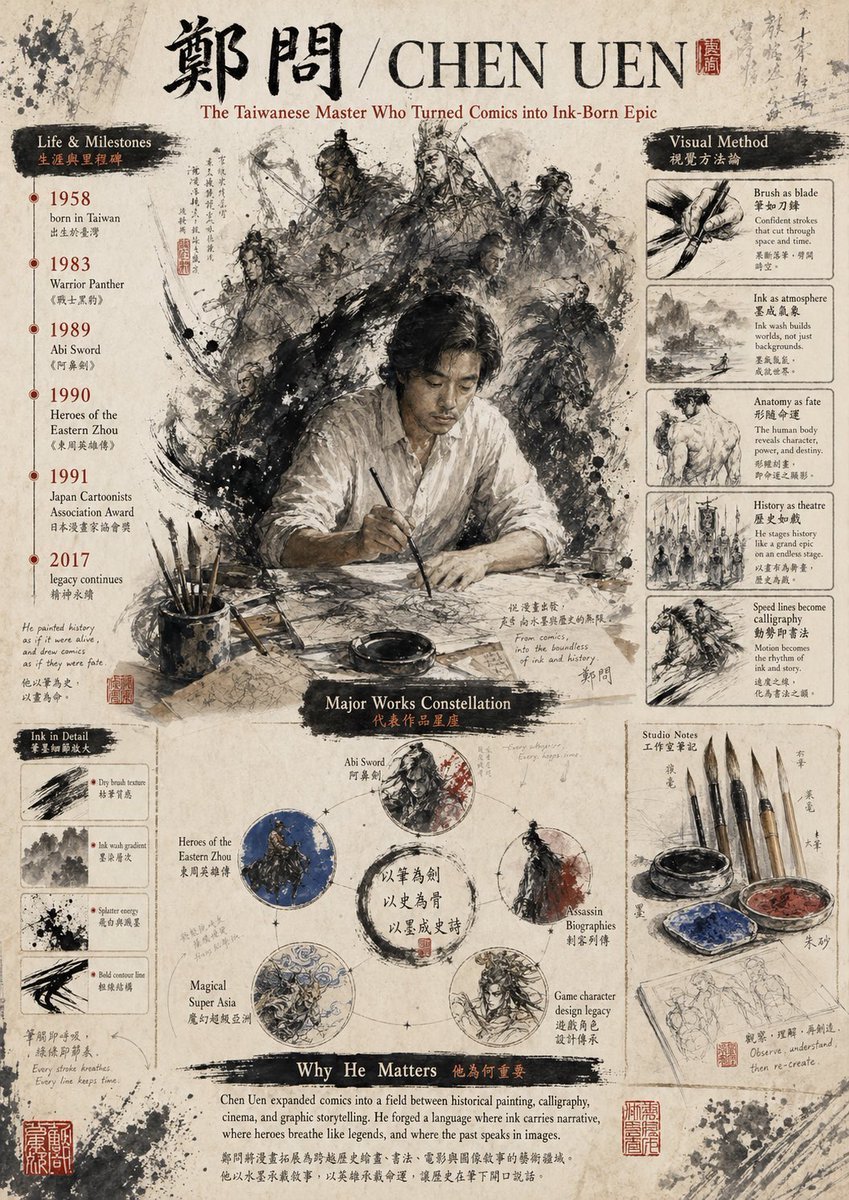
Gpt2 Infographic Edu Visual Ink Wash Tribute Poster for Chen Uen
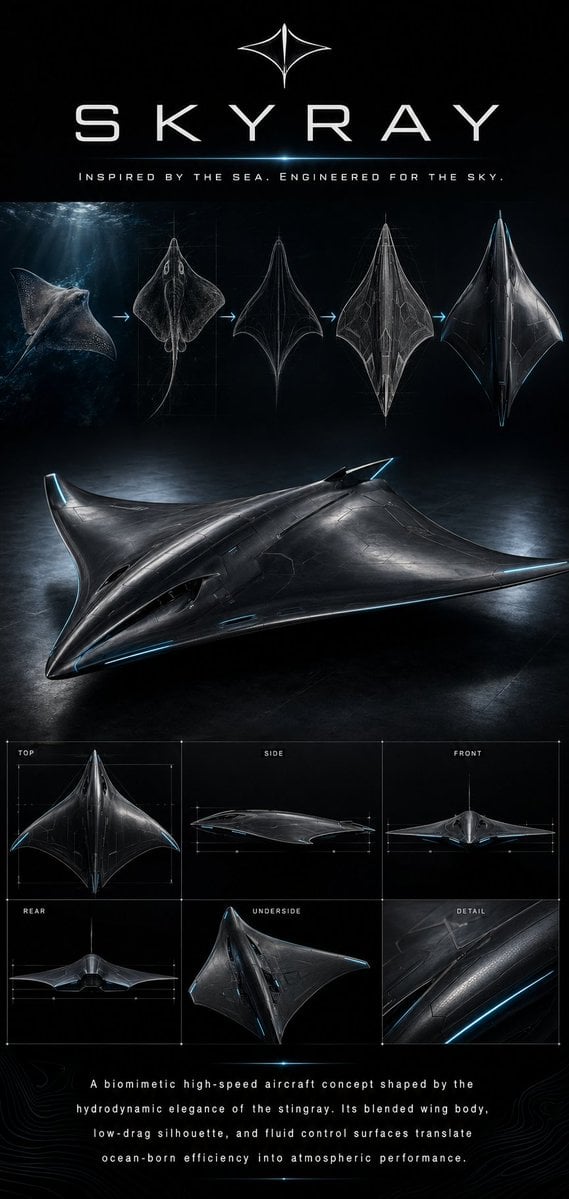
Gpt2 Infographic Edu Visual Biomimetic Skyray Aircraft Poster
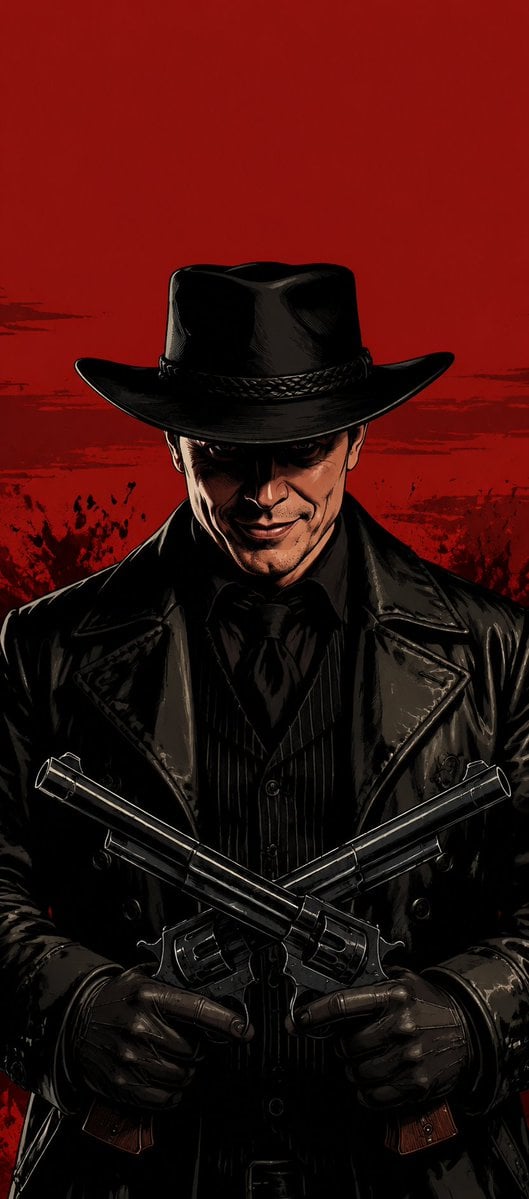
Faceless Outlaw Graphic Novel Poster
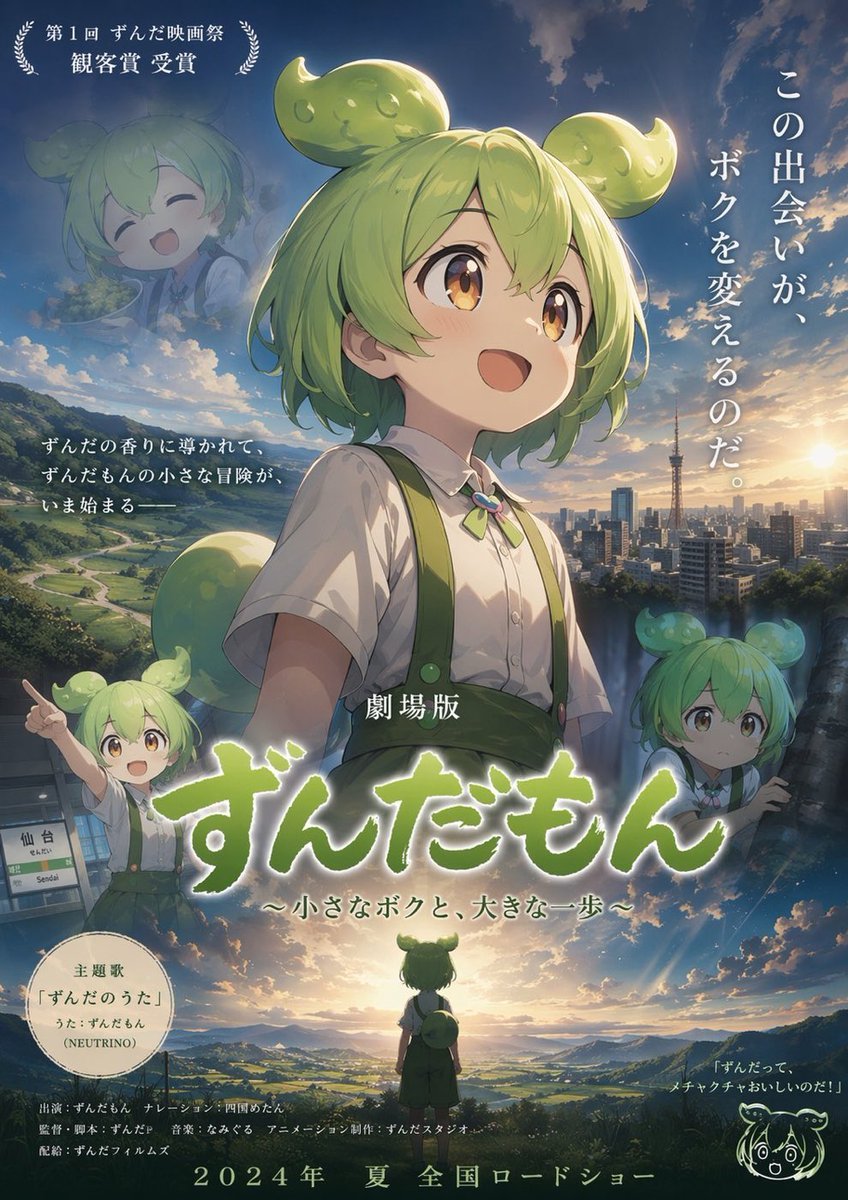
Anime Movie Poster Layout
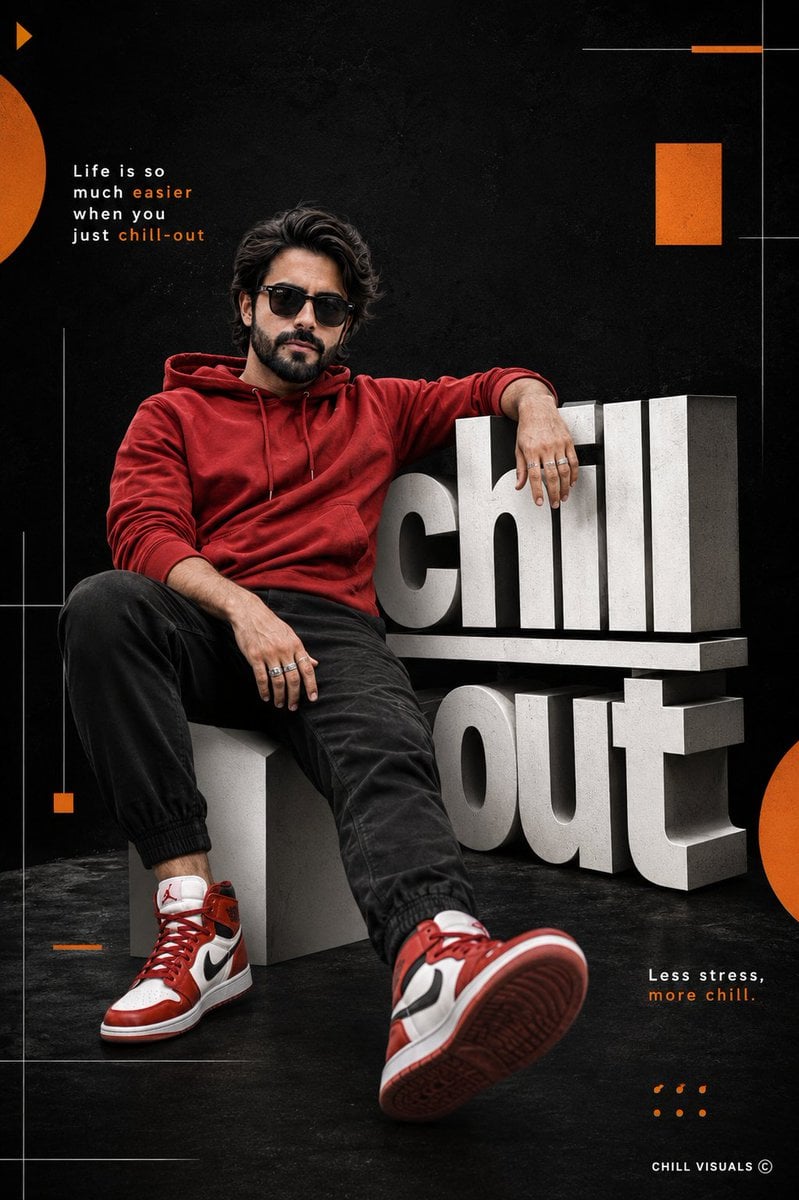
Hyper-Realistic Chill-out Cinematic Poster
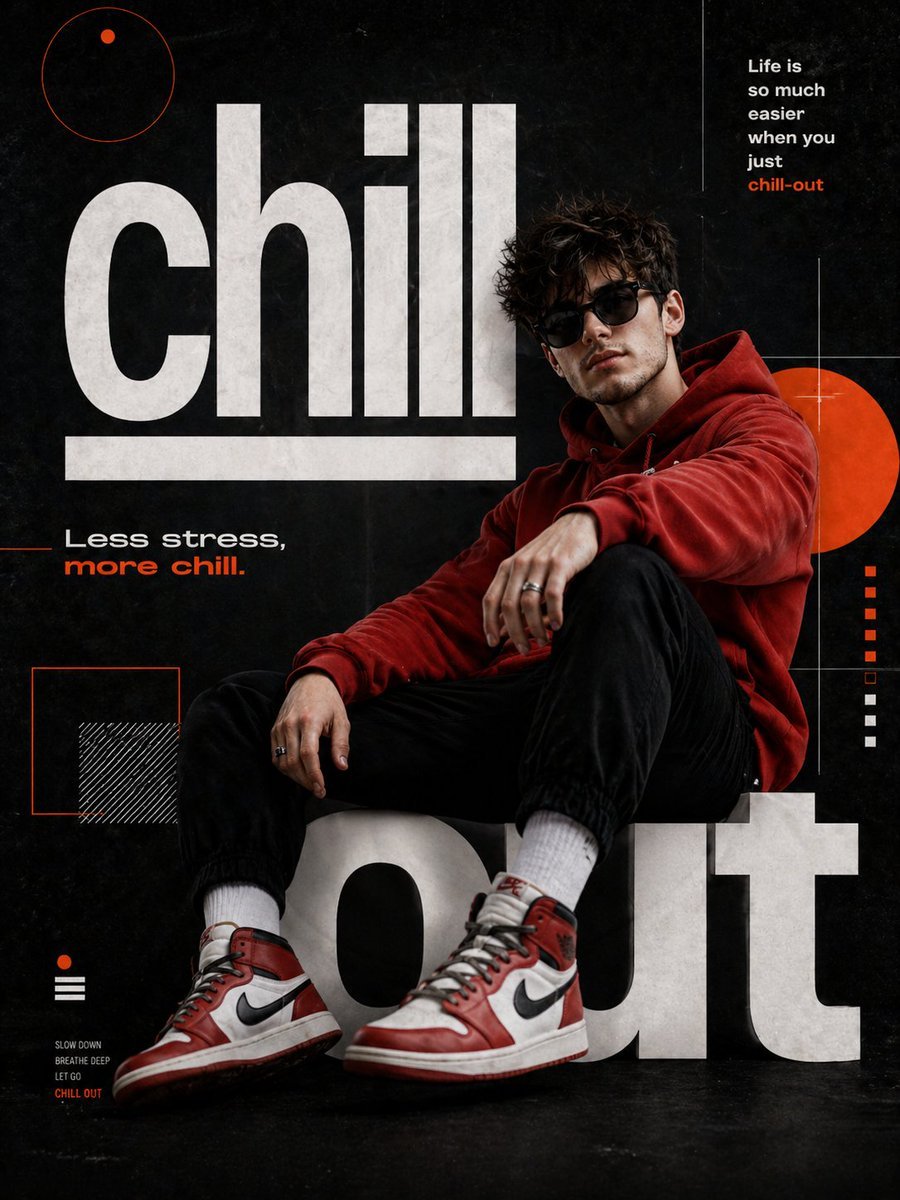
Chill-out Cinematic Poster

Japan Travel Brochure Poster
Make it yours
Chill-Out Graphic Movie Poster works as-is. These are the safest ways to change it without losing the look.
Change one field
Copy a single group, rewrite it, and generate again so you can see what that field is doing.
Keep the frame, change the subject
Hold the composition and light of Chill-Out Graphic Movie Poster, then swap wardrobe, props or the person for a new take.
| If the result… | Why | Fix |
|---|---|---|
| The result drifts from the preview | Too many fields changed at once. | Reuse Chill-Out Graphic Movie Poster as-is first, then change one group — subject, light, or setting. |
| The model over-stylizes the scene | The prose prompt leaves finish and camera underspecified. | Add one camera or lighting sentence and stay on GPT Image 2. |
More GPT Image 2 templates
Other prompts made for GPT Image 2.

Six VTuber Japanese Logo Sheet

Realistic Portrait of Woman and Deer

The Vista Modular Condo Poster

AI Model Routing Comparison Infographic

2.5D Anime Art Board

Isometric Productivity Desk Scene

New York Double Exposure Poster

Four-Panel AI Landscape Comparison

Japanese Tatami Lifestyle Magazine Cover

NESCAFÉ Coffee Map Poster
More image prompts
Fresh picks from across the catalog.
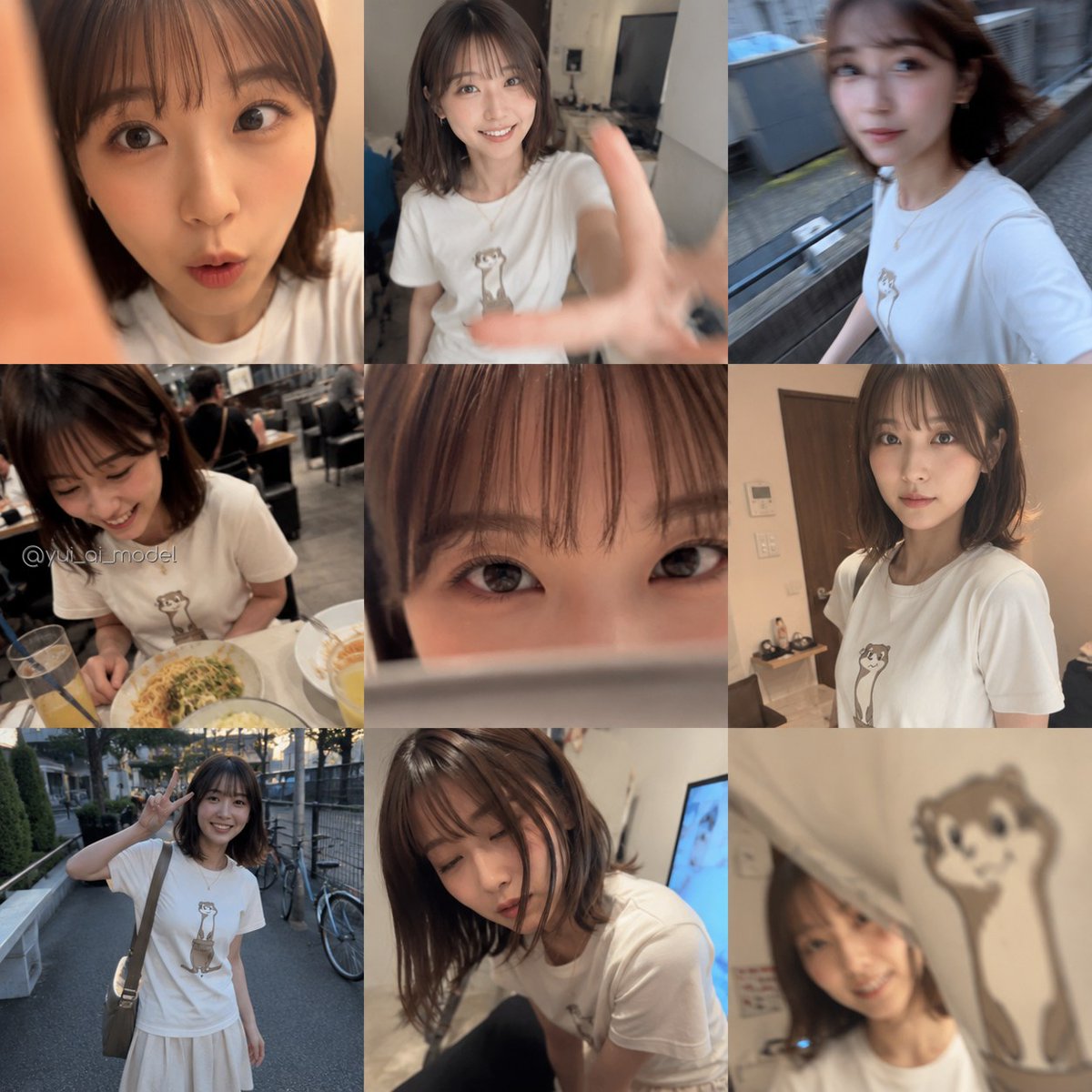
Realistic Camera Roll Outfit Collage
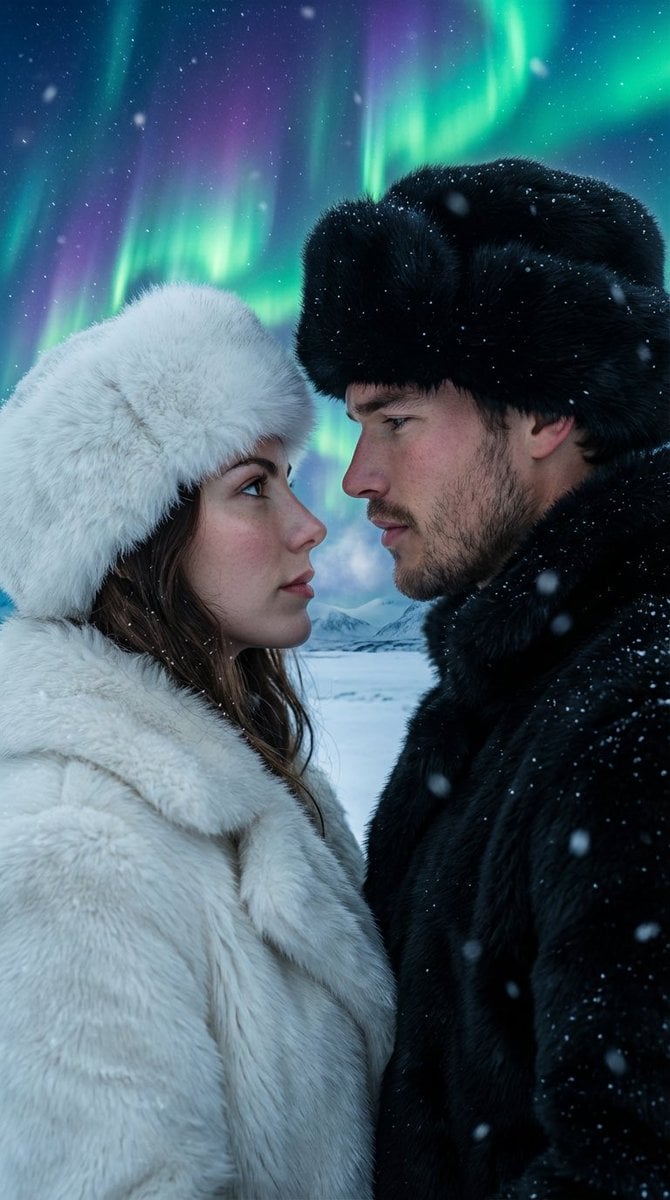
Aurora Borealis Couple Portrait with Identity Preservation
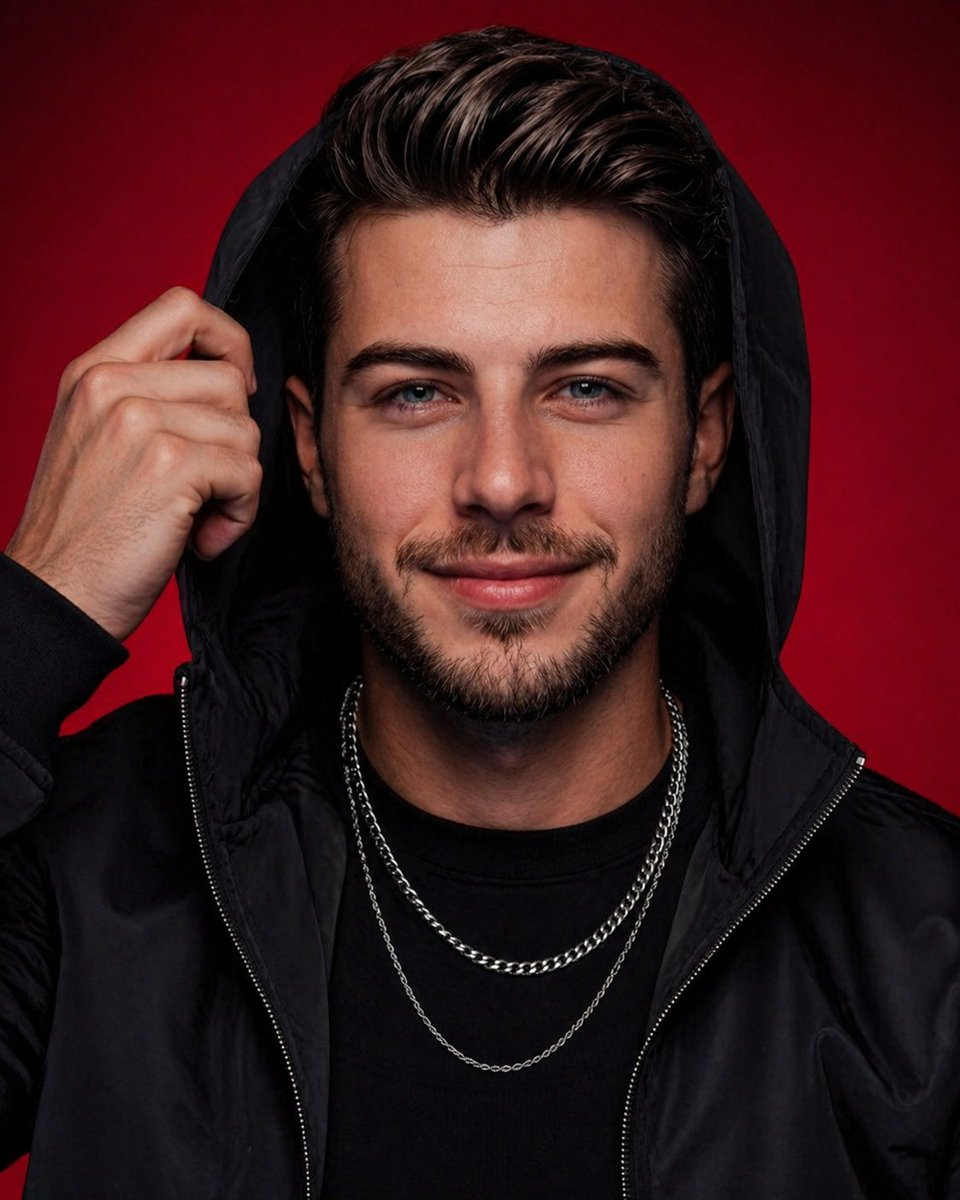
High-End Studio Male Portrait
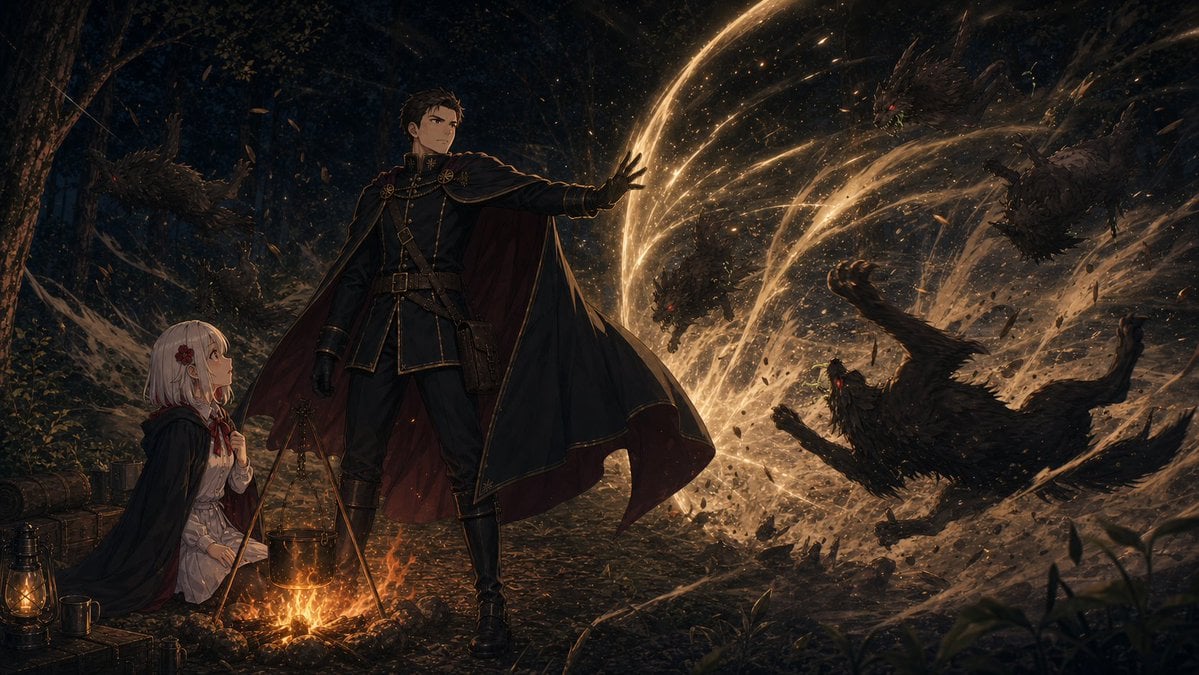
Forest Camp Magic Battle
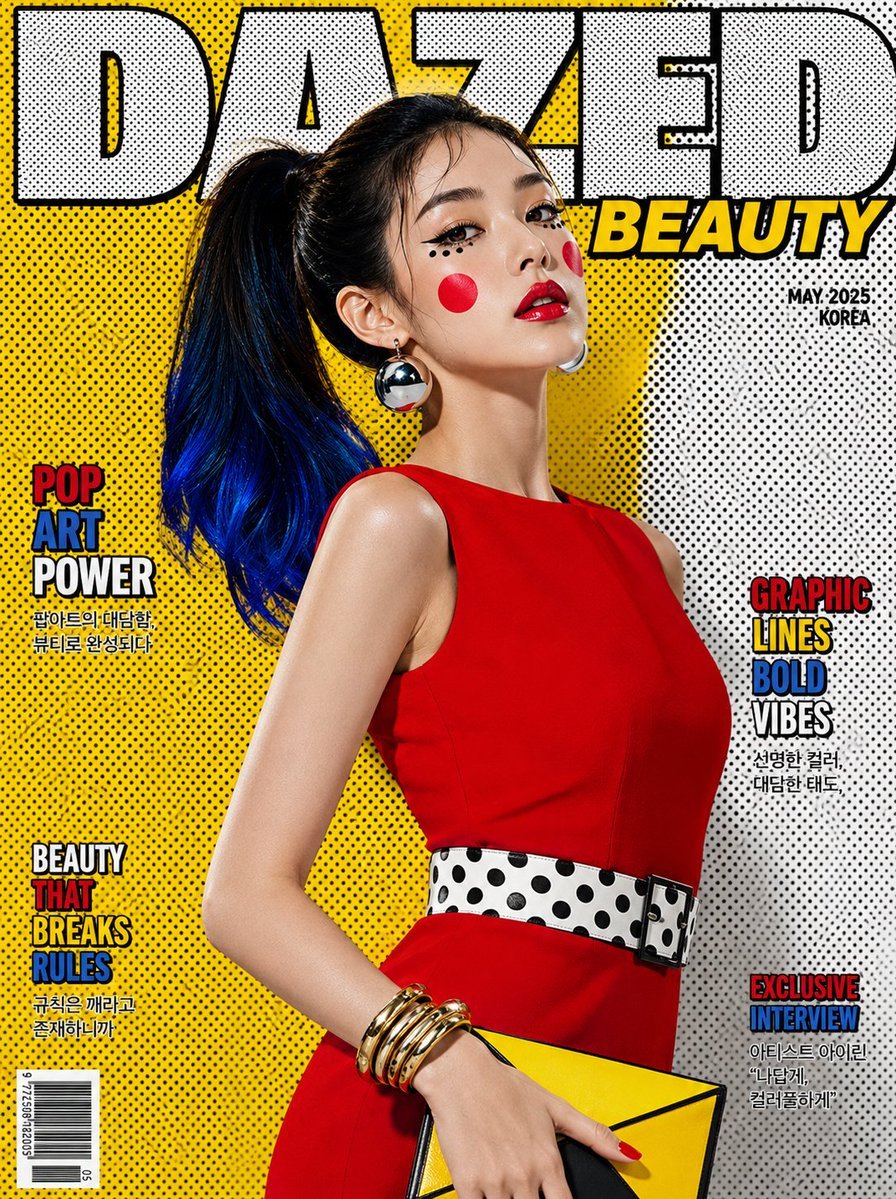
Luxury Pop-Art Beauty Magazine Cover

Stunning Winter Photo Prompt for Gemini Nano Banana
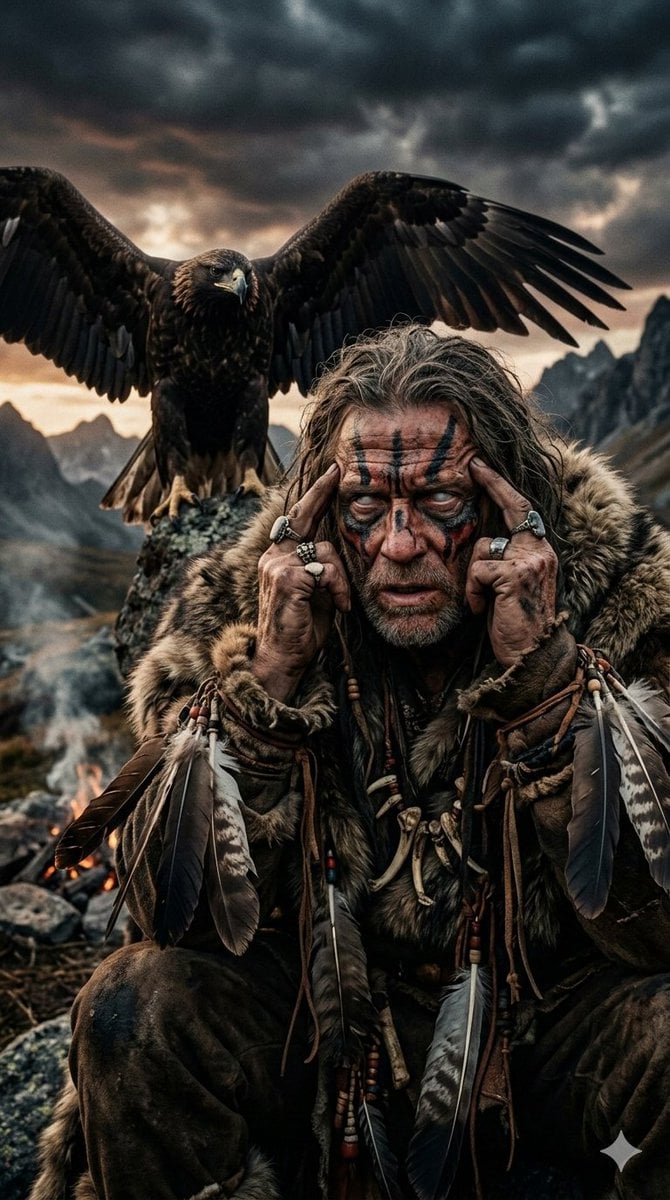
Prehistoric Shaman Bonded with Eagle Spirit
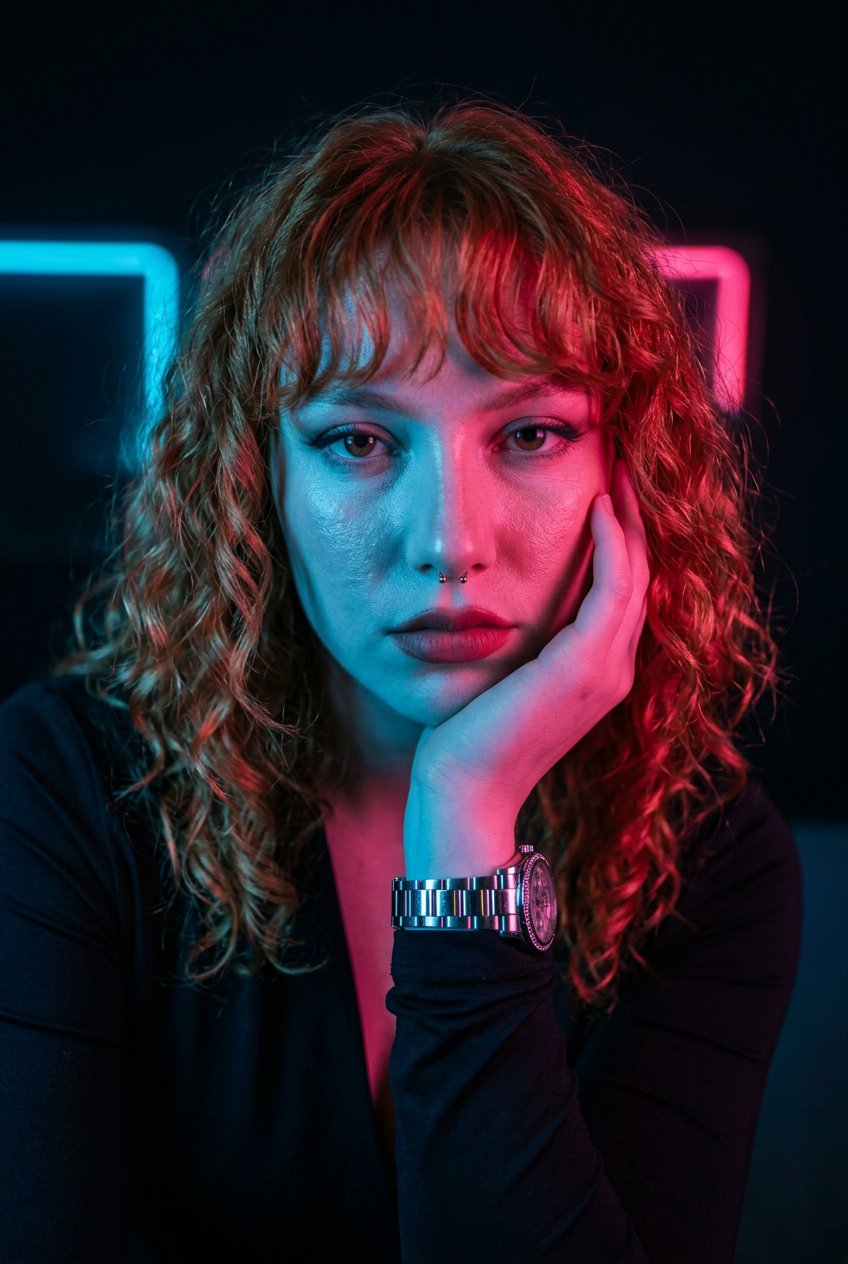
Neon Noir Dual Tone Portrait
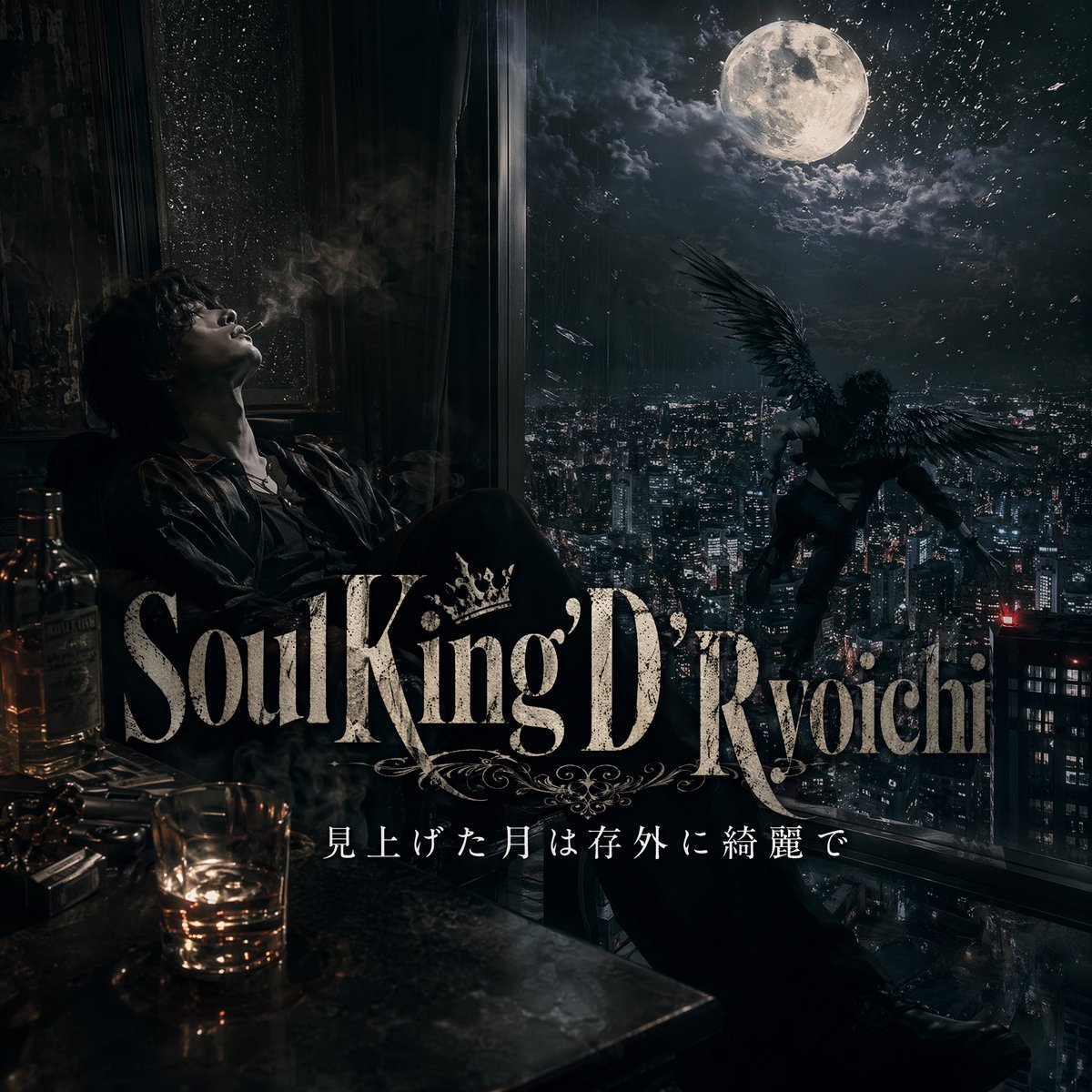
Dark Moonlit Noir Album Cover
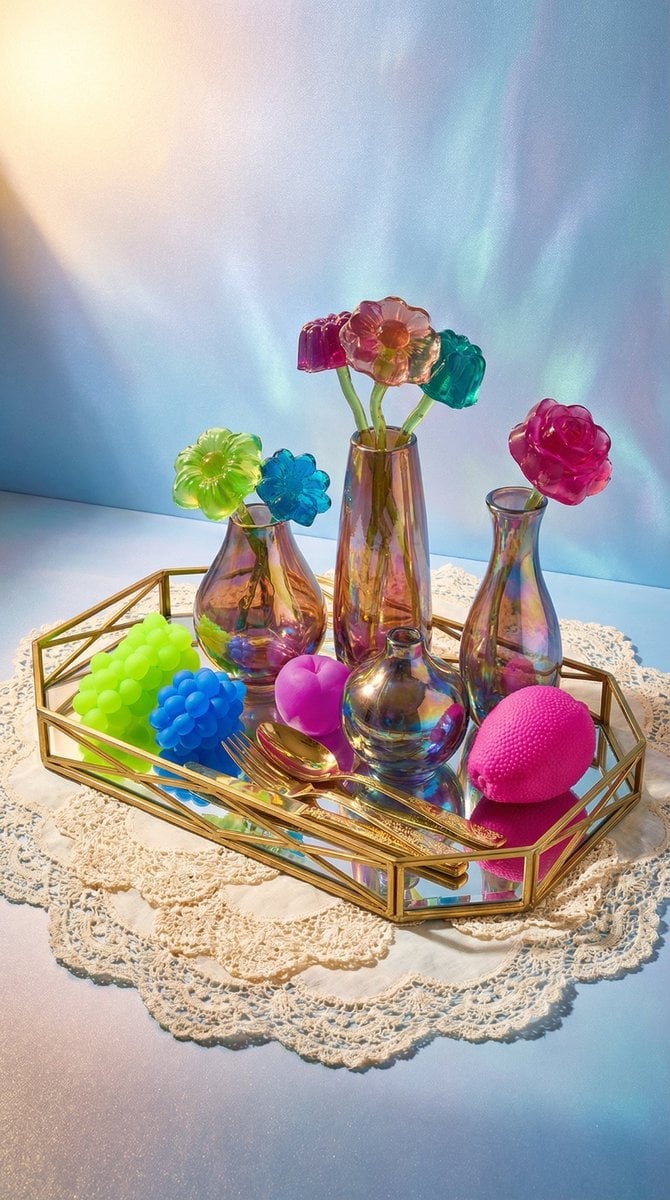
Maximalist Tabletop Arrangement Product Photography
Browse template categories
Chill-Out Graphic Movie Poster questions
How do I use the Chill-Out Graphic Movie Poster template?
Add your photo if the template asks for one, edit the prompt if you like — the template's model and format are already selected — and press Generate. Your version opens in PicX Studio.
Can I customize the Chill-Out Graphic Movie Poster template?
Yes. You can change the subject, setting, lighting, mood, format, and available model controls before creating your image.
Is the Chill-Out Graphic Movie Poster template free?
Opening and editing this template is free. Generating uses credits, shown on the Generate button when you are signed in.
Which AI model should I use?
Start with GPT Image 2, which is the model associated with this template. You can compare another compatible model for a different finish.
Looking for something else? Browse all templates.

Your photo, any look
Thousands of ready templates for every top image and video model, from one credit balance.