
Moonlit Hydrangea Manor
Generates a saturated Japanese fantasy night background of a rain-soaked hydrangea manor garden viewed from a veranda.
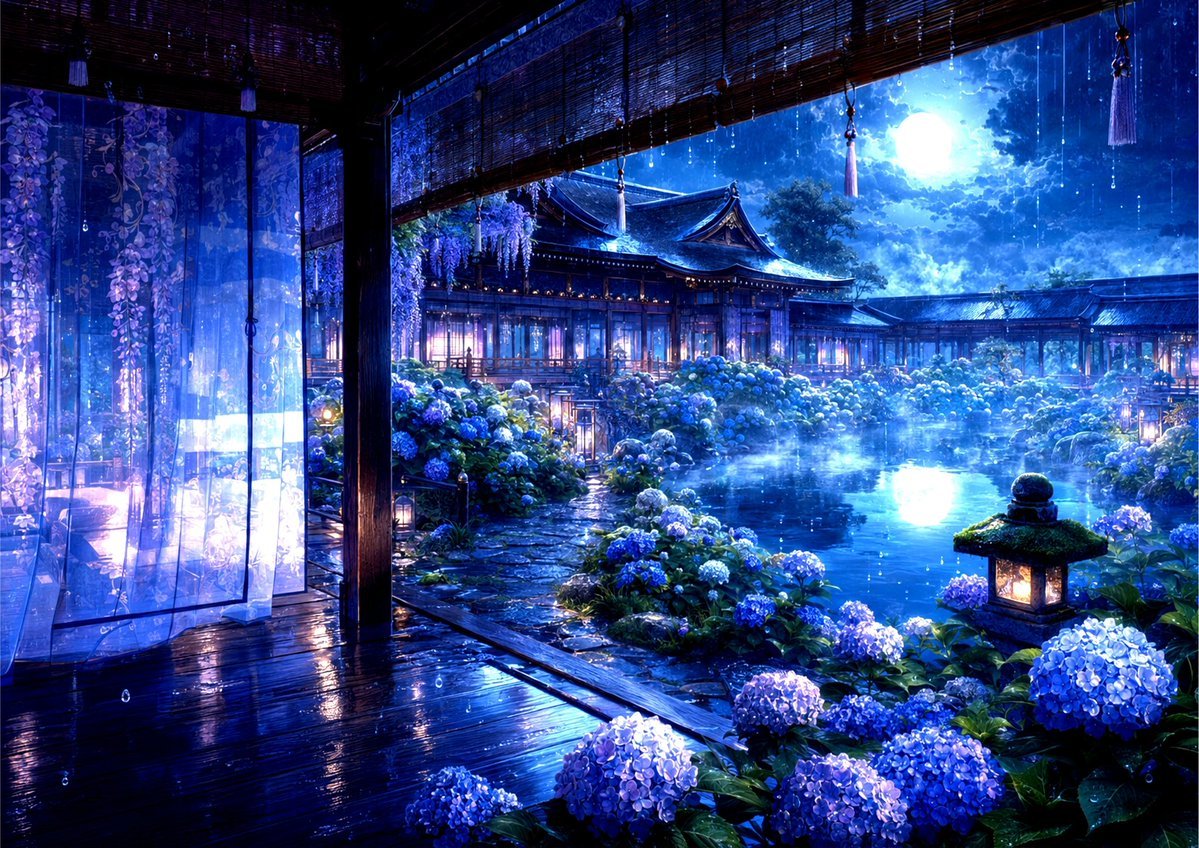
- Prompt included
- Model and format preset
- Free template
The prompt behind this image
Copy the exact prompt behind Moonlit Hydrangea Manor, or open it in the studio and make it yours.
Create a richly detailed Japanese fantasy background illustration of {argument name="estate name" default="Hydrangea Manor"} at night, viewed from inside an open wooden veranda looking out onto an elegant traditional mansion and garden. The scene is saturated in luminous cobalt blue, violet, and cyan tones, with a huge glowing full moon in a cloudy night sky reflected in a calm pond. In the foreground, show glossy rain-soaked dark wooden floorboards, heavy wooden pillars, rolled bamboo blinds hanging from the ceiling, small dangling tassel ornaments, and translucent sheer curtains on the left printed with cascading wisteria or hydrangea-like floral patterns. Beyond the veranda, create a stone garden path leading through dense blooming hydrangea bushes in blue, lavender, purple, and white, surrounding a misty pond with moonlight reflections. Add a moss-topped stone lantern glowing warmly at the lower right, additional small garden lanterns along the path, and an expansive Japanese mansion with layered tiled roofs, warm lit windows, wooden corridors, and shrine-like architectural details in the middle distance. Include exactly 6 main visible repeated feature groups: 1 open veranda interior, 1 sheer floral curtain area, 1 central pond, 1 traditional mansion complex, 1 hydrangea garden, and 1 glowing stone lantern in the foreground. Atmosphere: gentle rain with visible vertical raindrops, wet reflective surfaces, soft mist hovering above the pond, magical firefly-like sparkles, romantic and tranquil mood. Visual style: highly polished anime background art, Japanese fantasy, intricate environmental detail, high saturation, dramatic moonlight, cinematic wide composition, ultra-detailed lighting, no characters, no modern objects, no text, no watermark. Use a {argument name="color palette" default="deep sapphire blue, violet, cyan moonlight, and warm amber lantern light"} palette and emphasize the feeling of a secret rainy-season hydrangea estate.
How to use Moonlit Hydrangea Manor in 3 steps
- 1Upload ImagePNG, JPG or paste
Add your photo
Upload the photo the template builds on. The prompt, model and format are already set.
- 2…a portrait of your subject in softgolden-hour light, 85mm…
Personalize
Edit the subject and creative details for your destination.
- 3Generate
Generate
Press Generate — your image is created in PicX Studio, so you can compare it with the original and refine one variable at a time.
More like this
Templates with the same subject, style or setup. Open one to see its prompt.
Coastal Hydrangea Garden Walk
Ultra-Realistic Cinematic Hydrangea Portrait
Hydrangea Anime Collector Box
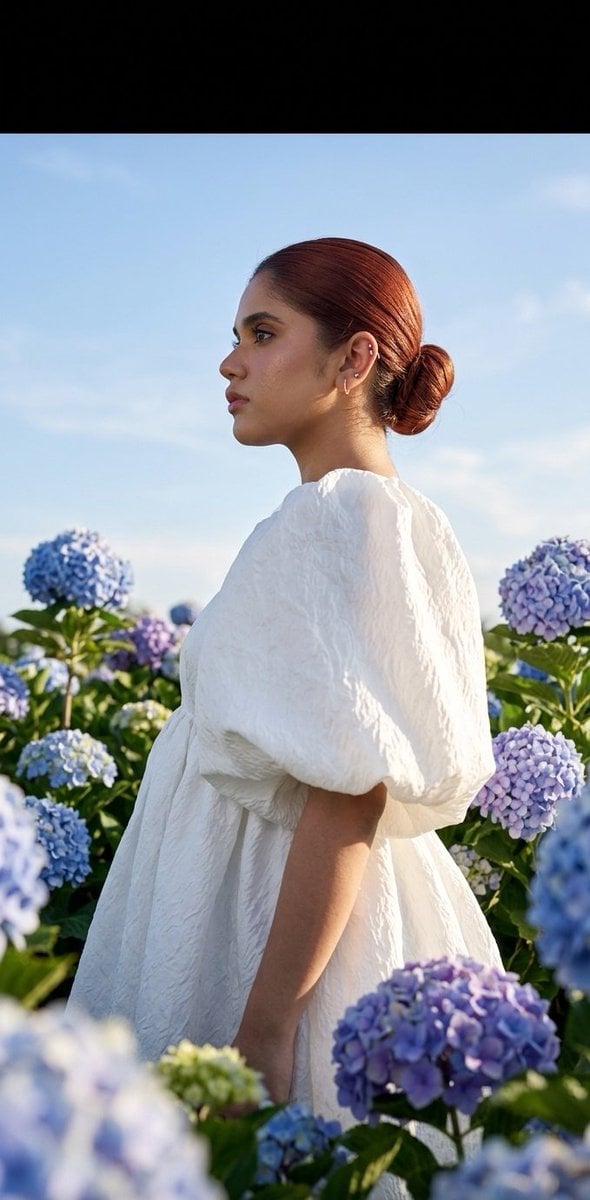
Summer fashion hydrangea field editorial
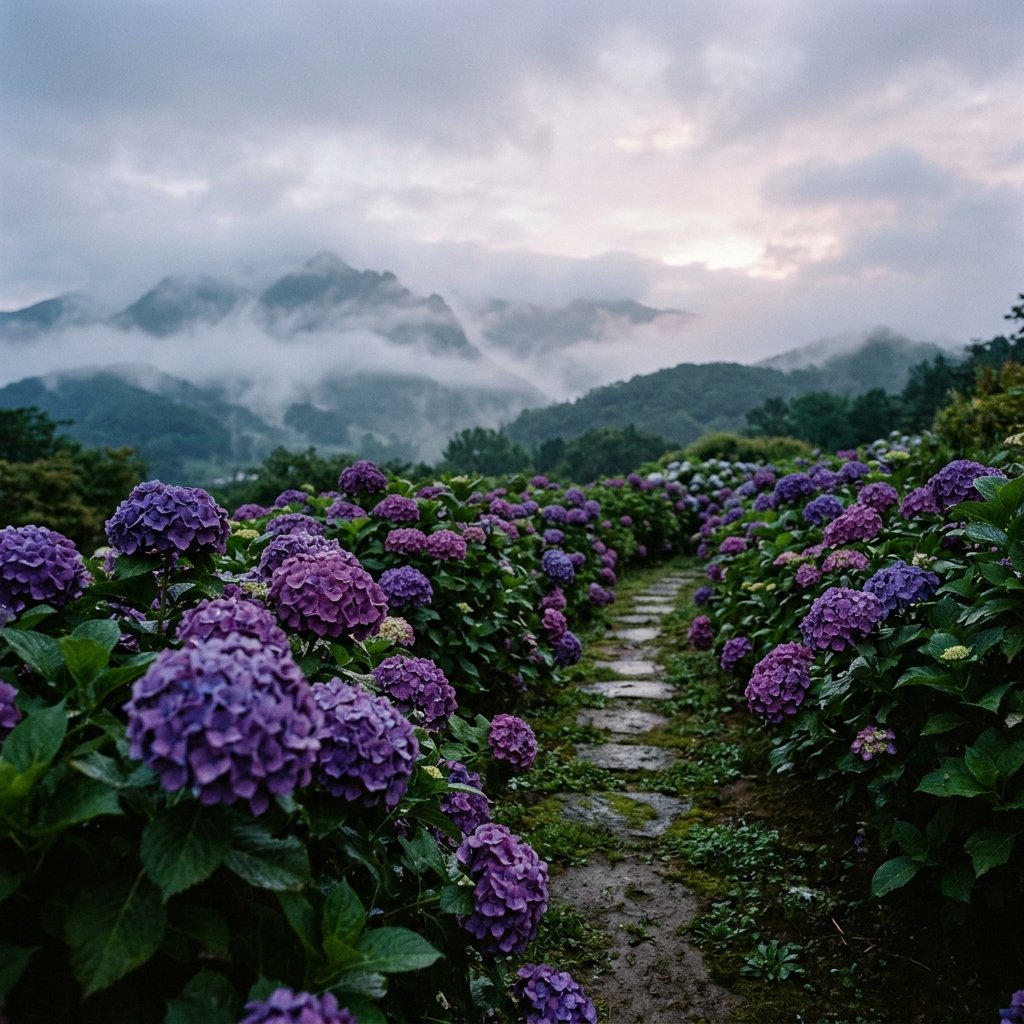
Misty Hydrangea Garden Landscape
Manor Window Seat Rain

Manor Garden Topiary Path
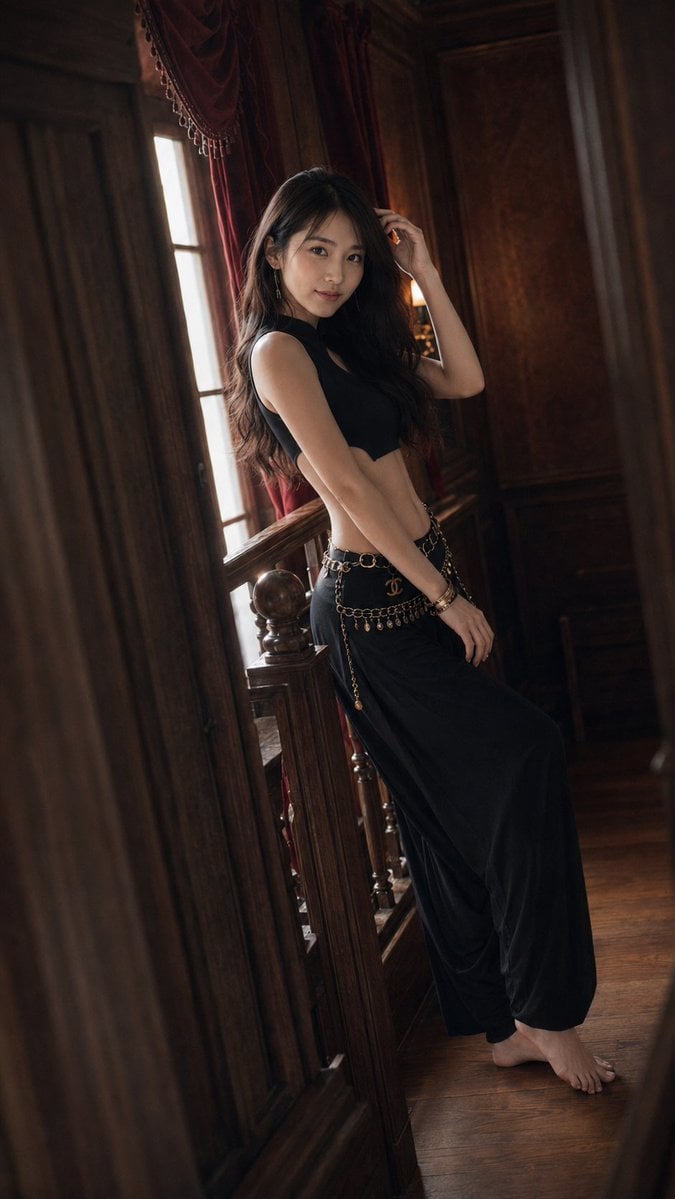
Warm Vintage Manor Bohemian Fashion Editorial
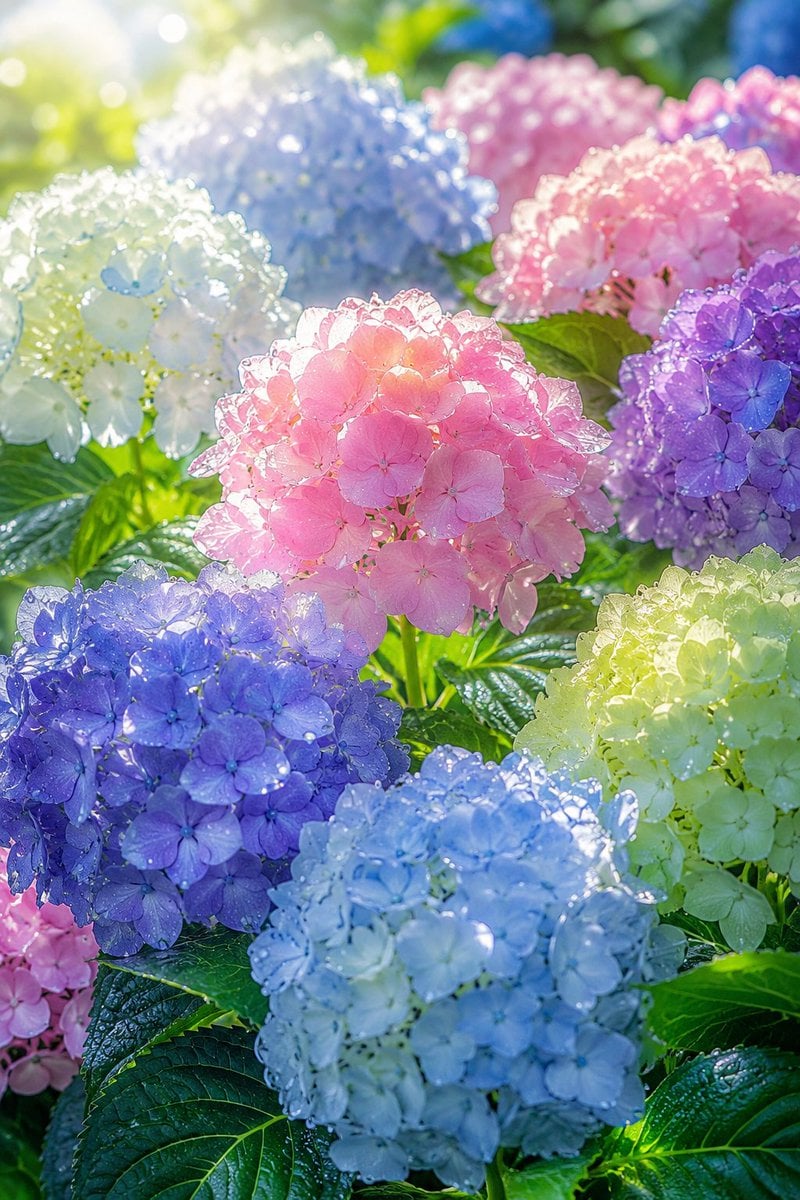
Sunlit Dewy Hydrangea Garden
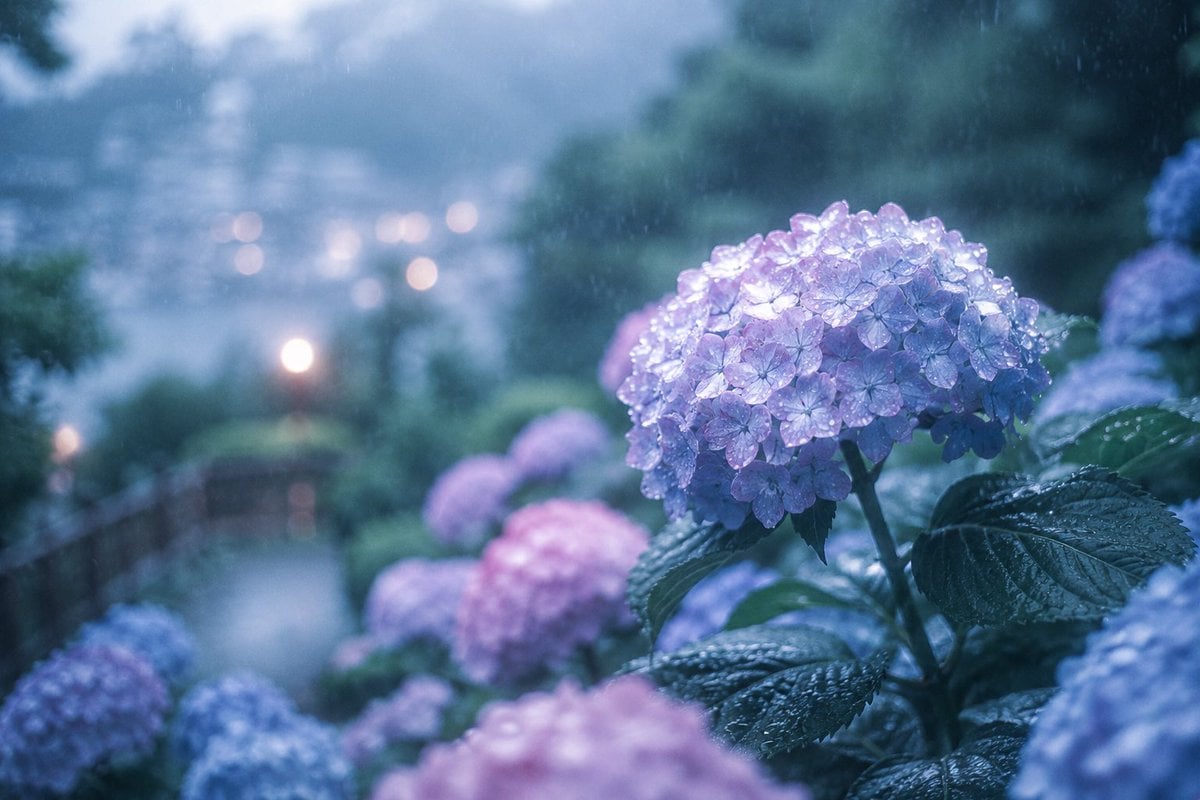
Rainy Kamakura Hydrangea Garden
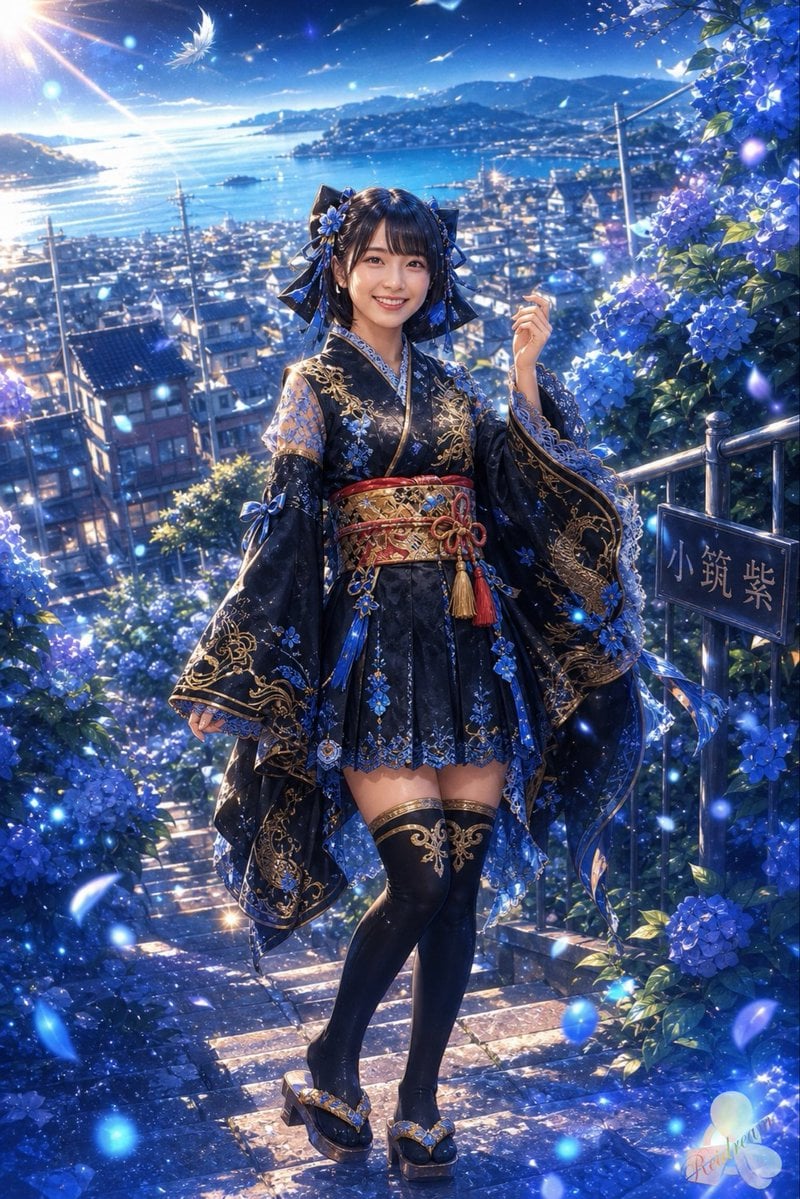
Blue Hydrangea Kimono Fantasy
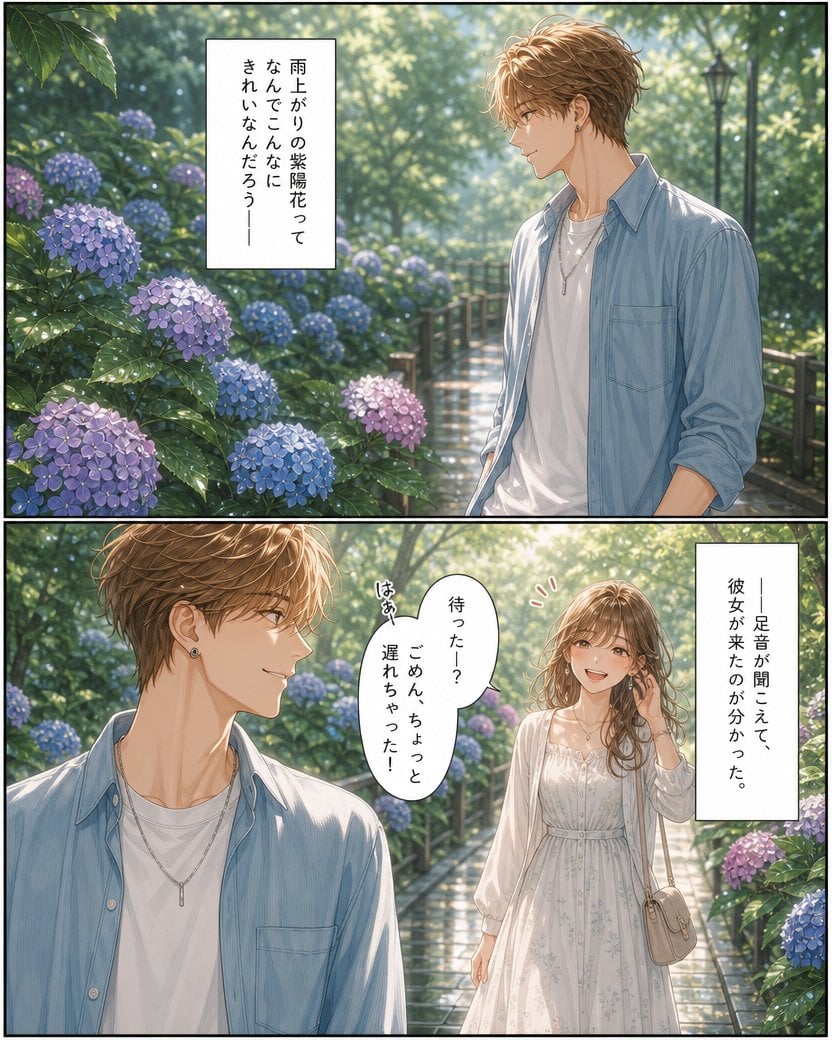
Rainy Hydrangea Romance Manga
Make it yours
Moonlit Hydrangea Manor works as-is. These are the safest ways to change it without losing the look.
Change one field
Copy a single group, rewrite it, and generate again so you can see what that field is doing.
Keep the frame, change the subject
Hold the composition and light of Moonlit Hydrangea Manor, then swap wardrobe, props or the person for a new take.
| If the result… | Why | Fix |
|---|---|---|
| The result drifts from the preview | Too many fields changed at once. | Reuse Moonlit Hydrangea Manor as-is first, then change one group — subject, light, or setting. |
| The model over-stylizes the scene | The prose prompt leaves finish and camera underspecified. | Add one camera or lighting sentence and stay on GPT Image 2. |
More GPT Image 2 templates
Other prompts made for GPT Image 2.

Six VTuber Japanese Logo Sheet

Realistic Portrait of Woman and Deer

The Vista Modular Condo Poster

AI Model Routing Comparison Infographic

2.5D Anime Art Board

Isometric Productivity Desk Scene

New York Double Exposure Poster

Four-Panel AI Landscape Comparison

Japanese Tatami Lifestyle Magazine Cover

NESCAFÉ Coffee Map Poster
More image prompts
Fresh picks from across the catalog.

Gpt2 Infographic Edu Visual Ethnographic Plate for Tibetan Ceremonial Hat

Retro Beverage Advertisement Poster
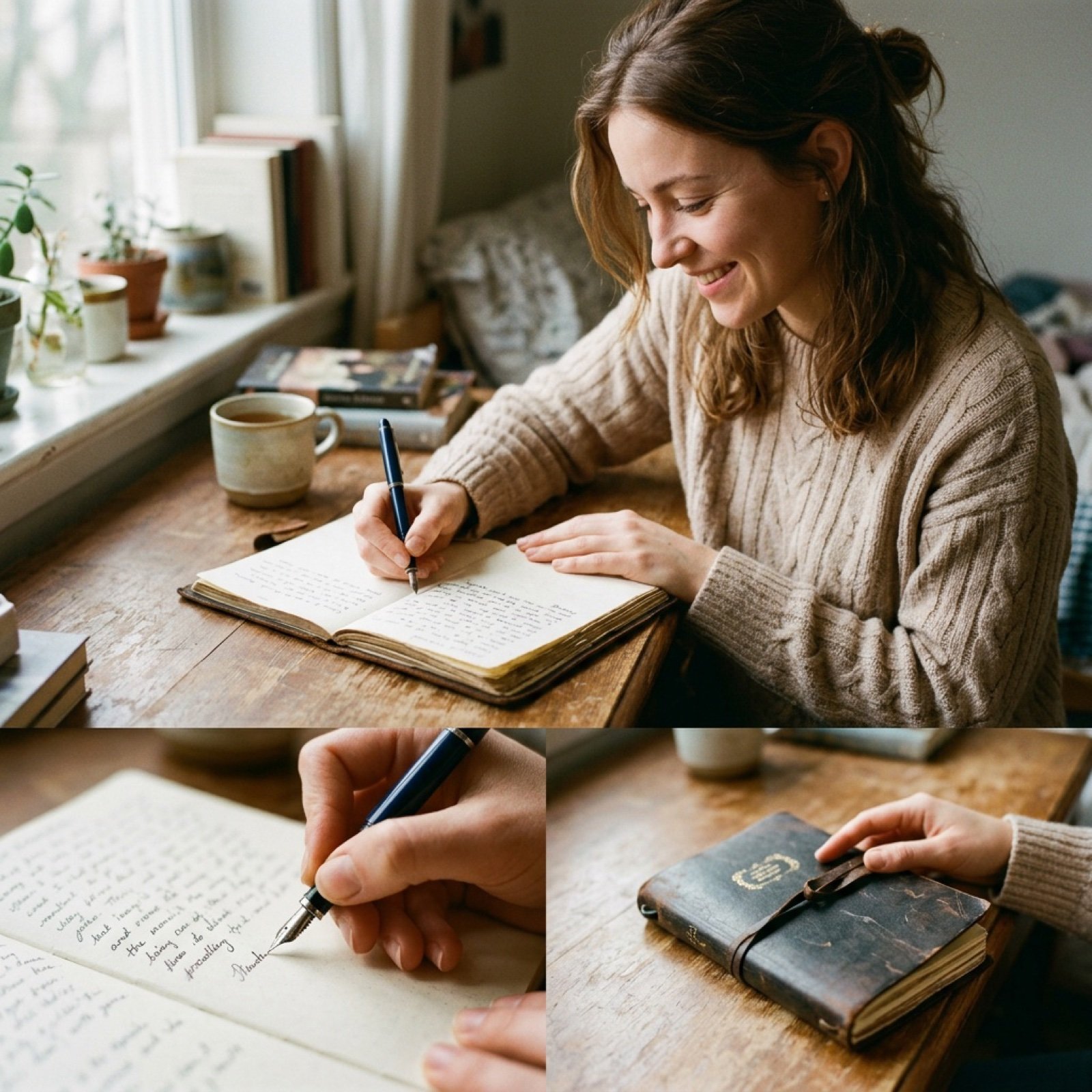
Cinematic Film-Style Video Prompt (Shared for Image and Video Generation)
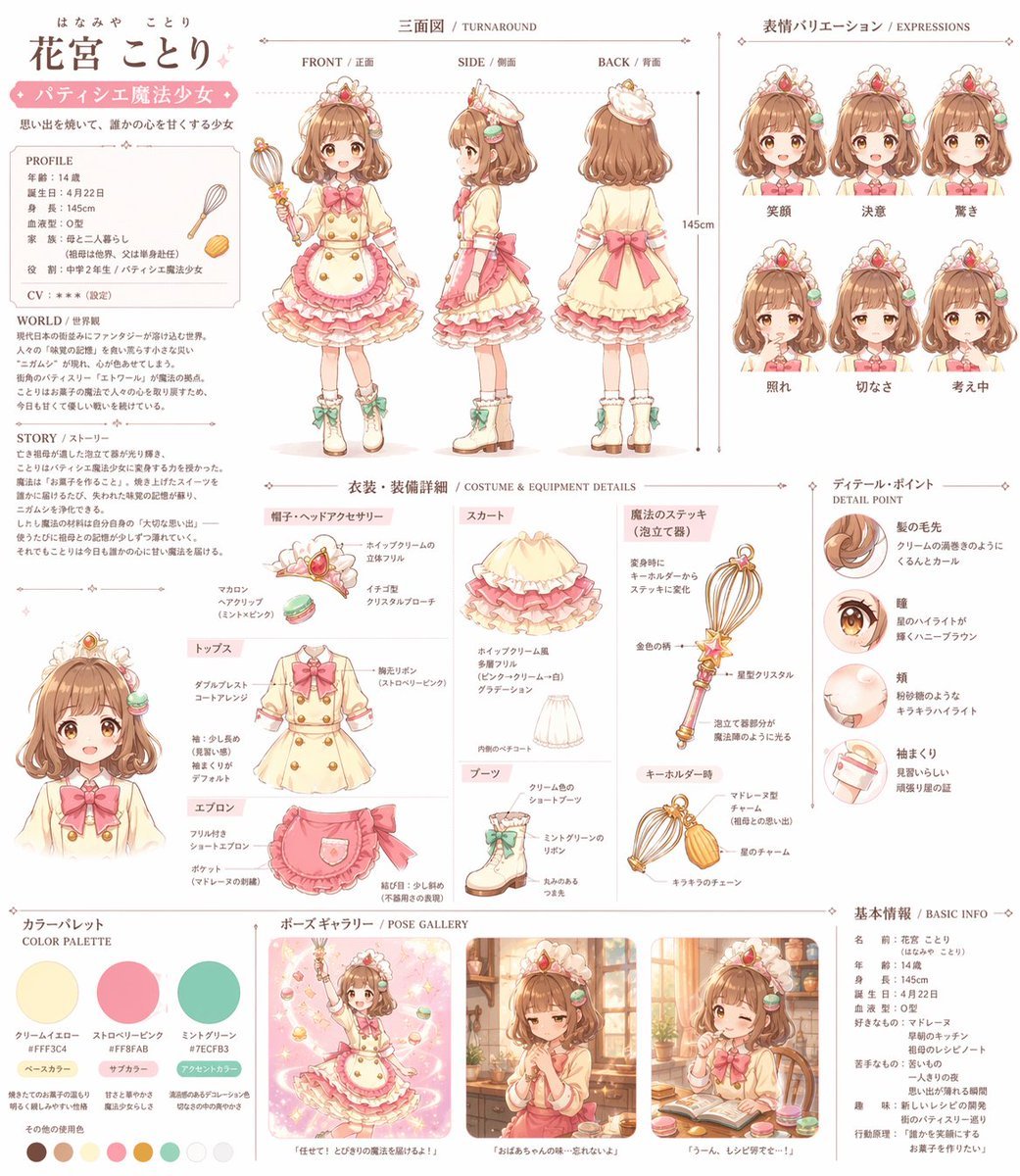
Anime Magical Girl Character Reference Sheet
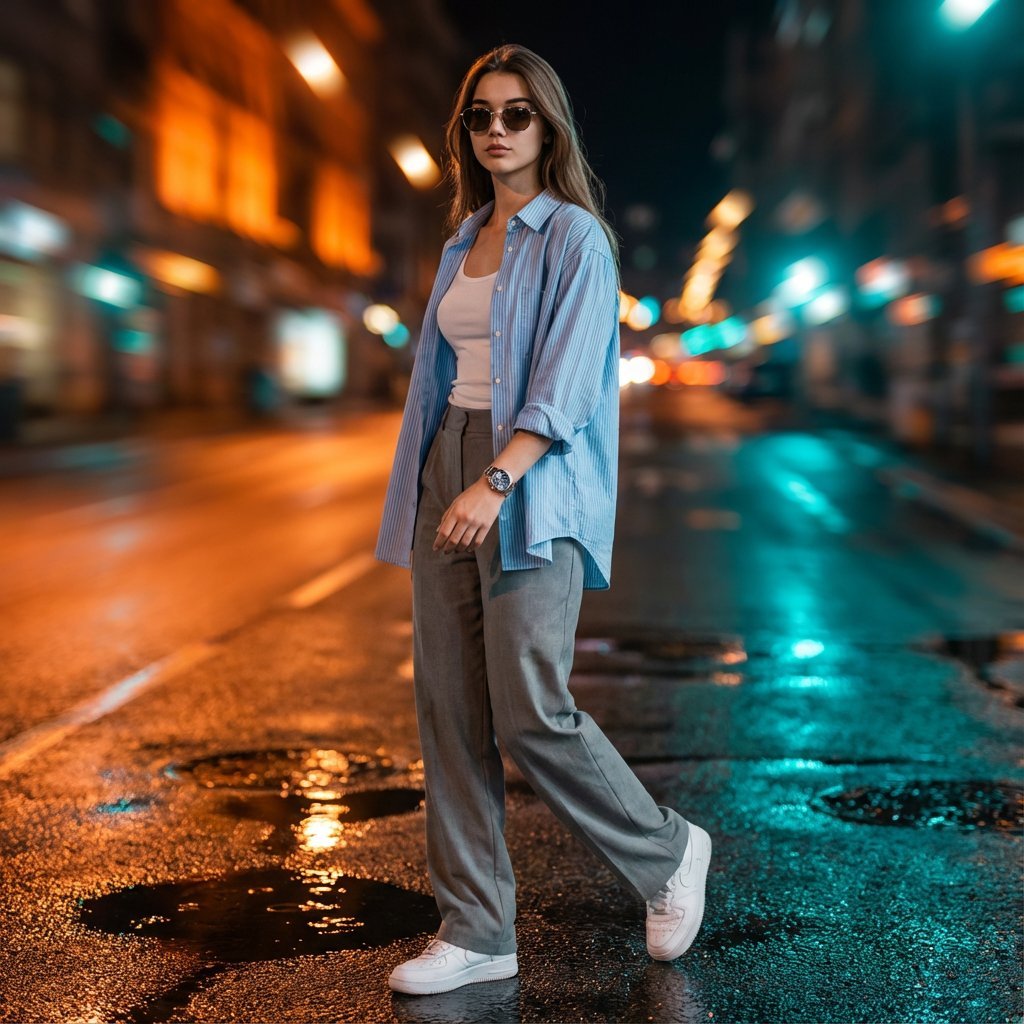
Cinematic Urban Night Portrait with Neon Reflections on Watch

Billionaire Executive Portrait
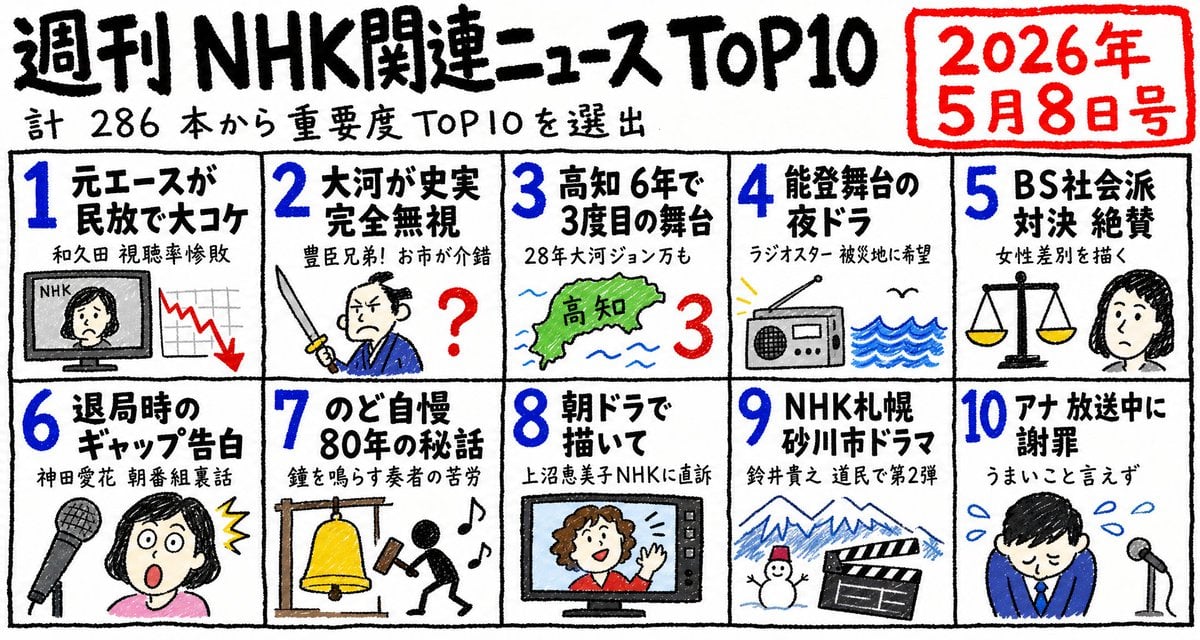
Hand-Drawn NHK News Top 10 Poster
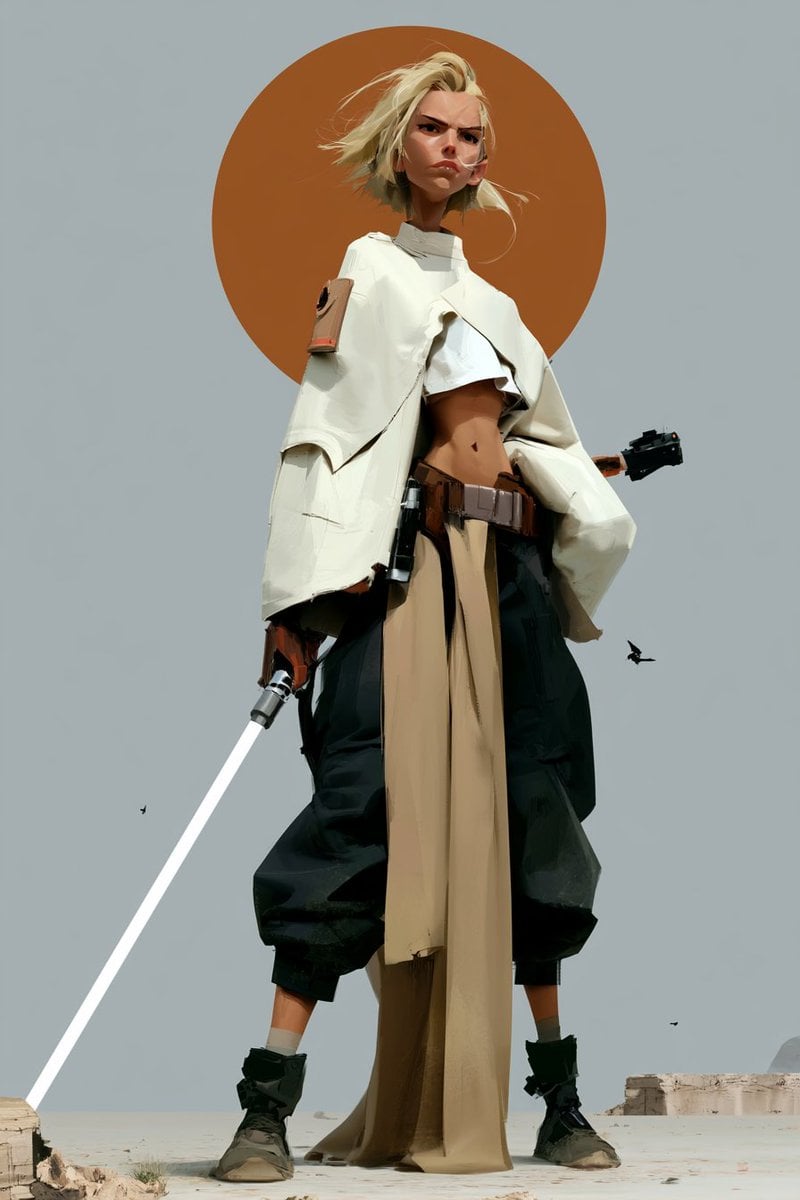
Futuristic Female Jedi Desert Portrait

Alaskan Snowstorm Couple Prompt (Reference Based)
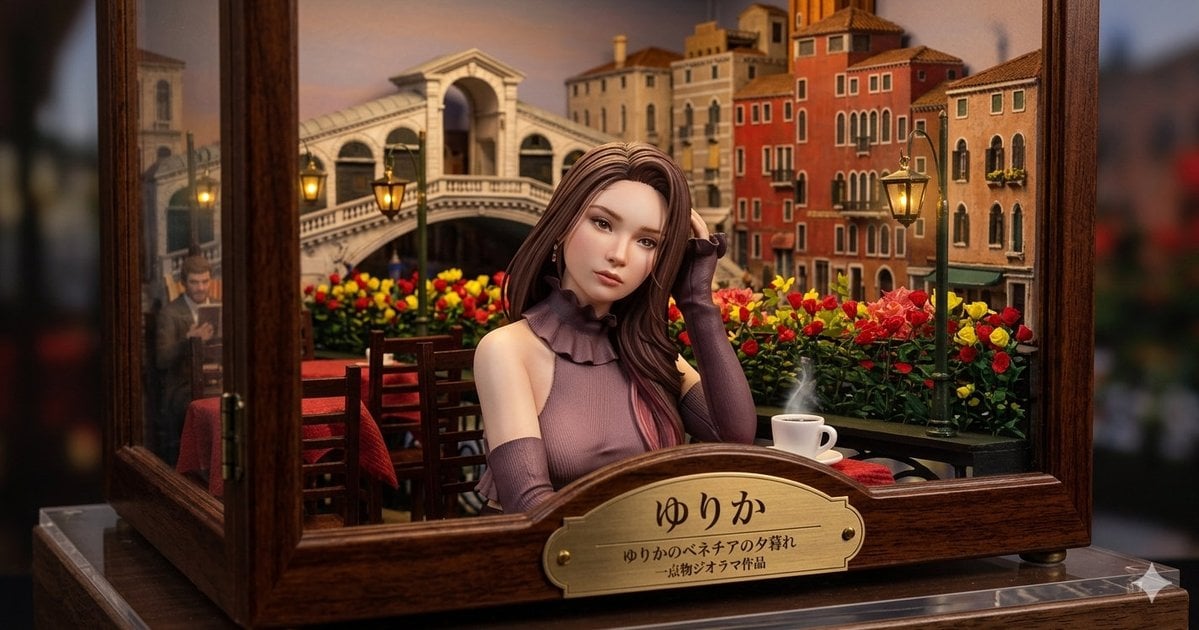
Venice Café Diorama Display
Browse template categories
Moonlit Hydrangea Manor questions
How do I use the Moonlit Hydrangea Manor template?
Add your photo if the template asks for one, edit the prompt if you like — the template's model and format are already selected — and press Generate. Your version opens in PicX Studio.
Can I customize the Moonlit Hydrangea Manor template?
Yes. You can change the subject, setting, lighting, mood, format, and available model controls before creating your image.
Is the Moonlit Hydrangea Manor template free?
Opening and editing this template is free. Generating uses credits, shown on the Generate button when you are signed in.
Which AI model should I use?
Start with GPT Image 2, which is the model associated with this template. You can compare another compatible model for a different finish.
Looking for something else? Browse all templates.

Your photo, any look
Thousands of ready templates for every top image and video model, from one credit balance.