
Retro Interior Editorial Poster
A prompt for a refined editorial-style travel poster that transforms a vintage interior into a hand-drawn, screen-printed illustration.
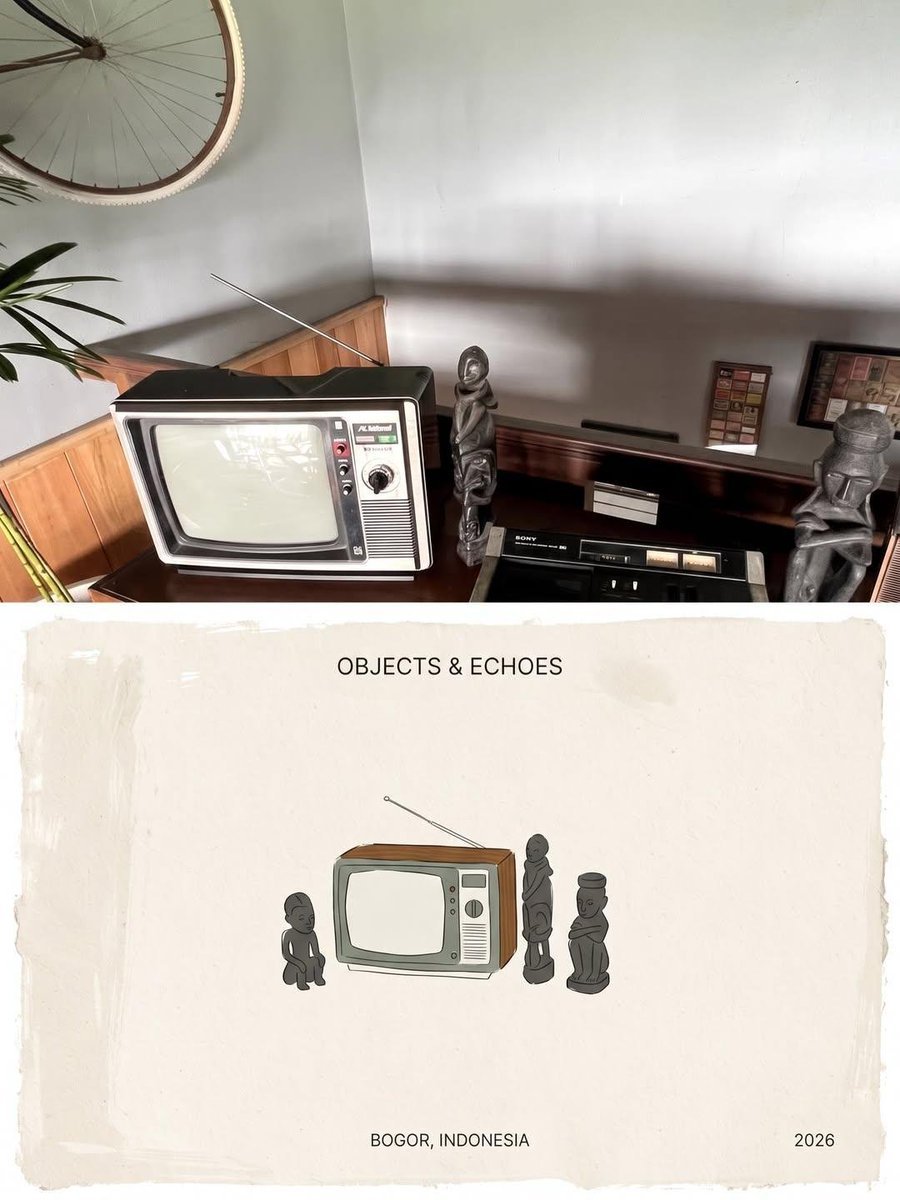
- Prompt included
- Model and format preset
- Free template
The prompt behind this image
Copy the exact prompt behind Retro Interior Editorial Poster, or open it in the studio and make it yours.
Create a refined editorial-style travel archive poster inspired by the reference image. Transform the photographed vintage interior into a hand-drawn, screen-printed illustration while preserving the exact composition and recognizable objects: a retro CRT television with antenna, dark wooden console, vintage audio equipment, small sculptural figurines, framed wall art, bicycle detail, plants, and warm nostalgic interior atmosphere. Use imperfect ink outlines, subtle paper grain, muted earthy gray, olive, brown and cream tones, minimal flat coloring, slightly distressed print texture, and an authentic handmade zine aesthetic. Place the illustration centered on an aged off-white paper sheet with generous negative space. Add elegant minimalist typography at the bottom reading “OBJECTS & ECHOES”, with smaller text “BOGOR, INDONESIA” and “2026”. Quiet, nostalgic, artistic, museum-catalog aesthetic, balanced composition, natural imperfections, premium editorial design, high detail, 4:5 vertical poster. Create a sophisticated editorial travel-zine poster based on the reference photograph. Convert the cozy modern workspace into a delicate hand-drawn illustration while preserving the composition and recognizable details: wooden desk, laptop, large monitor, keyboard, mouse, smartphone, desk lamp, wooden slat wall, hanging plant, shelves, framed graphic posters, and warm ambient lighting. Use fine black ink outlines with restrained muted blue, brown, cream, and soft gray accents, subtle watercolor-like fills, imperfect screen-print texture, vintage paper grain, and handmade illustration imperfections. Keep the illustration relatively small and centered within a large warm off-white textured paper background, creating lots of elegant negative space. Add clean editorial typography beneath it reading “A SMALL SANCTUARY”, followed by “BOGOR, INDONESIA, 2026” and “VOL. 03, ISSUE 01”. Minimal, calm, nostalgic, contemporary Japanese/Indonesian art-zine aesthetic, premium travel journal layout, understated and poetic, highly detailed, 4:5 vertical composition.
How to use Retro Interior Editorial Poster in 3 steps
- 1Upload ImagePNG, JPG or paste
Add your photo
Upload the photo the template builds on. The prompt, model and format are already set.
- 2…a portrait of your subject in softgolden-hour light, 85mm…
Personalize
Edit the subject and creative details for your destination.
- 3Generate
Generate
Press Generate — your image is created in PicX Studio, so you can compare it with the original and refine one variable at a time.
More like this
Templates with the same subject, style or setup. Open one to see its prompt.










Make it yours
Retro Interior Editorial Poster works as-is. These are the safest ways to change it without losing the look.
Change one field
Copy a single group, rewrite it, and generate again so you can see what that field is doing.
Keep the frame, change the subject
Hold the composition and light of Retro Interior Editorial Poster, then swap wardrobe, props or the person for a new take.
| If the result… | Why | Fix |
|---|---|---|
| The result drifts from the preview | Too many fields changed at once. | Reuse Retro Interior Editorial Poster as-is first, then change one group — subject, light, or setting. |
| The model over-stylizes the scene | The prose prompt leaves finish and camera underspecified. | Add one camera or lighting sentence and stay on GPT Image 2. |
More GPT Image 2 templates
Other prompts made for GPT Image 2.

Six VTuber Japanese Logo Sheet

Realistic Portrait of Woman and Deer

The Vista Modular Condo Poster

AI Model Routing Comparison Infographic

2.5D Anime Art Board

Isometric Productivity Desk Scene

New York Double Exposure Poster

Four-Panel AI Landscape Comparison

Japanese Tatami Lifestyle Magazine Cover

NESCAFÉ Coffee Map Poster
More image prompts
Fresh picks from across the catalog.
Luxury Mecha Smartphone Case Mockup

Simple Portrait Prompt (Implied)
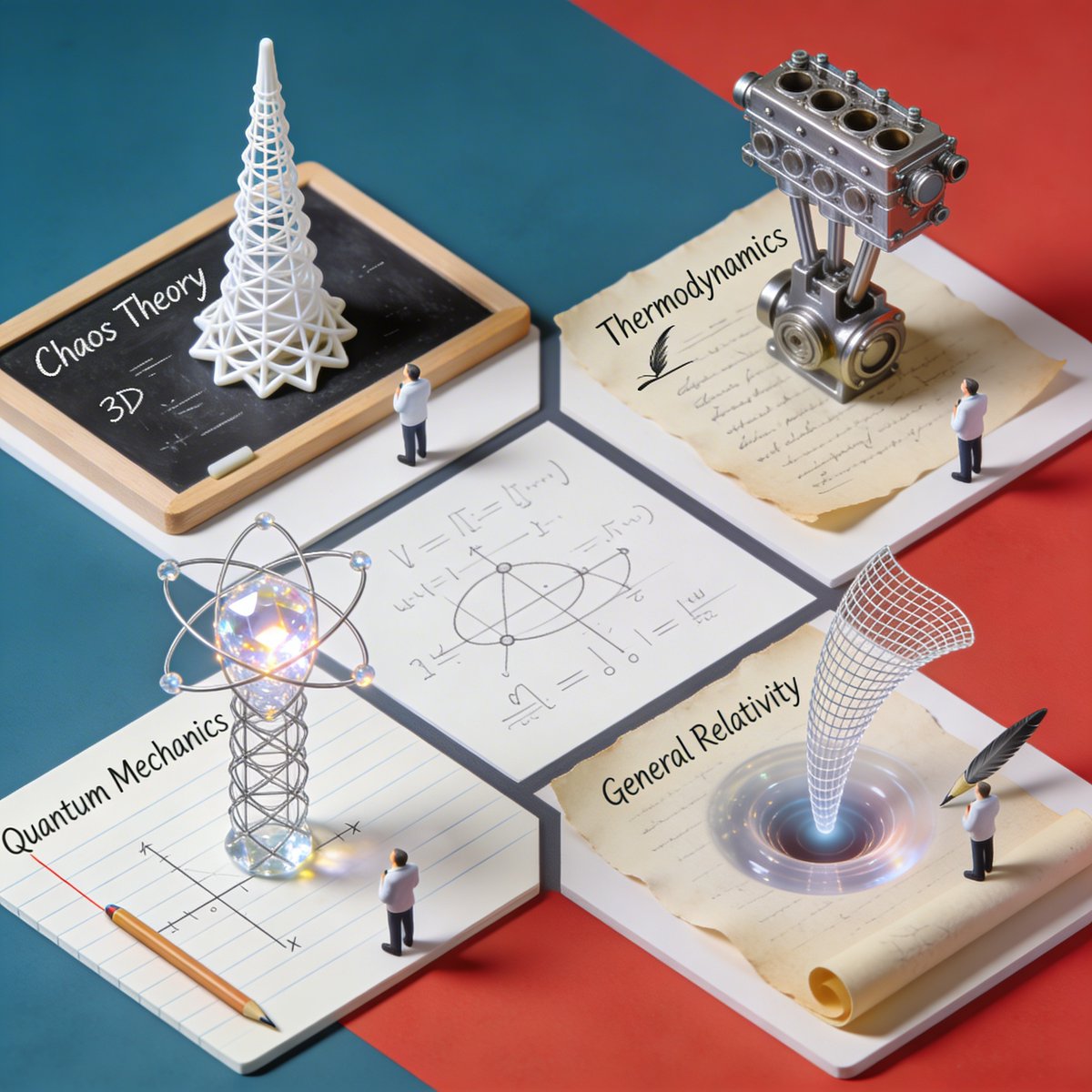
Nano Banana Pro Science Prompt Template
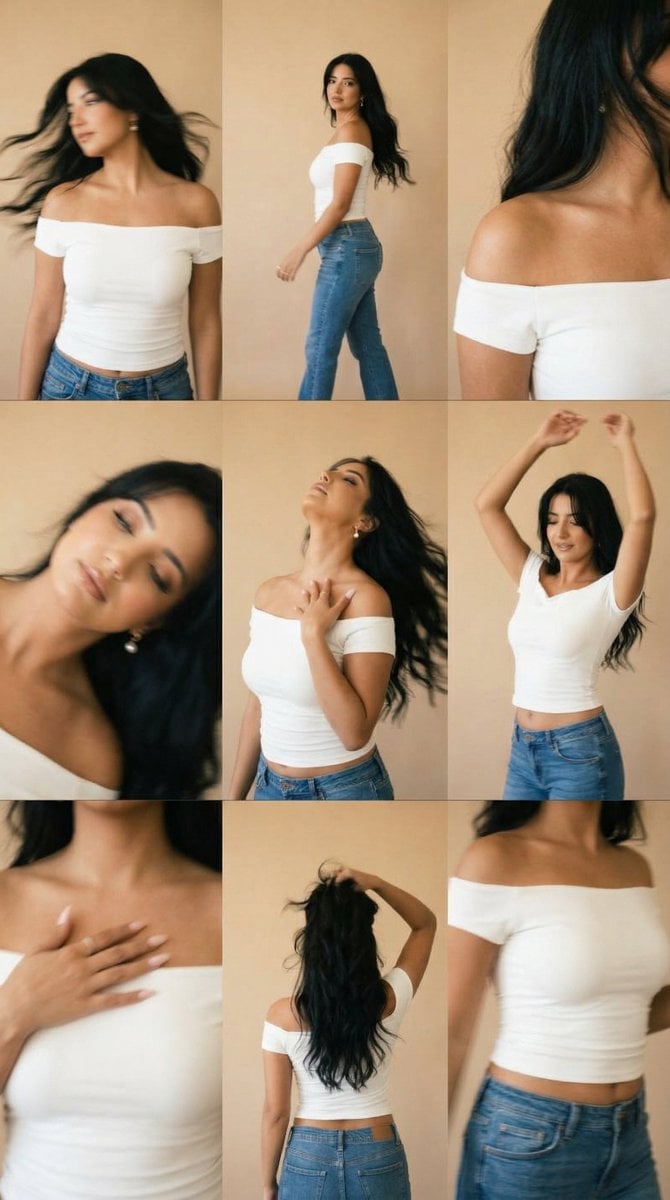
Lo-Fi Warm Studio Motion Contact Sheet 3x3 Grid
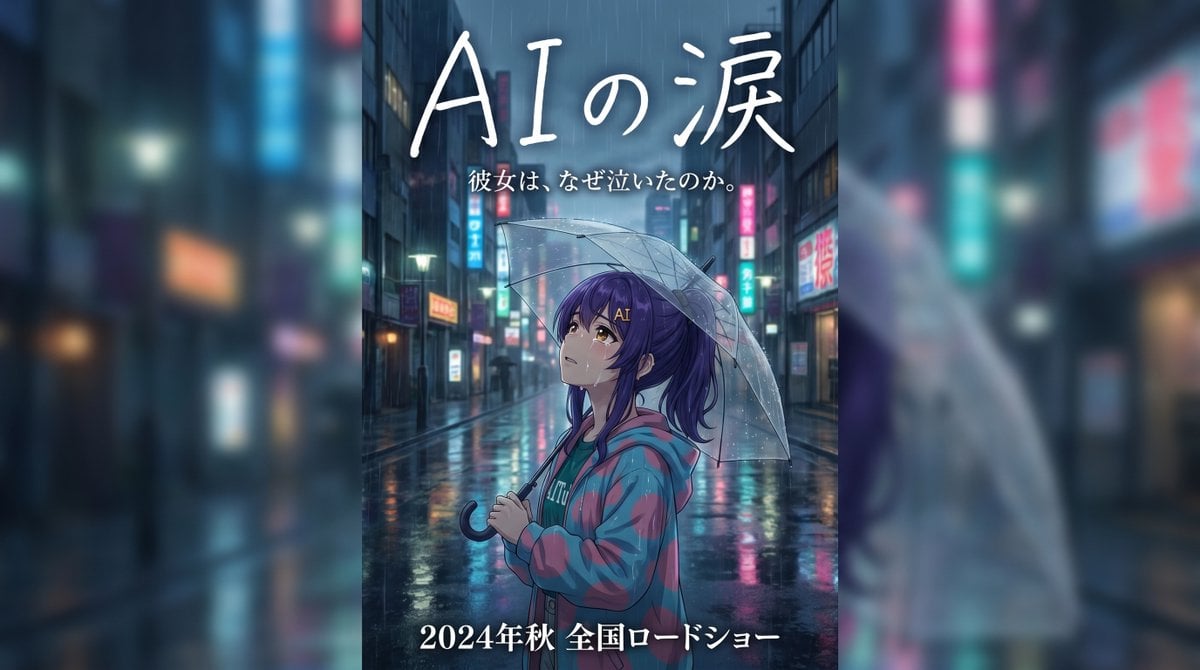
Rainy Japanese Movie Banner

Debug Test
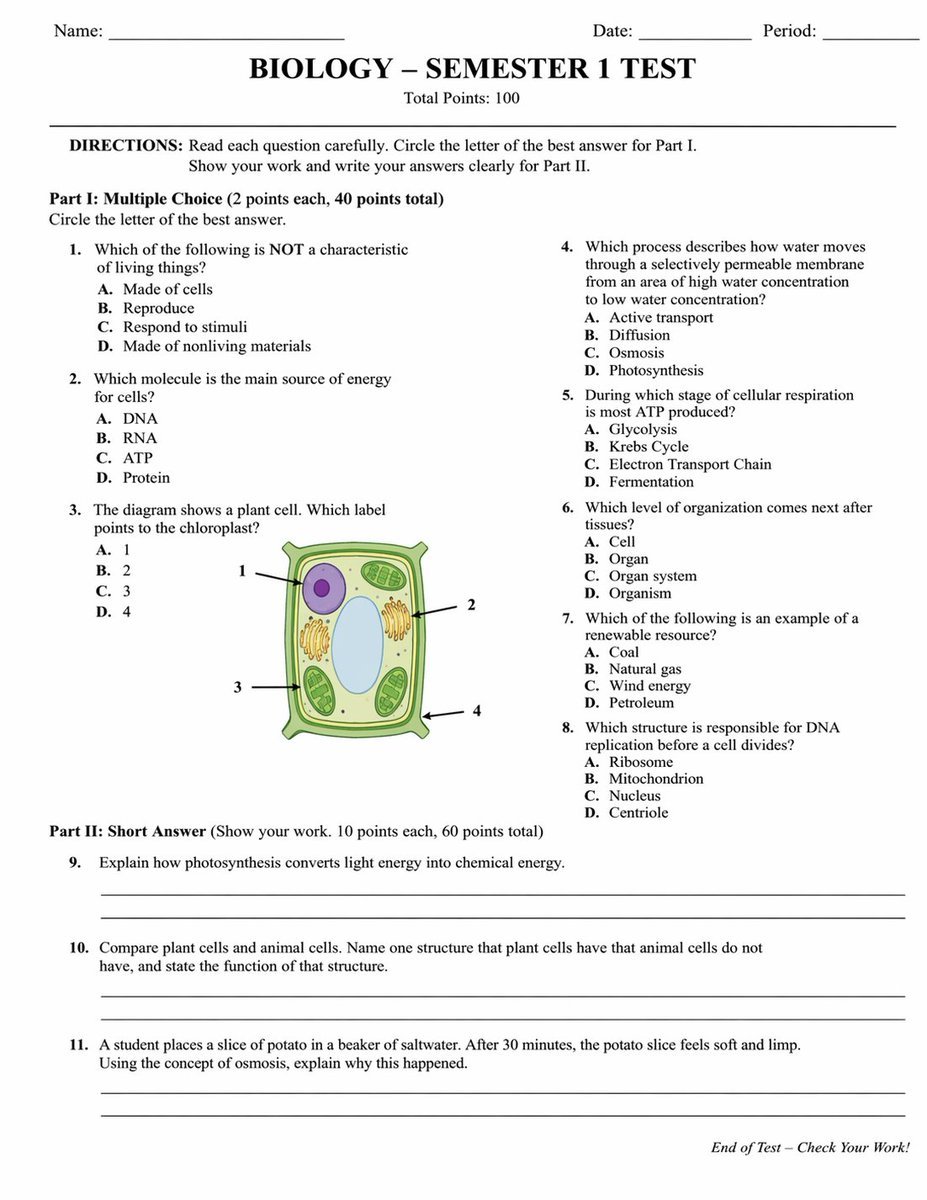
Academic Exam Paper Generator
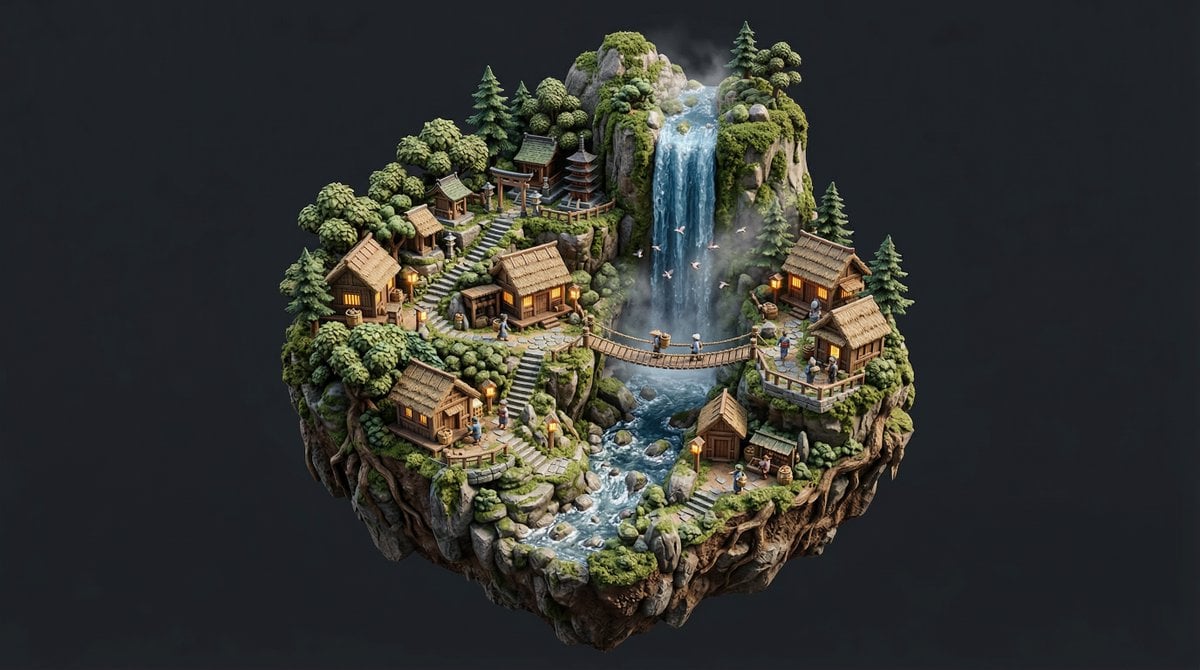
Stylized Miniature Diorama of Forest Waterfall Village
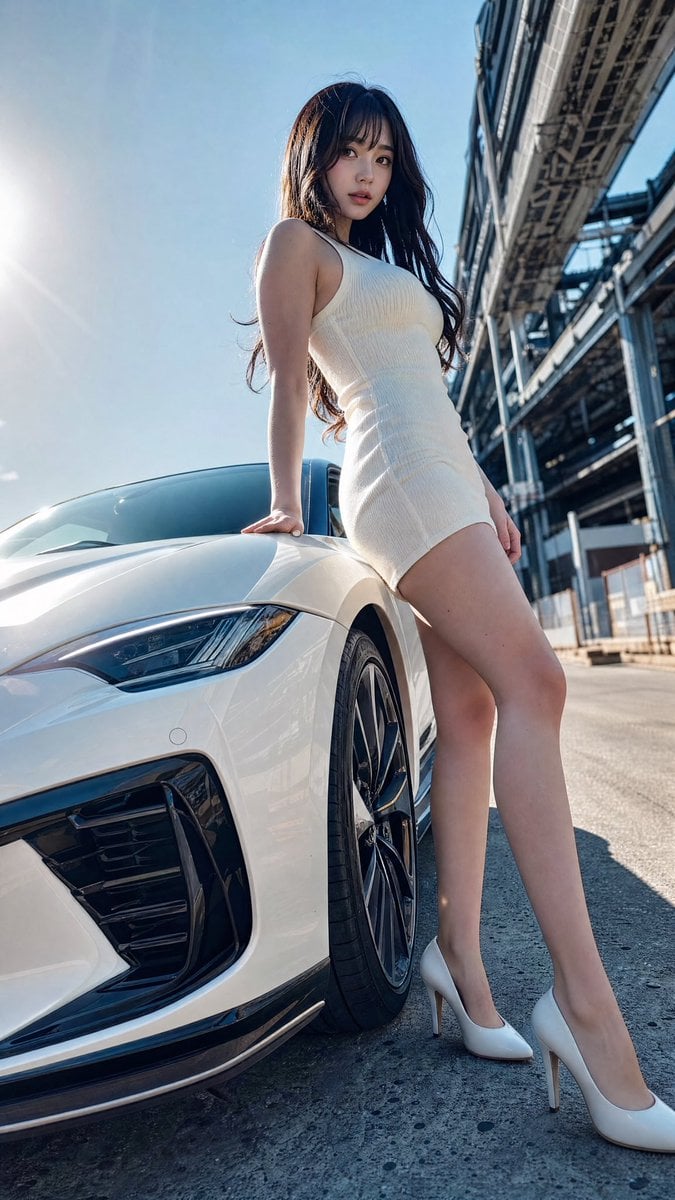
Sports Car Advertisement with Japanese Girl

Childhood Memory Crayon Art
Browse template categories
Retro Interior Editorial Poster questions
How do I use the Retro Interior Editorial Poster template?
Add your photo if the template asks for one, edit the prompt if you like — the template's model and format are already selected — and press Generate. Your version opens in PicX Studio.
Can I customize the Retro Interior Editorial Poster template?
Yes. You can change the subject, setting, lighting, mood, format, and available model controls before creating your image.
Is the Retro Interior Editorial Poster template free?
Opening and editing this template is free. Generating uses credits, shown on the Generate button when you are signed in.
Which AI model should I use?
Start with GPT Image 2, which is the model associated with this template. You can compare another compatible model for a different finish.
Looking for something else? Browse all templates.

Your photo, any look
Thousands of ready templates for every top image and video model, from one credit balance.