
Urban Metabolism Atlas Webpage Screenshot
Generates a Chinese webpage screenshot featuring a detailed bilingual urban metabolism atlas infographic for showcasing information visualization examples.
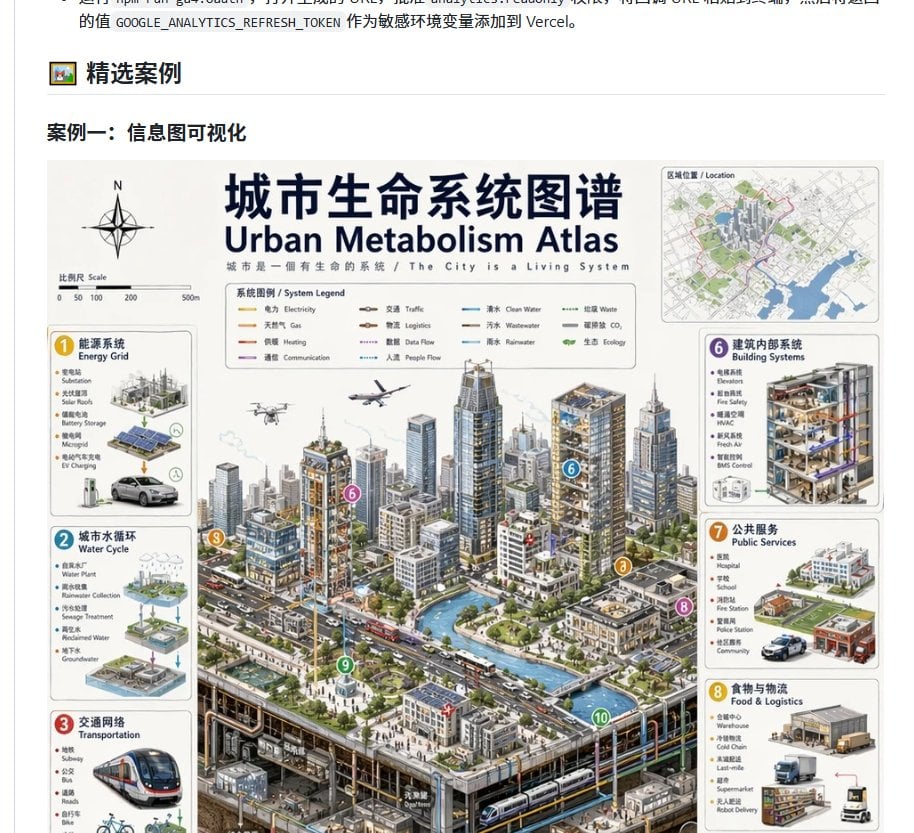
- Prompt included
- Model and format preset
- Free template
The prompt behind this image
Copy the exact prompt behind Urban Metabolism Atlas Webpage Screenshot, or open it in the studio and make it yours.
Goal: Create a clean browser-page screenshot showing a Chinese case-study section that presents a large bilingual infographic poster about an urban systems map. Canvas: Landscape screenshot, about 917×833 px, white webpage background, cropped so the very top shows the tail end of a Chinese paragraph and the bottom cuts off part of the poster. Use crisp UI-like rendering, not a full browser chrome. Webpage layout: At the top-left of the visible section, show a small framed picture emoji/icon followed by the bold Chinese heading “精选案例”, with a thin gray horizontal divider line underneath spanning most of the width. Below it, show a bold subsection title: “案例一:信息图可视化”. Under that title place one large infographic image centered with narrow margins. Main poster: Design an information-dense bilingual atlas poster titled “{argument name="main title" default="城市生命系统图谱"}” with the English subtitle “{argument name="English subtitle" default="Urban Metabolism Atlas"}”. Under the title add the small bilingual tagline “城市是一個有生命的系統 / The City is a Living System”. The poster should look like a professional architectural/urban-planning infographic: off-white background, navy headline text, thin gray panel borders, small bilingual labels, diagrammatic icons, and an isometric cutaway city illustration occupying the central majority. Poster top elements: On the upper left, include a compass rose marked N and a scale bar labeled “Scale” with tick marks 0, 50, 100, 200, 500m. Near the top center, include a boxed “System Legend” with exactly 10 colored line samples labeled: Electricity, Gas, Heating, Communication, Traffic, Logistics, Data Flow, People Flow, Clean Water, Wastewater. On the upper right, include one small inset map card labeled “Location”, showing a simplified city map with green parks, blue waterways, gray streets, and a red boundary. Central city illustration: Show a dense isometric smart city with many high-rise towers, mid-rise blocks, roads with cars and buses, a blue canal or river, bridges, street trees, plazas, underground metro tunnels and utility pipes visible in a cutaway at the bottom. Include small details such as a drone, airplane, rooftop solar panels, transit stations, pedestrians, and service vehicles. Use thin colored network lines running through the city to imply water, energy, data, logistics, and transit flows. Add exactly 5 visible circular numbered callout markers in the central scene: 6 on a building, 3 near a road/transport corridor, 8 near the right street edge, 9 in a green plaza, and 10 near an underground tunnel/canal edge. Side information cards: Place exactly 6 visible rounded rectangular system cards around the city, each with a colored numbered badge, bilingual title, small bullet labels, and mini diagrams. Left column has 3 cards: 1 “能源系统 / Energy Grid” with solar panels, battery storage, EV charging, and a car; 2 “城市水循环 / Water Cycle” with water plant, rainwater collection, sewage treatment, reclaimed water, and groundwater diagrams; 3 “交通网络 / Transportation” with a subway train, bus, roads, bicycle icon, and route lines. Right column has 3 cards: 6 “建筑内部系统 / Building Systems” with a cutaway building showing floors, HVAC, fire safety, BMS control, and pipes; 7 “公共服务 / Public Services” with hospital, school, fire station, police station, and community service icons; 8 “食物与物流 / Food & Logistics” with warehouse, cold chain, last-mile delivery, truck, boxes, and robot delivery. Keep the lower portions of the left and right columns slightly cropped by the screenshot edge, matching a captured page view. Visual style: Highly detailed semi-realistic isometric illustration mixed with technical infographic design, muted grays and whites with navy typography, accent colors yellow, cyan, red, purple, orange, and green. Text should be mostly legible at headline level but many small labels can be tiny. Maintain the feeling of an authentic Chinese web article showcasing an example image. Constraints: Do not add browser address bars, watermarks, floating toolbars, or extra social-media UI. Preserve the Chinese headings on the webpage and the bilingual poster title hierarchy. The image should look like a screenshot of a generated infographic embedded in a documentation page.
How to use Urban Metabolism Atlas Webpage Screenshot in 3 steps
- 1Upload ImagePNG, JPG or paste
Add your photo
Upload the photo the template builds on. The prompt, model and format are already set.
- 2…a portrait of your subject in softgolden-hour light, 85mm…
Personalize
Edit the subject and creative details for your destination.
- 3Generate
Generate
Press Generate — your image is created in PicX Studio, so you can compare it with the original and refine one variable at a time.
More like this
Templates with the same subject, style or setup. Open one to see its prompt.

Minecraft Next-Gen Voxel World Screenshot

Urban Fashion Editorial Collage Streetwear Poster

Korean Streetwear Minimalist Campaign Portrait

Cinematic Korean Streetwear Street Portrait

Frozen Street Luxe Graffiti Fashion Campaign

Urban Fashion Editorial Collage Poster

Cinematic Street Fashion Portrait Motion Blur Crowd

Subway Platform Quiet Introspective Portrait

Night City Bridge Triptych Portrait Session
Subway Platform Quiet Introspective Portrait

Miles Morales Spider-Man Brooklyn Graffiti

Giant Forced Perspective Street Product Selfie
Make it yours
Urban Metabolism Atlas Webpage Screenshot works as-is. These are the safest ways to change it without losing the look.
Change one field
Copy a single group, rewrite it, and generate again so you can see what that field is doing.
Keep the frame, change the subject
Hold the composition and light of Urban Metabolism Atlas Webpage Screenshot, then swap wardrobe, props or the person for a new take.
| If the result… | Why | Fix |
|---|---|---|
| The result drifts from the preview | Too many fields changed at once. | Reuse Urban Metabolism Atlas Webpage Screenshot as-is first, then change one group — subject, light, or setting. |
| The model over-stylizes the scene | The prose prompt leaves finish and camera underspecified. | Add one camera or lighting sentence and stay on GPT Image 2. |
More GPT Image 2 templates
Other prompts made for GPT Image 2.

Six VTuber Japanese Logo Sheet

Realistic Portrait of Woman and Deer

The Vista Modular Condo Poster

AI Model Routing Comparison Infographic

2.5D Anime Art Board

Isometric Productivity Desk Scene

New York Double Exposure Poster

Four-Panel AI Landscape Comparison

Japanese Tatami Lifestyle Magazine Cover

NESCAFÉ Coffee Map Poster
More image prompts
Fresh picks from across the catalog.

Panel Luxury Fashion Poster

Anime Character Turnaround Sheet

Hyper-realistic Giant Strawberry with Tiny Subject

Wuxia Movie Character Posters
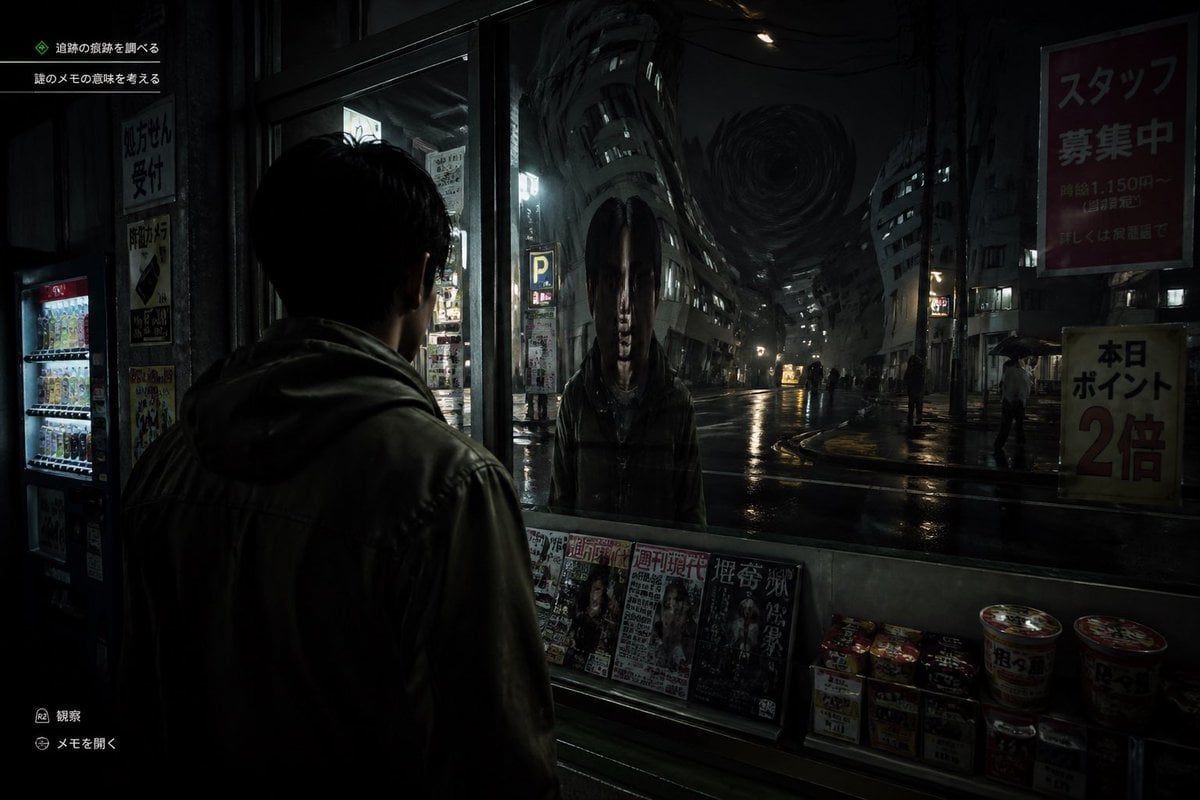
Japanese Horror Game Street Reflection

Hyper-realistic cinematic cricket scene prompt for Gemini App

Lifestyle Photo with a Duct-Taped Banana

Indoor Makeup Room Mirror Selfie
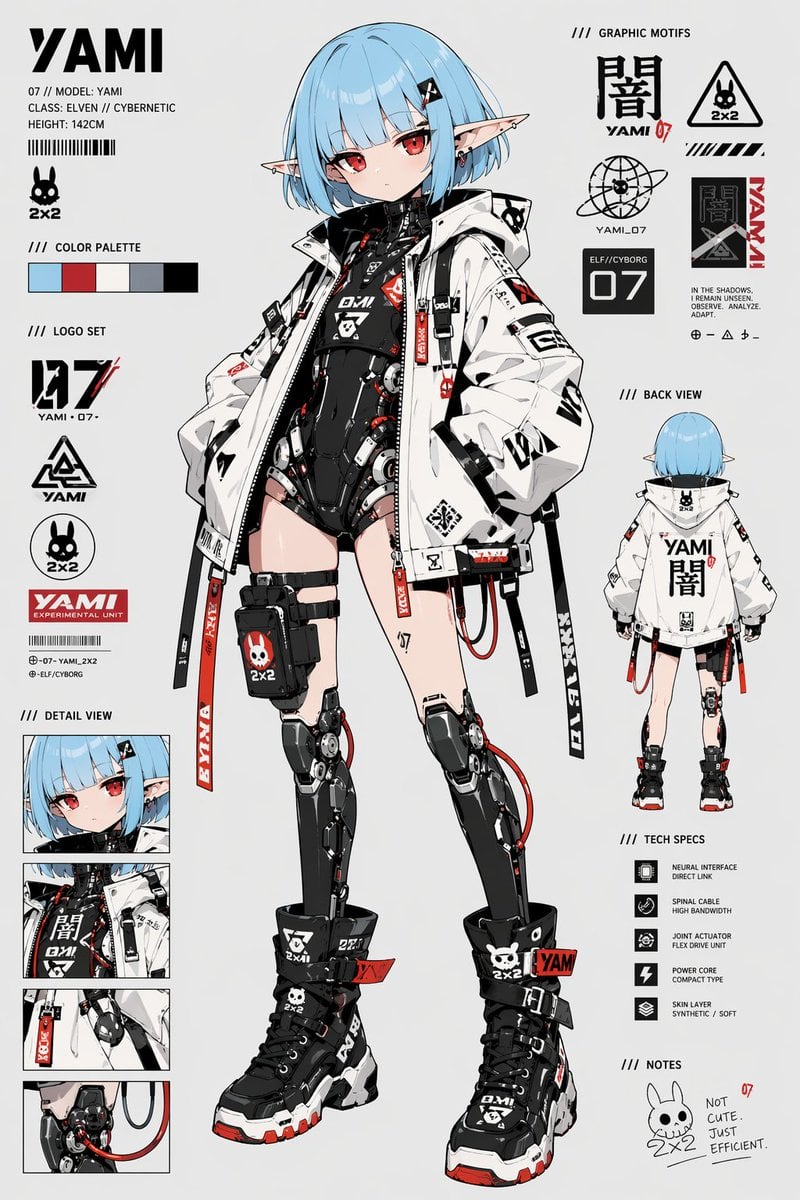
Cyberpunk Elf Android Reference Sheet
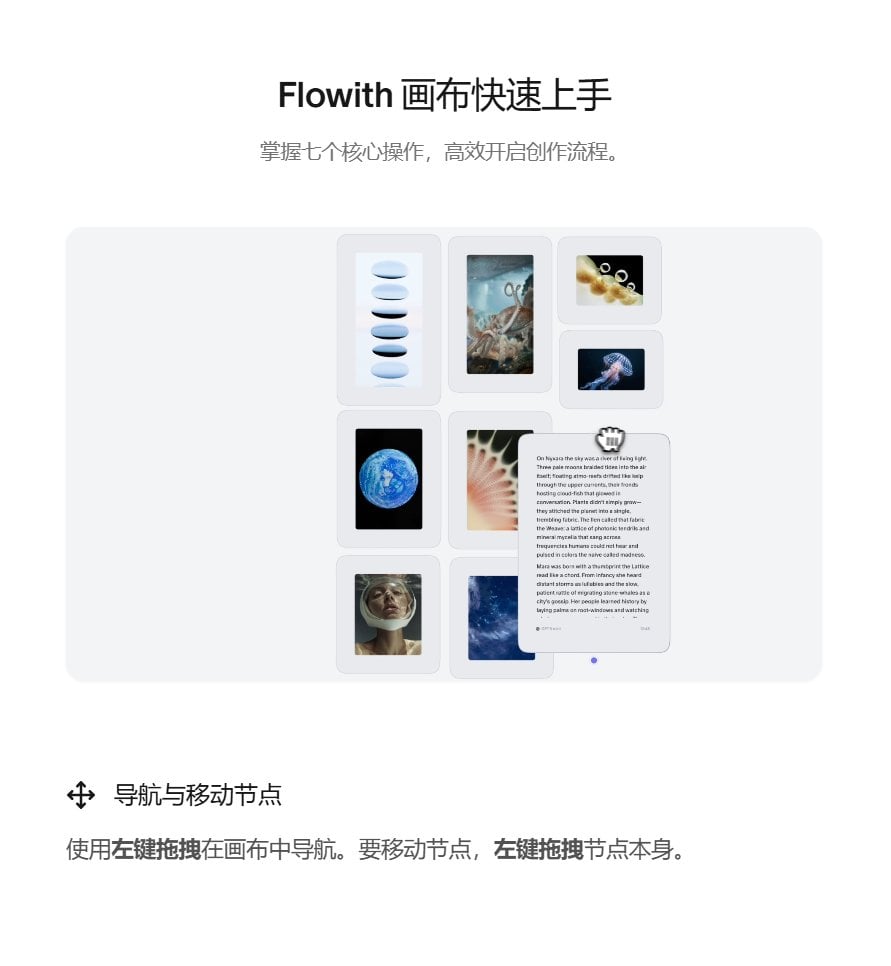
Image-to-Image Workflow for RPG Maker Pixel Maps using Nano Banana
Browse template categories
Urban Metabolism Atlas Webpage Screenshot questions
How do I use the Urban Metabolism Atlas Webpage Screenshot template?
Add your photo if the template asks for one, edit the prompt if you like — the template's model and format are already selected — and press Generate. Your version opens in PicX Studio.
Can I customize the Urban Metabolism Atlas Webpage Screenshot template?
Yes. You can change the subject, setting, lighting, mood, format, and available model controls before creating your image.
Is the Urban Metabolism Atlas Webpage Screenshot template free?
Opening and editing this template is free. Generating uses credits, shown on the Generate button when you are signed in.
Which AI model should I use?
Start with GPT Image 2, which is the model associated with this template. You can compare another compatible model for a different finish.
Looking for something else? Browse all templates.

Your photo, any look
Thousands of ready templates for every top image and video model, from one credit balance.