
Whimsical Street Flower Stand Poster
Generates a cozy split-panel florist scene with a realistic flower stall above and a playful illustrated quote poster below.
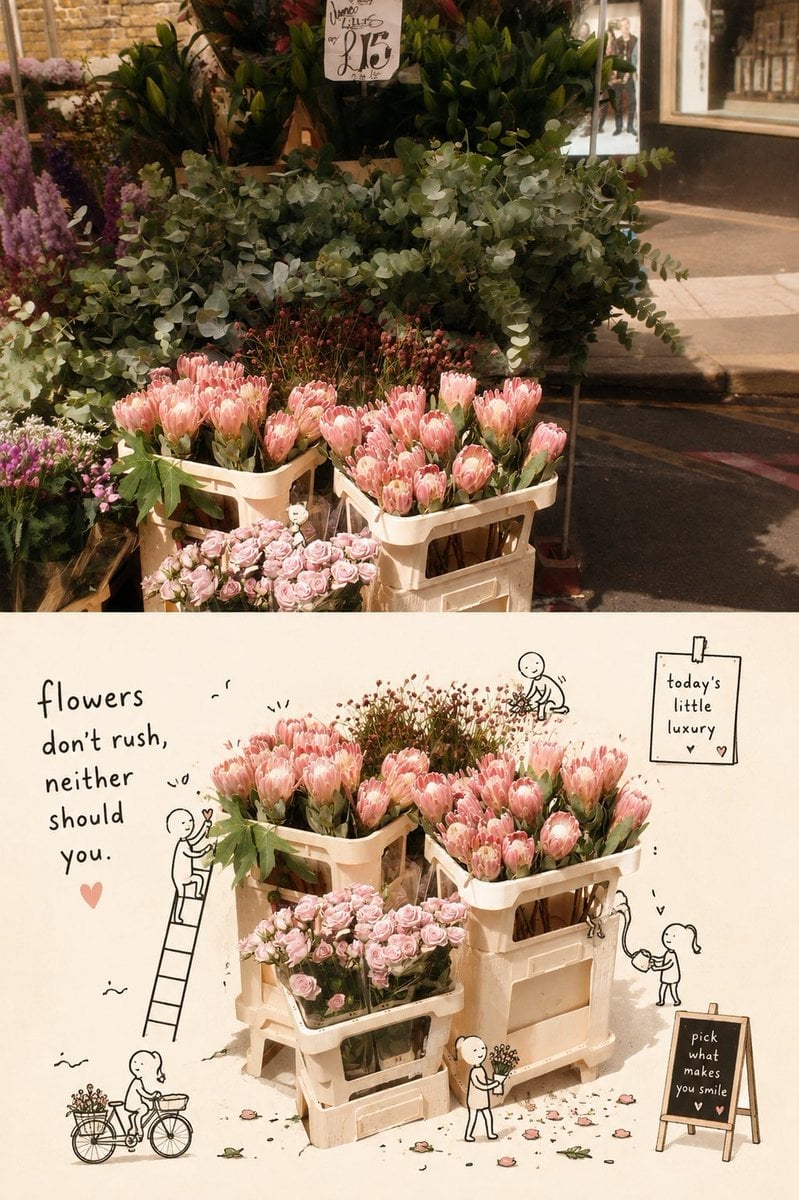
- Prompt included
- Model and format preset
- Free template
The prompt behind this image
Copy the exact prompt behind Whimsical Street Flower Stand Poster, or open it in the studio and make it yours.
Goal: Create a warm editorial-style vertical image about a charming street flower stand, combining a realistic photo scene on top with a whimsical illustrated poster version below. Canvas: Portrait 2:3 aspect ratio, split horizontally into two panels. The upper panel should occupy about 45% of the canvas and look like a candid sunlit street photograph. The lower panel should occupy about 55% and look like a cream-paper collage illustration based on the same flowers. Upper panel: Show an outdoor florist display on a city sidewalk in golden afternoon light. Include dense greenery and eucalyptus leaves in the back, purple flowers at the left edge, and pale pink protea-like flowers arranged in cream plastic crates at the front. Add a small handwritten price tag above the greenery reading roughly "little luxury 25". Background details include a brick wall, shop window, curb, asphalt street, and soft shadows. Make the photo realistic, cozy, slightly nostalgic, with shallow depth of field and muted warm tones. Lower panel layout: On a warm cream background, recreate the flower display as a tidy cutout collage centered in the frame. Use exactly 4 visible cream plastic flower crates: 2 upper crates filled with pale pink protea-like blooms, 1 lower front crate filled with small pale pink roses, and 1 large right-side support crate beneath the flowers. Scatter a few fallen petals and tiny leaves around the base. Illustrated doodles: Add exactly 6 tiny black line-drawn hobby-figure characters around the flowers: 1 person standing on a ladder at the left holding a heart toward the flowers, 1 person riding a bicycle with a flower basket at bottom left, 1 small kneeling person above the flowers arranging stems, 1 tiny climber or seated figure on the right crate edge, 1 standing person near the bottom center holding a small bouquet, and 1 childlike person at lower right watering or tending a sprout. Keep the figures simple, playful, hand-drawn, and integrated with the collage. Text content: On the left side of the lower panel, write the large handwritten quote: "{argument name="quote" default="flowers don’t rush, neither should you."}" with a small pink heart underneath. At the top right, add a clipped paper note that says "{argument name="note text" default="today’s little luxury"}" with a small heart. At the lower right, add a small chalkboard easel sign that says "{argument name="chalkboard text" default="pick what makes you smile"}" with a small heart. Visual style: Blend realistic flower photography with minimalist black ink doodles, soft paper texture, gentle shadows, pastel pink and sage green palette, beige crates, cozy lifestyle-magazine composition, charming handmade feel. Customizable subject details: The main flowers are {argument name="main flower type" default="pale pink protea-like flowers"}; the overall mood is {argument name="mood" default="slow, gentle, cozy, and optimistic"}. Constraints: Keep all text legible and handwritten, avoid extra characters beyond the 6 counted doodle figures, avoid extra signs beyond the 2 lower-panel signs and the 1 upper-panel price tag, no watermark, no logo.
How to use Whimsical Street Flower Stand Poster in 3 steps
- 1Upload ImagePNG, JPG or paste
Add your photo
Upload the photo the template builds on. The prompt, model and format are already set.
- 2…a portrait of your subject in softgolden-hour light, 85mm…
Personalize
Edit the subject and creative details for your destination.
- 3Generate
Generate
Press Generate — your image is created in PicX Studio, so you can compare it with the original and refine one variable at a time.
More like this
Templates with the same subject, style or setup. Open one to see its prompt.

Urban Fashion Editorial Collage Streetwear Poster

Gpt2 Product Marketing Streetwear Sneaker Poster Ad
Nano Banana - Paris Street with Flowers

Two Tickets, One Night

Meet Me When It Rains

Two Hearts. One Scooter.

1986 Street Couple

1985 Street Scene

Japan Travel Brochure Poster
Sunflower Couture Botanical Poster

Decorative Folk Flat Paper Cut Illustration

Ghibli Final Takeoff Field
Make it yours
Whimsical Street Flower Stand Poster works as-is. These are the safest ways to change it without losing the look.
Change one field
Copy a single group, rewrite it, and generate again so you can see what that field is doing.
Keep the frame, change the subject
Hold the composition and light of Whimsical Street Flower Stand Poster, then swap wardrobe, props or the person for a new take.
| If the result… | Why | Fix |
|---|---|---|
| The result drifts from the preview | Too many fields changed at once. | Reuse Whimsical Street Flower Stand Poster as-is first, then change one group — subject, light, or setting. |
| The model over-stylizes the scene | The prose prompt leaves finish and camera underspecified. | Add one camera or lighting sentence and stay on GPT Image 2. |
More GPT Image 2 templates
Other prompts made for GPT Image 2.

Six VTuber Japanese Logo Sheet

Realistic Portrait of Woman and Deer

The Vista Modular Condo Poster

AI Model Routing Comparison Infographic

2.5D Anime Art Board

Isometric Productivity Desk Scene

New York Double Exposure Poster

Four-Panel AI Landscape Comparison

Japanese Tatami Lifestyle Magazine Cover

NESCAFÉ Coffee Map Poster
More image prompts
Fresh picks from across the catalog.
Realistic Garden Fairy Editorial Portrait

Cinematic AI mood board prompt
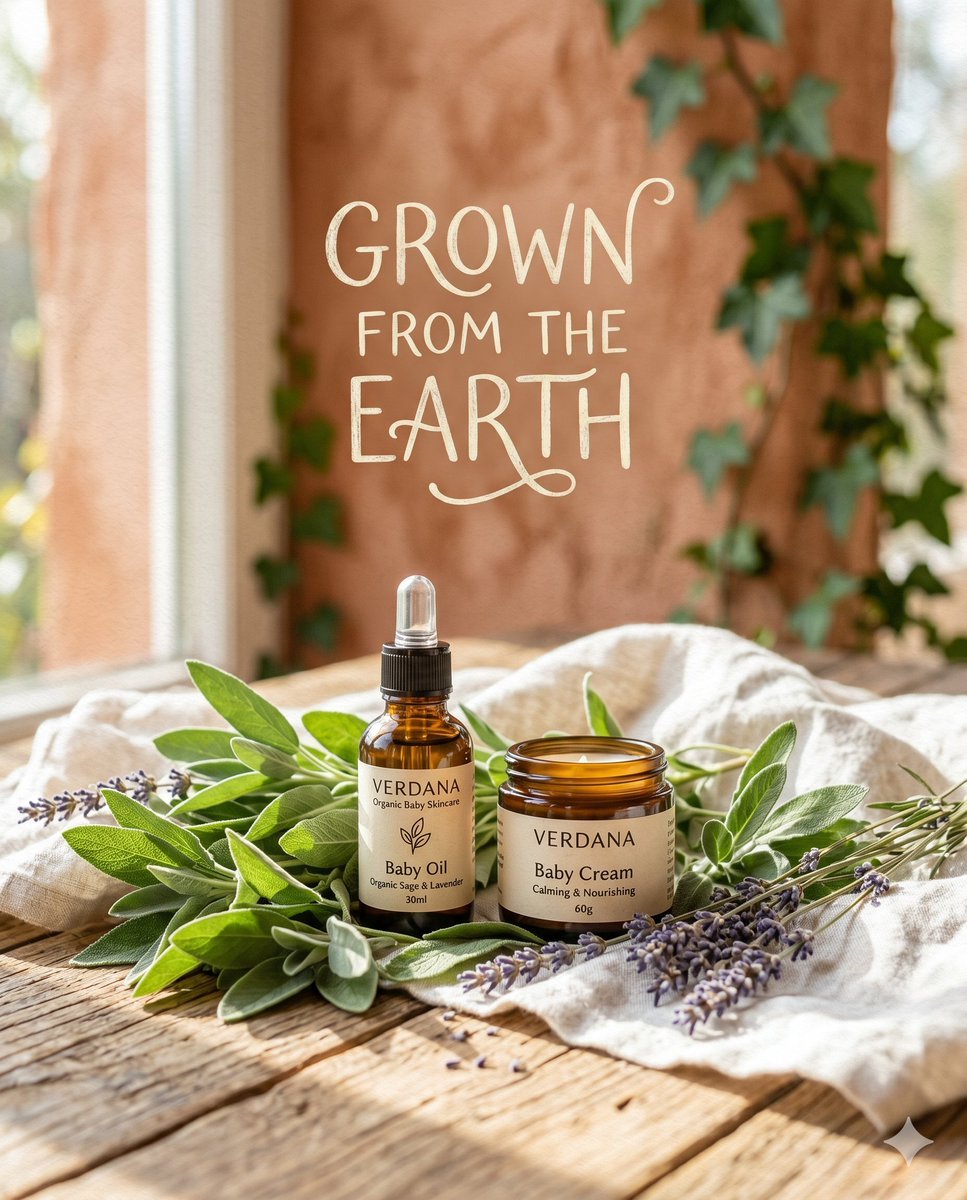
Organic Skincare Product Advertisement
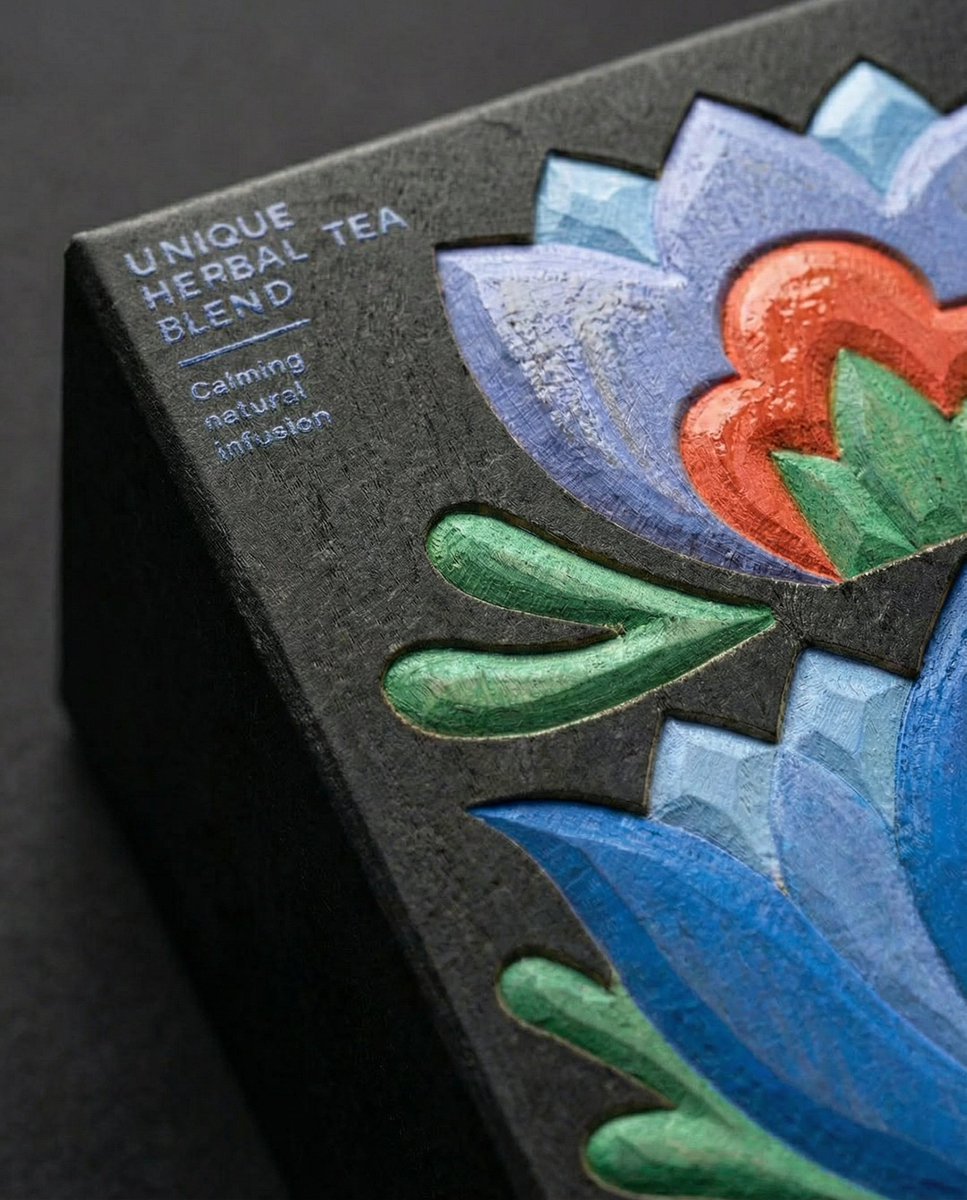
Close-Up Illustration Detail Enhancement Prompt
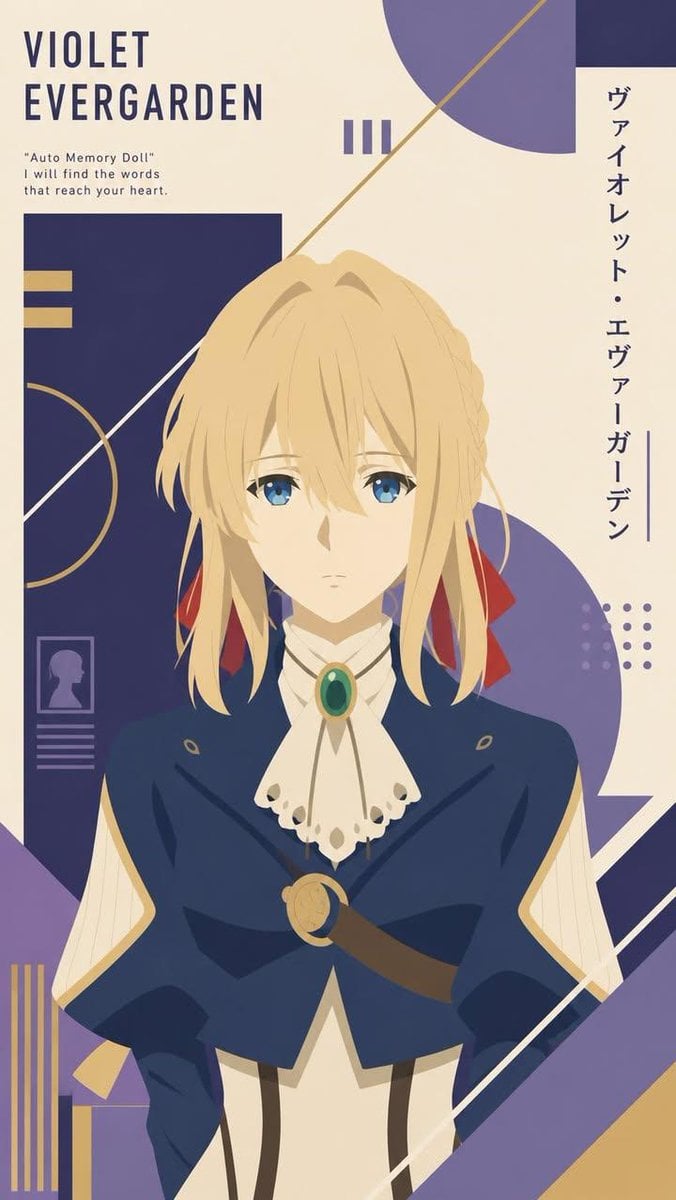
Constructivist Anime Poster Art

British Vogue Cover Style High-End Gentleman Portrait Prompt
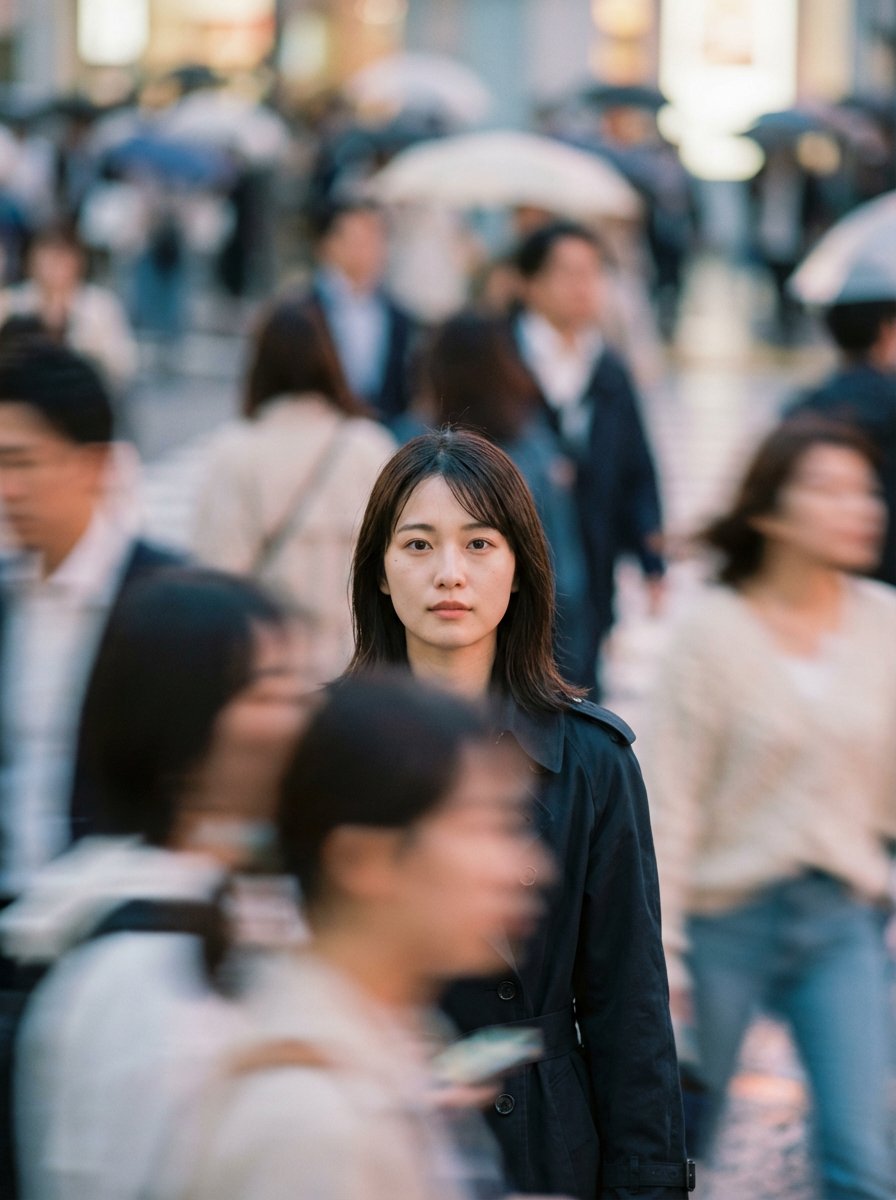
Cinematic Portrait Prompt: Focus in a Crowd
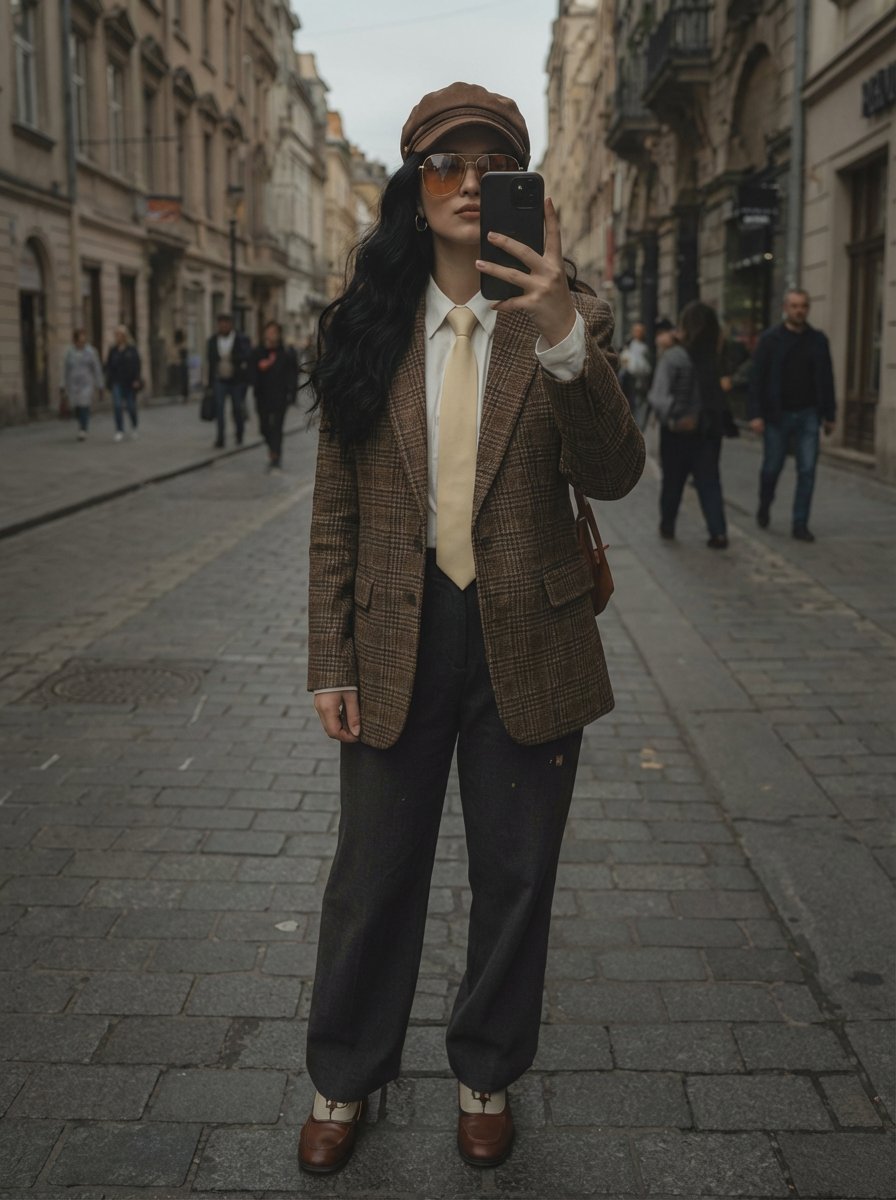
European Street Fashion Mirror Selfie Prompt
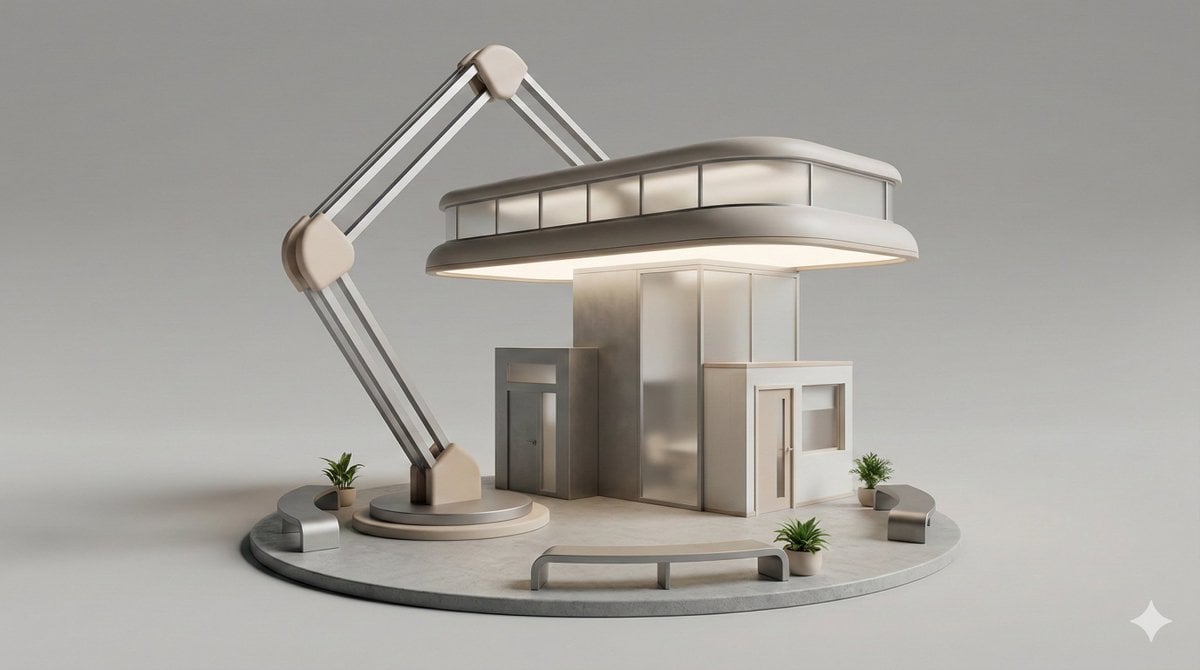
3D Isometric Diorama of a Household Object as Architecture
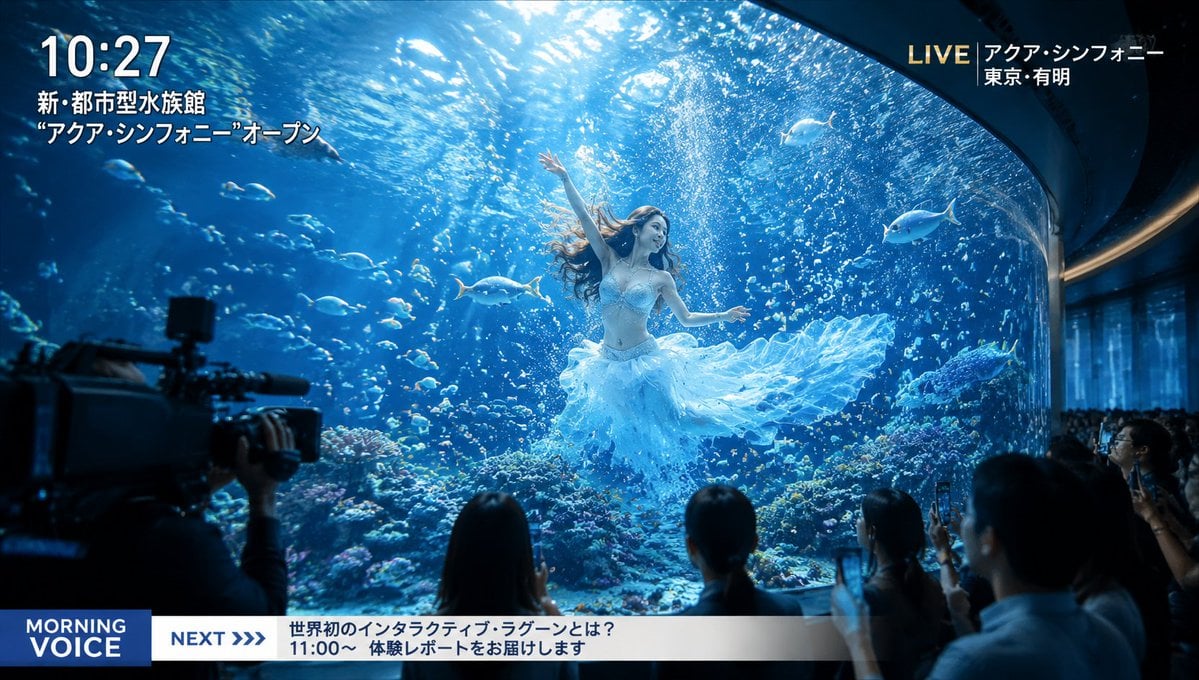
Futuristic Aquarium Mermaid Scene
Browse template categories
Whimsical Street Flower Stand Poster questions
How do I use the Whimsical Street Flower Stand Poster template?
Add your photo if the template asks for one, edit the prompt if you like — the template's model and format are already selected — and press Generate. Your version opens in PicX Studio.
Can I customize the Whimsical Street Flower Stand Poster template?
Yes. You can change the subject, setting, lighting, mood, format, and available model controls before creating your image.
Is the Whimsical Street Flower Stand Poster template free?
Opening and editing this template is free. Generating uses credits, shown on the Generate button when you are signed in.
Which AI model should I use?
Start with GPT Image 2, which is the model associated with this template. You can compare another compatible model for a different finish.
Looking for something else? Browse all templates.

Your photo, any look
Thousands of ready templates for every top image and video model, from one credit balance.