
Anime Light Novel Cover Illustration
Generates a dramatic, high-quality anime-style light novel cover featuring two characters, a fantasy background, and elegant Japanese typography.
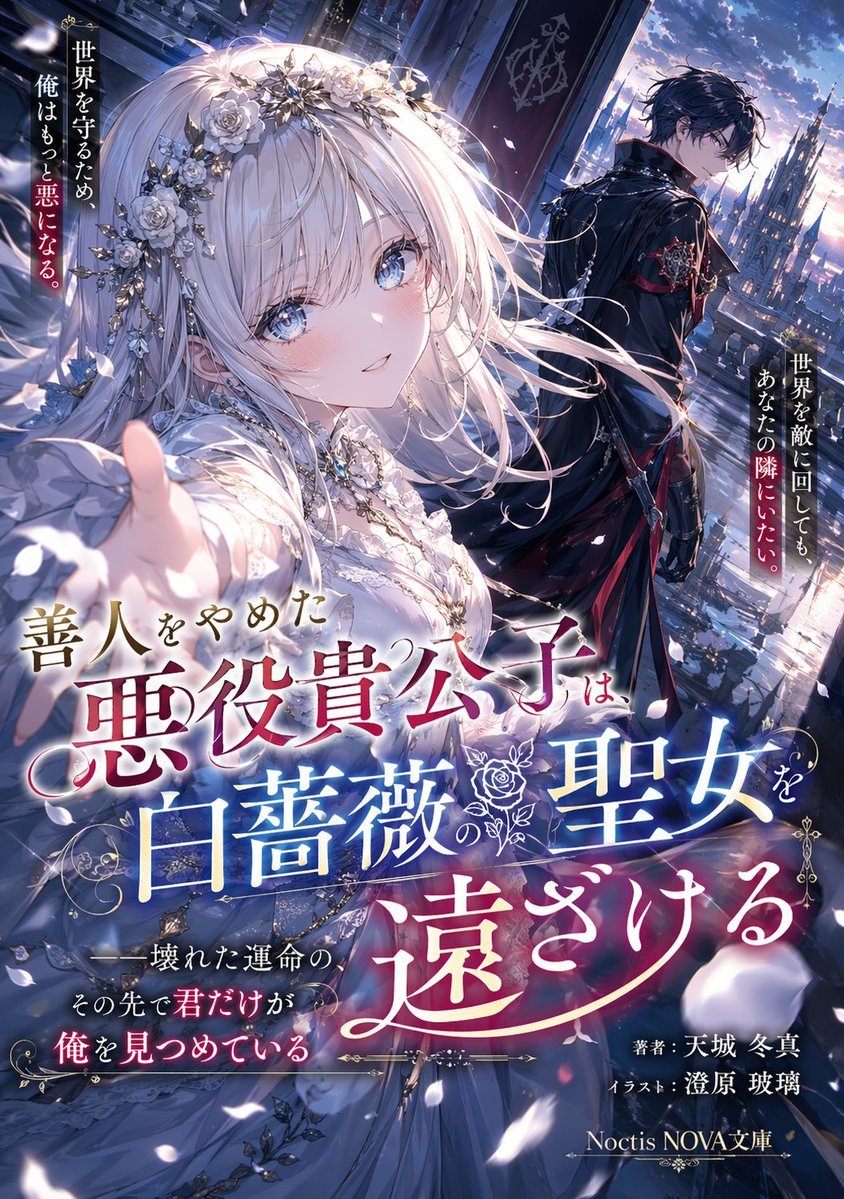
- Prompt included
- Model and format preset
- Free template
The prompt behind this image
Copy the exact prompt behind Anime Light Novel Cover Illustration, or open it in the studio and make it yours.
A highly detailed anime-style light novel cover illustration. In the foreground, a beautiful young woman with {argument name="female hair color" default="long silver hair"} and large blue eyes wears an intricate white lace dress and a silver floral tiara with white roses, reaching her hand forward with a gentle, longing smile. Behind her, a young man with black hair wearing an {argument name="male outfit" default="ornate black coat with red accents and silver chains"} stands facing away, looking back over his shoulder melancholically. They are on a balcony overlooking a {argument name="background setting" default="gothic fantasy castle city at dusk"}, with white petals scattering in the wind. The image features prominent, elegant Japanese typography. The large main title reads "{argument name="main title" default="善人をやめた悪役貴公子は、白薔薇の聖女を遠ざける"}" in stylized fonts with gold and blue gradients. A vertical catchphrase on the left reads "{argument name="left catchphrase" default="世界を守るため、俺はもっと悪になる。"}" and another on the right reads "世界を敵に回しても、あなたの隣にいたい。". Additional text at the bottom includes author credits and a publisher logo. The overall mood is dramatic and romantic with dynamic lighting.
How to use Anime Light Novel Cover Illustration in 3 steps
- 1Upload ImagePNG, JPG or paste
Add your photo
Upload the photo the template builds on. The prompt, model and format are already set.
- 2…a portrait of your subject in softgolden-hour light, 85mm…
Personalize
Edit the subject and creative details for your destination.
- 3Generate
Generate
Press Generate — your image is created in PicX Studio, so you can compare it with the original and refine one variable at a time.
More like this
Templates with the same subject, style or setup. Open one to see its prompt.
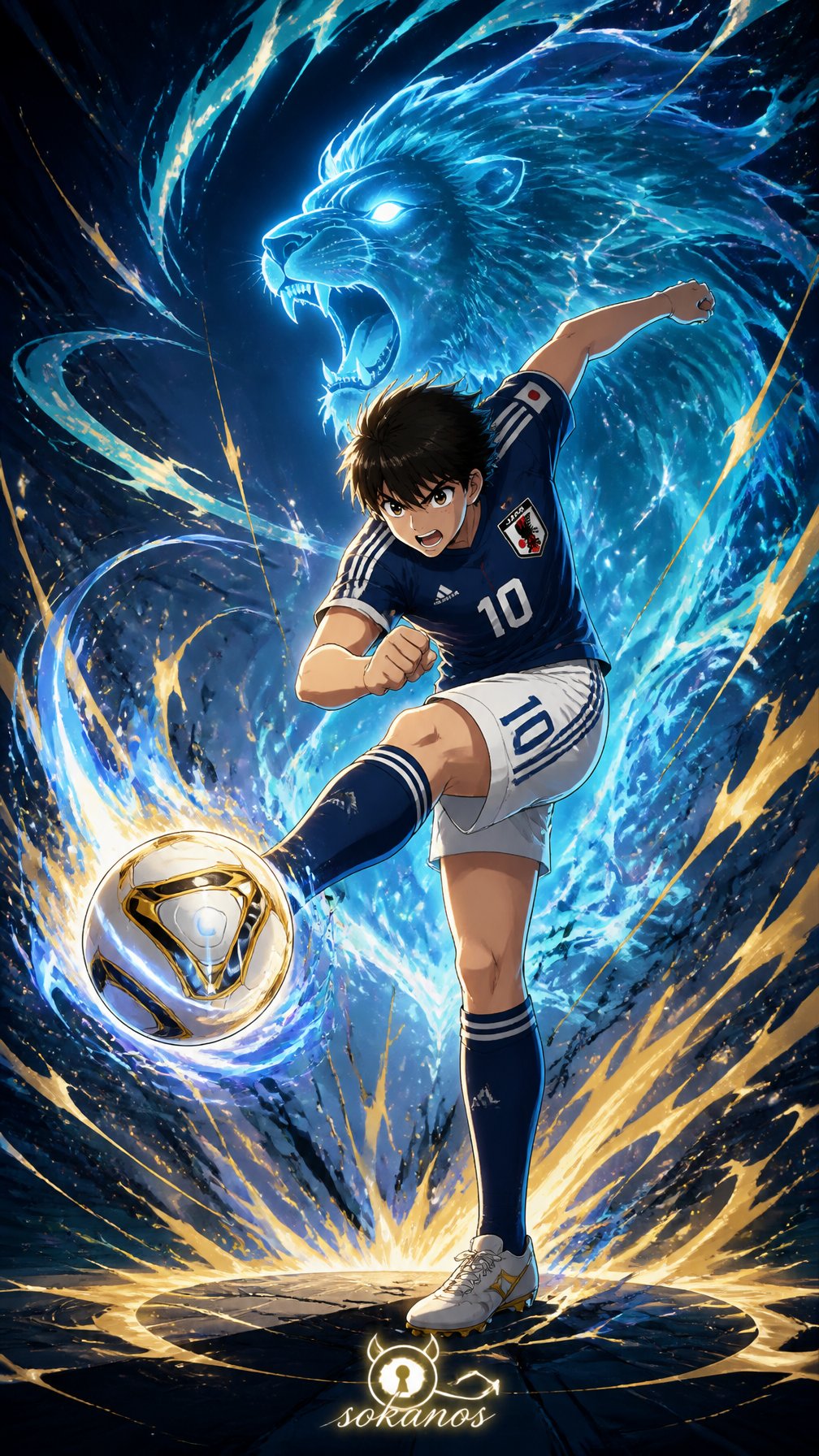
Captain Tsubasa Anime World Cup Poster
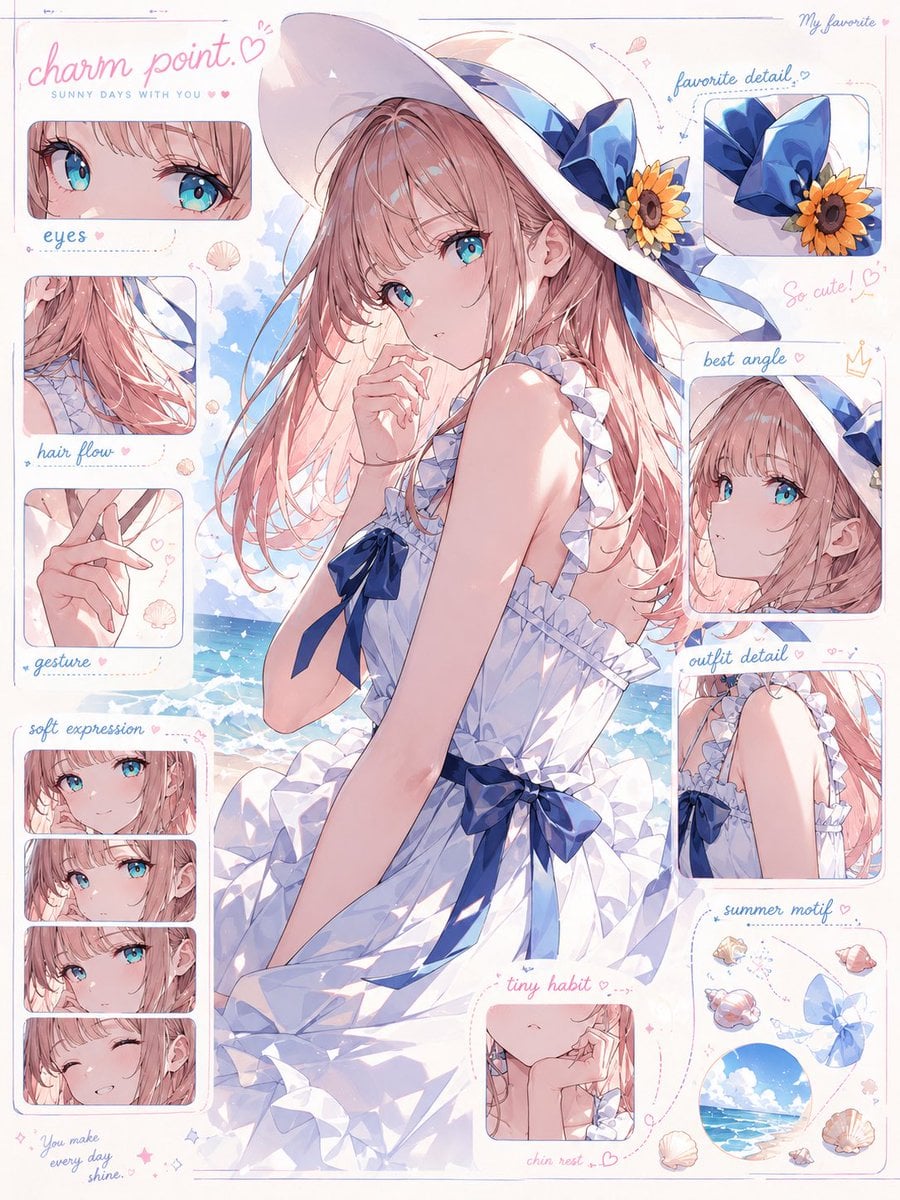
Anime Character Charm Analysis Sheet
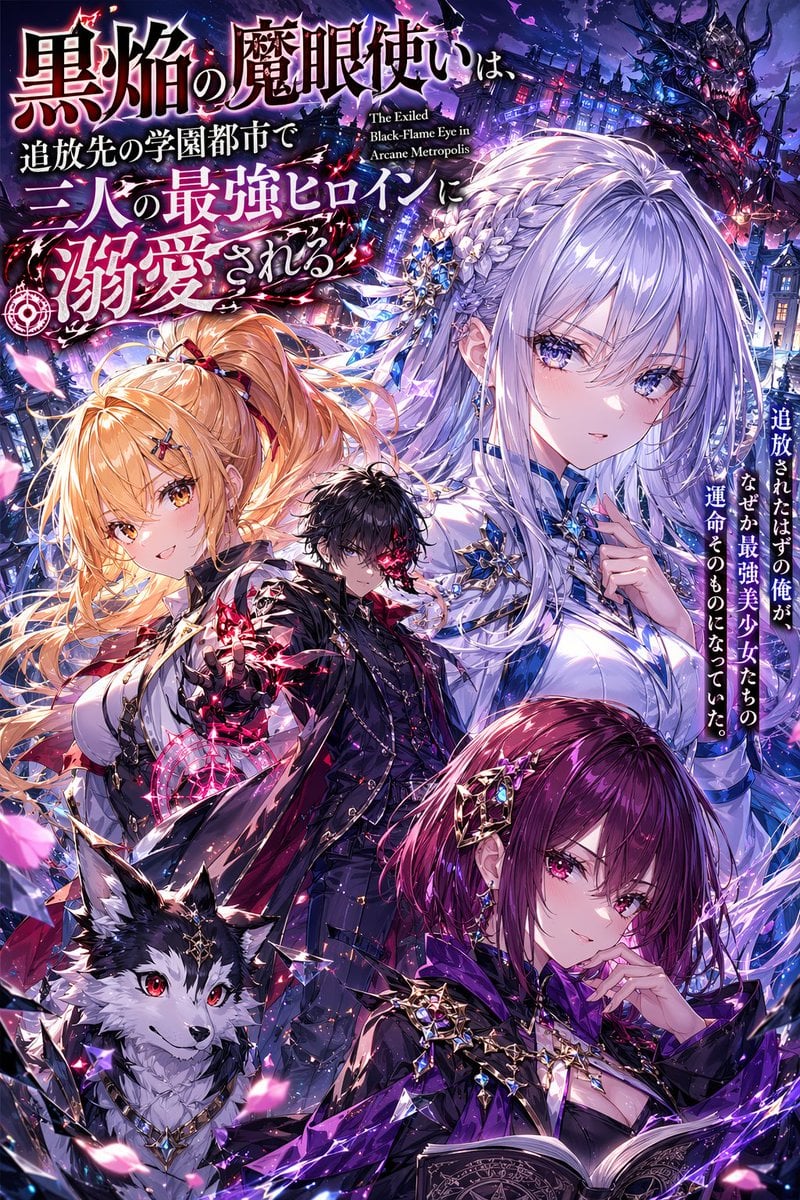
Anime Light Novel Cover with Typography
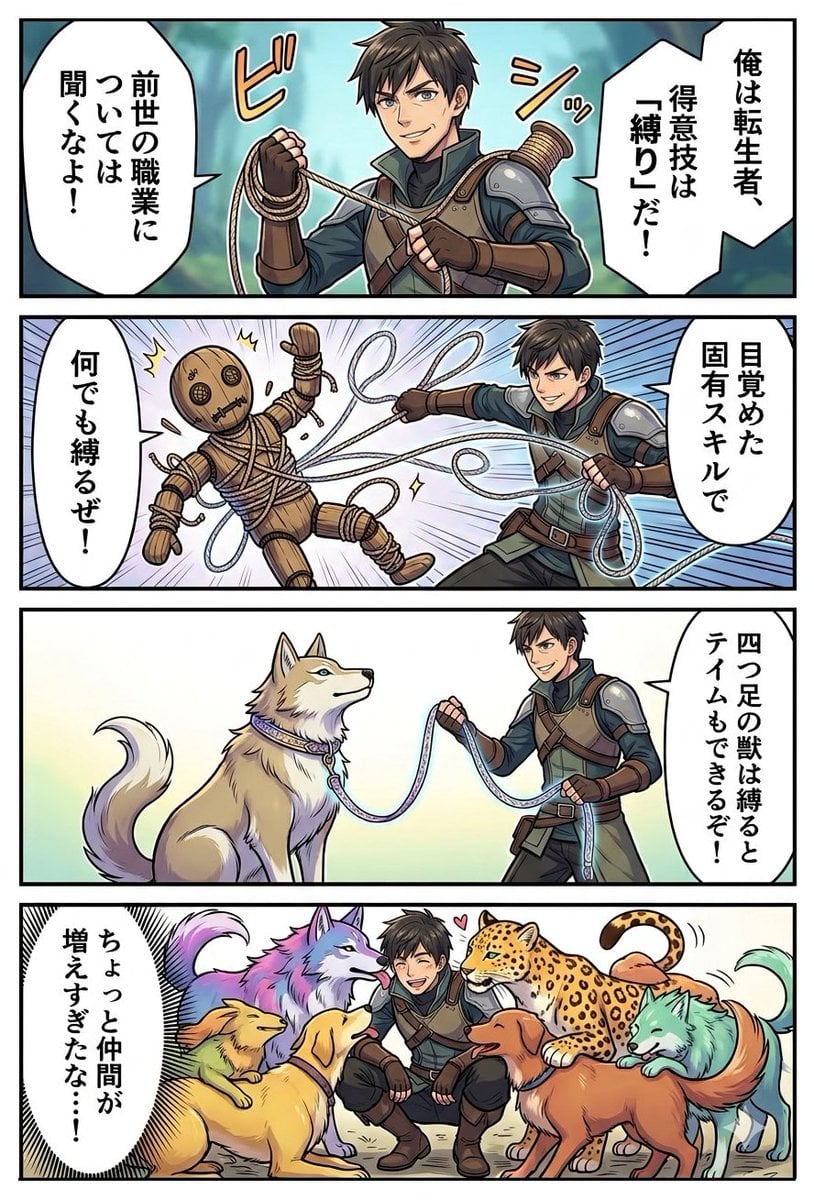
Light Novel Style Comic Cover
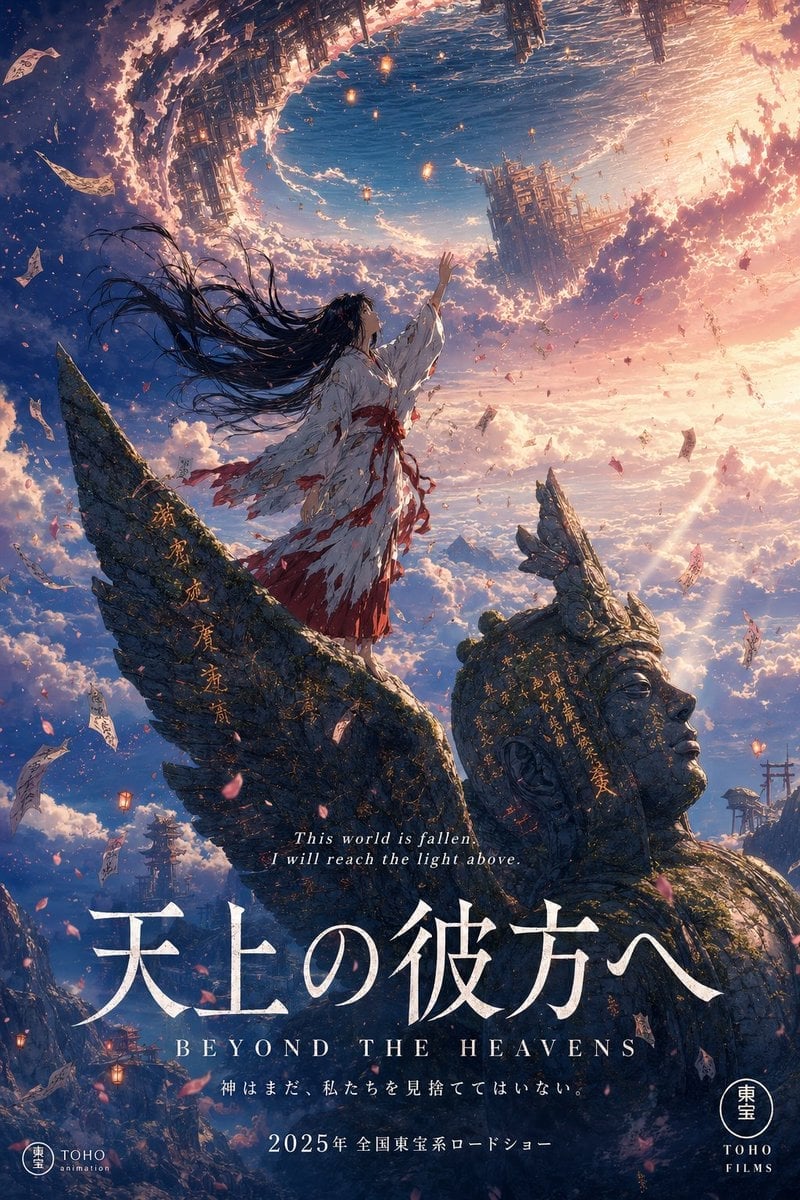
Pixar Anime Storm Lighthouse
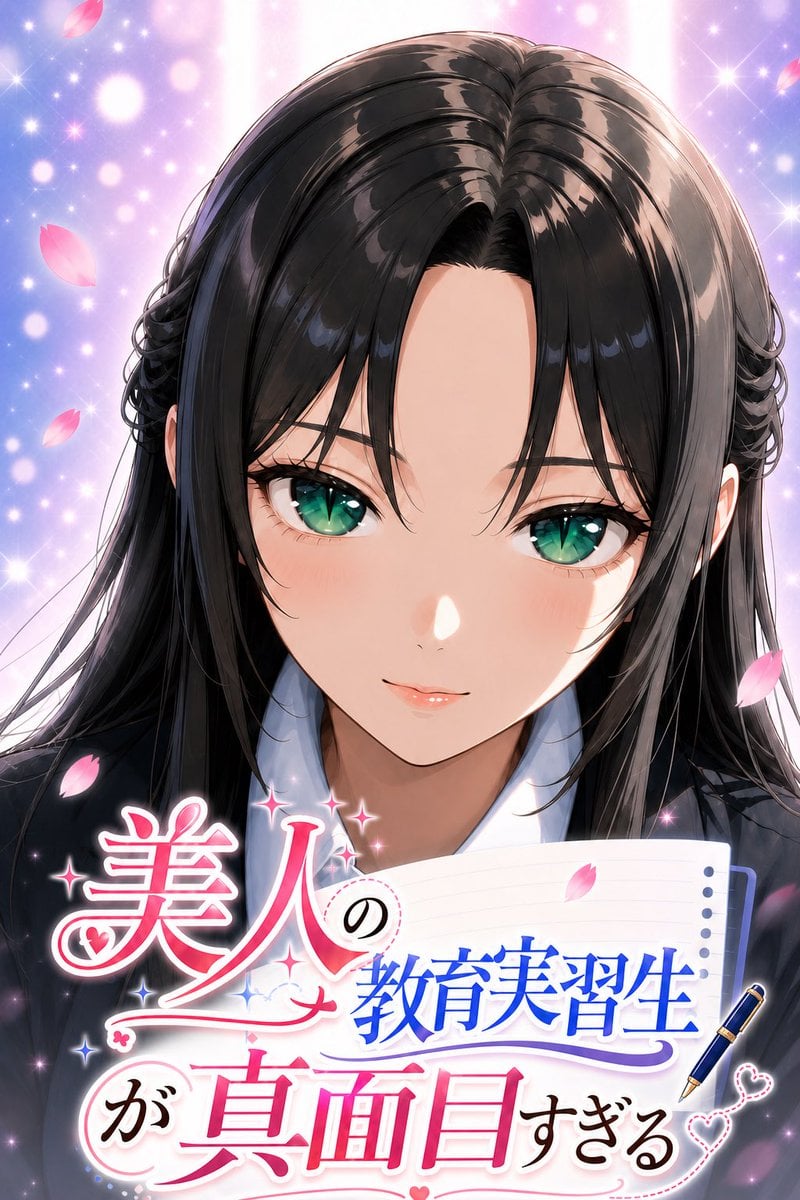
Anime Teaching Intern Novel Cover
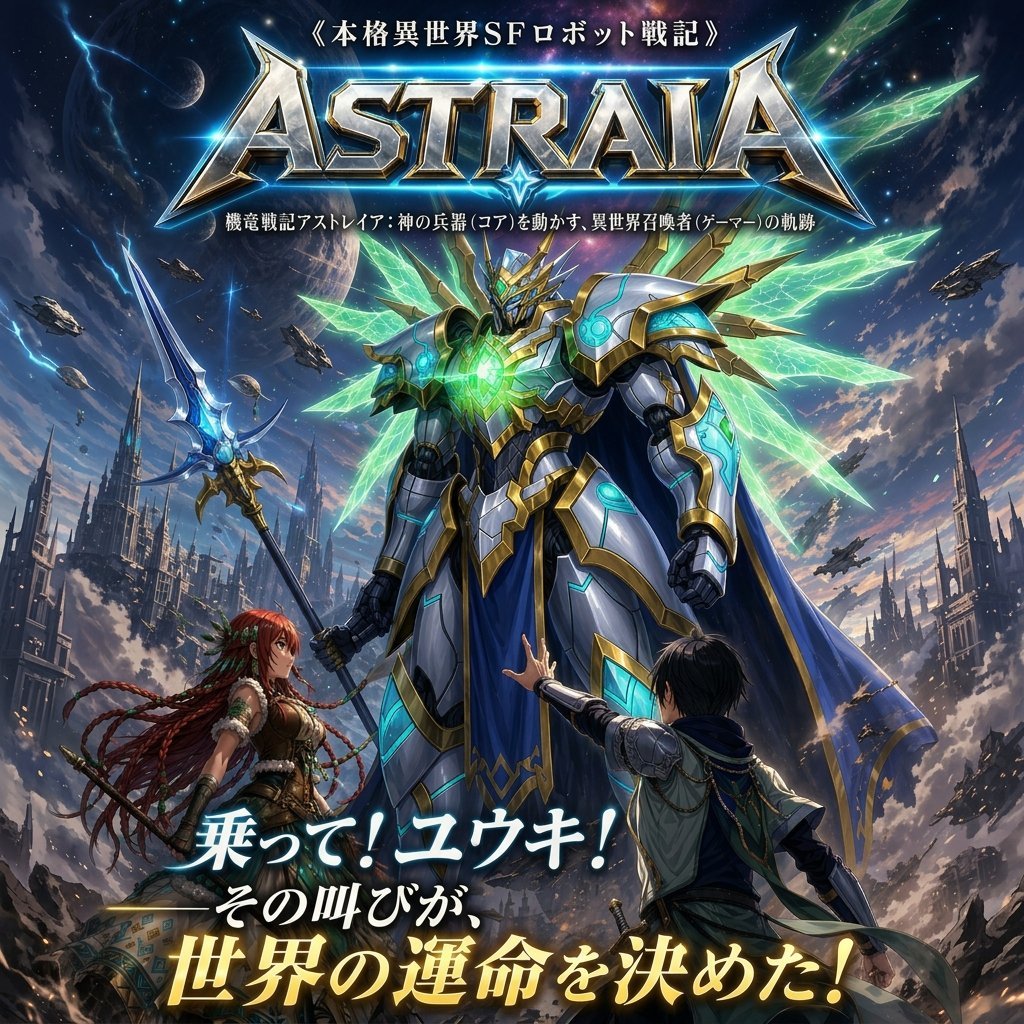
Epic Fantasy Mecha Light Novel Cover
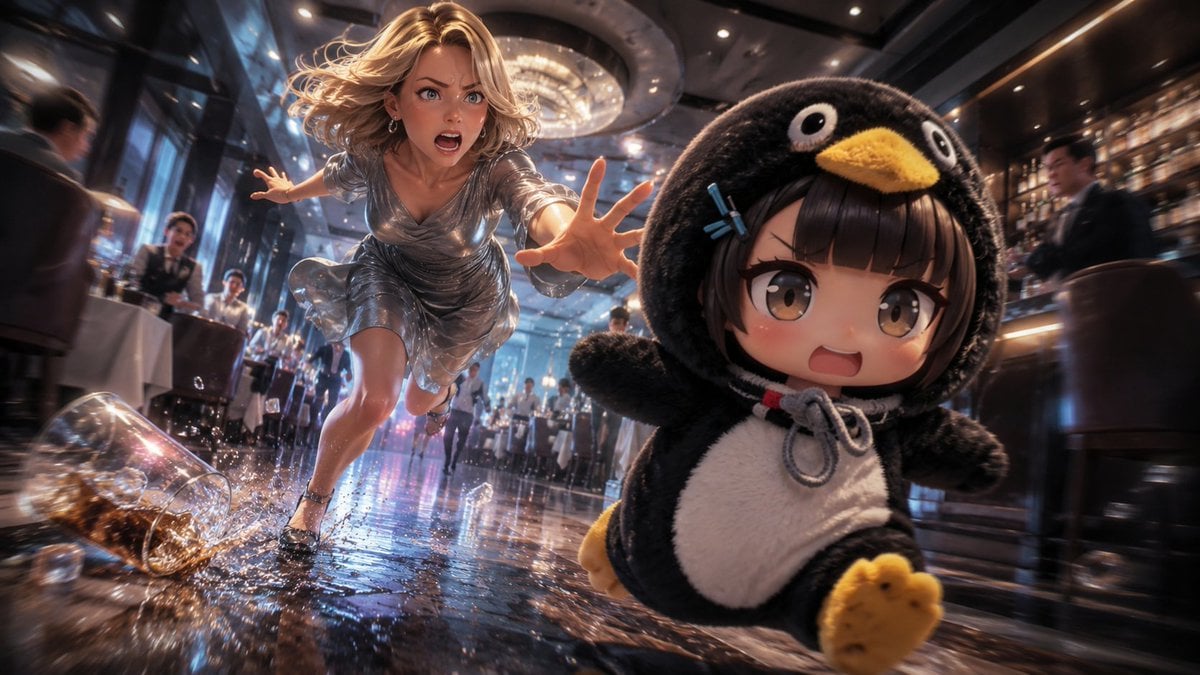
Anime Light Novel Restaurant Chase
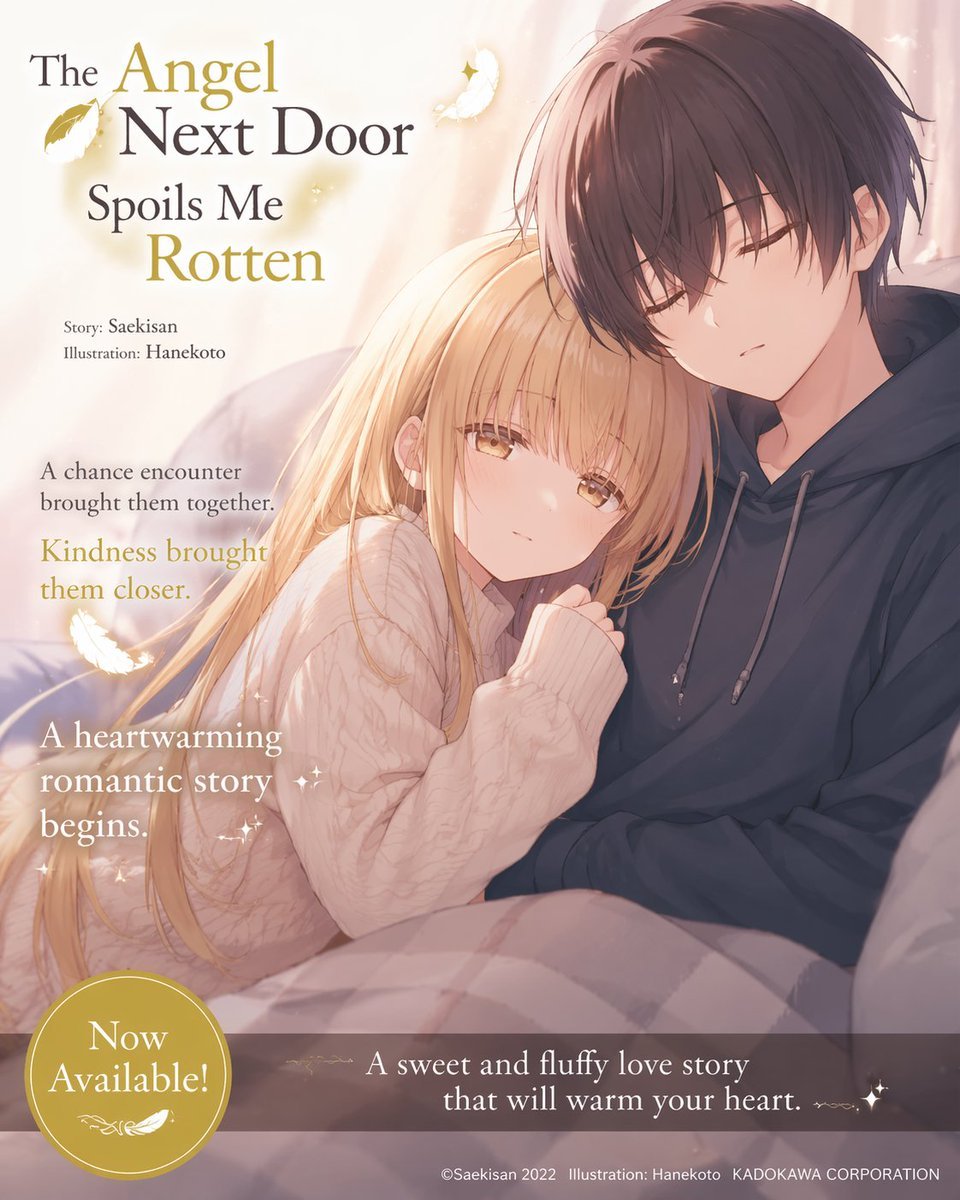
Anime Light Novel Promotional Poster
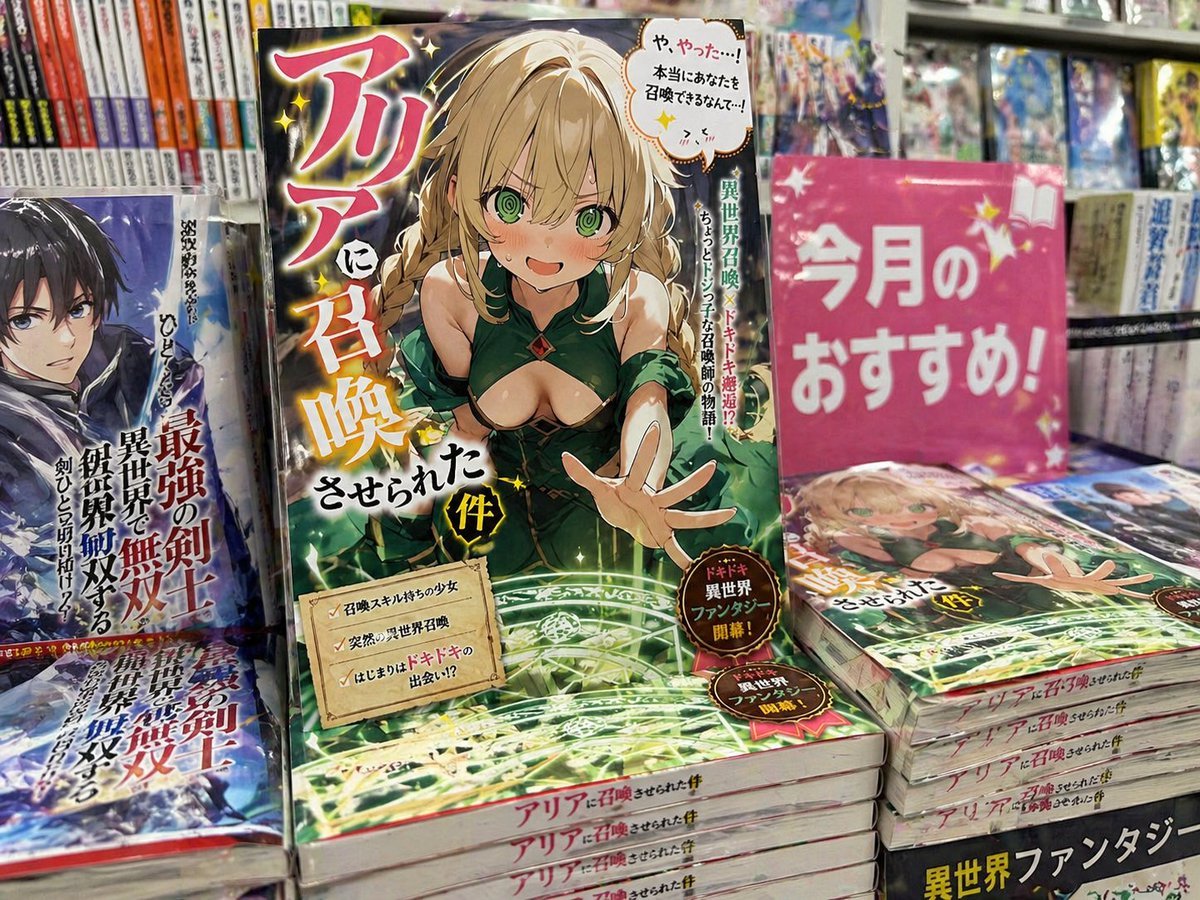
Light novel cover and bookstore display
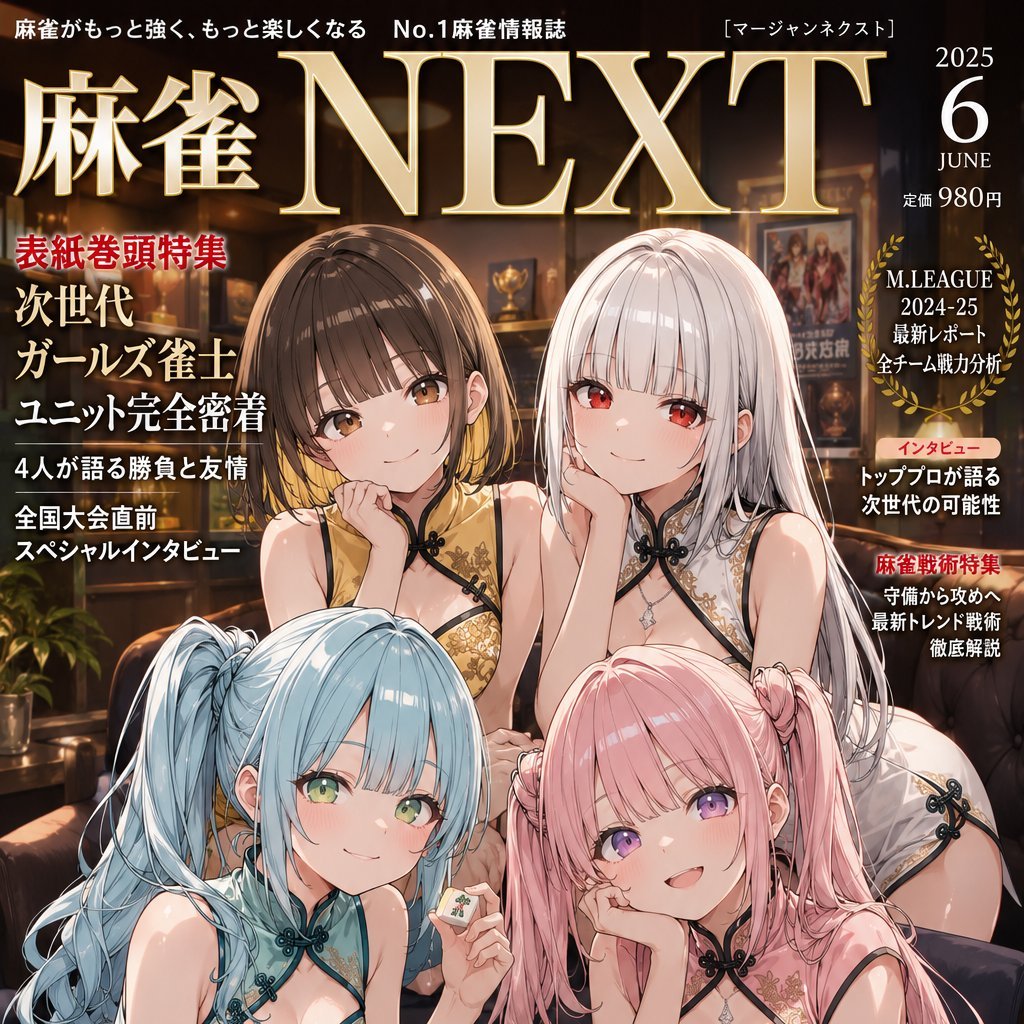
Anime Mahjong Magazine Cover

Neon Anime Fireworks Magazine Cover
Make it yours
Anime Light Novel Cover Illustration works as-is. These are the safest ways to change it without losing the look.
Change one field
Copy a single group, rewrite it, and generate again so you can see what that field is doing.
Keep the frame, change the subject
Hold the composition and light of Anime Light Novel Cover Illustration, then swap wardrobe, props or the person for a new take.
| If the result… | Why | Fix |
|---|---|---|
| The result drifts from the preview | Too many fields changed at once. | Reuse Anime Light Novel Cover Illustration as-is first, then change one group — subject, light, or setting. |
| The model over-stylizes the scene | The prose prompt leaves finish and camera underspecified. | Add one camera or lighting sentence and stay on GPT Image 2. |
More GPT Image 2 templates
Other prompts made for GPT Image 2.

Six VTuber Japanese Logo Sheet

Realistic Portrait of Woman and Deer

The Vista Modular Condo Poster

AI Model Routing Comparison Infographic

2.5D Anime Art Board

Isometric Productivity Desk Scene

New York Double Exposure Poster

Four-Panel AI Landscape Comparison

Japanese Tatami Lifestyle Magazine Cover

NESCAFÉ Coffee Map Poster
More image prompts
Fresh picks from across the catalog.
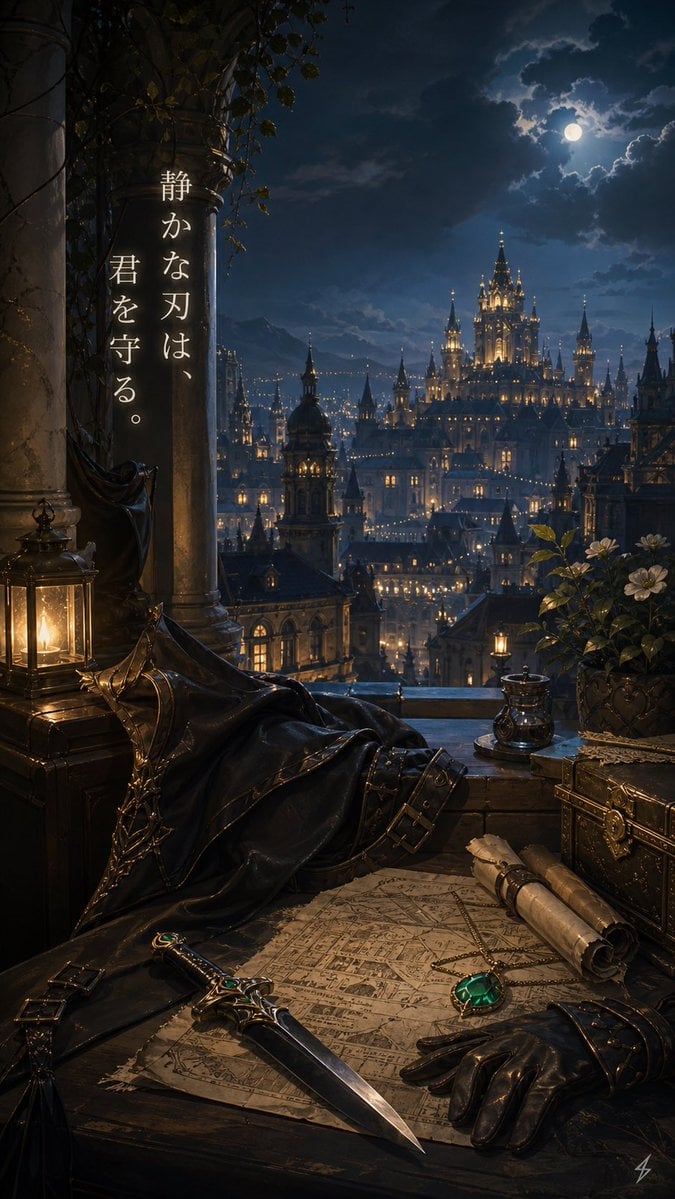
Moonlit Guardian Balcony
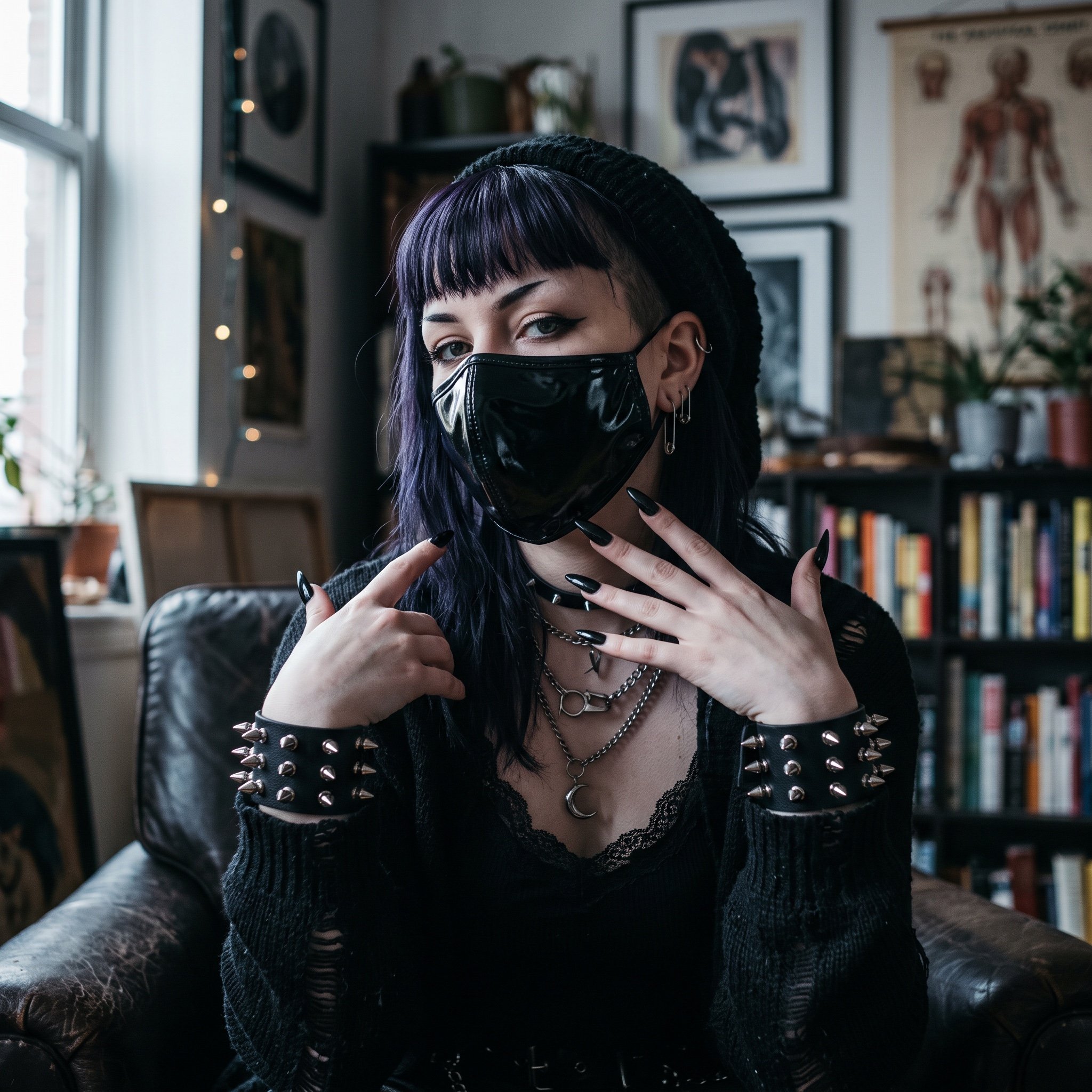
AI Influencer in Goth Fashion Portrait
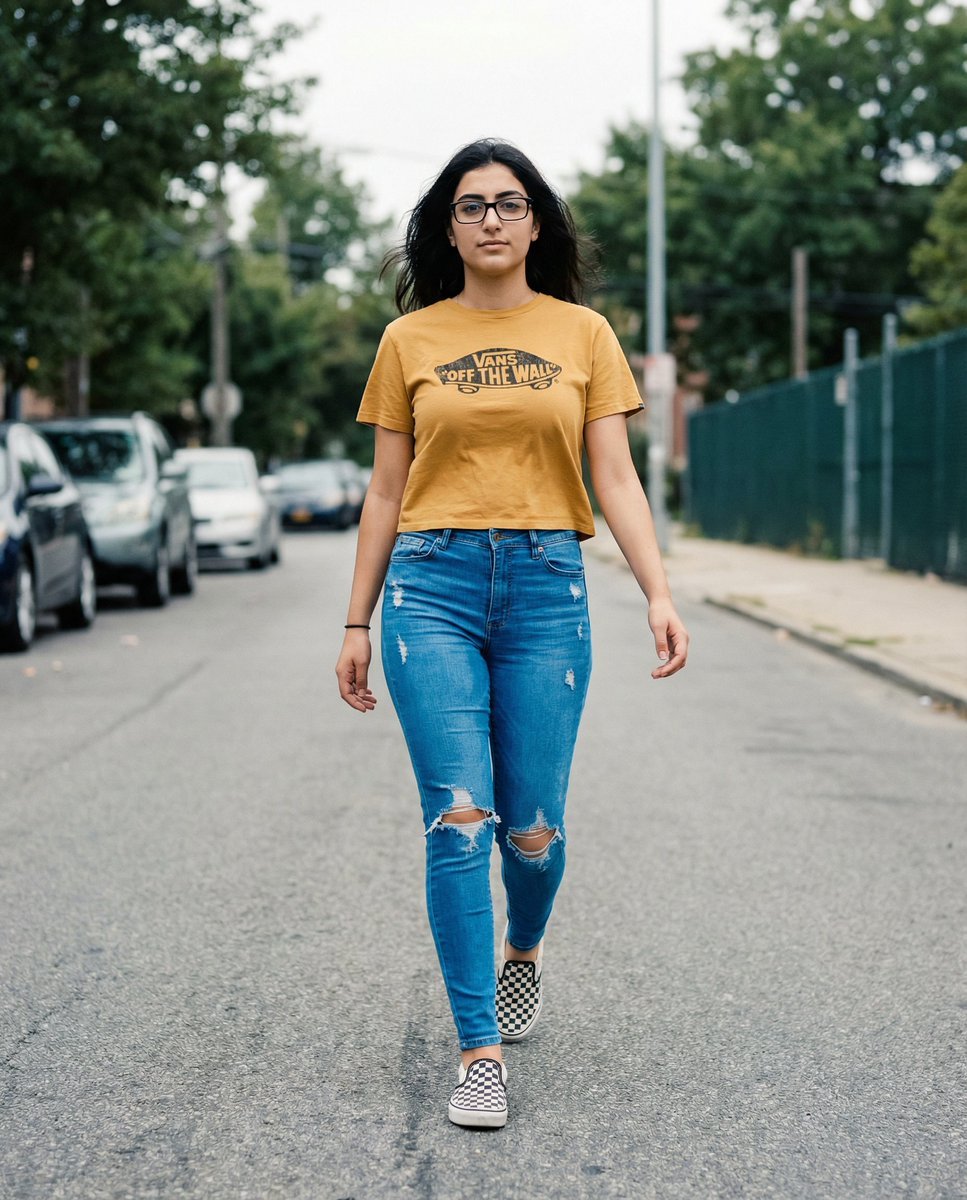
Vans Logo Street Fashion Portrait Replication
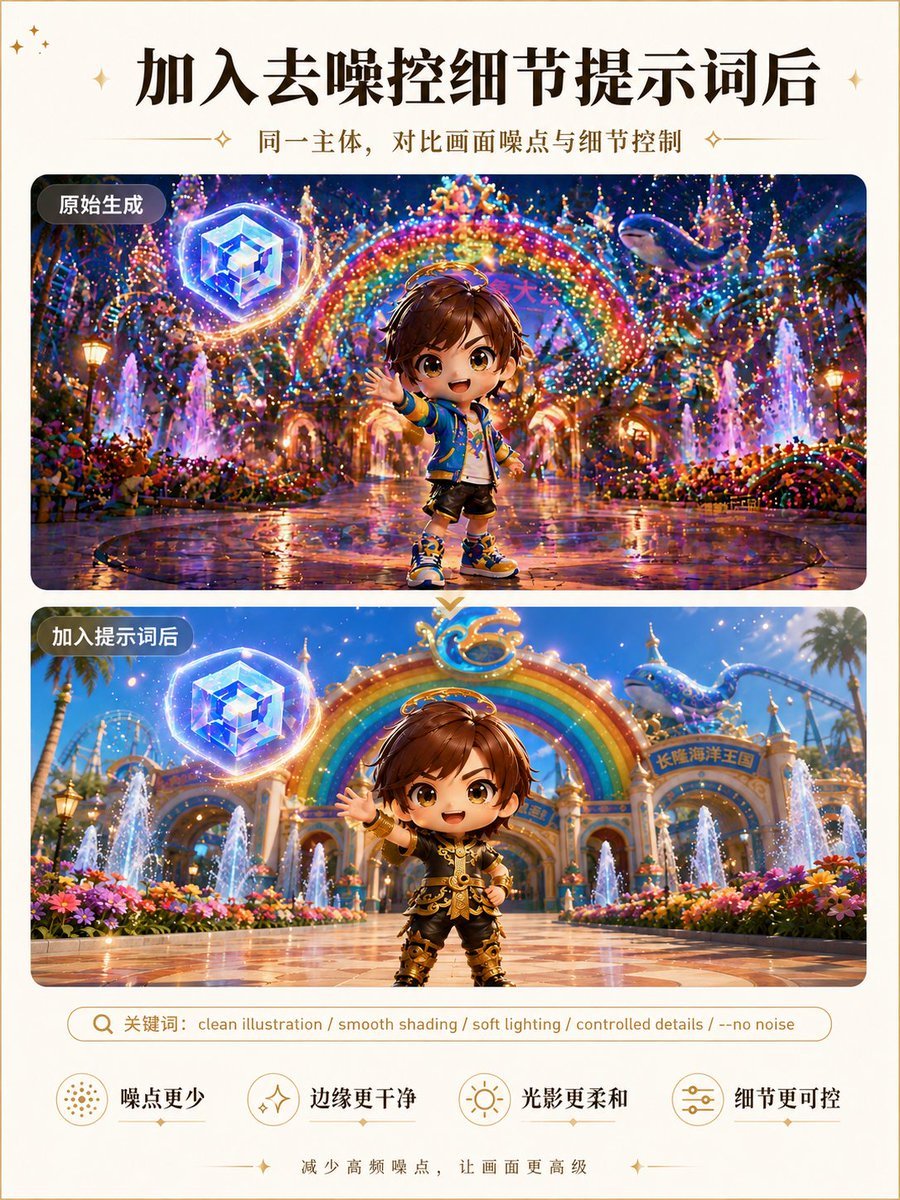
Clean Illustration Smoothing Filter
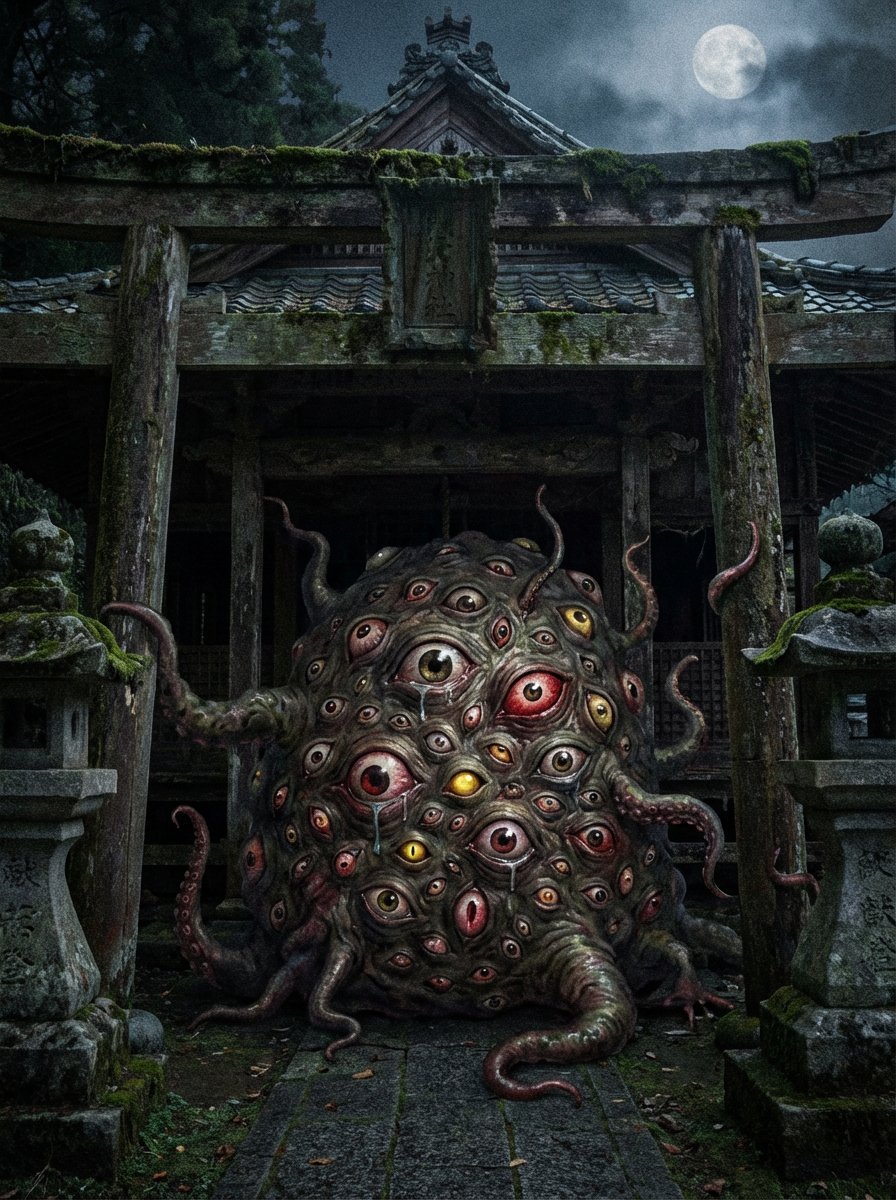
Creepy Monster Image Generation Prompt
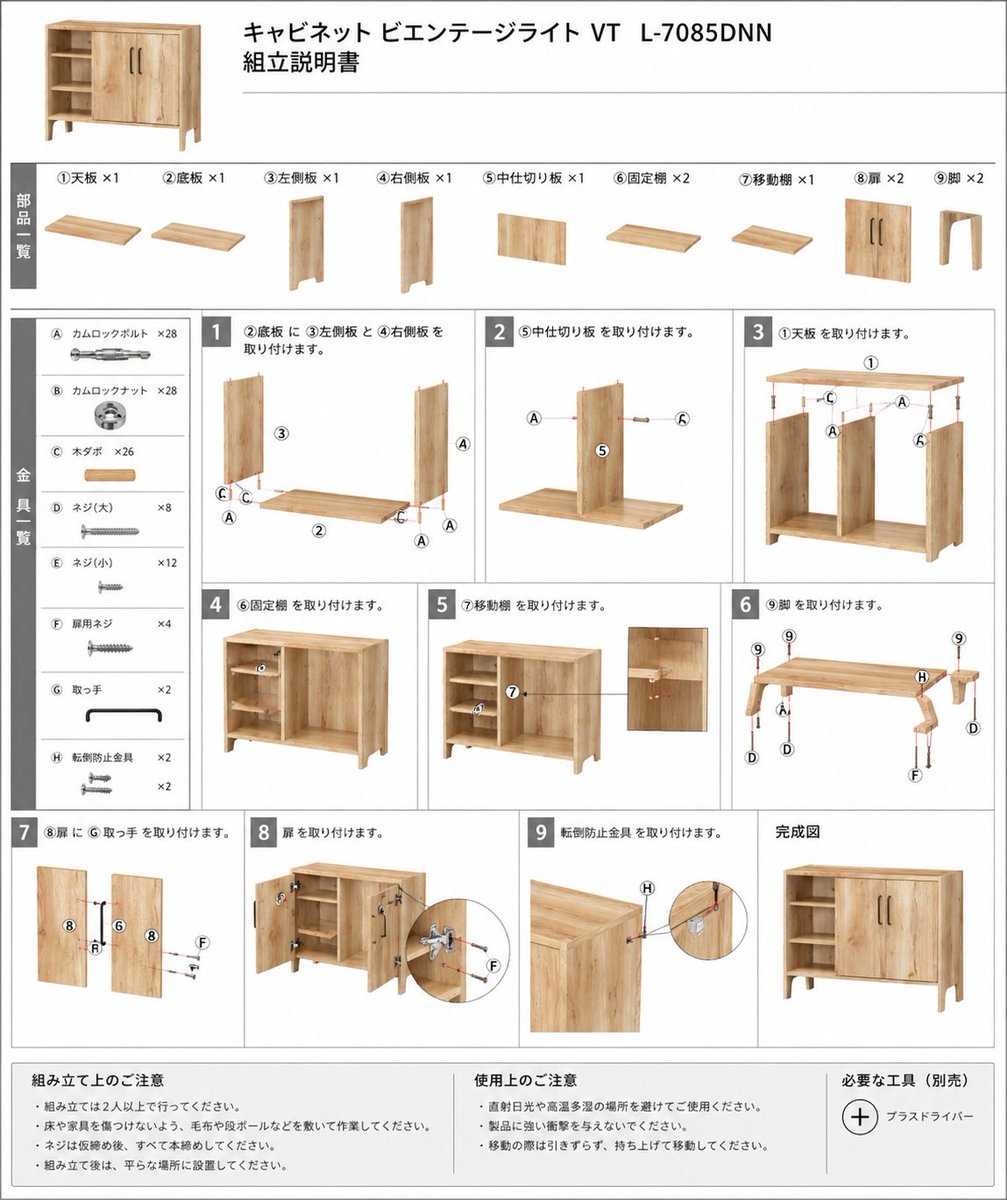
Furniture Assembly Manual Generator
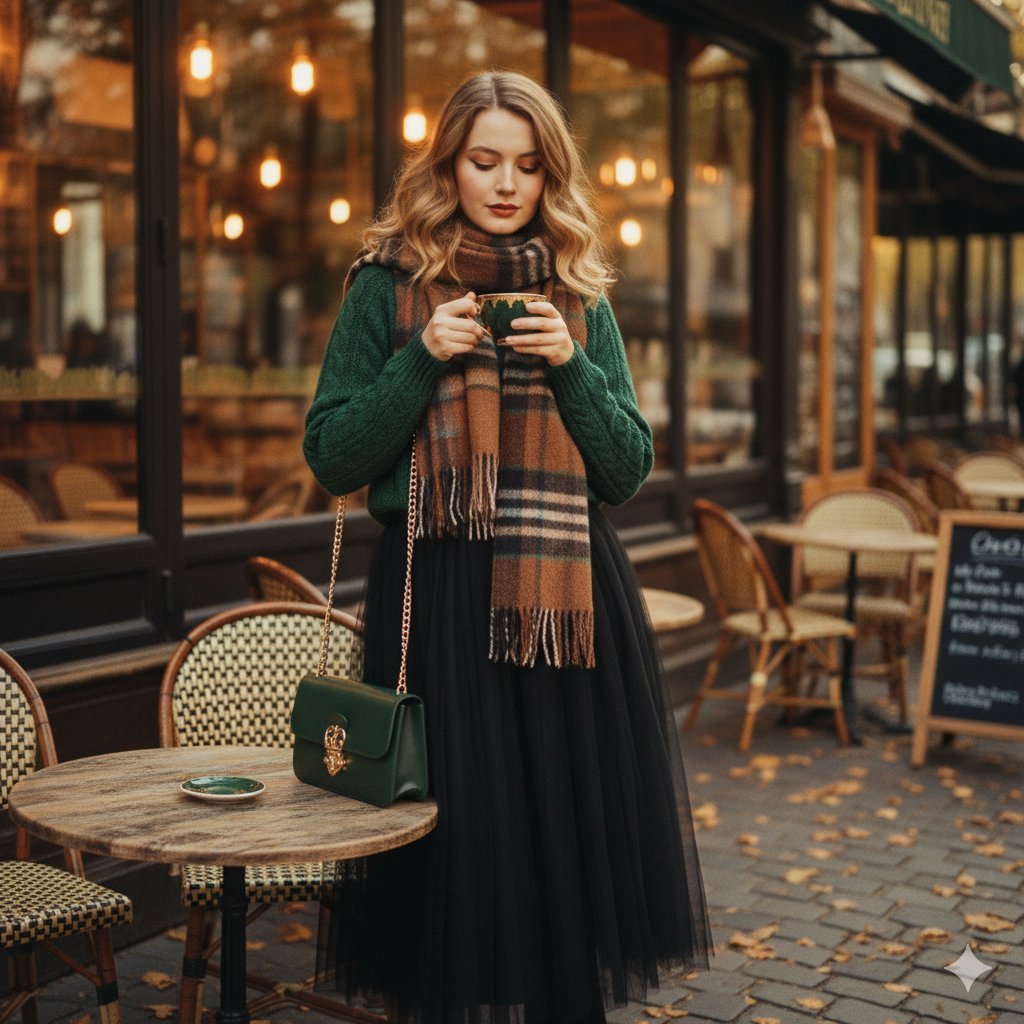
70s Vintage Café Fashion
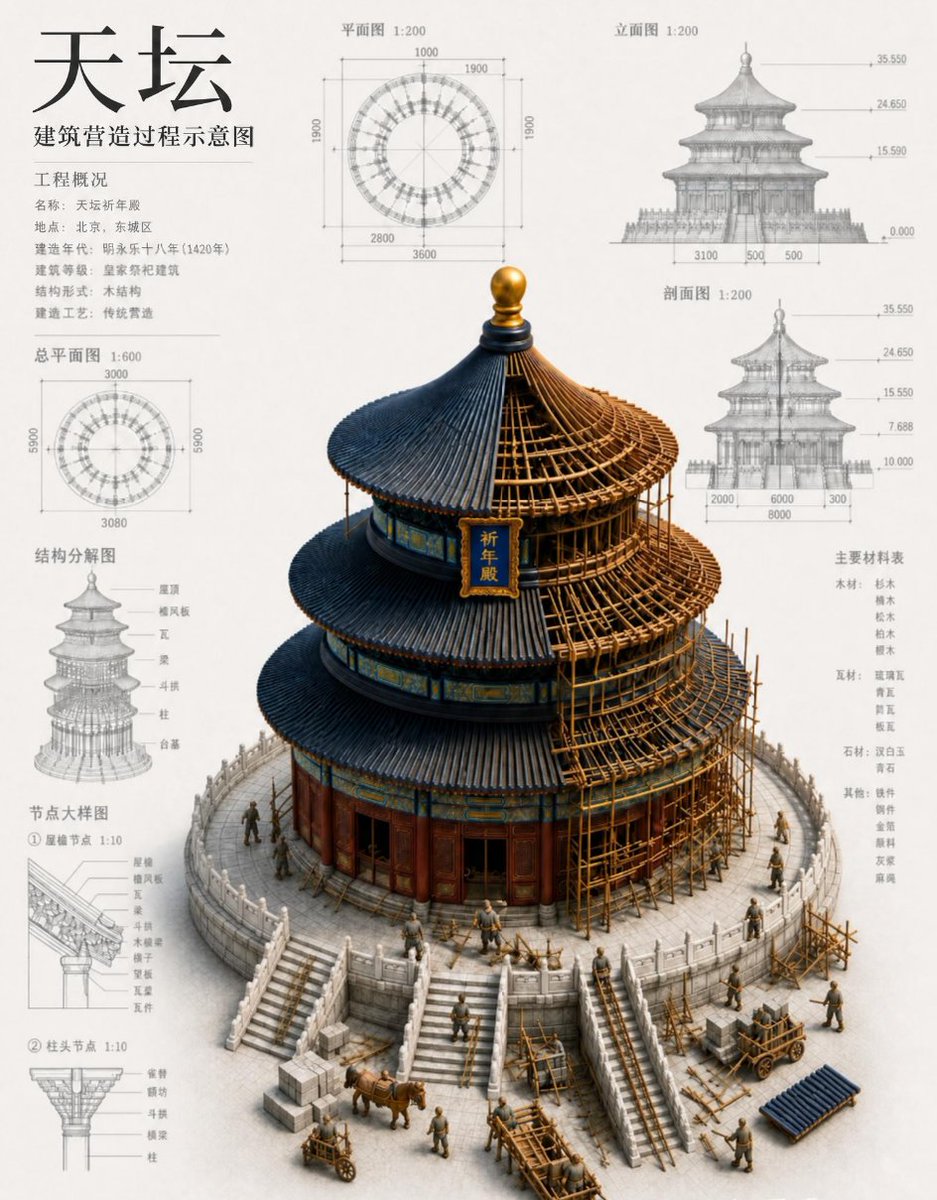
Chinese Temple Construction Blueprint
Surreal Fujifilm Vintage Film Portrait
Jet Airplane Puppy Creature Sheet
Browse template categories
Anime Light Novel Cover Illustration questions
How do I use the Anime Light Novel Cover Illustration template?
Add your photo if the template asks for one, edit the prompt if you like — the template's model and format are already selected — and press Generate. Your version opens in PicX Studio.
Can I customize the Anime Light Novel Cover Illustration template?
Yes. You can change the subject, setting, lighting, mood, format, and available model controls before creating your image.
Is the Anime Light Novel Cover Illustration template free?
Opening and editing this template is free. Generating uses credits, shown on the Generate button when you are signed in.
Which AI model should I use?
Start with GPT Image 2, which is the model associated with this template. You can compare another compatible model for a different finish.
Looking for something else? Browse all templates.

Your photo, any look
Thousands of ready templates for every top image and video model, from one credit balance.