How do I use the Textured Glass Polaroid Portrait template?
Choose the primary action to open PicX Studio with the available template settings. Review the model and format, personalize the creative direction, and generate when ready.
An artistic Polaroid-style prompt that uses textured glass and ivy to create a distorted, organic portrait effect.
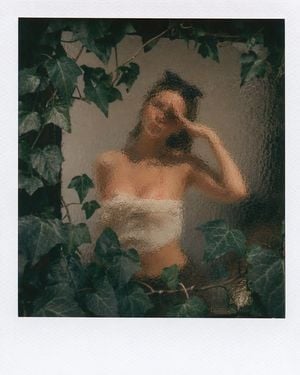
An analog photograph in the {argument name="photo style" default="Polaroid style"}, with its characteristic uniform white border. The image shows a medium-shot portrait of the attached model, her face, expression, and clothing unaltered. The model is obscured and distorted by a thick sheet of fine-grained, textured, {argument name="glass type" default="hammered glass"}, which creates an optical mosaic pattern and subtly blurs her facial features and her color-blocked top (black, white, terracotta). Dense vines of {argument name="plants" default="green ivy (Hedera helix)"} are in the foreground, sharp and in focus, framing the top, left, and bottom edges of the composition, overlapping the glass and the subject. The focus is split, with the ivy leaves in the foreground sharp and the woman behind them heavily filtered and softened by the texture of the glass. Natural, diffused lighting, with a color palette dominated by deep greens and muted skin tones. A large depth of field integrates the foreground and background. The photographic grain texture is visible.
Choose the primary action to open PicX Studio with the available template settings. Review the model and format, personalize the creative direction, and generate when ready.
Yes. You can change the subject, setting, lighting, mood, format, and available model controls before creating your image.
This template is free to open and customize. Generation usage is shown in PicX Studio before you create.
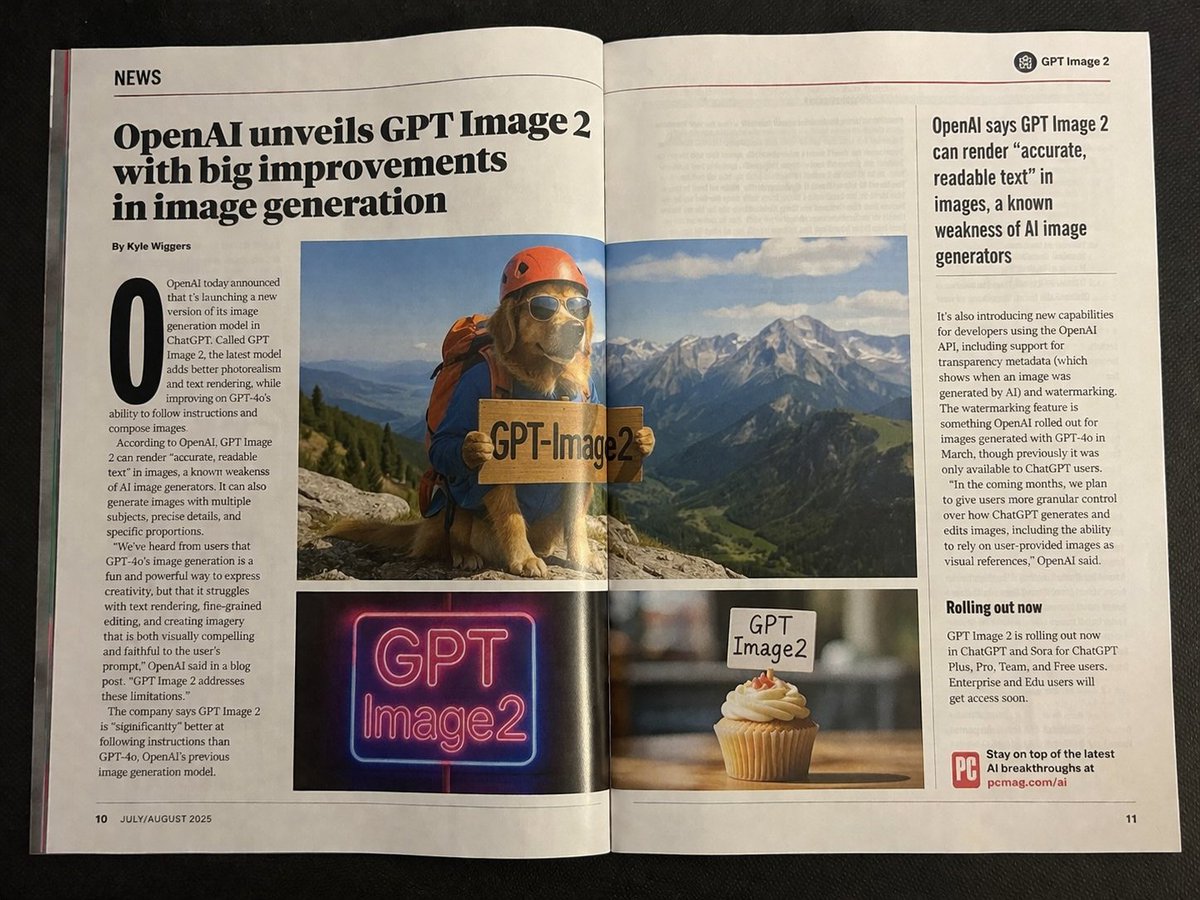
Start with GPT Image 2, which is the model associated with this template. You can compare another compatible model for a different finish.
Follow a topic to a crawlable collection of related PicX Studio templates.