
Cozy Indoor Girlfriend Selfie
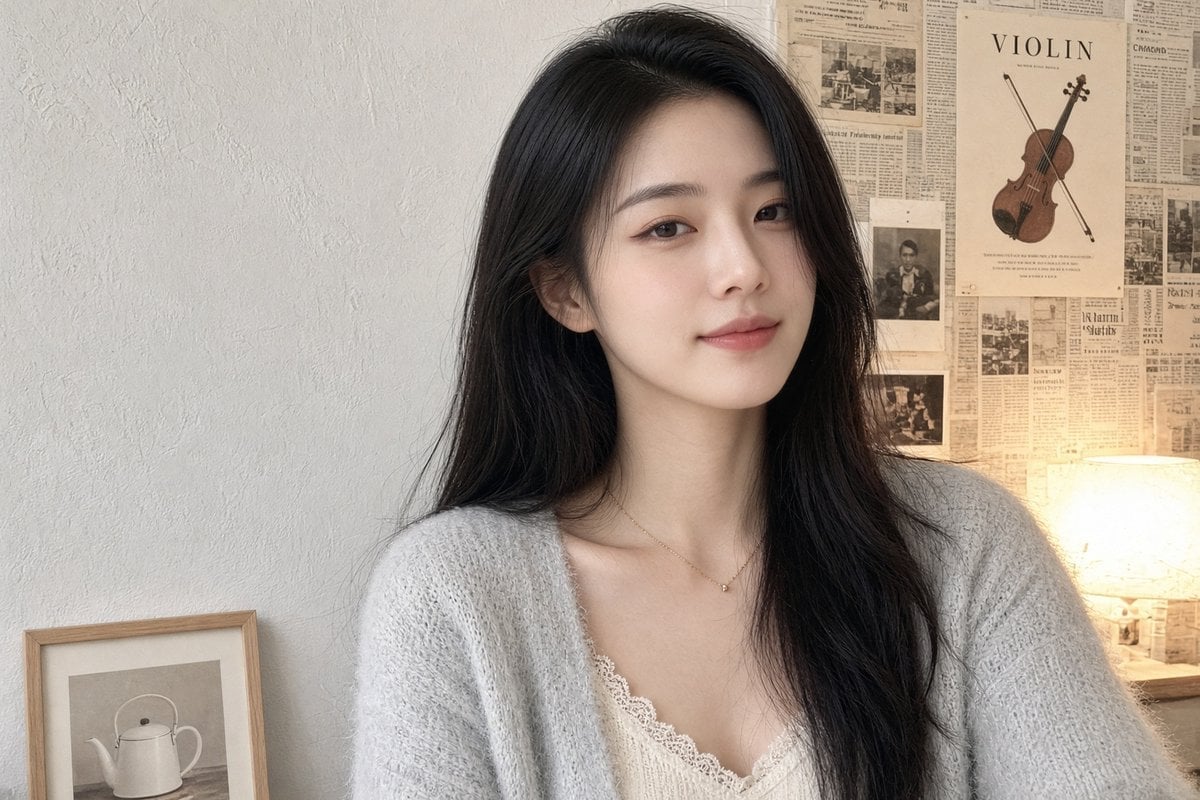
A realistic prompt for generating a soft, intimate indoor portrait of a young woman in a cozy music-themed room.
- Prompt included
- Model and format preset
- Free template
The prompt behind this image
Copy the exact prompt behind Cozy Indoor Girlfriend Selfie, or open it in the studio and make it yours.
Create a realistic casual girlfriend-style indoor selfie portrait in a 3:2 landscape frame. Show a young {argument name="character ethnicity" default="East Asian"} woman in her early 20s with fair skin, long natural {argument name="hair color" default="black"} hair worn loose with a soft side part, delicate makeup, warm brown eyes, and a calm faint smile, looking directly at the camera. She is seated close to the camera, upper body visible, wearing a cozy oversized {argument name="cardigan color" default="light gray"} fuzzy knit cardigan over a cream lace-trim camisole, with a thin gold necklace and tiny pendant. Use soft natural beauty lighting with a warm lamp glow from the right side, shallow depth of field, realistic skin texture, and a clean smartphone-photo aesthetic rather than a studio shoot. The background is a cozy bedroom or music-themed corner: an off-white textured plaster wall on the left, a collage of vintage newspaper pages on the right, exactly 1 violin poster near the upper right with the word “VIOLIN” visible, exactly 1 glowing table lamp at the far right, and exactly 1 framed minimalist teapot print leaning at the lower left. Keep the composition intimate and balanced, with the face slightly right of center, muted beige and gray tones, no exaggerated posing, no extra people, no watermark, no text except the poster word.
How to use Cozy Indoor Girlfriend Selfie in 3 steps
- 1Upload ImagePNG, JPG or paste
Add your photo
Upload the photo the template builds on. The prompt, model and format are already set.
- 2…a portrait of your subject in softgolden-hour light, 85mm…
Personalize
Edit the subject and creative details for your destination.
- 3Generate
Generate
Press Generate — your image is created in PicX Studio, so you can compare it with the original and refine one variable at a time.
More like this
Templates with the same subject, style or setup. Open one to see its prompt.
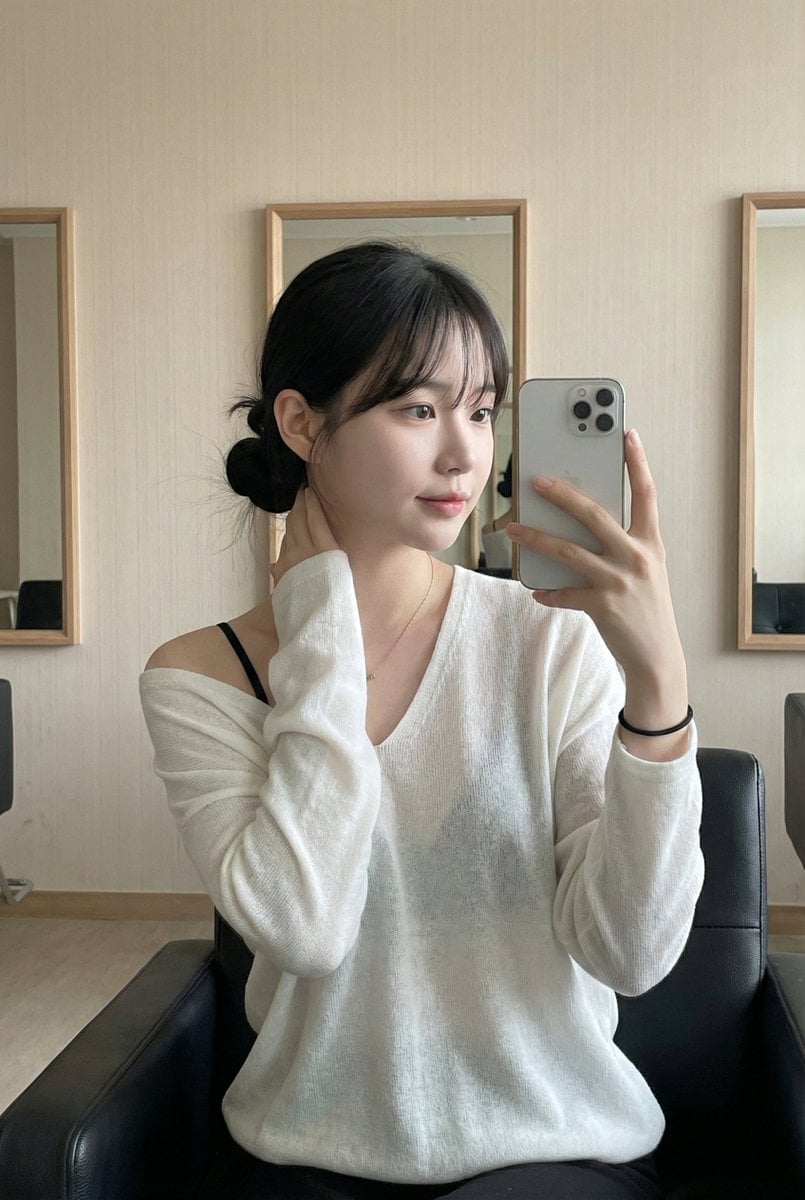
Leather Chair Soft Indoor Mirror Selfie
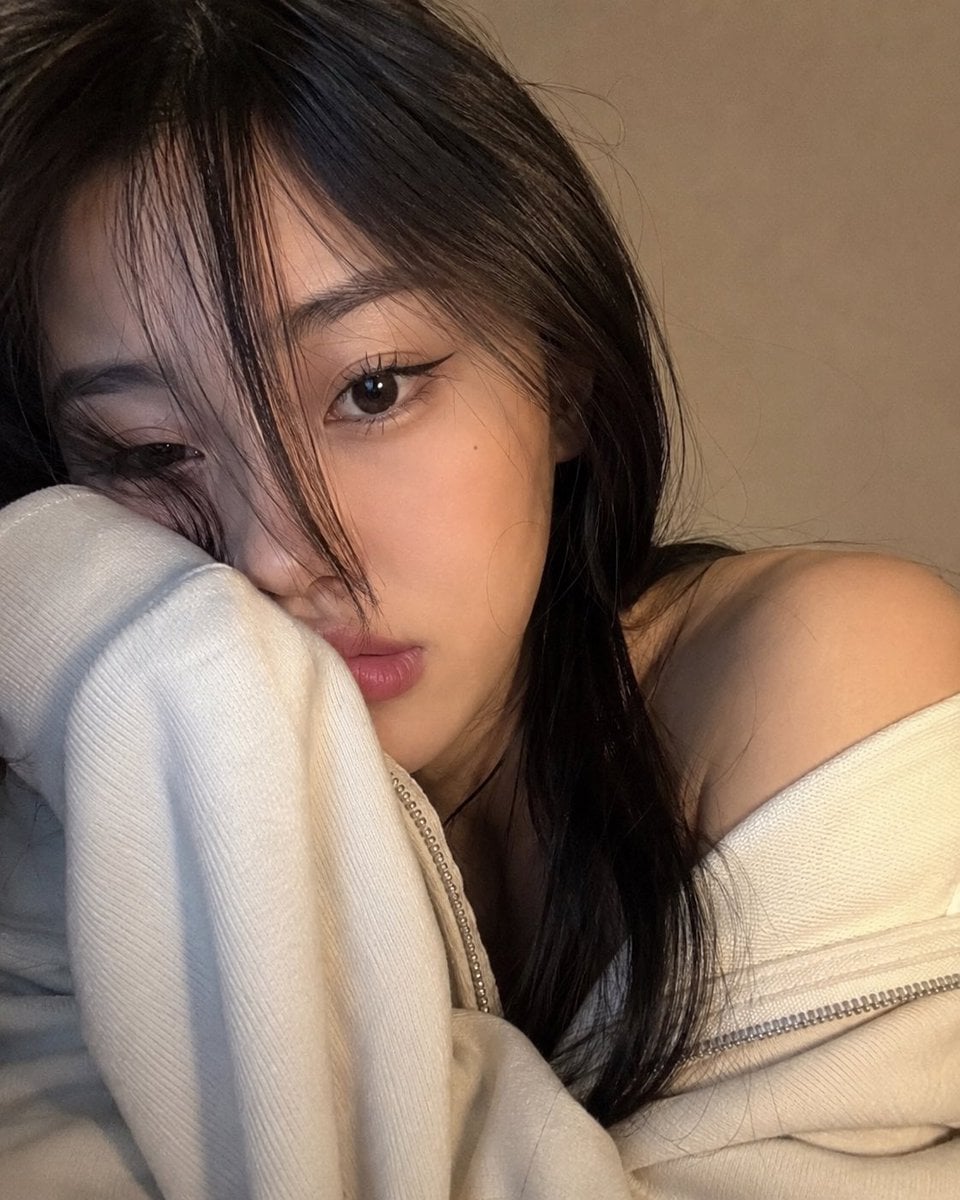
Cozy Close-up Selfie Portrait

Rooftop Fisheye — Cat-Ear Balaclava at Golden Hour

Felt & Knit 3D Character — Photo-Exact Face, Pixar-Quality Plush Figurine

Eid al-Adha Cute Chaos — Fisheye Selfie with Farm Selfie, Mosque & Animals

Cat Photobomb Selfie — 0.5x Wide Angle Café Chaos

Gen Z Triple Selfie Collage — Y2K Flash Photography

Surreal Cat Astronaut — Humanoid Face Freefall
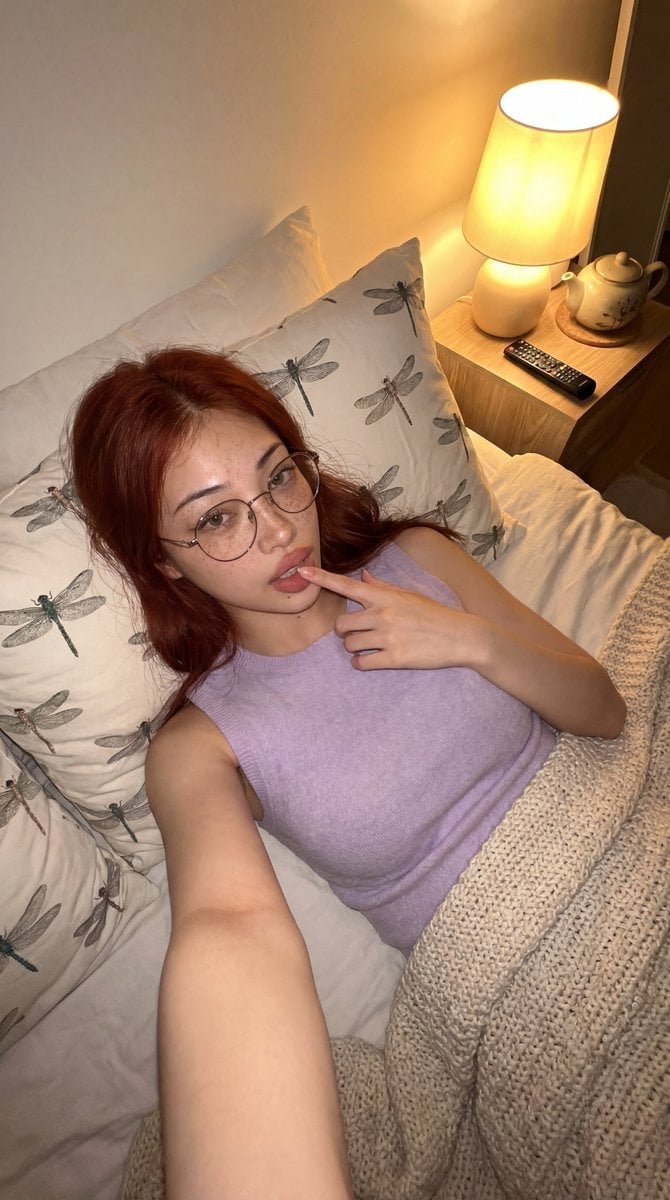
Cozy Bedroom Lifestyle Selfie

Cozy Indoor Lifestyle Portrait
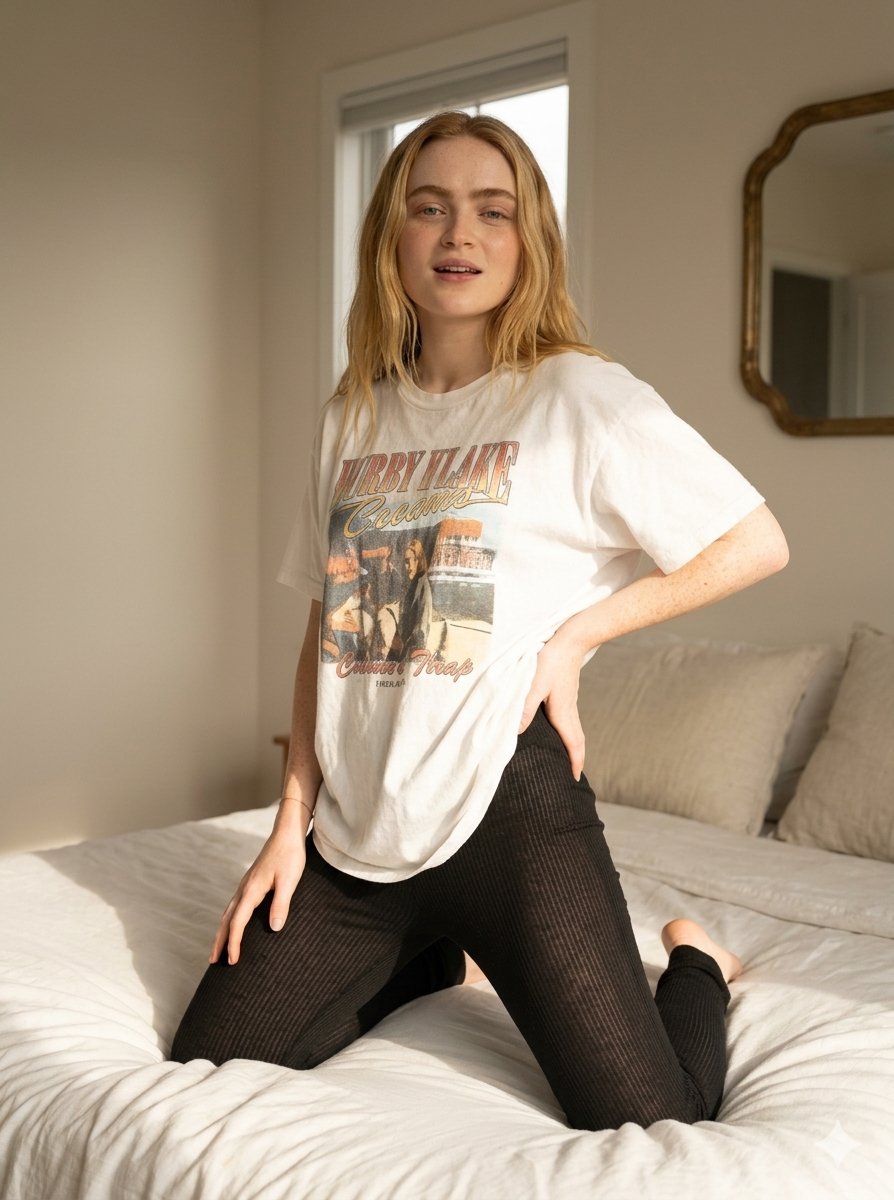
Cozy Indoor Bedroom Lifestyle Portrait

Cozy Rainy Night Indoor Portrait
Make it yours
Cozy Indoor Girlfriend Selfie works as-is. These are the safest ways to change it without losing the look.
Change one field
Copy a single group, rewrite it, and generate again so you can see what that field is doing.
Keep the frame, change the subject
Hold the composition and light of Cozy Indoor Girlfriend Selfie, then swap wardrobe, props or the person for a new take.
| If the result… | Why | Fix |
|---|---|---|
| The result drifts from the preview | Too many fields changed at once. | Reuse Cozy Indoor Girlfriend Selfie as-is first, then change one group — subject, light, or setting. |
| The model over-stylizes the scene | The prose prompt leaves finish and camera underspecified. | Add one camera or lighting sentence and stay on GPT Image 2. |
More GPT Image 2 templates
Other prompts made for GPT Image 2.

Six VTuber Japanese Logo Sheet

Realistic Portrait of Woman and Deer

The Vista Modular Condo Poster

AI Model Routing Comparison Infographic

2.5D Anime Art Board

Isometric Productivity Desk Scene

New York Double Exposure Poster

Four-Panel AI Landscape Comparison

Japanese Tatami Lifestyle Magazine Cover

NESCAFÉ Coffee Map Poster
More image prompts
Fresh picks from across the catalog.

Cinematic Portrait in Ruined Gothic Cathedral
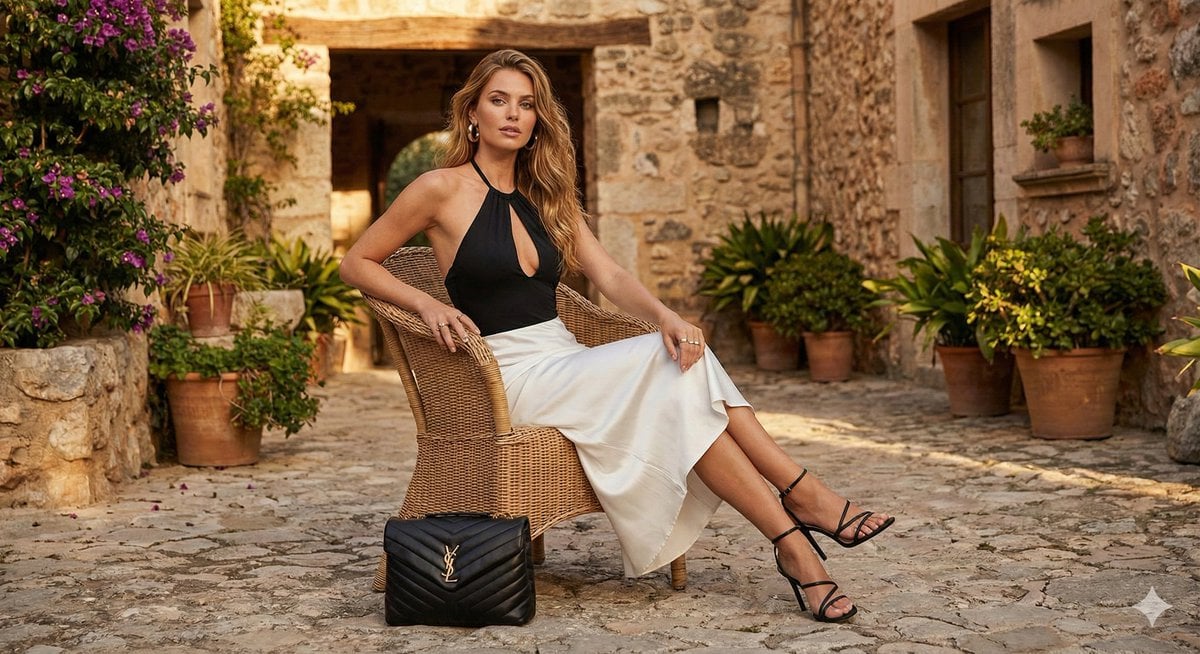
Rustic Luxury Fashion Shot with YSL Handbag
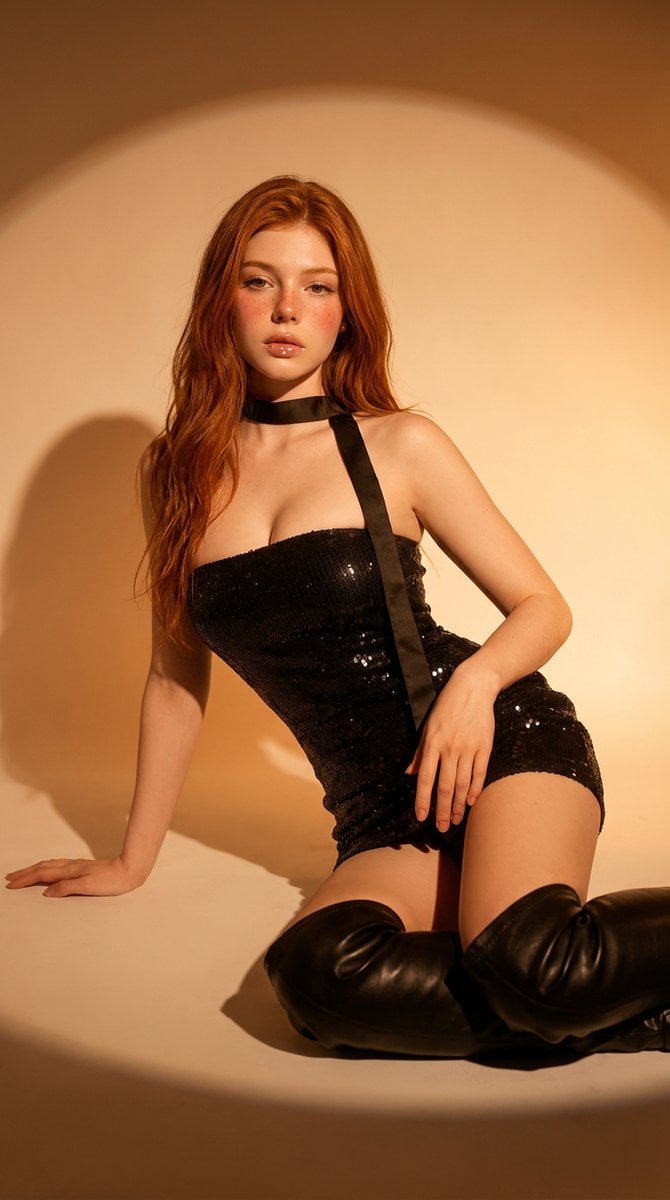
Cinematic Studio Portrait

Lotte World Tower landmark-focused geolocation image
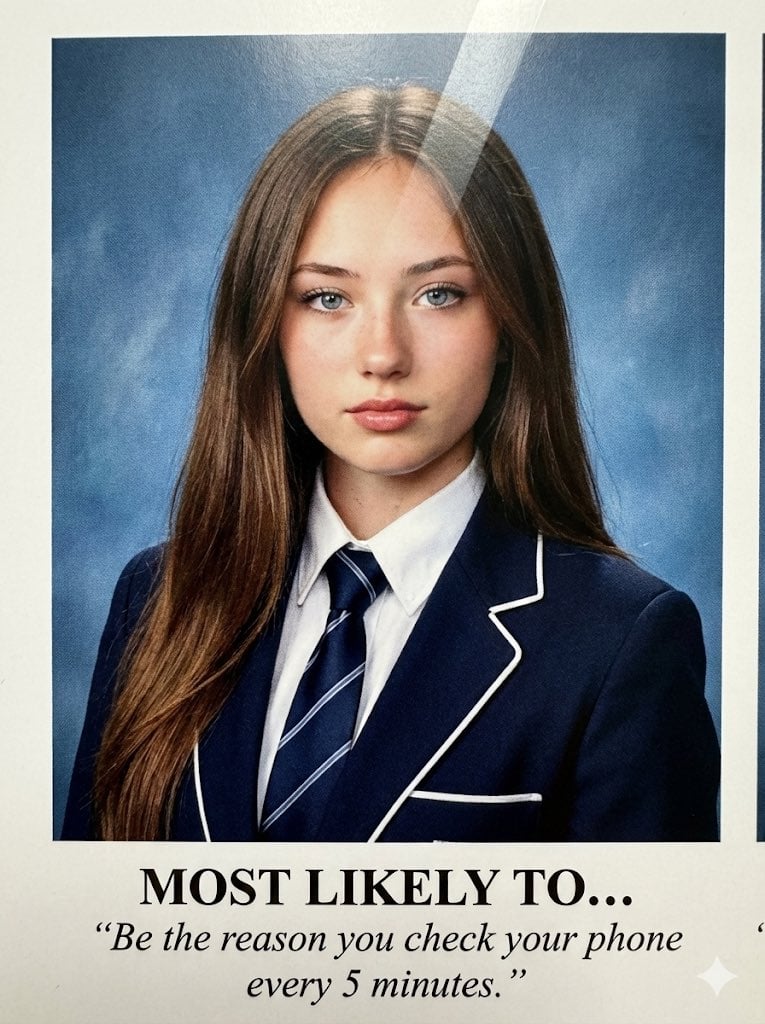
Raw High-Definition Printed Portrait Aesthetic Prompt
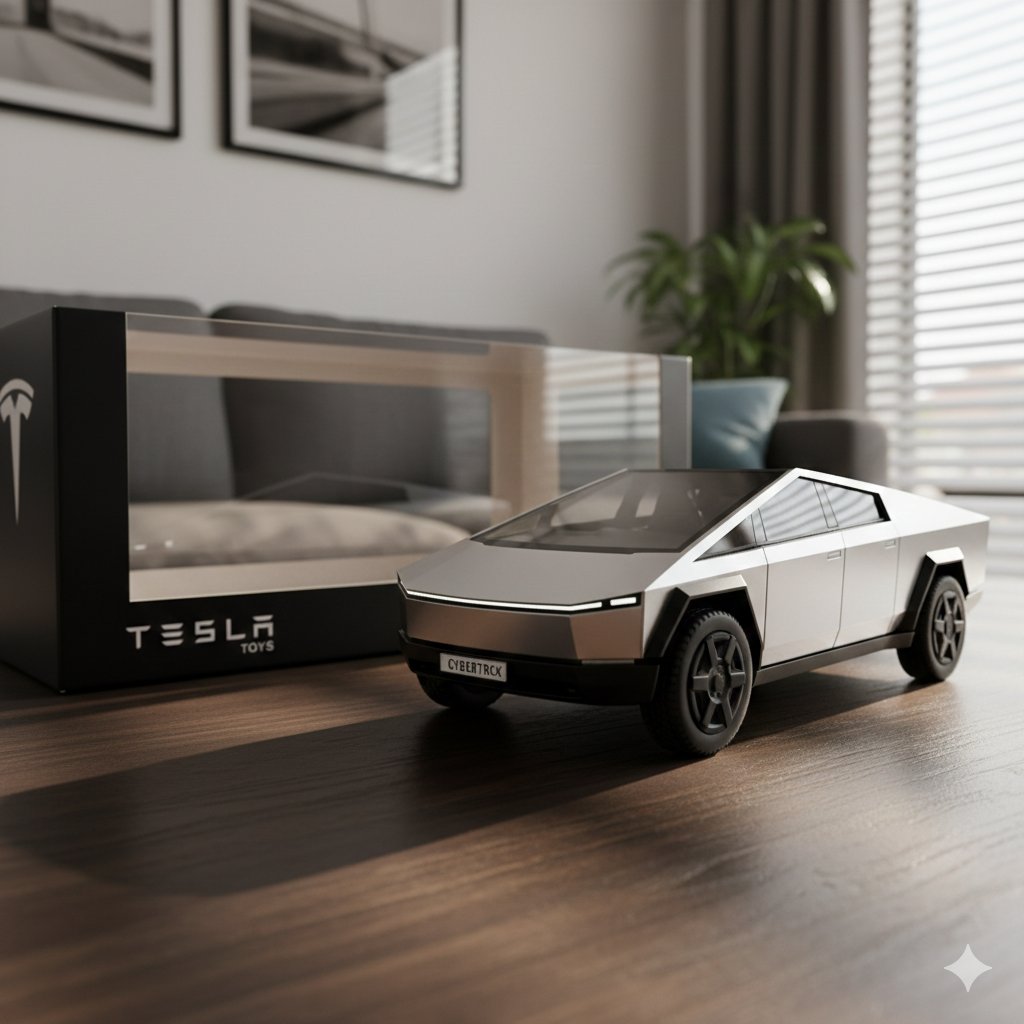
Diecast Toy Model Generation Prompt

High-Angle POV Portrait with Bio-Fidelity and Technical Wear

Cosmic Ink Dragon Roar

Anonymous Pink Hoodie Skater
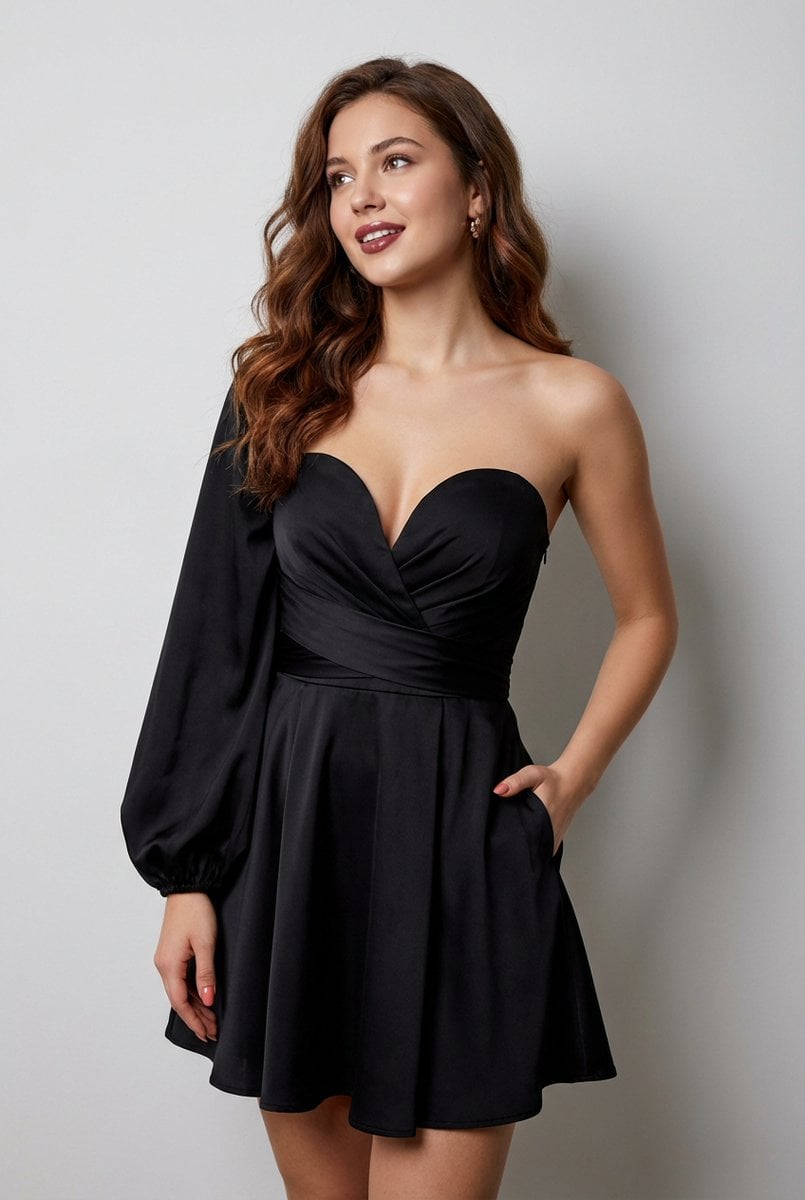
Elegant Strapless Black Dress Fashion Portrait (JSON)
Browse template categories
Cozy Indoor Girlfriend Selfie questions
How do I use the Cozy Indoor Girlfriend Selfie template?
Add your photo if the template asks for one, edit the prompt if you like — the template's model and format are already selected — and press Generate. Your version opens in PicX Studio.
Can I customize the Cozy Indoor Girlfriend Selfie template?
Yes. You can change the subject, setting, lighting, mood, format, and available model controls before creating your image.
Is the Cozy Indoor Girlfriend Selfie template free?
Opening and editing this template is free. Generating uses credits, shown on the Generate button when you are signed in.
Which AI model should I use?
Start with GPT Image 2, which is the model associated with this template. You can compare another compatible model for a different finish.
Looking for something else? Browse all templates.

Your photo, any look
Thousands of ready templates for every top image and video model, from one credit balance.