
Character-Specific Room Synthesis Prompt
A sophisticated prompt for GPT Images that generates a personalized private room based on a character's visual identity, mood, and color palette.
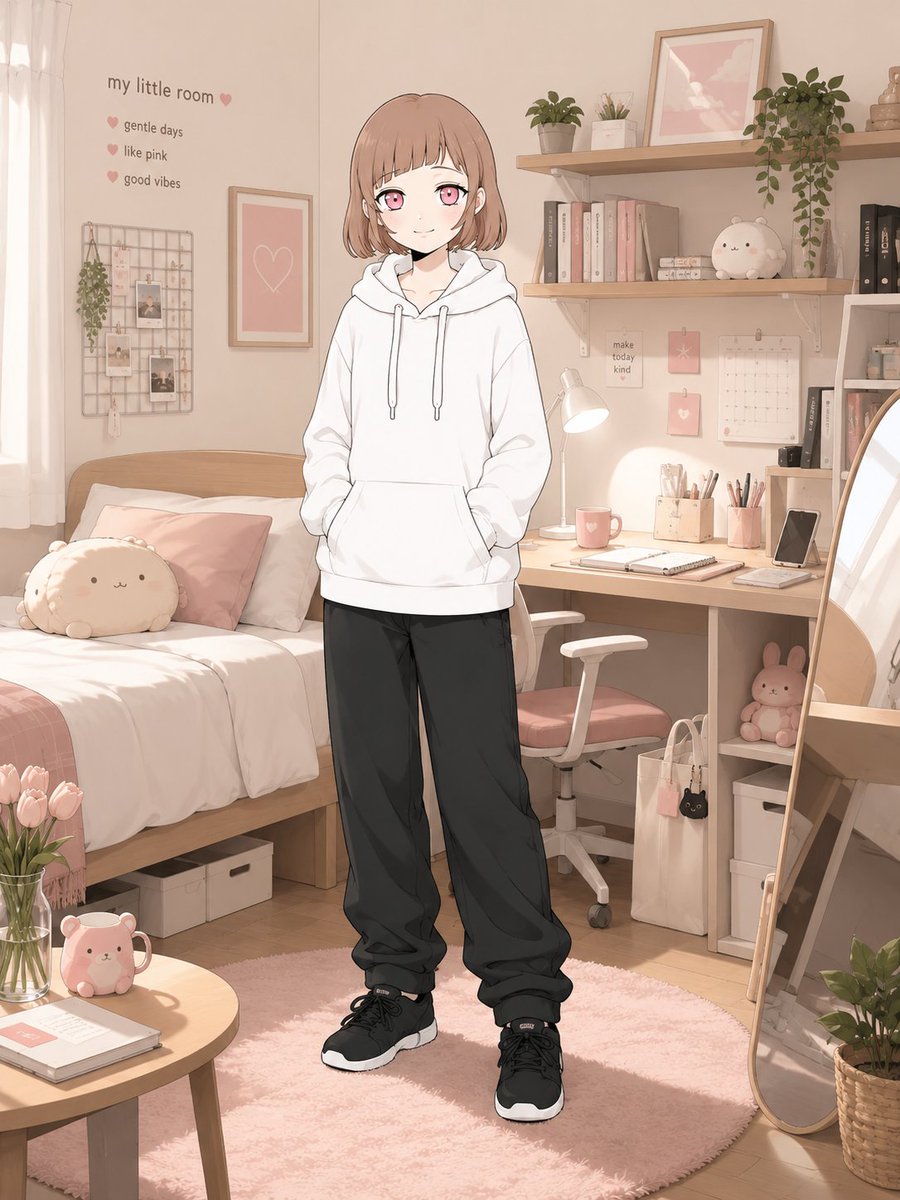
- Prompt included
- Model and format preset
- Free template
The prompt behind this image
Copy the exact prompt behind Character-Specific Room Synthesis Prompt, or open it in the studio and make it yours.
[Mode] character_room_synthesis [Input] 1 reference character image [Output] 1 final image only [Core Binding] Bind identity to source-character tokens: - face topology - eye geometry / iris color - hair shape / color mapping / accent placement - body proportion - age read - costume mood - signature accessories - source rendering logic if non-photographic [Latent Derivation] Infer room-language from observable signals only: chromatic cues, expression tone, styling logic, object affinity, atmospheric read. Translate into one owned private room. Prefer per-character divergence; avoid generic “cute room” defaults. [Scene Assembly] Construct a believable inhabited room: furniture + storage + desk/bed/shelf system + lighting + wall elements + hobby artifacts + small daily-use objects. The room must communicate personality through space planning and object selection. Not messy-chaotic. Not showroom-sterile. [Framing] Character present in-room as main subject. Environment must remain legible. Single character only. Approx framing: knees-up to full figure. Face visibility priority high. [Text Budget | optional] room name short copy up to 3 micro-profile items Keep sparse and readable. [Result Goal] Stylish character-room reveal image with lifestyle and worldbuilding value. [Canvas] vertical 3:4 Avoid converging on a universal ideal room; let each output reflect a distinct interpretation of the attached character.
How to use Character-Specific Room Synthesis Prompt in 3 steps
- 1Upload ImagePNG, JPG or paste
Add your photo
Upload the photo the template builds on. The prompt, model and format are already set.
- 2…a portrait of your subject in softgolden-hour light, 85mm…
Personalize
Edit the subject and creative details for your destination.
- 3Generate
Generate
Press Generate — your image is created in PicX Studio, so you can compare it with the original and refine one variable at a time.
More like this
Templates with the same subject, style or setup. Open one to see its prompt.
White Wing Nurse Break Room Portrait
Collection of icons representing, with each icon depicting one specific
Classroom Balloon Photo Upscale
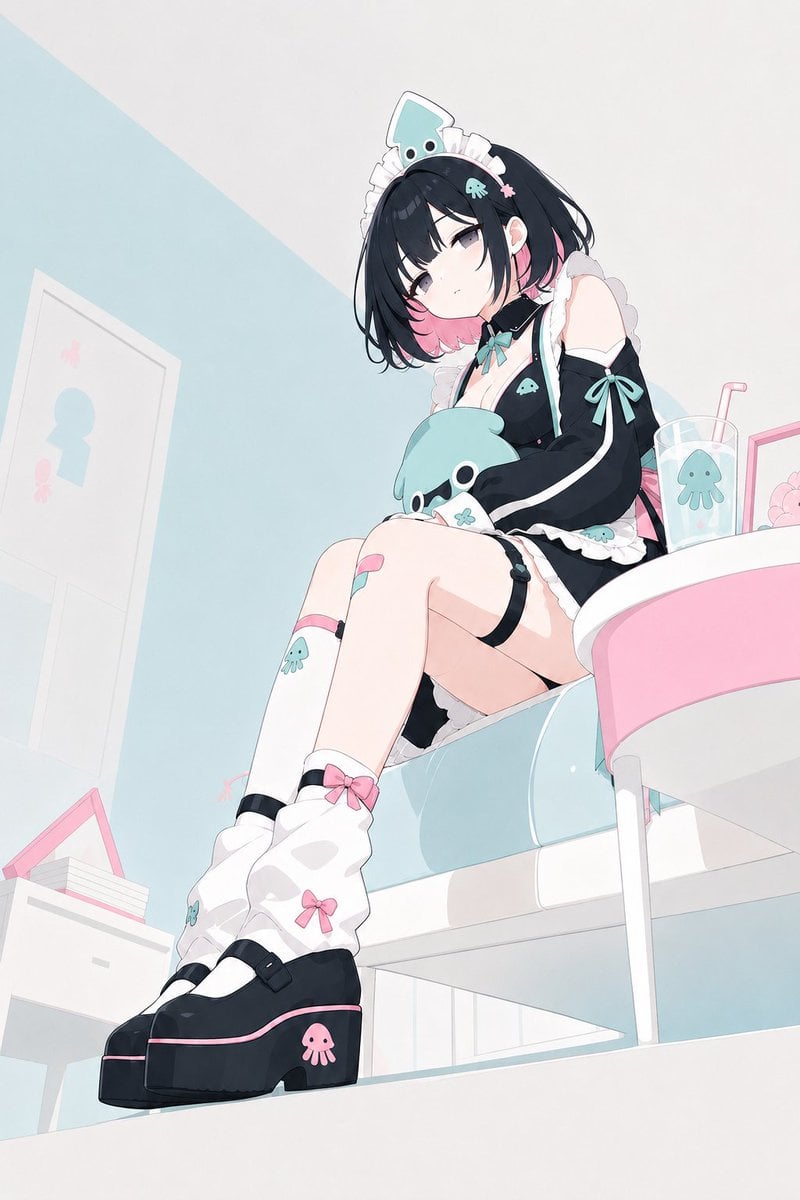
Pastel Squid Maid Bedroom Illustration
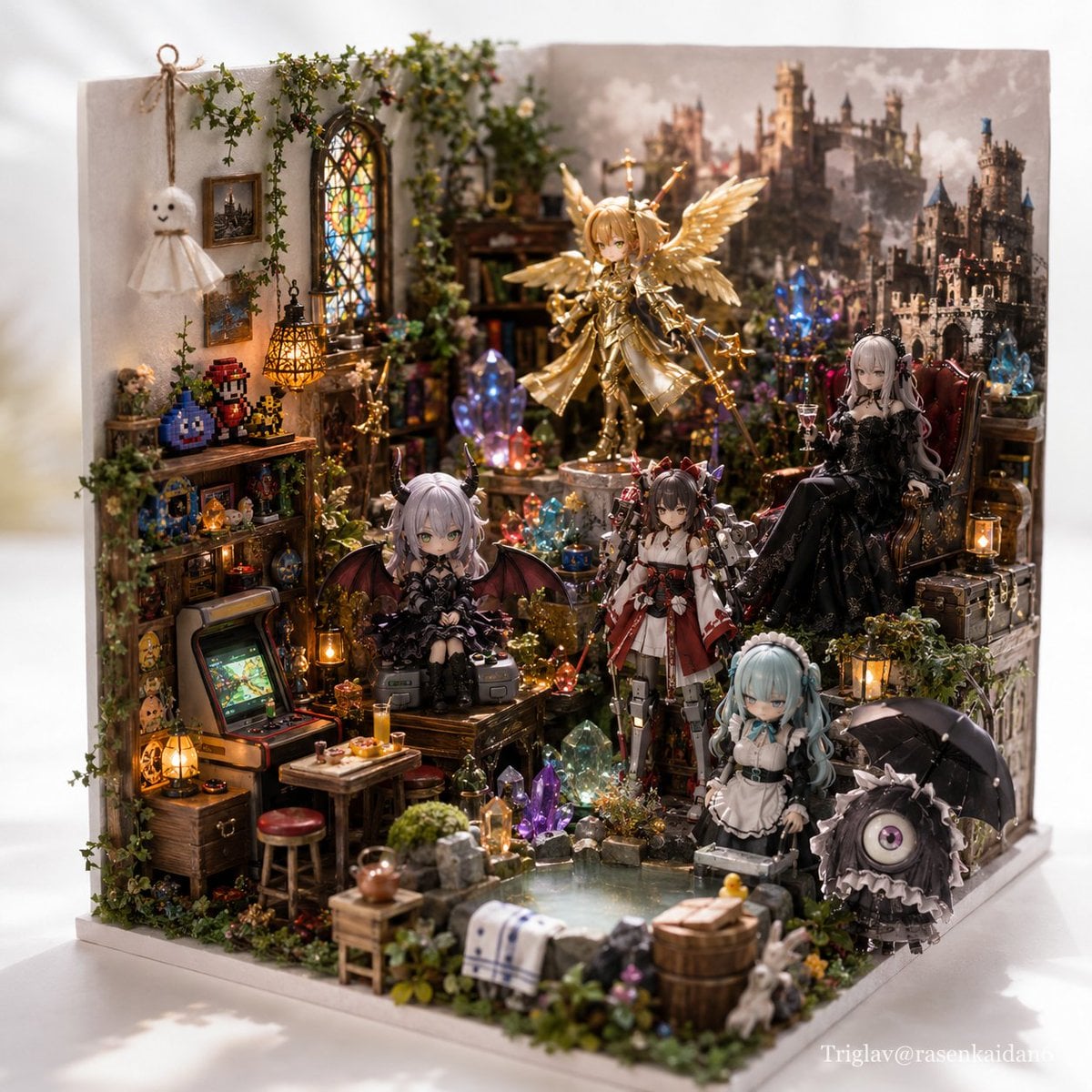
Gothic Fantasy Diorama Room
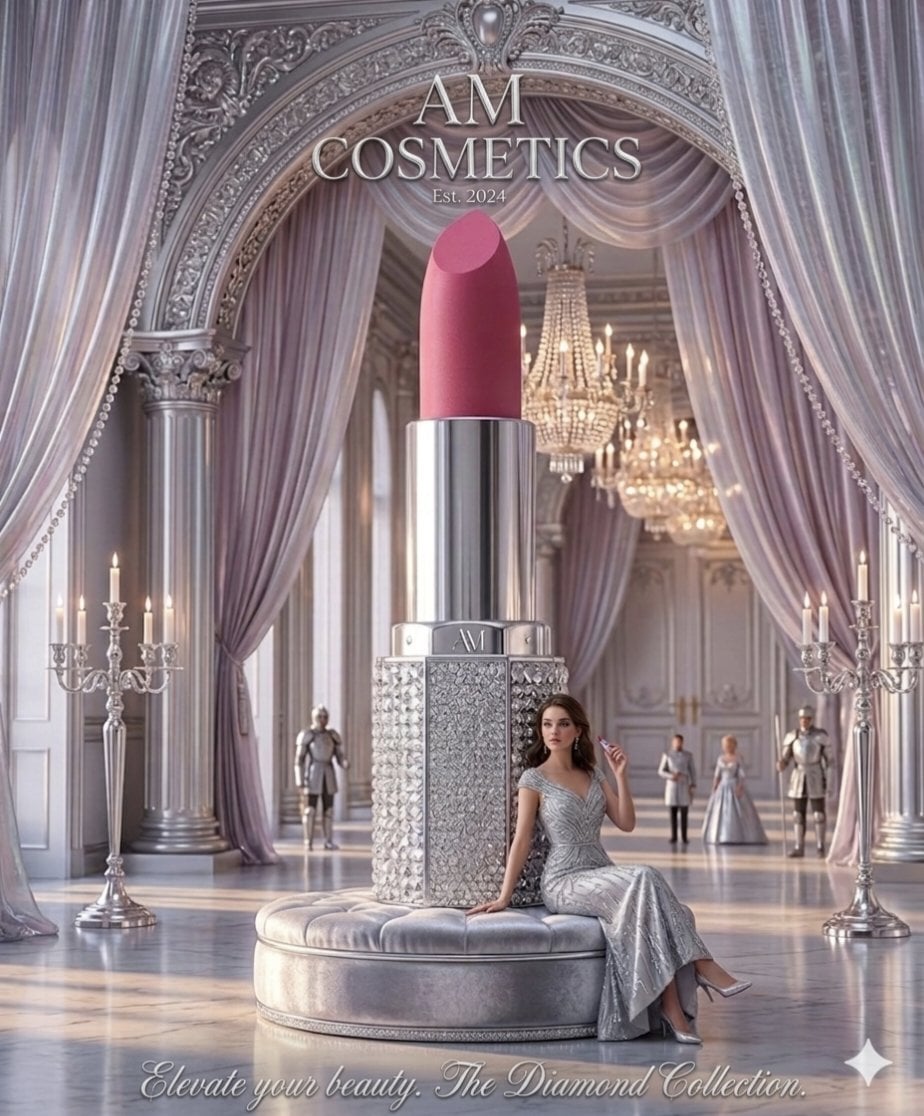
Surreal Cosmetic Ballroom Advertisement
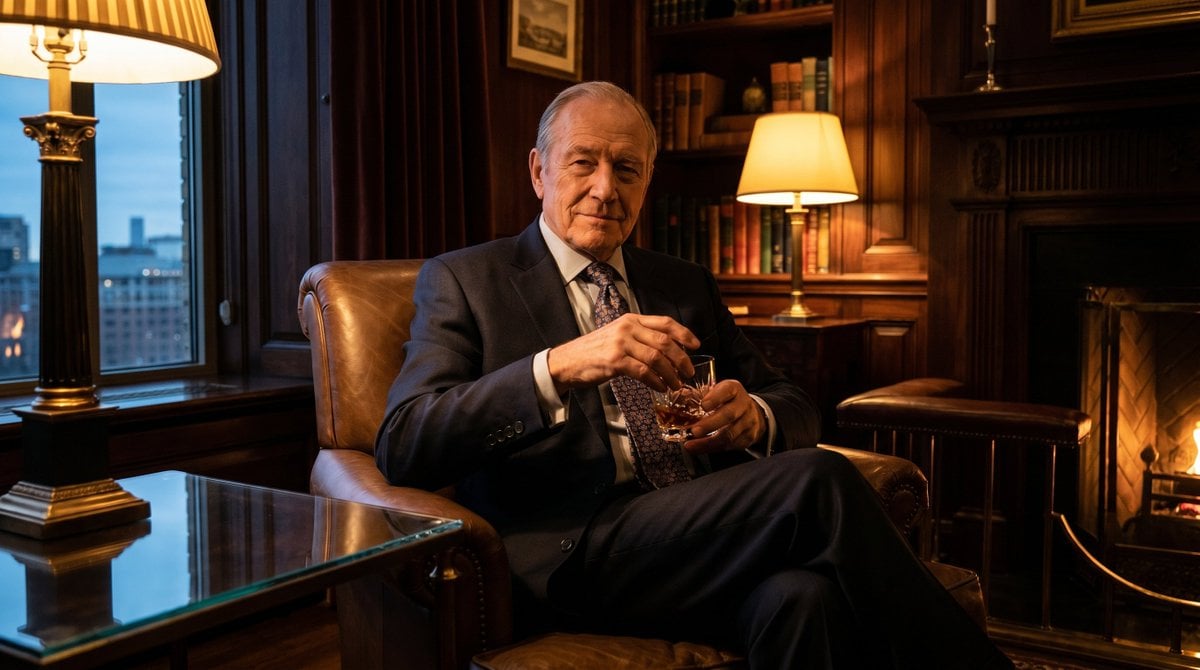
Luxury Room Whiskey Portrait
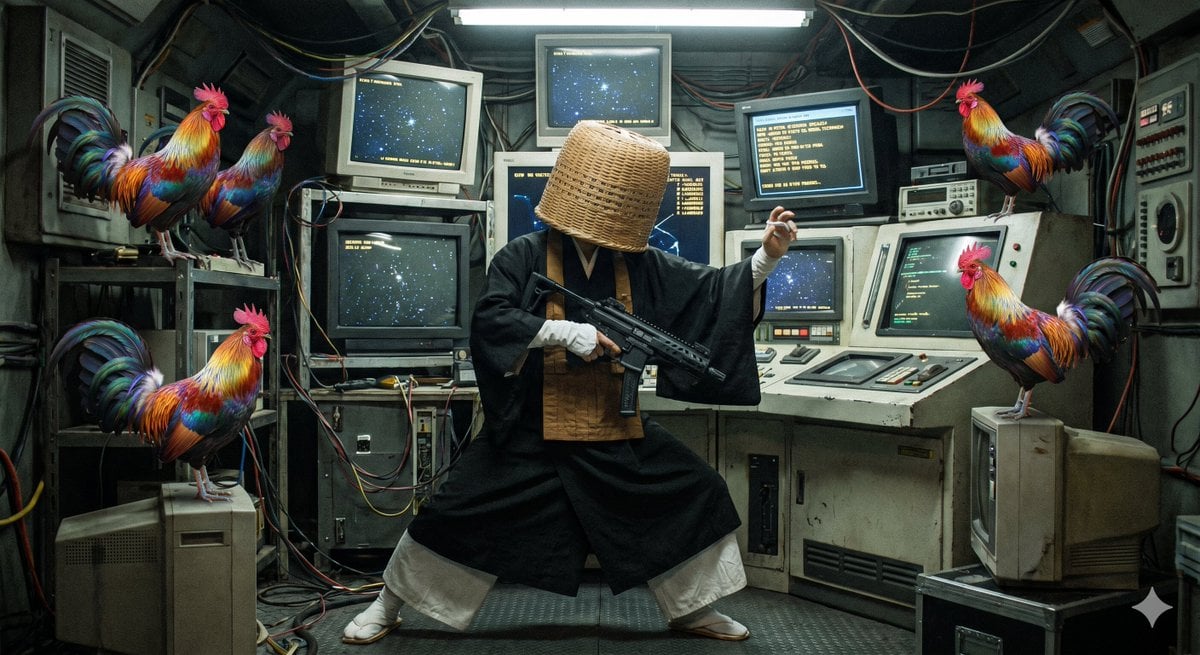
Rainbow Rooster in Command Room
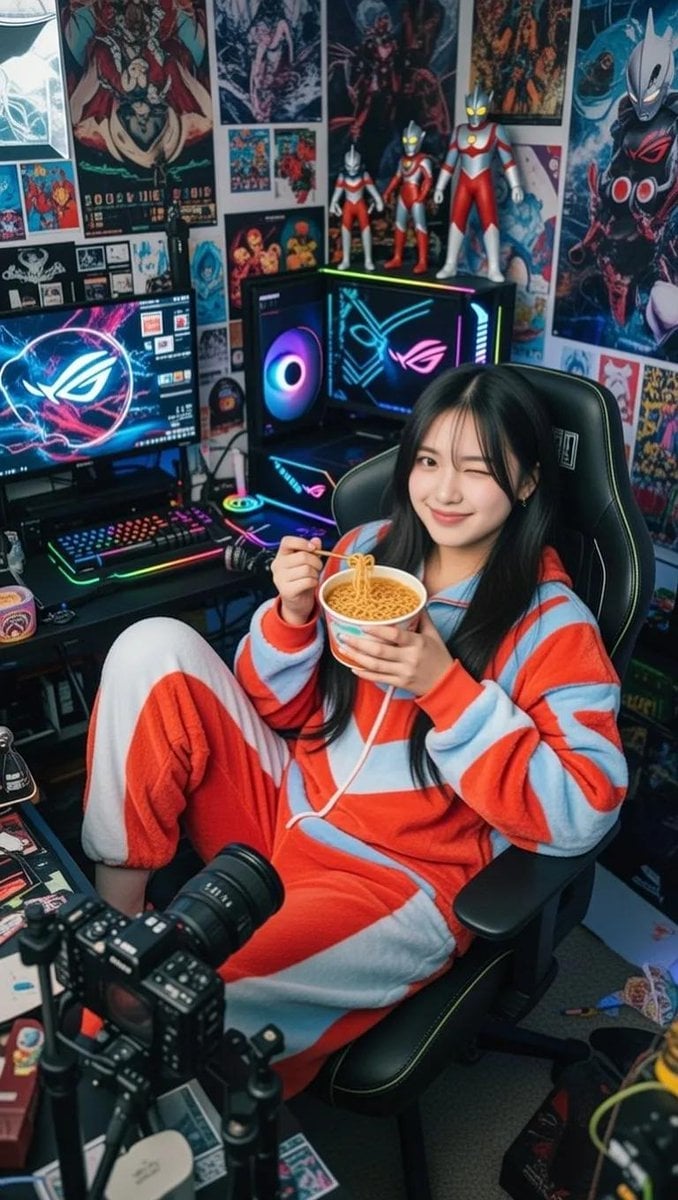
Cosy Gamer Girl Room Aesthetic
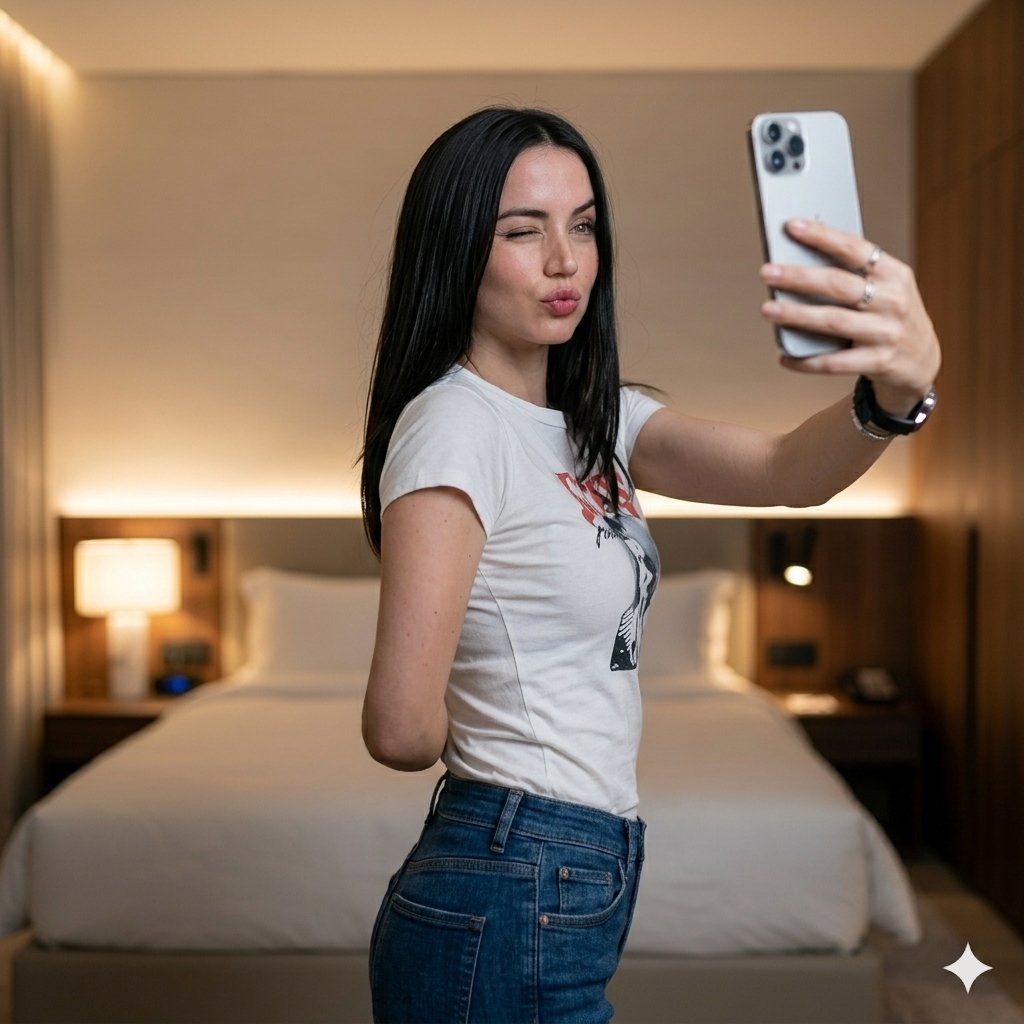
Luxury Bedroom Selfie Portrait
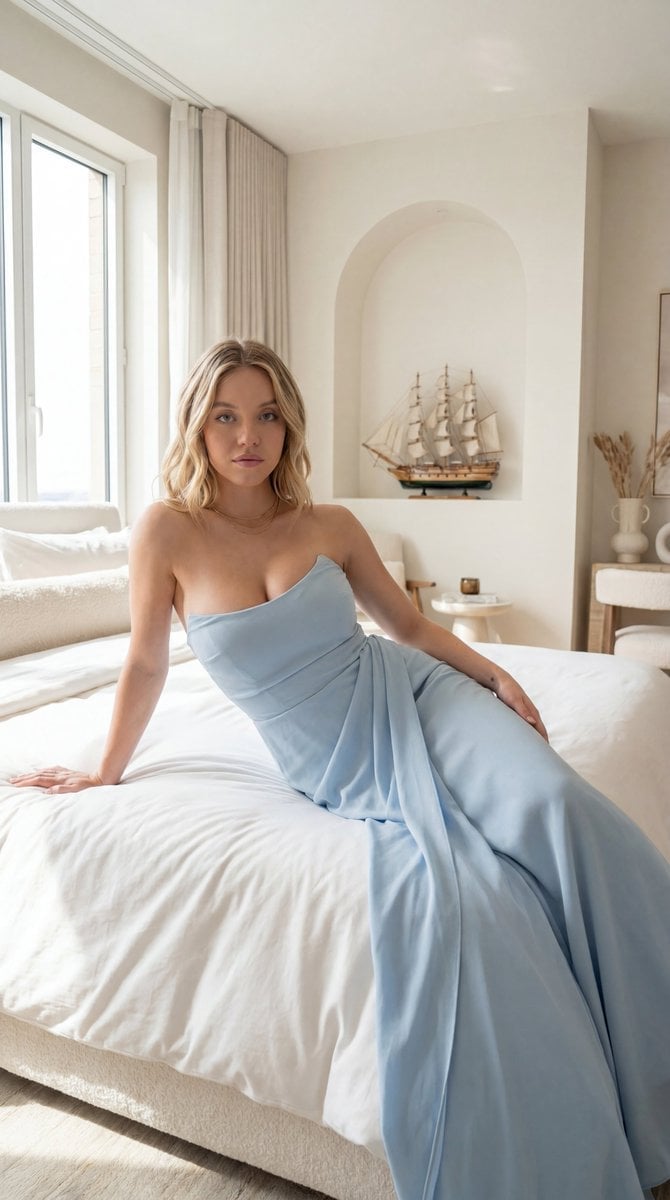
Editorial Portrait in Minimalist Bedroom
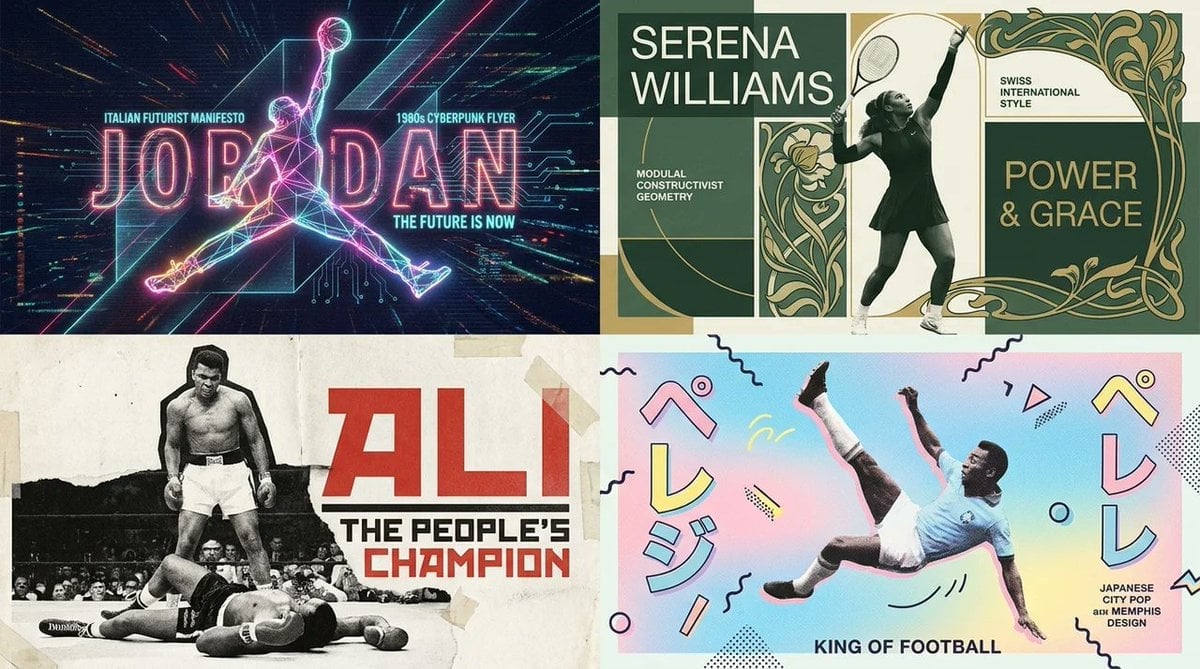
Dual Poster Movement Synthesis
Make it yours
Character-Specific Room Synthesis Prompt works as-is. These are the safest ways to change it without losing the look.
Change one field
Copy a single group, rewrite it, and generate again so you can see what that field is doing.
Keep the frame, change the subject
Hold the composition and light of Character-Specific Room Synthesis Prompt, then swap wardrobe, props or the person for a new take.
| If the result… | Why | Fix |
|---|---|---|
| The result drifts from the preview | Too many fields changed at once. | Reuse Character-Specific Room Synthesis Prompt as-is first, then change one group — subject, light, or setting. |
| The model over-stylizes the scene | The prose prompt leaves finish and camera underspecified. | Add one camera or lighting sentence and stay on GPT Image 2. |
More GPT Image 2 templates
Other prompts made for GPT Image 2.

Six VTuber Japanese Logo Sheet

Realistic Portrait of Woman and Deer

The Vista Modular Condo Poster

AI Model Routing Comparison Infographic

2.5D Anime Art Board

Isometric Productivity Desk Scene

New York Double Exposure Poster

Four-Panel AI Landscape Comparison

Japanese Tatami Lifestyle Magazine Cover

NESCAFÉ Coffee Map Poster
More image prompts
Fresh picks from across the catalog.
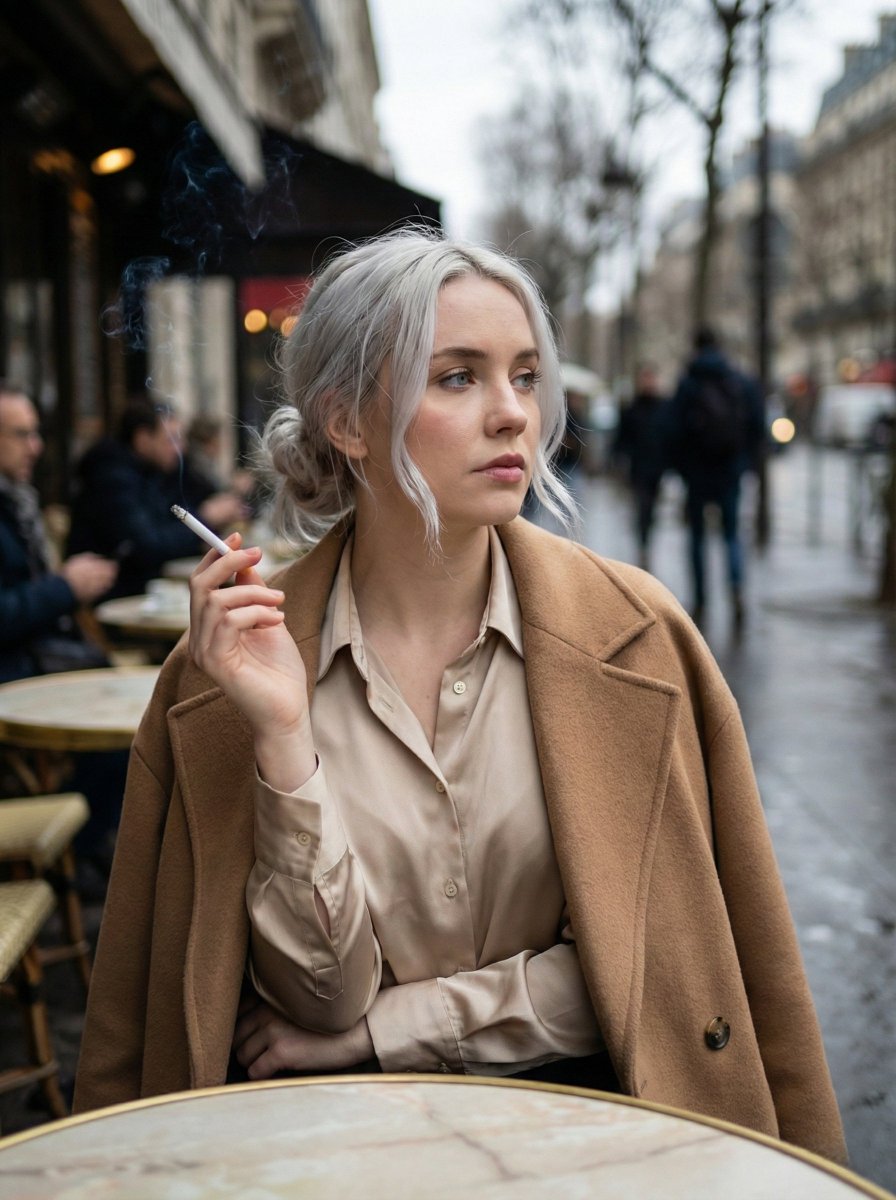
Moody Parisian Cafe Portrait Prompt
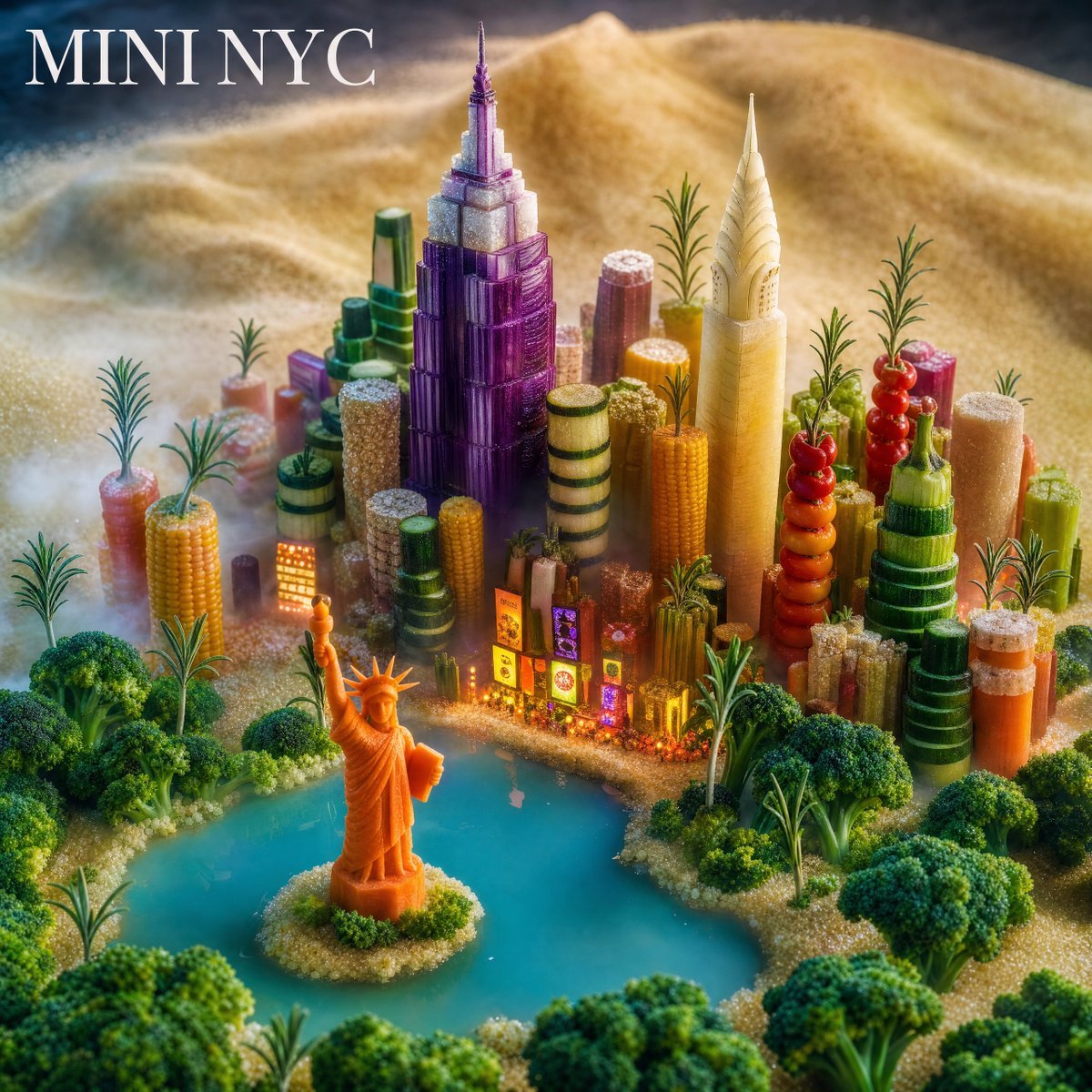
Mini NYC Food Landscape
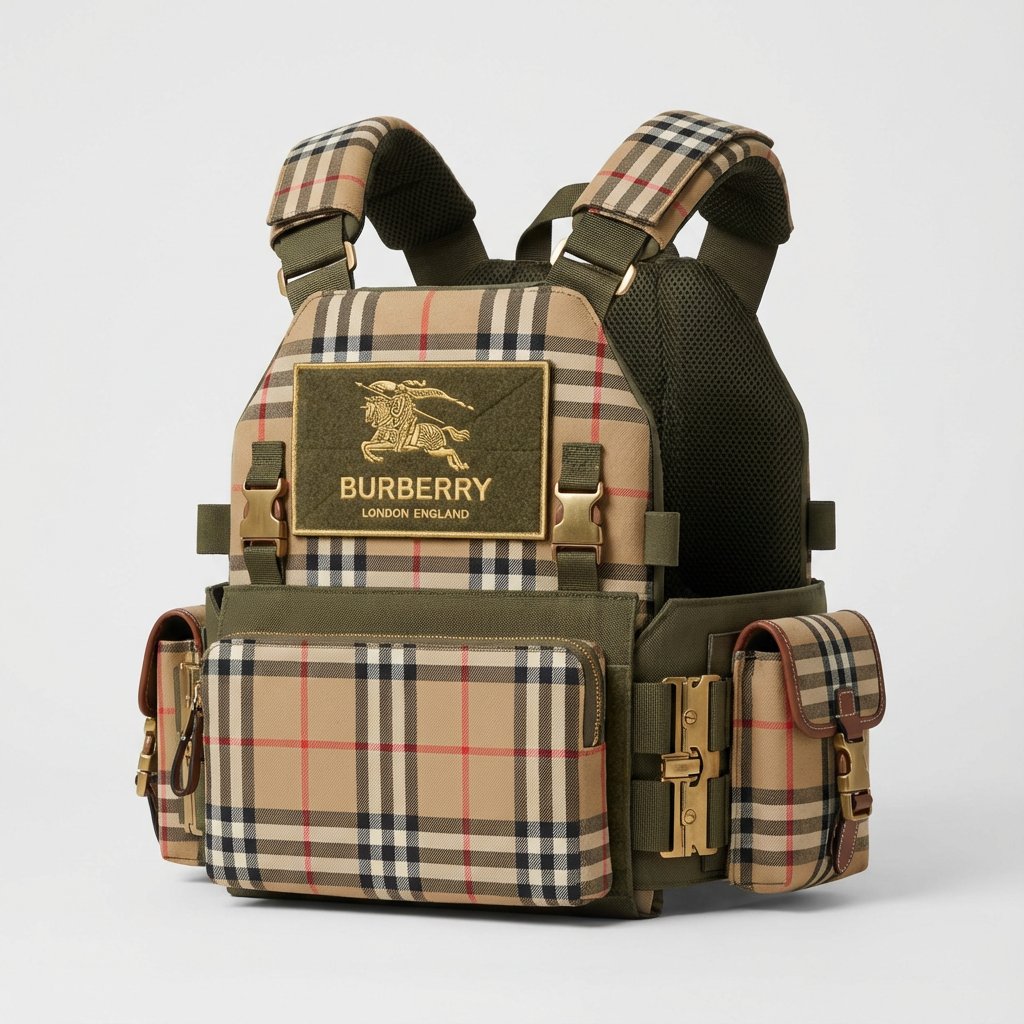
Burberry Battle Vest
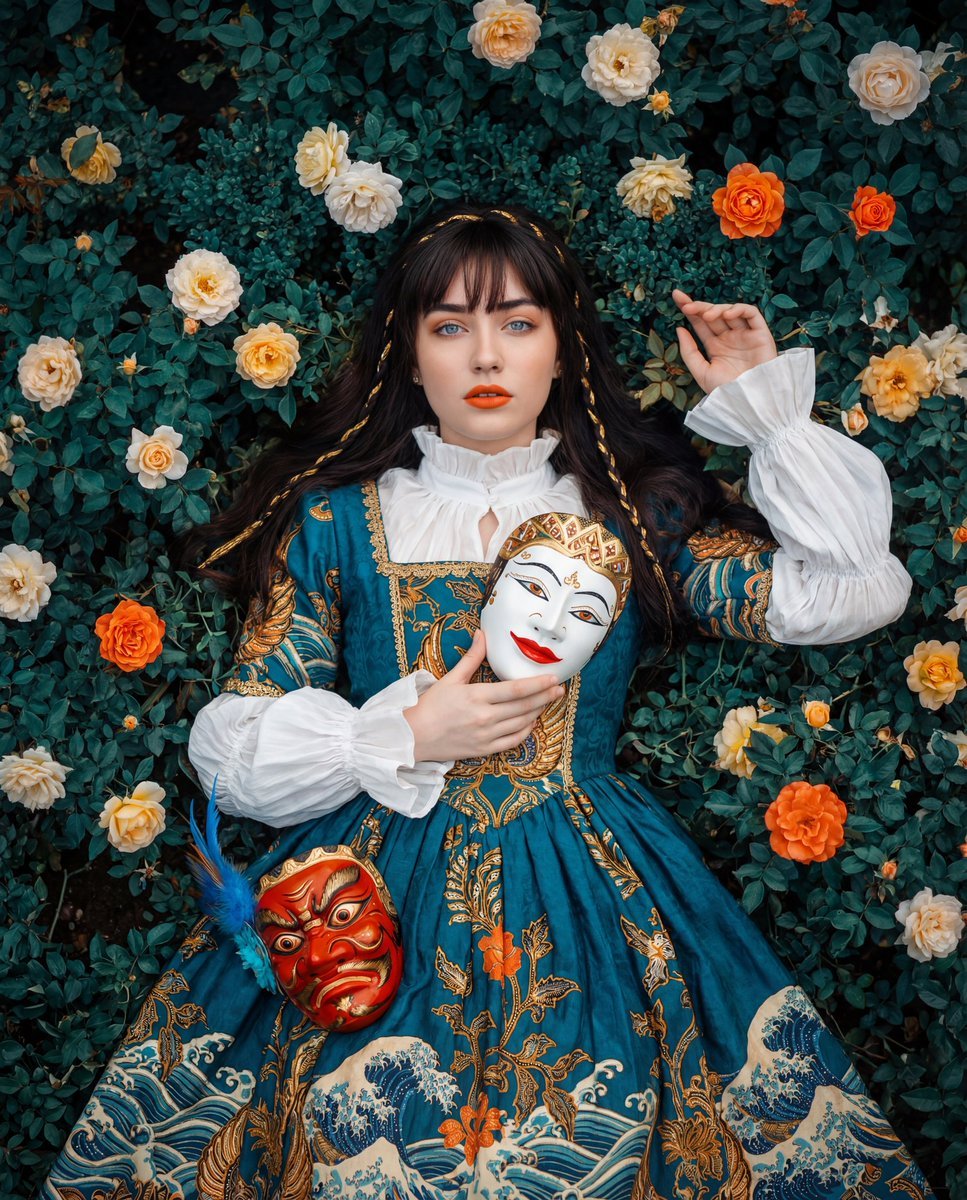
Opulent Historical-Inspired Portrait Prompt
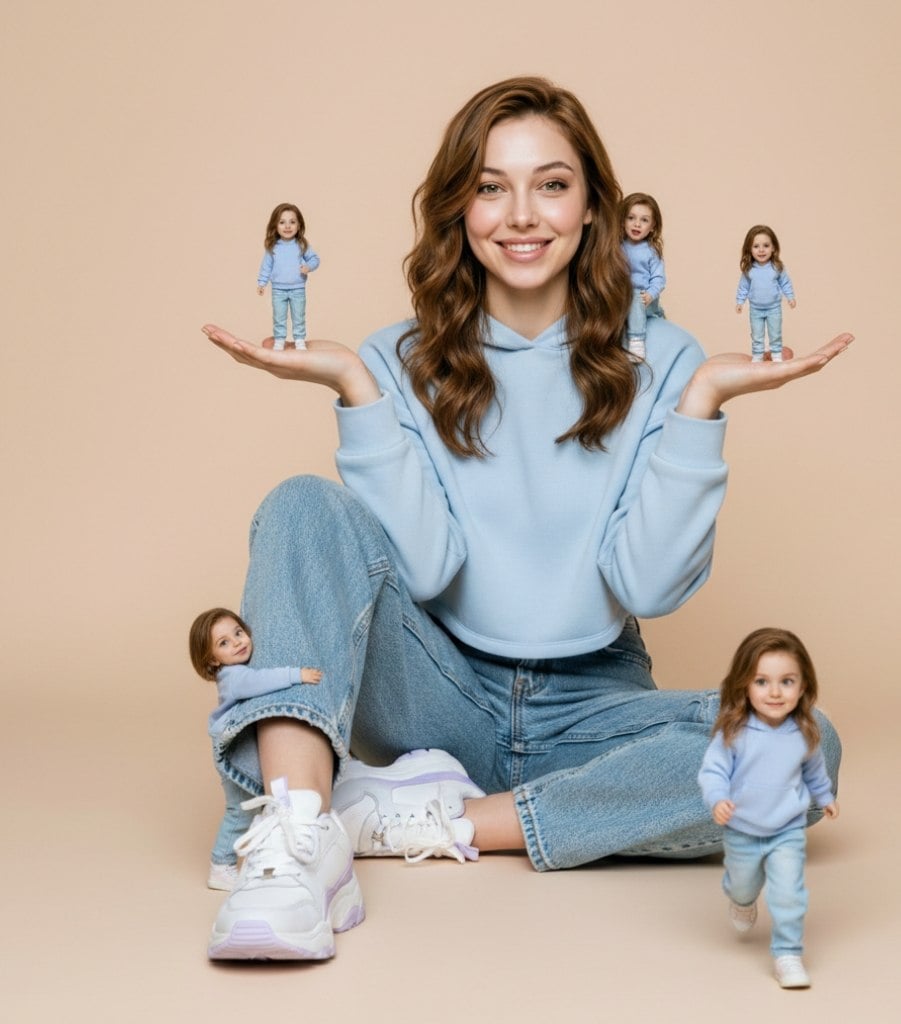
Ultra-Realistic Miniature Clone Studio Portrait
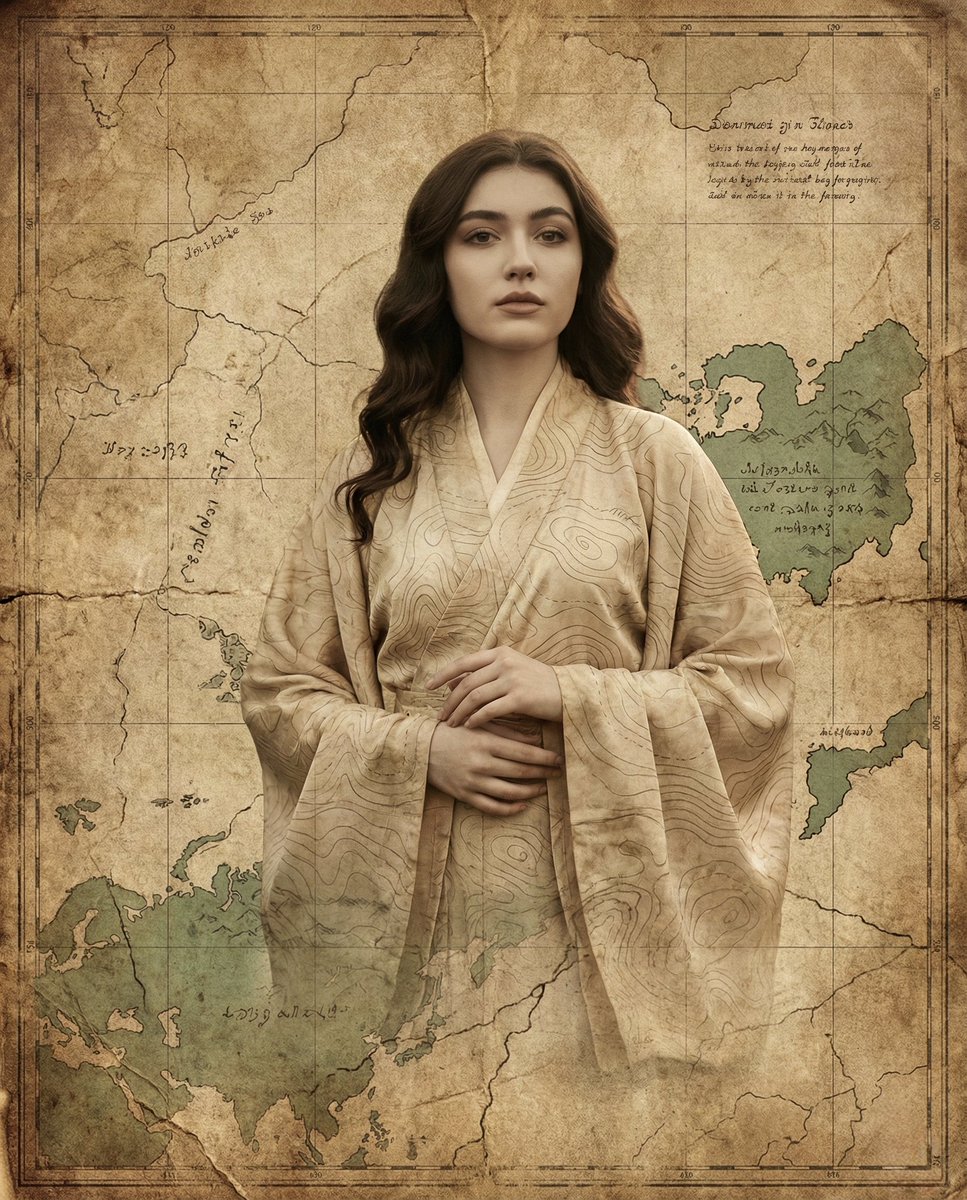
Surreal Fine-Art Portrait Emerging from Ancient Map
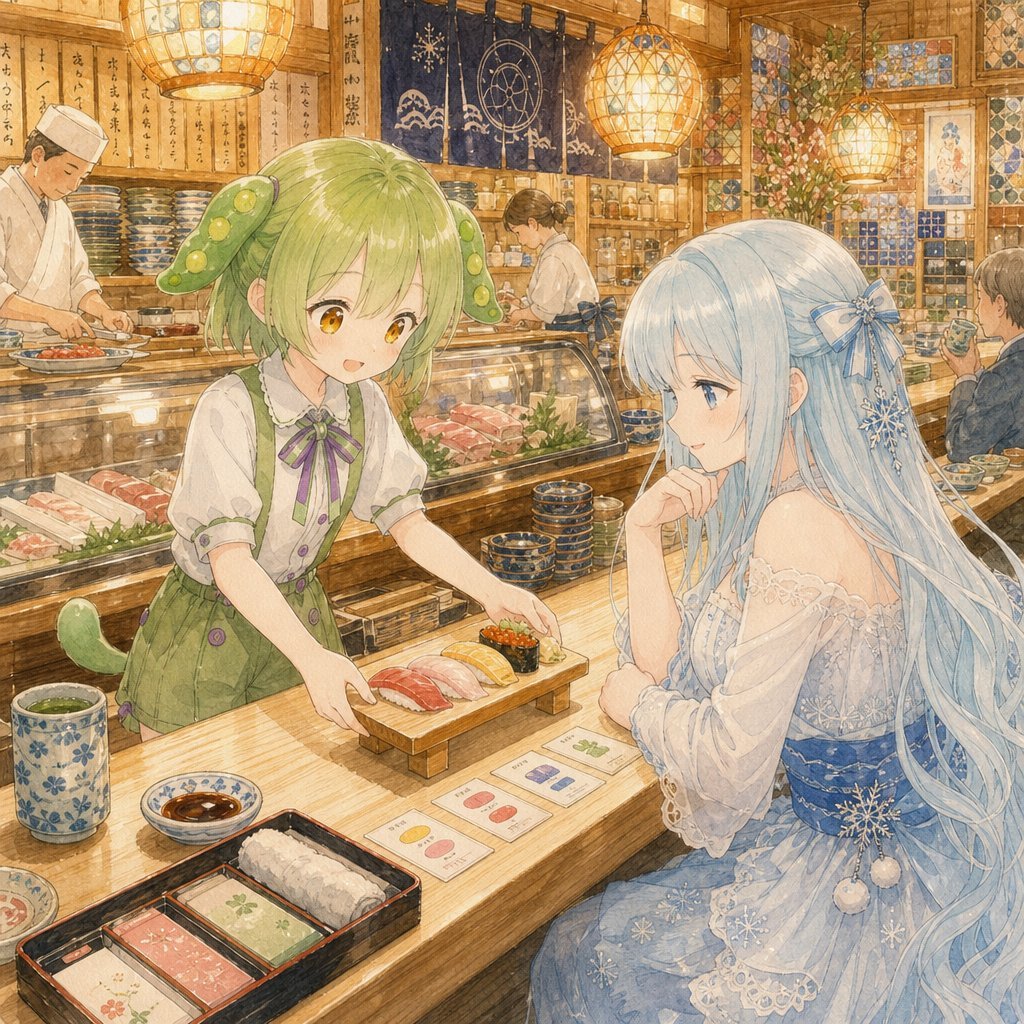
Anime Sushi Bar Transformation
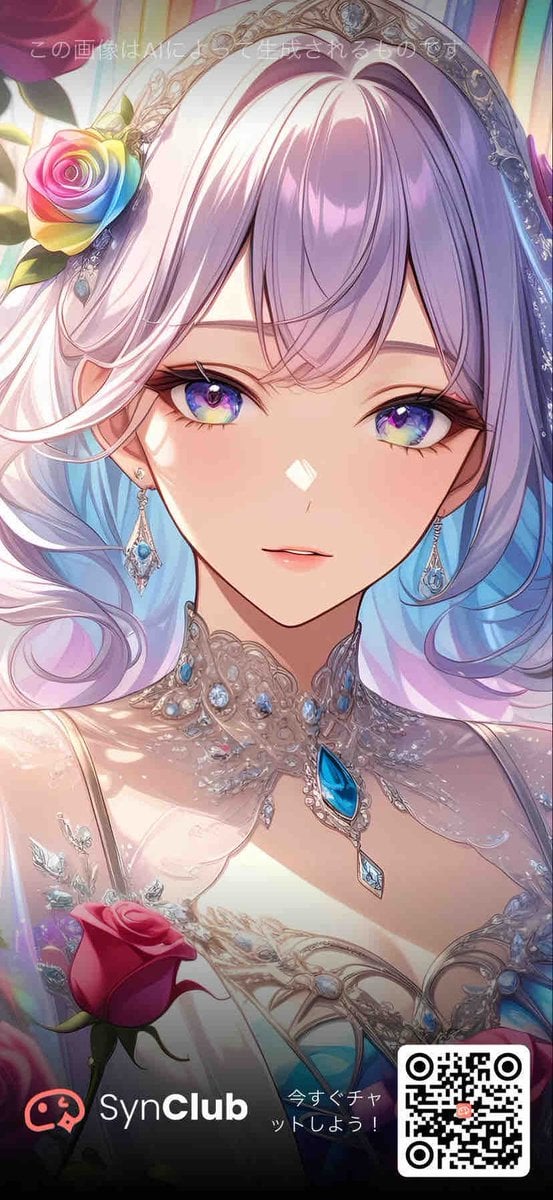
Rose Jewel Anime App Poster
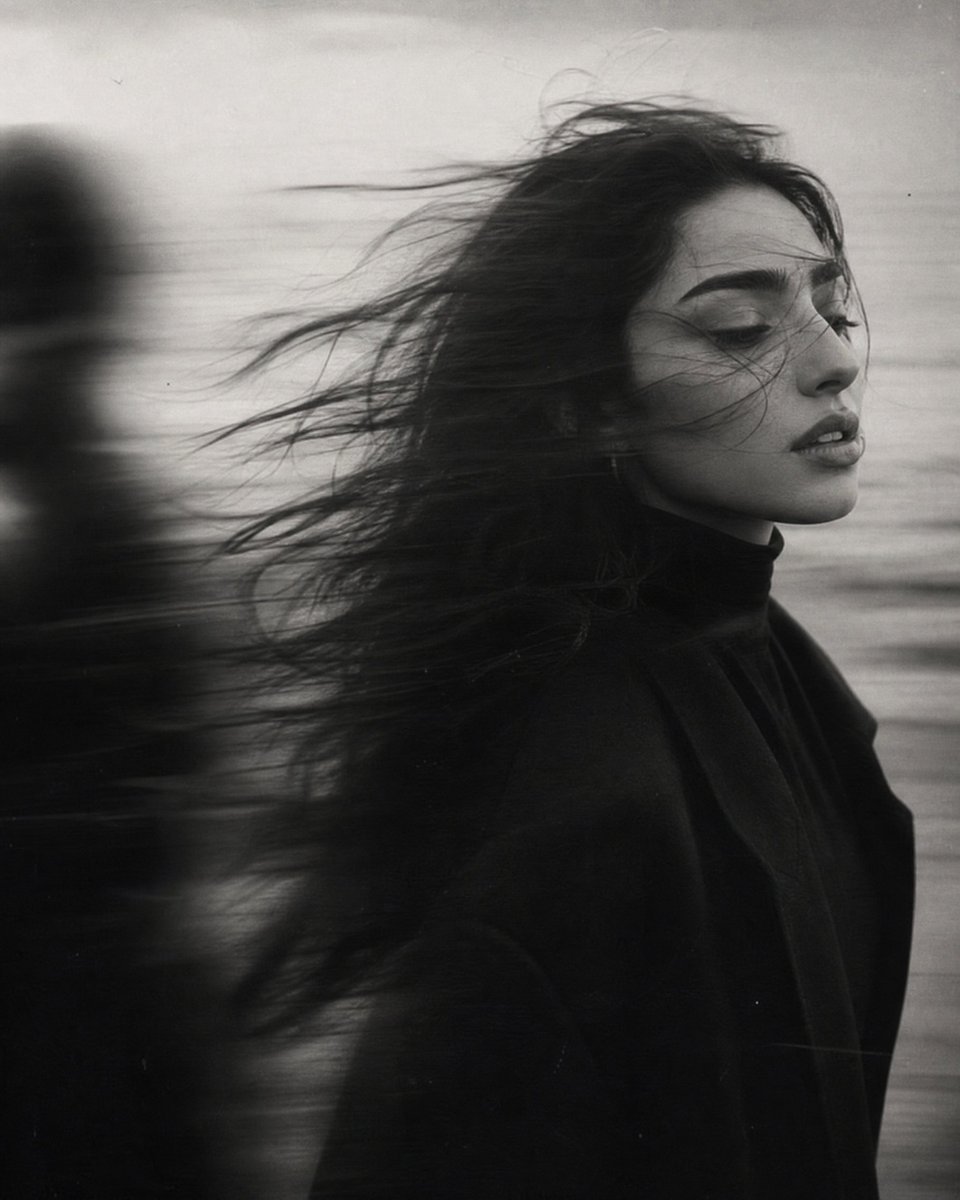
Windblown Anonymous Film Portrait
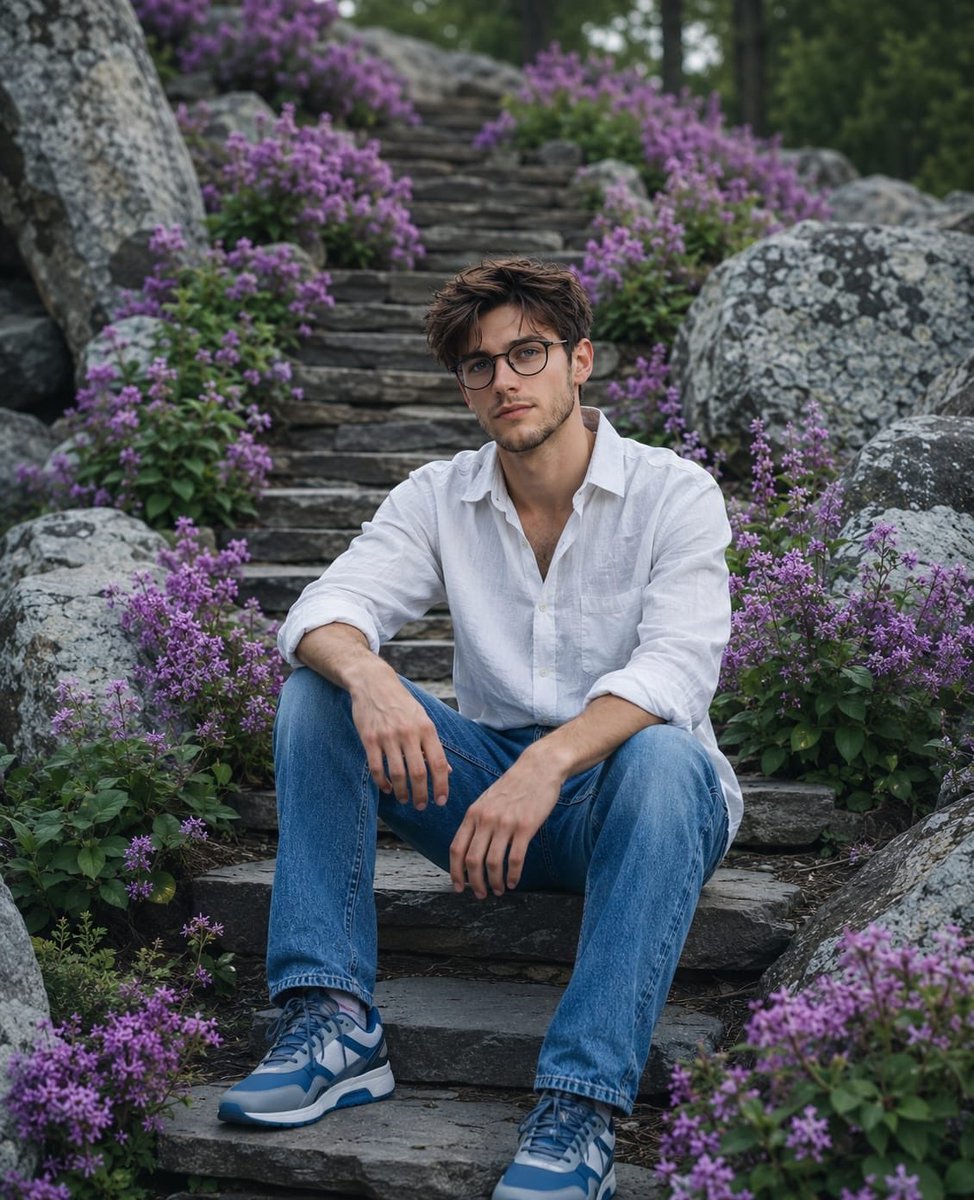
Cinematic Mountain Garden Portrait
Browse template categories
Character-Specific Room Synthesis Prompt questions
How do I use the Character-Specific Room Synthesis Prompt template?
Add your photo if the template asks for one, edit the prompt if you like — the template's model and format are already selected — and press Generate. Your version opens in PicX Studio.
Can I customize the Character-Specific Room Synthesis Prompt template?
Yes. You can change the subject, setting, lighting, mood, format, and available model controls before creating your image.
Is the Character-Specific Room Synthesis Prompt template free?
Opening and editing this template is free. Generating uses credits, shown on the Generate button when you are signed in.
Which AI model should I use?
Start with GPT Image 2, which is the model associated with this template. You can compare another compatible model for a different finish.
Looking for something else? Browse all templates.

Your photo, any look
Thousands of ready templates for every top image and video model, from one credit balance.