How do I use the Miniature Shenzhen Paper Diorama template?
Choose the primary action to open PicX Studio with the available template settings. Review the model and format, personalize the creative direction, and generate when ready.
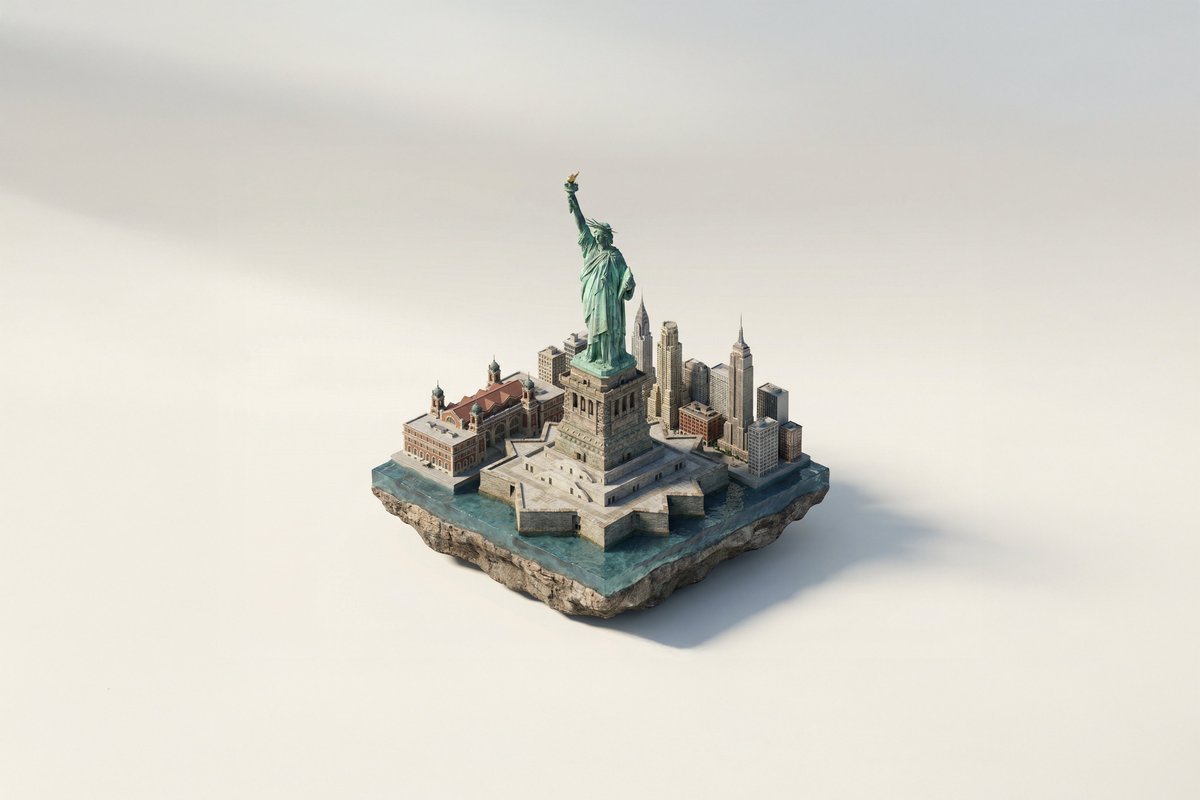
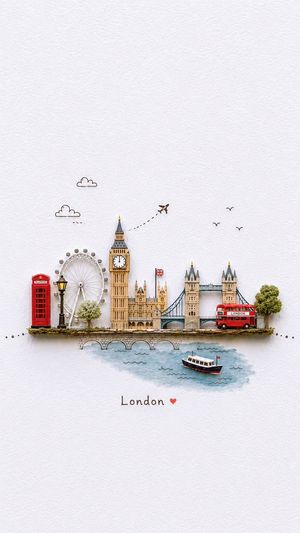
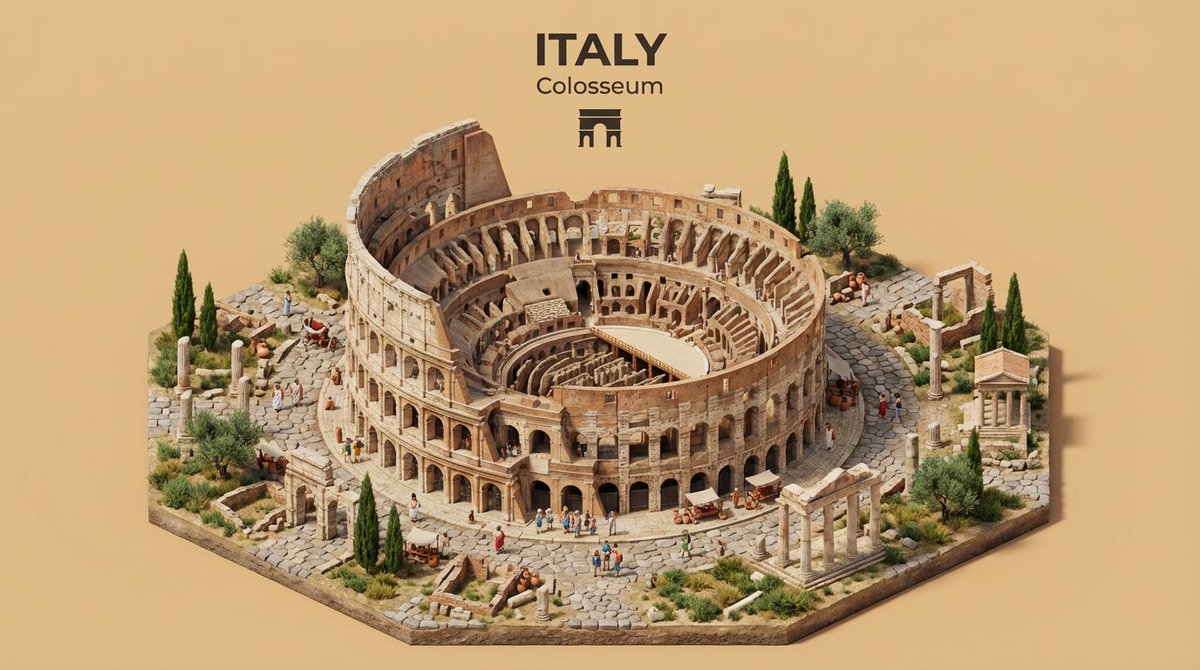
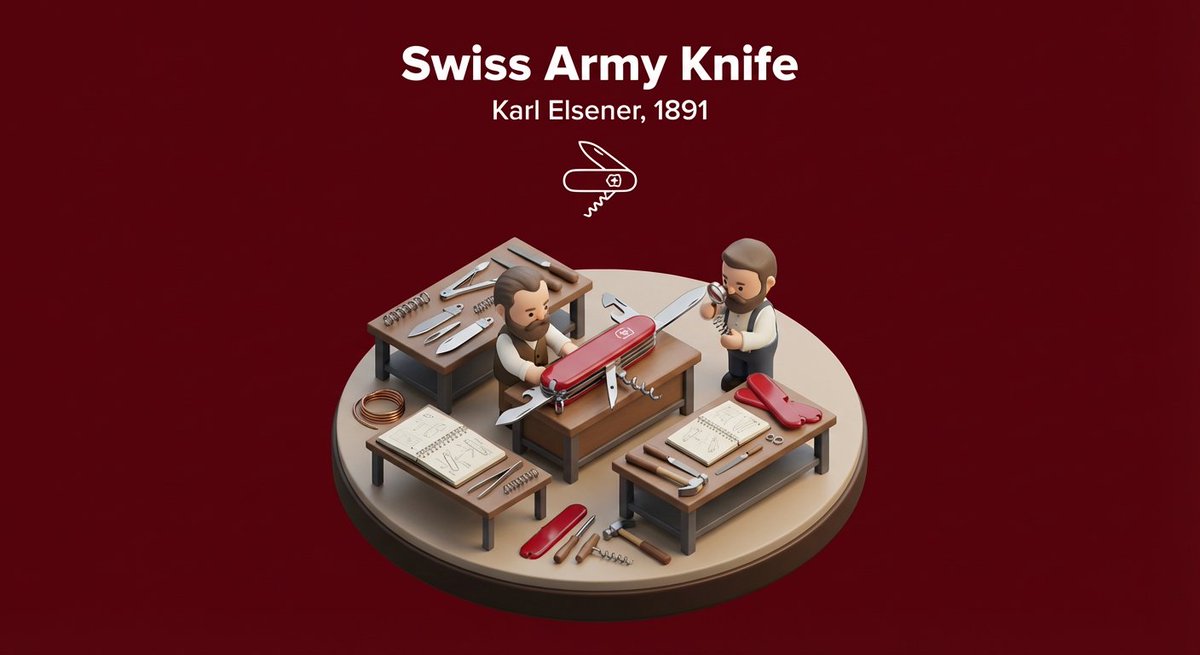
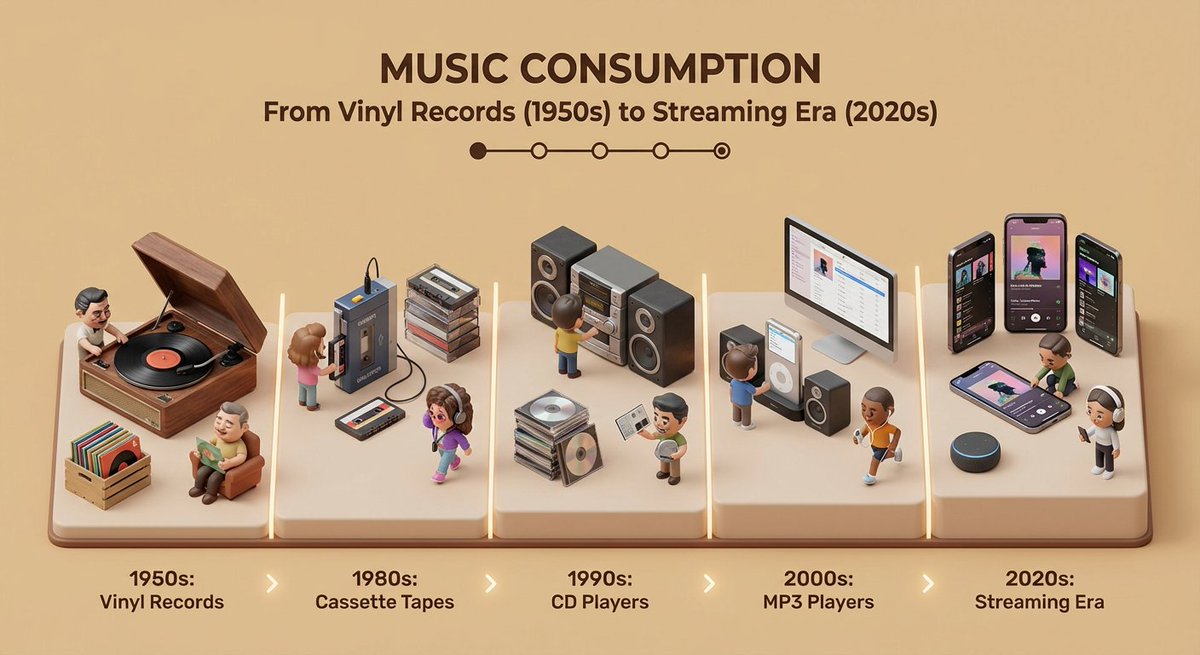
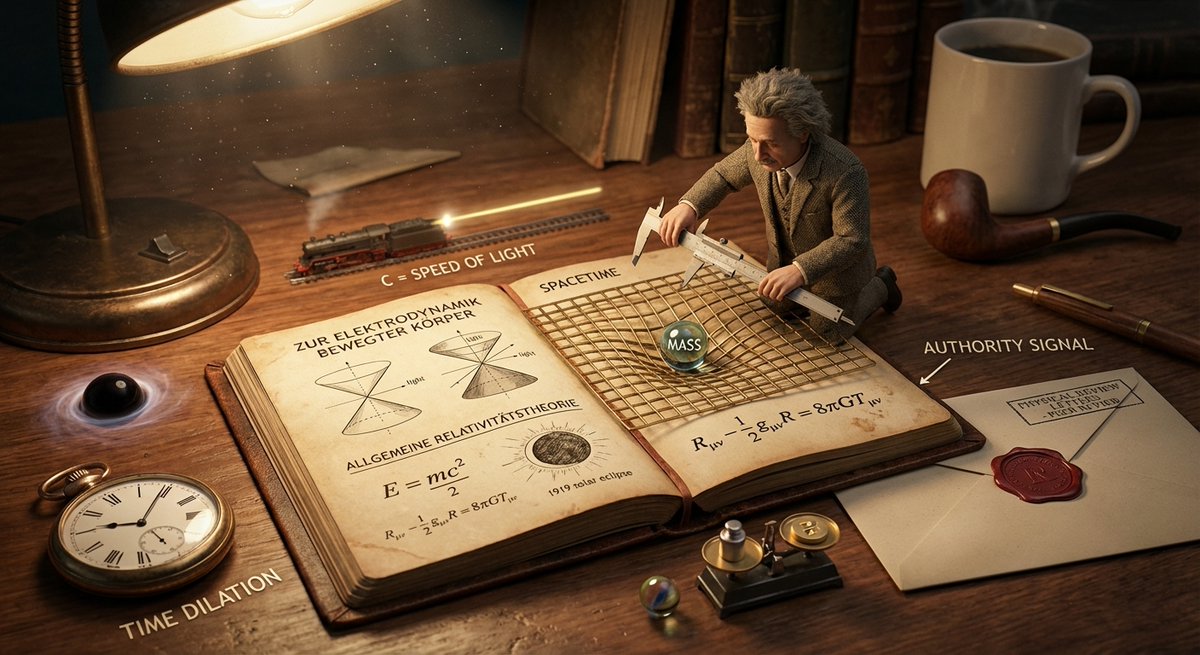
Generates a charming paper-cut travel postcard diorama of Shenzhen with skyline landmarks, transit, bridge, water, and calligraphy label.
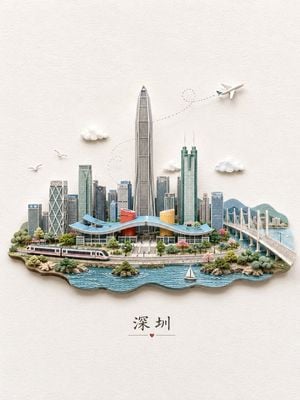
Create a whimsical miniature 3D paper-cut diorama postcard of {argument name="city name" default="深圳"} on a warm off-white textured paper background, centered with lots of negative space. The city sits on a floating island base with layered cut-paper edges and a blue wavy waterfront in the foreground. Include a dense Shenzhen skyline with the very tall Ping An Finance Center as the central tower, surrounded by modern glass skyscrapers; include exactly one sweeping low civic building with a curved blue roof and two colorful cylindrical halls, one red-orange and one yellow. Add exactly one white high-speed train along tracks at the front left, exactly one long white cable-stayed bridge extending to the right over the water, exactly one small white sailboat in the water, exactly one tiny airplane in the upper right, and exactly one dotted looping flight path curving behind the skyline. Add exactly three small fluffy white clouds around the skyline and exactly two flying birds on the left. Use delicate handcrafted paper model details, soft shadows, pastel colors, realistic miniature depth, clean composition, and a travel-souvenir illustration mood. At the bottom center, place the Chinese calligraphy text {argument name="bottom city label" default="深圳"} with a thin horizontal line on each side and a small red heart underneath, keeping the typography elegant and minimal. No extra text, no watermark, no people in close-up.
Choose the primary action to open PicX Studio with the available template settings. Review the model and format, personalize the creative direction, and generate when ready.
Yes. You can change the subject, setting, lighting, mood, format, and available model controls before creating your image.
This template is free to open and customize. Generation usage is shown in PicX Studio before you create.
Start with GPT Image 2, which is the model associated with this template. You can compare another compatible model for a different finish.
Follow a topic to a crawlable collection of related PicX Studio templates.