
Dark Fantasy Worldbuilding Board
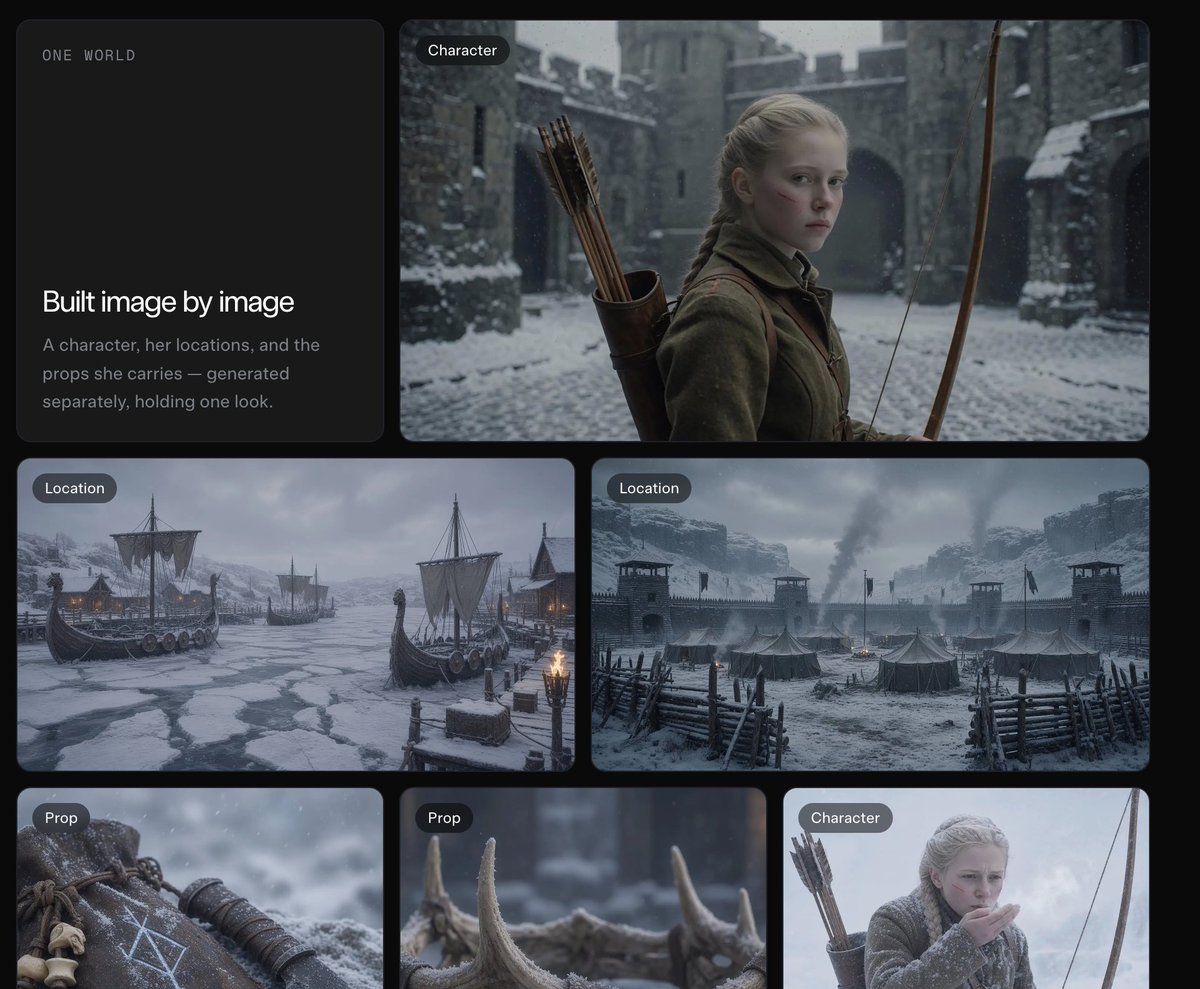
A cinematic grid presentation showing a consistent medieval archer character, snowy locations, and props for worldbuilding or image-generation showcases.
- Prompt included
- Model and format preset
- Free template
The prompt behind this image
Copy the exact prompt behind Dark Fantasy Worldbuilding Board, or open it in the studio and make it yours.
Goal: Create a dark cinematic presentation board for a worldbuilding / image-generation workflow, showing how a consistent fantasy character, locations, and props are built image by image. Canvas: Wide 4:3 composition on a nearly black background with rounded rectangular cards arranged in a clean grid, soft gaps, subtle shadows, and a muted premium UI feel. Layout: Use exactly 6 visible cards. Card 1 is a tall text card on the upper left. Card 2 is a large wide character card on the upper right. Cards 3 and 4 are two medium landscape location cards across the middle row. Cards 5 and 6 are two smaller prop cards along the lower left and lower center, with a third lower-right character card partially visible/cropped at the edge if the canvas framing allows. Each image card has a small dark pill label in the top-left corner. Text content: On the upper-left text card, include small spaced uppercase text “ONE WORLD” near the top. In the lower half, include the headline “Built image by image” and the body text “A character, her locations, and the props she carries — generated separately, holding one look.” Use clean modern sans-serif typography, white headline, muted gray body text. Visible labeled image cards: 5 fully visible labeled image cards plus 1 text card. The labels are: 2 cards labeled “Character,” 2 cards labeled “Location,” and 2 cards labeled “Prop” if the lower-right crop is included; otherwise keep the main visible set as 1 Character, 2 Location, and 2 Prop. Do not add extra labels. Subject details: The main character is {argument name="character description" default="a pale young blonde medieval archer girl with braided hair, serious expression, wool cloak and leather quiver of arrows"}. Place her in a snowy stone castle courtyard, holding a long wooden bow, with cold blue-gray lighting and shallow cinematic depth of field. The locations show {argument name="world setting" default="a grim Nordic medieval winter world"}: one frozen harbor with Viking-style longships trapped in ice, torchlight, mountains and snow; one fortified snowy military camp with tents, wooden palisades, watchtowers, smoke rising, and stormy clouds. The props show exactly 2 close-up items: a weathered leather pouch or wrist guard marked with pale runic symbols and small bones, and a row of antler or horn pieces in snow with blurred background. Visual style: Photorealistic cinematic dark fantasy, desaturated blue-gray winter palette, falling snow, realistic textures, high detail, moody natural lighting, consistent medieval wardrobe and materials across all cards. Rounded card corners, elegant spacing, no bright colors. Constraints: Keep the interface minimal and editorial, like a premium AI image-generation case study. Preserve the exact headline and body copy. Avoid logos, watermarks, charts, anime style, modern objects, or extra UI clutter.
How to use Dark Fantasy Worldbuilding Board in 3 steps
- 1Upload ImagePNG, JPG or paste
Add your photo
Upload the photo the template builds on. The prompt, model and format are already set.
- 2…a portrait of your subject in softgolden-hour light, 85mm…
Personalize
Edit the subject and creative details for your destination.
- 3Generate
Generate
Press Generate — your image is created in PicX Studio, so you can compare it with the original and refine one variable at a time.
More like this
Templates with the same subject, style or setup. Open one to see its prompt.

Dark Fantasy Sorceress Storyboard
Dark Academia AI Moodboard Collage

Dark Fantasy Smoke Monster Transformation

Anime Fantasy Celestial Movie Poster
Anime Fantasy Celestial Movie Poster

Selective Color Monochrome Football Poster

Minecraft Fantasy Kingdom Voxel Landscape

Unfinished Sketch Comes Alive Portrait

Open Travel Journal Overhead Still Life

Tiny Woman Miniature Fantasy Macro Scene
Dark Chinese Fantasy Desire Poster
Dark Fantasy PS5 RPG Cover Art
Make it yours
Dark Fantasy Worldbuilding Board works as-is. These are the safest ways to change it without losing the look.
Change one field
Copy a single group, rewrite it, and generate again so you can see what that field is doing.
Keep the frame, change the subject
Hold the composition and light of Dark Fantasy Worldbuilding Board, then swap wardrobe, props or the person for a new take.
| If the result… | Why | Fix |
|---|---|---|
| The result drifts from the preview | Too many fields changed at once. | Reuse Dark Fantasy Worldbuilding Board as-is first, then change one group — subject, light, or setting. |
| The model over-stylizes the scene | The prose prompt leaves finish and camera underspecified. | Add one camera or lighting sentence and stay on GPT Image 2. |
More GPT Image 2 templates
Other prompts made for GPT Image 2.

Six VTuber Japanese Logo Sheet

Realistic Portrait of Woman and Deer

The Vista Modular Condo Poster

AI Model Routing Comparison Infographic

2.5D Anime Art Board

Isometric Productivity Desk Scene

New York Double Exposure Poster

Four-Panel AI Landscape Comparison

Japanese Tatami Lifestyle Magazine Cover

NESCAFÉ Coffee Map Poster
More image prompts
Fresh picks from across the catalog.
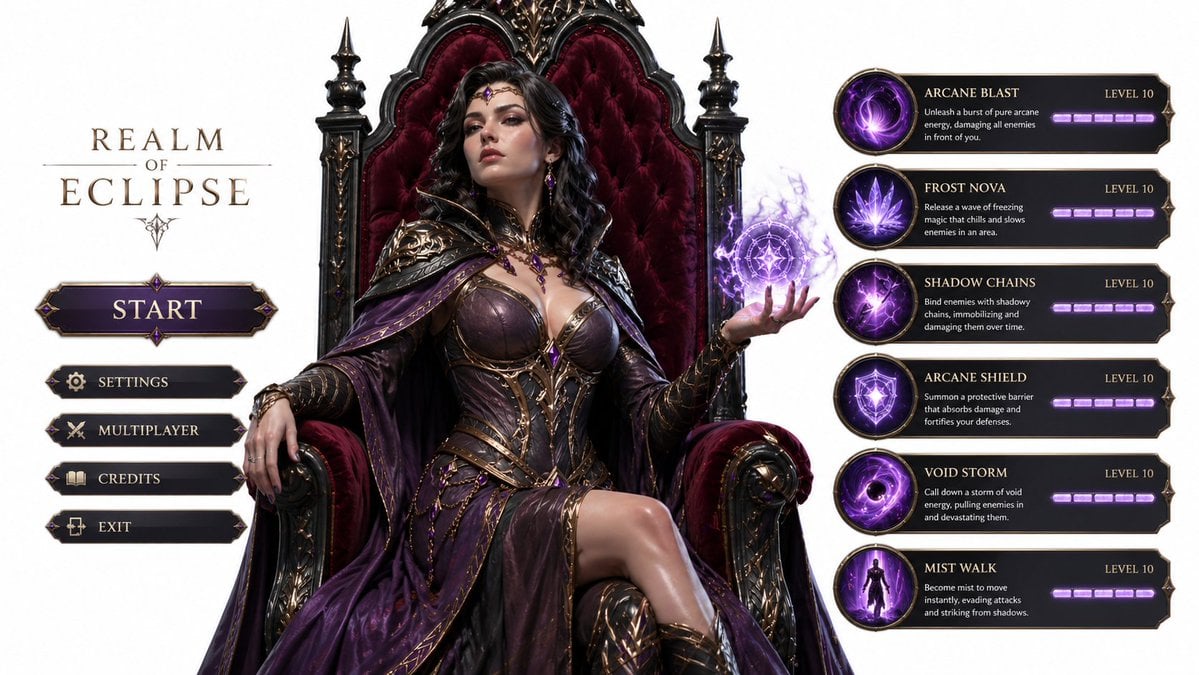
3D Gaming Sorceress Character
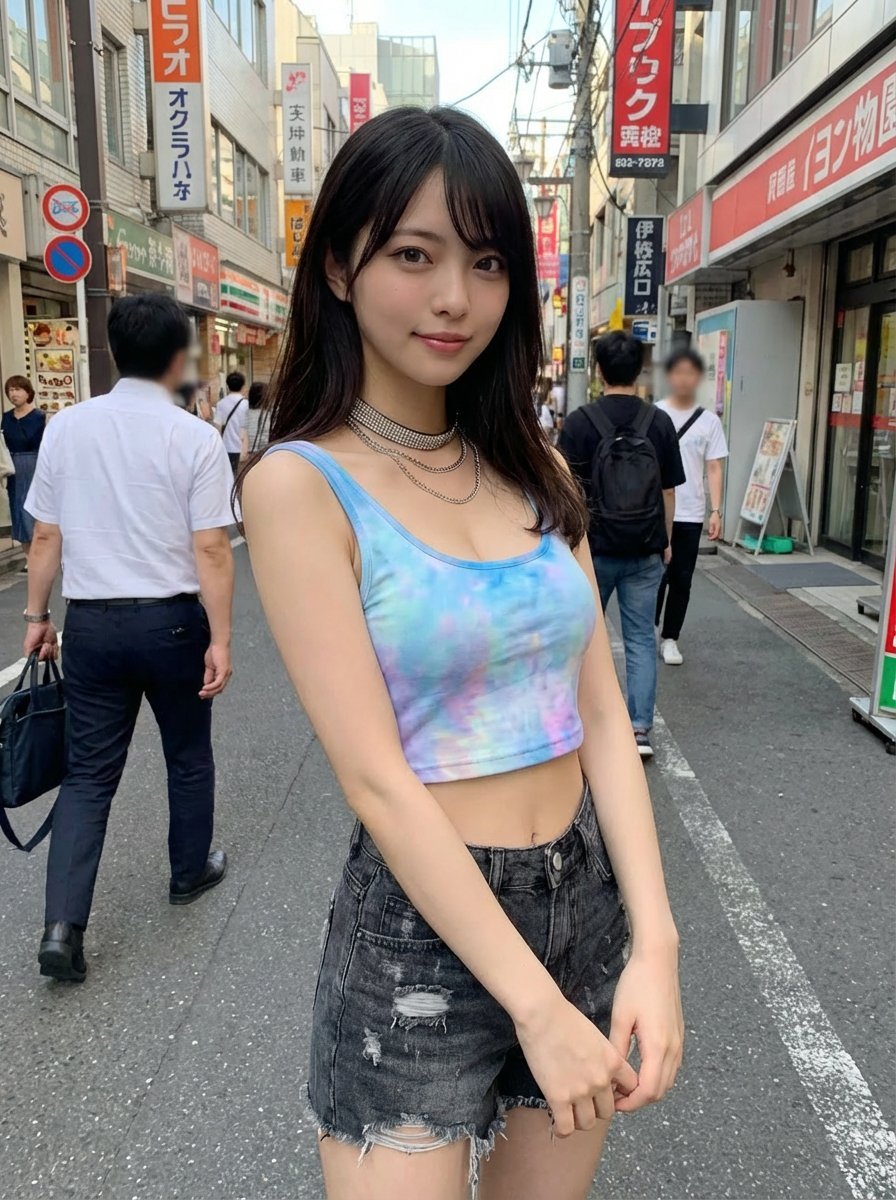
Virtual outfit try-on with Tokyo street option
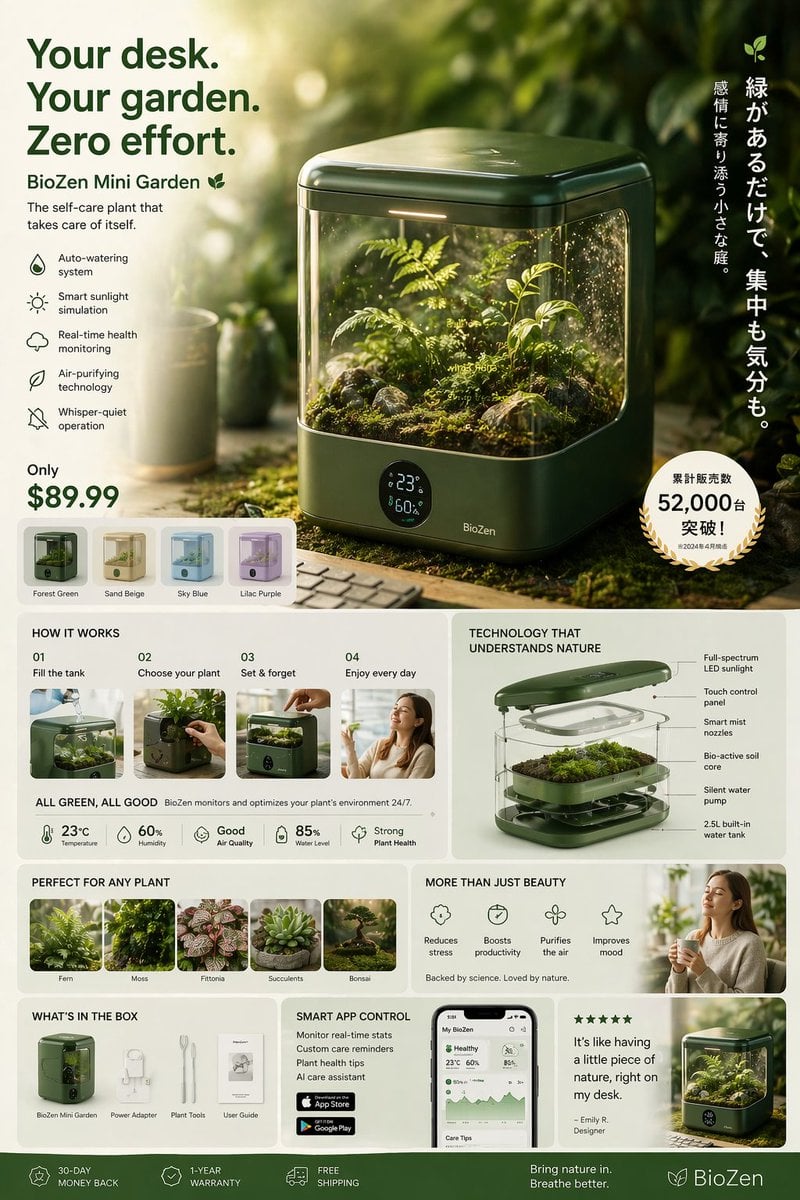
Futuristic Japanese product advertisement

Studio Quality Portrait Generation Using
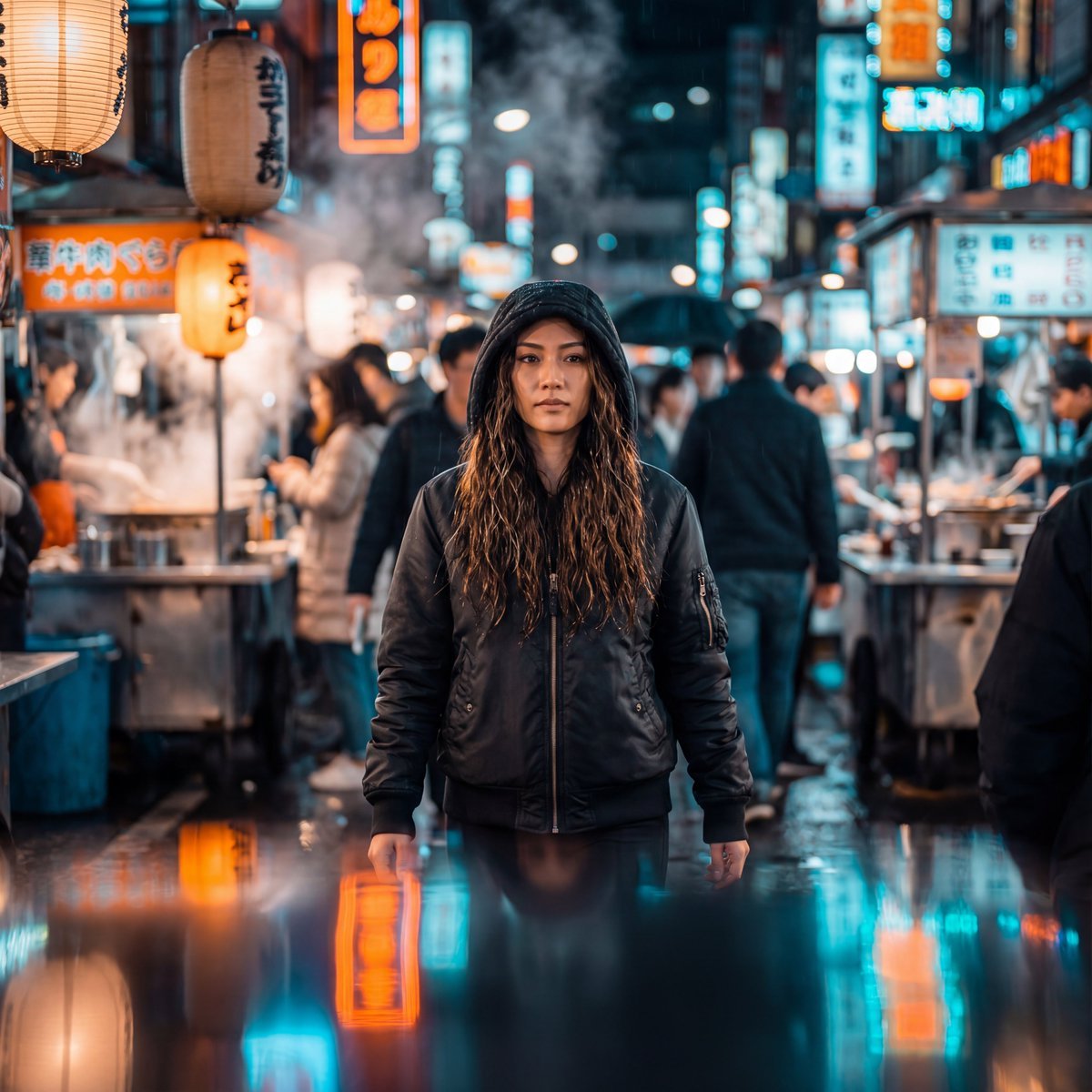
Neon-Lit Night Market Cinematic Portrait
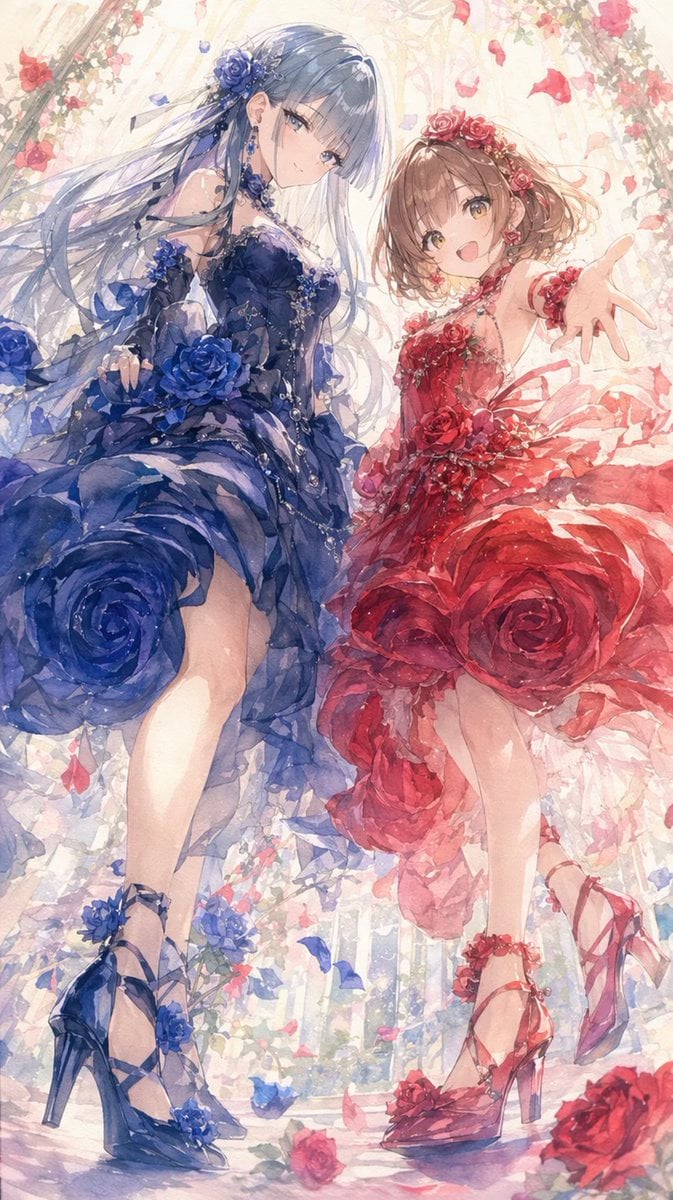
Rose Garden Anime Fashion Duo
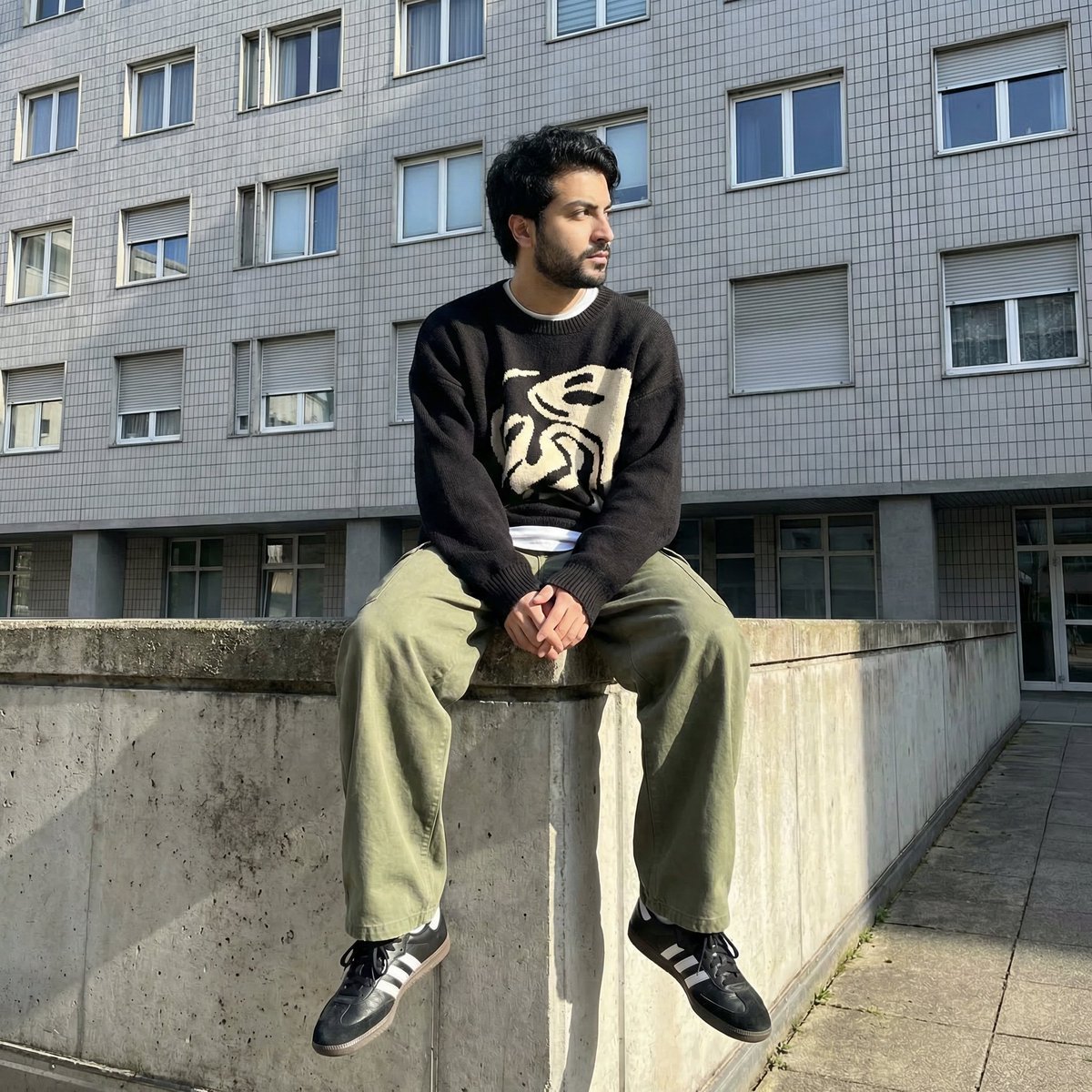
Photorealistic Urban Portrait from Reference Image
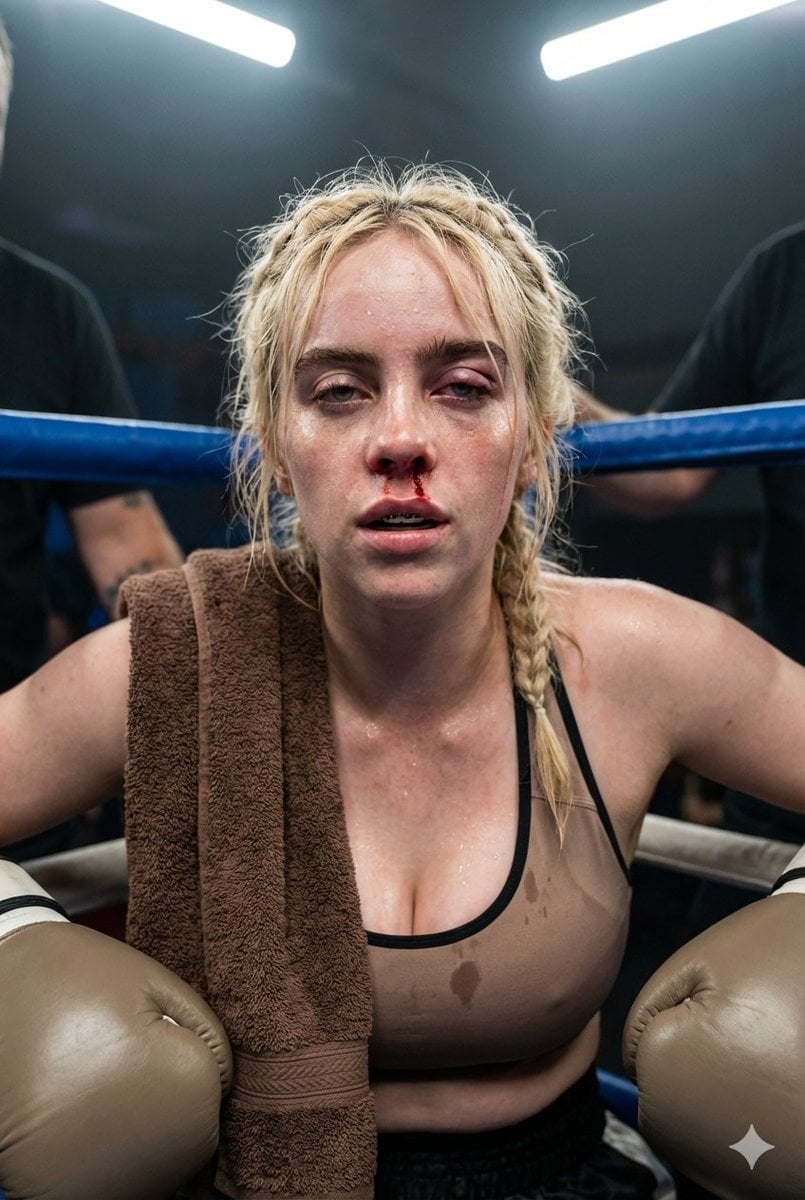
Documentary Realism Boxing Portrait

Comparing Realism Keywords in Midjourney
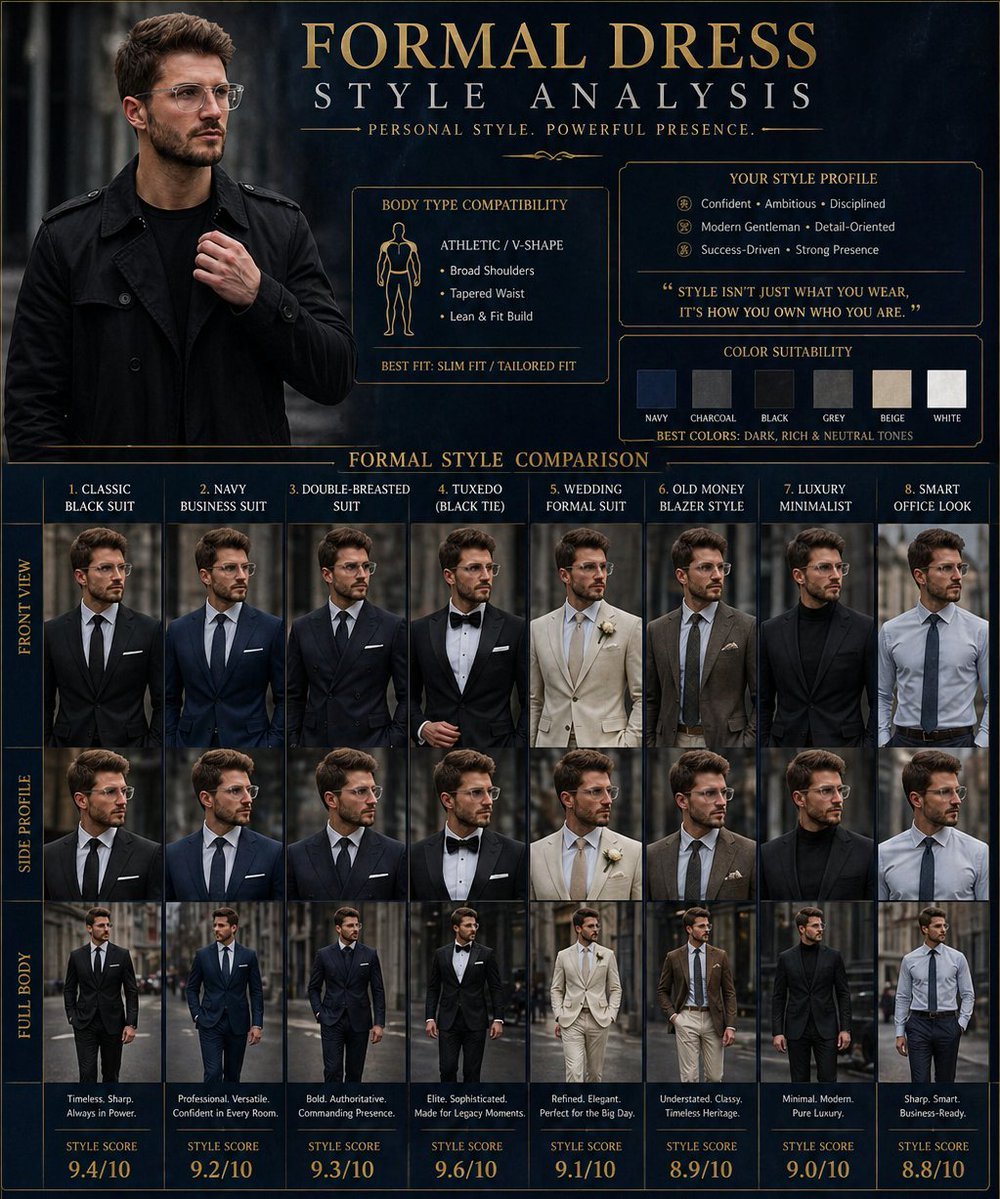
Formal Dress Style Analysis Poster
Browse template categories
Dark Fantasy Worldbuilding Board questions
How do I use the Dark Fantasy Worldbuilding Board template?
Add your photo if the template asks for one, edit the prompt if you like — the template's model and format are already selected — and press Generate. Your version opens in PicX Studio.
Can I customize the Dark Fantasy Worldbuilding Board template?
Yes. You can change the subject, setting, lighting, mood, format, and available model controls before creating your image.
Is the Dark Fantasy Worldbuilding Board template free?
Opening and editing this template is free. Generating uses credits, shown on the Generate button when you are signed in.
Which AI model should I use?
Start with GPT Image 2, which is the model associated with this template. You can compare another compatible model for a different finish.
Looking for something else? Browse all templates.

Your photo, any look
Thousands of ready templates for every top image and video model, from one credit balance.