How do I use the Kawaii Girl With Manga Wall Doodle template?
Choose the primary action to open PicX Studio with the available template settings. Review the model and format, personalize the creative direction, and generate when ready.
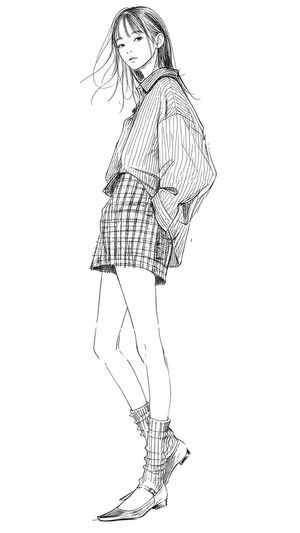
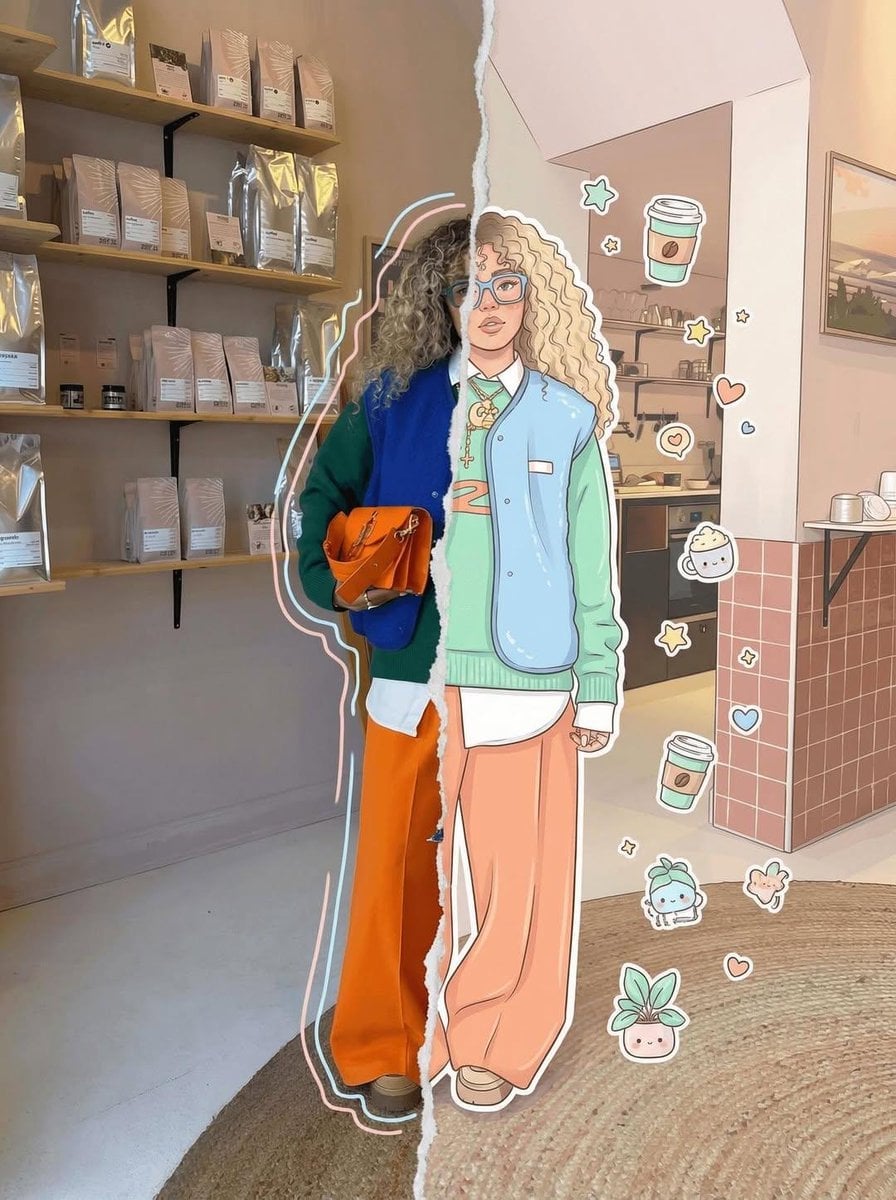
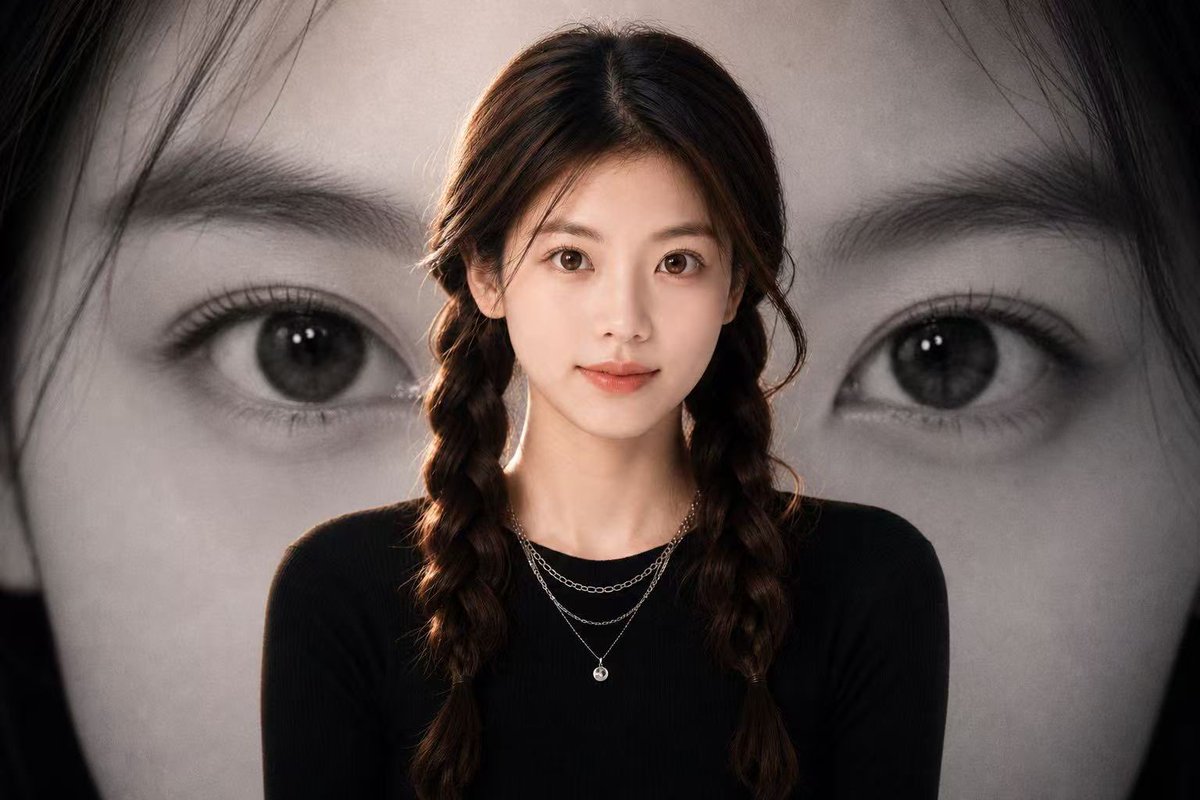
Generates a pastel studio fashion portrait combining a realistic kawaii model with a playful life-size manga line drawing on the wall.
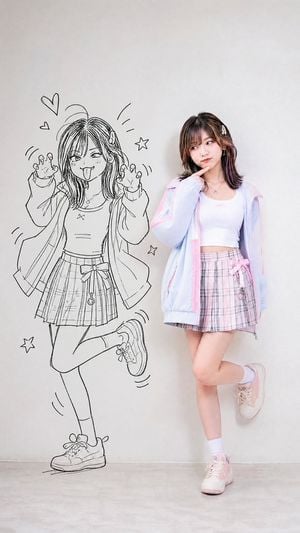
Create a vertical full-body fashion portrait in a clean studio with a plain light gray wall and pale concrete floor. On the right, show a real young Japanese woman with {argument name="hair color" default="dark brown shoulder-length hair with soft bangs and subtle pink highlights"}, wearing a pastel kawaii outfit: oversized translucent light blue windbreaker with pink trim, fitted white cropped tank top, pink plaid pleated mini skirt with a bow detail, white crew socks, and pale pink sneakers. She stands in a cute thoughtful pose with one finger touching her chin, looking slightly left toward the drawing, one leg straight and the other bent back with the foot lifted. On the left side of the wall, add a life-size black line-art manga doodle version of the same girl, drawn directly on the wall in energetic hand-sketched ink style. The doodle wears a similar jacket, top, pleated skirt, socks, and sneakers, making playful cat-claw hands, winking, sticking out her tongue, with one leg kicked up. Include exactly 6 small doodle decorations around the manga figure: 2 hearts near the upper left, 2 stars around the figure, and 2 sets of curved motion lines near the hands/legs. Keep the composition split between illustrated character on the left and realistic model on the right, with soft even lighting, minimal shadows, airy pastel colors, sharp realistic photography for the woman, and crisp black sketch lines for the wall drawing. No text, no logos, no watermark.
Choose the primary action to open PicX Studio with the available template settings. Review the model and format, personalize the creative direction, and generate when ready.
Yes. You can change the subject, setting, lighting, mood, format, and available model controls before creating your image.
This template is free to open and customize. Generation usage is shown in PicX Studio before you create.
Start with GPT Image 2, which is the model associated with this template. You can compare another compatible model for a different finish.
Follow a topic to a crawlable collection of related PicX Studio templates.