
Whispers of Spring Cherry Blossom
A complex structured prompt describing a peaceful cherry blossom scene with a young woman in a linen dress, optimized for high cinematic realism.
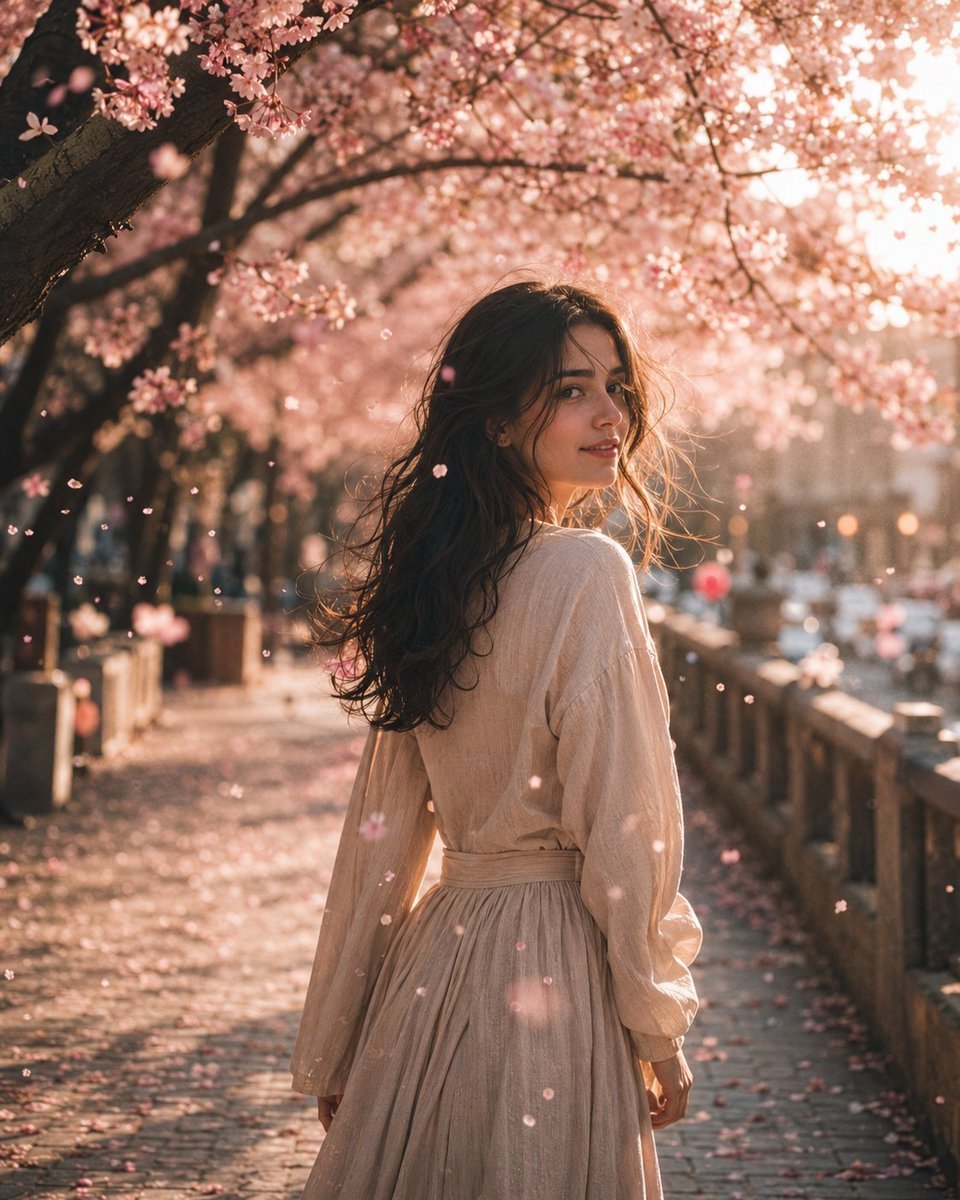
- Prompt included
- Model and format preset
- Free template
The prompt behind this image
Copy the exact prompt behind Whispers of Spring Cherry Blossom, or open it in the studio and make it yours.
- Title
- WHISPERS OF SPRING
- Scene
- A peaceful pathway beneath blooming cherry blossom trees during a warm spring afternoon. Pink blossoms fill the canopy overhead while delicate petals drift gracefully through the air. Soft sunlight filters through the branches, creating a dreamy and enchanting atmosphere.
- Subject
- A young woman walks away from the camera before gently turning her head over her shoulder with a soft, mysterious smile. She wears a flowing natural linen dress that moves gracefully with the breeze, highlighting her delicate facial features and effortless elegance.
- Detail
- Wind carries countless pink cherry blossom petals across the frame while warm sunlight creates glowing highlights throughout the scene. Every strand of hair moves naturally in the breeze, with ultra realistic skin texture, lifelike fabric folds, soft floral surroundings, and subtle atmospheric haze enhancing the cinematic realism.
- Atmosphere
- Elegant, peaceful, romantic, dreamy, timeless, cinematic, graceful, and enchanting.
- Lighting
- Warm spring sunlight filtering through cherry blossom branches, soft natural illumination, glowing highlights, volumetric light rays, gentle ambient shadows, and subtle atmospheric haze.
- Composition
- Cinematic editorial portrait captured with an 85mm lens, featuring the subject in a three-quarter over-the-shoulder pose. Shallow depth of field, creamy bokeh, balanced framing with flowering trees, soft leading lines, and immersive visual storytelling.
- Style
- Photorealistic, masterpiece, editorial fashion photography, analog film aesthetic, dreamy pastel color palette, ultra realistic skin texture, highly detailed, shallow depth of field, creamy bokeh, atmospheric haze, HDR, cinematic realism, 8K.
Raw JSON
{
  "title": "WHISPERS OF SPRING",

  "scene": "A peaceful pathway beneath blooming cherry blossom trees during a warm spring afternoon. Pink blossoms fill the canopy overhead while delicate petals drift gracefully through the air. Soft sunlight filters through the branches, creating a dreamy and enchanting atmosphere.",

  "subject": "A young woman walks away from the camera before gently turning her head over her shoulder with a soft, mysterious smile. She wears a flowing natural linen dress that moves gracefully with the breeze, highlighting her delicate facial features and effortless elegance.",

  "detail": "Wind carries countless pink cherry blossom petals across the frame while warm sunlight creates glowing highlights throughout the scene. Every strand of hair moves naturally in the breeze, with ultra realistic skin texture, lifelike fabric folds, soft floral surroundings, and subtle atmospheric haze enhancing the cinematic realism.",

  "atmosphere": "Elegant, peaceful, romantic, dreamy, timeless, cinematic, graceful, and enchanting.",

  "lighting": "Warm spring sunlight filtering through cherry blossom branches, soft natural illumination, glowing highlights, volumetric light rays, gentle ambient shadows, and subtle atmospheric haze.",

  "composition": "Cinematic editorial portrait captured with an 85mm lens, featuring the subject in a three-quarter over-the-shoulder pose. Shallow depth of field, creamy bokeh, balanced framing with flowering trees, soft leading lines, and immersive visual storytelling.",

  "style": "Photorealistic, masterpiece, editorial fashion photography, analog film aesthetic, dreamy pastel color palette, ultra realistic skin texture, highly detailed, shallow depth of field, creamy bokeh, atmospheric haze, HDR, cinematic realism, 8K."
}How to use Whispers of Spring Cherry Blossom in 3 steps
- 1
Open
The prompt is already in the box next to the preview, with the template's model and format selected.
- 2…a portrait of your subject in softgolden-hour light, 85mm…
Personalize
Edit the subject and creative details for your destination.
- 3Generate
Generate
Press Generate — your image is created in PicX Studio, so you can compare it with the original and refine one variable at a time.
More like this
Templates with the same subject, style or setup. Open one to see its prompt.
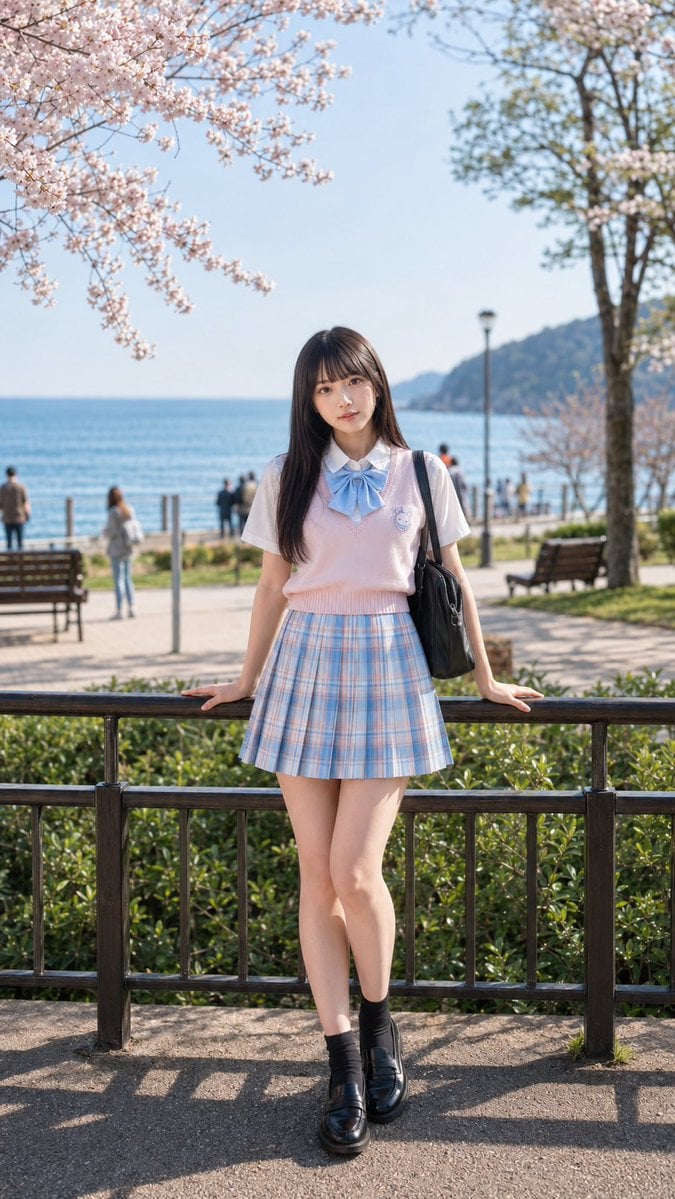
Spring Seaside Cherry Blossom Portrait
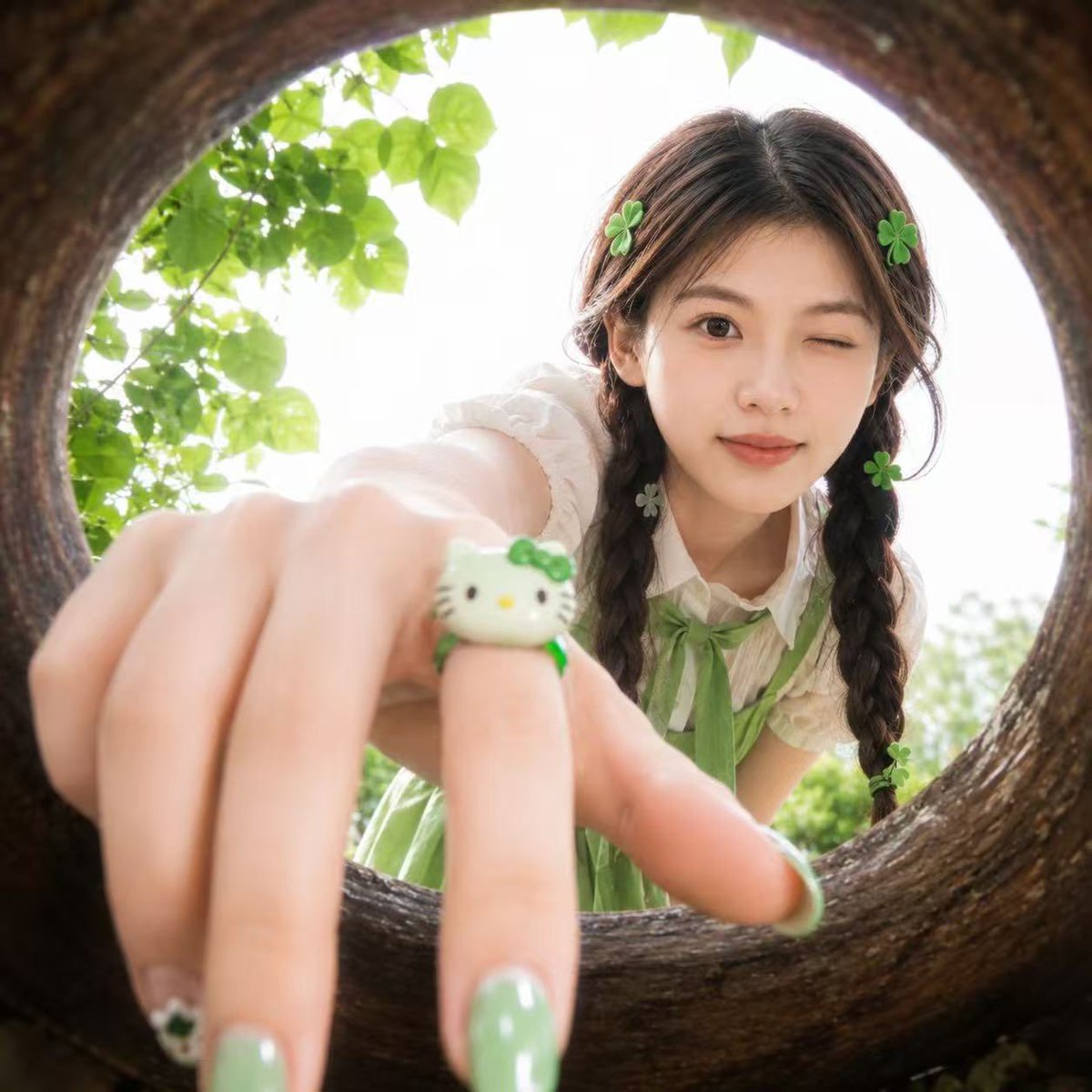
Soft Spring Cherry Blossom POV Portrait
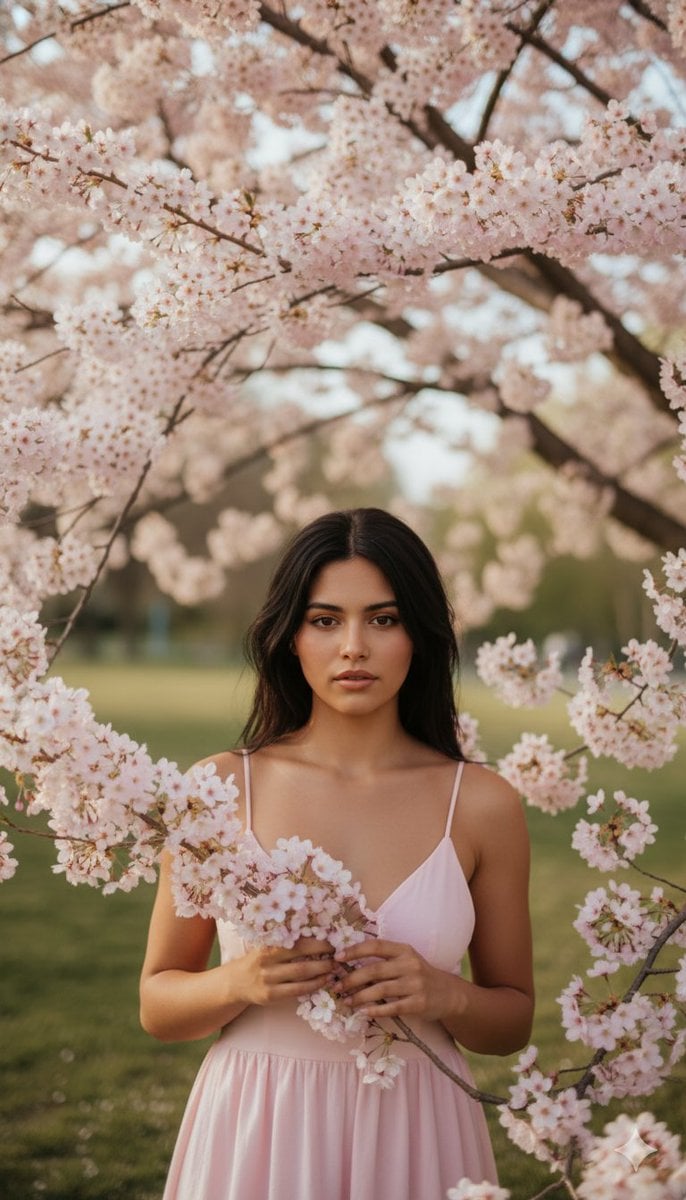
Springtime Cherry Blossom Portrait Recreation Prompt
Cherry Blossom Cosplay Romance
Cherry Blossom Yukata Idol Portrait
Top-Down Maid and Cherry Blossoms
Woman with Rabbit in Cherry Blossom Garden
Cherry Blossom Beauty Campaign
Ninja in Cherry Blossom Garden

Cherry Blossom Champagne Banner
Dreamy Cherry Blossom Portrait
Anime Cherry Blossom Rock Album Cover
Make it yours
Whispers of Spring Cherry Blossom works as-is. These are the safest ways to change it without losing the look.
Swap the light
One lighting change is enough to compare takes. Current light: “Warm spring sunlight filtering through cherry blossom branches, soft natural ill”.
Change one field
Copy a single group, rewrite it, and generate again so you can see what that field is doing.
Keep the frame, change the subject
Hold the composition and light of Whispers of Spring Cherry Blossom, then swap wardrobe, props or the person for a new take.
| If the result… | Why | Fix |
|---|---|---|
| The result drifts from the preview | Too many fields changed at once. | Reuse Whispers of Spring Cherry Blossom as-is first, then change one group — subject, light, or setting. |
| GPT Image 2 ignores part of the JSON | Some models flatten or skip nested keys. | Keep the same values and paste them as a short paragraph instead. |
More GPT Image 2 templates
Other prompts made for GPT Image 2.

Six VTuber Japanese Logo Sheet

Realistic Portrait of Woman and Deer

The Vista Modular Condo Poster

AI Model Routing Comparison Infographic

2.5D Anime Art Board

Isometric Productivity Desk Scene

New York Double Exposure Poster

Four-Panel AI Landscape Comparison

Japanese Tatami Lifestyle Magazine Cover

NESCAFÉ Coffee Map Poster
More image prompts
Fresh picks from across the catalog.

Christmas Ornament Chibi Character Transformation

Sunset Futuristic Megacity Panorama

Luxury Lifestyle Photography Prompt: Man with Red Sports Car
Realistic Tennis Player Portrait
Miniature Diorama Style Transformation
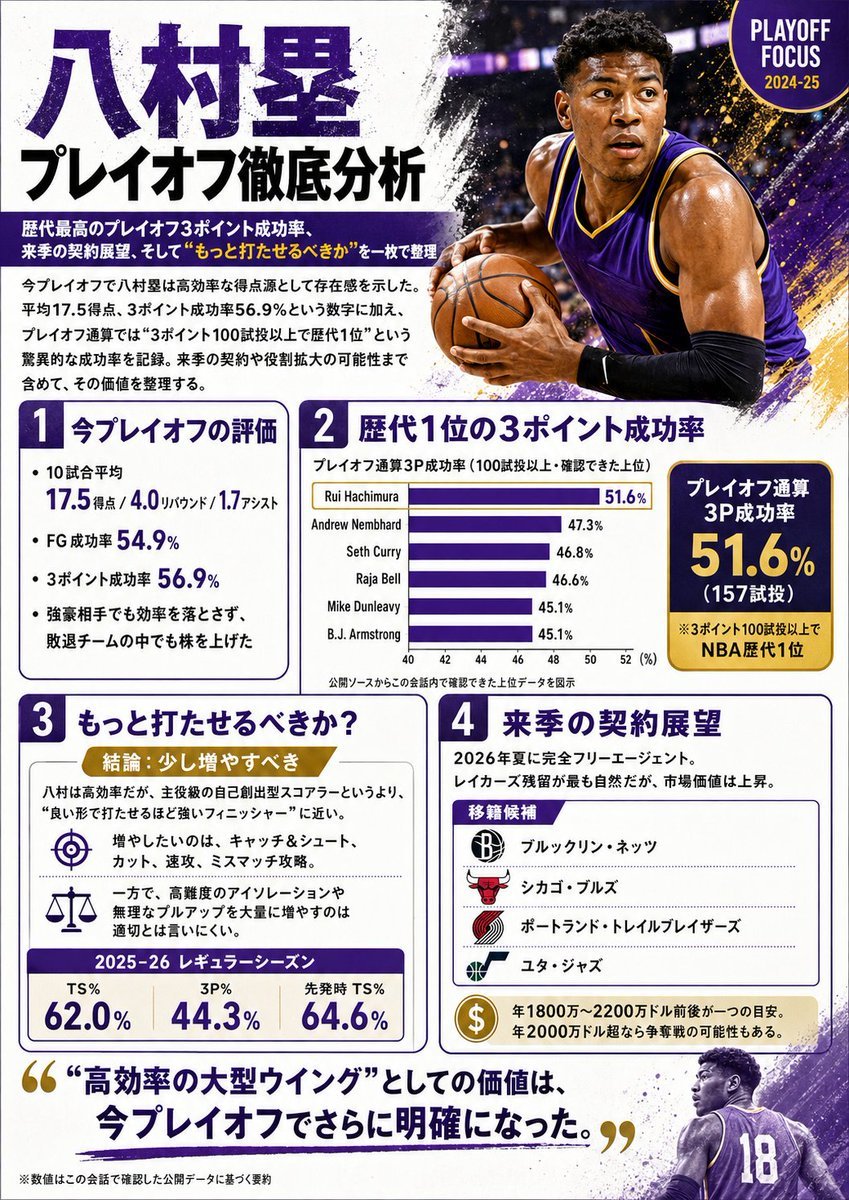
Japanese NBA Playoff Analysis Infographic

Gpt2 E Commerce Main Image Tropical Citrus Soda Ad Poster

3D Cartoon Miniature Scene from Profile Image

Single-slide about advantages of investing in Vietnam

Gpt2 Infographic Edu Visual Taoist Three Souls Seven Po Poster
Browse template categories
Whispers of Spring Cherry Blossom questions
How do I use the Whispers of Spring Cherry Blossom template?
Add your photo if the template asks for one, edit the prompt if you like — the template's model and format are already selected — and press Generate. Your version opens in PicX Studio.
Can I customize the Whispers of Spring Cherry Blossom template?
Yes. You can change the subject, setting, lighting, mood, format, and available model controls before creating your image.
Is the Whispers of Spring Cherry Blossom template free?
Opening and editing this template is free. Generating uses credits, shown on the Generate button when you are signed in.
Which AI model should I use?
Start with GPT Image 2, which is the model associated with this template. You can compare another compatible model for a different finish.
Looking for something else? Browse all templates.

Your photo, any look
Thousands of ready templates for every top image and video model, from one credit balance.