How do I use the Candid iPhone Selfie with Celebrity template?
Choose the primary action to open PicX Studio with the available template settings. Review the model and format, personalize the creative direction, and generate when ready.
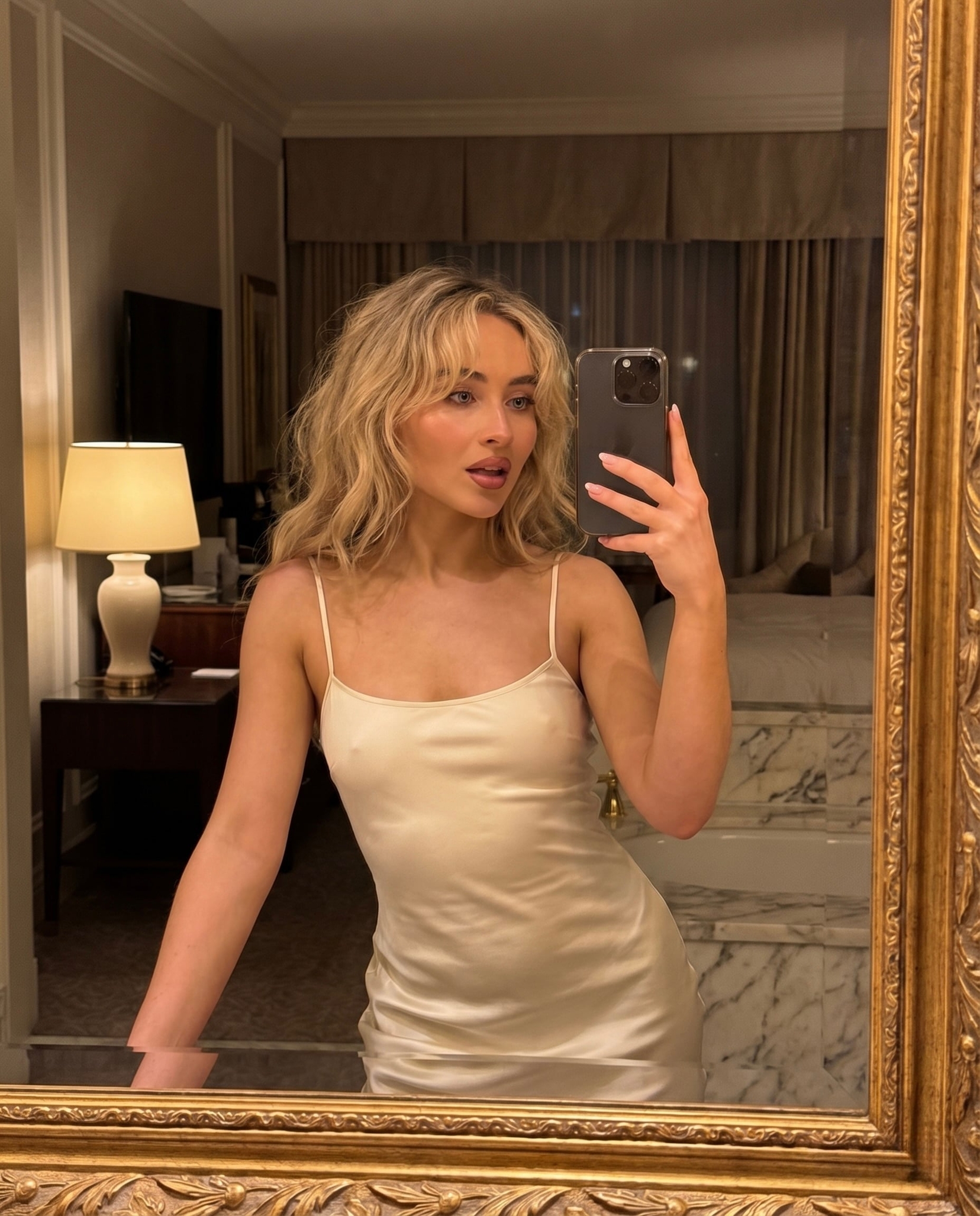
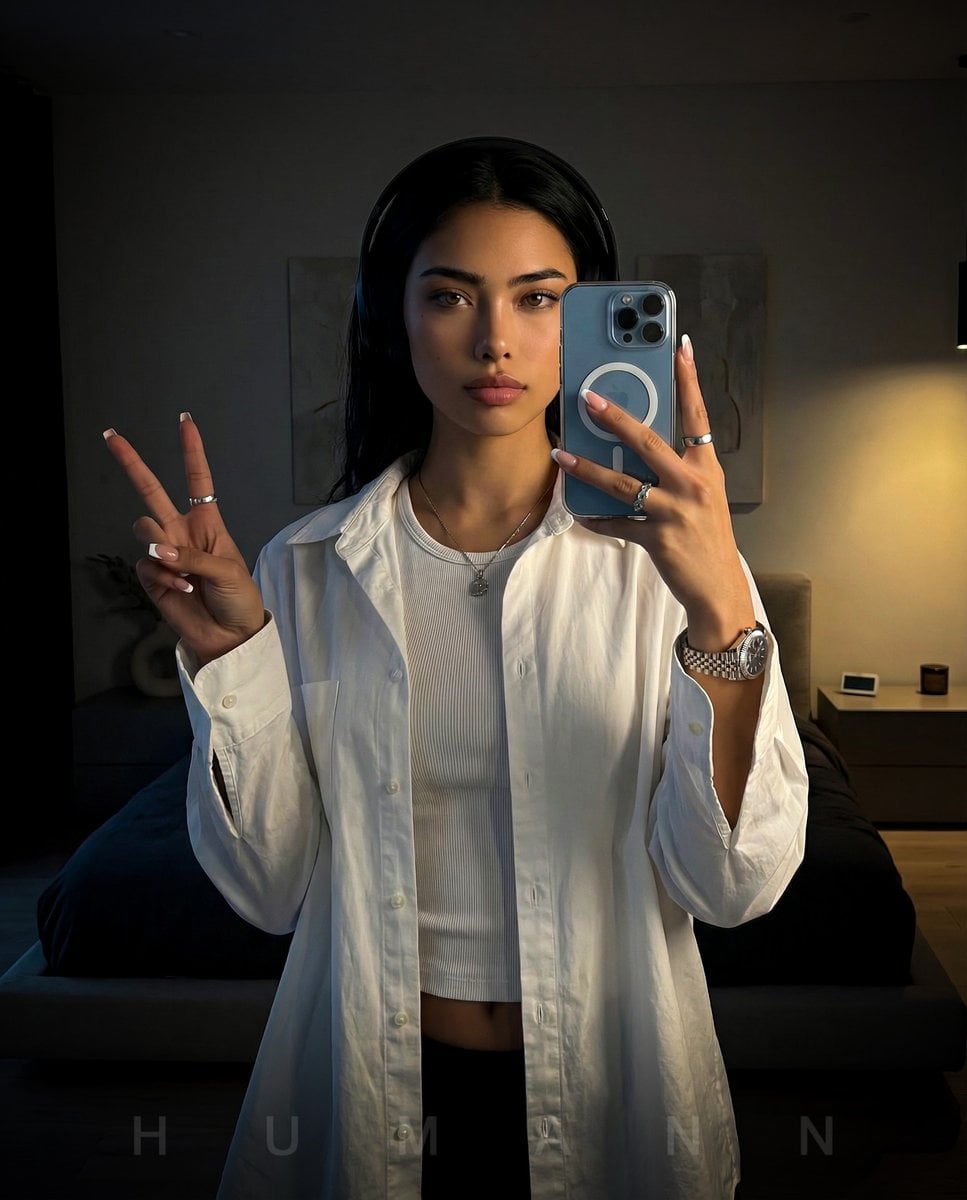
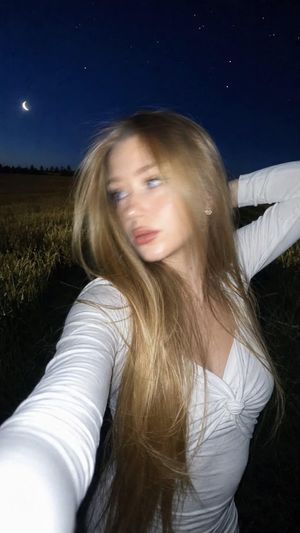
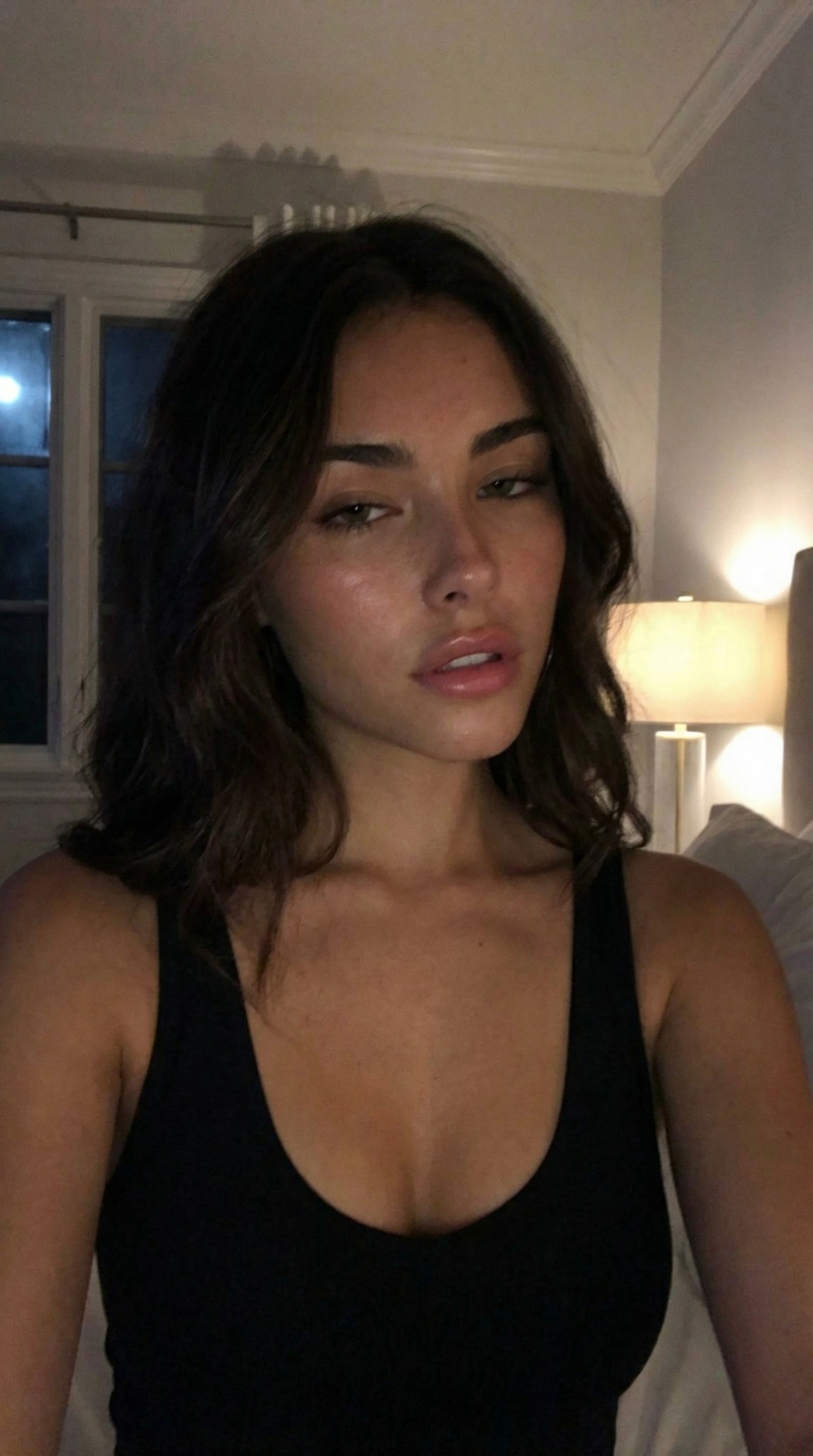
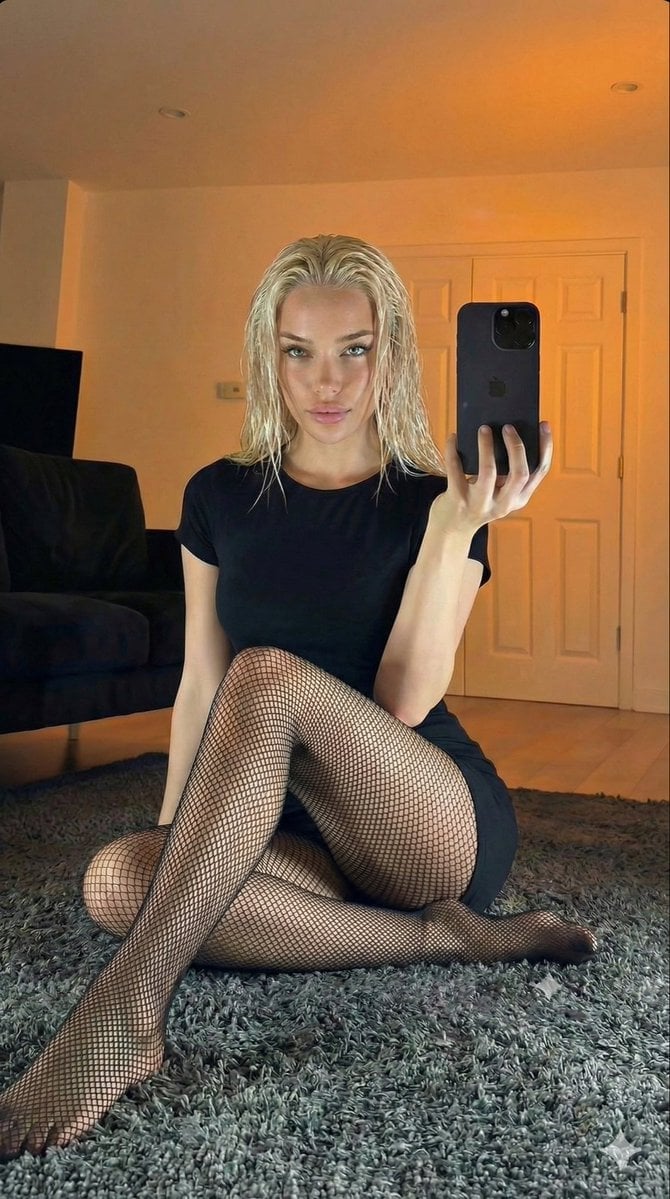
Generates an intentionally mediocre, authentic-looking iPhone selfie featuring a reference person standing next to a chosen celebrity on a busy New York street
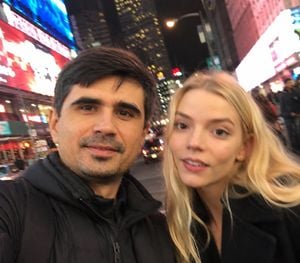
Take an extremely ordinary and unremarkable iPhone selfie, with no clear subject or sense of composition-just a quick accidental snapshot. The photo has slight motion blur and uneven lighting from streetlights or indoor lamps, causing mild overexposure in some areas. The angle is cute and giving the picture a deliberately mediocre feel, as if it was taken absentmindedly while pulling the phone from a pocket. The main character is [uploaded person], and {argument name="celebrity name" default="Dwayne Johnson"} stands next to him/her, both caught in a casual, imperfect moment. The background shows a lively new york street light at night, with neon lights, traffic, and blurry figures passing by. The overall look is intentionally plain and random, capturing the authentic vibe of a poorly composed, spontaneous iPhone selfie.
Choose the primary action to open PicX Studio with the available template settings. Review the model and format, personalize the creative direction, and generate when ready.
Yes. You can change the subject, setting, lighting, mood, format, and available model controls before creating your image.
This template is free to open and customize. Generation usage is shown in PicX Studio before you create.
Start with GPT Image 2, which is the model associated with this template. You can compare another compatible model for a different finish.
Follow a topic to a crawlable collection of related PicX Studio templates.