
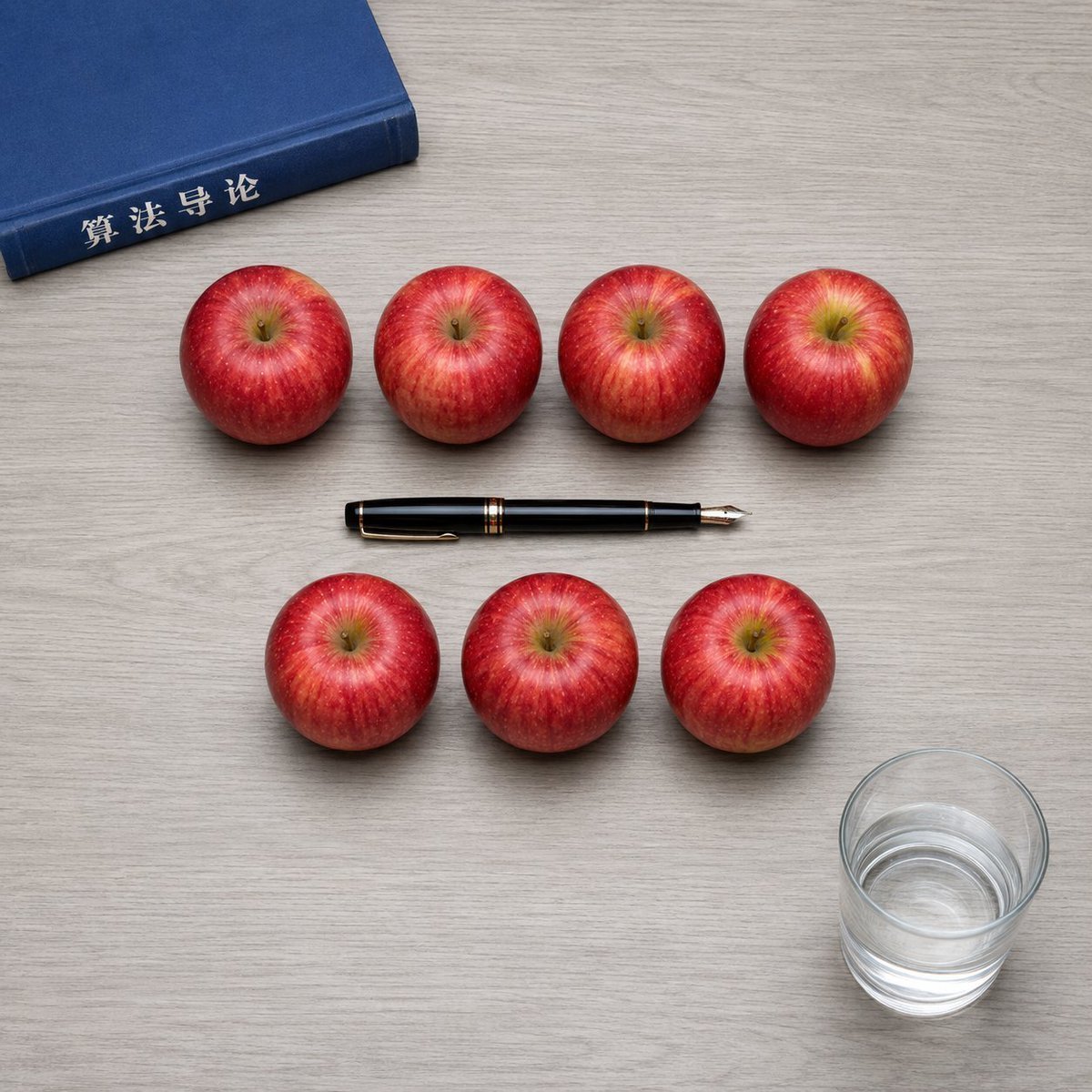
Top-Down Apple Counting Desk Scene
A photorealistic overhead tabletop arrangement for testing exact object counting and position control.
- Prompt included
- Model and format preset
- Free template
The prompt behind this image
Copy the exact prompt behind Top-Down Apple Counting Desk Scene, or open it in the studio and make it yours.
Create a square 1:1 photorealistic top-down tabletop scene on a pale gray wood-grain desk. Arrange exactly {argument name="apple count" default="7"} glossy red apples in two neat rows: exactly 4 apples in the upper row and exactly 3 apples in the lower row, evenly spaced, with realistic stems, yellow-red striping, soft shadows, and no extra apples. Place one blue hardcover book partially visible in the upper-left corner, angled slightly, with the spine facing inward and the Chinese title text {argument name="book spine text" default="算法导论"} printed in white on the spine. Place exactly one black fountain pen horizontally in the exact center of the composition between the two apple rows, with gold trim and the metal nib pointing to the right. Place exactly one transparent cylindrical glass in the lower-right corner, filled halfway with clear water, showing refraction, rim highlights, and a soft shadow. Use clean natural studio lighting, realistic scale, crisp focus, overhead perspective, balanced negative space, and strict object placement. Do not add any other objects, hands, labels, plates, leaves, or decorations.
How to use Top-Down Apple Counting Desk Scene in 3 steps
- 1Upload ImagePNG, JPG or paste
Add your photo
Upload the photo the template builds on. The prompt, model and format are already set.
- 2…a portrait of your subject in softgolden-hour light, 85mm…
Personalize
Edit the subject and creative details for your destination.
- 3Generate
Generate
Press Generate — your image is created in PicX Studio, so you can compare it with the original and refine one variable at a time.
More like this
Templates with the same subject, style or setup. Open one to see its prompt.

Clear, 45 top-down isometric miniature 3D cartoon scene of the iconic
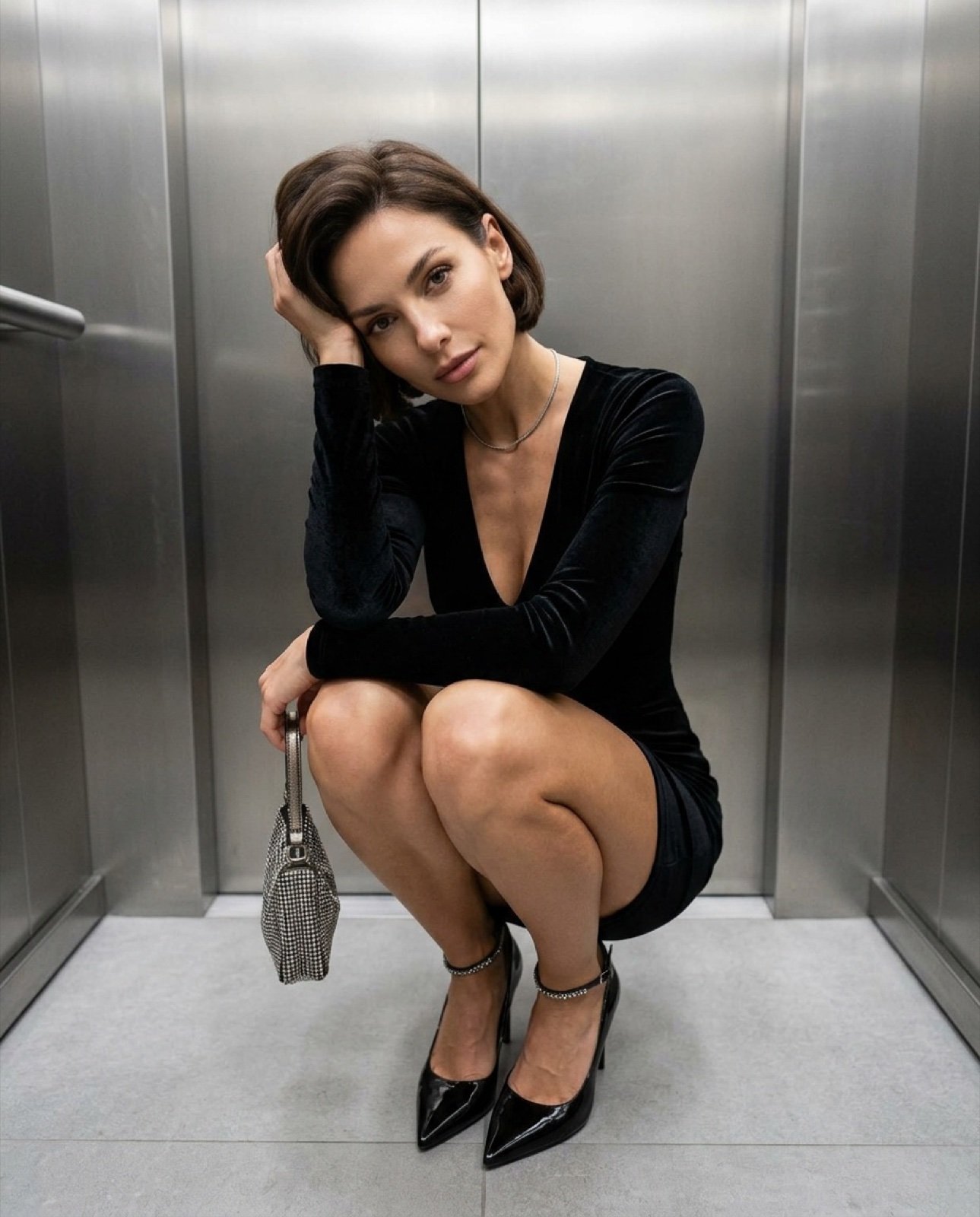
Top-down fashion squat perspective

Tennis Court Top-Down Flat Lay
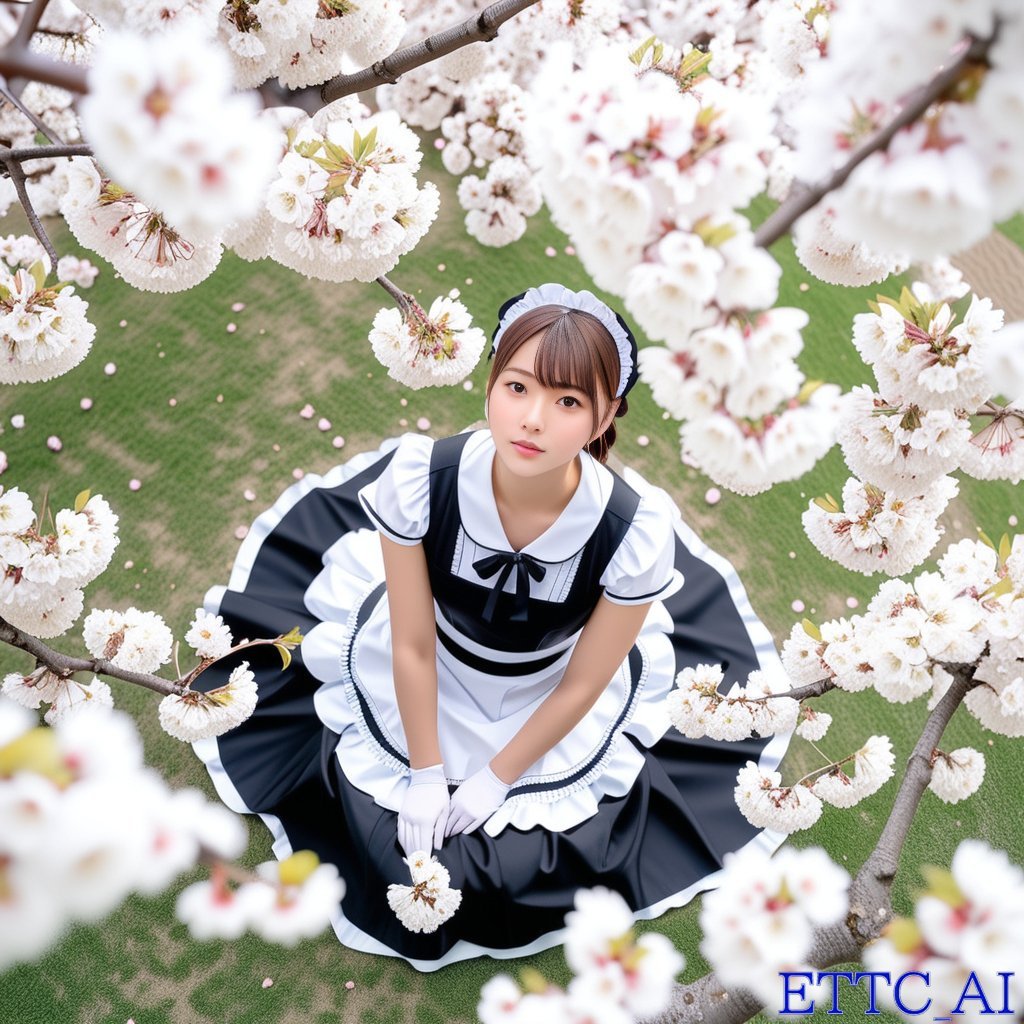
Top-Down Maid and Cherry Blossoms

Desktop AI Agent Architecture Diagram
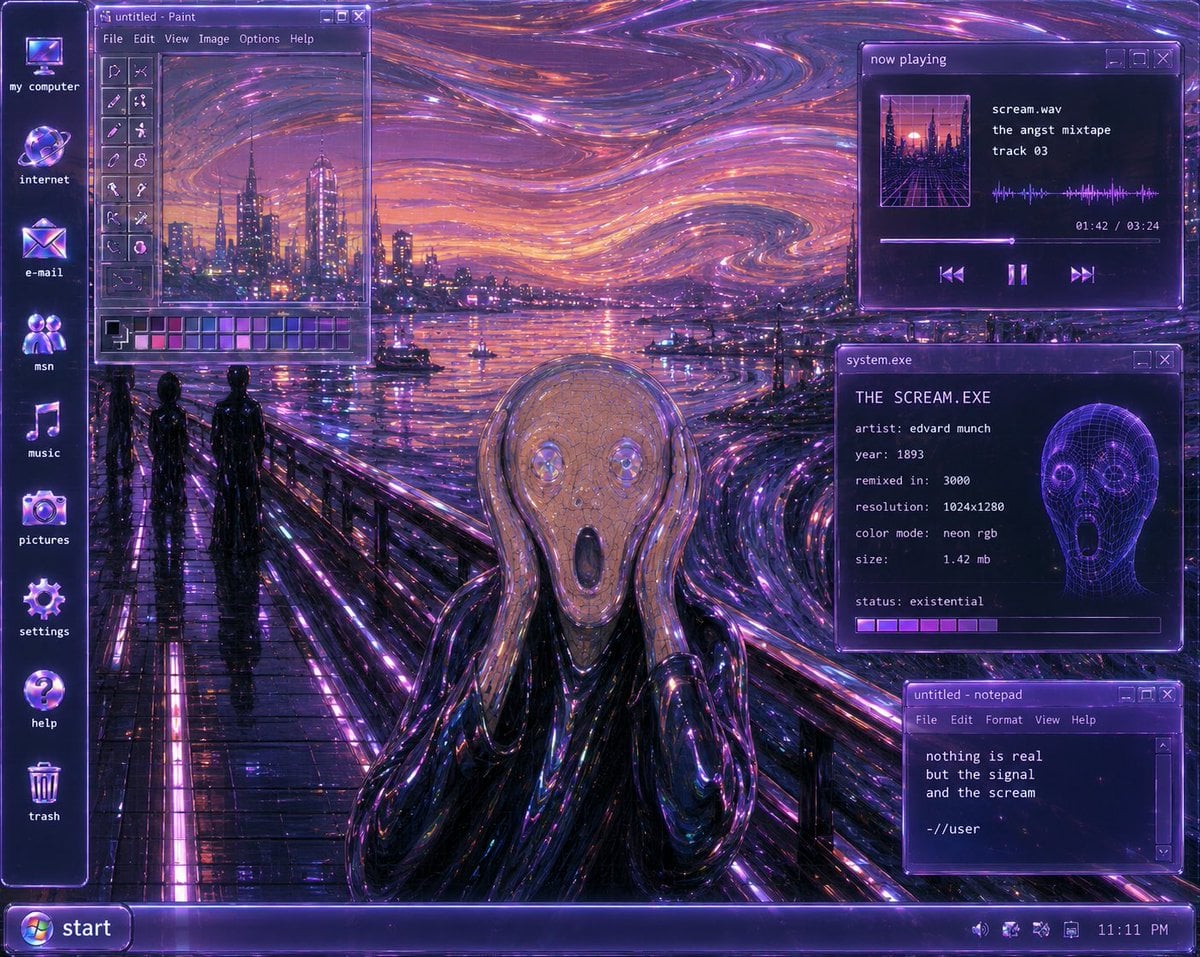
Y2K Futurist Scream Desktop
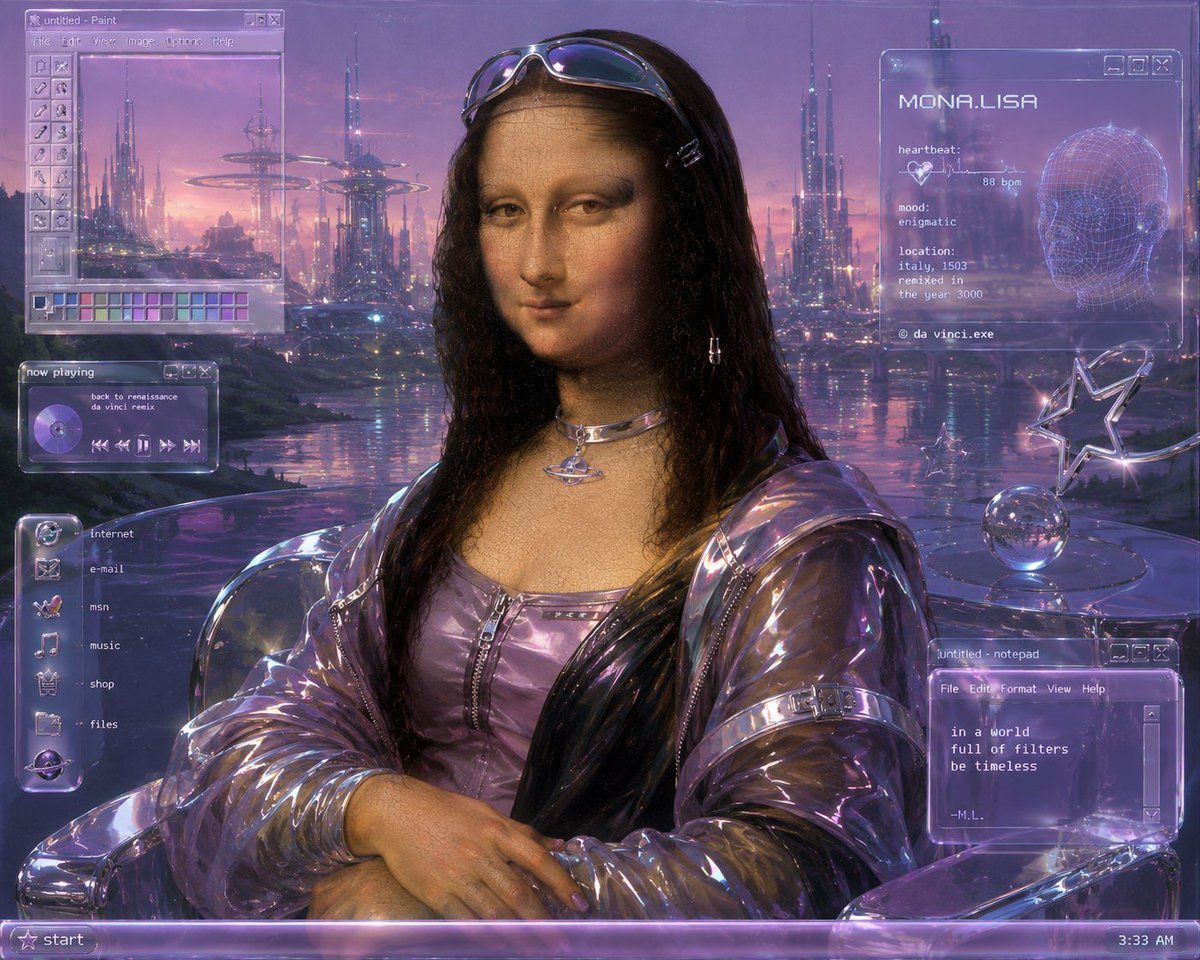
Y2K Futurist Mona Lisa Desktop
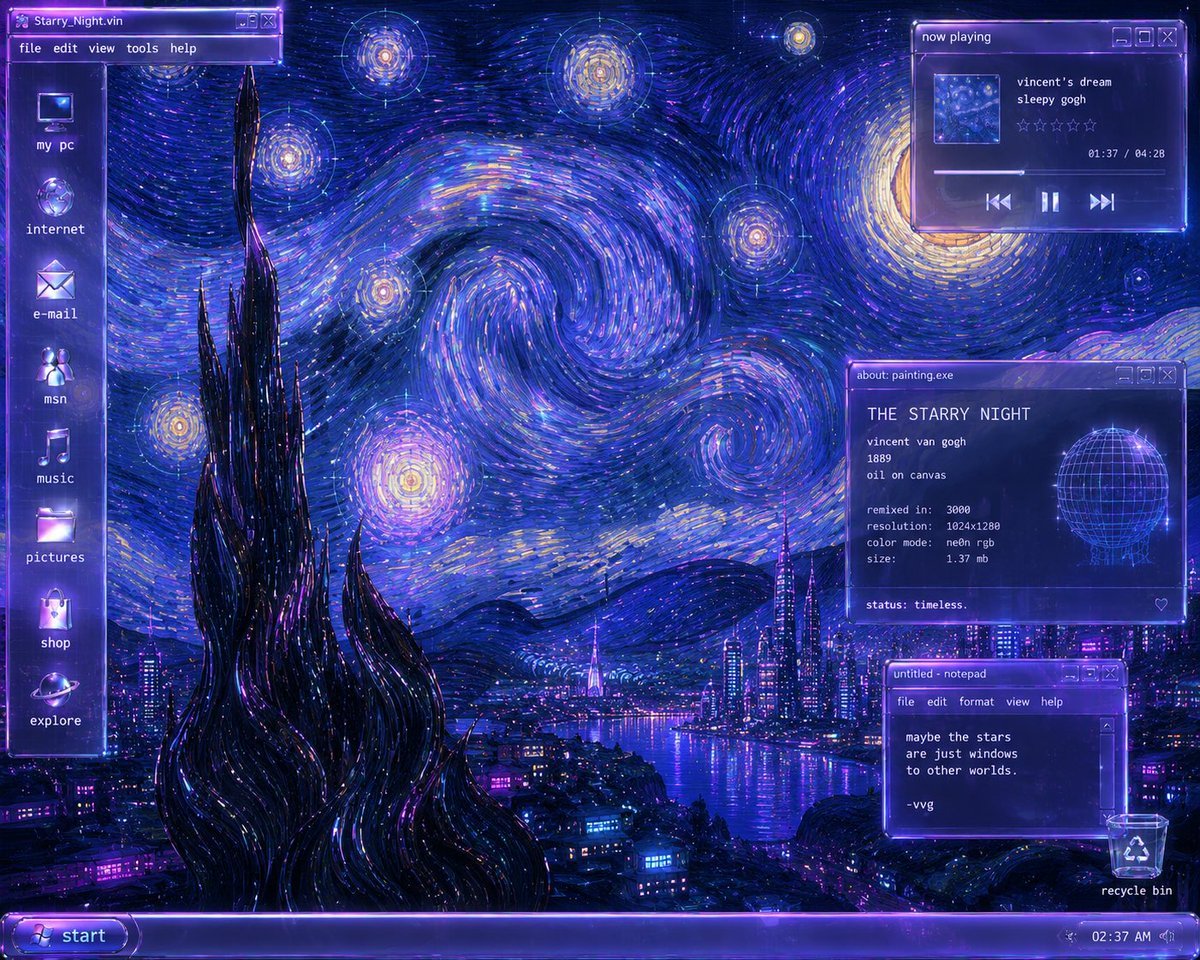
Y2K Starry Night Desktop

Sunlit Desk with White Cat and Laptop
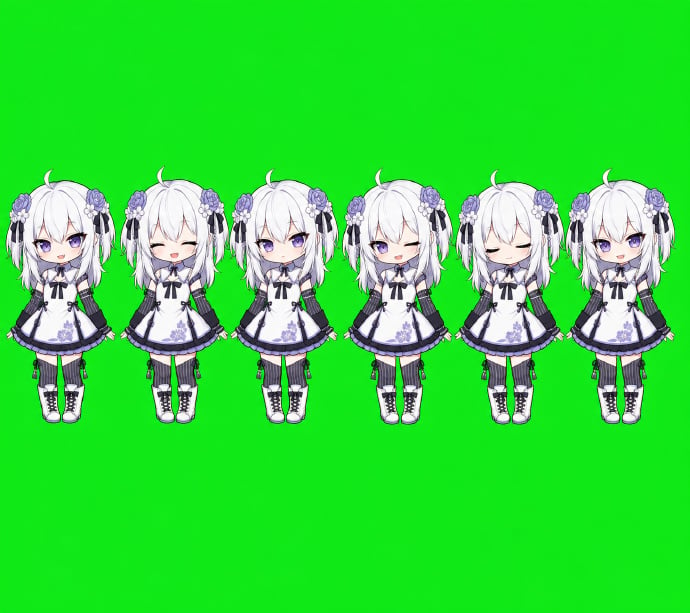
Chibi Desktop Pet Sprite Sheet

YouTube Dark Mode Desktop UI Mockup

YouTube Dark Mode Desktop UI Mockup
Make it yours
Top-Down Apple Counting Desk Scene works as-is. These are the safest ways to change it without losing the look.
Change one field
Copy a single group, rewrite it, and generate again so you can see what that field is doing.
Keep the frame, change the subject
Hold the composition and light of Top-Down Apple Counting Desk Scene, then swap wardrobe, props or the person for a new take.
| If the result… | Why | Fix |
|---|---|---|
| The result drifts from the preview | Too many fields changed at once. | Reuse Top-Down Apple Counting Desk Scene as-is first, then change one group — subject, light, or setting. |
| The model over-stylizes the scene | The prose prompt leaves finish and camera underspecified. | Add one camera or lighting sentence and stay on GPT Image 2. |
More GPT Image 2 templates
Other prompts made for GPT Image 2.

Six VTuber Japanese Logo Sheet

Realistic Portrait of Woman and Deer

The Vista Modular Condo Poster

AI Model Routing Comparison Infographic

2.5D Anime Art Board

New York Double Exposure Poster

Four-Panel AI Landscape Comparison

Japanese Tatami Lifestyle Magazine Cover

NESCAFÉ Coffee Map Poster

Brutalist Cogito Chinese Typography Poster
More image prompts
Fresh picks from across the catalog.
Existential Exhaustion Photorealistic Portrait

Low-Key Product Photography Prompt for Gemini Nano Banana Pro

South Asian Woman Portrait with Saree and Sheer Curtains
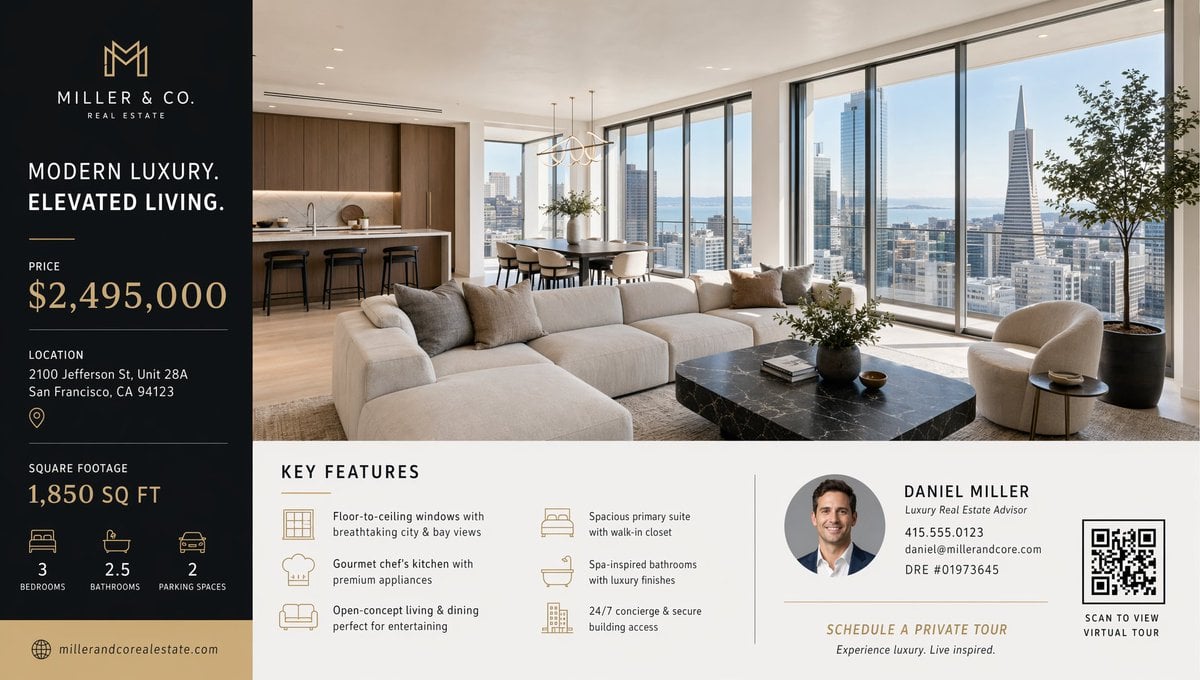
Luxury Real Estate Flyer Layout
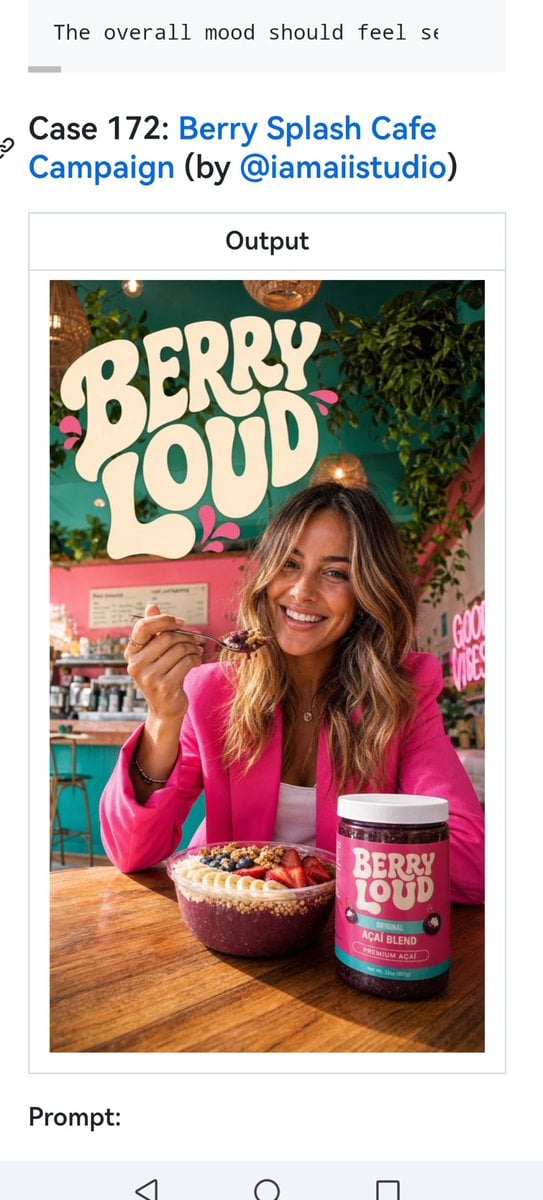
Berry Loud Cafe Campaign Screenshot
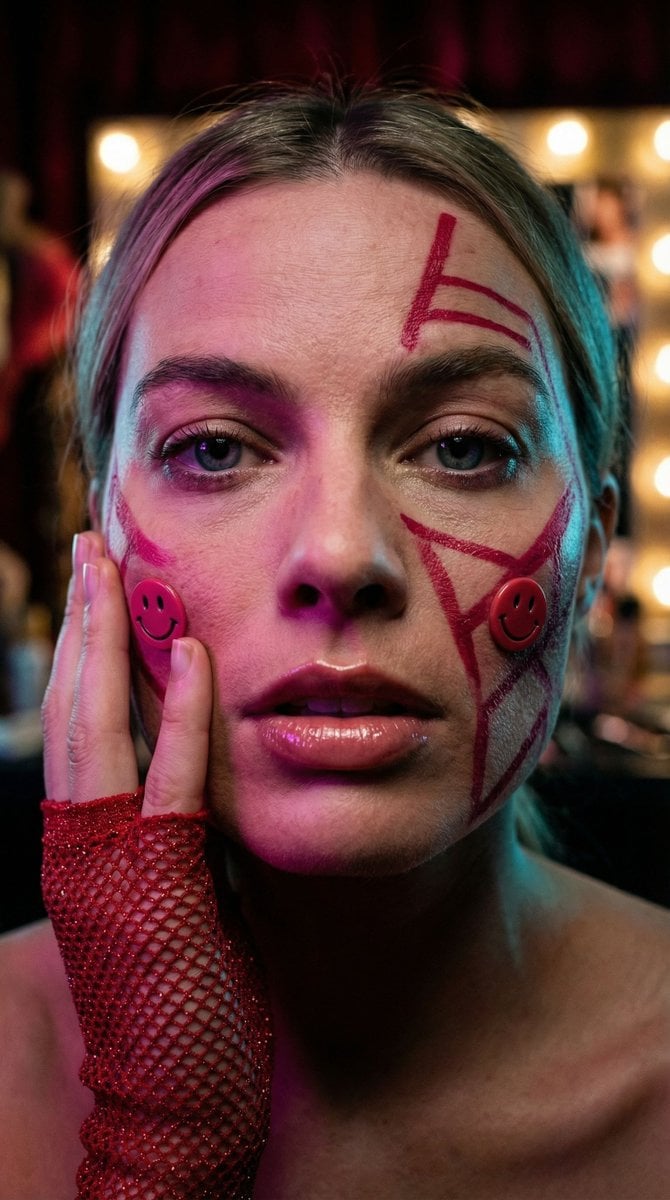
Cyberpunk Geisha Macro Portrait

Ultra-Macro Cherry in Milk Splash

Futuristic Corporate Enablement Infographic
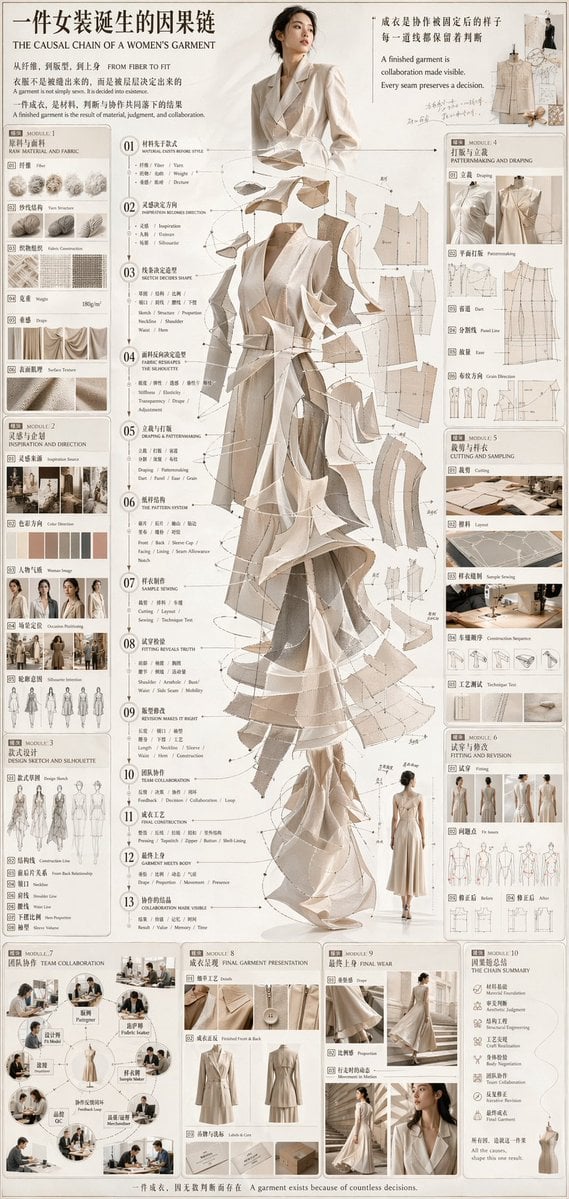
Couture Garment Process Infographic

Hyper-Realistic Photo of Person and Pixar Double (Identity Lock)
Browse template categories
Top-Down Apple Counting Desk Scene questions
How do I use the Top-Down Apple Counting Desk Scene template?
Add your photo if the template asks for one, edit the prompt if you like — the template's model and format are already selected — and press Generate. Your version opens in PicX Studio.
Can I customize the Top-Down Apple Counting Desk Scene template?
Yes. You can change the subject, setting, lighting, mood, format, and available model controls before creating your image.
Is the Top-Down Apple Counting Desk Scene template free?
Opening and editing this template is free. Generating uses credits, shown on the Generate button when you are signed in.
Which AI model should I use?
Start with GPT Image 2, which is the model associated with this template. You can compare another compatible model for a different finish.
Looking for something else? Browse all templates.

Your photo, any look
Thousands of ready templates for every top image and video model, from one credit balance.