How do I use the Gothic Lolita Raspberry Cake Portrait template?
Choose the primary action to open PicX Studio with the available template settings. Review the model and format, personalize the creative direction, and generate when ready.
Generates a vertical fantasy dessert portrait of a gothic anime doll-like girl rising from a raspberry chocolate layer cake for decorative AI art. Change the subject, setting, or lighting one variable at a time.
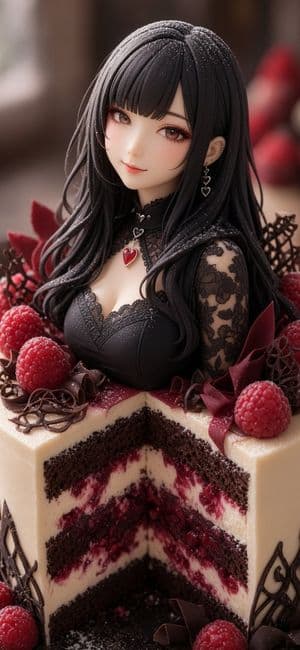
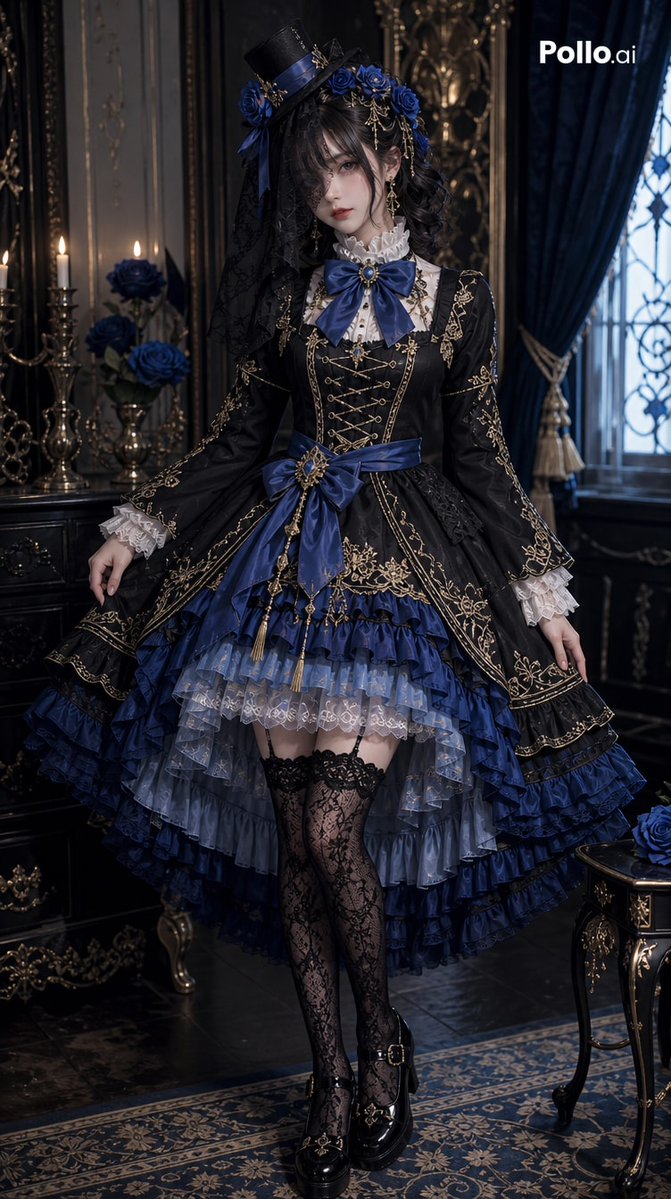
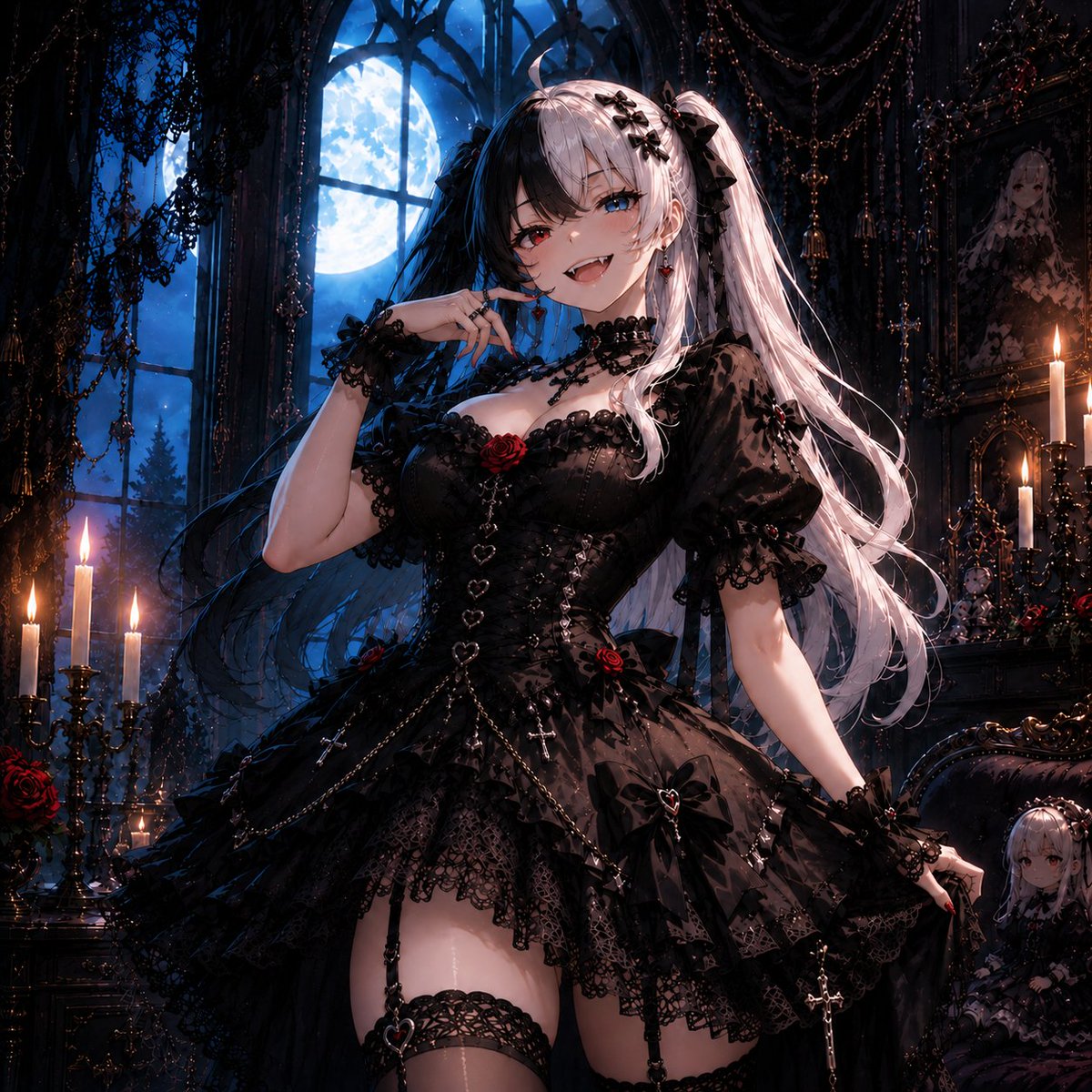
Create a vertical ultra-detailed photorealistic fantasy confection portrait of an elegant anime-style gothic lolita girl emerging from the top of a sliced raspberry chocolate layer cake. The main subject is a beautiful young woman with a porcelain doll face, soft smile, large warm brown eyes with long lashes, and flowing {argument name="hair color" default="black"} hair with straight bangs and loose wavy strands dusted with powdered sugar. She wears a refined black gothic lace dress with a deep sweetheart neckline, sheer floral lace sleeves, a black lace choker, and heart jewelry: exactly 3 visible heart accessories consisting of one red heart pendant at her throat and two dangling heart charms on one ear. The cake is a tall wedge-shaped cutaway dessert with exactly 5 visible horizontal layers: dark chocolate sponge, white cream, raspberry jam and berries, another dark chocolate sponge, and pale cream frosting around the outside. Decorate the top and base with exactly 5 prominent raspberries, curled dark chocolate shavings, delicate chocolate lattice pieces, burgundy chocolate shards shaped like petals, and a light dusting of powdered sugar. Use rich colors of black, cream, deep raspberry red, dark chocolate brown, and burgundy. Composition is close-up, centered, vertical 9:16, with the girl occupying the upper half and the cake cross-section filling the lower half. Lighting is soft cinematic dessert photography with shallow depth of field, creamy blurred bakery background, realistic skin and cake textures, glossy raspberries, intricate lace detail, high-end patisserie presentation, romantic gothic mood, no text, no watermark.
Choose the primary action to open PicX Studio with the available template settings. Review the model and format, personalize the creative direction, and generate when ready.
Yes. You can change the subject, setting, lighting, mood, format, and available model controls before creating your image.
This template is free to open and customize. Generation usage is shown in PicX Studio before you create.
Start with GPT Image 2, which is the model associated with this template. You can compare another compatible model for a different finish.
Follow a topic to a crawlable collection of related PicX Studio templates.
43,474 public templates available. Verified via the PicX Studio public templates API; refreshed hourly.









![Minimalist Flat Vector Travel Poster — Premium minimalist flat-vector travel poster for {argument name="city name" default="[CITY_NAME]"}, 3:4 vertical format.](https://cms-assets.youmind.com/media/1787917359711_3ug846_HQX205cbMAA6F6S-300x400.jpg)