
Japanese Business Slide on E-Application
A bold Japanese presentation slide with a central three-step infographic and strong editorial typography, suitable for corporate decks and policy or business explanation slides.
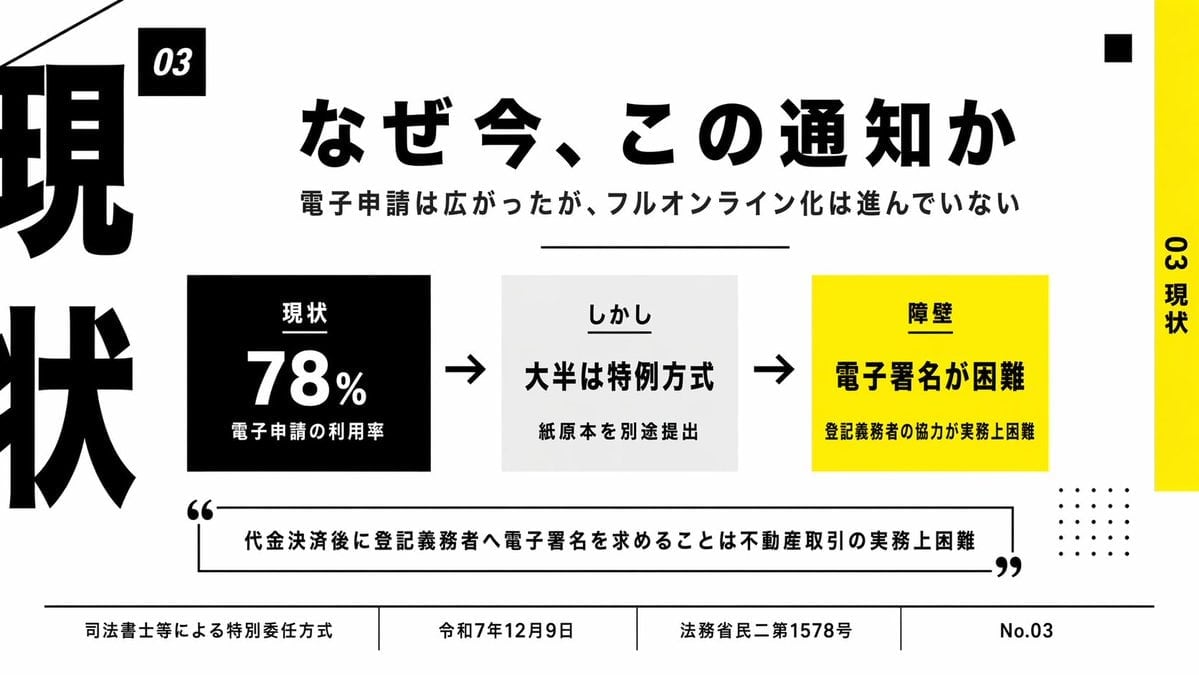
- Prompt included
- Model and format preset
- Free template
The prompt behind this image
Copy the exact prompt behind Japanese Business Slide on E-Application, or open it in the studio and make it yours.
- Type
- Japanese presentation slide
- Style
- minimal editorial business infographic, bold typographic layout, high-contrast black white and yellow palette, clean grid, lots of negative space, sharp vector text and shapes
- Canvas › Aspect Ratio
- 16:9
- Canvas › Background
- light gray
- Headline › Text
- {argument name="headline text" default="なぜ今、この通知か"}
- Headline › Position
- upper center
- Headline › Font
- extra bold Japanese sans-serif
- Headline › Color
- black
- Headline › Size
- very large
- Subheadline › Text
- 電子申請は広がったが、フルオンライン化は進んでいない
- Subheadline › Position
- below headline
- Subheadline › Font
- bold Japanese sans-serif
- Subheadline › Color
- black
- Subheadline › Size
- medium
- Layout › Sections › 0 › Title
- 03
- Layout › Sections › 0 › Position
- small black tag near upper left of main content
- Layout › Sections › 0 › Count
- 1
- Layout › Sections › 0 › Labels
- 03
- Layout › Sections › 1 › Title
- main process row
- Layout › Sections › 1 › Position
- center
- Layout › Sections › 1 › Count
- 3
- Layout › Sections › 1 › Labels
- 現状, しかし, 障壁
- Layout › Sections › 2 › Title
- bottom footer
- Layout › Sections › 2 › Position
- bottom full width
Raw JSON
{"type":"Japanese presentation slide","style":"minimal editorial business infographic, bold typographic layout, high-contrast black white and yellow palette, clean grid, lots of negative space, sharp vector text and shapes","canvas":{"aspect_ratio":"16:9","background":"light gray"},"headline":{"text":"{argument name=\"headline text\" default=\"なぜ今、この通知か\"}","position":"upper center","font":"extra bold Japanese sans-serif","color":"black","size":"very large"},"subheadline":{"text":"電子申請は広がったが、フルオンライン化は進んでいない","position":"below headline","font":"bold Japanese sans-serif","color":"black","size":"medium"},"layout":{"sections":[{"title":"03","position":"small black tag near upper left of main content","count":1,"labels":["03"]},{"title":"main process row","position":"center","count":3,"labels":["現状","しかし","障壁"]},{"title":"bottom footer","position":"bottom full width","count":4,"labels":["司法書士等による特別委任方式","令和7年12月9日","法務省民二第1578号","No.03"]}],"decorations":{"left_edge":"oversized cropped vertical kanji typography in black running off the left side, showing parts of 現 and 状","right_edge":"vertical yellow bar on the far right with rotated black text 03 現状","top_right":"1 small black square","bottom_right":"4 by 5 grid of small black dots","top_left":"thin diagonal black line entering from the top left corner","divider_under_subheadline":"1 thin horizontal black line"}},"center_graphic":{"items":[{"kind":"stat box","count":1,"background":"black","text_lines":["現状","78%","電子申請の利用率"],"text_color":"white","position":"left of center"},{"kind":"arrow","count":2,"color":"black","positions":["between first and second box","between second and third box"]},{"kind":"statement box","count":1,"background":"very light gray","text_lines":["しかし","大半は特例方式","紙原本を別途提出出"],"text_color":"black","position":"center"},{"kind":"barrier box","count":1,"background":"bright yellow","text_lines":["障壁","電子署名が困難","登記義務者の協力が実務上困難"],"text_color":"black","position":"right of center"}]},"quote":{"count":1,"text":"{argument name=\"quote\" default=\"代金決済後に登記義務者へ電子署名を求めることは不動産取引の実務上困難\"}","position":"lower middle inside outlined rectangle with oversized opening and closing quotation marks","style":"bold Japanese sans-serif, black text, black border"},"colors":{"black":"#000000","white":"#FFFFFF","light_gray":"#F2F2F2","yellow":"#FFF200"},"rendering":"flat slide design, precise typography, presentation-ready corporate layout, Japanese text rendered cleanly and legibly"}How to use Japanese Business Slide on E-Application in 3 steps
- 1Upload ImagePNG, JPG or paste
Add your photo
Upload the photo the template builds on. The prompt, model and format are already set.
- 2…a portrait of your subject in softgolden-hour light, 85mm…
Personalize
Edit the subject and creative details for your destination.
- 3Generate
Generate
Press Generate — your image is created in PicX Studio, so you can compare it with the original and refine one variable at a time.
More like this
Templates with the same subject, style or setup. Open one to see its prompt.

Minecraft Japanese Research Lab Exploration
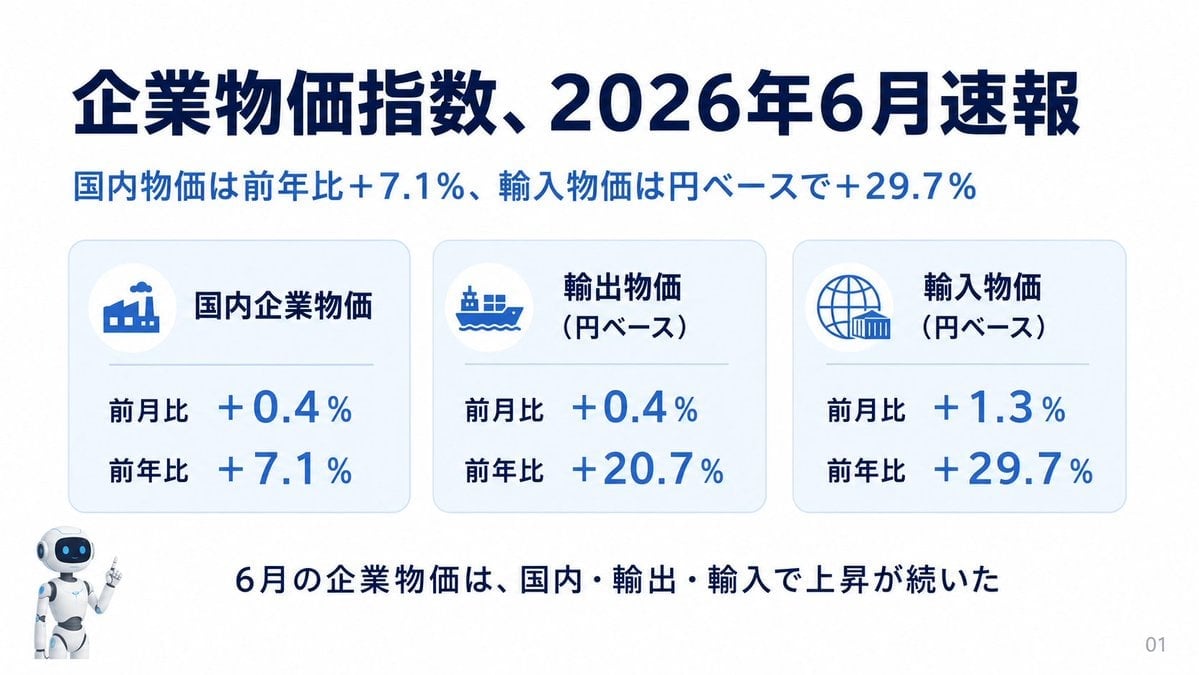
Japanese Corporate Price Index Slide
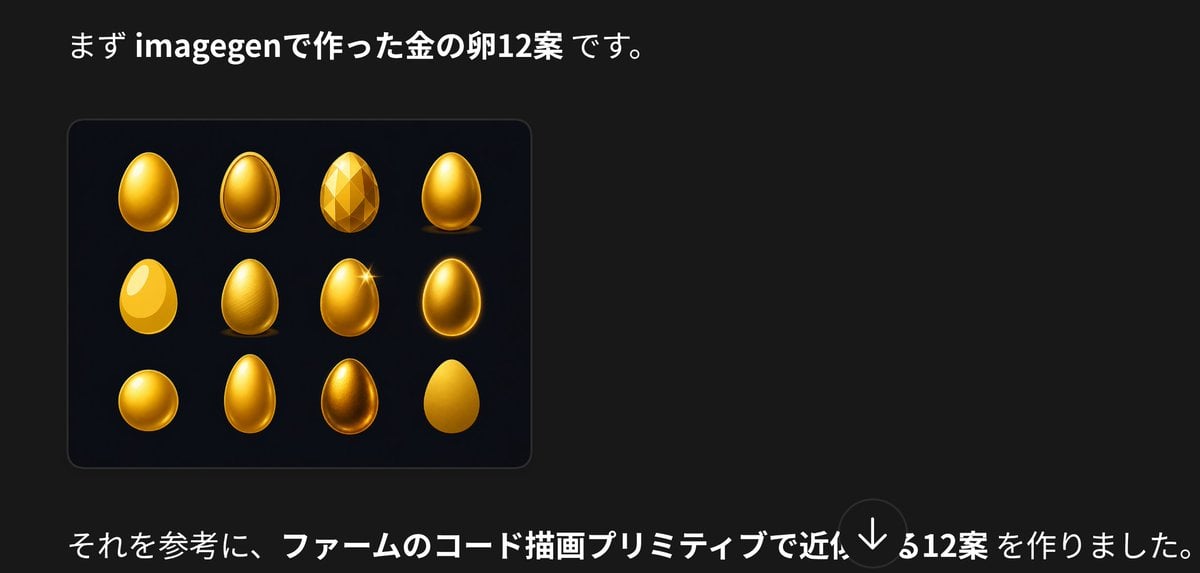
Japanese Golden Egg Design Slide

Japanese Architectural Concrete Studio Fashion Campaign

Japanese Minimalist Concrete Studio Fashion Editorial

Blue Backdrop Luxury Fashion Portrait Campaign
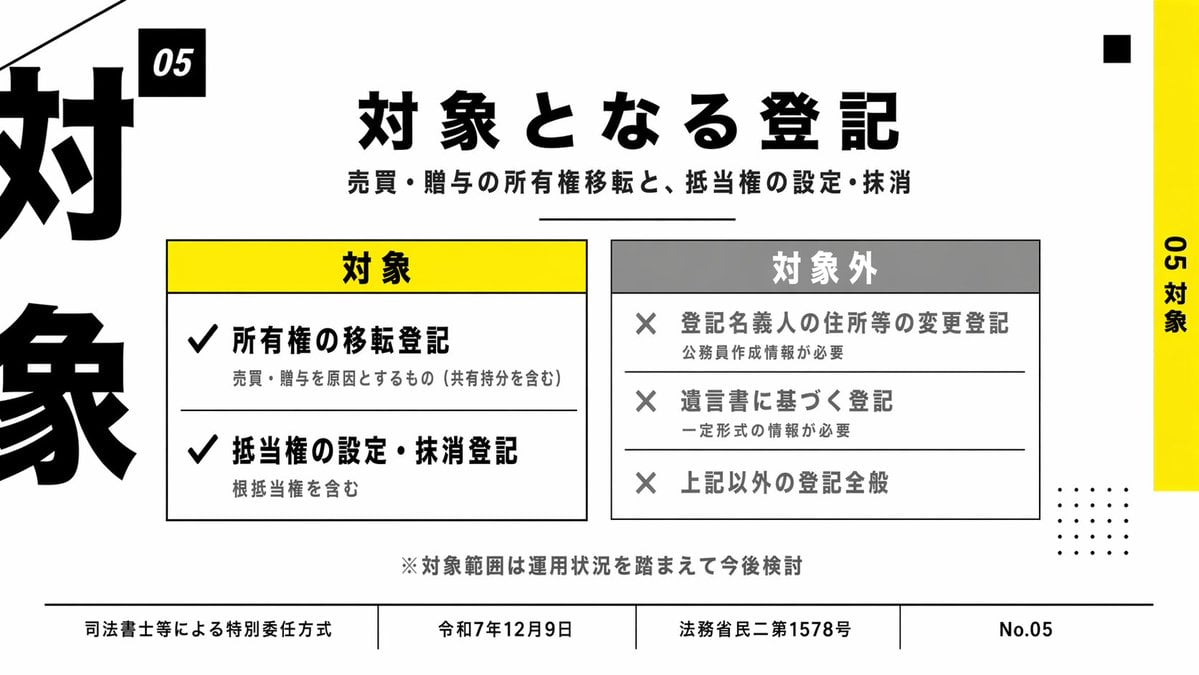
Japanese Corporate Scope Slide
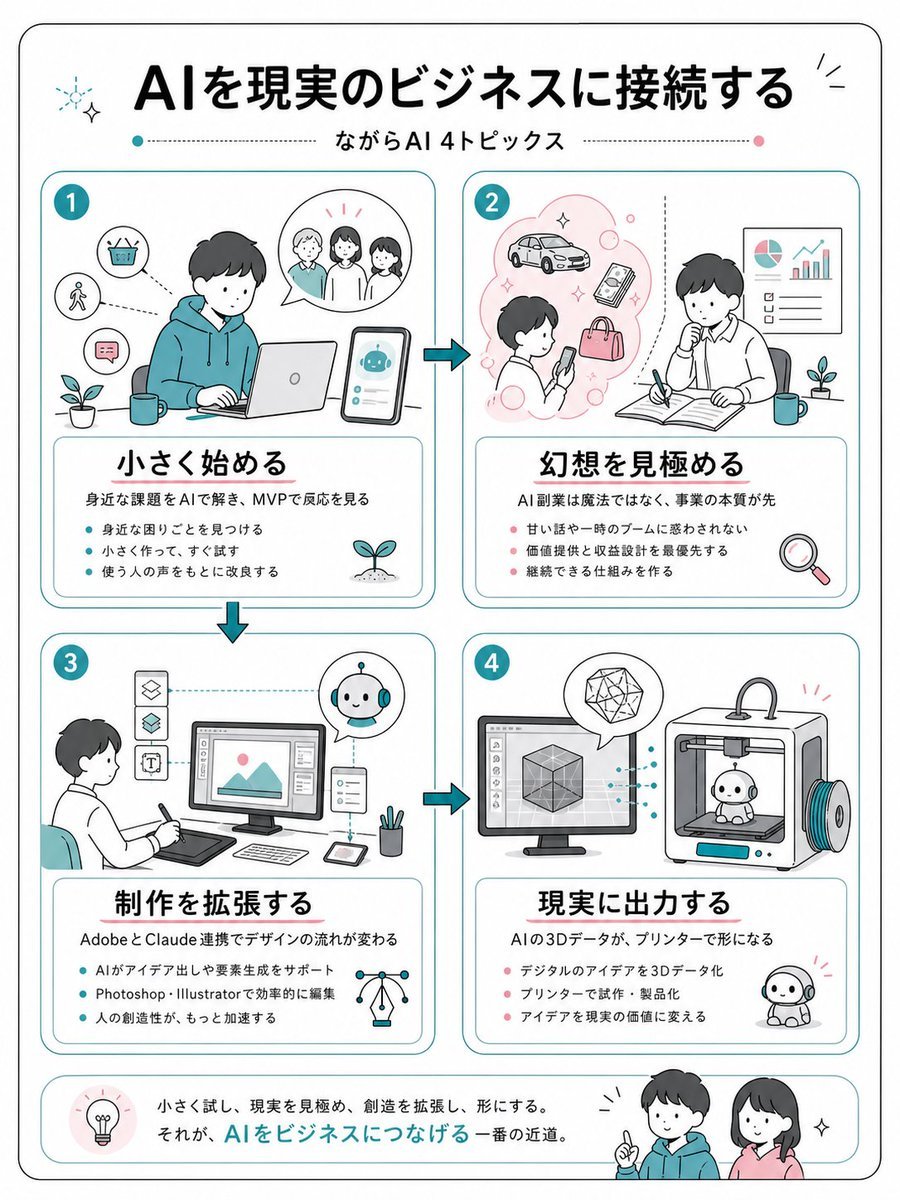
Japanese AI Business Infographic
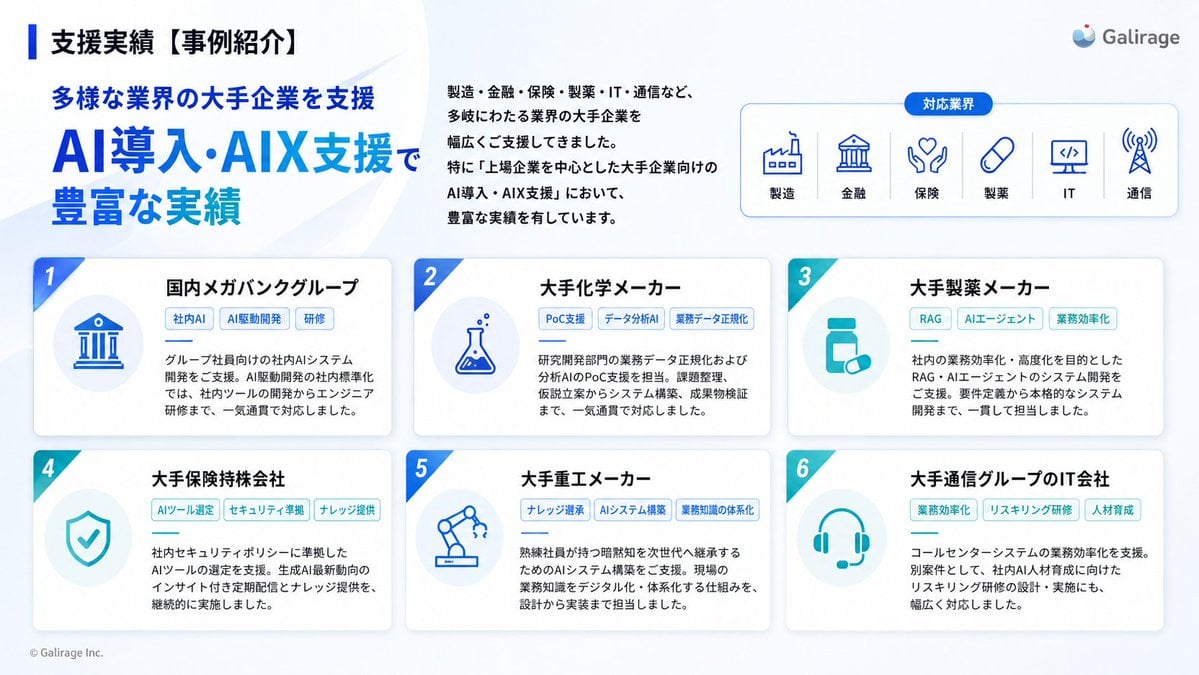
Japanese AI Case Study Slide
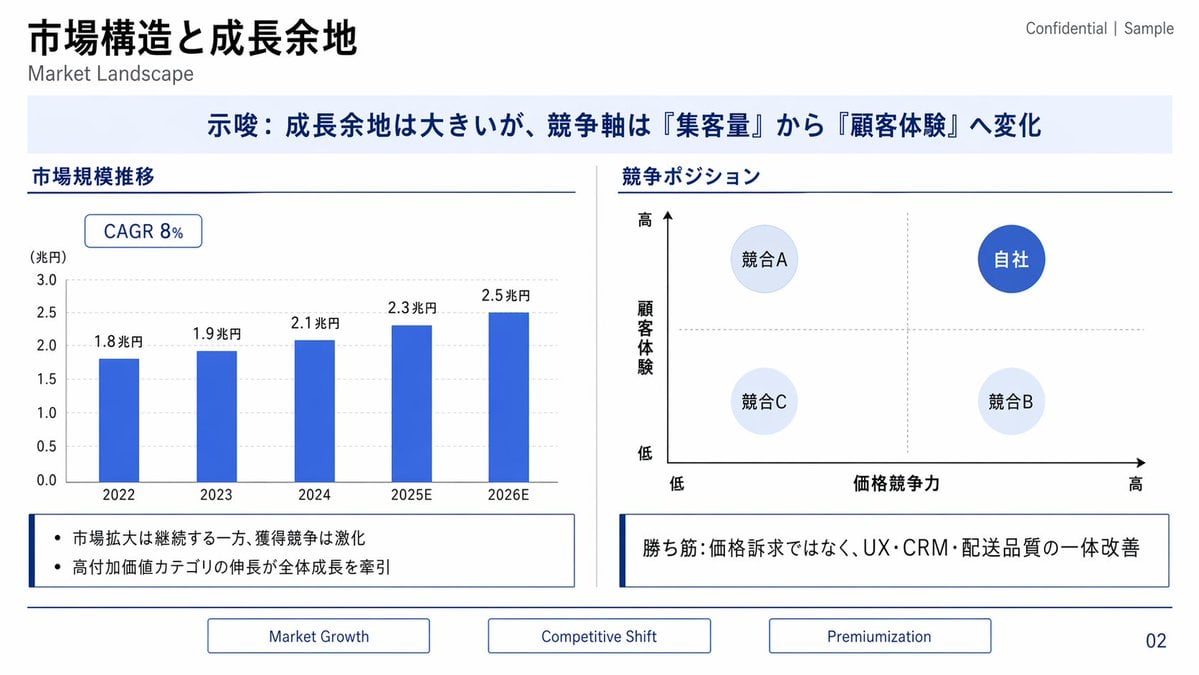
Japanese Market Landscape Slide
Japanese Codex Workshop Slide Deck Grid

Japanese Film Reflection Idol
Make it yours
Japanese Business Slide on E-Application works as-is. These are the safest ways to change it without losing the look.
Swap the setting
Keep the rest of the prompt and replace the location block. The current setting is “light gray”.
Swap the light
One lighting change is enough to compare takes. Current light: “#F2F2F2”.
Change one field
Copy a single group, rewrite it, and generate again so you can see what that field is doing.
| If the result… | Why | Fix |
|---|---|---|
| The result drifts from the preview | Too many fields changed at once. | Reuse Japanese Business Slide on E-Application as-is first, then change one group — subject, light, or setting. |
| GPT Image 2 ignores part of the JSON | Some models flatten or skip nested keys. | Keep the same values and paste them as a short paragraph instead. |
More GPT Image 2 templates
Other prompts made for GPT Image 2.

Realistic Portrait of Woman and Deer

The Vista Modular Condo Poster

AI Model Routing Comparison Infographic

2.5D Anime Art Board

Isometric Productivity Desk Scene

New York Double Exposure Poster

Four-Panel AI Landscape Comparison

NESCAFÉ Coffee Map Poster

Brutalist Cogito Chinese Typography Poster

Cinematic Luxury Terrace Portrait
More image prompts
Fresh picks from across the catalog.

Hyper-realistic Living Room Football Scene Prompt

Vibrant Watercolor Portrait with Dynamic Paint Splashes

Surreal Desert with Twin Celestial Spheres
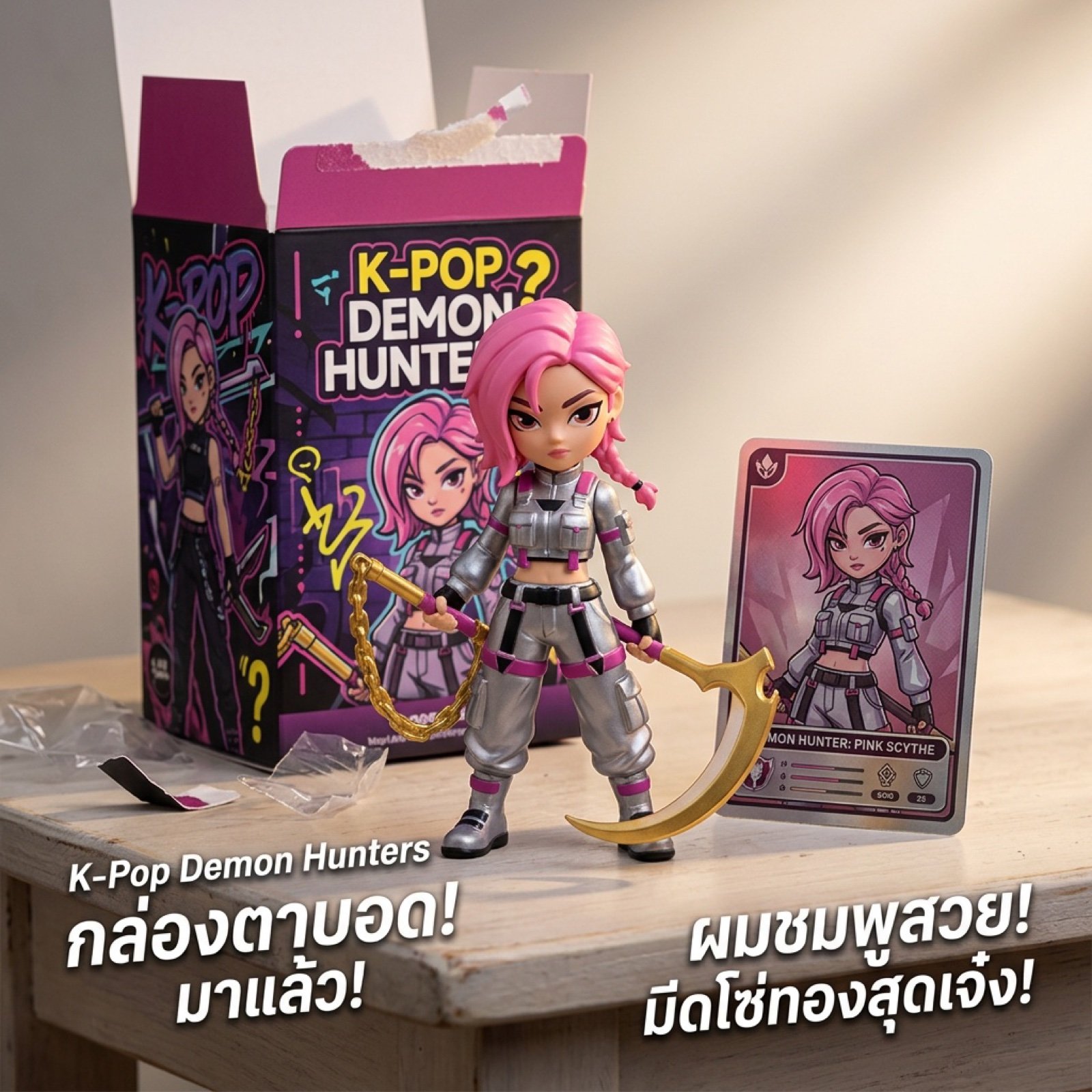
K-Pop Demon Hunters Video Script/Prompt
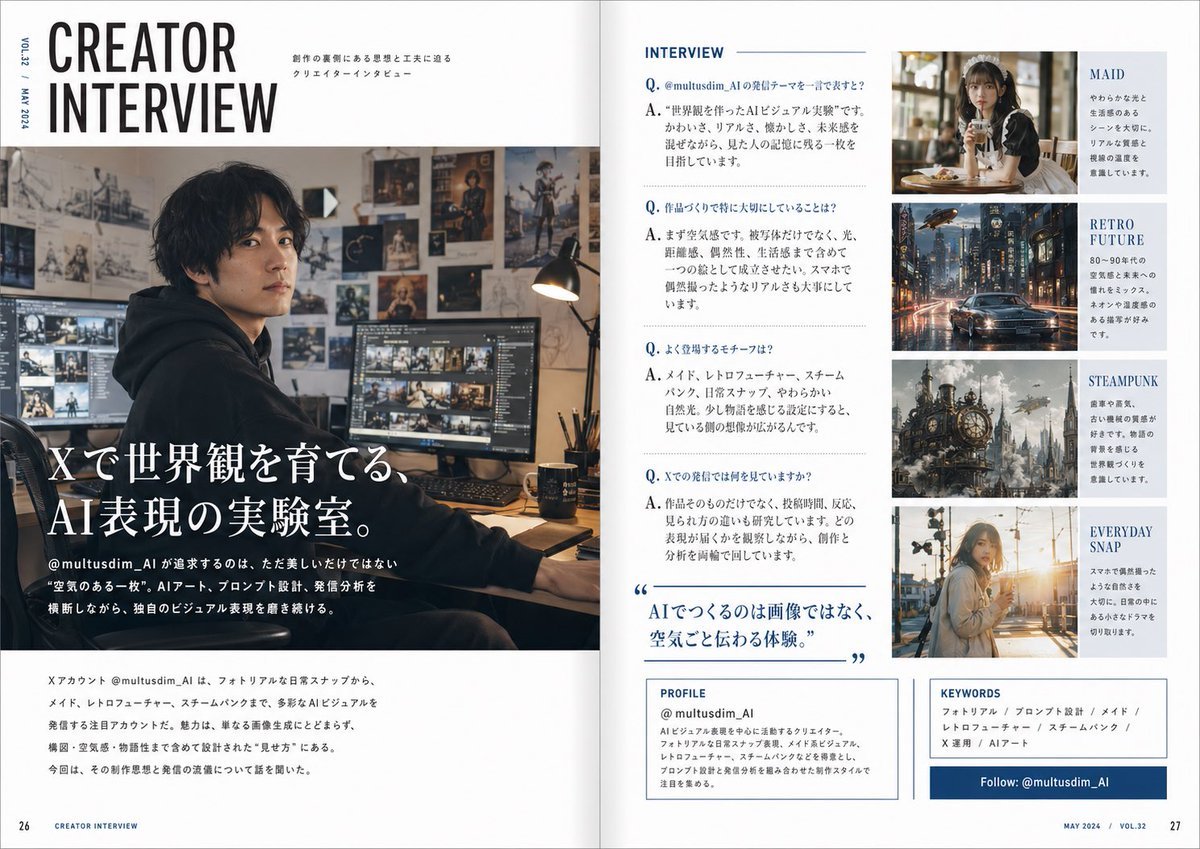
Japanese Creator Interview Magazine Spread

Cosmic Spawn Brand Poster

Modern Urban Editorial Portrait of a Man

JSON Prompt for Stylized 3D Character Render (Minimal Cartoon)
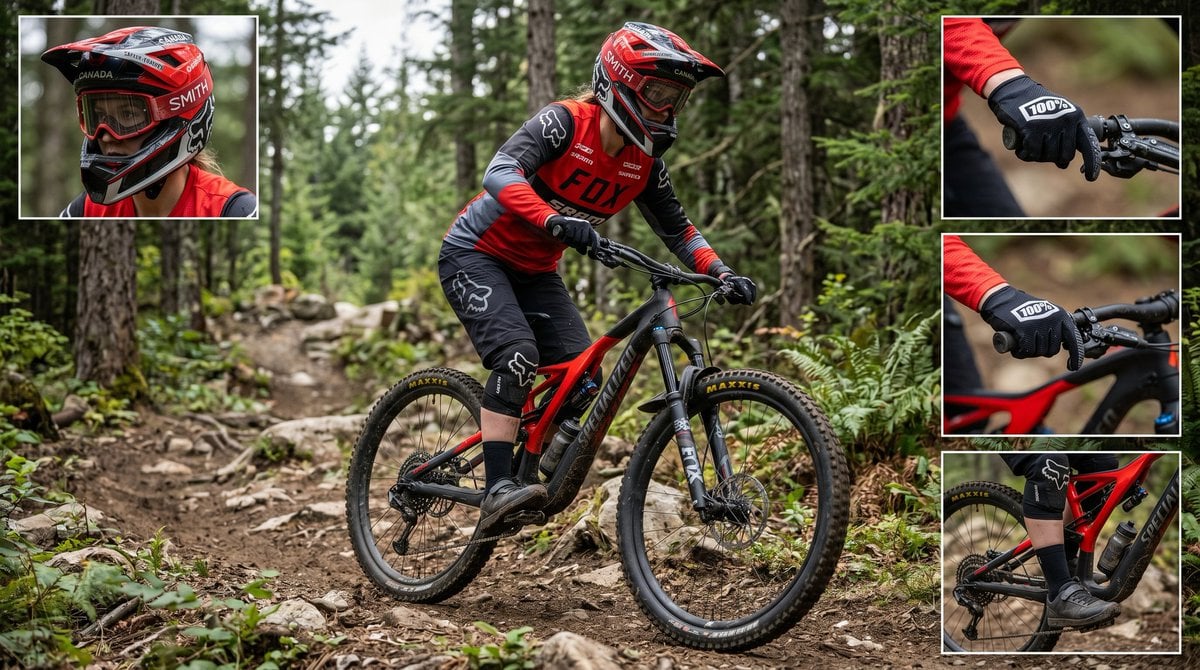
Mountain Biker Action Shots Prompt

Crowd Energy at Idol Live Concert
Browse template categories
Japanese Business Slide on E-Application questions
How do I use the Japanese Business Slide on E-Application template?
Add your photo if the template asks for one, edit the prompt if you like — the template's model and format are already selected — and press Generate. Your version opens in PicX Studio.
Can I customize the Japanese Business Slide on E-Application template?
Yes. You can change the subject, setting, lighting, mood, format, and available model controls before creating your image.
Is the Japanese Business Slide on E-Application template free?
Opening and editing this template is free. Generating uses credits, shown on the Generate button when you are signed in.
Which AI model should I use?
Start with GPT Image 2, which is the model associated with this template. You can compare another compatible model for a different finish.
Looking for something else? Browse all templates.

Your photo, any look
Thousands of ready templates for every top image and video model, from one credit balance.