
Alternative Character Graphic Illustration
A stylized 2D illustration prompt featuring unique character features, thick ink contours, and a worn-paper texture.
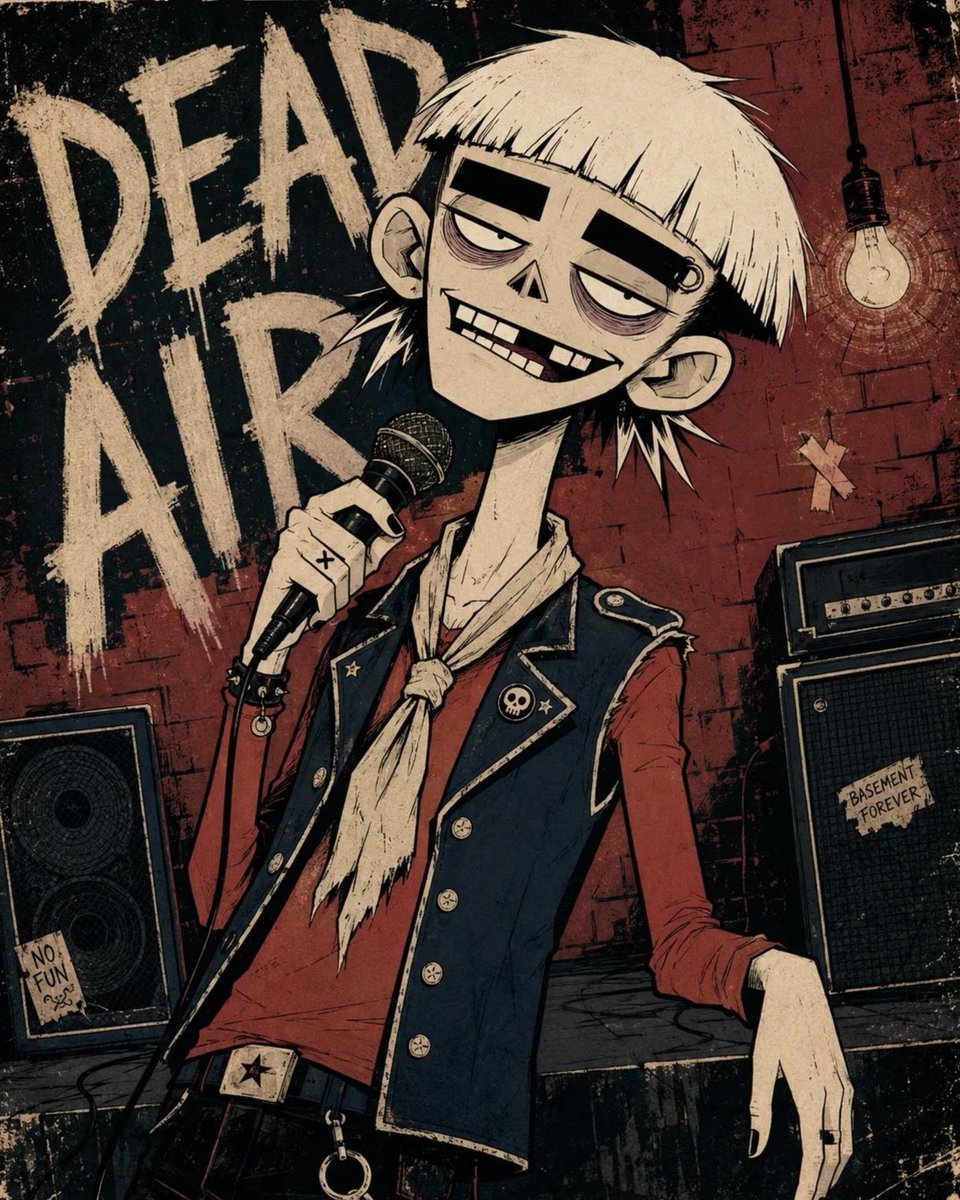
- Prompt included
- Model and format preset
- Free template
The prompt behind this image
Copy the exact prompt behind Alternative Character Graphic Illustration, or open it in the studio and make it yours.
Two-dimensional alternative character illustration of {argument name="character" default="the subject"}, occupying approximately seventy-five percent of the frame in {argument name="pose" default="a dynamic stance"}, with [HAIR] and [EXPRESSION]. Oversized rounded cranium, a short flattened lower face, a narrow jaw, a long thin neck, slightly oversized ears, huge pale oval eyes with tiny off-center pupils, extremely thick horizontal black eyebrows, heavy black upper eyelids, muted mauve under-eye rings, a tiny broad triangular nose, and a wide asymmetrical grin showing individually drawn irregular rectangular teeth, one clearly missing upper tooth, one chipped tooth and deep black gaps. Dress the character in {argument name="clothing" default="simplified graphic clothing"}, simplified into broad graphic shapes with chunky seams, minimal folds and small hand-drawn accessories. Confident black ink contours using thick outer silhouettes, medium-weight facial lines, thin angular hair strands and only a few short scratch marks around the eyes, hair and clothing seams; use flat opaque color fields, one hard-edged cel-shadow shape per form, sparse pencil hatching, subtle ink wobble, slight color misregistration and restrained worn-paper texture. Controlled [COLORS] palette, keeping every color clearly separated and moderately saturated. Place the character against [BACKGROUND], reduced to large flat shapes, a few loosely drawn environmental details and oversized rough hand-painted lettering reading “[TEXT]”; use an off-center waist-up composition, a slight camera tilt, cropped background typography, loose poster margins and lightly weathered printed edges. 4:5 AR.
How to use Alternative Character Graphic Illustration in 3 steps
- 1
Open
The prompt is already in the box next to the preview, with the template's model and format selected.
- 2…a portrait of your subject in softgolden-hour light, 85mm…
Personalize
Edit the subject and creative details for your destination.
- 3Generate
Generate
Press Generate — your image is created in PicX Studio, so you can compare it with the original and refine one variable at a time.
More like this
Templates with the same subject, style or setup. Open one to see its prompt.
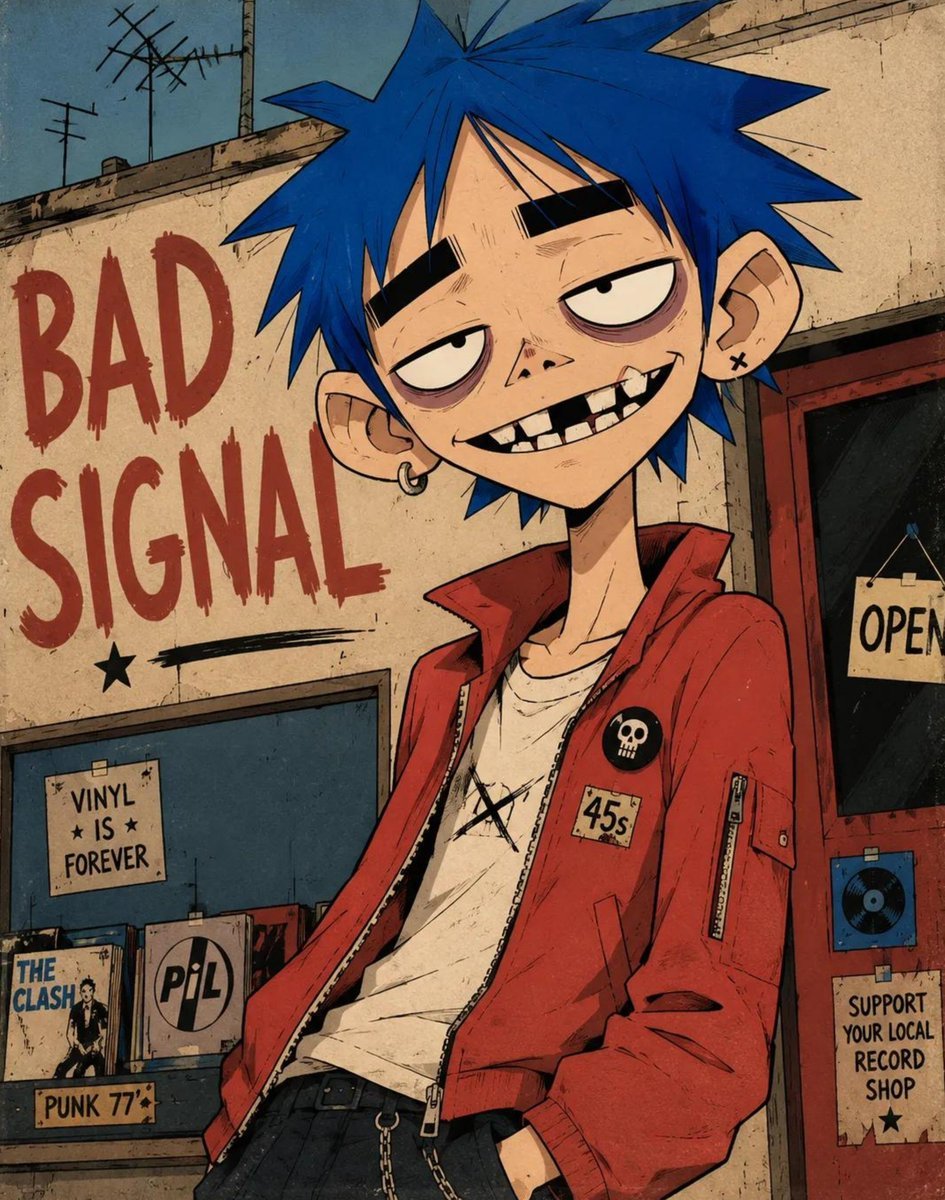
Alternative Graphic Character Illustration
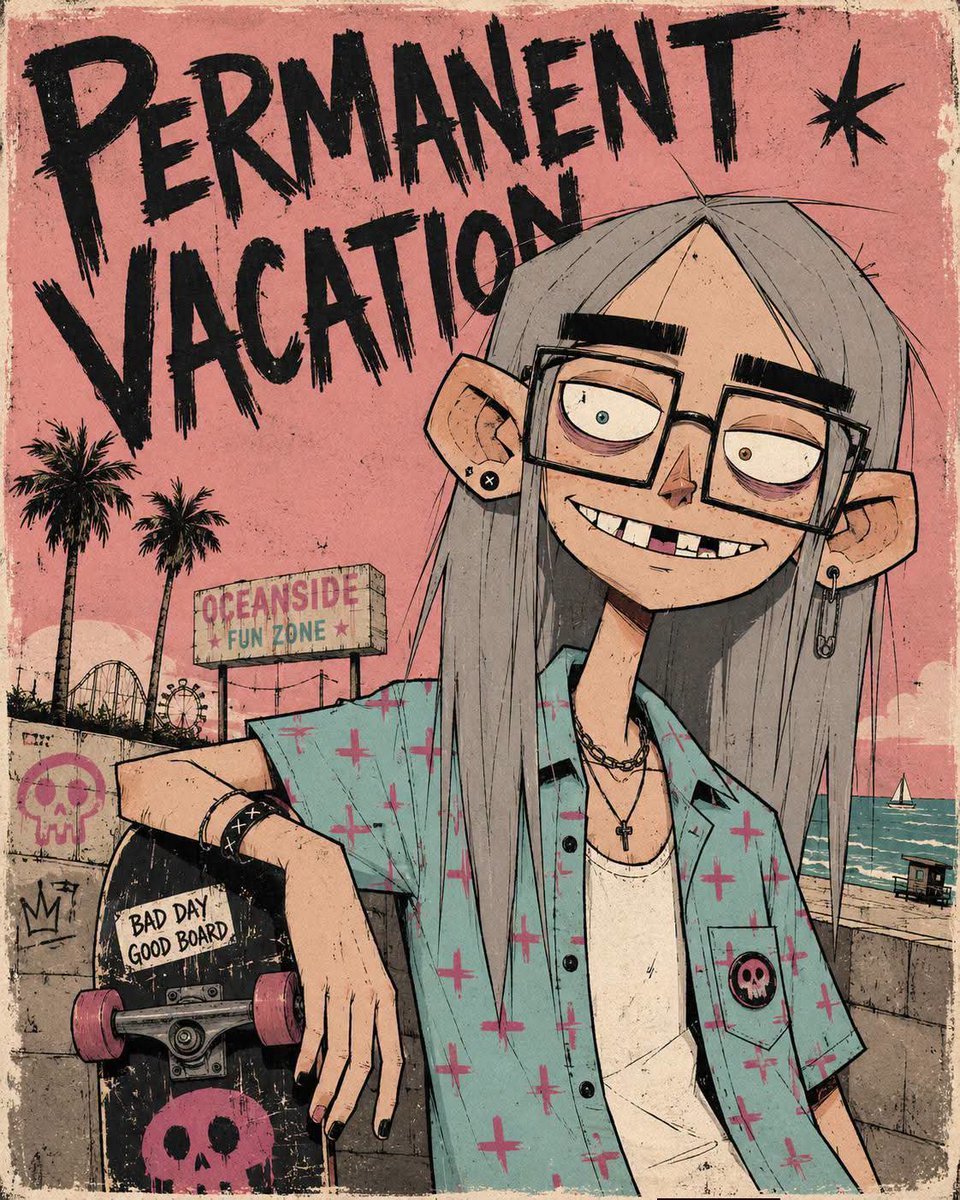
Alternative Character Illustration
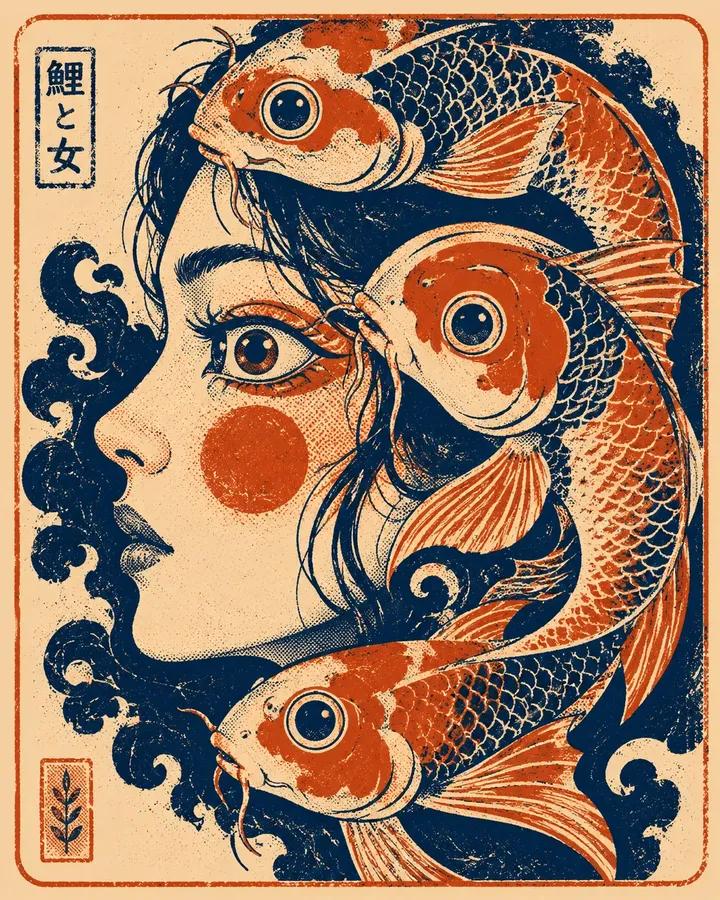
Graphic Screen-Print Human-Animal Illustration

Quiet Minimalist Anime Style Guide

Real Illustration Split Portrait Transition
Quiet Minimalist Anime Style Guide

Watercolor Café Cheesecake Editorial Illustration
Real Illustration Split Portrait Transition

Bold Side Profile Superhero Poster

Hero Portrait Comic Multi-Panel Poster

Spider-Verse Painterly Portrait Poster

Captain Tsubasa Anime World Cup Poster
Make it yours
Alternative Character Graphic Illustration works as-is. These are the safest ways to change it without losing the look.
Change one field
Copy a single group, rewrite it, and generate again so you can see what that field is doing.
Keep the frame, change the subject
Hold the composition and light of Alternative Character Graphic Illustration, then swap wardrobe, props or the person for a new take.
| If the result… | Why | Fix |
|---|---|---|
| The result drifts from the preview | Too many fields changed at once. | Reuse Alternative Character Graphic Illustration as-is first, then change one group — subject, light, or setting. |
| The model over-stylizes the scene | The prose prompt leaves finish and camera underspecified. | Add one camera or lighting sentence and stay on GPT Image 2. |
More GPT Image 2 templates
Other prompts made for GPT Image 2.

Six VTuber Japanese Logo Sheet

Realistic Portrait of Woman and Deer

The Vista Modular Condo Poster

AI Model Routing Comparison Infographic

2.5D Anime Art Board

Isometric Productivity Desk Scene

New York Double Exposure Poster

Four-Panel AI Landscape Comparison

Japanese Tatami Lifestyle Magazine Cover

NESCAFÉ Coffee Map Poster
More image prompts
Fresh picks from across the catalog.
High Fashion Editorial: Woman Lying on Asphalt by Porsche
Video Prompt for Suede Trench Coat Showcase
Three Floral Chickens Portrait
Luxury Bag Meets Discount Chaos Poster
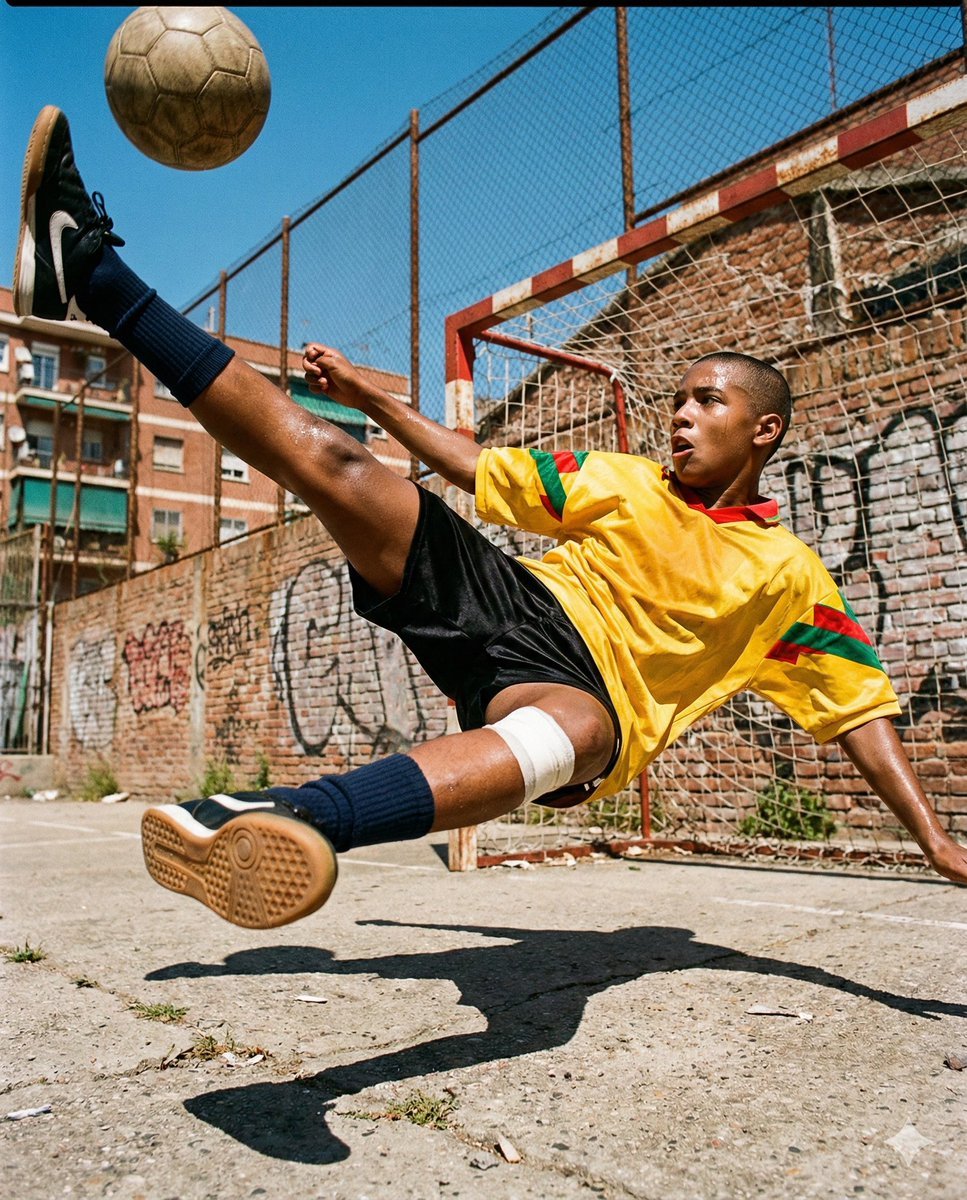
Hyper-Realistic Urban Soccer Bicycle Kick Action Shot
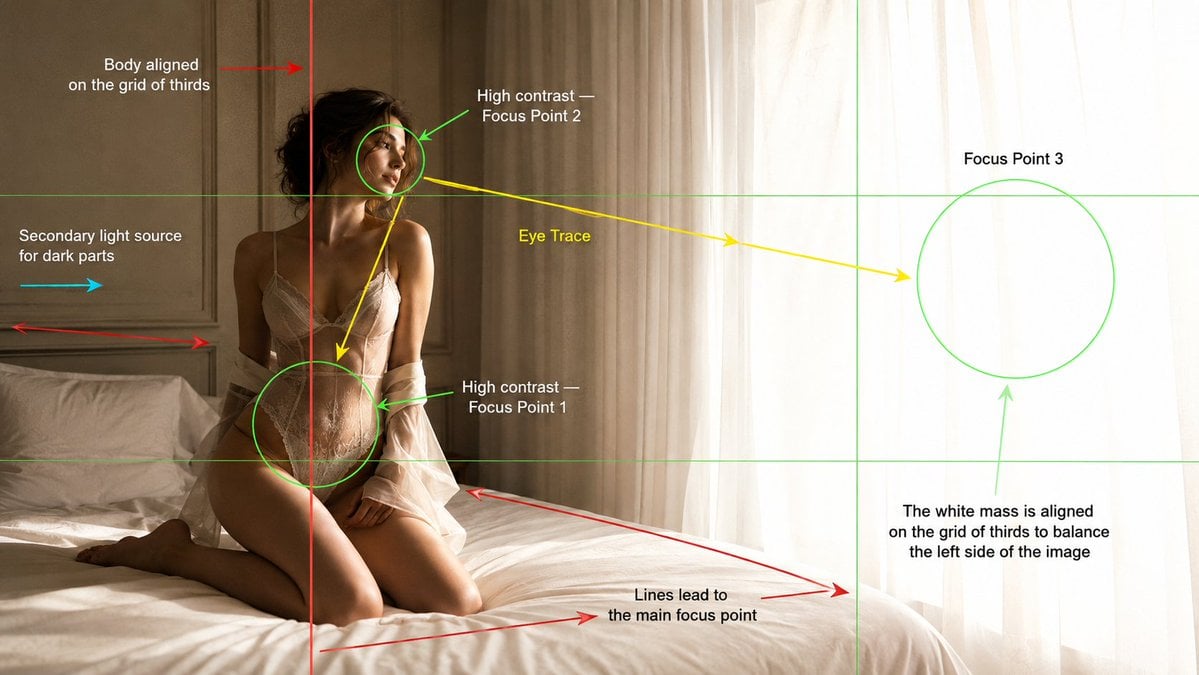
Cinematography Composition Analysis Frame
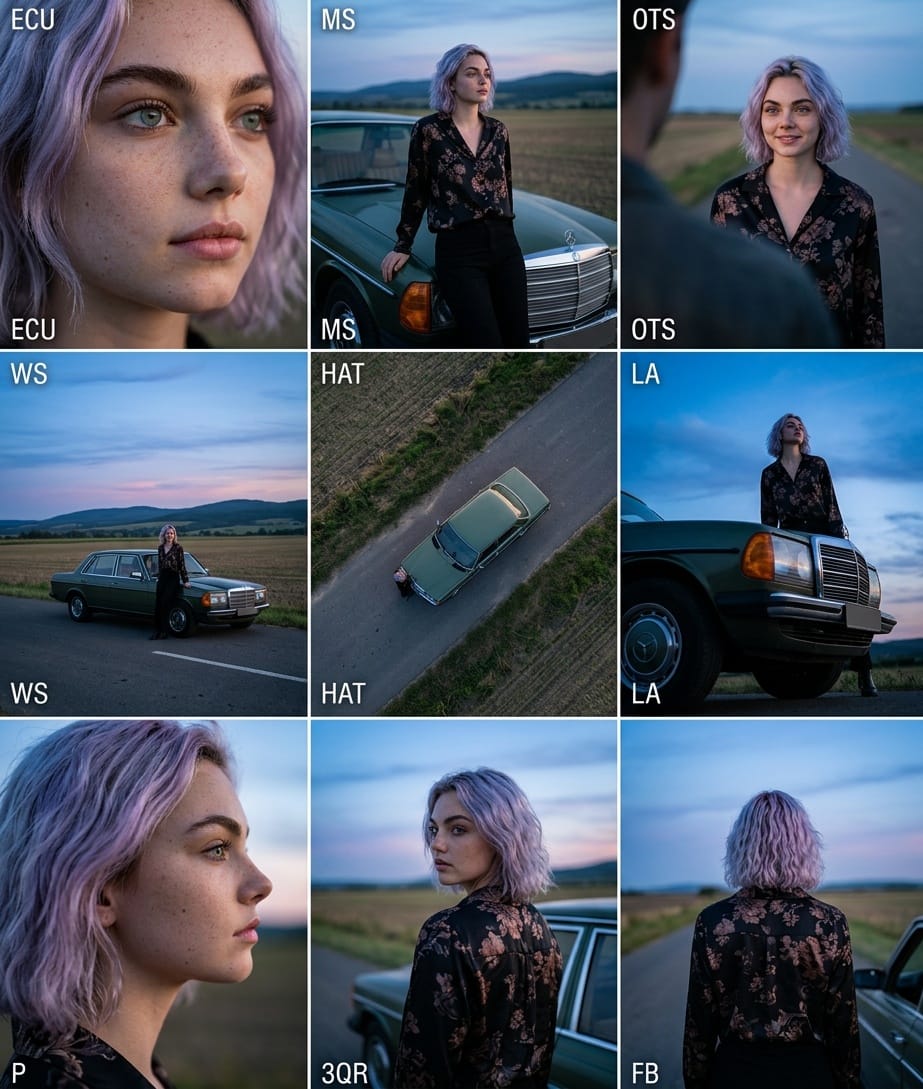
Cinematic 3x3 Grid Camera Angle Prompt
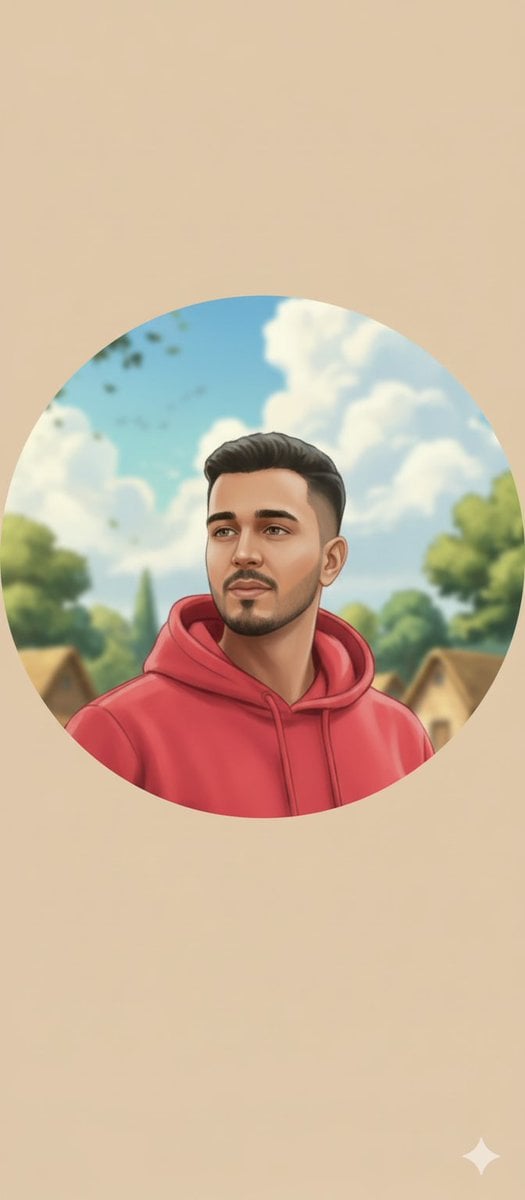
Circular Profile Picture Style Transfer
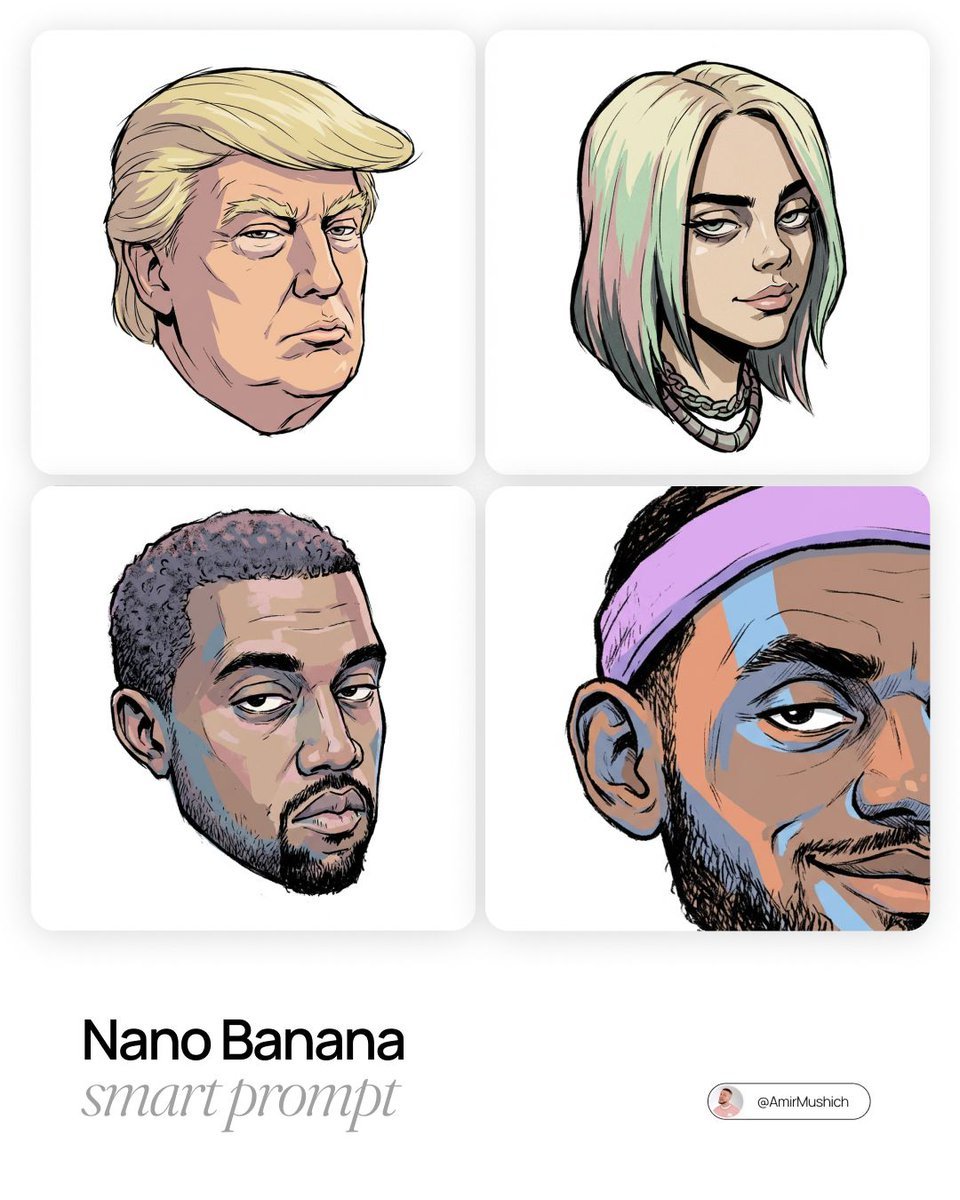
Gorillaz-Styled Illustration Prompt

Golden Hour Korean Classroom Portrait
Browse template categories
Alternative Character Graphic Illustration questions
How do I use the Alternative Character Graphic Illustration template?
Add your photo if the template asks for one, edit the prompt if you like — the template's model and format are already selected — and press Generate. Your version opens in PicX Studio.
Can I customize the Alternative Character Graphic Illustration template?
Yes. You can change the subject, setting, lighting, mood, format, and available model controls before creating your image.
Is the Alternative Character Graphic Illustration template free?
Opening and editing this template is free. Generating uses credits, shown on the Generate button when you are signed in.
Which AI model should I use?
Start with GPT Image 2, which is the model associated with this template. You can compare another compatible model for a different finish.
Looking for something else? Browse all templates.

Your photo, any look
Thousands of ready templates for every top image and video model, from one credit balance.