
Twitter Papercraft Motorcycle City
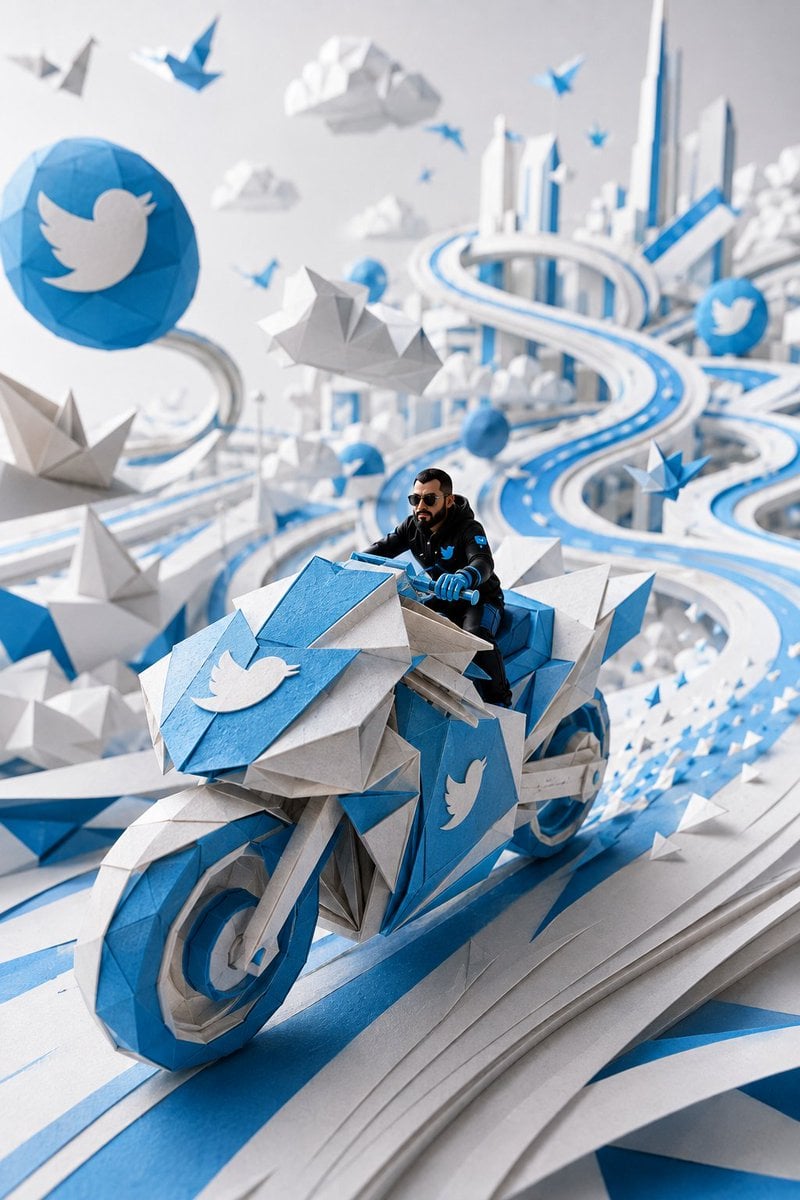
A cinematic prompt for generating a blue-and-white origami Twitter-themed futuristic city with a rider on a faceted paper motorcycle.
- Prompt included
- Model and format preset
- Free template
The prompt behind this image
Copy the exact prompt behind Twitter Papercraft Motorcycle City, or open it in the studio and make it yours.
Create a vertical 2:3 cinematic papercraft diorama in Twitter/X brand colors: a hyper-detailed low-poly origami world made of layered white paper, bright Twitter blue cardstock, and soft gray folded paper. In the foreground, show {argument name="character description" default="a realistic miniature adult man with short dark hair, full beard and moustache, black sunglasses, black tactical jacket, blue gloves, and a small blue bird emblem on his chest"} riding a futuristic angular origami motorcycle directly toward the viewer on a sweeping elevated blue-and-white paper highway. The motorcycle is large, faceted, and geometric, with blue front wheel rim, white and gray folded-paper body panels, blue handlebars, and sharp origami fins; place a large white bird logo on a blue front shield and another white bird logo on the blue side panel. Use exactly 5 prominent white bird logos in the scene: 1 on a large blue circular sign at upper left, 1 on the motorcycle front shield, 1 on the motorcycle side panel, 1 on the rider's chest patch, and 1 on a smaller blue circular sign in the right background. Surround the scene with an airy futuristic paper city: tall white skyscrapers with blue accents in the distance, looping ribbon roads, layered cut-paper lanes, folded clouds, low-poly mountains, and many blue-and-white origami birds and paper planes flying through the air and along the road. Emphasize shallow depth of field with the motorcycle and rider sharply focused, background city softly blurred, strong perspective curves leading into the distance, studio lighting, clean white background, crisp shadows, tactile paper fibers, folded creases, beveled paper edges, and a premium miniature model photography look. No text, no watermark, no extra logos beyond the 5 specified bird symbols.
How to use Twitter Papercraft Motorcycle City in 3 steps
- 1Upload ImagePNG, JPG or paste
Add your photo
Upload the photo the template builds on. The prompt, model and format are already set.
- 2…a portrait of your subject in softgolden-hour light, 85mm…
Personalize
Edit the subject and creative details for your destination.
- 3Generate
Generate
Press Generate — your image is created in PicX Studio, so you can compare it with the original and refine one variable at a time.
More like this
Templates with the same subject, style or setup. Open one to see its prompt.
London Papercraft and Clay Diorama
Vintage Motorcycle Urban Portrait
Vegetable Spirit Horse Motorcycle
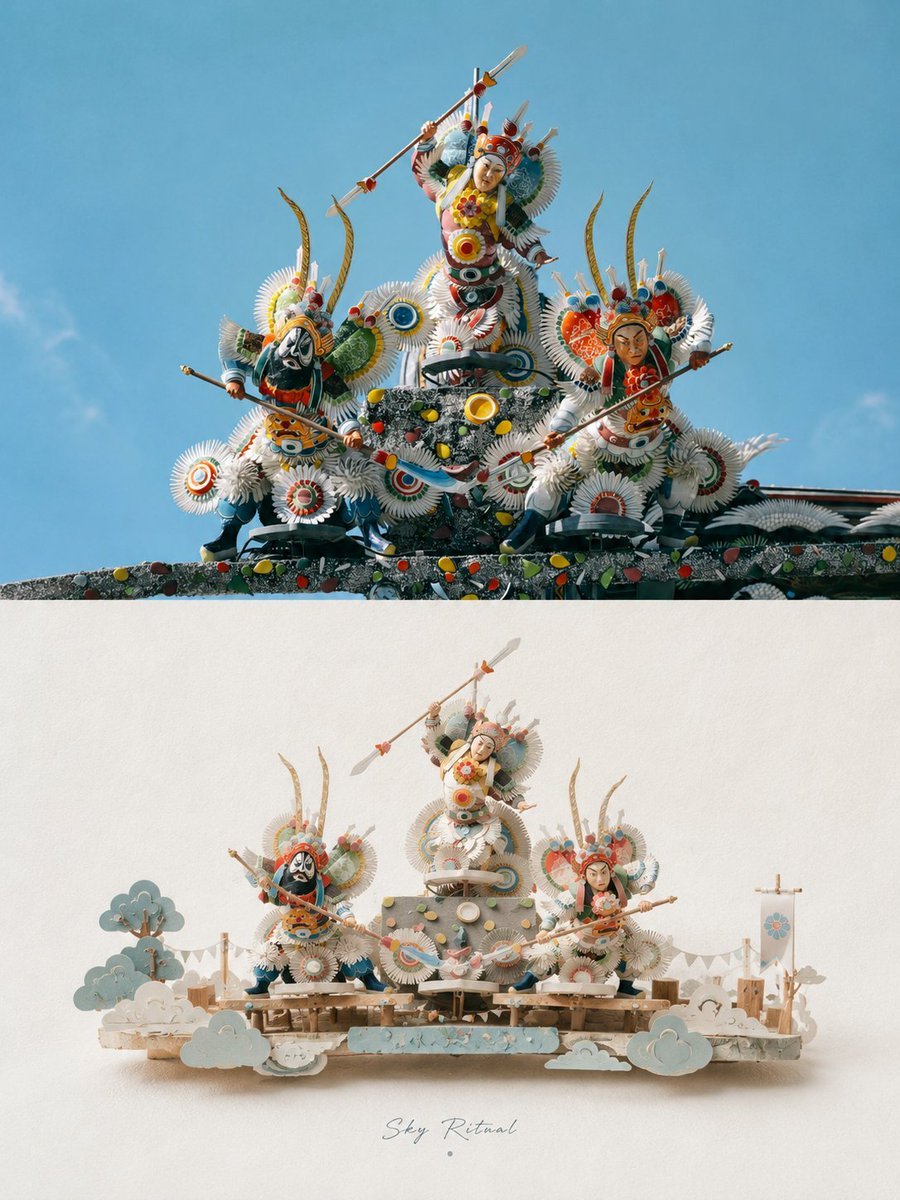
3D Papercraft Miniature Poster Design
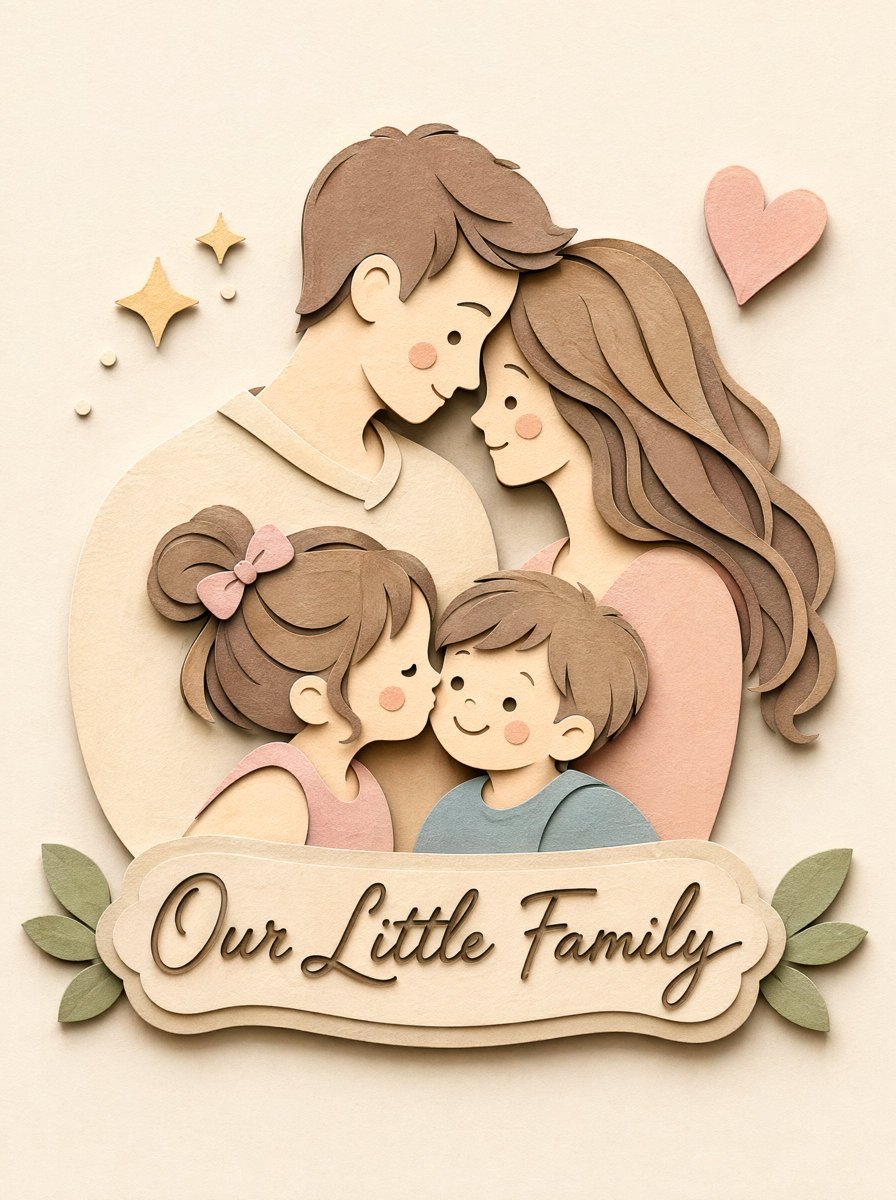
Papercraft Diorama Style Portrait
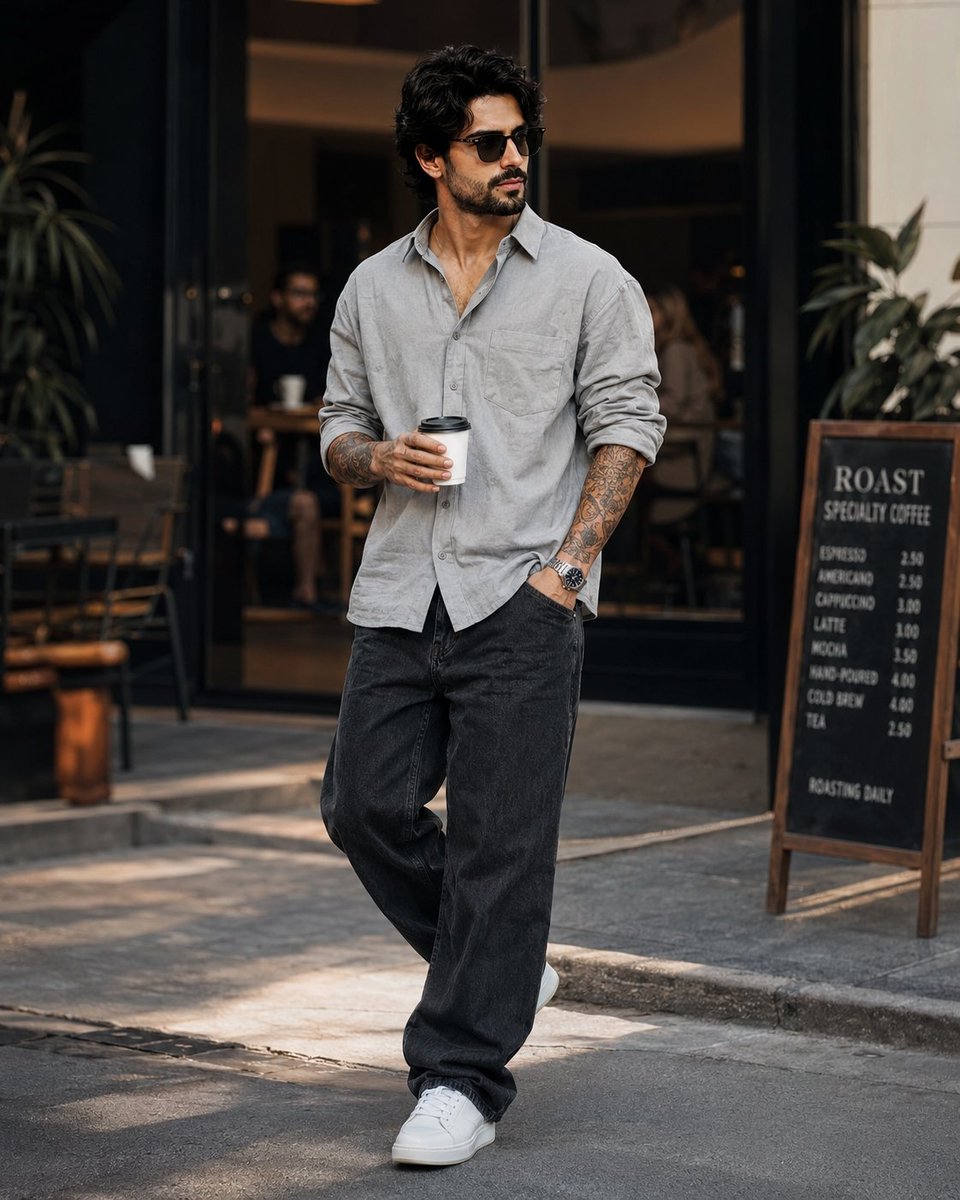
Stylish Man in Modern City

Decorative Folk Papercraft Illustration
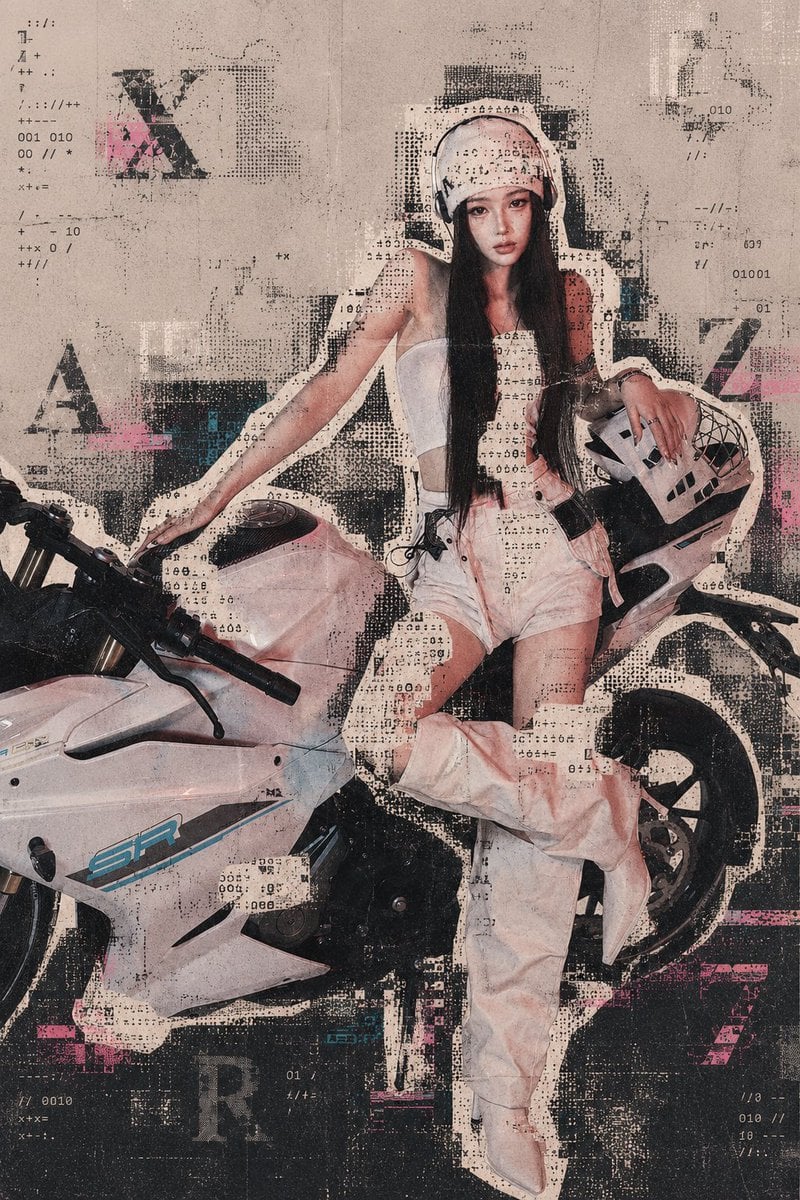
Archive Glitch Motorcycle Fashion Poster
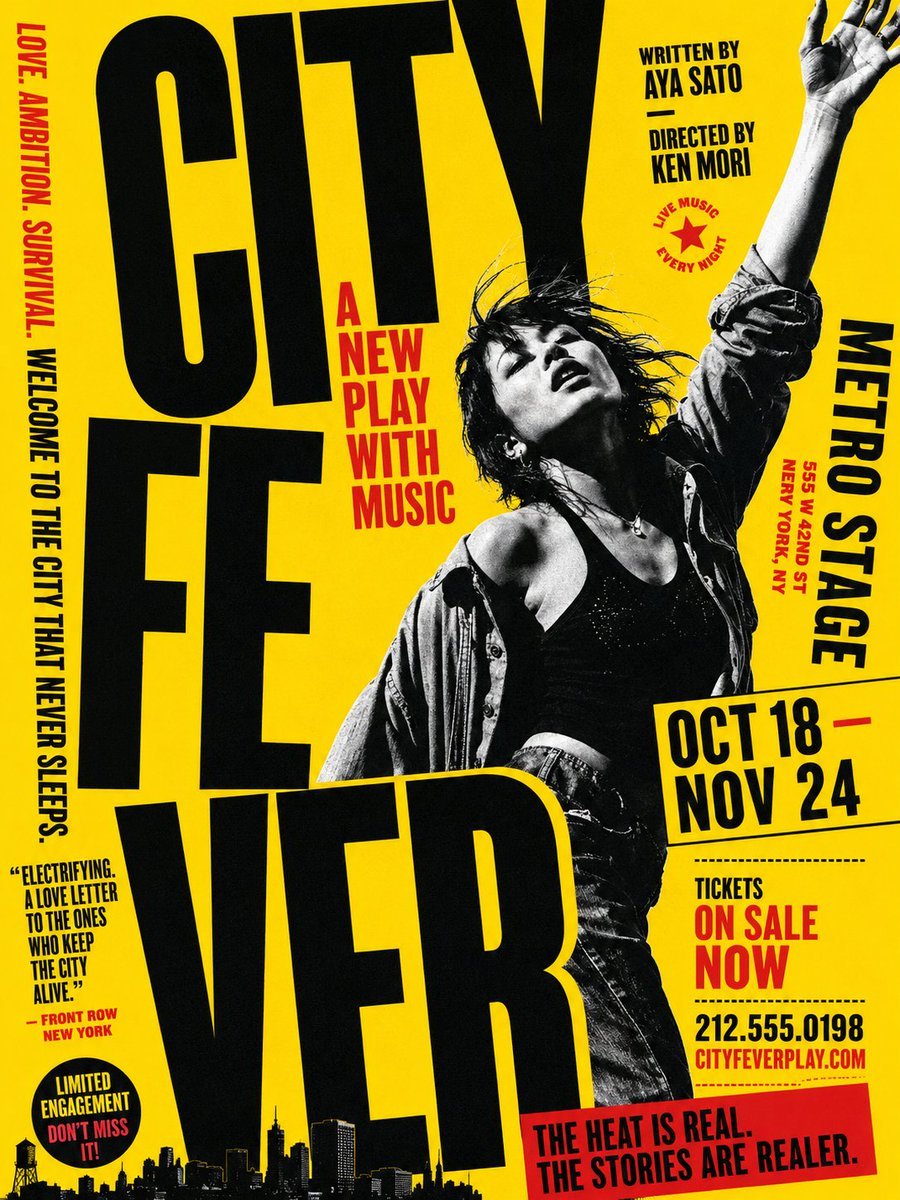
Gritty City Fever Theater Poster
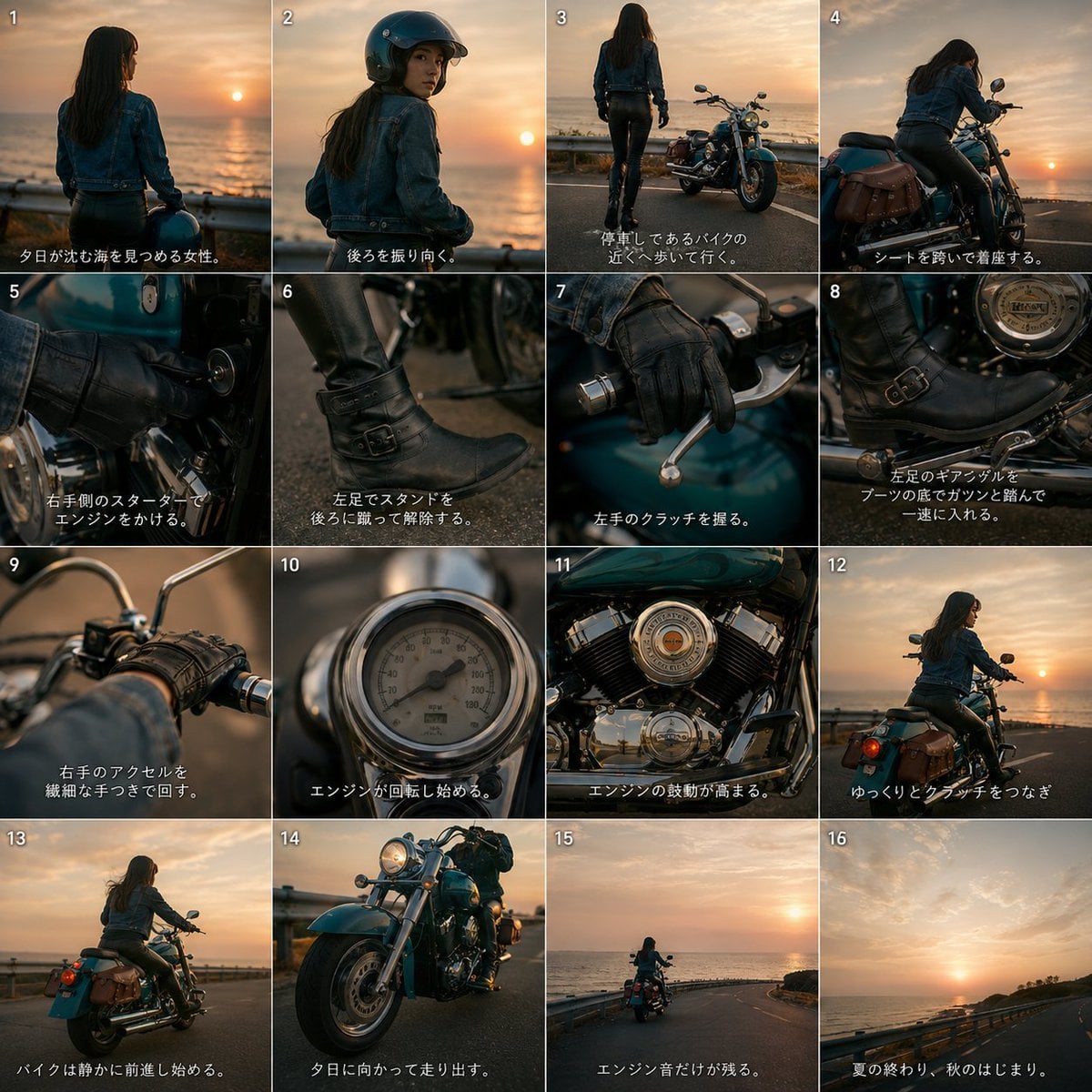
Cinematic Motorcycle Storyboard
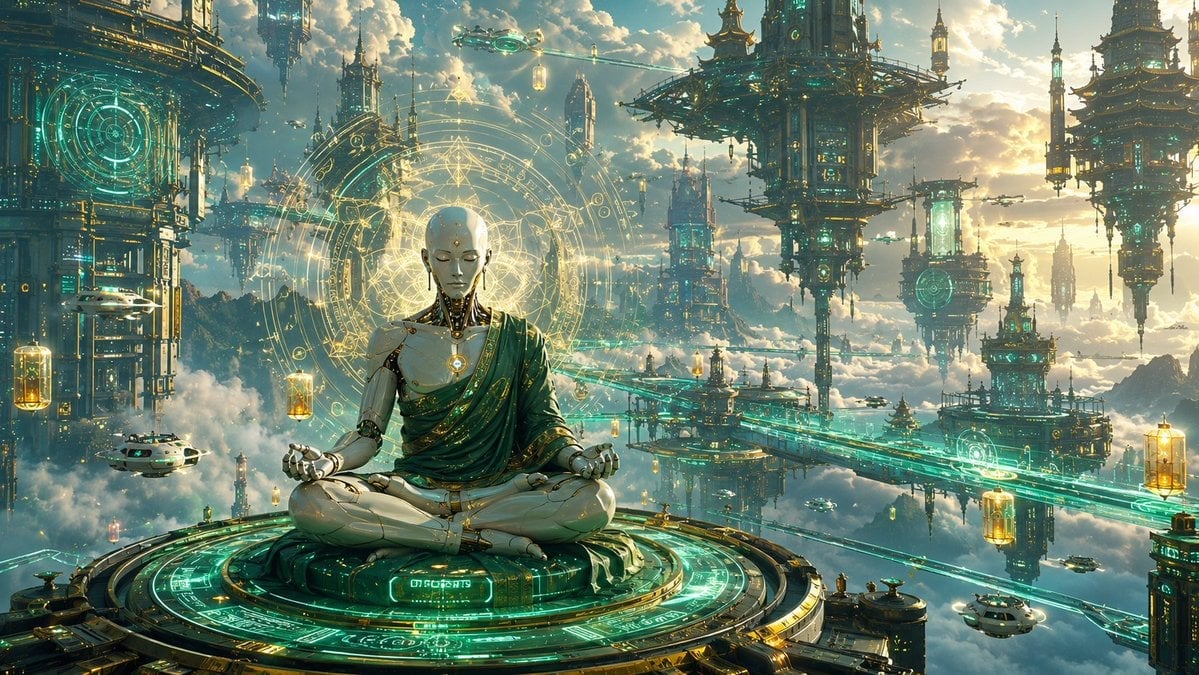
Cyberpunk Android Monk Sky City
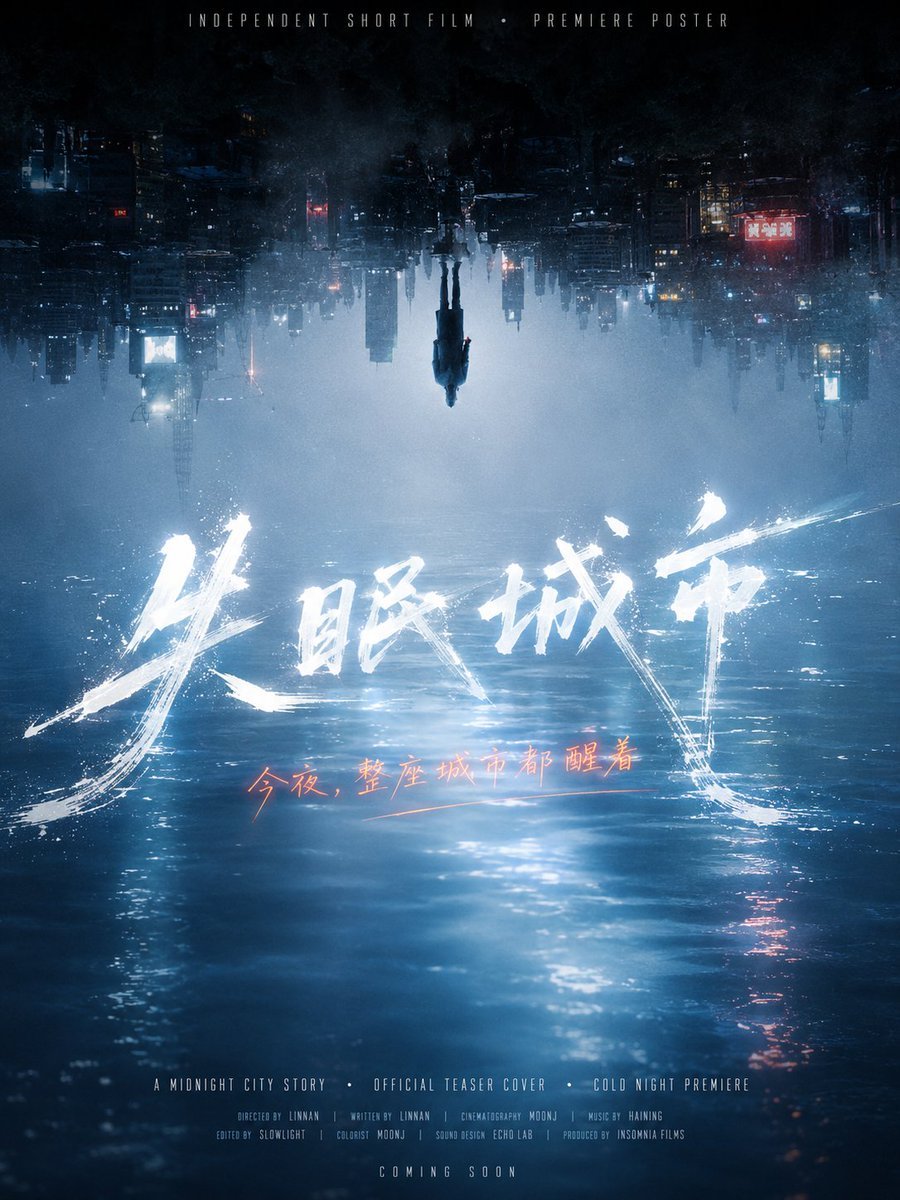
Inverted Midnight City Film Poster
Make it yours
Twitter Papercraft Motorcycle City works as-is. These are the safest ways to change it without losing the look.
Change one field
Copy a single group, rewrite it, and generate again so you can see what that field is doing.
Keep the frame, change the subject
Hold the composition and light of Twitter Papercraft Motorcycle City, then swap wardrobe, props or the person for a new take.
| If the result… | Why | Fix |
|---|---|---|
| The result drifts from the preview | Too many fields changed at once. | Reuse Twitter Papercraft Motorcycle City as-is first, then change one group — subject, light, or setting. |
| The model over-stylizes the scene | The prose prompt leaves finish and camera underspecified. | Add one camera or lighting sentence and stay on GPT Image 2. |
More GPT Image 2 templates
Other prompts made for GPT Image 2.

Six VTuber Japanese Logo Sheet

Realistic Portrait of Woman and Deer

The Vista Modular Condo Poster

AI Model Routing Comparison Infographic

2.5D Anime Art Board

Isometric Productivity Desk Scene

New York Double Exposure Poster

Four-Panel AI Landscape Comparison

Japanese Tatami Lifestyle Magazine Cover

NESCAFÉ Coffee Map Poster
More image prompts
Fresh picks from across the catalog.

90s Retro Windbreaker Portrait with Harsh Flash (Two Prompts)
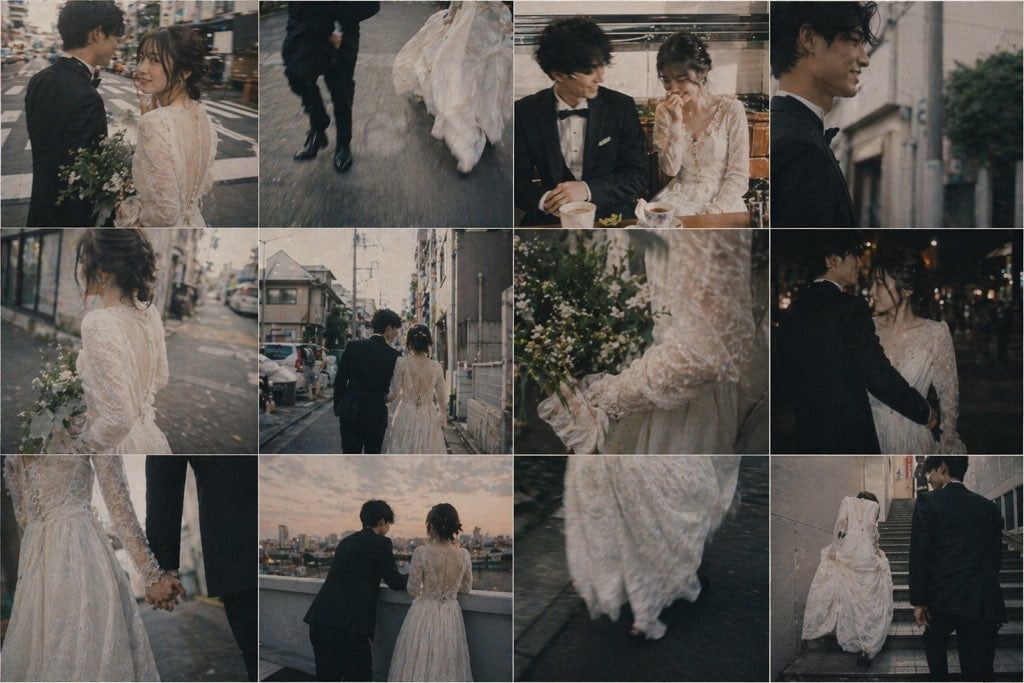
Emotional Japanese Wedding Photo Collage
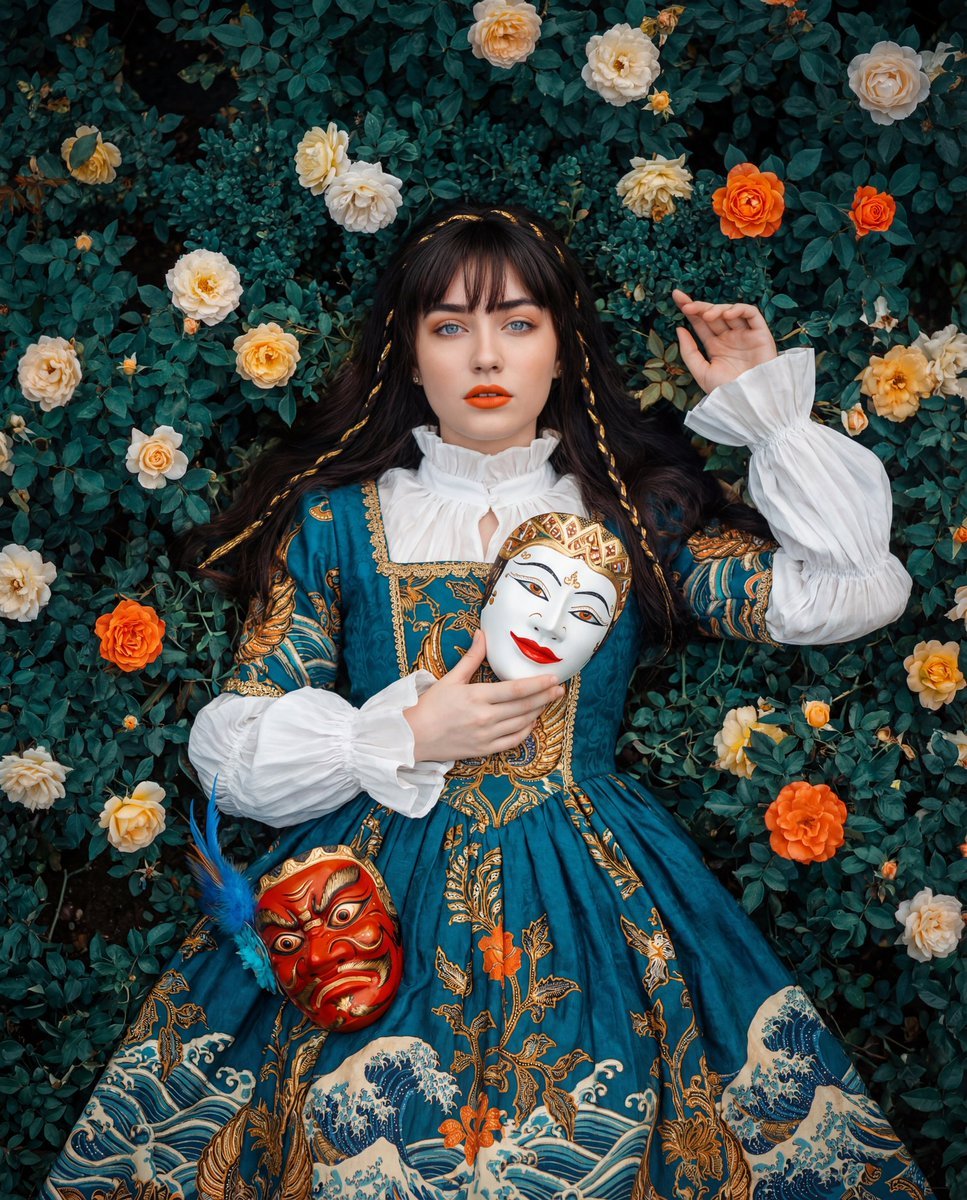
Cultural Fusion Overhead Portrait with Masks
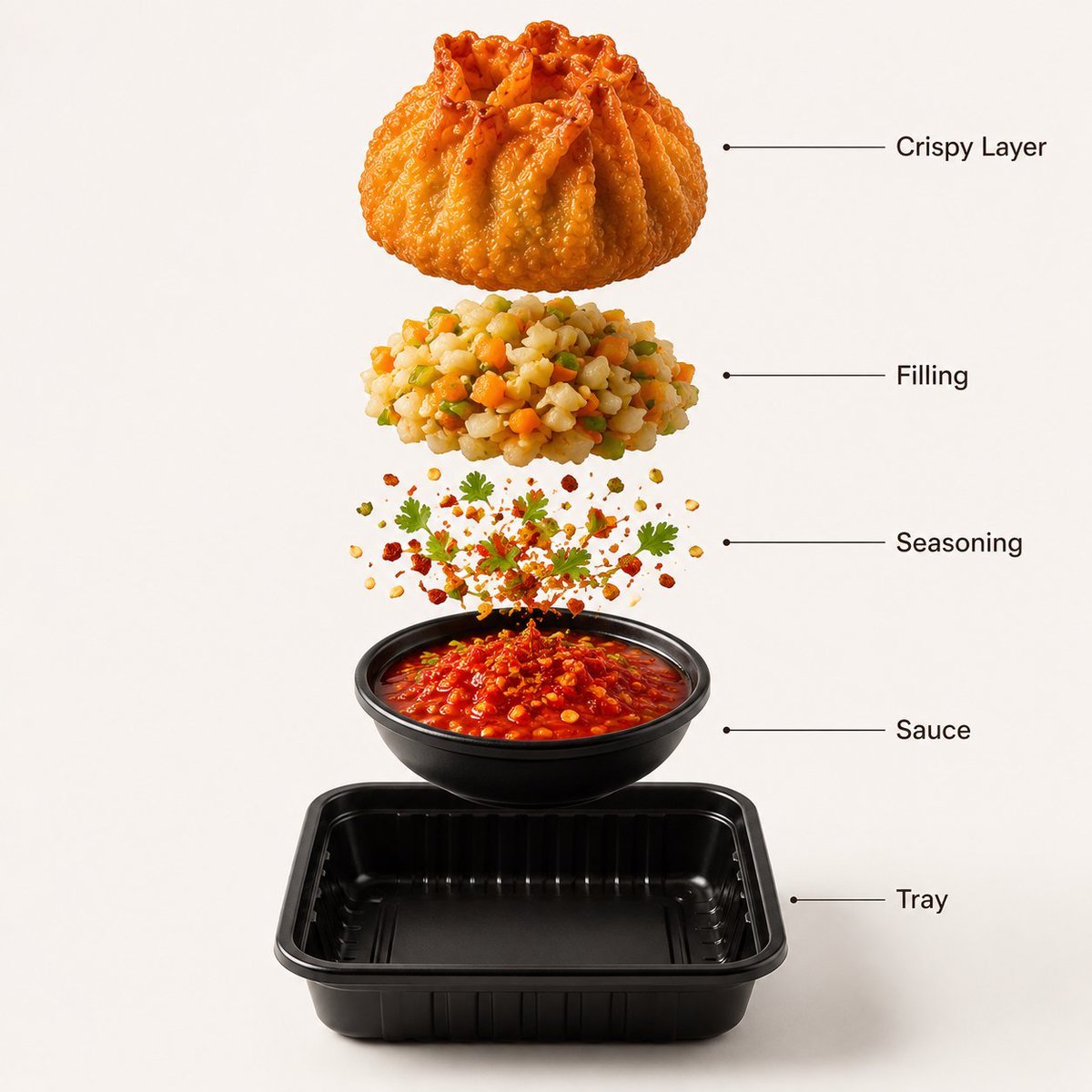
Gourmet Street Food Photography and Infographic
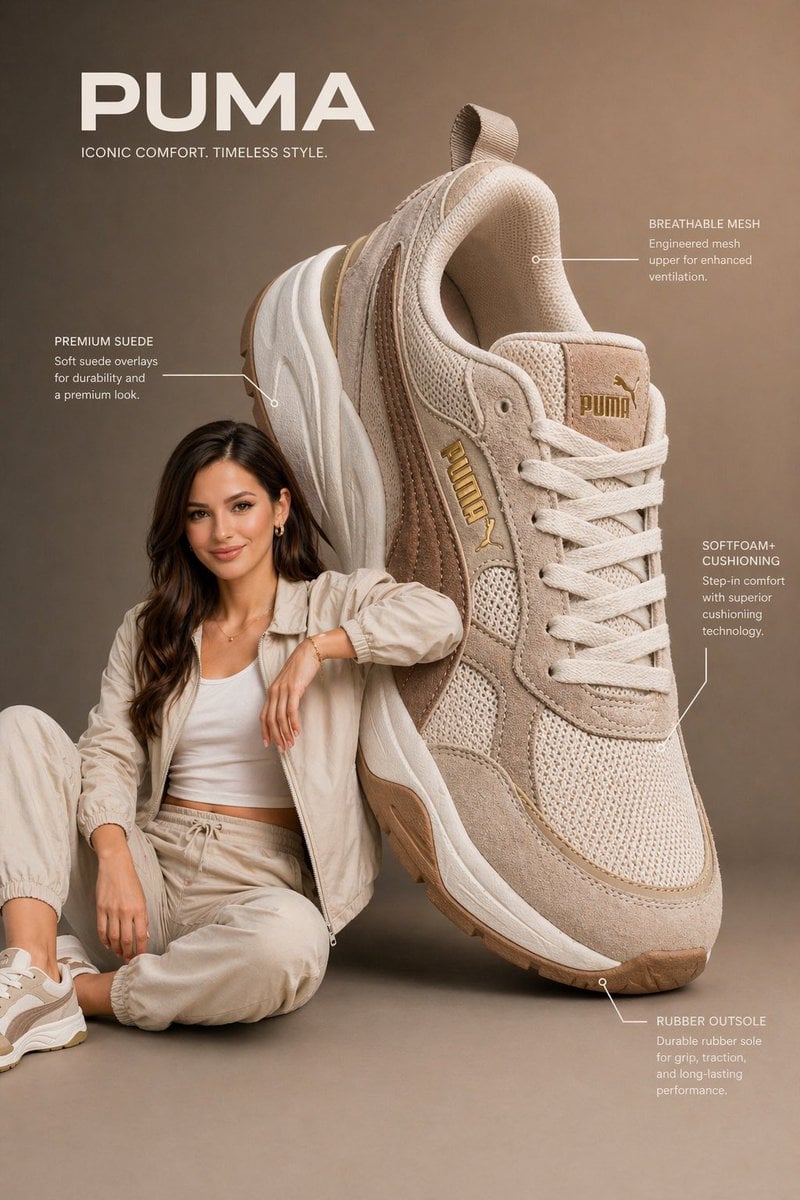
Commercial Product Infographic
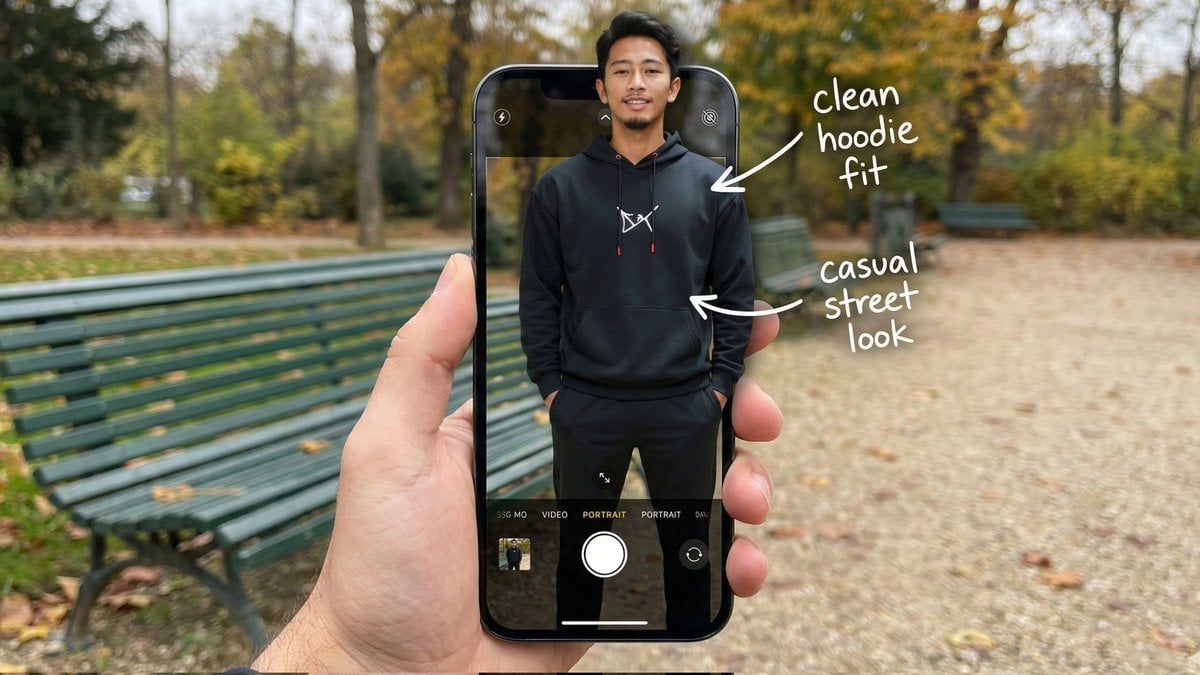
Hyper-Realistic POV Smartphone Pop-out Illusion in a Park
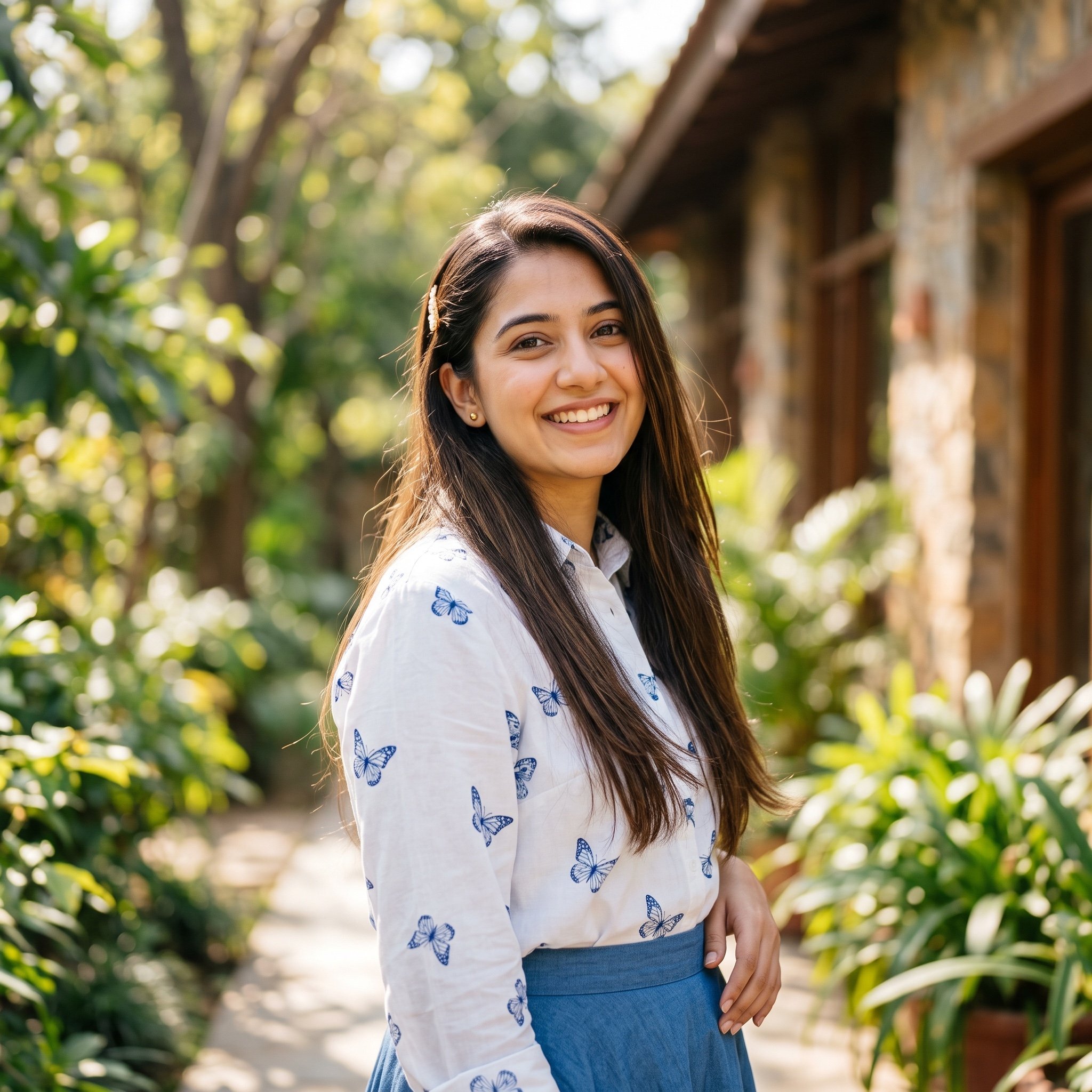
Ayesha Outdoor Portrait Prompt
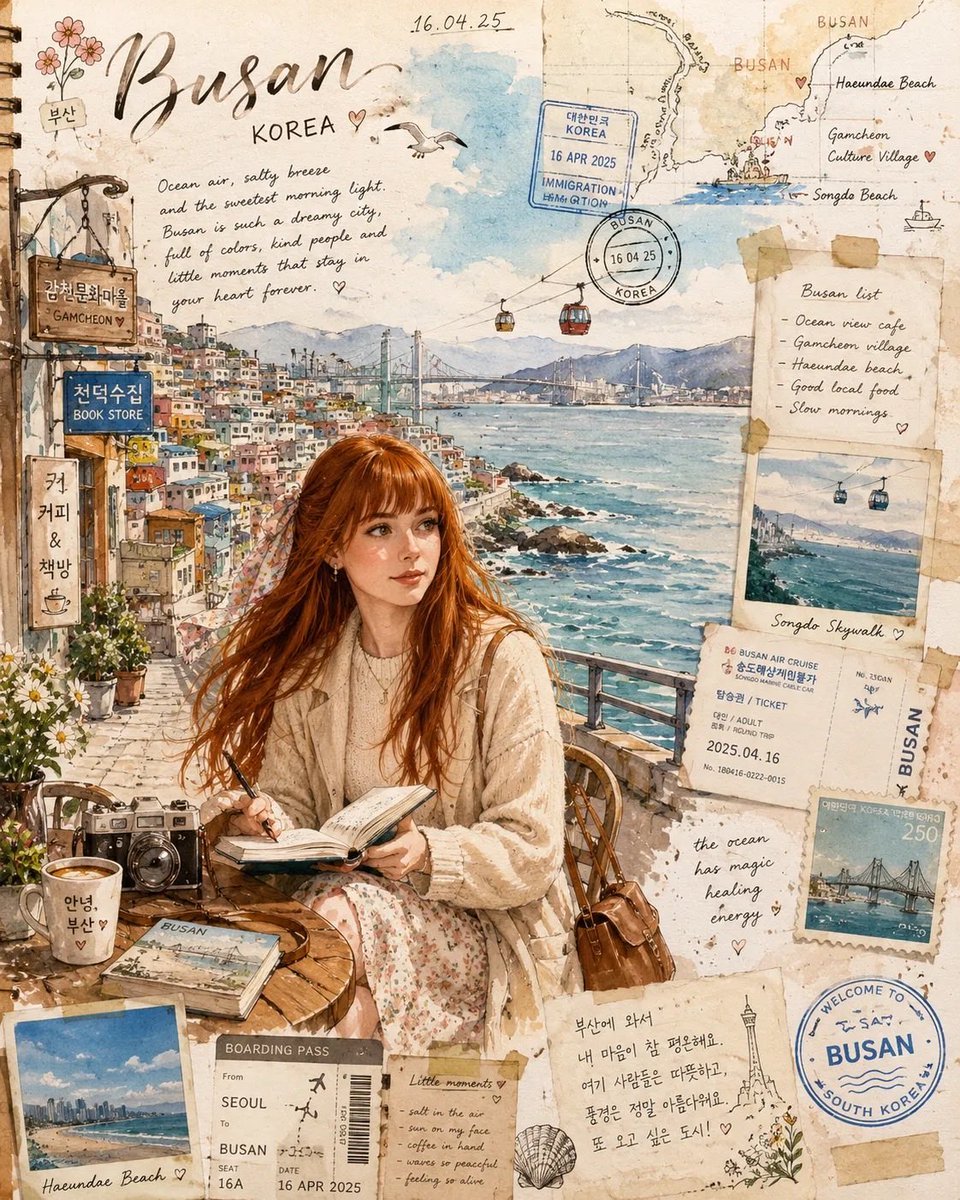
Watercolor Travel Journal Illustration
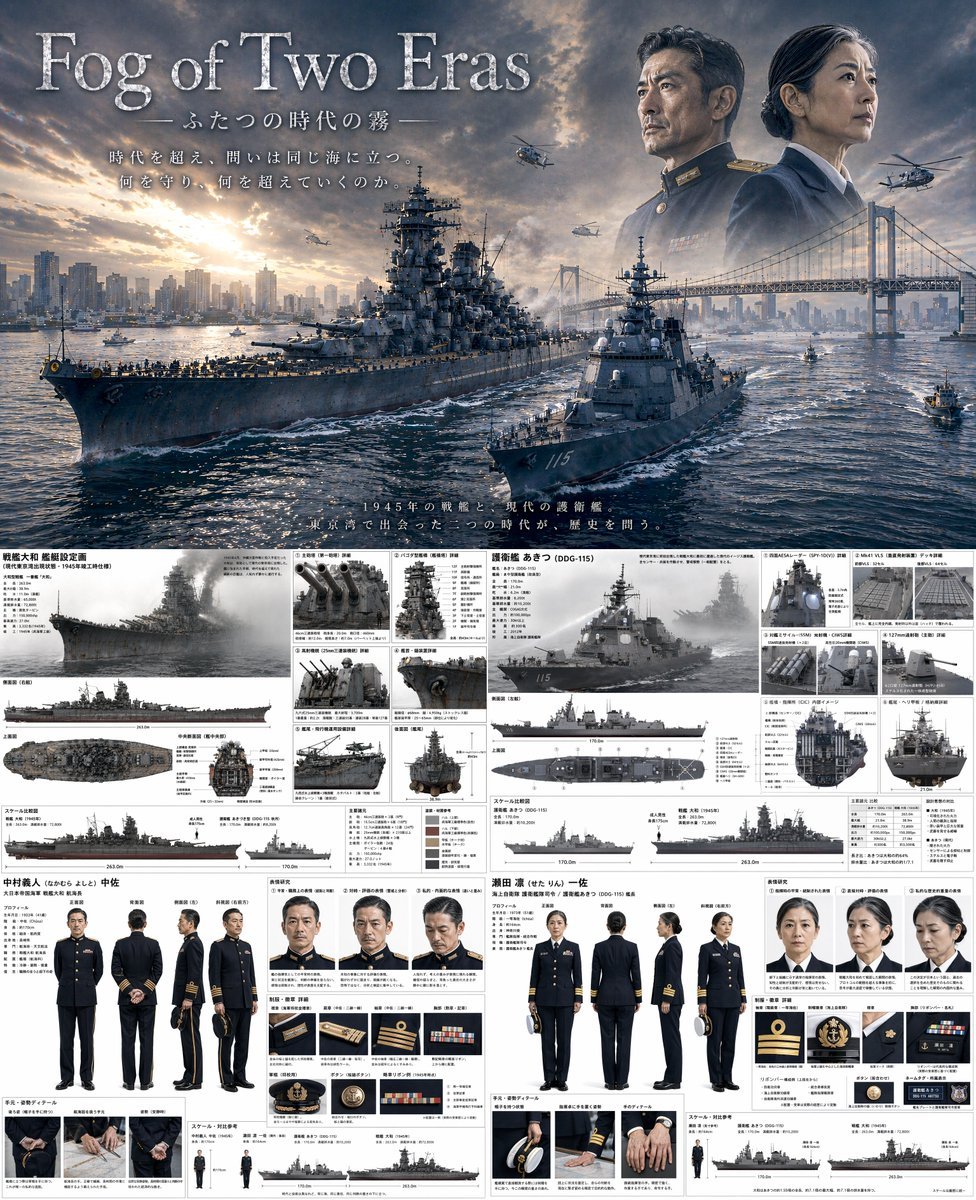
Dual-Era Naval Drama Poster & Spec Sheet
Dreamy Couple on Turquoise Van
Browse template categories
Twitter Papercraft Motorcycle City questions
How do I use the Twitter Papercraft Motorcycle City template?
Add your photo if the template asks for one, edit the prompt if you like — the template's model and format are already selected — and press Generate. Your version opens in PicX Studio.
Can I customize the Twitter Papercraft Motorcycle City template?
Yes. You can change the subject, setting, lighting, mood, format, and available model controls before creating your image.
Is the Twitter Papercraft Motorcycle City template free?
Opening and editing this template is free. Generating uses credits, shown on the Generate button when you are signed in.
Which AI model should I use?
Start with GPT Image 2, which is the model associated with this template. You can compare another compatible model for a different finish.
Looking for something else? Browse all templates.

Your photo, any look
Thousands of ready templates for every top image and video model, from one credit balance.