
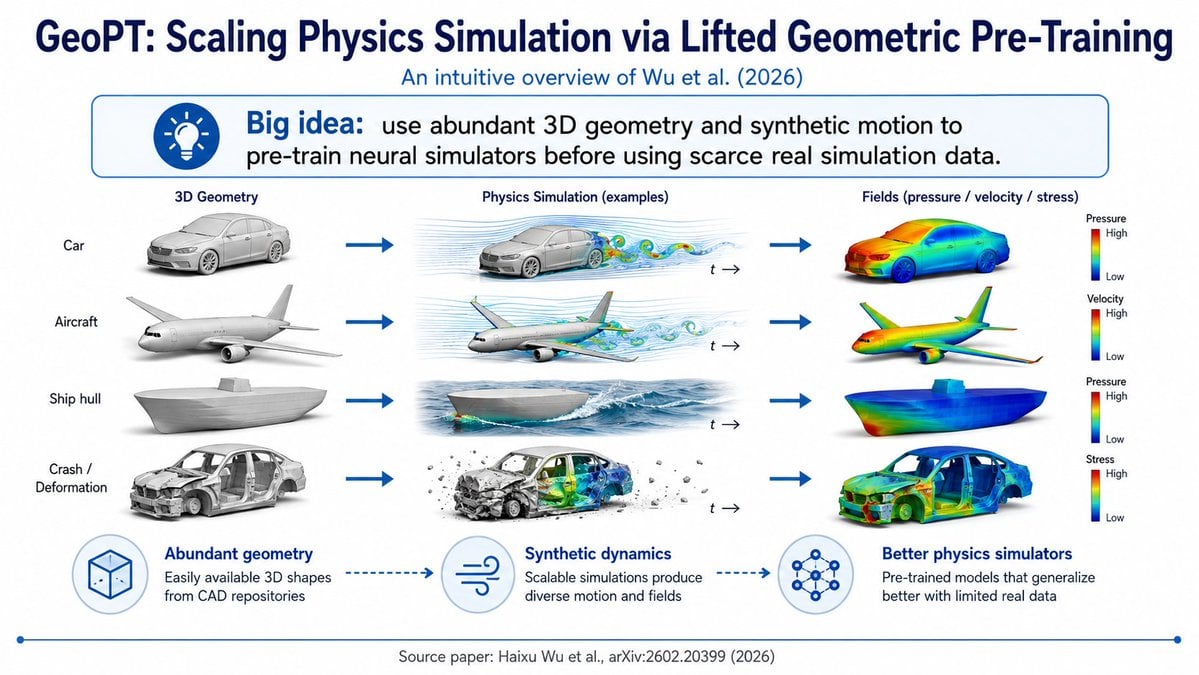
GeoPT Physics Simulation Overview Slide
A structured prompt for generating a polished scientific slide that explains GeoPT pre-training for physics simulation with a three-column visual pipeline.
- Prompt included
- Model and format preset
- Free template
The prompt behind this image
Copy the exact prompt behind GeoPT Physics Simulation Overview Slide, or open it in the studio and make it yours.
Goal: Create a clean 16:9 academic overview slide explaining {argument name="paper concept" default="GeoPT: Scaling Physics Simulation via Lifted Geometric Pre-Training"}, styled like a polished conference-deck infographic. Canvas: Widescreen white slide, navy-blue typography and accents, minimal shadows, high-resolution scientific illustration style. Use a thin blue footer line with small circular endpoints. Header: Large bold dark-navy title at the top: {argument name="headline text" default="GeoPT: Scaling Physics Simulation via Lifted Geometric Pre-Training"}. Directly underneath, smaller blue subtitle: {argument name="subtitle text" default="An intuitive overview of Wu et al. (2026)"}. Big idea banner: Under the subtitle, place a rounded rectangle callout with a blue outline and very pale blue fill. On the left is a blue circular lightbulb icon. Text reads: “Big idea:” in bold blue, followed by “use abundant 3D geometry and synthetic motion to pre-train neural simulators before using scarce real simulation data.” Main layout: A three-column pipeline with exactly 4 rows, connected left-to-right by thick blue arrows. Column headings are: “3D Geometry”, “Physics Simulation (examples)”, and “Fields (pressure / velocity / stress)”. The left side also has 4 row labels: 1) Car, 2) Aircraft, 3) Ship hull, 4) Crash / Deformation. Row details: Row 1 shows a gray 3D car model, then a car in airflow simulation with blue streamlines and colorful vortices plus a small “t →” time marker, then a car colored with a rainbow heatmap field and a vertical color legend labeled “Pressure” with High at top and Low at bottom. Row 2 shows a gray aircraft model, then an airplane with airflow streamlines and colored wakes plus “t →”, then a rainbow heatmap aircraft with a legend labeled “Velocity” High/Low. Row 3 shows a gray ship hull model, then a ship hull moving through ocean waves with simulated water flow plus “t →”, then a rainbow heatmap ship hull with a legend labeled “Pressure” High/Low. Row 4 shows a damaged gray car body for crash/deformation, then a crash simulation with debris, deformation, and internal colored stress/field visualization plus “t →”, then a rainbow heatmap deformed car body with a legend labeled “Stress” High/Low. Bottom explanation strip: Include exactly 3 circular icon-and-caption blocks connected by dotted blue arrows. Block 1 icon is a wireframe cube and title “Abundant geometry”, caption “Easily available 3D shapes from CAD repositories”. Block 2 icon is wind/flow lines and title “Synthetic dynamics”, caption “Scalable simulations produce diverse motion and fields”. Block 3 icon is a neural network graph and title “Better physics simulators”, caption “Pre-trained models that generalize better with limited real data”. Footer: Centered small gray citation text: {argument name="source citation" default="Source paper: Haixu Wu et al., arXiv:2602.20399 (2026)"}. Visual style: Crisp vector-slide composition mixed with realistic 3D renders, blue academic palette, white background, precise alignment, no clutter, no watermark, no extra rows or icons beyond the specified counts.
How to use GeoPT Physics Simulation Overview Slide in 3 steps
- 1Upload ImagePNG, JPG or paste
Add your photo
Upload the photo the template builds on. The prompt, model and format are already set.
- 2…a portrait of your subject in softgolden-hour light, 85mm…
Personalize
Edit the subject and creative details for your destination.
- 3Generate
Generate
Press Generate — your image is created in PicX Studio, so you can compare it with the original and refine one variable at a time.
More like this
Templates with the same subject, style or setup. Open one to see its prompt.

Premium 4 3 presentation cover slide introducing Chronicle
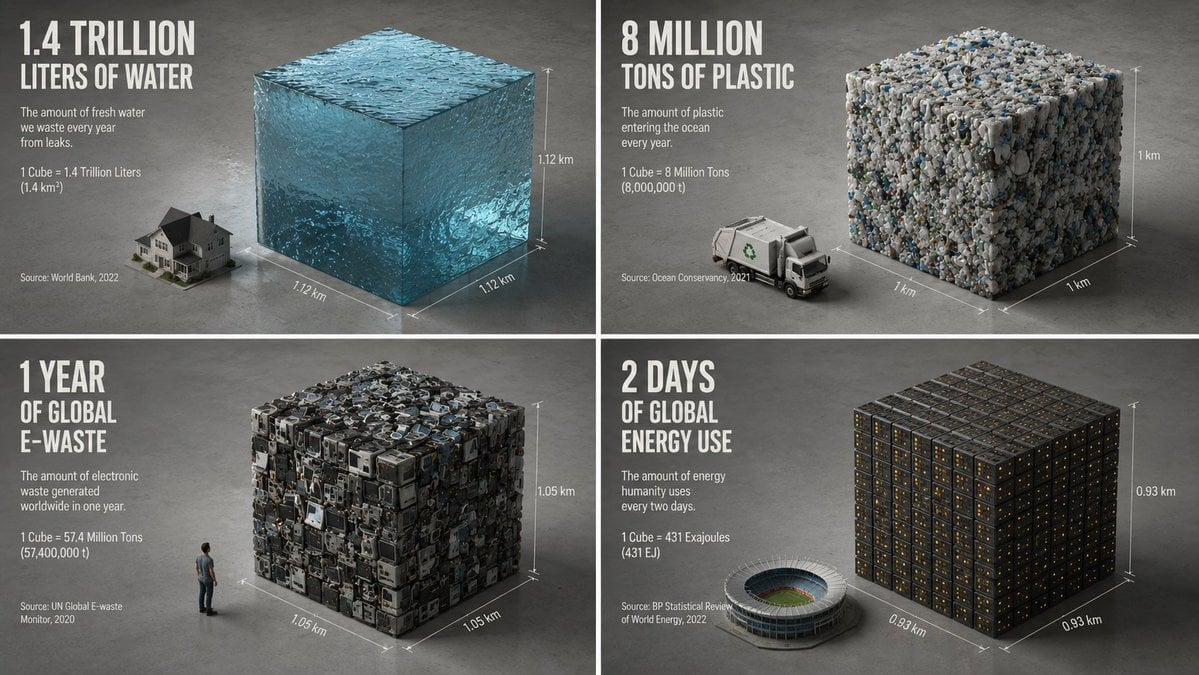
Minimalist Isometric Data Physics Cube

Double Exposure Physics Portrait
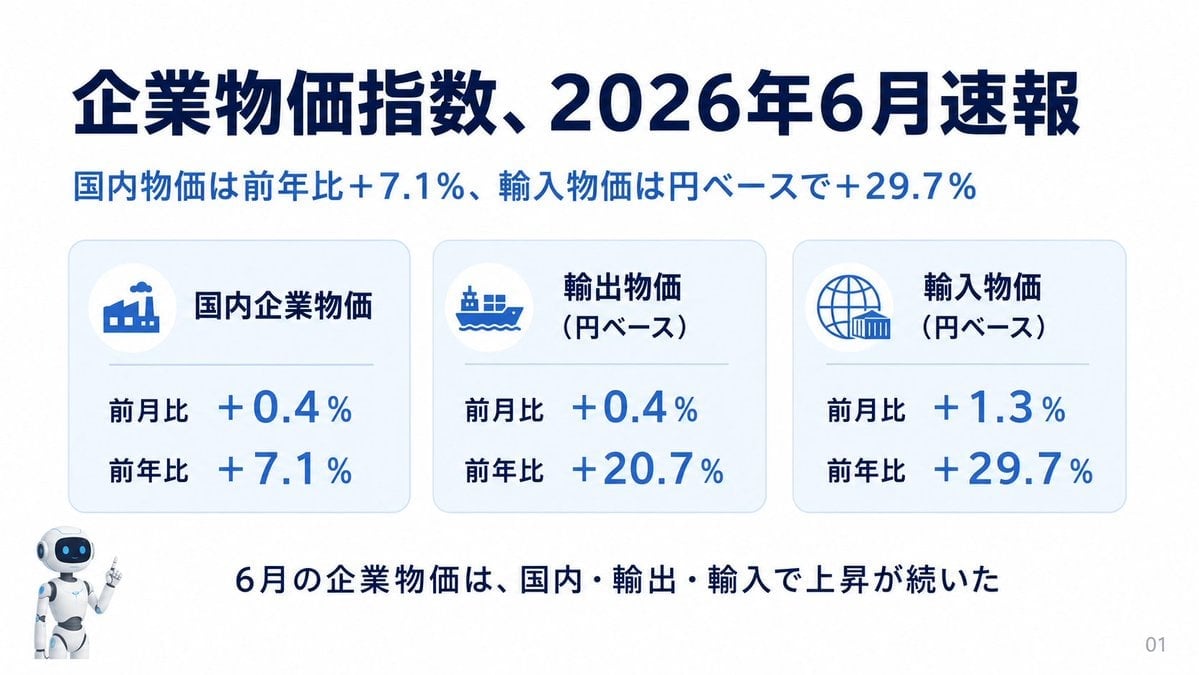
Japanese Corporate Price Index Slide
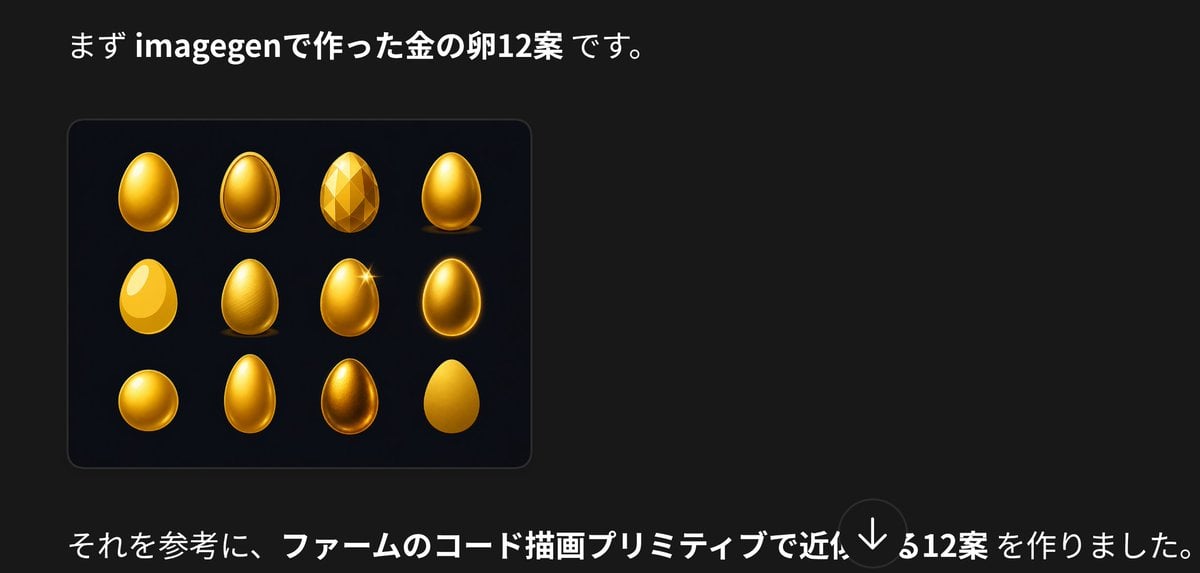
Japanese Golden Egg Design Slide

Z-Seven AI Product Matrix Slide
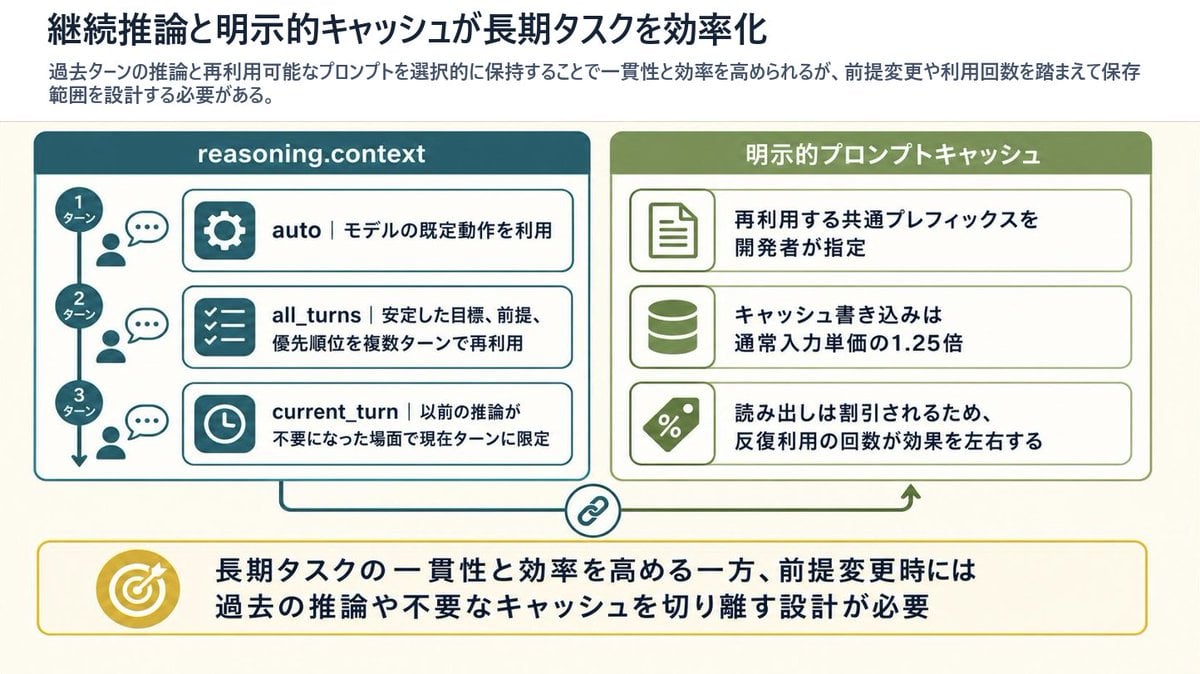
Reasoning Context and Prompt Cache Slide
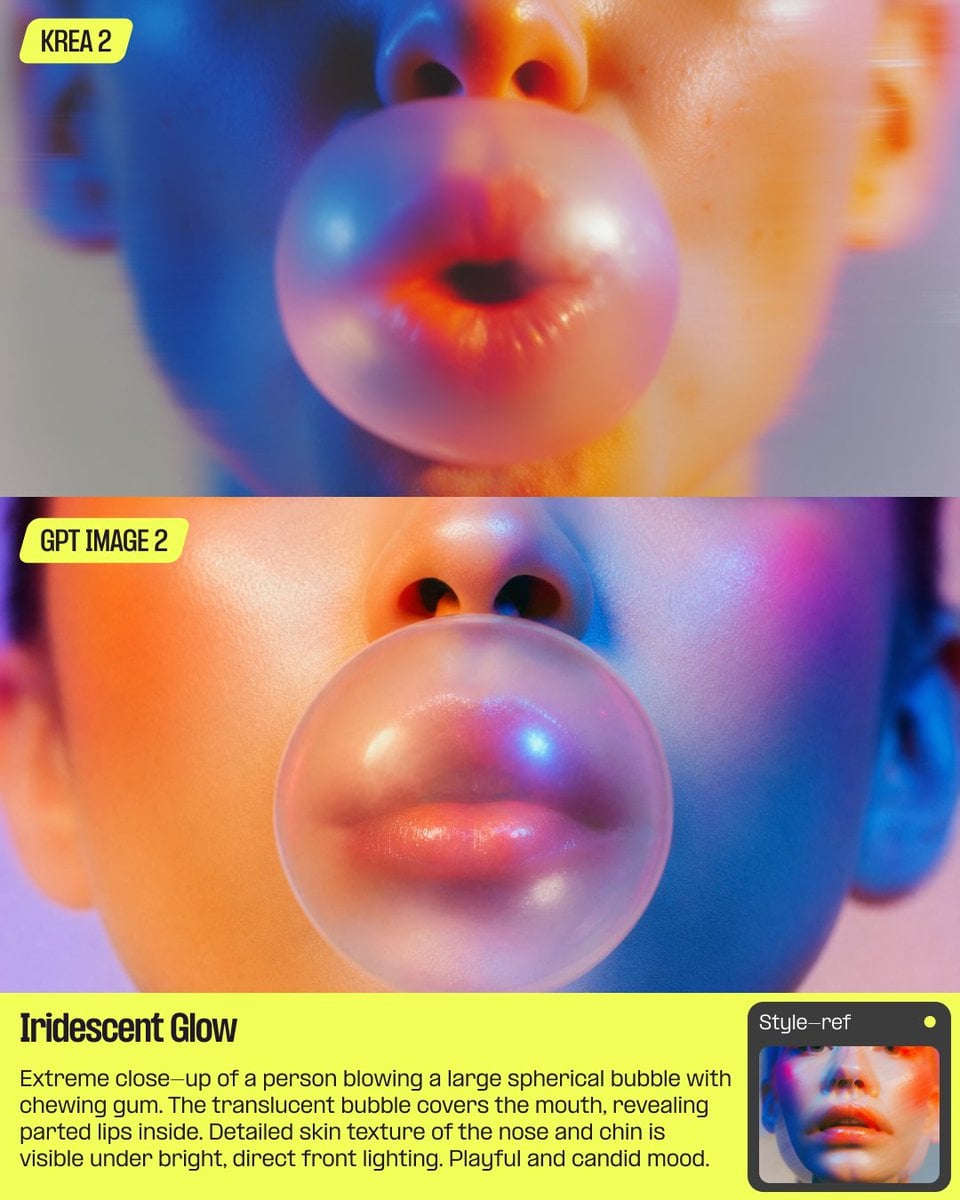
AI Bubblegum Style Comparison Slide
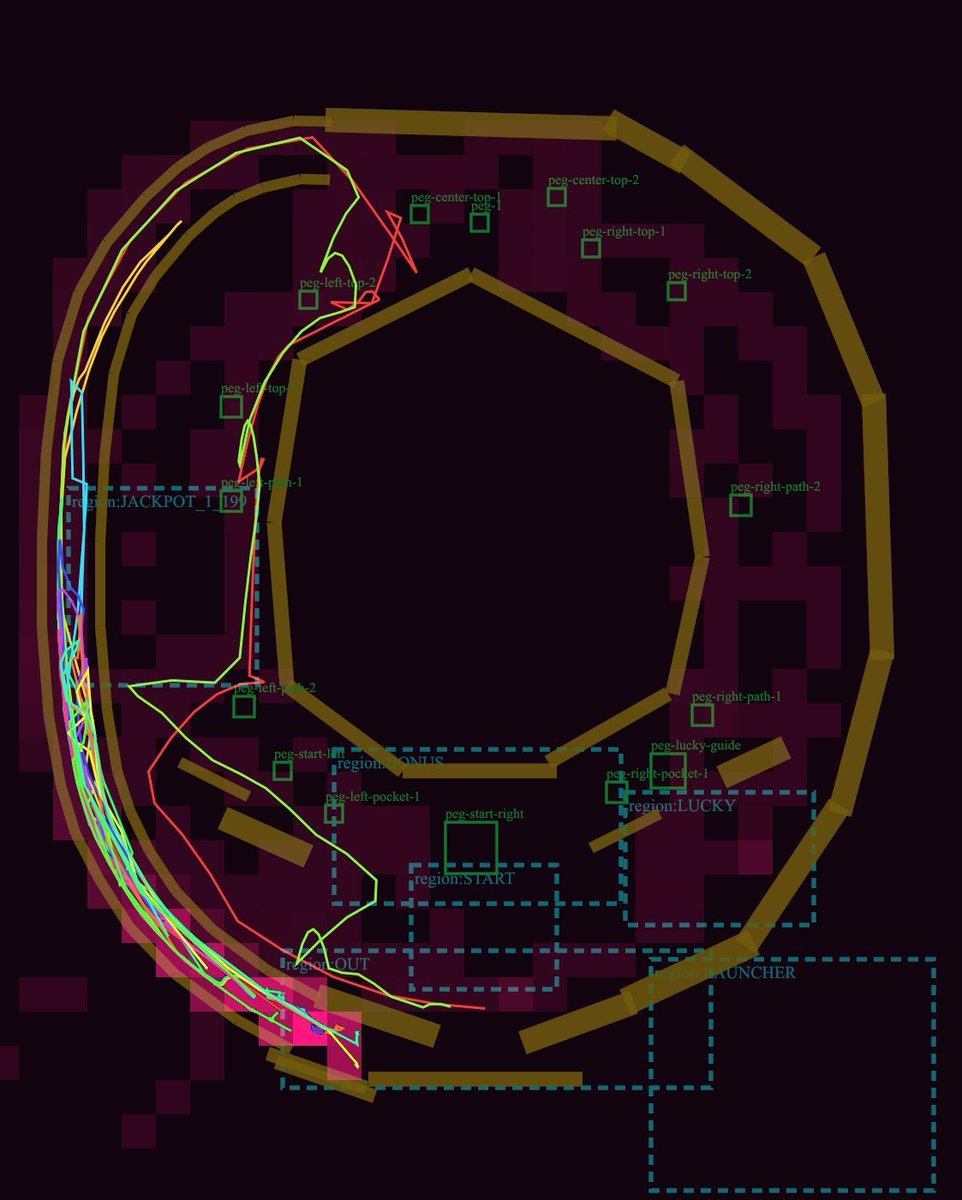
Pachinko Physics Debug Layout

CNC Router Wood Sculpture Simulation
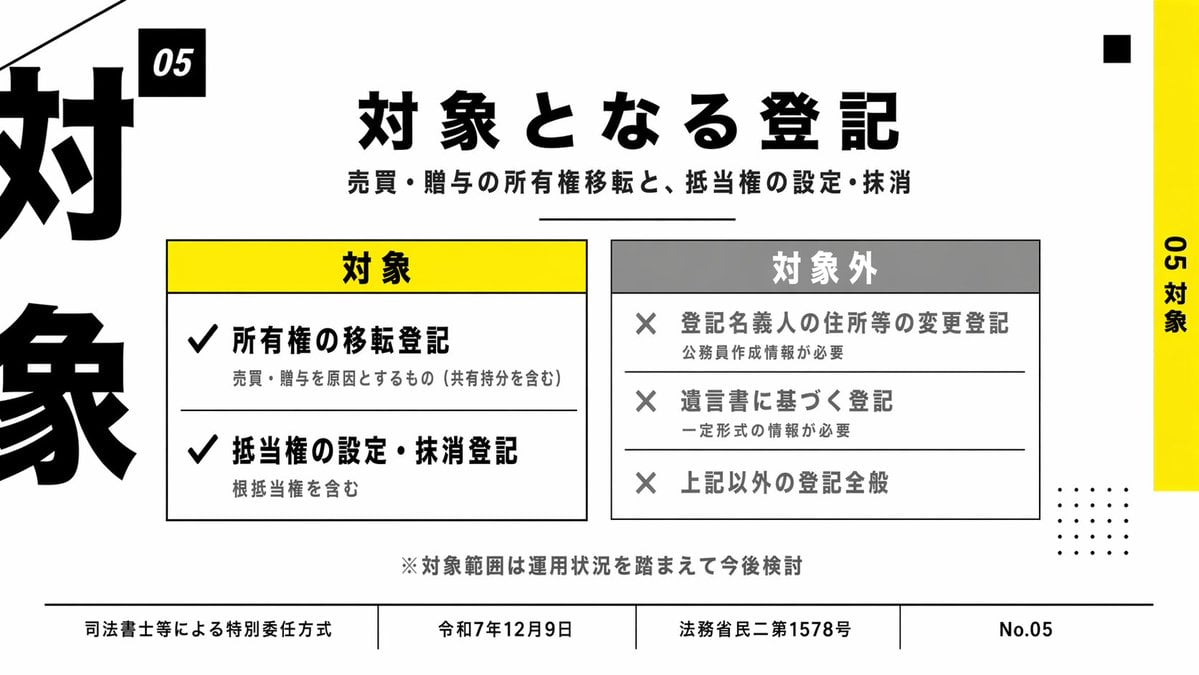
Japanese Corporate Scope Slide
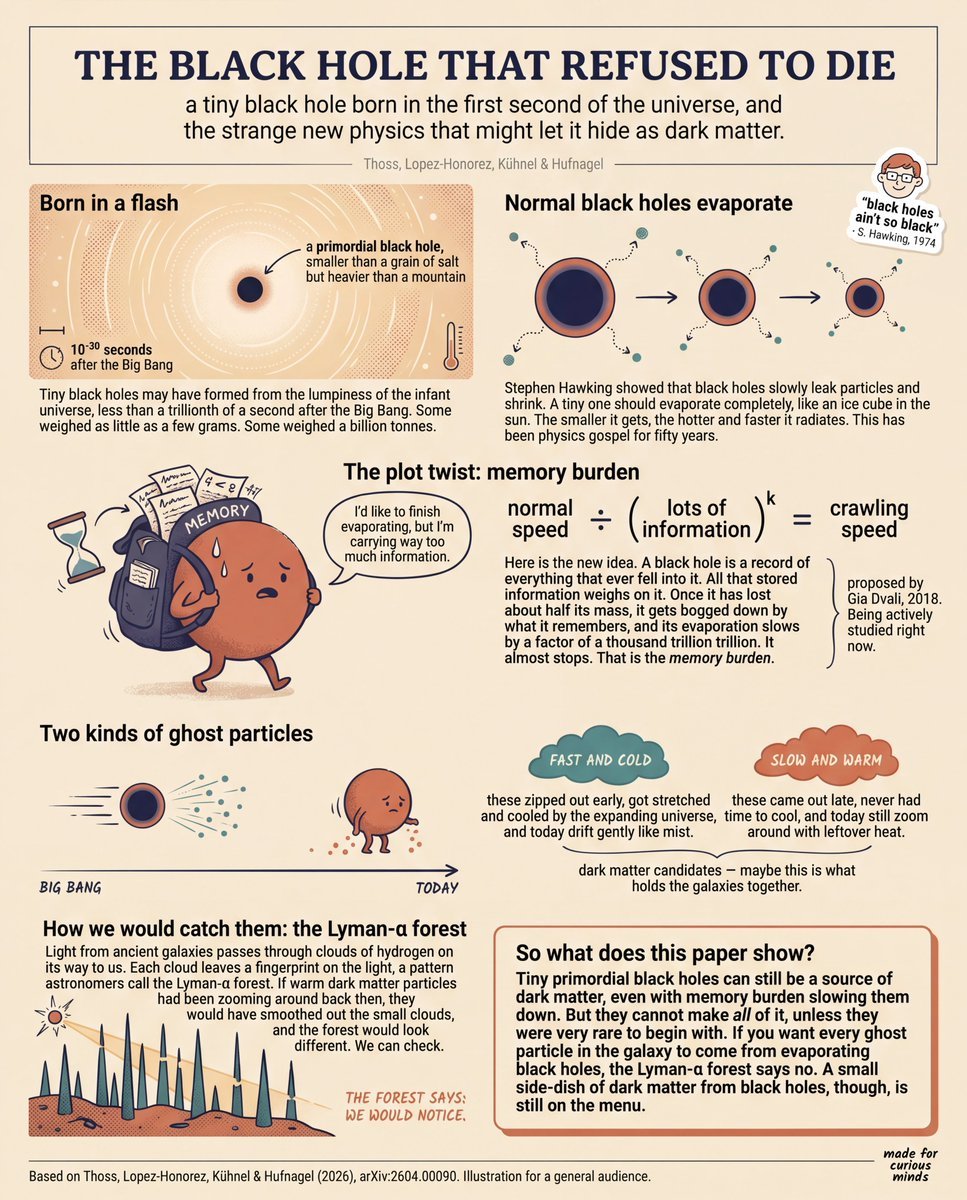
Teen-Friendly Black Hole Physics Infographic
Make it yours
GeoPT Physics Simulation Overview Slide works as-is. These are the safest ways to change it without losing the look.
Change one field
Copy a single group, rewrite it, and generate again so you can see what that field is doing.
Keep the frame, change the subject
Hold the composition and light of GeoPT Physics Simulation Overview Slide, then swap wardrobe, props or the person for a new take.
| If the result… | Why | Fix |
|---|---|---|
| The result drifts from the preview | Too many fields changed at once. | Reuse GeoPT Physics Simulation Overview Slide as-is first, then change one group — subject, light, or setting. |
| The model over-stylizes the scene | The prose prompt leaves finish and camera underspecified. | Add one camera or lighting sentence and stay on GPT Image 2. |
More GPT Image 2 templates
Other prompts made for GPT Image 2.

Six VTuber Japanese Logo Sheet

Realistic Portrait of Woman and Deer

The Vista Modular Condo Poster

AI Model Routing Comparison Infographic

2.5D Anime Art Board

Isometric Productivity Desk Scene

New York Double Exposure Poster

Four-Panel AI Landscape Comparison

Japanese Tatami Lifestyle Magazine Cover

NESCAFÉ Coffee Map Poster
More image prompts
Fresh picks from across the catalog.

High-Fidelity Night Marina Flash Photo

UGC-Style Candid Portrait Edit Prompt

Red Thread Caricature Oil Painting
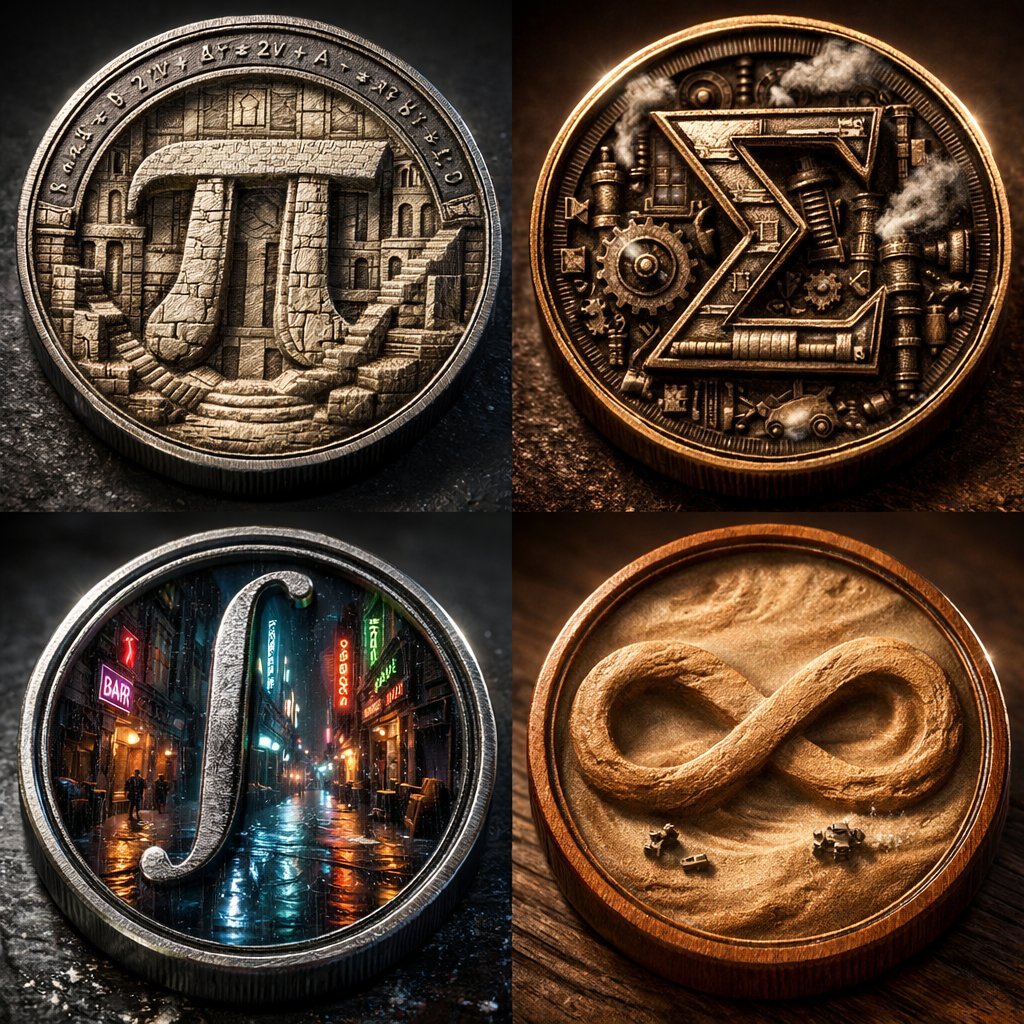
Micro-World Mathematical Symbols Grid Prompt

Header image with uploaded person introducing Nano Banana Pro

Masterpiece Anime Fantasy Girl

Japanese Anime AI Launch Poster
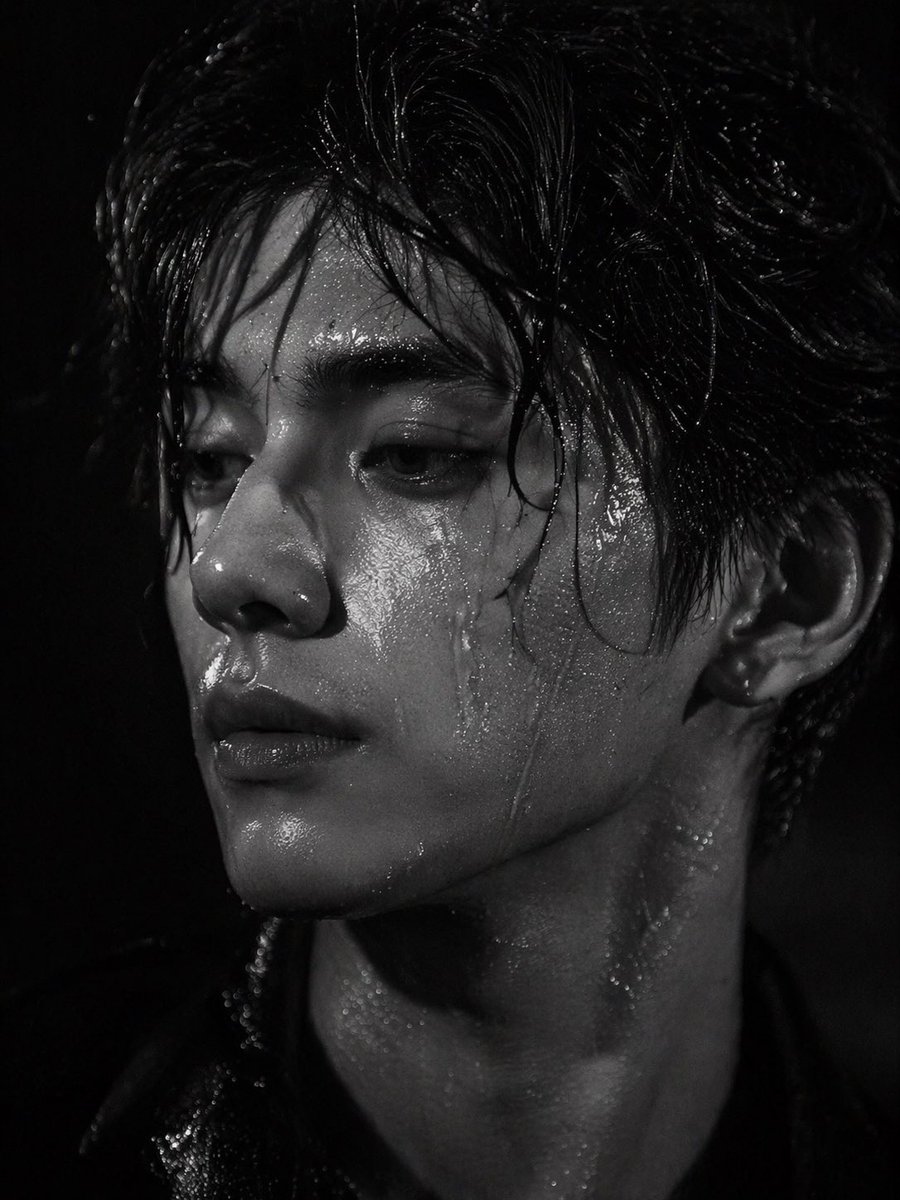
Dramatic Wet Portrait Photography

Bad MS Paint Redraw

Exaggerated Hourglass Figure in Grocery Aisle
Browse template categories
GeoPT Physics Simulation Overview Slide questions
How do I use the GeoPT Physics Simulation Overview Slide template?
Add your photo if the template asks for one, edit the prompt if you like — the template's model and format are already selected — and press Generate. Your version opens in PicX Studio.
Can I customize the GeoPT Physics Simulation Overview Slide template?
Yes. You can change the subject, setting, lighting, mood, format, and available model controls before creating your image.
Is the GeoPT Physics Simulation Overview Slide template free?
Opening and editing this template is free. Generating uses credits, shown on the Generate button when you are signed in.
Which AI model should I use?
Start with GPT Image 2, which is the model associated with this template. You can compare another compatible model for a different finish.
Looking for something else? Browse all templates.

Your photo, any look
Thousands of ready templates for every top image and video model, from one credit balance.